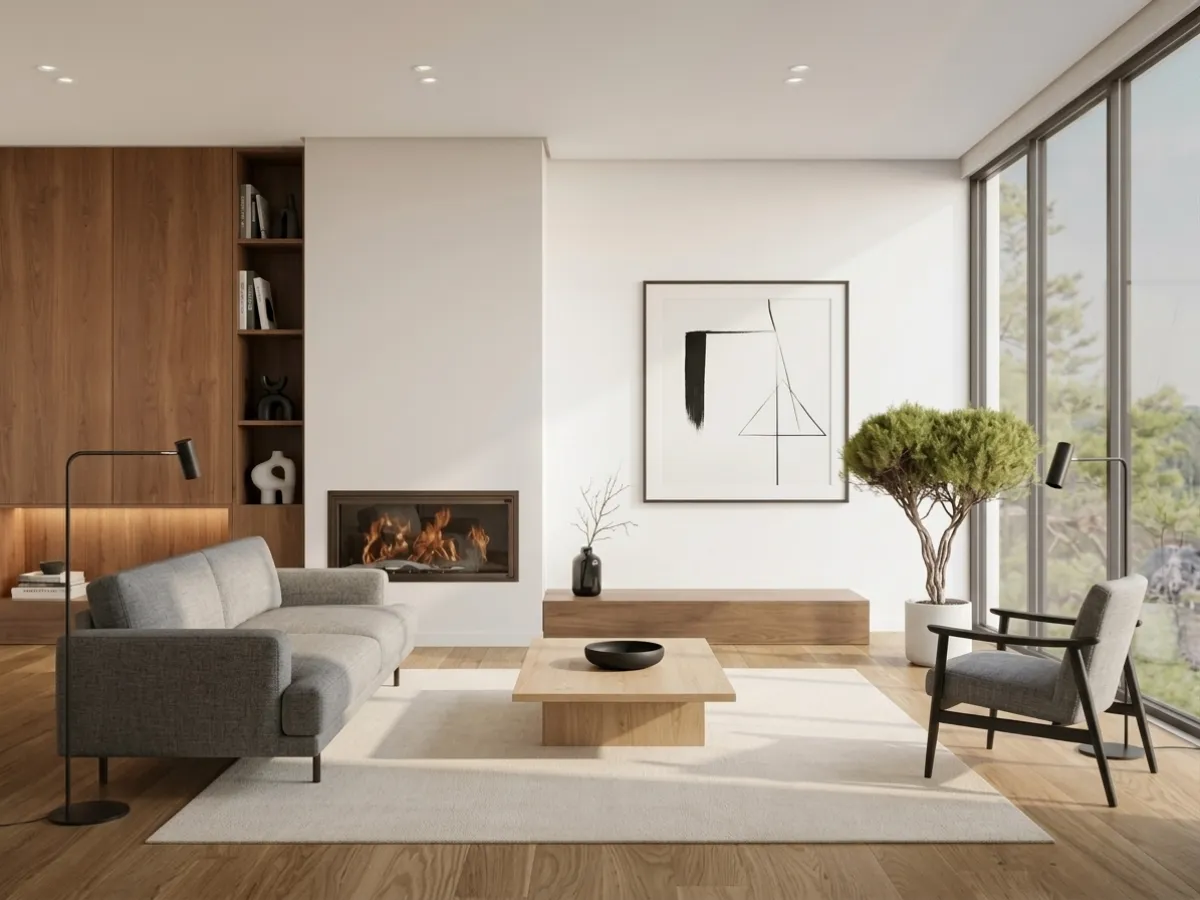
You have probably seen the ads. Upload a photo of your room, and AI transforms it into something that looks like it belongs in a magazine. But does it actually work? Is it worth paying for? And can you trust the results enough to buy furniture based on what the AI shows you?
We get these questions every day. So instead of giving you the usual marketing pitch, we put together honest answers to the 27 most common questions people ask about AI room design. No fluff. No hype. Just straight answers based on what the technology actually does right now in 2026.
Watch: AI room design in action
Before the questions, here is what we are actually talking about, MeltFlex redesigning a real room from a single uploaded photo. Watch this first and most of the 27 answers below will make more sense.
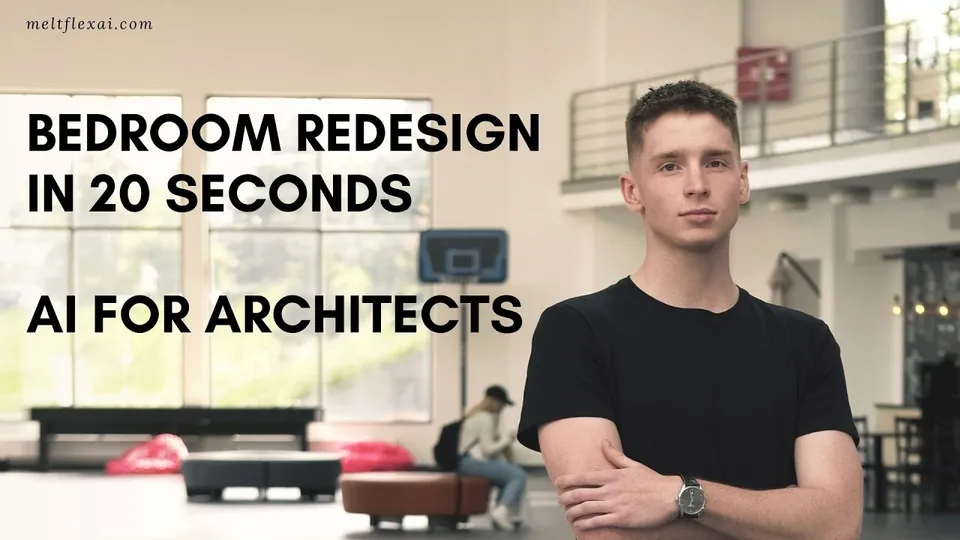
MeltFlex redesigning a room from one photo, what AI room design actually looks like.
The Basics
1. Can AI really design my room?
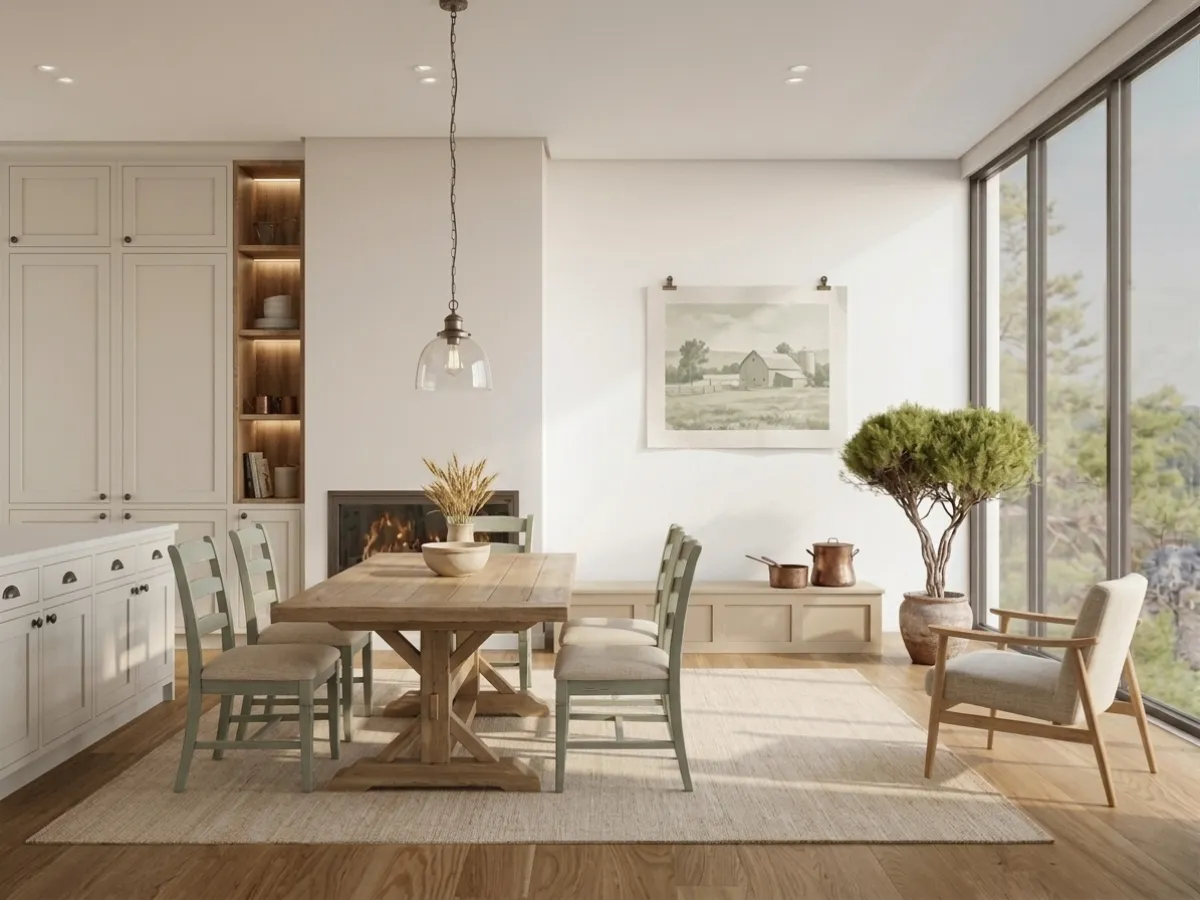
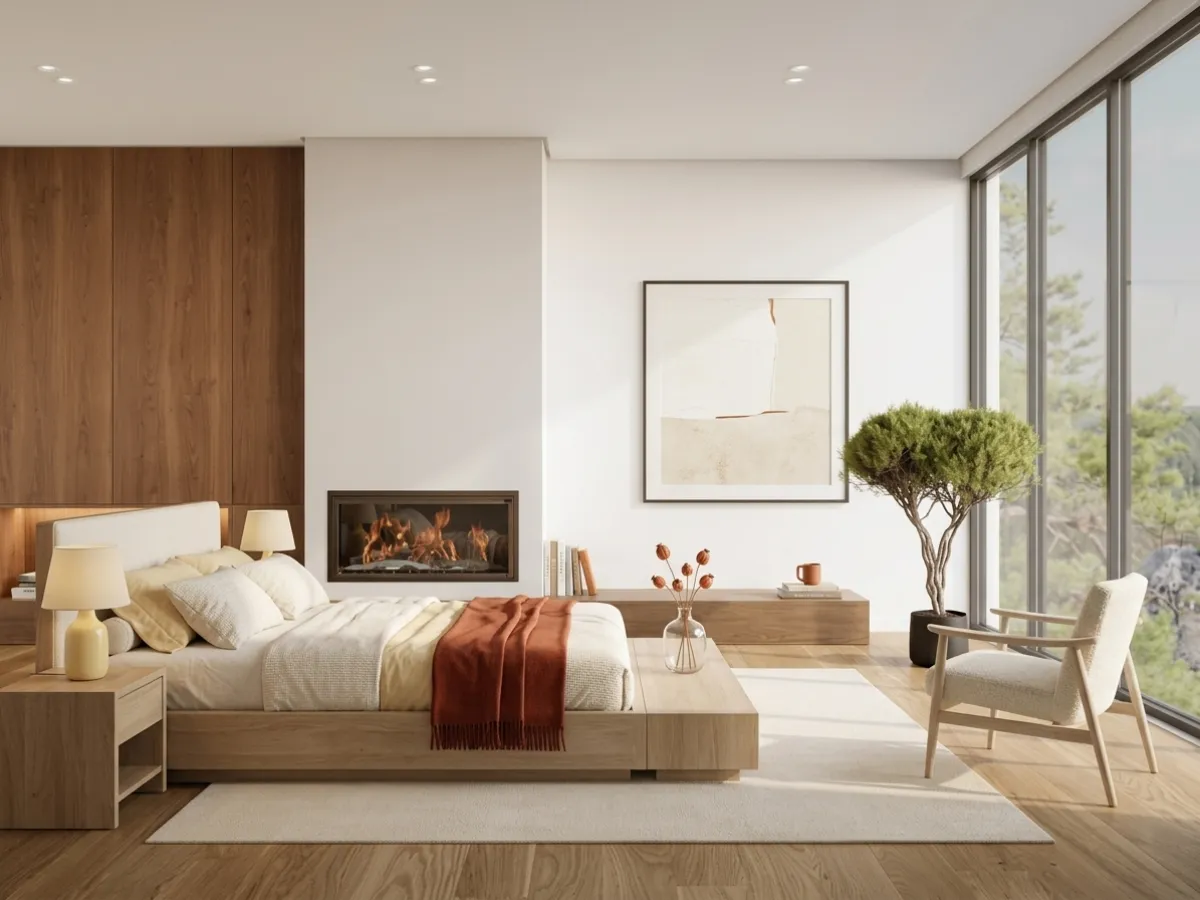
Yes, and it works better than most people expect. You take a photo of your room with your phone, upload it to an AI room design tool like MeltFlex, and the AI generates a completely redesigned version in about 30 seconds. It swaps out furniture, changes the color palette, and even adjusts the overall style. The result is a photorealistic image of your room looking like it was styled by a professional.
That said, AI is not doing what a human interior designer does. It is not thinking about your daily habits, your storage needs, or whether you have a dog that destroys everything. It is generating a visual based on patterns it learned from millions of interior design photos. Think of it as a very fast way to explore ideas rather than a replacement for careful planning.
2. How does AI room design actually work?
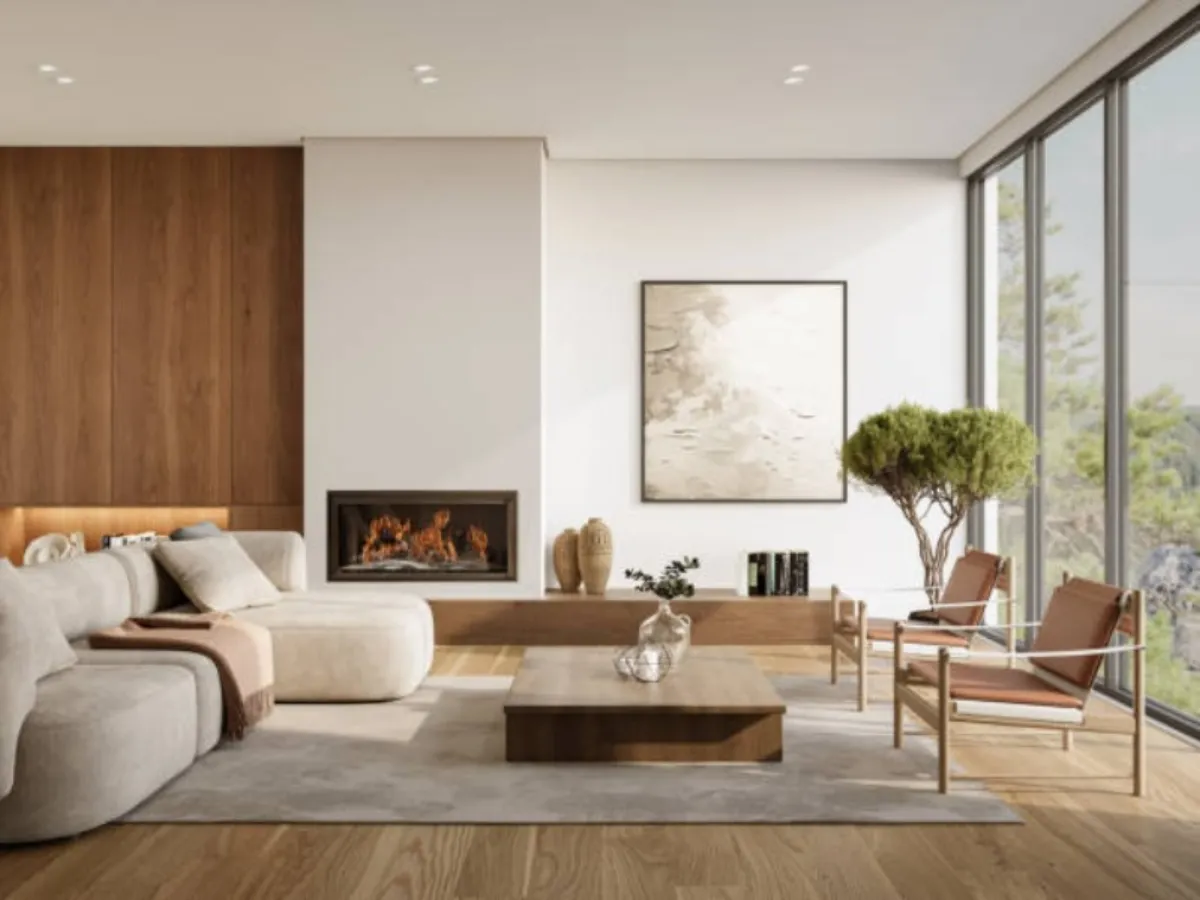
The process is simpler than you might think. When you upload a photo, the AI first analyzes the room structure. It identifies walls, floors, windows, doors, and existing furniture. Then it generates a new image that keeps the room shape intact but replaces everything else based on the style you chose or the prompt you typed.
Most tools use a combination of image recognition and generative AI models similar to what powers tools like DALL-E or Midjourney, but specifically trained on interior design photography. The better tools also understand perspective and lighting, so the generated furniture looks like it actually belongs in your specific room rather than being pasted on top.
3. What kind of rooms can AI redesign?
Pretty much any indoor space. Living rooms, bedrooms, kitchens, bathrooms, home offices, nurseries, dining rooms, and even studio apartments. Some tools also handle outdoor spaces like patios and balconies, though the results tend to be less consistent there. The AI works best with rooms that have clear walls and good lighting in the photo.
4. Do I need a professional photo or can I use my phone?
Your phone is fine. In fact, most people get great results with regular smartphone photos. The key is to get as much of the room in the frame as possible and make sure the lighting is decent. Stand in the corner of the room and shoot toward the opposite corner. Avoid heavy shadows and try to keep the phone level. You do not need a wide angle lens or professional camera equipment.
Quality and Accuracy
5. How accurate are AI room designs?
The room proportions are usually spot on. The AI is good at understanding where your walls are, how big the space is, and where windows and doors sit. Where it sometimes struggles is with furniture scale. You might see a dining table that looks slightly too large for the room, or a lamp that floats a centimeter above the surface it should be sitting on. These issues have gotten much better in 2026 compared to even a year ago, but they still happen occasionally.

6. Can I trust AI designs enough to actually buy furniture?
For general style direction and color palette decisions, absolutely. If the AI shows you that a warm wood tone looks great with your grey walls, that is reliable information you can act on. For exact furniture fit, you still want to measure your room and check product dimensions before ordering. The AI gives you the vision. You handle the tape measure.
Tools like MeltFlex that show real, purchasable furniture with actual dimensions make this easier because you can cross reference the AI visualization with the product specs.
7. Why do some AI designs look weird or unrealistic?
Usually it comes down to three things. Bad input photo (too dark, too blurry, or taken at a strange angle), an overly specific prompt that confuses the model, or simply using a lower quality tool. The best results come from clear, well lit photos with a simple prompt like "modern living room with warm tones" rather than a paragraph of detailed instructions. If something looks off, try regenerating with a simpler prompt. You will often get a much better result on the second or third try.
8. Does AI preserve my room layout or does it change everything?
Most tools preserve the room structure, meaning walls, windows, doors, and the basic shape stay the same. What changes is the furniture, decor, colors, and overall style. Some tools give you the option to keep certain elements like your flooring or wall color while changing everything else. If you want to keep your existing sofa but see how new curtains and a coffee table would look, some tools support that level of control.
Cost and Value
9. Is AI interior design free?
Most tools offer some kind of free option. MeltFlex lets you try one room redesign without creating an account. Other tools require signup but give you a few free credits. Fully free tools with unlimited use are rare and usually produce lower quality results. For serious design exploration, expect to pay between $9 and $29 per month.
10. How much does AI room design cost compared to a real designer?
The price difference is massive. A professional interior designer typically charges $2,000 to $12,000 per room depending on your location and the designer's reputation. An AI tool costs $9 to $29 per month and lets you redesign unlimited rooms. Even if you only use it for one project, you are looking at saving thousands of dollars. The tradeoff is that you do the decision making yourself rather than having an expert guide you through every choice.
11. Is AI interior design worth it?
If you are moving into a new place, redecorating, or just trying to figure out what style you want, absolutely yes. Being able to see five different versions of your living room in five minutes is incredibly valuable for making confident decisions. Where AI is less useful is when you have complex needs like a full home renovation with structural changes, custom built ins, or very specific accessibility requirements. For those situations, you still want a professional.
12. Can I use AI to stage my home for sale?
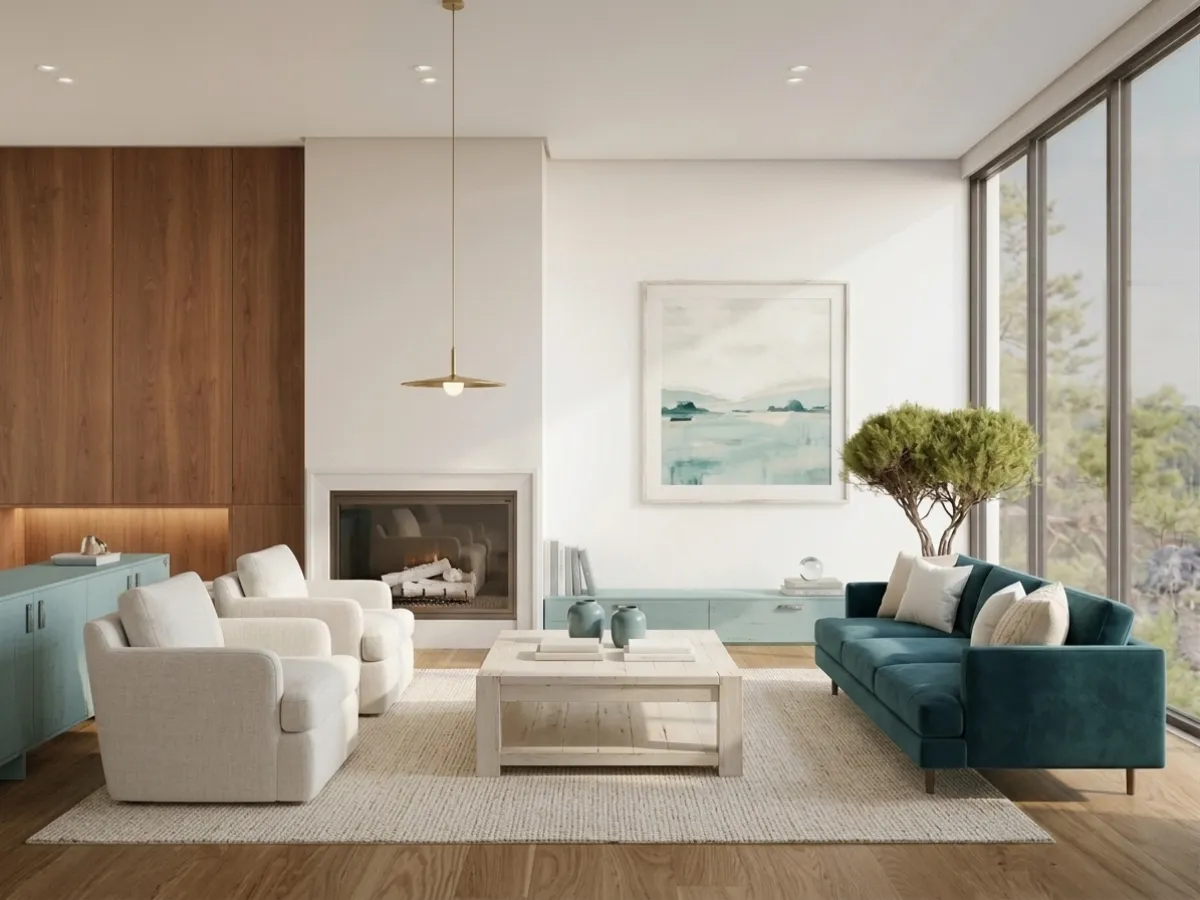
Yes, and this is actually one of the most popular use cases. Virtual staging with AI costs a fraction of physical staging. You upload photos of your empty rooms and the AI fills them with furniture and decor. Real estate agents report that staged listings get up to 73% more views and sell faster. Just make sure you follow your local real estate regulations about disclosing that images are virtually staged.
Tools and Features
13. What is the best free AI room design tool?
It depends on what you need. For quick room redesigns from photos, MeltFlex gives you a free try with high quality results and real furniture you can buy. For basic style exploration, RoomGPT is a simple option. For real estate staging specifically, tools like Virtual Staging AI focus on that use case. The best advice is to try two or three tools with the same photo and see which results you like best. Every tool has a slightly different style.
14. Can I upload a floor plan and get a 3D model?
Yes. Some tools including MeltFlex can take a 2D floor plan and convert it into an interactive 3D model. You then walk through the space, place furniture, and generate photorealistic renders of each room. This is particularly useful when you are planning a new apartment before moving in or working with an architect on a renovation.
15. Can AI remove existing furniture from my room?
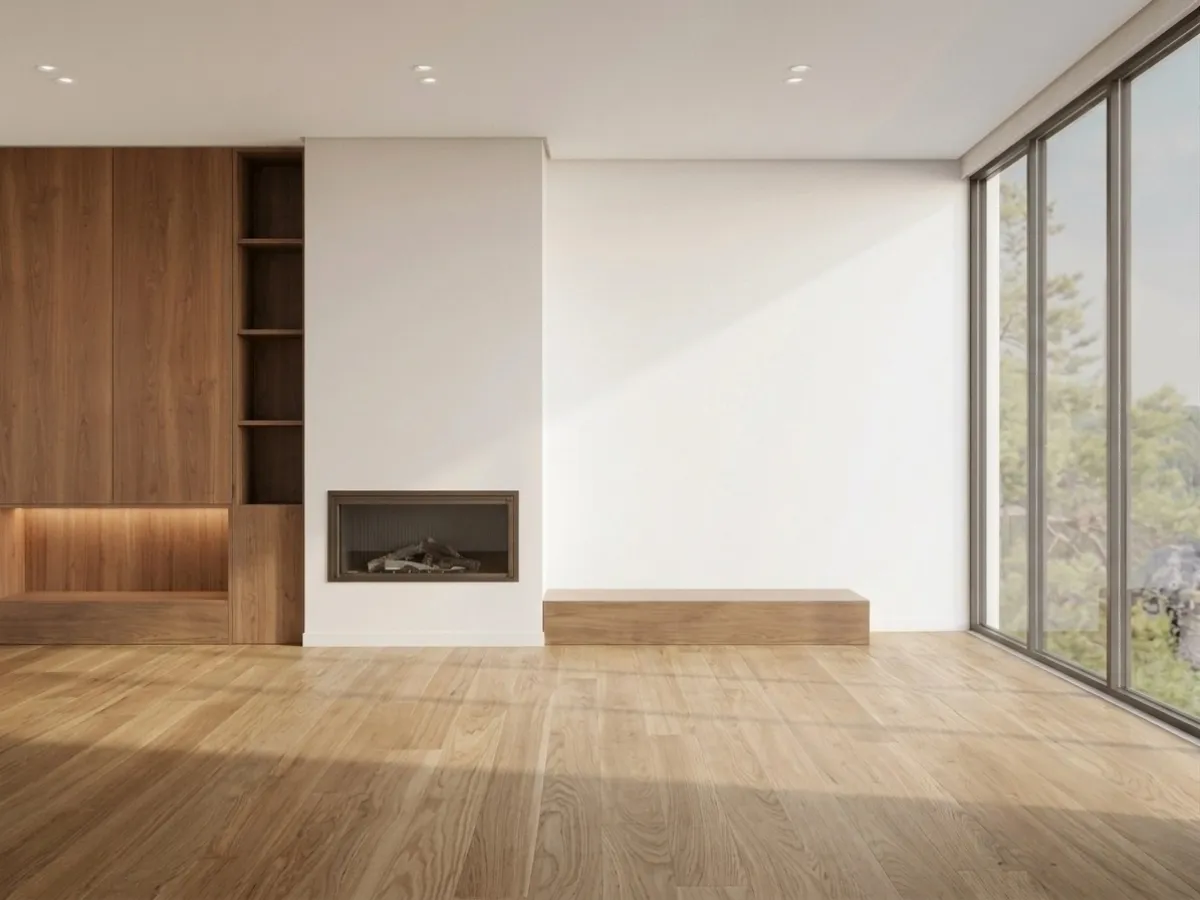
Yes. Most AI room design tools can either replace your existing furniture with new pieces or remove furniture entirely to show you a clean, empty room. This is useful when you want to start fresh without physically moving everything out for a photo. The AI fills in the wall and floor where the furniture used to be, usually with very convincing results.
16. Can I buy the furniture I see in AI designs?
This depends entirely on the tool. Some tools generate fictional furniture that looks great in the image but does not exist as a real product. Others like MeltFlex connect to actual product catalogs so every piece of furniture you see has a name, price, dimensions, and a link to buy it. If being able to purchase what you see in the design matters to you, check this before choosing a tool.
17. How many design styles can AI generate?
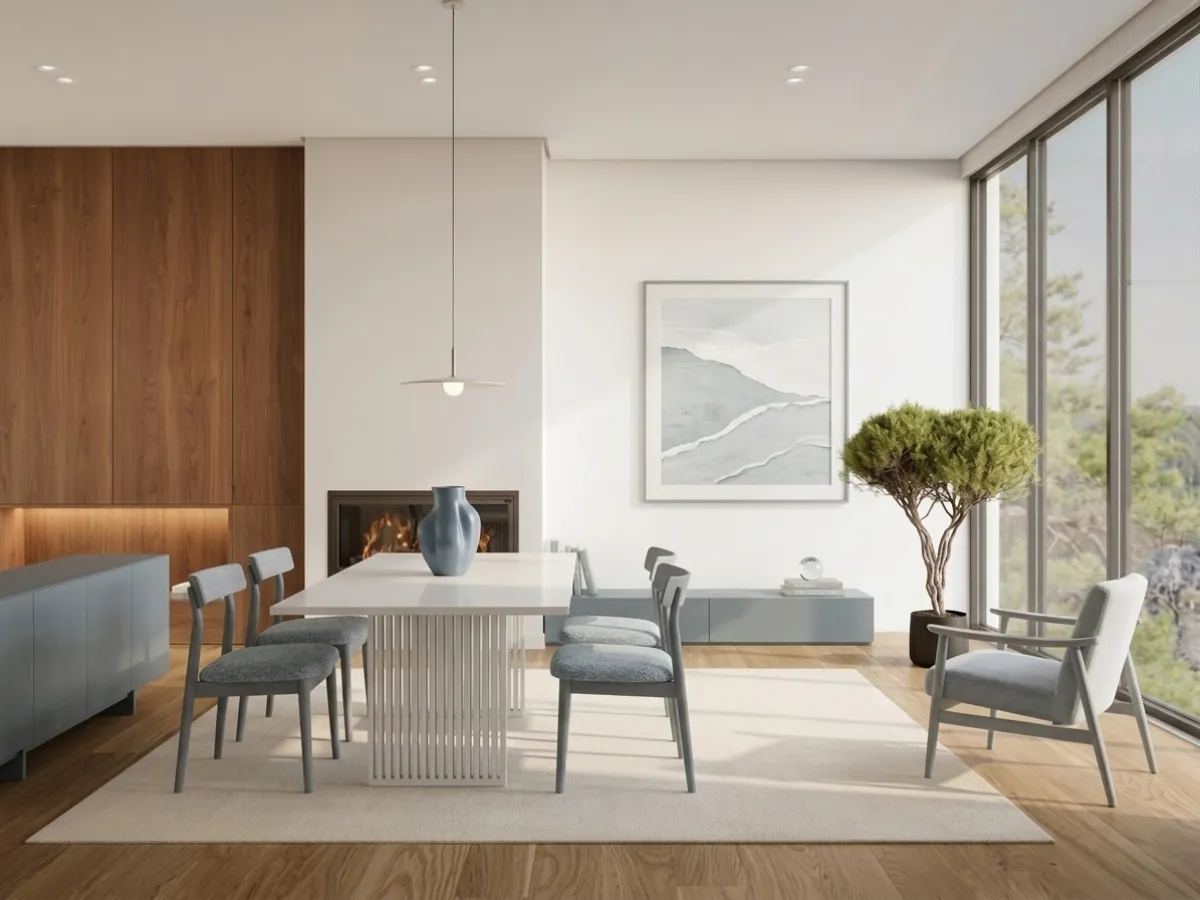
Most tools offer 10 to 30 predefined styles including modern, Scandinavian, minimalist, industrial, bohemian, farmhouse, mid century modern, and more. The better tools also let you write custom prompts so you can describe exactly what you want. You could type something like "warm living room with walnut furniture and sage green accents" and get a design that matches that description.
Practical Questions
18. How long does it take to generate an AI room design?
Usually between 15 and 60 seconds per design. The exact time depends on the tool and the complexity of the image. Most people generate 5 to 10 variations per room to explore different styles before settling on a direction. The whole process of redesigning a room from upload to final design takes about 5 to 10 minutes.
19. Can I use AI to plan a kitchen or bathroom remodel?
Yes, and this is a great use case. Upload a photo of your current kitchen or bathroom and ask the AI to show you different layouts, cabinet styles, countertop materials, and color schemes. While it will not give you construction drawings or plumbing layouts, it is excellent for figuring out the overall look and feel before you start talking to contractors. Bring the AI generated images to your contractor meeting to show exactly what you want.
20. Will AI replace interior designers?
No. AI and human designers serve different needs. AI is great for quick visualization, style exploration, and helping you figure out what you like. Human designers bring spatial expertise, project management, vendor relationships, and the ability to solve complex problems that require creative thinking beyond what AI can do. The most likely future is that interior designers will use AI as a tool in their workflow, not that AI will replace them entirely.
21. Can I use AI room design for a rental apartment?
Absolutely, and renters might actually benefit the most from AI design tools. Since you can not make permanent changes like painting walls or replacing floors, AI lets you experiment with furniture arrangements, rugs, curtains, and decor that can transform a rental without any modifications. See our detailed guide on redesigning a rental apartment with AI.
22. What about privacy? Are my room photos safe?
This varies by tool so read the privacy policy. Reputable tools process your photos and discard them after a set period. Some tools store your designs in your account so you can come back to them later. If privacy is a concern, look for tools that specifically state they do not use your images for training purposes and that delete photos after processing.
Getting the Best Results
23. What makes a good photo for AI room design?
Three things matter most. First, lighting. Natural daylight gives the best results. Avoid rooms with heavy shadows or mixed lighting. Second, angle. Stand in a corner and shoot across the room to capture as much of the space as possible. Third, cleanliness. The AI will try to work around clutter, but a tidy room gives cleaner, more useful results. You do not need to stage the room perfectly, just pick up obvious clutter.
24. What prompts work best for AI room design?
Keep it simple and specific about style, color, and mood. Something like "modern living room, warm earth tones, walnut furniture, lots of natural light" works much better than a long paragraph describing every piece of furniture you want. Let the AI make creative decisions within the constraints you set. If you want to get really specific, check our 50 ChatGPT prompts for interior design.
25. How many times should I regenerate before choosing a design?
We recommend generating at least 3 to 5 versions per room. Each generation produces slightly different furniture arrangements and design choices. You might love the color palette of one version and the furniture layout of another. Use those insights to refine your prompt and generate a final version that combines the elements you like most.
26. Can AI help me match new furniture with what I already own?
Some tools are getting better at this. You can upload a photo of your room with your existing furniture and ask the AI to add specific pieces that complement what is already there. For example, "add a coffee table and side lamp that match my existing grey sofa." The results are not perfect every time but they give you a strong starting point for shopping.
27. What is the biggest limitation of AI room design right now?
Consistency across multiple generations. If you generate five versions of the same room, you might love elements from three different ones but have no way to combine them into one perfect design. The AI treats each generation as independent. The other limitation is that AI does not understand real world physics the way a designer does. It might place a heavy bookshelf on a wall that can not support it, or suggest a rug size that does not exist. Always cross check AI suggestions against real product dimensions before buying.
Ready to Try It Yourself?
The best way to understand AI room design is to try it. Upload a photo of any room in your home and see what the AI comes up with. You might be surprised at how quickly you go from "I have no idea what to do with this room" to "I know exactly what I want."
Try MeltFlex free and redesign your first room in 30 seconds. No signup required.
For more inspiration, browse our creations gallery with 50+ real before and after room transformations. If you want to compare tools, see our 10 best AI interior design tools compared. And if you are curious about costs, read our detailed AI vs interior designer cost comparison.

