AI Interior Design vs. Hiring a Designer: Real Cost, Time & Quality Comparison (2026)


Hiring an interior designer used to be the only way to get professional room visualizations. In 2026, AI interior design tools produce photorealistic results in 30 seconds for under $40/month, while a professional designer charges $2,000-$12,000 per room and takes 4-8 weeks.
But is AI actually good enough? When does it make sense to pay for a human designer? This guide compares real costs, real timelines, and real quality, with honest assessments of what AI does better and where humans still win.
Watch: the full AI design workflow in action
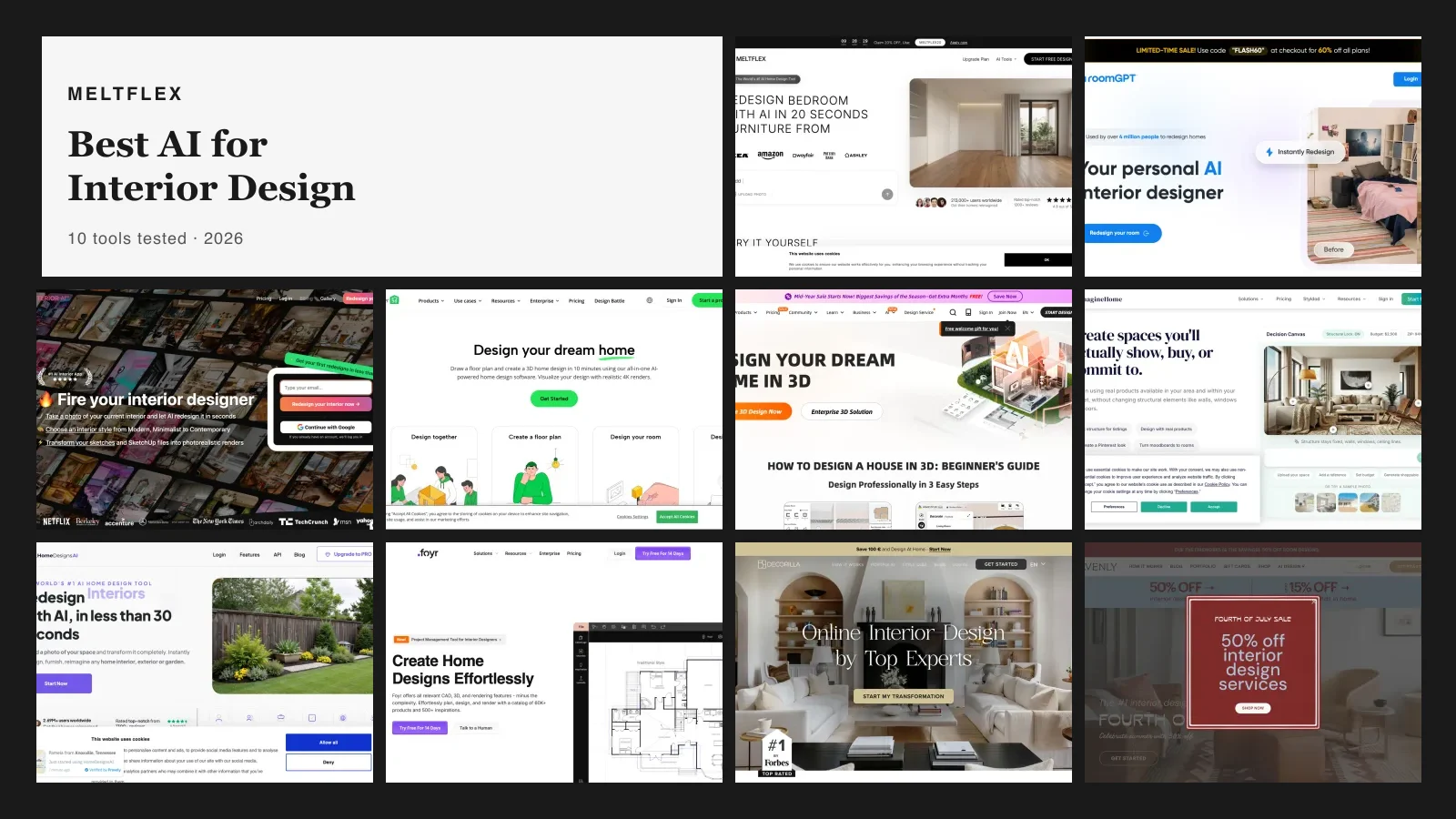
Before the cost tables, here is what the AI side of this comparison actually looks like end to end, MeltFlex taking a room from brief to a pro-quality render. It is the 30-second version of work that a designer bills by the hour.

The full AI design workflow, brief to render, the 30-second version of billable designer work.
Cost Comparison: AI vs. Professional Designer (2026)

Here is what each option actually costs, based on HomeAdvisor 2026 data and current AI tool pricing:
AI Interior Design Tools: $0-$39/month
- Free tier: $0. Most AI tools (including MeltFlex) offer free credits for room redesigns and photorealistic renders. Enough for 3-10 designs.
- Starter plans: $8-$15/month. More credits, no watermarks. Enough for furnishing one apartment.
- Standard plans: $20-$39/month. Unlimited or high-volume generations. Enough for professional use (agents, designers, property managers).
- Cost per room: Effectively $0.30-$4.00 per AI-generated room design.
Online Interior Designers: $200-$500/room
- Services: Havenly, Decorilla, Modsy (defunct). You get a human designer who creates a mood board, shopping list, and 2-3 room concepts.
- Revisions: 2-3 included. Additional revisions cost extra.
- Turnaround: 1-2 weeks per room.
- What you get: Curated shopping list, mood board, 2D layout plan, sometimes a basic 3D render.
In-Person Interior Designers: $2,000-$12,000/room
- Hourly rate: $100-$500/hour (varies by market and experience).
- Flat fee: $2,000-$12,000 per room, or 10-20% of total furniture budget.
- Turnaround: 4-8 weeks for design. 3-6 months with furniture sourcing and installation.
- What you get: Full-service: on-site consultation, custom floor plans, material sourcing, contractor coordination, installation supervision.
The Math: Cost Per Room
- AI tool (MeltFlex Standard): ~$22/month ÷ ~30 rooms = $0.73/room
- Online designer: $200-$500/room (275-685x more expensive)
- In-person designer: $2,000-$12,000/room (2,740-16,438x more expensive)
Time Comparison: AI vs. Designer
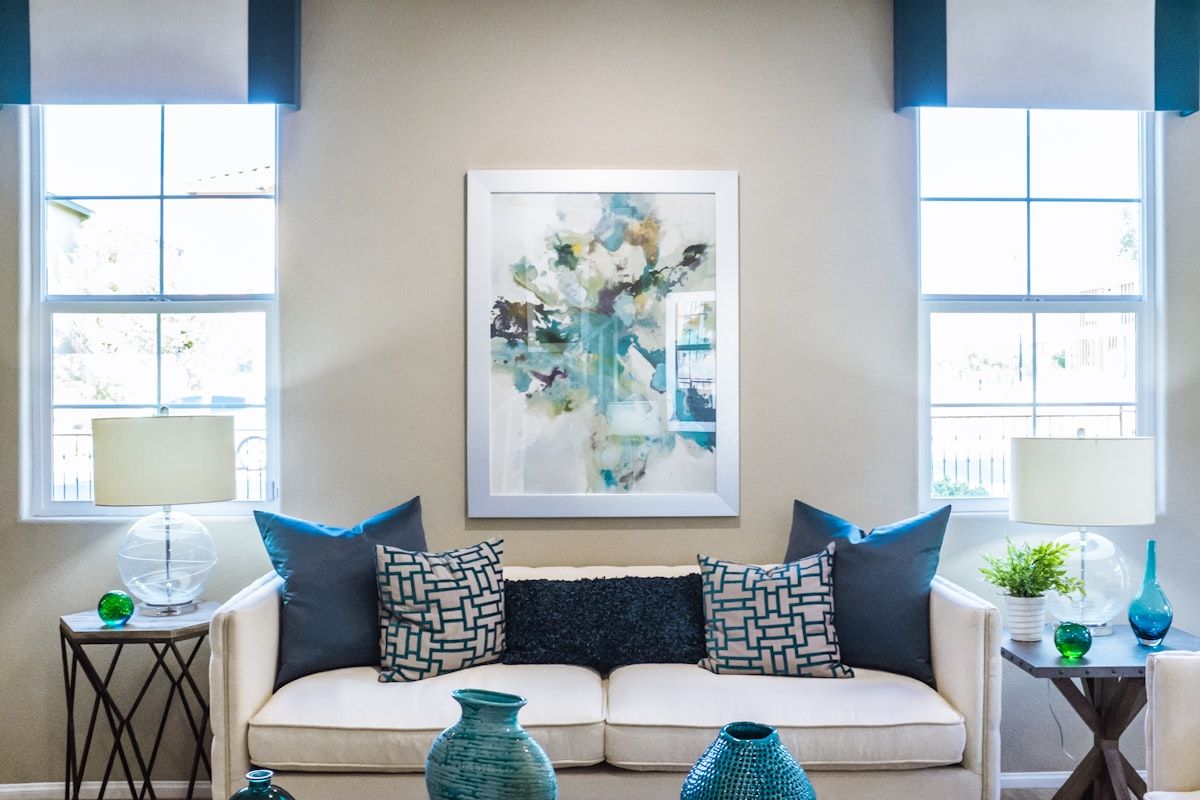
- AI tool: Upload photo → select style → 30 seconds → photorealistic render. Try 10 different styles in 5 minutes.
- Online designer: Questionnaire → mood board (3-5 days) → concept review → revisions → final plan. 1-2 weeks total.
- In-person designer: Consultation → measurements → concept development → presentations → revisions → sourcing → installation. 4-8 weeks minimum, often 3-6 months.
The speed advantage is not just convenience, it changes the design process. With AI, you can test 20 different layouts, 10 color palettes, and 5 furniture styles in the time it takes a designer to schedule your first meeting. This means better decisions, fewer regrets, and no commitment before you see results.
Quality Comparison: Where AI Wins and Where Humans Win
AI Wins at:
- Style exploration. Try Scandinavian, modern, industrial, boho, and minimalist on your actual room in 5 minutes. A designer shows you 2-3 options in 2 weeks.
- Instant visualization. See photorealistic renders before buying anything. No need to imagine from a mood board.
- Furniture scale accuracy. AI tools like MeltFlex show furniture at real-world scale in your room. No more guessing if a 220 cm sofa fits.
- Virtual staging. Empty room → fully furnished photo in 30 seconds. Unbeatable for real estate listings.
- Budget efficiency. See how a $3,000 budget looks vs. $10,000, instantly. Compare before spending.
- Iteration speed. Don't like it? Change one thing and regenerate in seconds. With a designer, each revision takes days.
Human Designers Win at:
- Material selection. A designer feels fabric, tests wood samples, compares paint swatches in your lighting. AI shows pixels.
- Spatial problem-solving. Awkward room shapes, load-bearing walls, plumbing constraints, a designer navigates physical reality. AI works with photos.
- Contractor management. Renovations need someone to coordinate electricians, painters, and furniture deliveries. AI designs the look; someone must build it.
- Emotional intelligence. Your grandmother's armchair has sentimental value. A designer works around it. AI sees a chair.
- Custom furniture. One-of-a-kind pieces, custom upholstery, bespoke millwork, these require a designer's sourcing network.
- Holistic home flow. How does the living room connect to the kitchen visually? A designer considers transitions between rooms. AI works room-by-room.
Room-by-Room: When AI is Enough vs. When You Need a Designer
Living Room
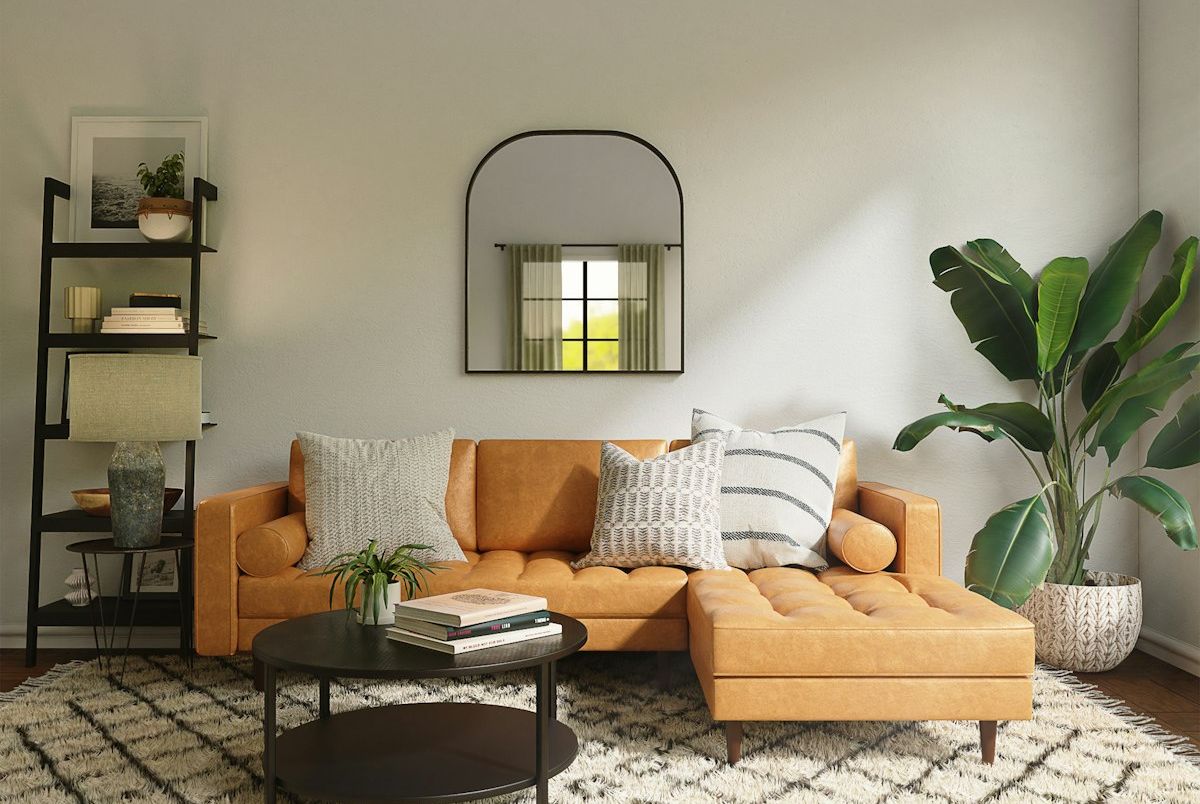
- AI is enough if: You want to test layouts, pick a style, choose a sofa, and see how it all looks together before buying.
- Hire a designer if: You have an unusual floor plan (L-shaped, sunken, split-level) that needs creative spatial solutions.
Kitchen
- AI is enough if: You want to visualize new cabinet colors, countertop materials, or a backsplash before committing. Cosmetic changes only.
- Hire a designer if: You are doing a full gut renovation with plumbing relocation, new island, or structural changes.
Bedroom
- AI is enough for almost everyone. Bedroom design is primarily about the bed, nightstands, and color palette, all easily visualized with AI. Unless you want a custom built-in wardrobe, AI handles bedrooms well.
Bathroom
- AI is enough if: You want to preview tile choices, vanity styles, and color schemes.
- Hire a designer if: You are renovating plumbing, changing the layout, or installing a walk-in shower where a tub used to be.
Entire Home / New Build
- Best approach: Start with AI to explore styles and test layouts (free). Then hire a designer for execution if the project is complex. This saves thousands in designer hours because you arrive with a clear vision instead of a vague Pinterest board.
The Best Strategy: AI First, Designer If Needed
The smartest approach in 2026 is not AI or designer, it is AI first, designer if needed.
- Step 1: AI exploration (free, 30 minutes). Upload your room photo to MeltFlex. Try 5 styles. Test 3 layouts. Generate photorealistic renders. Find the direction you love.
- Step 2: Make a decision. Is the AI result good enough to execute yourself (buy the furniture, paint the walls)? For 80% of rooms, yes.
- Step 3: Hire a designer only if needed. If you need structural changes, custom millwork, or contractor management, hire a designer. But show them your AI renders as the brief. This saves 40-60% of design hours because the vision is already clear.
A designer working from an AI render charges less than one starting from scratch. You skip the discovery phase, mood boards, and back-and-forth revisions. The AI did that work for free.
Real Cost Savings: AI + Designer Hybrid
Here is what the hybrid approach saves on a typical 3-room project:
- Traditional (designer only): $6,000-$36,000 (3 rooms × $2,000-$12,000)
- Hybrid (AI first + designer for execution): $1,500-$6,000 (AI: $22/month + designer: $500-$2,000/room for execution only)
- AI only: $22/month ($264/year for unlimited rooms)
- Savings with hybrid: 50-83% compared to designer-only
- Savings with AI only: 99%+
What About Quality? Honest Assessment
Let's be direct about quality differences:
- AI photorealistic renders are now visually indistinguishable from professional interior photography in most cases. For listing photos, presentations, and planning, AI quality is sufficient.
- AI cannot replace the experience of sitting in a well-designed room. Photos look great; living in the space is different. A designer who visits your home understands light, sound, and flow in ways AI cannot.
- For most homeowners, the visual quality of AI is more than enough to make furniture decisions, plan layouts, and choose colors. The 5% quality gap between AI and a $10,000 designer does not justify the cost for most budgets.
- For luxury projects ($50,000+ budget), the 5% quality gap matters. Hire a designer. The cost is proportional to the budget.
Decision Framework: Should You Use AI or Hire a Designer?
Ask yourself these 5 questions:
- Is your budget under $10,000 per room? → Use AI. A designer fee alone would consume 20-100% of your budget.
- Are you making cosmetic changes only? (paint, furniture, decor, no construction) → Use AI. This is exactly what AI excels at.
- Do you need to see multiple options quickly? → Use AI. 10 options in 5 minutes vs. 2 options in 2 weeks.
- Are you doing structural renovation? (moving walls, plumbing, electrical) → Hire a designer + contractor. AI designs the look; humans build it.
- Is the property worth $1M+? → Consider a designer. The stakes justify the cost.
Try AI Interior Design Now
The best way to decide is to try it. Upload a room photo to MeltFlexand see your space redesigned in 30 seconds, for free. If the result is good enough (it usually is), you just saved thousands. If you need more, you have a perfect brief for a designer.
Redesign your room with AI, free →
Related guides: how AI interior design works, furnishing cost guide 2026, best AI interior design tools, visualize renovation with AI, and AI furniture placement guide.



)