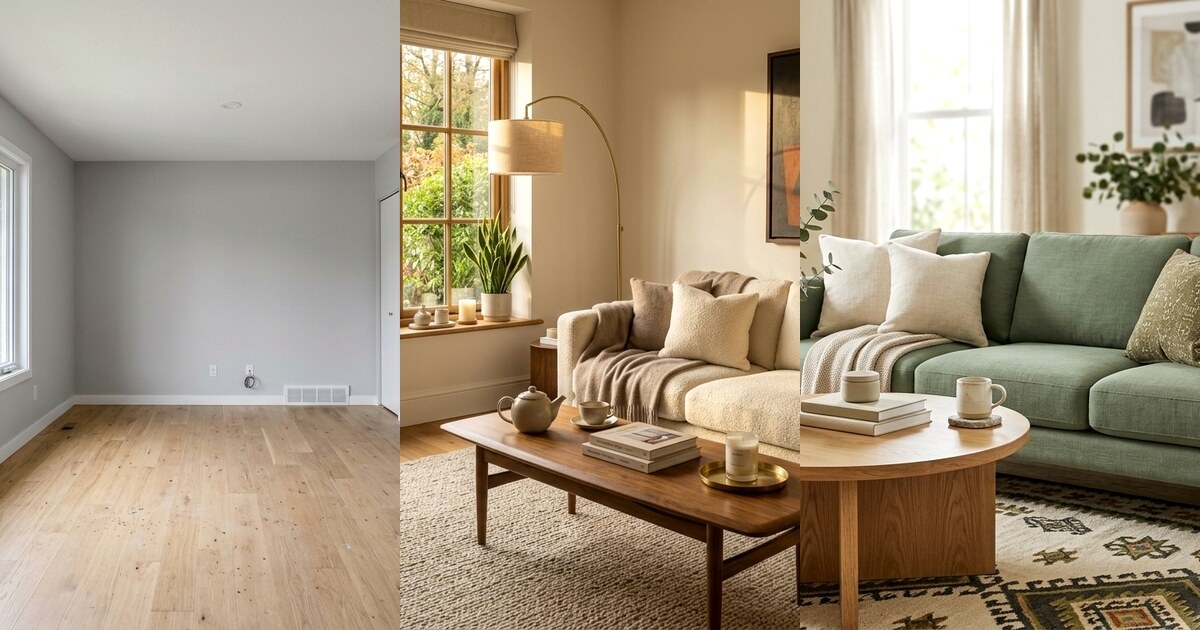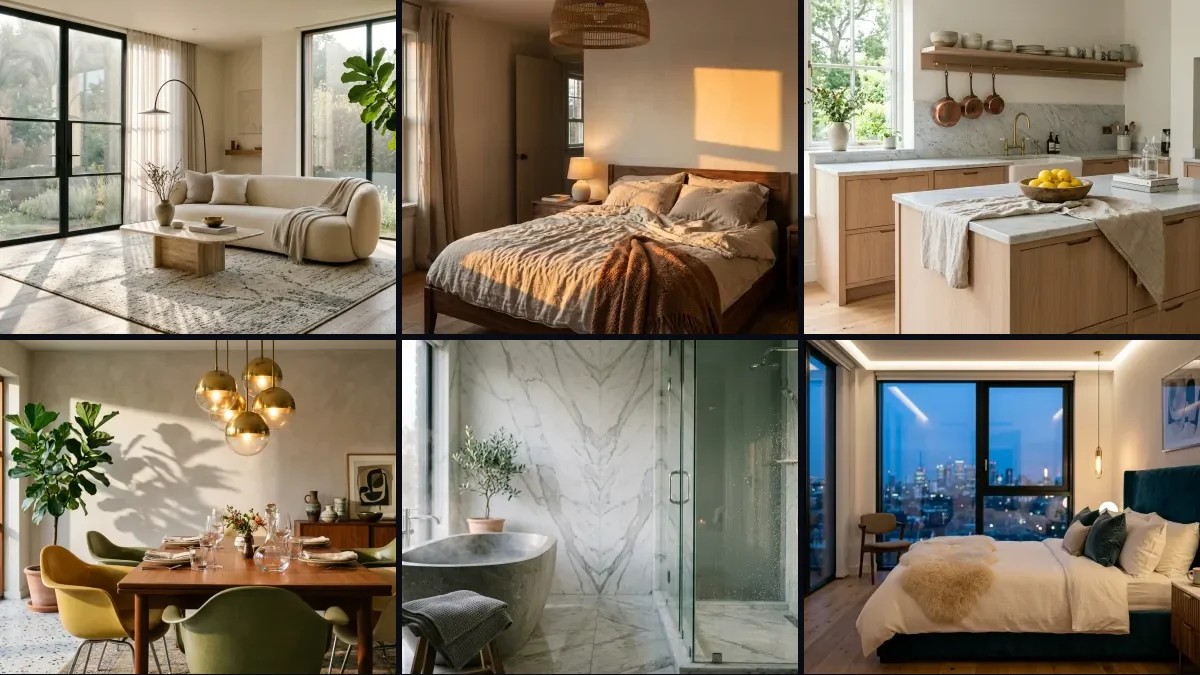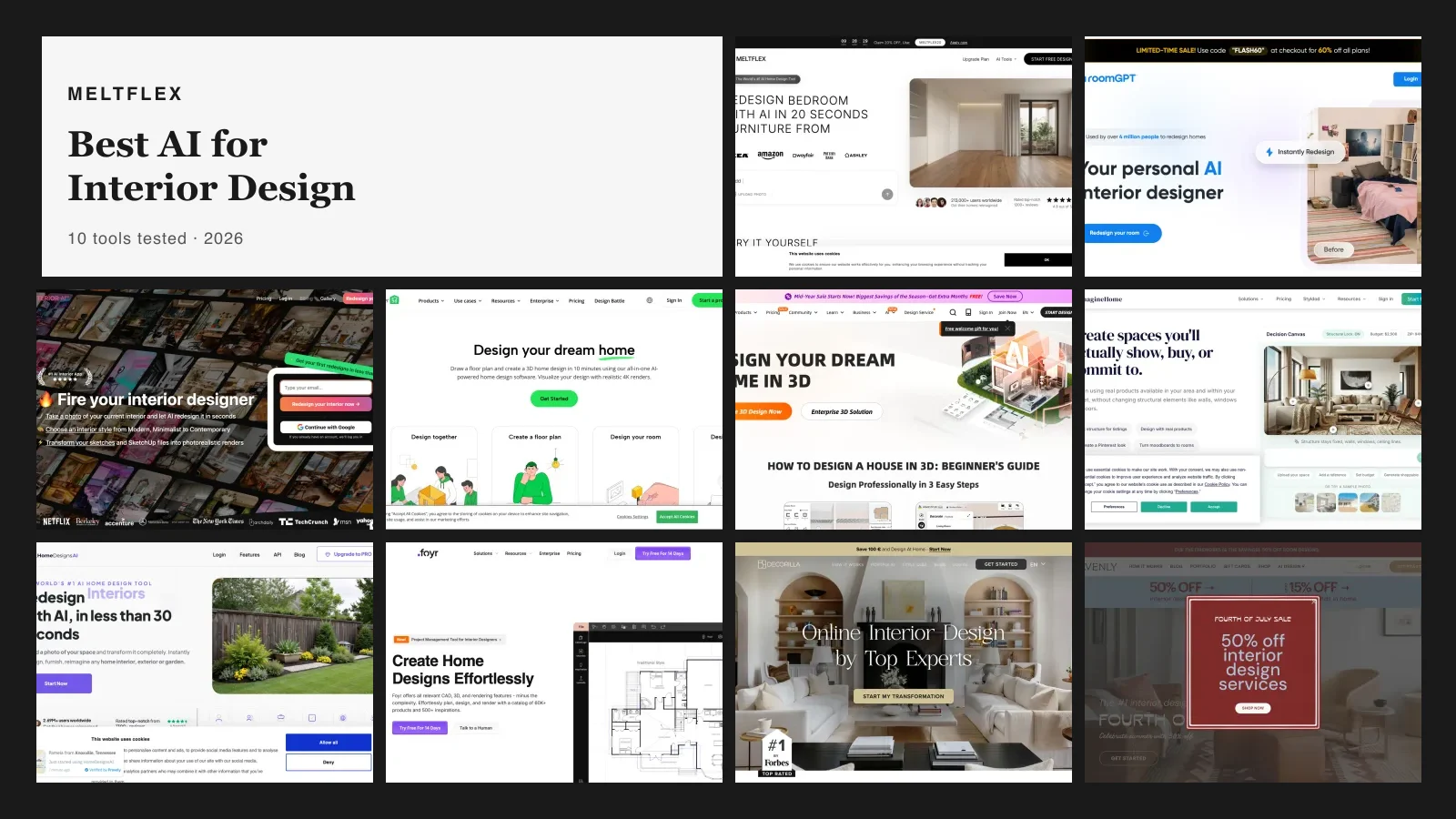
Short answer: after re-checking every tool's pricing and free tier in September 2026, the best AI for interior design for most people is still MeltFlex. A handful of tools have caught up on shoppable furniture this year, but MeltFlex is the only one that runs the whole job in a single place: floor plan to 3D, photo redesign, and real furniture placed inside the design at true scale, so you plan and buy from one screen. It also ships dedicated room tools, including a free AI kitchen design visualizer and an AI bathroom design tool for remodel planning. If you just want a fast free render, Spacely AI now has the most generous free tier. RoomGPT is best for quick inspiration, Interior AI and Collov AI for real estate staging (MeltFlex’s own virtual staging AI covers that too), and Decorilla or Havenly if you want a human designer in the loop. The full comparison is right below, and how we tested all 14 is at the end. Looking to make moving clips rather than stills? See our companion guide to the best AI video generators for real estate and architecture. Want the process rather than the shortlist? Start with how to use AI for interior design, which walks the whole job on one real room.
Our articles are still written by humans!
Get human written articles in your Google feed.
The same shortlist holds if what you typed was best AI for home design rather than interior design. Four of the fourteen tools work on the outside of the house and on more than one room at a time, and the home design section below says which four.
Quick Comparison: 14 AI Interior Design Tools at a Glance
Here is every tool we tested, ranked by how much real value it gives a homeowner who wants a usable result, not just a pretty picture. Prices are the current 2026 entry point (some are cheaper on annual billing). The column that still separates the field most is whether you can actually buy the furniture in your design, or whether it is AI-generated decor that does not exist. Scroll down for the full review of each one.
1. MeltFlex, The Complete Pipeline: Floor Plan to 3D to Purchase
MeltFlex is the one AI interior design tool that covers the entire job in a single platform. Upload a floor plan and it becomes an interactive 3D model in seconds. Want to redesign a room you already have? Upload a photo and the AI generates a photorealistic makeover that keeps your real walls, light, and proportions. The part that still sets it apart in 2026: the furniture is not decoration painted on afterwards, it is placed inside the design at real-world scale, and every piece is a real product with a real price you can buy.
What MeltFlex does that others do not
A few tools added a "shop this look" feature this year, which we cover below. But they bolt it on after the render: you finish a picture, then reverse-search for something similar. MeltFlex is still the only one that keeps design and purchase in the same flow, across four steps:
1. Floor plan to 3D: Upload any floor plan image, an architect drawing, a hand sketch, or a listing photo, and the AI detects rooms, walls, doors, and windows. You get a fully interactive 3D model you can rotate, zoom, and walk through.
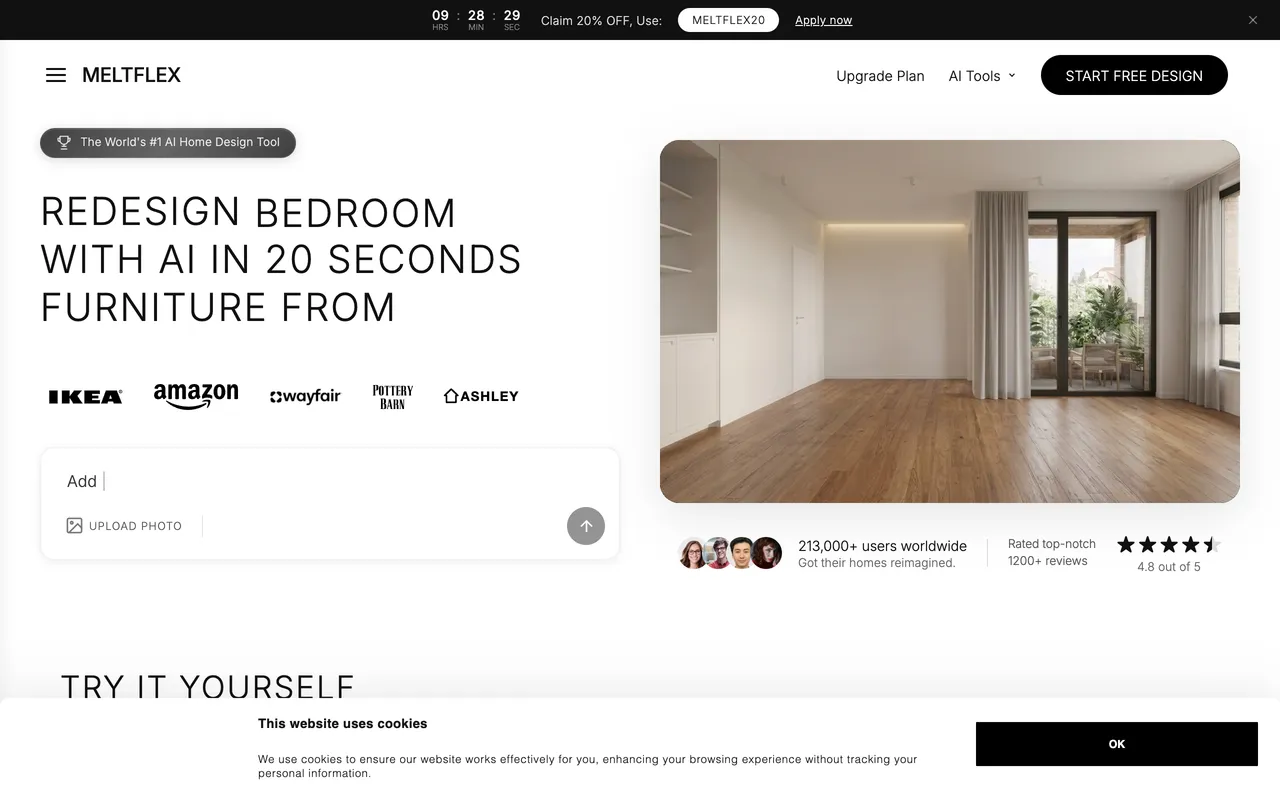
2. Real furniture placement: Browse a catalog of real furniture with actual prices, dimensions, and materials, and drop pieces straight into your 3D room at true scale. No guessing whether the sofa fits, the model shows the exact proportions.
3. AI photo redesign: Already furnished? Upload a photo, pick reference furniture from the catalog, and tell the AI what to change. It returns a photorealistic redesign that holds the room's layout, lighting, and perspective.
4. Photorealistic renders you can shop: Generate studio-quality images of your 3D design with natural light, real shadows, and true materials. Every item is shoppable, so you see the running total and add pieces to a cart.
Pricing: Free tier with floor plan conversion, 3D furniture placement, and AI credits for photo redesign and renders. No card needed to start.
Best for: Anyone furnishing a new apartment, planning a renovation, or test-driving furniture in their current room, who wants to actually buy what they see. It is the only tool where the design connects directly to the purchase.
2. HomeDesigns AI, The Shoppable AI Redesign
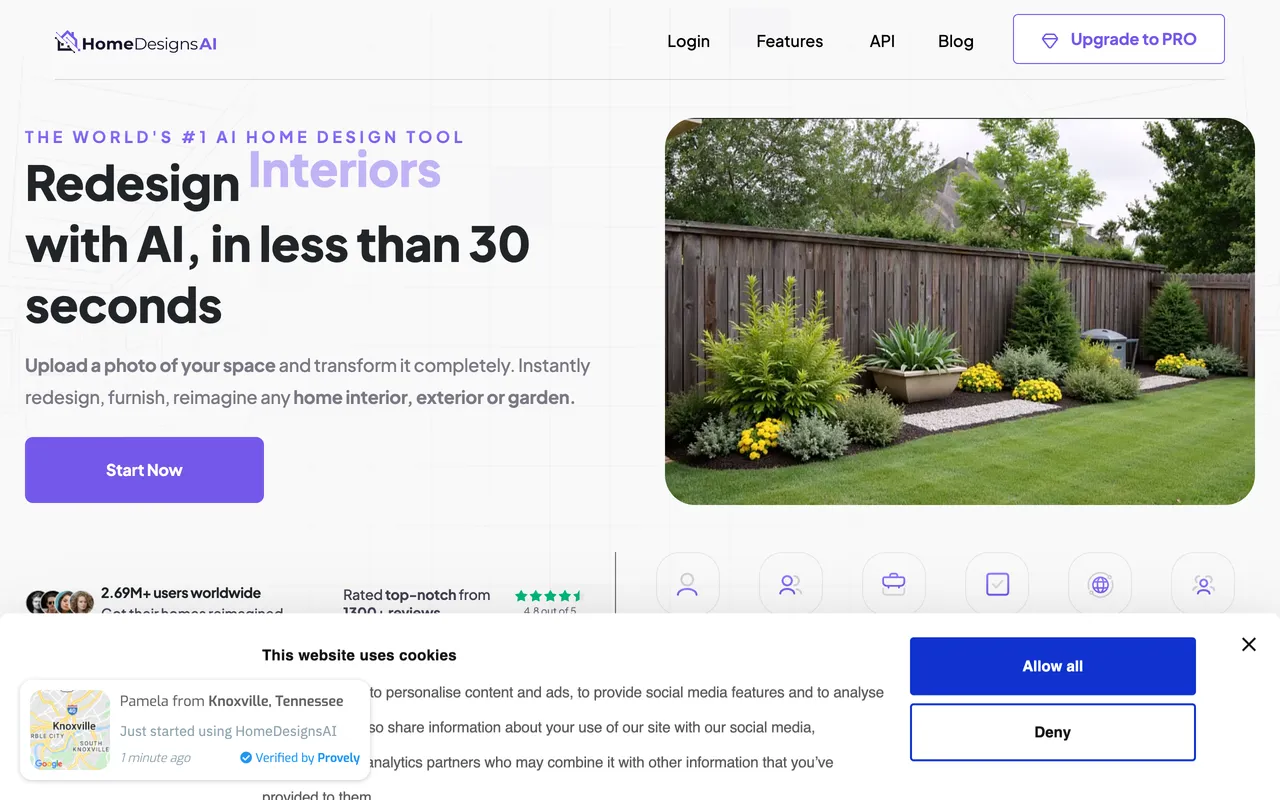
HomeDesigns AI is the closest any pure photo tool gets to the MeltFlex idea. It redesigns interiors, exteriors, gardens, and patios across 160+ styles in under 30 seconds, and its 2026 Furniture Finder lets you shop the actual items in a render. A structure-lock mode keeps your real walls and windows instead of inventing a new room.
The catch: It works one photo at a time, so there is no floor plan or 3D model to plan a whole space. Fine detail edits still mean regenerating rather than nudging, and the shoppable matches are "find something similar" rather than the exact piece placed to scale.
Pricing: Free tier with 3 credits every 24 hours. Individual at $27/month (100 designs), Pro at $29/month (1,000 designs plus commercial license). Roughly half price on annual billing.
Best for: Homeowners who want fast, varied redesigns of a room or facade and a real shopping list, without learning 3D software.
3. Spacely AI, The Best Free Tier for Fast Renders
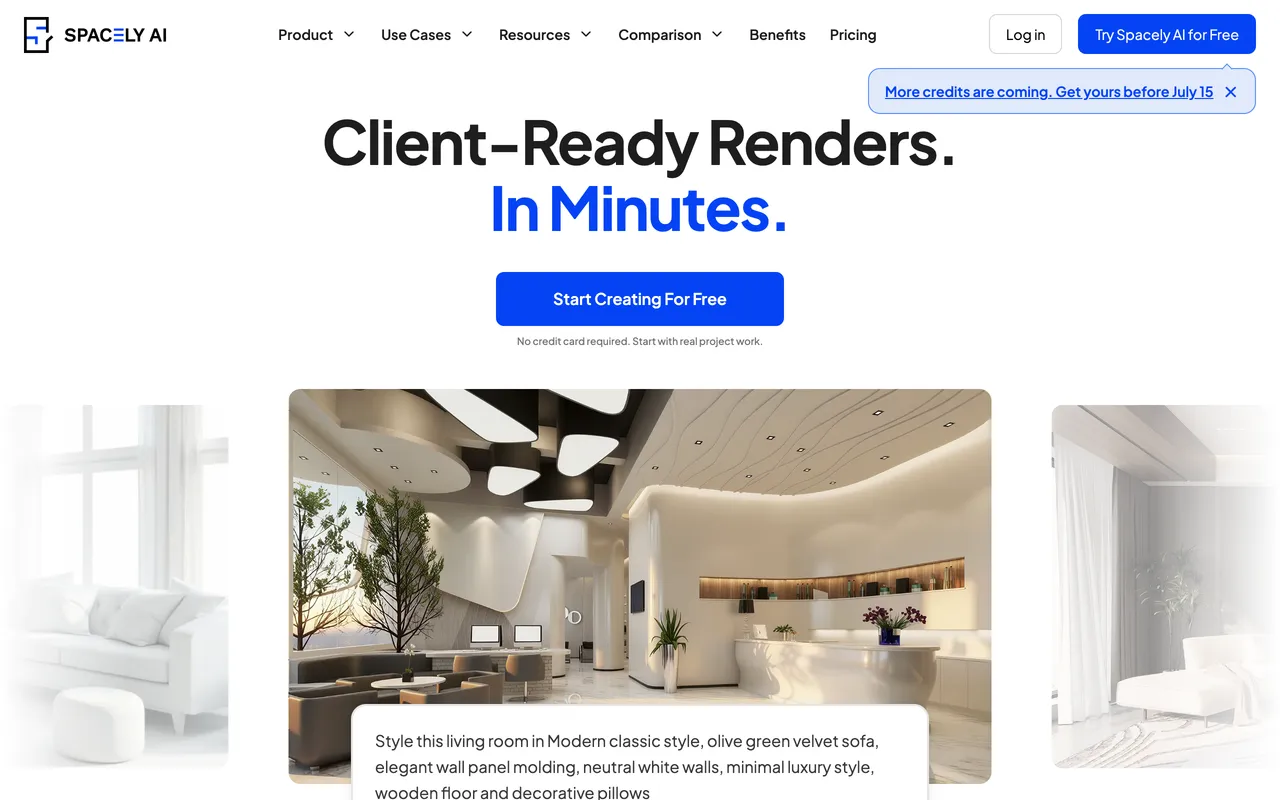
Spacely AI is the tool to reach for when you just want a good render for nothing. Upload a photo or a sketch, pick a style, and it returns a photorealistic result in about a minute. It also auto-furnishes empty rooms, matches a reference image, relights a scene, and turns an image into 3D. There is even a free SketchUp plugin, which no other tool on this list offers.
The catch: The furniture is AI-generated, so it is inspiration rather than a buy list, and there is a built-in furniture search but no true shopping cart. Late in 2025 it moved to a credit system, so heavy users will burn through credits faster than the old flat plans.
Pricing: Free Forever with 40 credits, no watermark, and a commercial license. Starter is about $12.75/month on annual billing (roughly 100 renders), with a discounted education plan.
Best for: Designers and prosumers who want quick, watermark-free renders and a real desktop workflow through the SketchUp bridge.
4. REimagine Home, Staging With Real Product Matching
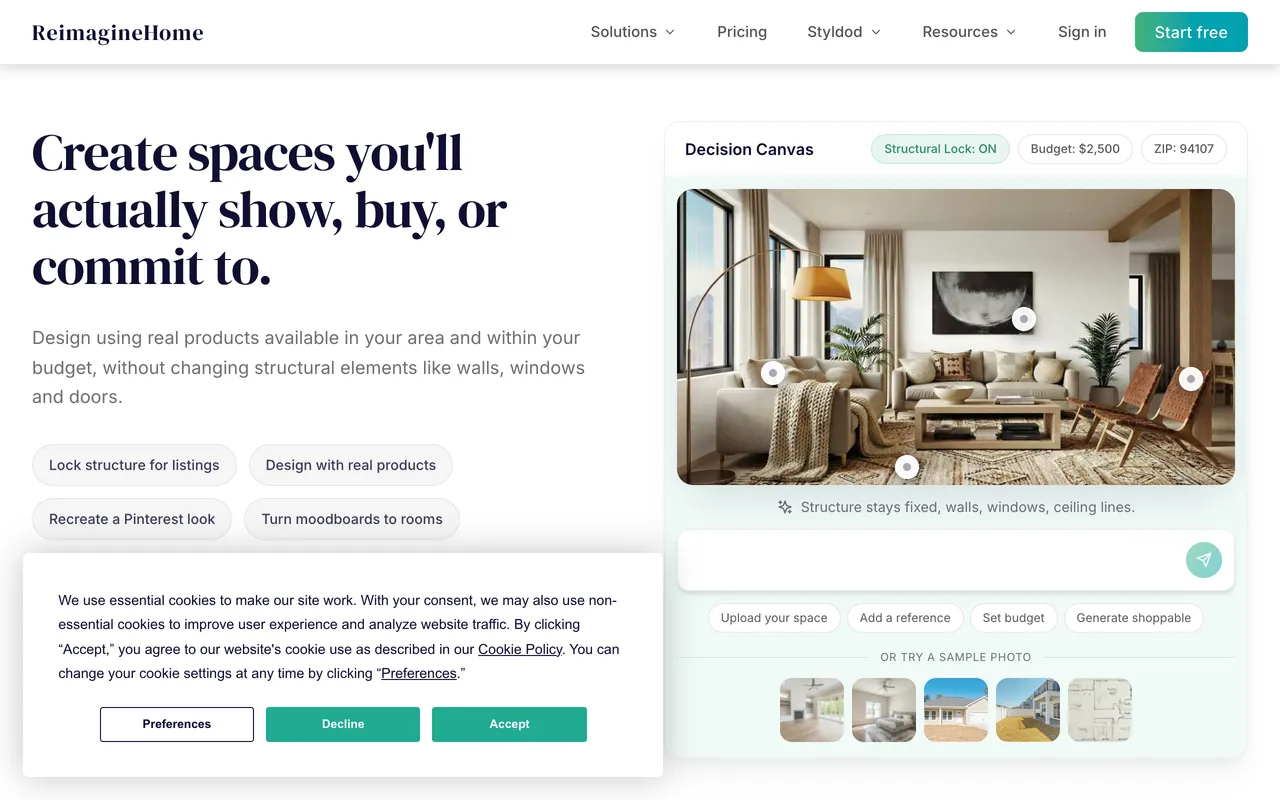
REimagine Home covers interiors, exterior facades, patios, and full landscaping in one place, which makes it a favorite for whole-property listings. Its 2026 Real Products Discovery feature is the standout: it surfaces actual buyable products to match a generated room, which puts it a step ahead of pure inspiration tools.
The catch: It can wander on very specific prompts, and furniture proportions in a raw render are not always accurate. There is no floor plan or 3D modeling, and product discovery spends extra credits on top of the render.
Pricing: 5 free designs, no card. Paid plans run from $14/month (30 credits) to $99/month (900 credits), with idea and exploration chat always free.
Best for: Agents and homeowners who want fast staging across indoor and outdoor spaces, plus real products to shop afterwards.
5. Collov AI, Virtual Staging Built for Listings

Collov AI is aimed squarely at real estate. It turns an empty room into a staged, market-ready photo in seconds, and its pitch is that staged listings sell faster. Beyond staging it does homeowner redesign, wall and floor material swaps, an option to place real branded products, and an API for teams that want to automate the process.
The catch: The focus on speed and volume means less fine control than a 3D planner, and its staging overlaps with REimagine Home, so pick one based on whether you lean toward listings (Collov) or whole-property design (REimagine).
Pricing: The free-forever plan is gone. As of September 2026 you get five watermarked trial renders, then Standard is $19/month (60 photo credits, $228 a year), Advanced $49, Premium $79 and Enterprise $127, with $0.24 per extra photo.
Best for: Agents, stagers, and sellers who need fast, convincing staging with a shoppable-product angle.
6. RoomGPT, The Fastest Cheap Inspiration

RoomGPT is the simplest tool here. Upload a photo, pick a style like modern, minimalist, or tropical, and get a restyled version in seconds. Millions of people have tried it because there is no learning curve and no setup friction at all.
The catch: It cannot rethink a room's layout, and the furniture it invents is not buyable. There is no 3D model, no catalog, and no spatial control, so it is a mood board generator, not a planning tool.
Pricing: Roughly one free credit, then credit packs from $9 for 30 redesigns ($19 for 100, $29 for 200). No subscription, and prices now sit behind login with a rotating discount promo.
Best for: Quick "what if" inspiration for well under a dollar a render. Not for renovation planning or buying decisions.
7. Interior AI, Style Variety and Staging

Interior AI offers photo restyling with one of the broadest style libraries, 40+ looks from Scandinavian to Art Deco to Japanese Zen, and virtual staging for empty rooms on its higher tiers. The newer plans lean on the Flux model for sharper, more realistic output.
The catch: It got more expensive in 2026 and dropped its free tier, so you pay to do anything real. The AI favors looks over feasibility and can produce layouts that would not physically work, and there is no shopping list.
Pricing: No free tier. Pro is $29/month billed yearly ($49 month to month), with Premium and Ultra tiers up to $99-$199/month for hyper-realistic renders and VR walkthroughs.
Best for: Real estate staging and concept work where style range matters more than a buy list. Less suited to homeowners planning real purchases.
8. Coohom, Full 3D Planning With Real Furniture

Coohom is a proper 3D design suite: draw a floor plan, furnish it by dragging real branded furniture models into the room, then render or use its AI Home Design chat mode. Because you build with a catalog of actual products rather than fabricated AI furniture, what you place is real and sourceable. Worth knowing that Coohom and Homestyler are sister products from the same company, Manycore, so they feel similar under the hood.
The catch: A full 3D editor has a real learning curve, the free account is trial-grade and non-commercial, and while the products are real brands there is no one-click consumer checkout. We break down its features, pricing and trade-offs in our full Coohom AI review.
Pricing: Free Basic plan for floor plans, room design and exterior renders. Pro is $29/month with a 7-day trial, Elite $69/month, and yearly billing cuts both sharply (Coohom advertises up to 75% off on annual plans).
Best for: Homeowners and designers who want to plan a whole room in true 3D with real products, not just restyle a single photo.
9. Homestyler, The Largest Free 3D Library
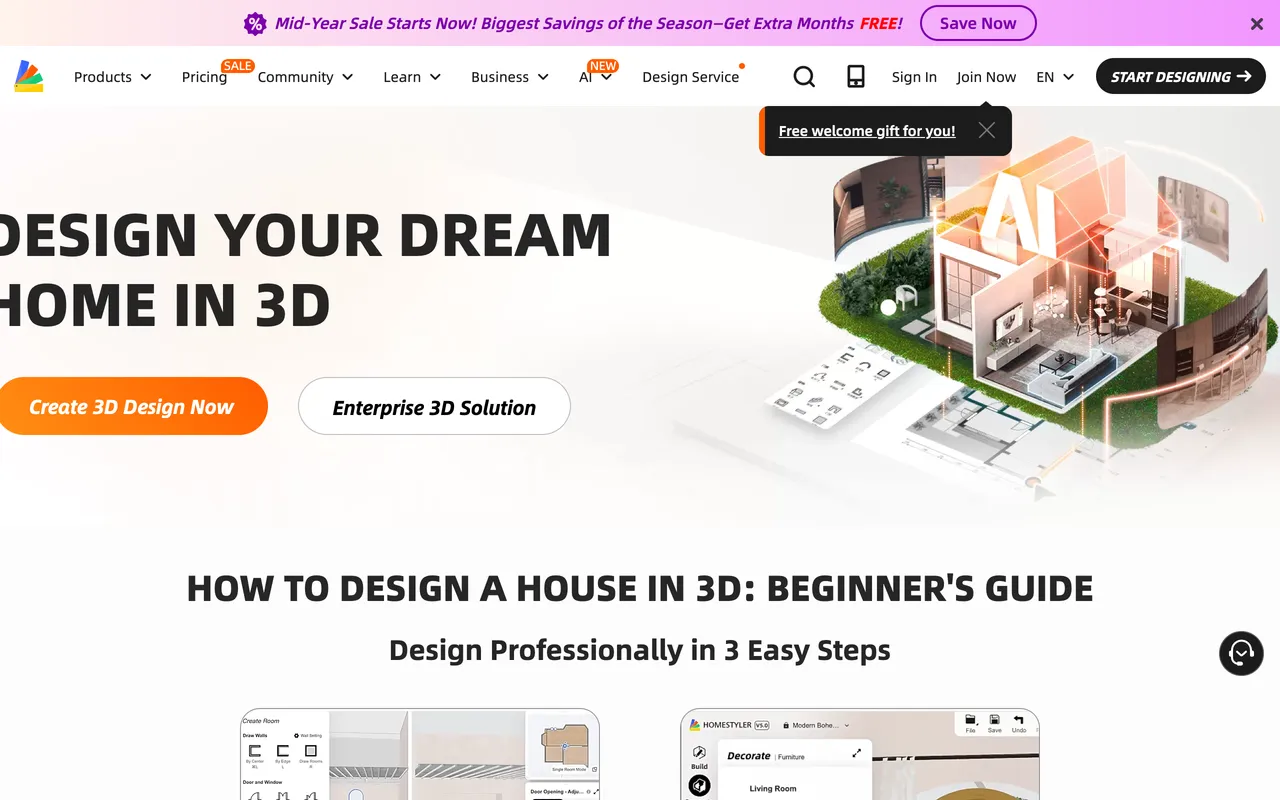
Homestyler has the most generous free tier of any full design suite. You get unlimited 1K renders and more than 100,000 free 3D models and materials, plus a floor planner, 3D furnishing, and VR tours. For a free tool, the depth is genuinely impressive.
The catch: It is closer to professional software than a casual app, so expect a learning curve. Some models are real branded products but the shopping integration is inconsistent, so most items are not reliably buyable, and 4K renders are pay-per-use.
Pricing: Free plan with unlimited 1K renders and 100K+ models. Pro+ from about $6.80/month adds 2K and 4K renders, watermark removal, and monthly AI credits.
Best for: Designers and keen DIYers who want a large model library and detailed 3D work without paying much, if anything.
10. Planner 5D, Budget Floor Plan Builder
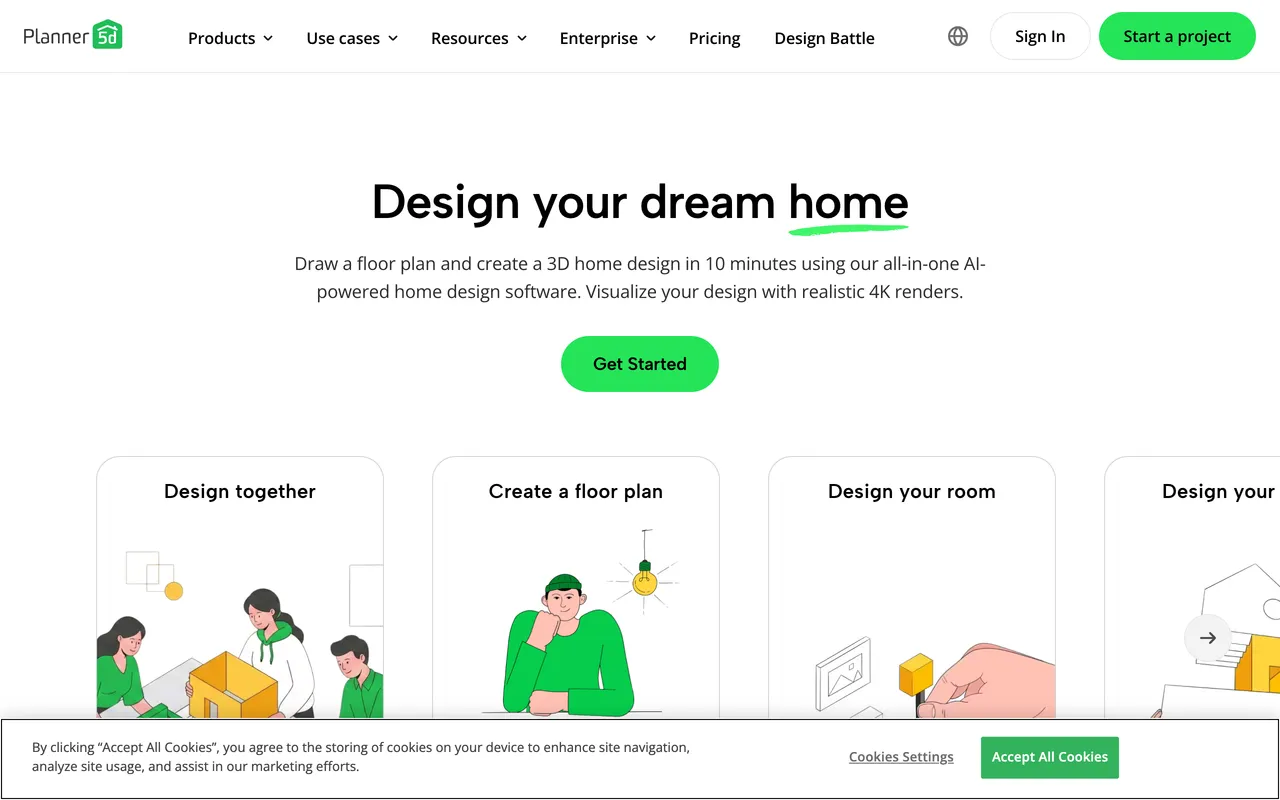
Planner 5D lets you draw 2D floor plans and flip them to 3D, with an AI Smart Wizard that suggests furniture placement. With well over 100 million users it has the biggest community of any floor plan tool, and its 2026 update folds an AI Design Generator and a photo-to-3D floor plan converter into the Premium plan.
The catch: The furniture is generic catalog models, not buyable products, and 4K renders are reserved for the pricier Professional tier. The free plan is usable but nudges you toward a trial that auto-charges if you forget to cancel.
Pricing: Genuinely useful free plan. Premium from €4.99/month, Professional around €33-50/month.
Best for: DIY homeowners and students who want to draw their own floor plans and see furniture to scale on a tight budget.
11. Maket AI, Generate the Floor Plan Itself
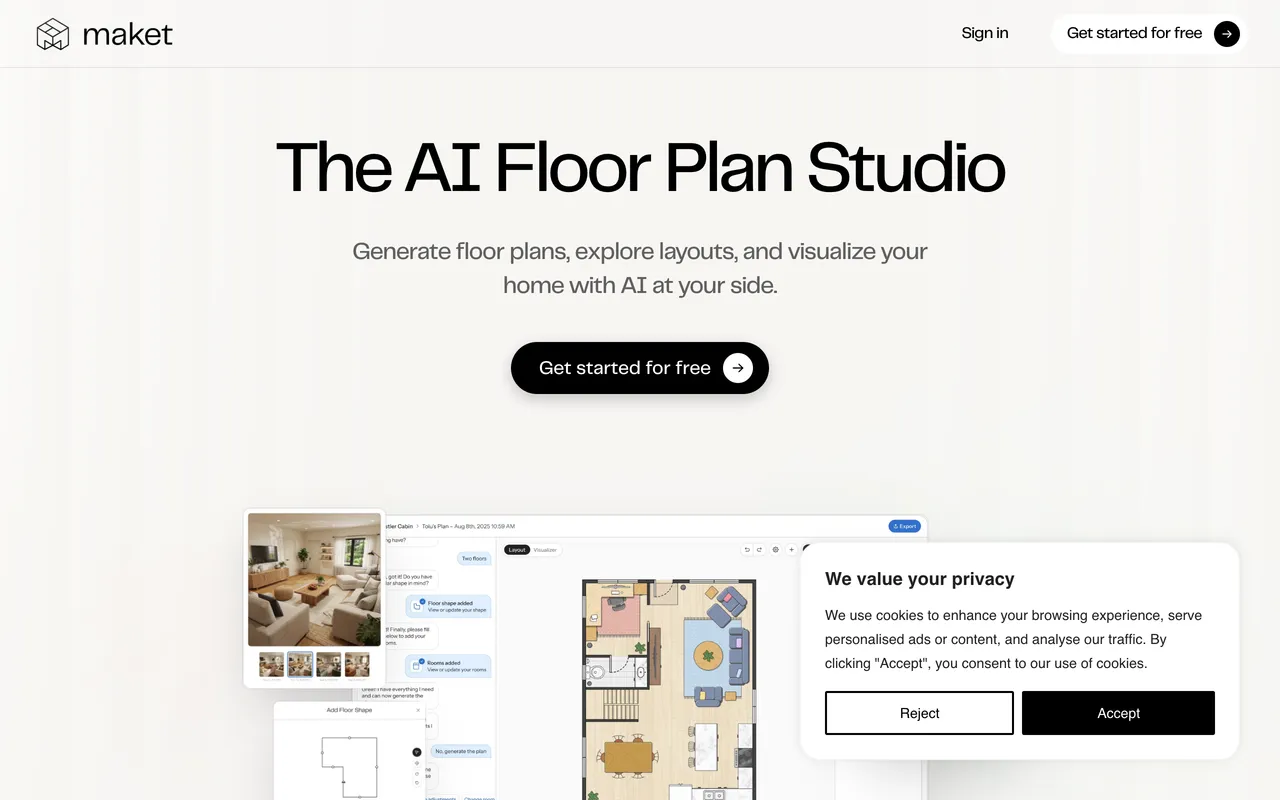
Maket AI does something none of the others do: it generates residential floor plans from your constraints. Describe the rooms and sizes you need and it produces layout options, including multi-story, plus style and material tools and text-based tweaking. It is the "planning the layout" step, not the restyling step.
The catch: It outputs plans, not furnished photo renders, so it is a complement to the render tools rather than a replacement. It skews a little toward self-builders and pros.
Pricing: Free with 50 one-time credits, no card. Pro is $20/month for 300 credits, with top-up packs that do not expire.
Best for: Homeowners and self-builders planning a renovation or new layout who need a floor plan generated, not a photo restyled.
12. Foyr Neo, Professional-Grade Design Suite
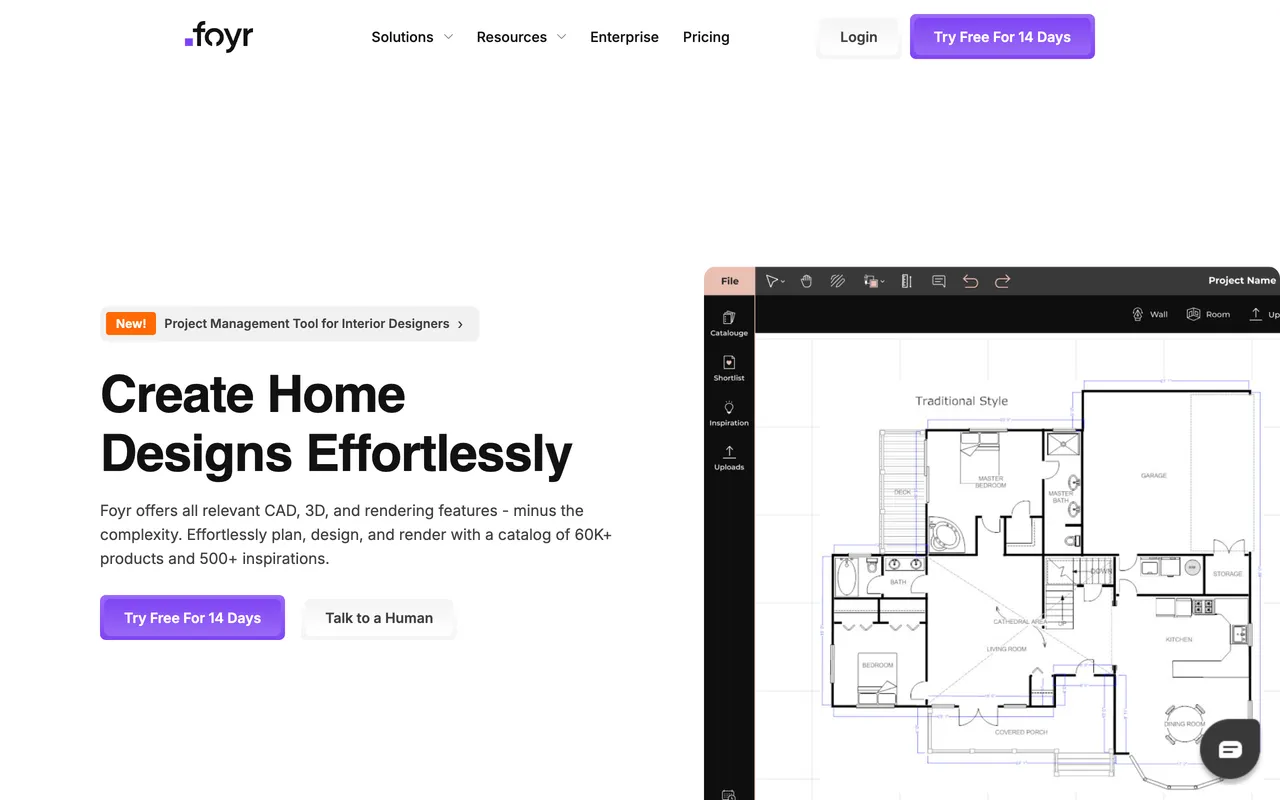
Foyr Neo is built for working interior designers. It runs a full cloud workflow, 2D and 3D floor plans, drag-and-drop furnishing from a large model library with AI search, 4K rendering, 360-degree walkthroughs, and team features, all in the browser.
The catch: Users report rendering that fails a meaningful share of the time, plus bugs on iPad and mobile. There is no free plan and no offline mode, so it is a professional commitment, not a casual try.
Pricing: No free plan, but a 14-day full trial with no card. Basic from $29/month billed annually (30 render credits), with Standard and Premium team tiers above.
Best for: Professional designers who need a complete design-to-render pipeline with a real product library. Overkill for a homeowner doing one room.
13. Decorilla, Full-Service Human Design

Decorilla is not an AI app, it is an online service where a vetted human designer builds your room, with AI helping behind the scenes. Every package includes two designer concepts, a finalized plan with photorealistic 3D renderings, and a tailored shopping list of real products, often with trade discounts through its vendor network.
The catch: It is the pricier end of the market, and turnaround is days to weeks rather than seconds. You trade speed and control for expert oversight.
Pricing: From $549 per room (Bronze), rising by designer seniority to Platinum. Multi-room discounts and periodic promos apply.
Best for: Clients who want a professional to own the whole room and are happy to pay for choice and polish.
14. Havenly, Affordable Access to a Real Designer

Havenly is the budget-friendly way to work with a human designer. You get a personal designer, a final concept, and a shopping list drawn from 100+ home brands, with a team that can place the orders for you. Full and in-person packages include a 3D rendering of your actual room.
The catch: Like Decorilla, it is slower than AI and gives you less moment-to-moment control. List prices are often discounted, so check for a current promo before you commit.
Pricing: Online Full from $199 per room (frequently discounted), In-Person from $699. Additional rooms are cheaper.
Best for: Homeowners who want a real designer and a shoppable plan on a sensible budget, within one to three weeks.
Which AI Interior Design Tool Is Best for You?
The right tool depends on what you actually need. Here is the breakdown by use case:
You want to plan a new apartment or renovation: MeltFlex. Upload your floor plan, get a 3D model, place real furniture to scale, generate renders, and buy directly. No other tool joins those steps.
You want the best free render: Spacely AI. 40 credits, no watermark, and a commercial license, plus a SketchUp plugin if you work in 3D.
You want quick, cheap inspiration from a photo: RoomGPT. Simplest interface and well under a dollar a render. Just do not expect to buy what you see.
You want a redesign and a real shopping list: MeltFlex for a full plan, or HomeDesigns AI and REimagine Home if you only want to restyle a single photo and shop the result.
You are a real estate agent staging listings: Collov AI or Interior AI. Fast, multiple styles, commercial licenses available.
You want to redesign outdoor spaces: REimagine Home or HomeDesigns AI. Both cover landscaping, patios, and gardens that interior-only tools ignore.
You need to generate a floor plan layout: Maket AI. Describe your constraints and it draws the plan, then design it elsewhere.
You want to build a whole room in 3D: Coohom (real furniture models) or Homestyler (biggest free library). Foyr Neo if you are a working professional.
You want a human designer: Havenly (from $199/room) for budget-friendly help, or Decorilla (from $549/room) for full-service polish.
You want to try furniture before buying: MeltFlex. The furniture in your design is real, at real prices and dimensions, placed to scale in your room, then added straight to your cart.
Best AI Interior Design Apps: What Actually Works on a Phone
If you are keeping your furniture and only changing the decor around it, that is a narrower job than anything on this page, and we ranked it separately in best AI for decorating a room.
Most of the tools above are browser-first, and that matters more than it sounds. A room photo taken on your phone has to get to a laptop before you can do anything with it, which is exactly the moment most people give up. Only a handful of these run as a real AI interior design app rather than a mobile web page in a wrapper.
MeltFlex is on the App Store and Google Play. You shoot the room, redesign it, and the furniture in the result stays shoppable, so the whole loop happens on the device you took the photo with. The web app and the mobile app share one account and one credit balance.
RoomGPT and Interior AI work fine in a mobile browser but have no native app, so you lose camera roll integration and everything is a round trip to a web form. Homestyler and Planner 5D both ship real mobile apps with large free furniture libraries, which makes them the best pick if you want to build a room in 3D on a tablet rather than restyle a photo. Coohom has a mobile app too, but the 3D editor is genuinely hard to use on a small screen.
One caveat worth knowing before you download anything: several free AI interior design apps in both stores are thin wrappers around a public image model, with a weekly subscription hidden behind the first render. Check the in-app purchase list on the store page before you install.
If the job is a renovation rather than a restyle, the split matters more than the tool does: we asked an image model to take out a load bearing wall and published what came back in the AI renovation tools breakdown.
If the phone is where you are actually going to work, the store side of this field has its own problems and its own pricing traps, and we pulled the real App Store numbers for nine of them in a separate comparison of the best AI home design app options for iPhone and Android, including the two unrelated apps currently shipping under the RoomGPT name. If it is modelling rather than restyling that you are after, the desktop side is a separate market and we priced all of it in the best 3D interior design software comparison.
Best AI for Home Design: Exteriors, Whole House and Floor Plans
“AI home design” and “AI interior design” get searched as if they were two products. They are the same tool list with one extra question: does it work on the outside of the house, and on more than one room at a time? Four of the fourteen do, and they are not the four you would guess from the ranking.
- MeltFlex covers the whole house end to end: floor plan to 3D for the layout, photo redesign room by room, and a separate AI exterior design mode that restyles a photo of your real facade while keeping the roofline, windows and driveway where they are.
- HomeDesigns AI is the strongest pure redesign tool outdoors: exteriors, gardens and patios with the same 160+ style presets it uses inside, so the facade and the garden come out in one consistent style.
- Spacely AI has exterior and landscape modes on its free 40 credits, which makes it the cheapest way to test a facade colour before you commit to anything.
- Coohom is the pick if home design means the whole building in 3D: it models exteriors and roofs, and generates 360 panoramas and virtual tours, on the free Basic plan.
The other ten are interior-only. If you want the phone-first version of this answer, we tested nine apps separately in best AI home design app, and if you would rather describe the house than upload it, the AI house design prompts guide covers interiors, exteriors and 3D plans with the real renders next to each prompt. Prefer to start in a chatbot? Our step-by-step on ChatGPT room design shows what it can and cannot do before you pick a tool from this list.
How to Use AI for Interior Design and Home Design, Step by Step
Picking a tool is the easy half. This is the process that actually produces a home you can build, and it is the same five steps regardless of which tool from the list you landed on. If you would rather compare the underlying models than the products built on them, we did that separately in which AI is best for interior design.
1. Start from the floor plan, not from a mood board. Upload the plan and convert it to 3D first, so every later decision is constrained by real dimensions. If you only have a photo of one room, start there instead, but expect to redo the layout once you measure. Our floor plan to 3D guide covers the nine tools that handle this step.
2. Lock one palette for the whole house before you design any single room. This is the step people skip, and it is why AI-designed homes often look like six good rooms that have never met. Pick a wall colour, a wood tone, and a metal finish, then hold them everywhere.
3. Design your most-used rooms first. Living room, then the main bedroom, then the kitchen. Hallways, guest rooms, and the home office come last because they inherit decisions rather than make them.
4. Place real furniture at true scale before you fall in love with a render. A render with invented furniture tells you nothing about whether a 240 cm sofa clears your door frame. If your tool cannot do this, check the piece separately in a furniture fit calculator before ordering.
5. Generate the photorealistic render last, as a check rather than as the goal. By this point the render should confirm decisions you already made on dimensions and palette. If the render is what is making your decisions, you skipped step one.
Frequently Asked Questions
What is the best AI for interior design?
After testing 14 tools on the same room, with every price re-checked in September 2026, MeltFlex is the best AI for interior design for most people. It is the only tool that runs the full pipeline in one place, floor plan to 3D, photo redesign, and real furniture placed inside the design at true scale, so you plan and buy from one screen. HomeDesigns AI and REimagine Home added shoppable furniture this year, Spacely AI has the most generous free tier, RoomGPT is best for quick inspiration, and Decorilla or Havenly are worth it if you want a human designer.
What is the best free AI interior design tool in 2026?
Spacely AI has the strongest pure free tier, 40 credits with no watermark and a commercial license. MeltFlex gives you the most complete free workflow, from floor plan to 3D to a photorealistic render with real, priced furniture. Homestyler offers unlimited free 1K renders and a huge model library, and RoomGPT gives you about one free credit before you have to buy more.
Can AI replace an interior designer?
For most homeowners, largely yes. AI tools can now convert floor plans to 3D, suggest layouts, generate photorealistic renders, and link the result to real furniture you can buy. Professional designers still earn their fee on complex renovations and commercial projects, but AI interior design tools now handle the majority of everyday room design, at a fraction of the cost and time.
Which AI tool lets you buy the furniture you see in the design?
This used to be MeltFlex alone, but in 2026 a few tools added shoppable furniture: HomeDesigns AI has a Furniture Finder, REimagine Home has Real Products Discovery, and Collov AI can place real branded products. MeltFlex is still the only one where the furniture is built into the design itself at real-world scale, in both the 3D model and the photo redesign, so you plan and buy in one flow instead of reverse-searching a finished picture afterwards.
What is the difference between floor plan tools and photo redesign tools?
Photo redesign tools (like RoomGPT, Interior AI, and Spacely AI) take a photo of an existing room and restyle it. Floor plan tools (like MeltFlex, Planner 5D, and Coohom) build a 3D model from a layout, ideal for planning a new apartment or renovation. Maket AI is a third type that generates the floor plan itself. MeltFlex is the tool that spans photo redesign and floor plan to 3D in one place.
How much do AI interior design tools cost in 2026?
Prices range from free (MeltFlex, Spacely AI, Homestyler) to about $59.99/year or $19.99 month to month (Planner 5D), $14 to $49/month for staging and redesign tools, and $29/month for pro suites like Foyr Neo. Human designers cost more: Havenly from $199/room and Decorilla from $549/room. Most people get professional-looking results on a free or sub-$30/month AI interior design tool.
What are the newest AI interior design tools worth trying in 2026?
The strongest newer names are Spacely AI (fast, watermark-free renders with a generous free tier and a SketchUp plugin), Coohom (full 3D room planning with real branded furniture models), Collov AI (virtual staging aimed at real estate listings), and Maket AI (generative floor plan creation). Each covers an angle the older tools do not, which is why all four are in this test.
Is there a free AI tool to redesign my room?
Yes. MeltFlex lets you upload a room photo and generate a photorealistic redesign for free, and you can convert a floor plan to an interactive 3D model at no cost. Spacely AI gives you 40 free, watermark-free credits, and Homestyler provides unlimited free 1K renders. RoomGPT offers roughly one free credit before you need to buy more.
What is the best AI interior design app for iPhone or Android?
MeltFlex is the pick if you want to shoot a room and redesign it on the same device: native iOS and Android apps that share one account and credit balance with the web app, with the furniture in the result still shoppable. Homestyler and Planner 5D have the strongest mobile apps for building a room in 3D from a large free furniture library. RoomGPT and Interior AI have no native app, so on a phone you are filling in a mobile web form. Check the in-app purchase list before installing any free AI interior design app, because several store listings are thin wrappers around a public image model with a weekly subscription behind the first render.
Can AI design an entire house, or only one room?
An entire house, but the order matters. Convert the floor plan to 3D first so every room is constrained by real dimensions, lock one palette across the whole home before designing any single room, then work through the most-used rooms first and leave hallways and guest rooms last. Designing room by room without locking the palette first is why AI-designed homes often look like six good rooms that have never met.
What is the best AI for home design, not just one room?
For a whole house the tool has to handle the exterior and more than one room at a time. MeltFlex does both from one account: convert the floor plan to 3D, redesign each room from a photo, and restyle the facade with its exterior design mode. HomeDesigns AI and Spacely AI also work on exteriors, gardens and patios, and Coohom models the entire building in 3D. The other ten tools in this test are interior-only.
The Bottom Line
The field got a lot better in 2026. If you only want a fast free render, Spacely AI is hard to beat. For quick, cheap inspiration there is RoomGPT, for staging a listing there is Collov AI or Interior AI, and if you want a human in the loop, Havenly and Decorilla deliver a real designer and a shopping list. Homestyler and Coohom cover serious 3D work, and Maket AI can even draw the floor plan for you.
A handful of tools now let you shop the furniture too. But if you want the complete experience, floor plan to 3D, real furniture placed to scale that you can actually buy, photo redesign, and shoppable renders, all in one place, MeltFlex is still the only tool that joins the whole pipeline from design to purchase. That is why it holds the top spot for most people.
Try MeltFlex for free and see the difference a complete AI interior design workflow makes.
Want to see MeltFlex in action? Read our step-by-step guides: How to Design Your Home with AI, Floor Plan to 3D Model Conversion, AI Room Redesign from a Photo, and the most detailed AI interior designer, on what separates a good render from an excellent one.
Watch: someone else tested the field too
We are not the only ones who put these tools through their paces. In this widely shared hands-on review, designer Zori tests roughly 30 AI interior design tools and boils the field down to the handful that actually hold up in real work. It is a useful outside perspective on the same question this guide answers, and the tools that survive her cut overlap closely with the ones near the top of our ranking.

"AI in Interior Design: I tested 30 tools, and these 8 actually work." Video by Zori Design on YouTube. An independent hands-on test that lands on many of the same winners we did.
How We Tested These AI Interior Design Tools
Last tested: July 2026, prices re-checked 7 September 2026. There are dozens of AI interior design tools now, and they all claim to be the best. Some convert floor plans to 3D, others restyle room photos, and a growing number connect to real furniture you can buy. No two work the same way, so we tested the 14 most popular ones hands-on and re-checked every price against the official pricing pages to find the best AI for interior design for real, everyday use.
We used the same multi-room apartment floor plan across every tool that supports floor plan input. For photo redesign tools, we uploaded the same furnished room photo and asked each tool to restyle it. We evaluated each tool on five criteria:
1. Core capability: Does it convert floor plans to 3D, redesign room photos, or both? Can you place furniture manually or only get AI suggestions?
2. Output quality: How realistic are the renders? Does the AI preserve room proportions, lighting, and spatial accuracy?
3. Furniture reality: Is the furniture in the design real (buyable with actual pricing) or AI-generated fantasy pieces that do not exist?
4. Free tier value: How much can you do without paying? Are free renders watermarked or resolution-limited?
5. Ease of use: Can a non-designer get useful results in under 5 minutes?



)