How to Find Furniture From a Photo (and Cheaper Dupes): 8 Free Tools Checked (2026)

Short answer: crop the photo to the one piece you want and search the crop with Google Lens. That single step is the difference between Lens returning your sofa and Lens returning somebody else's living room. For a room photo with several pieces, a free finder that boxes each piece and hands each crop to Lens does the cropping for you. For a cheaper version, paste the product into a dupe finder such as Dupe.com. We checked 8 free tools on 29 September 2026; the comparison table is below.
Our articles are still written by humans!
Get human written articles in your Google feed.
You saw a chair in a hotel lobby, a coffee table on Instagram, a sofa in a friend's apartment, and you have no idea what it is called or who makes it. Visual search solves most of that in 2026, as long as you give it the right picture. And when the original costs more than you want to spend, the same search leads you to lookalikes.
If the piece is from one expensive brand and you already know which, skip the search: our Pottery Barn dupes roundup has lookalikes already compared.
FreeUpload photo · freeSwap the furniture in my room for freeUpload a photo and MeltFlex swaps the sofa, the chairs or the rug for pieces you can buy, the room itself untouched. Your first AI design is free, no card needed.
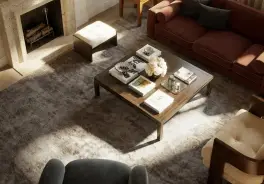
How to Find Furniture From a Photo (the Method That Works)
To find a piece of furniture from a photo, crop the image to that one piece, search the crop with Google Lens, and check the first row of results for the exact product and where it is sold. Everything else in this guide is a variation on that.
- Crop to one piece. Lens matches the whole image. Give it a room and it finds rooms; give it the chair and it finds chairs. Cut the photo so the piece fills most of the frame, or tap the piece inside Lens to narrow the selection.
- Search with Lens. In the Google app or Chrome, tap the camera icon and pick the crop. On a computer, right-click an image in Chrome and choose to search it with Google.
- Read the first row. If the piece is a known design sold online, the exact product usually shows here with prices. The rows below are lookalikes.
- If nothing matches, describe it. Custom, vintage and one-off pieces have no product page to find. Write down the shape, material and approximate size ("curved boucle sofa, about 100 inches") and search those words. ChatGPT or Gemini can name the style for you if you do not know the words.
- Check the size before you buy. Two sofas can look identical in a photo and differ by a foot. Compare width, depth and seat height with your space, and see if it fits through the door with the furniture fit calculator.
Find Every Piece in a Room Photo (Free Finder)
When a photo has four things you want, cropping and searching four times gets old. The free MeltFlex furniture finder does the cropping: it draws a box around every piece it recognizes, names it, and gives each box its own Google Lens search with a crop of just that piece. We make it, so here is exactly what it does and does not do.
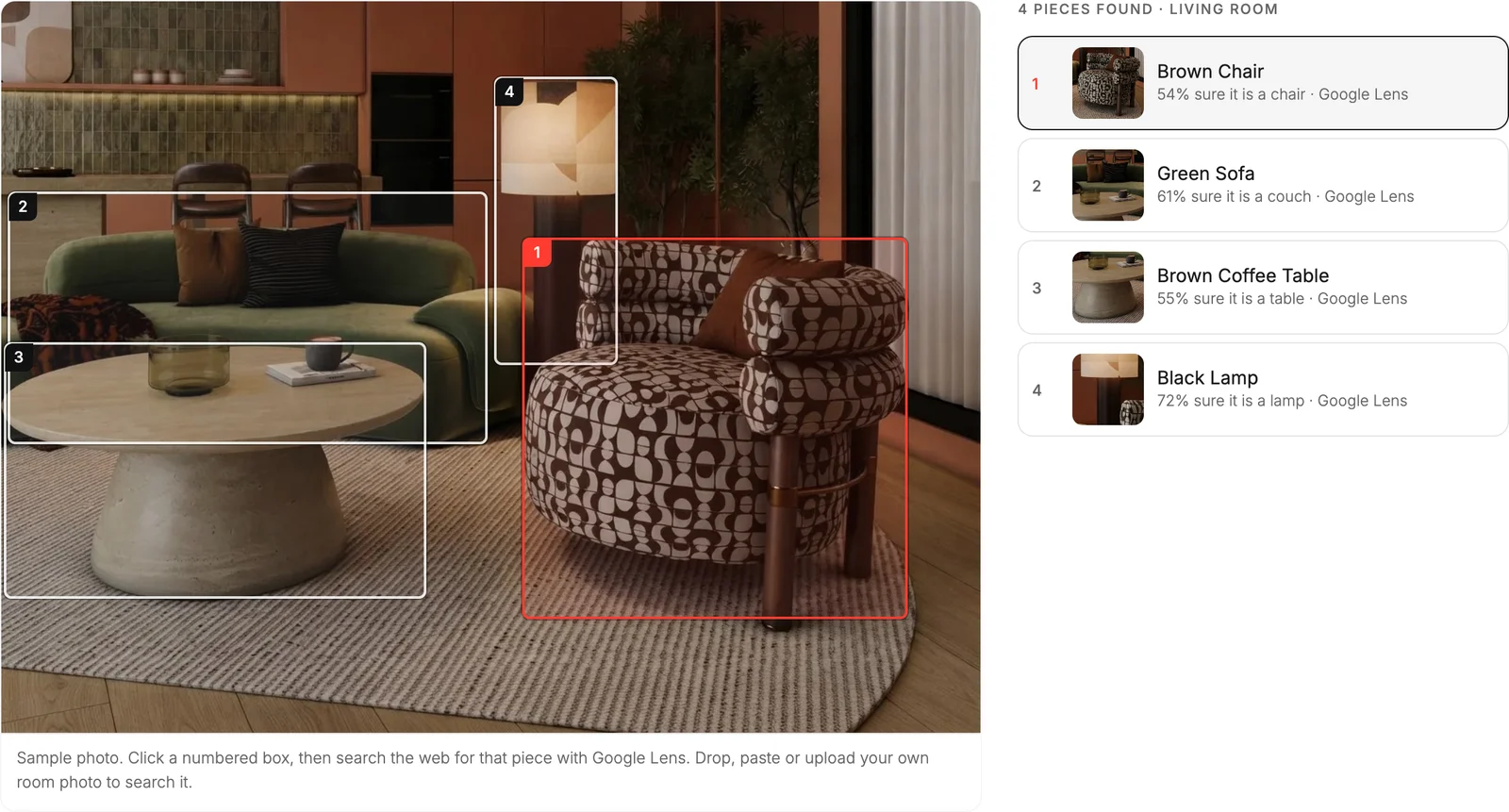
That caption is the honest part. The detector (Google Cloud Vision) is good at sofas, chairs, tables and lamps, and weaker at everything else. We ran it on a second room for this article, a yellow sofa in front of a wall of shelves, and it found 6 pieces: the sofa (68% sure), the pendant light, a floor lamp, the coffee table, and the bookshelf twice, as two overlapping boxes. It called the brown wood coffee table "black hardwood" and missed the striped rug. None of that stops the search from working, because Lens looks at the crop, not the name, but it tells you to read the boxes rather than trust the labels.
- Cost: the first search is free with no account; a free account adds three more, with no card. The Lens searches themselves are unlimited.
- What it does not do: it does not match pieces to a product catalog or show prices itself. Lens does the shopping part, across every retailer and secondhand listing.
- Privacy: the full photo is used once for detection and not kept; only the small crop of each piece is stored so Lens has something to search.
8 Free Tools to Identify Furniture From a Picture, Compared (2026)
We checked each tool's own pages on 29 September 2026. We ran only our own finder; for the others, this is what their makers say they do, not a scored test, and we would rather tell you that than invent accuracy percentages.
Google Lens: still the best free furniture finder
It searches everywhere: brand sites, big-box stores, marketplaces and secondhand listings, which is why it finds the exact product more often than any store's own image search. Its one weakness is the input: it needs a crop of the piece, not the room.
Amazon Lens: when you want to buy on Amazon
Built into the Amazon Shopping app. Upload a screenshot or point the camera, circle the piece if the image has several, and it shows matching Amazon listings. Its newer Lens Live mode scans as you move the camera. It only knows Amazon, so it is a lookalike finder more than an identifier: great for "something like this, cheaper", weak for "what is this exactly".
Pinterest Lens: for ideas more than a single product
Point it at a piece or use it on a pin, and it shows visually similar pins plus a Shop tab of products. It is the best of these for building a look ("rooms with a chair like this"), less direct for buying one exact item.
Wayfair and Houzz: store search inside one catalog
Wayfair's image search matches your photo against Wayfair's catalog; Houzz Visual Match lets you tap a piece in any Houzz room photo and see similar products in the Houzz Shop. Both are useful when you already plan to buy there, and blind to everything else.
ChatGPT and Gemini: when you do not know what it is called
Upload the photo and ask what the piece is, what style, and what words to search. They are good at naming ("a mid-century lounge chair with a molded shell and a sled base") and bad at shopping: they cannot confirm a product exists or is in stock, and they sometimes name a famous designer piece confidently when it is only similar. Use the words they give you in Lens or a store search.
How to Find a Couch, Chair or Table From a Picture
The method is the same for every piece; what changes is how likely you are to find the exact one.
Find a couch by picture
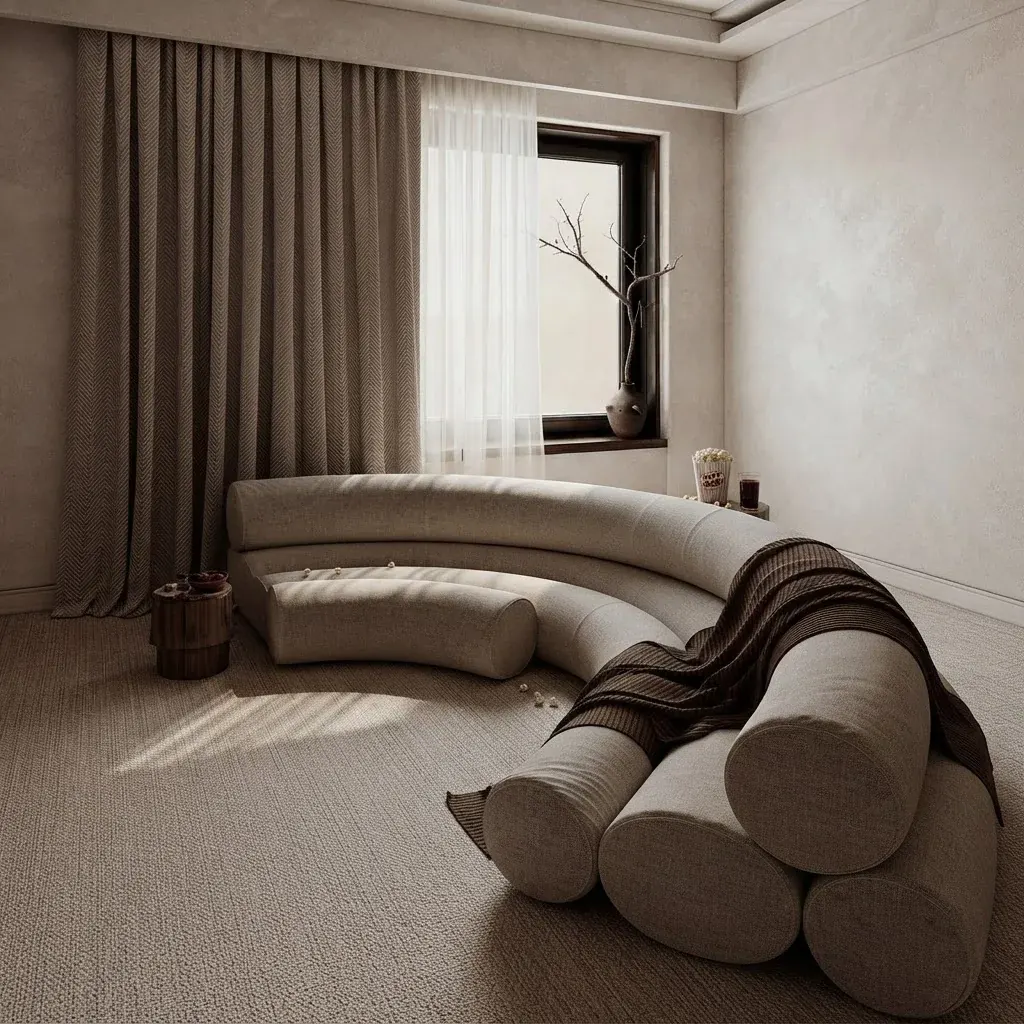
Sofas are the hardest piece to find exactly, because hundreds of models share a silhouette and the difference is in the arm, the leg and the fabric. Crop tight so the arms and legs are visible, and if the first row does not show it, search the description: "curved sofa with cylinder arms", "low channel-tufted sofa". Before buying a lookalike, compare seat depth and height, which vary far more than photos suggest.
Find a chair from a picture

Chairs are the easiest: they are distinctive, usually photographed whole, and famous designs are sold and copied everywhere. Lens often finds the original and a dozen lookalikes in one search. The catch is that a named designer chair and its copy look the same in a photo; the product page, not the picture, tells you which you are buying.
Find a table from a picture
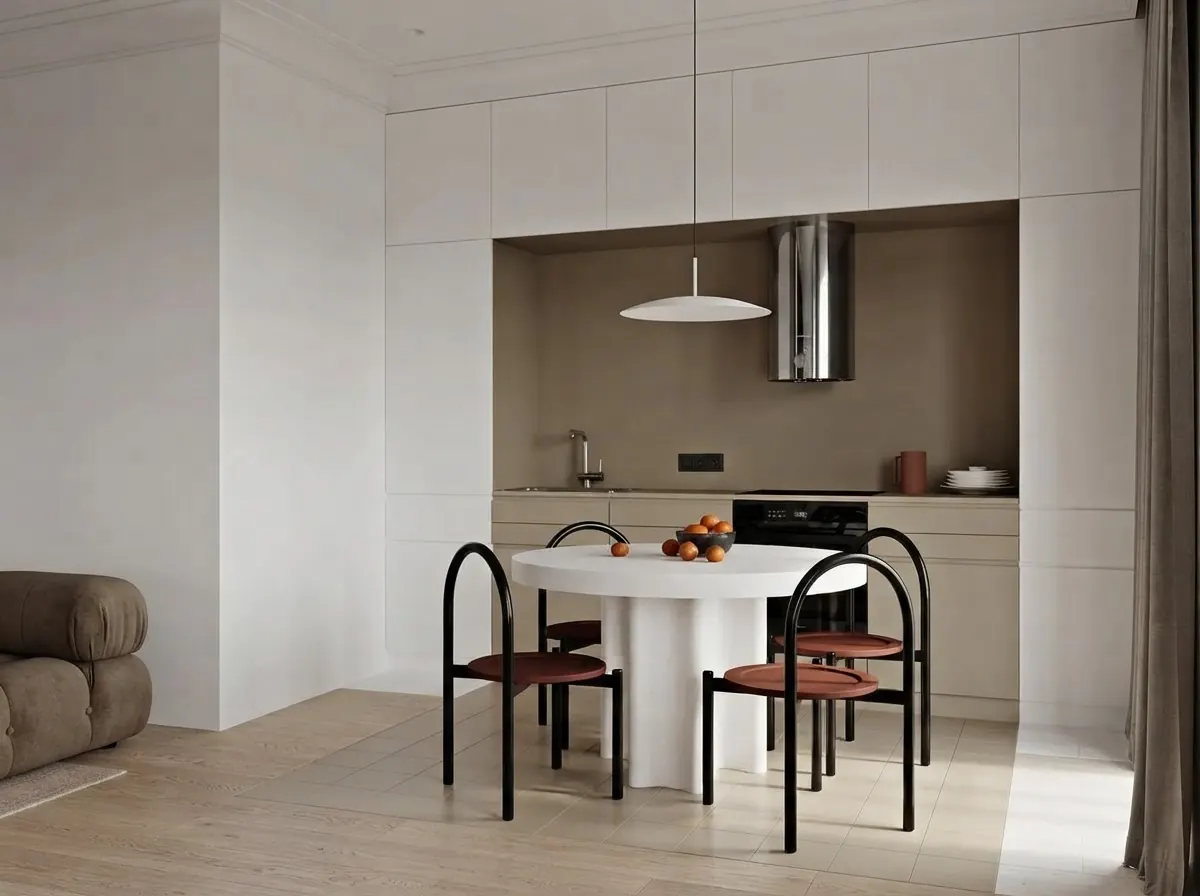
Tables are simple shapes, so many different products match a photo. Add the size and material to the search, and use the top view if you have one: a round top in a perspective photo looks oval, which throws off both Lens and your own eye.
How to Find Cheaper Versions of Furniture (Dupes)
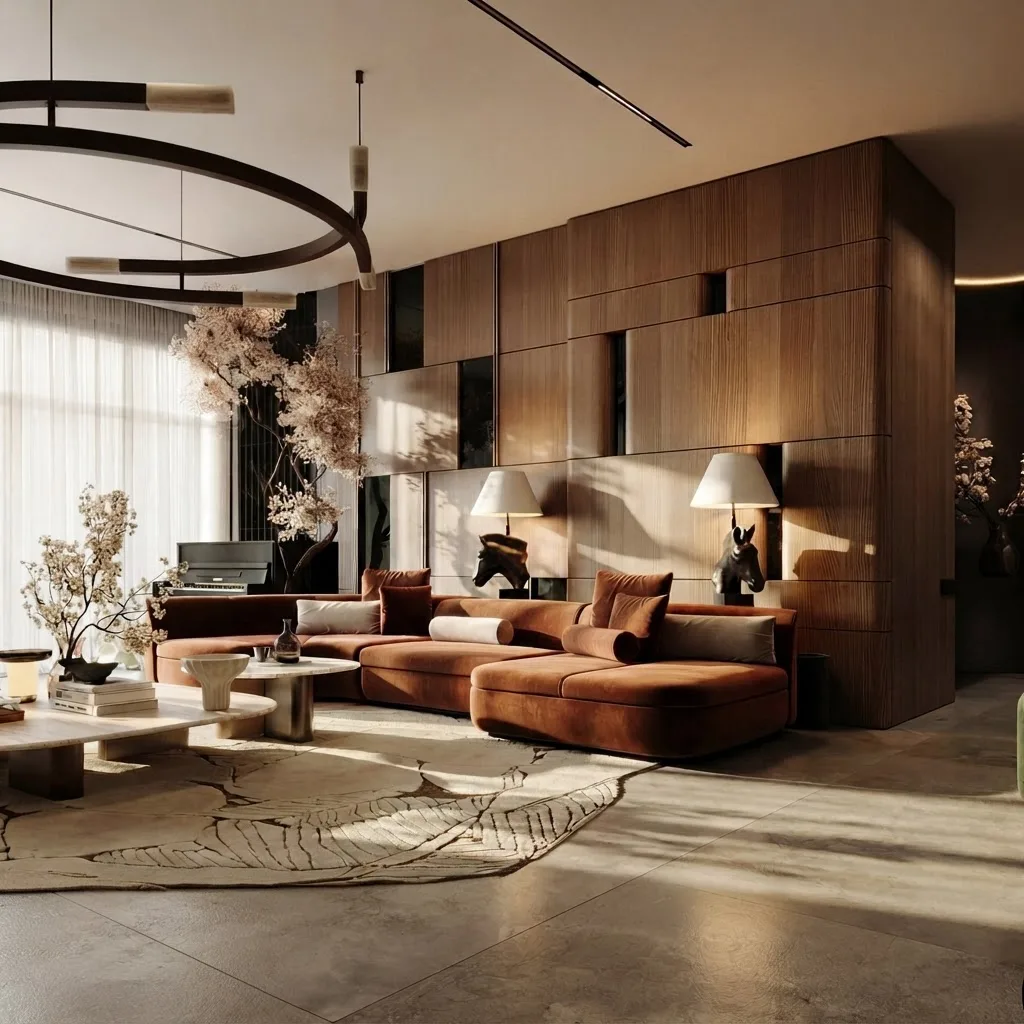
To find a cheaper version of a piece, identify it first, then search its description (shape, material, size) rather than its brand, or paste the product into a dupe finder. The brand name is exactly what you are trying not to pay for.
- Identify the original with Lens or the finder above.
- Run it through a dupe finder. Dupe.com takes a product link, a screenshot or a text description and lists lookalikes from other retailers. It is free with no account, and it earns an affiliate commission when you buy, which is worth knowing when you read its rankings.
- Search the description on the stores you trust: "48 inch round walnut coffee table", not the brand. Amazon Lens does the visual version of this inside Amazon.
- Match the measurements, not only the look. The most common dupe regret is size: a lookalike that is 6 inches shallower sits completely differently.
- Read the right reviews. Skip the star average and read what people say after three months: sagging cushions, wobbling legs, peeling veneer.
Where dupes are worth it: case goods and simple shapes (coffee and side tables, shelving, bed frames, lighting), where the look is mostly the shape and the finish. Where to be careful: sofas and armchairs, where the price of the original pays for the frame, springs and foam you cannot see in a listing photo. Check what the frame is made of and what the cushion fill is before comparing prices. Our best Amazon furniture and best Wayfair furniture guides go piece by piece.
Find Furniture From Instagram, Pinterest or a TV Show
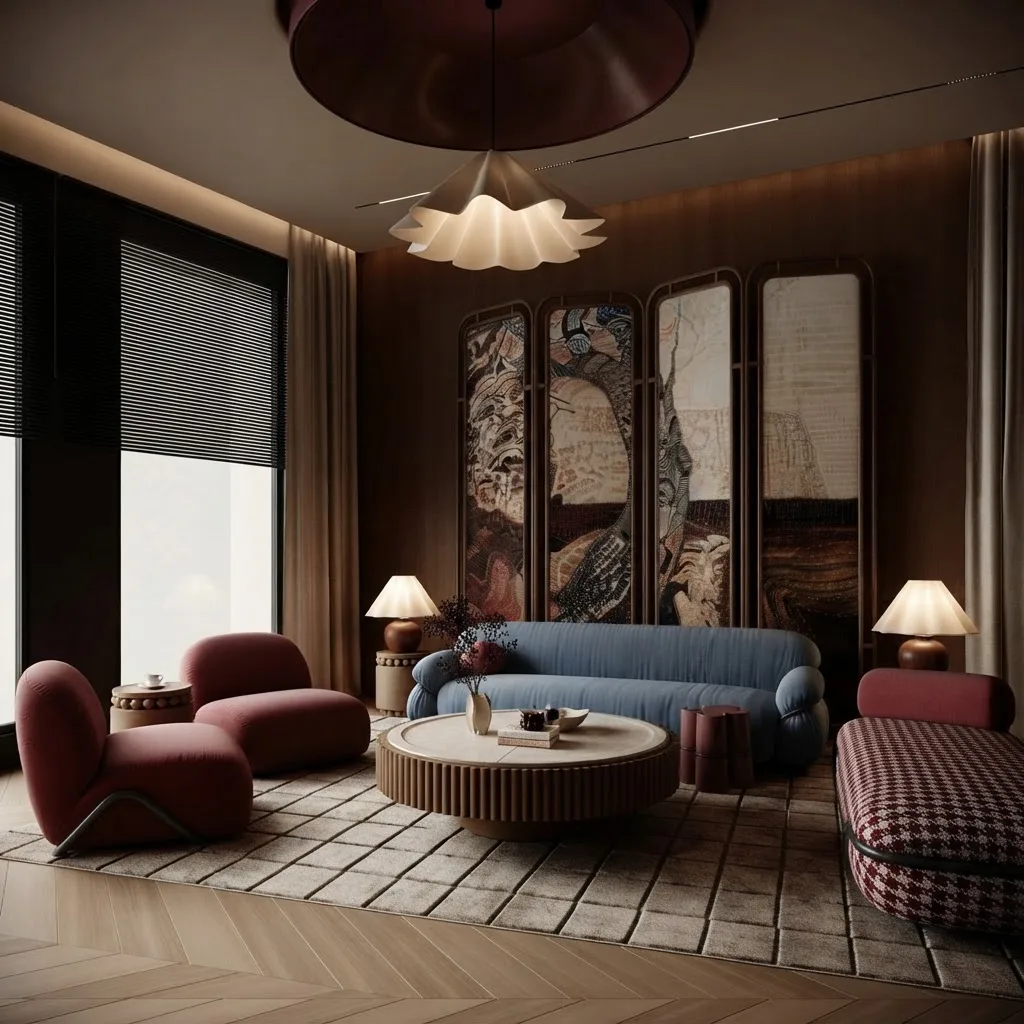
- Check the post first. Designers and brands often tag products or list sources in the caption or comments, and asking the account works more often than you would think.
- Screenshot, then crop per piece. Social images are compressed and full of other things; a clean crop of each piece gives Lens a fair chance.
- On Pinterest, use Pinterest Lens on the pin itself.
- TV shows and films: pause on a clear frame, screenshot, crop and search. For popular shows, design magazines often publish "get the look" pieces naming the furniture on set.
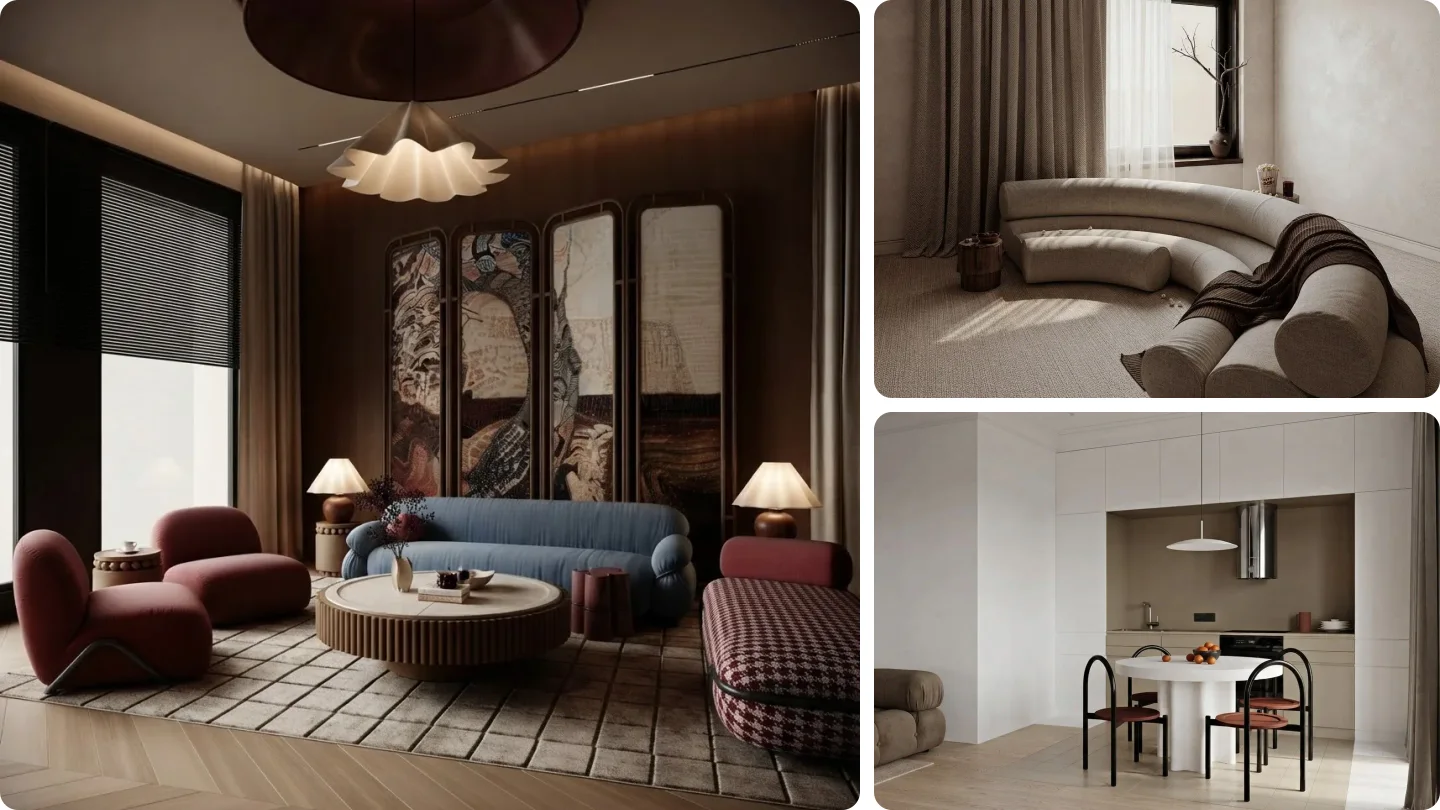
- AI-generated rooms: the furniture in an AI render usually does not exist as a product, so you can only find lookalikes. Lens handles that fine.
Before You Buy: See It in Your Room
Finding the piece tells you what it is. Whether it works in your room is a separate question. Once you have a product, the AI furniture changer swaps it into a photo of your own room, and our guide to seeing furniture in your room before buying compares the free options. For size, measure: the fit calculator checks doorways, hallway turns and stairs.
Watch: Real Furniture From a Room Photo
A MeltFlex demo of redesigning a room with furniture you can actually buy.

Redesigning a room with real, buyable furniture in MeltFlex (clip recorded June 2026).
Frequently Asked Questions
Can I take a photo of furniture and find it online?
Yes. Google Lens is the best free starting point: open the Google app or Chrome, tap the camera icon, and search with the photo. It works when the piece fills most of the frame. If the photo shows a whole room, crop to the one piece first, or use a finder that boxes every piece for you, such as the free MeltFlex furniture finder, which opens a Lens search with a crop of just that piece.
What is the best app to identify furniture from a photo?
Google Lens, because it searches the whole web, including every retailer and secondhand listing. Use Amazon Lens when you want to buy on Amazon, Pinterest Lens when you are collecting ideas, and Dupe.com when the goal is a cheaper lookalike. For a room photo with several pieces, a finder that crops each piece before searching gets better results than Lens on the full photo.
How do I find a couch from a picture?
Crop the photo so the couch fills the frame, then search the crop with Google Lens. Lens returns visually similar couches and the shops that sell them; for a well-known model the exact product is usually in the first row. If the couch is a custom or one-off design, you will get the closest shapes and fabrics instead, and the useful move is to search those words (curved boucle sofa, low channel-tufted sofa) on the stores you trust.
Is there a Shazam for furniture?
Google Lens is the closest thing: point the camera at a piece and it shows where it or something like it is sold. It is less exact than Shazam is with songs, because many sofas and chairs look nearly identical in a photo while differing in size, frame and fabric, so always check the dimensions on the product page.
How do I find cheaper versions of furniture?
Identify the piece first, then search its description, not its brand: shape, material and size, such as "48 inch round walnut coffee table". Dupe.com is built for exactly this: paste the product link or upload a screenshot and it lists lookalikes from other retailers, free and without an account. Filter the results by dimensions and read reviews that mention the frame and cushions before buying.
Is there a website that finds furniture dupes?
Yes. Dupe.com takes a product link, a screenshot or a text description and returns cheaper lookalikes from other retailers; it is free and needs no account, and it earns affiliate commissions on purchases. Google Lens also surfaces lookalikes at many price points, and Amazon Lens does the same inside Amazon.
Are furniture dupes as good as the original?
Sometimes, and it depends on the kind of piece. Simple case goods (coffee tables, shelves, bed frames, side tables) can be close, because the look is mostly shape and finish. Upholstered pieces are where dupes fall short most often, because the frame, springs and foam are where the money goes and none of it shows in a photo. Compare materials, dimensions, weight and warranty, not just the picture.
How do I find furniture I saw on Instagram or Pinterest?
Check the post first: designers and brands often tag products or list sources in the caption or comments. If not, screenshot the image, crop it to the piece, and search with Google Lens. On Pinterest, use Pinterest Lens directly on the pin, which searches similar pins and shoppable products.
Why does Google Lens show rooms instead of the sofa I want?
Because you gave it a room. Lens matches the whole image, so a full living room photo returns similar living rooms. Crop to the one piece before searching, or tap the piece in Lens to narrow the selection. Tools that box every piece and send each crop to Lens do this step for you.
Can I find the furniture from an AI-generated room image?
Only lookalikes. The pieces in an AI render usually are not real products, so no search will find the exact item. Lens still finds the closest real sofas, chairs and tables, which is often good enough to buy the look. If you design rooms with AI, tools that place real catalog products in the image avoid the problem altogether.
Can I see how the furniture I found looks in my own room?
Yes. Once you have a product, the MeltFlex AI furniture changer swaps a piece in a photo of your own room, and IKEA Kreativ does the same for free with IKEA products. Check the size separately with a tape measure or a fit calculator, because an image cannot tell you whether a 90 inch sofa clears your doorway.
Find It, Then Check It Fits
Crop, search with Lens, and check the size. For a whole room, let the free furniture finder box every piece for you.
Related guides: Pottery Barn dupes, best Amazon furniture, see furniture in your room before buying, rearrange your room with AI, and what it costs to furnish a house.



%3A%208%20Free%20Tools%20Checked%20(2026))