MeltFlex AI Is Now on the App Store: The AI Interior Design App That Shows Real Furniture

For two years MeltFlex lived in the browser. People uploaded a photo of their living room, picked a style, and watched it get redesigned with real furniture. They designed over 754,000 rooms that way, across 55 countries. The one thing they kept asking for was an app, so they could do it from the room itself.
Our articles are still written by humans!
Get human written articles in your Google feed.
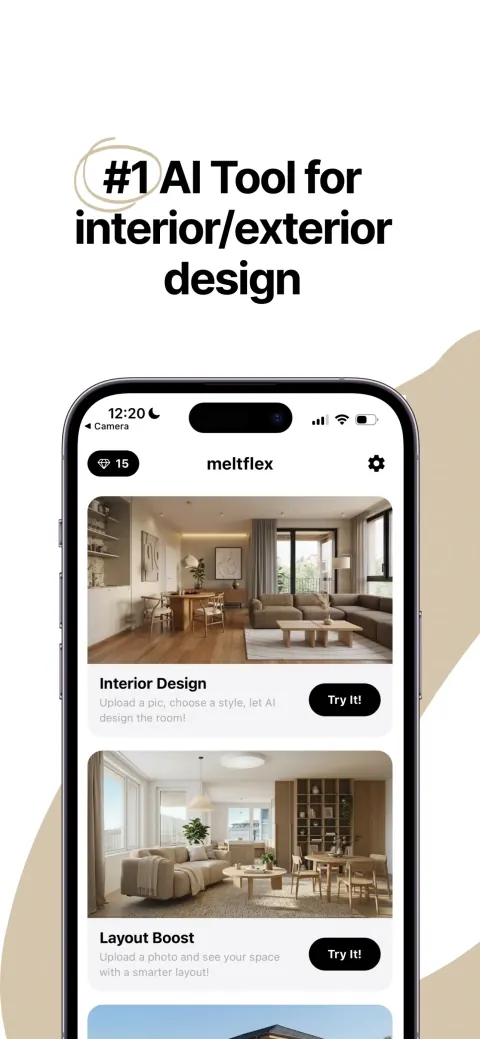
That app is here. MeltFlex AI is now on the App Store for iPhone and iPad. You photograph a room, pick a style, and get a photorealistic redesign in about 20 seconds, with every piece of furniture linked to a product you can buy.
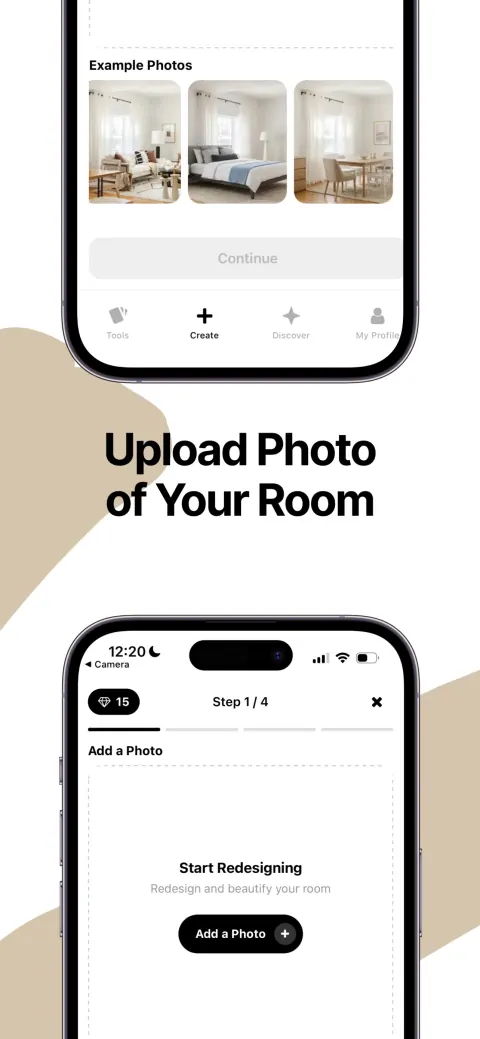
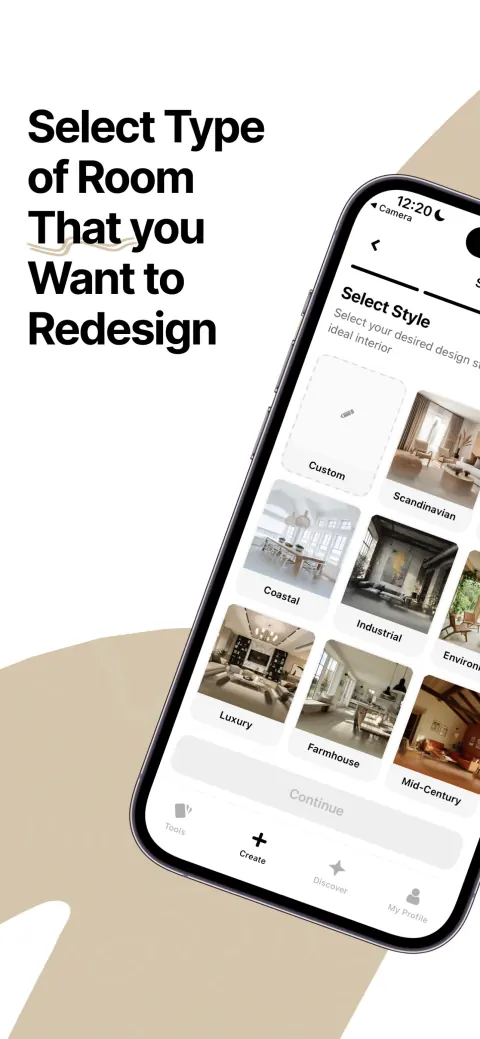
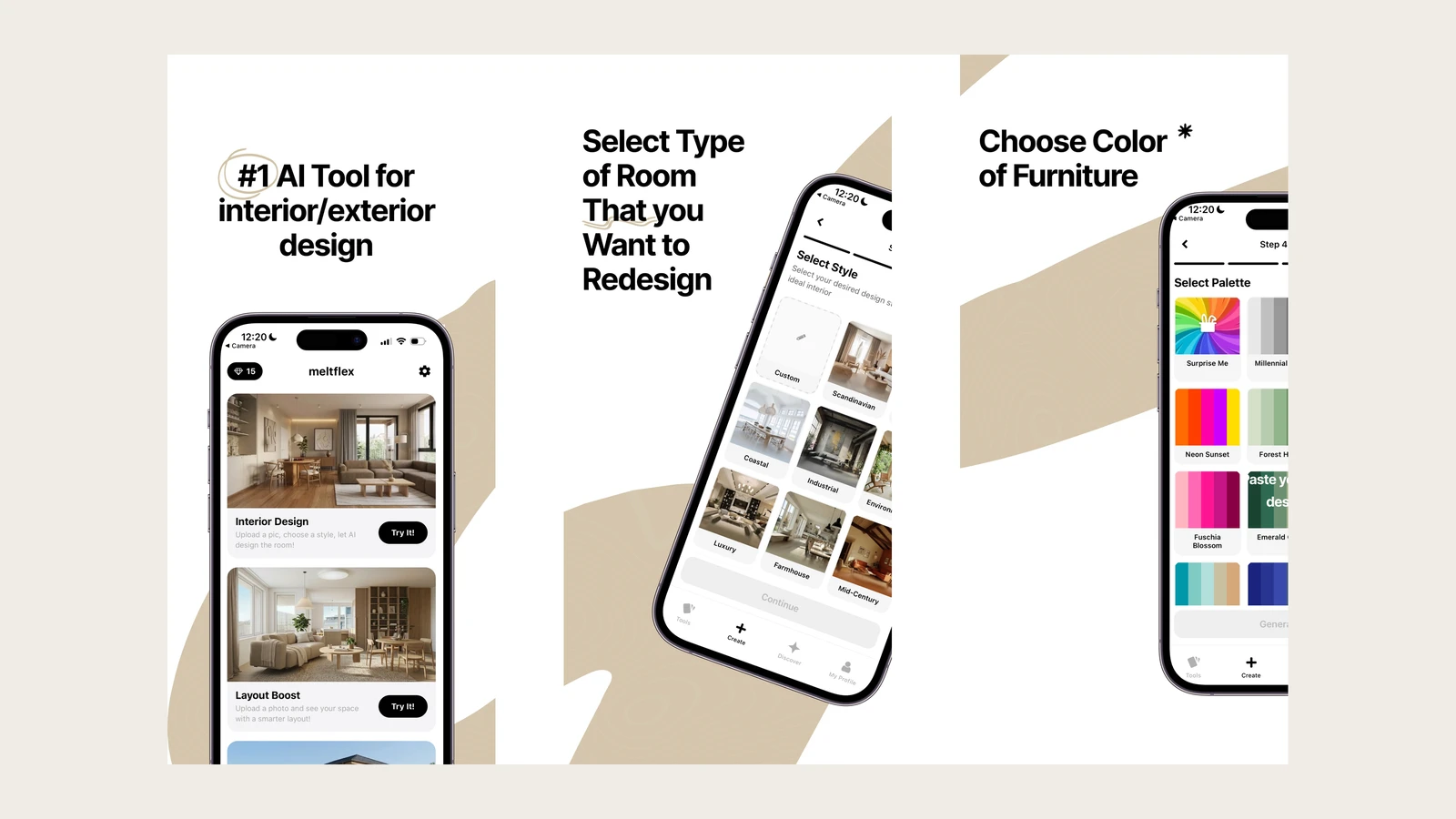
Upload a room, pick a style, get a photorealistic redesign. The whole flow happens on your phone.
FreeUpload photo · freeRedesign my room for freeUpload a photo and let MeltFlex design your space. Your first AI design is free, no card needed.


What the App Actually Does
MeltFlex redesigns your real room, not a stock photo of someone else’s. It reads the walls, windows, and proportions in your photo and keeps them, then restyles everything inside: furniture, color, lighting, decor. The result looks like your room because it is your room.
The furniture it places is real. The app detects each piece and links it to a live product with a price, pulling from IKEA, Amazon, Wayfair, Pottery Barn, and Ashley Furniture. You are not looking at a mood board you can never recreate. You are looking at a room you can order. If you want the technical version, read how AI interior design works.
Six Tools, One App
MeltFlex is not a single redesign button. The app carries the same tools as the web product, each built for a specific job:
- Interior Design. Upload a room photo and redesign it in any of 25+ styles, from Scandinavian and Japandi to Industrial, Coastal, Farmhouse, and Luxury.
- Layout Boost. Keep your furniture, fix the arrangement. The AI re-places what you own for better flow, optimizing for spaciousness, function, or coziness.
- Exterior Design. Photograph a facade, front yard, patio, or backyard and get a photorealistic exterior redesign, including a night view to preview curb appeal.
- Garden Design. Redesign an outdoor space and pick outdoor furniture that fits it, from minimal to lush.
- Floorplan to 3D. Turn a flat 2D floor plan into a photorealistic 3D render. Useful before you move a wall or buy a single piece. See our floor plan to 3D guide.
- Floor and wall restyle. Swap flooring and wall textures to test a finish before you commit to it.

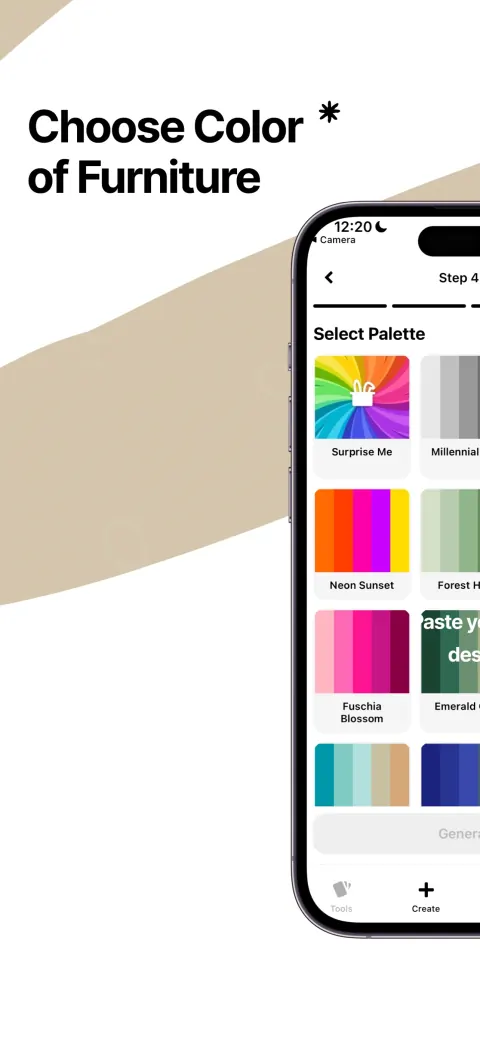
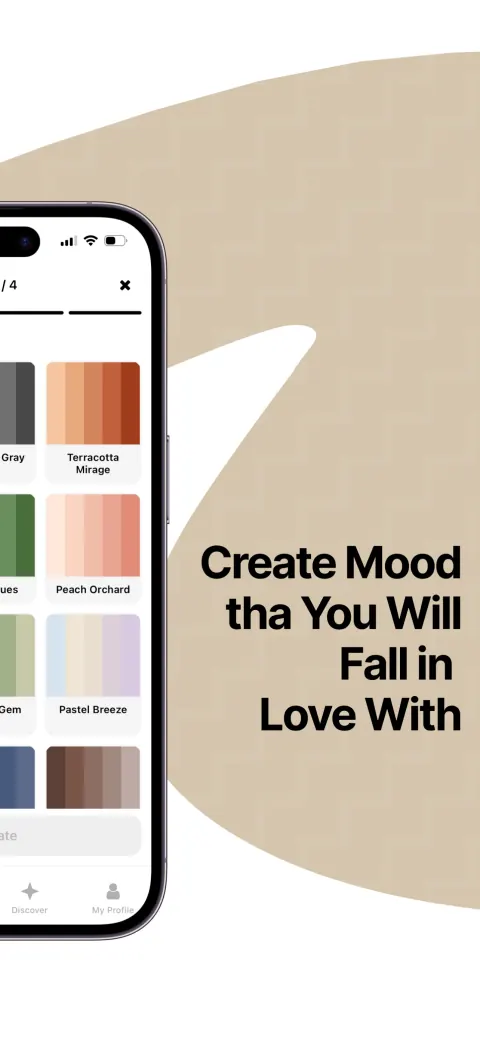
Pick a style, set a palette, then shop the furniture the AI chose. Every version is saved.
Who Uses It, and For What
Three groups get the most out of MeltFlex, and the app was built around how each one actually works.
Homeowners deciding before they buy
Scrolling inspiration is easy. Knowing whether that sofa works in your living room is not. You photograph the room, try it in five styles, and see the exact pieces at realistic scale against your own walls. When you like a version, you tap the furniture and buy it. No measuring tape, no returns because the couch swallowed the room. Pair it with our paint color guide to lock the wall color first.
Real estate agents staging empty listings
An empty listing gets scrolled past. A staged one gets saved, shared, and visited. Physical staging runs 1,000 to 3,500 dollars per room and takes days to book. With the app, an agent photographs a vacant room on a viewing and furnishes it on the spot. The same idea, applied to whole buildings, is how developers use it too, covered in our piece on AI virtual staging for real estate.
Interior designers presenting to clients
Clients love mood boards but freeze when it is time to commit, because they cannot picture it in their own space. A designer can stand in the client’s living room, generate two or three directions on the phone, and let the client react to their actual room instead of a Pinterest board. The decision happens in the meeting, not three emails later.
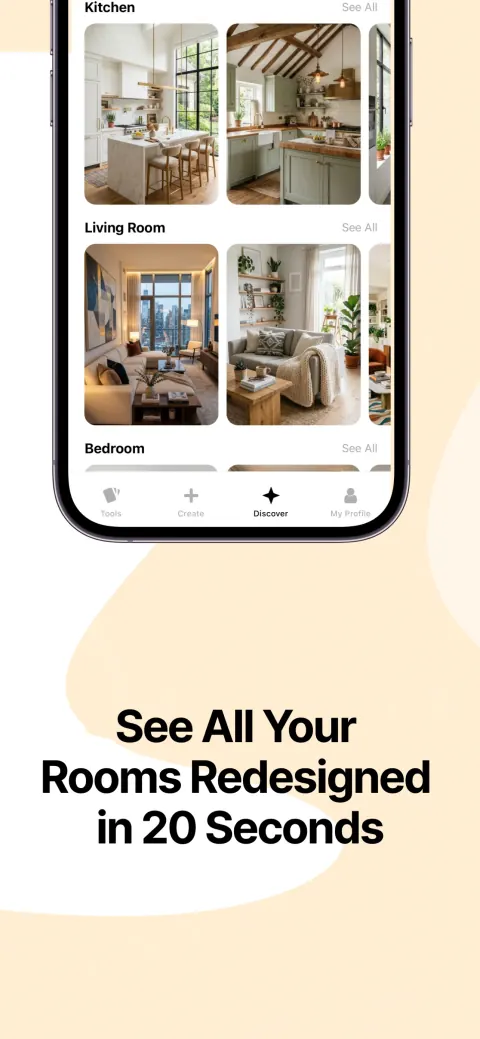
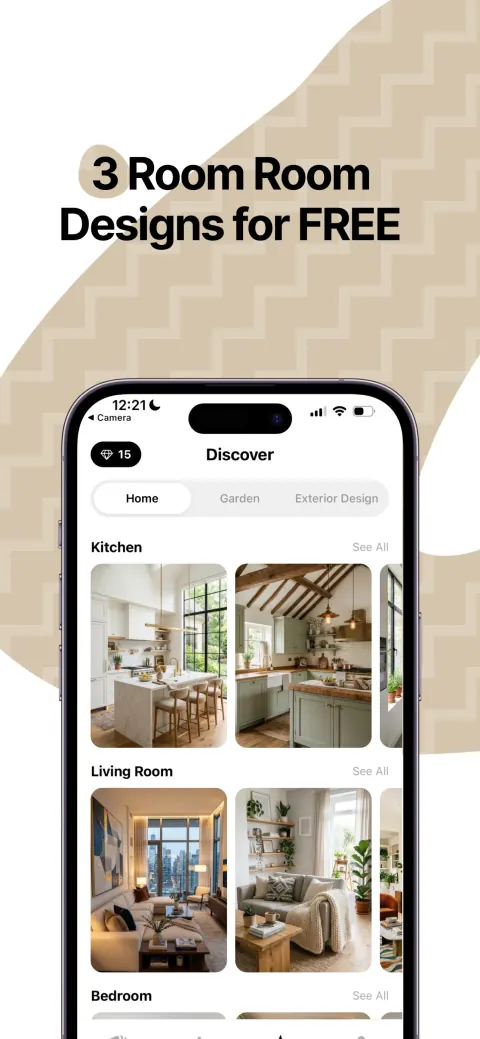
From a phone photo to a finished, shoppable design in about 20 seconds.
How to Redesign a Room in Four Steps
- Open a tool. Start with Interior Design for a full restyle, or Layout Boost to rearrange what you already own.
- Add a photo. Shoot the room on the spot or pick one from your camera roll.
- Pick a style and palette. Choose from 25+ styles, or describe the look in your own words. Our prompts that work show what to type.
- Generate, then shop. The redesign lands in seconds. Try other styles, compare before and after, and tap any piece to buy it.
How It Compares
Most apps in this category split into two camps: AI render apps that make a pretty but fictional room, and old-school planners that make you drag furniture by hand. MeltFlex sits in neither.
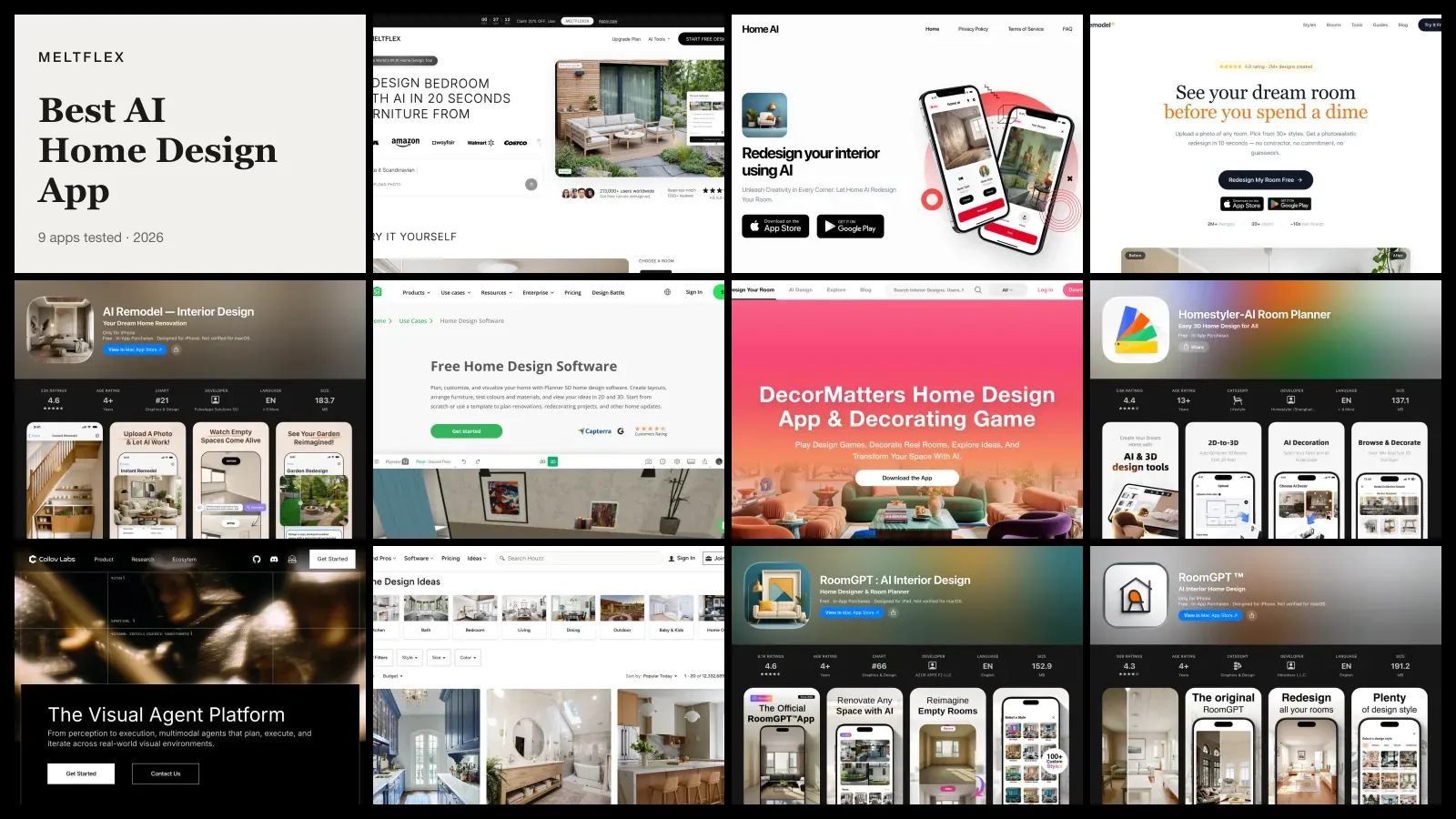
For the wider field rather than our own corner of it, we tested nine of them against real App Store ratings and in-app purchase prices in a full comparison of the best AI home design app options, and the verdict on ours there is a good deal more critical than this page is.
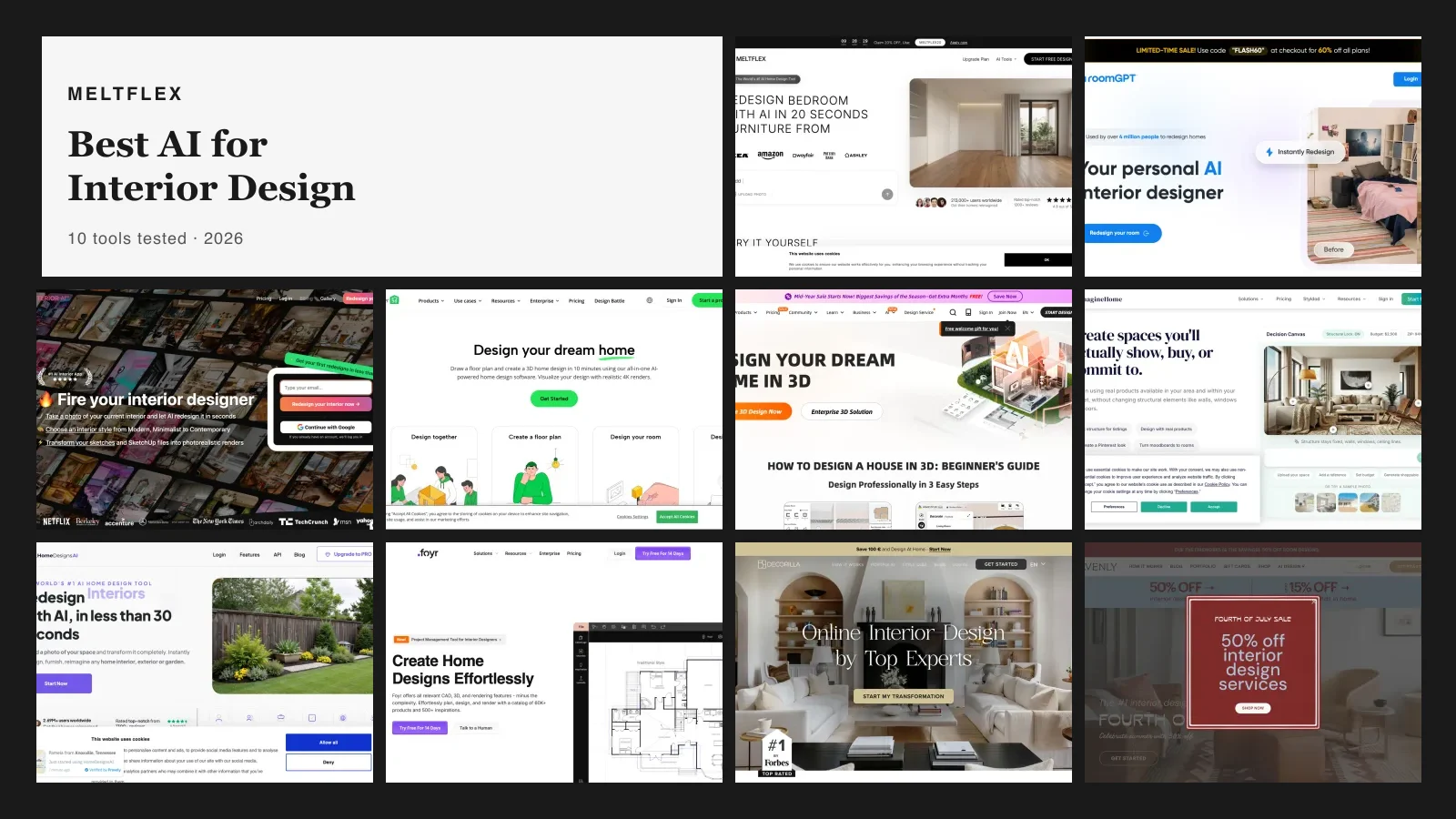
For the full field, see the best AI interior design tools compared and the best RoomGPT alternatives.
What It Costs
Free to download, free to start. New accounts get design credits so you can redesign real rooms without paying anything. If you run out and want more generations, higher resolution exports, or watermark-free downloads, paid plans are inside the app. Installing it and making your first designs costs nothing. If you would rather compare what every app and site gives you before paying, our test of free AI interior design tools lists the free allowance, watermark and account rules for eleven of them.
Get the App
Stop guessing how a room could look and see it. Photograph any space, pick a style, and have a finished, shoppable design before you put the phone down.