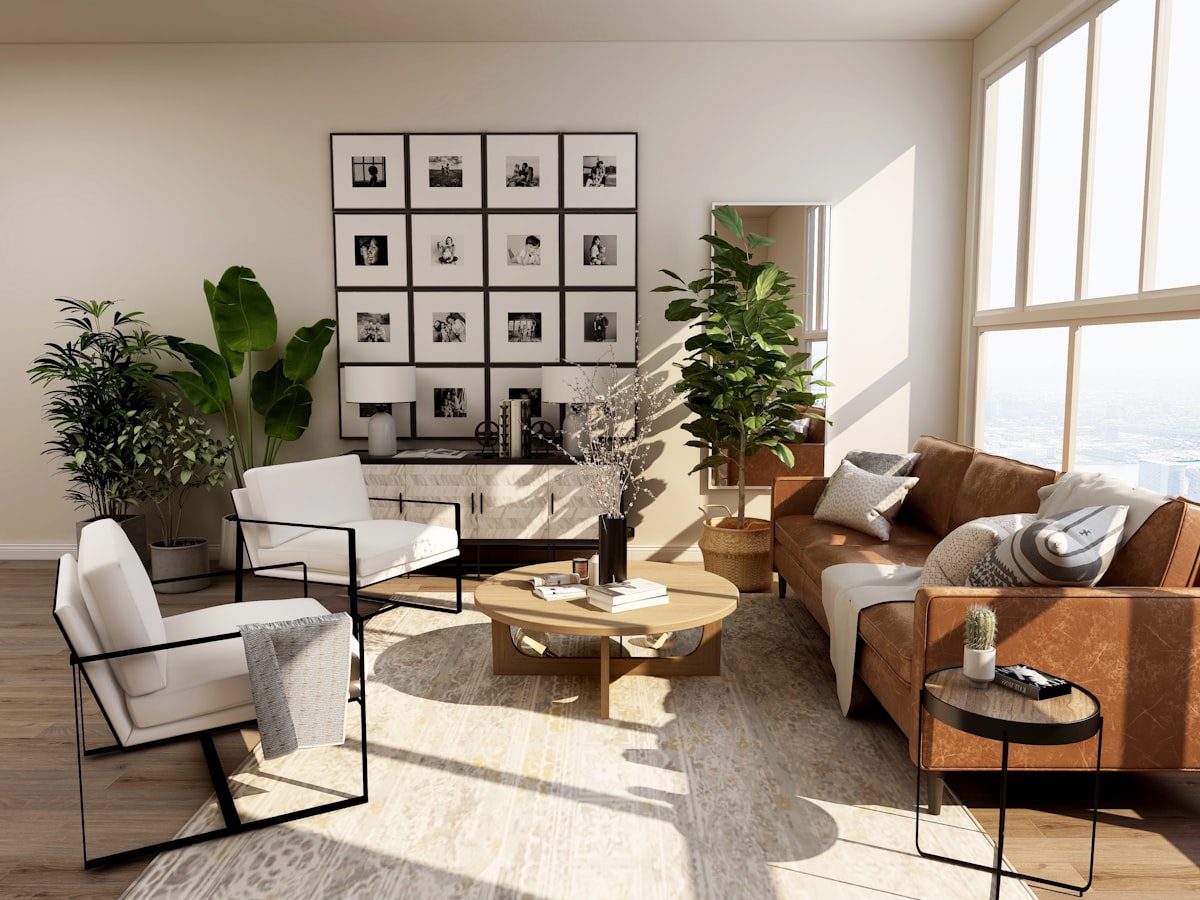
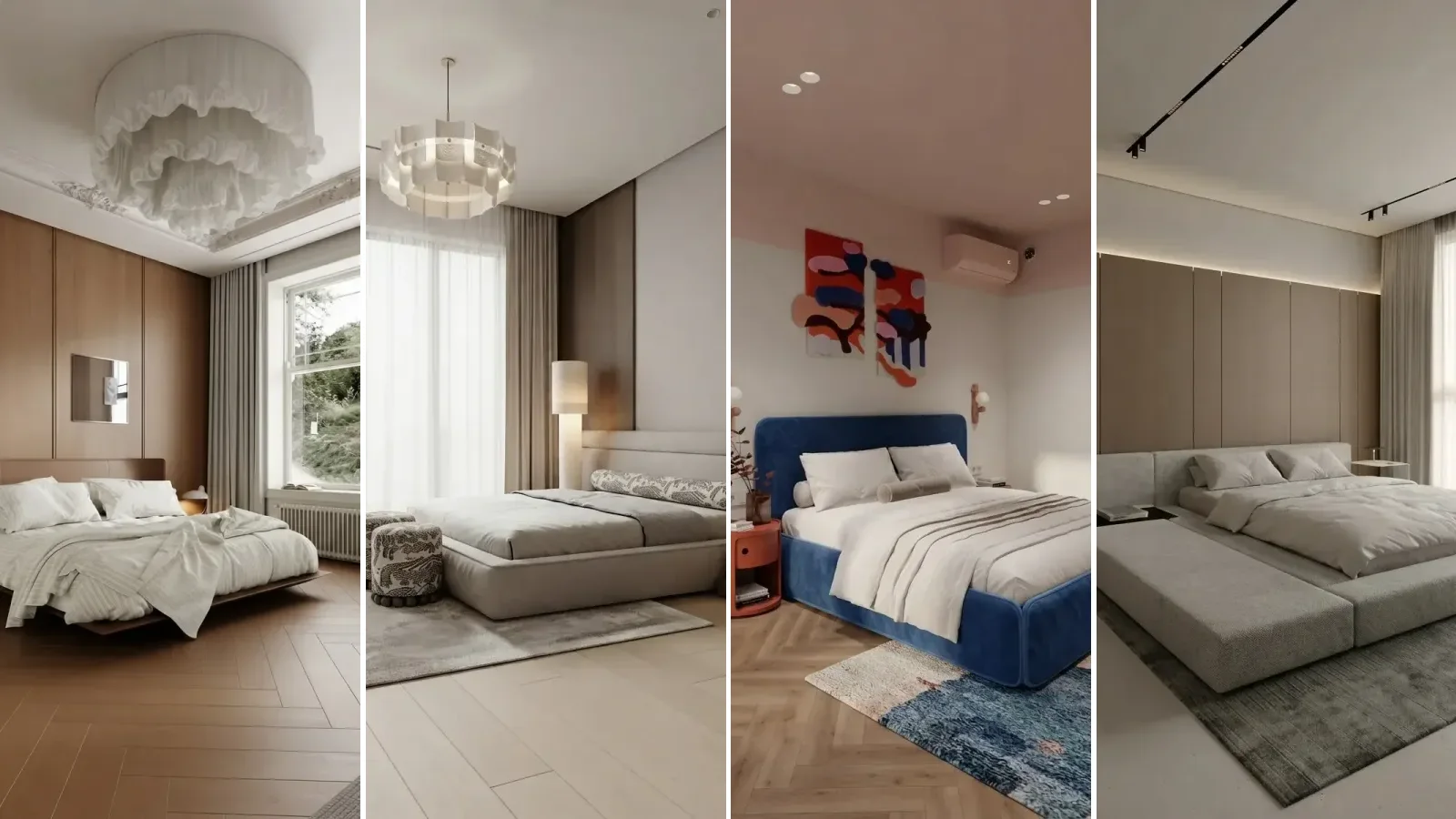
AI Furniture Placement: How to Rearrange Your Room From One Photo, Free (2026)

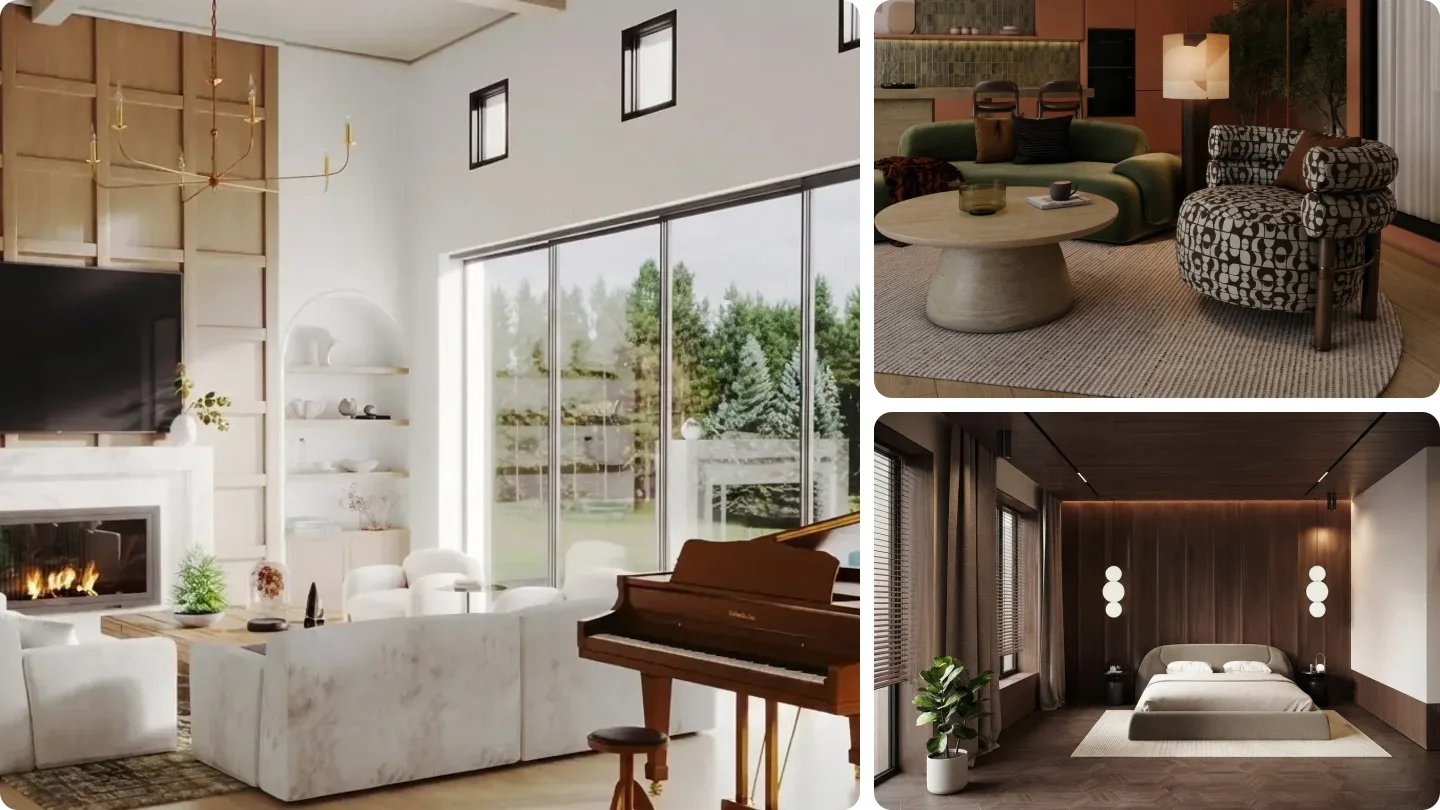
Short answer: yes, AI can rearrange your room from one photo, and you can try it free. Upload a wide shot from the doorway to a tool with a keep my furniture option and you get the same sofa, chairs and rug in a new arrangement in about 20 seconds. What AI cannot do is measure your room: it redraws a picture, so the last step is always a tape measure. We checked 8 tools on 29 September 2026; the comparison table is below, and so are the clearances in inches to check any layout against.
Our articles are still written by humans!
Get human written articles in your Google feed.
Most people who type rearrange my room AI are not shopping. They have a living room that feels wrong, the same furniture they will still have next year, and no wish to drag a sofa across the floor four times to find out. That is exactly the job AI does well now, as long as you know what it is really doing and where it cheats.
If you would rather work it out on paper first, our guide on how to rearrange your room without moving any furniture walks one living room through five layouts by hand.
FreeUpload photo · freeRearrange my room for freeUpload a photo and MeltFlex plans a new furniture layout around your walls, windows and doors. Your first AI design is free, no card needed.
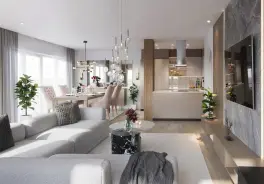
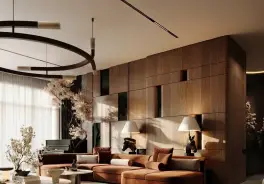
Can AI Rearrange My Room? What It Actually Does
AI furniture placement means software that looks at your room and proposes where the furniture should go. In 2026 it comes in three kinds, and they answer different questions:
- Photo rearrange: you upload a photo of the room as it is, and the AI returns the same room with the same pieces moved. This is what most people want, and it is where AI is strongest.
- Photo placement: you upload the room and a new piece (a sofa you are thinking of buying), and the AI shows it in place.
- Plan layout: you give it a floor plan or dimensions, and it fills the plan with furniture you can move. This is the only kind that works in real measurements.
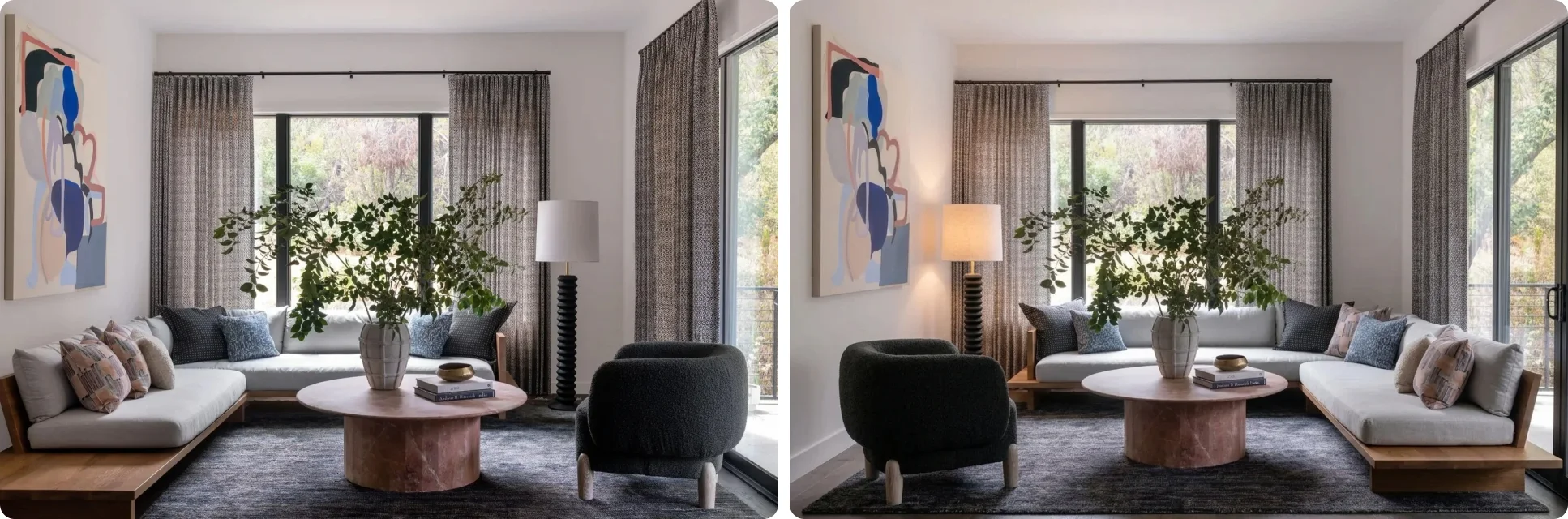
Look closely at that pair, because it shows both the value and the catch. The value: you see a genuinely different arrangement of your own pieces, and nobody lifted anything. Whether it is better depends on things only you know, such as which door you use most and where the afternoon sun lands. The catch: the model did not slide objects around a 3D scene. It painted a new photo in which your furniture is in new places. Most of the time the pieces come back recognizable. Sometimes a sofa grows a foot, a chair changes legs, or a window drifts. That is why the steps below end with a comparison and a tape measure.
How to Use AI to Rearrange a Room (Step by Step)
To rearrange a room with AI, photograph it from the doorway, upload it to a layout tool, choose what to improve, keep your existing furniture, and check the result against the original before you move anything. Each step below is there because skipping it is the most common reason people decide the tool did not work.
- Photograph the room from the doorway. One level, wide shot that shows the floor and at least two walls. Daylight, lights on, clutter picked up. The AI can only rearrange what it can see: a photo of one wall gives it nothing to move, and a phone held at chest height tilted down hides the floor, which is where the layout lives. Use the 0.5x lens if your phone has one.
- Choose what the layout should improve. In the MeltFlex layout tool that is three settings. Spaciousness clears the middle and the paths, best for small rooms and anywhere you keep bumping into something. Functionality makes seats face something and puts a surface within reach of each. Coziness pulls seating into a tighter group, best for large rooms that feel like a lobby.
- Keep your existing furniture. With Keep & Rearrange on, the instruction is to move the pieces you own. With Suggest New, the AI is free to invent different furniture, which answers a different question (what should I buy) and is the setting people most often leave on by mistake.
- Check every piece against the original. Put the two images side by side and count: same number of seats, same sofa length relative to the window, same rug, doors and windows where they were. If anything grew, vanished or moved in the architecture, run it again rather than trusting it.
- Measure before you lift anything. Take the proposed layout and check it against the clearance table below. It takes five minutes, and it is the difference between a better room and a sofa wedged against a radiator the AI never saw.
This is the sentence the MeltFlex tool sends for the default settings, and the same structure works in any image model that edits photos:
Optimize this room's layout for spaciousness, airy & open feel, keeping the existing furniture.
In Gemini or ChatGPT, add one more sentence, because general models are happy to move a window if it makes a nicer picture: Keep the walls, windows, doors, floor and every piece of furniture; change only where the furniture stands. Our ChatGPT room design guide has more wording that holds the room in place.
8 AI Tools That Rearrange or Place Furniture, Compared (2026)
We checked each tool's own pages on 29 September 2026, without paying. "Keeps your furniture" means it can rearrange what is in your photo rather than restyle the room with new pieces. Prices are the cheapest paid plan the vendor showed us.
MeltFlex Layout Boost: the best free start for rearranging what you own
We make MeltFlex, so weigh this accordingly, and here is the argument rather than the adjective. It is the only tool in the table built around the exact job most searchers have: one photo in, the same furniture rearranged, with the rearranging as a switch rather than a hope. REimagineHome does the same job and is the closest alternative. What tips it for us is what happens after the layout: in the same workspace you can swap one piece for a real product placed at its real size (IKEA on the free plan, nine brands on paid), check the new sofa with the furniture fit calculator, and restyle the room without starting over.
The honest limits: free results carry a small meltflexai.com watermark, one run costs 10 of your 15 signup credits, and it works from a picture, so it has no idea your radiator is 30 inches wide unless the photo shows it. It does not measure the room.
REimagineHome: a strong alternative with more free runs
REimagineHome has a dedicated room rearrange flow that reads your photo, keeps the architecture and returns rearranged options, and its free allowance (5 designs, no card) is bigger than ours. It is built for real estate first, so the controls lean toward staging listings. If you want the most free attempts at one room, start here.
Gemini and ChatGPT: free, flexible, and the most likely to cheat
Both will rearrange a room photo on a free account if you ask precisely. Gemini tends to hold the walls and camera angle better; ChatGPT is better at writing you a reasoned layout plan alongside the image. Both drift over several turns: pieces merge, sizes change, a second armchair appears. Use them to explore ideas, and check anything you like against the original photo.
IKEA Kreativ: the best free way to place new IKEA furniture
Kreativ is a different job done well. You photograph or scan the room, erase what is there, and place IKEA products at scale, then add them to the cart. It is free. It only knows IKEA, and it will not rearrange your own sofa for you, because your sofa is not in its catalog.
The rest
AI Smart Decor is handy for one question (where would this chair go) and needs no account, but it says itself that its result is a concept, not a measured plan. Planner 5D is the pick when you want to work from a plan and keep editing in 3D; its AI placement sits behind an account and a trial. RoomGPT turns up in these searches but restyles rooms with new furniture; it does not rearrange yours.
How to Put New Furniture Into a Photo of Your Room
To see a piece you are thinking of buying in your own room, use a tool that places real products, not one that paints something similar. This is where general tools like Photoshop's Generative Fill frustrate people: you give it a room and a sofa, and it paints a sofa, not yours, at whatever size looks right to it.
- MeltFlex furniture tool: pick a real product from the catalog and it is placed in your photo at its real dimensions (15 credits; IKEA on the free plan). Good for "will this sofa look right here."
- IKEA Kreativ: free, IKEA only, and it can erase your current furniture first.
- AI Smart Decor: free, takes your own furniture photo, gives a rough concept.
For swapping one piece that is already in the photo (the sofa, the rug, the dining chairs), the AI furniture changer does that without touching the rest of the room.
AI Furniture Layout From a Floor Plan or Dimensions
A floor plan is the only input that gives an AI real dimensions, so it is the right start when the question is "will it fit" rather than "will it look better." The options, honestly:
- Planner 5D AI furniture placement furnishes a plan you draw or upload, then lets you move, resize and swap pieces in 2D and 3D. It is the closest thing to a true AI layout planner, behind an account and a trial.
- MeltFlex floor plan to 3D turns a floor plan image into a furnished, photorealistic render for 10 credits. It shows how the rooms could be furnished; it is a picture, so it does not let you drag individual pieces or read off clearances. We tested it with 12 other tools in our floor plan to 3D comparison.
- Only dimensions, no plan? Draw the room as a rectangle on paper or in a free planner such as Floorplanner or Roomstyler, mark the doors, windows and radiators, and use that as your plan. You get correct scale; you lose your real light and furniture.
If you have both a photo and a plan, use both: the plan to settle what fits, the photo to see which arrangement you actually like living with.
Furniture Placement Clearances in Inches (Check Any AI Layout Against These)
No AI tool on this page measures your walkways, so this table is the check. The walkway numbers follow the 36 inch clear width that the ADA Standards set for an accessible route (section 403.5.1). A home is not a public building, but a path that stays under about 30 inches for more than a step or two will annoy you every day.
For rugs, the numbers people get wrong are simpler: in a living room at least the front legs of every seat should sit on the rug (an 8 by 10 foot rug in most rooms); under a dining table the rug should run about 24 inches past the table edge so a pulled-out chair stays on it; under a bed, 18 to 24 inches past each side. The rug size calculator works this out from your furniture.
The Furniture Placement Rules a Good AI Layout Follows
When you judge an AI result, these are the rules that separate a layout that works from one that only photographs well.
1. Start from the focal point
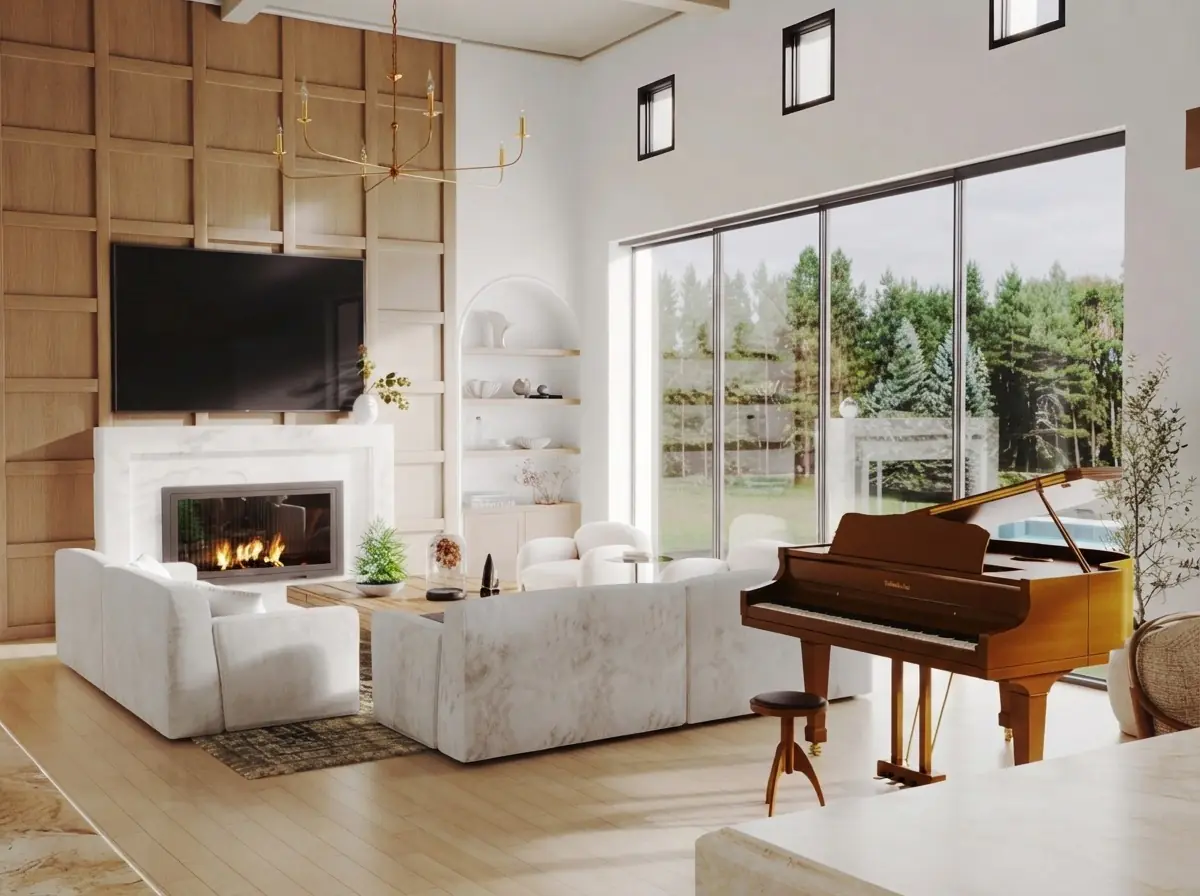
Every room has one thing the seating should face: a fireplace, the TV, a window with a view. Place the main sofa for that first and let everything else follow. A layout that makes you twist your neck to see the TV fails no matter how good it looks from the doorway.
2. Keep the conversation group tight
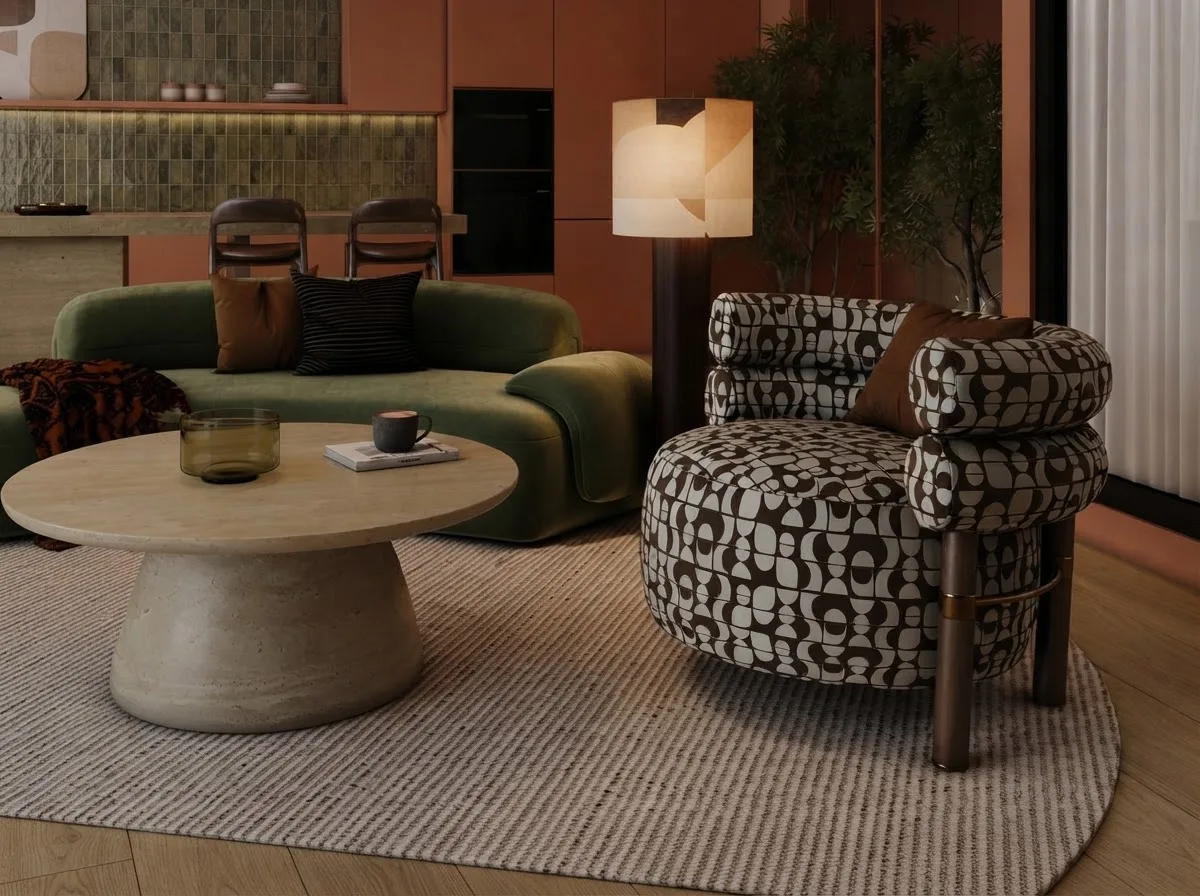
Seats in one group should be within about 8 feet of each other, and every seat needs a surface within arm's reach. Big rooms tempt people (and AI) to spread furniture to the walls, which leaves everyone shouting across an empty rug. Choosing coziness in a layout tool pulls the group back together.
3. Float the sofa when the room is big enough
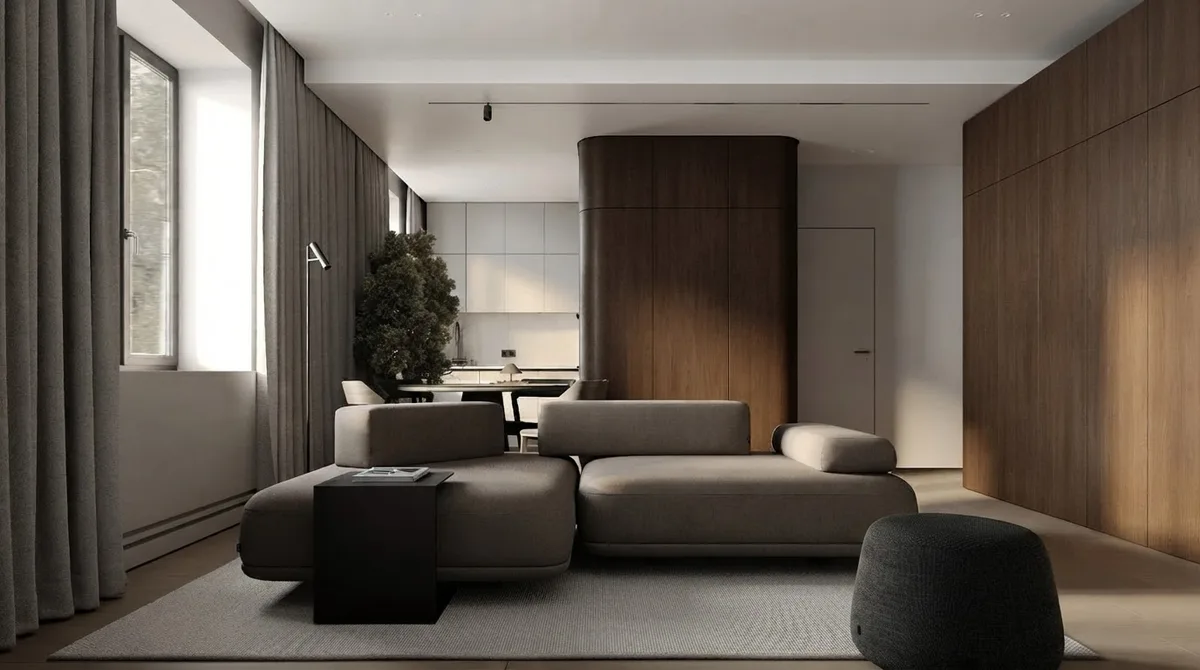
Pushing every piece against the walls is the most common layout mistake in medium and large rooms: it leaves a dead zone in the middle and makes the room feel like a waiting room. Pull the sofa off the wall, and in an open plan use its back to divide the living area from the dining or kitchen zone. Keep 30 to 36 inches free wherever people walk behind it.
4. Anchor the group with a rug that is big enough
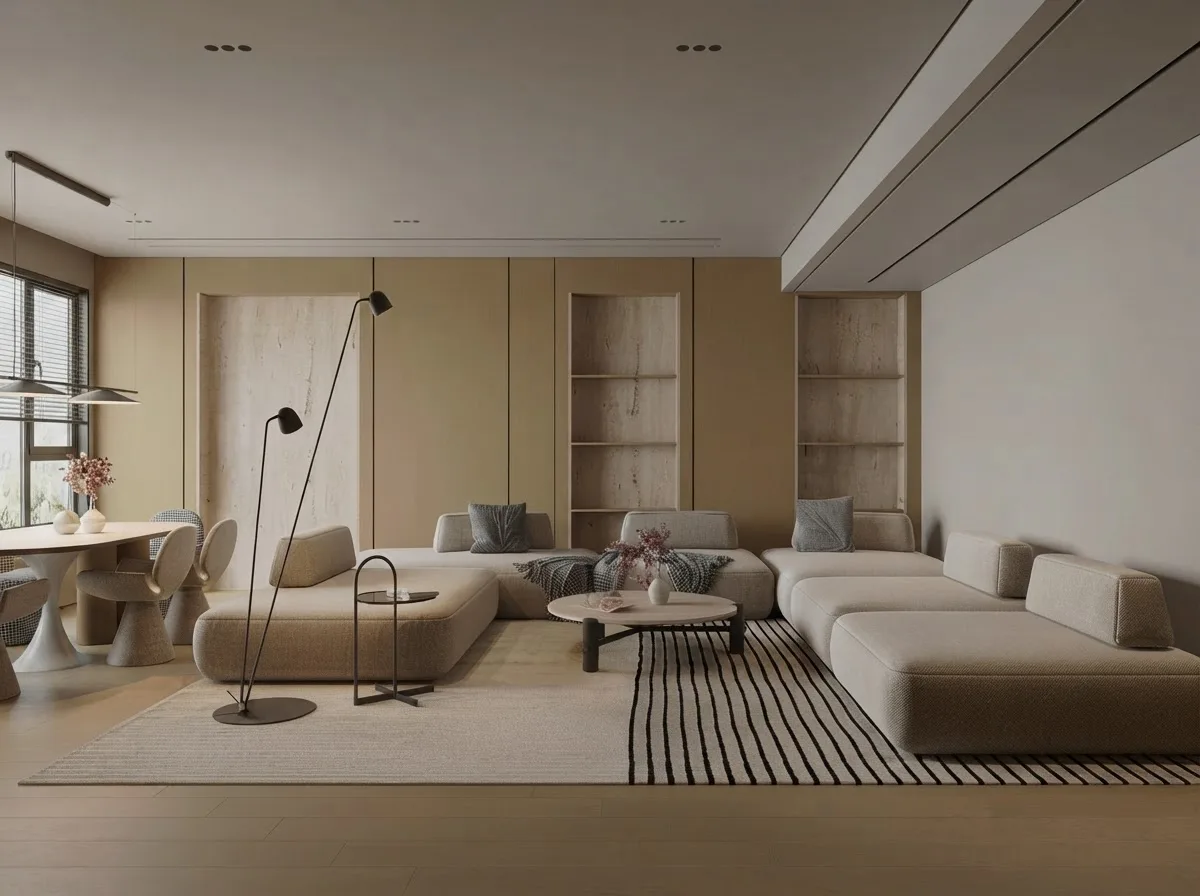
A rug that only fits under the coffee table makes a seating group look like it is drifting apart. At minimum, the front legs of every seat go on the rug. AI tools often keep your old rug and move the furniture off it; check for that specifically.
5. Keep the routes clear
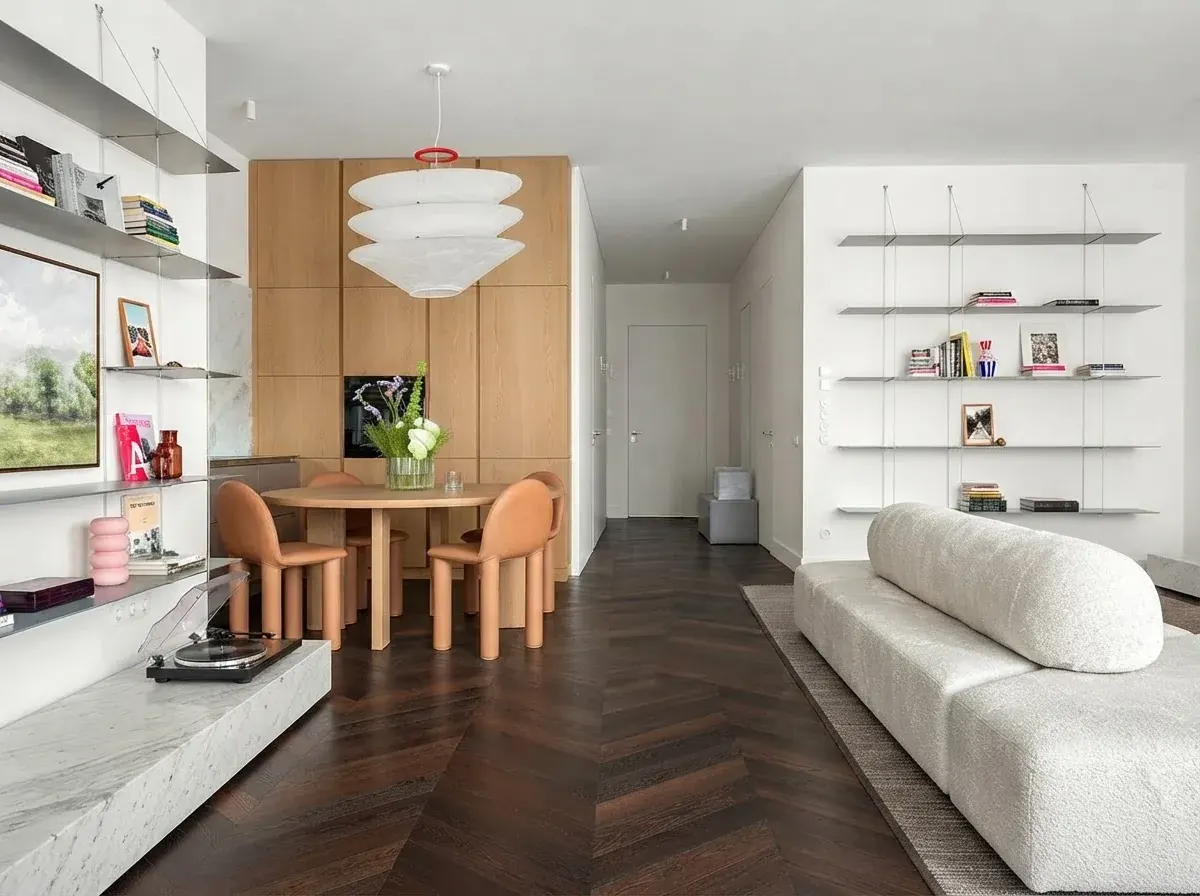
Trace the route from each door to where people actually go (the sofa, the kitchen, the balcony). If a route zigzags around a chair or narrows below 30 inches, the layout will feel wrong every day even if it looks good in a photo. This is the check AI tools miss most often, because a photo does not show the path, only the furniture.
6. Respect every door swing
Every door needs its full arc clear: entry doors, closets, balcony doors, even the dishwasher. A sofa that technically fits the wall but stops the balcony door at half open is not a layout, it is a return. Photos rarely show a door's swing, so check this one yourself.
Room by Room: Where the Main Piece Goes
Living room
Sofa first, facing the focal point. Coffee table second, 14 to 18 inches from the sofa. Chairs third, at right angles to the sofa to make an L or a U. Side tables fourth, one within reach of every seat. Lamps last, one near each reading seat. Our open floor plan layout ideas cover rooms that share space with a kitchen or dining area.
Bedroom
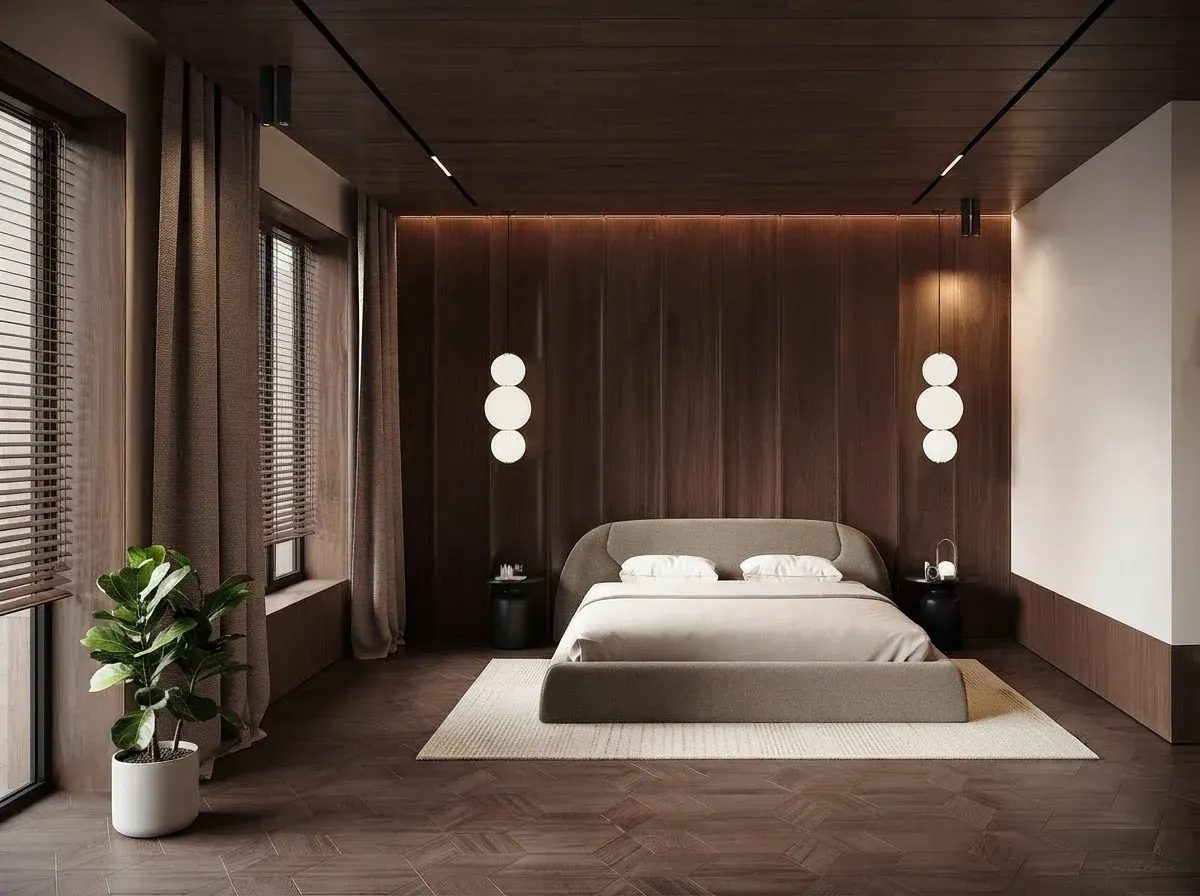
The bed goes first, headboard against the longest solid wall, ideally where you can see the door from bed without facing it head-on. Keep 24 inches beside the bed at minimum, 30 to 36 inches on any side someone uses every day, and 36 inches in front of the dresser so drawers open with you standing there. Avoid putting the headboard under a window if you can: drafts, light and a place to hang curtains all suffer.
Small bedroom or studio
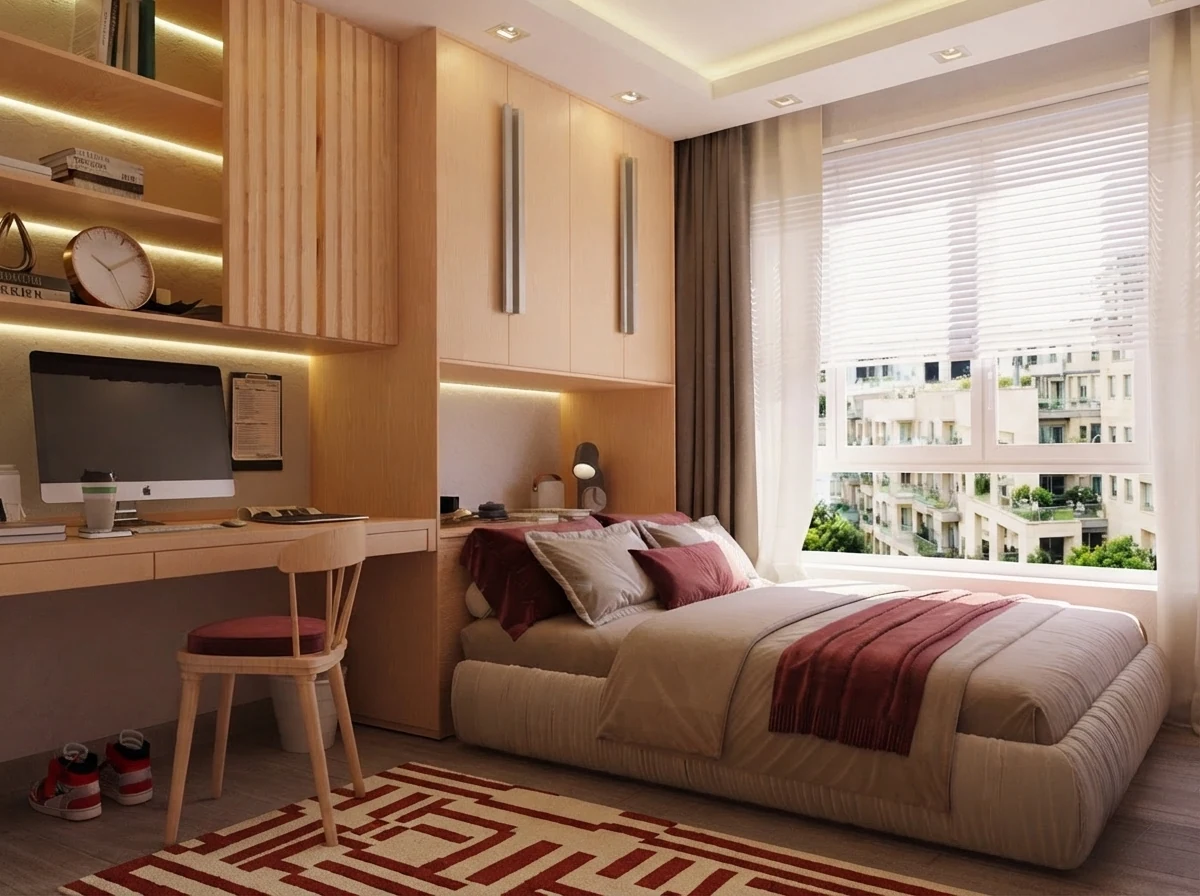
Small rooms reverse the float rule: pushing the bed and desk against the walls is right, because the open floor is the most valuable thing you have. Go vertical with storage, choose furniture on legs so you see more floor, and use spaciousness if you run the photo through a layout tool. Our what size furniture fits my room guide has the size limits by room size.
Dining room
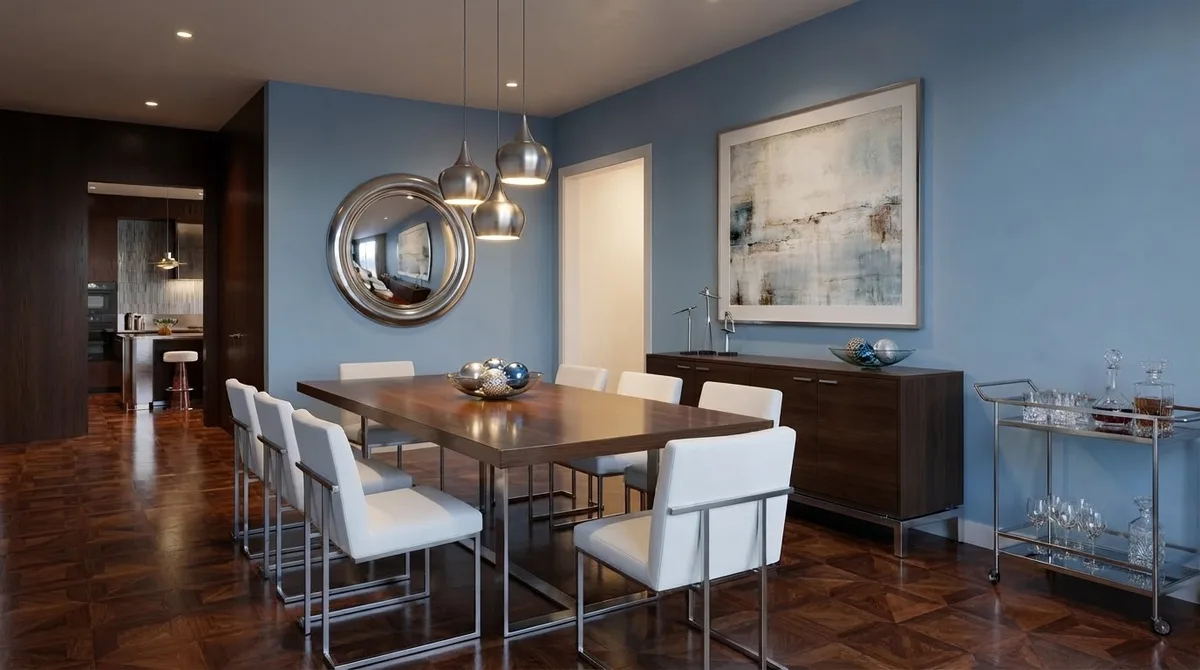
Center the table under the light fitting, not necessarily in the room. Keep 36 inches from the table edge to the wall (42 to 48 inches where someone walks behind seated guests) and allow 24 inches of table edge per person. A sideboard goes on the nearest wall, parallel to the table.
Home office
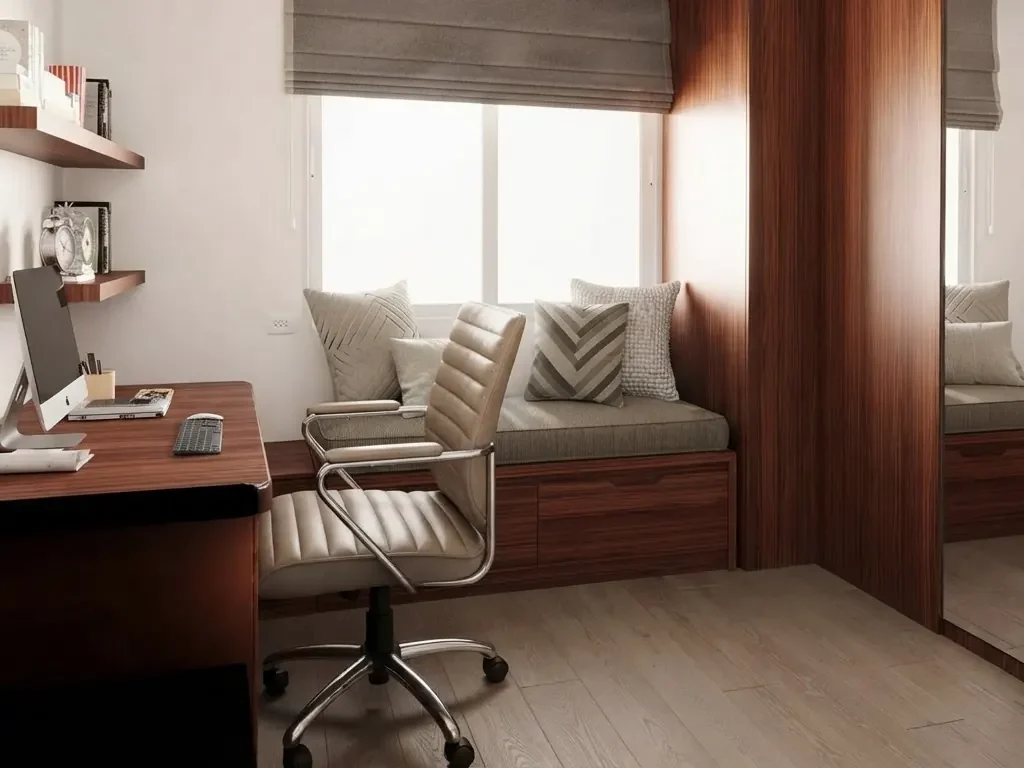
Put the desk at a right angle to the window so light falls from the side. Keep 36 inches behind the desk for the chair to roll back. On video calls, what is behind you is part of the layout: a shelf or a plain wall beats an unmade bed.
Will It Fit? Check Before You Move or Buy
AI shows you whether a layout looks right; a measurement tells you whether it works. Before buying or moving a large piece, check three things: the piece against the wall it goes on (the 2/3 rule is a good start: a sofa about two thirds the length of its wall), the walkways it leaves, and whether it gets into the room at all. Wrong size or fit is one of the most common reasons shoppers send things back, and furniture is the worst category to send back.
The furniture fit calculator checks a piece against your doorway, hallway turn, stairs, elevator and room, and getting a mattress through a doorway covers the one delivery that goes wrong most.
Watch: Rearranging a Room With AI
The layout tool at work on a real room, from one photo.

A room layout improved automatically in MeltFlex (clip recorded May 2026).
Where AI Furniture Placement Goes Wrong
We would rather you hear this from us than find it after a Saturday of moving furniture:
- It resizes things. A sofa that fits a wall in the image may be a foot longer than yours. Compare against the original.
- It cannot see what the photo hides. Radiators behind a chair, an outlet behind the bookcase, the door that swings into the corner: if they are not in the frame, the AI will cover them.
- It optimizes the picture, not your life. A symmetrical layout photographs well and may put the TV where the afternoon sun hits it. Only you know where the glare, the draft and the dog's bed are.
- It sometimes invents. An extra side table, a second lamp, a rug that is larger than yours. With keep-my-furniture on this happens less, but it happens.
- It does not do the lifting math. Whether the new position is reachable at all (the wardrobe will not tilt under a sloped ceiling) is still a tape measure job.
None of that makes the AI useless. It makes it what it is: the fastest way to see ten arrangements of the same room and pick the two worth measuring.
Frequently Asked Questions
Can I use AI to rearrange my furniture?
Yes. Upload one wide photo of the room to a tool that has a keep-my-furniture option, such as MeltFlex Layout Boost or REimagineHome's room rearrange, and it returns the same room with the same pieces in a new arrangement. The AI redraws the photo rather than measuring the room, so check the result against your real clearances with a tape measure before you move anything heavy.
Is there a free AI tool that can arrange furniture in a room?
Several have a free start, none is unlimited. On 29 September 2026: MeltFlex gives one result without an account on a computer and 15 credits at signup (a layout run costs 10), REimagineHome gives 5 free designs with no card, AI Smart Decor places one furniture photo into a room photo for free without an account, and IKEA Kreativ is free for placing IKEA products. Gemini and ChatGPT will also rearrange a room photo on a free account, with daily limits.
How do I use AI to rearrange my room?
Stand in the doorway and take one level, wide photo that shows the floor and at least two walls. Upload it, choose what the layout should improve (space, function or coziness), keep your existing furniture on, and generate. Compare the result with the original photo piece by piece, then measure the walkways it proposes before moving anything.
Can ChatGPT or Gemini rearrange my room?
Both can, from a photo, on a free account. Ask them to keep the walls, windows, doors and every piece of furniture and only change where the furniture stands. Gemini usually holds the room itself more faithfully. Both tend to resize, merge or invent pieces over a few turns, and neither knows the real size of anything, so treat the image as an idea, not a plan.
Is there an app that helps you rearrange your room?
Yes. For rearranging what you already own from a photo: MeltFlex, REimagineHome, or Gemini and ChatGPT. For placing new IKEA furniture into your own room, erasing what is there first: the IKEA app with IKEA Kreativ (iOS, Android and the web). For drawing the room to scale and moving blocks around by hand: Planner 5D, Floorplanner or Roomstyler.
What is the 2/3 rule for furniture?
A proportion rule of thumb: a sofa should fill about two thirds of the wall it sits against, and a coffee table should be about two thirds of the length of the sofa. On a 12 foot wall that means a sofa of roughly 8 feet; on an 84 inch sofa, a coffee table of roughly 56 inches. It keeps pieces from looking lost or crammed.
What is the 3-5-7 rule in interior design?
It is a styling rule, not a layout rule: group decorative objects in odd numbers (three, five or seven) because odd groups read as more natural than pairs. It applies to things on a shelf, a mantel or a coffee table. For furniture placement, the rules that matter are walkway widths, conversation distance and door swings.
Can AI put new furniture into a photo of my room?
Yes. MeltFlex places real catalog products into your photo at their real size (15 credits, IKEA on the free tier), IKEA Kreativ does the same with IKEA products for free, and AI Smart Decor takes a room photo plus one furniture photo and shows a placement concept. Photoshop's Generative Fill struggles with this because it paints something like your product instead of the product itself.
Can AI make a furniture layout from my floor plan or room dimensions?
Partly. Planner 5D's AI furniture placement fills a 2D or 3D plan with furniture you can then move, on its trial. MeltFlex turns a floor plan image into a furnished photorealistic render for 10 credits. If you only have dimensions, draw the room as a rectangle with the doors and windows marked and use that as the plan. None of them replaces checking the walkways yourself.
How much space should be between a sofa and a coffee table?
14 to 18 inches. Closer than 14 inches and knees hit the table; farther than 18 inches and a cup is out of reach. The walkway around the whole seating group should stay at 30 to 36 inches.
How far should furniture be from the wall?
In a small room, sofas and beds can sit against the wall. In a medium room, pull the sofa 4 to 6 inches off the wall so it does not look pushed back. In a large room, float the seating group well away from the walls, often with a console table behind the sofa, and keep a walkway of at least 30 inches wherever people pass behind it.
Does AI rearranging keep my real furniture exactly?
Not exactly. Image models redraw the room, so a sofa can come back a little longer, a chair can change legs, and a lamp can switch on. Good tools keep the pieces recognizable and the walls and windows in place. Put the original and the result side by side and check each piece before you trust the layout.
Try It on Your Own Room
Take one photo from the doorway, run it through the AI layout tool with your furniture kept, and measure the one result you like. That is the whole method.
Related guides: how to rearrange your room by hand, open floor plan layouts, what size furniture fits your room, free AI interior design tools checked, floor plan to 3D tools compared, and how to design a kitchen layout, where the clearances are stricter.



)