How AI Interior Design Actually Works in 2026: Technology, Cost, Results & Honest Limitations

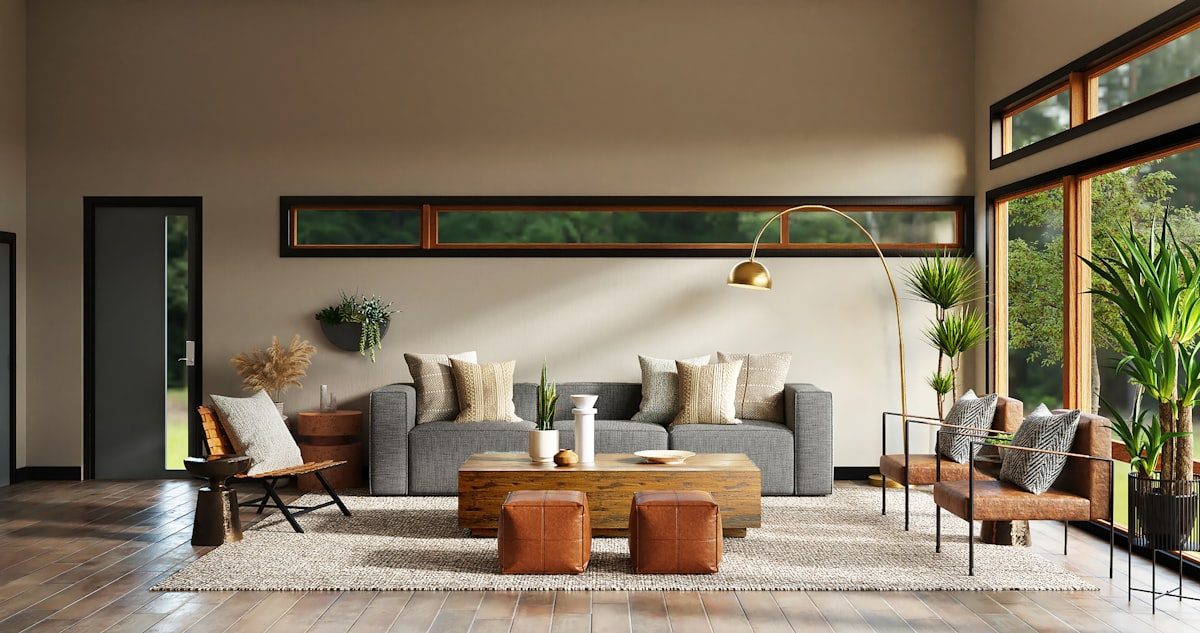
Short answer: AI interior design redesigns a room from a single photo in seconds using computer vision and diffusion models. Most tools cost between nothing and about $30 a month, and the results are photorealistic enough to plan and shop from, as long as the tool preserves your real room rather than inventing a new one. Here is exactly how the technology works, what it costs, and how reliable the results really are.
Our articles are still written by humans!
Get human written articles in your Google feed.
AI interior design tools use computer vision and diffusion models to analyze room photos or floor plans, then generate photorealistic redesigns in 10-60 seconds. The technology identifies walls, windows, furniture, and lighting in your space, applies a new design style trained on millions of professionally designed rooms, and outputs a visualization of your room with new furniture, colors, and decor, all from a single photo or floor plan upload. No design skills or software experience required.
This guide explains exactly how the technology works, what it costs compared to hiring a human designer, what AI can and cannot do (honestly), and which type of tool fits your specific situation.
FreeUpload photo · freeFurnish my room for freeUpload a photo of the room and MeltFlex fills it with real furniture you can buy, placed at true scale. Your first AI design is free, no card needed.
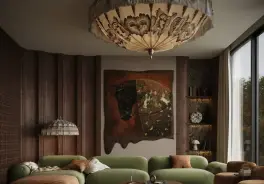

Watch: Can AI Design a Home Better Than a Designer?
Before the technical breakdown, it helps to see the output judged honestly. In this review, Tara Talks Design puts AI interior design tools up against a designer’s eye and shows where they win and where they still fall short.

Video: “Can AI Design a Home Better Than an Interior Designer?” by Tara Talks Design.
How Does AI Interior Design Work? The Technology Explained

AI interior design combines three technologies that work together:
1. Computer Vision (Understanding Your Room)
When you upload a room photo, the AI uses computer vision to detect and classify every element: walls, floor, ceiling, windows, doors, existing furniture, and light sources. It creates a spatial map of your room, understanding not just what is in the photo, but where things are relative to each other and how large they are.
For floor plan uploads, the AI uses optical character recognition (OCR) and edge detection to identify room boundaries, wall positions, door swings, and window locations. MeltFlex converts this 2D floor plan into a full 3D model in under 30 seconds, complete with accurate wall heights, door frames, and window openings.
2. Diffusion Models (Generating the New Design)
The AI uses diffusion models, the same technology behind DALL-E and Midjourney, but specialized for interior spaces. These models are trained on millions of professionally designed rooms and learn patterns: what Scandinavian style looks like, how modern minimalist differs from mid-century modern, where furniture typically sits in a living room vs. a bedroom.
When you select "Scandinavian style," the model does not paste furniture from a database. It generates a completely new photorealistic image of your specific room in that style, preserving your room's exact architecture while reimagining the furniture, colors, textures, and lighting.
3. 3D Reconstruction (Interactive Planning)
Advanced tools like MeltFlex go beyond static images. After converting your floor plan to 3D, you get an interactive model you can rotate, zoom, and walk through. You drag real furniture from a catalog into the room at exact real-world scale, a 220 cm sofa appears as 220 cm in your room. This lets you test layouts, check if furniture fits through doorways, and verify walking path widths before buying.
Step-by-Step: What Happens When You Use AI Interior Design
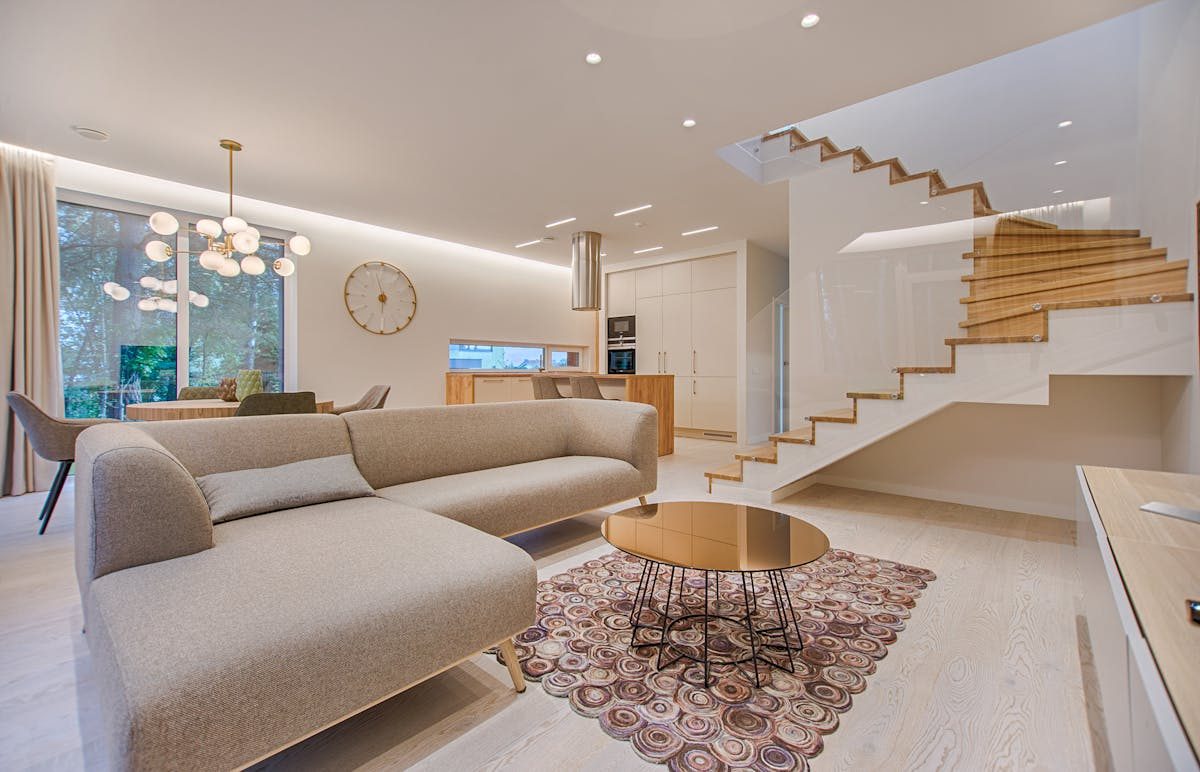
Regardless of which tool you use, the process follows the same pattern:
- Step 1: Upload (5 seconds). Take a photo of your current room with any smartphone, or upload a floor plan. The AI accepts architect drawings, hand sketches, and even photos from real estate listings.
- Step 2: AI Analysis (10-30 seconds). The tool identifies your room's structure, dimensions, existing furniture, and lighting conditions. For floor plans, it builds a complete 3D model.
- Step 3: Style Selection (10 seconds). Choose a design style: modern, Scandinavian, minimalist, industrial, mid-century modern, or describe your own vision in text. Some tools offer 10-25+ preset styles.
- Step 4: Generation (10-60 seconds). The AI generates a photorealistic render of your room in the selected style. Processing time varies: photo-based restyling takes 10-30 seconds, 3D model generation takes 15-30 seconds, photorealistic renders take 30-60 seconds.
- Step 5: Iterate (unlimited). Try another style. Swap one piece of furniture. Change the wall color. Each iteration takes seconds. This is the key advantage over traditional design, you can test 20 options in the time it takes a designer to present 1.
That five-step loop, photo in, analysis, styled render out, is the honest short version of how AI interior design works.
AI Interior Design vs. Hiring a Designer: Real Cost Comparison (2026)
The cost difference between AI tools and professional designers is significant. According to HomeAdvisor (2026), the average interior designer charges $2,000-$12,000 per room in the United States. Here is how AI compares:
- AI tools (free tier): $0. Limited generations per month (typically 3-10 designs). Best for trying before buying. Available from MeltFlex, RoomGPT, HomeDesigns AI.
- AI tools (paid): $8-$39/month for unlimited designs. Full feature access. MeltFlex Standard costs €19/month (~$21), RoomGPT Pro costs $29/month, Interior AI costs $39/month.
- Online interior designers: $200-$500 per room. Services like Havenly and Decorilla pair you with a human designer who creates a custom mood board and shopping list. Turnaround: 1-2 weeks.
- In-person interior designers: $2,000-$12,000 per room. Full-service: on-site consultation, custom floor plans, material sourcing, contractor coordination. Turnaround: 4-8 weeks.
The math: For the cost of designing ONE room with a professional ($2,000+), you get 4+ years of unlimited AI design across every room in your home ($39/month). For many homeowners, the AI tool handles 80% of the design work, and a professional is only needed for complex structural renovations.
What AI Interior Design Can Do (Strengths)
- Instant visualization. See your room in a new style in 30 seconds. No waiting days for a designer's mood board.
- Try unlimited styles. Test Scandinavian, modern, industrial, boho, and minimalist on YOUR room, not someone else's Pinterest photo. Find the style you love before committing.
- Virtual staging. Furnish empty rooms from a single photo. Real estate agents use this to stage listings in seconds instead of spending $2,000-$6,000 on physical staging.
- Floor plan to 3D. Convert a 2D floor plan into an interactive 3D model. Walk through your apartment virtually, place real furniture at exact scale, and verify everything fits.
- Real furniture, real prices. Tools like MeltFlex connect to real furniture catalogs. Every piece you see in your design has a price, dimensions, and a buy button. You can go from design to purchase in one session.
- Budget-friendly experimentation. Try 50 different sofa colors, 10 wall paint options, and 5 flooring materials, all for free. The AI prevents expensive mistakes by letting you see the result before spending money.
What AI Interior Design Cannot Do (Honest Limitations)
No AI tool can fully replace a professional interior designer. Here are the real limitations:
- Cannot feel textures or materials. AI shows you what linen curtains look like, but it cannot tell you how they feel. For high-end projects where material quality matters (silk, cashmere, hand-woven rugs), you need to touch samples.
- Cannot account for acoustics. A room with hard floors and minimal textiles will echo. A designer considers sound; AI considers only visuals.
- Cannot manage contractors. AI designs the look. It does not hire the painter, schedule the electrician, or coordinate delivery dates. For full renovations, you still need a project manager, either yourself or a designer.
- Cannot understand emotional connections. You inherited your grandmother's armchair and want to design around it. A human designer understands sentimental value. AI sees a chair.
- Accuracy varies by tool. Some AI tools produce photorealistic results; others produce cartoon-like or distorted images. Quality varies significantly between platforms. Always test a free tier before paying.
- Complex structural changes need an architect. AI can show you what a kitchen looks like with the wall removed, but it cannot tell you if that wall is load-bearing. Structural changes always require professional assessment.
3 Types of AI Interior Design Tools
Not all AI interior design tools work the same way. There are three distinct categories:
Type 1: Photo-to-Photo Restylers
Upload a room photo, get a restyled version. These tools change the style, furniture, and colors in your photo without building a 3D model. Fast and easy, but you cannot move individual furniture pieces or test specific products.
Examples: RoomGPT, Interior AI, ReimagineHome, Spacely AI.
Best for: Quick inspiration and style exploration. "Show me my living room in Scandinavian style."
Type 2: Floor Plan to 3D + Furniture Placement
Upload a floor plan, get an interactive 3D model. Place real furniture from a catalog at exact scale. Walk through the space virtually. Generate photorealistic renders. This type gives you the most control and the most practical output.
Examples: MeltFlex, Planner 5D, Homestyler, Coohom.
Best for: Planning actual purchases, verifying furniture fits, and designing complete rooms from scratch. MeltFlex is the only tool in this category that combines floor plan to 3D conversion, real purchasable furniture, AI room redesign from photos, and virtual staging in one platform.
Type 3: Text-to-Design (Chat-Based)
Describe what you want in natural language (e.g., "a cozy Scandinavian bedroom with a platform bed and warm lighting") and get a generated image. These tools create generic room images, not redesigns of YOUR specific room.
Examples: ChatGPT + DALL-E, Midjourney, Stable Diffusion.
Best for: Mood board creation and general inspiration. Not useful for planning actual room layouts or purchasing decisions.
Is AI Interior Design Worth It?
AI interior design is worth it for inspiration, visualization, and budget-conscious design planning. It saves 95-100% of the cost and 99% of the time compared to hiring a professional designer. For the majority of homeowners, those planning a room refresh, furnishing a new apartment, or exploring styles before a renovation, AI tools deliver more than enough value.
AI interior design is not sufficient for complex renovations requiring structural changes, custom millwork, or contractor coordination. For these projects, the ideal workflow is: start with AI (explore styles, test layouts, visualize the end result for free) then hire a designer (show them your AI renders as the brief) for execution. This combination saves thousands in designer hours while ensuring professional-quality results.
How to Choose the Right AI Interior Design Tool
Ask yourself three questions:
- Do you have a room photo or a floor plan? Photo → use a photo-based restyler (RoomGPT, Interior AI). Floor plan → use a 3D converter (MeltFlex, Planner 5D). Both → MeltFlex handles both.
- Do you need to buy the furniture shown? If yes → use MeltFlex (real products with prices and buy buttons). If you just need inspiration → any tool works.
- What is your budget? Free → MeltFlex free tier, RoomGPT free generations. Around $20/month → MeltFlex Standard (€19). Under $40/month → Interior AI Pro ($39).
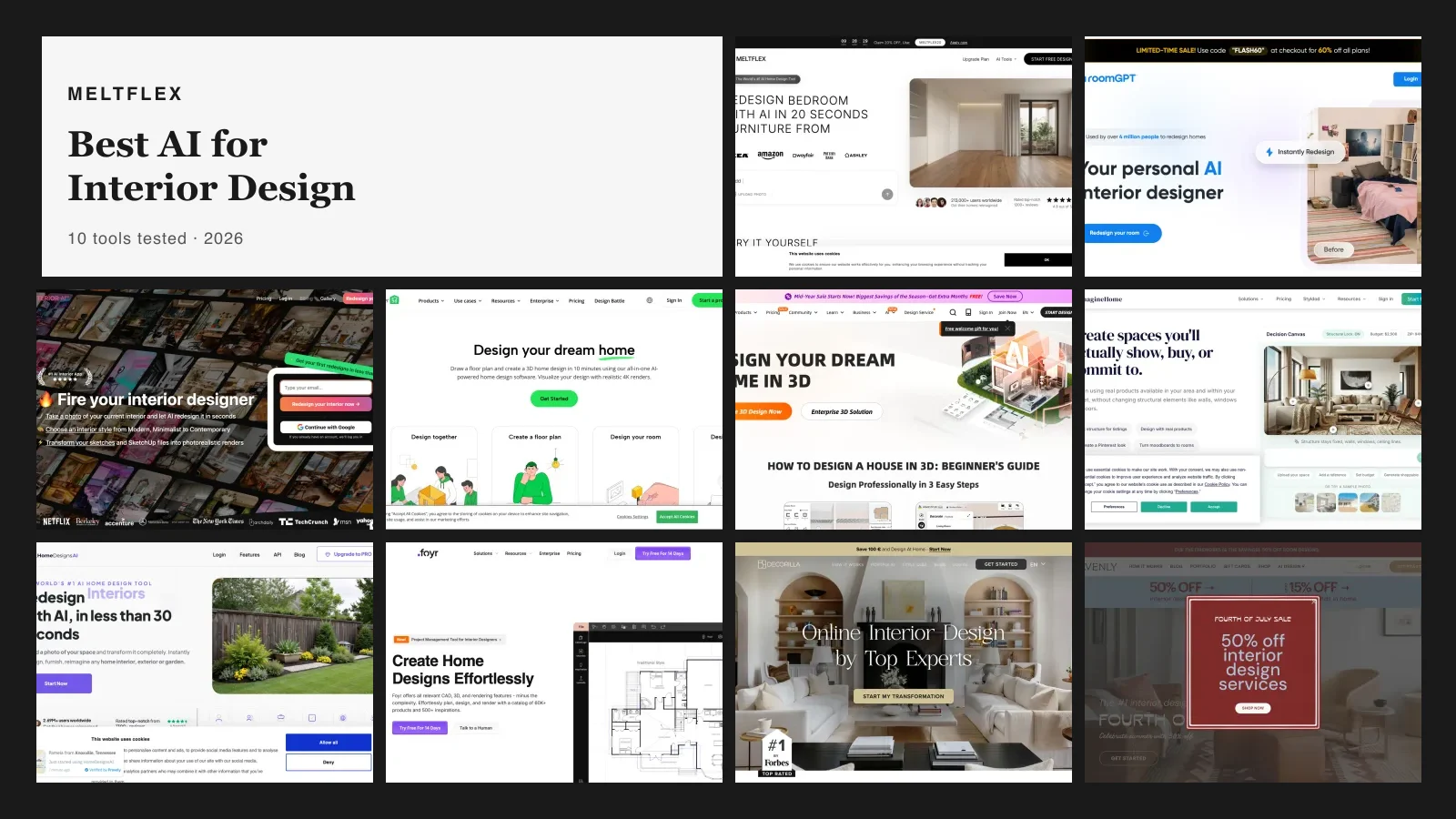
For a detailed comparison of the top 10 tools with test results, see our AI interior design tools comparison.
Get Started with AI Interior Design
The fastest way to understand AI interior design is to try it. Upload one room photo or floor plan to MeltFlex (free, takes 10 seconds) and see your space redesigned in a new style. No download, no credit card, no design experience needed.
Try AI interior design on your room, free →
Related guides: 10 best AI interior design tools compared, AI room makeover before and after, floor plan to 3D guide, AI furniture placement, how designers use AI (case study), the future of AI interior design, AI virtual staging, and AI renovation visualization.