Best AI Virtual Staging Software in 2027: 10 Tools Ranked by Realism, Speed & Price
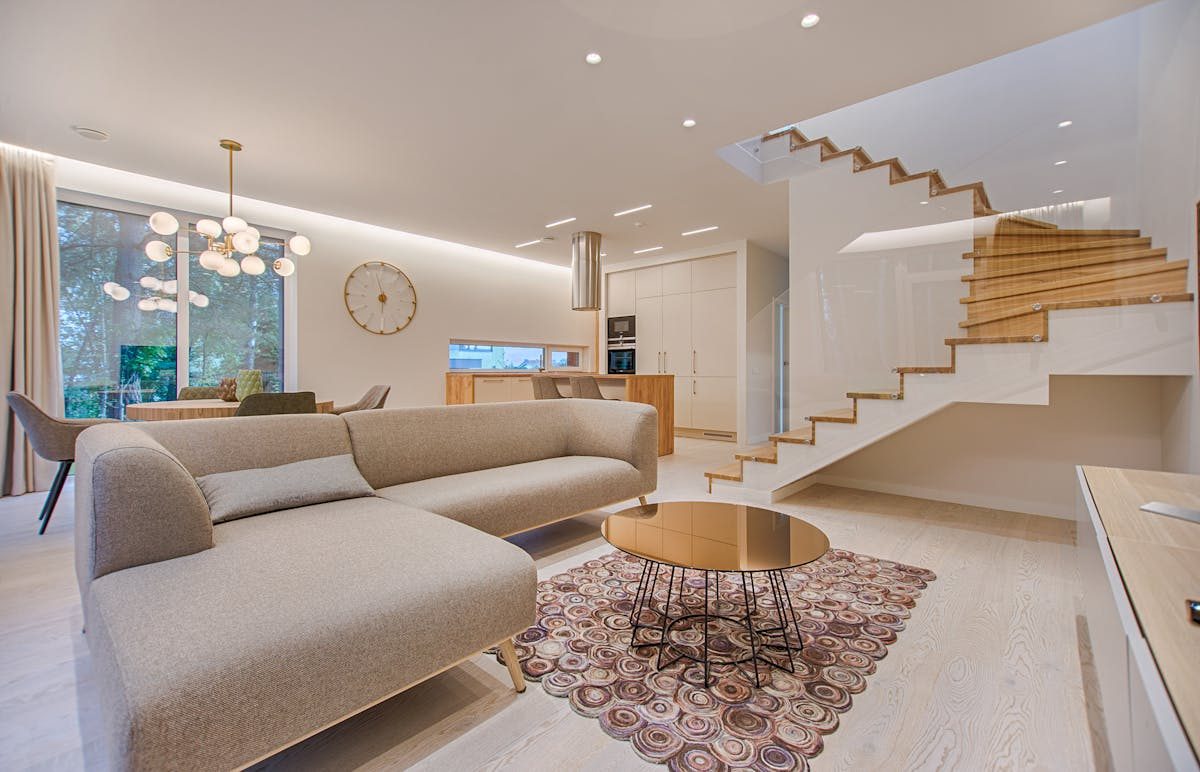
AI virtual staging has evolved dramatically. The tools available in 2027 produce results that are nearly indistinguishable from professional photography — at 90-99% lower cost and in seconds instead of days. But with over a dozen platforms competing, choosing the right one matters.
We tested 10 AI virtual staging tools by staging the same 5 rooms (empty living room, vacant bedroom, bare kitchen, unfurnished bathroom, and empty apartment) with each platform. We rated every tool on realism, speed, cost per image, furniture quality, and extra features. Here are the real results.
Quick Comparison: 10 AI Virtual Staging Tools at a Glance
Here is how all 10 tools compare on the metrics that matter most:
- MeltFlex — Realism: 9/10 | Speed: 25s | Cost: ~$0.30-$0.80/image | Extra: Floor plan to 3D, real furniture catalog, video walkthroughs
- Virtual Staging AI — Realism: 8.5/10 | Speed: 15s | Cost: ~$0.50-$1.50/image | Extra: Bulk processing, style presets
- Collov AI — Realism: 8/10 | Speed: 20s | Cost: ~$0.80-$2.00/image | Extra: Auto room detection, redesign mode
- Apply Design — Realism: 8/10 | Speed: 30s | Cost: ~$1.00-$2.50/image | Extra: 360-degree views, commercial spaces
- REimagineHome — Realism: 7.5/10 | Speed: 25s | Cost: ~$1.00-$3.00/image | Extra: Exterior staging, garden design
- Trolto — Realism: 7.5/10 | Speed: 20s | Cost: ~$1.50-$3.00/image | Extra: Video staging
- InstantDeco AI — Realism: 7/10 | Speed: 15s | Cost: ~$0.50-$1.50/image | Extra: Batch processing
- HomeDesigns AI — Realism: 7/10 | Speed: 30s | Cost: Free tier + $1-$3/image paid | Extra: Interior + exterior
- BoxBrownie — Realism: 9.5/10 | Speed: 24-48h | Cost: $24-$32/image | Extra: Human-designed, revisions included (not AI)
- StageHQ — Realism: 7/10 | Speed: 20s | Cost: ~$1.00-$2.00/image | Extra: MLS-ready watermarks
The Top 3 AI Virtual Staging Platforms for 2027
1. MeltFlex — Best Overall (Realism + Features + Value)
MeltFlex is the only platform that combines AI virtual staging, floor plan to 3D conversion, real furniture from purchasable brands, and photorealistic AI rendersin one tool. This makes it uniquely powerful for real estate professionals who need both staged listing photos AND interactive 3D walkthroughs.
What sets MeltFlex apart:
- Real furniture at real prices. Every piece of furniture in a MeltFlex staged image is a real product you can actually buy — with exact dimensions, materials, and pricing. No generic 3D models.
- Floor plan to 3D. Upload a floor plan and get a full interactive 3D model. Stage every room in 3D, then generate photorealistic images from any angle. No other staging tool does this.
- AI room redesign. Upload a photo of a furnished room and the AI restyls it — new furniture, new colors, new vibe. Perfect for listings where existing furniture is dated.
- Cost efficiency. At approximately $0.30-$0.80 per staged image on subscription plans, MeltFlex is among the most affordable options while delivering top-tier realism.
Limitations: Processing takes 25-30 seconds (not the fastest). Fewer preset style templates than some competitors. Best results require a subscription plan.
Pricing: Free tier available. Standard €20/month (~$22). Pro €40/month.
Best for: Real estate agents who need staging + 3D tours + furniture sourcing in one platform. Homeowners who want to visualize AND purchase furniture from the same tool.
2. Virtual Staging AI — Best for Speed and Volume
Virtual Staging AI specializes in fast, high-volume photo staging. Upload an empty room photo, choose a style, and get a staged image in approximately 15 seconds. The quality is consistently good — especially for modern and Scandinavian styles.
Strengths:
- Fastest processing (10-15 seconds average)
- Bulk upload for staging multiple rooms at once
- Clean, consistent results across styles
- Good fabric and texture rendering
Limitations: No floor plan to 3D. No real furniture catalog (generic 3D models). Cannot buy the furniture shown. No 3D walkthroughs.
Pricing: From ~$16/month for basic, ~$40/month for pro.
Best for: High-volume agents who stage 20+ rooms per month and prioritize speed over features.
3. Collov AI — Best for Room Redesign
Collov AI excels at redesigning already-furnished rooms. Upload a photo of a dated living room and the AI transforms it into a modern, stylish space while preserving the room's architecture. This is ideal for listings where the seller's furniture is present but unappealing.
Strengths:
- Excellent at preserving room architecture during redesign
- Auto room detection (identifies room type automatically)
- Modern style outputs are particularly strong
- Good for both empty staging and furnished redesign
Limitations: Struggles with traditional and classic interior styles. No floor plan features. Higher price per image than some alternatives.
Pricing: From ~$20/month. Pay-per-image options available.
Best for: Agents who need to restyle furnished listings (seller's furniture is dated/cluttered) as well as stage empty rooms.
Tools 4-10: Quick Reviews
4. Apply Design — Best for Commercial Spaces
Stages both residential and commercial spaces. Offers 360-degree virtual views — useful for luxury listings. Higher price point ($1-$2.50/image) but delivers consistent quality. Best for agents with commercial listings or high-end residential.
5. REimagineHome — Best Free Tier
Offers a generous free tier for testing. Covers interior and exterior staging. Quality is good but not best-in-class for interiors. Strong for exterior visualization (garden, patio, facade). Best for agents who stage occasionally and want low commitment.
6. Trolto — Best for Video Staging
Unique offering: AI-generated video walkthroughs of staged spaces, not just photos. Video content gets 403% more inquiries on listings (NAR data). Higher cost per output but the video format is increasingly valuable. Best for listings where video tours are expected.
7. InstantDeco AI — Best Budget Option
Fast (15 seconds), affordable ($0.50-$1.50/image), and reliable for basic staging. Does not produce the most photorealistic results but is more than adequate for standard listings. Batch processing included. Best for budget-conscious agents with high volume.
8. HomeDesigns AI — Best Completely Free Option
The most generous free tier — several designs per day without payment. Quality is adequate for basic staging. Also offers exterior visualization. Best for agents testing AI staging for the first time with zero budget commitment.
9. BoxBrownie — Best Human-Designed Quality (Not AI)
BoxBrownie uses human designers, not AI. Results are consistently premium quality — every pixel is intentional. Turnaround is 24-48 hours, not seconds. At $24-$32 per image, it is dramatically more expensive than AI alternatives. Best for luxury listings where every detail justifies the cost and wait time.
10. StageHQ — Best for MLS Compliance
Includes built-in MLS-compliant watermarks and "virtually staged" labels. Decent quality staging at competitive prices. The compliance features save agents from manually adding disclaimers. Best for agents in strict MLS markets.
AI Virtual Staging Pricing Comparison (2027)
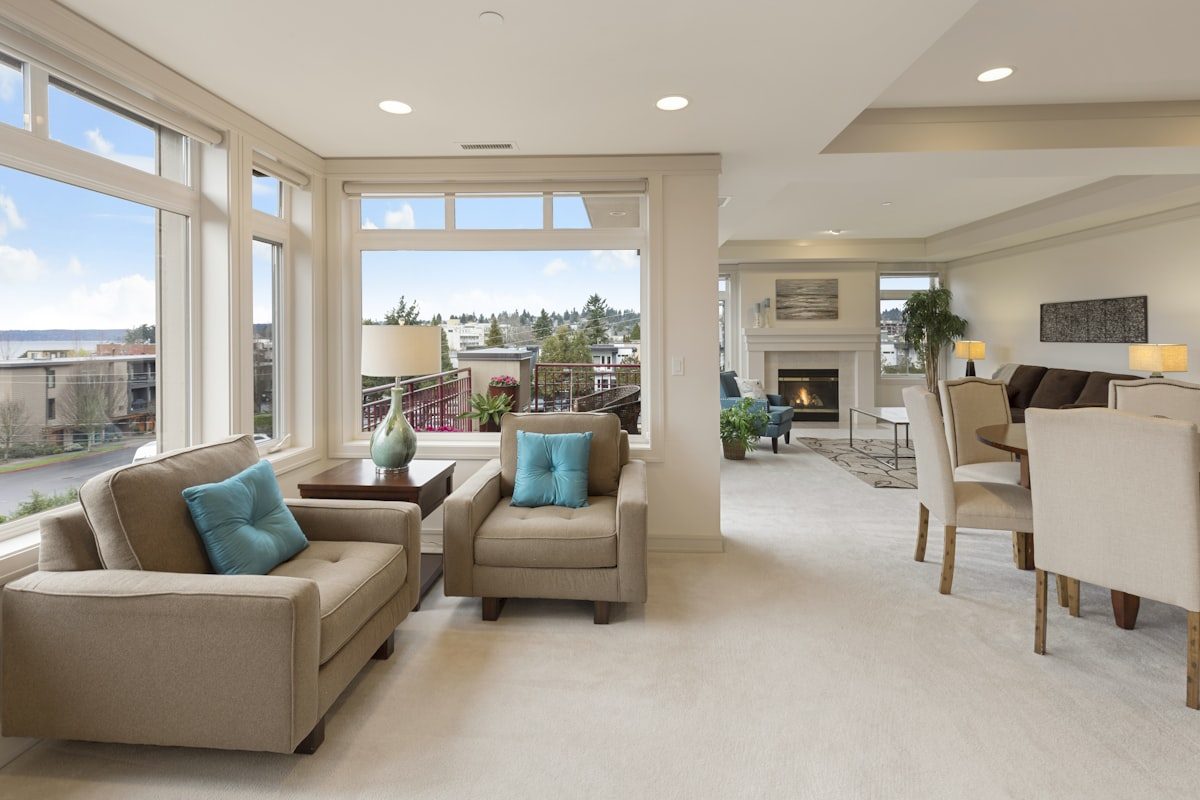
What each tool actually costs per staged image on their most popular plans:
- MeltFlex: ~$0.30-$0.80/image (Standard €20/month)
- Virtual Staging AI: ~$0.50-$1.50/image ($24-$40/month)
- InstantDeco AI: ~$0.50-$1.50/image
- Collov AI: ~$0.80-$2.00/image
- Apply Design: ~$1.00-$2.50/image
- REimagineHome: ~$1.00-$3.00/image
- StageHQ: ~$1.00-$2.00/image
- Trolto: ~$1.50-$3.00/image
- HomeDesigns AI: Free tier, then ~$1.00-$3.00/image
- BoxBrownie: $24-$32/image (human-designed, not AI)
- Physical staging: $2,000-$6,000 per property
Bottom line: AI staging in 2027 costs 90-99% less than physical staging. Even the most expensive AI option ($3/image) is a fraction of BoxBrownie ($24/image), which itself is a fraction of physical staging ($2,000+).
What Makes AI Staging Look Realistic?
The difference between "obviously fake" and "is that real?" comes down to five factors:
- Lighting consistency. The staged furniture must match the room's existing light direction and intensity. The best tools analyze window positions and light sources in your photo to place shadows correctly.
- Proportional accuracy. Furniture must be the right size for the room. A sofa that looks 3 meters long in a 3x4 meter room breaks the illusion immediately. Tools using real furniture dimensions (like MeltFlex) score highest here.
- Texture detail. Fabric weave, wood grain, and metal reflections should be visible. Tools that use pre-rendered 3D furniture (not just AI-generated textures) produce more realistic materials.
- Floor contact. Furniture must sit naturally on the floor — no floating, no clipping through walls, no furniture legs that disappear into rugs.
- Style coherence. Every piece in the room should belong to the same design style. A modern sofa next to a rustic farmhouse coffee table next to an industrial lamp looks confused, not eclectic.
AI Virtual Staging vs. Physical Staging: The 2027 Verdict
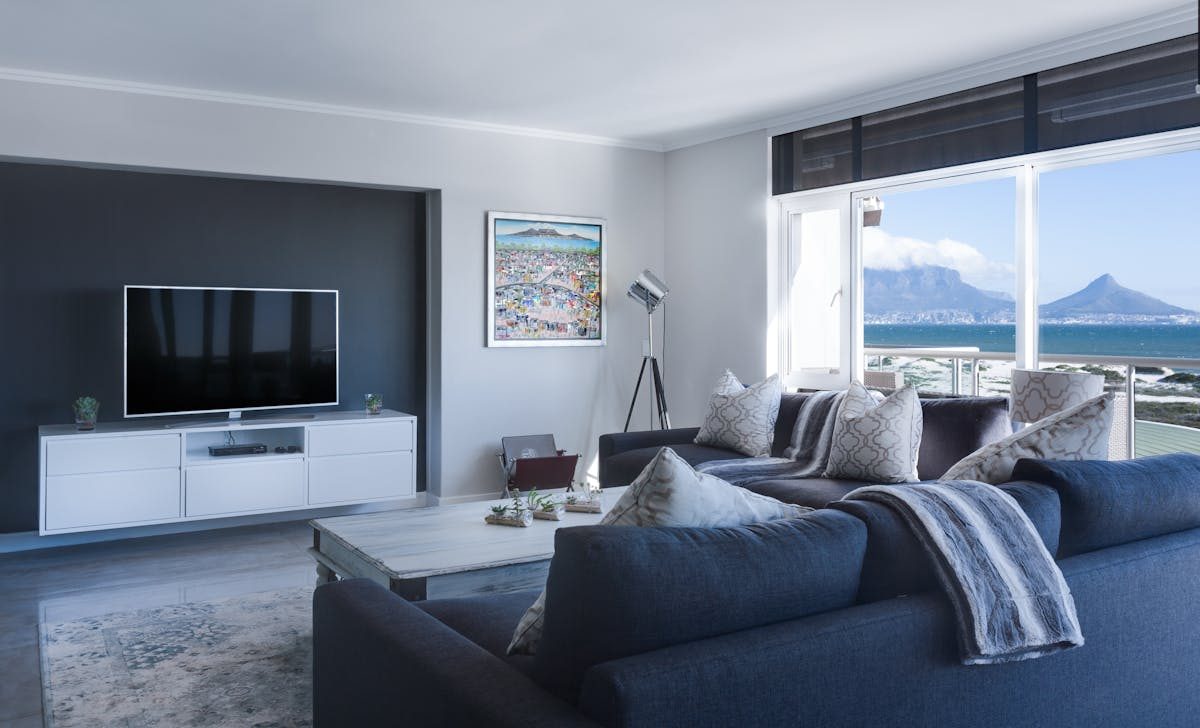
- Use AI staging when: you need results in minutes, you stage 5+ rooms per month, your budget is under $100/month, you want to test multiple styles on the same room, or the listing is standard residential.
- Use physical staging when: the property is luxury ($1M+) and buyers expect to touch/feel the space, you have open houses where physical furniture creates atmosphere, or the property has unusual architecture that AI renders poorly.
- Use human-designed staging (BoxBrownie) when: you need specific brand furniture placed exactly, the listing is high-end and every detail matters, and you have 24-48 hours to wait.
For most agents in 2027, AI staging is the clear choice. The quality gap between AI and human-designed staging has closed to the point where only side-by-side comparison reveals differences — and listing photos are never viewed side-by-side.
How to Get Started with AI Virtual Staging
The fastest way to start: upload one empty room photo to MeltFlex(free, no credit card required) and see it staged in 30 seconds. Compare the result to your current empty listing photos. The difference in visual appeal is immediately obvious.
Stage your first room with AI — free →
Related guides: virtual staging comparison 2026, AI virtual staging guide, staging costs and data, real estate agent staging results, and how AI interior design works.