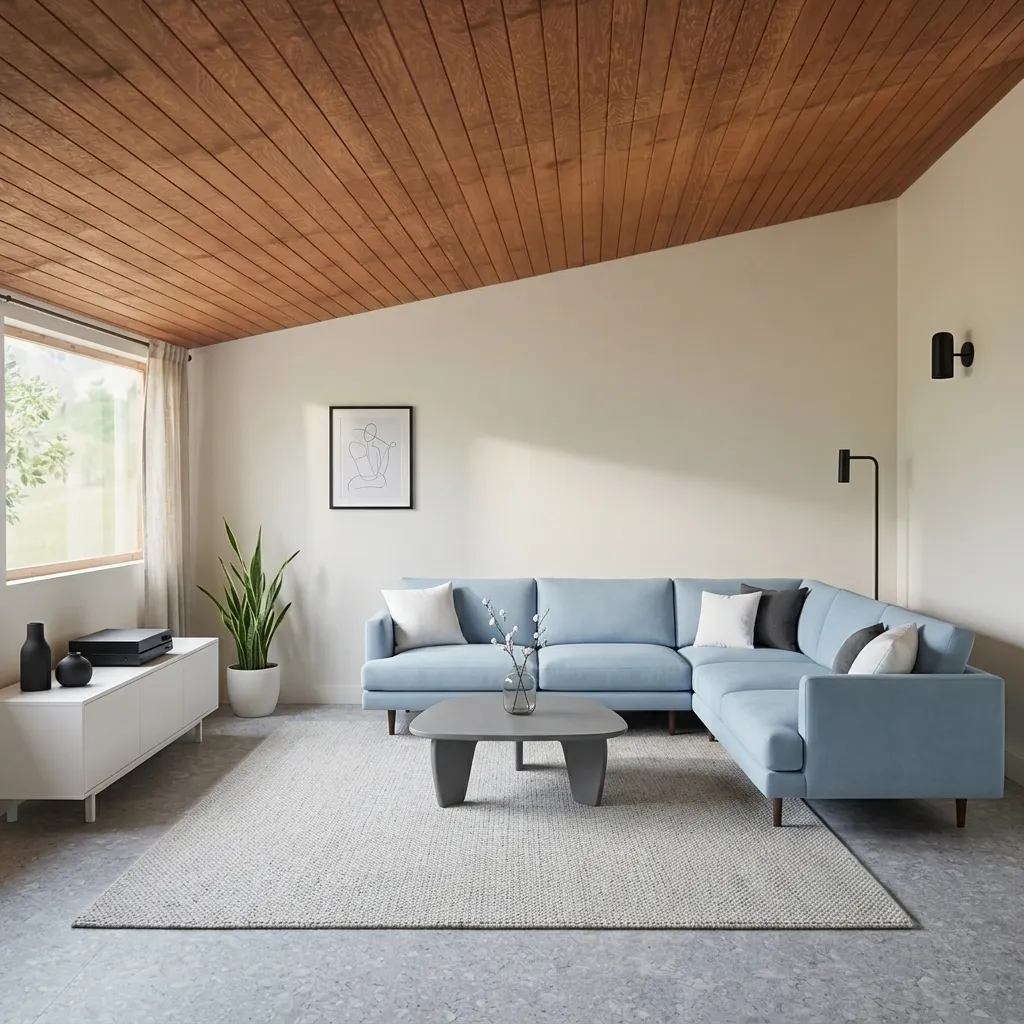
Best Virtual Staging Software in 2026: 10 Tools Tested on the Same Empty Room

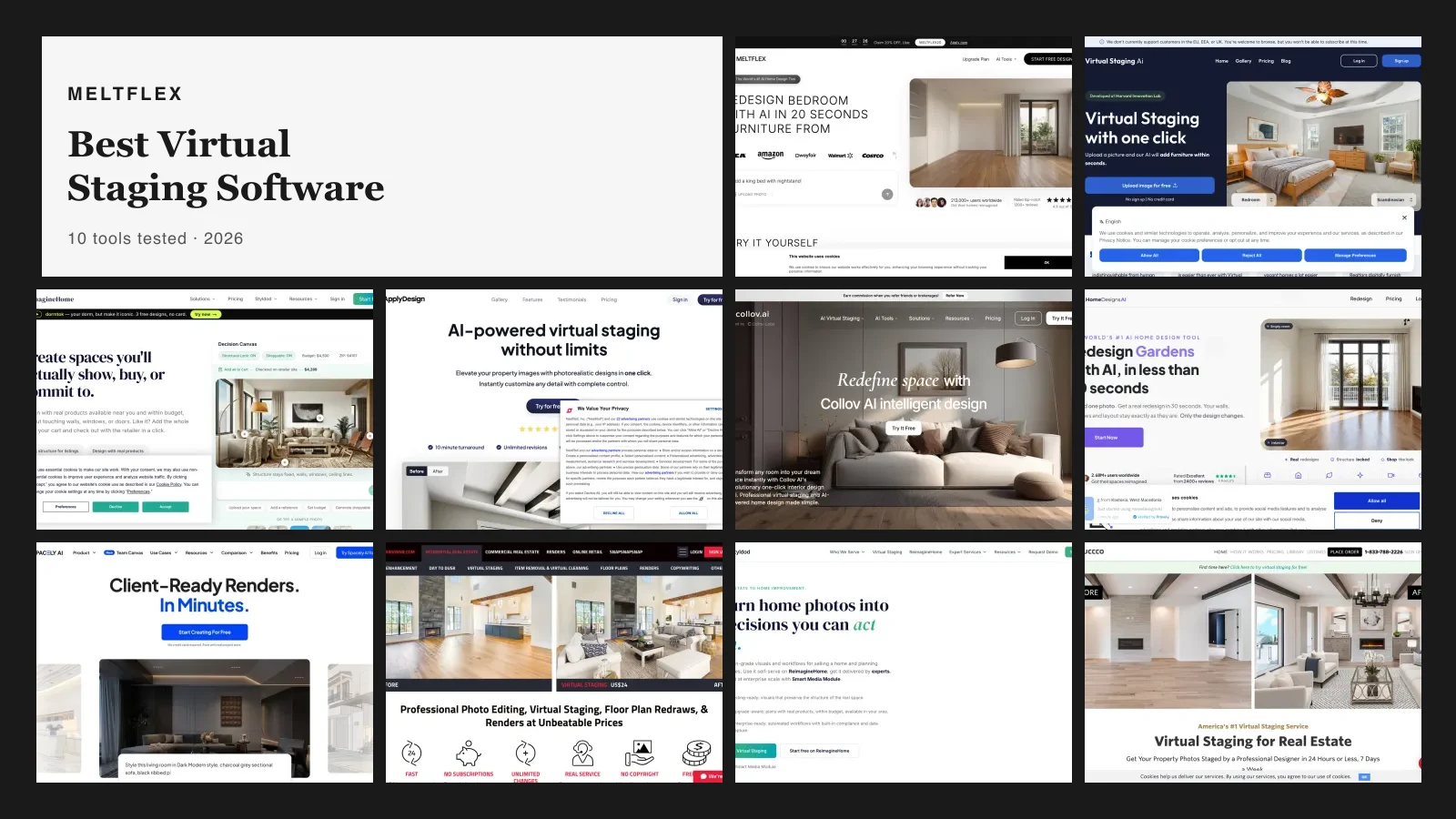
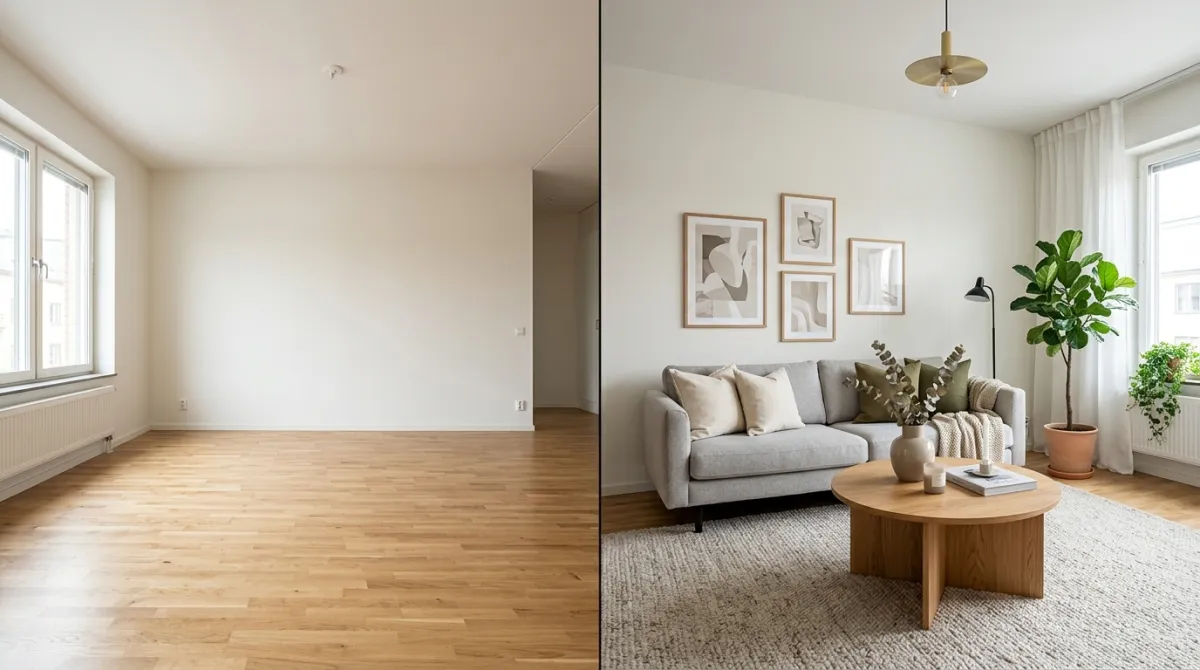
Short answer: after staging the same empty living room with 10 tools in August 2026, MeltFlex is the best virtual staging software for most agents, because it is the only one that puts staging, furniture removal, floor plan to 3D, video walkthroughs and real priced furniture behind a single login. If you only care about cost per image, Virtual Staging AI is the cheapest credible option at about $0.53 on its top plan, with one large caveat: it does not accept customers in the EU, EEA or UK. REimagineHome now has the strongest shoppable output of any competitor here. If a human designer is worth paying for, BoxBrownie at $30 per image is still the benchmark and Styldod undercuts it at $16 per image on orders of 8 or more. The full comparison is below, and how we tested is at the end.
Our articles are still written by humans!
Get human written articles in your Google feed.


Short Answer: The Best Virtual Staging Software in 2026
The short version
- MeltFlex: best overall. Under 30 seconds, real purchasable furniture, plus furniture removal, floor plan to 3D and AI video walkthroughs in one account. Free tier, then €29/month.
- Virtual Staging AI: cheapest at volume, down to about $0.53 per image on the $79 plan. Not available to EU, EEA or UK customers.
- REimagineHome: best shoppable output. Budget and postcode filters, add all to cart, checkout with the retailer.
- BoxBrownie: the quality benchmark. Human designers, $30 per 2D image, 360° staging at $60.
- Styldod: the value pick for designer-led work. $16 per image at 8 or more, unlimited free revisions. Note that Styldod also owns REimagineHome.
- Nothing here is truly free for a live listing. The most usable free output comes from MeltFlex, REimagineHome (5 designs) and HomeDesigns AI (3 credits a day, refilling).
- Staging is one job out of seven. If your photos also need exposure, verticals or colour work first, start with AI real estate photo editing, which covers the whole sequence and why staging belongs at the end of it.
- Letting rather than selling? None of the AI property management platforms do anything about listing photos, so the staging tool sits outside whichever system you run.
All 10 Virtual Staging Tools Compared
Every price below was read off the tool's own pricing page in August 2026, not copied from another roundup. We did the same exercise across the wider agent stack in ourAI tools for real estate agents price audit. The column that separates the field most is not price, it is whether the furniture in your staged photo actually exists.
Want to skip the research? Upload an empty room and stage it free in under 30 seconds.
The 10 Best Virtual Staging Tools Reviewed
1. MeltFlex: Best Overall
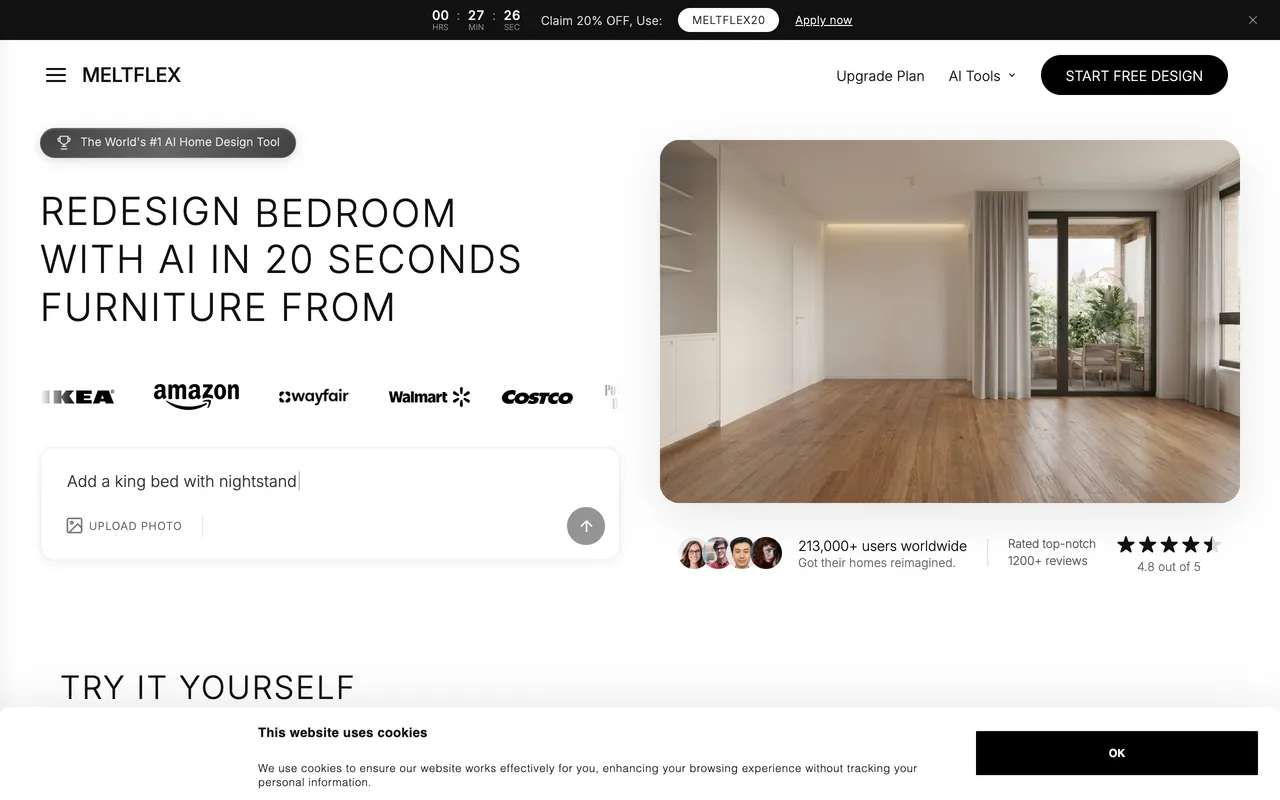
MeltFlex stages an empty room from a single photo in under 30 seconds, which puts it in the same speed class as every other AI tool here. The furniture it places is real, priced and buyable, sourced from brands like IKEA, Amazon, Wayfair, Pottery Barn and Ashley, so when a buyer asks where the sectional is from you have an answer rather than an apology.
The stronger argument in 2026 is not the furniture on its own, it is the range. The same account removes existing furniture (so it handles occupied listings, not just empty ones), converts a floor plan into an interactive 3D model, and generates AI video walkthroughs. Doing that elsewhere means a staging tool plus a 3D tool plus a video tool, and three subscriptions.
The catch: the real-furniture catalogue is the whole point and it is strongest for mainstream residential pieces. If you are staging a $4M architectural listing where the furniture has to read as bespoke Italian rather than high-street, a designer-led service will serve the photo better. The free tier is credit-limited, so a full 8-room listing will need a paid plan. And REimagineHome has now matched the shoppable idea with a genuinely good implementation of its own, so this is no longer a category of one.
Pricing: Free tier, no card required. Standard €19/month (490 credits, 10 projects), Pro €59/month. Regional pricing applies in lower-income markets. That works out to roughly €0.30 to €0.80 per staged image.
Best for: Agents who want staging, furniture removal, a real shopping list and video walkthroughs from one tool.
2. Virtual Staging AI: Cheapest at Volume
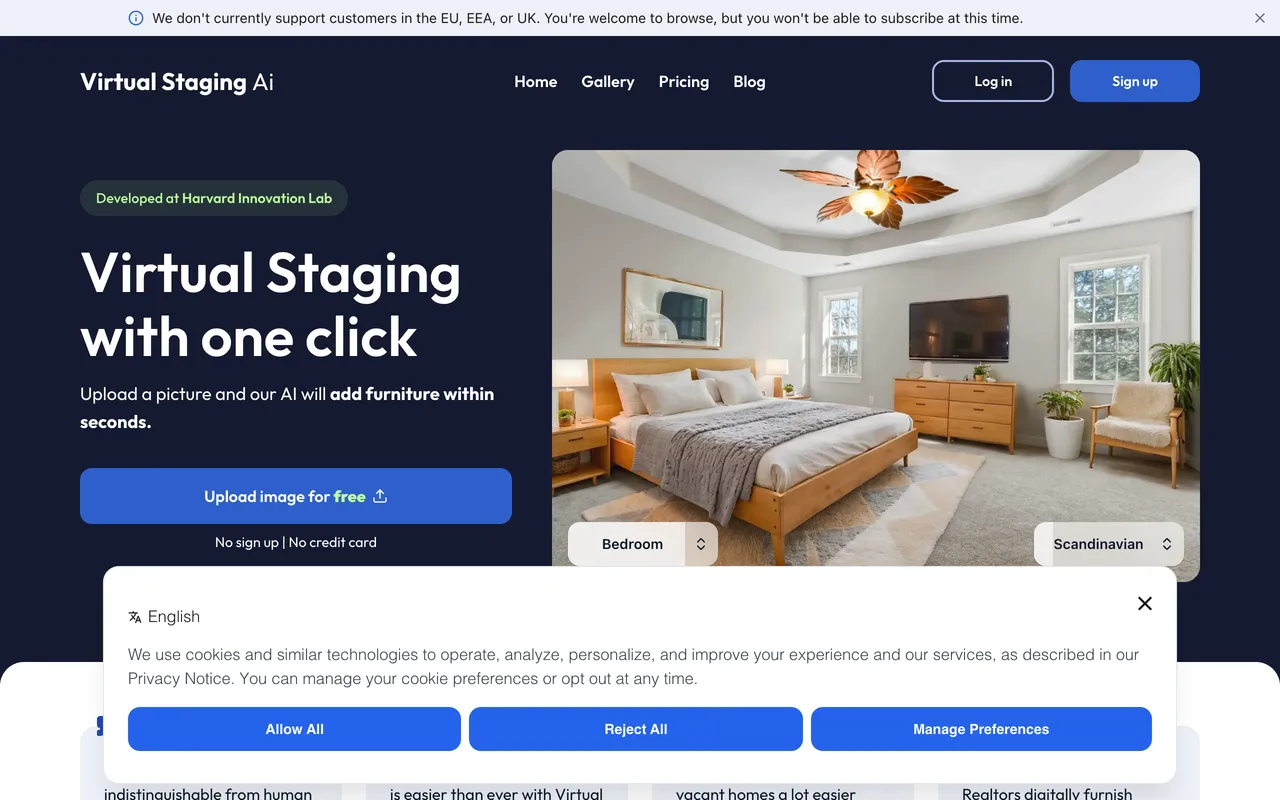
Acquired by Zillow in October 2024, Virtual Staging AI is the most focused tool on this list. It stages photos, it does it in about 10 seconds, and it does almost nothing else. Furniture removal, unlimited renders and downloads, and no watermark are included on every plan, which is more than several pricier tools manage.
The catch, and it is disqualifying for a lot of readers: a banner across the top of its own homepage reads "We do not currently support customers in the EU, EEA, or UK. You are welcome to browse, but you will not be able to subscribe at this time." No other roundup we checked mentions this. If you are a European or British agent, this tool is not available to you regardless of how good the pricing looks. Beyond that, the entry plan is poor value: $16/month for 6 photos is $2.67 an image, dearer than most of the field. The economics only work if you climb to $79/month for 150 photos, which brings it to $0.53.
Pricing: Basic $16/month (6 photos), Standard $19/month (20), Professional $39/month (60), Enterprise $79/month (150).
Best for: High-volume US listing agents and photographers who stage dozens of photos a month and want the lowest per-image cost.
3. REimagineHome: Best Shoppable Output
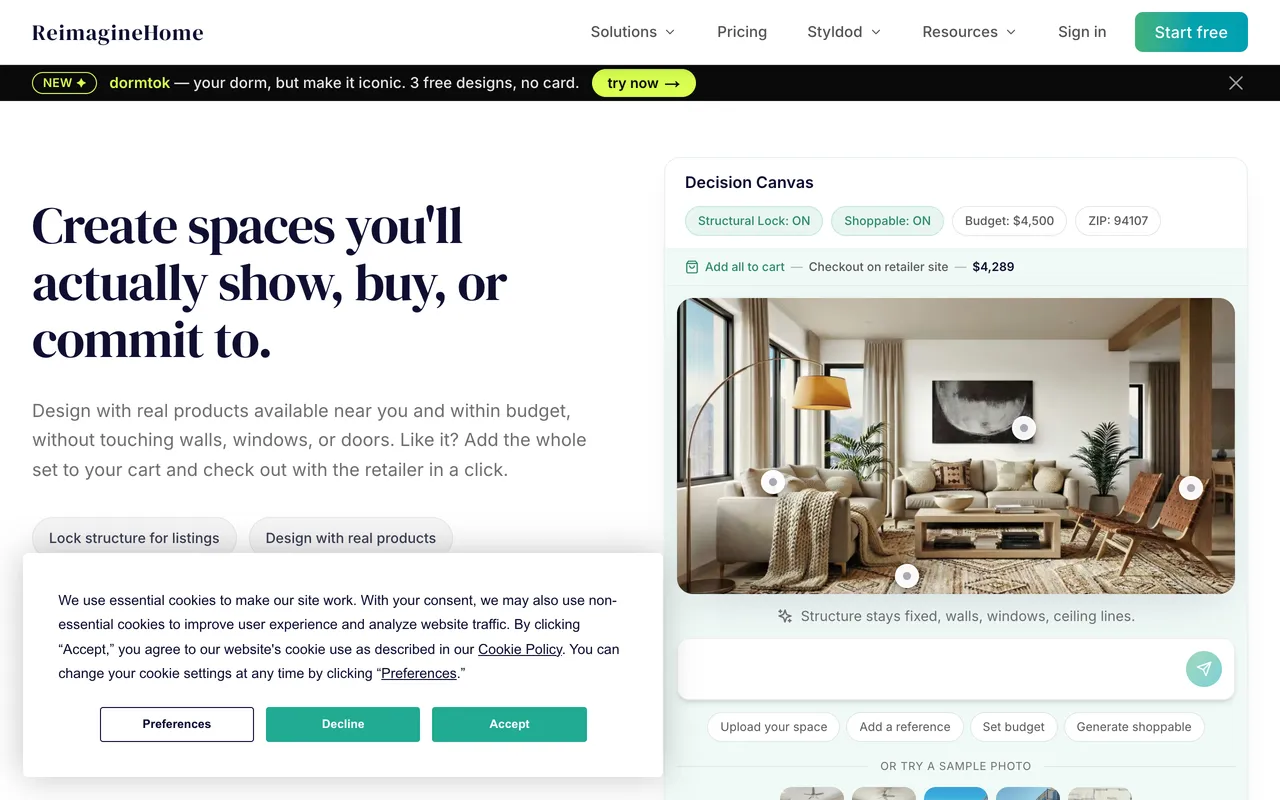
REimagineHome was the biggest surprise of this test. Its 2026 interface is built around a "Decision Canvas" with Structural Lock (walls, windows and doors stay put) and Shoppable mode, where you set a budget and a postcode and it designs with real products available near you, then hands you an add-all-to-cart checkout with the retailer. That is a serious implementation, not a bolted-on reverse image search, and it is the closest anything here comes to what MeltFlex does.
It has real distribution behind it too: California Regional MLS, one of the largest MLSs in the United States, rolled REimagineHome AI out to its members with monthly design credits included. If you are a CRMLS member, check your benefits before paying for anything.
The catch: the two features people actually want, the conversational flow and real product discovery, are both gated above the entry tier. The Essential plan is deliberately stripped: 30 credits, legacy tools, no conversation, no real products. Read the tier table before you buy, because the cheap plan is not the same product.
Pricing: 5 free designs, no card. Then Essential (30 credits/month), Pro (200), Advanced (400), Agency (900). One credit per design, two if you add real product integration. Conversation and exploration cost nothing, which is a fair call.
Best for: Agents and designers who want the staged room to convert into an actual purchase, and anyone whose MLS already includes it.
4. Apply Design: Best Pay As You Go
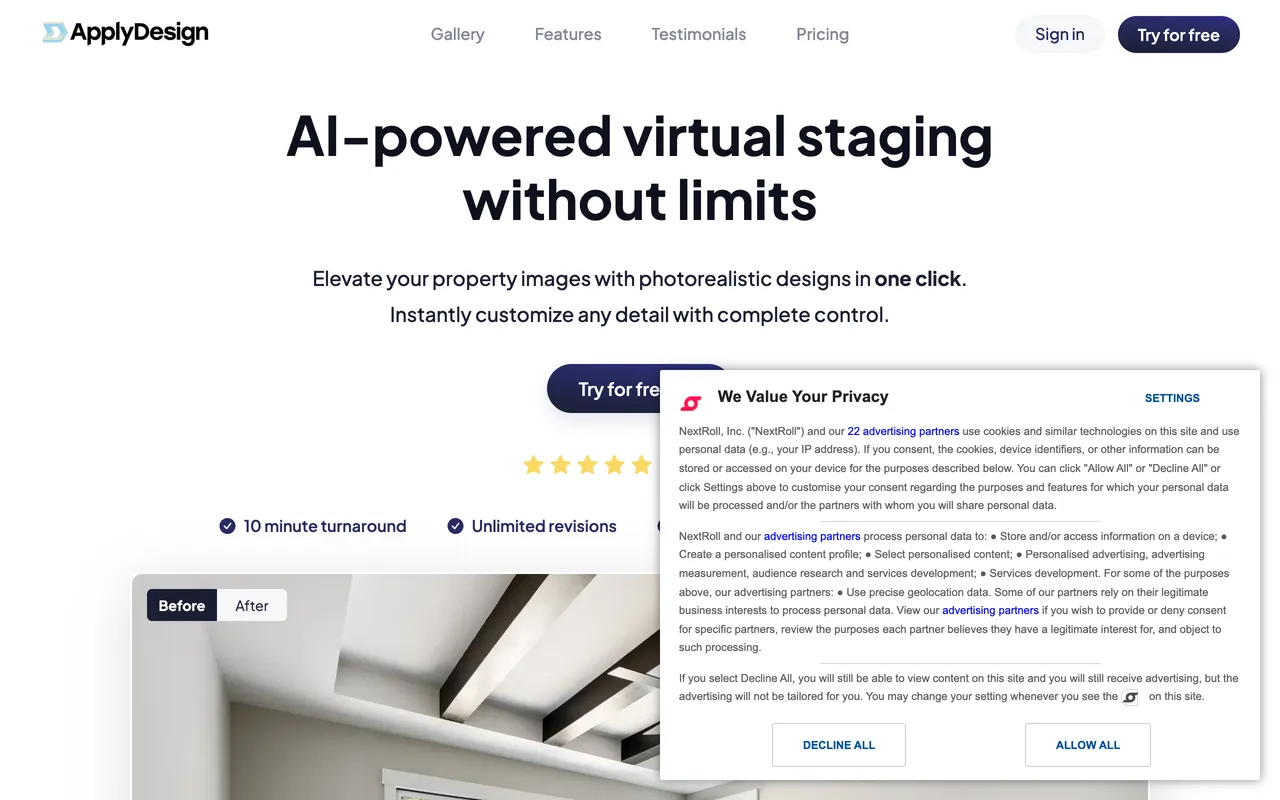
Apply Design is the only tool here offering both a one-click auto mode and a genuine drag-and-drop editor where you place the furniture yourself. The DIY route is cheaper per image and gives you control that AI-only tools cannot: if the sofa is in the wrong place you move it, instead of regenerating and hoping.
The catch: the coin system makes it the most expensive AI tool here per image. An auto-staged 2D image costs 1.5 coins, and coins run $7 to $10 each depending on how many you buy, so you are paying $10.50 to $15 per auto-staged photo. That is designer-led pricing for AI output. Turnaround is also minutes rather than seconds: the homepage advertises 10 minutes, the pricing page says 15.
Pricing: First image free. Auto staging 1.5 coins per 2D image (2.5 for 360°), DIY 1 coin per 2D image. Coins cost $10 each up to 9, $8 for 10 to 19, and $7 for 20 or more.
Best for: Agents who stage occasionally, refuse a subscription, and want hands-on control over placement.
5. Collov AI: Lowest Per-Credit Cost

Collov AI is built for listing media rather than interior design generally, and its per-credit pricing is the lowest in this test: $127/month for 526 photo credits works out around $0.24 each. It can also place branded products into a render, which puts it in the small group where the furniture is not pure invention.
The catch: there is no free tier, only 5 watermarked trial photos, so you are judging quality on watermarked output before committing. And the attractive per-credit maths only appears at the $127 tier. At the $19 entry plan you are paying about $0.32 per credit, which is no longer remarkable.
Pricing: Standard $19/month (60 credits), Advanced $49/month (150), Premium $79/month (263), Enterprise $127/month (526).
Best for: Brokerages processing high photo volume that want branded products in the render.
6. HomeDesigns AI: Best Recurring Free Allowance
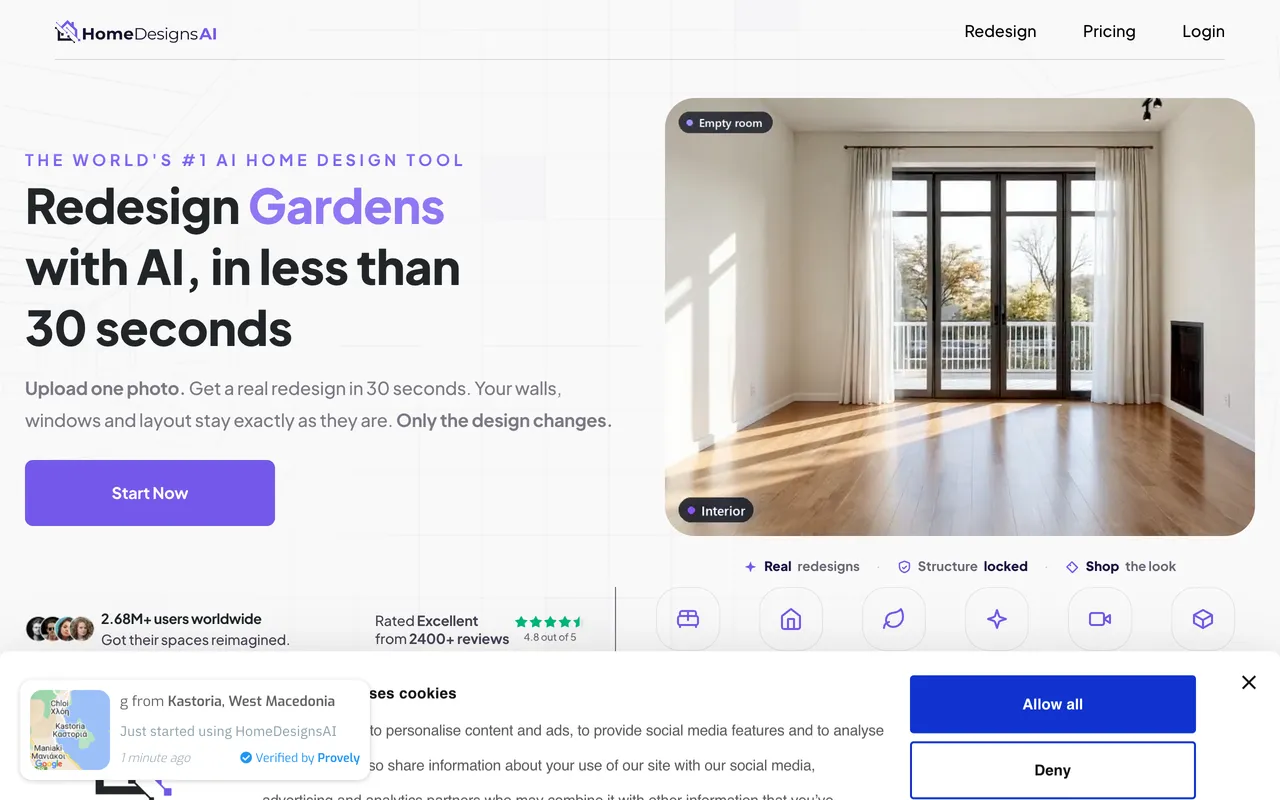
HomeDesigns AI gives you 3 credits every 24 hours on the free plan, and it is the only allowance in this test that refills rather than running out. Over a week that is 21 free images, enough to stage a small listing without paying anything. It covers 160+ styles across interiors, exteriors and gardens, and its Furniture Finder surfaces shoppable matches.
The catch: it is a general redesign tool that happens to stage, not a staging tool. There is no listing workflow, no bulk processing and no MLS-oriented output. The Furniture Finder is a "find something similar" search against a finished picture rather than furniture placed to scale in the first place.
Pricing: Free tier with 3 credits every 24 hours. Paid plans from about $27/month, roughly half that on annual billing.
Best for: Occasional staging on a genuine zero budget, and anyone who also needs exterior or garden shots.
7. Spacely AI: Best for Emptying a Room First
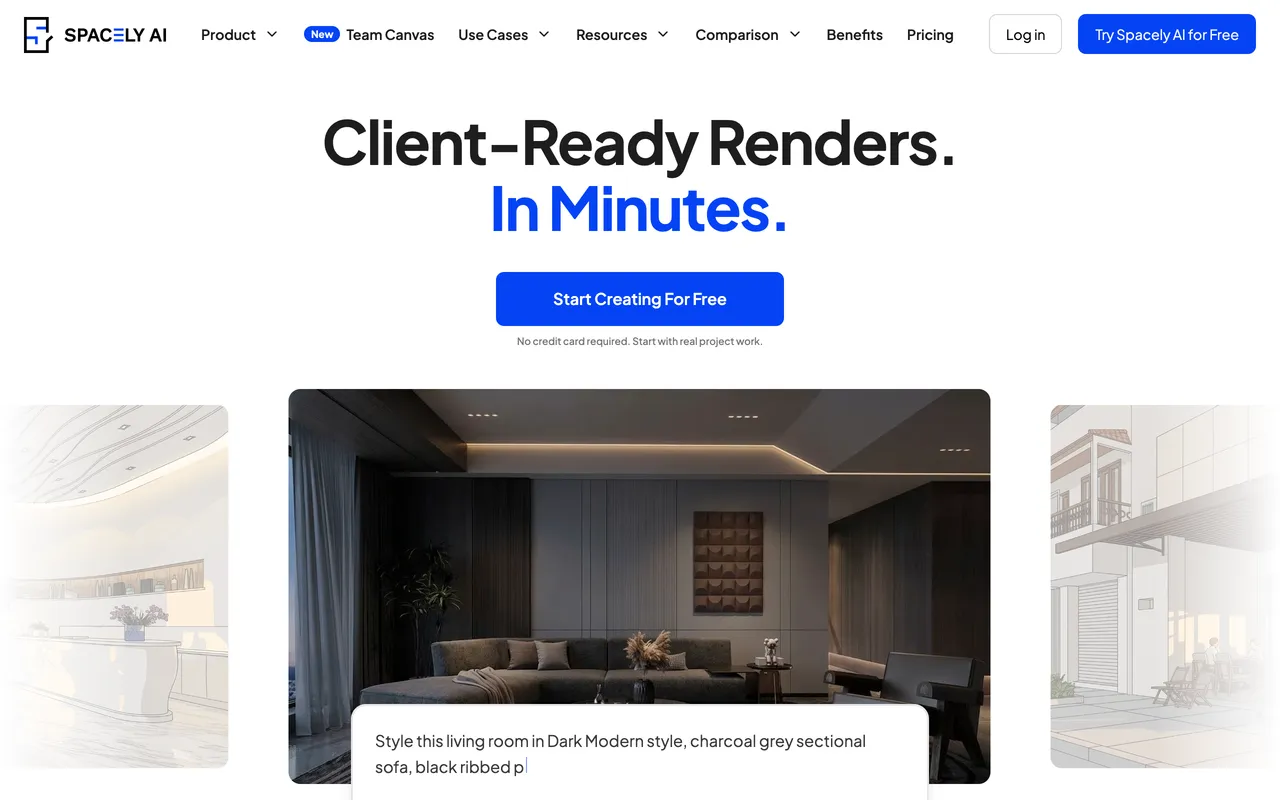
Spacely AI has the cleanest occupied-to-vacant workflow of the AI tools here. Its Empty the Room feature strips the existing furniture, then Auto Furnish Pro restages it. For an occupied listing where the seller's furniture is the problem, that explicit two-step is more reliable than asking one model to swap everything at once. There is also a free SketchUp plugin, which nothing else here offers.
The catch, and it matters for listings: as of August 2026 the free plan watermarks its output. Older roundups, including an earlier version of this page, still say the Spacely free tier is watermark-free. It is not, so treat the 40 free credits as an evaluation trial rather than usable listing photos. Paid tier prices are also not published on the pricing page, which makes budgeting awkward before you sign up.
Pricing: Free plan with 40 credits, watermarked. Personal, Studio and Agency tiers remove the watermark but do not list prices publicly. Education plan $30/month with an academic email.
Best for: Designers on a desktop workflow, and occupied listings that need emptying before staging.
8. BoxBrownie: The Quality Benchmark
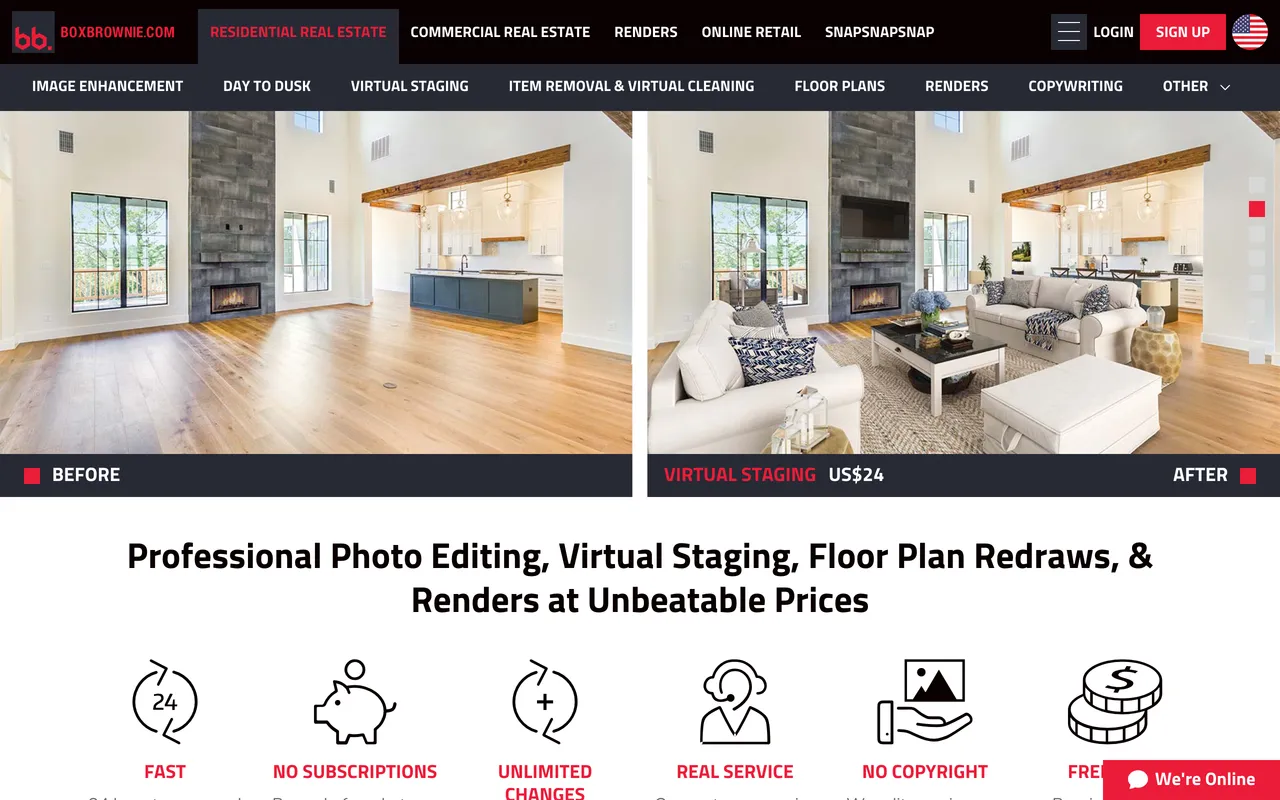
BoxBrownie is not AI. Human designers composite 3D furniture into your photo, and the result is the standard every AI tool in this list gets measured against. Perspective, shadows and reflections are handled by someone who can see when they are wrong, which is exactly where generative models still fail on hard rooms.
The catch: $30 per 2D image and a 24 to 48 hour wait. A standard 8-photo listing is $240 and two days, against roughly $4 and two minutes on an AI tool. Item removal is billed separately at $5 for one or two small items and $10 standard, so an occupied listing climbs fast. Worth knowing before you order: the pricing page lists 2D virtual staging at $30, while the homepage hero banner still advertises US$24. Confirm the rate at checkout.
Pricing: $30 per 2D virtual staging image, $60 per 360° staged image, item removal $5 to $10, day to dusk $5.
Best for: Luxury listings, difficult architecture, and any photo where one bad reflection costs you the client.
9. Styldod: Designer-Led at Half the Price
Styldod delivers the same human-designed staging as BoxBrownie at close to half the price if you order in batches, and it includes unlimited free revisions on every order, which BoxBrownie does not match. For an agent staging full listings rather than single hero shots, the batch pricing is the whole argument.
Worth knowing: Styldod and REimagineHome are the same company. REimagineHome AI is Styldod's self-serve product, and Styldod is the expert-delivered side of it. Picking between them is not choosing between two vendors, it is choosing whether a human does the work.
The catch: the $16 rate needs 8 or more images in one order. Order fewer and you pay $23, which erodes most of the advantage over BoxBrownie. Standard turnaround is 24 to 48 hours, and getting it faster costs extra: $6 for 24-hour delivery, $12 for 12-hour.
Pricing: $16 per image on orders of 8 or more, $23 per image below that. Unlimited free revisions. Rush delivery $6 to $12 per image.
Best for: Agents staging whole listings who want human quality without BoxBrownie pricing.
10. Stuccco: Fastest Designer-Led Turnaround
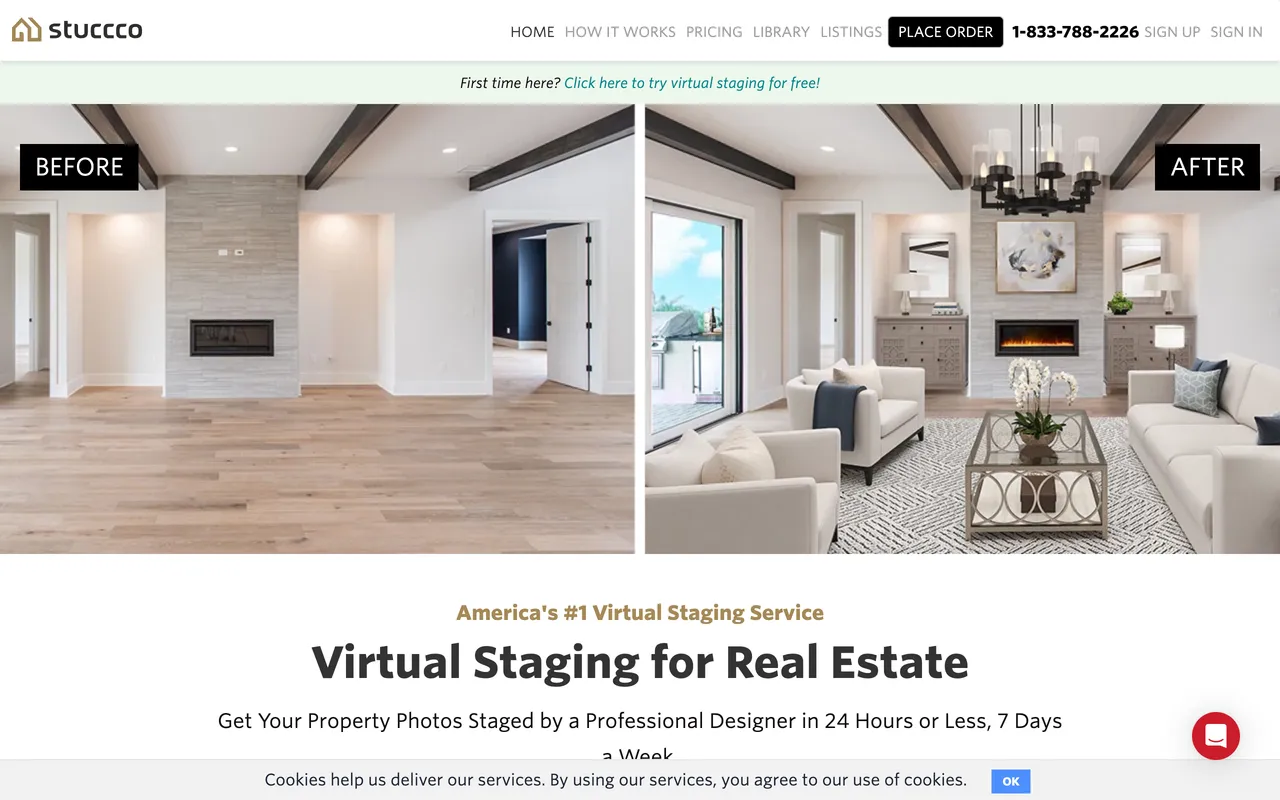
Stuccco runs a designer network with roughly 24-hour turnaround, the quickest of the human-led options here, and its prepay tiers bring the per-photo cost below BoxBrownie. If you need human quality tomorrow morning rather than the day after, this is the one.
The catch: the good pricing requires money upfront. $35 pay-as-you-go is the most expensive per-image rate in this entire test. To reach $24.50 you prepay $799, which is a real commitment for an agent who is not certain of their volume.
Pricing: $35 per photo pay-as-you-go, $28 per photo on Essential ($399 prepay), $24.50 per photo on Plus ($799 prepay).
Best for: Teams with predictable volume who need human staging on a next-day deadline.
Two Things No Other Roundup Will Tell You
Both of these came out of actually opening the tools rather than reading their marketing pages, and both change which tool you should pick.
1. Virtual Staging AI will not sell to you in Europe or the UK. It is named as the budget winner in nearly every comparison article, and the top of its own homepage says EU, EEA and UK customers cannot subscribe. If you are a European agent, the cheapest available option is not the one you keep being recommended.
2. Styldod and REimagineHome are one company. Lists that rank them as two separate choices are padding the count. REimagineHome AI is the self-serve AI product; Styldod is the human-delivered service. Useful to know if you were planning to "compare quotes" between them, and genuinely useful if you like one and want the other delivery model for a harder photo.
What Virtual Staging Actually Does to a Listing
Almost every virtual staging page on the internet, including an earlier version of this one, repeats the same four numbers: staged homes sell 73% faster, staged listings get 40% more views, 81% of buyers say staging helps them visualise, and 72% of listing agents call staging important. We went looking for the primary sources and could not find them. They circulate between marketing pages citing each other and the trail does not lead to a study. We have removed them from this guide.
Here is what the actual research says. The National Association of Realtors 2025 Profile of Home Staging, based on a February 2025 survey of 1,266 real estate professionals:
- 49% of agents said staging reduced the time a home spent on the market.
- 29% of agents reported staging led to a 1% to 10% increase in the dollar value offered.
- 83% of buyers agents said staging made it easier for a buyer to envision the property as their future home.
- 26% of agents said staging affected most buyers' view of a home, and 12% said it had no effect at all.
Read honestly, that is a good case for staging rather than a miracle. About half of agents saw a time-on-market benefit and roughly three in ten saw a price benefit in the 1% to 10% band. These are agent-reported perceptions rather than a controlled trial, and NAR measures staging in general, not virtual staging specifically. Nobody has published a clean study isolating the two.
What that means practically: at $0.50 to $2 per AI-staged image the expected value is obviously positive even if the effect is modest, because the downside is a few dollars. At $30 per image across eight rooms, you should want more certainty than the industry currently offers.
AI, Designer-Led, or Physical Staging?
The market has settled into three camps that win on different things:
- AI staging (MeltFlex, Virtual Staging AI, Collov, REimagineHome, HomeDesigns AI, Spacely) when you need results in minutes, stage several rooms a month, and want to try multiple styles on one photo. Pennies to a couple of dollars per image.
- Designer-led staging (BoxBrownie, Styldod, Stuccco) when the architecture is unusual, the perspective is hard, or the listing is high-end enough that a single artefact is unacceptable. $16 to $35 per image, 24 to 48 hours.
- Physical staging when buyers will walk the property at an open house and the feel of the room does the selling. $2,000 to $8,000 or more per property.
The quality gap between good AI staging and designer-led work has narrowed enough that on a standard, well-lit residential room most buyers cannot tell. It has not closed on hard rooms: strong window backlight, mirrors, sloped ceilings and open-plan spaces with several vanishing points still break generative models more often than they break a human compositor. Judge your own photos before you judge the tools. For a full cost breakdown, see our AI virtual staging vs physical staging cost guide.
Watch: Staging an Empty Apartment in 30 Seconds
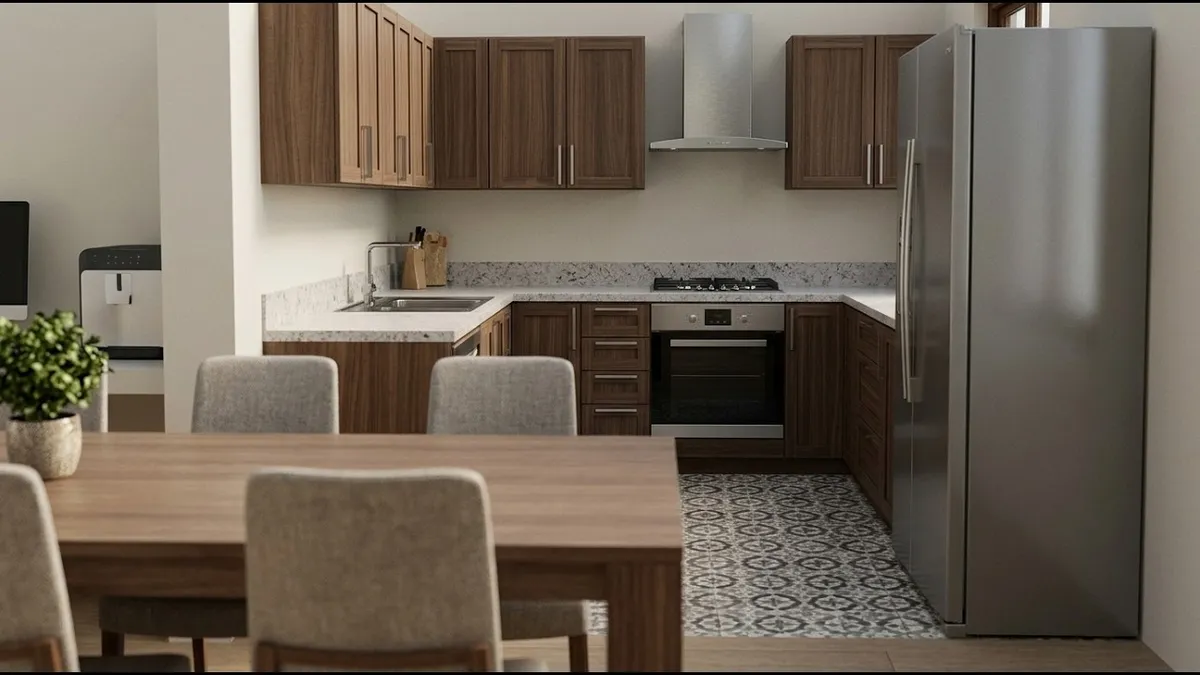
This is the workflow every AI tool in this guide is trying to do, start to finish on a real empty apartment: upload the photo, stage it, and end up with furniture that has a price next to it.
Virtual Staging Disclosure and MLS Compliance
Virtual staging is legal everywhere it matters. What gets agents in trouble is failing to label it:
- Label every staged photo. Most MLS rules require a "virtually staged" caption or watermark on the image itself, not only in the description.
- Adding is fine, hiding is not. Placing furniture in an empty room is standard. Digitally removing water stains, cracks or damage misrepresents the condition of the property, and that is where misrepresentation complaints start.
- Do not alter fixed features. Changing countertops, flooring or removing a wall crosses from staging into renovation rendering and needs a much clearer disclaimer.
- Rules vary by state and MLS. Check yours before publishing, because the penalty lands on the agent, not the software.
Our 2026 virtual staging disclosure rules guide covers exactly what to label and where.
Which Rooms Are Worth Staging
NAR's 2025 data on which rooms matter most to buyers gives a clear priority order:
- Living room, 37%. The single most important room to stage, and the hero shot of the listing.
- Primary bedroom, 34%. A close second. Buyers picture themselves in it.
- Kitchen, 23%. Matters most in open-plan homes, where it appears in the living room shot anyway.
At AI prices there is little reason not to stage every room. At designer-led prices, stage the living room and primary bedroom and stop. Working with a completely empty property? Our walkthrough on how to room makeover prompts shows the full before and after flow.
What Makes AI Staging Look Real
The difference between "obviously fake" and "is that real?" comes down to five things. These are what we scored each tool on:
- Lighting consistency. Staged furniture has to match the direction and hardness of the light already in your photo. Tools that ignore window position drop in furniture lit from nowhere.
- Proportional accuracy. A sofa that reads as 3 metres long in a 3 by 4 metre room breaks the illusion instantly. Tools working from real furniture dimensions score highest here.
- Floor contact. Furniture must sit on the floor, not hover above it or sink into it. Floating rug corners and legs vanishing into pile are the most common AI tell.
- Texture detail. Fabric weave, wood grain and metal reflections should survive at full resolution. Plenty of tools look convincing at thumbnail size and fall apart when a buyer zooms.
- Style coherence. Every piece should belong to one design language. A modern sofa, a rustic coffee table and an industrial lamp read as confused, not eclectic.
Curious why some AI staging still looks off? We break down the technical reasons in why AI renders look fake and how to fix it.
How to Choose the Right Virtual Staging Tool
Four questions decide it:
- Where are you? If you are in the EU, EEA or UK, Virtual Staging AI is out before you compare anything else.
- How many photos do you stage per month? Under 5, use a free tier or pay-as-you-go (HomeDesigns AI, Apply Design). 5 to 50, a subscription (MeltFlex, REimagineHome). Over 50, chase per-image cost (Collov, Virtual Staging AI Enterprise).
- Is the room empty or occupied? Empty rooms are easy and every tool handles them. Occupied rooms need furniture removal first, which narrows it to MeltFlex, Virtual Staging AI, Apply Design, Spacely AI, or paying BoxBrownie separately.
- Does the buyer need to buy the furniture? MeltFlex places real priced furniture into the design itself and REimagineHome gives you a budget-filtered cart. Everything else is a picture.
What We Left Out, and Why
Two names that show up on other lists are missing here on purpose. PhotoUp does credible designer-led staging, but it does not publish per-image pricing on its site and we are not going to quote a number we cannot verify against a primary source. RoOomy appears on roundups that have not been updated in years and is no longer a practical option for an individual agent.
We also excluded general AI image generators that can technically furnish a room but have no staging workflow, no furniture removal and no listing output. They will produce a pretty picture and cost you an afternoon.
Frequently Asked Questions
What is the best virtual staging software in 2026?
After staging the same empty living room with 10 tools in August 2026, MeltFlex is the best pick for most agents, because it is the only one combining staging, furniture removal, floor plan to 3D, video walkthroughs and real priced furniture in a single account. Virtual Staging AI is cheapest at volume (about $0.53 per image on the $79 plan) but is unavailable in the EU, EEA and UK. REimagineHome has the strongest shoppable output. BoxBrownie at $30 per image remains the human-designed benchmark, and Styldod undercuts it at $16 per image on orders of 8 or more.
How much does virtual staging cost per photo in 2026?
AI staging runs roughly $0.24 to $2.70 per image depending on plan size: Collov AI is about $0.24 per credit at the top tier, Virtual Staging AI spans $0.53 to $2.67, and MeltFlex is about €0.30 to €0.80. Apply Design is the outlier at $7 to $15 because of its coin pricing. Designer-led services cost more: Styldod $16 (8 or more) to $23, Stuccco $24.50 to $35, BoxBrownie $30. Physical staging is $2,000 to $8,000 or more per property. See our full cost comparison.
Is there a genuinely free virtual staging tool?
There is free output, but no unlimited free tier. MeltFlex has a free tier with no card required, REimagineHome gives 5 free designs, HomeDesigns AI refills 3 credits every 24 hours, and Apply Design makes your first image free. Spacely AI gives 40 free credits but watermarks free output as of August 2026, and Collov AI offers 5 watermarked trial photos rather than a standing free tier.
Is virtual staging legal for real estate listings?
Yes, and it is standard practice, but disclosure keeps it legal. NAR guidance and most MLS rules require a virtually staged photo to be labelled, usually with a caption or watermark. Adding furniture is fine; digitally removing damage, cracks or structural problems is misrepresentation. Rules vary by state and MLS, so confirm yours and review the 2026 disclosure rules.
Does virtual staging actually help sell homes faster?
The evidence is softer than most marketing pages claim. In the NAR 2025 Profile of Home Staging, 49% of agents said staging reduced time on market and 29% reported a 1% to 10% increase in the dollar value offered, while 83% of buyers agents said it helped buyers envision the property as their own. Those are agent-reported perceptions from 1,266 professionals, not a controlled study, and they cover staging generally rather than virtual staging specifically.
What is the difference between AI and designer-led virtual staging?
AI staging generates the furnished room in 10 to 60 seconds for pennies, and you iterate by regenerating. Designer-led staging has a human composite 3D furniture into your photo over 24 to 48 hours for $16 to $35 per image, revisions included. AI wins on speed, cost and volume. Human work still wins on unusual architecture, hard perspectives and luxury listings.
Can AI virtual staging remove existing furniture, not just add it?
Yes, and it is what separates the serious tools from the toys, because most real listings are occupied. MeltFlex, Virtual Staging AI, Apply Design and Spacely AI all remove existing furniture before restaging. Spacely AI splits it into an explicit Empty the Room step, which is more reliable than swapping everything at once. BoxBrownie bills removal separately at $5 for one or two small items and $10 standard.
Which virtual staging tool shows furniture you can actually buy?
Two do it properly. MeltFlex places real priced furniture from IKEA, Amazon, Wayfair, Pottery Barn and Ashley into the design itself, so the staged photo comes with a shopping list. REimagineHome added a strong shoppable mode in 2026 that filters by budget and postcode and hands you an add-all-to-cart checkout with the retailer. Collov AI can place branded products. Everything else here generates furniture that does not exist.
The Bottom Line
For most listing agents in 2026, AI staging is the correct default. It costs a couple of dollars per listing instead of a couple of hundred, it turns around in seconds, and on a normal well-lit room the output holds up. Keep a designer-led service like BoxBrownie or Styldod in your back pocket for the hard rooms and the listings where the photo is the brochure.
Among the AI tools the deciding question is what happens after the photo. If you only need an image and you are in the US, Virtual Staging AI is faster and cheaper at volume. If the staged look is part of what you are selling, REimagineHome and MeltFlex are the two worth your time, and MeltFlex is the one that also removes the seller's furniture, builds the 3D model and cuts the video without a second subscription.
Upload an empty room and stage it free →
How We Tested
Last tested: August 2026. We staged the same empty living room photo with all 10 tools, using each tool's default modern style and no manual correction, so the comparison reflects what an agent gets on the first attempt rather than after an hour of fiddling. For the designer-led services we submitted the same photo with the same brief.
Every price in this guide was read off the provider's own pricing page in August 2026. Where a provider does not publish prices (Spacely AI paid tiers, PhotoUp) we say so instead of estimating, and where a provider contradicts itself (BoxBrownie lists $30 on pricing and $24 on the homepage) we say that too. Prices change often, so check before you buy.
We scored each tool on six criteria:
1. Realism: lighting, floor contact, proportions, and whether the result survives a full-resolution zoom.
2. Turnaround: upload to finished image, measured rather than quoted.
3. True cost per image: the plan price divided by the images it actually includes, not the headline number.
4. Furniture removal: whether the tool handles occupied listings or only empty rooms.
5. Furniture reality: is the furniture buyable, matched afterwards, or invented?
6. Free output: what you can produce without paying, and whether it is watermarked.
Disclosure: MeltFlex publishes this guide and ranks itself first in it. We have tried to earn that by naming what MeltFlex does not do well, by crediting REimagineHome where it has caught up on the feature we used to claim alone, and by pricing every competitor from its own pricing page rather than from another roundup. Judge the tools on your own photos: most of them have free or trial output, so the test costs you nothing.
Related guides: best AI interior design tools compared, virtual staging costs and data, real estate photography and virtual staging, virtual staging disclosure rules, staging an Airbnb for listing photos, and one empty room, 6 AI designs.