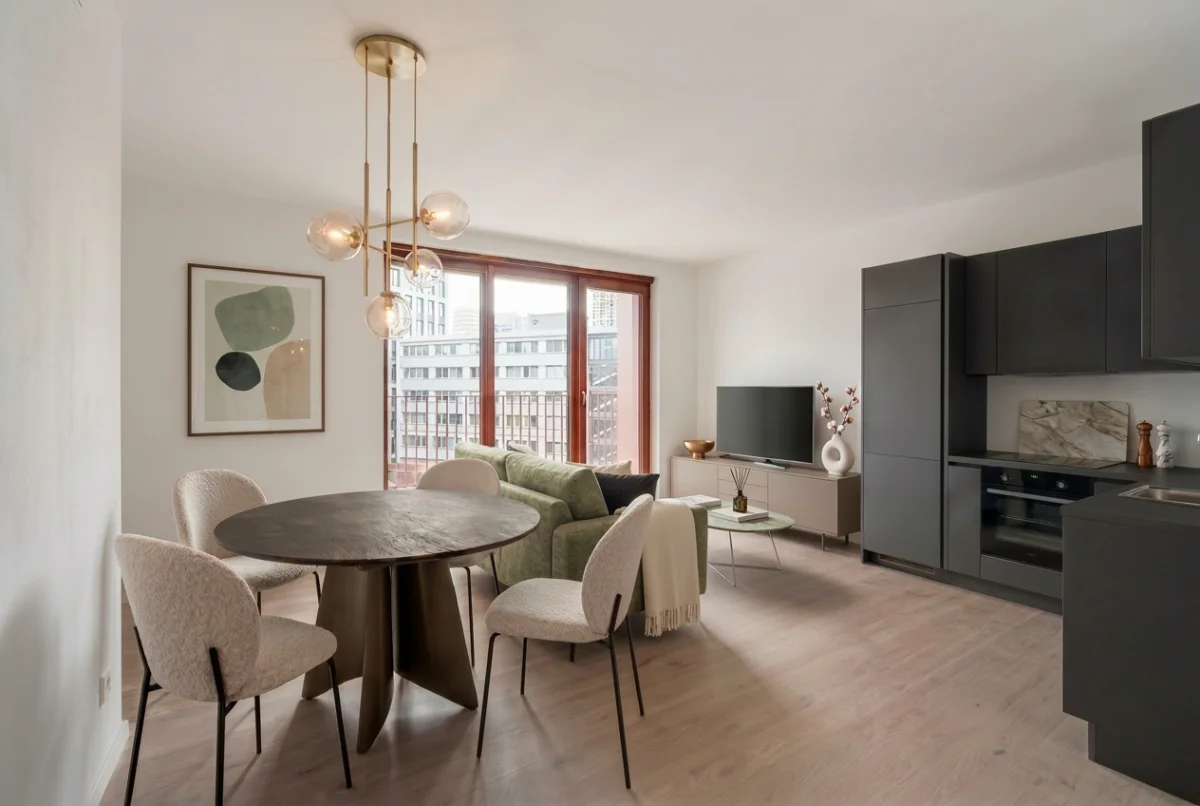
Furnishing your first apartment is one of the most exciting — and most expensive — things you will do as an adult. The problem is that most people get it wrong the first time. They buy a sofa that is too big, a dining table that blocks the hallway, or a bedroom set that looked great in the showroom but overwhelms their actual room.
The result? Returns, regret, and money wasted. The average first-time apartment furnishing costs $3,000 to $8,000, and studies show that 20–30% of online furniture purchases get returned because they do not fit or do not look right in the space.
This guide shows you how to furnish your first apartment step by step using AI interior design tools — so you can see exactly how everything looks before you spend a single dollar.
Step 1: Start with Your Floor Plan, Not a Shopping Cart
The number one mistake first-time apartment owners make is browsing furniture stores before they understand their space. A 45-square-meter apartment and a 70-square-meter apartment need completely different furniture — not just in quantity, but in scale, layout, and proportion.
Before you open a single furniture website, get your floor plan. This could be:
- The floor plan from your lease or real estate listing
- A hand-drawn sketch with rough measurements
- A photo of the architect's drawing from the building developer
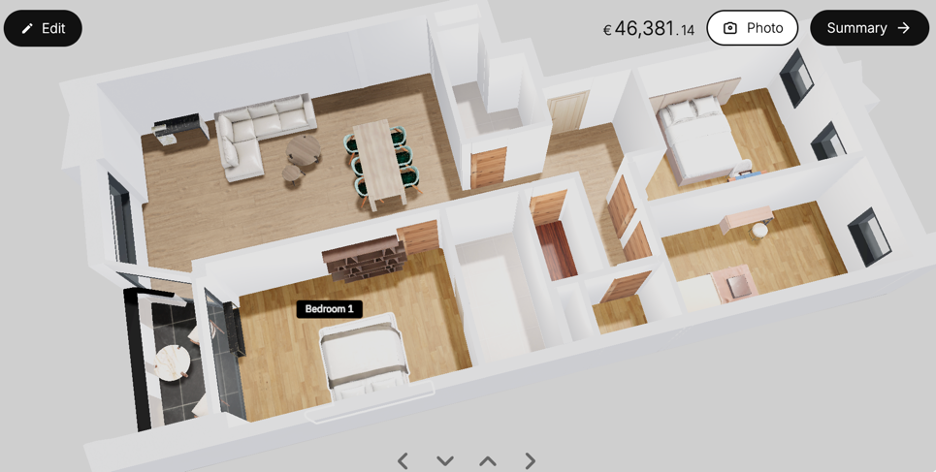
Upload this to an AI tool like MeltFlex, and it will convert your 2D plan into an interactive 3D model in seconds. Now you can see every room from above, walk through it virtually, and understand exactly how much space you have to work with.
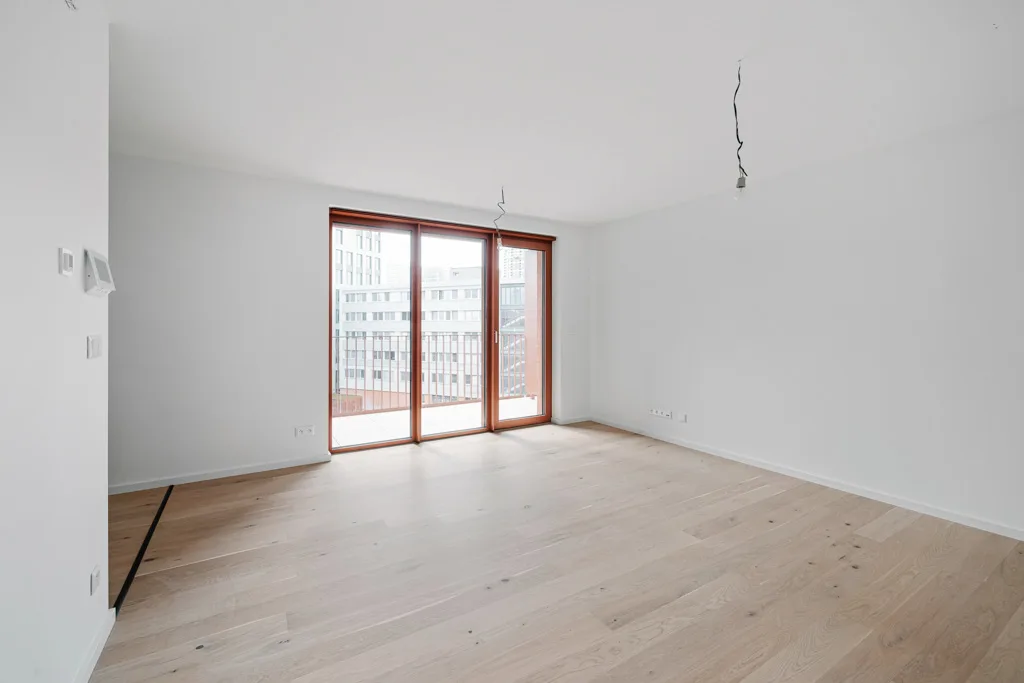
Step 2: Define Your Zones Before Picking Any Furniture
Every apartment has functional zones — areas where specific activities happen. Before choosing a single piece of furniture, map out these zones in your 3D model:
- Sleep zone — bed, nightstands, wardrobe access
- Living zone — sofa, coffee table, TV or screen
- Eating zone — dining table with enough chair clearance
- Work zone — desk, chair, power outlet access (if you work from home)
- Storage zone — shoe rack, coat hooks, shelving for everyday items
In a studio or one-bedroom apartment, some of these zones will overlap. That is fine — but you need to decide where each zone lives before you start shopping. A 3D model makes this obvious. You can see natural walkways, light sources, and how zones flow into each other.
Step 3: Buy Anchor Pieces First (and Only Anchor Pieces)
Anchor pieces are the large items that define each zone and are hardest to return. For a first apartment, your anchors are:
- Bed frame + mattress — the most-used piece of furniture in your home
- Sofa — defines the living area scale and seating capacity
- Dining table + chairs — sets the eating zone footprint
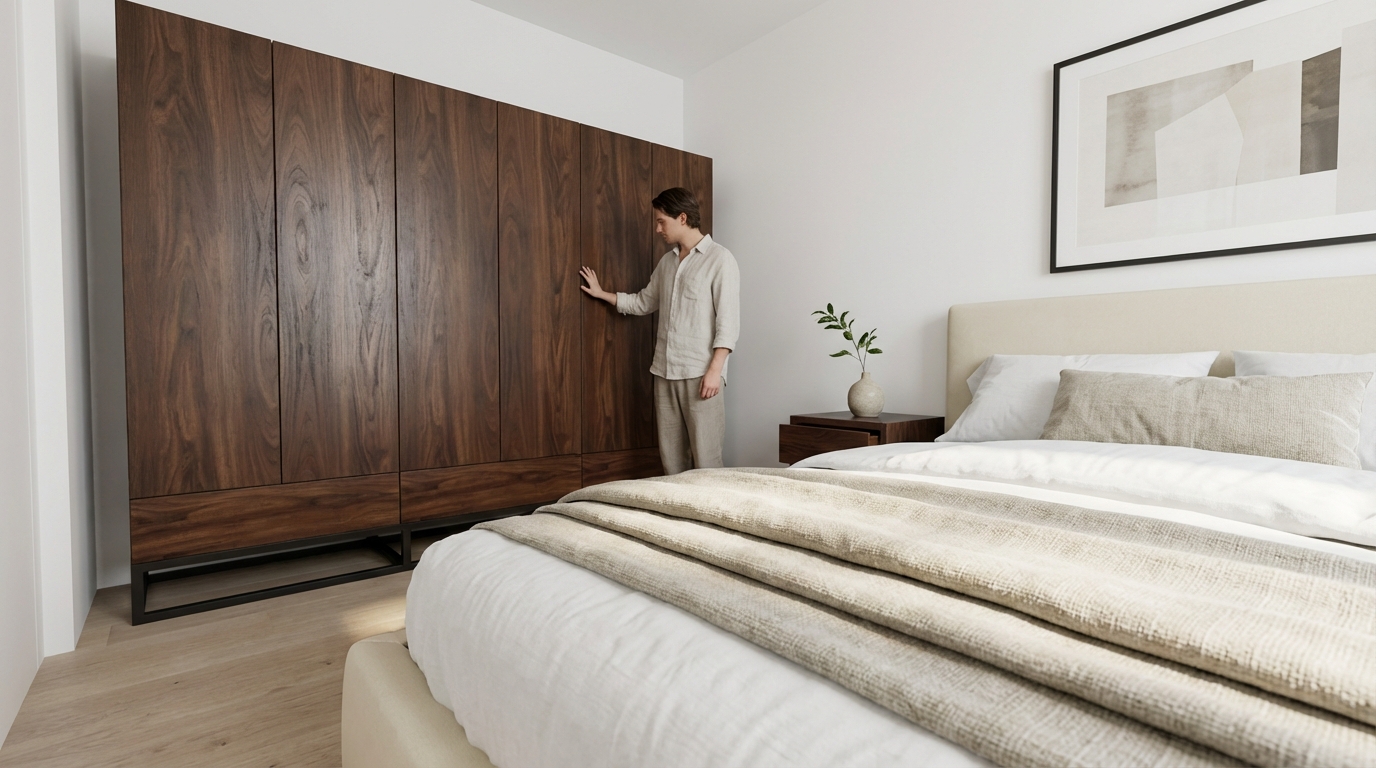
- Wardrobe or closet system — especially if your apartment has no built-in storage
The key insight is to place these anchor pieces in your 3D model first. Drag them into the rooms, rotate them, check the clearances. Does the sofa leave enough room to walk behind it? Can you open the wardrobe doors without hitting the bed? Is there 80 cm of clearance around the dining table for chairs to pull out?
AI tools with real furniture catalogs — like MeltFlex's product library — let you place actual products with real dimensions. This means you are not guessing whether a 220 cm sofa will fit. You can see it, to scale, in your exact apartment layout.
Step 4: Use AI Renders to Test Styles Before You Commit
Here is where first-time buyers waste the most money: they pick a style they think they like, buy everything in that style, and then realize it does not look right in their actual space. A moody industrial aesthetic looks incredible in a loft with 4-meter ceilings and exposed brick — but it can make a standard 2.5-meter-ceiling apartment feel dark and cramped.
AI solves this by letting you generate photorealistic renders of your actual apartment in different styles — before you buy a single item. Upload a photo of your empty room and try:
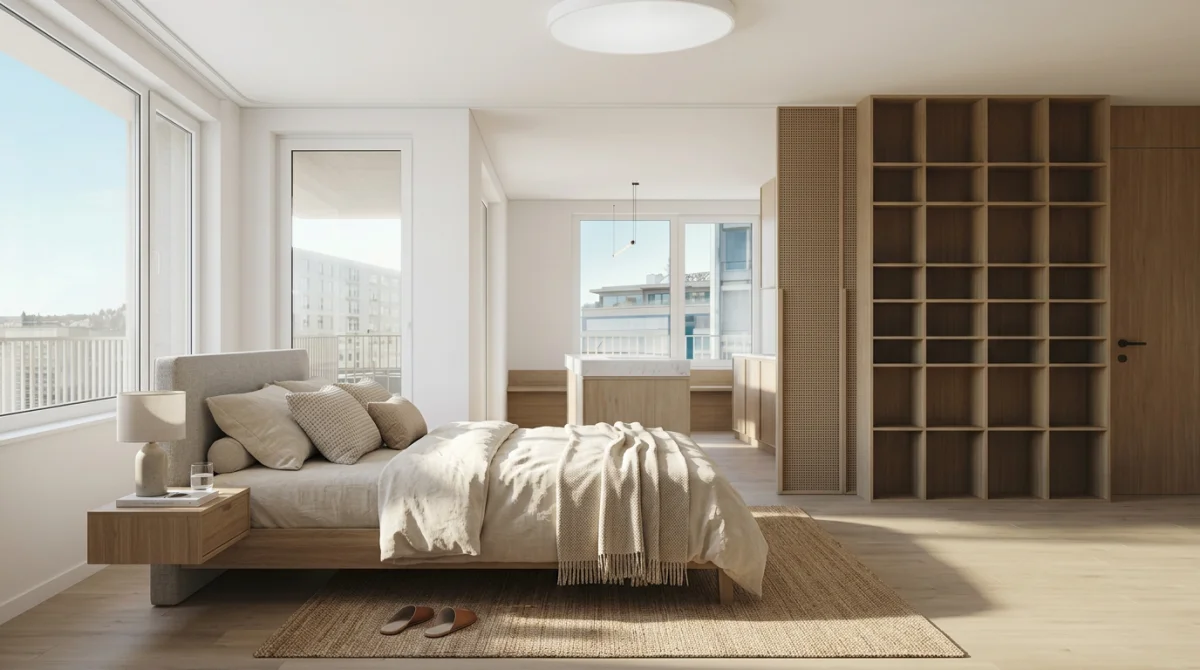
- Scandinavian — light oak, white walls, warm textiles, natural light
- Minimalist — clean lines, muted tones, no visual clutter
- Industrial — dark materials, metal accents, dramatic lighting
- Mid-century modern — retro shapes, warm wood, statement pieces
See the same room in three different styles in seconds. This is not a mood board — it is your actual apartment, rendered photorealistically with real furniture. Explore all interior design styles to find the one that matches your space and personality.
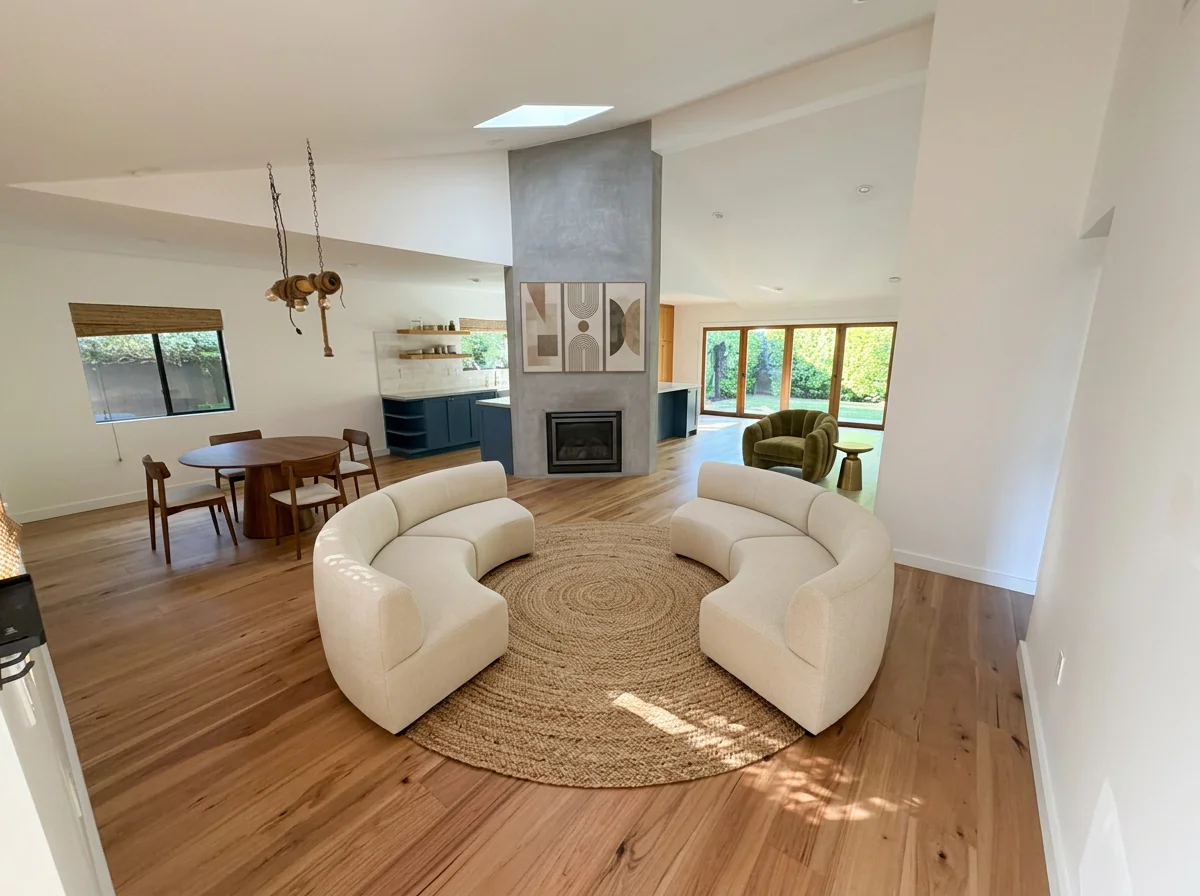
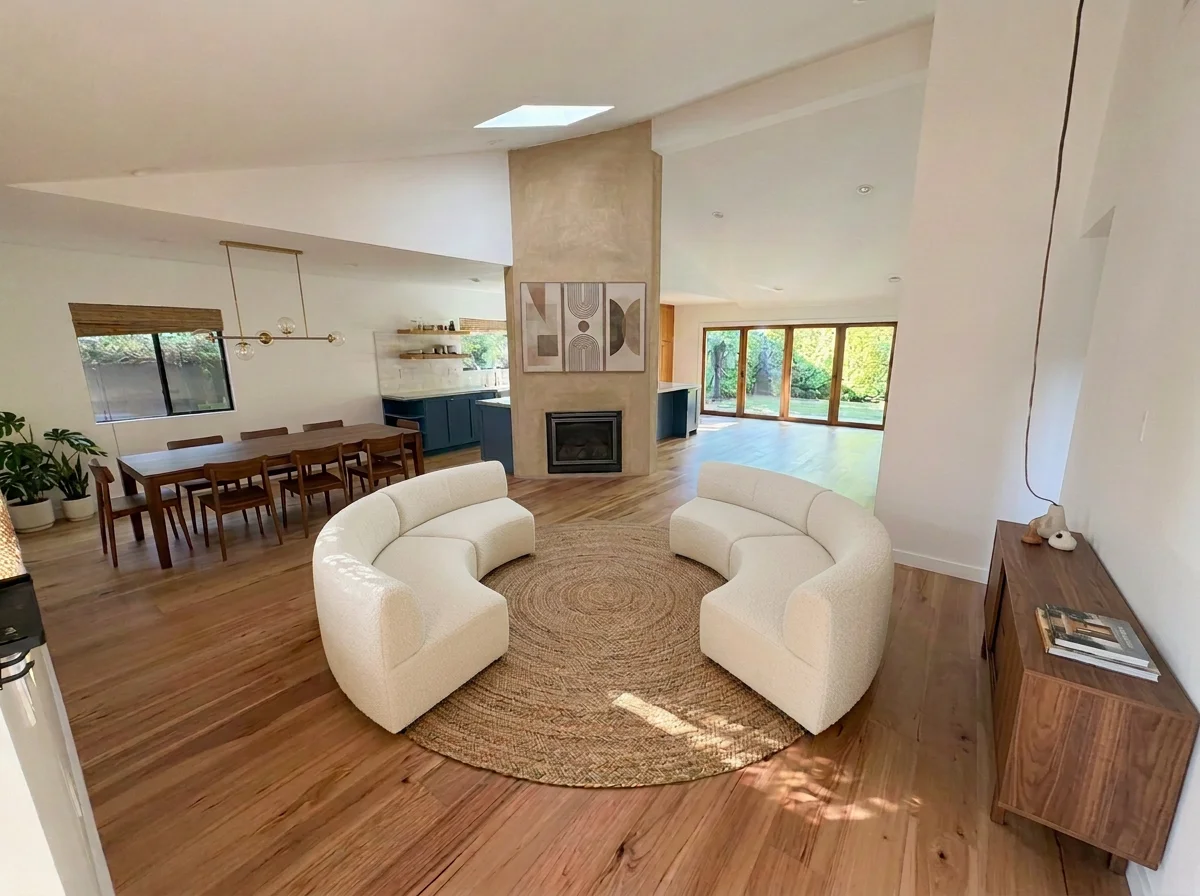
Step 5: Check Proportions and Walkways in 3D
Furniture that looks perfect in a store feels completely different in your apartment. The most common proportion mistakes first-time buyers make:
- Sofa too deep — leaves no room to walk behind it in a narrow living room
- Dining table too wide — chairs cannot pull out without hitting the wall
- Coffee table too large — blocks the path between sofa and TV
- Bed too big — wardrobe doors cannot open, or there is no room for nightstands
- Desk against a window — screen glare makes it unusable during the day
In a 3D model, these problems are immediately visible. You can rotate the view, zoom in to check clearances, and swap furniture for smaller or larger alternatives until the layout works. This single step prevents the most expensive furnishing mistakes.
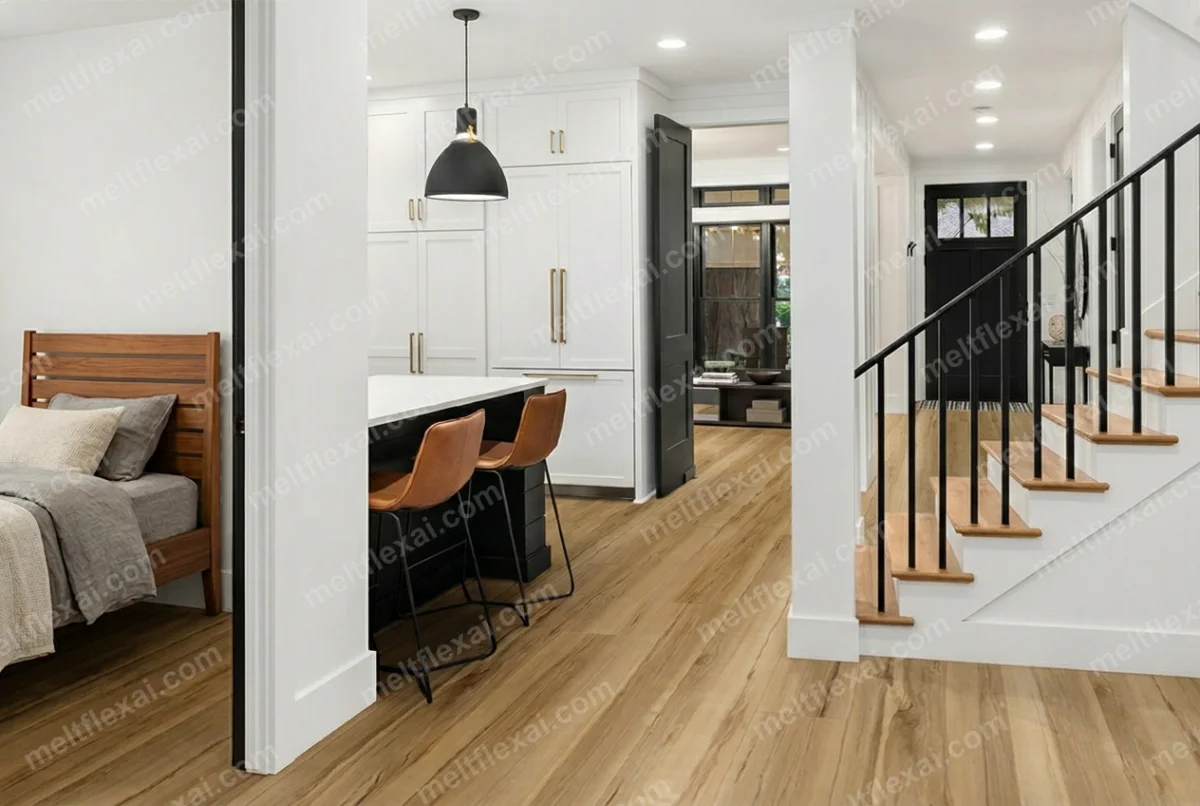
Step 6: Fill in Secondary Pieces After You Move In
Once your anchor pieces are in place and you have actually lived in the apartment for a few days, you will know exactly what secondary pieces you need. Not what you think you need — what you actually need. This is the single most effective money-saving strategy.
Common secondary pieces and when to add them:
- Side tables and lamps — add after you know where you actually sit and read
- Shelving and storage — add after you see where clutter naturally accumulates
- Rugs — add after furniture is placed so you can size them correctly
- Artwork and mirrors — add after you identify bare walls that need visual weight
- Plants — add after you see where natural light actually falls throughout the day
For each secondary piece, go back to your 3D model, place it, and generate a new render to see how it changes the room. This iterative approach means you build a cohesive space over weeks instead of making one massive, error-prone purchase on day one.
Step 7: Generate a Final Render and Shop with Confidence
Once you are happy with the layout in 3D, generate a photorealistic render of each room. This is your furnishing blueprint — a visual shopping list that shows exactly what you need, where it goes, and how it all looks together.
With MeltFlex, every piece of furniture in your render is a real product with real pricing. You can add items directly to your cart from the design view — no more searching for that exact sofa you saw somewhere online. The render becomes your order form.
The Budget Breakdown: What Furnishing Actually Costs
Knowing what to expect helps you allocate your budget smartly. Here is a realistic breakdown for a one-bedroom apartment:
- Bed frame + mattress — $400 to $1,500 (invest here — you use it 8 hours a day)
- Sofa — $300 to $1,200 (scale to your room, not to the showroom)
- Dining table + 4 chairs — $200 to $800
- Wardrobe / storage — $150 to $600
- Desk + chair — $150 to $500 (if you work from home)
- Secondary pieces (lamps, rugs, shelving, decor) — $300 to $1,000
Total: $1,500 to $5,600 for a thoughtfully furnished one-bedroom apartment. The difference between the low and high end is mostly material quality, not quantity. AI planning keeps you at the lower end by eliminating returns and impulse buys.
3 Mistakes That Cost First-Time Buyers the Most Money
1. Buying Everything from One Store on the Same Day
Furniture stores are designed to make everything look coordinated under perfect showroom lighting. Your apartment has different dimensions, different light, and different proportions. Buy anchor pieces first, live with them, then fill in. Matching everything from one catalog creates a showroom look — not a home.
2. Ignoring Scale
A 280 cm sectional sofa that looked reasonable in a furniture store will dominate a 3.5 x 4 meter living room. Always check dimensions against your actual space — in a 3D model, not in your head. Your head is bad at spatial math. The 3D model is not.
3. Skipping the Floor Plan
This is the root cause of almost every other mistake. Without a floor plan, you are guessing dimensions, guessing walkways, and guessing how pieces relate to each other. Upload your floor plan to MeltFlex, get a 3D model, and eliminate the guesswork entirely. It takes 60 seconds and saves hundreds of dollars in returns.
Start Planning Your First Apartment Now
Whether you are moving in next week or still apartment hunting, you can start planning today. Upload your floor plan to MeltFlex and get a free 3D model of your apartment. Place real furniture, test different styles, check every proportion — and walk into your new home knowing exactly what to buy and where it goes.
Related guides: 5 tips for choosing furniture for a new apartment, how to convert a floor plan to 3D, 3D room planner guide, and AI interior design prompts that work.

