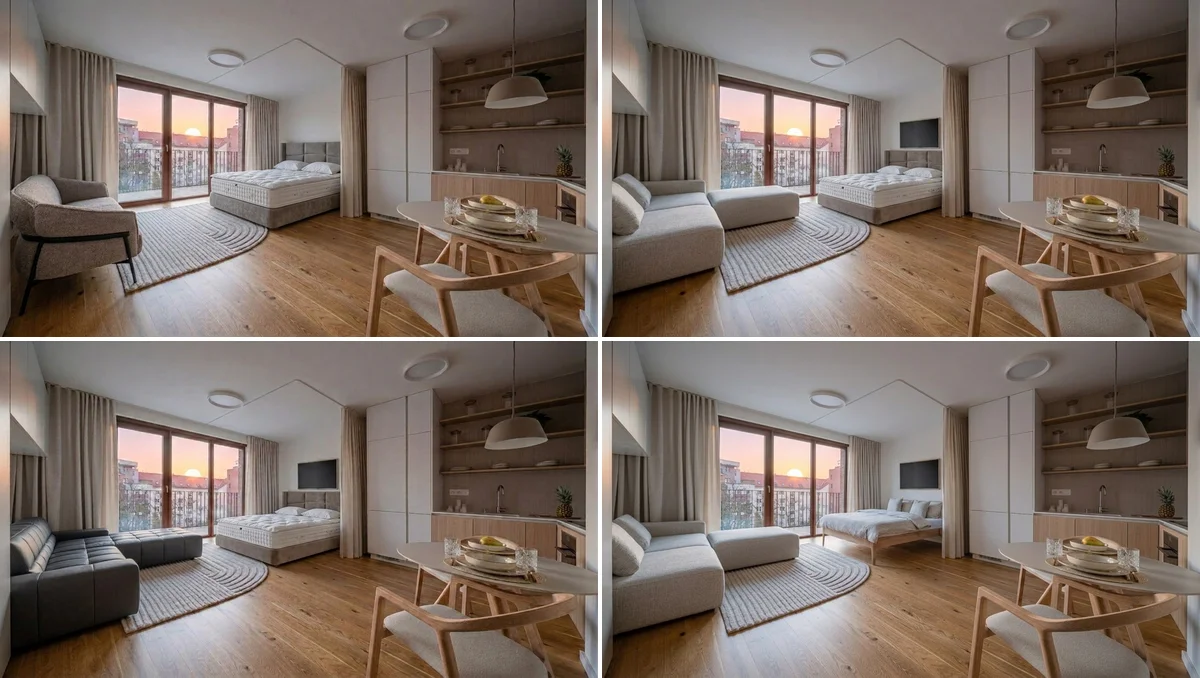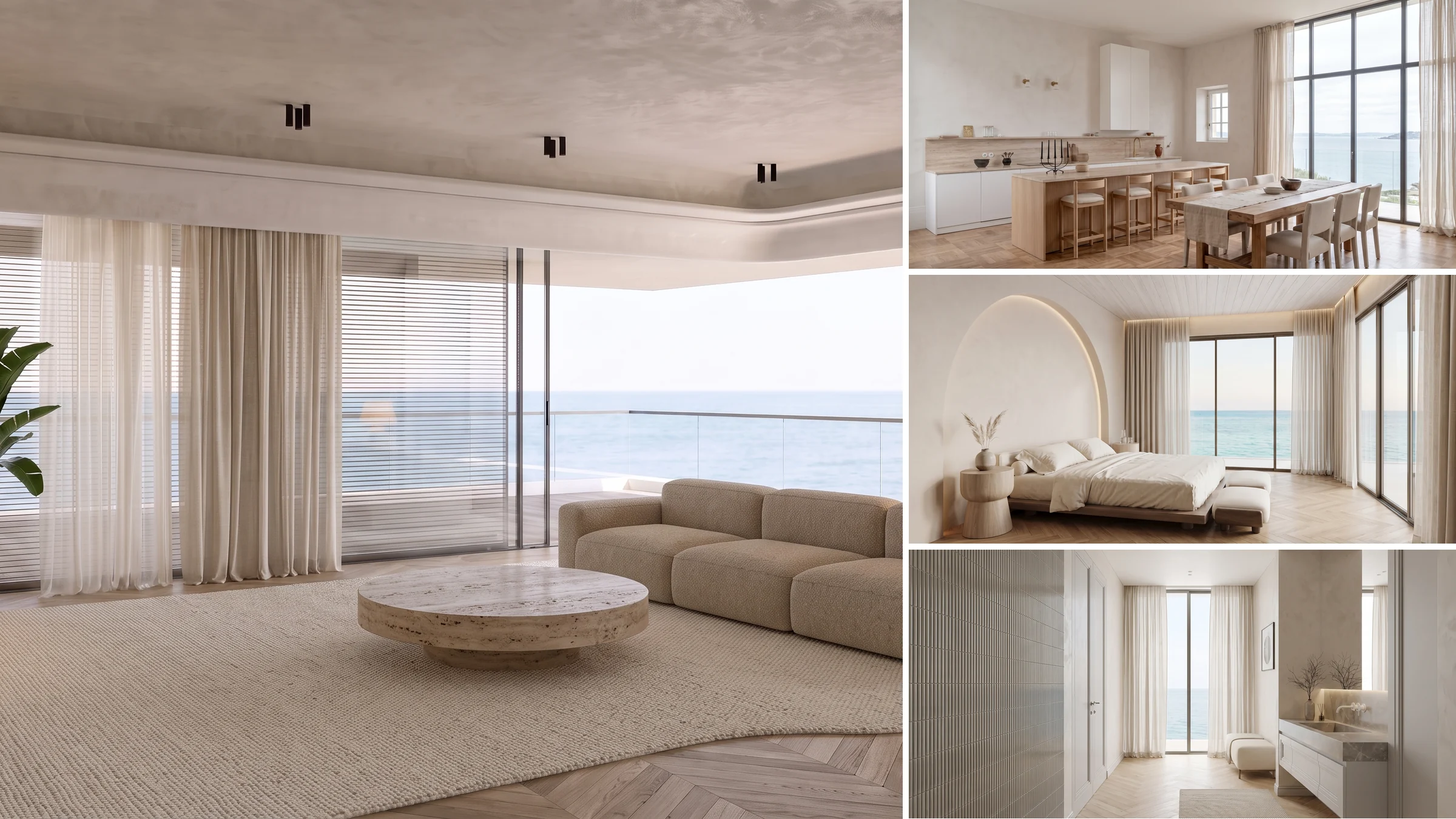
You have the listing photos. What you need is a video, and in 2026 you can turn a single room photo into a moving walkthrough in minutes, no videographer and no 3D artist. The only real question is which tool to trust for property and architecture, because most were built for ad creative, not for selling a building. Here is the ranking.
Our articles are still written by humans!
Get human written articles in your Google feed.
Quick answer: the best AI video generator for real estate and architecture for most people is MeltFlex, because it stages the room and generates the walkthrough in one place, with zero prompting. If you want the strongest raw model and you do not mind doing your own staging and prompting, Google Veo 3.1 wins on quality and Kling 3.0 wins on value. Skip Sora, it was discontinued in 2026. The full ranking, with real screenshots and the honest catch for each, is below.
The short version
- Real estate is the easy mode of AI video: no people, no fast motion, just a slow glide across a still room. That is why it works so well.
- MeltFlex is the most practical for property because it stages or restyles the photo and then animates it in one flow, no prompt writing.
- Veo 3.1 is the best raw quality, Kling 3.0 the best value, Runway the best creative control, all general tools you stage for yourself.
- Higgsfield gives the most cinematic camera presets for social clips, Luma the most natural camera moves, Pika the fastest fun social videos.
- Sora is discontinued in 2026. Do not build a workflow on it.
- The one rule that decides quality everywhere: stage the room first, then keep the camera move slow.

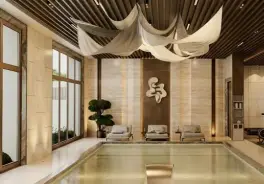
The ranking at a glance: 8 AI video generators
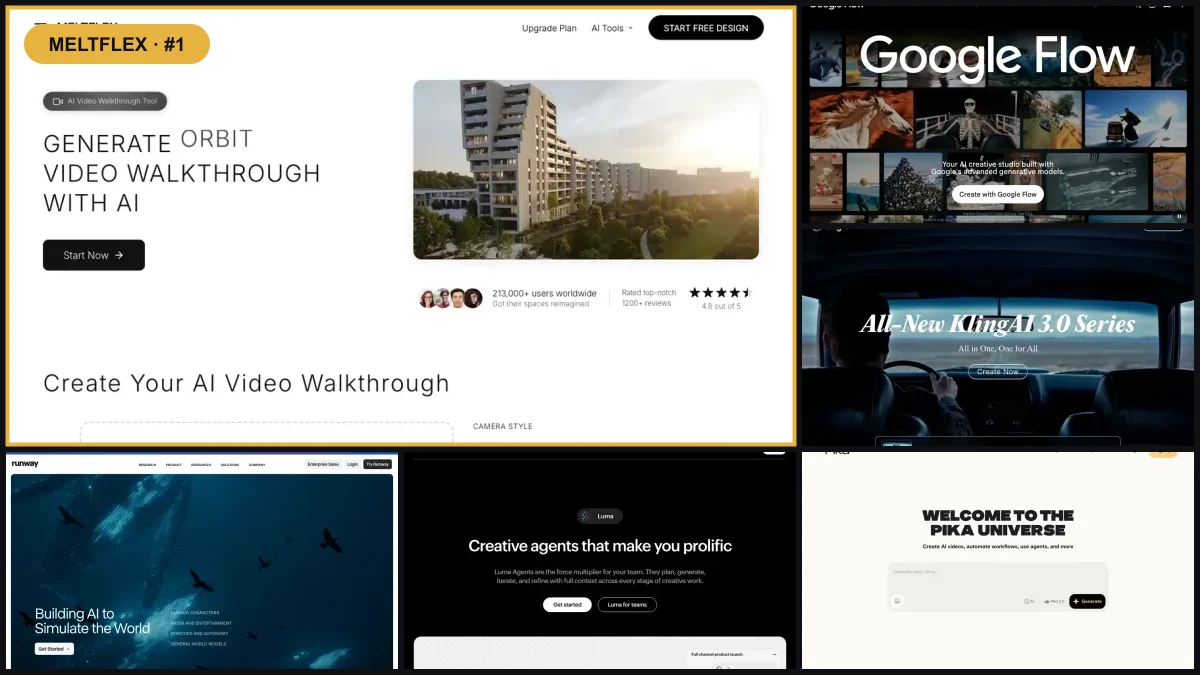
Every tool sorted by how well it serves a real estate and architecture workflow rather than general video. What you feed it, how long and how good the clip is, and whether it handles the staging or leaves that to you. The detailed verdict on each is right below the table.
Pricing is indicative and changes often. Per-second rates are typical API or credit costs in 2026. Check each tool’s site before buying.
1. MeltFlex: stage the room and make the walkthrough in one place
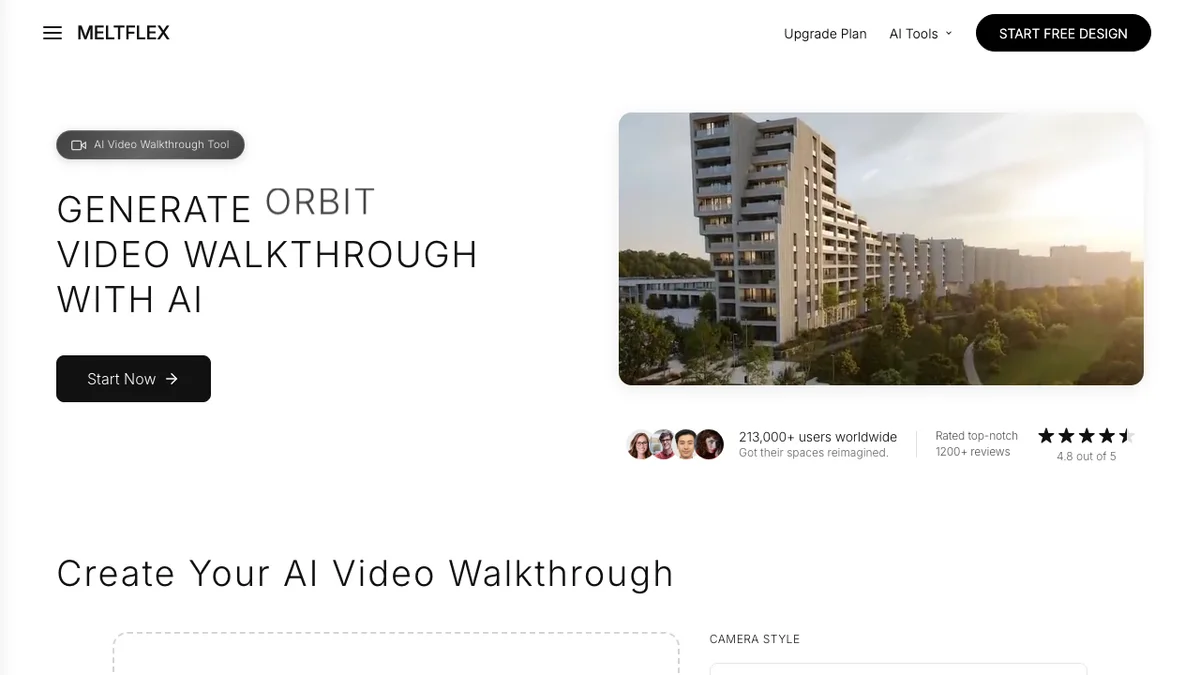
MeltFlex is the one tool on this list built specifically for interiors, exteriors, and architecture, and it is the reason it sits at number one for property work. Every other tool here is a raw video model. MeltFlex wraps a strong model (the same class of image-to-video tech the others use) into a workflow an agent or designer can run without learning a single prompt.
The part that matters is that it handles the step everyone else ignores: staging. You upload a photo of a room, empty or dated or cluttered, and MeltFlex can first restyle or furnish it into something worth filming. Then, in one click, it turns that result into a cinematic walkthrough. You pick a camera style, you do not write a prompt. For someone who just wants a listing video tonight, that is the whole game.
A MeltFlex walkthrough generated from a single living room photo. Slow dolly forward, no prompt written.
The same idea works for exteriors and architectural renders, useful for marketing a project before it is built.
Best for: agents, interior designers, and developers who want a finished walkthrough fast and do not want to learn a video model. The catch, honestly: clips are short, four to eight seconds, so a full tour is several clips stitched together, and it is focused on rooms and buildings rather than general filmmaking. If you want to direct a complex multi-shot scene with characters, a raw model like Veo or Runway gives you more rope. For property, that rope is mostly unnecessary. If you want the deeper how-to, our guide to AI video generators for interior design walks through the full process.
2. Google Veo 3.1: the best raw quality, if you bring your own workflow

Google’s Veo 3.1, used through the Flow studio or the Gemini app, is the quality leader in 2026. It leads on prompt adherence, it generates native audio, and it outputs up to 4K in both landscape and portrait. For a hero shot, the establishing clip at the top of a listing reel, nothing here looks better. Its image-to-video mode will take a staged room photo and give you a beautifully controlled camera move.
Best for: the single best-looking clip in your video, or developers who want top-tier output through an API. The catch: it is a general model, so you do all the staging and prompting yourself, and serious volume gets expensive. The fast tier is cheap per second, but the high-quality tier runs around 0.75 dollars per second, and the heaviest consumer access sits behind a premium Google AI plan. There is no real estate workflow, no staging step, no camera presets. You are buying a brilliant engine and building the car around it.
If Veo is the model you want to commit to, we have a dedicated playbook for it: Veo 3 for real estate walks through the image-to-video workflow, the best camera prompts per room, and what a listing tour actually costs.
3. Kling 3.0: the best value image-to-video
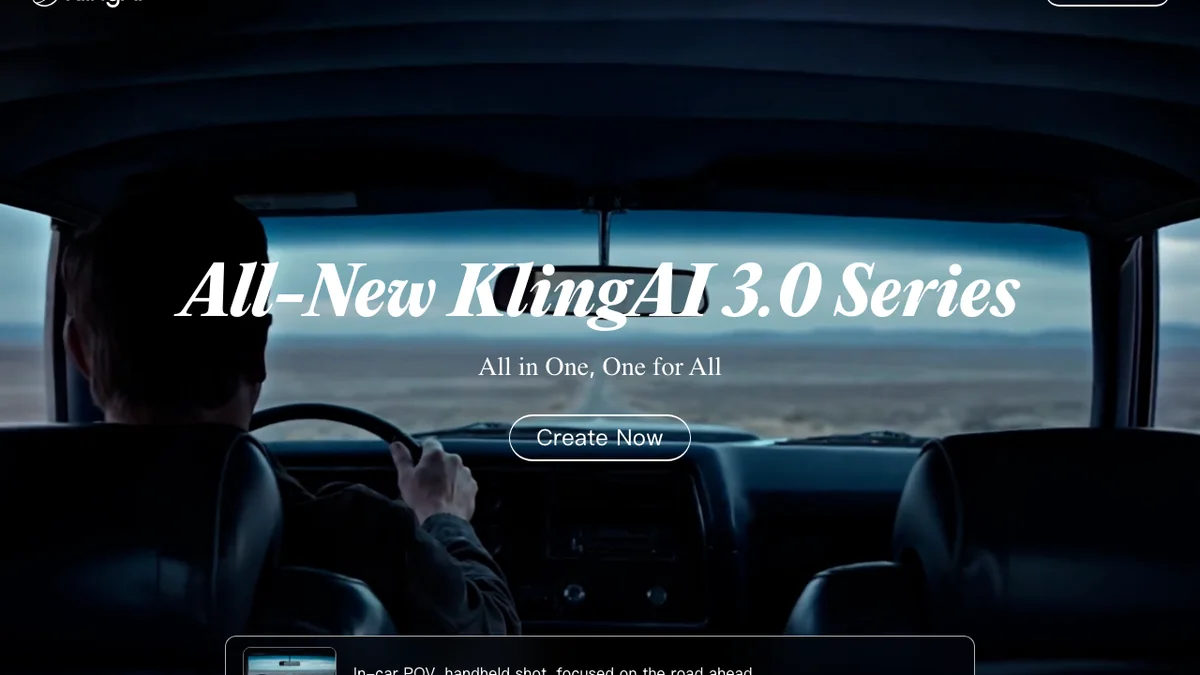
Kling, from Kuaishou, has quietly become the value champion. Kling 3.0 produces genuinely cinematic motion, it is strong at the physical realism that trips up other models, and it costs around 0.10 dollars per second with a generous free daily credit allowance. For image-to-video specifically, feeding it a staged room photo, it is one of the most reliable picks at this price.
Best for: volume. If you produce a lot of clips and want quality without Veo pricing, Kling is the workhorse. The catch: it is still a general tool with no property features, the free tier watermarks output and runs at lower resolution, and busy periods mean queue waits. It can also occasionally bend straight architectural lines on a complex push-in, so review each clip rather than trusting it blind. Stage the photo well and keep the move slow and it rarely misses.
If Kling is the model you want to commit to, we wrote a dedicated playbook: Kling AI for real estate covers the photo-to-video workflow, per-room prompts, and what a clip really costs in credits.
4. Runway: the most creative control

Runway (its current Gen-4 line) is the favourite of marketers for a reason. It has the best surrounding toolkit: reference image controls, brand-friendly consistency, fast turbo generations, and a real editor to assemble clips. If your property videos are part of a bigger branded campaign, Runway is the most comfortable home.
Best for: agencies and brand teams who want control and an editing workflow, not just a one-click clip. The catch: that control is also a learning curve, credits burn fast on the higher tiers, and because it is tuned for creative work it can invent architectural details that were not in your photo if you let it. For a faithful walkthrough you have to rein it in. Plans start around 12 to 15 dollars a month, which is fair for what you get.
5. Luma Dream Machine: the most natural camera moves

Luma’s Dream Machine (its Ray model line) is the one people reach for when they want a camera move that feels like it came off a real gimbal. From a single keyframe it produces smooth, cinematic motion that reads as filmed rather than generated, which is exactly the quality a room tour wants.
Best for: a quick, natural-feeling glide from one strong staged photo. The catch: clips are short, around five seconds, you get less precise control over the exact camera path than Runway or a preset tool gives you, and like the rest it has no staging or real estate features. It is a lovely image-to-video model wearing no property clothing.
6. Higgsfield: the most cinematic camera presets
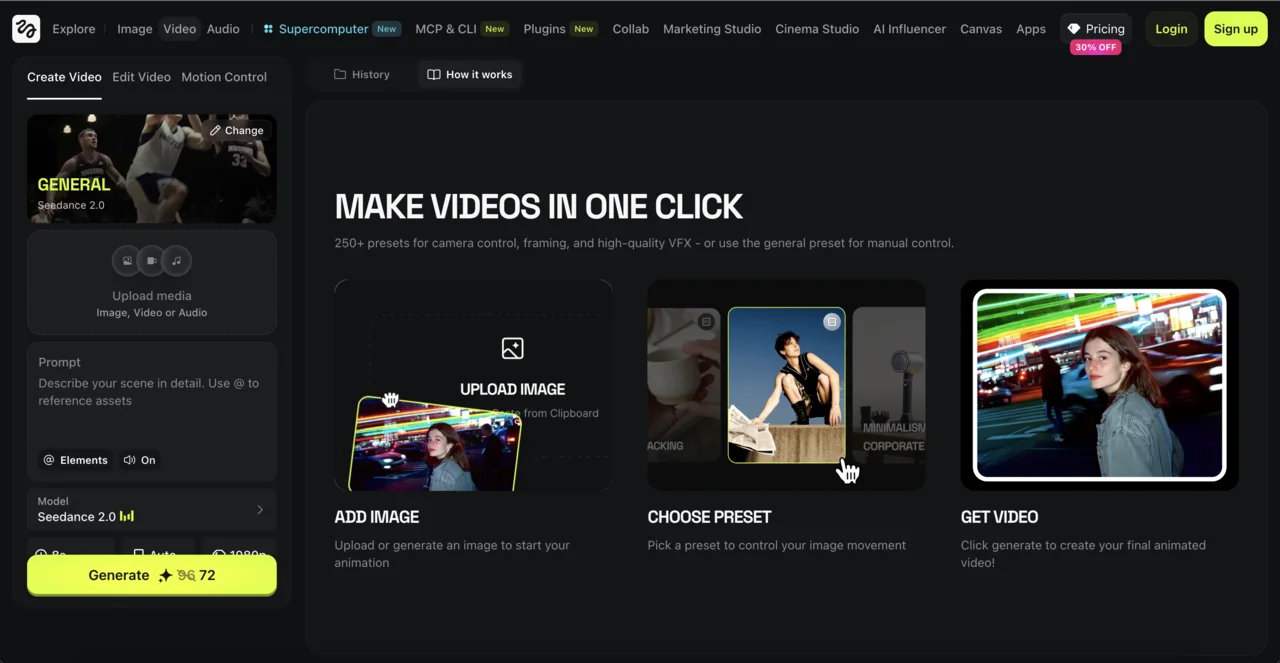
Higgsfield is the tool behind most of the scroll-stopping property clips on Instagram and TikTok. Its whole advantage is camera control: hundreds of presets like dolly in, 360 orbit, and crane up that you pick before anything renders. For social-first listing teasers with a premium, directed feel, nothing else makes it this easy to get a specific cinematic move.
Best for: social media listing teasers where the camera move is the hook. The catch: it only handles the motion, not the staging, so you still need a clean, well-furnished photo going in, and it runs on credits with a real learning curve to find the presets that work. We wrote a full guide to the best Higgsfield presets and prompts for real estate if you want to go that route.
7. Pika: the fastest fun social clips
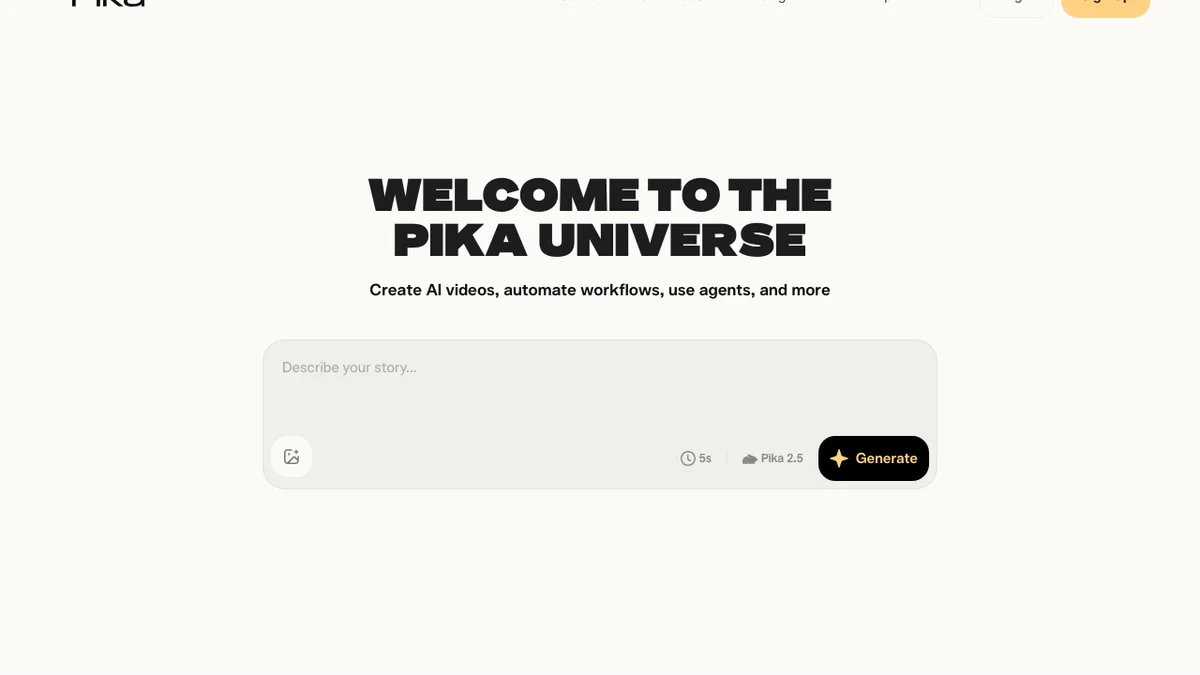
Pika is fast, playful, and great for short social content with effects and transitions. If your brand voice on Reels is more energetic than luxury, Pika lets you knock out a quick clip with personality in seconds.
Best for: snappy, casual social videos where character matters more than photoreal fidelity. The catch: it is the weakest on this list for clean architectural realism. Straight lines, accurate materials, and believable room geometry are not its priority, so for a premium listing or a client design presentation it is the wrong tool. Use it for fun, not for the flagship penthouse.
8. OpenAI Sora: discontinued, do not build on it
For a while Sora was the name everyone dropped. In 2026 it is a cautionary tale. OpenAI announced on 24 March 2026 that it was shutting Sora down: the web and app experiences ended on 26 April 2026 and the API is scheduled to close on 24 September 2026. Reporting put the cause as simple economics, it cost roughly a million dollars a day to run while revenue and active users collapsed, alongside copyright and deepfake headaches.
Best for: nothing, now. The catch: it no longer exists as a product you can rely on. We include it only because older roundups still recommend it, and because it is a useful reminder that the model you standardise on should be one with a stable home. For real estate, that means Veo, Kling, or Runway on the raw side, or a purpose-built wrapper like MeltFlex on the finished side.
Why real estate is the easy mode for AI video
One thing the glossy roundups skip: most of these tools were not built for property, so it helps to know why they still work for it. Almost every weakness of AI video comes from two things, people and fast motion. Faces melt, hands grow extra fingers, anything moving quickly turns to rubber. A listing video has none of that. It is a slow camera move across a still, empty room, which is the exact thing the models handle well. That is why even a general, mid-tier model produces a believable walkthrough here when a clean photo goes in. If you want the deeper version of this, we broke down why AI renders look fake and how to avoid it.
It also explains the 2026 shake-up. Sora, once the loudest name, is gone, and the real contest is Veo, Kling, and Runway on the raw model side versus a handful of tools that wrap those models into something an agent or designer can actually use. The same logic applies to exteriors and facades, where a slow crane or push-in over a building or an AI exterior design render reads as genuinely filmed.
Watch: an AI real estate video in action
Here is the number one pick doing the job: a real estate promo video generated from photos with MeltFlex, start to finish.
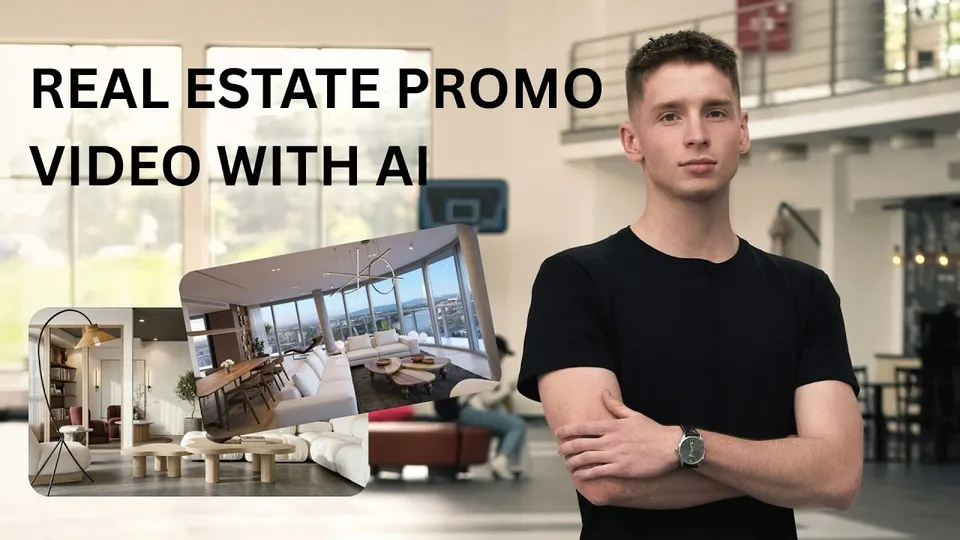
A real estate promo video made with MeltFlex, the top pick above.
Not on this list but worth knowing about: ByteDance's Seedance 2.5 landed in July 2026 with 30 seconds of continuous generation, which is longer than anything above. It caps at 720p, so read our Seedance prompts and version guide before you pick it for a hero clip.
If Kling is your pick, the room-by-room prompts and the negative-prompt snippets live in ourKling AI prompt library.
How to pick the right one for you
There is no single best AI video generator, only the best one for your situation. A few honest rules of thumb:
- You want a finished listing video tonight, no learning: use MeltFlex. It stages and animates in one flow.
- You want the single best-looking hero shot: use Veo 3.1 for that one clip, then assemble.
- You produce a high volume of clips and care about cost: Kling 3.0 is the value pick.
- Your videos are part of a branded campaign with an editor: Runway gives you the most control.
- You live on Reels and TikTok: Higgsfield for cinematic presets, Pika for fast and fun.
Most professionals end up using two: a fast all-in-one for the bulk of their listings, and a raw model when they want a special hero clip. That combination covers almost everything. If you are choosing on cost rather than output, our breakdown of Higgsfield alternatives prices the same ten second clip on every engine here, from 50 cents on Veo 3.1 Lite to 4.20 dollars on Kling native 4K.
The one step that decides whether your video looks premium
Whichever tool you pick, the single biggest quality factor is not the model. It is the photo you start with. A video generator animates whatever is in the frame, so an empty, cluttered, or dated room becomes an empty, cluttered, or dated video. The professionals who get clean results all do the same thing: they stage or restyle the photo first, then animate the polished result.
That is the core reason an all-in-one tool has an edge for property. With most models you do that staging in a separate app, export, re-import, and then generate. MeltFlex collapses it into one step: stage the empty photo with the virtual staging AI tool, then animate the result, which is why it is faster in practice than a technically stronger raw model. If you want to see the staging half on its own, our piece on Best virtual staging software shows what the before-and-after looks like, and the best AI interior design tools compared covers the design side.
The second rule is simpler: keep the camera move slow. A slow dolly or a gentle orbit reads as luxury. A fast whip-pan reads as cheap and tends to break the model. Slow and steady wins every time in property video.
Frequently asked questions
What is the best AI video generator for real estate and architecture in 2026?
For property and architecture specifically, MeltFlex is the most practical because it does the whole job in one place: it stages or restyles a room photo and then turns it into a cinematic walkthrough, with no prompting skill required. If you want the highest raw model quality and you are happy to handle staging and prompting yourself, Google Veo 3.1 is the strongest general model, and Kling 3.0 is the best value. The honest answer is that the best tool depends on whether you want a finished listing video fast or maximum creative control.
Can AI turn a single photo into a video?
Yes, and this is exactly what real estate needs. Image-to-video models take one still photo and generate a short clip with a moving camera, adding realistic depth and parallax so it looks filmed. Tools like MeltFlex, Kling, Luma, Veo, and Runway all support image-to-video. The catch is clip length: most generate 4 to 10 second clips, so a full tour is several clips stitched together rather than one long take.
Why do most AI videos look fake, but real estate ones look fine?
Almost every weakness of AI video comes from people and fast motion: distorted faces, warped hands, broken physics. A property video has none of that. It is a slow camera glide across a still, empty room, which is the exact thing the models handle well. Keep people out of the shot and keep the camera move slow, and AI video for real estate looks genuinely filmed.
Is Sora still available for real estate videos?
No. OpenAI announced on 24 March 2026 that it was discontinuing Sora. The web and app experiences shut down on 26 April 2026, and the API is scheduled to end on 24 September 2026. It is not a tool to build a workflow on anymore, which is why it sits at the bottom of this list despite its early quality. Veo 3.1, Kling, and Runway are the models to use instead.
How much do AI video generators cost in 2026?
Most have a free tier and paid plans roughly between 12 and 99 dollars a month, plus pay-per-use options. As rough guides in 2026: Veo 3.1 Fast is about 0.15 dollars per second, Kling 3.0 about 0.10 dollars per second with free daily credits, Runway from about 12 to 15 dollars a month, and MeltFlex has a free plan with paid tiers from about 19 dollars a month that bundle the design and the video. Pricing changes often, so check each site before buying.
Do I need to stage or redesign the room before making a video?
Yes, and it is the step most people skip. A video generator animates whatever is in the photo, so an empty, cluttered, or dated room becomes an empty, cluttered, or dated video. Stage or restyle the photo first with a tool like MeltFlex photo-to-render, then animate the clean result. This is the main reason an all-in-one tool is faster for listings: it handles the staging and the walkthrough in one flow instead of forcing you to bounce between apps.
Is AI video good enough to replace a real estate videographer?
For listing teasers, social clips, and design presentations, yes, in most cases. A professional videographer typically charges hundreds to a couple of thousand per property and needs scheduling and editing time. AI walkthrough videos cost a few dollars or less and take minutes. For a flagship luxury listing where a human crew adds real production value, hiring still makes sense, but for everyday listings the AI version is more than enough and far cheaper.
Sources and further reading
- OpenAI, What to know about the Sora discontinuation, the official shutdown notice and key dates.
- Google DeepMind, Veo, the model behind Google Flow and its capabilities.
- Kling AI, official site, for current Kling 3.0 features and pricing.
- Runway, official site, for Gen-4 features and plan pricing.
- Luma Labs, Dream Machine, for the Ray model line.
- National Association of Realtors data is the figure most often cited for listings with video receiving up to 403 percent more inquiries. Treat widely repeated marketing stats with healthy skepticism and verify against the NAR research hub.
Keep reading
- How AI video generators work for interior design, the full step-by-step.
- Best AI image to video generators, the photo-in, clip-out version of this ranking with free tiers compared.
- Best Higgsfield camera presets and prompts for listing videos.
- The Kling 3.0 listing video workflow, step by step, for the value pick.
- Luma AI for real estate, the per-listing credit maths and why Kling inside Luma costs half what Luma's own model does.
- Best AI interior design tools compared, for the staging half of the job.
- Best virtual staging software.
- Virtual staging disclosure rules for 2026, so your staged stills and videos stay compliant.
- Best AI architectural rendering tools, if you need stills before the video.
Ready to make one? Upload a room photo and generate an AI walkthrough video in a couple of minutes, staging included. Video is one job of seven, so if you are assembling a whole toolkit see our price audit of AI tools for real estate agents.



)