Generate CinematicSmooth PanDolly ZoomOrbitAerialFlyoverwalkthrough with AI
 Adobe Premiere Pro
 Final Cut Pro
 DaVinci Resolve
 Adobe After Effects
 Filmora

Generate CinematicSmooth PanDolly ZoomOrbitFirst Personvideo walkthroughwith AI
Adobe Premiere ProFinal Cut ProDaVinci ResolveAdobe After EffectsFilmora



1200+ reviews
Create Your AI Video Walkthrough


For interior designers
Become our interior designer and get clients
Publish your design so clients can find you.

Real Estate Walkthrough Videos From a Single Photo
A real estate walkthrough video used to require a videographer, a gimbal and an afternoon. The AI version requires one good photo. Upload it and the AI generates a cinematic camera move through the space, gliding into the room with correct parallax and perspective, so the clip feels filmed rather than animated.
Listing videos without a videographer
Listings with video get more attention on portals and social feeds, but most agents skip it because of cost and turnaround. Generating a walkthrough from the listing's hero photo removes both objections: every property can have a moving clip, including the ones where a video shoot would never pay for itself. Vertical exports drop straight into Reels, Shorts and TikTok.
Works with renders, not just photos
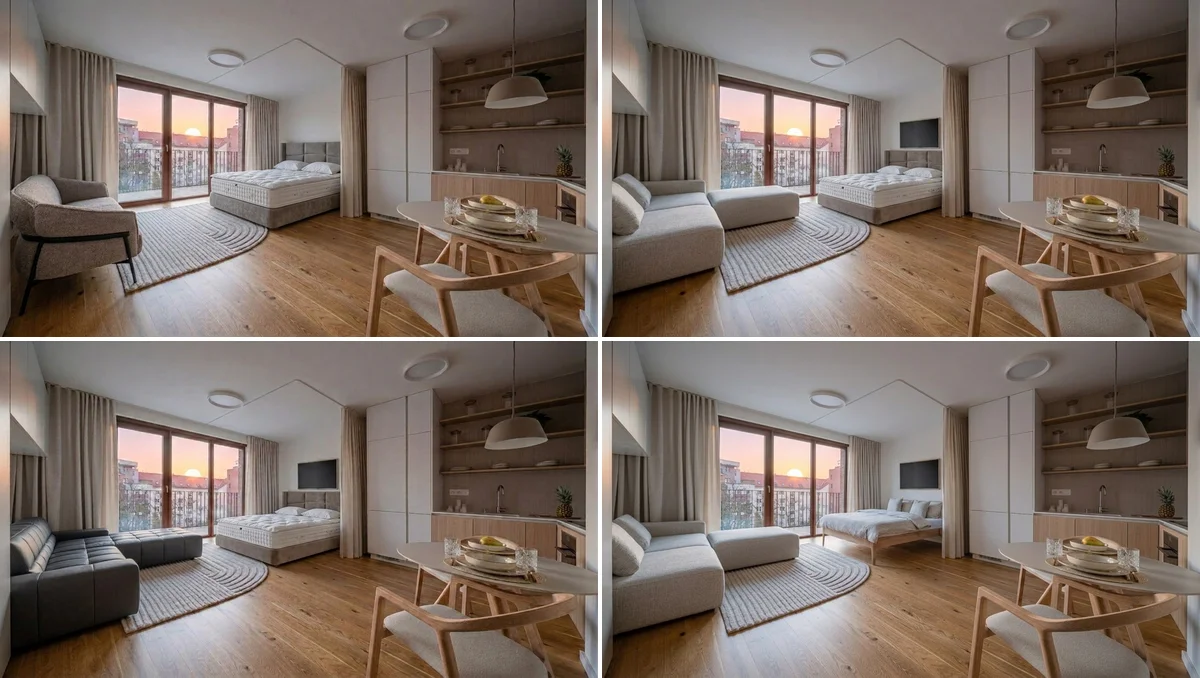
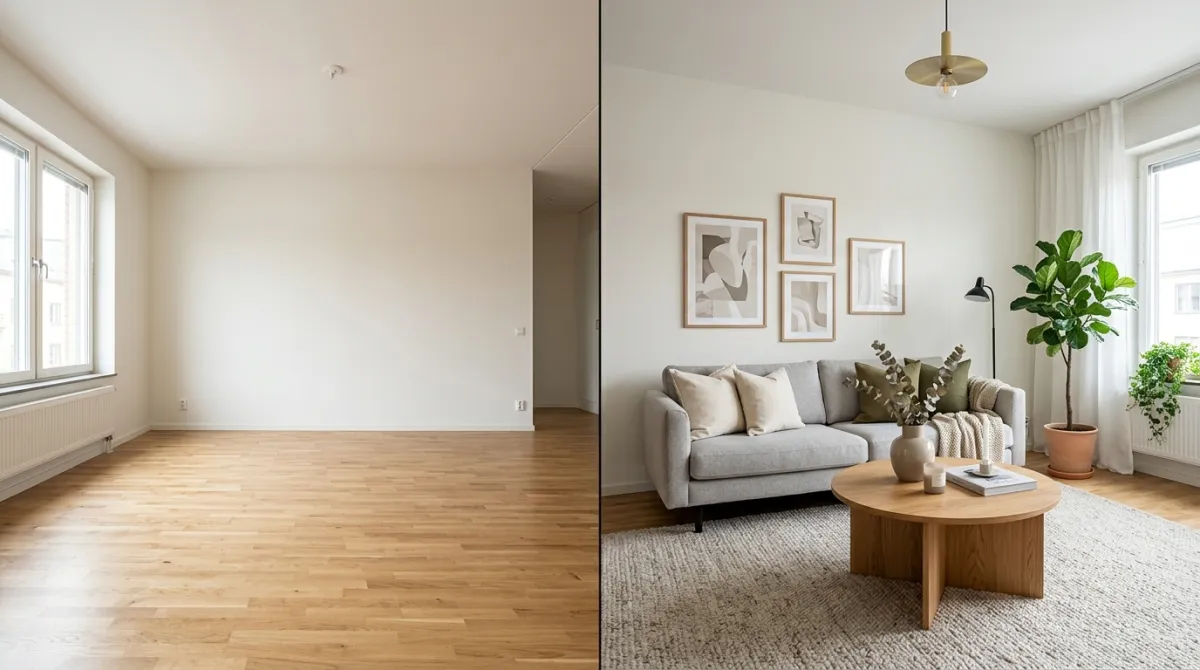
The input does not have to be a finished room. Stage an empty or dated interior first with AI interior rendering or the AI interior design studio, then animate the result, an off-plan apartment can get a furnished walkthrough before the walls are painted. One caveat we flag honestly: if a clip shows virtually staged furniture, disclose it in the listing. Our comparison of AI video generators for real estate covers which tools handle interiors credibly and which warp the geometry.
Where the clips work hardest
Portal listings, Instagram and Facebook property posts, email follow-ups to viewers, and pre-launch teasers for developments. A ten-second move through a styled living room communicates more than a dozen static thumbnails, and it is ready in about the time it takes to write the caption. The first walkthrough is free to try, no credit card needed.
Live now
Weekly Creator Contest $10,000
Make your design in MeltFlex and submit by Sunday. Any room, any style.
Frequently Asked Questions
How does AI video walkthrough work?
Upload a photo of any room, building, or outdoor space. MeltFlex AI analyzes the layout, depth, and perspective, then generates a smooth video walkthrough with cinematic camera movements. Choose from multiple camera styles like cinematic, orbit, dolly zoom, and first person. The whole process takes under 30 seconds. Try it now.
What types of spaces work with video walkthrough?
Living rooms, bedrooms, kitchens, bathrooms, offices, exteriors, gardens, and any other space. The AI works with both interior and exterior photos, furnished or empty rooms.
Can I use video walkthroughs for real estate listings?
Absolutely. Real estate agents use MeltFlex video walkthroughs to create property tours in seconds instead of hiring videographers. Upload a photo, generate the video, and add it to your listing. Properties with video tours get significantly more engagement.
What camera styles are available?
Five professional camera styles: Cinematic (smooth Hollywood-style movement), Smooth Pan (gentle horizontal sweep), Dolly Zoom (dramatic depth effect), Orbit (360-degree rotation), and First Person (immersive walkthrough perspective).
How long are the generated videos?
Generated videos are typically 4-8 seconds long with smooth, loopable camera movements. They're optimized for social media, real estate listings, and portfolio presentations.
How is video walkthrough different from interior design?
Video walkthrough generates a cinematic video from your photo, showing the space in motion with professional camera movements. Interior design generates a static redesigned image of your room. You can use both together — redesign a room first, then create a video walkthrough of the result.
Can I create walkthroughs of AI-designed spaces?
Yes. Many users first redesign their space using our AI Interior Design or AI Exterior Design tools, then generate a video walkthrough of the redesigned space. It's the perfect combination for showcasing before-and-after transformations.
Do I need video editing experience?
Not at all. Upload a photo, pick a camera style, and the AI generates the video automatically. No editing, no software, no learning curve. The result is ready to download and share immediately.

