Turn a Photo3D DraftSketchUpSnapshotSketchinto photorealistic interior rendering



 D5 Render


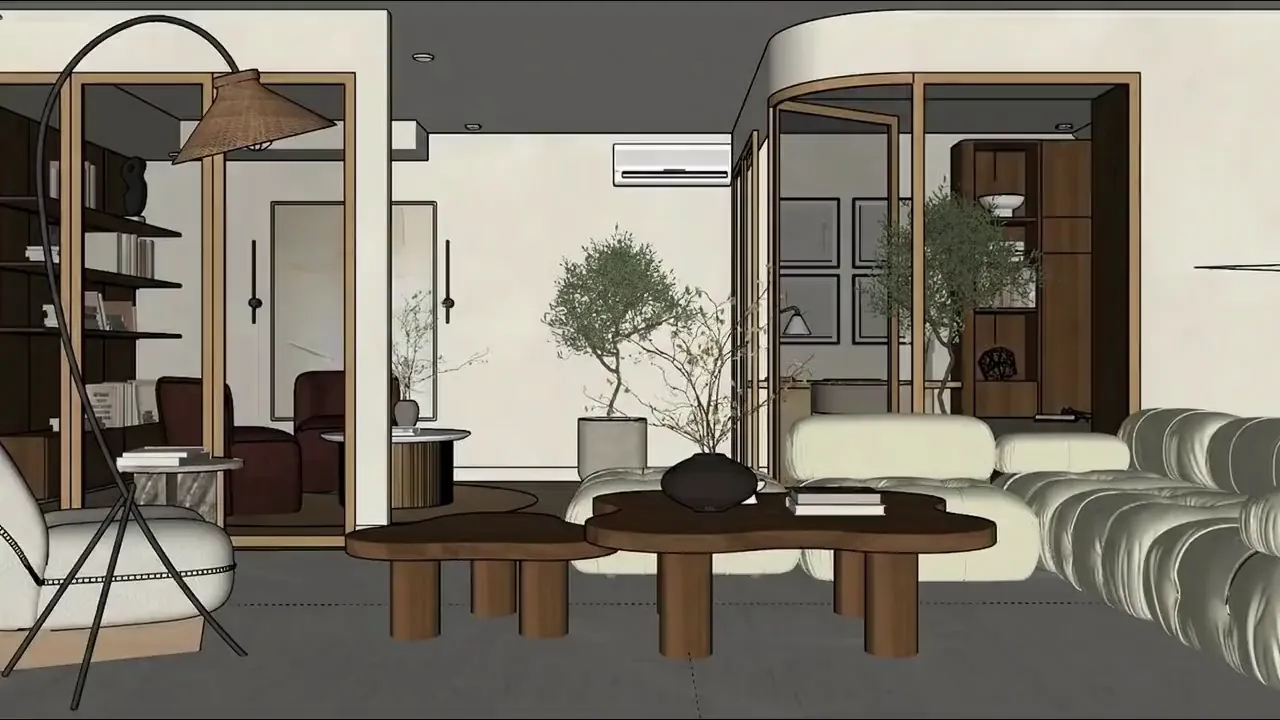
Turn Any Photo into a Photorealistic Render
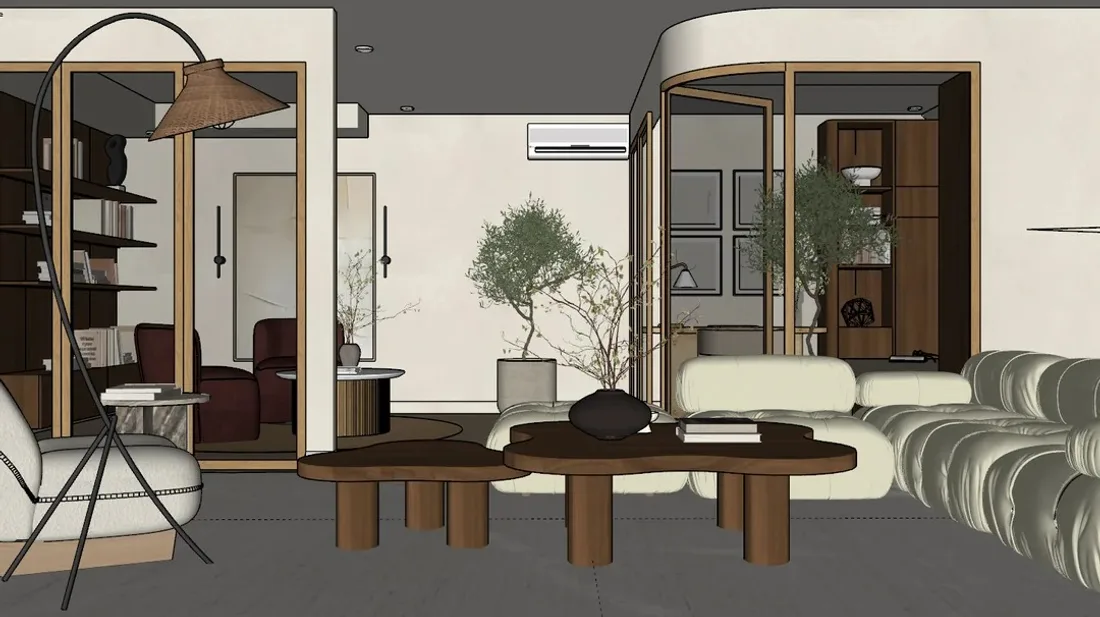
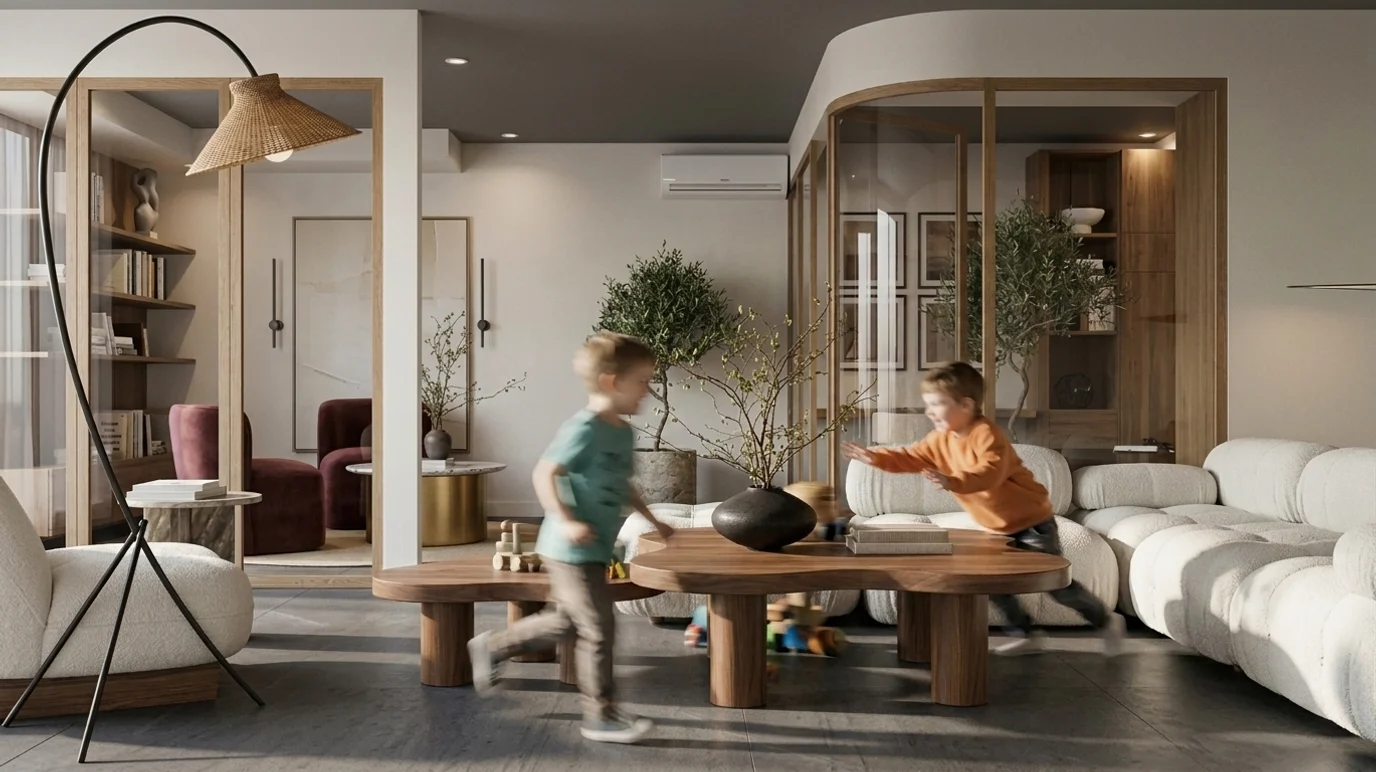
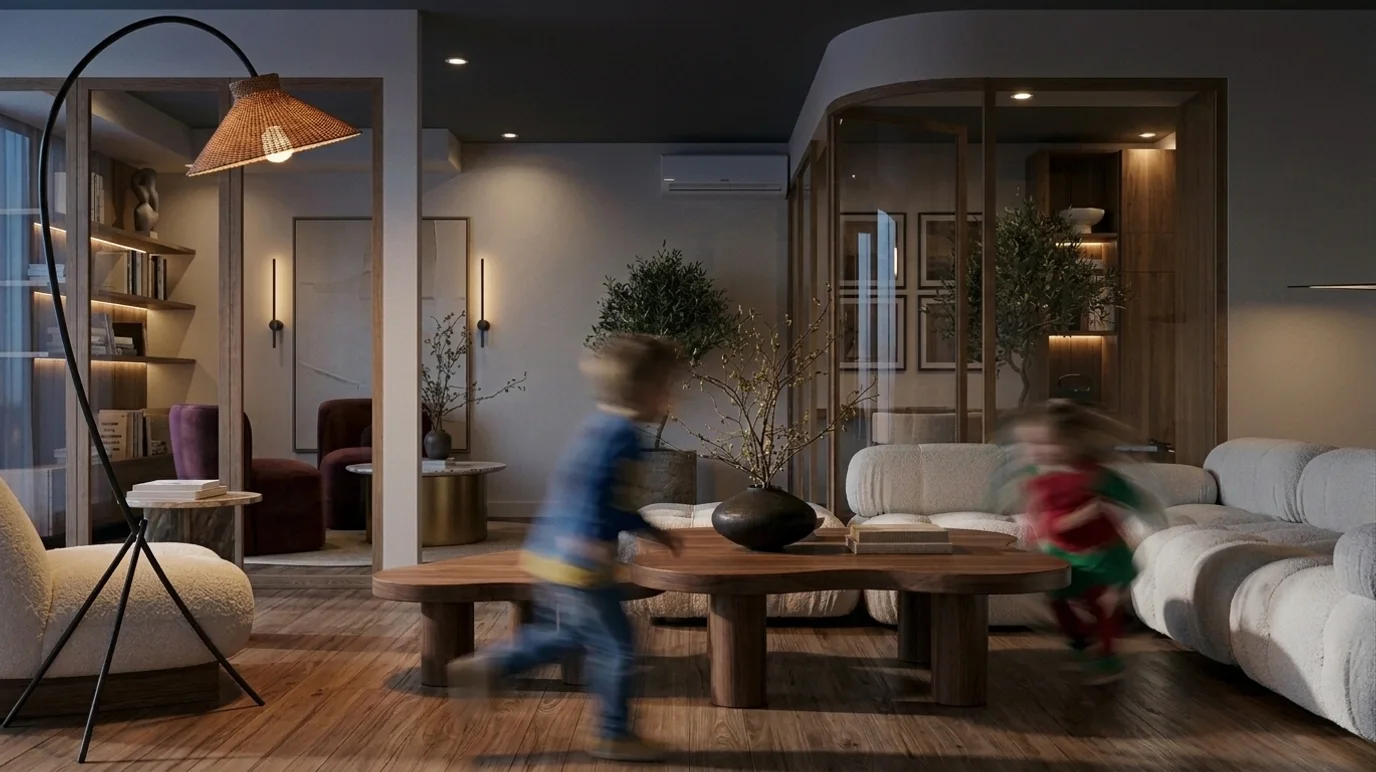
From Flat Draft to Photorealistic Render
What This Tool Actually Produces
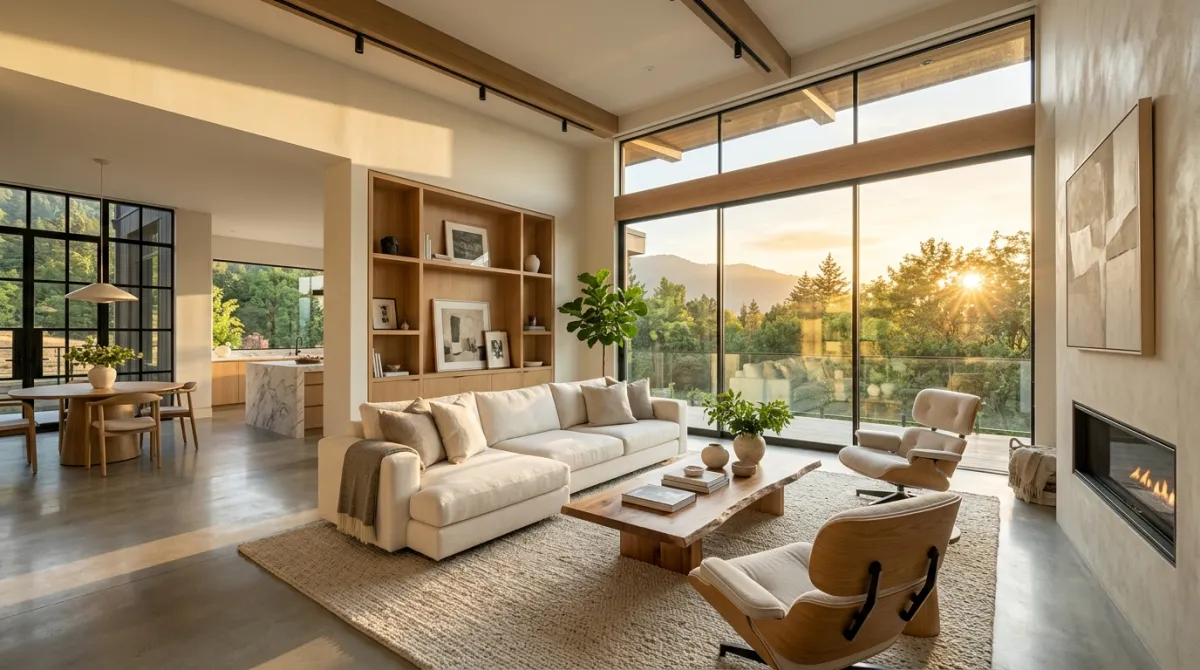
Photographs and rough shots turned into finished renders by MeltFlex. Interiors and exteriors both, because the tool cares about geometry and light rather than the room type.
Browse the MeltFlex renders in the MeltFlex gallery to see the rest. These 17 are a small slice of it.
AI Interior Rendering From Any Photo or Screenshot
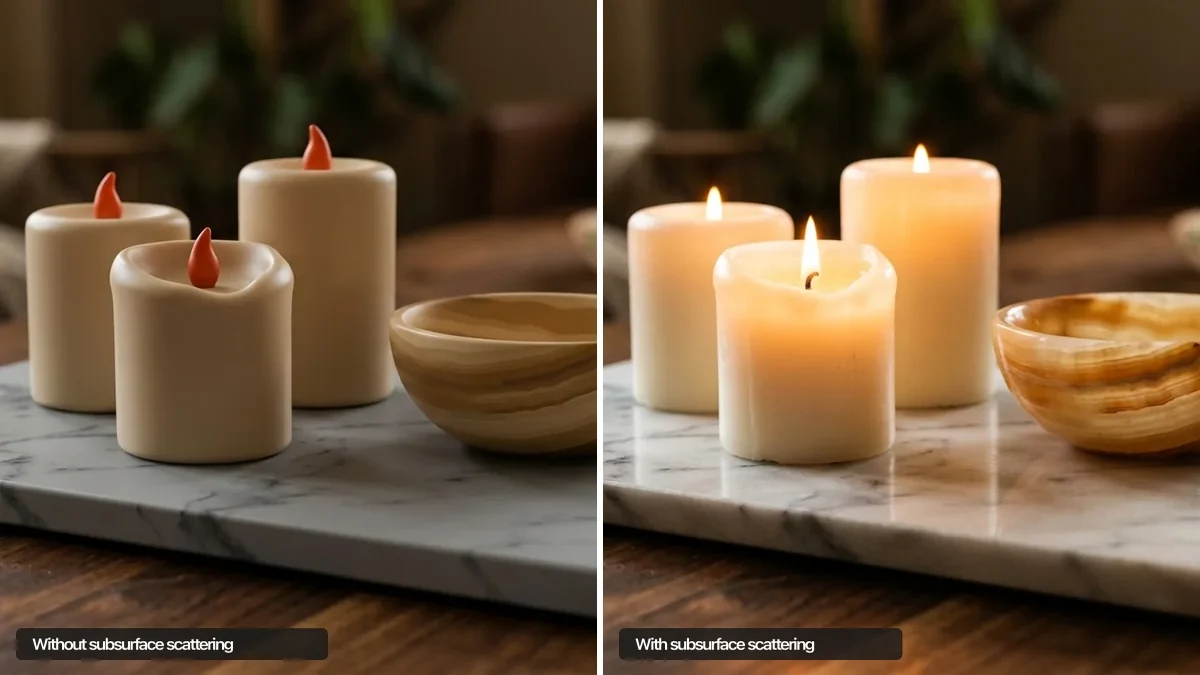
Interior rendering used to mean modeling, texturing, lighting and hours of render time. AI interior rendering collapses that pipeline: give it a phone photo, a 3D viewport screenshot or a rough draft, and it returns a photorealistic image of the same space in seconds, with materials, soft shadows and depth that read like a photograph.
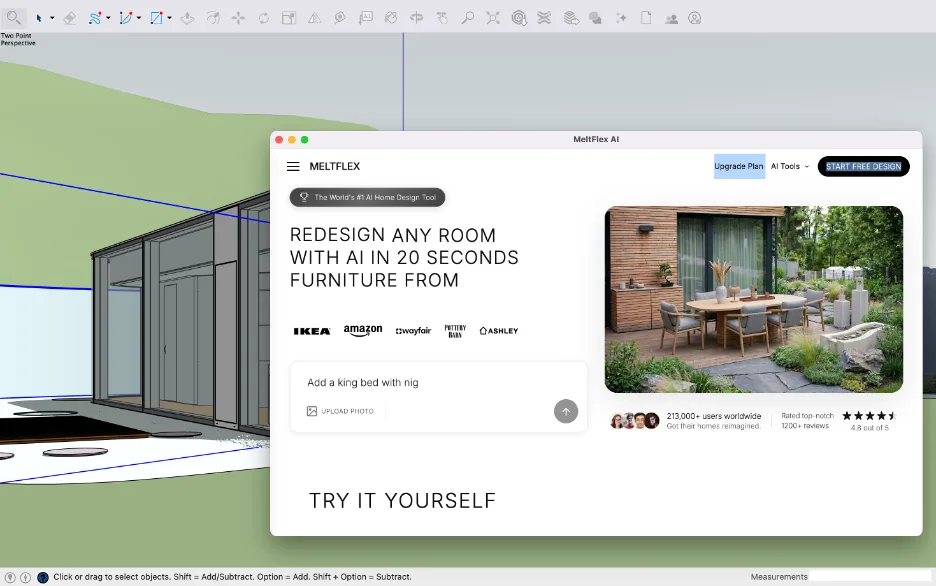
From SketchUp screenshot to photorealistic render
The most common workflow: block out the space in SketchUp or another modeler, take a plain viewport screenshot, and let the AI do the photorealism pass, real wood grain instead of flat texture, believable daylight instead of viewport shading. It also works in reverse order of polish, turning a dated photo of a real room into a clean presentation visual.
Interior rendering for client presentations
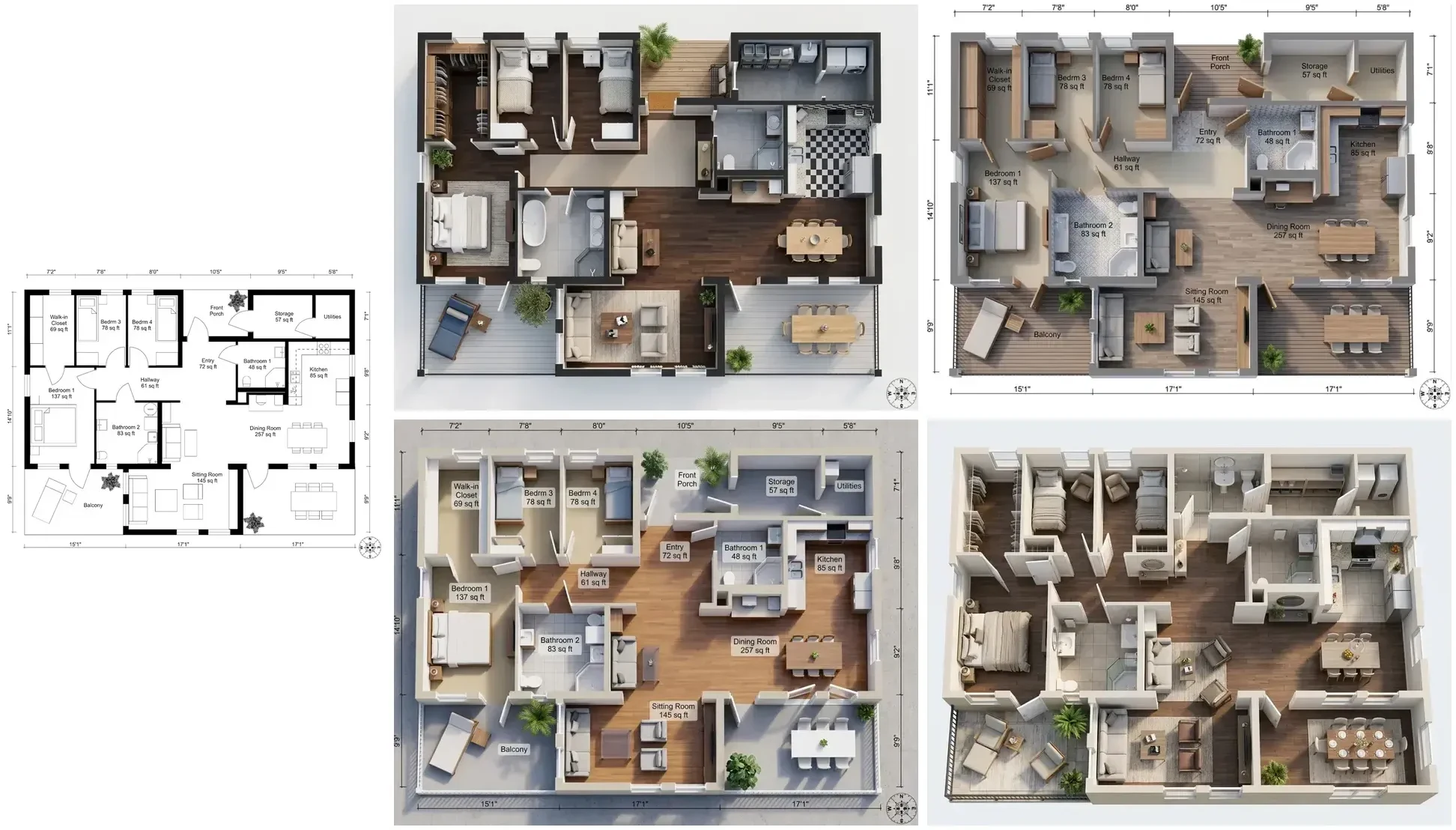
Designers use it to show clients a direction before committing paid visualization hours, agents use it to stage empty or dated interiors, and architects use it for the early massing-to-mood jump where speed matters more than millimeter accuracy. If the project starts from a plan rather than a photo, the floor plan to 3D converter gets you to a renderable view first, and the AI video walkthrough turns the final still into a moving tour.
Honest comparison with V-Ray and render farms
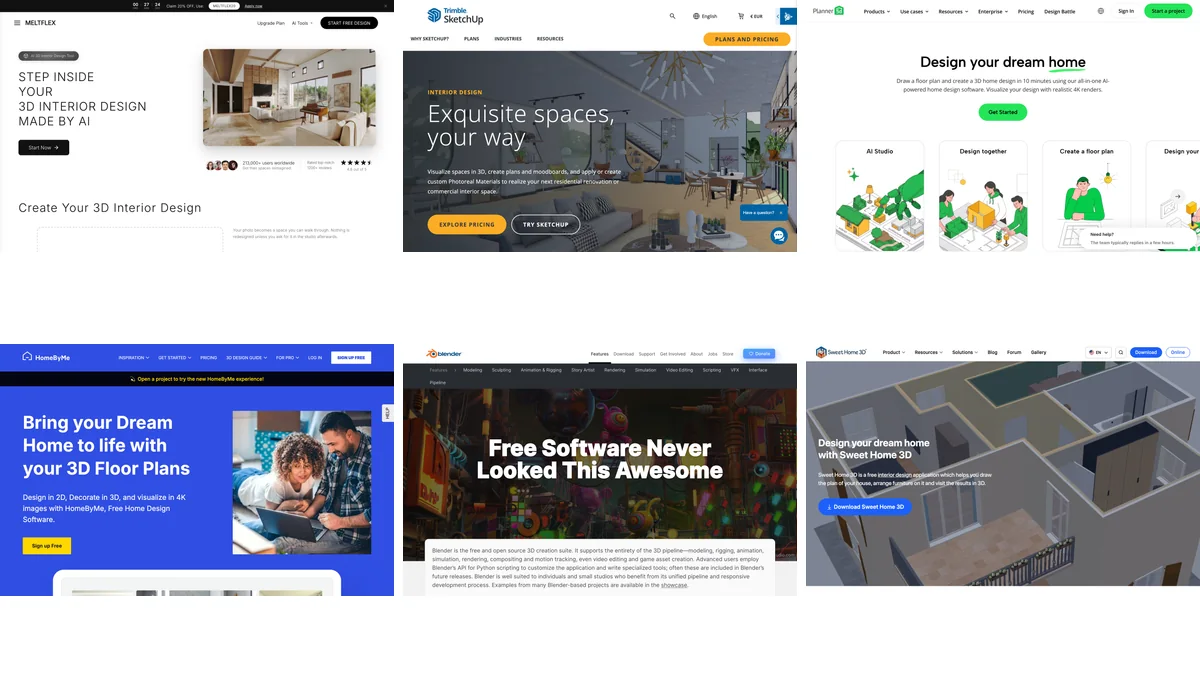
A tuned V-Ray or Corona pipeline still wins on exact material fidelity and repeatable camera control, and we say so plainly in our review of AI architectural rendering tools. What AI rendering wins is everything before that stage: exploration, iteration and client alignment at near-zero cost. Your first render is free, no credit card, so the comparison costs nothing to run yourself.
Live now
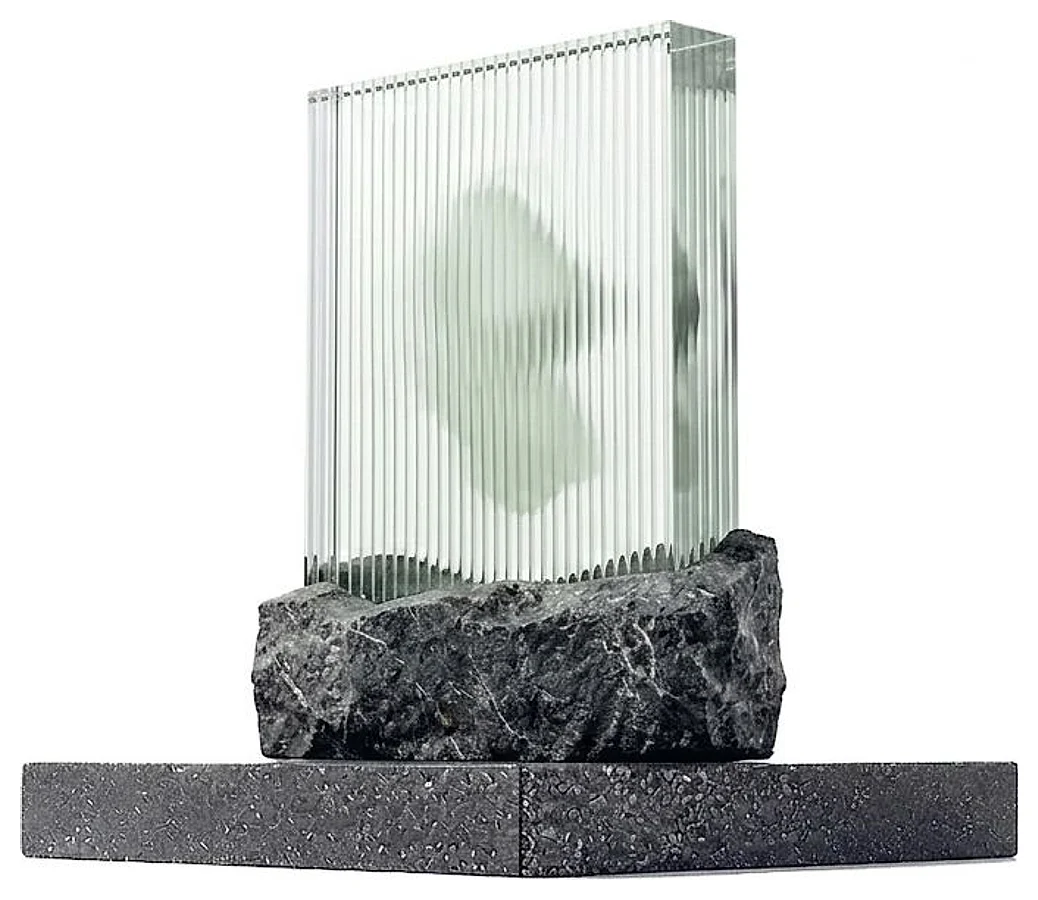
Weekly Creator Contest $1,000
Make your design in MeltFlex and submit by Sunday. Any room, any style.
Frequently Asked Questions
What is AI photo to render?
AI photo to render takes any image, a real photo, a 3D model screenshot, a SketchUp or Blender draft, or even a phone snapshot, and transforms it into a photorealistic render. MeltFlex upgrades the lighting, materials, reflections, and overall realism while keeping the exact same layout, furniture, and camera angle. The whole process takes under 30 seconds. Try it now.
What kinds of images can I upload?
Real interior photos, flat 3D draft renders, SketchUp and Blender viewport screenshots, clay renders, phone snapshots, and rough concept images. The AI works best when the image clearly shows the room layout and furniture.
Does it keep my original layout and furniture?
Yes. The AI preserves your exact layout, furniture, architecture, and camera angle. It only upgrades the realism: lighting, materials, textures, reflections, and atmosphere. Your design stays intact, just photorealistic.
How is this different from rendering in V-Ray or Corona?
Traditional engines like V-Ray, Corona, or Lumion require you to set up materials, lights, and cameras, then wait minutes or hours for each frame. MeltFlex skips all of that. You upload an image and the AI produces a photorealistic result in seconds, with no setup, no GPU, and no licensing cost.
Can I render the same room in different lighting?
Yes. Upload once and generate daylight, evening, and lifestyle versions of the same scene. It is a fast way to present mood and lighting options to clients without re-rendering in a 3D engine. Pick a preset or describe the look you want.
Is the AI photo to render tool free?
Yes. You can upload an image and generate a photorealistic render for free. No account is required to get started, just upload and pick a style.
How does this compare to AI interior design?
Our AI Interior Design tool redesigns a room, swapping furniture and styles. Photo to Render keeps your design exactly as it is and only upgrades the realism. Many users redesign a space first, then render the result photorealistically. You can also turn the final render into a video walkthrough.
Who uses AI photo to render?
Architects, interior designers, 3D artists, archviz studios, real estate agents, furniture brands, and students. Anyone who needs a photorealistic image fast, without the time and cost of traditional rendering.

