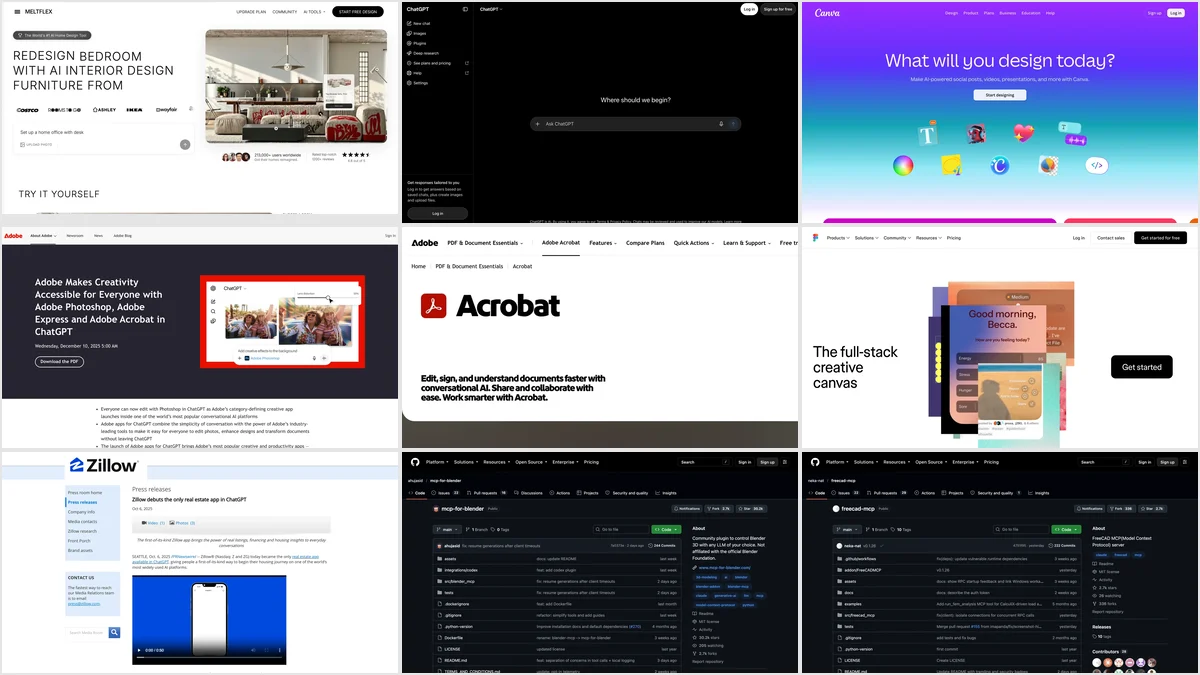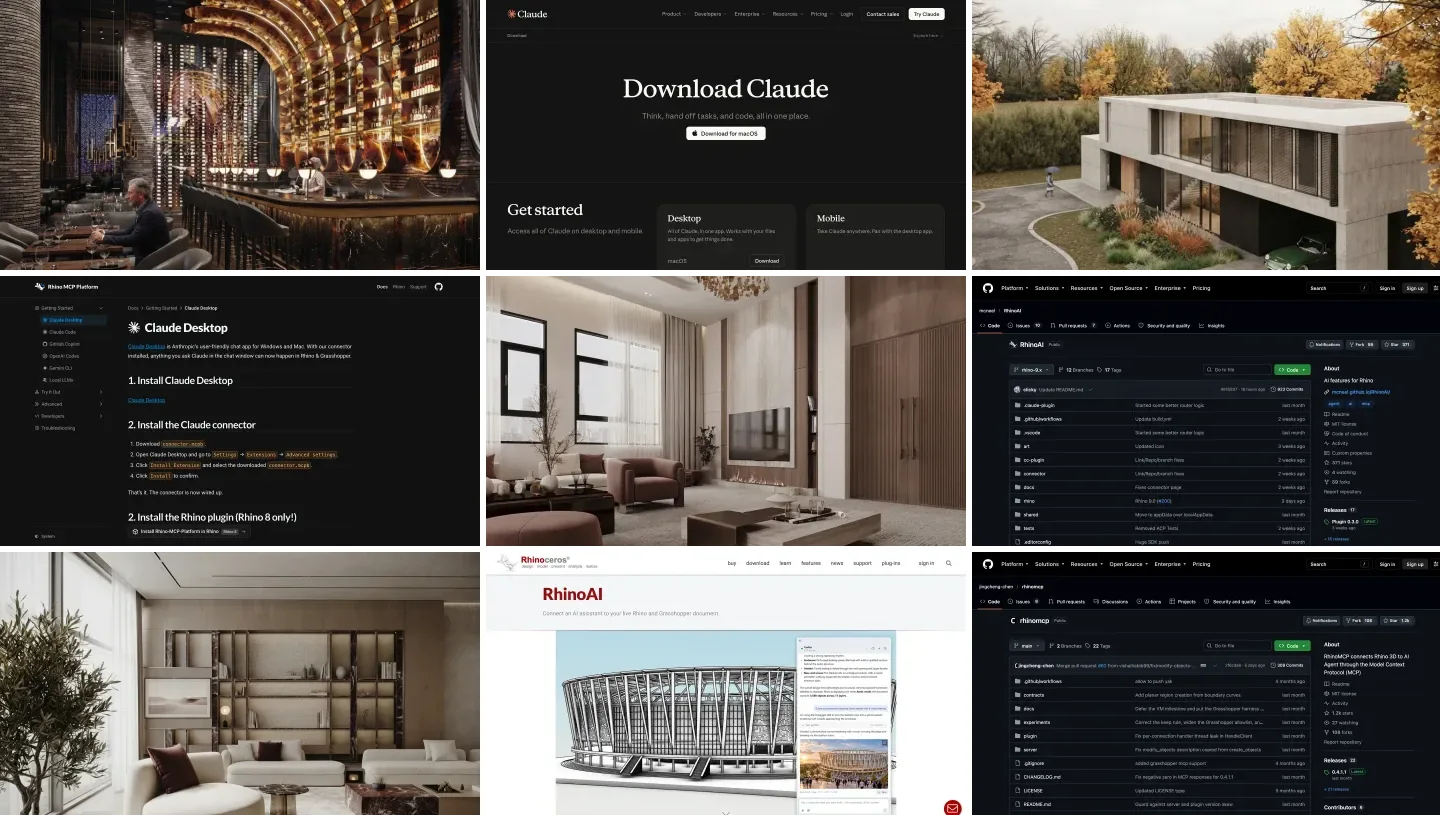
Claude Code is a coding agent, so on paper it has no business touching a floor plan or a mood board. In practice, 2026 has been the year that changed, because MCP servers let you bolt real design tools onto the agent. Connect the right ones and Claude Code can render a photorealistic version of your actual room, model a building in Blender, drive a parametric Grasshopper definition, or hand you a floor plan with material specs, all from the same chat window you already keep open.
Our articles are still written by humans!
Get human written articles in your Google feed.
This is a working list, not a hype reel. I run MeltFlex, so I will be upfront about where our own MCP fits and where it does not, and I will tell you plainly which of these are genuinely useful today and which are still rough. There are exactly seven worth knowing for architects and interior designers, and most studios will want two or three of them, not all seven. Working in ChatGPT instead? The same idea there is called plugins, and we made a separate list of the best ChatGPT plugins for architects. MCP is only half the setup: the other half is skills, the markdown files that teach the agent how your studio works, and we counted what exists for this trade in Claude skills for interior design.
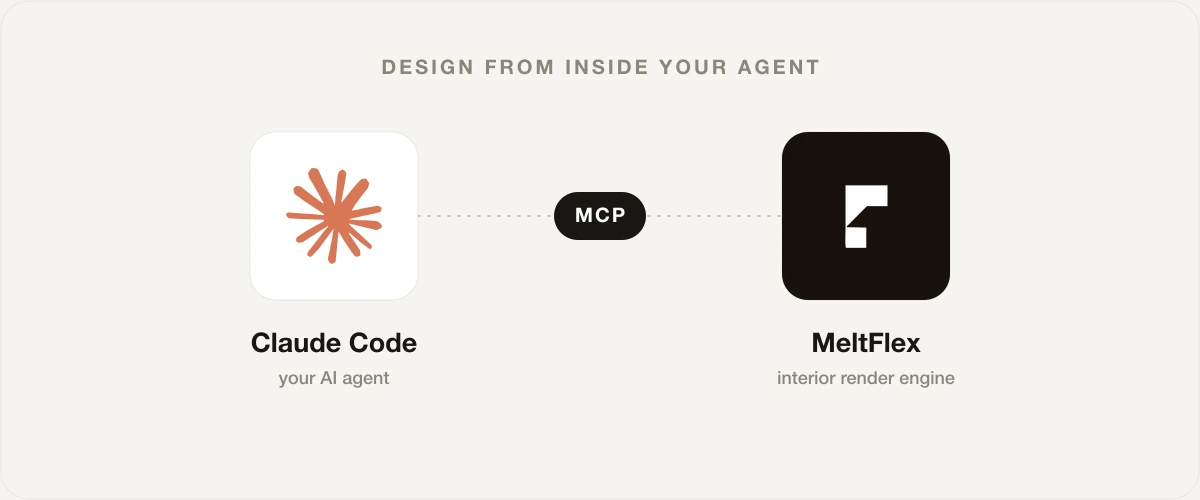
An MCP server is the bridge. It lets Claude Code call a tool like MeltFlex and get a real room render back, without leaving the chat.
The short version
- Render a real room: MeltFlex MCP, because it keeps your actual space and returns furniture you can buy.
- 3D modeling by voice: Blender MCP, the open-source standard for natural-language 3D.
- Parametric and computational: the community Grasshopper and Rhino servers.
- Concepts, floor plans, specs: Architecture MCP, from rough idea to contractor sheet.
- Presentations and design systems: Figma MCP, the deliverable side of the studio.
- Reality check: none of these replace your eye. They shorten the loop between an idea and seeing it.

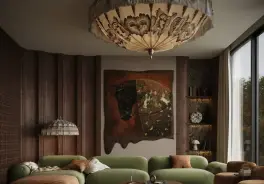

The 7 MCP servers at a glance
Here is the whole list in one table, sorted roughly from interiors to heavy architecture. Use it to find your two or three, then read the honest take on each below.
| MCP server | Best for | Output | Free? |
|---|---|---|---|
| MeltFlex | Interior designers, stagers, homeowners | Photoreal redesign of your real room, shoppable furniture | Credits, free to try |
| Architecture MCP | Early concepts and specs | 3D concepts, floor plans, material and cost sheets | Free tier, then paid |
| Blender MCP | 3D modeling and rendering | Live edits to a Blender scene | Free, open source |
| Grasshopper MCP | Parametric design | Generated and edited GH definitions | Free, community |
| Rhino MCP | Architects modeling in Rhino | Geometry and analysis in Rhino | Free, official (McNeel) and community |
| Interior Design 3D | 3D room planning | Room layouts, materials, lighting, tours | Unclear, npm package |
| Figma MCP | Decks and design systems | Component extraction, design handoff | Free with Figma |
- Best for
- Interior designers, stagers, homeowners
- Output
- Photoreal redesign of your real room, shoppable furniture
- Free?
- Credits, free to try
- Best for
- Early concepts and specs
- Output
- 3D concepts, floor plans, material and cost sheets
- Free?
- Free tier, then paid
- Best for
- 3D modeling and rendering
- Output
- Live edits to a Blender scene
- Free?
- Free, open source
- Best for
- Parametric design
- Output
- Generated and edited GH definitions
- Free?
- Free, community
- Best for
- Architects modeling in Rhino
- Output
- Geometry and analysis in Rhino
- Free?
- Free, official (McNeel) and community
- Best for
- 3D room planning
- Output
- Room layouts, materials, lighting, tours
- Free?
- Unclear, npm package
- Best for
- Decks and design systems
- Output
- Component extraction, design handoff
- Free?
- Free with Figma
1. MeltFlex MCP, the only one that keeps your real room
I will declare the bias and then make the case anyway. MeltFlex MCP exists because every other AI design tool quietly throws away the one thing that matters most: your actual space. You send Claude Code a photo of your living room, describe the look you want, and it returns a photorealistic redesign of that exact room, with the same windows, ceiling height and proportions, restyled. It does not invent a generic room that happens to look nice. It restyles yours.
The second half of the moat is the furniture. Pass a reference image of a sofa you are considering, or a piece you already own, and the redesign builds around it, so the result is a plan you can act on rather than a pretty picture you can never source. That is the same engine behind shoppable results in the MeltFlex app, exposed as four tools in chat: generate_interior to restyle a room, generate_video to turn a render into a cinematic walkthrough clip, floorplan_to_3d to convert a 2D floor plan into a 3D model file, and check_credits to see your balance. It runs on your own credits, from 8 per render depending on quality level, and a failed generation is refunded automatically.
The August 2026 release cycle widened generate_interior in four ways worth knowing: a resolution switch (512, 1K or 2K output at no extra credit cost), three design levels (a cheaper lite pass for quick drafts, the default, and a pro mode that thinks harder about materials and light for a few extra credits), region masks (paint part of the photo red and the prompt applies only there, so you can redo one wall or one sofa and leave the rest of the room untouched), and batch variations (up to three takes on one prompt in a single call). The mask option is the sleeper: it turns the MCP from a whole-room restyler into a precision editor.
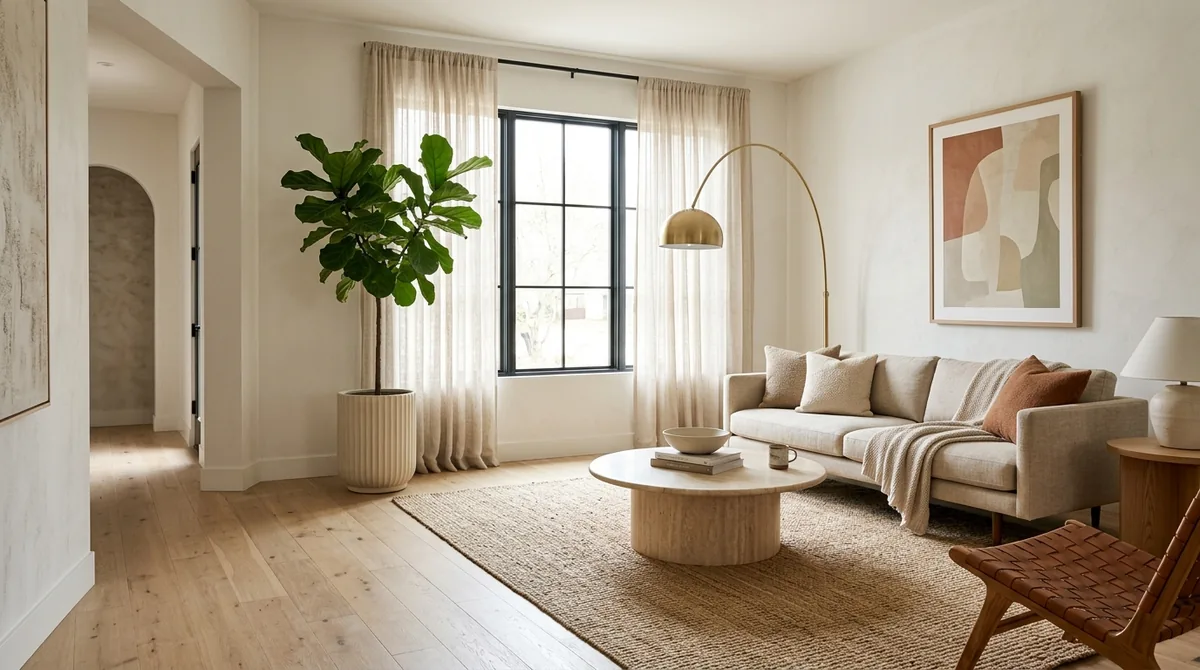
A single generate_interior call from Claude Code: your real room, restyled, with furniture you can actually buy.
Honest take: use it when the job is “show me my space, redesigned, with real pieces”. It is deliberately narrow, so it is not a 3D modeler and not a CAD tool. For interior designers, stagers and homeowners it is the fastest path from a room photo to a believable, buyable redesign without leaving Claude Code.
2. Architecture MCP, concept to contractor sheet
Architecture MCP (the sceneview-tools server) is the broadest single tool here. It exposes eight tools that walk from a rough idea to something a contractor can read: generate_3d_concept for massing and materials, create_floor_plan with SVG layouts and basic compliance checks, interior_design for mood boards and furniture layouts with dimensions, plus material_palette, lighting_analysis with lux calculations, and cost_estimate. The paid tiers add render walkthrough specs and a full technical export covering electrical, plumbing, HVAC and accessibility.
Honest take: this is a strong early-stage and documentation tool, and the lighting and cost outputs are genuinely useful for scoping. The catch is that its visuals are concept-grade SVG and spec sheets, not photoreal renders, so pair it with a renderer for client-facing images. It is free for about ten designs a month, then 49 dollars a month for Pro and 149 for Studio. For a solo architect doing feasibility and specs, the free tier alone earns its place in the config.
3. Blender MCP, natural-language 3D modeling
Blender MCP, by Siddharth Ahuja, is the open-source server that turned “control Blender by talking to it” from a demo into something people actually use. It pairs a Blender add-on with a Python MCP server, so Claude Code can manipulate objects, control materials, inspect the scene and even run scripts, and it hooks into asset libraries like Poly Haven and Hyper3D so you can pull in textures and models by name.
Honest take: powerful, free, and the right answer if you already know Blender and want to skip memorizing the Python API. If you do not know Blender, set expectations low, because it will do impressive things and then fail in ways that need a real 3D artist to unstick. For architects building quick massing studies or designers prototyping a scene, it is the best free 3D option on this list. It needs Blender 3.6 or newer.
4 and 5. Grasshopper and Rhino MCP, for parametric architects
Since this was written, McNeel has shipped an official server, the free Rhino MCP Platform, with Grasshopper tools built in; our guide to connecting Claude to Rhino covers its setup, its costs and a tested interior. The community side is still healthy. Several Grasshopper MCP projects (alfredatnycu, veoery and others) bridge Claude to a parametric definition through a small TCP or socket server running inside Grasshopper, often paired with a knowledge base of components so the agent can reason about which nodes to wire together. The companion Rhino servers let the agent read a .3dm file, model geometry and run analysis.
Honest take: the standout value is that Grasshopper MCP helps the AI reason about logic and systems, not just static shapes, which is exactly what parametric work is about. That makes it genuinely useful for architects doing computational design, facade systems or generative studies. Because it is community-built, expect setup friction and rough edges, and read the repo before you trust it on a live project. Niche, but for the right architect it is the most interesting entry here.
6. Interior Design 3D MCP, promising but thin
The interior-design-3d-mcp npm package advertises seven tools for 3D interior visualization: a room planner, AR furniture placement, a material switcher, lighting design and virtual room tours built on SceneView. On paper that is a tidy feature set that sits between flat redesign and full 3D modeling, and it works with Claude, Cursor and VS Code.
Honest take: I am including it because the capability list is right for interior designers, but the public documentation is thin and the pricing is unclear, so go in with low expectations and test it on a throwaway project first. If it matures, it fills a real gap between MeltFlex-style redesign and Blender-style modeling. Right now it is a watch-this-space pick rather than a daily driver.
7. Figma MCP, the deliverable side of the studio
Not every design job is a render. Figma MCP is the official, vendor-maintained server, and it lets Claude Code read design files, extract components and tighten the design-to-handoff loop. For an architecture or interior studio, that means client decks, brand and presentation assets, spec boards and a consistent design system, all driven from the agent.
Honest take: do not expect it to render a room, because that is not its job. Expect it to take the unglamorous but constant work of presentations, proposals and design systems off your plate. Being vendor-maintained, it is also one of the lowest-risk servers to install. If your studio lives in Figma for client-facing material, this belongs in your config next to whichever renderer you choose.
How to add any of these to Claude Code
The pattern is the same for all of them. In Claude Code you run one command, then restart the session:
claude mcp add <name> -- <command that starts the server>For MeltFlex that is a single line, then a one-time sign-in with your own key so renders bill to your account:
claude mcp add meltflex -- npx -y meltflex-mcp
npx -y meltflex-mcp auth mf_sk_xxxxxxxxxxxx
You generate your key in account settings (it looks like mf_sk_…), and the same config shape works in Cursor, Claude Desktop and Windsurf through their mcp.json. Once a server shows as connected, its tools appear to the agent and you just ask in plain language. The full MeltFlex setup page has copy-paste config for every client. MeltFlex is also listed in the official MCP Registry as io.github.MeltFlexDevs/meltflex, so registry-aware clients can find it by name.
Since mid-2026 there is a second, even lighter path: agent skills. Claude Code’s plugin system can pull the MeltFlex design skill straight from GitHub with npx skills add MeltFlexDevs/skills, which teaches the agent the /meltflex:design command. The skill calls the same public API underneath, so it works even without the MCP server installed, and it is the fastest way to try the workflow before committing to a config change.
The same server connects to any MCP client. Claude Code is a single command, the rest take a small JSON block.
The honest reality check
Two things are worth saying out loud, because the “AI does everything” framing sets you up to be disappointed. First, none of these servers replace design judgment. They shorten the loop between an idea and seeing it, which is where rooms and buildings actually get better, but the taste is still yours. Second, this whole category is early. The interior and architecture corner of MCP is thin compared to the coding tools, which is exactly why it is worth getting in now, but it also means rough edges, changing pricing and the occasional server that overpromises.
The practical setup for most studios is two or three servers, not seven: a renderer that keeps your real space, one modeling or parametric tool that matches how you work, and Figma for the deliverables. Start there, add more only when a real job demands it.
Add MeltFlex to Claude Code
- One-minute setup. One command in Claude Code, then a single sign-in with your key.
- Keeps your real room. Send a photo, get that exact space redesigned, not a random one.
- Shoppable furniture. Anchor the redesign to real pieces you can actually buy.
- Beyond stills. Walkthrough video and 2D floor plan to 3D conversion from the same chat.
- Your credits. From 8 per render, billed to you, refunded on failure.
Frequently asked questions
What are the best MCP servers for architects and interior designers?
For seeing a real room redesigned with furniture you can actually buy, MeltFlex MCP is the strongest pick, because it keeps your real space and returns shoppable pieces, not generic stock images. For 3D modeling by natural language, Blender MCP is the standard. For parametric and computational design, the community Grasshopper and Rhino MCP servers are the ones architects reach for. Architecture MCP covers early concepts, floor plans, material palettes and cost estimates, and Figma MCP handles the presentation and design-system side. Each one does a narrow job well, so most studios end up running two or three together rather than one do-everything server.
Can Claude Code do interior design?
Not on its own. Claude Code is a coding agent, and out of the box it can write descriptions, plan layouts in text, and reason about a brief, but it cannot render your actual room or model geometry. MCP servers are what give it those hands. Connect MeltFlex MCP and it can return a photorealistic redesign of a room photo. Connect Blender MCP and it can build and edit 3D scenes. Connect Grasshopper MCP and it can drive parametric models. The agent stays the same, the MCP servers decide what it can actually touch.
How do I add an MCP server to Claude Code?
In Claude Code you run a single command, claude mcp add <name> -- <command to start the server>, then restart the session. For most servers in this list that means a one-line npx command, plus a one-time auth step if the server bills to your own account. For example, MeltFlex is claude mcp add meltflex -- npx -y meltflex-mcp, then you authenticate once with your API key. After that the server shows as connected and its tools appear to the agent automatically.
Are MCP servers for design free?
It is mixed. Blender MCP and the community Grasshopper and Rhino servers are open source and free, though you still need the underlying software. Figma MCP is free with a Figma account. Architecture MCP has a free tier of around 10 designs a month, then paid Pro and Studio plans. MeltFlex MCP runs on your own MeltFlex credits, billed per render, with failed generations refunded. Pricing and free limits change often, so check the current terms before you rely on any of them.
What is the difference between an MCP server and a normal AI design app?
A normal app is a place you go: you open it, upload, click, and export. An MCP server brings the same capability into the agent you already work in, so you can render a room, model a scene, or pull a floor plan without leaving the conversation. The tradeoff is that an MCP server usually exposes a narrow set of tools rather than a full editor, so it is best for fast iteration inside a workflow rather than fine pixel-level control.
Which MCP server keeps my real room instead of generating a random one?
MeltFlex MCP is built around that exact constraint. You send a photo of your real room, and it restyles that space while keeping the windows, proportions and layout, rather than inventing a new room from a text prompt. You can also pass reference images of real furniture so the redesign is built around pieces you can buy. Most other servers either model from scratch or generate concept imagery that is not tied to your actual space.
How many MCP servers should I install?
Usually two or three: a renderer, one modeling or parametric tool, and Figma for deliverables. Adding all seven just clutters the agent.
Which Claude model should I run Claude Code with for design work?
Claude Opus 5.5 (claude-opus-5-5, released 22 September 2026) for most MCP design work, and Fable 5.1 only for long jobs that Opus gets wrong. Both read images and drive tools; neither draws, which is why the renderer is an MCP server. In our own tests Opus 5.5 built a Blender scene from a brief for $0.68 to $0.77 at API prices (Claude to Blender), and Fable 5.1 drew a full one bedroom floor plan in AutoCAD in 4 minutes 32 seconds for $3.72 (AutoCAD MCP). Claude Code is not on the free plan: it starts with Pro at $20 a month, and Fable 5.1 needs Max or usage credits, per Anthropic’s models overview and the Claude pricing page on 14 October 2026.
Keep reading
- Connect Claude to SketchUp, the official Trimble connector and the community SketchUp MCP servers compared.
- AutoCAD MCP servers, Autodesk’s official one versus the community servers Claude can use, with a tested floor plan.
- Connect Claude to Revit, Autodesk’s Revit MCP server, the community servers and an interior design test on a real Revit export.
- Connect Claude to Blender, the official Blender connector versus blender-mcp, tested on a house massing and a living room.
- Connect Claude to 3ds Max, the two free 3ds Max MCP servers and what a 179-tool server costs Claude Code per message.
- Connect Claude to Cinema 4D, Maxon’s built-in Cinema 4D MCP server in Claude Desktop, and the Claude Code command we tested.
- Higgsfield MCP, the video side of the same setup, and why Claude Code is told to use the CLI instead.
- ChatGPT plugins for architects and interior designers, the same list for ChatGPT, where MCP servers are now called plugins.
- How MeltFlex MCP works, the full walkthrough of redesigning a room from Claude.
- The MeltFlex MCP setup page, with config for every supported client.
- The MeltFlex CLI, the same tool from your terminal, no agent required.
- Best AI interior design tools compared, if you want apps rather than MCP servers.
- Claude prompts for interior design, the prompt patterns that get the best redesigns out of the agent.
- Try MeltFlex in the app, upload a photo and see a redesign with furniture you can buy.