AI Door Visualizerredesign your DoorHandlePanelsFrameDoorwayDoors in seconds







AI Door Visualizerredesign your DoorHandlePanelsFrameDoorwayDoors in seconds




1200+ reviews
Redesign Your Doors with AI
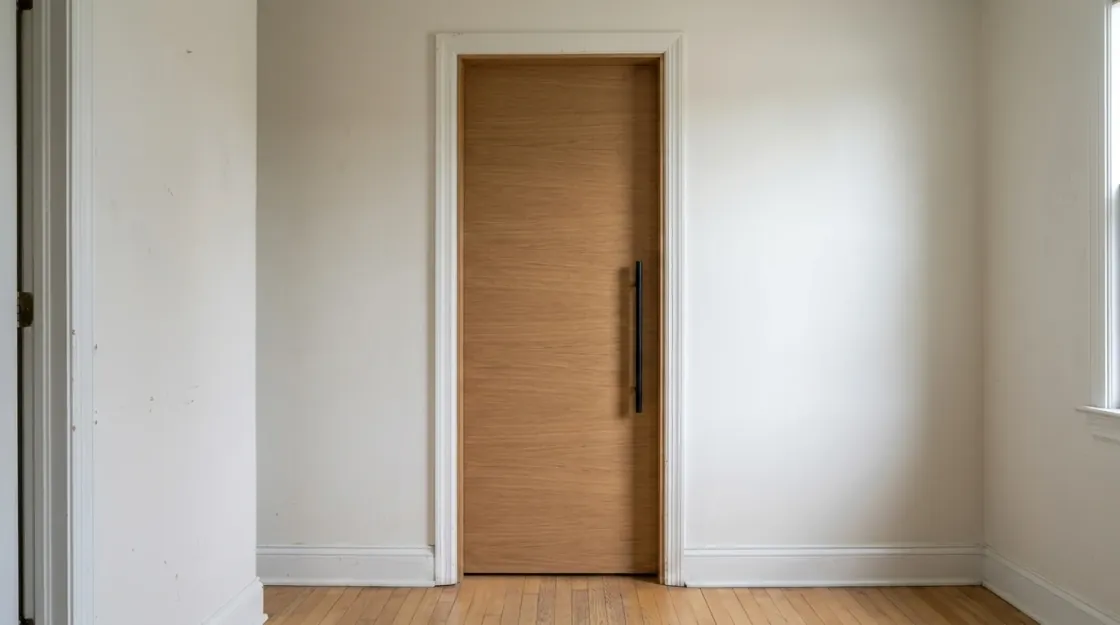
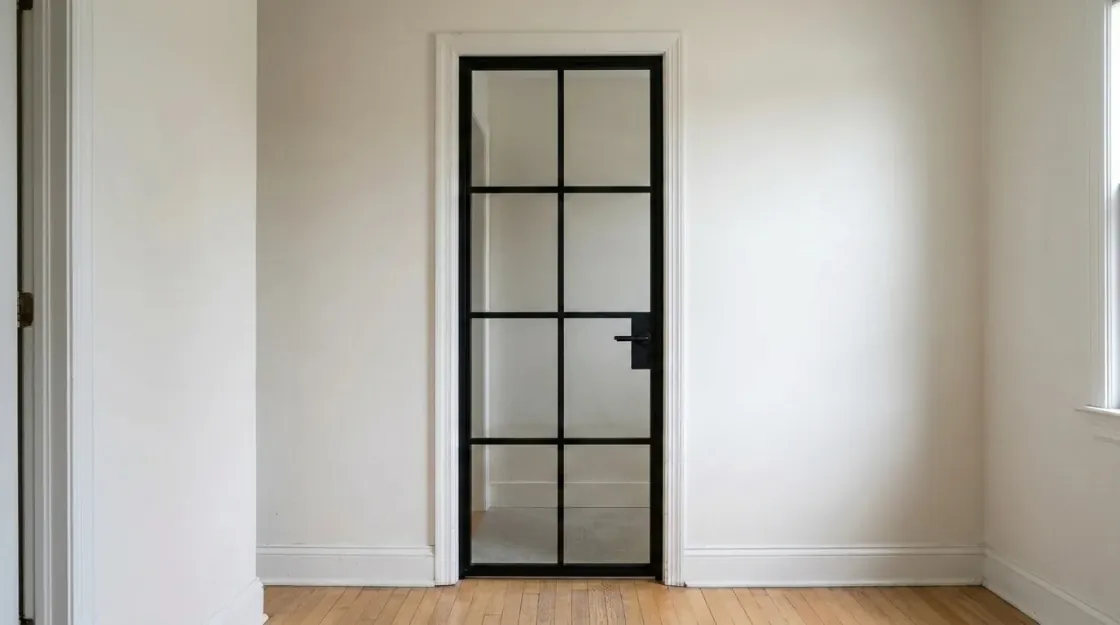
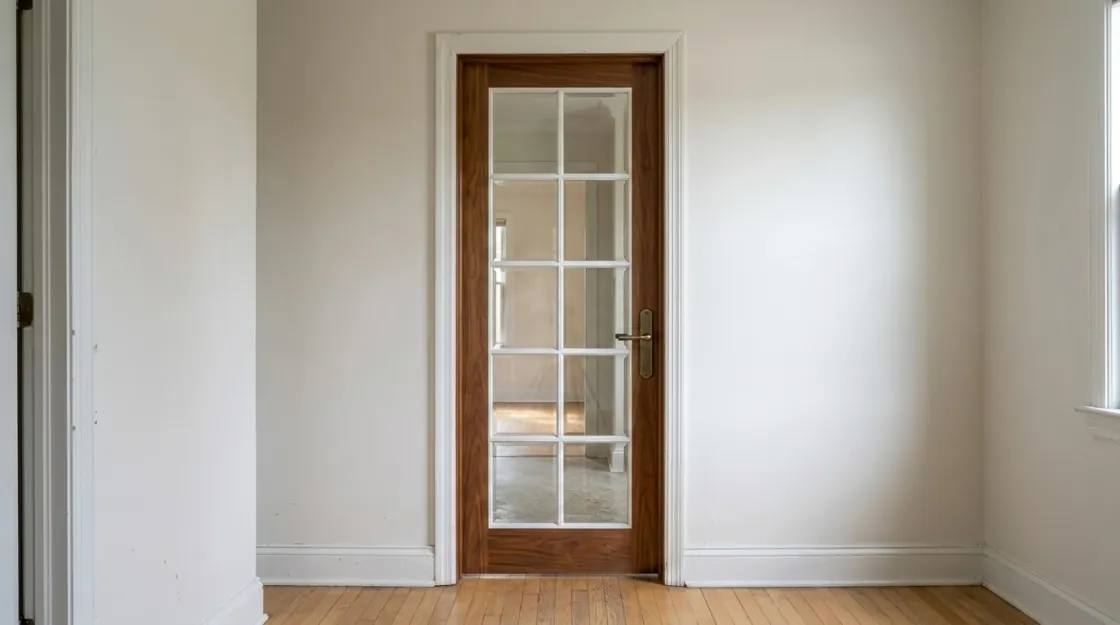
Same Door, Every Style
French GlassBlack Crittall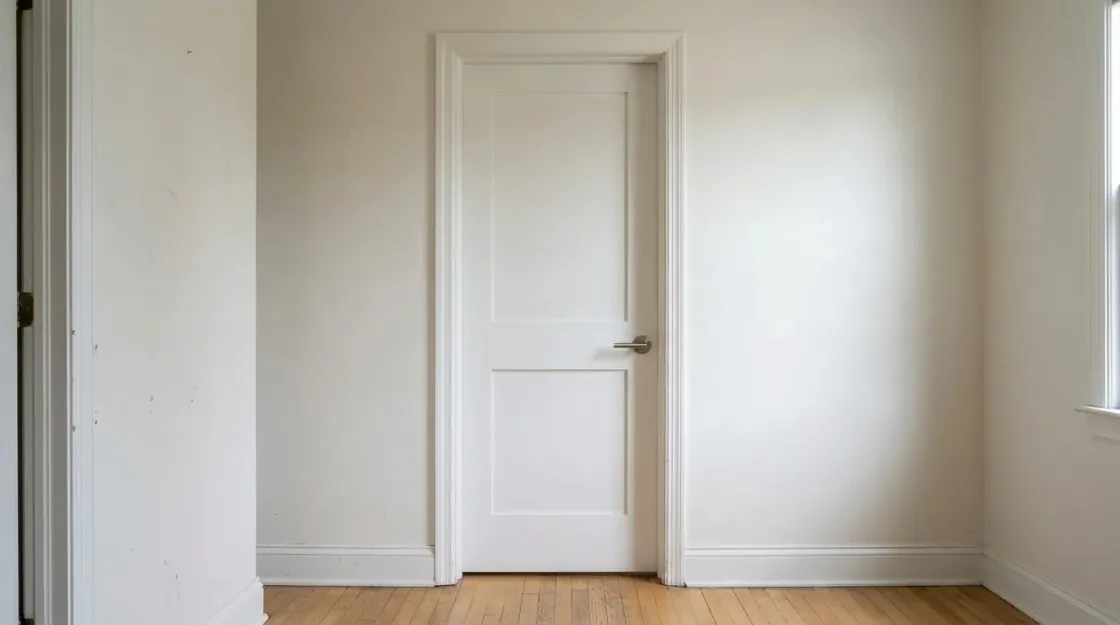 Shaker WhiteOak Flush
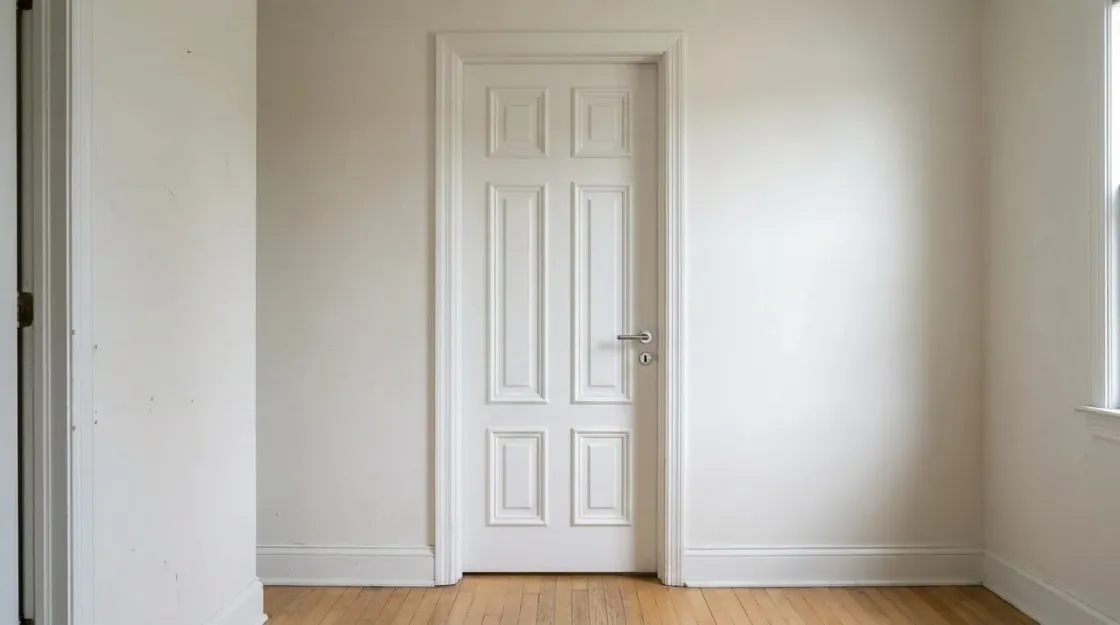 Panelled
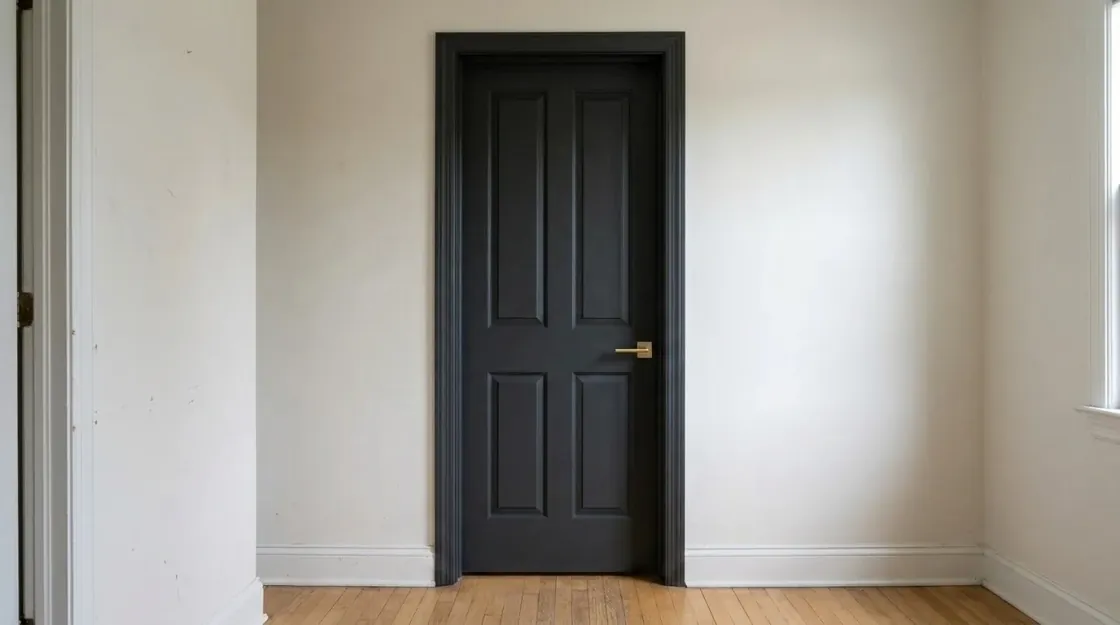 Moody Black
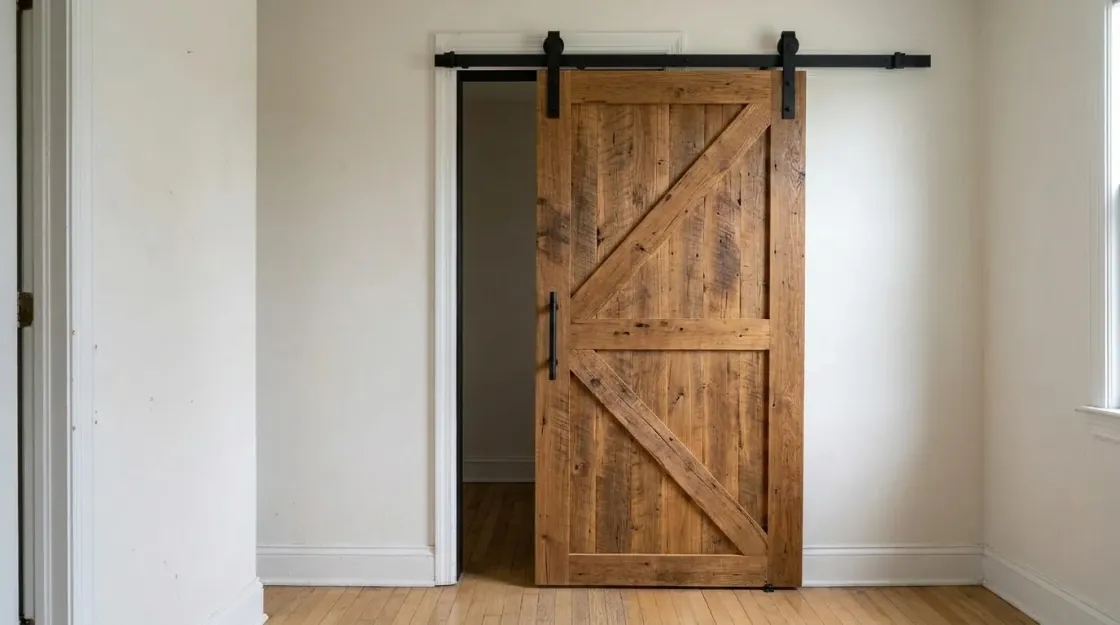 Sliding Barn
A new door can transform a room. Try a few looks on your real doorway, then take the render straight to your joiner or contractor.
What This Tool Actually Produces
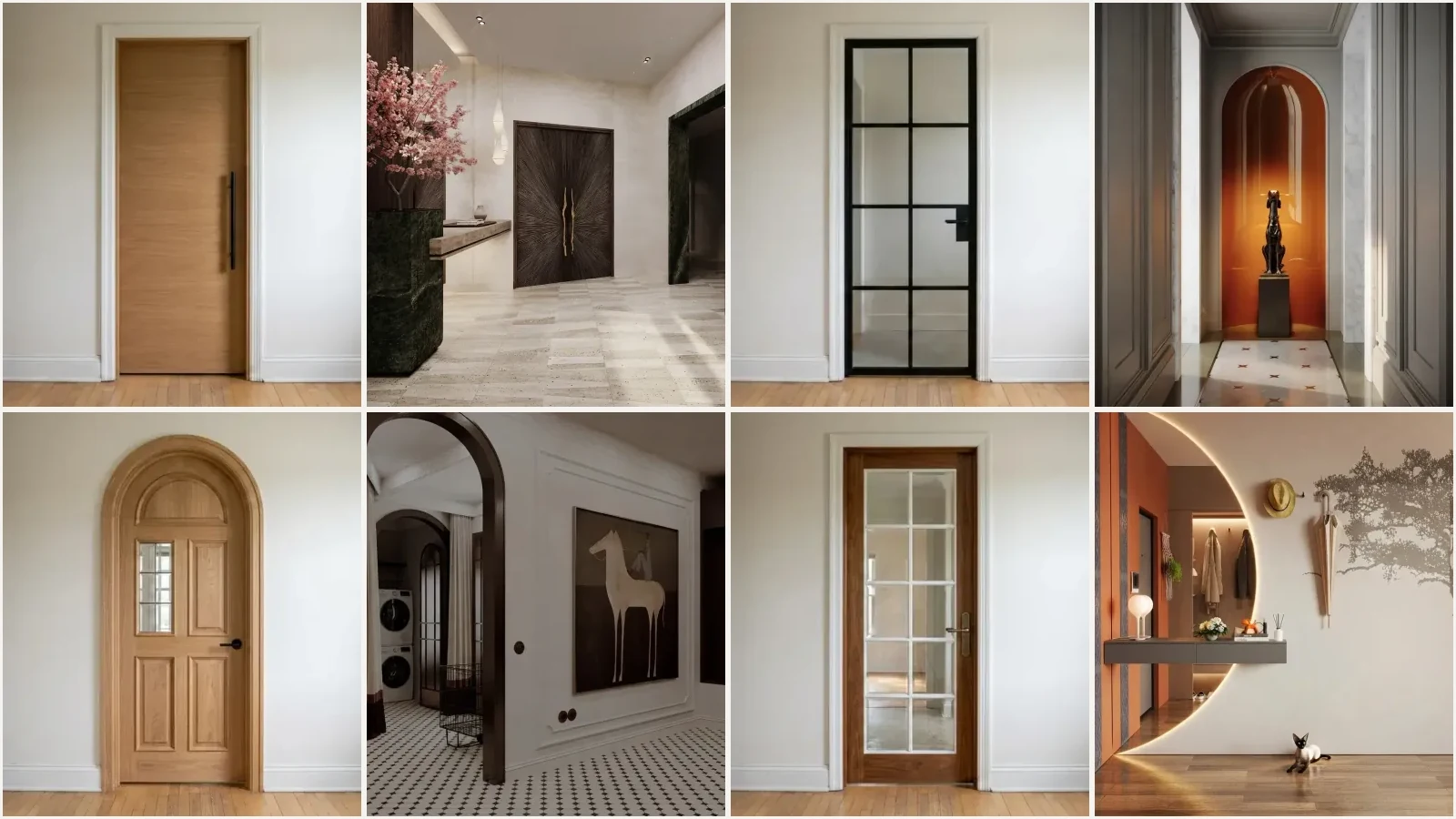
Doorways, entries and hallways rendered by MeltFlex. The door is the thing that changed in each one: material, frame, glazing and handle, inside the room it belongs to.
Browse the hallway and entry renders in the MeltFlex gallery to see the rest. These 17 are a small slice of it.


For interior designers
Become our interior designer and get clients
Publish your design so clients can find you.

New Doors Cost Hundreds Each, and They Are Hard to Picture in Place
A door sample in a showroom tells you nothing about how it will read in your hallway. Replacing the doors through a house runs $150 to $1,000+ per door fitted, so choosing wrong is expensive.
Homeowners
Doors are in every room, so tired flat ones drag the whole house down. But you cannot tell whether shaker panels, glass or a matte-black finish will actually work until they are hung, and by then it is too late to change.
Real Estate & Staging
Dated doors in listing photos quietly cheapen a home. Replacing them before a sale is slow and costly. Virtual door staging shows the space at its best in a single listing image.
Door Companies & Fitters
Clients struggle to picture a door from a catalog page. You need to show flush versus panelled versus glazed on their actual opening before they approve an order.
Skip the guesswork. Upload a photo of your door and MeltFlex AI applies any style, glass, panel or handle to your actual doorway in under 30 seconds, with correct perspective and lighting. Compare a dozen looks before you commit a cent.
Trusted by 213,000+ Homeowners, Agents & Designers

“Our hollow builder-grade doors made the whole hallway feel cheap. I tried oak flush doors in the AI, showed the joiner, and they look exactly like the render now.”

“Was torn between French glass and black Crittall for the doors to our kitchen. Seeing both on our actual doorway made the decision in about two minutes.”

“I sell interior doors for a living. Now I upload the client photo, show three door options in place, and close way faster than with a catalog.”

“Swapped our flat white doors for shaker panels in the render and painted them a soft sage. Convinced my wife instantly. We ordered the real ones that week.”
“Tried a sliding barn door for our pantry opening. Seeing it in the actual space saved us from a door that would have blocked the whole worktop.”
“Black steel-framed glass doors between the living room and hall. Rendered in seconds and it sold the whole family on the reno.”

“We wanted a pivot door for the study. The AI showed it on our real wall so we could picture the swing before spending a rupee.”
“Matte black panelled door with a brass handle for the bedroom. The render matched our hallway perfectly. Carpenter built straight from it.”

“Pale oak flush doors looked so clean in the render we barely changed a thing for the real order.”
“New handles and an arched top on our old door. Being able to see it first was worth it on its own.”

“Realtor here. Staged tired flat doors with modern panelled ones for a listing photo and the place got way more showings.”

“Tried five door styles on our entry in one coffee break. Zero design skills needed.”
Door Visualizer for Interior Doors and Front Doors
Doors are bought from tiny thumbnails and regretted at full size. A door visualizer fixes the scale problem: upload a photo of your doorway and see a new door rendered in place, with your walls, trim and light around it, before anything is ordered or hung.
Interior door styles you can preview
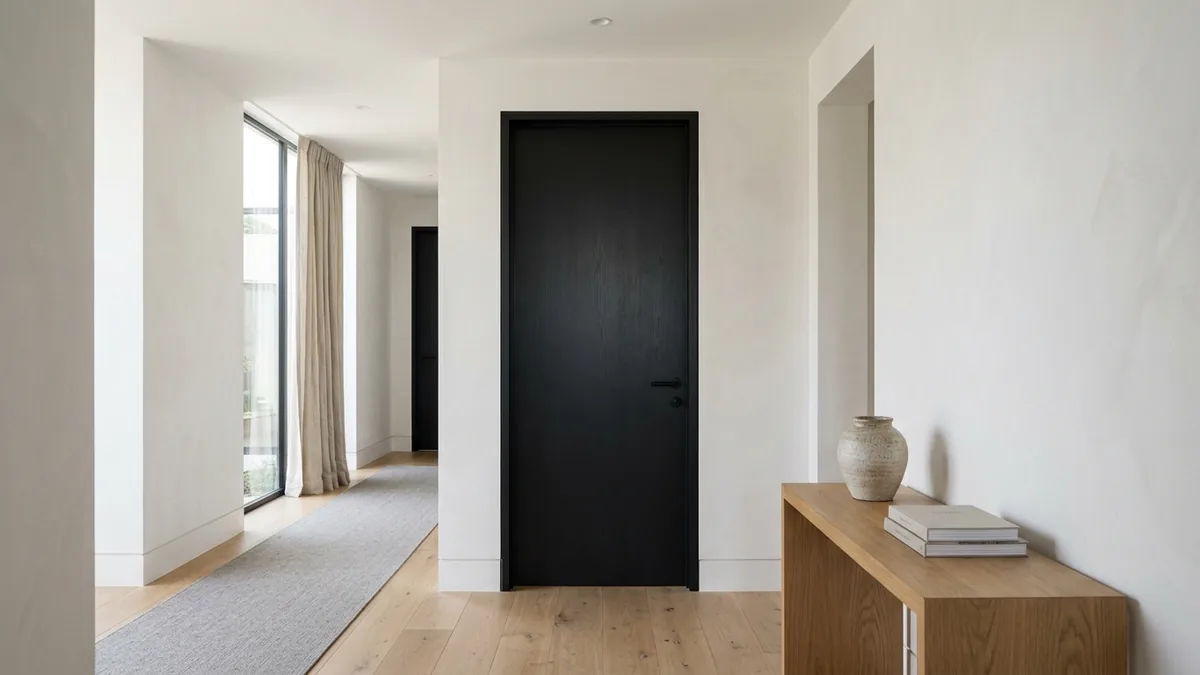
Test the switches that change a room most: flat modern slabs versus classic four-panel doors, adding reeded or clear glass to borrow light in a dark hallway, and the black interior door trend that looks striking in some homes and heavy in others. That last one is worth previewing rather than guessing, and our guide to black interior doors shows real before and after examples if you want the full picture.
Front door visualizer for curb appeal
The front door carries a disproportionate share of curb appeal. Use a photo taken from the street to preview a new front door color, glazing pattern or a full door swap against your actual brick, render or siding. If you are weighing bigger exterior changes at the same time, the AI house exterior design tool restyles the whole facade in one pass.
Hardware, frames and finishes
Small details are cheap to change and easy to get wrong: brass versus matte black handles, a contrasting painted frame, or matching the door color to the trim. Pick the hardware finish and the door finish and the AI applies them while leaving the rest of the photo alone. Windows follow the same logic, and the window visualizer covers those. Your first door render is free with no credit card, so the experiment costs nothing but the photo.
Live now
Weekly Creator Contest $10,000
Make your design in MeltFlex and submit by Sunday. Any room, any style.
 Standard door sizes, widths and rough openingsRead article
 Black interior doors: ideas & how to preview themRead article
 What's out of style in 2026Read article
 Visualize a renovation before you startRead article
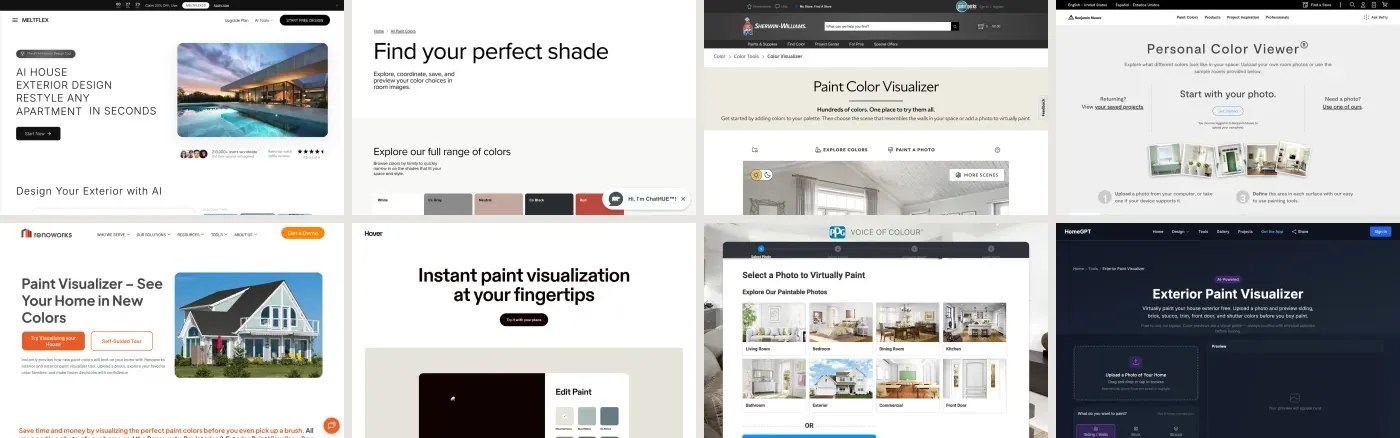 Exterior paint visualizers comparedRead article
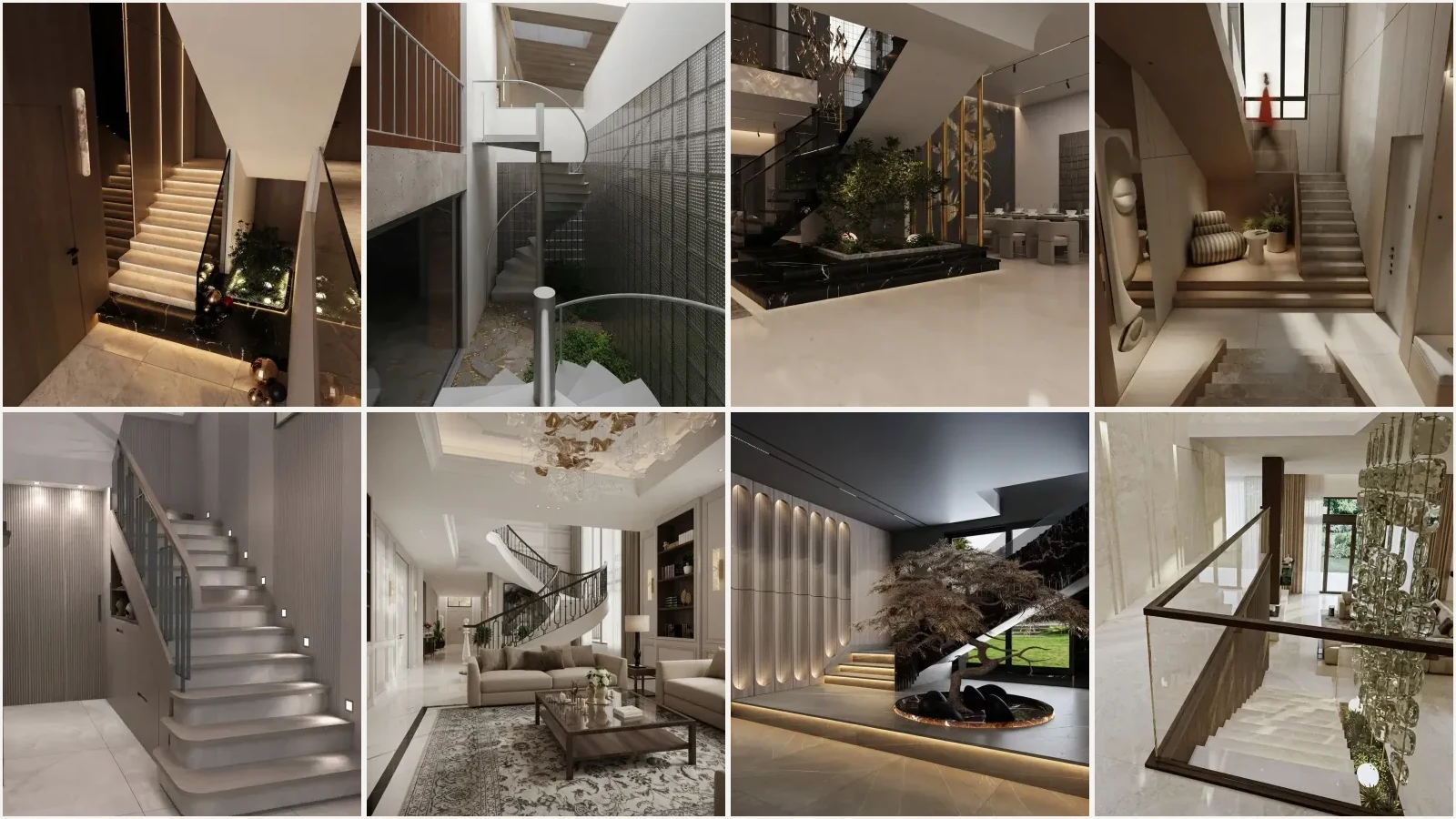 Stair dimensions: rise, run and handrail heightRead article
Frequently Asked Questions
How does AI door design work?
Upload a photo of your existing door. MeltFlex AI detects the door and its frame, then redesigns it in the style you choose while keeping the surrounding room, walls and layout intact. The whole process takes under 30 seconds and produces a photorealistic result you can share or show to a fitter. Try it free.
What door styles can I try?
Eight curated styles: Modern Flush, Shaker, Classic Panelled, French Glass, Black Crittall, Sliding Barn, Pivot and Arched. On top of the style you can set ten door finish palettes, six hardware finishes, the glazing and how the door opens. For a finish that is not in the list, the Upload Own card takes a photo of your own sample.
Can I change the finish and hardware separately?
Yes. A finish palette sets the leaf, the frame and the architrave together and overrides the colours the style would otherwise imply, so you can keep shaker panels in deep navy. Hardware is its own control (brass, matte black, chrome, nickel, bronze or hidden), and separate rows switch the glazing to clear, reeded, frosted or a steel grid, and convert the opening to sliding, pocket, double or pivot. You can also upload a photo of a real veneer or paint sample and pick whether it applies to the leaf, the frame or the glazed panel.
Can I change just the handle or just the glass?
Yes. Skip the style and use the Hardware Finish, Glazing and Opening rows: brass, matte black or hidden hardware, clear, reeded or frosted glass, and a sliding, pocket, double or pivot door. The AI updates only the door while keeping the rest of the space the same.
How is this better than a showroom sample?
A small door sample or a finish chip tells you almost nothing about how a full door reads in your hallway, with your walls and light. With MeltFlex you see the exact style on your actual doorway, at full scale, in your real lighting. No showroom trips, no guessing.
Is the AI door visualizer free to use?
Yes. You can upload a door photo and generate design ideas for free. No account is required to get started, just upload and pick a style.
How accurate are the door renders?
MeltFlex preserves the exact opening, perspective and lighting from your photo, so the new door, panels and finishes follow the real angles and shadows of your doorway. The result looks like a professional interior photograph, which is why fitters and designers use it for client approvals.
Can door companies and fitters use this for client work?
Very much so. Door companies, joiners and fitters use it to show clients exactly how a door style, glass or handle will look on their actual opening before ordering, which cuts revisions and speeds up sign-off. The high-resolution output is ready for presentations. Commercial use in client work is included on the Pro and Enterprise plans.
Can I try French, barn or pivot doors?
Yes. Test French glass doors, sliding barn doors, pivot doors, Crittall-style glazing and classic panelled looks, all on your real doorway, so you can see which one actually fits the space before you buy.

