AI Flooring Visualizersee new floors in your BedroomKitchenBathroomHallwayLoungeAny Room in seconds








AI Flooring Visualizersee new floors in your Living RoomBedroomKitchenBathroomHallwayAny Roomin seconds




1200+ reviews
Transform Your Floors with AI
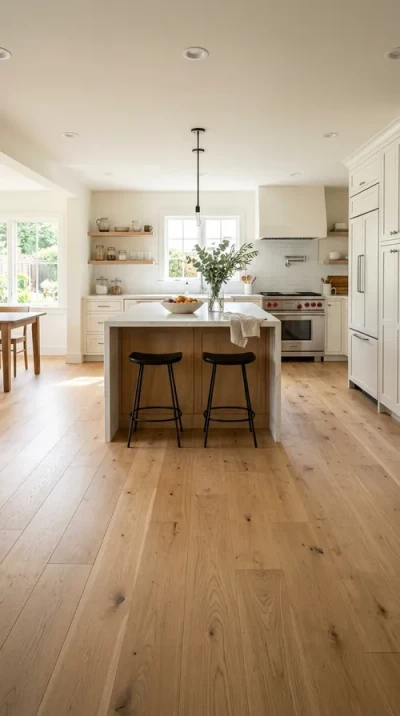
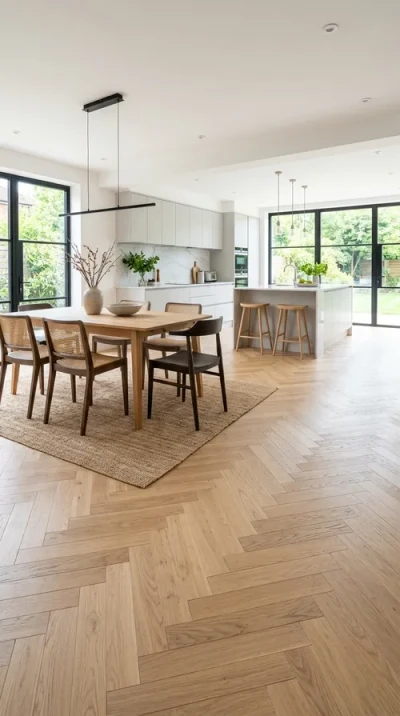
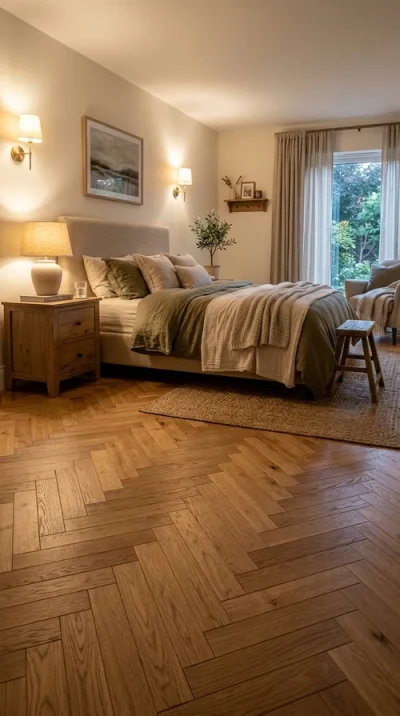
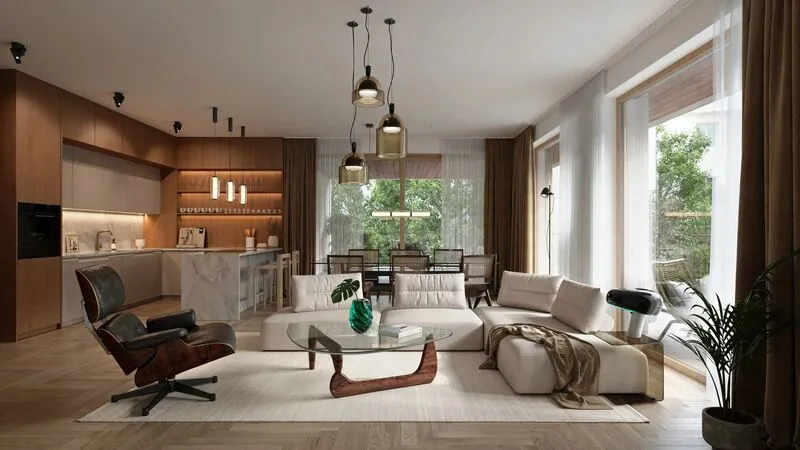
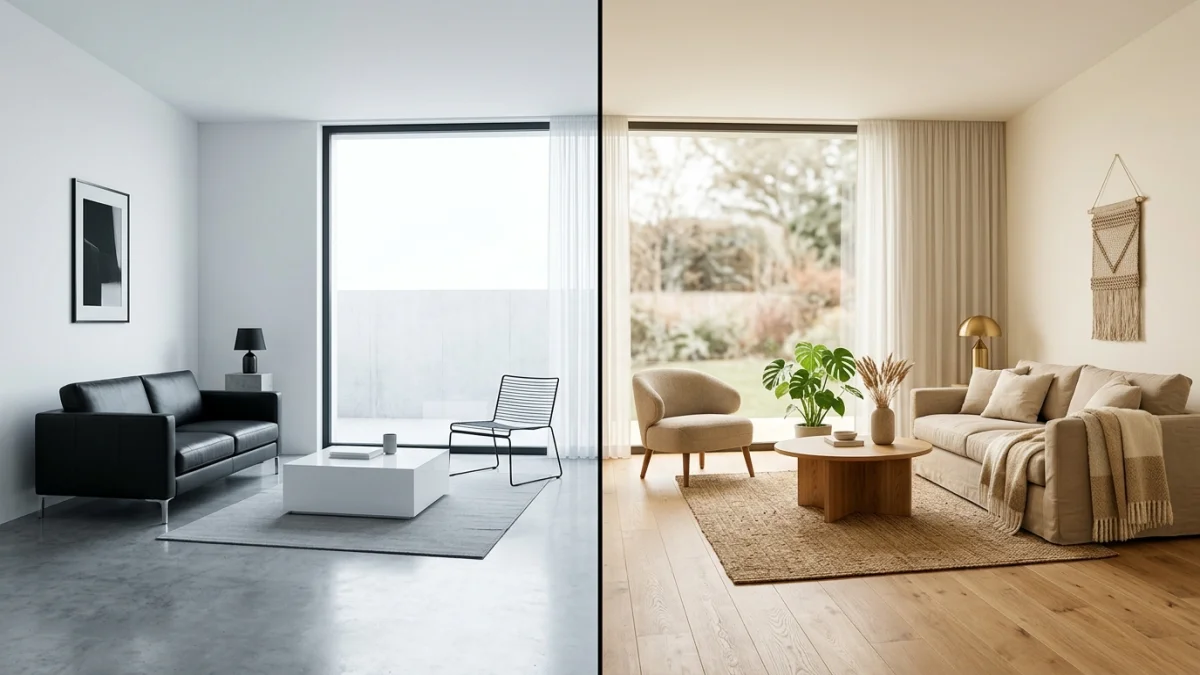
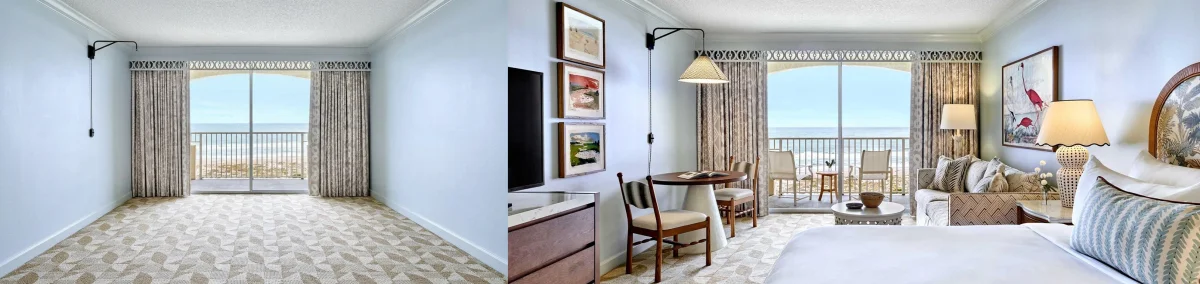
Same Room, Different Floors
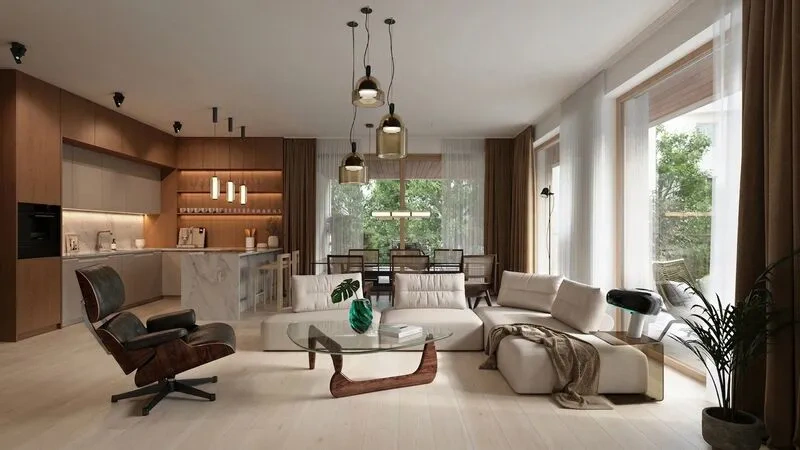
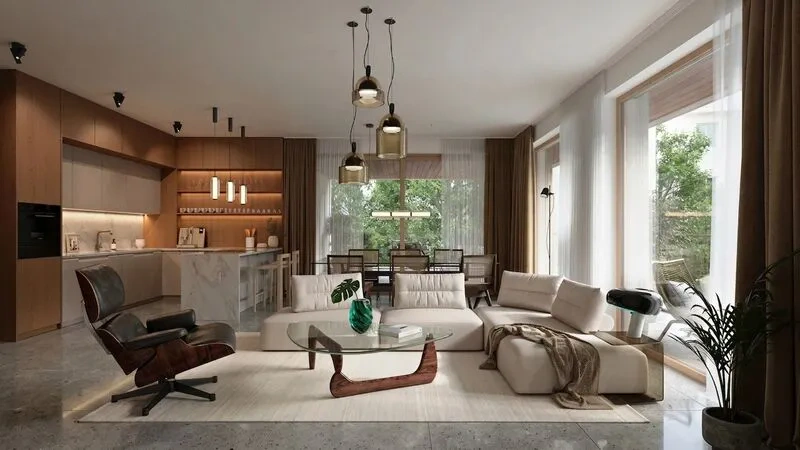
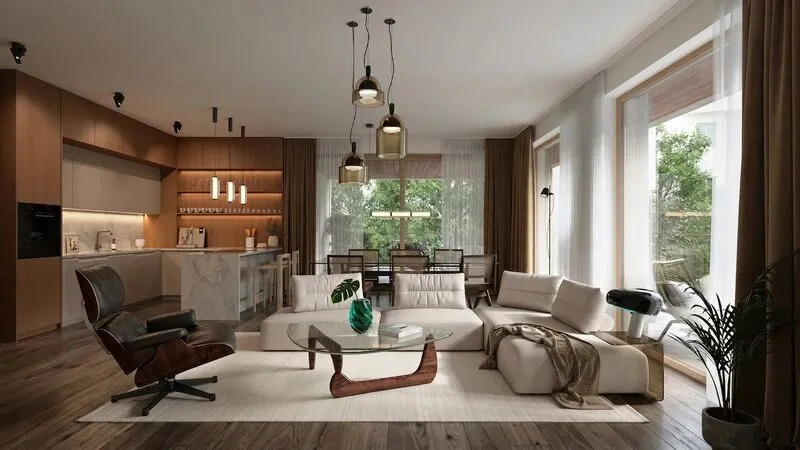
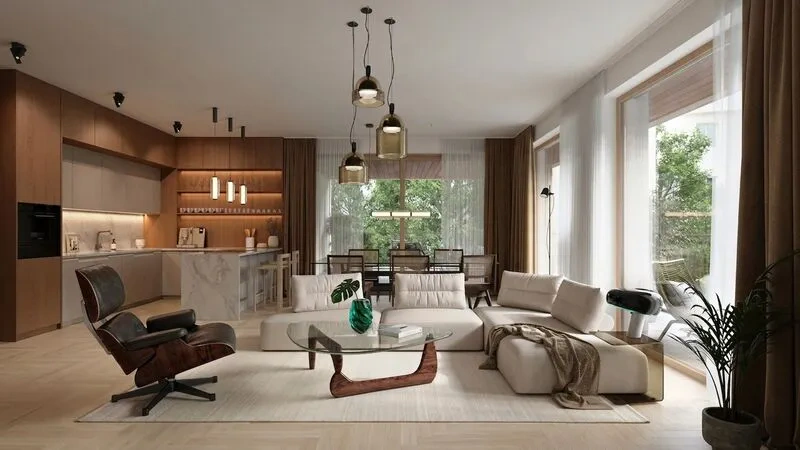
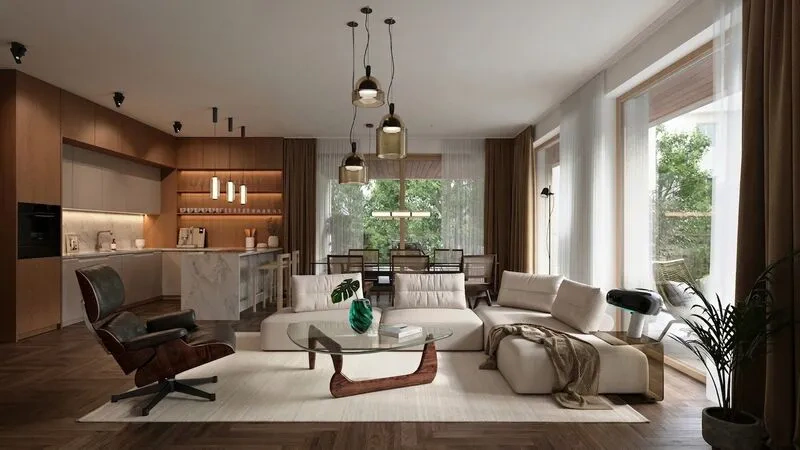

Not sure which floor to try? See the 2026 flooring trends guide with costs per square foot and 12 texture swatches.
What This Tool Actually Produces
MeltFlex renders where the floor is the thing that changed: herringbone oak, wide plank, stone slab, poured concrete and tile, kept in perspective with the room in the photo.
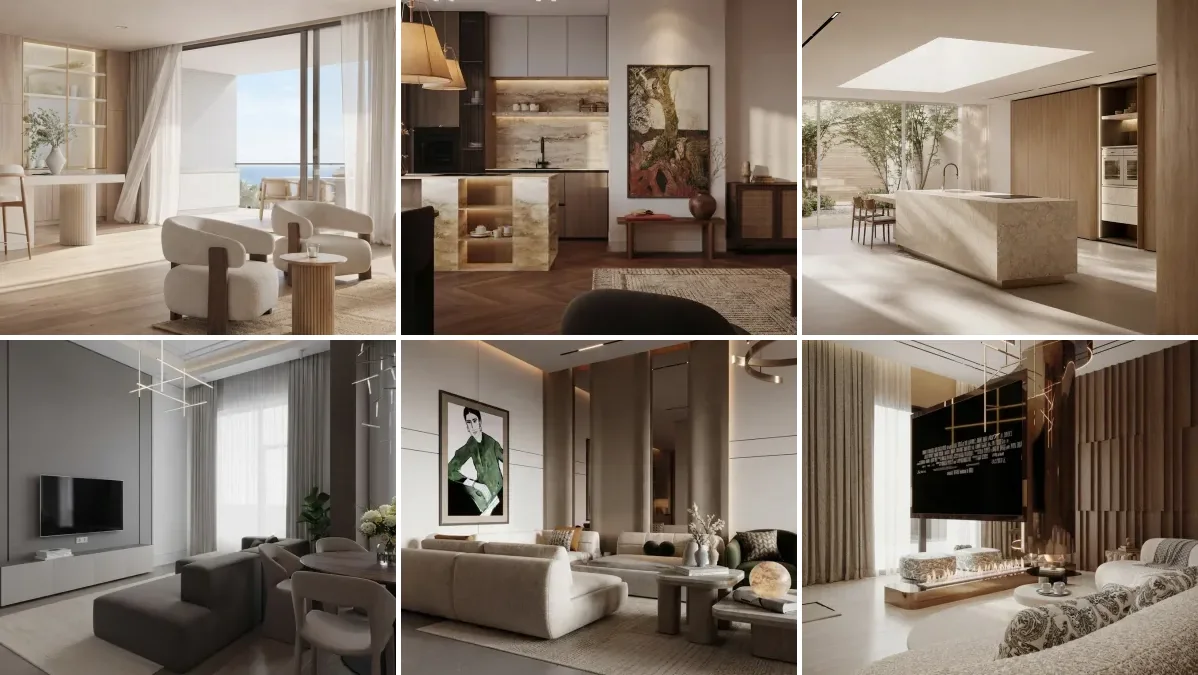
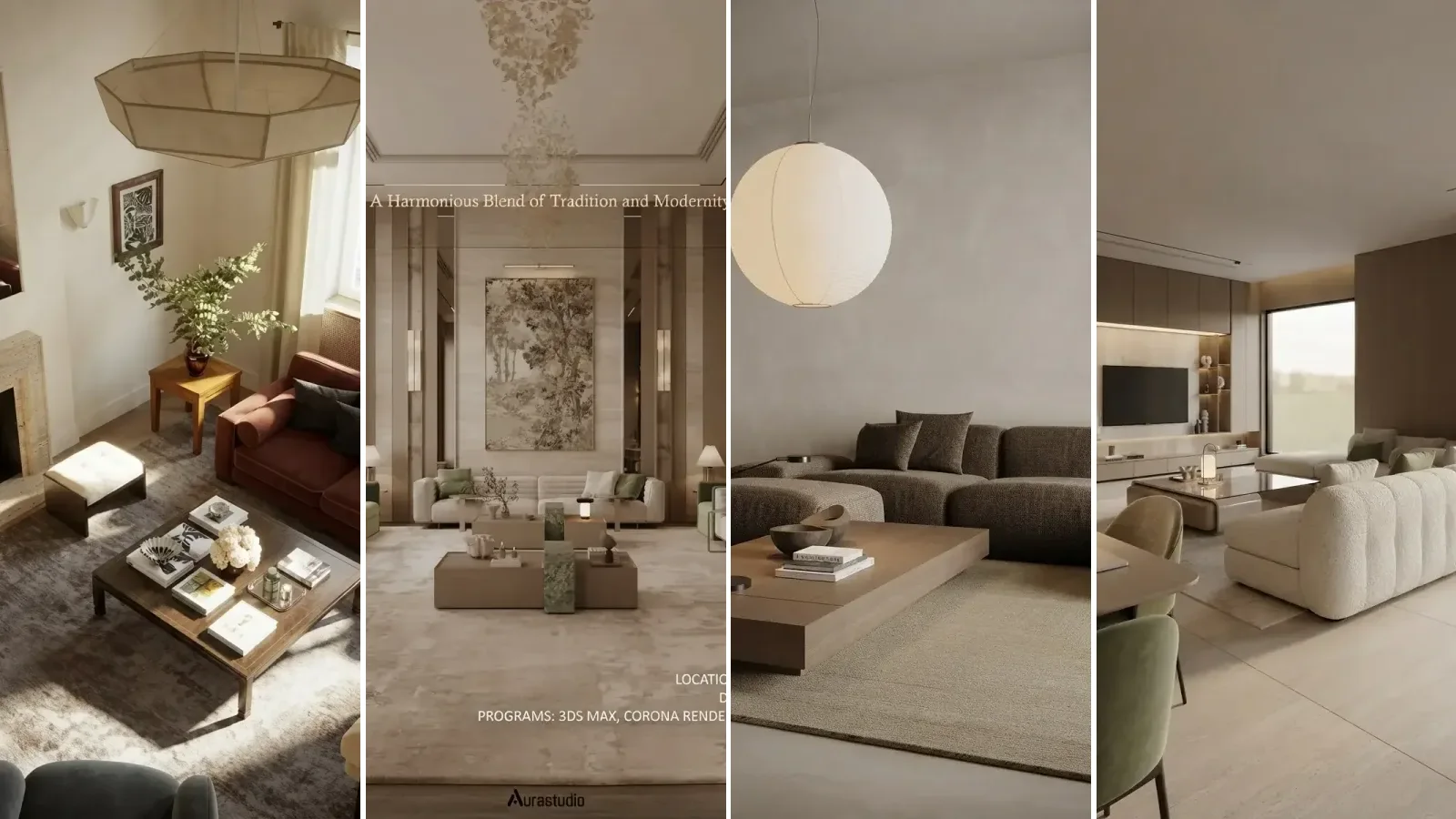
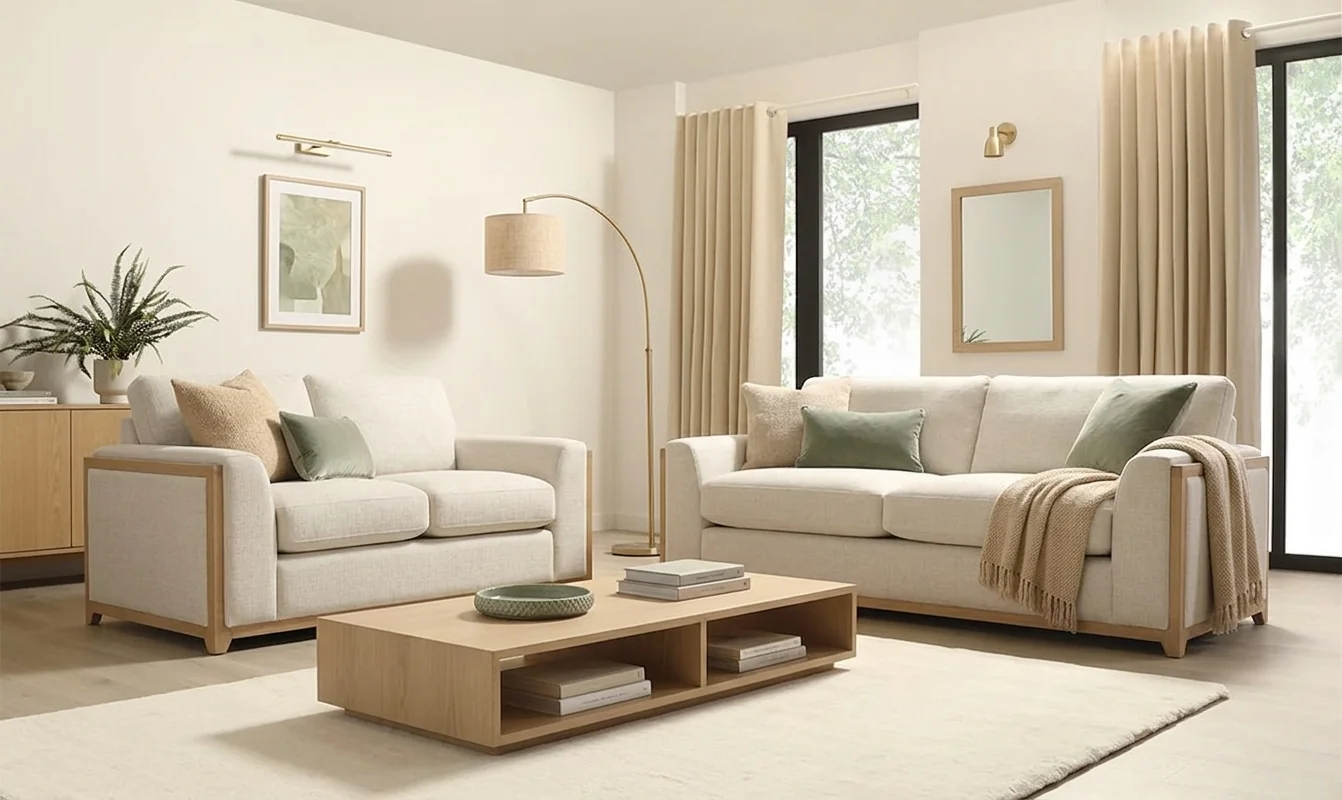
Browse the MeltFlex renders in the MeltFlex gallery to see the rest. These 17 are a small slice of it.


For interior designers
Become our interior designer and get clients
Publish your design so clients can find you.

New Flooring Costs $3,000+, and Samples Tell You Almost Nothing
A 6-inch sample tile in a showroom looks nothing like a full floor in your living room. 68% of homeowners say their new floor looked different than expected once installed.
Homeowners
You visit three showrooms, collect a dozen samples, lay them on the floor, and still cannot picture the final result. Hardwood installation averages $3,000 to $8,000 per room. Choosing wrong means living with a floor you dislike or paying again to replace it.
Real Estate & Staging
Dated or worn floors are a top reason buyers lose interest. Replacing flooring for staging costs thousands and takes days. Virtual floor staging lets you show a property's potential with modern finishes instantly.
Interior Designers & Contractors
Physical sample boards take hours to assemble and still leave clients guessing. You need to show oak herringbone versus marble versus concrete on the client's actual room before they commit to a $10,000 flooring project.
Skip the showroom trips entirely. Upload a photo of your room and MeltFlex AI applies any flooring material to your actual floor in under 30 seconds, with correct perspective, lighting, and plank direction. Compare 10 options in the time it takes to unwrap one sample.
Trusted by 213,000+ Homeowners, Agents & Designers

“Tested dark walnut on my living room and it looked incredible. Ordered the planks the same week.”

“Was torn between marble and polished concrete for the kitchen. Seeing both on my actual floor made the choice instant.”

“I use this for every client presentation. Upload their room, show 5 different floors. They decide in minutes.”

“Herringbone oak on my bedroom floor. Never would have tried it without seeing the render first. Looks amazing installed.”
“Tested light oak in every room in 5 minutes. Ended up choosing the chevron pattern instead.”
“Polished concrete in my home office looks insanely good. This tool convinced me to go for it.”

“We installed the wrong tile last year because samples lie. This would have saved us $4,000.”
“White marble in the bathroom. Rendered in 20 seconds. Contractor matched it perfectly.”

“Showed my husband the oak herringbone render. He went from "too expensive" to "when do we start" in 3 seconds.”
“Terracotta tiles in the kitchen without actually tiling. The visualization was so convincing we went ahead with the real thing.”

“Dark walnut behind our dining area. AI showed it perfectly and we ordered materials the same day.”

“Used it for our rental to show tenants what the space could look like with new floors. Much more effective than descriptions.”
- AI Interior DesignRedesign any room from a photo
- AI Wall TextureTry paint colors & wall finishes
- AI Furniture ChangerSwap the sofa, chairs or rug in a photo
- AI Stairs DesignRedesign your staircase from a photo
- AI Kitchen DesignRedesign your kitchen from a photo
- AI Style TransferRestyle your room to match a reference
How the AI Flooring Visualizer Works
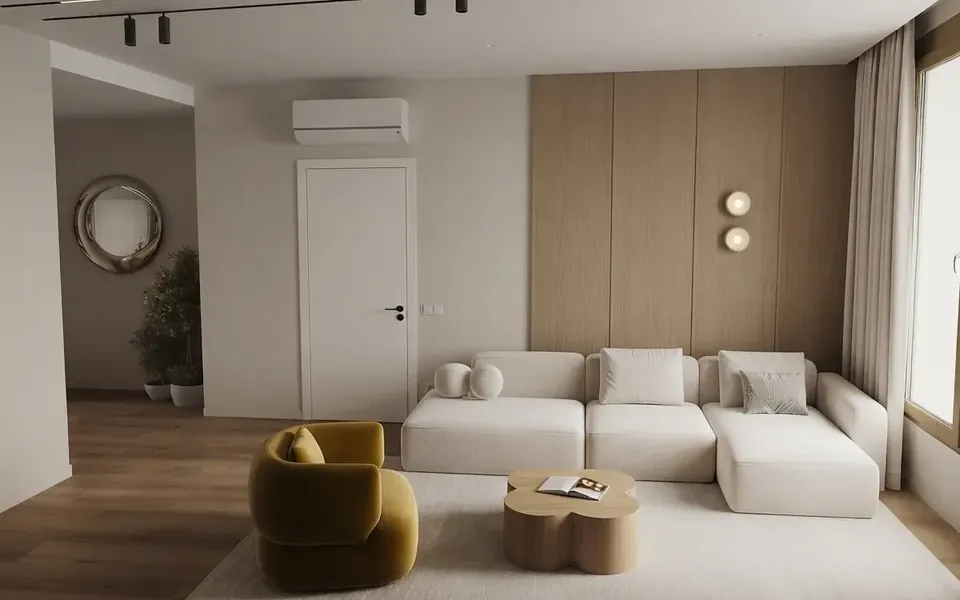
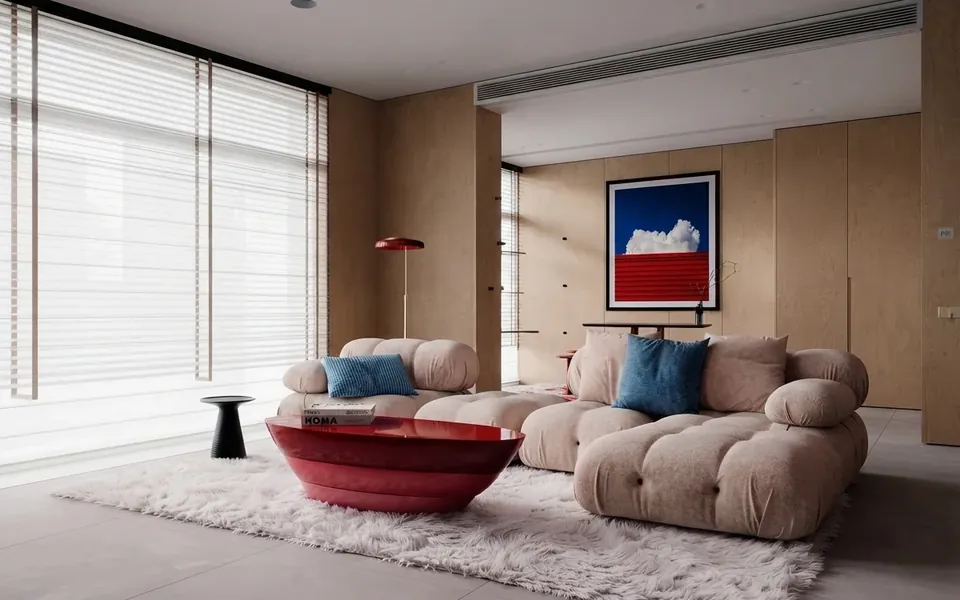
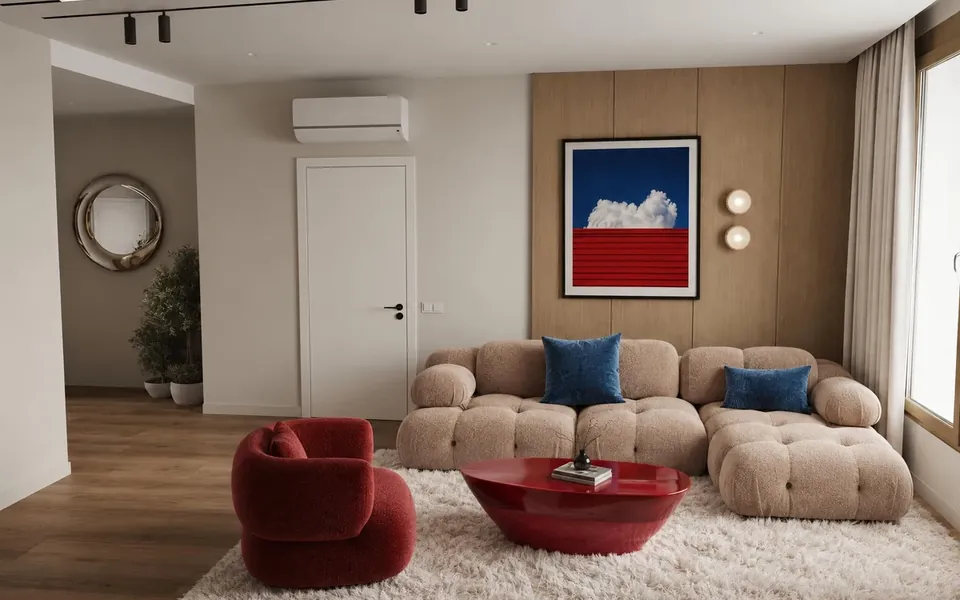
A flooring visualizer answers the only question that matters before you buy: what will this floor look like in my room, with my furniture and my light? Upload one photo and the AI replaces just the floor, keeping walls, furniture and shadows exactly where they are, so the comparison is honest.
See flooring in your room before you buy
Showroom samples fail for floors more than any other surface, because a floor is the largest continuous pattern in the room. A 30 cm oak plank sample cannot show how the grain repeats across twenty square meters, or how a cool grey tile fights warm evening light. Rendering the floor into your own photo shows the pattern at full scale, in context, before the pallet is ordered.
Hardwood, tile, stone, vinyl and more
Test wide-plank oak against herringbone, polished concrete against terracotta, or a practical wood-look vinyl against the real thing it imitates. Pick one of eighteen materials or upload a photo of your own sample and the AI lays it. If you are deciding what is actually worth installing this year, our flooring trends guide breaks down which looks are rising and which are quietly dating.
Floors set the room, walls finish it
Floor and wall decisions are coupled: a honey oak floor changes which wall colors work. Once the floor direction is set, the wall paint visualizer lets you test paint and texture against the new floor in the same room, and the AI interior design studio can restyle the furniture layer on top. The first floor render is free with no credit card, which is cheaper than returning one box of the wrong laminate.
Live now
Weekly Creator Contest $1,000
Make your design in MeltFlex and submit by Sunday. Any room, any style.
Frequently Asked Questions
How does AI floor visualization work?
Upload a photo of any room: living room, bedroom, kitchen, or hallway. MeltFlex AI detects the floor surface, then replaces the existing flooring with your chosen material while preserving furniture, walls, and room geometry. The entire process takes under 30 seconds and produces photorealistic results you can share or show to a contractor. Try it free.
What flooring materials can I try?
Eighteen curated materials, from oak herringbone, oak chevron, light oak and dark walnut to white and black marble, travertine, limestone, terrazzo, microcement, black slate, terracotta and patterned tile. For anything else, upload a photo of your own flooring sample with the Upload Own Texture card and the AI lays that texture.
Can I compare multiple flooring options for the same room?
Yes. Generate multiple versions with different materials or your own uploaded samples. Each render preserves the same room angle and lighting, making direct comparison straightforward. Many users test 5 to 10 options in under 10 minutes before making a decision.
How is this better than showroom samples?
A 6-inch sample tile under showroom lighting tells you almost nothing about how a floor looks at full scale in your room, with your furniture and natural light. With MeltFlex, you see the exact material on your actual floor, in your actual lighting, covering the entire surface. No showroom trips, no guesswork.
Is the AI floor visualizer free to use?
Yes. You can upload a room photo and generate floor visualizations for free. No account required to get started, just upload and pick a material.
How accurate are the floor renders?
MeltFlex preserves the exact room geometry, perspective, and lighting from your photo. Flooring patterns like herringbone and chevron follow the correct vanishing points and plank direction. The result looks like a professional interior photograph, which is why contractors and interior designers use it for client presentations.
Does this work for kitchens and bathrooms?
Absolutely. The AI handles any room with visible floor surfaces: kitchens, bathrooms, hallways, entryways, living rooms, bedrooms, and open-plan spaces. It works best when the photo is well-lit, taken straight on, and shows a clear view of the floor area you want to change.
Can contractors and designers use this for client work?
Very much so. Contractors use it to show clients exactly how a specific flooring will look in their space before ordering materials. Interior designers generate multiple flooring options for client presentations in minutes instead of assembling physical sample boards. The high-resolution output is ready for print or digital use. Commercial use in client work is included on the Pro and Enterprise plans.

