


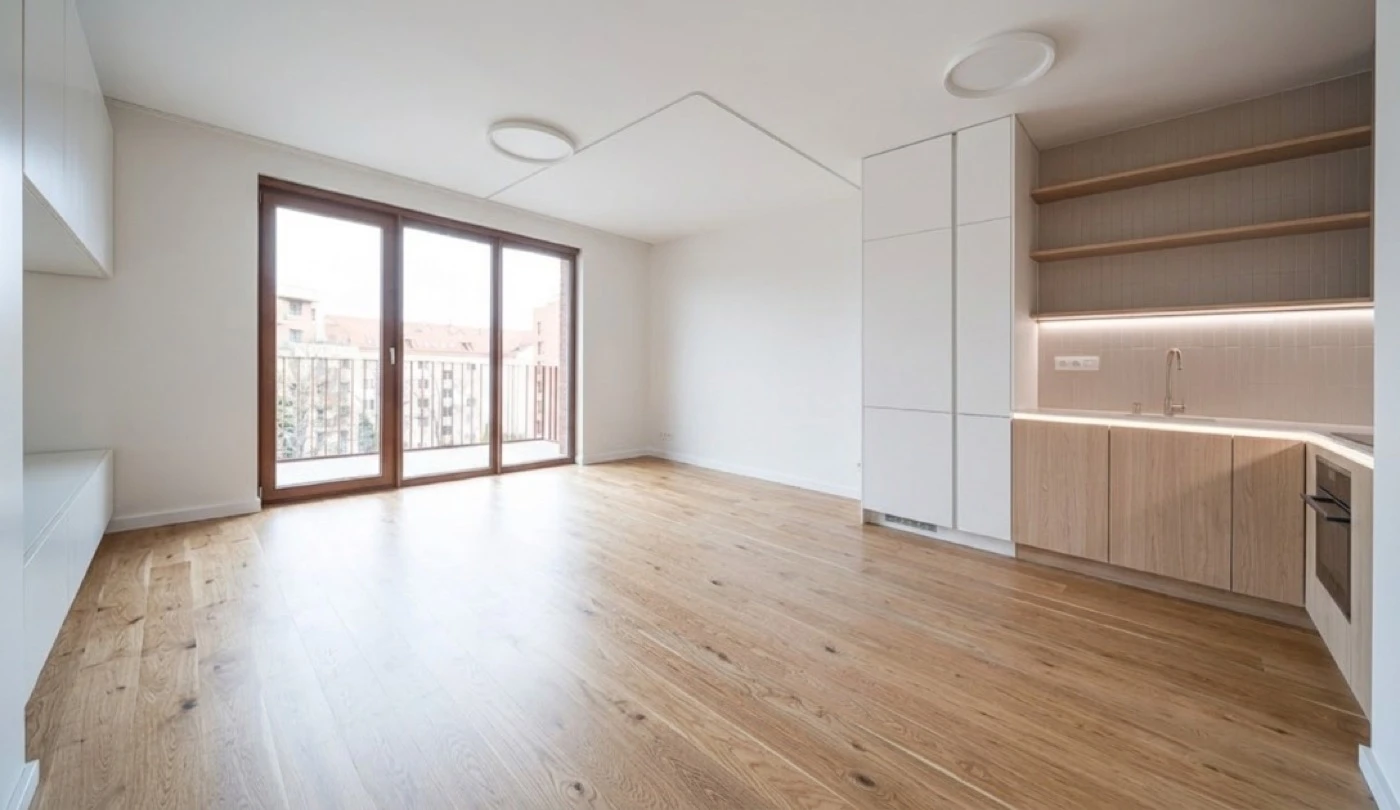
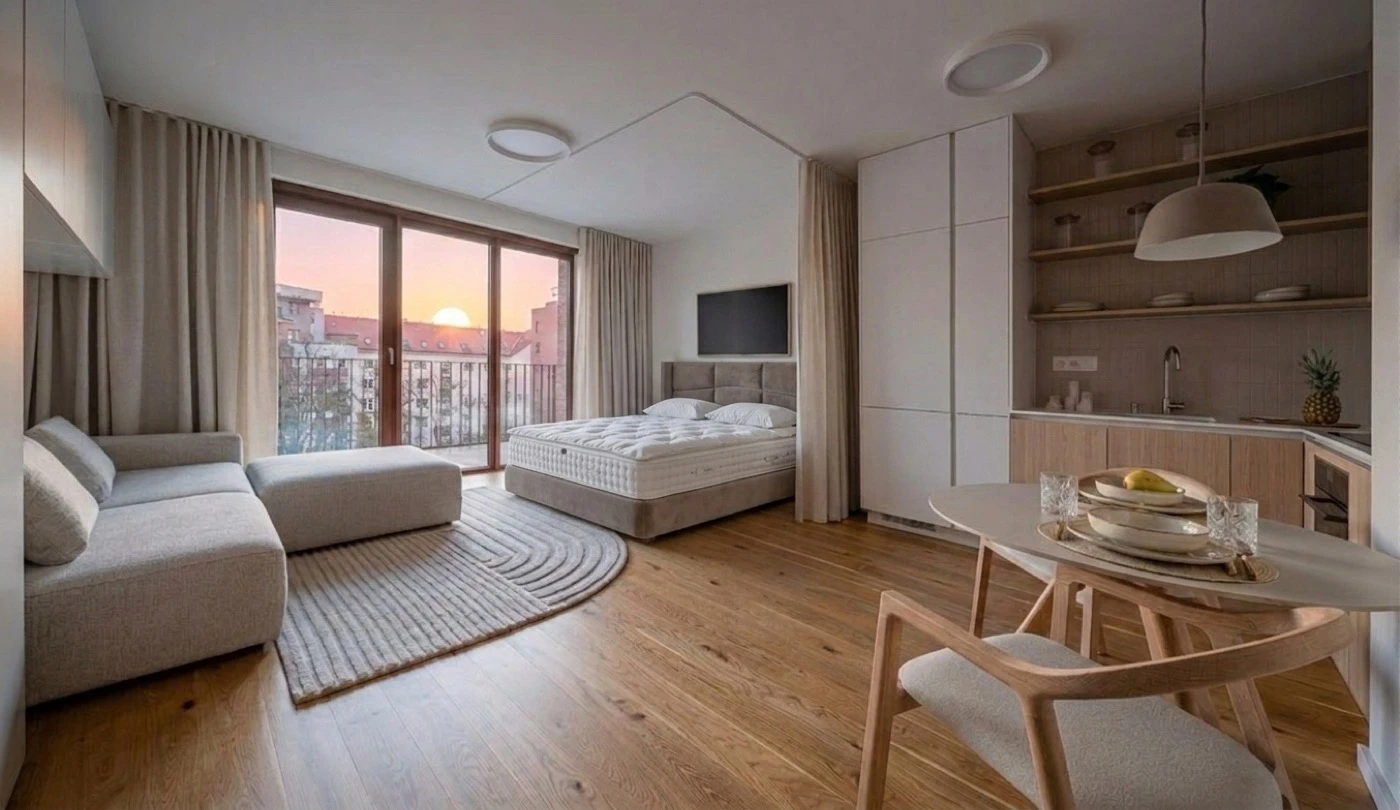
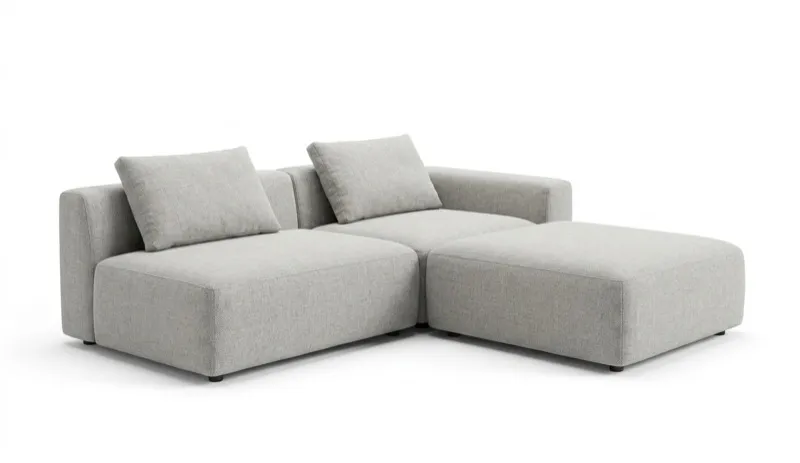

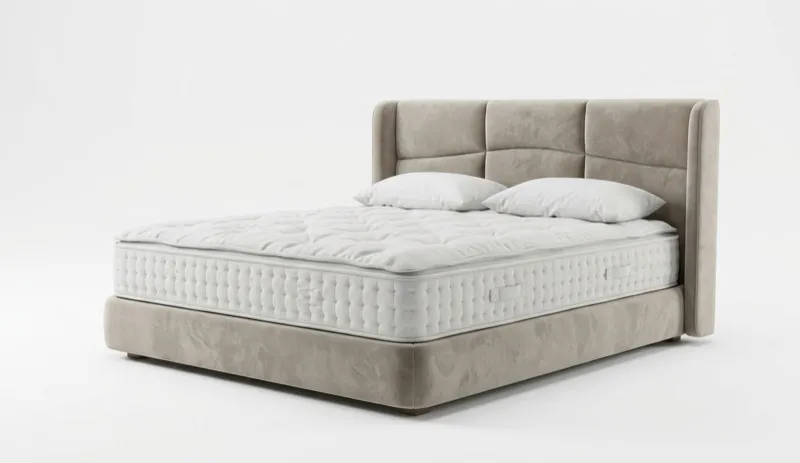


You want to see your room redesigned and then actually buy the furniture.
You're an agent who needs empty rooms to look furnished, fast.
You're designing a new room or renovation with floor plans and measurements.
You know what you want, you need to compare prices across stores.
Feature-by-feature comparison: MeltFlex AI vs Homestyler
Two tools, two different philosophies. MeltFlex transforms existing rooms with AI. Homestyler builds new ones from scratch in 3D. Here's where each one wins.
| AI Tool | MeltFlex AI | Homestyler |
|---|---|---|
| AI Interior Design | ✓ | ~ |
| AI Layout Boost | ✓ | ✗ |
| AI Exterior Design | ✓ | ✗ |
| AI Garden Design | ✓ | ✗ |
| AI Walls Texture | ✓ | ✗ |
| AI Floor Restyle | ✓ | ✗ |
| AI Video Walkthrough | ✓ | ✗ |
| Score | 7/7 | 0/7 |
See it for yourself
Drop in a photo of your room. You'll get a redesign with furniture you can actually order. No account needed.
What is the real difference between MeltFlex and Homestyler?
The simplest way to understand this: Homestyler is a design tool. MeltFlex is a redesign tool.
Homestyler lets you draw floor plans from scratch, build 3D rooms, drag and drop furniture from a library of 300,000+ models, and render photorealistic images. It was originally built by Autodesk and has 20+ million users. If you are planning a new space from zero, it is genuinely excellent.
MeltFlex does something different. You upload a photo of an existing room, pick a style, and in 10-20 seconds get a redesigned version where every piece of furniture is a real product from IKEA, Amazon, Wayfair, Pottery Barn, or Ashley. You see prices, dimensions, and direct buy links. You can compare the same item across all five stores.
If you need to plan a room from scratch with precise measurements, Homestyler is the right tool. If you want to redesign an existing room and buy the furniture, MeltFlex is faster, simpler, and gives you results you can act on.
Can you actually buy furniture from Homestyler or MeltFlex designs?
This is where MeltFlex has a clear, undisputed advantage. When MeltFlex redesigns your room, every item in the image is a real product from a real store. You get the name, price, dimensions, and a direct buy link. You can compare the same item across IKEA, Amazon, Wayfair, Pottery Barn, and Ashley.
Homestyler has a separate e-commerce shop (shop.homestyler.com) and partners with some brands. Their 3D library includes branded items from IKEA and others. But the shopping experience is disconnected from the design tool. You don't see a price tag and buy link when you place a sofa in your 3D room. It's two separate workflows.
- Real products from IKEA, Amazon, Wayfair, Pottery Barn, Ashley
- Price comparison across all 5 stores side by side
- Direct buy links, click and order
- Set a budget ("furnish under $2,000") and it stays within it
- See exact dimensions in the 3D workspace
- Shopping cart that handles multiple retailers
- Separate shop (shop.homestyler.com) with some real furniture
- Some branded 3D models (IKEA, Wayfair, West Elm)
- Shopping not integrated into design workflow
- No price comparison across stores
- No budget-aware generation
- No multi-retailer shopping cart
| Feature | MeltFlex | Homestyler |
|---|---|---|
| Real furniture in renders | ||
| Price comparison (5 stores) | ||
| Direct buy links in design | ||
| Shopping cart | ||
| Budget-aware generation | ||
| Branded 3D model library | ||
| Separate furniture e-shop |
Homestyler's brand partnerships are useful if you're browsing for inspiration inside their 3D tool. But the shopping experience feels bolted on. With MeltFlex, shopping is the core feature. Every design is built around real, purchasable furniture. Check the community gallery to see it in action.
Worth knowing: People regularly save hundreds of dollars by comparing the same piece across IKEA, Amazon, and Wayfair with MeltFlex. Homestyler doesn't offer cross-store price comparison at all.
Which tool produces better AI room designs?
Homestyler produces excellent renders from 3D models. With their massive library of 300,000+ models and cloud rendering, you can create genuinely photorealistic room visualizations. They support 1K, 2K, 4K, and even 12K panoramic renders. The catch? You have to build the entire room yourself first.
MeltFlex uses 25+ curated design styles (Modern, Scandinavian, Japandi, Mid-Century Modern, Industrial, Farmhouse, Coastal, and more). You can explore them in the AI design tool. Output is 4K and photorealistic, but the real value is that every item in the render is purchasable.
Where Homestyler has the edge
Credit where it's due: Homestyler's 3D model library is massive. 300,000+ branded models means you can find very specific furniture pieces and place them exactly where you want. If you need pixel-perfect control over every chair angle and rug placement, Homestyler gives you that level of precision. They also offer AR preview on mobile, so you can see virtual furniture in your real room at 1:1 scale. Read more about AI design tools on the MeltFlex blog.
Where MeltFlex goes further
MeltFlex's advantage is speed and actionability. You don't need to learn 3D modeling. You don't need to draw a floor plan. Upload a photo, pick a style, and in 10-20 seconds you have a room redesign with furniture you can order today. For most people, that's more useful than spending hours perfecting a 3D model.
| Capability | MeltFlex | Homestyler |
|---|---|---|
| Photorealistic renders | ||
| AI redesign from photo | ||
| Full 3D floor plan editor | ||
| Real furniture in output | ||
| 300K+ 3D model library | ||
| 4K output | ||
| AR furniture preview | ||
| No learning curve |
Homestyler wins on precision and control. MeltFlex wins on speed and actionability. If you want to place every piece of furniture yourself with exact measurements, Homestyler is the tool. If you want to upload a photo and get a shoppable room design in seconds, MeltFlex is the tool.
Video walkthroughs and 3D workspace: who does it better?
Both tools have 3D capabilities, but they approach it very differently.
Homestyler's 3D is their core product. You build the room in 3D, place furniture, adjust lighting, and render. They offer video walkthroughs up to 60 seconds, 360-degree panoramas up to 12K, and cloud rendering. But video is a paid feature, and rendering times can be significant for complex scenes.
MeltFlex includes video walkthroughs in every plan: 9:16 for social media and 16:9 for presentations. The 3D workspace lets you walk through rooms, convert floor plans to 3D, and export models (GLB, OBJ, FBX). It's not as deep as Homestyler's full 3D editor, but for most use cases it's more than enough.
- Full walkthrough videos (9:16 and 16:9)
- Video included in every plan
- 4K photo output
- 3D workspace with floor plan conversion
- Model export (GLB, OBJ, FBX)
- Fast generation, no complex rendering
- Full 3D room builder from scratch
- 360-degree panoramas up to 12K
- Video up to 60s (paid plans only)
- Cloud-based rendering
- Rendering times vary, can be slow
- Chrome browser only
| Output type | MeltFlex | Homestyler |
|---|---|---|
| Photo renders | ||
| 4K resolution | ||
| Walkthrough videos | ||
| Video in every plan | ||
| 360-degree panoramas | ||
| 3D model export | ||
| Interior + exterior |
For real estate agents, MeltFlex's video walkthroughs are ready to share on social media or send to clients. Homestyler's walkthroughs require building the entire room first. Developers can also generate designs through the MeltFlex API.
Homestyler has deeper 3D capabilities and 360-degree panoramas. MeltFlex has more accessible video and 3D, included in every plan, no 3D modeling required. For most users, MeltFlex's approach is faster and more practical.
Which is better for real estate virtual staging?
Staged homes sell 87% faster and for up to 17% more. Both tools can stage empty rooms. The difference is how much work it takes and what the buyer gets.
Homestyler's approach to staging
With Homestyler, you need to build a 3D model of the room first, then furnish it, then render. That works for one or two listings, but if you're staging 10+ rooms a week, the time investment is significant. The renders look excellent, but the process is slow. Also, the furniture is from a 3D library, not real products buyers can purchase.
MeltFlex's approach to staging
Upload a photo, pick a style, get a staged room in 10-20 seconds. The furniture is real and purchasable. Buyers can order the exact sofa they see in your listing. That's a unique selling point no other staging tool provides. Plans start at $19/month, or $12/month yearly. Questions? Check the FAQ.
| Feature | MeltFlex | Homestyler |
|---|---|---|
| Stage from a photo (seconds) | ||
| Real, purchasable furniture | ||
| Video walkthroughs | ||
| 360-degree panorama | ||
| 3D model export | ||
| Precise furniture placement |
For real estate staging, MeltFlex is dramatically faster and more practical. Homestyler's renders may be slightly more customizable, but the time investment makes it impractical for agents staging multiple listings.
How fast is MeltFlex compared to Homestyler?
- 10-20 seconds per design
- Upload photo, pick style, done
- No learning curve, no 3D modeling
- No account needed for first design
- 30 minutes to several hours per room (build 3D model first)
- Significant learning curve
- Chrome browser only
- Faster for repeat designs if you have existing models
This isn't really a fair speed comparison because the tools do different things. Homestyler builds detailed 3D models with exact measurements. That takes time by nature. MeltFlex transforms photos with AI. Different approach, different speed. But if your goal is "I want to see my room redesigned, now," MeltFlex is the clear winner.
There's also a friction point: Homestyler only works in Chrome. If you use Safari, Firefox, or Edge, you need to switch browsers. MeltFlex works in any browser.
Pricing: MeltFlex AI vs Homestyler (2026)
Homestyler has a strong free tier. That's worth acknowledging upfront. MeltFlex has lower barriers to start but paid plans give you significantly more. See all MeltFlex plans for full details.
Free tiers
- Generate a design without signing up
- See real furniture with prices
- Limited generations
- Unlimited 1K renders
- 100,000+ free 3D models
- Full floor plan editor
- 3 AI credits
- Watermarks on renders
- 1K resolution only
Homestyler's free tier is genuinely generous if you want a floor plan tool. Unlimited 1K renders and 100,000+ models at no cost. But it's a floor plan tool, not an AI room redesign tool. MeltFlex's free option lets you see a redesigned room with real furniture in seconds, no account needed.
Paid plans
- 650 credits per month
- Up to 100 AI-generated images
- Real furniture from 5 brands
- Price comparison across retailers
- 3D workspace + floor plan conversion
- Video generation
- No watermarks
- 75 renders each for 2K and 4K monthly
- Unlimited speed previews
- 300 custom uploads
- 180 AI credits/month
- Watermark removal
- No real furniture or buy links
- No price comparison
Homestyler is cheaper per month. No question. Pro+ at $4.90/month gives you a capable floor plan tool with 4K renders. But it doesn't give you AI room redesign from photos, real furniture, price comparison, video walkthroughs, or a shopping cart. MeltFlex at $29/month ($12 yearly) gives you all of that. The question is whether you need a floor plan tool or a redesign-and-buy tool.
- 650 credits per month
- Real furniture from 5 brands
- Price comparison + buy links
- Video walkthroughs
- 3D workspace
- No watermarks
- 2K & 4K renders (75 each/mo)
- 300K+ 3D model access
- 180 AI credits
- No real furniture
- No price comparison
- No video in base plan
The real comparison: Homestyler is a $5/month floor plan tool. MeltFlex is a $12-19/month design-to-purchase platform. They overlap in "interior design" but serve fundamentally different workflows. Compare both against their actual competition: Homestyler vs SketchUp/Planner 5D, MeltFlex vs ReimagineHome / HomeDesigns AI / mnml.ai.
How to test both tools in under 30 minutes
Not sure which one you need? Try both. Here's a quick way to evaluate each tool:
- Step 1: Go to meltflexai.com/create
- Step 2: Upload a photo of any room in your house
- Step 3: Pick a design style
- Step 4: In 10-20 seconds, see your room redesigned with real furniture and prices
- What to look for: Can you buy the furniture? Are the prices real? Is the design something you would actually live with?
- Step 1: Create an account at homestyler.com (Chrome required)
- Step 2: Start a new project and draw a floor plan of a room
- Step 3: Switch to 3D view and furnish the room from the model library
- Step 4: Render the result (free 1K render)
- What to look for: Is the level of control useful for you? Is the time investment worth it?
Which tool is right for you?
- Want to redesign an existing room and buy the furniture
- Need results in seconds, not hours
- Want to compare furniture prices across 5 stores
- Need video walkthroughs for clients or social media
- Are a real estate agent staging listings
- Don't want to learn 3D modeling software
- Are a homeowner who's ready to furnish or refurnish
- Want a budget-aware design that stays within your limit
- Are planning a new space from scratch with floor plans
- Need precise measurements and pixel-perfect furniture placement
- Want a massive 3D model library (300K+ items)
- Need 360-degree panoramic renders
- Want AR furniture preview on mobile
- Are an interior design student or professional
- Need a free floor plan tool for basic room layouts
These tools complement each other more than they compete. Some people use Homestyler for floor planning and MeltFlex for furnishing. But if you had to pick one, the question is simple: are you building a space from scratch, or redesigning one that already exists? Running a larger team? Check out MeltFlex for Enterprise. Need help? Get in touch.
Ready to try it?
Upload a photo, pick a style, and get a design with real furniture from IKEA, Amazon, and Wayfair. Free to start, no account needed. Have more questions? Browse community answers or read the FAQ.
Frequently asked questions
Is MeltFlex AI better than Homestyler for redesigning a room?
If you want to see your existing room redesigned with furniture you can actually buy, yes. MeltFlex lets you upload a photo and get a redesign with real products from IKEA, Amazon, and Wayfair in 10-20 seconds. Homestyler requires you to build a 3D model of your room from scratch before you see any results. That can take hours. MeltFlex is designed for people who want to transform what they already have, fast. Homestyler is designed for people who want to plan a space from zero.
Can I buy furniture from Homestyler designs?
Sort of. Homestyler has a separate shop (shop.homestyler.com) that sells some furniture and decor, and they partner with brands like IKEA and Wayfair. But the shopping experience is separate from the design tool. You don't get a direct 'buy this exact item' link from your render. With MeltFlex, every piece of furniture in your design is a real product with a direct buy link, and you can compare prices across 5 retailers without leaving the page.
Which is cheaper, MeltFlex AI or Homestyler?
Homestyler has a lower starting price. Their free tier gives you unlimited 1K renders, and paid plans start at $3.90/month. MeltFlex starts at $19/month ($12/month yearly). But they solve different problems. Homestyler's free tier gives you a floor plan tool with low-res renders. MeltFlex gives you AI-powered room redesign with real purchasable furniture, video walkthroughs, and 4K output. The right comparison is: what do you actually need? If you need a floor planner, Homestyler's free tier is hard to beat. If you need to redesign rooms and buy the furniture, MeltFlex is the better investment.
Does Homestyler have AI room redesign from photos?
Homestyler has some AI features like 'AI Decor' and 'AI Painter' that work with photos. But these are add-on tools, not the core product. Homestyler is fundamentally a floor-plan-first 3D design tool. You draw rooms, place furniture, then render. MeltFlex is built from the ground up as a photo-to-design tool: upload a photo, pick a style, get a shoppable redesign in seconds.
Which tool is faster, MeltFlex or Homestyler?
MeltFlex, by a wide margin. Upload a photo, get a redesigned room with real furniture in 10-20 seconds. With Homestyler, you need to draw a floor plan, build the room in 3D, furnish it, then render. Even for a simple room, that can take 30 minutes to a few hours depending on your experience. The tools serve different purposes: MeltFlex is for quick transformation of existing spaces, Homestyler is for detailed planning of new spaces.
Does Homestyler work on mobile?
Yes, Homestyler has iOS and Android apps with AR furniture preview. You can scan a room and see virtual furniture at 1:1 scale. MeltFlex works in any browser on any device but doesn't have a dedicated mobile app with AR. If AR preview matters to you, Homestyler has the edge there. If you want to quickly redesign rooms and buy the furniture, MeltFlex's browser-based approach gets you there faster.
Can I use Homestyler for real estate virtual staging?
Technically yes, but it's a slow process. You need to build a 3D model of each room first, then render staged images. That's fine for one or two listings, but agents staging multiple properties weekly will spend hours in the tool. MeltFlex stages rooms in seconds from a photo. The furniture is real and purchasable. You get video walkthroughs included. For real estate, MeltFlex is dramatically more efficient.
Should I use Homestyler or MeltFlex if I'm planning a renovation?
It depends on the stage you're in. If you're drawing floor plans from scratch and need to plan room layouts with precise measurements, Homestyler is the right tool. It has a full floor plan editor with a massive 3D model library. If you already have rooms and want to see them redesigned with furniture you can actually buy, MeltFlex is faster and more actionable. Some people use both: Homestyler for planning, MeltFlex for furnishing.

