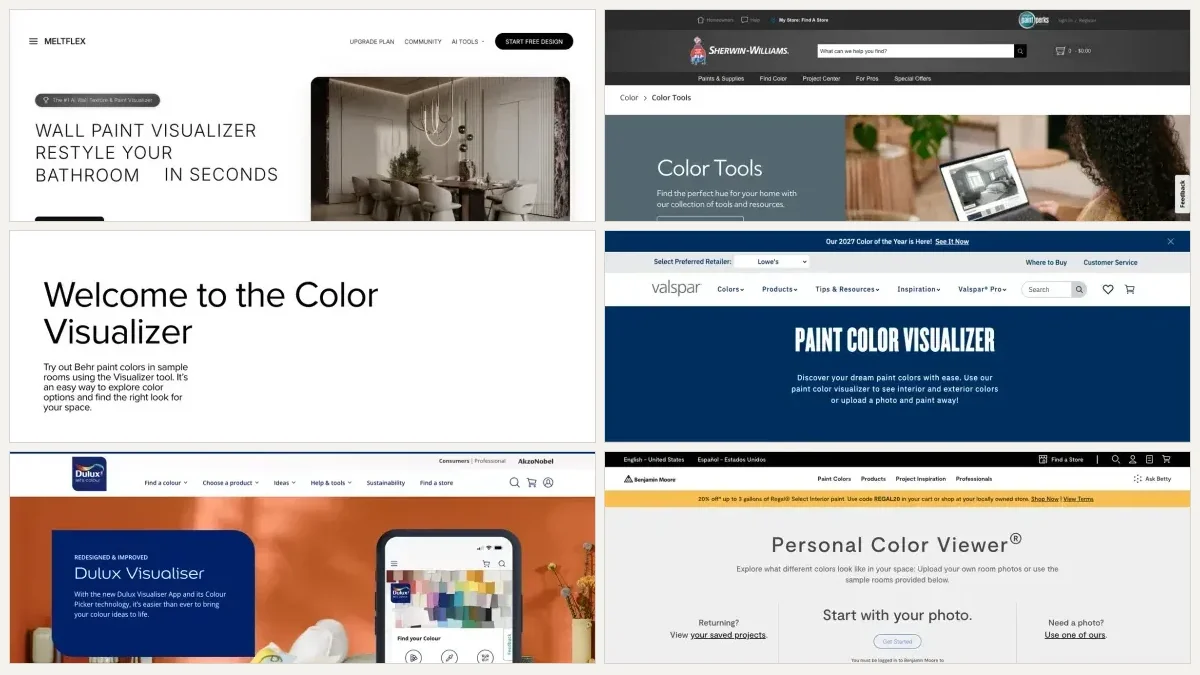
Every paint brand and half the AI startups now have a “wall color visualizer,” and they all promise the same thing: see the color before you paint. The reality is that they are wildly different. The same is true one surface down, which is why we ran the same test on flooring visualizers separately. Some only flood a flat color over the wall. Some restyle your whole room and lose your furniture. A few keep your real room and can even add real textures like brick and wood. One or two are tied to actual paint brands so you get a buyable code.
Our articles are still written by humans!
Get human written articles in your Google feed.
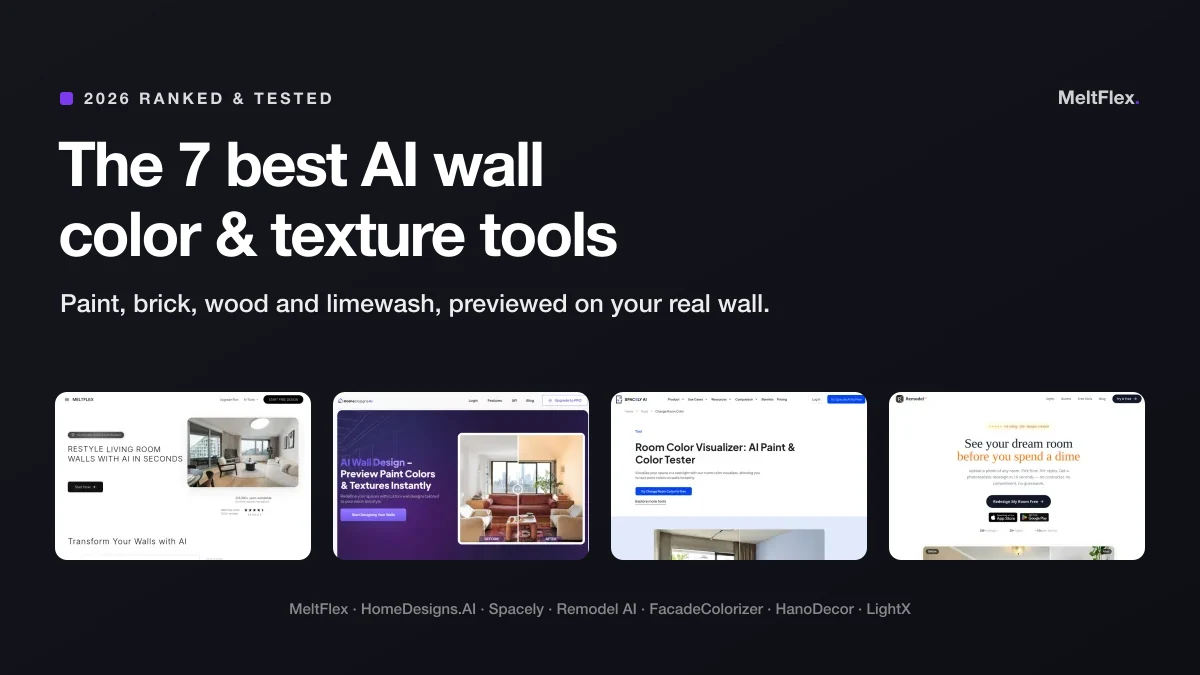
So we put 7 AI wall tools through the same job: take a real room and change the wall color and, where possible, the texture. This is the honest ranking, with a screenshot of each, what it does best, where it falls short, and which one fits your situation. If you just want the trending shades to try, pair this with our 2026 wall color trends and palettes guide.
The verdict, up top
- Best overall: MeltFlex. The only one that does paint and ten real textures, from brick and wood to limewash and Venetian plaster, on your real wall, free.
- Best free whole-room: Remodel AI. Genuinely generous free tier, fast, with apps.
- Best for exact brand colors: FacadeColorizer & HanoDecor. Real Sherwin-Williams, Benjamin Moore and Behr decks.
- Best for custom materials: HomeDesigns.AI. Upload your own wood, stone or wallpaper.
- Best manual control: LightX. A precise AI brush inside a full photo editor.
How we judged these AI wall tools
A wall tool lives or dies on more than a pretty render. We scored each one on five things that actually matter when you are about to spend real money on paint or a contractor:
- Paint and texture range. Can it do any color, and can it do real finishes (brick, wood, stone, plaster) or only flat paint?
- Keeps your real room. Does it preserve your furniture, windows and lighting, or restyle the whole space into something that is not yours?
- Realism. Does the color follow the wall’s light, shadow and perspective, or sit on top like a sticker?
- Free tier. How much can you actually do before a paywall, and is there a signup wall?
- Brand accuracy. Does it give you a real, buyable paint code, or a color you match yourself?
One honest caveat: pricing and free limits on these tools change constantly. Treat any price here as a ballpark and check the current terms before you commit.
Quick comparison: 7 AI wall tools at a glance
The summary first, full reviews below. Sorted by how well they handle a real wall, color and texture.
| Tool | Paint | Real textures | Keeps your room | Free to start | Best for |
|---|---|---|---|---|---|
| MeltFlex | Any color | Yes, 10 finishes | Yes | Yes, no signup | Paint + texture, all in one |
| HomeDesigns.AI | Yes | Yes, upload materials | Partly | Limited | Custom materials, wallpaper |
| Remodel AI | Yes | Limited | Partly | Yes, generous | Free whole-room, mobile |
| Spacely AI | Yes | Limited | Yes | Free trial | Design pros, commercial |
| FacadeColorizer | Brand-accurate | No | Yes | 1 HD free | Exact paint-brand codes |
| HanoDecor | Brand-accurate | No | Yes | Try free | Exterior + brand colors |
| LightX | Yes | No | Manual | Free tier | Precise brush control |
- Paint
- Any color
- Real textures
- Yes, 10 finishes
- Keeps your room
- Yes
- Free
- Yes, no signup
- Best for
- Paint + texture, all in one
- Paint
- Yes
- Real textures
- Yes, upload materials
- Keeps your room
- Partly
- Free
- Limited
- Best for
- Custom materials, wallpaper
- Paint
- Yes
- Real textures
- Limited
- Keeps your room
- Partly
- Free
- Yes, generous
- Best for
- Free whole-room, mobile
- Paint
- Yes
- Real textures
- Limited
- Keeps your room
- Yes
- Free
- Free trial
- Best for
- Design pros, commercial
- Paint
- Brand-accurate
- Real textures
- No
- Keeps your room
- Yes
- Free
- 1 HD free
- Best for
- Exact paint-brand codes
- Paint
- Brand-accurate
- Real textures
- No
- Keeps your room
- Yes
- Free
- Try free
- Best for
- Exterior + brand colors
- Paint
- Yes
- Real textures
- No
- Keeps your room
- Manual
- Free
- Free tier
- Best for
- Precise brush control
1. MeltFlex: best for wall color and texture together
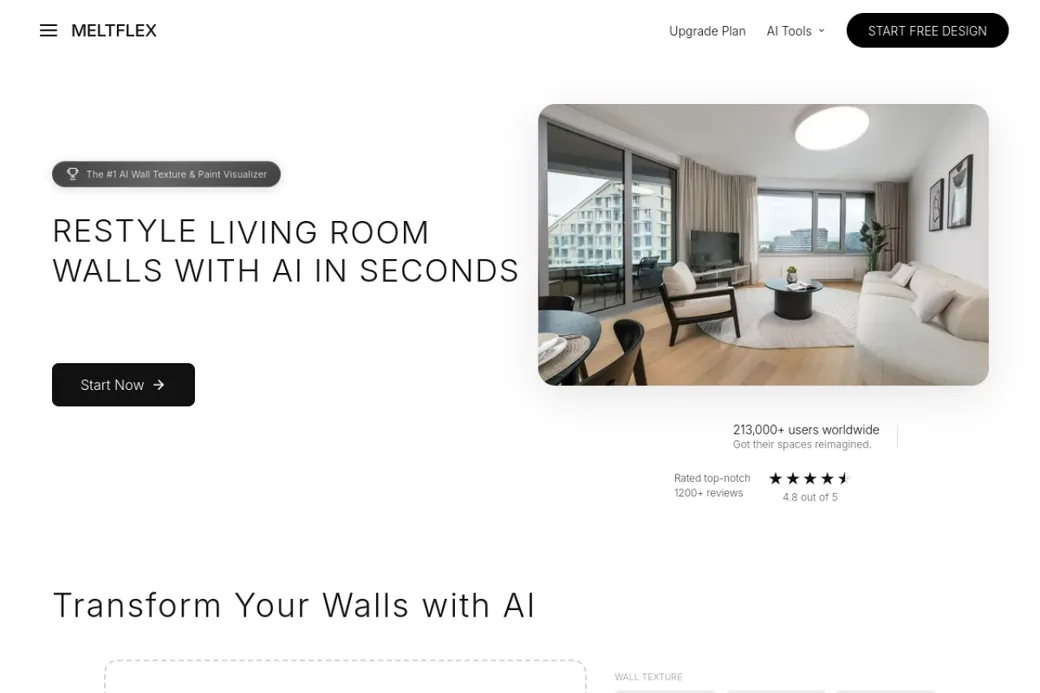
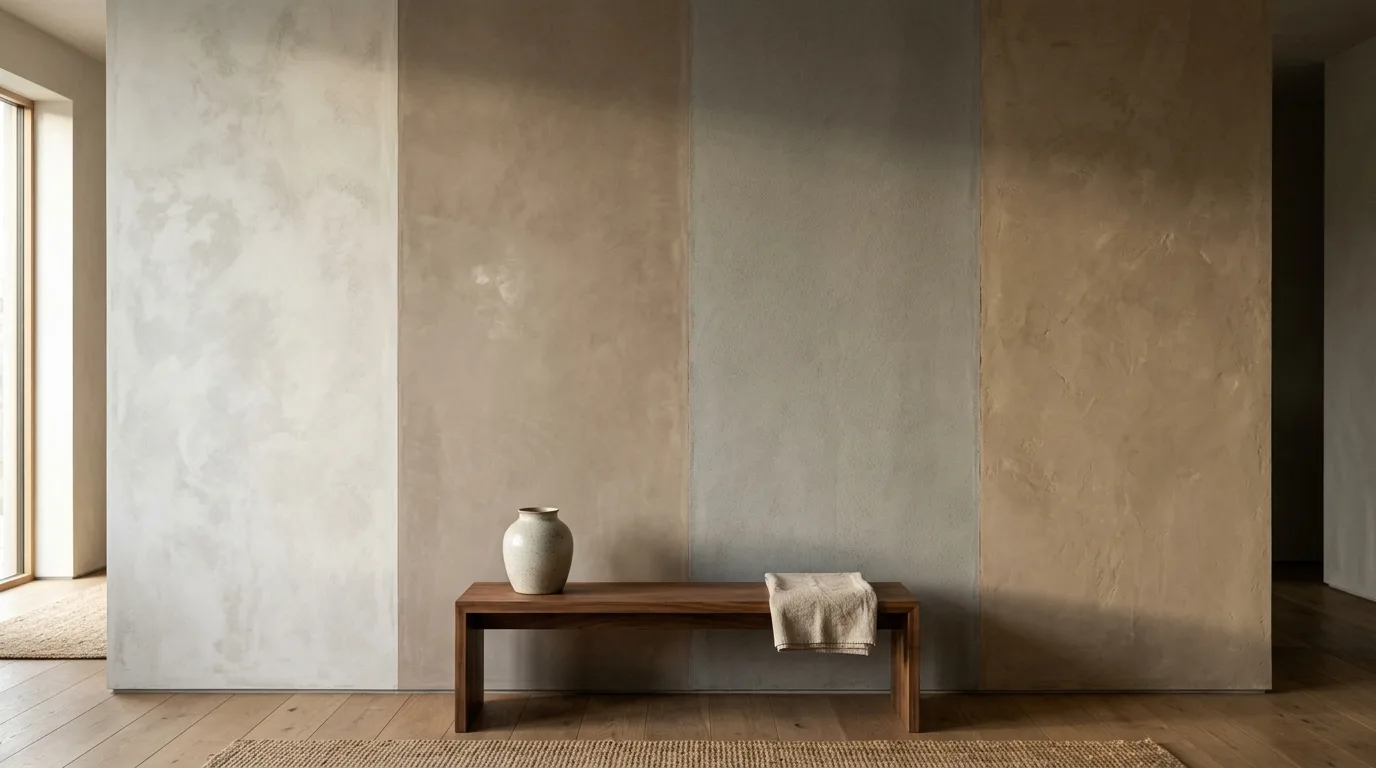
MeltFlex wins this category for one simple reason: it is the only tool here that treats a wall as more than a flat color. You upload a room photo and apply any paint shade from a full color picker, or one of ten real textures, mapped onto the wall with correct perspective and shadow. Six are architectural (exposed brick, white brick, natural stone, wood paneling, polished concrete, subway tile) and, since August 2026, four are mineral finishes (limewash, Venetian plaster, microcement and Roman clay), the plaster looks that are otherwise impossible to judge from a supplier swatch. Your furniture, windows and lighting stay exactly as they are, so the preview is genuinely your room, not a styled lookalike.
It is also free to start with no account, and the wall tool is part of a wider redesign suite, so you can repaint the wall and then drop in real, shoppable furniture to see the finished space.
Pros: paint and real textures in one place; keeps your real room; free, no signup; ties into shoppable furniture.
Cons: not tied to a paint-brand deck, so you match the exact shade at the store; the texture set is curated to six finishes rather than unlimited materials.
Verdict: the best all-round AI wall tool, and the one to start with if you want both color and texture.
2. HomeDesigns.AI: best for custom materials and wallpaper
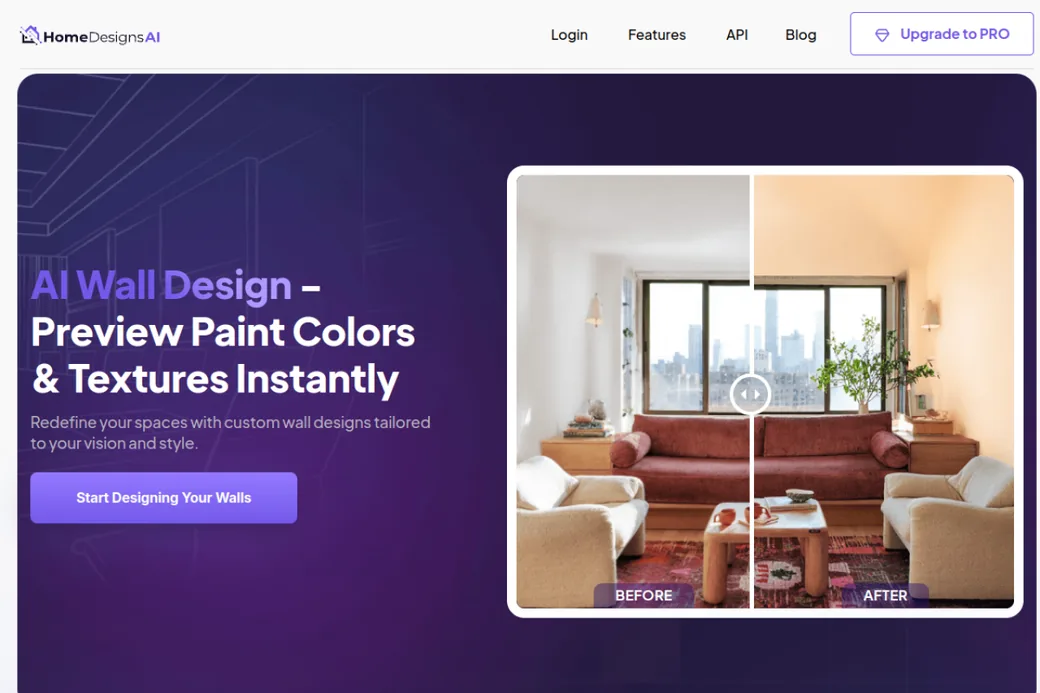
HomeDesigns.AI has a dedicated Wall AI tool that does paint colors and, crucially, textures: wood, stone, brick and wallpaper, with the option to upload your own material and see it applied. That makes it the most flexible for trying a specific wallpaper or a particular wood you already have your eye on. It sits inside a broad interior and exterior design suite with dozens of styles.
Pros: real material and wallpaper support; upload your own textures; large style library.
Cons: can restyle more of the room than just the wall; the meaningful work sits behind paid plans after a limited free allowance.
Verdict: reach for it when you want to test a custom material or wallpaper rather than just paint.
3. Remodel AI: best free whole-room paint preview
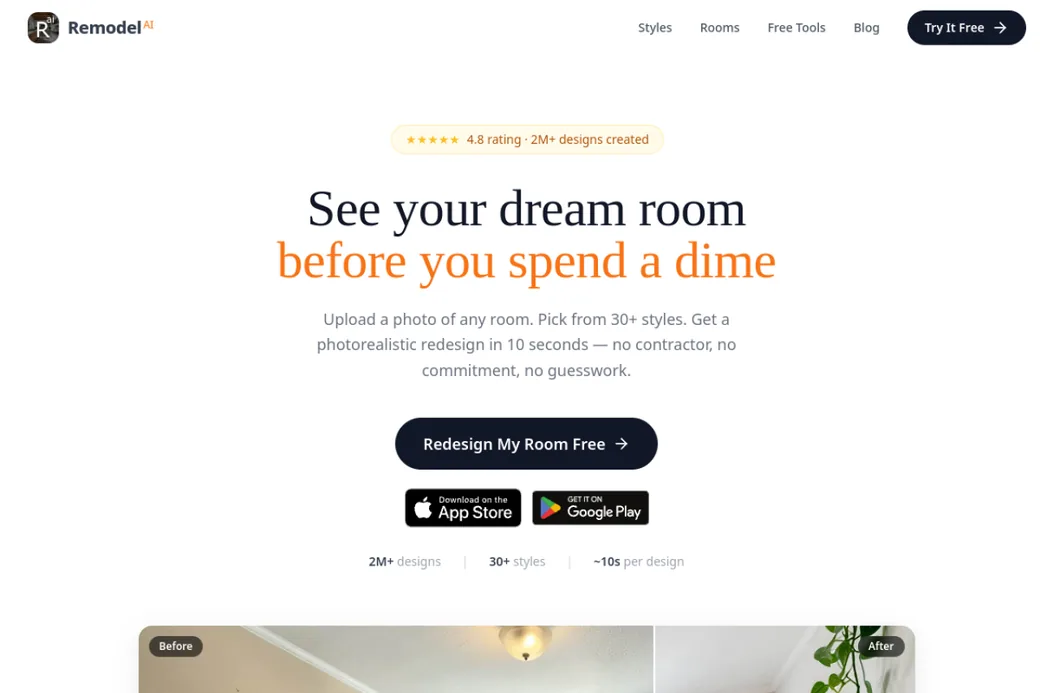
Remodel AI’s pitch is “see your dream room before you spend a dime,” and its free tier backs it up: it renders the whole room in a chosen color and style in about ten seconds, with no watermark, plus iOS and Android apps. The paint tool also works alongside floor replacement and furniture swap, so you can preview a navy wall with a new floor in one session.
Pros: genuinely generous free tier; fast; mobile apps; pairs paint with floors and furniture in one workflow.
Cons: leans toward a whole-room restyle rather than a precise single-wall change; no real architectural-texture focus.
Verdict: the best free all-rounder, especially if you want it on your phone.
4. Spacely AI: best for design pros and commercial use
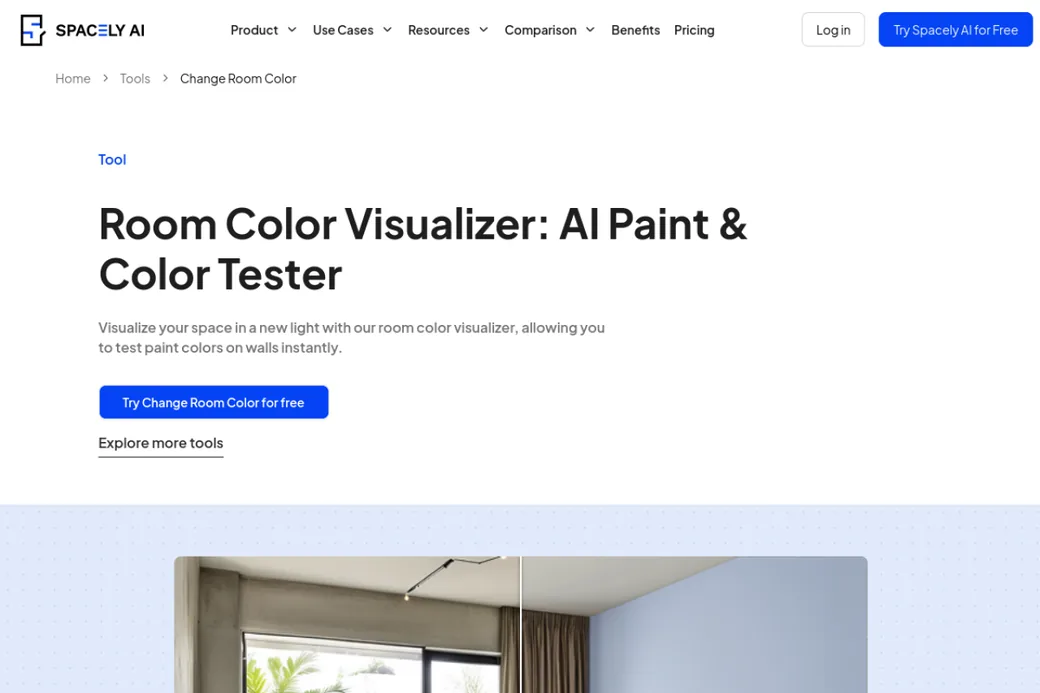
Spacely AI’s Room Color Visualizer is a clean, focused way to test paint on walls, and it sits inside a professional-grade AI interior suite with virtual staging, commercial licensing and team features. If you are a designer or stager producing client work, the broader platform is the draw, not just the color tool.
Pros: clean color testing; commercial license and pro features; part of a serious design suite.
Cons: credit-based after a free trial; aimed at professionals more than casual repainters; color focused, light on textures.
Verdict: the pick if you need wall color inside a professional, commercial-ready workflow.
5. FacadeColorizer: best for exact paint-brand colors
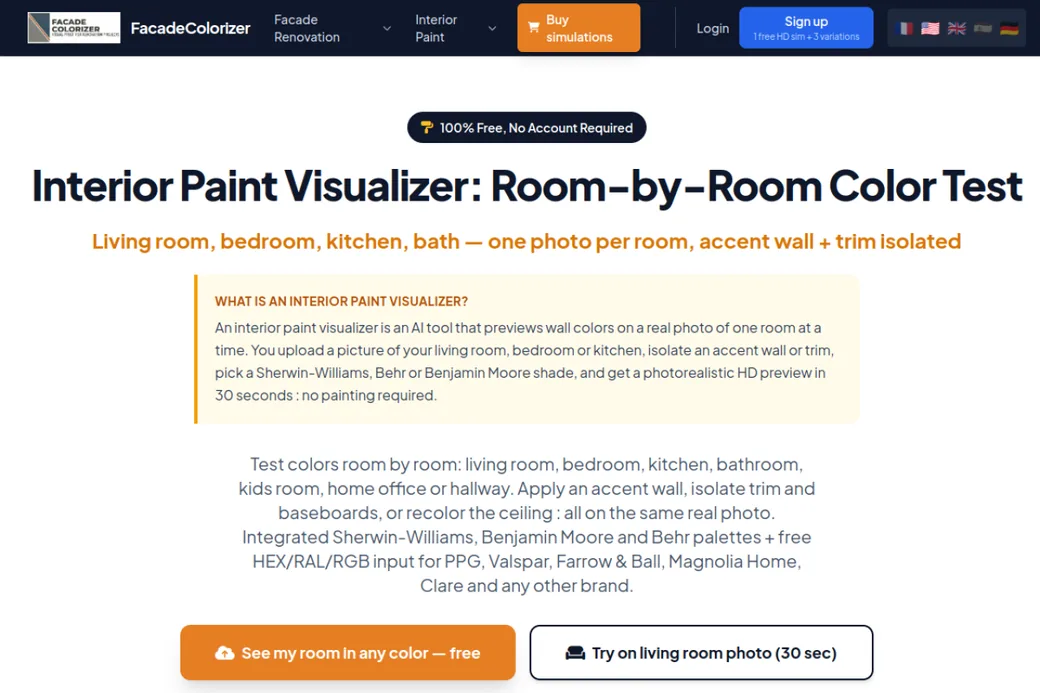
FacadeColorizer’s interior visualizer is built for accuracy. It works room by room, lets you isolate an accent wall or trim, and uses real Sherwin-Williams, Benjamin Moore and Behr palettes plus free HEX, RAL and RGB input for any other brand. You get one free HD render plus three variations with no signup, which is enough to settle a color decision.
Pros: real brand decks plus any HEX/RAL/RGB; accent-wall and trim isolation; free HD render, no account.
Cons: paint only, no architectural textures; the free render count is limited before paid simulations.
Verdict: the best choice when you need a precise, buyable brand color rather than an approximate shade.
6. HanoDecor: best for exterior and brand-color painting
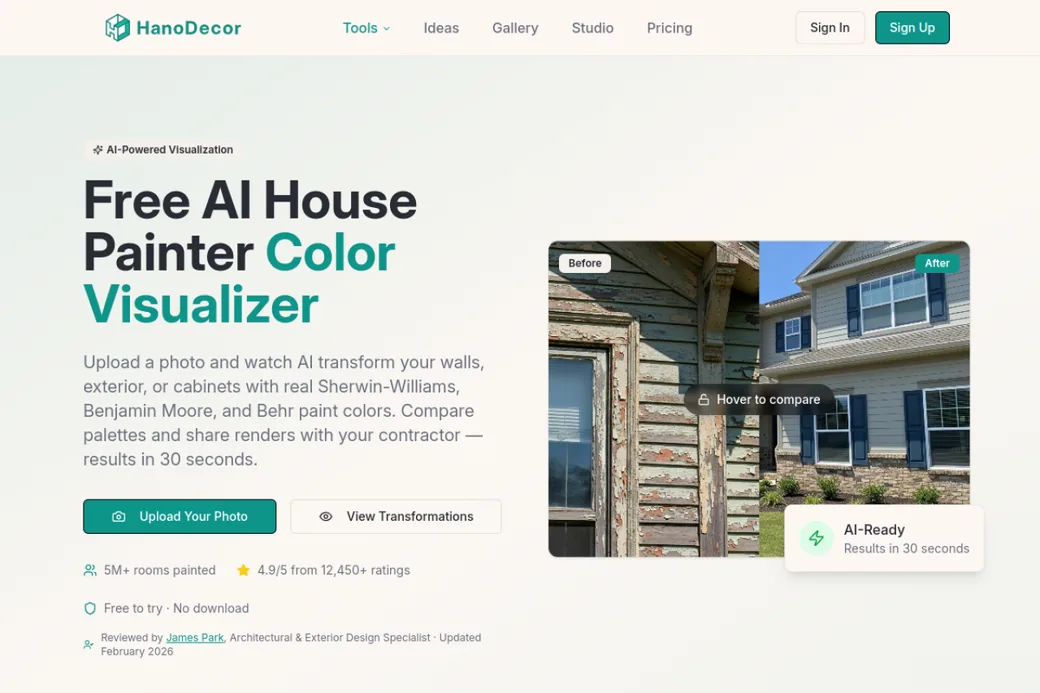
HanoDecor is a free AI house painter that uses real Sherwin-Williams, Benjamin Moore and Behr colors and stretches beyond interior walls to exteriors and cabinets. It keeps shadows and lighting and returns a before/after in about 30 seconds, which makes it handy when your project is the whole house, not just one room.
Pros: real brand colors; covers exterior and cabinets too; free to try; quick before/after.
Cons: leans toward exterior house painting; paint only; full use wants an account.
Verdict: best when you are painting more than interior walls and want brand-accurate color.
7. LightX: best for precise manual control
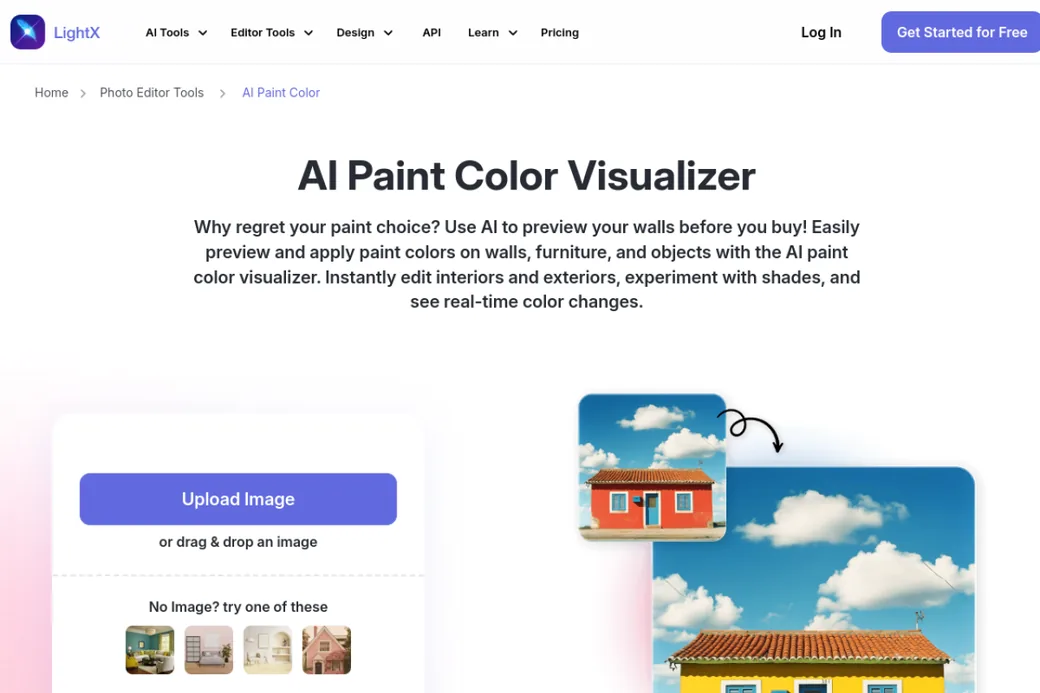
LightX bundles an AI Paint Color Visualizer into a full-featured photo editor. Its strength is the AI brush: you can paint walls, furniture and objects with precise manual control rather than relying purely on auto wall detection, which helps with tricky photos. It covers interiors and exteriors and updates in real time.
Pros: precise manual brush; broad photo editor for more than walls; free tier to try.
Cons: more hands-on than automatic wall detection; a general editor, not purpose-built for rooms; full features and watermark-free export want a subscription.
Verdict: pick it if you want fine manual control and already do other editing.
Which AI wall tool should you choose?
- You want color and texture, fast and free: start with MeltFlex. It is the only one that does both on your real wall with no signup.
- You need an exact, buyable paint code: FacadeColorizer or HanoDecor, both built on real brand decks.
- You want a free whole-room preview on your phone: Remodel AI.
- You are a designer doing client work: Spacely AI for the commercial features.
- You want to test a specific wallpaper or material: HomeDesigns.AI.
- You want manual, brush-level control: LightX.
What about Behr, Sherwin-Williams and brand apps?
The paint brands all have their own visualizers and they are a different product to the AI tools ranked above: the color you see maps to a can you can buy that day, but you are locked to one brand and most of them still fill flat color over a mask. We rank those separately, with screenshots and scores, in the best paint color visualizers. The smart workflow uses both: an AI tool to decide the look and test textures, then a brand fan deck to lock the exact shade at the store.
For the wider design field beyond walls, see our best AI interior design tools compared. And once you have a color in mind, our guide to choosing paint colors and 2026 accent wall ideas help you place it well.
Try the top pick free
- Color and texture. Any paint shade, or ten finishes: brick, wood, stone, concrete, subway tile, limewash, Venetian plaster, microcement and Roman clay.
- Your real room. Furniture, windows and light kept, with realistic shadows and perspective.
- No signup, no masking. Upload a photo and get a photoreal result in under 30 seconds.
- Then design the rest. Add real, shoppable furniture once the walls are right.
Frequently asked questions
What is the best AI wall color tool in 2026?
For doing both paint and real textures on your own wall, free, it is MeltFlex. For exact paint-brand codes, FacadeColorizer and HanoDecor. For a free whole-room preview, Remodel AI.
Which tool can change wall texture, not just color?
MeltFlex (ten real finishes, including limewash, Venetian plaster, microcement and Roman clay) and HomeDesigns.AI (materials and wallpaper, including your own uploads). The rest are paint-color focused.
Are these tools accurate to real paint?
FacadeColorizer and HanoDecor use real Sherwin-Williams, Benjamin Moore and Behr decks, so you get a buyable code. Others reproduce any color but are not brand-tied, so confirm the final shade with a physical sample.
Can I use them free without signing up?
MeltFlex and FacadeColorizer let you start with no account. Others offer free trials but ask you to sign up for full use. Free limits change, so check before relying on them.
Ready to see it on your own wall? Try the MeltFlex wall color and texture tool free, then compare it against any other on this list. If you are considering a mineral surface rather than paint, our comparison of limewash vs Venetian plaster vs Roman clay covers the costs and where each one fails.