
Smart home AI stopped being a demo this year. Adoption among US and Canadian households jumped from 49 percent in 2024 to 59 percent in 2025 per the ASHB annual survey, and the global smart home market is projected to reach 175 billion dollars in 2026. Yet most of that money still buys gadgets that demo well for a weekend and then annoy you daily.
Our articles are still written by humans!
Get human written articles in your Google feed.
This guide only includes features that survive real life. Every entry had to pass four filters:
- It solves a problem you have weekly, not a problem invented for the keynote.
- The benefit is verified by independent data or published pricing, never just a press release.
- The cost is honest, including the subscription nobody mentions at checkout.
- It passes the month-three test: still switched on after the novelty wears off.
Eight features passed. At the end you will find the ones that did not, and the exact order to add the winners without wasting money.
The 8 features, ranked by value per dollar
- Person and package recognition on cameras: up to 90 percent fewer false alerts, often free on-device.
- Sound detection for smoke alarms and breaking glass: your speakers become a monitoring system.
- AI room design from a photo: see furniture and colors in your real room before buying.
- A thermostat that learns your schedule: around 8 percent verified savings, not the 26 percent on the box.
- Robot vacuums with object recognition: they finally know a charging cable from a sock.
- Notification summaries: one updating alert instead of forty pings.
- Conversational assistants: Alexa+ and Gemini for Home, finally useful, with caveats.
- Energy-aware appliances: worth it only when you are replacing the appliance anyway.
The 8 Home AI Features at a Glance
1. AI Package Detection and Person Alerts (Often Free)
The original sin of camera notifications was treating all motion equally. A delivery driver, a raccoon, and a branch in the wind produced the same ping, so by week two you muted the app and the camera became decoration.
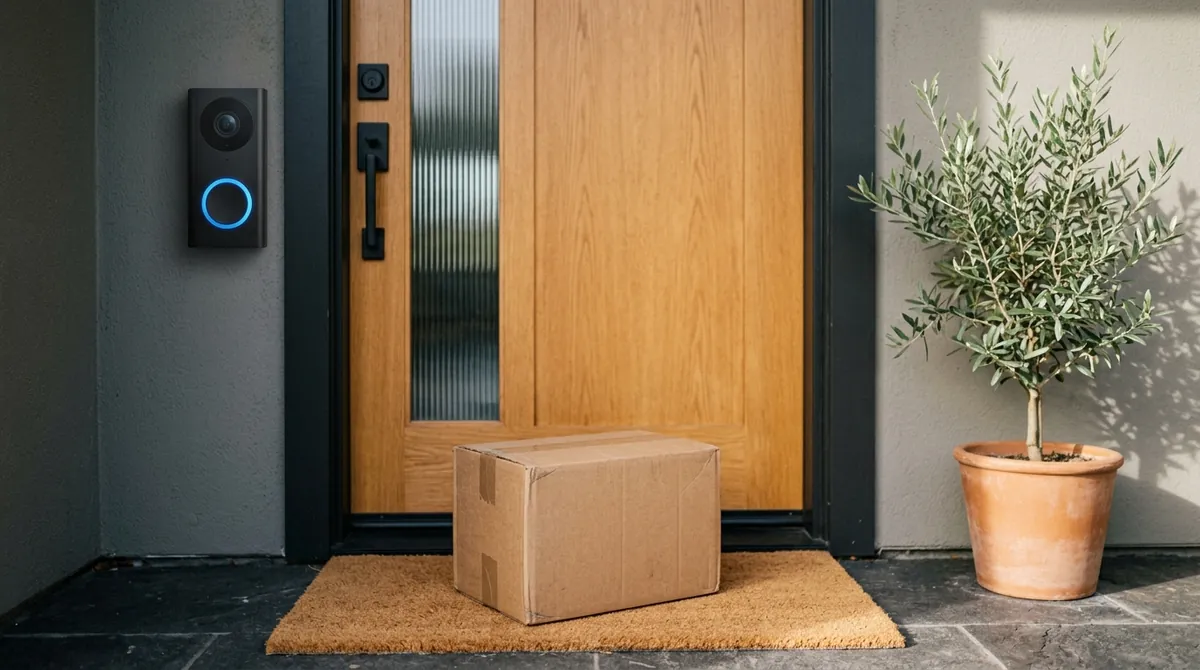
AI detection fixes the root cause. The camera classifies what it sees, person, package, animal, vehicle, and you choose which of those deserve your attention. The impact is not subtle: security firms that deployed AI video analytics report false alarm reductions of up to 90 percent, and the same classification models now ship in consumer doorbells. Package detection is the standout daily win: one alert when the box lands on the porch, another if someone other than you picks it up.
What it costs in 2026:
- Free: Eufy and Reolink run person and package detection on the camera itself, no subscription, and your footage never leaves the house.
- 10 dollars a month: Google runs detection in the cloud under Google Home Premium, which went up to 10 dollars a month in late 2025 but now includes Gemini-powered animated previews that zoom in on whatever triggered the clip.
- Subscription-locked: Ring keeps most detection behind its plans, so factor that into the real price of the doorbell.
Verdict: the best ratio of annoyance removed to money spent in the entire smart home. If you own a compatible camera, this is a settings toggle, not a purchase. Buying new? Prefer on-device processing: faster alerts, no monthly fee, better privacy.
2. Sound Detection for Smoke Alarms and Breaking Glass
A smoke alarm is loud and completely useless if nobody is home to hear it. Sound detection closes that gap: smart speakers listen for specific acoustic signatures, the T3 beep pattern of a smoke or CO alarm, or the frequency profile of glass breaking, then push an alert to your phone with a recording so you can judge it yourself.
Two ways to get it, very different prices:
- Already in your subscription: Google turns every Nest speaker and display in the house into a listener, bundled in the same 10 dollar Google Home Premium plan as the camera AI above. One subscription, two features.
- 35 dollars one-time: the Ring Alarm Smoke and CO Listener sits next to your existing dumb detector and makes it smart without replacing anything.
This is the feature you forget you enabled until the day it matters, which is exactly what home safety tech should be. It also quietly solves the rental problem: you cannot rewire a landlord's smoke detector, but you can put a 35 dollar listener next to it.
Verdict: if you already pay for Google Home Premium, enable it today at no extra cost. If not, the one-time Ring listener is the cheapest real safety upgrade in this article.
3. AI Room Design From One Photo of Your Real Room
Every other feature on this list optimizes the home you already have. This one prevents the most expensive home mistakes you have not made yet: the sofa that overwhelms the room, the paint color that turns muddy at night, the 2,000 euro furniture order you second-guess the moment it is assembled.
The 2026 generation of AI room design tools works from a single photo of your real room. MeltFlex keeps your actual walls, windows, floor, and layout, restyles the space photorealistically, then matches the result to real furniture you can actually buy. That last part is the difference between AI art and a usable plan: the redesign is a shopping list, not a mood board.
What 12,386 real redesigns show. We have unusual visibility here, because we analyzed 12,386 AI room redesigns from 3,344 people:
- Over 98 percent of redesign attempts completed successfully.
- The living room leads at about 46 percent of all redesigns, ahead of dining rooms and bedrooms.
- The median user generates exactly one redesign: people want one good answer before a decision, not a toy.
- The input photo is the biggest quality lever: a wide daylight shot of the whole room beats a dim corner snapshot every time.
The practical workflow: photograph the room, generate the style or color you are considering, then check the furniture in your room before buying or test the paint color with AI instead of guessing from a 5 cm swatch.
Verdict: measured in money saved per use, the strongest entry here. A free redesign that stops one bad furniture purchase pays for a decade of thermostat savings. Start with the step-by-step guide to designing your home with AI, or try it on your own room for free.

4. Is a Smart Thermostat Worth It? The Verified Math
Learning thermostats are the oldest feature on this list and the one with the most inflated marketing, so let us do the numbers properly, marketing versus measurement:
- The claim: Ecobee advertises savings of up to 23 percent on heating and cooling.
- The independent number: ENERGY STAR certified smart thermostats save an average of about 8 percent on utility bills per EPA data.
- In money: roughly 50 to 100 dollars a year for a typical US home.
- Payback: a 130 to 250 dollar thermostat pays for itself in 2 to 4 years.
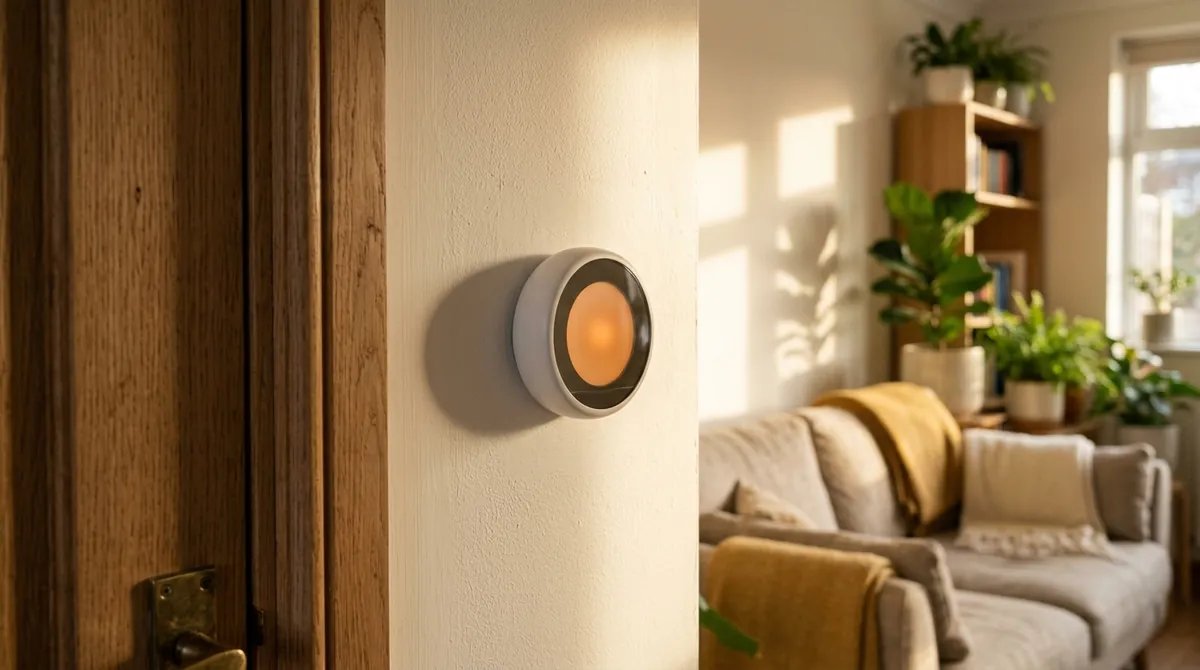
The AI's entire advantage is noticing when nobody is home and not conditioning an empty house. So the payback is faster if your schedule is irregular or you run air conditioning hard. If you work from home every day at a constant temperature, your savings will sit at the bottom of the range, and a 25 dollar programmable thermostat does most of the same job.
Verdict: genuinely worth it for households with variable schedules or heavy cooling. Buy it for the verified 8 percent, and treat anything above 15 as a pleasant surprise, not the plan.
5. Robot Vacuum Obstacle Avoidance That Finally Works
For years the robot vacuum pitch collapsed on one detail: it would eat a phone charger, strangle itself on a sock, or smear a pet accident across the entire floor plan. Object recognition is what finally fixed the category.
Current models run a continuous sense, recognize, decide loop, fusing lidar and camera data to classify what is ahead: a cable to route around, a sock to avoid, a chair leg to clean against, recalculating the path many times per second. The daily life difference is that you stop pre-cleaning for the robot, and the old ritual of sweeping the floor before the vacuum could run is exactly what defeated the point of owning one.
Buying notes:
- Buy mid-range or above from Roborock, Ecovacs, Dreame, or Narwal. Obstacle AI is precisely the feature the budget tier cuts.
- Expect fewer interventions, not zero. Independent testers like Vacuum Wars confirm the leap while noting no model is perfect: low dark objects and thin cables in dim light still cause occasional misses.
Verdict: the biggest quality of life jump per dollar if your floors see real life: kids, pets, chargers.

6. AI Notification Summaries: One Alert Instead of Forty
The dirty secret of the smart home is that every device you add multiplies notifications until you mute everything and lose the value you paid for. Notification intelligence is the quiet 2026 fix.
Apple Intelligence now treats related events as a single activity: one notification that updates as things happen instead of ten separate pings, and the Home app generates plain-language descriptions of what a camera clip actually shows. Your lock screen reads "courier left a package at the door" rather than "motion detected." Google does the equivalent with Gemini-written camera alerts and a daily home brief that compresses overnight events into a sentence.
The pattern matters more than the brand: AI as a filter between your house and your attention, instead of another thing demanding it.
Verdict: free if you own recent Apple or Google hardware, and it makes every other feature on this list more pleasant to live with. Turn it on before adding any new device.
7. Alexa+ vs Gemini for Home: Which Assistant to Enable
The voice assistant reboot is real but oversold, so here is the fair version. Alexa+ and Gemini for Home replaced the old command parsers with large language models, which means multi-step requests in normal language finally work: "dim the living room, lock up, and remind me to take the bins out when I get up" is one sentence now, not three failed attempts.
The pricing logic decides this one:
- Alexa+: included with Amazon Prime, or 19.99 dollars a month standalone, which nobody should pay. Consumer Reports calls it the upgrade Alexa desperately needed, while noting the companion app remains a mess.
- Gemini for Home: rides along in the same 10 dollar Google Home Premium plan that already covers camera AI and sound detection, so it is effectively free if you subscribed for the security features.
- Head-to-head: reviewers like The Ambient give Alexa+ the edge on controlling devices and Gemini the edge on conversation. Pick whichever ecosystem your hardware already lives in rather than switching.
Verdict: worth enabling if it comes free with a subscription you already pay for, which covers most Prime and Google Home Premium households. Worth paying for separately: not yet.
8. AI Appliances That Cut Energy Waste (and When to Pay)
The most defensible AI appliance features are the invisible ones. Samsung's AI Hybrid Cooling, shown at CES 2026, watches how the refrigerator is actually being used and switches cooling methods in real time to cut consumption, no behavior change required from you.
That is the test worth applying to any AI appliance claim: does it work without me performing new rituals for it? A fridge that optimizes its own compressor passes. The companion feature that asks you to log meals so it can recap your eating patterns is a chore wearing an AI costume, and the reason the next section exists.
Verdict: never replace a working appliance for AI features. When one dies and you are buying anyway, the energy-optimizing models are worth a modest premium, and the screen-covered ones are not.
Home AI Features That Are Not Worth It in 2026
A list like this is only honest if it names the losers. From testing and reader questions, the features that consistently fail the month-three test:
- Grocery-tracking fridge cameras. They still misidentify items routinely and depend on you placing everything label-out, which makes you the AI's assistant rather than the reverse. The honest accounting: a 600 dollar option that saves one forgotten milk purchase a month.
- A second assistant subscription. Paying 19.99 dollars a month for Alexa+ on top of a Google Home Premium plan, or vice versa, buys two systems that each control half your devices well. One ecosystem, fully enabled, beats two at half depth every time.
- Anything duplicating a free phone feature. AI recipe generators on oven screens, AI photo frames, shopping list AI on a fridge door: your phone does each of these better, faster, and without a firmware update schedule tied to a kitchen appliance.
- Screens on appliances generally. Hardware outlives software support, and a smart screen on a 15 year appliance becomes a dumb screen long before the compressor quits.
How to Start With Home AI: A 3-Step Plan
The order of operations matters more than the shopping list, because 46 percent of smart home owners cite price as the primary obstacle, and the fix is sequencing, not avoiding the category.
Step 1: enable what you already own (0 dollars). Person and package detection on your existing camera, notification summaries on your phone, sound detection if a subscription you hold includes it. This step alone delivers roughly half the value in this article.
Step 2: pick exactly one subscription. For most households that is either Google Home Premium at 10 dollars, covering camera AI, sound detection, and Gemini for Home together, or Alexa+ already inside a Prime membership you pay for anyway. Refuse subscription stacking.
Step 3: run every room-level purchase through AI first. Furniture, paint, a renovation: redesign your actual room before spending. It is the only step here that prevents three and four figure mistakes rather than optimizing small ones, and the free tier of MeltFlex covers exactly that. To see what the tools can and cannot do first, start with our comparison of the best AI interior design tools.



)