I Tested 12 AI Interior Design Tools in 2026: Only 3 Passed the Test That Actually Matters

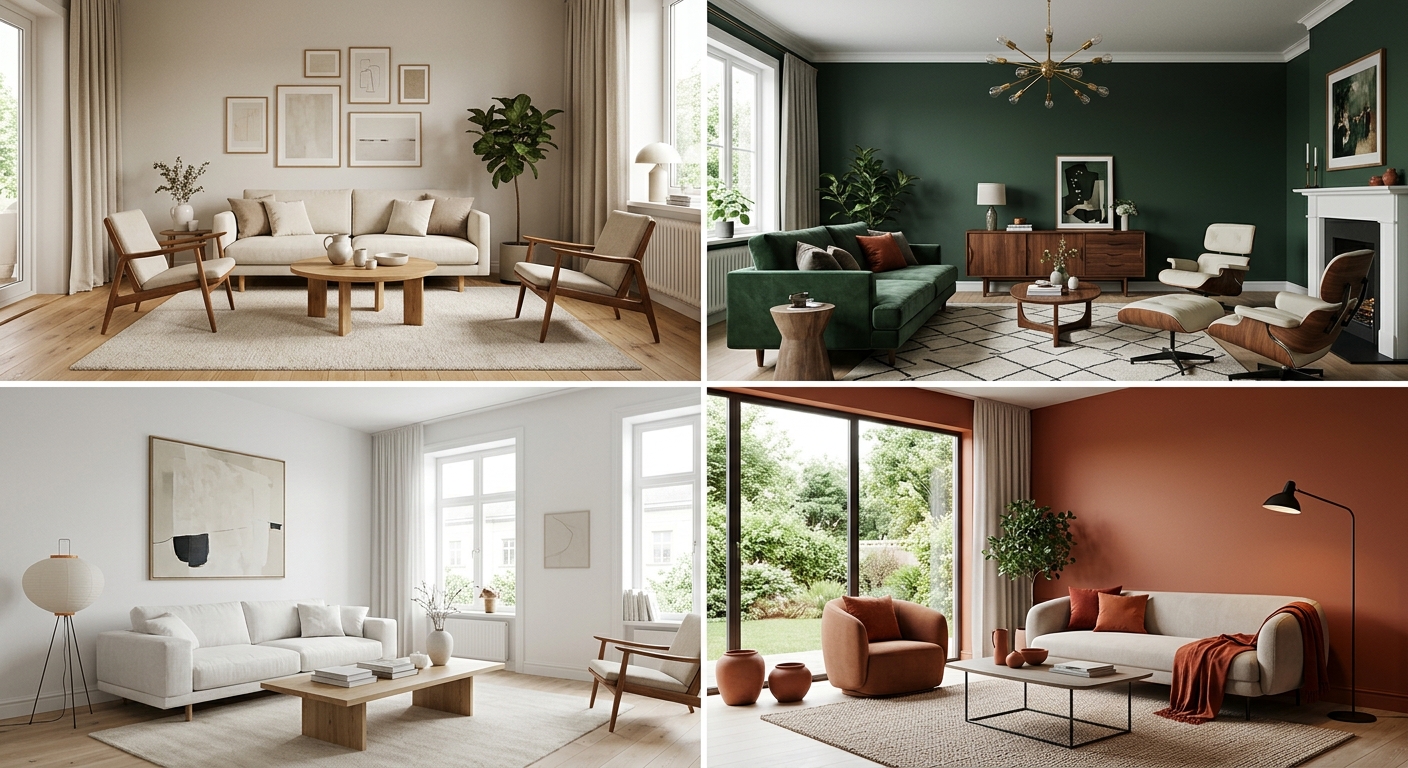
A year ago you could spot an AI-designed room from across the street. Plastic light, sofas with one leg too many, a rug doing something illegal in the corner. In 2026 that tell is mostly gone. I pointed a dozen tools at the same defeated living room in my new apartment, and nearly every one handed back something photorealistic. Which, oddly, is the problem.
When every AI interior design tool can produce a pretty picture, “which one looks best” stops being a useful question. So I quit scoring the renders on looks and started scoring them on the only thing that still separates them this year: can you actually do anything with the result? I ran twelve tools through one real room and judged whether the design survived contact with reality.
Full disclosure up front: I help build one of these tools, so weigh the ranking accordingly. But every competitor got the same room and the same brief, I have used real current pricing, and I have left in the places my own tool loses. Short version: three tools passed the test that matters, MeltFlex, Reimagine Home and HomeDesignsAI, and only one of them turned the render into a room I could actually start buying.
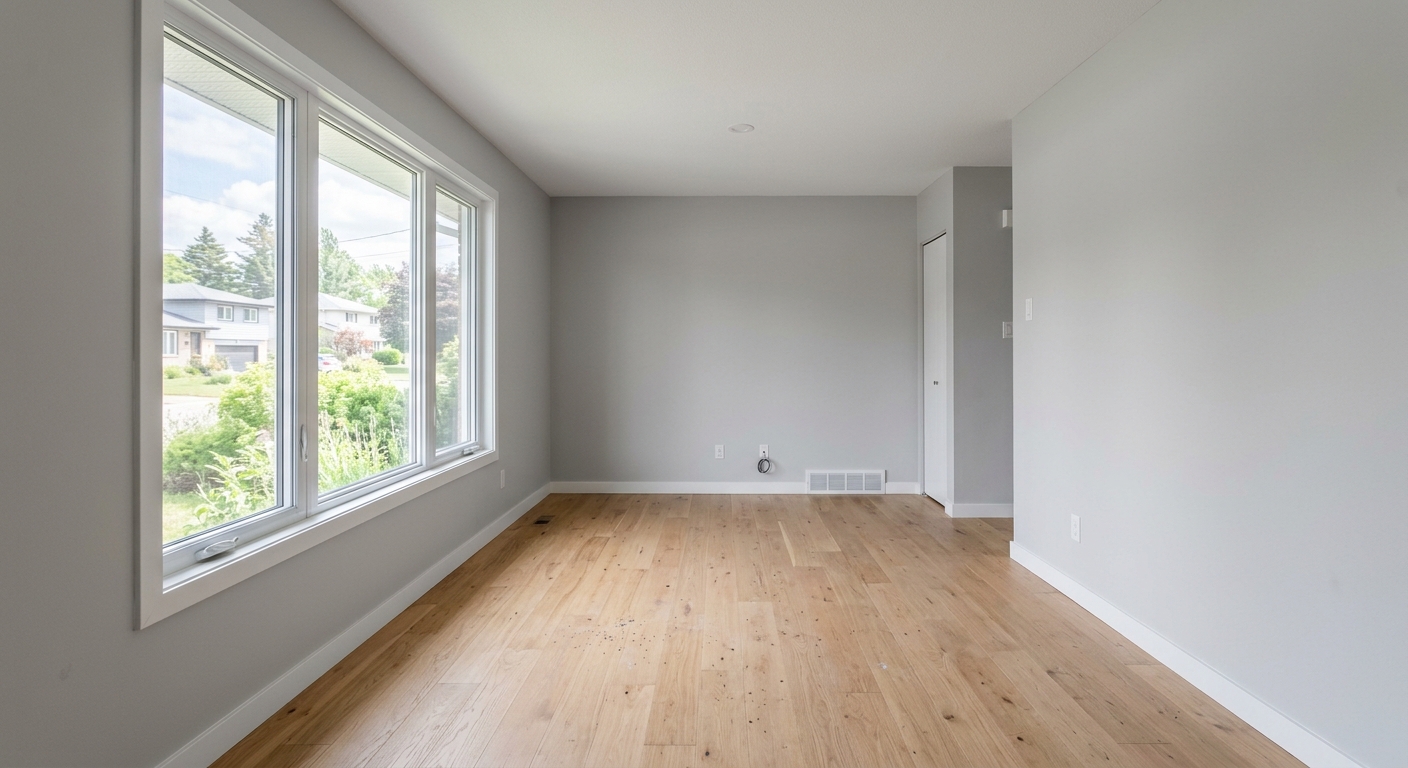
The room that started it. One big window, zero ideas, and a sofa I was not committed to.
The short version
- In 2026 photorealism is basically solved. Almost every tool makes a believable render, so that is no longer how you choose.
- The real test now is execution: does it keep your actual room, and can you buy what is in the picture?
- “Shoppable” is the marketing word of the year, but several tools quietly link to vaguely similar items, not the thing in the render.
- Only three tools kept my real layout and linked to products I could genuinely order. One did it best, with a real price on every piece.
The test that actually matters in 2026
Before the reviews, here is the rubric, because it is the whole point. A render is easy now. A render you can act on is not. So I scored every tool on three questions:
- Does it keep your real room? Or does it slide the window over and invent a space that is not yours?
- Can you buy what is in it? Not “something like it”, the exact piece, with a real price, from a real shop.
- Is it honest about both? No phantom budget, no affiliate bait-and-switch, no preset preview that looks nothing like the output.
Three tools passed all three. Here is how the field stacks up before I get into each one:
| Tool | Best for | Keeps your real room | Buy what you see | Starting price |
|---|---|---|---|---|
| MeltFlex | A makeover you can buy | Yes | Yes, exact items + prices | Free tier |
| Reimagine Home | Realistic restyles | Usually | Yes, with a budget total | ~$14/mo |
| HomeDesignsAI | Fast all-round redesigns | Usually | Yes, furniture finder | Free tier |
| InteriorAI | Virtual staging | Sometimes | No | ~$19/mo |
| Spacely | Editing and control | Usually | No | Free credits |
| RoomGPT | Instant first look | Sometimes | No | 1 free, $9+/pack |
| Planner 5D | Floor plans and 3D | Yes | Catalog / SKU | ~$5/mo |
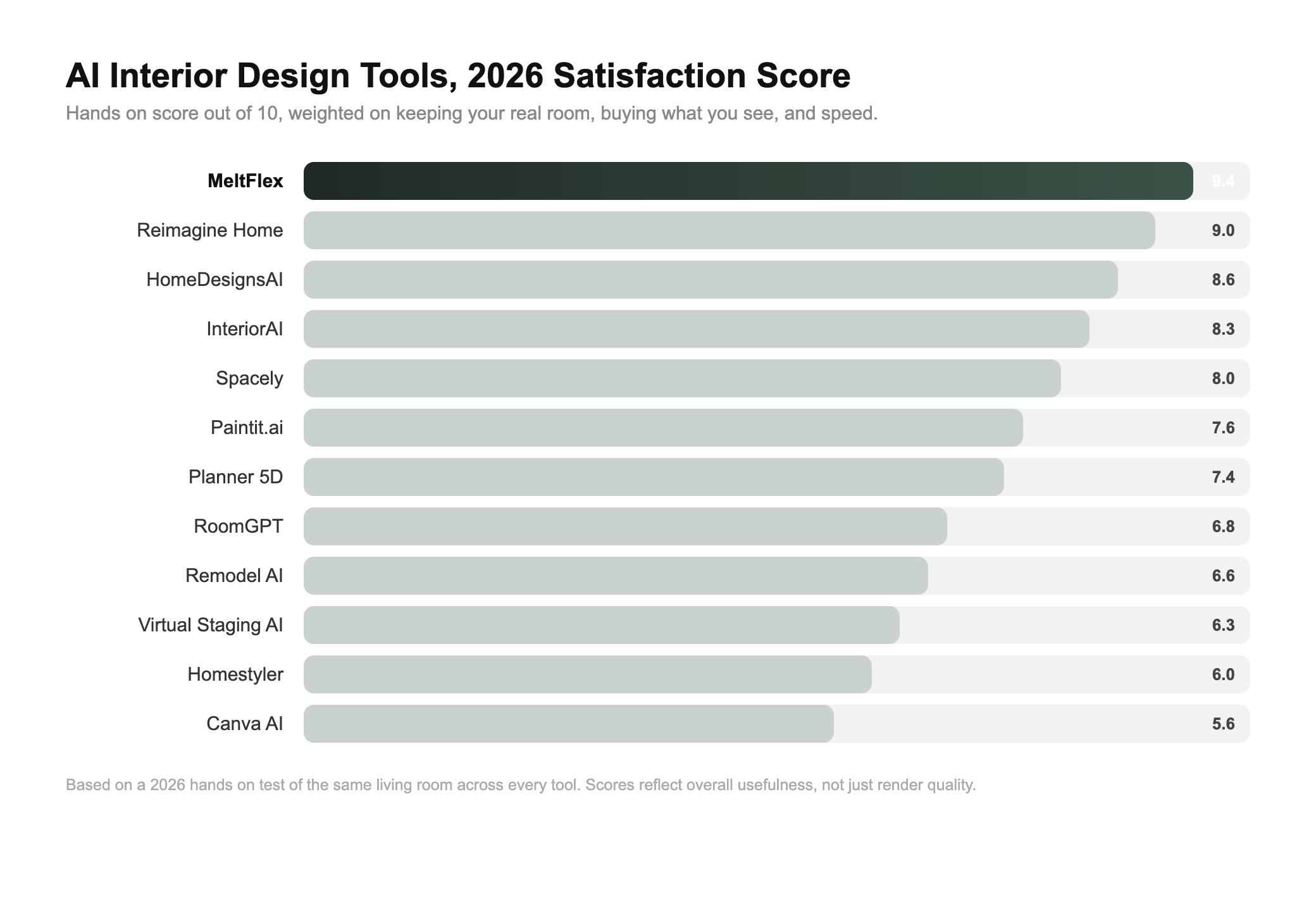
How the twelve tools scored after a month of the same test, weighted on the three things that matter in 2026.
How I tested all 12 (so the comparison is fair)
Same room every time: one daylight photo of my empty living room. Same brief every time: a warm Scandinavian living room with a sofa, a rug and decent lighting. Then I checked the three questions above, plus the boring-but-real stuff, how long I waited, how many free goes I got, and whether the interface fought me on the first try. No tool got a special photo or a second chance the others did not.
Twelve tools, one slightly obsessive month, and a camera roll full of beautiful rooms that mostly did not exist. Here is every one, ranked, starting with the three that passed.
1. MeltFlex: passed all three, and turned the render into a buy list
By the third tool I had a folder of beautiful living rooms and a growing irritation. Every render answered the easy question, what could this room look like, and dodged the hard one: what do I actually buy, and does any of it fit the room I have?
MeltFlex was the tool that closed that gap cleanly. It redesigned a photo of my real room, kept the window and the layout exactly where they were, then detected each piece in the result and linked it to the exact product with a live price, the sofa, the rug, the floor lamp, pulled from retailers like IKEA, Amazon, Wayfair and Ashley. Two full redesigns came back in under a minute, and it goes past a single render: it will turn a floor plan into a 3D room and even spin the result into a short walkthrough video, which none of the pure-photo tools do.
Why MeltFlex won my 2026 test
- Keeps your real room. Same layout, same window, same footprint, just restyled.
- Buy what you see. Each piece links to the exact product with a real price, not a vague look-alike.
- Honest about it. The list is the actual items in the render, with a running total you can budget.
- Fast, and more than renders. Sub-minute results, plus floor-plan-to-3D and walkthrough video.
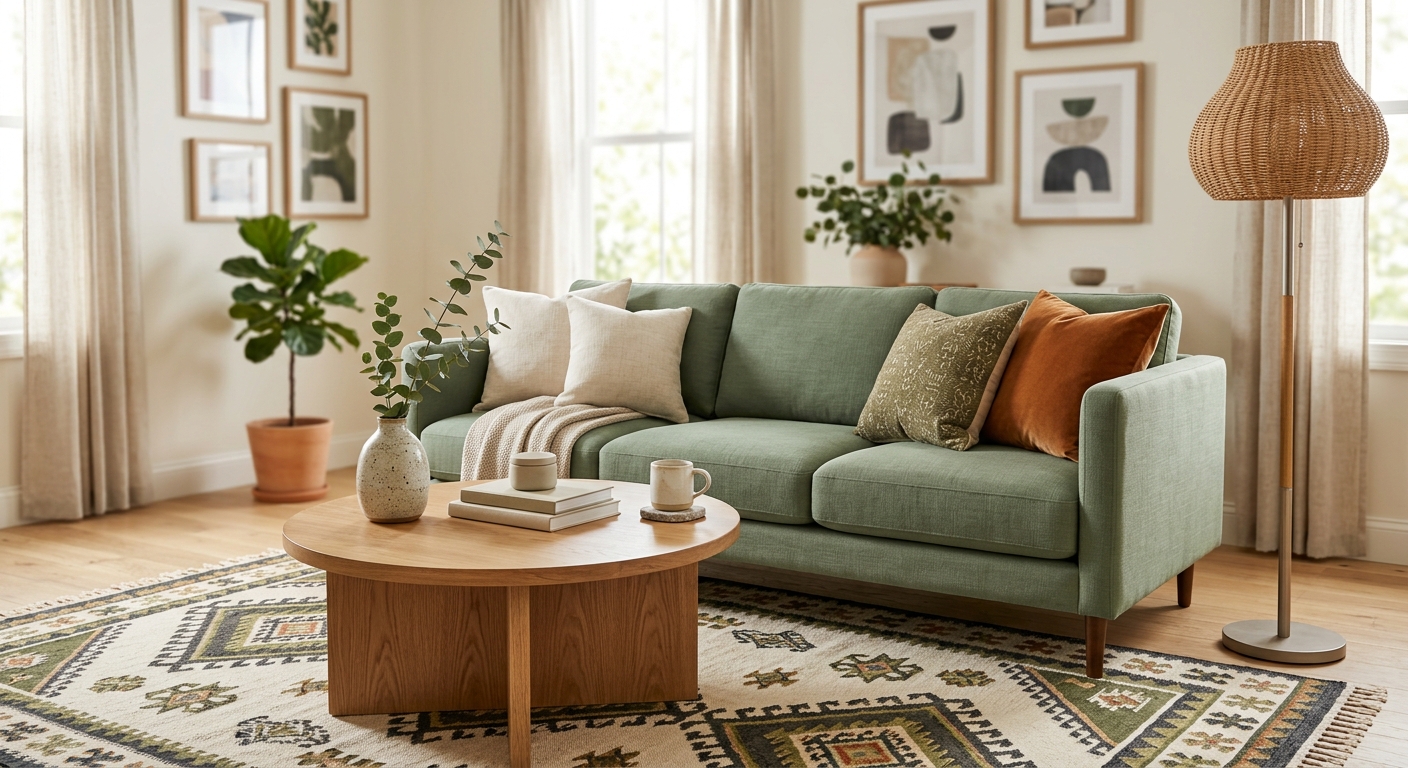
Tap a piece in the redesign and the exact product opens with a real price. That is the part that turns a render into a room you can start buying this week.
Where it loses, because I said I would be straight about it: MeltFlex is one of the newer names here, so its catalogue of one-tap novelty styles is smaller than InteriorAI’s sprawling list, and it is not the only tool doing shoppable anymore, Reimagine Home and HomeDesignsAI both have their own versions now. What put MeltFlex on top was not that it invented the idea, but that it passed all three tests at once and without an asterisk: real room, exact products, honest about both.
Pros: keeps your real layout, exact shoppable products with prices, very fast, floor-plan-to-3D and video on top.
Cons: newer, with fewer novelty style presets; built for real makeovers, not pure fantasy concepts.
2. Reimagine Home: the strongest shoppable competitor
Reimagine Home was the competitor I respected most. The restyles are clean and believable, the virtual staging on empty rooms is excellent, and crucially it now does shoppability properly: pieces in the redesign link to real products from retail partners, with a running budget total shown up front. A free tier gives you a few designs, and paid plans start at around fourteen dollars a month.
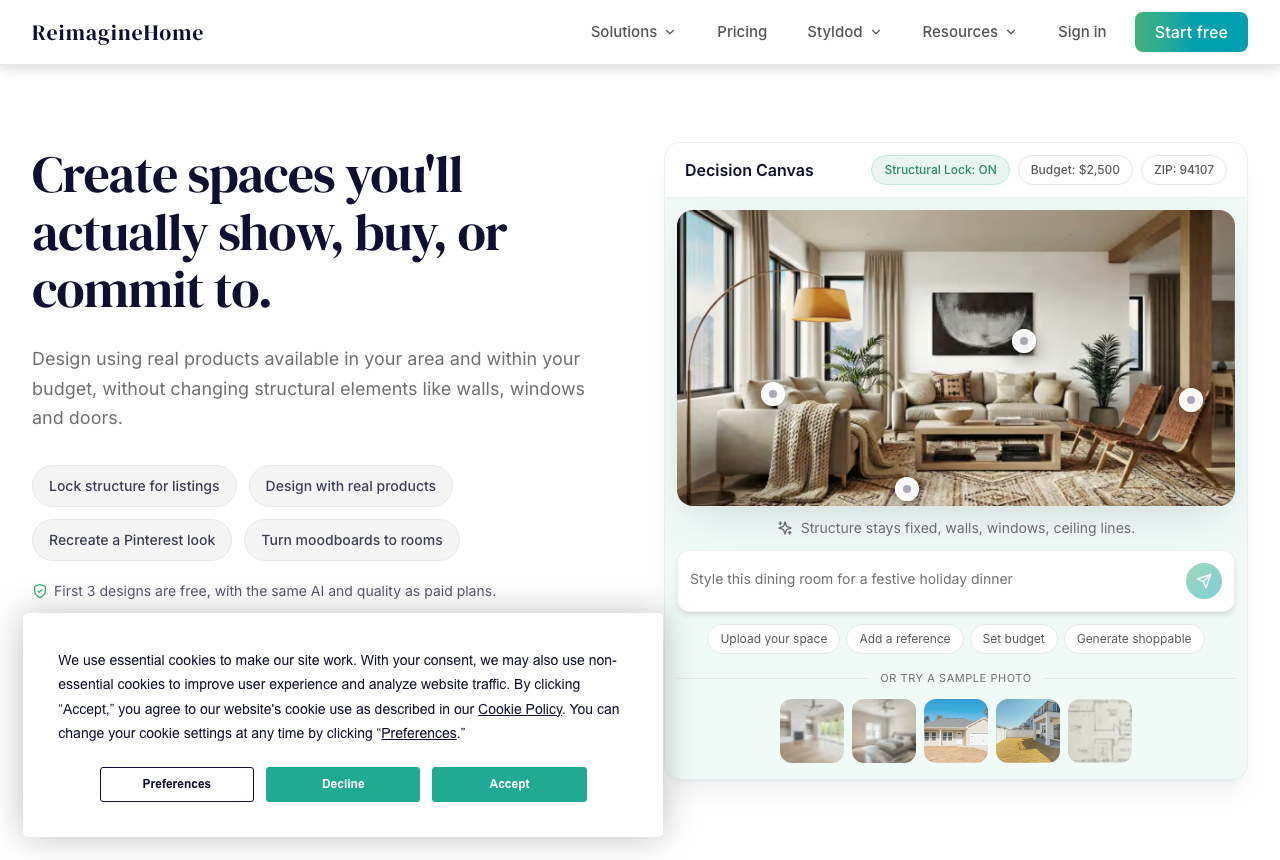
Reimagine Home leans into the same idea, “spaces you will actually show, buy or commit to”, and largely delivers.
The catch is editing: once it renders, you cannot push the result around much, and the budget total reads more like an estimate than a precise basket. But of every competitor, this was the one I would happily pay for.
Pros: very realistic, strong staging, genuine shoppable links with a budget total.
Cons: limited editing after the render, no free-forever tier.
3. HomeDesignsAI: fast, and quietly shoppable
HomeDesignsAI surprised me. It redesigns a furnished or empty room in about thirty seconds, covers interiors, exteriors and gardens, and its Furniture Finder picks out items from the result and serves up real products to buy. It kept my layout well, and the free tier is generous enough to actually evaluate it.
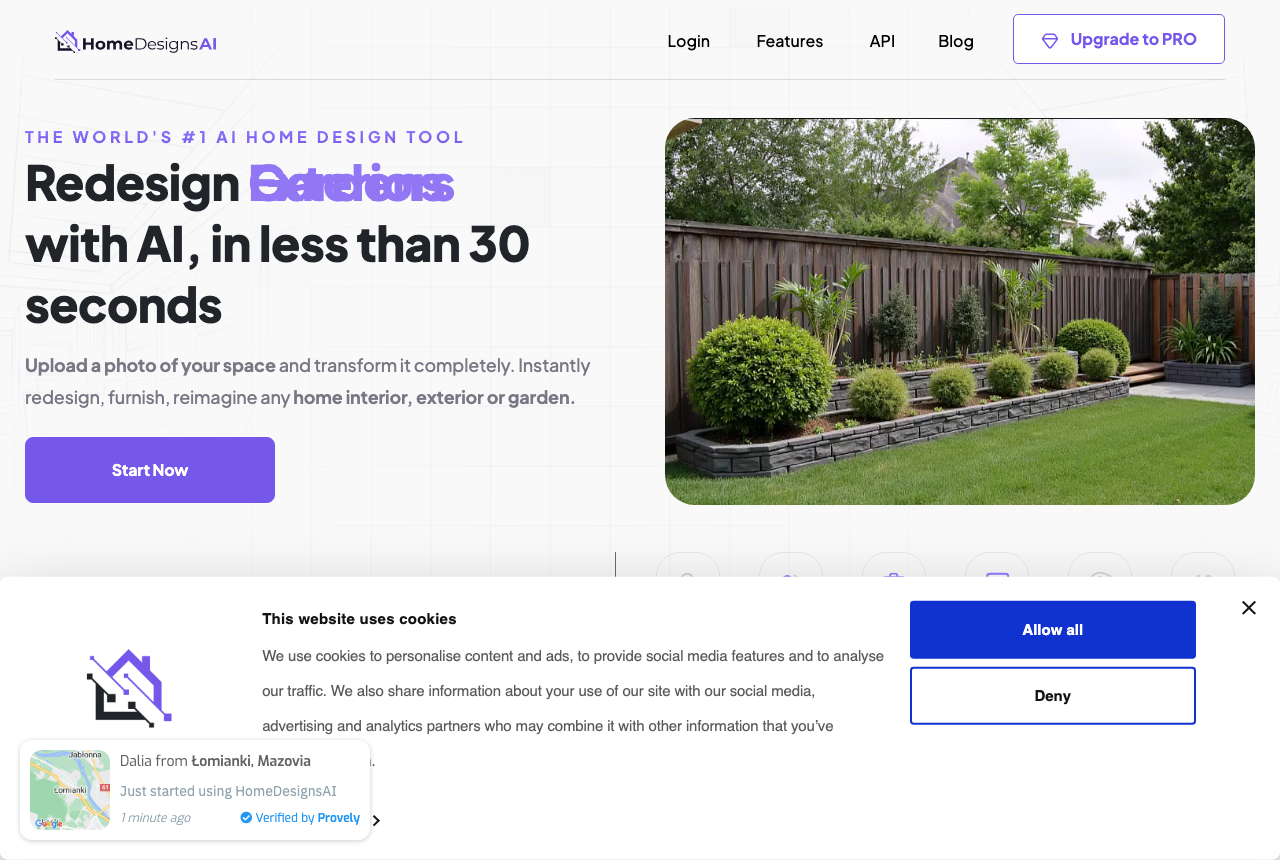
HomeDesignsAI sells speed, “redesign with AI in less than 30 seconds”, and the furniture finder backs the shoppable claim.
It can slow down when you batch several styles at once, and the matches are good rather than exact, but as a fast, practical all-rounder it earned its place in my top three.
Pros: very fast, interiors plus exteriors and gardens, real furniture finder, good free tier.
Cons: slows under load, product matches are approximate rather than exact.
4. InteriorAI: best for virtual staging and volume
InteriorAI is the one with the Netflix and New York Times logos on the homepage, and the breadth backs it up: dozens of styles, sketch and SketchUp to render, virtual staging built for real estate, even render-to-flythrough video. Plans land around nineteen to twenty-five dollars a month.

InteriorAI is the volume play, staging, sketches, styles by the dozen, aimed as much at agents as homeowners.
It is brilliant for staging and quantity, but it leans generative: it will sometimes reinterpret your room rather than respect it, and there is no buy-what-you-see layer. Fantastic for listings, less so for furnishing the place you actually live in.
Pros: huge style range, excellent staging, sketch-to-render, video.
Cons: can reinvent your room, no shoppable products.
5. Spacely: best for control and editing
Spacely takes a minute to click with and then rewards the patience. You can generate from a photo or from scratch, then actually edit the result, swap colours, remove objects, push it further. I went from a plain empty room to a Scandinavian living room with sage walls and a big piece of art over the sofa, nudging it as I went. It is credit-based, with free credits at signup.
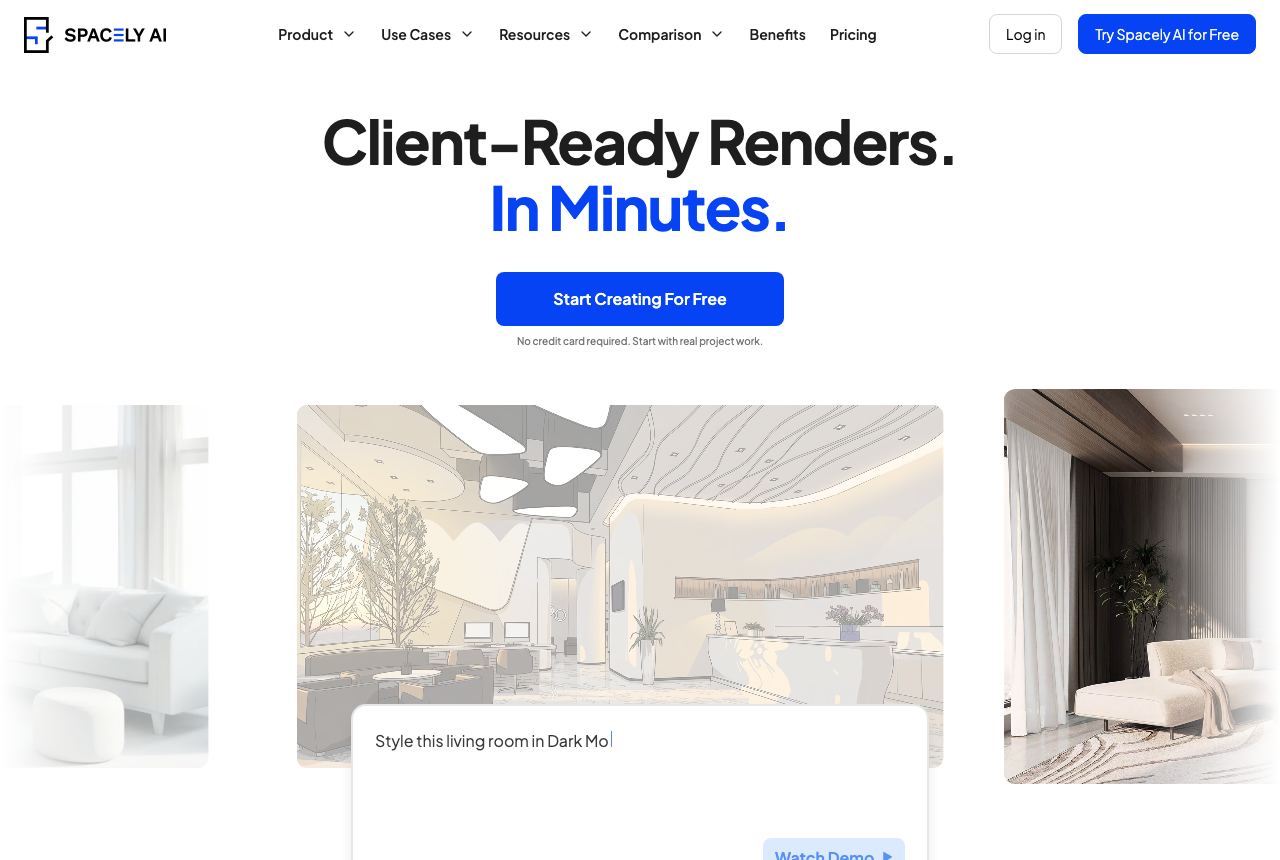
Spacely leans professional, and the editing tools are the most flexible of the inspiration-first tools.
Pros: deep editing, generate from scratch, great for iterating.
Cons: steeper learning curve, no shoppable layer, credits run down fast.
6. Paintit.ai: narrow, but genuinely shoppable
Paintit.ai stays in its lane, walls, paint, colour and mood, and does it cleanly, with a chat-style interface. Its real trick is that it suggests actual products from retailers like IKEA and Amazon to match the look, so the colour preview comes with a way to buy. If you are locking a palette first, pair it with our guide to prompts that actually work.
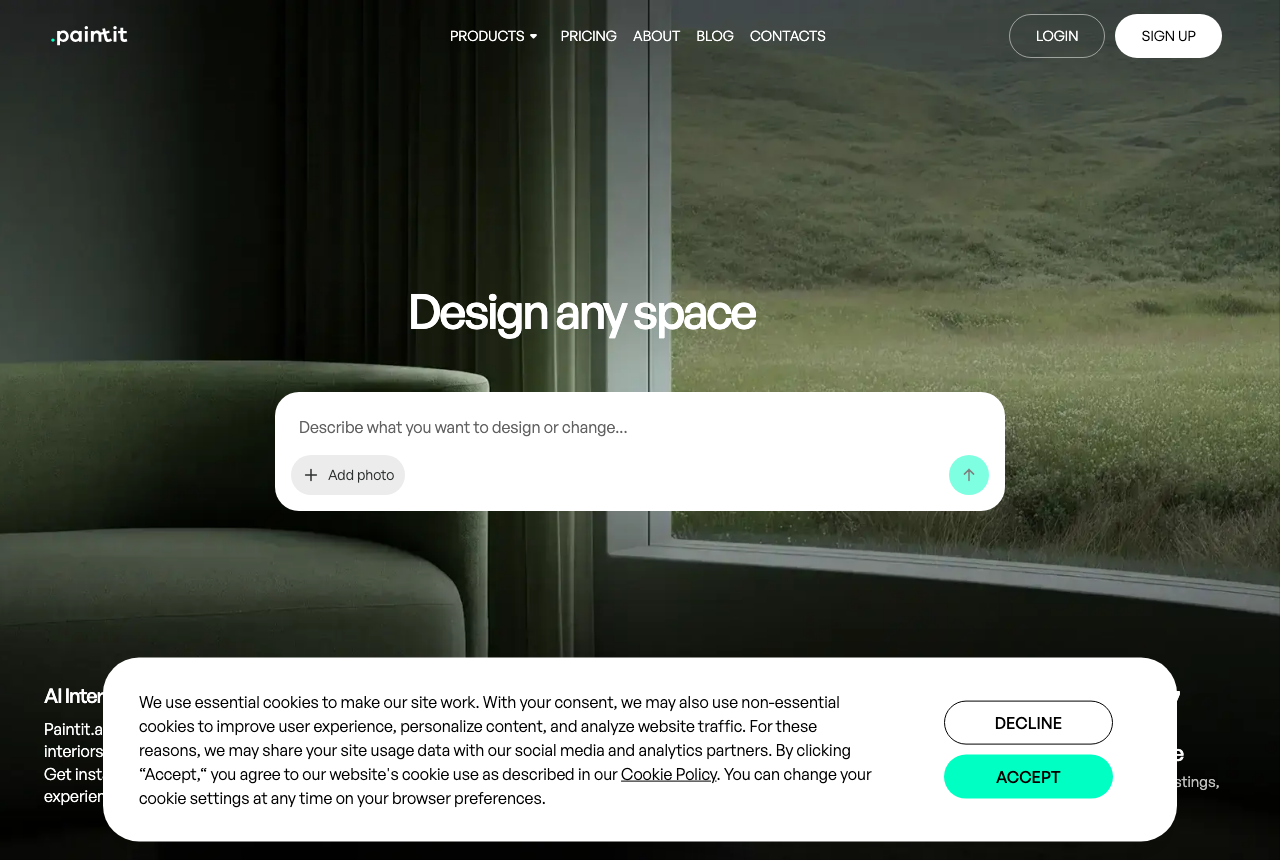
Paintit keeps a tight focus on colour and walls, with real product suggestions attached.
Pros: quick colour previews, real shoppable product suggestions.
Cons: narrow scope, light on full-room furnishing and layout.
7. Planner 5D: best for floor plans and 3D
Planner 5D is the one for people who want to move walls, not just restyle a photo: drag-and-drop 2D and 3D design with AI suggestions, plus genuinely good AI floor-plan recognition that rebuilds a layout from a photo. Its 2026 update started linking furniture suggestions to real SKU data, which nudges it toward shoppable. It is cheap, at around five dollars a month.
Pros: full control, strong floor-plan AI, SKU-linked furniture, low price.
Cons: a learning curve, the real AI sits behind the paid tier.
8. RoomGPT: the original, now just the quick look
RoomGPT was a lot of people’s first taste of AI redesign, and it is still the fastest way to get a first impression: upload, pick a style, render in seconds. But the field has lapped it. For my brief it produced a space that looked like a furniture showroom after closing, styled, empty, with nothing to shop. One free render, then credit packs from around nine dollars.

RoomGPT is still the fastest first look, which is both its appeal and its ceiling.
Pros: dead simple, near-instant.
Cons: sparse rooms, few themes, no shopping, quickly metered.
9. Remodel AI: fast mobile makeovers
Remodel AI is phone-first and built for speed, with thirty-plus styles and a handful of free designs to start. It covers interiors, exteriors, floors, walls and paint. The variety is great; the full-room results lean generic and it stumbled once or twice. Floor and wall changes, though, were genuinely good.
Pros: fast on mobile, lots of remodel types, free starter designs.
Cons: full-room results can look generic, no buy-what-you-see.
10. Virtual Staging AI: built for listings, not living
Virtual Staging AI does one thing with ruthless focus: furnish empty rooms for real-estate listings, fast, with roughly ten-second renders and batch processing. If you are an agent staging twenty photos before a viewing, it is excellent. As a homeowner furnishing the room you actually live in, it is the wrong tool, no shopping layer, and the goal is selling the space rather than buying for it. Plans start around twenty-five dollars a month.
Pros: extremely fast, batch staging, made for property sales.
Cons: staging-only, no products to buy, overkill for one room.
11. Homestyler: real 3D product models
Homestyler pairs real furniture models with design mockups, so you can fully furnish a virtual home from a big catalogue. The AI side is the quieter part, and it kept adding windows and doors my room never had. More of a power tool for hobbyist decorators than a one-tap restyler, but the 3D models are solid.
Pros: large real-product catalogue, realistic 3D models.
Cons: light on AI, adds structure that is not there, aimed at enthusiasts.
12. Canva AI: quick concept images
Canva quietly added an AI interior styler, and if you already live in Canva it is convenient: upload a photo, try a style, drop it into a mood board. The results are not photorealistic and it leans on Canva credits, but for fast concepts it does the job.
Pros: fast, plugs into the rest of Canva.
Cons: not photorealistic, no layout or shopping use, needs credits.
The catch nobody puts in the marketing
Here is the thing I did not expect going in. In 2026 the word doing the most work on these landing pages is “shoppable.” Almost everyone claims it now. But there is a quiet gap between two very different things wearing the same label:
- Exact match. You tap the chair in the render and the actual chair opens, with a real, current price. This is the version that saves you money.
- “Shop the look.” You tap the chair and get three vaguely similar chairs, or an affiliate carousel that has little to do with the picture. This is the version that demos beautifully and evaporates in real use.
So when you test any of these tools yourself, do the one check that cuts through the marketing: tap an item in your result and ask whether the product that opens is genuinely the thing in the render, at a price you can act on. That single tap tells you more than any feature list. If you want the wider field side by side, I keep an updated comparison of the best AI interior design tools, and the full whole-home experiment goes deeper on living with the results.
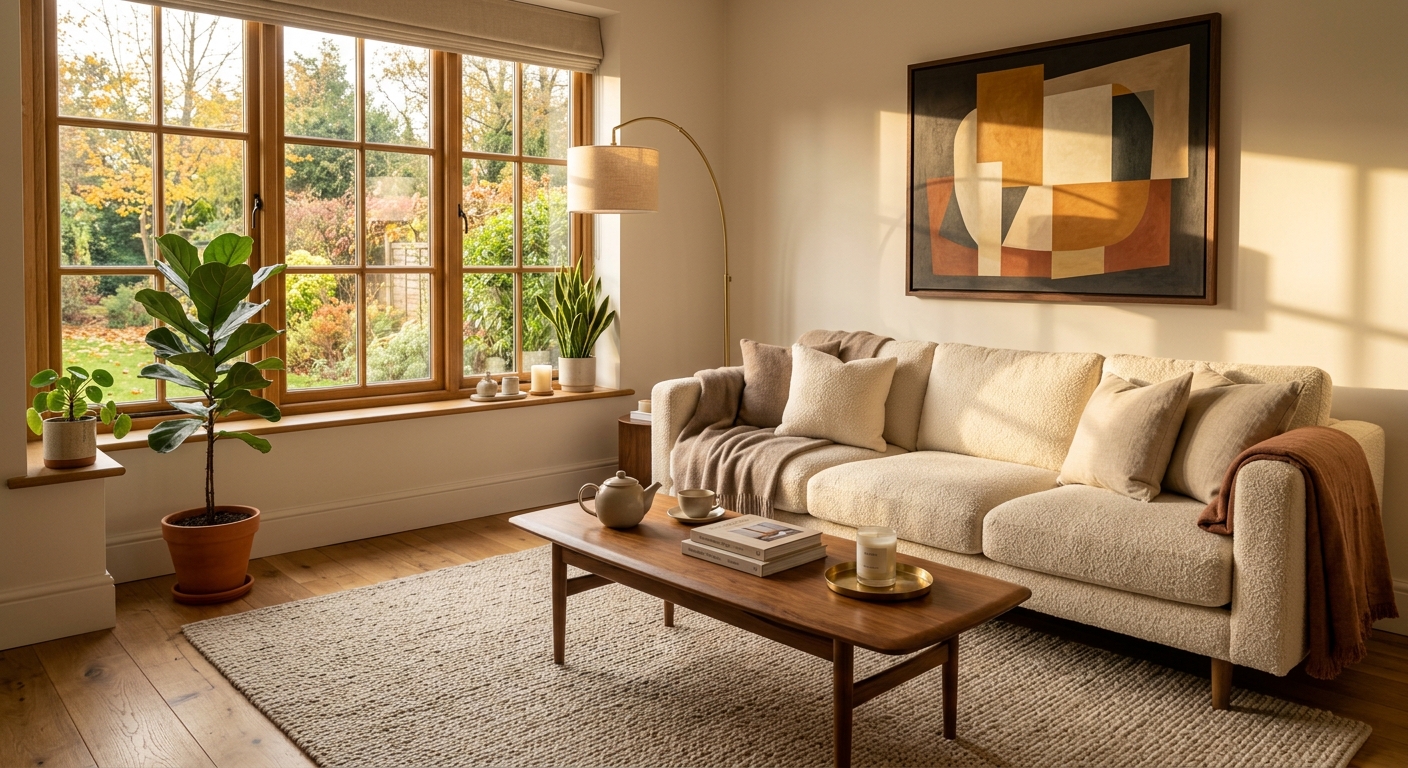
A redesign that respects the room you have: same footprint, warmer materials, better light, and pieces you can actually price.
How to get a good result, whichever tool you pick
After twelve tools and a month of this, the gap between a useless render and a usable one came down to a few simple habits:
- Shoot in daylight. Open the blinds and turn the lights on. AI struggles with dim, yellow photos.
- Tidy the room. Clear the surfaces so the AI restyles your space, not your clutter.
- Capture the whole room. A wide shot showing your walls and window gives the AI the layout to respect.
- Feed it a reference photo instead of a vague style word. An inspiration image gets you far closer to what you actually want.
- Pick a tool that links to real products if you are genuinely furnishing, not just daydreaming.
So, is AI interior design actually worth it?
After all of it, here is where I landed. In 2026 AI interior design is genuinely worth your time, because the renders are finally good enough to trust, but only if you choose for the right reason. Pretty is solved. The question now is whether the tool keeps your real room and lets you act on the result. Pick for inspiration, for a listing, or for a plan you can buy, and judge accordingly. AI will not replace a great designer, but it will get you unstuck.
I started this embarrassed by a living room with no point of view, and ended it with two redesigns I genuinely liked and a shopping list I could afford to start on. If you want to skip my month of trial and error, upload a photo of your room to MeltFlex and see the version of it you could actually live in. Tidy the room first.
Keep reading
- I Let AI Design My Home. Here’s What Actually Happened, the whole-home version of this experiment.
- The best AI interior design tools compared, the wider field, side by side.
- AI interior design vs hiring a designer, what each one really costs.
- AI interior design prompts that actually work, get better results from any tool.

