
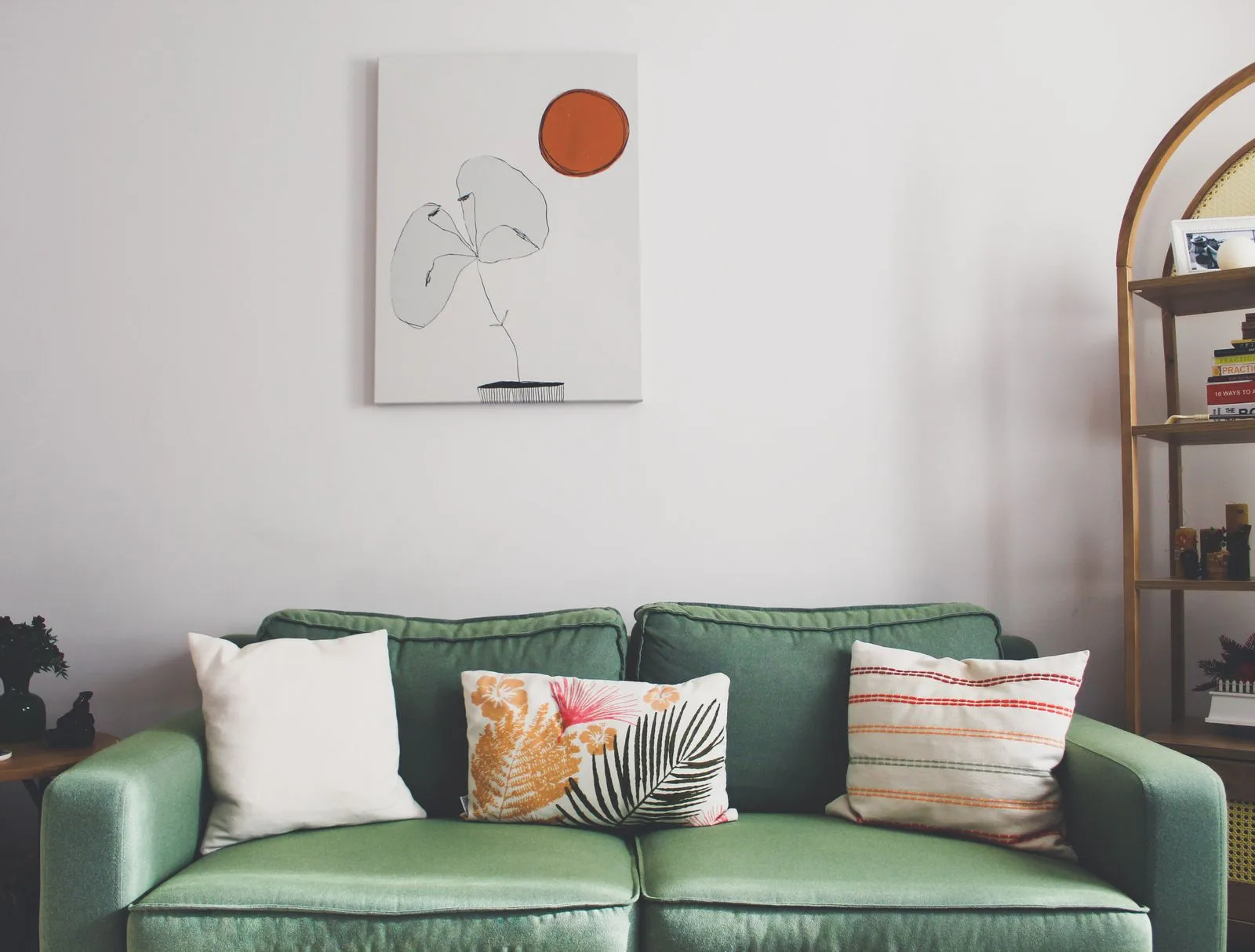
The other night my flatmate found me crouched on the living room floor, frantically shoving a tangle of phone chargers behind the sofa and straightening a stack of books I had not opened in a year. Then I stood up, lifted my phone, and started taking photos of the room from four different angles, muttering to myself the whole time.
“What are you doing?” he asked.
“I’m tidying up for the AI,” I said, with the full conviction of someone who has lost the plot.
Let me tell you, there is nothing quite as humbling as cleaning your home so that a piece of software will not judge you. But I was about to spend two weeks letting AI redesign every room in my apartment, and I could not bring myself to upload a photo with yesterday’s socks on the floor. Was I genuinely worried about being judged by an algorithm? Embarrassingly, yes.
Quick answer: yes, AI can design your home. You upload a photo of a room, pick a style, and AI interior design tools return a restyled version in seconds. The catch is that most only repaint and add a houseplant, and the furniture they show does not exist. The tools worth using, like MeltFlex, redesign your real room and link every piece to a product you can actually buy. Here is everything I learned testing them for two weeks.
The short version
- Yes, AI can genuinely redesign your home, but most tools only repaint and add a houseplant. Know what each one is actually for.
- Tidy the room before you upload. AI treats clutter as furniture, and it will lovingly redecorate around your laundry.
- Pretty renders are easy. The hard part is furniture you can actually buy, which is where most tools quietly fall short.
- The version that finally worked redesigned my real room and linked every piece to a product with a price. That turned a daydream into a plan.
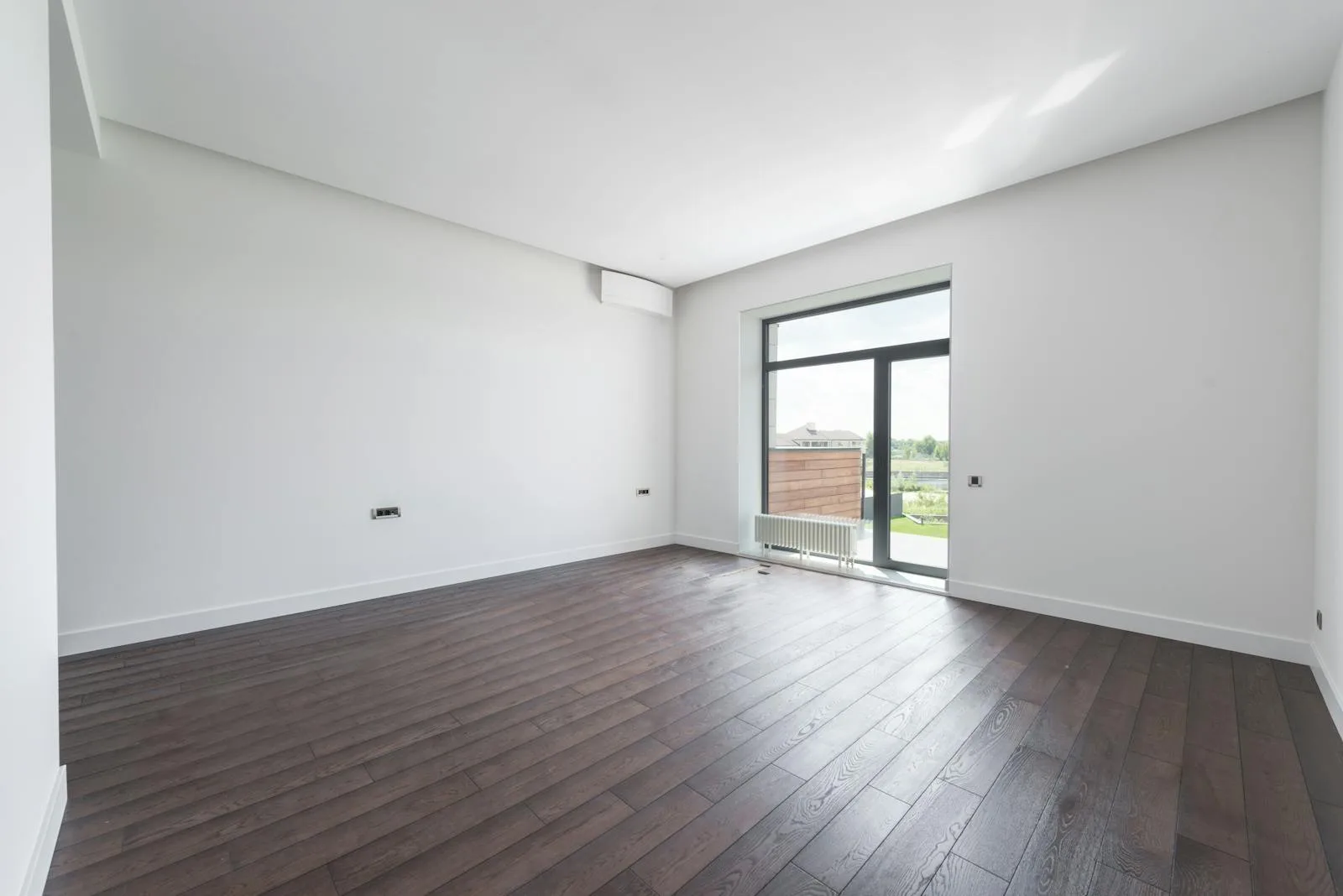
The starting point. Good light, blank walls, and absolutely no idea what to do with any of it.
Why I handed my home over to a machine in the first place
Here is the honest backstory. I love the rooms I see on design blogs and in glossy magazines, the ones with the perfect sage walls and the lighting that makes you want to move in immediately. I also know that a human interior designer is wildly out of my budget, and the few I priced out would have taken one look at my chewed-up armchair and gently shown themselves out.
So when I noticed that AI interior design tools had quietly multiplied into a small army, all promising a full room makeover for roughly the price of a coffee subscription, I figured this was my moment. I would let the robots do what I could not afford a human to do. What followed was two weeks of small disasters, a few genuine surprises, and one moment where the whole thing finally clicked.
Lesson one: AI cannot tell your mess from your furniture
I started with a tool that asked me to upload a room photo, choose a style, and wait for magic. I picked my bedroom, which on that particular day had a small mountain of laundry draped over the chair in the corner. I assumed the AI would understand that a pile of clothes is not a design feature.
It did not. Every single version it generated faithfully preserved a lumpy, organic shape in that corner, sometimes reupholstering it in velvet, once turning it into what I can only describe as an avant-garde beanbag. It had decided my dirty washing was a beloved heirloom and built the entire room around it. I laughed for a solid minute, then went and put the laundry away like a responsible adult.
That became rule number one. These tools redesign what they see, not what you meant. A messy room in gives you a confused room out. Here is what the AI kept misreading:
- Clutter reads as furniture, so a pile of clothes becomes a sculptural armchair.
- A coat on a hook reads as wall art and gets framed into the design.
- A stack of boxes reads as a bookshelf and earns a coat of paint.
The fix is boring but it works. Tidy first, then upload. I should have known.
The AI had decided my dirty laundry was a beloved heirloom and built the entire room around it.
Lesson two: most tools just put a filter on your old room
Once I had learned to clean up first, I started running my living room through one tool after another, and a pattern emerged that I did not expect. A lot of them do not really redesign anything. They repaint the walls, swap a cushion, maybe drop in a houseplant, and hand the result back to you as a transformation.
I asked one of them for a bold, dramatic, moody makeover of my beige living room. I braced myself for something theatrical. What it returned was my exact same room, same sofa, same layout, now with slightly darker walls and two fluffy rugs that had appeared out of nowhere. It was the design equivalent of putting a sepia filter on a photo and calling it a new picture.
Then there is the waiting. Oh, the waiting. Every tool has its own way of telling you it is thinking, usually a spinning icon or a loading bar that fills to ninety percent and then sits there, contemplating its existence, while you contemplate yours. One of them tried to keep me entertained with rotating design quotes. I do not need encouragement from a chatbot, I need my living room to look less like a dentist’s waiting area.
The surprises that kept me going
It was not all disappointment. Every so often a tool would do something that made me sit up. One generated a version of my kitchen with warm limewashed walls and open oak shelving that I genuinely screenshotted and saved. Another nailed a Scandinavian bedroom so cleanly that I started measuring whether a low platform bed would actually fit.
The best moments came when I stopped picking from a preset menu and fed the AI a real inspiration photo, something I had saved from a designer I admire. When a tool can take the bones of your actual room and pull it toward a reference you love, keeping your light fixture and your window but changing the mood entirely, that is when it stops feeling like a gimmick and starts feeling like a collaborator.
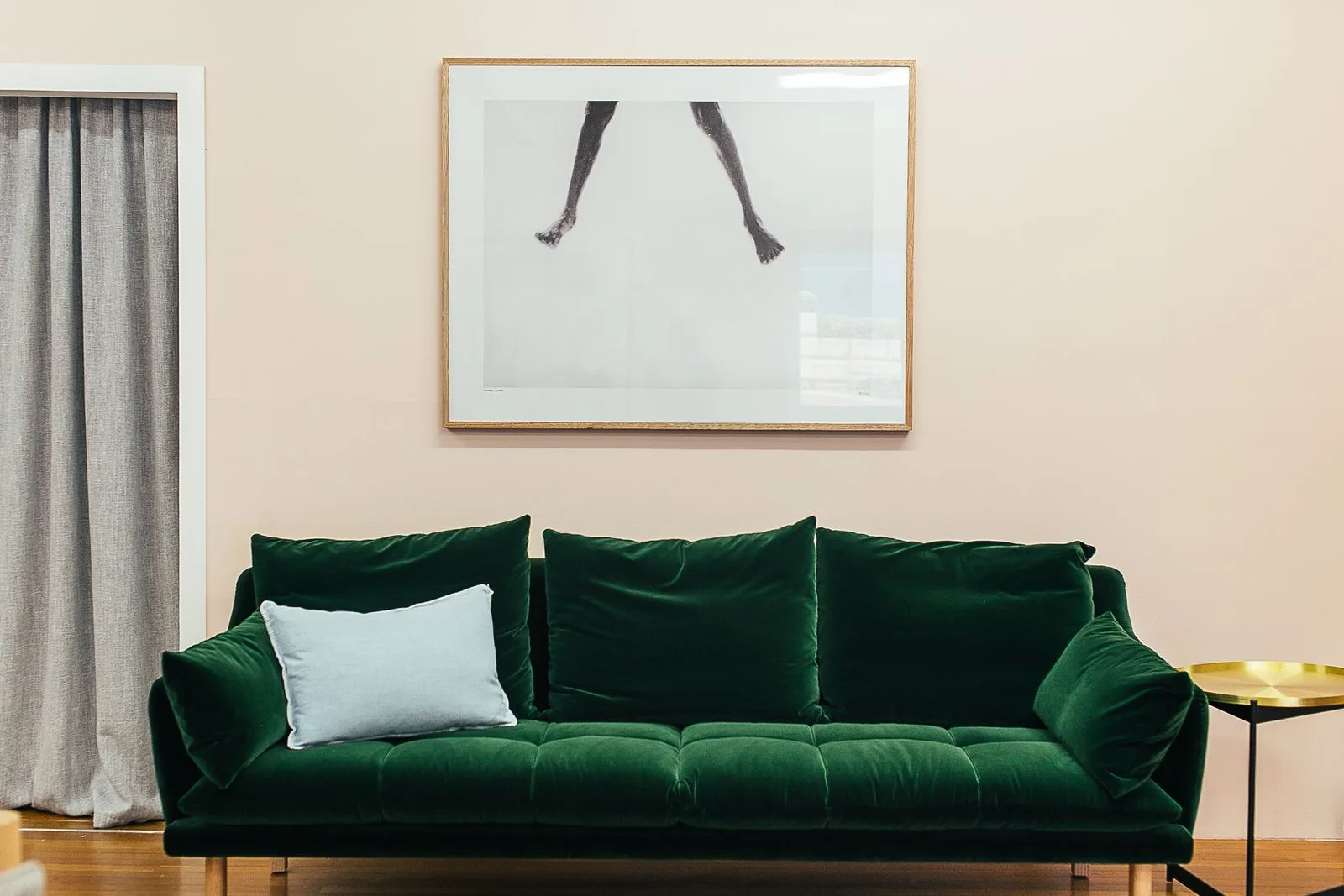
The kind of result you want: warm, intentional, and built around the room you actually have. This is AI redesigning the space instead of just filtering it.
The moment it finally clicked
Somewhere in week two I had my small epiphany. The pretty pictures were nice, but a render full of furniture that exists nowhere is just a sophisticated daydream. I did not want another mood board. I wanted to know what to actually do, what to buy, what it would cost, and whether any of it would fit in my real room.
That is the gap I kept falling into, and it is the gap a tool like MeltFlex is built to close. Instead of inventing a fantasy room, it redesigns a photo of your real one, keeping your actual layout and windows, and then it links every piece of furniture in the result to a product you can genuinely buy. The sofa is a real sofa with a price. The lamp is a real lamp you can add to a cart. It pulls from places like IKEA, Amazon, Wayfair, and Ashley, so the beautiful render quietly turns into a shopping list.
| What most AI design tools gave me | What I actually needed |
|---|---|
| A repaint of my existing room | A real redesign that kept my layout and windows |
| Beautiful furniture that exists nowhere | Pieces I could click and buy, with prices |
| A pretty picture to admire | A plan I could act on this weekend |
| Endless variations on a theme | One direction I could afford and execute |
I uploaded the same tired living room I had been torturing every other app with, picked two directions, a warm modern look and a coastal one, and had both back in under a minute. The difference was that this time I could tap the green velvet sofa and see exactly where to order it, instead of falling in love with something that only existed inside a server. For the first time in two weeks, I was not looking at a picture. I was looking at a plan.
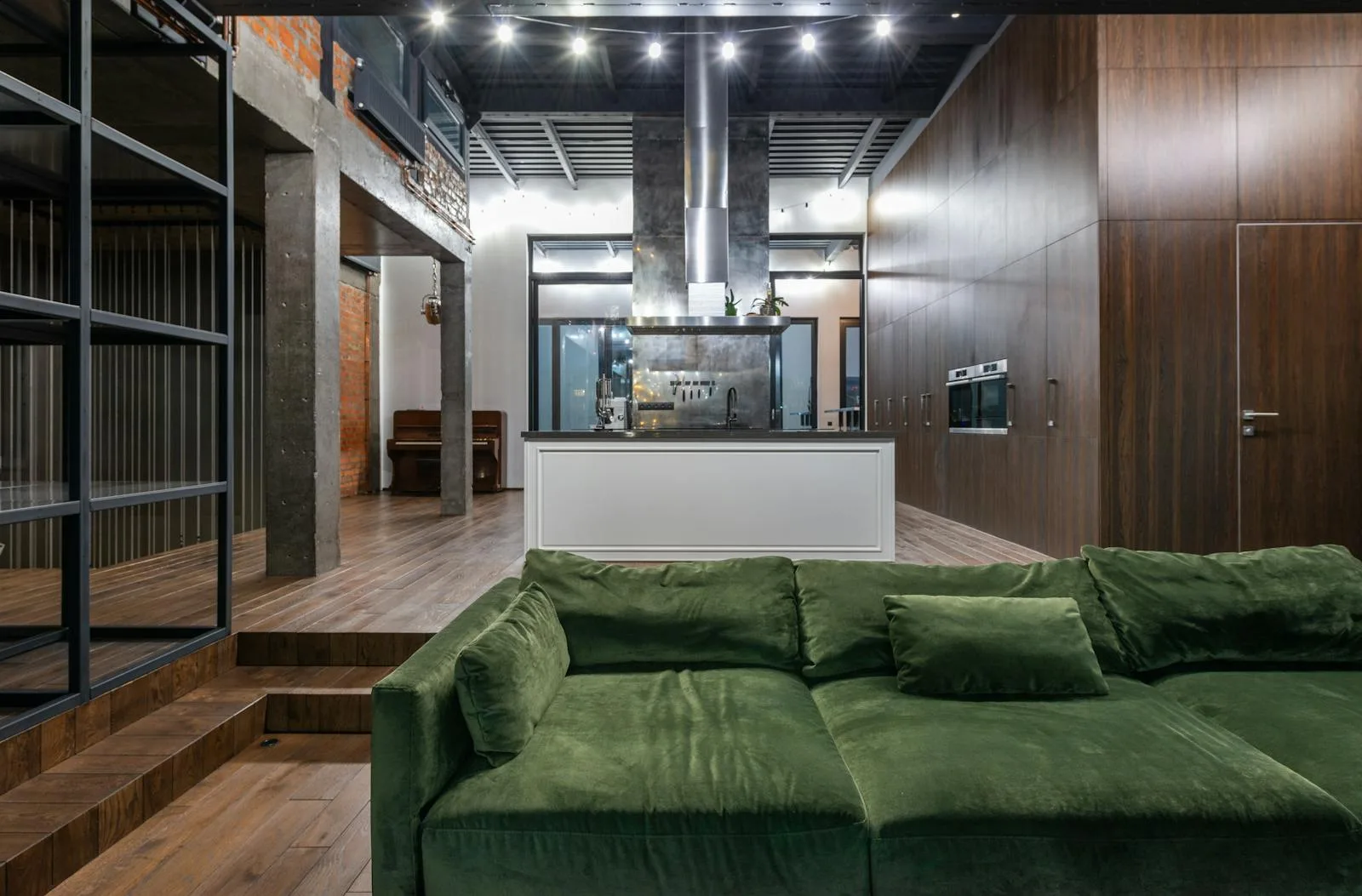
Every piece in the redesign is detected and linked to a real product you can buy, with a price. That is the part that turns a render into something you can act on.
So, can AI actually design your home?
After two weeks, a tidy apartment, and one tool that fell in love with my laundry, here is where I landed. AI absolutely can redesign your home, but you have to know what each tool is for. If you want dreamy inspiration, the image generators will flood you with it. If you want to see your own real room transformed into something you can actually build and buy, you need a tool that keeps your layout honest and connects the design to real products.
If a friend asked me where to start tomorrow, this is the whole thing in four lines:
- Clean the room first. Your before photo decides your after.
- Use image generators for ideas, not for plans. They are mood boards, not blueprints.
- Redesign your real room, not a generic one, so the result actually fits your space.
- Insist on furniture you can buy. A render you cannot recreate is just a nice screensaver.
I started this whole experiment frantically hiding chargers behind the sofa so a phone app would not think less of me. I ended it with a redesigned living room, a shopping list I could afford, and a slightly unhealthy new habit of redesigning every room I walk into. If you want to skip my two weeks of trial and error, upload a photo of your room to MeltFlex and see the version of it you could actually live in. Just put the laundry away first.
Keep reading
- I Tried 10+ AI Kitchen Design Tools to Make Over My Kitchen, the same experiment, focused on one room.
- The best AI interior design tools compared, the full field in one place.
- Free AI interior design tools, tested, what you can do without paying a cent.
- How AI interior design actually works, the cost, the results, and the catch.

