AI architecture generator, from text to BIM model
Describe the building and pick your plot on the map. The AI designs it for that site, within its setbacks and height, as a BIM model with rooms and floor plans you can export to Revit.




























1,200+ reviews
How the generator works Three steps to a design
1. Describe it, show where
One sentence is enough. Pick your plot on the map and attach a PDF brief if you have one.
2. Get a BIM model, then edit it
The AI reads the site and builds walls, slabs, doors and windows floor by floor. Change anything in the editor.
3. Present it or export IFC
Show boards and renders in the browser, or take the IFC into Revit, Archicad or Rhino.
Designed for the real site It starts from your plot
The main walls follow the plot's longest edges, the entrance faces the street, living spaces get the south and windows keep away from close neighbours. When it is done you get the plot area, the built-up area and how much of the plot the building covers.
Find the address and pick the plot. The AI reads its outline and area, the buildings around it with their heights, and how the ground slopes.
The building stays inside the plot, back from every edge. Setbacks, height and coverage follow typical rules for that country, and the AI tells you which values it used.
Have the real limits? Enter the FAR, height limit, setbacks, maximum footprint or parking, and the site sheet shows the buildable area and how much of it the design uses.
AI generated architecture Model and render, side by side
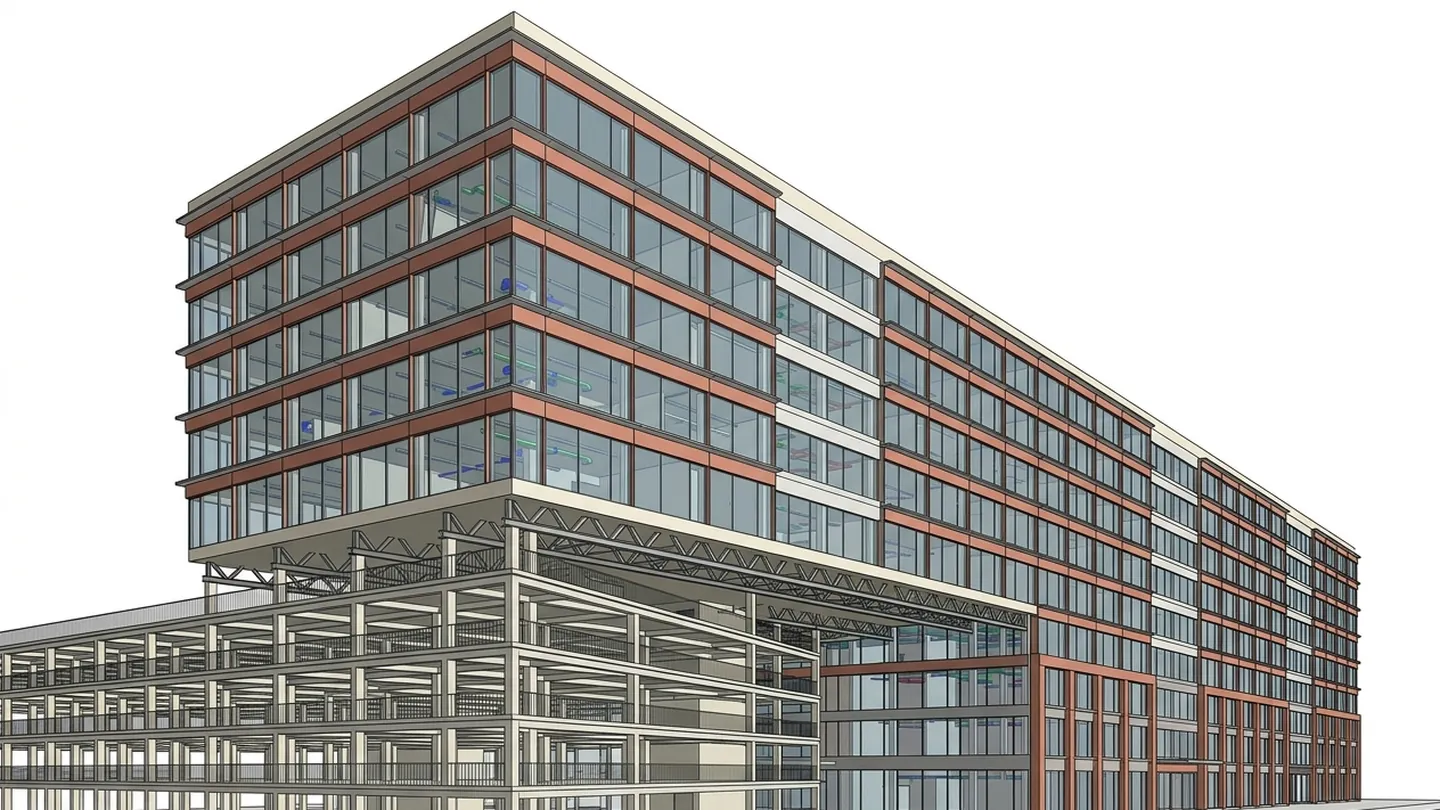
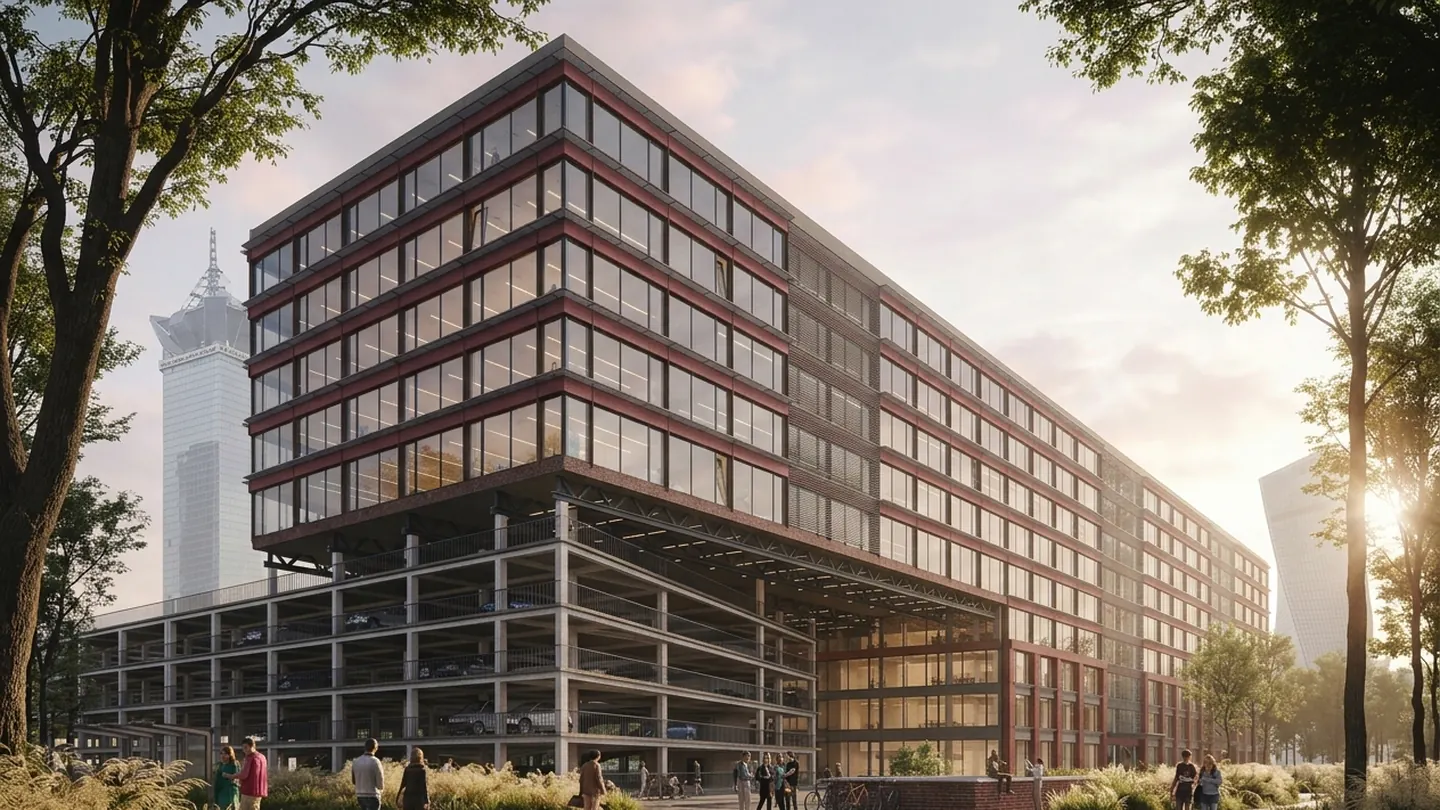
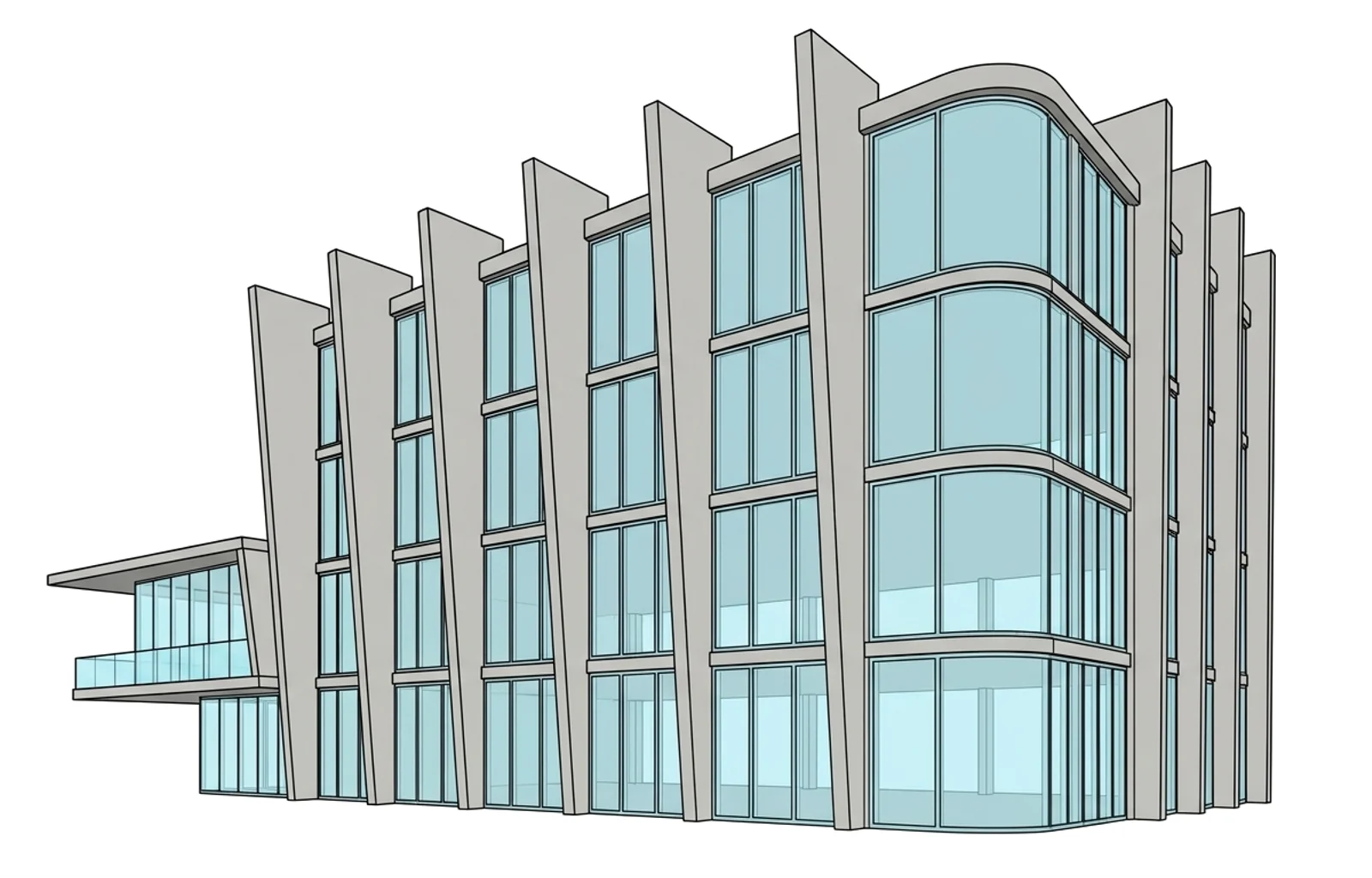
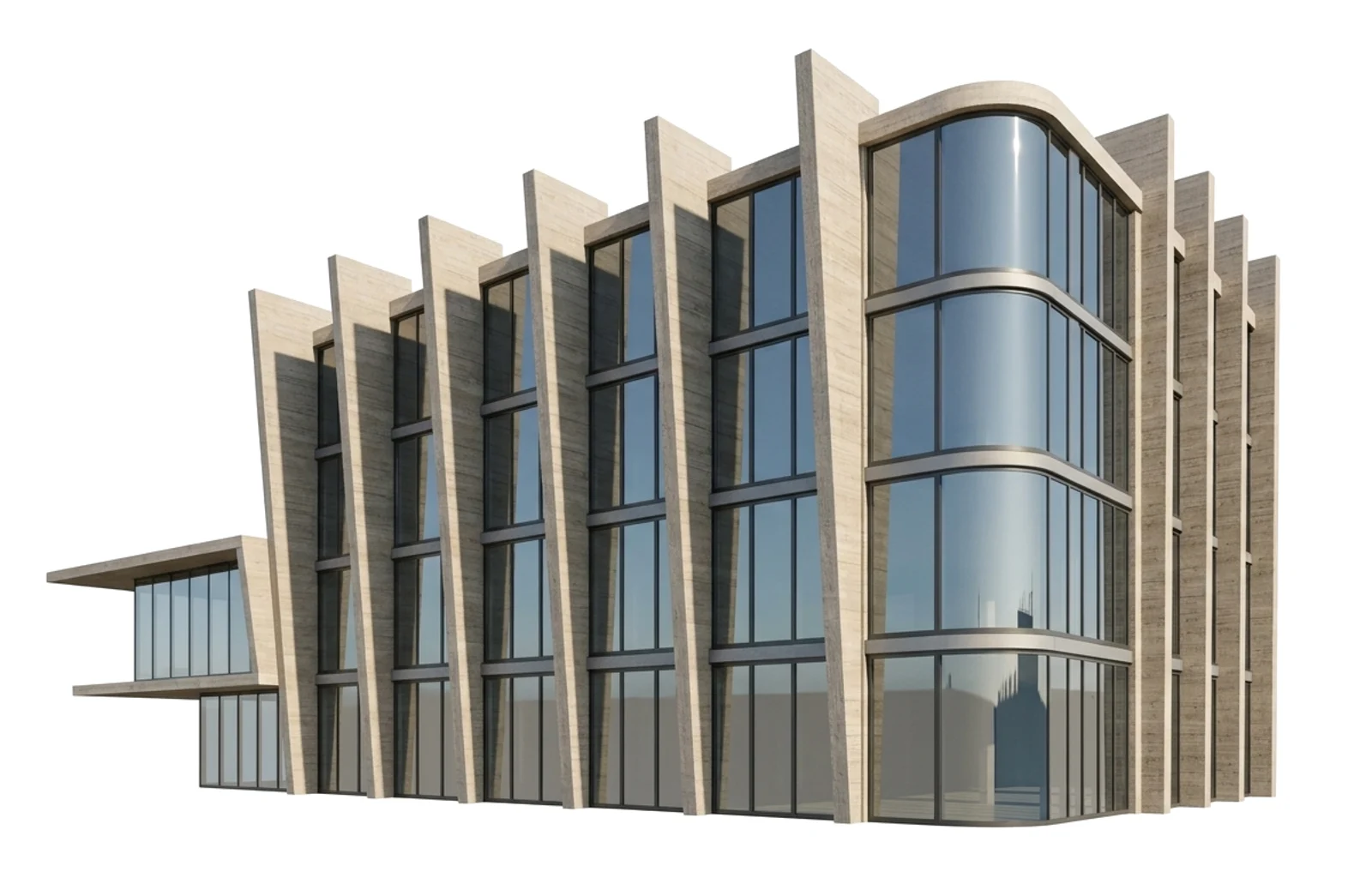
Each building here started as a few lines of text. The render fades back to the BIM model underneath it; open one and drag the line to compare them.
AI for architects You lead, the AI drafts
 Designing a two-story family house for you
- Reading the plot
- Sizing every room
- Laying out the floors
- Rendering the facades
Let the AI draft it
Type a brief and the AI reads your plot, sizes the rooms and builds the BIM model floor by floor. Ask for changes in plain words, or stop it and draw yourself.
Then make it yours
Drag a wall and the room areas follow. Edit the room list, the floor plans, the BIM model or the boards you present, all one model underneath.
AI building design Every square metre accounted for
Write what the building is for. The generator turns it into rooms, sizes and departments, using your brief and plot if you add them.
Change a room count or an area in the table and the BIM model redraws to match.
Plot area, FAR, height limit and setbacks sit next to the rooms, so you see what the site allows against what you designed.
Plan with the AI Layout, form and sunlight
The generator works out which rooms must sit next to each other and checks the plan as you move them.
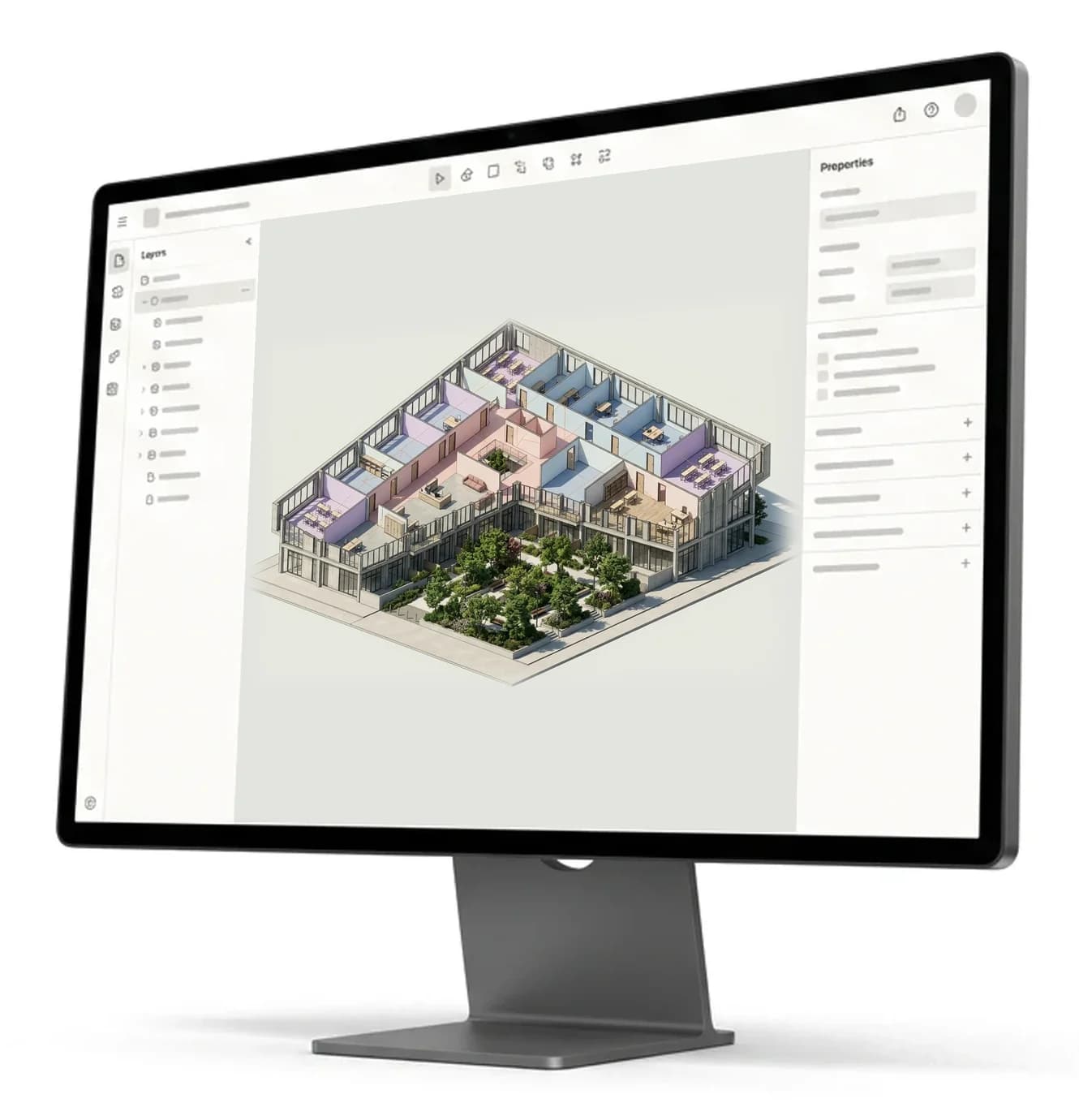
Push the massing around in 3D or edit the floor plan in 2D. Both stay in step with the room list.
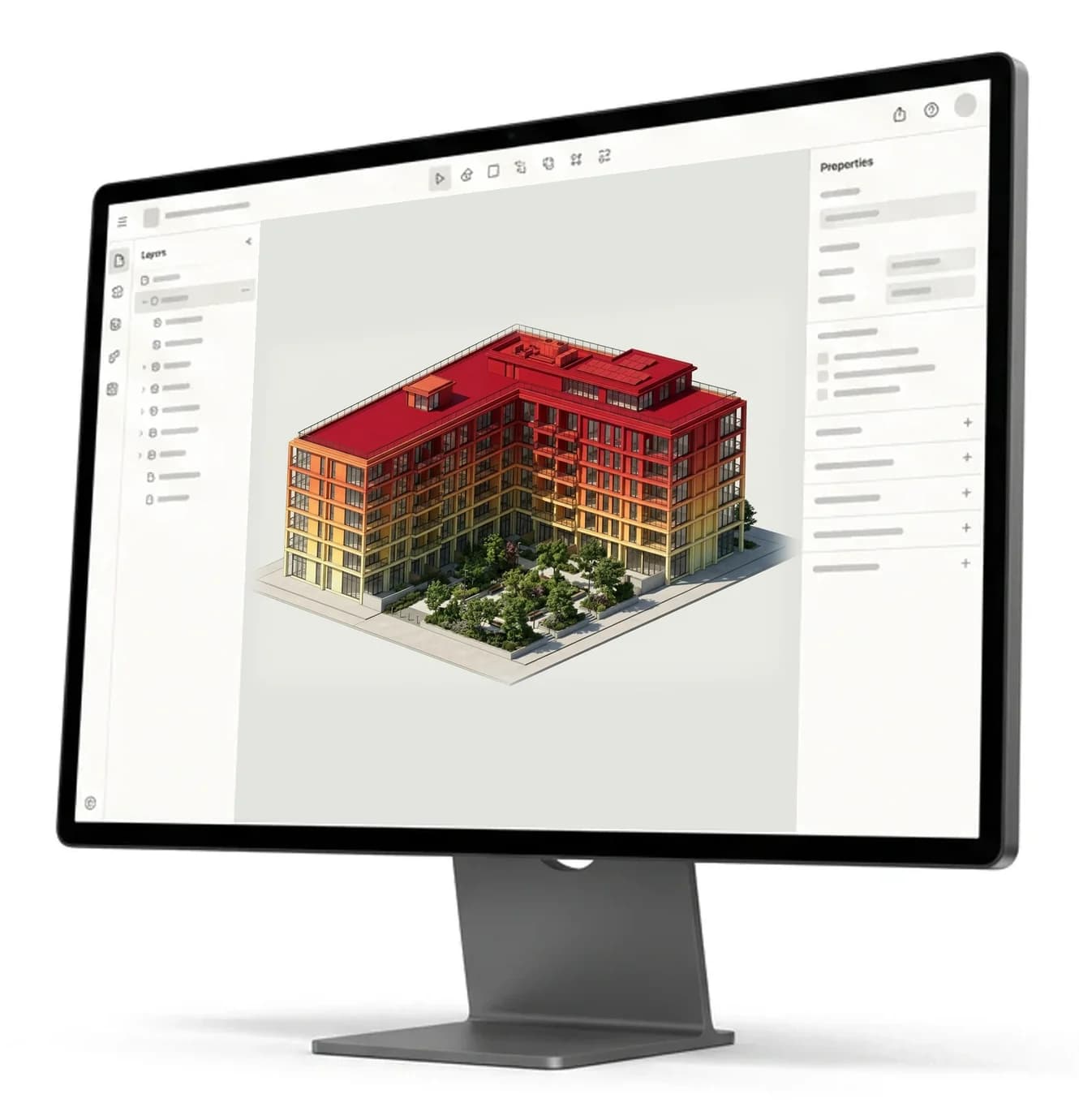
See the built area against the target and how many sun hours each facade and roof gets at the real site, while you are still designing.
AI building generator From a block to a whole building
Massing to BIM in one click
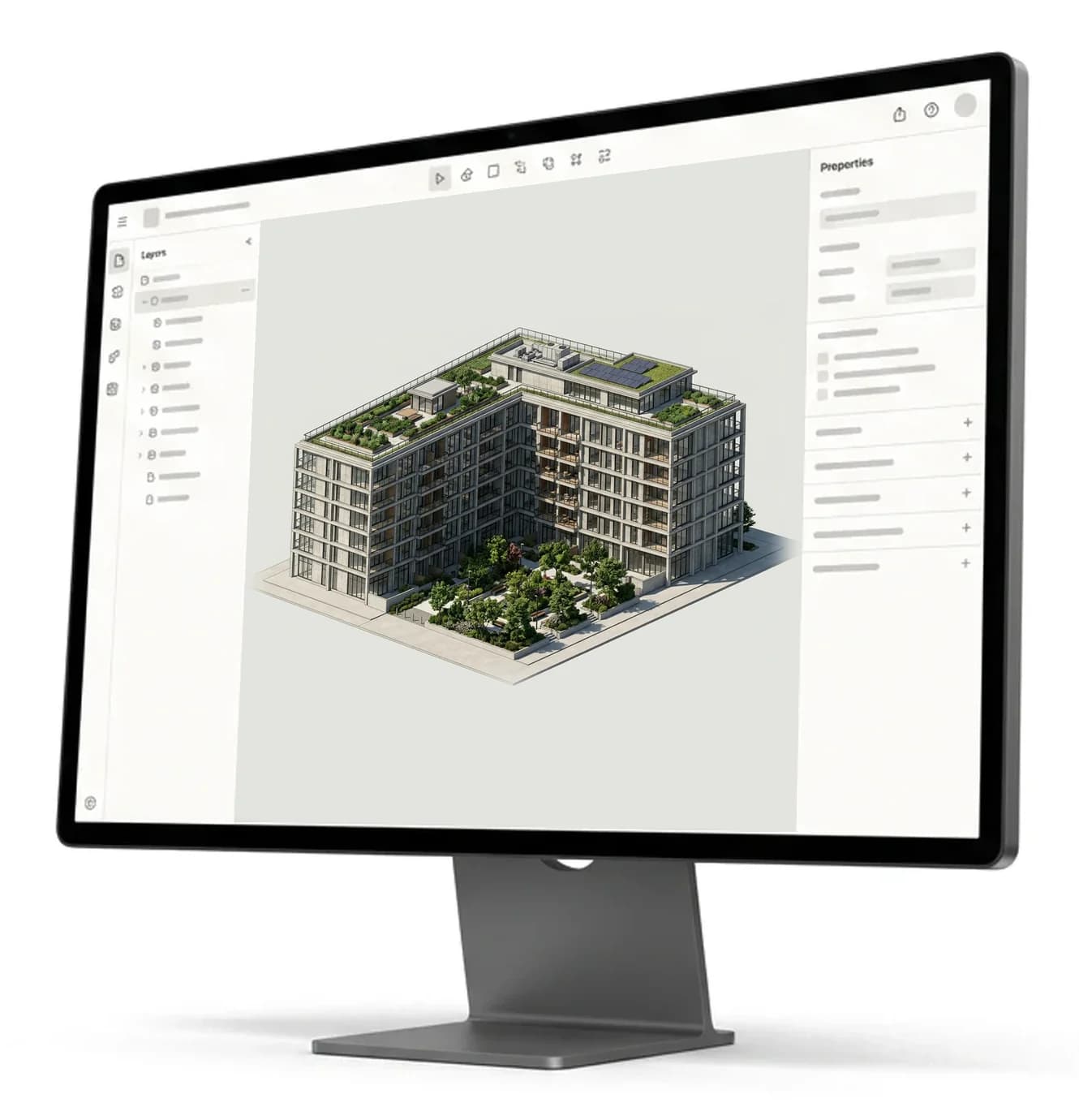
Sketch the volume and the generator turns it into a BIM model with walls, slabs, roofs, windows and doors.
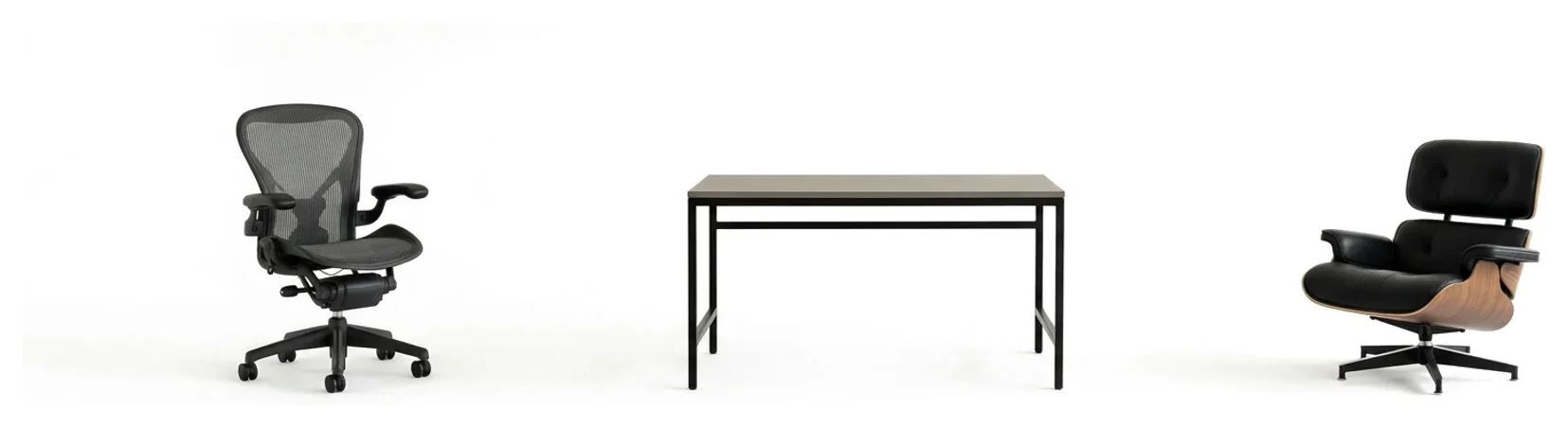
Furniture and fittings
Place desks, chairs and fixtures from the library, or bring your own objects.
Open it in Revit or Rhino
The IFC export keeps materials and parameters, so the BIM model opens ready to keep working on.
 .ifc
.ifc
Share the design Boards, renders and comments
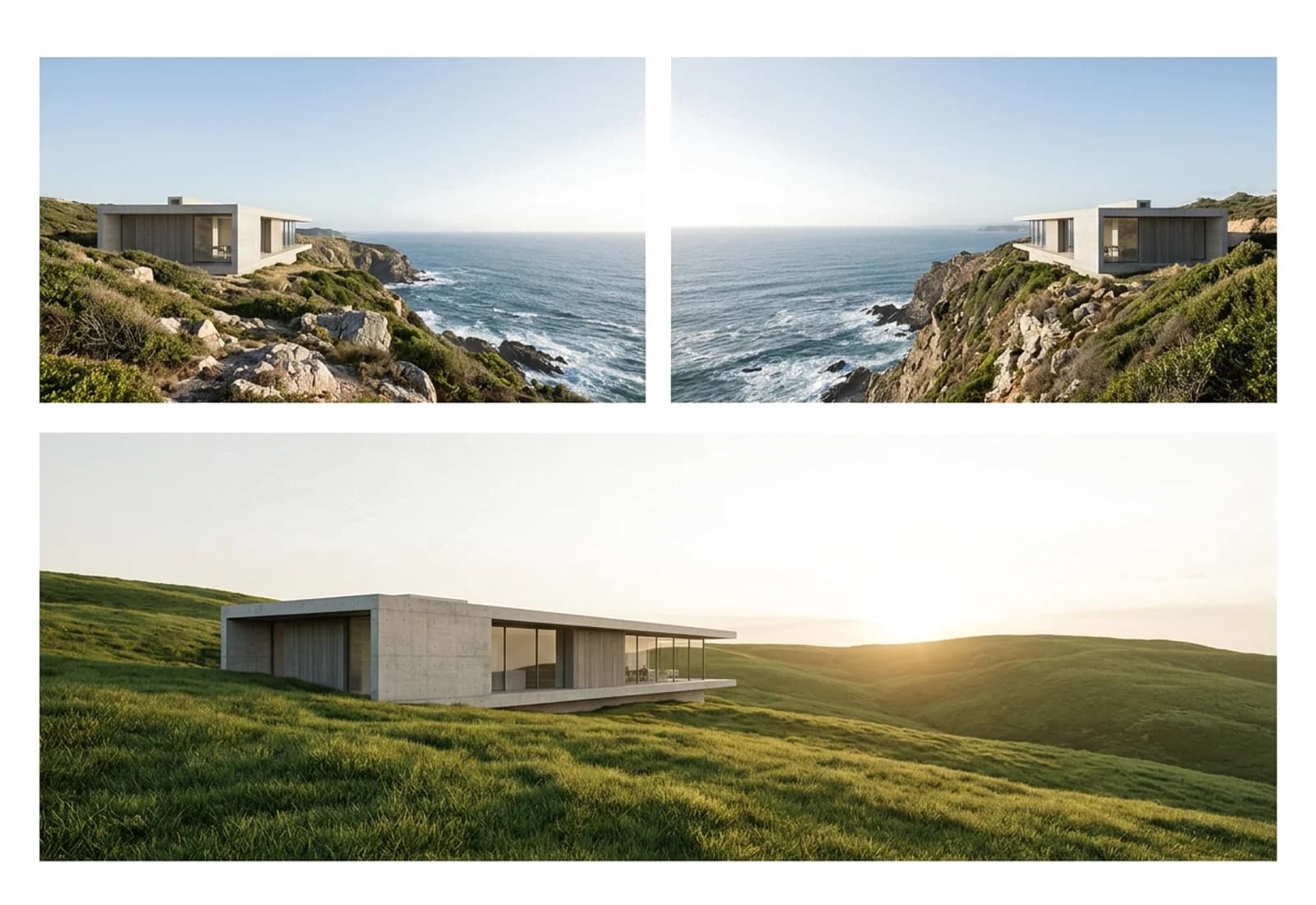
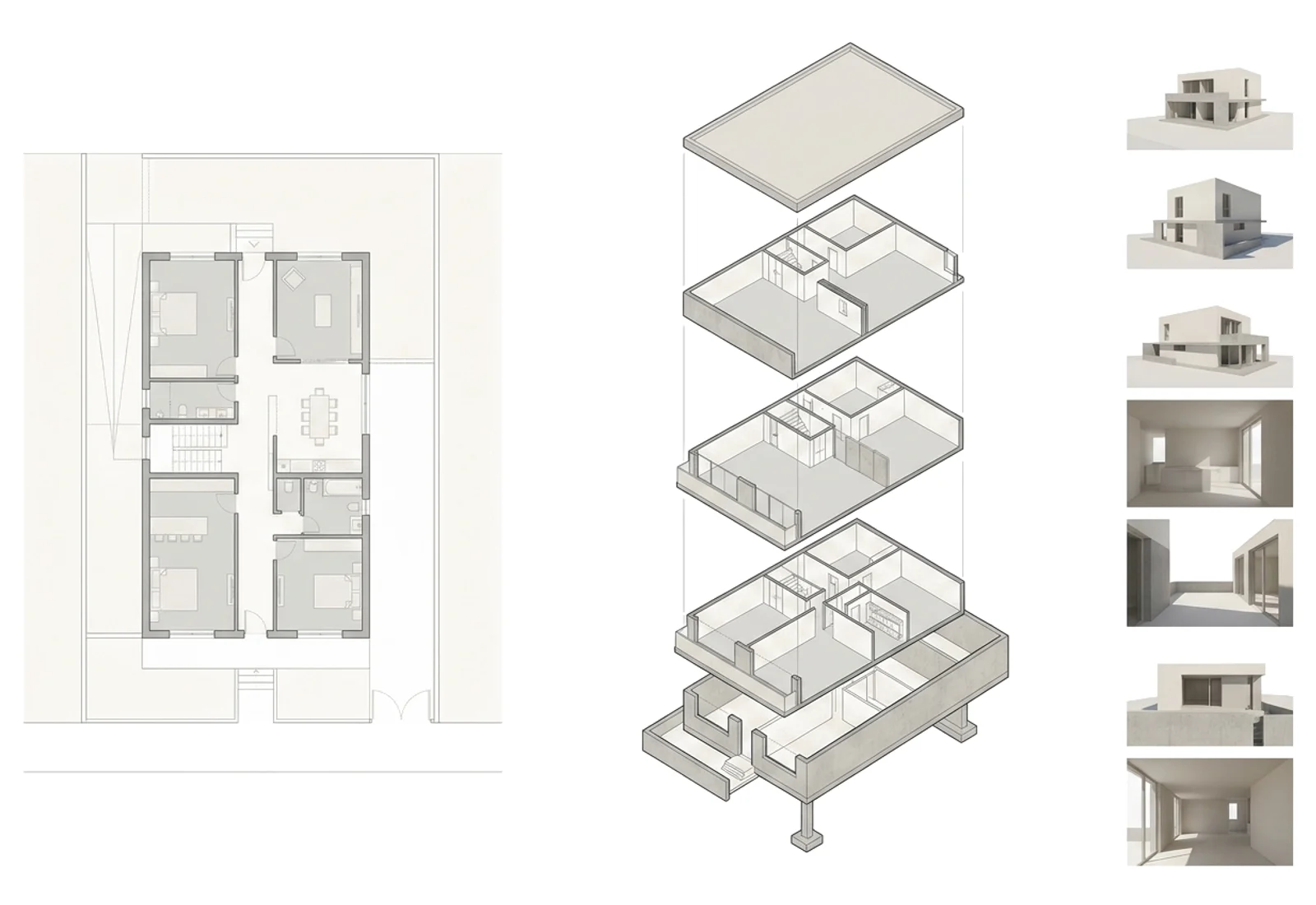
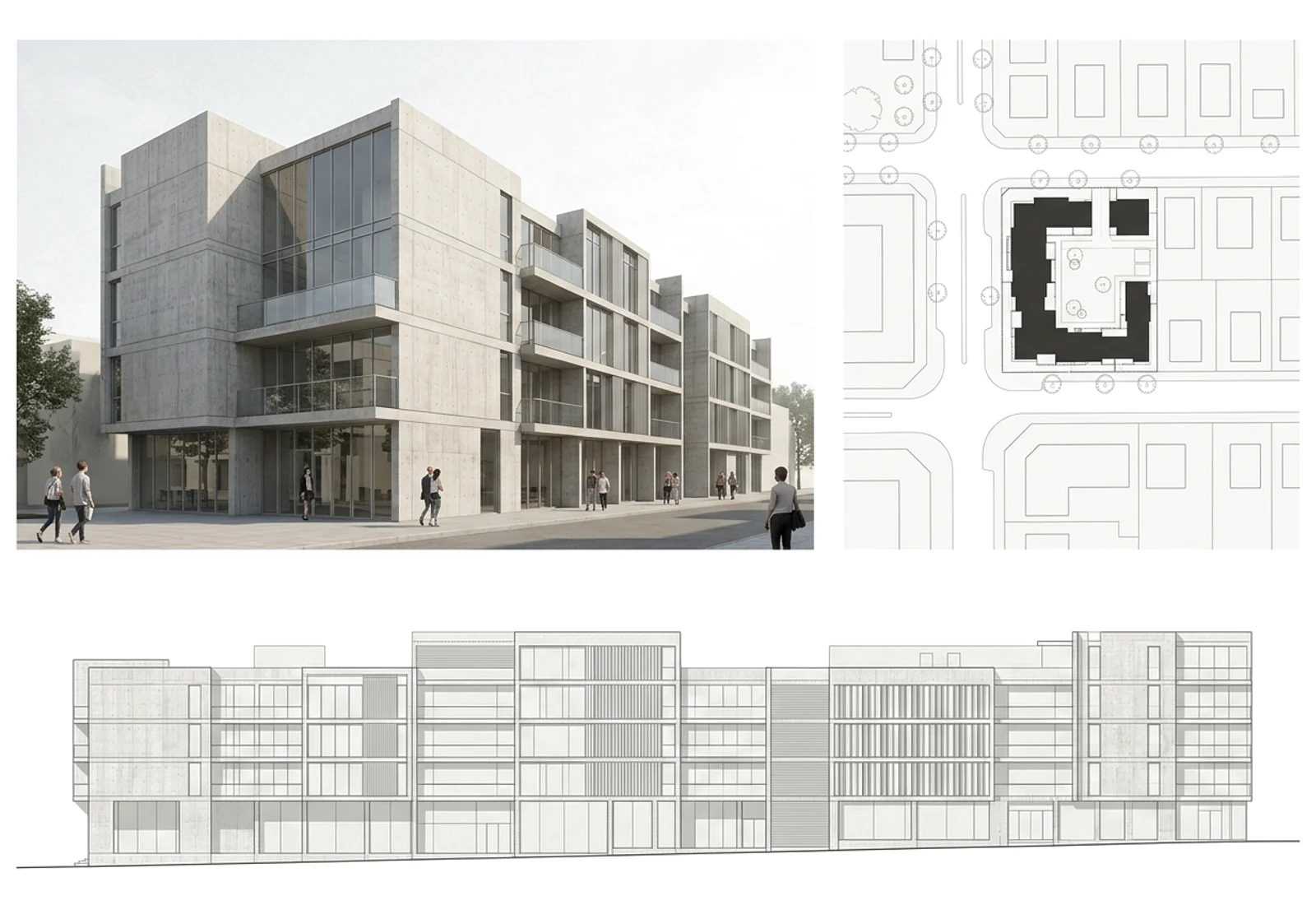
Plans, 3D views, renders and sun studies go onto a sheet with one click.
Colleagues, consultants and clients see the same design and leave comments on it.
Turn any view of the building into a photoreal architectural render.
Your designs Stay private and portable
Try for freeOnly you and your team
Nobody else sees a project until you invite them.
Encrypted connection
Everything you send and receive travels over TLS.
No lock-in
Bring an IFC in, take an IFC out. The design is always yours to move.
AI architecture generator vs. CAD and BIM suites
What the generator does that the usual architecture software does not, and what a seat costs.
| Features | AIBIMTool | Revit | Archicad | AutoCAD |
|---|---|---|---|---|
| Text to BIM modelType what to build, get walls, floors and rooms | Yes | No | No | No |
| Works from a PDF briefUp to three PDFs read for rooms, areas and budget | Yes | No | No | No |
| Plot picked on a mapPlot outline, the buildings around it and the terrain | Yes | No | No | No |
| Room list tied to the designTarget and built area, kept in sync while you draw | Yes | No | No | No |
| Room adjacenciesRooms that must touch, checked on the floor plan | Yes | No | No | No |
| Sunlight on the facadesSun hours on the model at its real location | YesIlluminance on Studio | No | No | No |
| Built-in AI rendersPhotoreal images of the design in the same app | Yes | No | Yes | No |
| Areas and quantitiesAreas per floor, quantities and BOQ in Excel | Yes | Yes | Yes | No |
| Construction costA priced bill of quantities from the design | Yes | No | No | No |
| IFC exportOpen format for Revit, Archicad, Rhino and more | Yes | Yes | Yes | No |
| In the browserRuns in the browser, nothing to install | Yes | No | No | No |
| Shared with your teamInvite colleagues and clients, comment on the design | YesStudio | No | YesCollaborate tier | No |
| Free first designYour first building costs nothing | Yes | No | No | No |
| Yearly planPer user, per month | $49 | ~$250 | ~$201 | ~$169 |
| Monthly planPer user, paid monthly | $89 | $380 | ~$345 | ~$250 |
The generator is for the concept stage. Take the IFC into Revit or Archicad for construction drawings, clash detection and MEP.
A cross can also mean the feature needs a plugin, another product or a higher plan. The generator's prices are the Starter plan (Studio costs $189 a month on a yearly plan). Competitor prices are list prices for one seat in US dollars, October 2026, without tax; Archicad and Forma were converted from euros and all of them change often. Revit, AutoCAD, Forma, Archicad and SketchUp are trademarks of their owners.
AI architecture tools What each kind makes
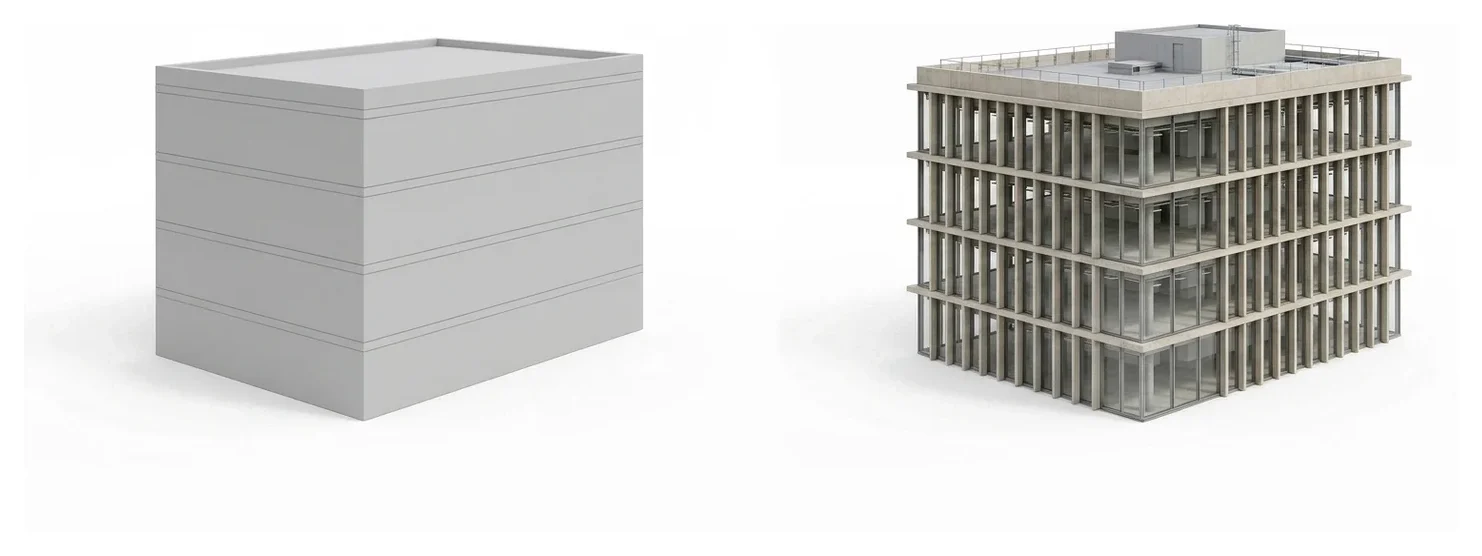
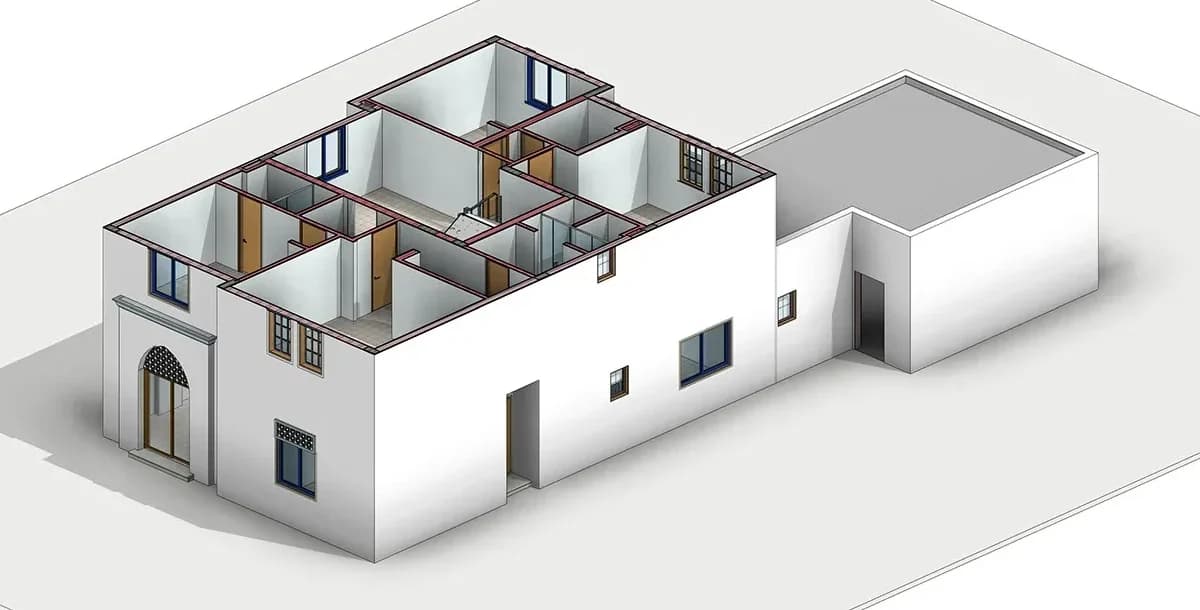
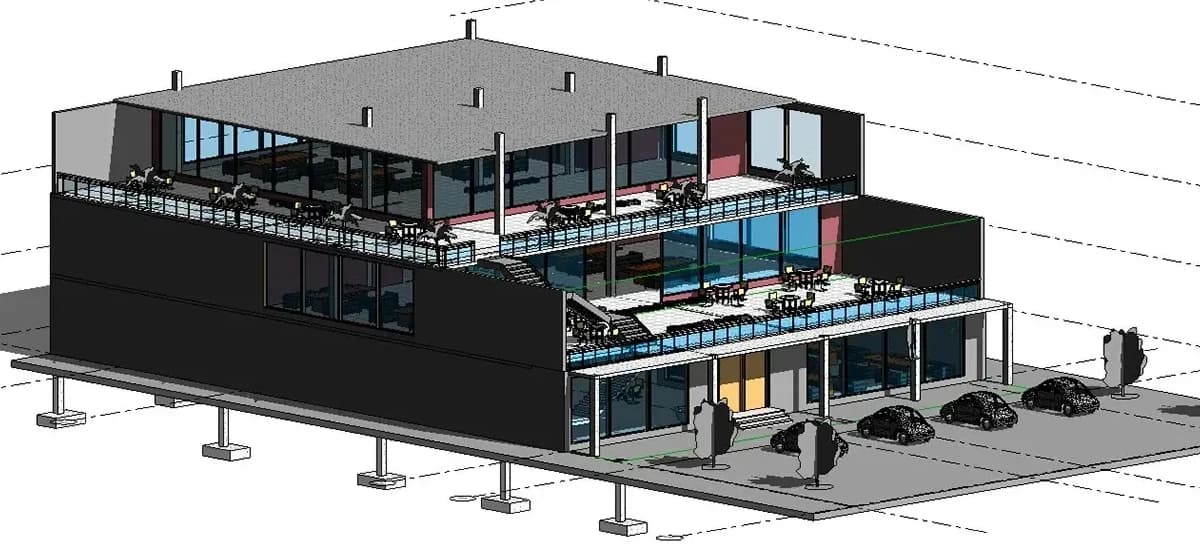
Architecture AI covers very different tools. Some draw a picture of a building, some lay out a plan, a few produce a building you can actually develop, like the two models below. Here is what each kind gives you.
- Image generators
- ArchitectGPT, Gendo, mnml.ai, LookX Turn a prompt, a sketch or a photo into a picture of a building. Fast for mood and massing ideas, but there is no plan or model behind the image.
- Floor plan generators
- Maket, Finch Lay out rooms in 2D, mostly for housing. Useful for testing layouts; the building around the plan is left to you.
- Site and feasibility tools
- TestFit, Autodesk Forma Fit massing to a plot and check yield, parking, sun or wind. Built for the first look at a site rather than for the building itself.
- BIM model generators
- AIBIMTool, the engine behind this page Go from a description and a real plot to rooms, floor plans and a BIM model with walls, slabs and roofs, then export IFC to keep working in Revit or Archicad.
How to choose an AI architecture generator
Picture or model
An image is enough for a mood board. For areas, plans and a client meeting you need a BIM model.
Does it know the site
A design that ignores the plot, its setbacks and its neighbours has to be redrawn. Start from the real site.
Where it goes next
Check the export. IFC opens in Revit, Archicad and Rhino; a PNG opens nowhere useful.
Free to try
Generate a real building before paying. Here the first one is free, plans and model included.
Frequently asked Questions
What is an AI architecture generator?
A tool that designs a building from a description. Most generators stop at a picture. This one works out the rooms and their sizes, lays out the floor plans and builds a BIM model with real walls, floors and roofs that you can keep editing.
Is it BIM software?
Yes, AI BIM software for the early design stage. Every wall, slab, door, window and room is a BIM object with its type and size, and the renders are made from that model. It exports as IFC4, and detailed drawings and coordination continue in Revit or Archicad.
Does it take my plot and zoning into account?
Yes. Pick the plot on the map and the AI reads its outline, the buildings around it and the terrain, then keeps the building inside the plot with setbacks. It assumes setbacks, height and coverage typical for that country and tells you which values it took; enter your zoning plan's real numbers and it designs to those. It does not check building permits.
Is the AI architecture generator free?
Your first building is free, with its room list, plans and BIM model, and the free plan holds 3 projects. Starter is $49 a month billed yearly ($89 monthly) and Studio is $189 ($289 monthly), each with monthly credits.
Can AI design a building from a text description?
Yes. Write something like "a two-story clinic with 12 consulting rooms" and the generator returns a full layout and a BIM model. Add a PDF brief or pick your plot on the map and it designs to those too.
Can I open the design in Revit, Archicad or Rhino?
Yes. Export it as IFC4 with materials and parameters kept, then continue in Revit, Archicad, Rhino, Solibri or any tool that reads IFC.
What kinds of buildings can it generate?
Houses, villas, apartment blocks, offices, schools, clinics and hospitals, hotels, warehouses and mixed-use buildings. Low and mid-rise buildings come out best.
Will AI replace architects?
No. It speeds up the first days of a project, the options and the early numbers. Judgement, the client, the permits and the detailed drawings stay with the architect.
How is this different from MeltFlex AI interior design?
MeltFlex redesigns a room you already have, from a photo. The AI architecture generator designs the whole building before it exists. Both come from the same team, MeltFlex s.r.o.

