AI Image Upscalerupscale aRenderRoom PhotoListing PhotoFloor PlanMoodboardPortfolio Shotto 4K



 D5 Render


AI Image Upscalerupscale aRenderRoom PhotoListing PhotoFloor PlanMoodboardPortfolio Shotto 4K
D5 Render



1200+ reviews
Upscale a Render or Room Photo to 4K
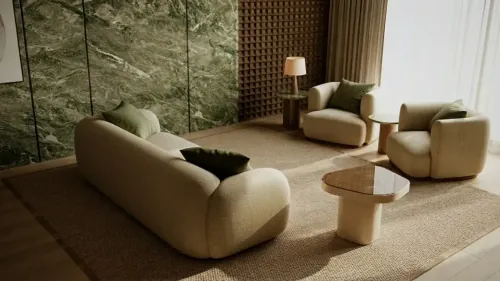
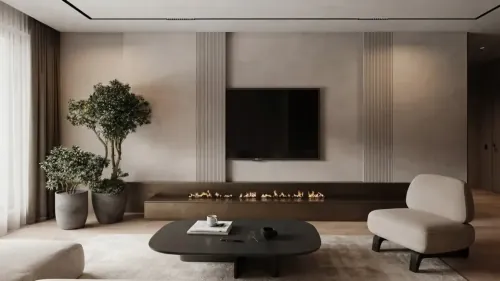
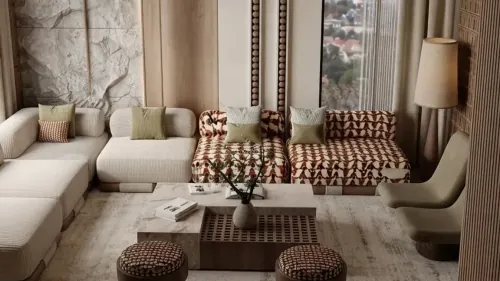
MeltFlex re-renders the picture at 4K in one call, up to 5504 px wide, keeping the room, furniture, colours and camera. Pick Faithful for a pixel-exact enlargement instead.
The Same Render at 100%, Before and After 4K
Four gallery renders at 100%: the 1K source on the left, this tool's 4K output on the right. Drag the seam.
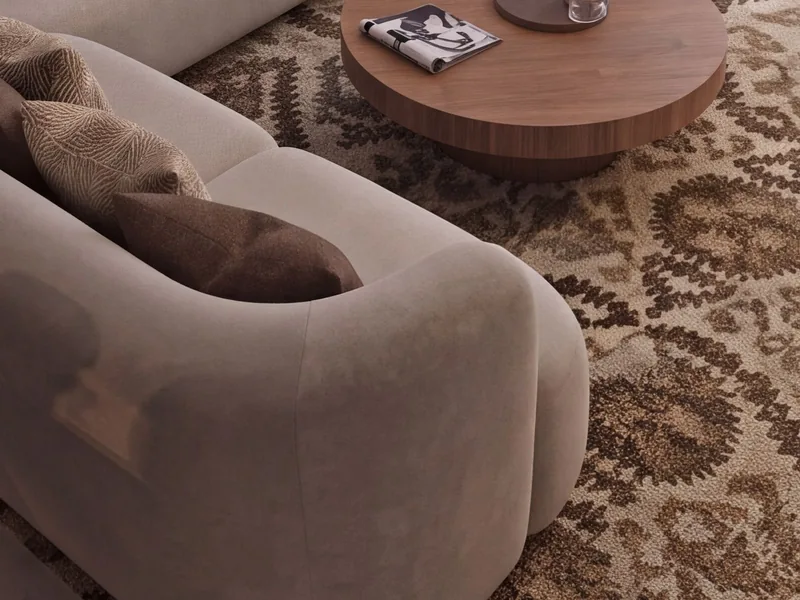
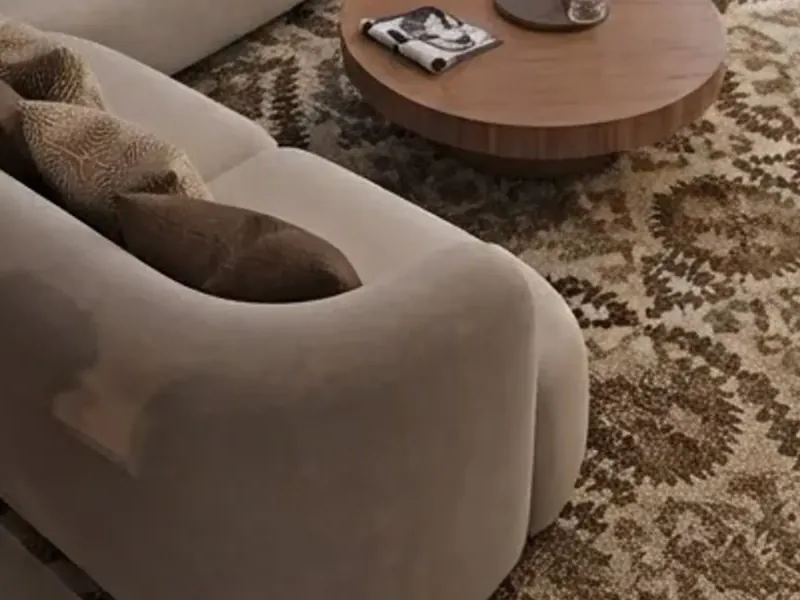
Patterned rug and bouclé sofa
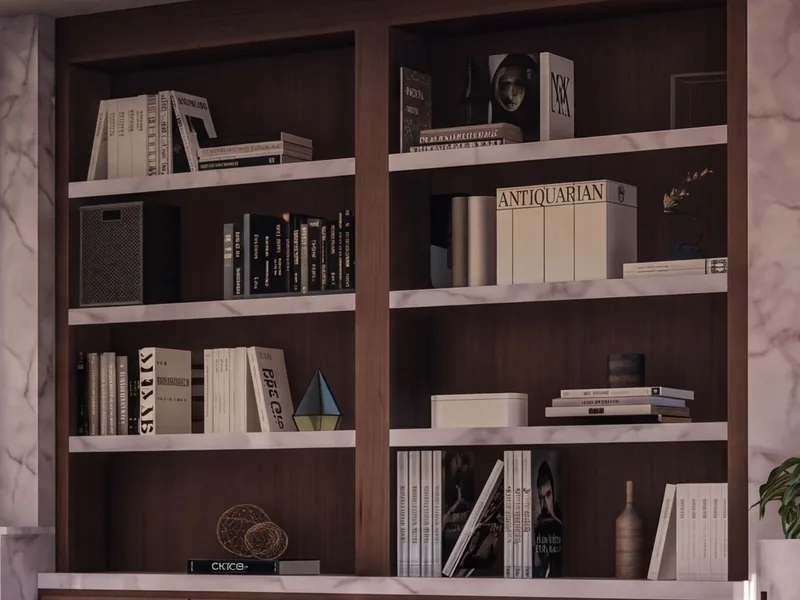
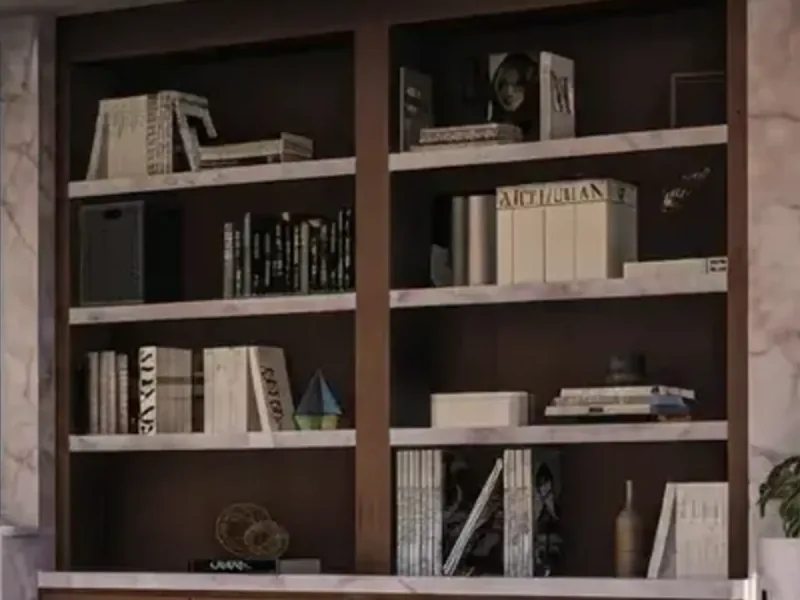
Book spines on the shelves
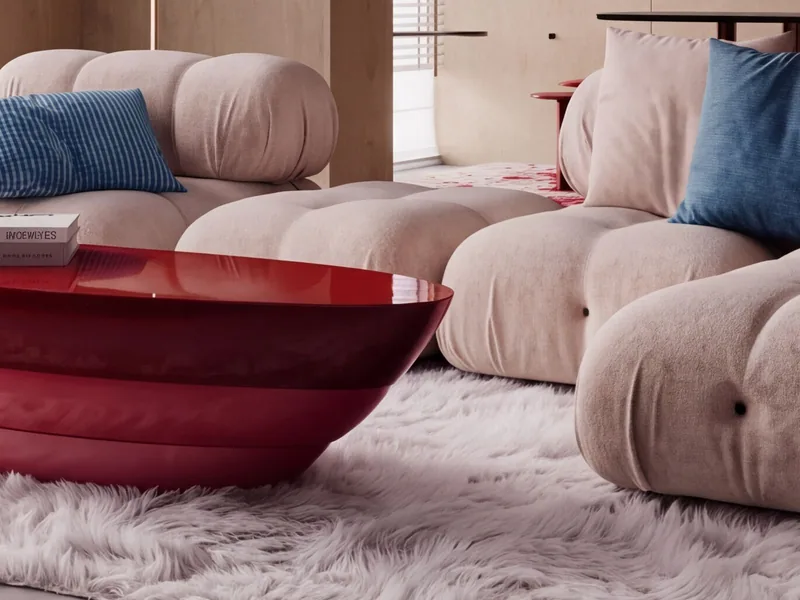
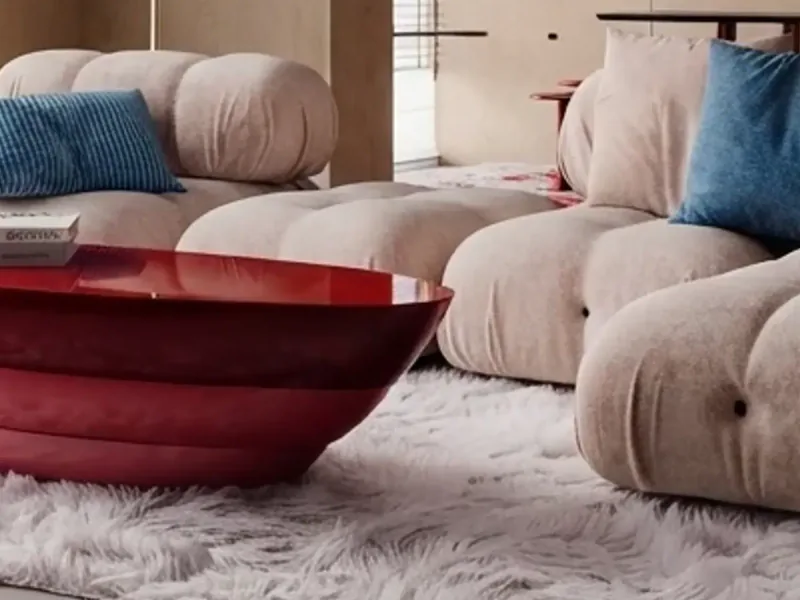
Shaggy rug and lacquered table
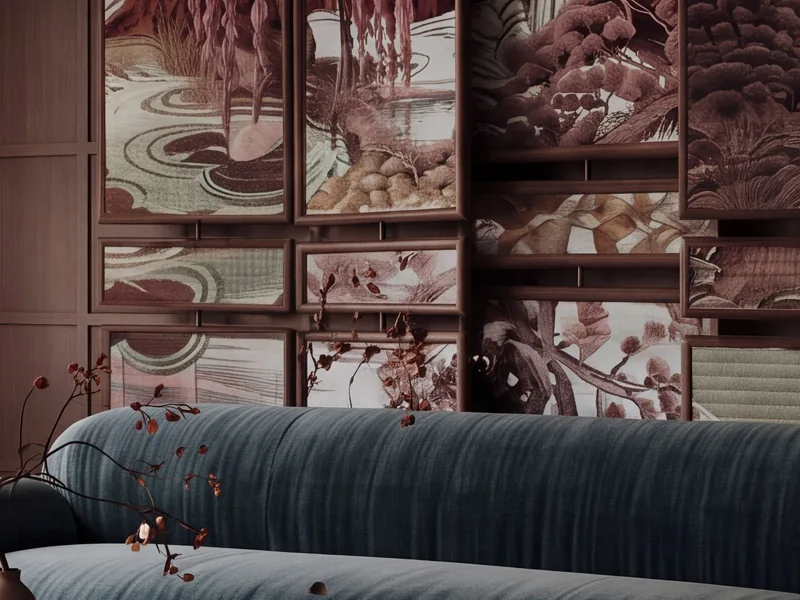
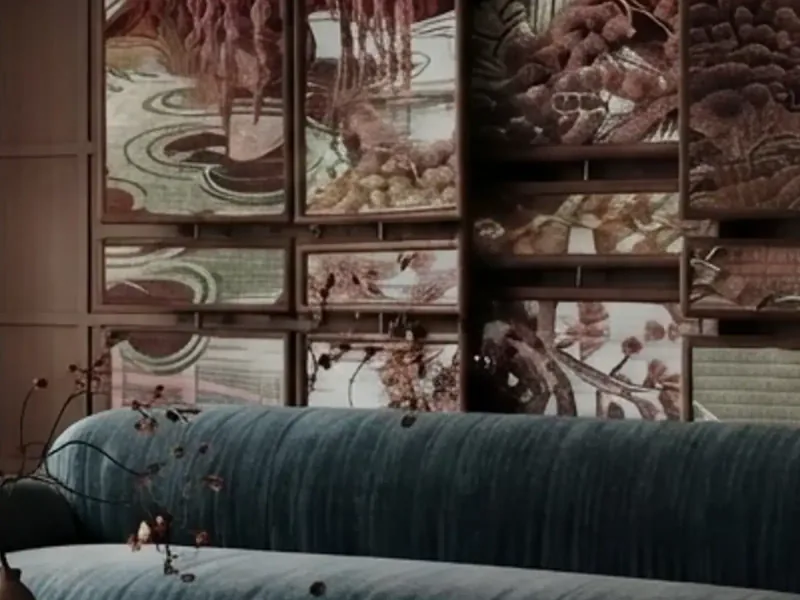
Velvet sofa and painted screen
What This Tool Actually Produces
Rooms from our gallery, rendered by MeltFlex from Behance reference projects at the 1K size every image model produces: the pictures this tool takes to 4K. The crops higher up the page are cut from these same renders and their upscales. Tap any of them to use it as your reference in AI Style Transfer, then upload your own room.
Browse the living room renders in the MeltFlex gallery to see the rest. These 18 are a small slice of it.
Every AI Render Comes Out at 1K, and the Printer, the Client and the Listing Want More
Image models render at about a thousand pixels across. That is fine on a phone and soft everywhere else: an A3 board, a 4K screen in the client's office, a brochure cover. Re-rendering at a higher size costs another generation and comes back as a different picture. Photoshop's resample makes it bigger and blurrier. Most AI upscalers make it bigger and different.
Designers & Visualisers
The render the client approved is the render they want printed. A second render at 2K is a second design review. An upscale is the same picture with four times the pixels.
Agents & Stagers
Listing photos shot on a phone three years ago, staged renders at 1K, drone stills at 1080p. The portal shows them on a 27 inch monitor and every one looks soft next to the professional shoot down the street.
Homeowners
You redesigned the living room with AI and want it on the wall as a poster, or sent to the contractor at a size where the tile pattern is readable. The 1K file is not that size.
Upload the render or photo, pick 2K or 4K, and the MeltFlex model returns it in one call, about 25 seconds, same room, furniture, colours and camera. On 100% crops of the same renders it was the only engine of nine that kept a poster's lettering readable while the pixel upscalers garbled it. Need a pixel-exact enlargement of a real photo instead? The Faithful engine runs Topaz and repaints nothing.
Trusted by 213,000+ Homeowners, Agents & Designers

“My listing renders came out of the tool at 1K and the print shop wanted 4K for the boards. One pass, and the marble still looked like marble.”

“I upscaled an old phone photo of a client's living room before staging it. The sofa fabric came back readable instead of a grey blur.”

“Portfolio pages are printed at A3. Four times the pixels from the same render, and I did not have to re-render anything overnight.”

“It did not invent a different rug. That is the whole point. Every other upscaler I tried repainted the pattern.”
“Twenty seconds for a 4K version of the kitchen render. Sent it to the client the same afternoon at full size.”
“The 2x is enough for Instagram, the 4x is what the printer asked for. Same picture, no surprises.”

“Zoomed in on the book spines after the upscale. Still the same books, just sharp. That is rarer than it sounds.”
“Our MLS uploads used to be soft on the big monitors. Upscaled the whole set of listing photos in one sitting.”

“Ran it on the AI redesign of my bedroom and printed it as a poster. The linen texture holds up at arm's length.”
“The output cap is honest. It told me my 4000 px photo would only get 1.5x and why, instead of charging me for a 150 megapixel file.”

“Realtor. Drone stills of the exterior were 1080p. Now they go on the brochure cover at 4K.”

“Upscaled the floor plan render so the room labels stay crisp on the site board. Took less time than finding the original file.”
How to Upscale a Render Without Changing It
An upscaler has one job: more pixels, same picture. Most AI upscalers fail the second half. They are image generators wearing an upscaler's hat, and given a soft cushion they paint a new cushion. This one was chosen by looking at 100% crops, and the guide below says what it can and cannot do, so you know which pictures to send it.
Two engines, and what the other seven did
We ran the same two renders through nine upscalers and compared the same region of each output at 100%. The default, MeltFlex, is our own image model asked for the picture again at 4K in one call. It re-renders, and on the crops it kept the wood grain, the marble veining and the lettering on a wall poster readable, in about 25 seconds. Faithful runs Topaz Standard V2, a pixel upscaler that never repaints: it kept the fabric weave and the veining and turned the poster text into shapes, which is what every pixel upscaler did. SeedVR2 rewrote the lettering, Topaz CGI and Clarity repainted the weave, Real-ESRGAN was soft, AuraSR blocky after 80 seconds, and GPT Image 2.5 took a minute for a smaller 3840 frame. The crops above are cut from the default engine's real output, not from a demo file.
What 2x and 4x give you, in pixels and in print
MeltFlex renders into a fixed 2K or 4K frame in your picture's aspect (2K is 2752 wide at 16:9), so the output size does not depend on how large the input was. Faithful multiplies the input exactly and is capped at 24 megapixels, so a large phone photo gets a smaller factor rather than a 150 megapixel file. Print sizes are at 300 dpi, what a print shop asks for; at 150 dpi, the distance a poster is viewed from, double them.
| Input | MeltFlex 4K | Faithful 4x | 4K print at 300 dpi |
|---|---|---|---|
| 1200 × 670, 16:9 render | 5504 × 3072 | 4800 × 2680 | 46.6 × 26.0 cm (18.3 × 10.2 in) |
| 1024 × 1024, square render | 4096 × 4096 | 4096 × 4096 | 34.7 × 34.7 cm (13.7 × 13.7 in) |
| 896 × 1200, 3:4 render | 3584 × 4800 | 3584 × 4800 | 30.3 × 40.6 cm (11.9 × 16.0 in) |
| 4032 × 3024, phone photo | about 4600 × 3450 | 5632 × 4224 (capped at 1.4x) | 39 × 29 cm (15.3 × 11.5 in) at 4K |
Both engines and both scales cost the same. Pick 2K only when you want the smaller file.
What each engine cannot do
MeltFlex is a render, so it is not a pixel-for-pixel copy: the room, furniture, materials and camera hold, but a small object can shift a little and a pattern can be redrawn. For a real photograph where nothing may change, a listing that has to match the property or a document, pick Faithful. Faithful cannot add detail that is not there: a picture that is soft because it was drawn soft comes back a larger, cleaner soft, motion blur stays motion blur, and text it cannot read comes back as shapes. If the picture is wrong rather than small, fix it first with AI Photo to Render and upscale the result.
Renders, phone photos and listing photos
Renders are the easy case: no sensor noise, no compression blocking, clean edges, and the MeltFlex engine is at home with them because it drew pictures like these in the first place. A modern phone photo is already 12 megapixels; on Faithful it gets 1.4x under the cap and mostly benefits from the artefact clean-up, on MeltFlex it comes back as a clean 4K frame. Listing photos downloaded from a portal are usually 1024 to 1600 pixels wide and JPEG compressed twice, which is where both engines make the largest visible difference.
Where it sits in the MeltFlex workflow
Upscale last. Redesign the room in the AI interior design studio, stage it with Virtual Staging AI, restyle a wall or floor, and only when the picture is the one you want, run the upscaler on it from the SELECT AI TOOL list in the workspace. The 4K file is the one that goes to the printer, the portal or the video walkthrough, which reads better from a sharper still.
Free to start, one flat price after
Your first upscale is free with no account. After that each one is 20 credits on either engine at either scale, and a paid plan removes the watermark free renders carry. The picker shows the output size before you commit, so there are no surprises about what you are paying for.
Live now
Weekly Creator Contest $1,000
Make your design in MeltFlex and submit by Sunday. Any room, any style.

Frequently Asked Questions
How does the AI image upscaler work?
Upload a render or a photo and pick 2K or 4K. By default the MeltFlex image model is asked for the same picture again at that size in a single call, with one fixed instruction: keep the room, furniture, materials, colours, lighting and camera exactly as they are and only increase the resolution. It comes back in about 25 seconds, 5504 pixels wide for a 16:9 picture at 4K. The Faithful engine is the alternative: Topaz Standard V2, a pixel upscaler that multiplies the picture by exactly 2x or 4x and repaints nothing.
Should I pick 2K or 4K?
4K for print, presentation boards and anything shown on a large screen at full size: a 16:9 picture comes back 5504 by 3072, which prints 46 cm (18 in) wide at 300 dpi. 2K is 2752 wide, enough for social media, a website hero and email, and the file is a quarter of the size. Both cost the same, so the only reason to choose 2K is the smaller file.
Will it change my picture?
MeltFlex re-renders it, so it is not a pixel-for-pixel copy. Measured on 100 percent crops of the same renders, it held the composition, the materials, the marble veining and even the lettering on a wall poster, but a small object can shift slightly and a fabric pattern can be redrawn. If nothing at all may change, a real listing photo or a document, choose Faithful: it never repaints a pixel. It also cannot invent detail, so a genuinely blurry photo comes back a sharper blur rather than a new photo, and text it cannot read comes back as shapes.
What is the largest image I can upscale?
Uploads go in at up to 4096 pixels on the long side. MeltFlex always returns its 4K frame in your picture's aspect, 5504 by 3072 at 16:9 and 4096 by 4096 square, about 16 megapixels, however large the input was. Faithful multiplies the input and is capped at 24 megapixels: a 4032 by 3024 phone photo gets 1.4x rather than 4x. The picker shows the output size before you run it.
Does it work on real photos as well as renders?
Yes. Renders are the easy case because they carry no sensor noise or JPEG blocking. A phone photo upscales well when it is in focus and reasonably lit; the model removes some compression artefacts on the way. Motion blur, heavy noise in a dark room and very small originals under 600 pixels are where it can only do so much.
Can I upscale a MeltFlex render?
That is the main use. After any generation in the workspace, open AI Image Upscaler in the SELECT AI TOOL list and run it on the render on screen. The upscaled version lands in the same project next to the original, so you keep both.
How much does it cost?
Your first upscale is free, no account needed. After that each upscale is 20 credits, the same on either engine at 2K and 4K. Free accounts get the watermark every free render carries; any paid plan removes it.
What file do I get back?
MeltFlex returns a PNG at the 4K frame, usually 8 to 10 MB; Faithful returns a JPEG at quality 92, 3 to 5 MB at 4x. On a free account the watermarked copy is a JPEG. Download it from the workspace like any other render, or send it straight into the video walkthrough or virtual staging tools.
Is it an AI render enhancer too?
The MeltFlex engine is, within limits: it re-renders the picture at 4K and cleans up compression and soft edges on the way, but it is told to keep the lighting and materials as they are, so it will not relight or restyle. If the render itself looks flat, run it through AI Photo to Render first, then upscale the result.
Is the AI image upscaler free to use?
Yes. Upload a render or photo and your first upscale runs free. No account is required to get started.

