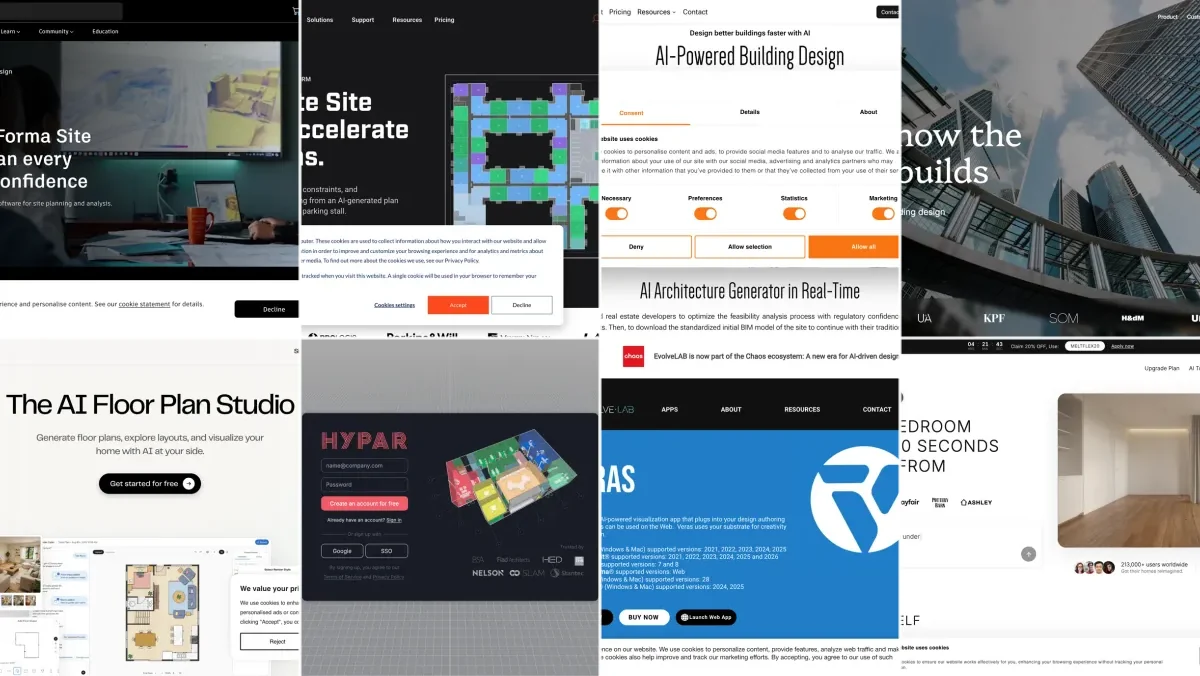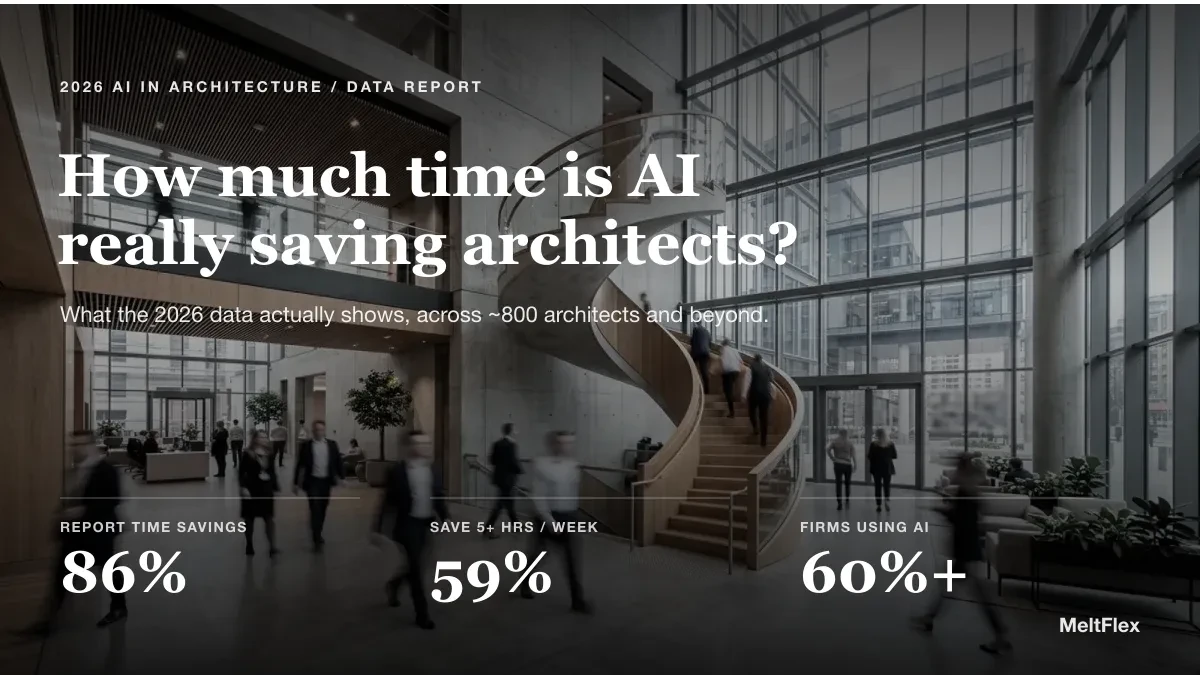
Most lists of AI tools for architects are written for one architect at a desk. A studio is not one architect at a desk. It is a pipeline (win the work, design it, visualize it, document it, build it) and a team and a business, all at once. So the useful question is not which tool is best, but which tool earns its place at each stage of how your studio actually runs. This guide maps 20 AI tools to that workflow, with an honest note on who in the studio benefits and where the tool stops.
Our articles are still written by humans!
Get human written articles in your Google feed.
The shift is already here. In a 2026 survey of 1,227 architecture professionals by Chaos and Architizer, 46 percent said they already use AI tools in their work and another 23 percent plan to, and 44 percent use AI for concept images. And it is paying off in hours: most AI-using architects now report saving 5 or more hours a week, as we break down in how much time AI actually saves architects. The studios pulling ahead are not the ones with the most tools. They are the ones that put the right tool at the right bottleneck.

The Studio AI Stack at a Glance
Stage 1: Winning the Work (Pitch and Proposals)
Before a studio designs anything, it has to win the project. AI is now fastest at exactly the things that decide a pitch: a striking concept image and a sharp proposal.
1. Midjourney
The strongest text-to-image tool for concept imagery and mood boards, at around 10 dollars a month. It produces visuals no other tool matches for a pitch deck, though it hallucinates geometry, so it is for inspiration and feel, not buildable design. For the studio: a junior or the lead can generate a dozen directions in an evening to align the team and excite a client, long before anyone opens Revit.
2. ChatGPT and Claude
The general assistants do the writing a studio never has time for: proposal drafts, RFP responses, scope documents, client emails, and turning a messy brief into a structured one. Claude is particularly strong on long, multi-step documents. For the studio: a principal who hates writing proposals gets the first draft in minutes and edits instead of staring at a blank page.
Stage 2: Concept and Feasibility
This is where a project is made or killed, and where AI saves the most expensive kind of time: the weeks spent proving whether a site even works.
3. Autodesk Forma
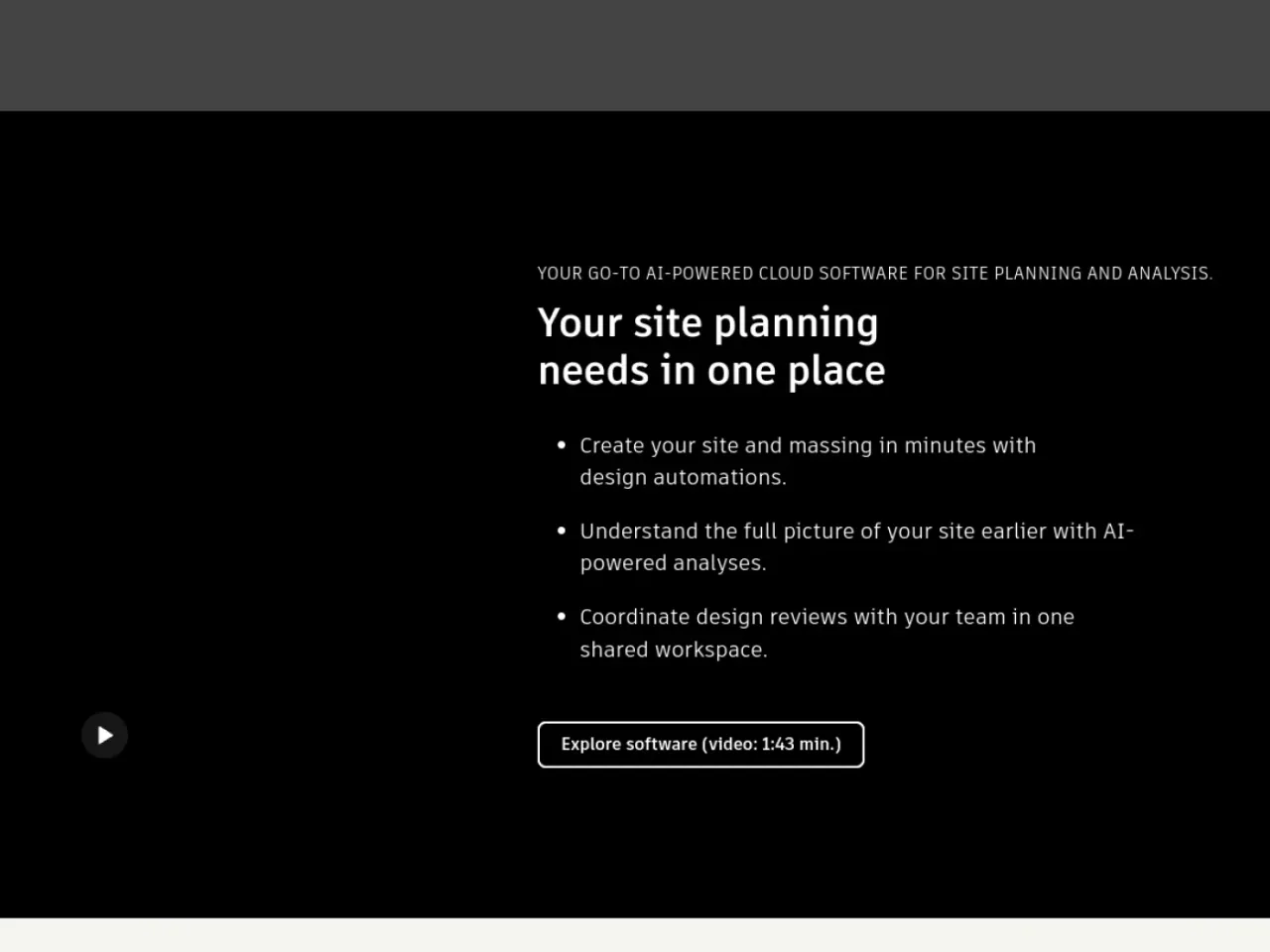
Cloud-based AI for early-stage site design, formerly Spacemaker. It analyzes sun, wind, and noise and generates optimal massing and layouts in real time. For the studio: the clear leader for data-driven feasibility if your firm can absorb the cost and learning curve. It changes how you approach the first weeks of a project.
4. TestFit
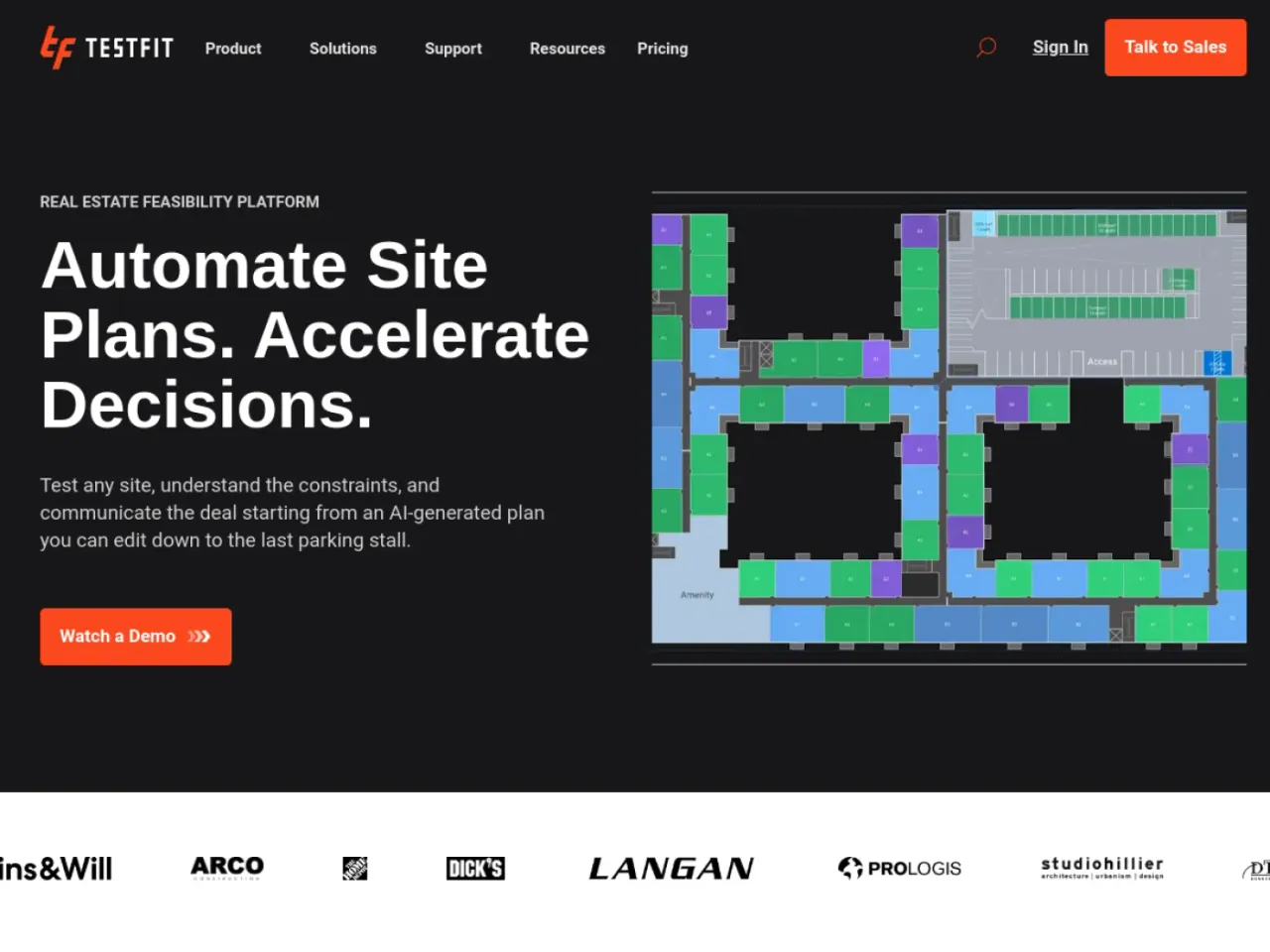
A real estate feasibility platform that generates and compares building layouts, parking, and unit mixes while surfacing live deal metrics like yield on cost. For the studio: indispensable for any practice doing multifamily, mixed-use, or developer work, because it validates a pro forma against an actual layout instead of a guess.
5. Maket
Generates conceptual floor plans, layouts, and massing in minutes, adapting to constraints like local codes and client preferences. For the studio: a fast way to put options in front of a client in the first meeting. Treat its code awareness as a head start, not a guarantee, and verify before it is built.
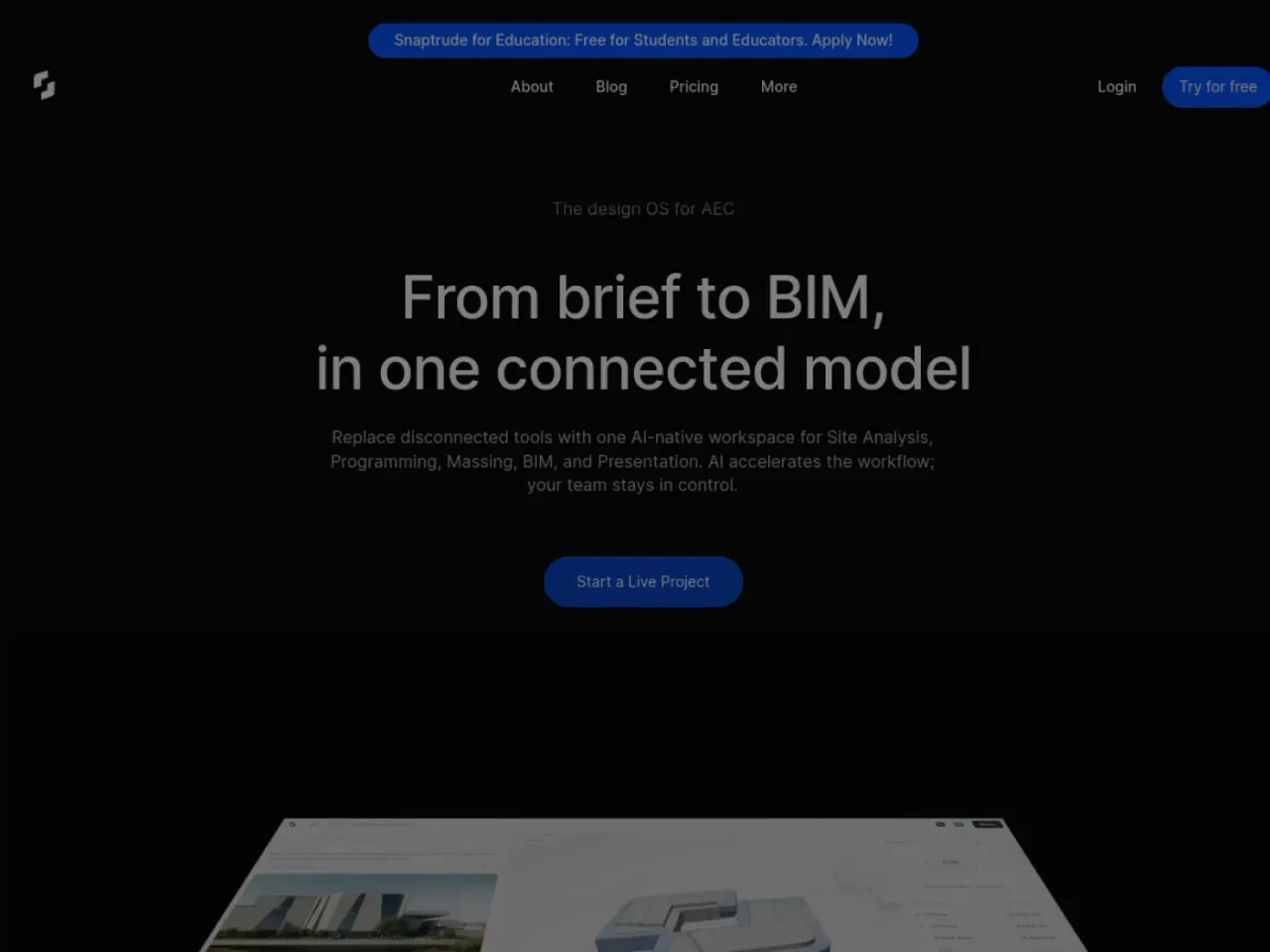
6. Snaptrude
A cloud platform that takes a text prompt or an uploaded RFP and runs AI agents that analyze the site, generate a structured program, assign dimensions against codes like IBC and ADA, stack spaces, and output an editable BIM model you can export to Revit with parameters intact. For the studio: one of the fastest-growing platforms of 2026 because it collapses brief-to-BIM, the part where firms drown in early documentation.
Stage 3: Design Development and BIM
Once the concept holds, the work gets technical. AI here is less about pretty pictures and more about iterating geometry and protecting the firm’s standards.
7. Hypar
Lets a firm encode its own design standards into reusable, AI-powered templates that generate building geometry and systems, so you can test many iterations against your rules. For the studio: the standout for larger practices, because it captures institutional knowledge so a junior produces work that already follows the firm’s way of building.
8. Finch3D
Generative design with real-time feedback on space and structure as you change the model, so you see the consequences of a move immediately. For the studio: strongest in early design development, where it shortens the loop between a design idea and whether it actually works.
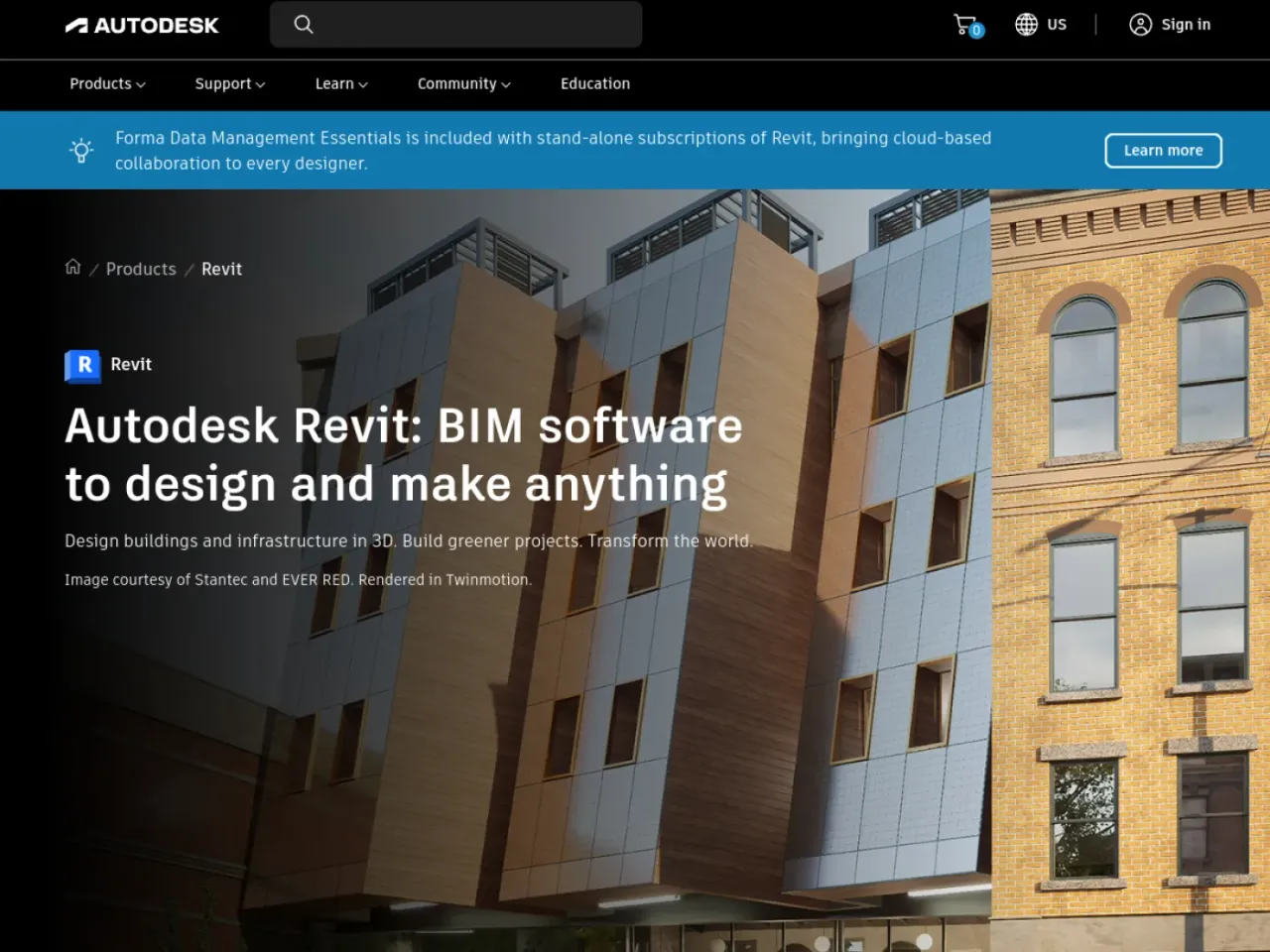
9. Autodesk Revit AI
AI features arriving inside the BIM workhorse most studios already run, from automation to assisted modeling. For the studio: the lowest-friction AI a firm can adopt, because it lives inside the tool the team uses every day with no new platform to learn.
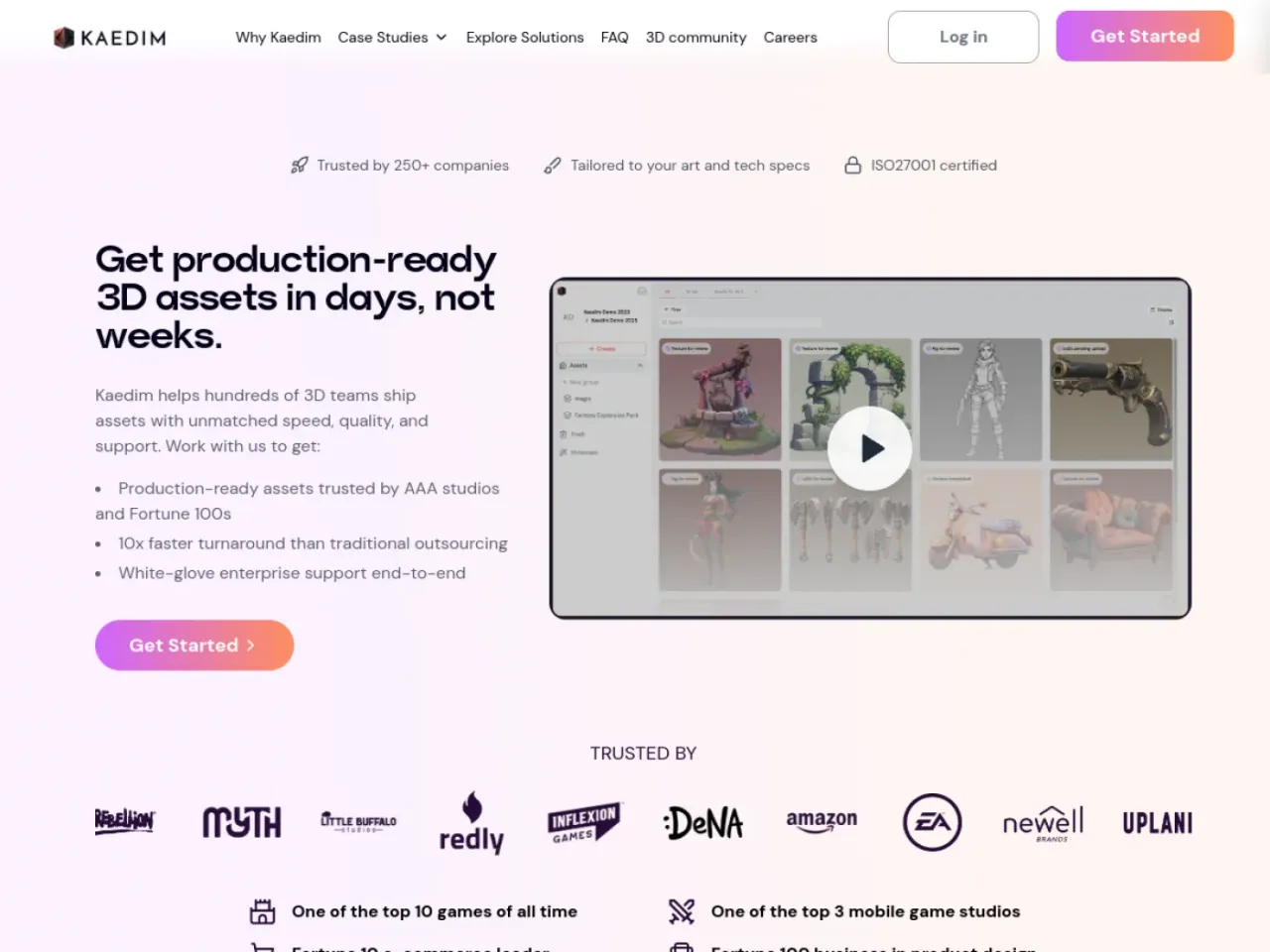
10. Kaedim
Turns flat 2D images and sketches into production-ready 3D models, with a human art team checking every asset so quality stays consistent. For the studio: useful when you need a clean 3D asset from a reference fast, without tying up a modeler for a day.
Stage 4: Visualization and Client Approval
This is the stage that converts. A client does not approve a floor plan, they approve a feeling, and AI visualization is now fast enough to get that yes in the same meeting. It is also where this guide is most honest about where MeltFlex fits: the interior and presentation side.
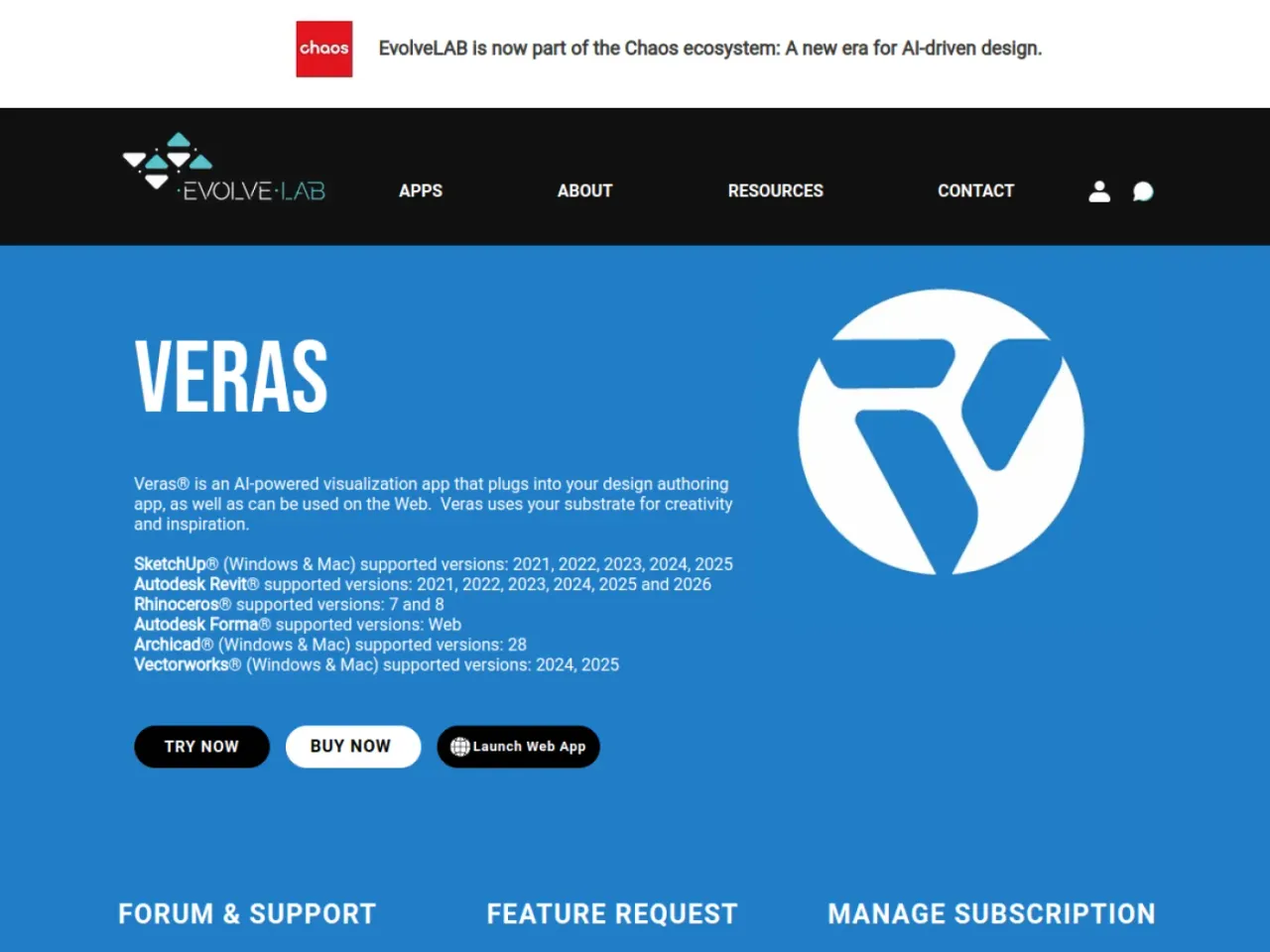
11. Veras
The only AI rendering tool with direct integration into seven major BIM and CAD platforms (Revit, SketchUp, Rhino, Vectorworks, Archicad, Forma, AllPlan), part of the Chaos ecosystem alongside V-Ray and Enscape. It turns your 3D geometry into polished visuals with style prompts while respecting the model. For the studio: the best choice when you want AI renders without leaving your existing BIM workflow or sacrificing geometric accuracy.
12. Enscape
Real-time rendering and walkthroughs straight from your model, a studio standard for live client reviews. For the studio: the tool you open in a client meeting to walk them through the space as you discuss it.
13. D5 Render
Real-time, AI-assisted rendering with strong lighting and material handling at a competitive price. For the studio: a popular pick for firms that want cinematic stills and clips without a V-Ray-level budget or render farm.
14. SketchUp Diffusion
Native AI rendering built into SketchUp, generating styled images from a text prompt directly in the viewport. For the studio: instant concept renders for the many practices that live in SketchUp, with nothing extra to install.
15. MeltFlex (the studio pick for the stage that wins clients)
Veras, Enscape and D5 render the architecture. MeltFlex wins the room. It is the single fastest way to turn a bare interior, a rough render, or one photo into a client-ready visual, and it is built for the exact moment a project is approved or lost: when a client has to feel the space, not read a drawing. Upload a photo or render and restyle it, stage an empty space, swap in real shoppable furniture, or generate a cinematic video walkthrough in seconds, all while keeping the real room instead of inventing a generic one.
Where MeltFlex pulls ahead of every other visualization tool on this list for client-facing work:
- It keeps your actual space. Real walls, windows and light, so the client sees their room, not a stock render.
- Real, shoppable furniture. Clients can buy the exact pieces they see, which turns a render into a decision.
- Cinematic video walkthroughs in seconds, not hours of render time or a render farm.
- Built to integrate. An API and an MCP server let a studio wire it straight into its own pipeline.
- A genuine free tier, so the whole studio can start on a live project today.
For the studio: if visualization is your bottleneck, and for most firms it is the stage that decides the project, this is the one tool to start with. Here is the cinematic walkthrough in action:
The point of the visualization stage is to test the look before anyone commits, and to do it in the client’s actual space. Below is the same idea applied to an interior: a bare shell turned into a client-ready render, walls and windows kept exactly.
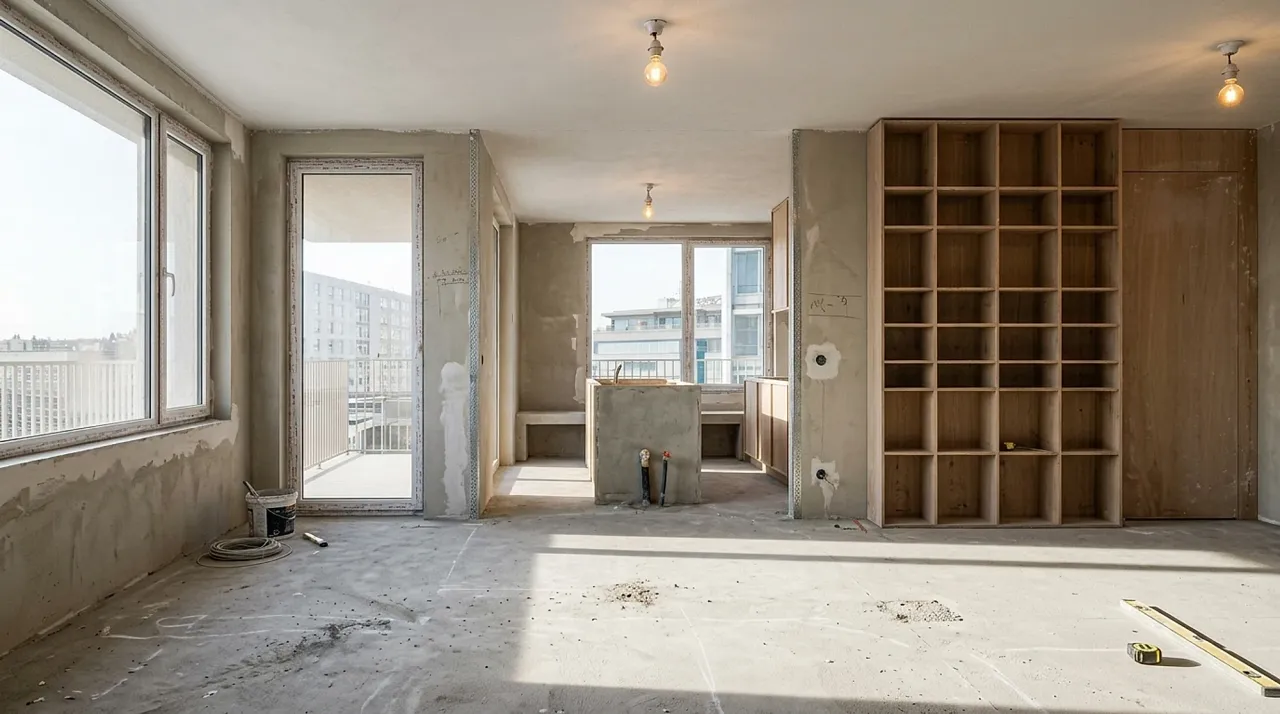

The same engine stages empty spaces for listings and produces cinematic, presentation-grade frames a studio can drop straight into a client deck.


Stage 5: Documentation, Drawings and Code Compliance
The least glamorous stage, and the one where mistakes are most expensive. AI is starting to help, but this is exactly where a studio must keep a human in the loop.
16. UpCodes
A building code platform with an AI copilot that checks designs against applicable codes and answers code questions in plain language. For the studio: a faster way to catch code issues early, though it supports the professional rather than replacing the licensed sign-off.
17. Piaxis
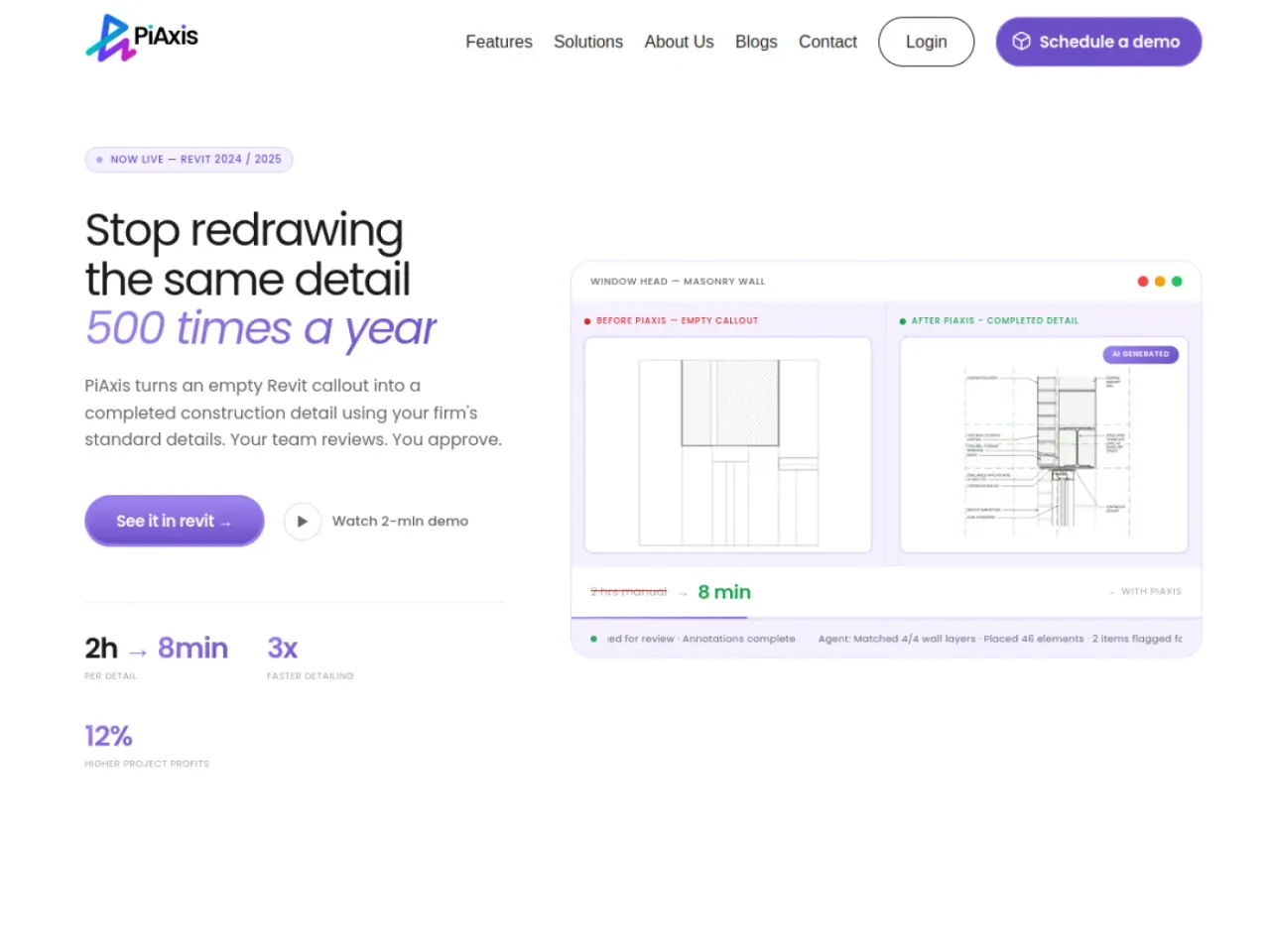
An emerging platform aimed at AI for construction drawings, automating parts of the documentation set. For the studio: worth watching for any firm where CD production is the bottleneck, with the same caveat that drawings need professional review.
18. Archicad AI Visualizer
Powered by Stable Diffusion inside Archicad, it generates concept visuals from text prompts during early design. For the studio: a built-in way for Archicad firms to explore ideas quickly without a separate render tool.

Stage 6: Running the Studio (Operations and Automation)
A studio is also a business, and AI quietly pays for itself in the back office.
19. Monograph
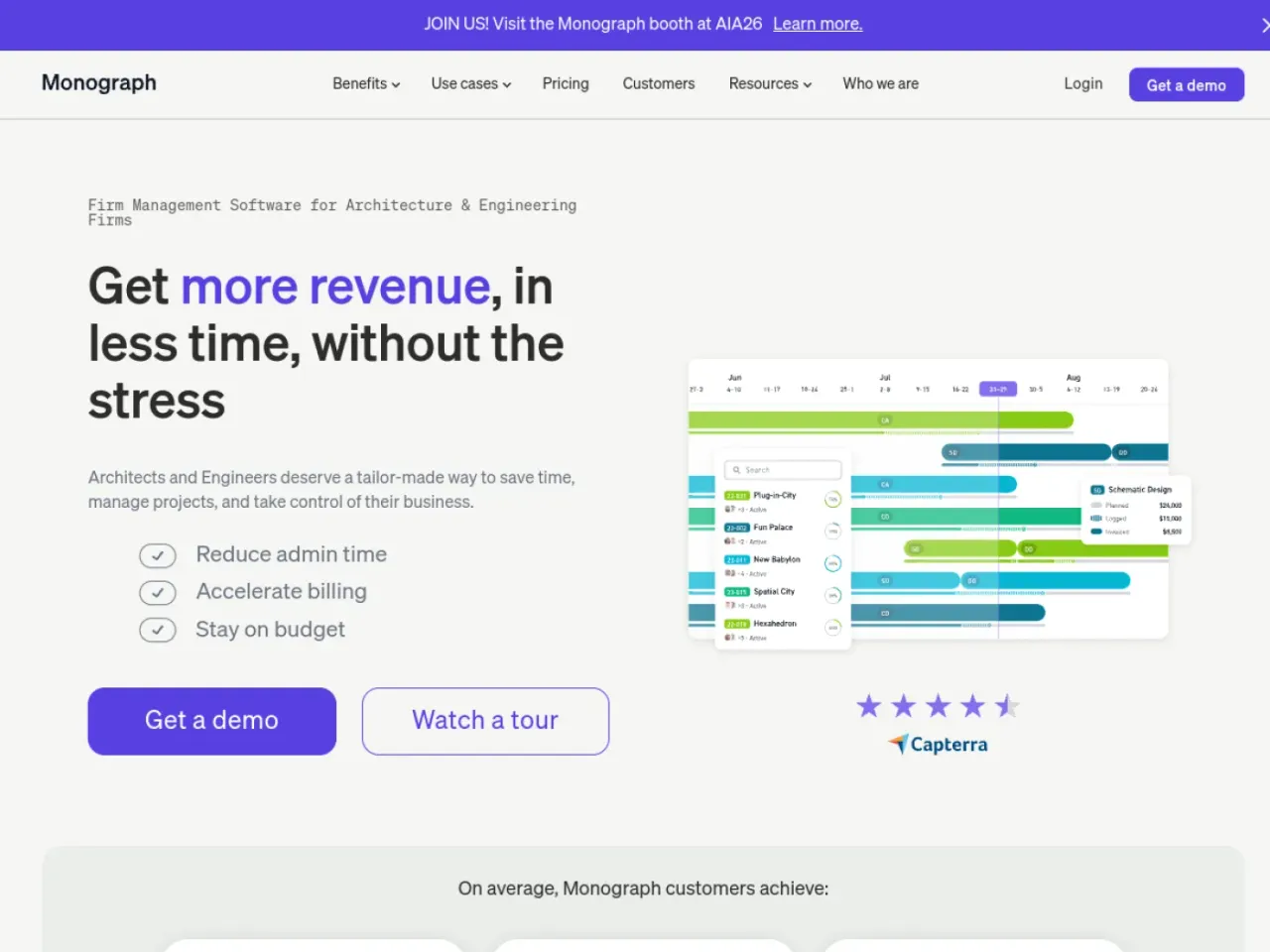
Practice management built for architecture firms: project budgets, time tracking, and resourcing, increasingly with AI assistance. For the studio: the tool that tells a principal whether projects are actually profitable, which is the number most firms guess at.
20. Claude Code and MCP
For studios that want to automate, agentic AI like Claude Code can script repetitive work and call tools directly through MCP, including MeltFlex’s MCP server for generating renders from a workflow. For the studio: the most technical pick, best for a firm with a digital practice lead who wants AI woven into the pipeline rather than used tool by tool. See the Claude Code MCP guide for architects for setup.
How to Roll AI Out by Studio Size
The mistake is buying ten tools at once. Match the stack to your size and your bottleneck.
What AI Will Not Do for Your Studio
Being honest about the limits is what separates a studio that uses AI well from one that gets burned. AI estimates, it does not engineer. It will generate a layout that looks right and quietly violates an accessibility or zoning rule. It will render a structure it cannot prove stands up. It does not hold a client relationship, make a judgment call about a difficult site, or carry professional liability. The right model is simple: AI for speed, exploration, and visualization, and a licensed professional for judgment, compliance, and sign-off. Never present an AI output as a buildable design without that review.
The Bottom Line for Architecture Studios

AI in 2026 is not one tool a studio buys, it is a layer across the whole practice: winning work, proving feasibility, iterating design, visualizing it, documenting it, and running the business. The studios that win are not chasing every tool. They find the one stage that slows them down and put the right AI there first. For most firms that stage is visualization, because it is what turns a design into a client yes. If that is your bottleneck, the fastest place to start is to turn an interior into a client-ready render or walkthrough free and see it on a real project.
Related reading for studios: the top AI space planning tools for architects, our best AI SketchUp plugins, how architects use Claude Code and MCP, the wider best AI for interior design tools compared, and 15 ways to grow an interior design business with AI.



)