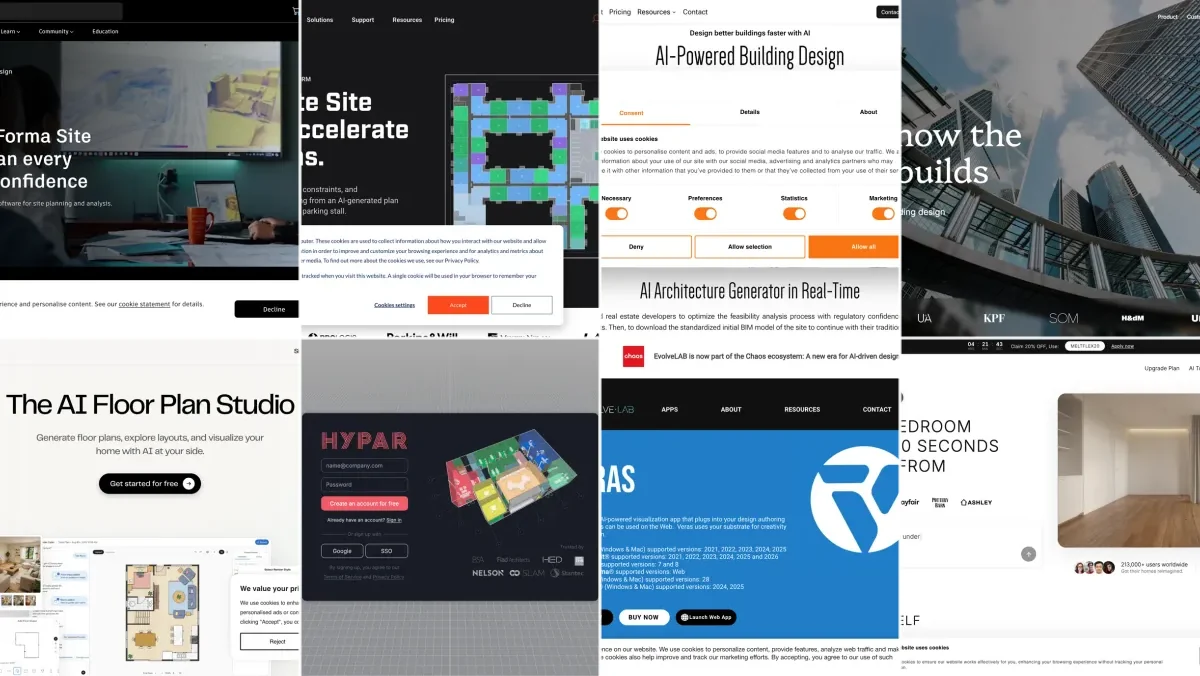
The best AI space planning and generative design tools for architects in 2026 are Autodesk Forma and TestFit for feasibility and massing, Architechtures, Finch, and Maket for generative floor plans, Hypar for automating firm-specific logic, and Veras and MeltFlex for turning a layout into a client-ready image. Each one owns a different stage of early design, so the right answer is usually a small stack, not a single app.
Our articles are still written by humans!
Get human written articles in your Google feed.
I run the technical side of an AI interior design company, so I spend a lot of time at the seam between planning tools and visualization. This guide is specifically about the planning and generation stage: yield, massing, layouts, and feasibility. If you are looking for pure rendering engines or CAD plugins, those are a different category and I have linked our dedicated guides at the end. The documentation stage is a third category again, covered in our roundup of the best AI for technical drawings. Here is what actually works in 2026, ranked in the order you would move through them, from a blank site to the image a client signs off on.
Every tool below carries its current list price, taken from the vendor’s own pricing page and checked on 8 August 2026, because the honest answer to “which one should we use” usually turns on cost rather than capability. The spread is wider than most people expect: the same shortlist runs from free to $15,000 a year, and I have added up what four realistic stacks cost so you can see the bill before the demo call.
FreeUpload photo · freeRearrange my room for freeUpload a photo and MeltFlex plans a new furniture layout around your walls, windows and doors. Your first AI design is free, no card needed.


What “AI Space Planning” Actually Means in 2026
Space planning AI is not rendering and it is not BIM. It sits before both. You give the tool a set of constraints, a plot boundary, a setback, a target gross area, a unit mix, a parking ratio, and it generates valid layout or massing options with live metrics attached. The value is speed of exploration: a feasibility study that took twenty to thirty hours by hand can drop to under an hour, which changes what you can offer during a pitch instead of after a contract is signed.
The category splits into three jobs. Feasibility and site tools answer “what can we build here and does the deal work.” Generative layout tools answer “what are the good plan options.” Visualization tools answer “how do we make the client believe it.” Most firms underspend on that last step, which is where good options lose to better-presented ones.
The 8 Tools at a Glance
List prices taken from each vendor’s own pricing page and checked on 8 August 2026. Autodesk does not publish one public figure for every region, so Forma is the one approximate entry here. Enterprise tiers are negotiated, so treat the annual numbers as floors, not quotes.
1. Autodesk Forma (formerly Spacemaker)
Best for: early-stage site analysis and generative massing.
Forma is the most mature tool in this list because it had a head start. Spacemaker was acquired by Autodesk in 2020 and folded into the AEC Collection as Forma. It runs the analyses that used to need separate consultants: sun and daylight hours, wind comfort, noise, and operational context, then lets you test massing options against them in real time. For urban and mixed-use work where context drives the form, nothing else is as complete.
Price: the standalone Forma Site Design subscription runs around $185 per month or $1,500 per year, with a 30-day free trial. Forma is also bundled into the Autodesk AEC Collection (roughly $3,430 per year alongside Revit, AutoCAD and Civil 3D), which is how most firms actually end up with it. Autodesk prices vary by region and Autodesk does not publish a single global figure, so confirm on the Forma product page before you budget.
Watch-outs: it is strongest at the conceptual, site-scale phase and assumes you are in the Autodesk ecosystem. If you do not already pay for the AEC Collection, the cost of entry is real: buying Forma alone to do site studies is a hard sell next to Maket or Finch at a tenth of the price, and the value only compounds once the rest of the Autodesk stack is in the building.
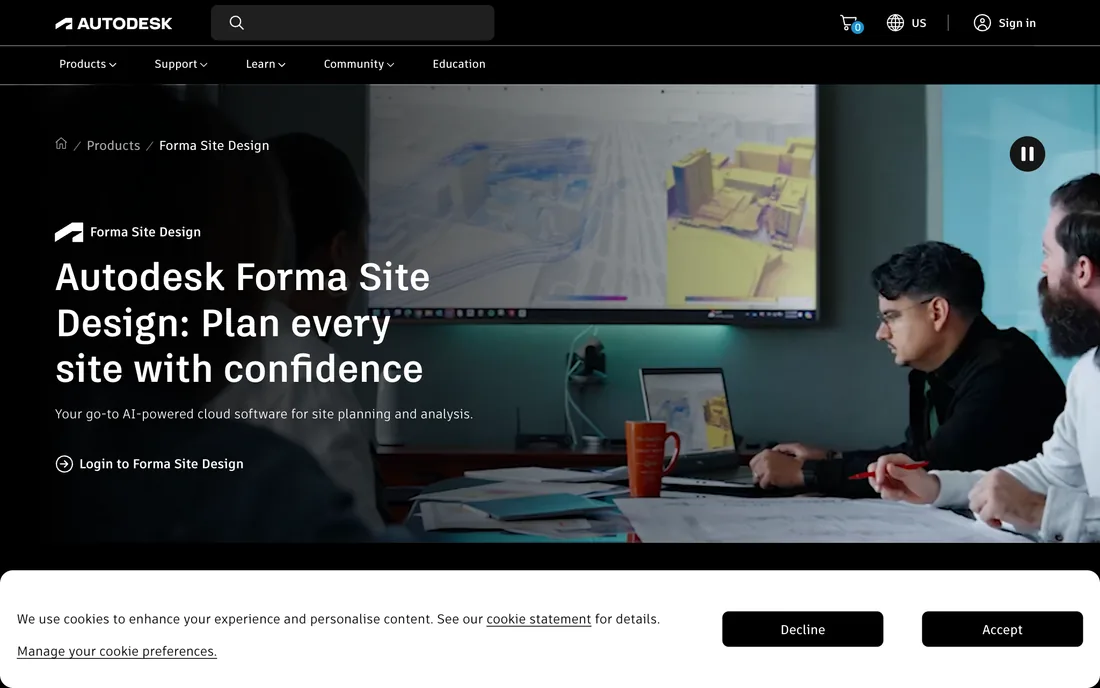
Autodesk Forma (formerly Spacemaker). AI cloud software for site planning and analysis.
2. TestFit
Best for: real estate feasibility and building yield.
TestFit is a real-time building configurator aimed at the deal. Feed it a site and a building type, multifamily, parking, industrial, and it solves for unit count, parking ratio, and efficiency in seconds, updating as you drag. It is the tool developers and architects open when someone asks “does this site pencil” in a meeting. TestFit has reported firms cutting feasibility from twenty to thirty hours down to about an hour, which is the whole pitch of this category in one number.
Price: this is the one that will surprise you. TestFit sells a Parking Solver tier at $195 per month with unlimited users, which is genuinely accessible. The Site Solver tier, the one with generative design and the full building presets that people mean when they say “TestFit,” starts at $15,000 per year, and Site Solver Portfolio starts at $20,000. Add-ons stack on top: Site Intelligence at $150 per month, Pro Forma at $170. There is no free tier.
Watch-outs: it shines on the building types it models well and is less useful for bespoke or non-standard programs. And the gap between $195 and $15,000 is the real decision here, not the gap between TestFit and its competitors. If you only need parking studies, the cheap tier is a bargain. If you need the generative side, you are committing a junior salary’s worth of software budget.
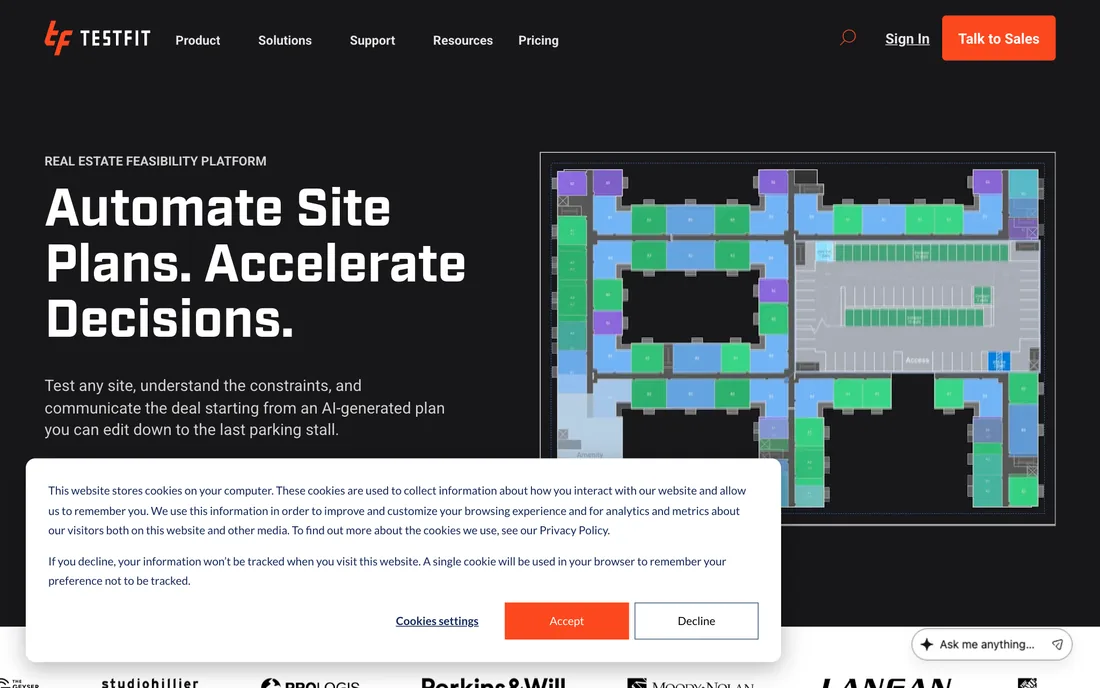
TestFit. A real-time configurator for site and building feasibility.
3. Architechtures
Best for: generative residential building design.
Architechtures takes a plot, your regulations, and design criteria and generates optimized residential building designs with the metrics attached: gross floor area, number of units, unit mix, and cost indicators. It is built for the developer-architect who needs to test the viability of a residential scheme quickly and defend the numbers. The output is closer to a real building proposal than a sketch.
Price: the Pro plan is €41 per month billed yearly (€492 a year) and includes unlimited AI-assisted generations, area calculations and DXF, IFC and XLSX exports. Business jumps to €197 per month billed yearly (€2,952) and adds the cost, financial and project-comparison dashboards. There is a 7-day free trial on Pro but no permanent free tier.
Watch-outs: it is focused on residential. For civic, cultural, or one-off projects it is the wrong tool. Note also that Pro is annual-only, so the real commitment is €492 up front rather than a month-to-month trial of the workflow.
Architechtures. AI-powered generative residential building design.
4. Finch
Best for: real-time generative floor plans with instant feedback.
Finch uses a graph-based engine so that when you change one parameter, the whole plan updates and recalculates area, adjacencies, and performance live. It feels less like running a batch and more like sketching with a calculator that never stops working. It is a strong fit for the exploratory phase where you want to feel out a hundred variations of a layout before committing.
Price: Finch has the most generous entry point of the serious tools. There is a genuinely free single-user plan with all the editing tools and real-time performance metrics, then Basic at €49 per month (first month €79) which unlocks generated unit mix and circulation, with a 14-day trial. Enterprise is €14,500 per year covering three seats, and that is where code compliance checking, custom BIM export and SSO live.
Watch-outs: the real-time, parametric way of working has a learning curve if your team thinks in fixed drawings rather than rules. The pricing cliff is also steep: €49 to €14,500 with nothing in between, so a five-person studio that outgrows Basic has no comfortable next step.
Finch. An AI-native platform for generative building design.
5. Maket
Best for: accessible generative plans for small firms.
Maket is the most approachable tool here. You describe what you want in plain language or set a few constraints and it generates residential floor plan options, with a zoning and code assistant to sanity-check them. For a small practice or a solo architect who cannot justify enterprise pricing, it is the easiest on-ramp to generative planning, and it has a free tier to start.
Price: the cheapest real option here. Maket runs on credits: the free tier gives 50 credits a month with no card, and Plus is $20 a month for 300. A floor plan generation costs 20 credits and a render costs 10, so the free tier is two plans a month and Plus is about fifteen. Top-up packs start at $10 for 150 credits and do not expire.
Watch-outs: approachable also means less depth than the heavyweight feasibility tools. It is a fast first-draft engine, not a full feasibility platform. Budget by credits rather than by month, too: at 20 credits a plan, a single busy week of option generation will burn through Plus.
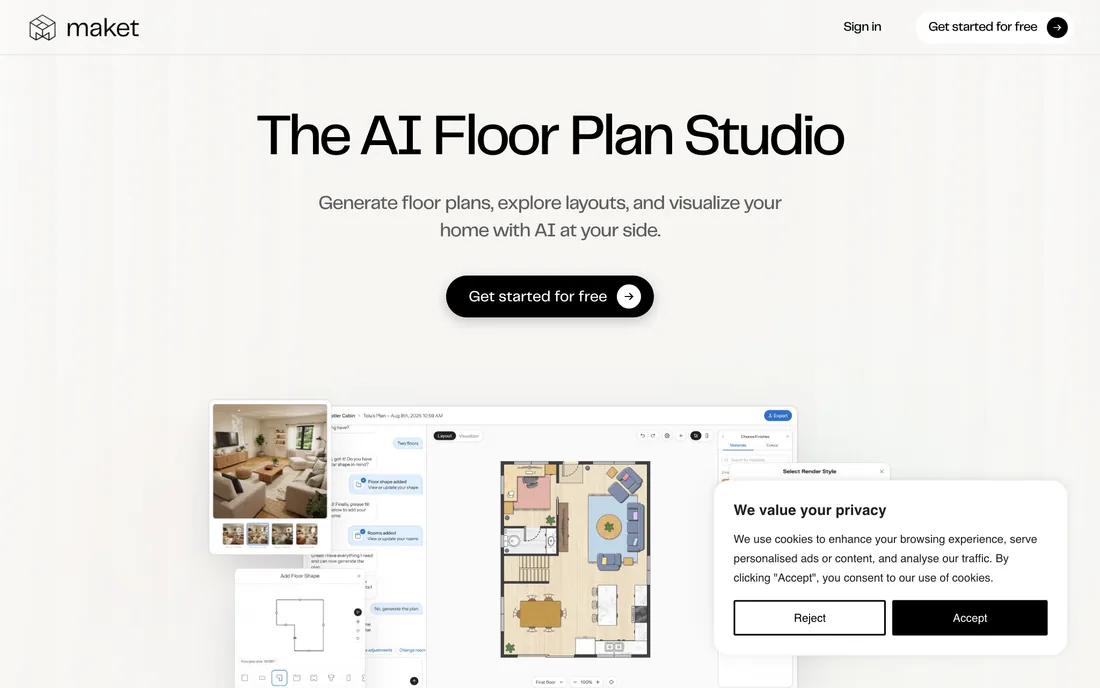
Maket. The AI floor plan studio for residential layouts.
6. Hypar
Best for: automating and encoding your firm's own building logic.
Hypar is the most technical option, and the most powerful if you have the appetite for it. Rather than generating one project type, it lets you build and combine “functions” that generate building elements, so a firm can encode its own standards and repeatable logic into reusable generators. It is automation infrastructure for AEC more than a single-purpose app.
Price: $100 per user per month, or $1,000 per user per year, per Hypar’s own documentation. The free tier caps you at three owned projects and Hypar states plainly that it is “not for professional work.” Enterprise adds customizable libraries, license reassignment and remote training on a quote.
Watch-outs: it rewards computational-design skills. Smaller firms without someone comfortable in that world will get less out of it, and $1,000 a seat is real money to spend on infrastructure that only pays off once somebody has actually built your firm’s functions.
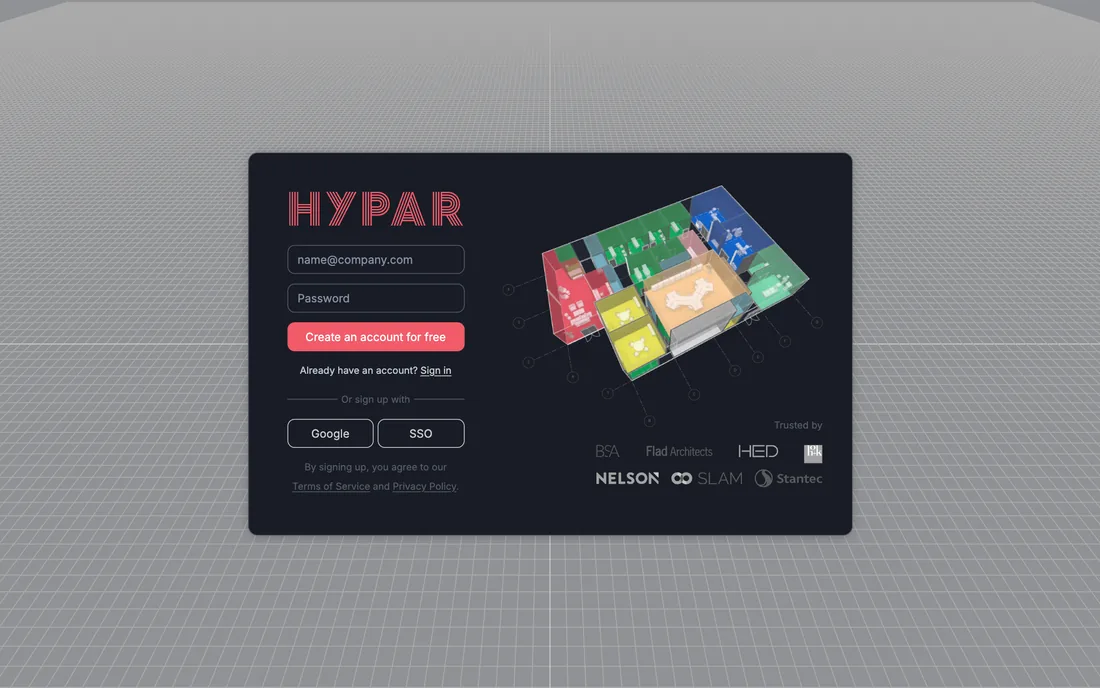
Hypar. Generative design automation for building systems.
7. Veras (EvolveLAB)
Best for: AI rendering inside your existing CAD model.
Veras bridges planning and visualization. It plugs into Revit, SketchUp, Rhino, and Forma and generates AI renderings driven by your actual model geometry, so the visual stays faithful to what you designed. If your workflow already lives inside a BIM or CAD model, Veras keeps you there instead of exporting out.
Price: the best value on this list if you already model. A named licence is $29 per month billed annually ($348 a year), or $59 month-to-month. A floating licence shared across a team is $612 a year for one concurrent user, and students pay $149 a year. The trial is 15 days and 30 renders. It supports Revit 2021 to 2026, SketchUp 2021 to 2025, Rhino 7 and 8, Archicad 28, Vectorworks 2024 and 2025, and Forma on the web.
Watch-outs: it needs that model to exist. Early in a project, before anything is modeled, it cannot help you, which is exactly the gap the next tool fills.
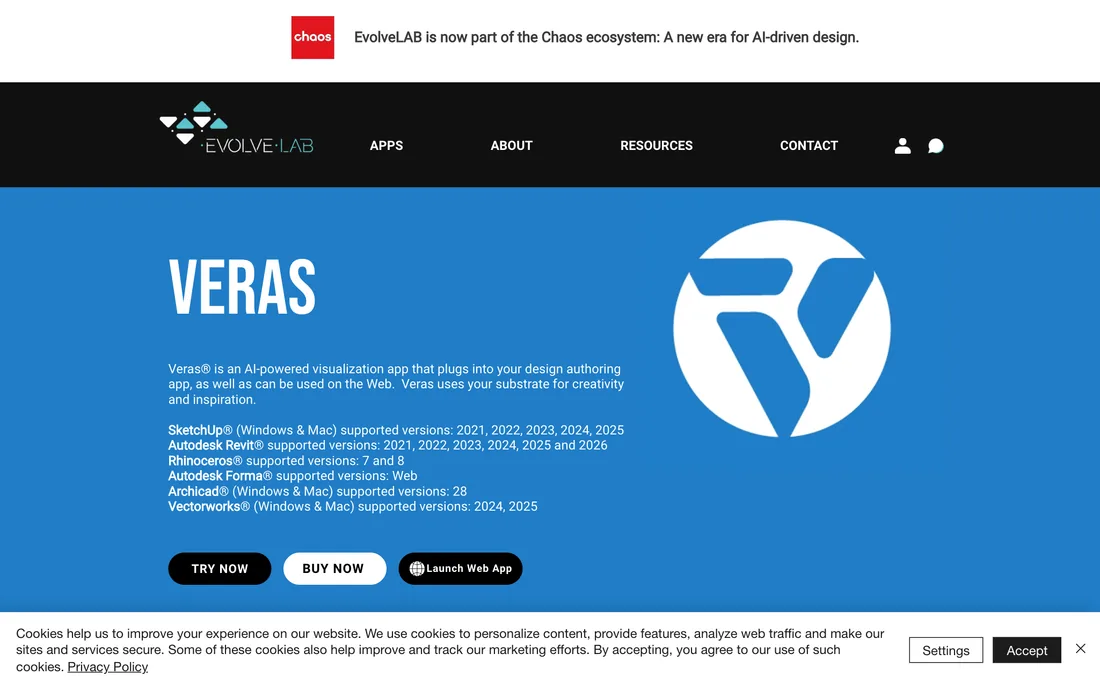
Veras by EvolveLAB. AI rendering inside Revit, SketchUp, and Rhino.
8. MeltFlex AI
Best for: fast, photorealistic, client-ready visualization, with no 3D model required.
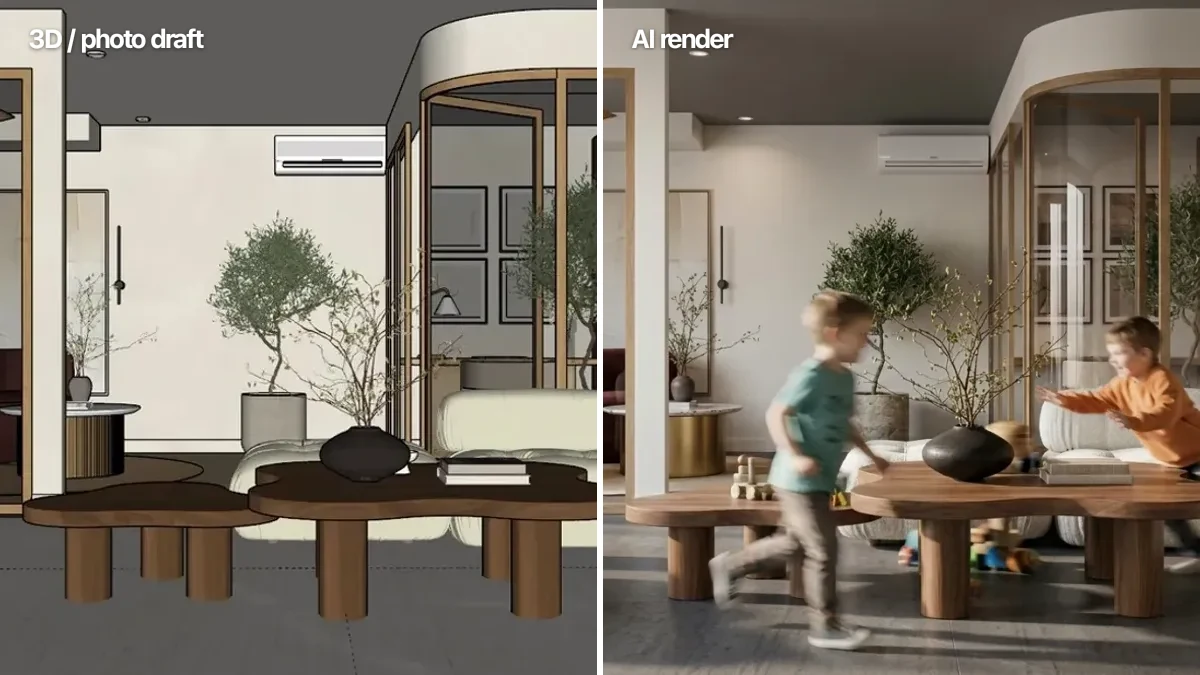
This is our tool, so take the framing for what it is, but the reason it belongs in a space-planning roundup is specific: it solves the step every tool above leaves to you. Once you have a layout, a massing screenshot, a rough SketchUp view, or even just a photo of the empty space, MeltFlex turns it into a photorealistic image in about 30 seconds while keeping your exact layout and camera angle. No CAD model, no render setup, no plugin.
The detail that matters for client work: the furniture in the render is real, shoppable product at correct scale, not generic AI props. That makes it useful not just for a pretty presentation board but for early buyer-facing material on residential and mixed-use schemes, the moment in a pitch where a layout stops being abstract and a client can finally picture living or working there. It is the visualization layer the planners assume you already have.
Price: the first generation is free and needs no card. Paid plans are €19 a month for Standard or €59 for Pro, dropping to €12 and €24 a month when billed yearly. Current tiers are on the pricing page.
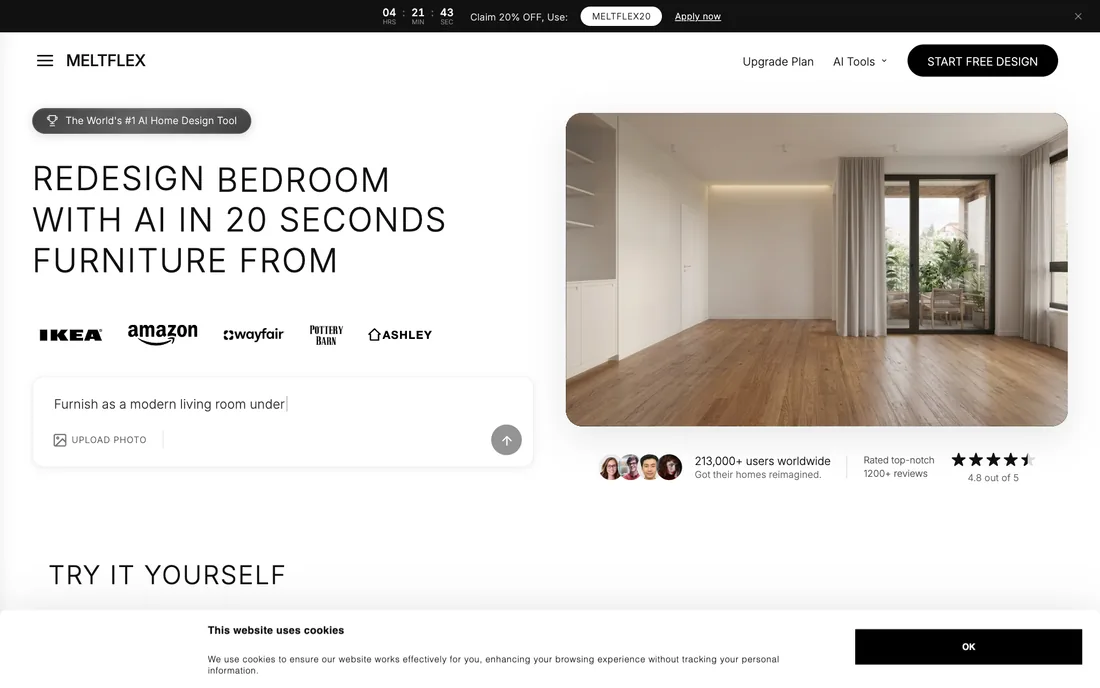
MeltFlex. Turn any photo or screenshot into a client-ready render, no 3D model required.
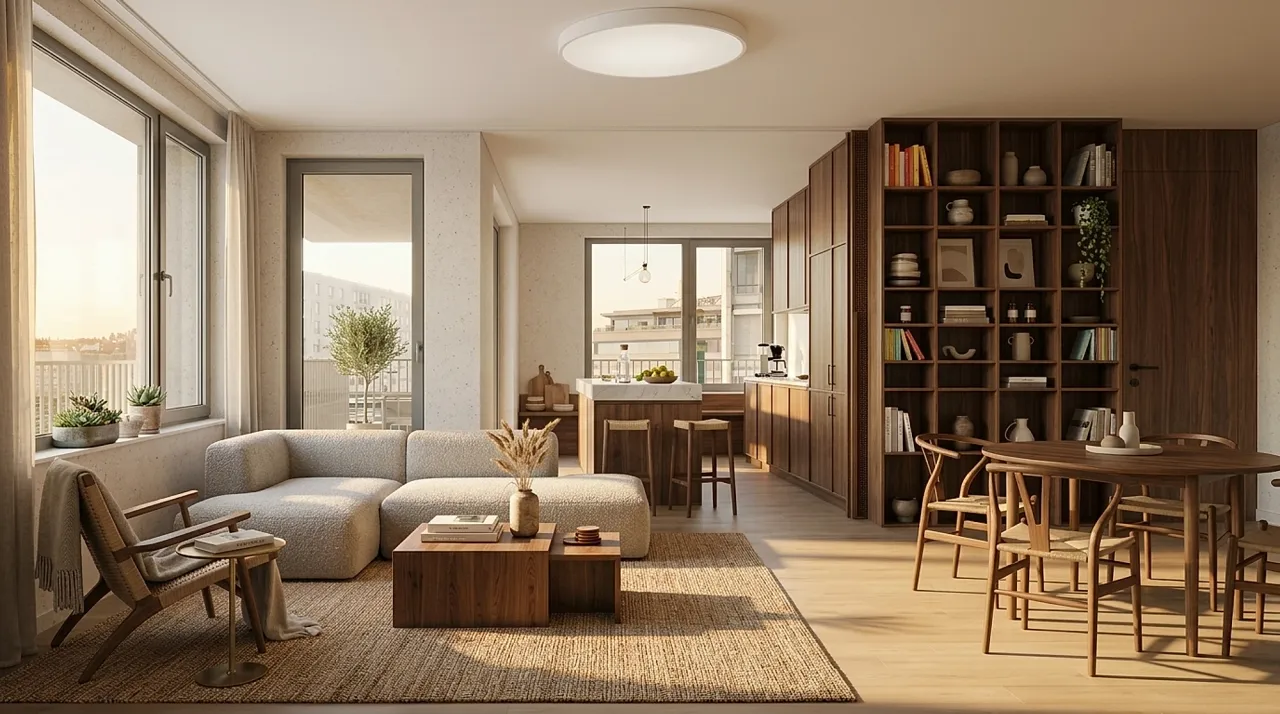
Here is what that visualization layer actually produces. Both of these modern living rooms were generated from a single photo of the space, layout and camera angle preserved, every piece a real product:
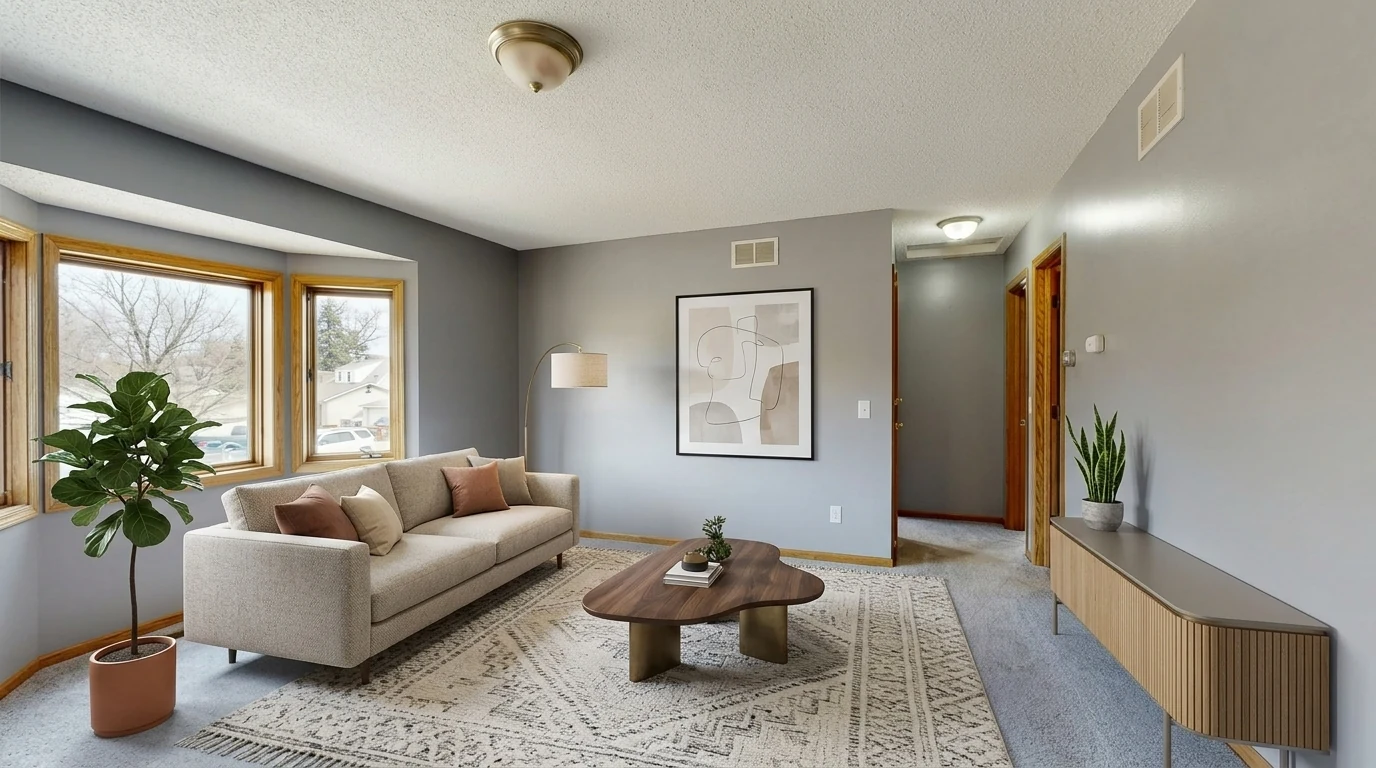
MeltFlex output: an empty room furnished as a modern living room, generated from a single photo with the layout and bay window preserved.
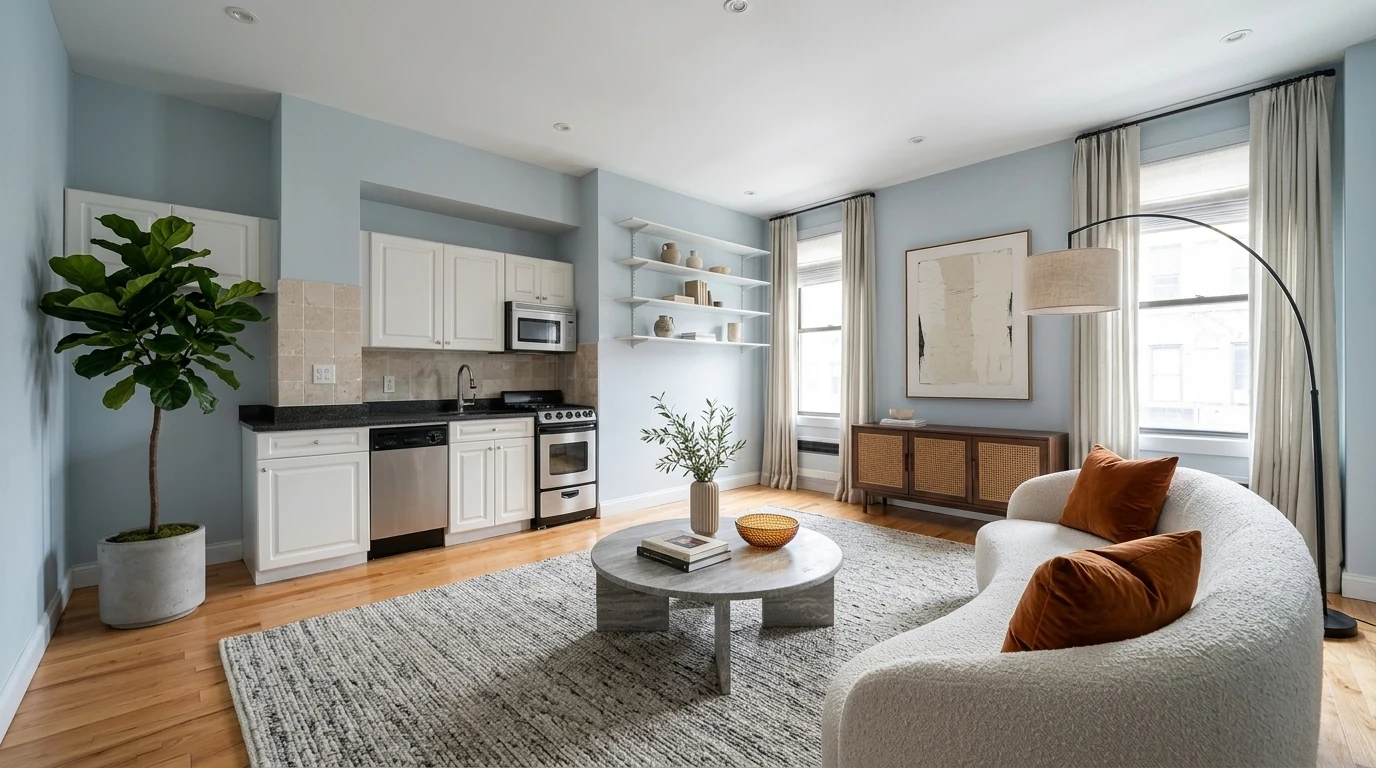
Another MeltFlex output: the same empty apartment turned into a modern living room with a curved bouclé sofa, kitchen and windows kept exactly as they were.
Try MeltFlex free: upload a photo or a screenshot of your plan and see a photoreal version of the space in about 30 seconds.
What a Working Stack Actually Costs Per Year
Every roundup lists tools. Almost none of them add the bill up, which is the number that decides whether any of this happens. Nothing here is one tool: you need something to test what is buildable, something to generate the plan, and something to make it presentable. Here is what four realistic stacks cost per year at list price.
Two things fall out of that table. First, the distance between the cheapest serious stack and the developer stack is roughly seventy times, and it is almost entirely TestFit. That single line item is the decision; everything else is rounding. Second, a solo architect can be fully equipped for less than $400 a year, which is under one billable hour at most rates. The barrier to entry in this category collapsed some time ago and a lot of practices have not noticed.
Currencies are left as each vendor lists them rather than converted, because exchange rates move and the vendor bills you in its own currency anyway. Annual figures assume yearly billing where it is offered, which is where most of the discount sits.
How to Choose, by Firm Type
Developer-focused or multifamily practice: start with TestFit for yield and Forma for site context, then visualize the winning option in MeltFlex for the investor or buyer pitch.
Residential studio: Architechtures or Finch for the plan options, Maket if you want the cheapest on-ramp, and MeltFlex to make the chosen layout client-ready without modeling it first.
Larger firm with computational skills: Hypar to encode your standards, Forma for site work, and Veras if your deliverables live inside Revit or Rhino.
Solo architect or small practice: Maket plus MeltFlex is a complete, mostly free starting stack: generate the plan, then generate the image that wins the job.
Frequently Asked Questions
What is AI space planning software?
AI space planning software uses generative algorithms to produce building layouts, floor plans, site massing, or unit mixes from a set of constraints such as plot boundaries, zoning rules, target area, and program. Instead of drawing one option by hand, the architect sets the rules and the tool generates dozens of valid options in seconds, each with instant metrics like gross area, unit count, or parking ratio. Tools like Autodesk Forma, TestFit, Finch, and Architechtures lead this category in 2026.
What is the best AI tool for architectural space planning?
It depends on the stage. For early-stage site analysis and massing, Autodesk Forma (formerly Spacemaker) is the most established. For real estate feasibility and building yield, TestFit is the strongest. For generative residential buildings, Architechtures and Finch lead. For turning any of those layouts into a photorealistic, client-ready image, MeltFlex is the fastest because it works from a screenshot or photo and needs no 3D model.
Is Autodesk Forma the same as Spacemaker?
Yes. Spacemaker was acquired by Autodesk in 2020 and rebranded as Autodesk Forma. It is now the early-stage planning hub inside the Autodesk AEC Collection, offering site context, sun and daylight analysis, wind and noise studies, and rapid generative massing for the conceptual phase of a project.
Can AI generate floor plans automatically?
Yes. Tools like Finch, Maket, and Architechtures generate floor plans automatically from constraints such as plot size, room program, and building code. Finch gives real-time feedback as you adjust parameters, Maket focuses on accessible residential plans with code assistance, and Architechtures optimizes full residential buildings. They produce starting points and options, not final permit drawings, so an architect still refines and stamps the result.
Do AI space planning tools replace architects?
No. They compress the repetitive early work, generating and testing options, running feasibility, checking yield, so architects spend their time on judgment, context, and design quality. The tools handle the math and the permutations; the architect decides what is actually good. Most firms report using them to win more pitches and explore more options on the same fee, not to cut staff.
How do I turn a space plan into a client-ready render?
Export a view of your plan, model, or even an empty-room photo and run it through MeltFlex. It returns a photorealistic image that keeps your layout and camera angle, with real, shoppable furniture placed at correct scale. Unlike CAD-integrated renderers, it needs no 3D model and takes about 30 seconds, which makes it practical for early client presentations before a project is fully modeled.
How much do AI space planning tools cost in 2026?
The range is very wide. Maket starts at $20 per month and Finch at €49 per month, Architechtures Pro is €41 per month billed yearly, Hypar is $100 per user per month, and TestFit runs $195 per month for parking studies or from $15,000 per year for the full Site Solver tier. Autodesk Forma is roughly $1,500 per year standalone or bundled into the AEC Collection at around $3,430 per year. A complete working stack costs about $400 per year for a solo architect and around $16,800 per year for a developer-facing multifamily practice. Prices checked 8 August 2026.
Is there a free AI floor plan generator for architects?
Yes, three of the eight tools have a genuine free tier. Finch offers a free single-user plan with all editing tools and real-time building performance metrics. Maket gives 50 credits a month with no card, which is about two generated floor plans. Hypar has a free tier capped at three owned projects, though Hypar states it is not intended for professional work. MeltFlex is free for a first generation with no card. Free tiers are enough to judge whether the workflow suits your practice, not to run a project on. If your budget question is about drawing tools rather than generative ones, the free tiers across the wider market are broken down in the best floor plan software comparison.
Which AI space planning tool is cheapest for a small practice?
Maket at $20 per month is the cheapest paid generative planning tool, and Finch has the most capable free tier. A solo architect can assemble a complete stack, generating plans and producing client-ready images, for roughly $400 a year by pairing Maket Plus with a yearly MeltFlex plan. The expensive tools in this category, TestFit Site Solver and Finch Enterprise, are priced for developer and multi-seat firm workflows and are hard to justify below that scale.
The Bottom Line
AI has not replaced the architect's judgment, but in 2026 it has quietly taken over the slow, repetitive front of the project: the feasibility math, the option generation, the first presentable image. The firms pulling ahead are not the ones using the single “best” tool, they are the ones who chained two or three together, Forma or TestFit to know what is buildable, Finch or Architechtures to generate the plan, and a fast visualizer to make it real for the client.
That last step is the one most firms still skip, and it is the cheapest place to win. Try MeltFlex free and turn your next layout into a client-ready image before the meeting, not after.
For the neighboring categories this guide deliberately left out: see our best AI architectural rendering tools for pure rendering engines, the best AI SketchUp plugins for model-based workflows, the broader AI tools for architecture studios roundup, and our explainer on turning a 2D floor plan into a 3D model with AI. If you are weighing the business case, see how small studios win more clients with AI.



)