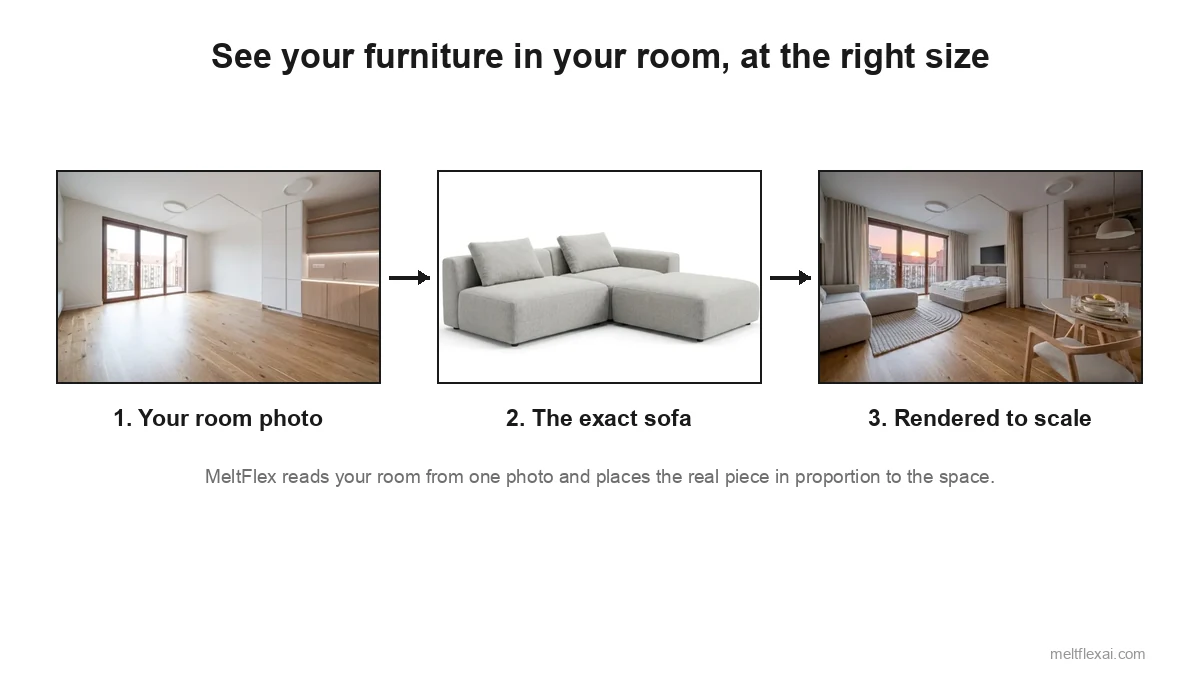
It is one of the most reasonable things to want from a phone: point it at a room, get the measurements, no tape measure and no kneeling in corners. AI reads photos well enough now that it feels like it should already work. So can you really measure a room from a photo, and trust the number enough to buy a sofa or plan a renovation around it?
Our articles are still written by humans!
Get human written articles in your Google feed.
Short answer: not exactly, and it is worth knowing why. We build an AI room design tool, MeltFlex, so we work on this every day, and this is the honest version, not a sales pitch. A flat photo cannot give you exact dimensions. What it can do is more useful than most people realise, and the gap between those two facts is where the expensive mistakes hide. Here is what AI genuinely reads from a picture, what it quietly guesses, the methods ranked by accuracy, and the one question the tape measure is really standing in for.
The short version
- A single photo has no scale. Without a reference object, depth data, or a floor plan, any room dimension from one picture is an estimate, not a measurement.
- AI is strong on proportion, weak on exact centimetres. It is great for layout, balance, and whether a piece looks right, less reliable for numbers you would order flooring against.
- Accuracy ranking: phone LiDAR and AR apps, then reference-object scaling, then multi-photo capture, then a bare single-photo AI guess.
- You are usually not really asking for numbers. You are asking “will this fit and look right.” That needs your real room plus real product dimensions, not a pretty render.
- The clean workflow: capture the space accurately, then design against a scaled version of your room with furniture that has real sizes and prices.
- If you do have a tape, the arithmetic is the easy part: calculating the square feet of a room covers L shapes, subtracted closets and the waste allowance for ordering.
Can AI actually measure a room from a single photo?
The short answer is: it can estimate, and it cannot truly measure. The reason is geometry, not a lack of cleverness. A photograph flattens a three dimensional space into a grid of pixels, and in that flattening it throws away the one thing measurement depends on, which is scale. A coffee cup held near the lens and a building in the distance can occupy the same number of pixels. So when a model looks at your living room, it can recognise a sofa, a window, a doorway, and reason about how they sit relative to each other, but it has no objective ruler unless you give it one.
This is not a flaw in today’s models, it is a known limit in computer vision called scale ambiguity. As the research on the problem states, without ground-truth depth, stereo image pairs, or a sensor, “no real-world scale information is introduced into the estimation process, so only relative depth maps can be generated” (monocular depth estimation research). In plain terms, a single image can tell AI what is bigger than what, never how big in centimetres, until you give it a reference.
What modern AI is genuinely good at is the relative picture. It reads proportion well: that the sofa runs about two thirds of the back wall, that there is a walkway of roughly a stride between the table and the shelves, that the ceiling is standard height rather than vaulted. That is real, useful information, and it is enough to judge balance, plan a layout, and tell whether a piece will look cramped or lost. The moment you ask for an absolute number in centimetres, though, the model is inferring from typical sizes of things it recognises, and a wide-angle phone lens that stretches the edges of the frame can push that inference off by a fifth or more.
How to measure a room from a photo: 5 methods ranked by accuracy
“Measure from a photo” covers several very different methods, and they are not equally trustworthy. Here is the honest ranking, most accurate first.
The gap between the top and bottom of that table is not small. Apple’s LiDAR system, RoomPlan, captures a room at roughly three centimetre resolution and identifies a sofa with over 93 percent precision, because it reads real depth from the sensor instead of inferring it from pixels (Apple Machine Learning Research). A single photo has none of that signal to work from, which is why the bottom row exists.
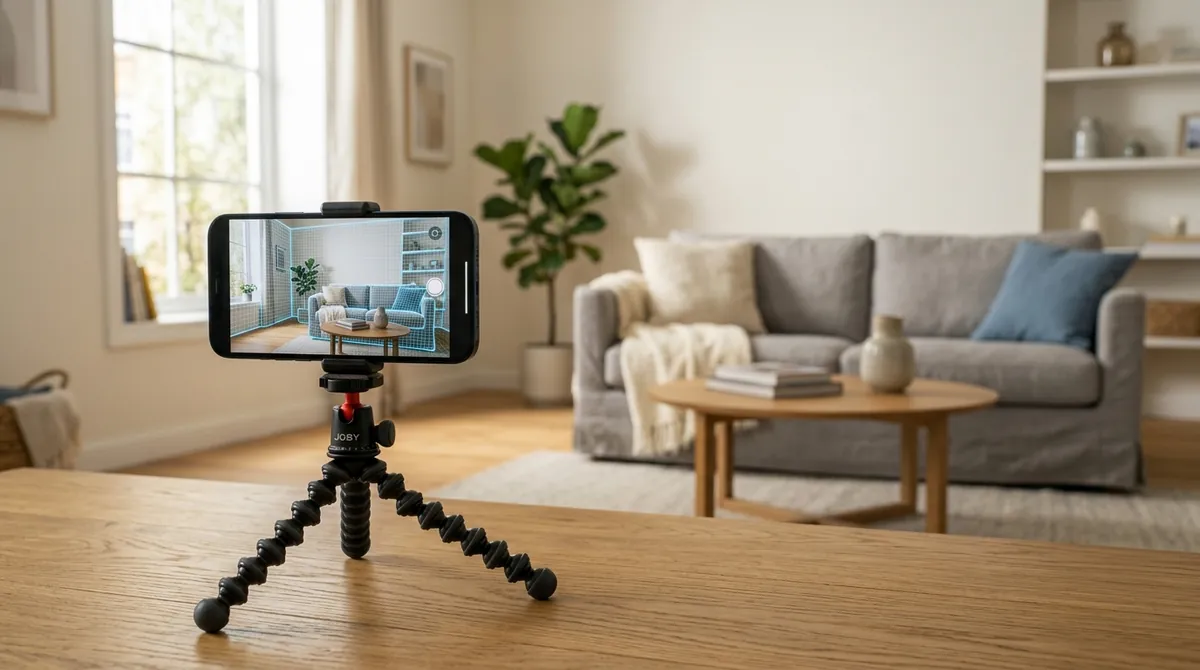
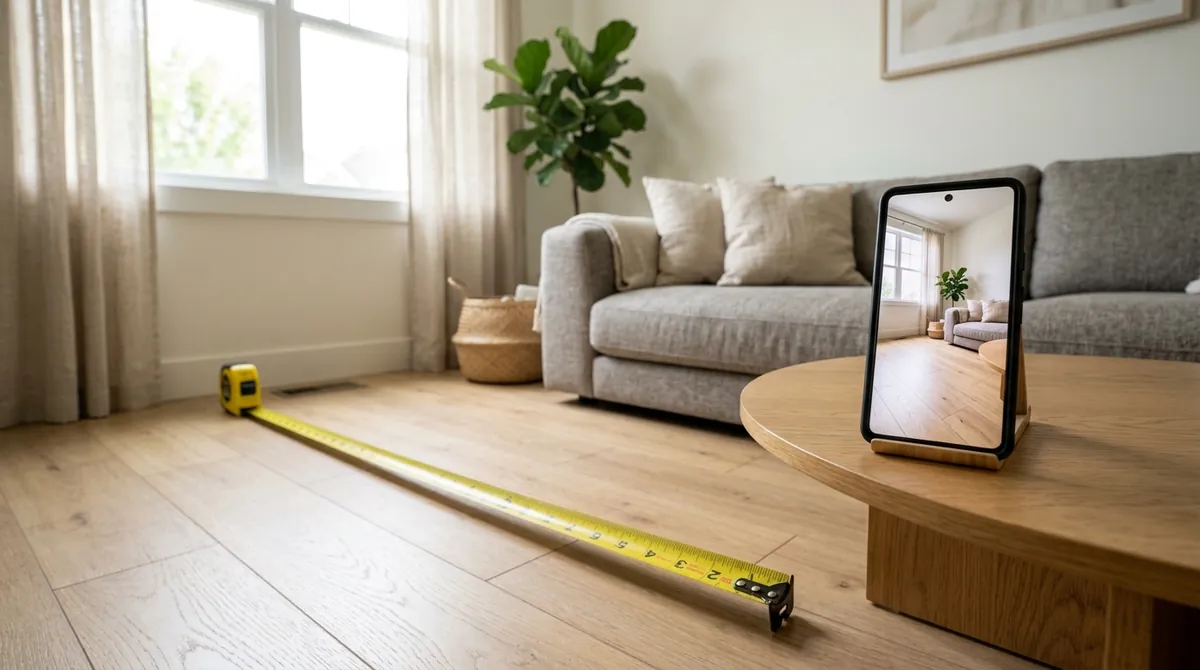
The most accurate way to “measure from a photo” is not really a photo at all. A LiDAR or AR scan reads true depth from the sensor, which is how phone apps reach centimetre accuracy. A single flat image has none of that data to work with.
Two things fall out of that table. First, the most accurate options all add information the photo does not contain on its own: a depth sensor, a known object, many angles, or a scaled drawing. Second, the method most people imagine when they say “AI measures my room”, a single snapshot in and exact numbers out, sits at the bottom. That is not a knock on AI. It is just honest physics. The smart move is to give the AI better input, not to expect magic from a worse one.
First check: does your phone actually have the sensor?
The top row of that table is only available to you if your device has the hardware, and this trips up more people than any other part of the process. LiDAR is not a software feature you can download. On Apple devices it has been restricted to the premium line since it launched.
- iPhones with LiDAR: the Pro and Pro Max models only, from the iPhone 12 Pro in 2020 through the iPhone 17 Pro. No standard, Plus, mini or SE model has ever included it.
- iPads with LiDAR: iPad Pro models from 2020 onward. No iPad Air, iPad mini or base iPad has the sensor.
- Android: there is no equivalent standard. A handful of devices have shipped depth sensors, but most Android measuring apps rely on ARCore depth estimated from the regular camera, which is closer to the reference-object tier of accuracy than the LiDAR tier.
If your phone is not on that list, the honest expectation is the second row of the table, not the first. That is not a disaster: 5 to 10 percent on a 3.6 metre wall is about 20 to 35 centimetres, which is plenty for deciding between a two-seat and a three-seat sofa, and nowhere near enough for ordering flooring. Know which of those two jobs you are doing before you trust the number.
How to estimate a room’s size from a photo, step by step
If you do not have a LiDAR phone and just want a workable estimate from a picture, the reference-object method is the one to use. It takes a minute and it is the same trick the better tools use under the hood.
1. Put something of known size in the frame. An interior door is the most reliable, because a standard one is almost always about 80 centimetres wide and 200 centimetres tall. A sheet of A4 paper on the floor (21 by 29.7 centimetres) or a single floor tile of a size you know works just as well.
2. Shoot the room straight on from a corner. Stand in one corner, hold the phone at chest height, and capture two full walls and the floor in daylight. Avoid tilting up or down, because tilt is what wrecks the perspective and the estimate with it.
3. Scale everything against the reference. If the door is 80 centimetres wide and the back wall reads as about four and a half door-widths, your wall is roughly 3.6 metres. Repeat for the side wall and you have a floor area you can plan around. This is exactly the reasoning an AI does when you give it a reference, and giving it one is what turns its guess into something closer to a measurement.
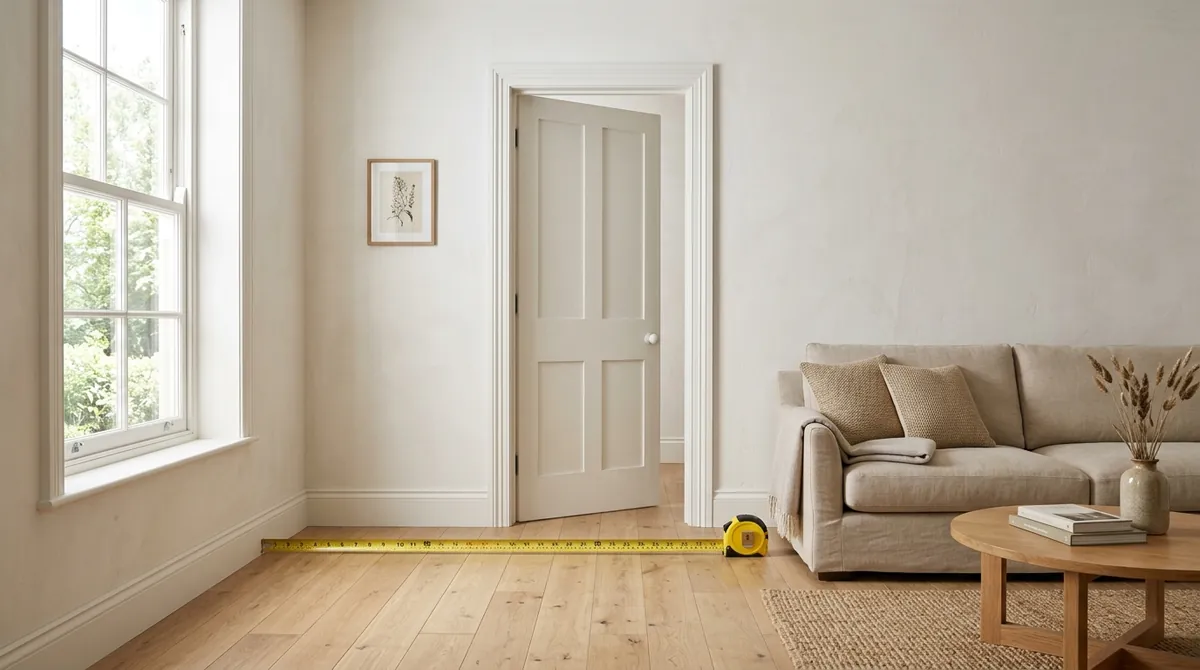
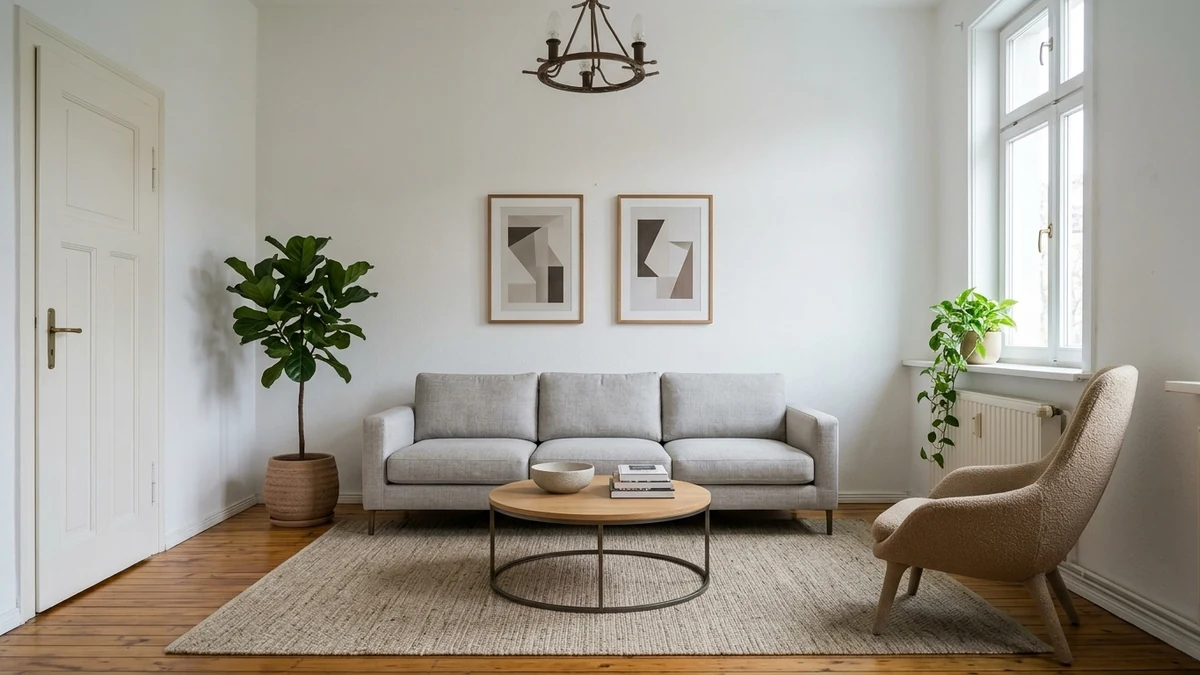
The open door is the reference. Because a standard interior door is about 80 centimetres wide, everything else in the photo can be scaled against it. Add a known object like this and a rough single-photo guess becomes a usable estimate.
The real question behind the tape measure: will it fit?
Almost nobody wants room dimensions for their own sake. You want them because you are about to spend money, and you are really asking two things: will this piece physically fit, and will it look right in here. Getting it wrong is the expensive part. In retail returns data compiled by Capital One Shopping, 75 percent of shoppers have sent something back because it did not fit, and sizing, fit and colour together drive about 45 percent of all returns (Capital One Shopping). With a sofa that means re-crating it, rebooking delivery, and starting over. Numbers alone only answer the fit question by hand, and the by-hand step is where it goes wrong, because fit is not one measurement. It is three.
- The space. The real size of the wall, the nook, or the floor area you are filling.
- The product. The published dimensions of the specific sofa you want, not a generic one.
- The clearance. The room to walk past it, open a drawer, or swing a door, which people forget until the delivery is at the door.
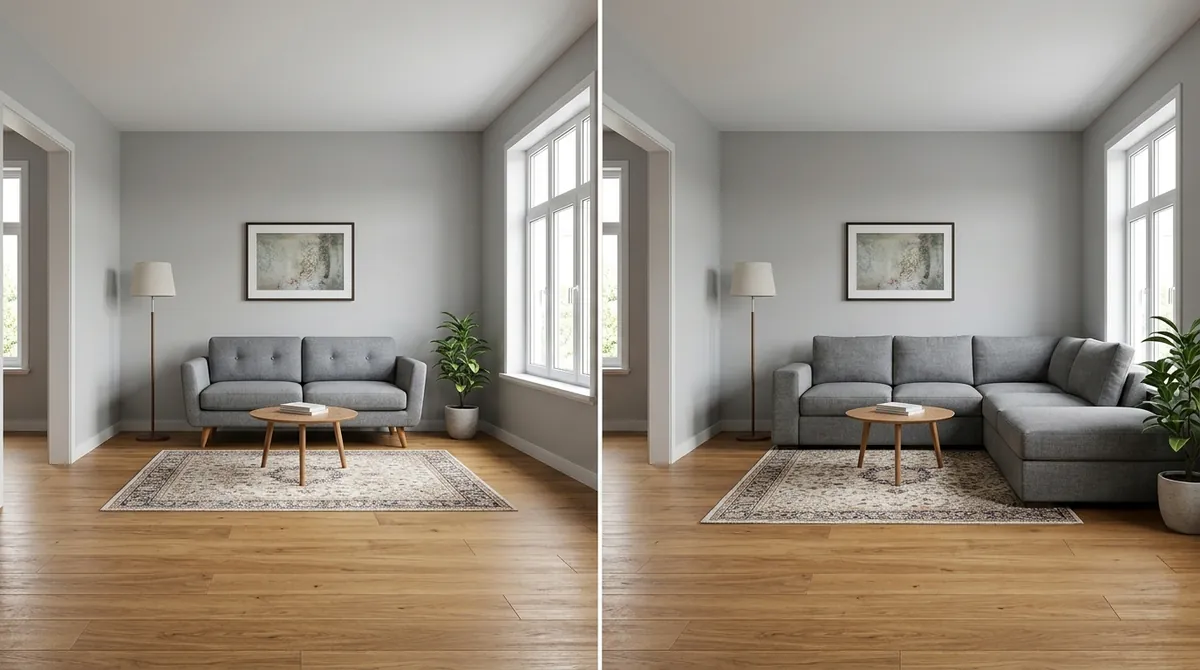
Same room, two sofas. The left one fits with space to move. The right one sits against the wall but kills the walkway, so it does not actually fit. A photo of the second sofa would still look fine, which is the trap. The dimensions are what give it away.
This is exactly where a pretty AI render lets you down. Nano Banana or Midjourney will draw a beautiful sofa in your room, but that sofa has no real size, no maker, and no price, so it cannot tell you whether it fits anything. We took that apart in our honest guide to Nano Banana Pro. A render that ignores those three numbers is not an answer, it is a nicer version of the question. For the focused version, what size furniture fits my room walks the scale rules step by step.
What a photo cannot do, but MeltFlex can
So here is the line this whole article comes down to. You cannot pull exact dimensions out of a flat photo, and no app or model changes that. MeltFlex takes the other road. It works from your floor plan, which already carries true scale, builds a scaled 3D version of your actual room, and then places only furniture that genuinely fits it. So the sofa it hands you is not a render that happens to look good, it is one that will physically go where it shows it, with room to walk around it.
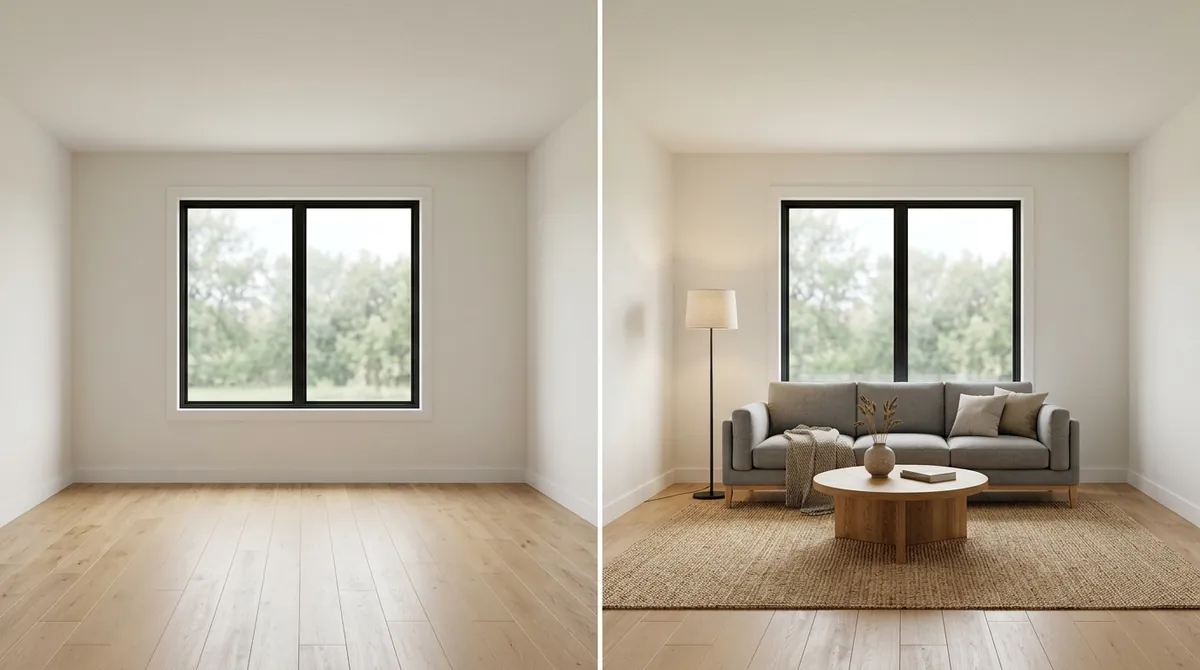
Same room, empty then designed by MeltFlex. The sofa is sized to the real space, so it fits with clearance to spare. A photo can show you a sofa. It cannot promise that one will fit. That promise is the entire point.
We built it this way on purpose, because we did not want to ship a confident number we could not stand behind. Instead of pretending to laser-measure your room from one snapshot, MeltFlex does the parts that are actually reliable, and ties the design to things you can really buy.
How MeltFlex handles measurement and fit honestly
- True scale from your floor plan. A 2D plan becomes a scaled 3D room, so dimensions come from the plan, not from a guess about a photo.
- Furniture that actually fits. Every piece is a real product from retailers like IKEA, Amazon, and Wayfair, with real dimensions, placed only where it physically fits your space.
- See it before you buy it. Judge proportion and clearance in your own room, not after the delivery is in the hallway.
- A real budget, not a vibe. Because the furniture is real, you get prices and a running total alongside the layout.
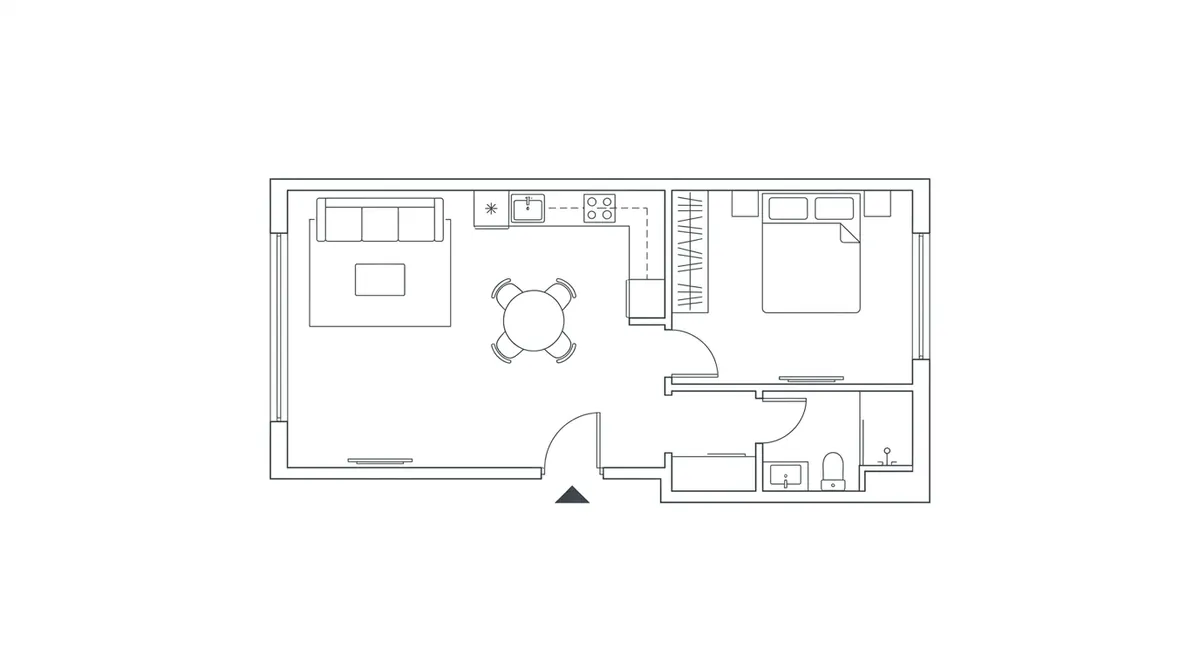
Why it stays accurate: a floor plan already holds true scale. Build the design on top of it and every piece of furniture inherits real, honest measurements, which a single photo can never give you. See the workflow in 2D floor plan to 3D model with AI.
How to see if a sofa fits in your room before you buy it
You do not need exact centimetres to avoid the wrong-size mistake. You need the design and the real product to live in the same scaled space. The reliable order is short.
- Start from your room, to scale. Upload a floor plan or a photo so the design sits in your actual space, not a generic one.
- Place the real product. Add the specific sofa you are considering at its true dimensions, not an AI-imagined stand-in.
- Check the clearances, not just the wall. Look at the walkway, the door swing, and the gap to the coffee table, the three things returns are made of.
- Adjust before you spend. If it is too tight, swap to a smaller frame or a different layout, then buy the one you can see fits.
That is the whole loop MeltFlex runs, which is why trying it on your own room answers the fit question in a way a tape measure and a hopeful guess never quite do.
For developers: measuring rooms from photos via API
If you are building a real estate, furniture, or home improvement app, “turn a user’s room photo into structured spatial data” is a common and genuinely hard requirement, and it is worth being clear about what to outsource to which layer. For raw depth and measurement, the device frameworks are the strongest option: ARKit on iOS and ARCore on Android read real depth from the camera and sensors, which beats any server-side inference from a flat image.
The harder, higher-value part is usually everything after the measurement: taking that photo or floor plan and returning a redesigned, scaled room with real, shoppable furniture your users can act on. That is what the MeltFlex interior design API is built for, and you can see the endpoints on the API page. Pair a device AR SDK for capture with a design API for the rest, and you get accurate measurement and a usable result without trying to force one model to do both.
Frequently asked questions
Can AI measure a room from a photo?
Partly. AI can estimate a room’s proportions and rough dimensions from a single photo, and it is genuinely useful for layout and for checking whether furniture will look right. But a flat 2D photo has no built-in scale, so without a reference object of known size, depth data, or a floor plan, the numbers are an educated guess rather than a measurement. For exact dimensions you still need a phone with LiDAR or AR depth, a tape measure, or a scaled floor plan. The honest rule is: AI is great for proportion and fit, weak for precise centimetres from one picture alone.
How accurate is measuring a room from a photo?
It depends entirely on the method. A modern phone with LiDAR or ARKit and ARCore depth sensing can measure a room to within a few centimetres in good light. Scaling a photo against a known reference object, like a standard door or a sheet of A4 paper, gets you within roughly 5 to 10 percent if you are careful. A pure single-photo AI estimate with no reference is the least reliable and can be off by 15 to 25 percent or more, especially with wide-angle phone lenses that distort perspective. More photos, better light, and a clear reference always beat a clever model working from one snapshot.
How do I get the dimensions of a room from a picture?
Put an object of known size in the shot, such as an open door, which is almost always about 80 centimetres wide and 200 centimetres tall, or lay a sheet of A4 paper on the floor. Photograph the room straight on from a corner so two walls are visible, then use that reference to scale everything else in the image. AR measuring apps do this far more accurately by reading real depth, and a floor plan removes the guesswork entirely because it already carries true scale.
What is the best app to measure a room from a photo?
For real measurements, AR-based apps that use your phone’s depth sensors are the most accurate: magicplan, Polycam, RoomScan, and Apple’s built-in Measure app on iPhones with LiDAR. These read the actual space rather than guessing from pixels. If your real goal is not the raw numbers but whether a design and its furniture will fit your room, a room tool that works from your floor plan and uses real product dimensions, like MeltFlex, answers the fit question directly instead of just handing you measurements to interpret yourself.
Can you calculate square footage from a photo?
You can estimate it, not calculate it precisely. With a clear reference object and a straight-on photo you can approximate the floor area to within about 10 percent, which is fine for planning a layout or a rough furniture budget. For anything that depends on exact area, such as flooring or paint orders, measure the space directly or use a scaled floor plan. Square footage from a single uncalibrated photo is always an estimate.
How do I know if furniture will fit in my room?
Measuring the room is only half of it. The reliable way is to compare three numbers: the real dimensions of your space, the published dimensions of the actual product you want to buy, and the clearances you need to walk and open doors and drawers around it. This is exactly where a render from a general image model fails you, because the gorgeous sofa it draws has no real dimensions at all. A tool that places real, dimensioned products into a scaled version of your room can tell you whether the piece fits before you order it.
Can I see if a sofa will fit in my room before I buy it?
Yes, and it is the smartest order to do things in. Instead of buying first and measuring later, place the actual sofa at its real dimensions into a scaled version of your room and check the clearances before you order. MeltFlex does this with real, shoppable products, so the piece you see is the piece you can buy, sized correctly to your space. That turns “I hope it fits” into “I can see that it fits” and avoids the most common and most expensive furniture return.
How do I visualize furniture in my room from a photo?
A general image model will paint furniture into your photo, but the result is imaginary: no real product, no real size, and the room often shifts around it. To visualise furniture you can actually act on, use a tool that keeps your real room to scale and places real, dimensioned products you can buy, so what you see is both realistic and orderable. MeltFlex works from your photo or floor plan and shows the design with furniture that fits and has prices attached.
Is there an API to measure or estimate room dimensions from photos?
Yes. Developers building real estate, furniture, and home apps increasingly want to turn a user’s room photo or floor plan into structured spatial data and a usable design. MeltFlex exposes an interior design API that takes a photo or floor plan and returns a redesigned, scaled room with real, shoppable furniture, which is the part most teams actually need after the raw measurement. If your use case is purely depth capture, pair a device AR SDK like ARKit or ARCore for the measurement step with a design API for everything downstream.
Which phones have LiDAR for measuring a room?
On iPhone, only the Pro and Pro Max models have LiDAR, from the iPhone 12 Pro in 2020 through the iPhone 17 Pro. No standard, Plus, mini or SE iPhone has ever included it. On iPad, only iPad Pro models from 2020 onward have the sensor, so no iPad Air, iPad mini or base iPad qualifies. Android has no equivalent standard: a few devices have shipped depth sensors, but most Android measuring apps use ARCore depth estimated from the regular camera, which lands closer to reference-object accuracy of 5 to 10 percent than to centimetre-level LiDAR accuracy.
Keep reading
- AI room measurement and square footage from a photo, the developer and proptech version, plus how to drop the exact sofa into your room at true scale.
- Turn a 2D floor plan into a 3D model with AI, the accurate, true-scale way to design a room.
- What size furniture fits my room, the scale rules that stop costly sizing mistakes.
- Will a mattress fit through the door, the on-edge trick and why the box spring is the part that gets stuck.
- Redesigning a room with Nano Banana Pro, why a beautiful render still cannot tell you if anything fits.
- AI furniture placement and room layout, planning the arrangement once the sizes check out.
- Try it on your own room, start from a photo or a floor plan and design with furniture you can actually buy.



)