Free tool
DWG to PDF Converter
Plot an AutoCAD DWG to PDF without AutoCAD, at 1:1 or fitted to a paper size. Runs in your browser, and the file is never uploaded.
Built for real architectural drawings
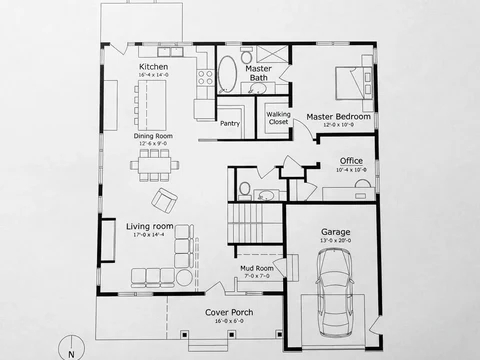
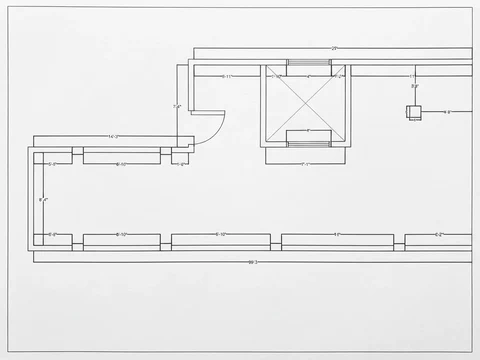
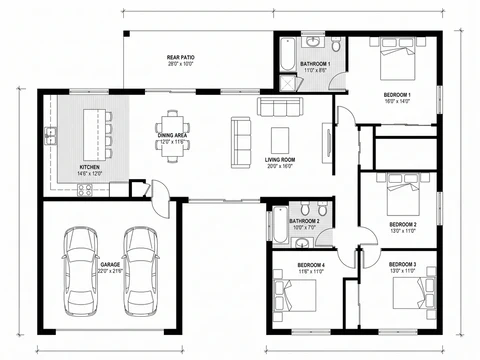
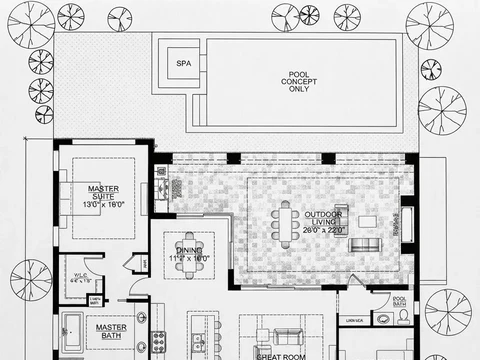
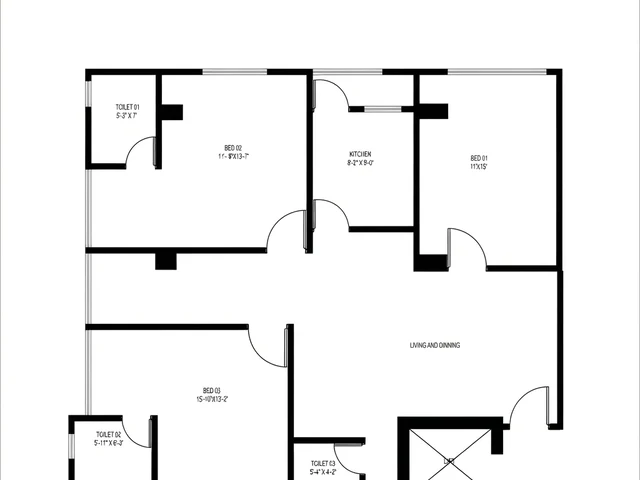
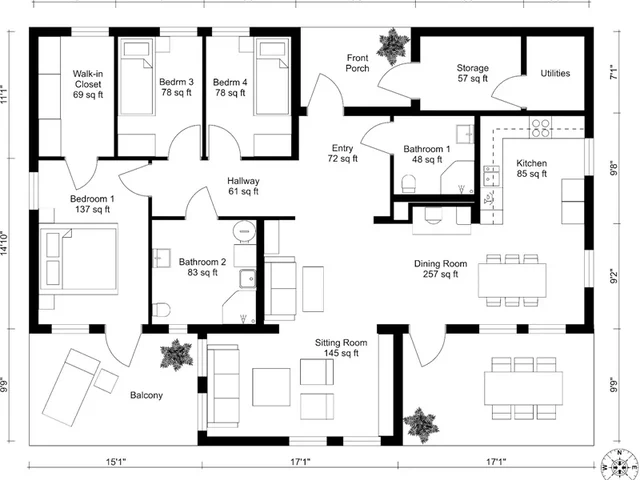
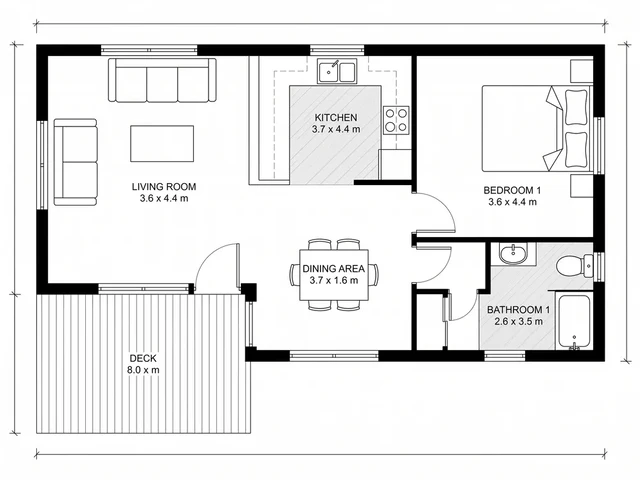
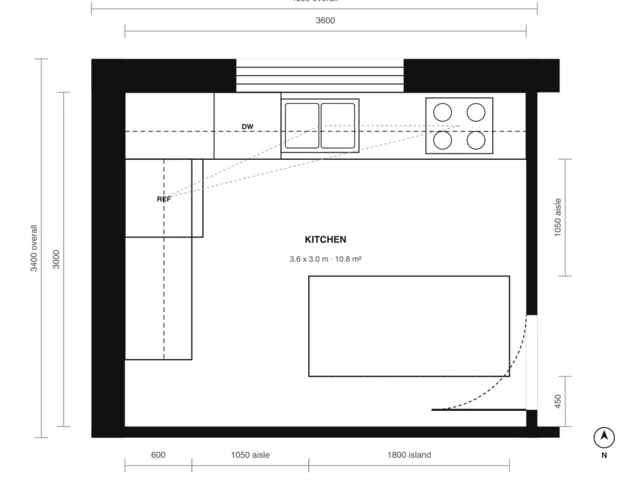
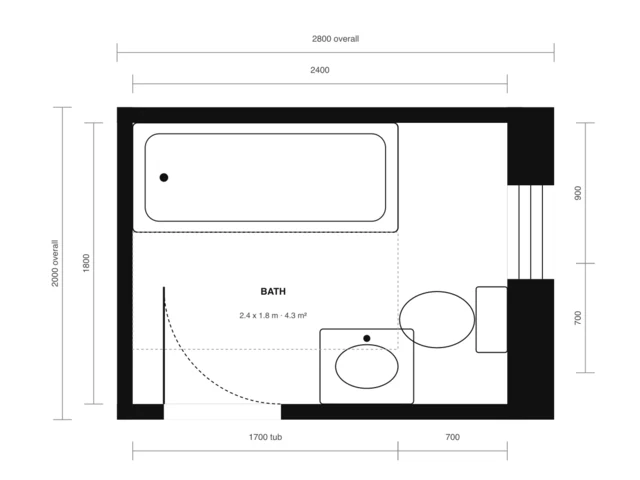
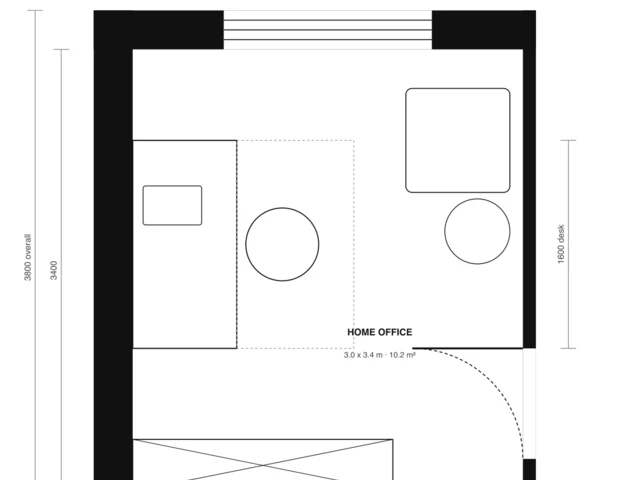
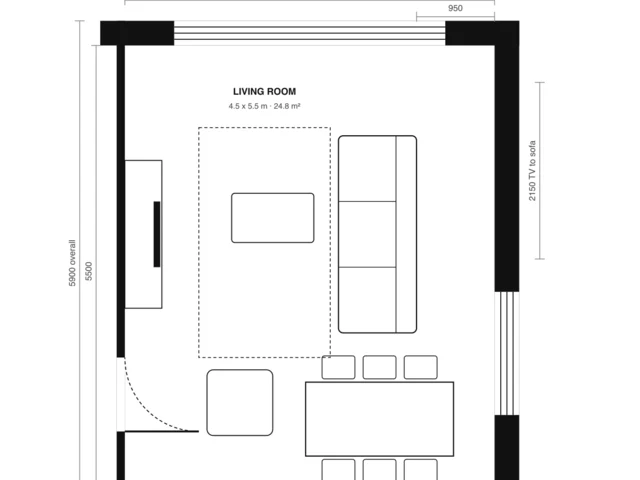
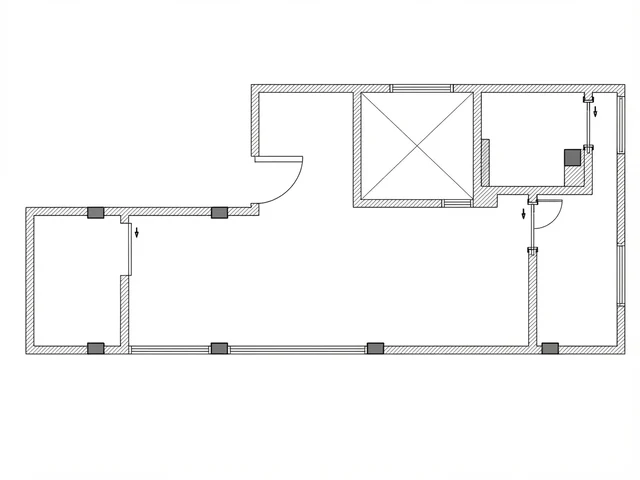
Not one house-plan template. The plotter handles whatever an architect or interior designer actually hands it: dimensioned plans, reflected ceiling plans, structural annotations, metric drawings, numbered unit plans.
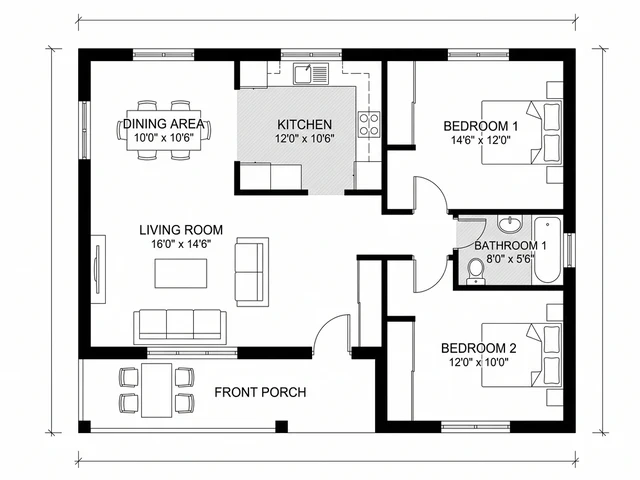
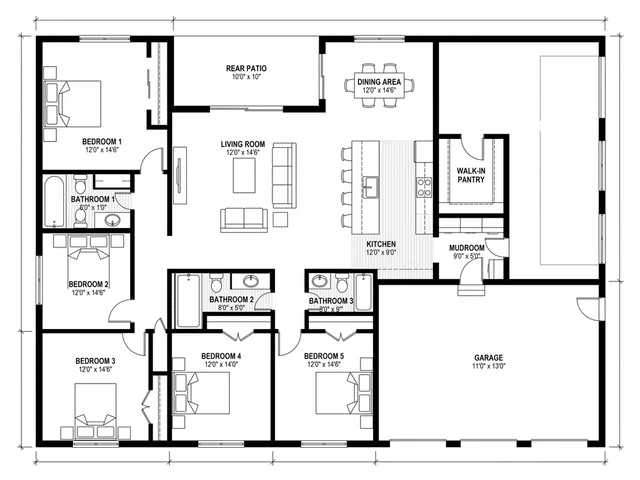
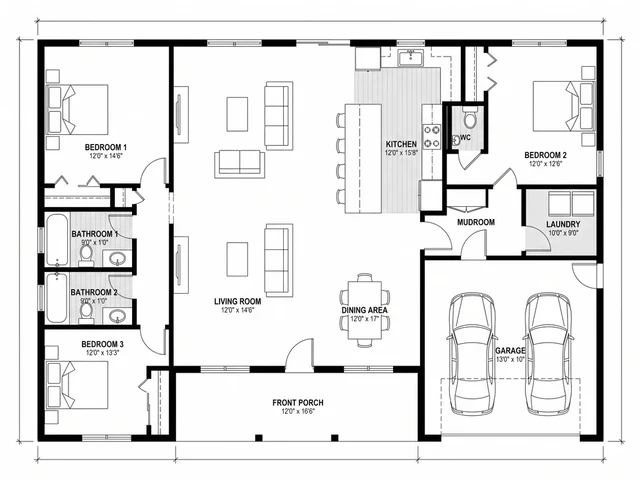
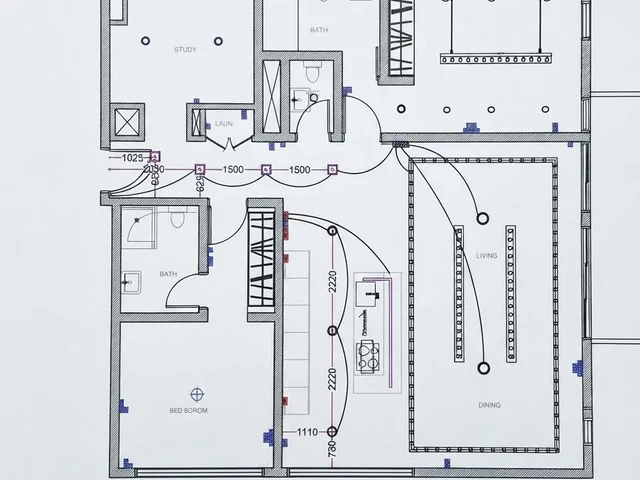
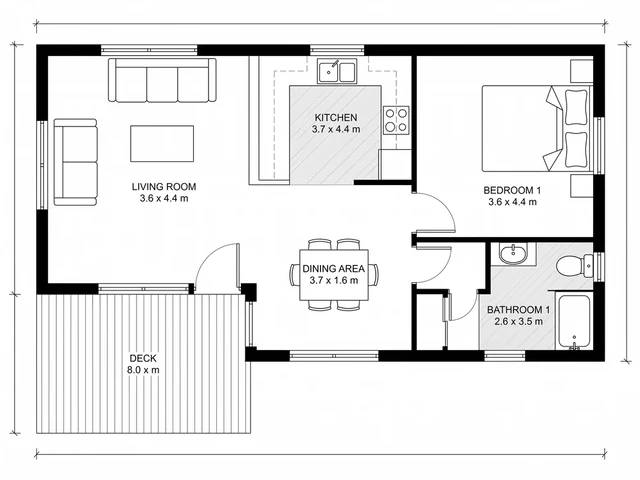
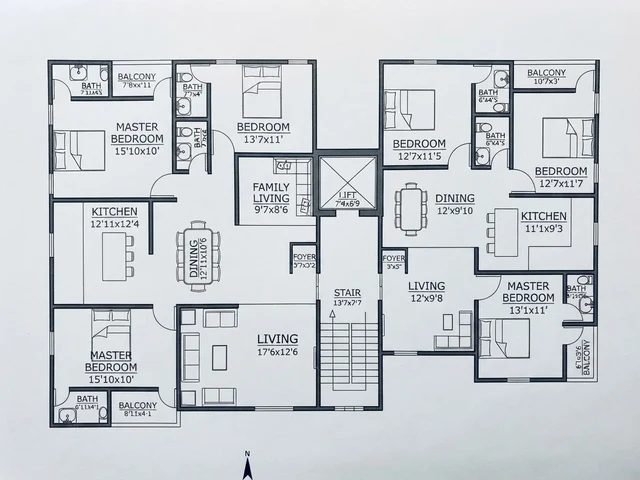
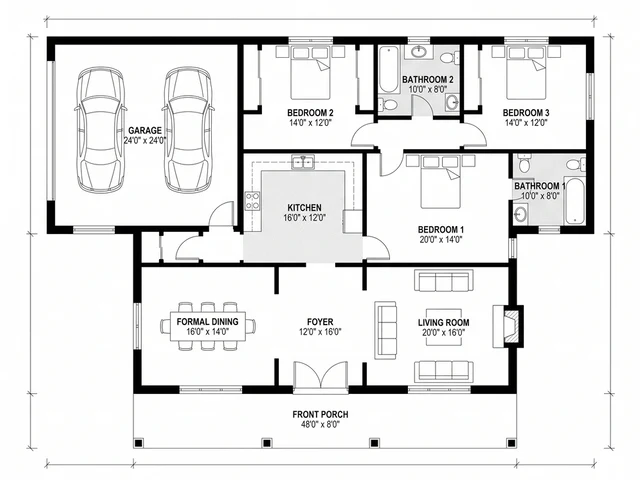
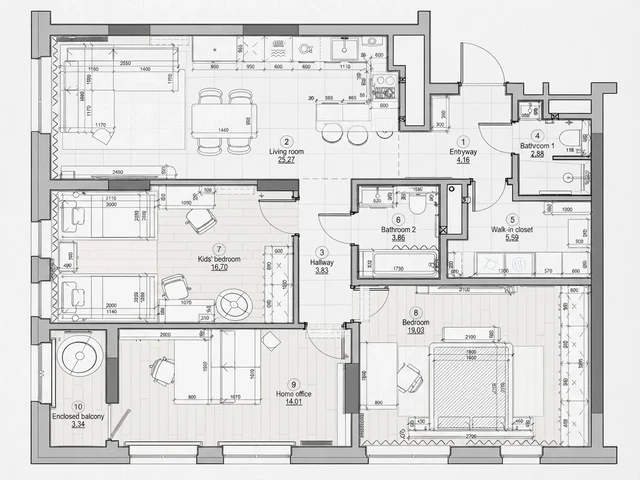
How to convert a DWG to PDF
Three steps, no install
Add your DWG
Drag the file in, or use the file picker. Reading it is entirely local to your browser, so there is no wait for an upload to finish first.
Check the preview
A canvas draws the parsed drawing so you can confirm the right file loaded before you commit to a paper size: 1:1, or fitted to A4, A3, Letter and the larger ANSI/ISO sheets.
Download the PDF
One button. Whenever the plot is not full size, the corner of the page carries the exact ratio it was scaled to.
What happens to your file
Read once, plotted once, never uploaded
Your browser unpacks the DWG's internal structure, reduces every arc, line and block insert down to plain geometry, and lays that onto a PDF page. Colour carries over per layer, inverted for paper instead of a black viewport; text and dimension strings stay as selectable characters, not a rasterised picture of them, so the export holds up at any zoom level a reader tries.
A handful of entity types cannot be plotted this way, namely 3D solids, raster underlays, external references and paper-space layouts, and rather than silently dropping them, the preview lists what was left out and how many, by type.
Why plot to PDF at all
The DWG stays the master, the PDF is what you send
- A client without AutoCAD can still open it. A floor plan, elevation or site plan sent as a PDF opens in any browser or PDF reader, with no software to install and no version mismatch to work around.
- 1:1 keeps it measurable with a ruler on a printed page, which is what a template or a quick site check needs. Fitted to A4, A3, Letter or larger, the scale is printed in the corner so nobody measures a shrunken plot and believes it is full size.
- It only goes one direction, deliberately. Nothing in a PDF page is editable geometry the way a DWG entity is, so the DWG stays the file you actually work from and the PDF is the copy that leaves your desk for review, sign-off or a permit submission.
Frequently asked questions
Is this DWG to PDF converter actually free?
Yes, and there is no catch waiting behind a sign-up form. The conversion happens on your own device, so there is no per-file cost sitting on our side that would eventually need recovering through a paywall or a watermark.
Is my DWG file uploaded anywhere?
It is not. Your browser does the parsing and the plotting locally, in the tab you have open, and nothing about the drawing crosses the network. If your DWG is under an NDA, that is the property that matters, not a privacy policy promising to delete it later.
Which DWG versions does it open?
Anything from AutoCAD R14 up through the 2018-and-later format, which in practice means files out of BricsCAD, ZWCAD, DraftSight and Fusion 360 open here too, not only ones saved by AutoCAD itself. A file that refuses to load is almost always carrying a vendor-specific object type outside that range; exporting to DXF from whatever program authored it and converting that instead usually clears it.
Will the PDF print to scale?
"Fit to drawing (1:1)" sizes the page to match the drawing exactly, so a print at 100% is true size, no measuring tape needed to double-check it. Choosing a standard sheet like A4, A3 or Letter shrinks the plot to fit instead, and writes the resulting ratio (1:50, 1:100, whatever it works out to) into the corner of the page, so a reader can never mistake a scaled-down copy for the real dimensions. Whichever you pick, turn off any "fit to page" option in your PDF reader before printing, or it will scale the plot a second time.
Does the PDF keep layers and text?
Colour survives per layer, just inverted from screen to paper: AutoCAD draws for a black viewport, so light colours darken enough to read against white. Labels, dimension strings and leader callouts come across as selectable text rather than a picture of text, which is what keeps the export usable after you zoom in on it.
What does not survive the conversion?
Anything 3D, meaning solids, meshes and surfaces, plus embedded raster images, linked PDF underlays, OLE-embedded objects, external reference drawings, and whatever a paper-space layout arranged separately from the model. Only what model space actually contains as flat geometry makes it onto the page, and the preview reports a count of what got left behind by category.
Why would an architect need this instead of plotting from AutoCAD?
Because the recipient rarely has AutoCAD open, or a license at all: a client checking a layout on their phone, a contractor pulling a number for a quote, a permitting desk that only takes PDF submissions. This produces the same plot a licensed seat would, for whoever is on the other end of that email.
Starting from a photo, not a DWG?
MeltFlex can generate the floor plan itself
No existing drawing to convert? The AI Floor Plan Creator generates a concept plan from a description or a rough sketch, and the floor plan symbols guide and how to draw a floor plan cover reading and drafting one by hand.

