Change the Furniture, Keep the Roomswap the SofaCouchChairsTableLampsRug in secondsFurniture from IKEA, Amazon, Wayfair & more










Change the Furniture, Keep the Roomswap the SofaCouchChairsTableLampsRug in secondsFurniture from IKEA, Amazon, Wayfair & more




1200+ reviews
Change the Furniture in Your Room
Saw the piece in a photo first? Find furniture from a photo boxes and names it and searches the web for it with Google Lens; then swap something like it into your room here.
One Room, One Piece at a Time
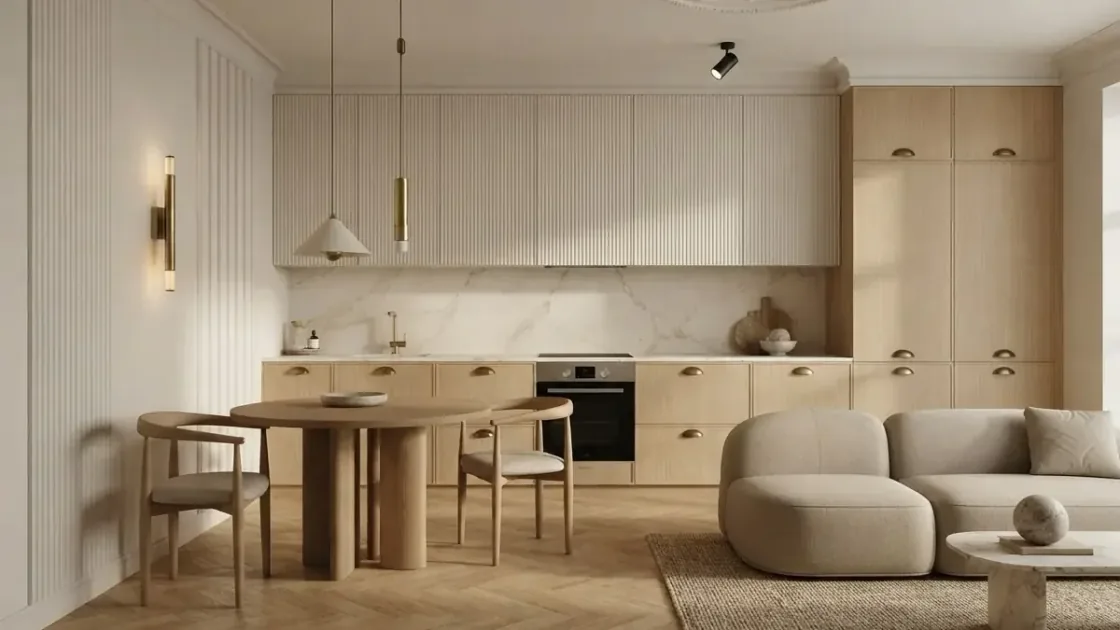
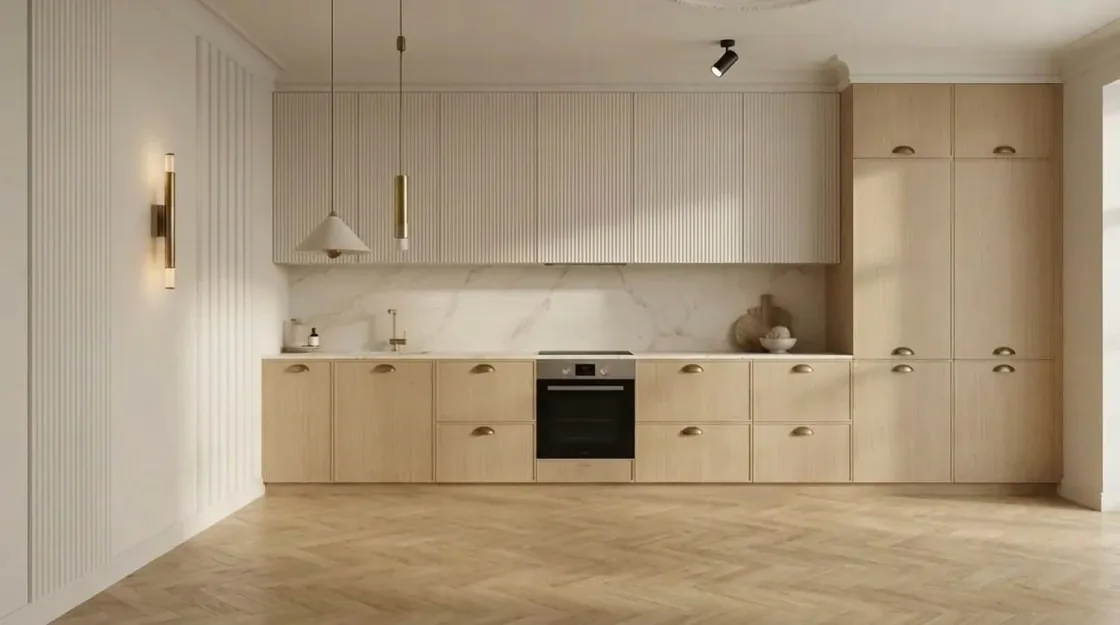
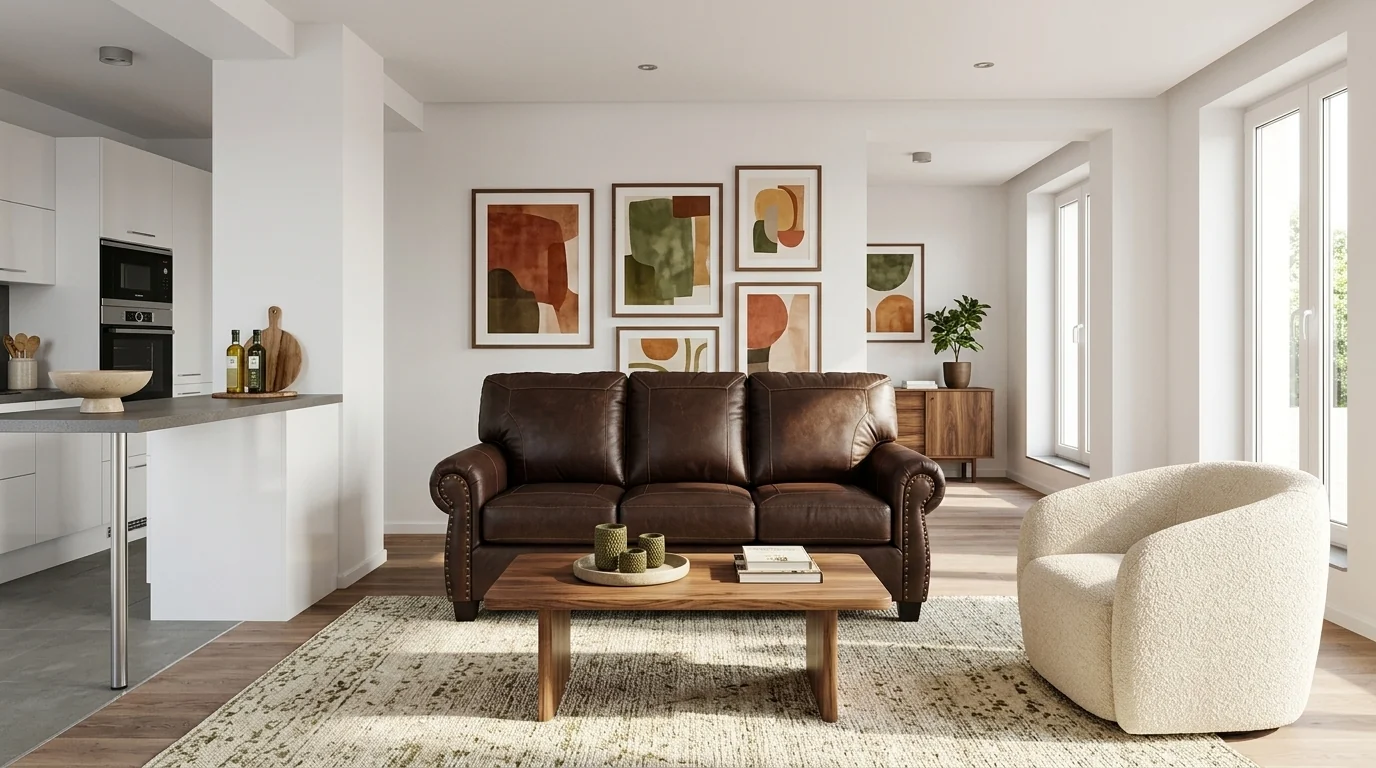
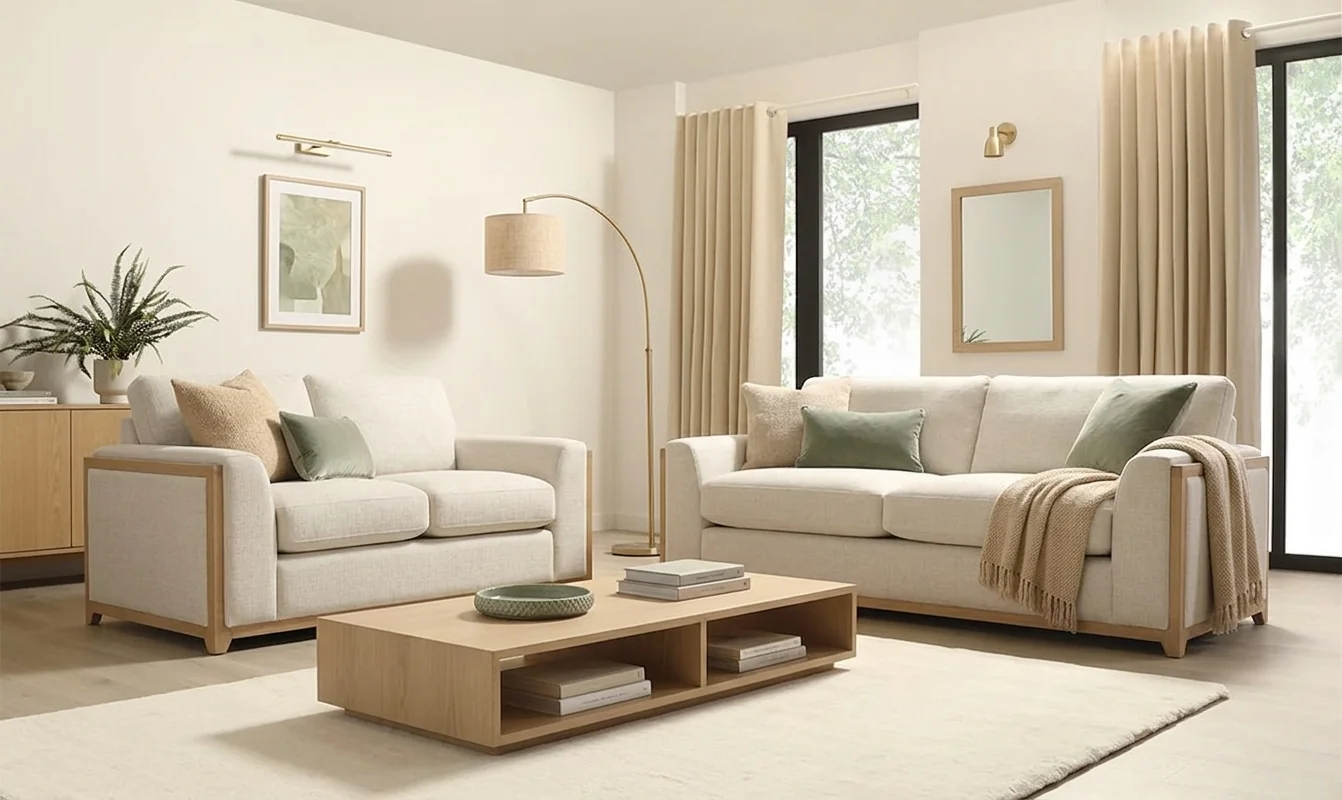
Before · OriginalThe photo as uploaded. Everything below changes only the furniture in it.
Want the furniture moved rather than replaced? The AI room layout planner rearranges what you already own, and the furniture fit calculator checks a new piece actually fits before you order it.
What This Tool Actually Produces
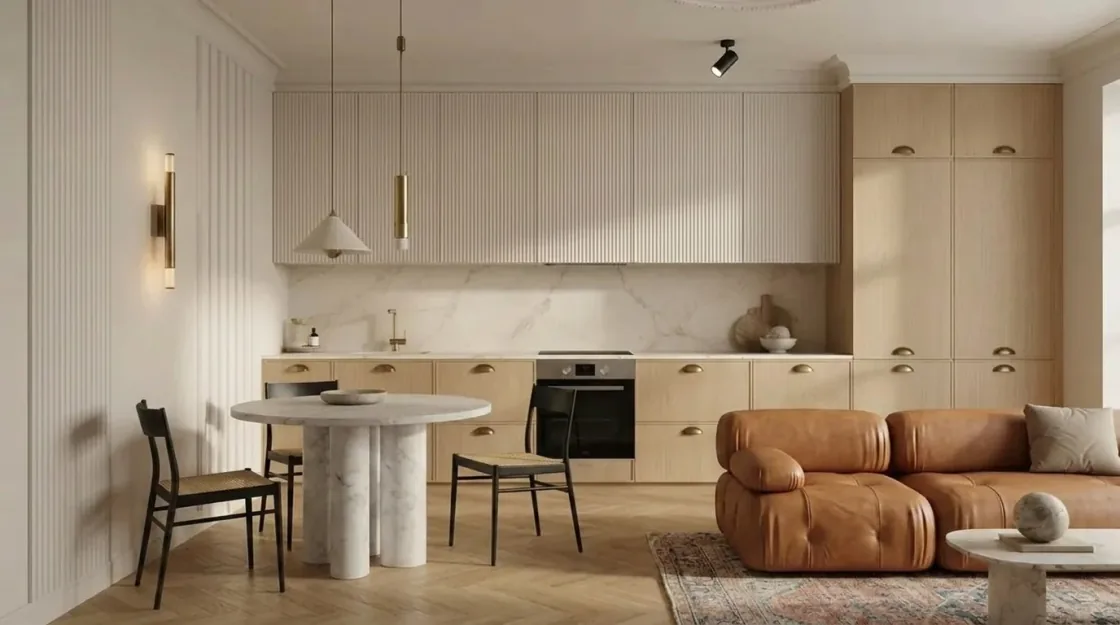
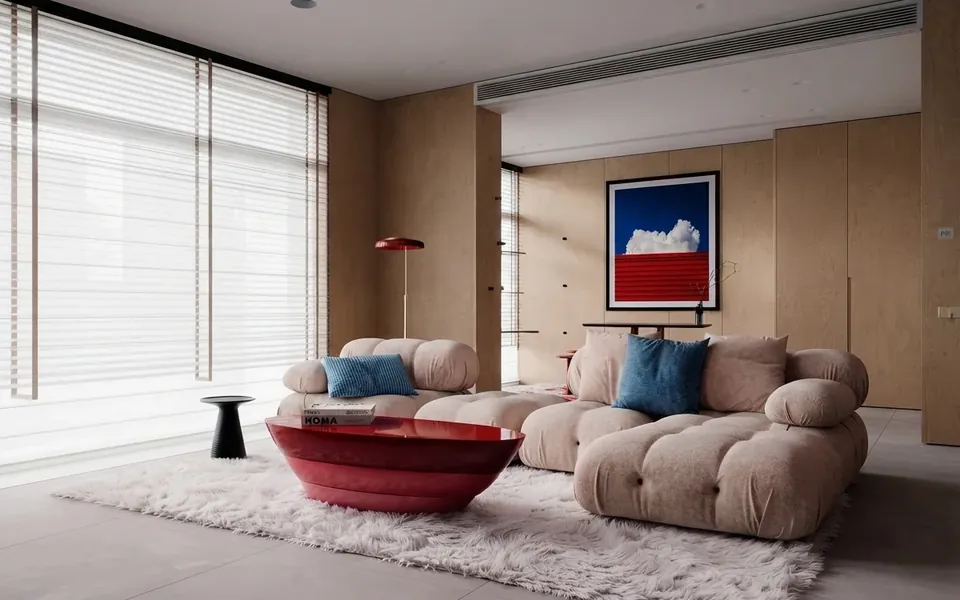
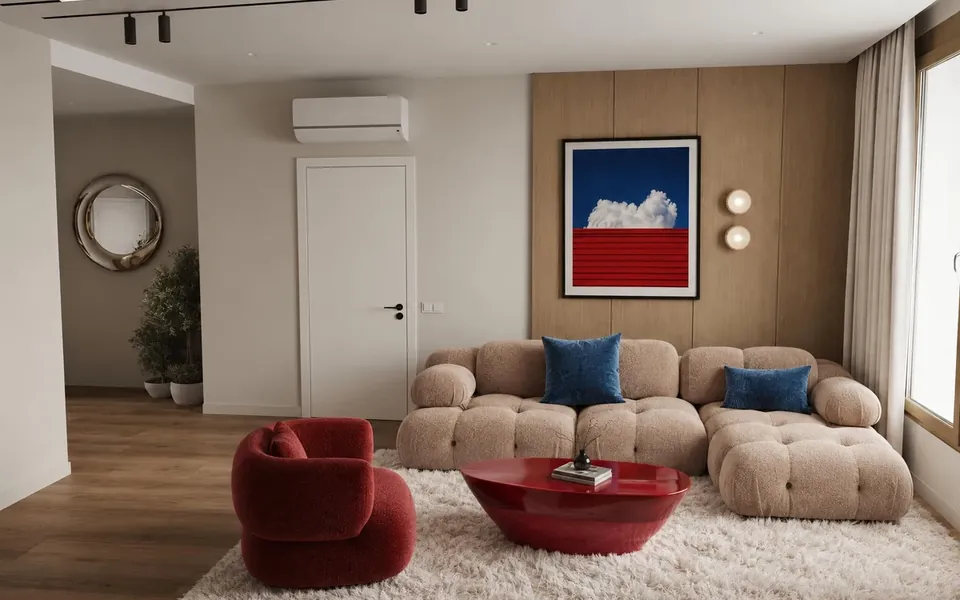
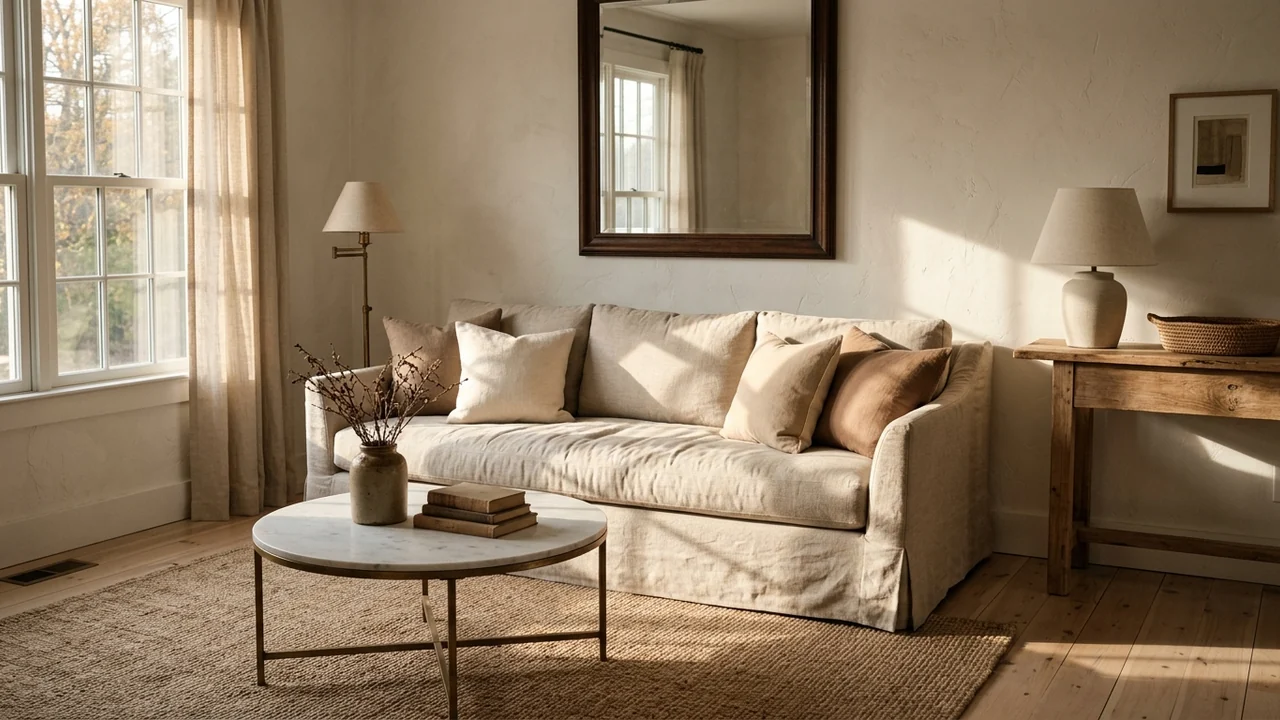
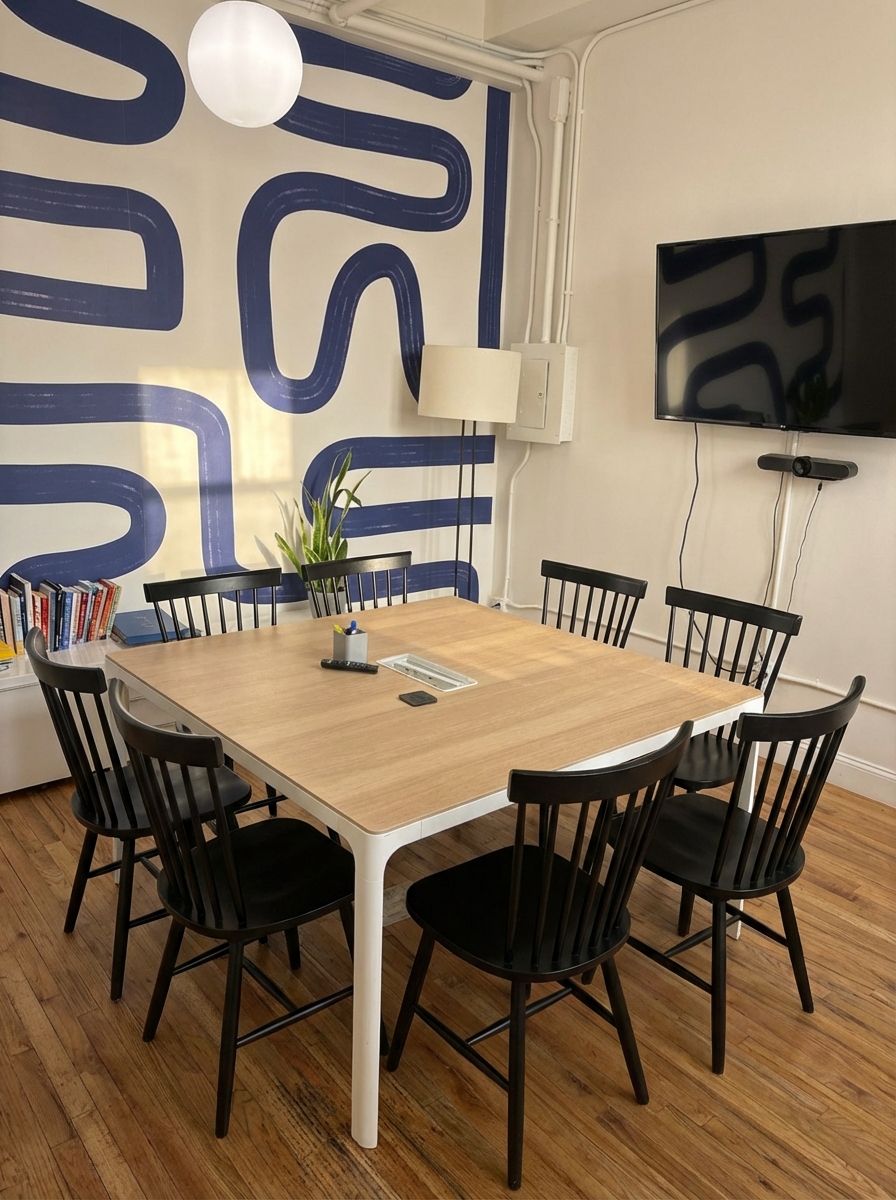
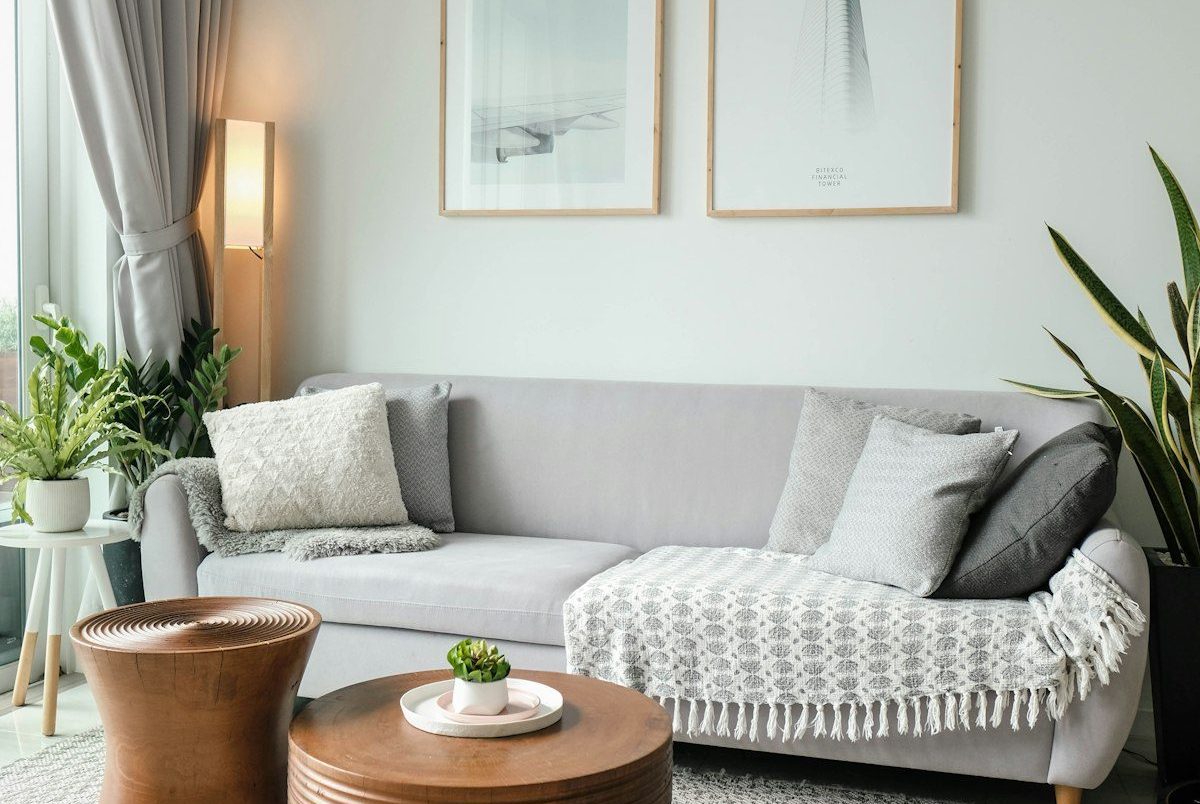
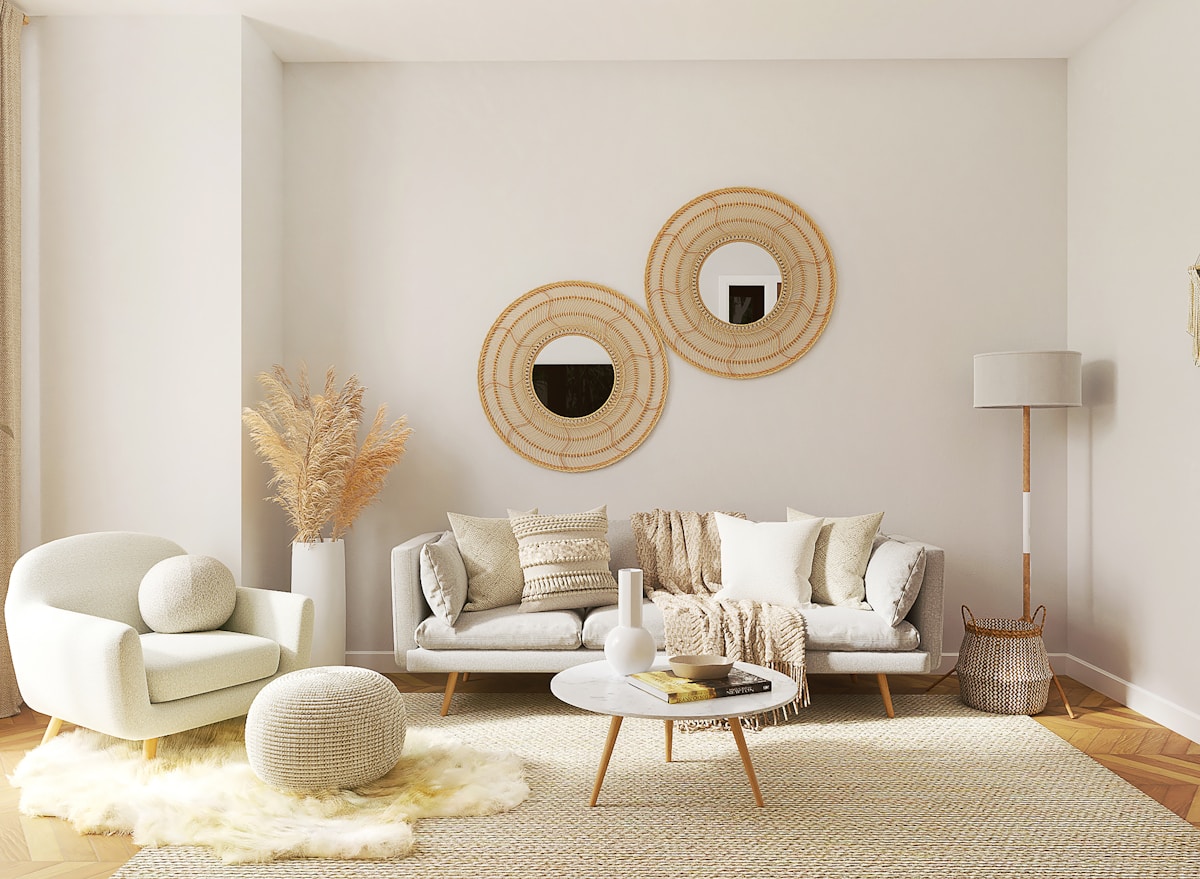
The same room, different furniture. Each of these is a MeltFlex render where the sofa, table, bed or storage was swapped and the shell of the room was left alone.
Browse the MeltFlex renders in the MeltFlex gallery to see the rest. These 17 are a small slice of it.


For interior designers
Become our interior designer and get clients
Publish your design so clients can find you.

You Do Not Want a New Room. You Want a Different Sofa.
Almost every AI interior tool answers a question nobody asked: what if your whole room looked different? The actual question is narrower and more expensive to get wrong. Will this one piece work in the room I already have?
Homeowners & Renters
A sofa is a four-figure decision made from a 400-pixel product photo on a white background. It arrives, and the colour is wrong or it eats the room. Renters have it worse: the walls, floor and kitchen are not yours to change, so the furniture is the only lever you have.
Agents & Stagers
The property is occupied and the owner's furniture is dated, but the room itself photographs beautifully. Reshooting is not an option and full virtual staging assumes an empty room. What you need is the same photo with different furniture in it.
Designers & Retailers
Clients cannot read a mood board. They can read their own living room with your proposed sofa in it. One image in their space closes what three catalogue pages and a fabric swatch will not.
Upload the room and name the piece. MeltFlex AI swaps the sofa, the chairs, the table, the rug or the lighting and holds everything else still, down to the fitted cabinetry and the direction of the shadows. Change one thing, change seven things, or take it all out. The room in the picture stays your room.
Trusted by 213,000+ Homeowners, Agents & Designers

“We were about to spend $4,000 on a sectional. Dropped our living room photo in, tried it in three colours, and realised the one we wanted swallowed the room. Bought smaller.”

“The thing I actually needed was to change one chair, not redesign my flat. This is the first tool that let me touch only the dining chairs and leave everything else alone.”

“I stage rentals. Being able to strip the owner furniture out of a photo and put my own in, on the same walls, cut a whole day out of every listing.”

“Our rug was the problem all along and I never would have guessed. Swapped just the rug in the render and the whole room made sense.”
“Inherited a flat full of dark furniture. Seeing it with lighter pieces, in the actual rooms, settled six months of arguing in an afternoon.”

“Removed everything from the photo first, then added pieces back one at a time. That is exactly how I think about a room and no other tool works that way.”

“Same sofa, seven fabrics, in my own living room light. The showroom swatches had been lying to me about the green.”
“I sell furniture. I send clients their own room with our pieces in it instead of a catalogue page. Close rate went up, returns went down.”

“Rented flat, cannot touch the walls or the kitchen. This changes only the furniture, which is the only thing I am allowed to change.”

“Tried a smaller table before buying. The render showed how much floor we would get back, which a tape measure never quite does.”

“My mother wanted traditional, I wanted modern. We each rendered the same living room our way and picked from the two pictures instead of arguing.”

“The lighting swap alone changed the room more than a new sofa would have. I would never have tried it without being able to see it first.”
- AI 3D Furniture GeneratorRedesign your sofa, table or chair itself
- AI Interior DesignRedesign any room from a photo
- AI Layout BoostOptimize your furniture layout
- Virtual Staging AIStage empty listing photos in seconds
- AI Floor RestyleSwap flooring in seconds
- AI Style TransferRestyle your room to match a reference
Changing the Furniture, Without Changing the Room
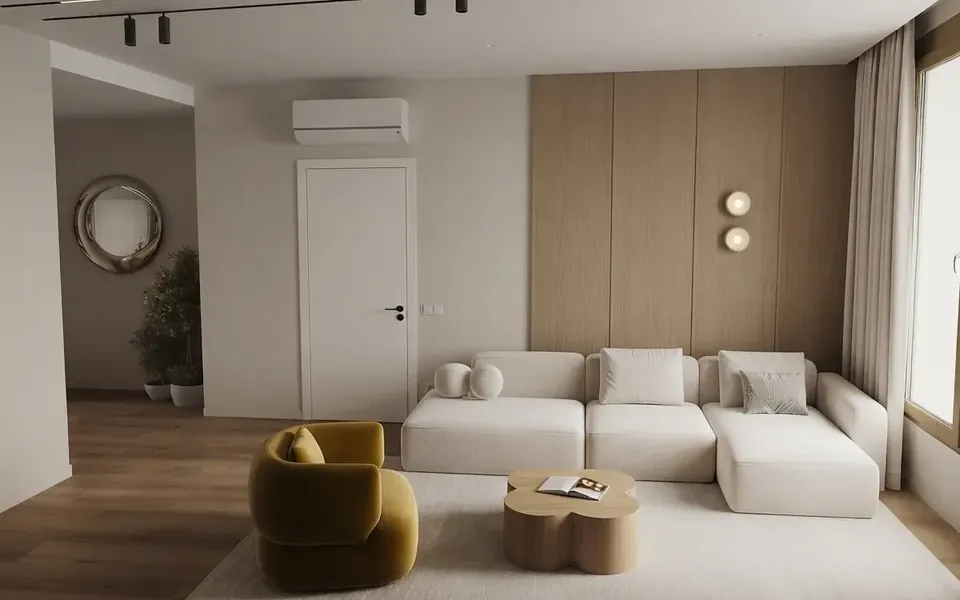
Changing furniture in a picture used to mean an afternoon of masking in Photoshop, and the giveaway was always the same: the new sofa sat on the floor like a sticker, with no shadow underneath and the wrong light on its arms. A photo-to-photo AI model handles this differently. It reads the room first, works out where the floor plane is, where the light comes from and how big things are, and then draws the new piece into that space so it casts the shadow it would actually cast.
Brush the piece, not the whole room
You paint over the thing you want gone, and that mark is the whole scope of the edit. Brush the sofa and the dining set stays untouched. Brush the rug and every leg standing on it keeps its position. This matters because the question you are usually answering is comparative: is this room better with a different sofa, all else equal? If all else does not stay equal, the two pictures are not comparable and the exercise is worthless.
Pick a real product, not a vague style
A style keyword gives you a sofa that does not exist. This tool takes the actual product instead: search the catalog of roughly 1,900 real items from IKEA, Wayfair, Amazon, Ashley, Pottery Barn, Walmart, West Elm, Costco and Rooms To Go, pick the one you are considering, and the AI renders that piece into your room with its own silhouette, upholstery and legs. If what you want is not in the catalog, upload a photo of it from any shop listing and the AI works from that instead.
Remove furniture from a photo
The same engine runs in reverse. Choose Remove it and the piece comes out of the photo, with the floor, skirting and wall behind it rebuilt in perspective rather than smeared over. Empty the room completely and you have a clean plate to work from, which is how a lot of people prefer to start: strip it back, then add pieces one at a time. If the room was already empty when you photographed it, our virtual staging tool is the better starting point.
Where this sits next to the other tools
Replacing furniture is one job among several. To move what you already own rather than swap it, use the AI room layout planner. To restyle the walls, floors and everything else along with the furniture, use AI interior design. To copy a look you found somewhere else, the style transfer tool works from a reference photo. And before you order anything, the furniture fit calculator tells you whether it clears the doorway. Your first render is free and needs no account.
Live now
Weekly Creator Contest $10,000
Make your design in MeltFlex and submit by Sunday. Any room, any style.



Affiliate program


Share MeltFlex, earn $2,000+ a month
30% of every subscriber you bring, every month35 subscribers ≈ $2,100
Frequently Asked Questions
How do I change the furniture in a photo?
Upload a photo of the room, then brush over the piece you want gone. That red mark tells the AI exactly where to work. Then pick the replacement from our catalog of real furniture, or upload a photo of any piece you like, and generate. The AI puts that product into the marked area and leaves the rest of the photo untouched. It takes about 30 seconds. Try it free.
Can I change just one piece of furniture?
Yes, and that is the point of the tool. You brush the exact area you want changed, so nothing outside your mark is touched: swap the sofa while the dining set, rug and lighting stay as they were. Most AI interior tools restyle the entire room whether you wanted that or not, which makes a before and after impossible to judge.
Can I keep my furniture but change its colour?
Yes. Brush the piece, then add a note such as “same sofa but in deep green velvet” and pick or upload a reference showing the material you mean. The AI keeps the shape and position and changes only the colour and fabric.
Can it remove furniture from a photo?
Yes. Brush the piece and ask for it to be removed, and it is taken out of the photo entirely, with the floor, skirting and wall behind it rebuilt in correct perspective with natural shadows. You can empty the whole room or remove a single piece and leave everything else in place.
How is this different from virtual staging?
Virtual staging starts from an empty room and adds furniture to it. This tool starts from a room that is already furnished and swaps what is in it. If your photo is of an empty property, use virtual staging; if the room has furniture you want to change, this is the right tool.
Will it move my furniture around?
No. New pieces land where the old ones stood, at a similar footprint unless you ask for something smaller or larger. If what you want is the same furniture arranged differently, the AI room layout planner rearranges rather than replaces.
Can I see what a specific sofa would look like in my room?
Yes, that is the normal way to use it. Search our catalog of real products from IKEA, Wayfair, Amazon, Ashley, Pottery Barn, Walmart, West Elm, Costco and Rooms To Go and pick the exact item, and the AI renders that product into your room. If the piece you want is not there, upload a photo of it and the AI matches its shape, material and colour.
Is the AI furniture changer free?
Yes. You can upload a room photo and change the furniture for free, and no account is needed to run your first render.
Does the room itself stay the same?
Yes, and the prompt is written to enforce it. The walls, floor, windows, doors, ceiling, fitted kitchen and wardrobe joinery, camera angle and lighting are all held fixed. Only loose furniture changes, which is what makes the before and after actually comparable.

