Artlist is the library behind a huge share of the property videos you scroll past on Instagram and TikTok, usually without realizing it. The polished agent reel with the smooth music, the clean voiceover, the licensed track that never gets the post muted, that is almost always Artlist doing the work behind the edit. In 2026 it stopped being just a music site and became a full AI production suite, which changes what a solo agent can make.
Our articles are still written by humans!
Get human written articles in your Google feed.
This is the practical guide to using Artlist AI for real estate: which of its 38-plus AI video models to pick for a listing, how to score a tour so it feels premium, a copy-paste voiceover script you can narrate in seconds, and the one step everyone skips that decides whether the whole thing looks expensive or cheap. Listings with video get up to 403 percent more inquiries, so it is worth doing properly.
Quick answer: To make a real estate video with Artlist AI, start with a clean, staged photo of each room, use Artlist's image-to-video models to add a slow camera move, paste a short voiceover script into its AI voiceover tool, let Spotlight suggest a licensed music track that matches the pacing, and stitch the clips into a 20 to 40 second tour. Artlist handles the video, sound, voice and music in one place. The only thing it does not do is design the room, so stage the photo first.
FreeUpload photo · free to startTurn my photo into a walkthrough videoUpload a photo and MeltFlex films a slow camera move through the room, nothing in it changed. Free to start, no card needed.

What Artlist AI Actually Is (and What It Isn't for Real Estate)
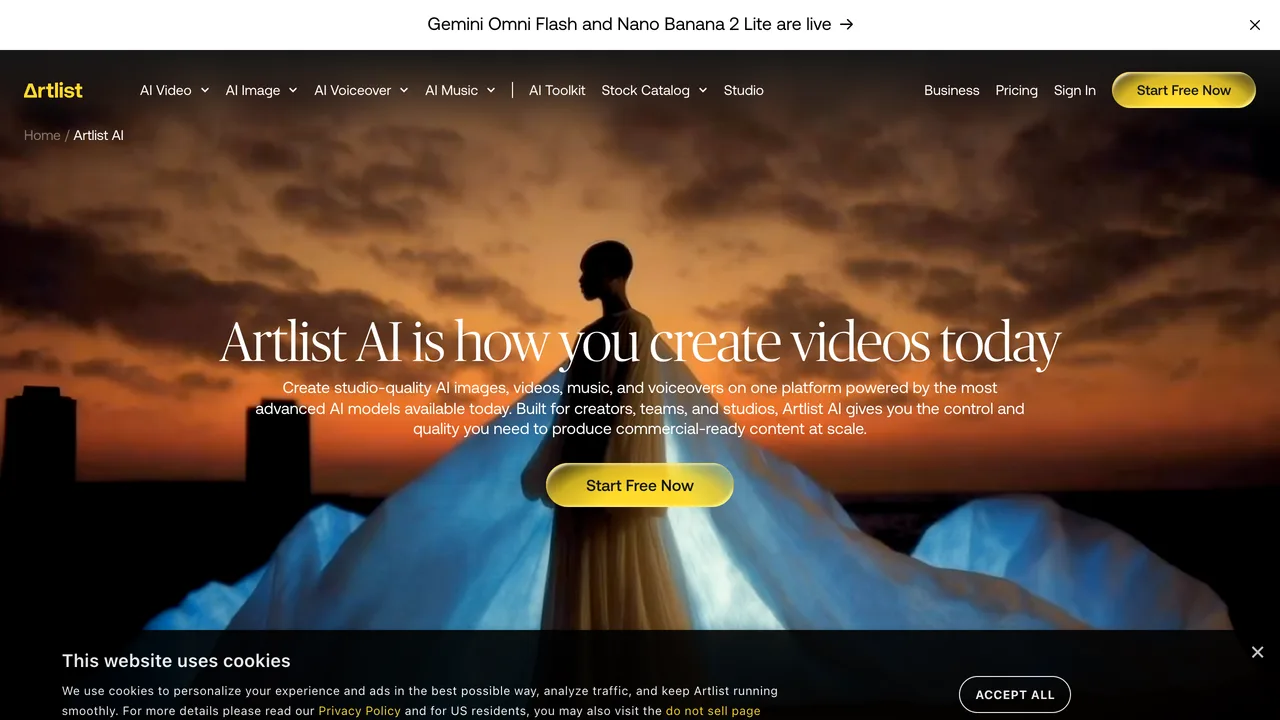
Most agents still think of Artlist as a place to grab a song. That is the old version. The 2026 platform is an AI toolkit and an editing suite wrapped around the largest licensed catalog in the business. For a property video, four of its tools matter:
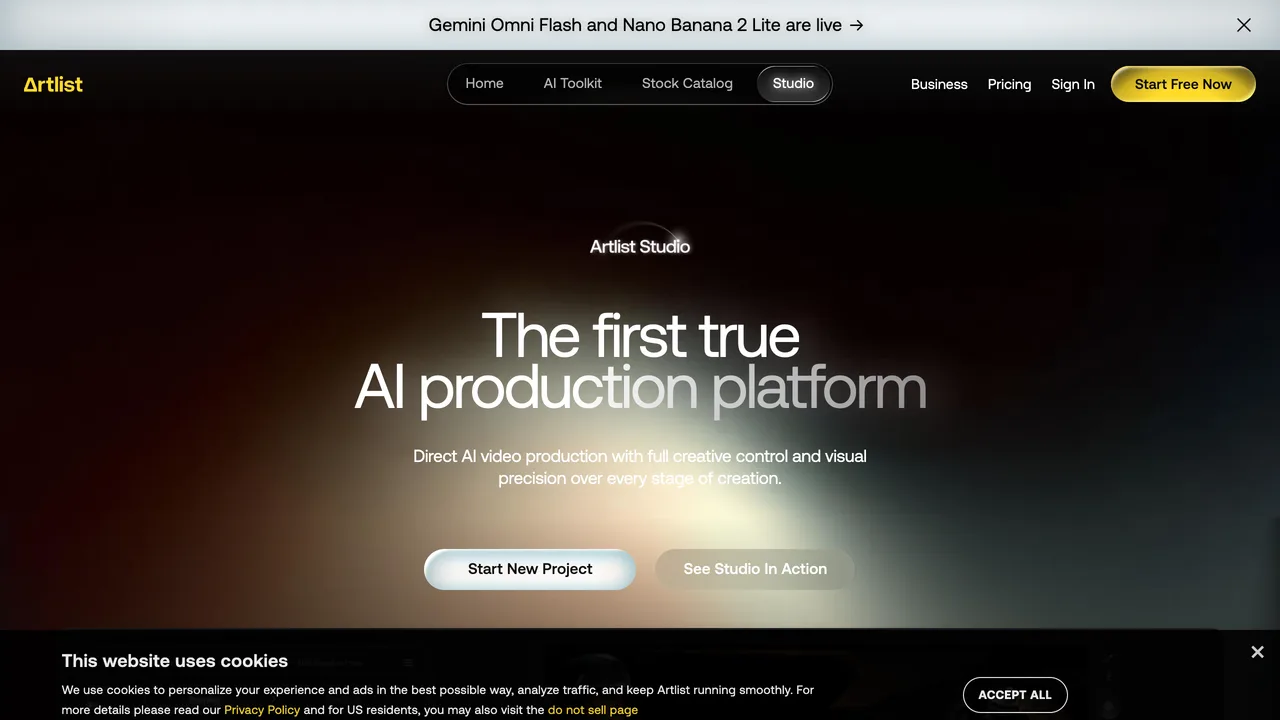
Here is the honest limit, and it is the one to remember. Artlist works with the footage you give it. It animates, scores and narrates, but it does not furnish, restyle or fix a room. Feed it an empty, cluttered or dated space and you get a beautifully scored video of an empty, cluttered or dated space. The music cannot rescue the room. That is why the workflow below starts with the visuals, not the video model.
The Anatomy of a Real Estate Video, and Which Artlist Tool Covers Each Part
A listing video that actually converts is not one thing, it is five, layered together. Break it down and it stops being intimidating:
- The visuals: clean, furnished, well-lit rooms. This is the input, and it is not Artlist's job (see the next section).
- The motion: a slow, cinematic camera move per room. Artlist AI Video, image-to-video.
- The voice: a short narrated script over the tour. Artlist AI Voiceover.
- The music: a licensed track that sets the mood and will not get muted. Artlist Music and Spotlight.
- The edit: clips stitched, captioned and exported for the platform. Artlist Studio, templates and plugins.
Artlist owns four of those five. The one it does not is the one everything else depends on.
Step 1: Start With a Room Worth Filming (the Step Everyone Skips)
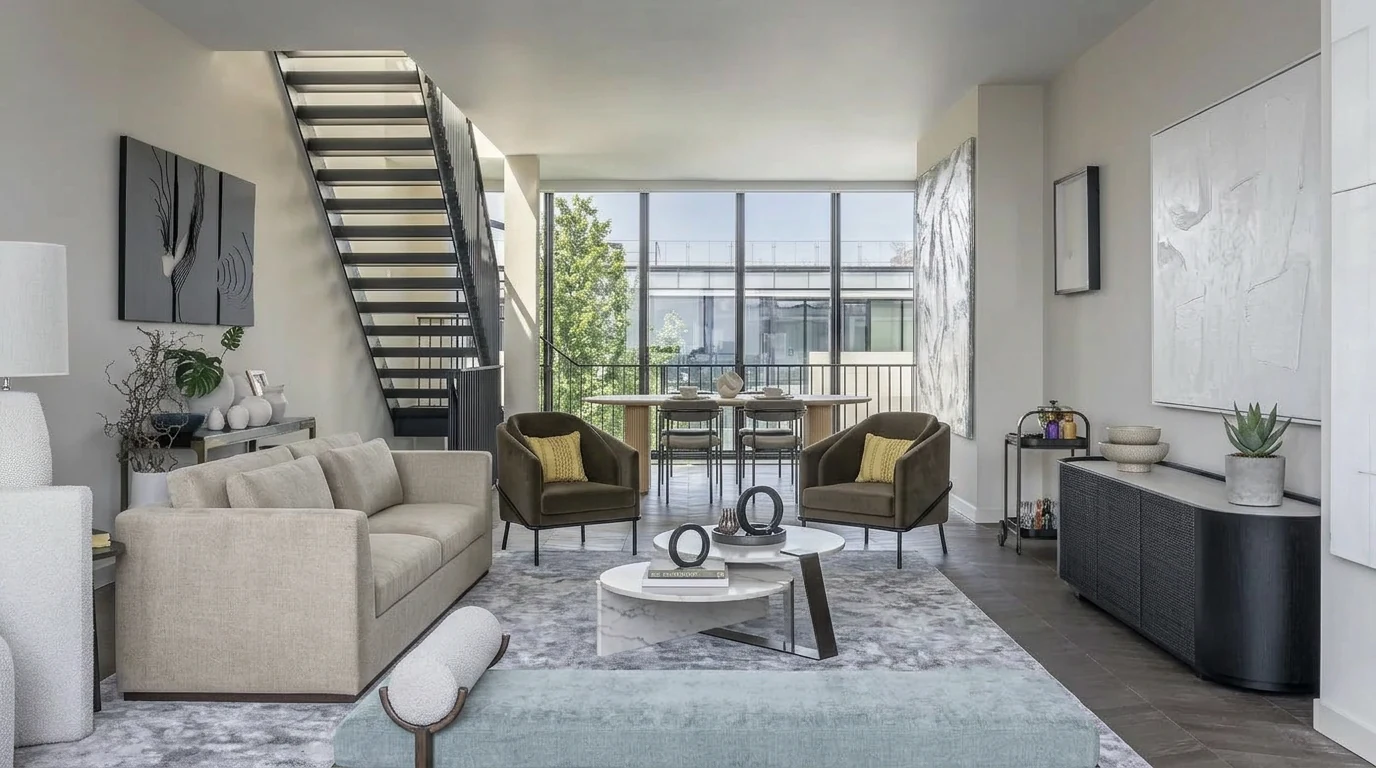
Before you touch a single AI video model, you need a photo that is worth putting motion and music behind. An empty listing reads as empty on video. A dated room reads as dated. Cluttered stays cluttered. No camera move or piano track fixes that, it just makes the flaw move smoothly and sound expensive.
This is where MeltFlex fits, and it is deliberately the first step, not an afterthought. Upload a photo of the actual room and it stages an empty space or restyles a dated one in seconds, keeping the real walls, windows and layout so the video still matches the home buyers will walk into. That finished image is what you take into Artlist.
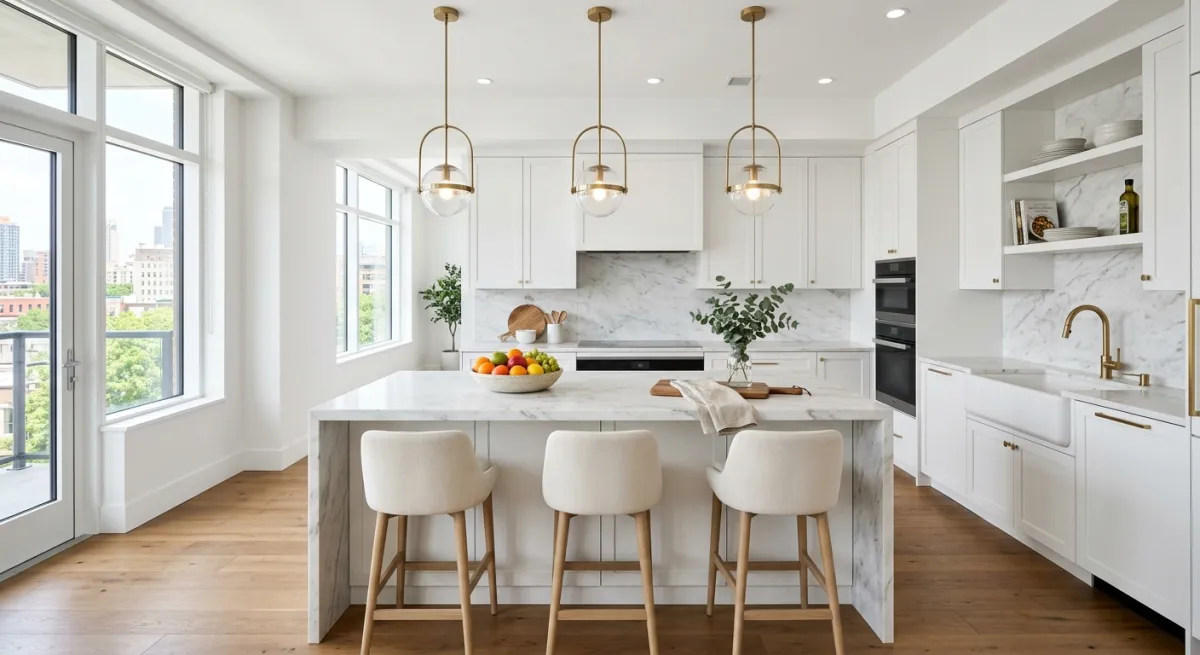
Think of it as the difference between a video of a house and a video of a home. Artlist gives you the second half of that sentence beautifully, but only if the first half, the room, is already right. If you are new to virtual staging, we cover the full workflow in AI virtual staging for real estate and real estate photography with AI staging.
Step 2: Turn the Photo Into Motion With Artlist AI Video
Artlist puts 38-plus video models in one workspace, which sounds overwhelming until you realize real estate only needs one behavior from them: slow, believable camera motion on a still room. Use image-to-video, upload your staged photo, and describe the move.
Why property footage is the easy case for AI video: almost every AI-video failure comes from people and fast motion, warped faces, rubbery limbs, broken physics. A listing video has none of that. It is a slow glide across an empty, still room, exactly the thing these models handle well. Keep people out of frame and keep the move slow and you get footage that genuinely looks filmed.
Copy-paste image-to-video prompts, one slow move per room:
- Entry: "slow dolly forward through the front entry into a bright open-plan living room, eye level, smooth steady motion, warm natural daylight, photorealistic"
- Living room: "gentle orbit around a styled living room with a sectional sofa and coffee table, soft afternoon light, slow cinematic motion, no people"
- Kitchen: "smooth glide past a modern kitchen island and pendant lights, bright even lighting, premium real estate look, steady motion"
- Primary bedroom: "slow push in toward a made bed in a calm bedroom, large window with soft morning light, steady gentle motion"
- Exterior: "slow rise over the front of the house at golden hour, reveal the facade and driveway, smooth cinematic crane motion"
For controlled moves, pick a model that supports start and end frame (Kling and Wan do), which lets you set exactly where the camera begins and ends. Keep every clip to four to eight seconds. Longer clips drift and distort. This is the same principle we cover for camera-first tools in the Higgsfield real estate guide, the difference is Artlist keeps the music and voice in the same tab.
Step 3: Write and Voice the Script (Artlist AI Voiceover)
A silent tour is a mood board. A narrated tour is a sales tool. Artlist's AI Voiceover runs on ElevenLabs with 30-plus natural voices, so you paste a script, choose a warm, trustworthy voice, and get clean narration in seconds, no mic, no re-records.
You still write the words, and the structure matters more than the wording. Use a hook, three or four benefit-led lines tied to your best rooms, the hard facts, and a call to action. Copy this template and swap in the property details:
- Hook (first 3 seconds): "Welcome home to [street or neighborhood]."
- Living space: "Step inside to an open-plan living room with [feature, e.g. floor-to-ceiling windows and natural oak floors]."
- Kitchen: "The kitchen is built for everyday life and entertaining, with [island / stone counters / premium appliances]."
- Bedrooms: "Upstairs, [number] bedrooms including a primary suite with [feature]."
- Facts: "[X] beds, [Y] baths, [square footage], in [location], offered at [price]."
- Call to action: "Book your private tour today. Link in bio."
Keep the whole script under about 90 words for a 30-second reel. Write like you talk, one idea per line, and let the voiceover breathe between rooms. Warm and calm beats hype every time in property.
Step 4: Score It With Licensed Music and Spotlight
Music is where most DIY listing videos quietly fall apart. Grab a trending song off the platform and the post gets muted or taken down for copyright. Every one of Artlist's 70,000-plus tracks is licensed for commercial and social use, so that problem disappears entirely.
The smarter move is Spotlight: it analyzes your finished clip, its visual rhythm, color temperature and motion tempo, then scans the catalog and suggests tracks that match the pacing of your tour, essentially an automated music supervisor. It removes the endless scrolling for a song that fits.
What actually works for property, by mood:
Keep the track low in the mix so it sits under the voiceover, never over it, and add a couple of subtle sound effects (a soft door, ambient room tone) from Artlist's SFX library to make the space feel real.
Step 5: Stitch, Caption and Export
With clips, voice and music ready, assemble the tour in Artlist Studio. Lead with your strongest room, keep the total to 20 to 40 seconds for social, and add on-screen captions, most people watch on mute first. Artlist templates give you a ready frame for vertical Reels and TikTok, and if you edit in Premiere Pro or DaVinci Resolve, its plugins drop the assets straight into your timeline.
The full pipeline, start to finish: real photo, then MeltFlex to stage or redesign the room, then Artlist to add motion, voiceover and music, then export the reel. Every step after the first lives inside Artlist. The first step is the one that decides everything.
Which Artlist Video Model Should You Use for Real Estate?
You do not need to test all 38. For property footage, a handful stand out, and the choice is mostly about credit cost versus polish:
A practical routine: draft the move on a cheap model like Seedance, and once you like it, re-render the final clip on Kling for everyday listings or Veo 3.1 for a hero shot. That keeps credit spend sane.
Updated 14 October 2026: we dropped Sora 2 from this table. OpenAI closed the Sora app in April and the API on 24 September 2026, so even where a Sora option still appears on an Artlist page, it is not a model to build a listing workflow on. Its place went to Seedance 2.5 and Gemini Omni 1.1 Flash, both on Artlist’s video generator page today. Kling 4.0 (30 second clips, 4K, up to 10 keyframes) is in limited early access at Kling with the full launch promised for October; it is not on Artlist yet.
Artlist Pricing for Real Estate Use
Artlist restructured its plans in 2026, and not every tier unlocks the AI video and voiceover tools, so match the plan to what you actually need:
The AI video models run on a monthly credit allowance, and generating video burns credits far faster than music or voiceover, so it is the number to plan around. Annual billing cuts both the plan price and credit cost significantly. Pricing and credit allowances change often, so confirm the current numbers before you subscribe and factor per-video cost into your marketing budget.
Artlist vs an All-in-One Real Estate Video Tool
Artlist is a production suite: many models, deep music and voice, real editing control. That power is also its cost. You are assembling a video across several tools and steps, and it still cannot design the room, so you pair it with a staging tool regardless.
If you mainly want listing videos fast, an all-in-one route is simpler. MeltFlex's AI video walkthrough takes a room photo and produces a moving walkthrough directly, and because it also stages and redesigns the room, the visuals and the motion happen in one place. The honest split for most agents: use MeltFlex for speed and everyday listings, and reach for Artlist when you want a fully produced, scored, narrated hero video with total creative control. If you are weighing the field, we ranked the best AI video generators for real estate side by side.
Questions Agents Ask About Artlist for Real Estate
How do I make a real estate video without filming?
Stage the room photo, animate it with an image-to-video model, add a voiceover and licensed music, and stitch the clips. With Artlist you do the motion, voice and music in one workspace. With an all-in-one tool like MeltFlex you upload the photo and get the walkthrough directly. Either way, the input photo does the heavy lifting.
Will Artlist music get my listing video muted on Instagram or TikTok?
No. Every Artlist track is licensed for commercial and social use, which is the whole point of using it over a trending pop song. Your posts stay up and monetizable, with no copyright strikes.
Can I use Artlist AI voiceover instead of recording myself?
Yes. It runs on ElevenLabs with 30-plus natural voices, so you paste your script, pick a warm voice, and get clean narration without a microphone. It is faster and more consistent than re-recording, especially across many listings.
Do I still need to stage the property before making the video?
Yes, and it is the step that decides the result. Artlist animates and scores whatever you give it, so an empty or dated room stays empty or dated on video. Stage or redesign the photo first, then bring the finished image into Artlist.
What is Artlist AI and can it make real estate videos?
Artlist AI is a single creative workspace that bundles 38-plus AI video models (Kling 3.0 and O3, Seedance 2.5, Wan 3.0, MiniMax H3, Grok Imagine Video 1.5, Gemini Omni 1.1 Flash, Veo 3.1 and more), a 70,000-track licensed music library, 72,000 sound effects, and AI voiceover. For real estate it means you can turn a listing photo into a moving clip, score it with cleared music, and add a narrated voiceover script without leaving one tool. What it does not do is stage or design the room, so a clean, furnished photo has to go in first.
Is Artlist good for real estate agents?
Yes, for the edit-and-assemble half of the job. Artlist gives agents everything a listing reel needs after the visuals exist: motion via image-to-video models, royalty-free music that will not get the post muted on Instagram, an AI voiceover to narrate the tour, and templates to cut it together. The gap it leaves is the room itself. Artlist animates and scores whatever you feed it, so an empty or dated photo becomes an empty or dated video. Stage the photo first, then bring it into Artlist.
What is the best royalty-free music for real estate videos?
For most listings, warm, unobtrusive music works best: soft piano, mellow lo-fi, or light acoustic for family homes; cleaner minimal electronic or downtempo for modern and luxury properties. Keep it calm and low in the mix so it sits under the voiceover. Artlist licenses every track for commercial and social use, and its Spotlight tool analyzes your clip and auto-suggests music that matches the pacing, which removes the guesswork.
Can Artlist write and voice a real estate video script?
Artlist voices the script, and its AI voiceover runs on ElevenLabs with 30-plus natural voices, so you paste a script and get broadcast-quality narration in seconds. You still write or adapt the words. A reliable structure is a hook, three or four benefit-led lines matched to your best rooms, the key facts (beds, baths, location), and a call to action. We include a copy-paste voiceover script template below.
How much does Artlist cost for real estate use?
In 2026 Artlist starts around 9.99 dollars a month for Music and SFX on an annual plan, and roughly 16.60 for the popular unlimited music tier. To use the AI video and voiceover tools you need an AI or Max plan, with the all-in-one Max plan around 33 to 40 dollars a month annually. The AI video models run on credits, so heavy video generation is the cost to watch. Confirm current pricing before subscribing, as Artlist changes plans often.
Do real estate listing videos actually get more leads?
Yes. Listings with video consistently outperform photo-only listings, with some industry studies citing up to 403 percent more inquiries, and video is the format buyers and social algorithms both favor. The reason most agents still skip it is cost and time, which is exactly the gap AI video, music and voiceover tools close.
Which AI video models does Artlist have now?
On 14 October 2026 the Artlist video generator page listed Seedance 2.5 and 2.0 (including Mini and Fast), Gemini Omni 1.1 Flash, Kling 3.0, Kling 3.0 Turbo and Kling O3, Wan 3.0, MiniMax H3 and Hailuo 2.3, Grok Imagine Video 1.5, LTX 2.5 and Veo 3.1. Sora 2 still showed up on one Artlist overview page, but OpenAI shut the Sora API on 24 September 2026, so do not plan a listing around it. Kling 4.0, in limited early access at Kling since 28 September, was not on Artlist yet. For listings, Kling 3.0 stays the default and Seedance 2.5 is the pick when you want one unbroken walkthrough of up to 30 seconds.
Turn Your Listings Into Videos Buyers Actually Watch
Artlist AI is a genuinely powerful way to add motion, a voice and licensed music to a property tour, all in one place. But every one of its tools works on the room you give it, and the room is the part it cannot make. Design the space first, then let Artlist bring it to life. The fastest path is to do both in one flow: stage or redesign the room with MeltFlex, or turn a room photo straight into an AI walkthrough video and take it into Artlist for the final produced cut.