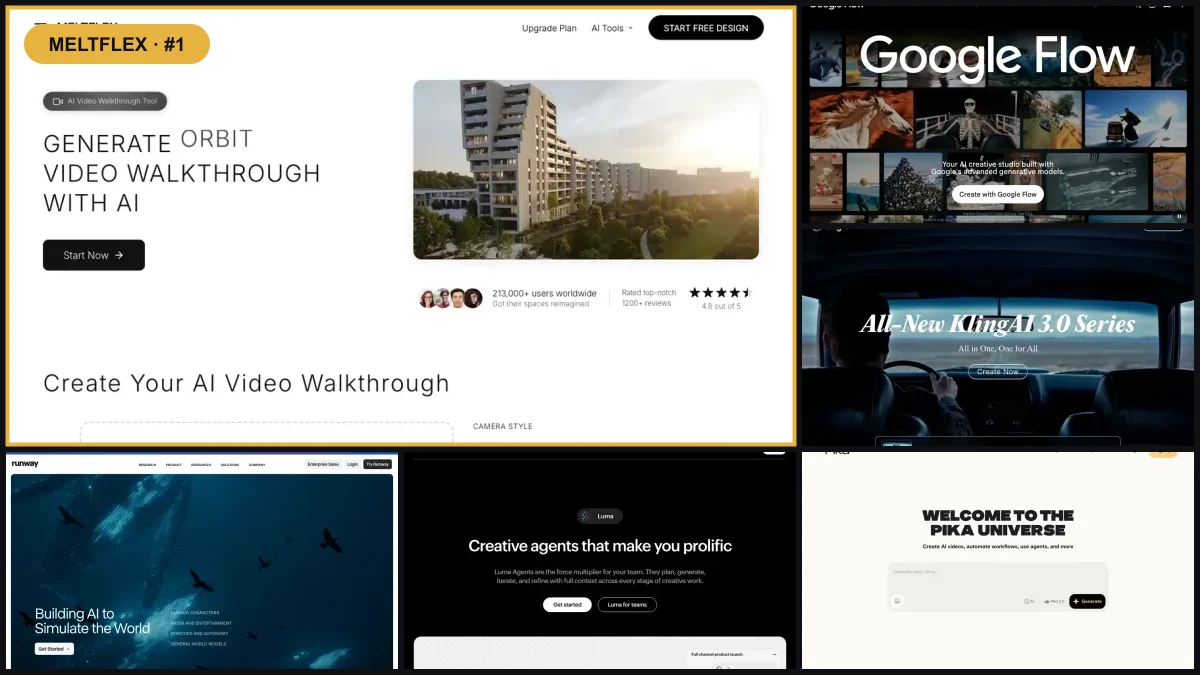
Every image to video roundup this year has the same two problems: half the tools were renamed or replaced mid-year, and the number one spot usually still belongs to a model that no longer exists. This one is different in two ways. It is written in September 2026, after the shake-up, and it judges every generator on one job: you have a still image of a room, a building, or a render, and you want a moving clip that looks filmed.
Our articles are still written by humans!
Get human written articles in your Google feed.
Quick answer: for interiors and architecture the most practical AI image to video generator is MeltFlex, because it fixes the still first, staging or restyling the room, and then animates it in one flow with no prompt writing. On raw model quality Google Veo 3.1 leads, Kling 3.0 is the best value, Seedance 2.0 is the fastest, and Wan is the only genuinely free one if you have the GPU. Sora is gone: the app closed in April and the API followed on 24 September 2026. The next model to watch is Kling 4.0, in limited early access since 28 September. The full ranking, with the honest catch for each, is below.
The short version
- Image to video is the mode that matters for rooms and buildings: the photo pins the geometry, the model only invents the camera move.
- MeltFlex is the practical pick for interiors because staging and animating happen in one place. Disclosure: it is our product, judge that entry accordingly.
- Veo 3.1 for the best-looking single clip, Kling 3.0 for volume on a budget, Seedance 2.0 for speed and long clips, Hailuo for frontier motion at the lowest subscription price.
- Wan is Apache-licensed and free to self-host, the only real answer to “free AI photo to video generator” without a watermark or a credit meter.
- Sora is discontinued and its API shut down on 24 September 2026. Any list still recommending it is stale.
- Three of these engines run inside our own product, so part of this ranking comes from production use and direct API testing, not from marketing pages.
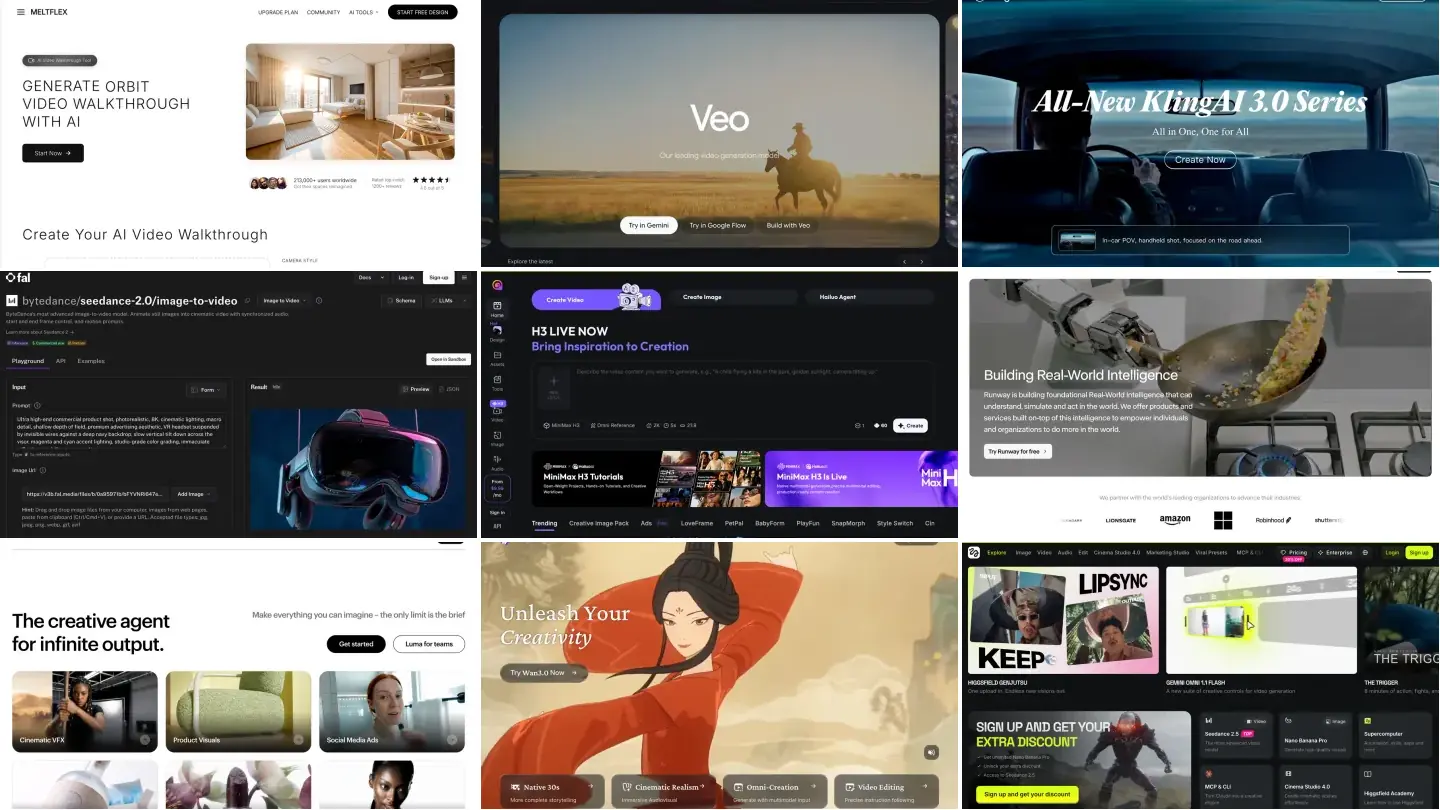
The ranking at a glance: 10 image to video tools
Every tool ranked on how well it animates a still of a room, a facade, or a render. Where we have first-hand production data we say so; where we are working from documented specs and community output we say that too. Detailed verdicts follow the table.
Pricing is indicative for 2026 and moves monthly. Per-second figures are typical API or credit costs; check each site before committing.
How this ranking was made, and what we could not verify
Most listicles in this space are written from marketing pages. Here is exactly where each claim in this one comes from, so you can weigh it yourself:
- Production use, not a demo. Three of the ten engines, Veo 3.1, Kling 3.0, and Seedance 2.0, run inside MeltFlex’s own walkthrough tool. The verdicts on those come from thousands of paid production generations on real interior stills, including the failure modes.
- Paid API probes, August 2026. The undocumented findings, Veo’s end frame refusing 4 second clips, the Lite tier rejecting negative prompts, Kling accepting an end frame at 4 seconds, cost us about 2.60 dollars in deliberate test generations. A rejected request is free but an accepted one bills, which is why nobody publishes these details: finding them costs money.
- Every screenshot in this article was taken by us on 3 September 2026, on each tool’s live product page. That is also the day every price and free-tier claim was last checked.
- Hands-on evaluation, not same-render lab tests, for the rest. Hailuo, Runway, Luma, Wan, and Higgsfield we assess from their live products, published specs, and community output, not from a controlled identical-input test. Where a claim is the vendor’s number and not ours, we say so.
- What we could not verify: Seedance 2.5’s 30 second continuous generation (vendor claim, plausible, unprobed because a single test clip costs real money at that length), the output quality of the hosted Wan 3.0 tier, and Higgsfield’s credit math since its platform pivot. Treat those three with the same skepticism we do.
- Conflict of interest: MeltFlex is our product and it is ranked first. The methodology above is the counterweight; if you distrust the #1, start reading at #2 and the rest of the ranking still stands on its own.
1. MeltFlex: fix the still, then animate it, in one place
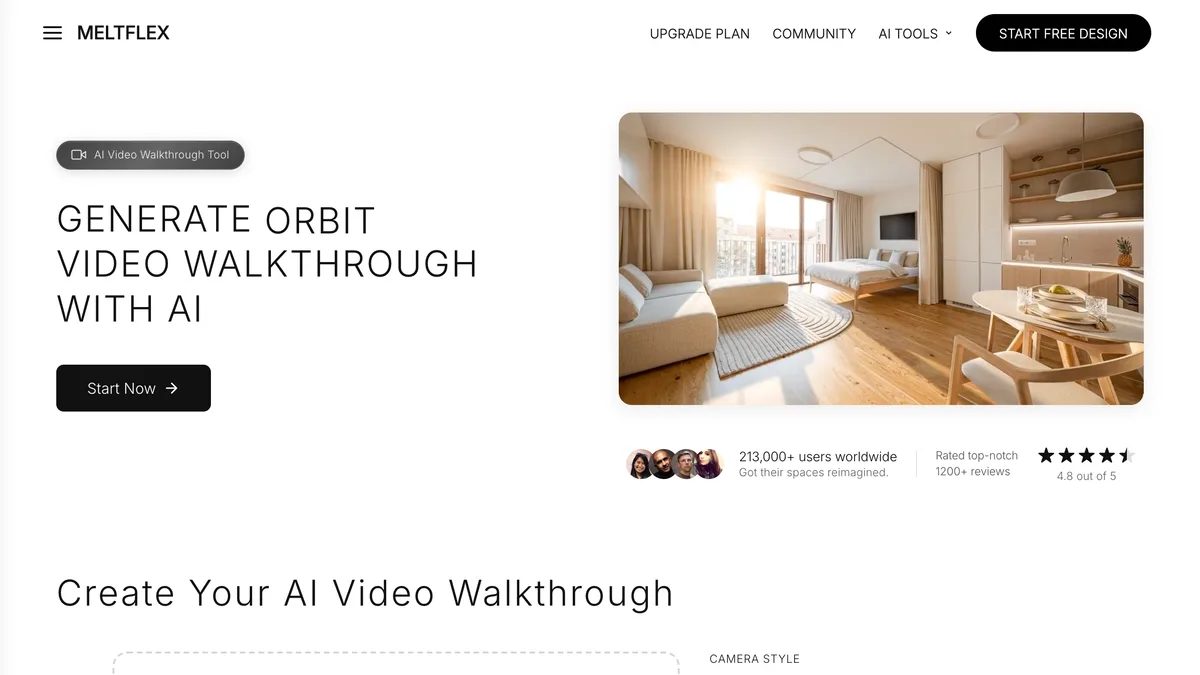
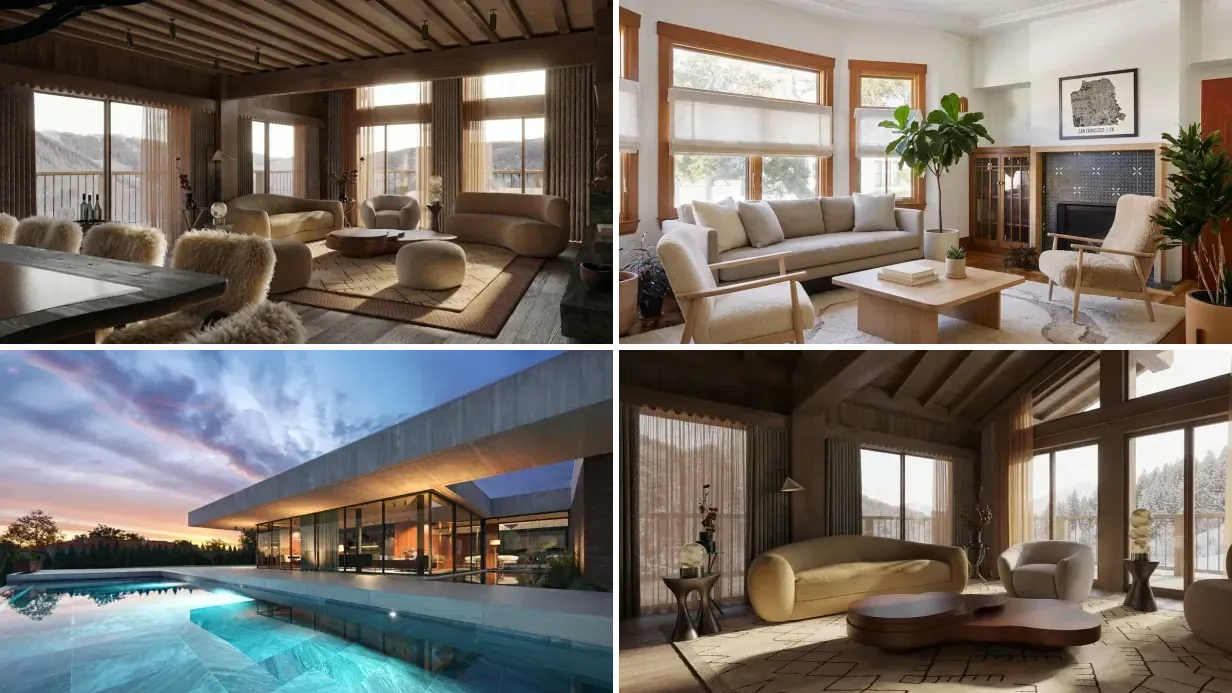
Full disclosure first: MeltFlex is our product, so read this entry knowing that. Here is the argument for the ranking anyway. Every raw model below animates whatever you feed it, and that is precisely the problem, because most room photos are not worth animating. They are cluttered, empty, or dated. MeltFlex is built around that reality: it stages or restyles the still first, using the same room and the same architecture, and then animates the cleaned-up result into a walkthrough. You pick a camera style instead of writing a prompt.
A MeltFlex walkthrough generated from the one still you see as the poster frame. Slow glide, no prompt written; this is the clip the walkthrough tool opens with.
Under the hood it runs the strongest engines on this list, Veo 3.1, Kling 3.0, and Seedance 2.0, and routes around their quirks for you. That is not a marketing line: we found several of those quirks by paying for failed generations, and they are documented in the Veo and Kling entries below. The free plan covers still redesigns; video starts on paid plans from 7.99 euros a month, which bundle the virtual staging, the photo to render step, and the video.
Best for: interior designers, architects, and agents who want a finished clip from a real room photo tonight. The catch, honestly: clips are 4 to 8 seconds and the tool is focused on rooms and buildings. If you want a multi-shot scene with characters and dialogue, a raw model gives you more rope. For interiors, that rope mostly hangs people.
2. Google Veo 3.1: the quality ceiling, with undocumented edges
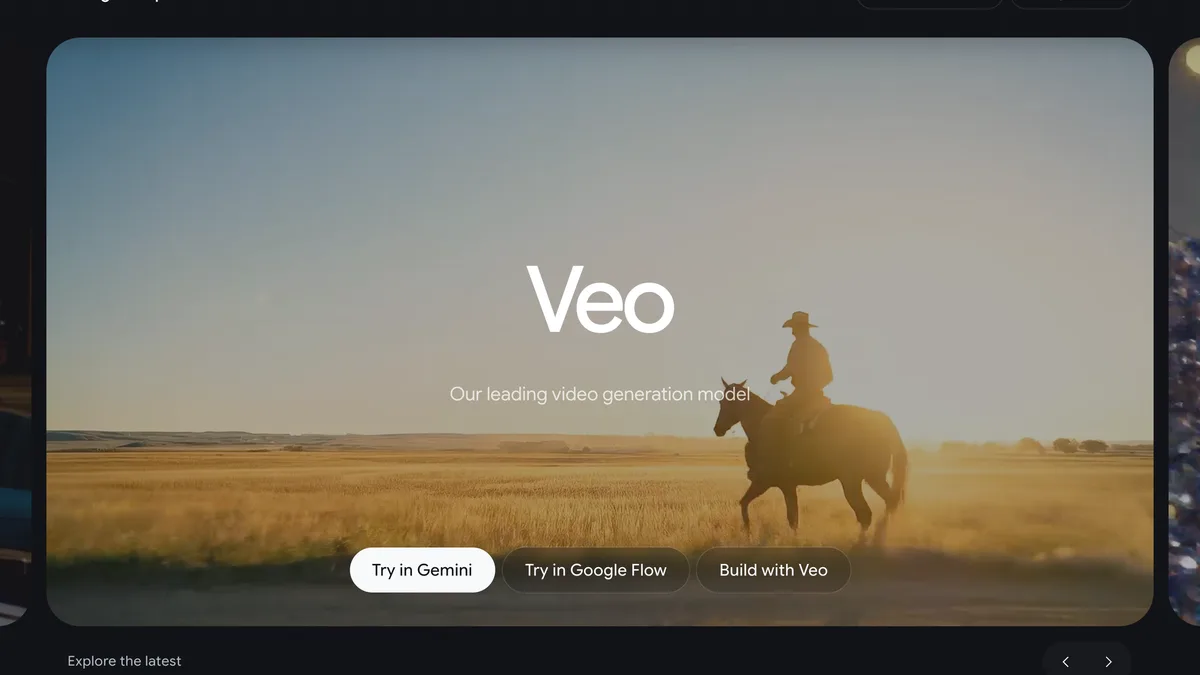
Veo 3.1, used through Gemini, Flow, or the API, is still the best-looking image to video model you can point at a room. Prompt adherence is the strongest here, output goes up to 4K, and it generates native audio. Feed it a staged still and a one-line camera instruction and the result is the closest thing to a filmed shot on this list.
Because Veo is one of the engines inside our own walkthrough tool, we can add what the docs do not say. We probed the API directly this August: the end-frame control, which pins where the camera finishes, works only on 8 second clips, and a 4 second request comes back with “your use case is currently not supported”. The cheaper Lite tier also rejects negative prompts outright while the Fast tier accepts them, which silently breaks any preset that always sends one. Nothing in the documentation warns you about either.
Best for: the hero clip, the one shot that sells the project. The catch: price at volume. Fast is about 0.15 dollars per second, the quality tier runs around 0.75, and the heaviest consumer access sits behind a premium Google AI plan. If you commit to Veo, our Veo playbook for property videos covers the workflow and the per-room prompts.
3. Kling 3.0: the value workhorse
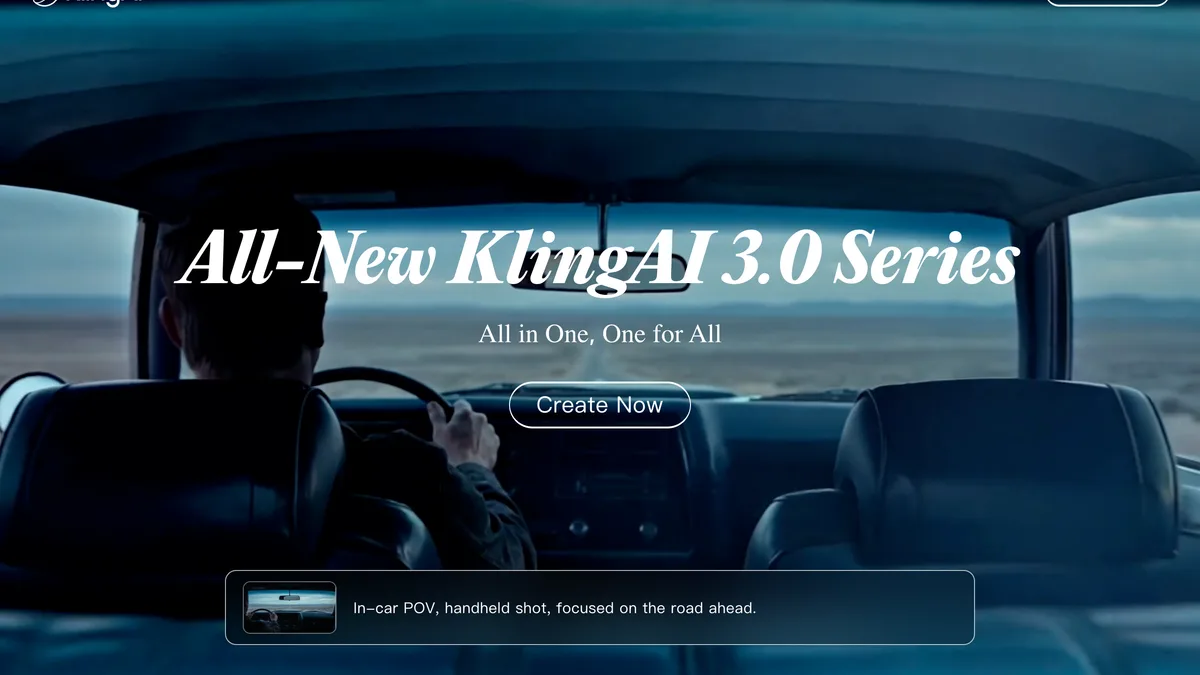
Kuaishou’s Kling 3.0 remains the best price-to-quality ratio in image to video. Around 0.10 dollars per second, daily free credits, clips from 3 to 15 seconds, and physical realism that embarrasses tools costing five times more. It takes both a start and an end frame, and unlike Veo it accepts the end frame on short 4 second clips too, which we verified through the API rather than the changelog.
Best for: volume. If you are animating every listing or every concept render rather than one hero shot a month, Kling is the workhorse. The catch: the free tier watermarks and queues, and on aggressive push-ins it can bend a straight architectural line, so review each clip. Room-by-room prompt snippets live in our Kling prompt library, and the full workflow in the Kling real estate guide.
Kling 4.0 is next, but not fully here. Kuaishou opened Kling 4.0 Flash to a limited group on 28 September 2026 and says the full model launches in October 2026. On paper it is a big step: 3 to 30 second clips, 4K and 21:9 output, up to 10 keyframes, up to 15 reference assets per generation (10 images, 5 videos), and stereo audio. Flash is the cut-down preview: 720p, up to 20 seconds, first frame only. There is no public API price yet and API partners list it as coming soon, so until it ships there, Kling 3.0 and Kling O3 (the Omni tier of the 3.0 series) are the versions you can actually build a workflow on. For rooms, the 10 keyframes are the part to watch: they would let you pin a whole walkthrough path in one take instead of stitching clips.
4. Seedance 2.0: the speed pick, and quietly everywhere
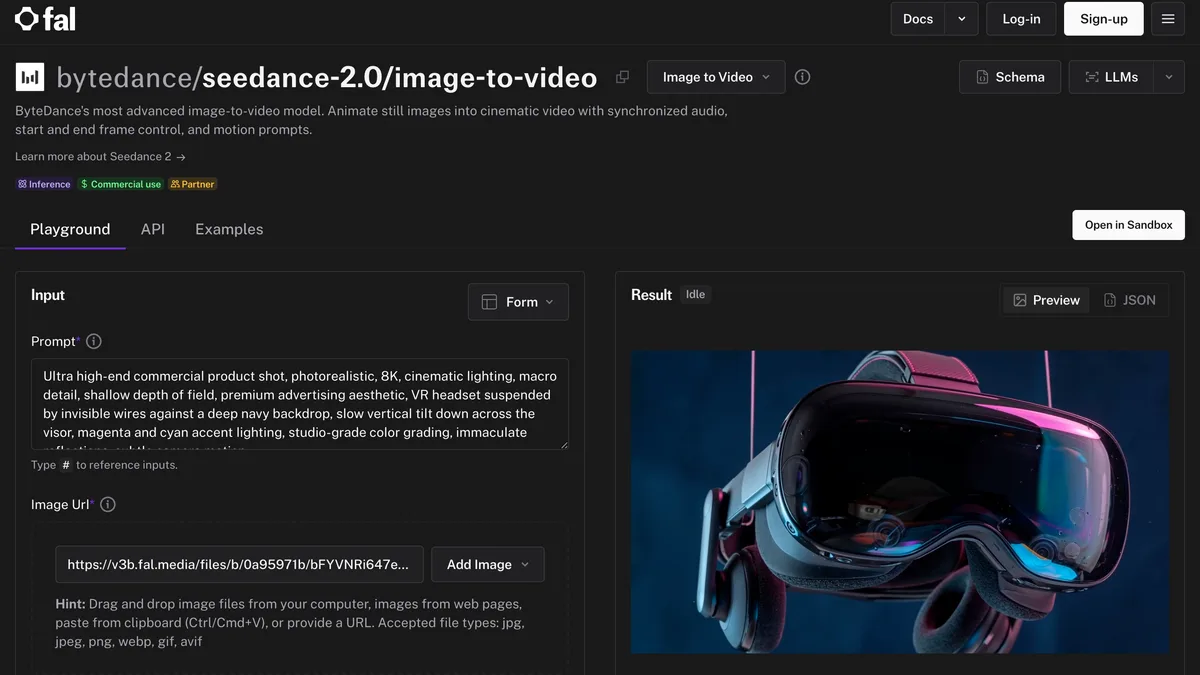
ByteDance’s Seedance 2.0 is the one most people have used without knowing it, because it powers image to video inside a long list of apps, ours included. It is the fastest serious model here, clips run 4 to 15 seconds with an auto-length option, resolutions go from 480p up to 4K with aspect ratios including 21:9, and it takes start and end frames plus motion prompts. The partner API page is the honest spec sheet.
Worth knowing: the newer Seedance 2.5 generates up to 30 continuous seconds, the longest single take in this list. It launched at 720p and has rendered 1080p since mid-August 2026, but 1080p costs about $1.16 per second on fal.ai and there is no 4K, so it still trades cost and peak resolution for duration. Our Seedance prompt and version guide covers which version to pick for which shot.
Best for: fast iteration and longer single takes. The catch: there is no real consumer app in the West, so you reach it through API platforms or through products that embed it, and API pricing lands around 0.30 dollars per second, a 4 second clip cost us about 1.20 dollars in testing.
5. Hailuo: frontier motion at the lowest subscription price
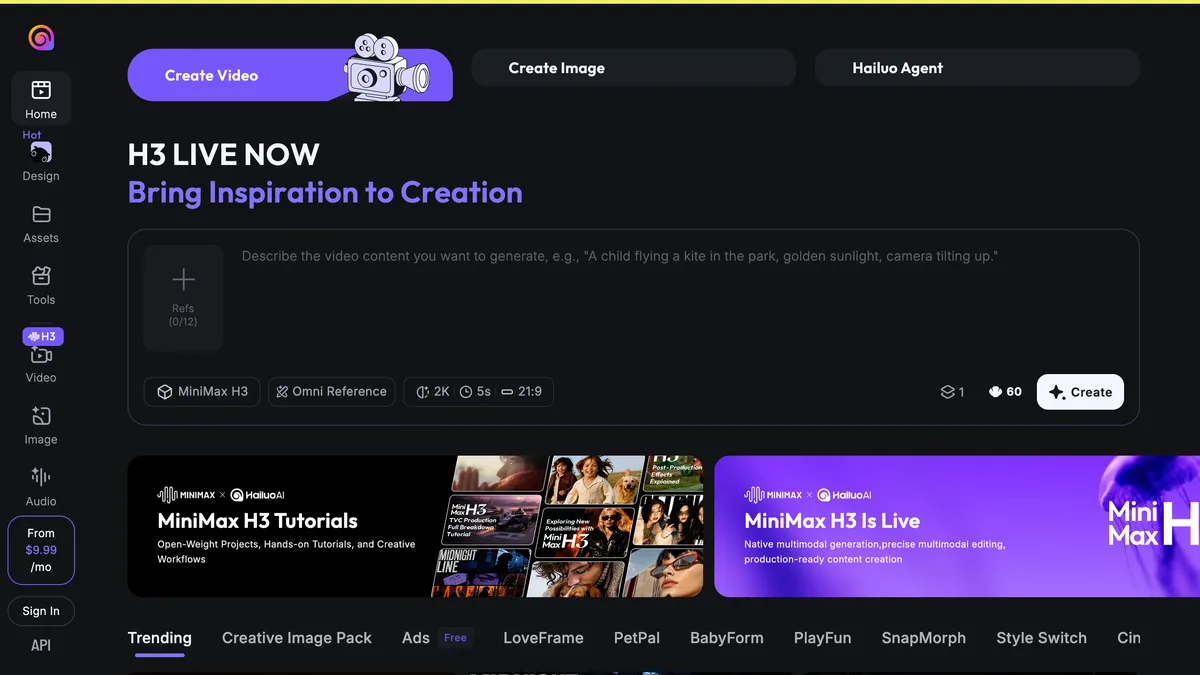
MiniMax’s Hailuo is the budget answer that does not feel like one. The platform just switched on MiniMax H3, its newest model, with 2K output and cinematic aspect ratios in the composer, and subscriptions start around 10 dollars a month, the lowest paid entry point of any hosted tool here. Motion quality on camera glides is genuinely frontier-class, which is what an interior clip lives and dies on.
Best for: designers on a budget who want near-Veo motion for the price of a lunch. The catch: the interface is aimed at social creators, so expect effect templates and queue times around releases, and the image-to-video contract is looser than Kling or Seedance: you get a start frame and a prompt, but less precise control over where the move ends.
6. Runway Gen-4.5: the most control, the steepest meter
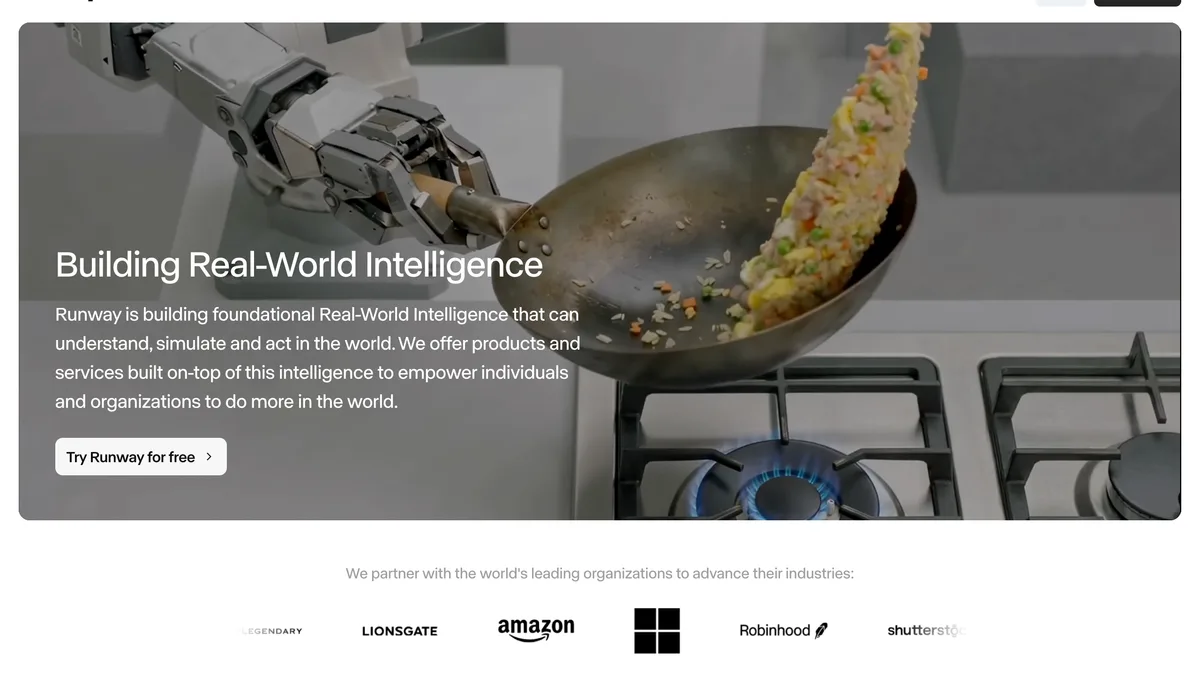
Runway, now on its Gen-4.5 line, is the tool agencies standardise on, and not for the model alone. It surrounds generation with keyframes, reference controls, and a real editor, so a branded video can stay on-brand. The free plan gives 125 one-time credits on Gen-4 Turbo, which includes image to video, enough to evaluate it and not much more.
Best for: campaign work where the clip is one asset among many and consistency matters. The catch: credits burn quickly on the higher tiers, and because it is tuned for creative freedom it will happily invent architectural detail that was not in your still if you under-specify. For faithful interiors, rein it in and keep the move simple. Plans start at 12 dollars a month billed annually.
7. Luma Dream Machine: the most natural camera path
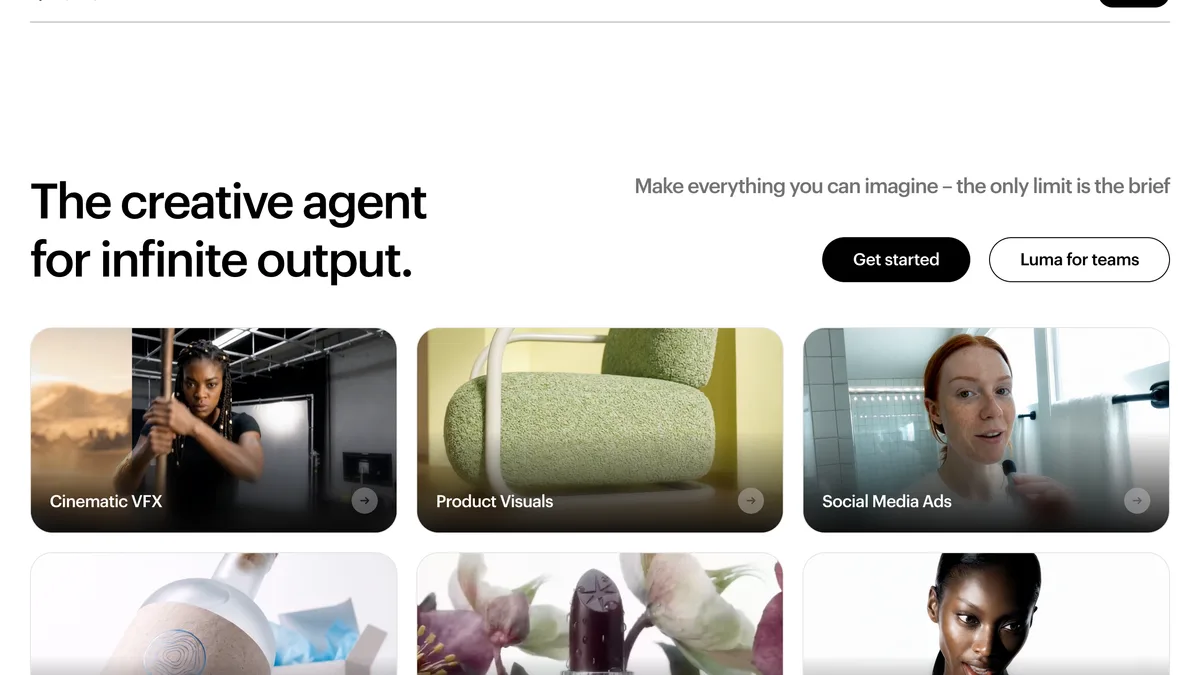
Luma’s Dream Machine, built on its Ray model line, still produces the most gimbal-like camera motion from a single keyframe: smooth, weighted, no synthetic wobble. Luma has been repositioning itself as a general creative agent this year, but the underlying image to video remains one of the nicest movers on a static scene.
Best for: one strong still that needs one elegant move, fast. The catch: less precise path control than Runway keyframes or a preset tool, clips sit around 5 to 10 seconds, and the product direction is drifting toward agents rather than deeper video control, so the video-specific features move slowly.
8. Wan: the only genuinely free one
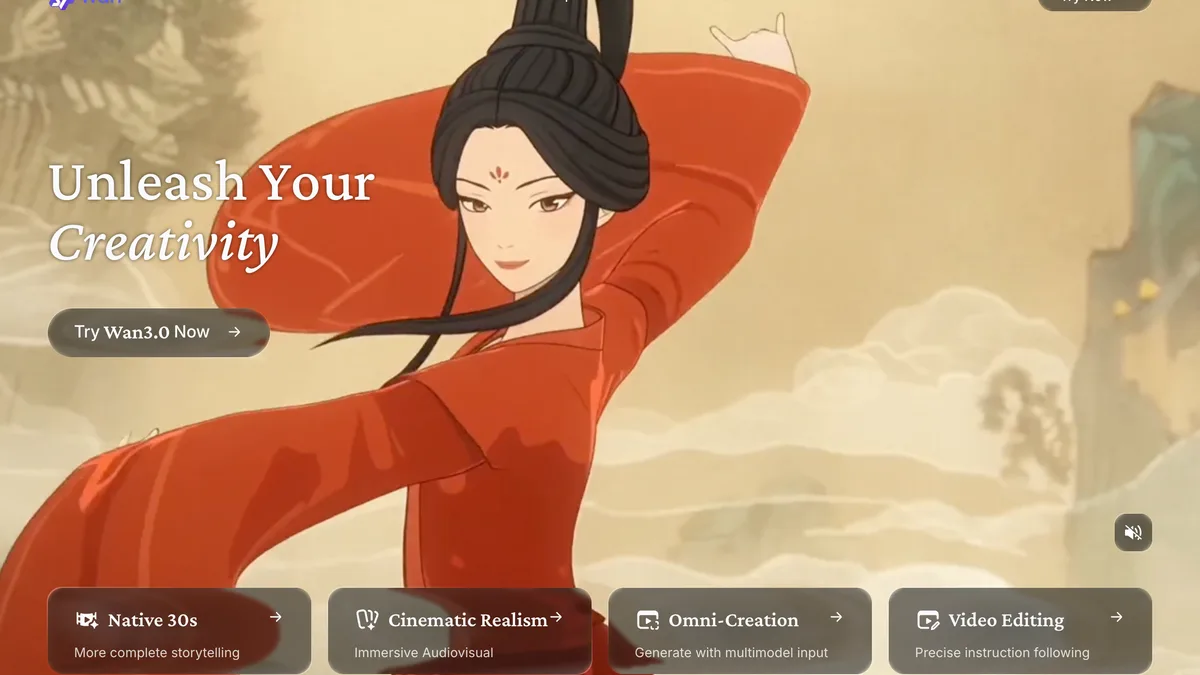
Every hosted “free” tier above is a trial with a meter. Alibaba’s Wan is the exception: the Wan 2.2 weights are Apache licensed, so you can download them, run image to video on your own GPU in ComfyUI with first-frame and last-frame control, and generate unlimited clips with no watermark and nobody billing you. The hosted wan.video platform is meanwhile pushing Wan 3.0 with native 30 second generation.
Best for: technical users who already own a serious GPU and want zero marginal cost per clip. The catch: the full 14B model at 720p was demonstrated on 48 GB workstation cards and community quantizations squeeze it onto 24 GB consumer ones, the 5B model trades quality for reach, and self-hosting means you are the support team. If the phrase ComfyUI workflow means nothing to you, this is not your pick, use a hosted free tier instead.
9. Higgsfield: camera presets, now a whole studio
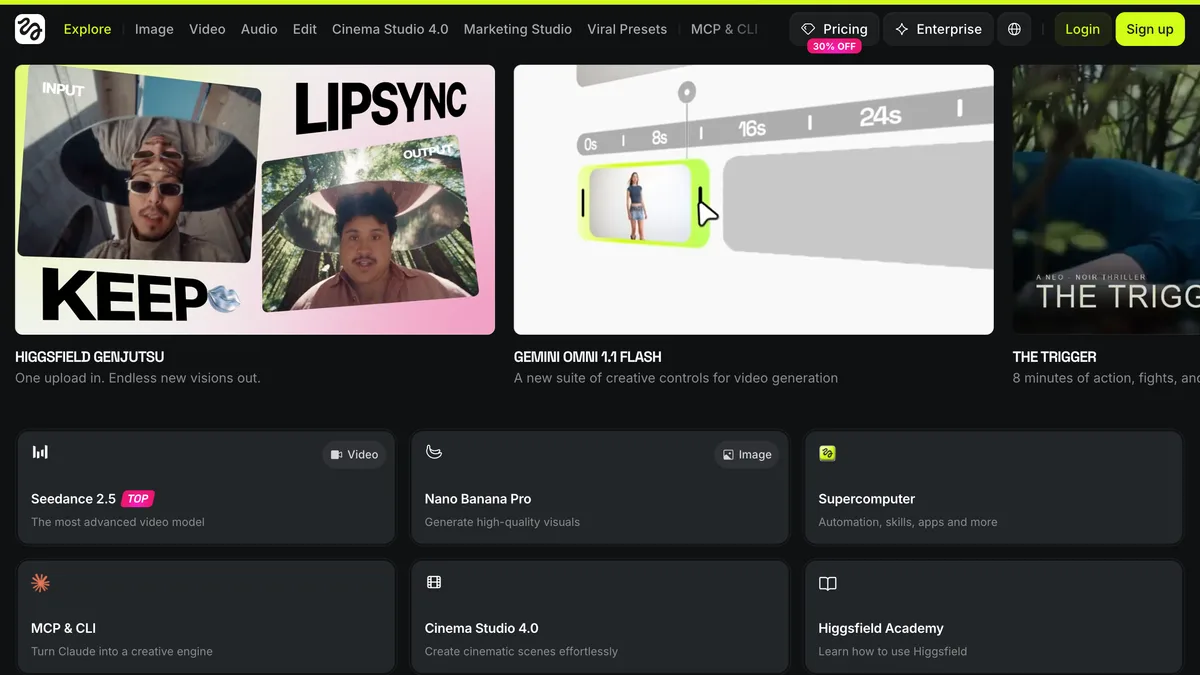
Higgsfield made its name on one thing: hundreds of named camera presets, dolly in, 360 orbit, crane up, that you pick instead of prompt. In 2026 it has grown into a multi-model studio: when we took the screenshot above its front page was rotating through Grok Imagine 1.5, its own Genjutsu, Gemini video controls, and a hosted Seedance 2.5 marked as its top video model. The preset library is still the reason to come: for social clips where the camera move is the hook, nothing is faster to direct.
Best for: Reels and TikTok property teasers with a deliberate cinematic move. The catch: it animates, it does not stage, so the still needs to be clean before it arrives, and the platform’s pivot to a general film studio means the interface now carries a lot you will not use. Our Higgsfield walkthrough guide lists the presets that work for rooms.
10. OpenAI Sora: discontinued, do not build on it
We keep Sora on the list only because half the roundups you will find still rank it. The app and web experience closed on 26 April 2026, and per OpenAI’s own notice the API shut on 24 September 2026. Whatever a listicle written in spring promised about it, there is nothing to sign up for.
Best for: nothing now. The lesson: standardise on a model with a stable home. If your archive still contains Sora-era prompts, they port well: Veo and Kling read the same cinematic vocabulary, so the prompts survive even though the model did not.
The free tiers, honestly compared
“Free AI photo to video generator” is one of the most-searched phrases in this space, so here is the truthful version of what free gets you in September 2026:
The pattern is consistent: hosted free tiers exist to show you the quality, then meter it. If free is a hard constraint and you are not a self-hoster, the practical combo is a MeltFlex free draft for the staged walkthrough plus Kling daily credits for extra raw clips.
How to animate a photo into a video, step by step
The workflow is the same in every tool, and the quality is decided before the generator ever runs:
- Fix the still first. The generator animates whatever is in the frame, so stage, declutter, or restyle the room photo before you animate it. A dated photo becomes a dated video.
- Pick a generator with image input. Upload the photo as the start frame. Text-only modes will invent a different room, which defeats the point for interiors.
- Set the end frame if the tool has one. Kling, Seedance, and Veo accept an optional last frame. Pinning where the camera finishes is the difference between a controlled move and a lucky one.
- Prompt one slow camera move. Slow dolly forward, gentle orbit, or crane up. One move per clip, no people, nothing fast. Fast motion is where AI video breaks.
- Review, then stitch. Check each clip for bent lines and warped reflections, regenerate the misses, and cut the keepers into a 20 to 30 second tour.
Step four in practice: one slow move per clip. This is the sofa orbit preset from the MeltFlex walkthrough tool, a single gentle arc and nothing else.
If the still itself is the weak link, start there: our render prompt guide and the piece on why AI renders look fake cover how to get a frame worth animating, and the interior design video guide walks the whole pipeline end to end.
Why interiors are the easy mode of AI video
Almost everything that goes wrong in AI video involves people and fast motion: melting faces, extra fingers, physics that snaps. An interior clip has neither. It is a slow camera glide across a static scene, which is precisely the regime where these models are already indistinguishable from footage. That is why a mid-tier model animating a well-staged room beats a frontier model animating a cluttered one, and why the staging step keeps deciding the outcome across every tool on this list.
It is also why the image-to-video mode, not text-to-video, is the one that matters here. The photo pins the geometry, the materials, and the light. The model only has to invent the camera path, and inventing a camera path is the one thing all ten of these do confidently. The same logic covers facades: a slow crane over an exterior design render reads as drone footage.
The facade version of the same trick: one exterior still, one slow move, and the clip reads as drone footage.
How to pick yours in one minute
- You want a finished interior walkthrough tonight, no learning: MeltFlex.
- You want the single best-looking clip and will pay for it: Veo 3.1.
- You animate a lot and watch costs: Kling 3.0, with Hailuo as the subscription-cheap alternative.
- You need speed or a 30 second single take: Seedance 2.0, or 2.5 when 720p is acceptable.
- You want free with no meter and own a GPU: Wan, self-hosted.
- You are making social clips where the camera move is the hook: Higgsfield.
- Your clip is one asset in a branded campaign: Runway.
Most working designers end up with two: an all-in-one for the everyday clips and one raw model for the occasional hero shot. That pairing covers the whole brief, and our real estate video generator ranking covers the listing-specific version of this decision.
What changed in the last 90 days (the part stale roundups miss)
This market moves fast enough that a roundup’s date matters more than its word count. Here is the state of play as of 14 October 2026; if the article you read before this one did not mention these, it predates them:
The dates above are why the “2026” in a title is not enough: half the articles ranking for this query were written in spring, before most of these shifts. We will keep this table current; the last-verified date for everything on this page is in the methodology section above.
Frequently asked questions
What is the best AI image to video generator in 2026?
For interiors and architecture, MeltFlex is the most practical because it fixes the still first, staging or restyling the room photo, and then animates it into a walkthrough with no prompt writing. On raw model quality, Google Veo 3.1 leads, Kling 3.0 is the best value, and Seedance 2.0 is the fastest. The right answer depends on whether you want a finished clip in one flow or maximum control over a raw model.
What is the best free AI image to video tool in 2026?
Wan is the only genuinely free option: the Wan 2.2 weights are Apache licensed, so you can run image-to-video on your own GPU with no credit meter at all, though you need a serious GPU, a 24 GB card with quantized builds at minimum, and a ComfyUI setup. Among hosted tools, free means a starter allowance: Kling gives daily free credits with a watermark, Runway gives 125 one-time credits on Gen-4 Turbo, MeltFlex has a free plan for still redesigns (video needs a paid plan), and Hailuo gives new accounts free credits. Every hosted free tier is a trial, not a workflow.
How do I animate a photo into a video with AI?
Stage or restyle the photo first, upload it as the start frame in an image-to-video generator, optionally set an end frame if the tool supports one, and prompt a single slow camera move such as a dolly forward or a gentle orbit. The model adds depth and parallax so the still reads as filmed. Expect 4 to 15 seconds per clip and stitch several clips together for a full tour.
How long can an AI image to video clip be in 2026?
Typical single generations are 4 to 15 seconds: Veo 3.1 tops out around 8 seconds, Kling 3.0 runs 3 to 15, and Seedance 2.0 runs 4 to 15 with an auto option. The outliers are Seedance 2.5 and Wan 3.0, which advertise up to 30 seconds of continuous generation; Seedance 2.5 launched at 720p and reached 1080p on Higgsfield and Runway in mid-August 2026. Kling 4.0, promised in full for October 2026, also goes to 30 seconds. For property work the practical answer is still several short clips cut together rather than one long take.
Is Sora still available for image to video?
No. OpenAI shut the Sora app and web experience on 26 April 2026, and the API followed on 24 September 2026, the shutdown date in OpenAI’s own notice. Any roundup still recommending Sora for image-to-video work is out of date. Use Veo, Kling, Seedance, or Hailuo instead.
What are the newest AI video models in October 2026?
Kling 4.0 is the big one: Kuaishou opened Kling 4.0 Flash to a limited group on 28 September 2026 and says the full model launches in October 2026, with 3 to 30 second clips, 4K output and up to 10 keyframes, but no public API price yet. Alongside it: Gemini Omni 1.1 Flash replaces Veo 3.1 on the Gemini API (Google lists 22 October 2026 as the Veo shutdown date), Seedance 2.5 adds 30 second clips with audio, Wan 3.0 went generally available on Alibaba Cloud on 24 August, MiniMax H3 now powers Hailuo, and xAI’s Grok Imagine Video 1.5 (1 to 15 seconds with sound) has spread to Higgsfield, Runway and Artlist. Runway has not released a Gen-5: Gen-4.5 is still its own flagship, and it now hosts the other labs’ models instead.
Is Kling 4.0 out yet?
Partly. Kling 4.0 Flash has been in limited early access on Kling’s own site since 28 September 2026, reported as Ultra subscribers only, at 720p and up to 20 seconds. Kuaishou says the full Kling 4.0, with 30 second clips, 4K and up to 15 reference assets, launches in October 2026 without naming a day. API partners such as fal list it as coming soon with no price, so for production work Kling 3.0 and Kling O3 are still what you can build on.
Which AI video generators support start and end frames?
Kling 3.0, Seedance 2.0, and Veo 3.1 all accept an end frame as well as a start frame, which lets you pin exactly where the camera finishes. One catch we found by testing the APIs directly: on Veo 3.1 the end frame only works on 8 second clips, a 4 second request is rejected. Kling accepts an end frame on 4 second clips without complaint.
How much does AI image to video cost in 2026?
Rough 2026 guides: Kling 3.0 about 0.10 dollars per second with free daily credits, Veo 3.1 Fast 0.10 to 0.12 dollars per second and 0.40 for standard Veo 3.1 up to their Gemini API shutdown date of 22 October 2026, then Gemini Omni 1.1 Flash at about 0.10 dollars per second of 720p, Seedance 2.0 around 0.30 dollars per second through API partners, Hailuo subscriptions from about 10 dollars a month, Runway from 12 dollars a month, and MeltFlex from 7.99 euros a month for video, with the staging step included. Self-hosted Wan is free after the GPU. Prices move often, so check each site.
Is AI image to video good enough for client work in interior design?
Yes, if the still going in is good. Interiors are the easy mode of AI video: no faces, no fast motion, just a slow camera glide across a static scene, which is exactly what the models do well. A staged render animated with a slow dolly is presentable to a client or a listing today. What is not yet reliable is fast cuts, people in frame, or long single takes, so keep those out of the brief.
Sources and further reading
- OpenAI, What to know about the Sora discontinuation, the official shutdown dates we cite above.
- Google DeepMind, Veo, capabilities of the current Veo line.
- fal, Seedance 2.0 image to video, the live API spec for lengths, resolutions and frame controls.
- Stable Diffusion Art, Wan 2.2 image to video locally, the self-hosting walkthrough and hardware needs.
- Hailuo AI, official site, for the MiniMax H3 launch and plan pricing.
- Runway, pricing, for current plan and credit terms.
- Kling AI, Inside Kling 4.0, the official 4.0 specs and the October launch window.
- Runway, changelog, and Higgsfield, changelog, for the dates third-party models (Wan 3.0, Grok Imagine Video 1.5, Seedance 2.5) arrived on each platform.
- Our own API probes of Veo 3.1 and Kling 3.0 (August 2026): the 8 second end-frame restriction and the Lite tier negative-prompt rejection reported above came from paid test generations, not vendor docs. We could not verify Seedance 2.5’s 30 second claim first-hand; treat it as the vendor’s number.
Keep reading
- AI video generators for interior design, the full pipeline from photo to finished tour.
- Best AI video generators for real estate, the listing-focused version of this ranking.
- Higgsfield walkthrough presets, the camera moves that work for rooms.
- Best AI interior design tools compared, for the staging half of the workflow.
Ready to try the number one pick on your own room? Upload a photo and generate a walkthrough with MeltFlex, the staging and the animation happen in one flow, and the draft is free.



)