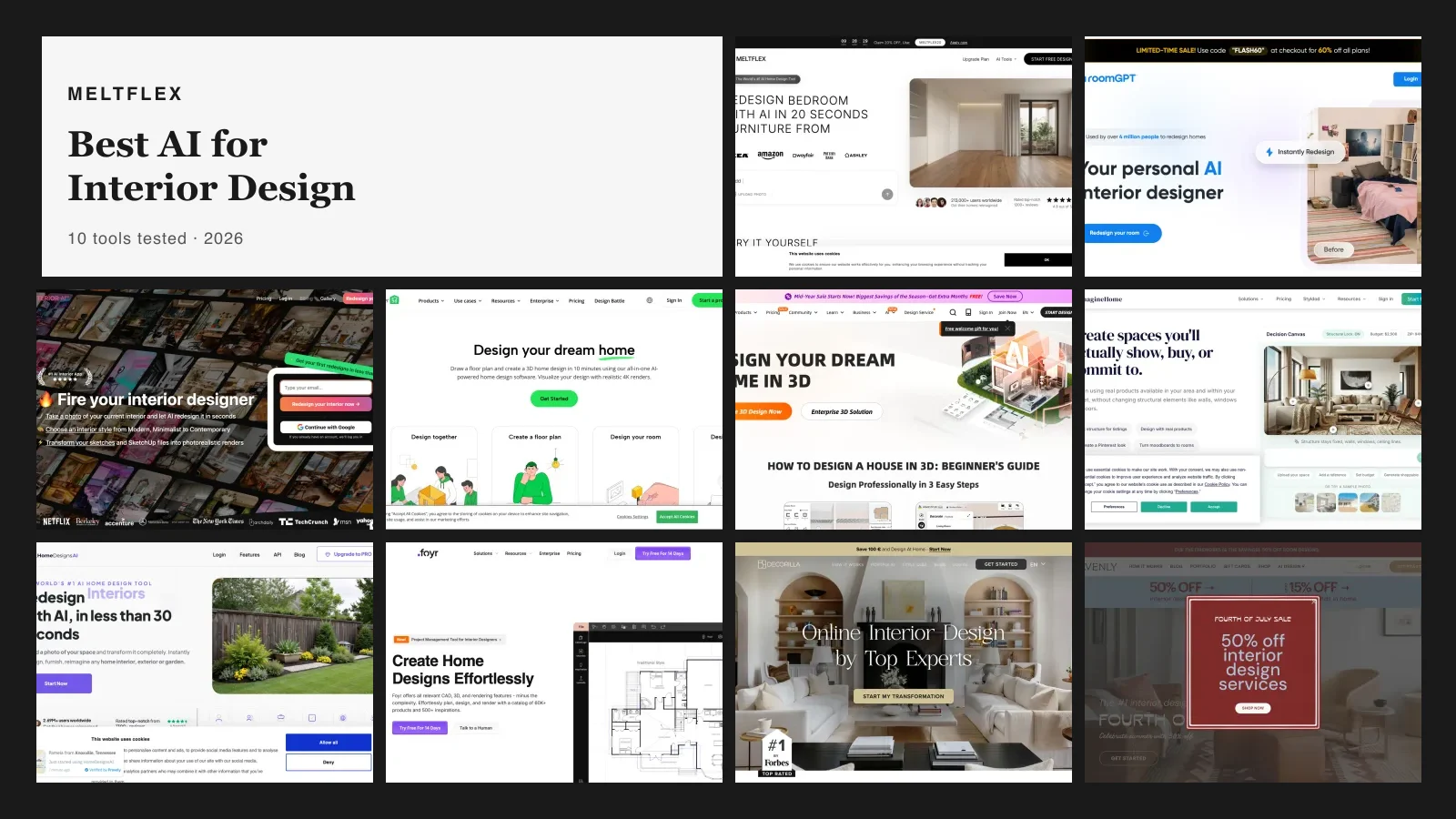
The best AI interior design app is the one that redesigns a photo of the room you actually have, rather than generating a beautiful room that belongs to nobody. By that test MeltFlex is the pick if you want to buy what you see, Home AI and Remodel AI are the picks for a fast free restyle, and Planner 5D is the pick if you are planning a home rather than restyling a room. That single distinction splits this category in half, and it is not the one the App Store charts sort by. Of the nine apps below, four restyle your own space from a photo, three are floor planners with an AI feature bolted on, and two are something else entirely.
Our articles are still written by humans!
Get human written articles in your Google feed.
Quick answer: if you want to see your own room restyled in under a minute for nothing, use a photo-restyling app and start with the free tier. If you are furnishing a home that does not exist yet, use a floor planner instead, because no photo app can draw you a plan. If you want to buy what you see, only a couple of these link the render to real products. The comparison table, the real prices, and the copycat apps worth avoiding are all below.
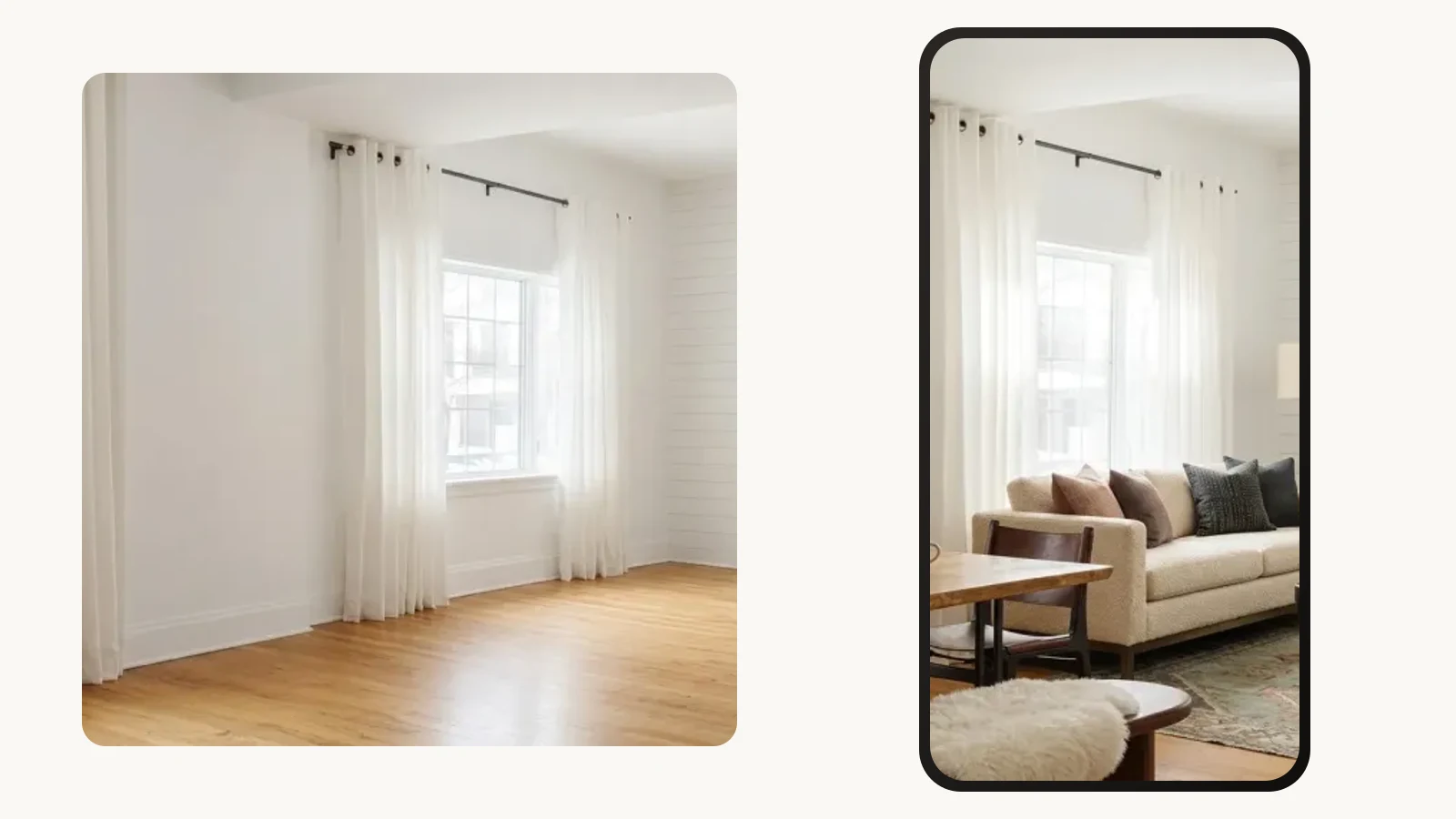
The whole category in one picture. Left is the room as photographed. Right is the same room inside a phone, restyled. The window, the curtain rod, the pole finials and the floorboards are identical in both, which is the thing to look for in any app you try: if the window moved, you are being shown a different room, not yours.
The short version
- Everything here is free to download and free to try. The differences start at about the fourth design.
- Weekly pricing is the norm and it is how the category makes its money. A 9.99 dollar weekly tier is 519 dollars a year.
- The App Store carries two different apps called RoomGPT from two unrelated companies, and RoomGPT itself publishes no app. Check the developer name.
- Photo restyling and floor planning are different products competing for the same search. Decide which one you need before you download anything.
- None of them can measure. Every render in this article is a mood, not a dimension.



Which AI interior design app for which job?
MeltFlex, Remodel AI and Home AI are the best AI interior design apps for restyling a photo, and Planner 5D and Homestyler are the best for planning a home from scratch. One list holds both because a home design AI app search covers three different questions that happen to share one search box. Pick by what you are holding:
- You have a room and a photo of it. You want photo restyling. MeltFlex, Remodel AI, AI Remodel and Home AI all do this, and the free tiers are enough to judge them.
- You already own the furniture and only want new decor. You want a decorator, not a designer, and most of these apps replace the sofa by default. The nine we scored on that specific job are in best AI for decorating a room.
- You have a floor plan, or no house yet. You want a planner. Planner 5D and Homestyler are the mature options, and the AI feature is a layer on top of a real modelling tool.
- You want to buy the furniture in the picture. Very few apps close this loop. Most give you a render of furniture that does not exist as a product you can order.
- You want the outside of the house. That is a different model job. Start from an AI exterior design tool rather than a room app, or read the comparison of AI exterior design tools.
- You have a 2D plan and want it in 3D. Also a different job, covered in converting a 2D floor plan to a 3D model.
- You are not on a phone at all. Then you probably want a browser tool, and the wider field is in our comparison of the best AI interior design tools.
How do the nine AI interior design apps compare?
Every rating and rating count below was read from Apple’s own App Store listing data on 26 August 2026, not from another roundup. Ratings move, prices move faster, so treat this as a dated snapshot rather than a permanent fact.
Read the ratings column with some suspicion. Rating counts in this category are a measure of install volume and prompt aggression, not of output quality, and the gap between 158,314 and 2,521 is mostly a marketing budget. Our own 7 ratings are in that table for the same reason: leaving them out would have made the table dishonest, and they tell you accurately that the MeltFlex app is new on mobile, having shipped in May 2026, while the web product it runs on is not.
Is the AI interior design app you downloaded the one you read about?
Before any recommendation is useful, this: the app you download after reading about a tool is frequently not made by the people who made that tool. This is the most common way people end up disappointed by an AI interior design app, and it takes ten seconds to check.
The pattern is simple. A web product gets written about, ranks well, and builds a name. It never ships a mobile app. Somebody else ships one using that name. Here are three cases, all verified on 26 August 2026 by reading the App Store developer field against the product’s own website:
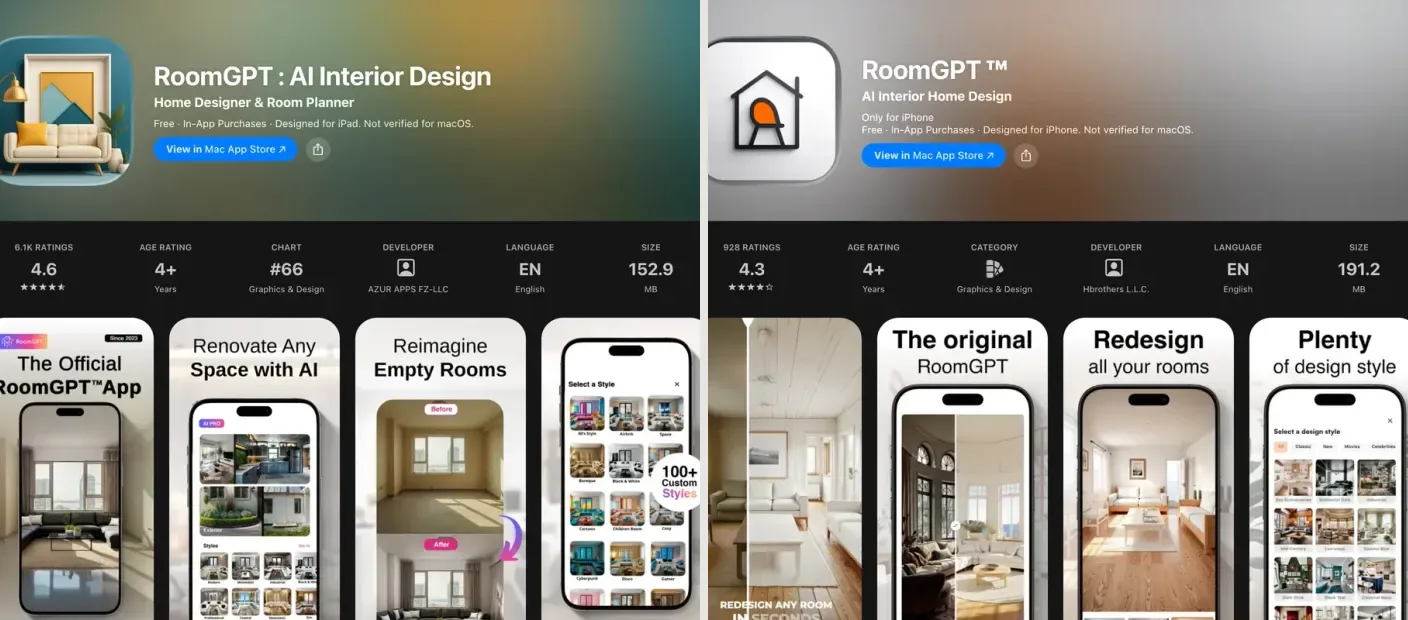
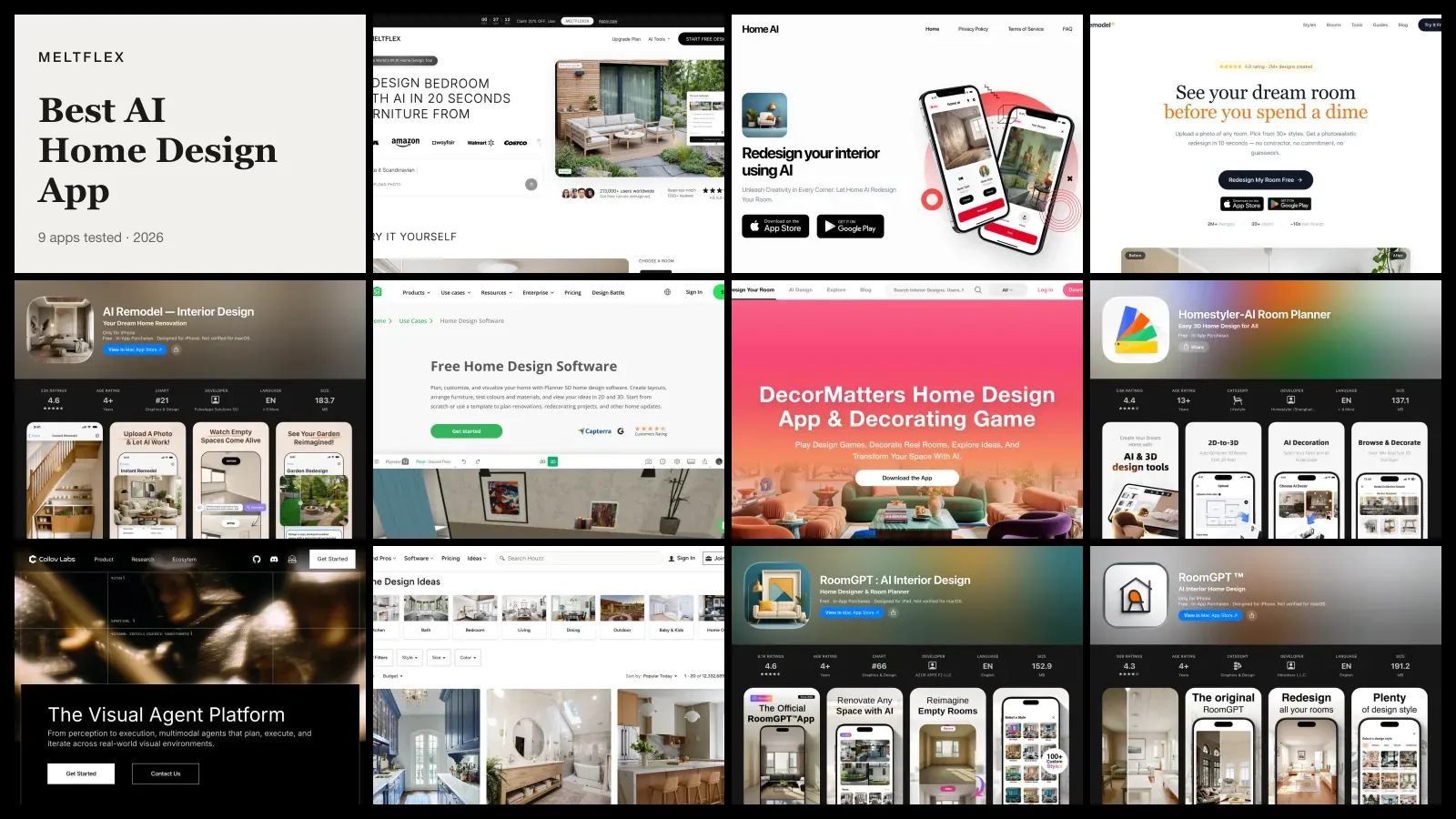
Two App Store listings, both called RoomGPT, captured on the same day. On the left, from AZUR APPS FZ-LLC, a screenshot headed “The Official RoomGPT™ App”. On the right, from Hbrothers L.L.C., one headed “The original RoomGPT”. Two unrelated companies, both claiming the name, while roomgpt.io itself links to no mobile app at all. The developer row is the fourth column in that dark strip, and it is the only field on the page that settles this.

The same pattern with a second name. Interior AI is Pieter Levels’ web product at interiorai.com, which links to no app. This listing, Interior AI - Room Design, is published by iHux and holds 4.1 stars from 573 ratings. It may well be a perfectly good app. It is simply not the product you read about.
To be fair to all three of those App Store developers: publishing an app with a similar name is not by itself wrongdoing, several of them work perfectly well, and one of them holds 4.6 stars across 6,112 ratings. The point is narrower. If you read a review of the web tool and then download the app expecting the same product, you are installing different software from a different company with different pricing and a different privacy policy. Look at the developer name under the app title. It is directly below the icon and it takes one glance.
The counter-example worth naming is Collov, which does publish its own app under the name CozyAI, and Planner 5D, DecorMatters, Homestyler and Houzz, which are all mobile-first companies where the app is the real product. That is the group where the store listing and the brand actually match.
Is there a free AI interior design app?
Yes, all of them, for a while. Every app in this comparison is free to download and none asks for a card before the first design. The question worth asking is not whether an app is free but where its wall sits, and there are three shapes of wall in this category.
- The hard credit wall. Three to five free generations, then a subscription screen with no way past it. This is the standard for the photo-restyling apps at the top of the charts.
- The watermark wall. Unlimited or near-unlimited generations, but the export carries a logo until you pay. Common, and honestly the fairest of the three if you are only deciding on a colour.
- The feature wall. The free tier keeps working forever at a lower resolution or a smaller style library. Planner 5D and Homestyler both work this way, which is why they suit a long project.
Here is what each free tier actually hands you before the wall, as published by the apps themselves and re-read on 18 September 2026. Where an app does not publish the number, the row says so rather than guessing from a forum.
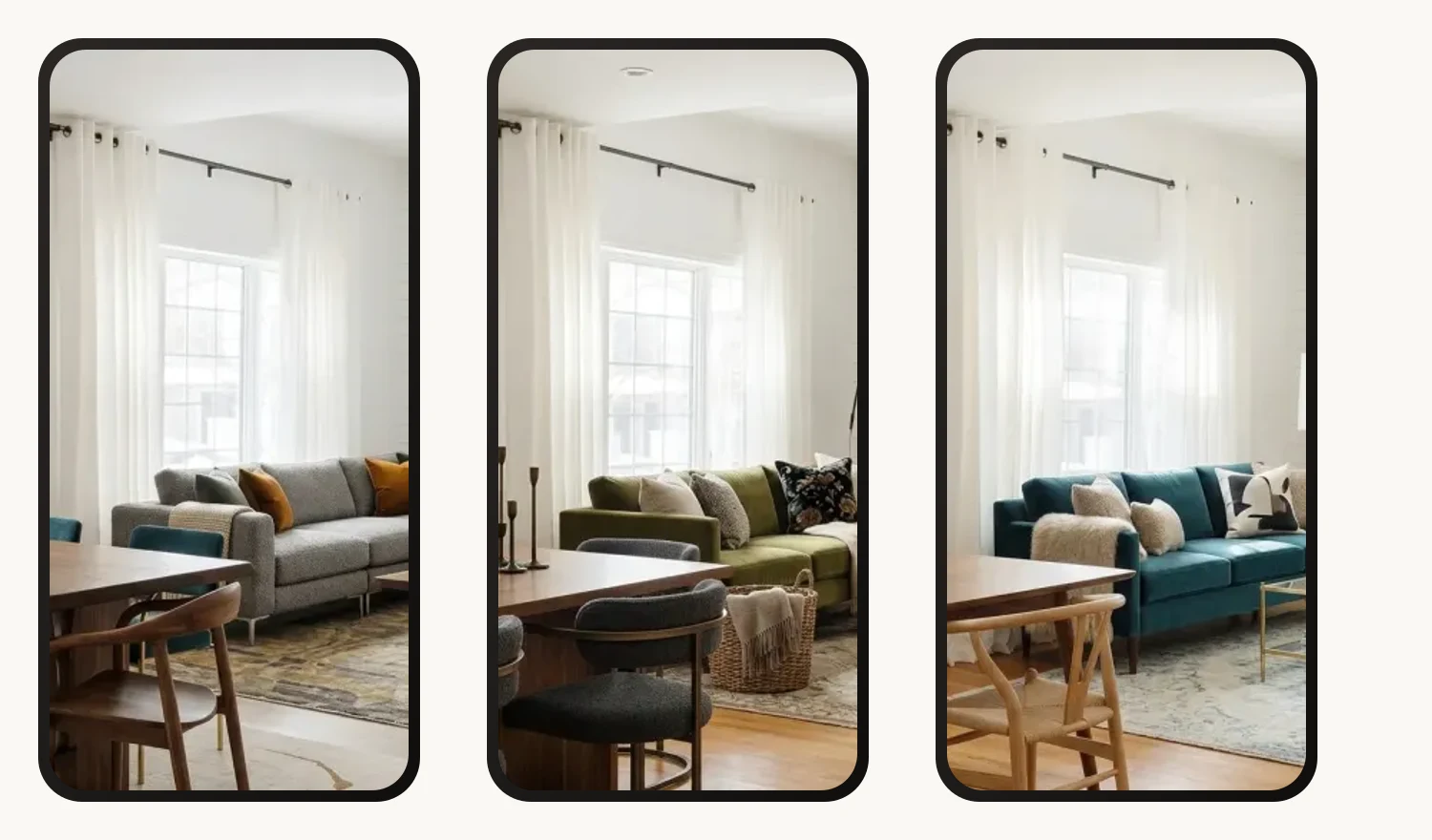
One photograph of one room, three results, all produced inside a free tier. The window, the curtain rod and the ceiling line are identical in all three because the model is editing a photograph rather than inventing a room. The sofa, the rug, the dining chairs and the light change. This is the realistic output of a free tier before any paywall appears, and it is usually enough to settle an argument about a colour.
A practical way to use the free tiers: do not spread your free generations across four apps. Pick two, spend all the free credits of each on the same difficult room, and compare. The awkward room is the test that matters, because every one of these apps handles a square, well-lit living room competently and they diverge sharply on a narrow bedroom with one window and a radiator under it.
If you would rather stay in a browser and skip the install entirely, we ran the same exercise on desktop in our roundup of free AI interior design tools we tested, and the free-tier conclusions there transfer directly.
How much does an AI interior design app cost?
Between about 5 and 15 dollars a week, or 20 to 90 dollars a year, and the difference between those two framings is the single most expensive detail in this article. The figures below are Apple’s listed in-app purchase tiers, read on 26 August 2026.
Look at the right-hand column, because it is the whole point. Home AI lists a yearly tier at 19.99 dollars and a weekly tier that can reach 14.99. Somebody who taps the default weekly option and forgets about it pays up to 779 dollars for a product available at 19.99 a year. Nothing about that is hidden or improper, and both prices are on the listing. It is simply how subscription apps in this category are priced, and it is why the useful habit is to open the manage-subscriptions screen the moment you subscribe and read the renewal period out loud.
The honest comparison point for our own pricing: MeltFlex sells on a monthly and yearly plan rather than a weekly one, and the current tiers are on the MeltFlex pricing page. Regional pricing applies, so what you see depends on where you are.
What does an AI interior design app actually produce?
Store screenshots are marketing, so here is the honest version of what a photo-restyling AI interior design app hands you. One photograph of one empty room, three different furnished results, all from our own engine.
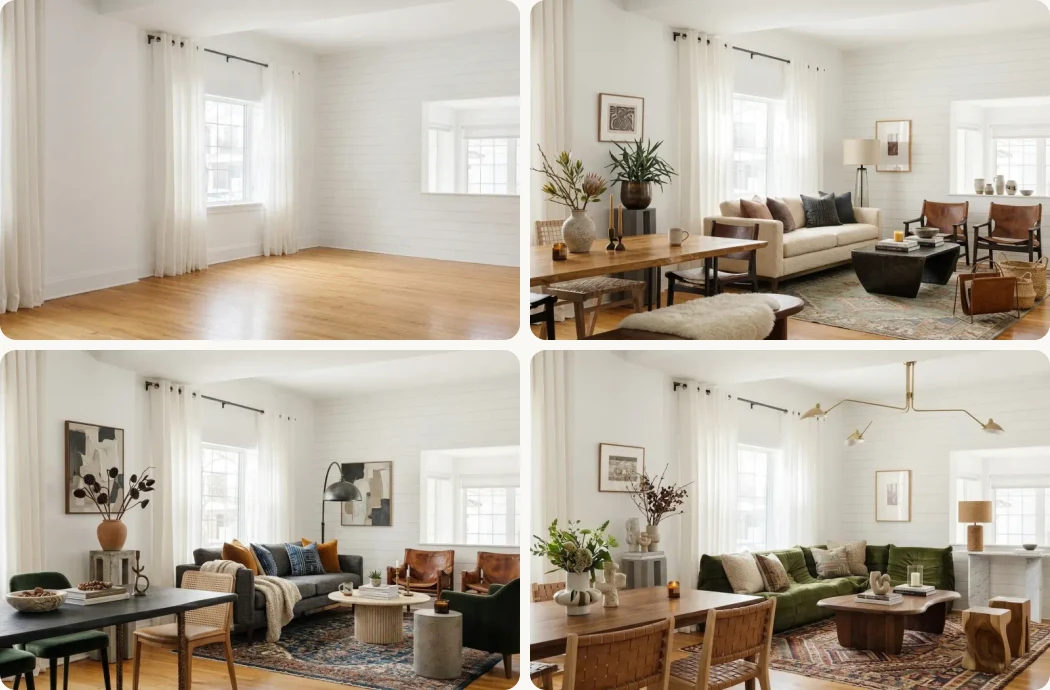
Top left is the room as photographed, bare. The other three are the same file sent back to the model three times. Check the fixed points across all four panels: two windows in the same place, the same curtain rod at the same height, the same wide opening on the right, the same floorboards running the same direction. That consistency is what separates restyling from generating, and it is the single feature to test before you pay for anything.
Two honest caveats about that grid, because a roundup that only praises its own output is not worth reading. First, look at the ceiling in the bottom-right panel: the model added a long brass pendant that reaches across the room, which is a decision nobody asked it to make. Restyling apps do this constantly, and the fix is to say what must not change in the instruction rather than to hope. Second, none of these is dimensionally real. The sofas are plausible sizes. Plausible is not measured.
If you want to push results further than an app’s built-in style buttons allow, the phrasing you use matters more than the app you picked. Our library of AI interior design prompts that workcovers the structure, and there are model-specific sets for ChatGPT interior design promptsand Gemini interior design prompts.
Which are the 9 best AI interior design apps for iPhone and Android?
MeltFlex
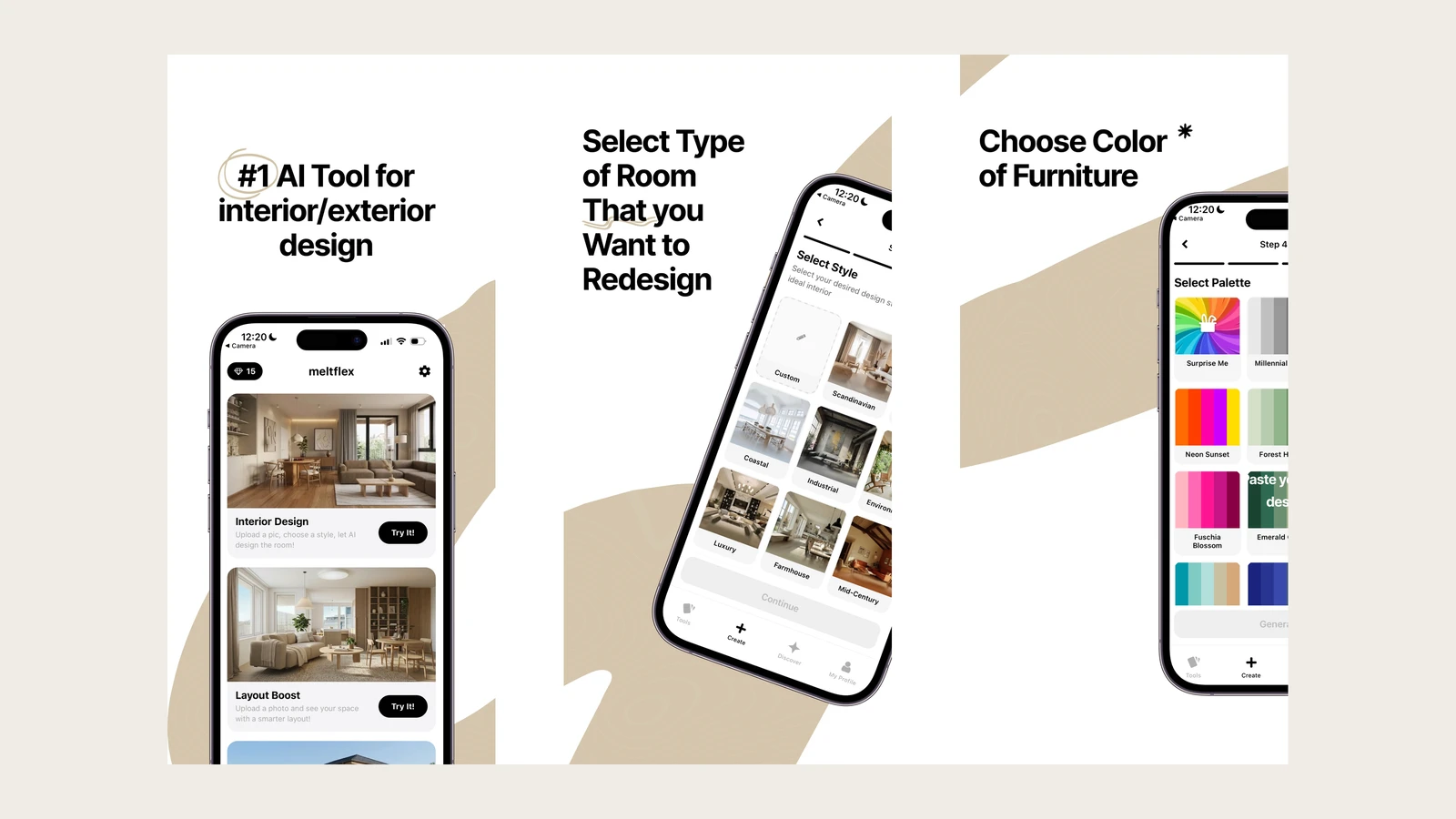
Ours, so read the verdict with that in mind. It restyles a photo of your real room and then detects every piece of furniture in the result and links it to something you can actually buy from IKEA, Amazon, Wayfair and others. That last part is the reason it exists, because a render you cannot shop is a mood board with extra steps. It is on iOS and Android, and the same account works in a browser at the web workspace.
Honest verdict: the mobile app is three months old and it shows. Seven App Store ratings averaging 3.1 is not a number to hide behind, and the Android build has passed a thousand installs, not a million. The web product is the mature one. If you want the shoppable-furniture workflow, this is the app. If you want the most polished mobile UI in this list, it is not.
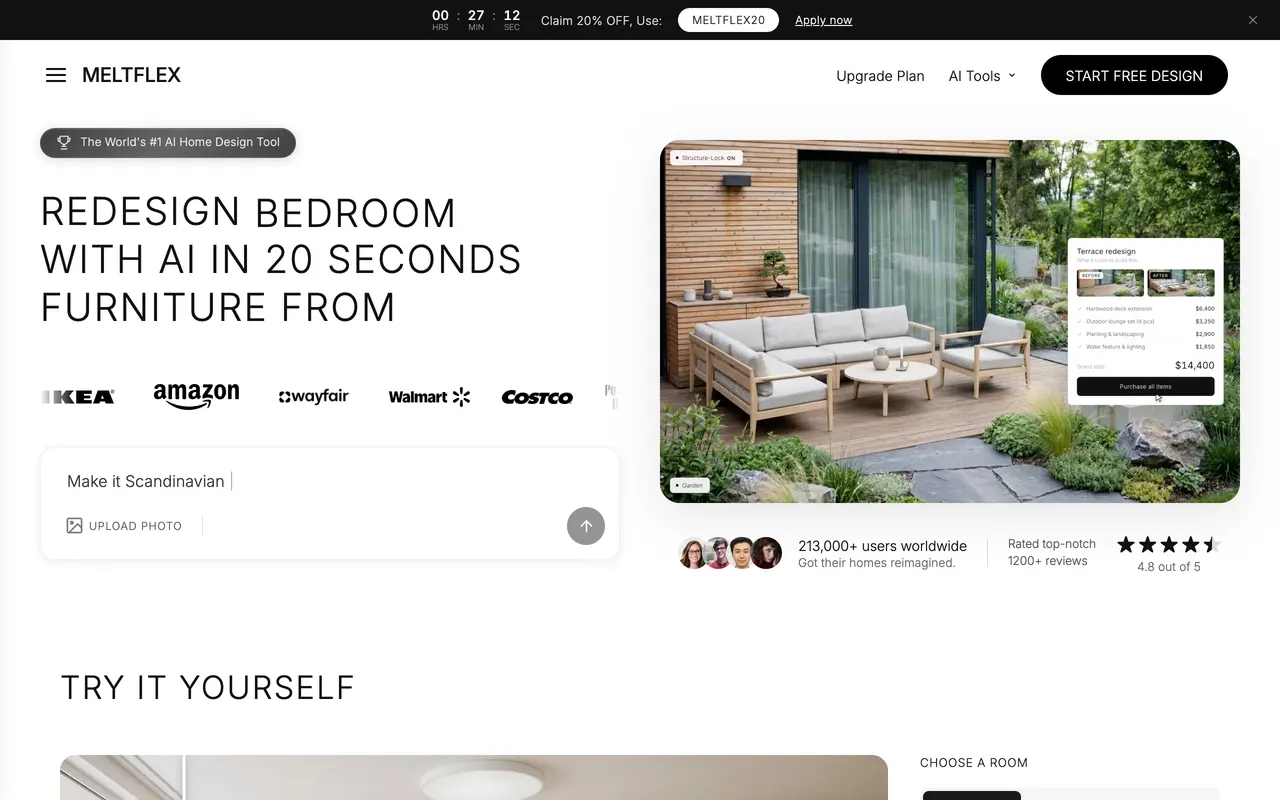
Ours, and the row of retailer logos is the reason it is in this list at all: the furniture in the result maps to products you can order. Judge it against the eight below rather than against this screenshot, and judge the app itself against our 3.1 star rating, which is in the table above.
Home AI
The volume leader by a distance: 4.5 stars from 158,314 App Store ratings, published by HUBX, and past 10 million installs on Google Play with a 4.3 there. It covers rooms, garden and exterior from photos, which is a wider surface than most of this list.
Honest verdict: the output is competitive and the scale is real, so it is a sensible default download. The pricing is where to be careful. Its in-app purchases run from 4.99 to 14.99 weekly against a yearly tier at 19.99, which is the widest weekly-to-yearly spread in this comparison. Pick the yearly one deliberately.

Home AI at homeinterior.ai, the seller URL listed on its own App Store page. Note what the site is: a download page for the app, with the two store buttons as the only call to action. That is the shape of a mobile-first product, and it is why this one dominates the app searches.
Remodel AI
4.7 stars across 14,505 ratings, from REIMAGE AI INC. Straightforward photo-in, restyled-room-out, and the team behind it also runs a content operation that ranks well for exactly the searches that brought you here, which is worth knowing when you read their own comparisons.
Honest verdict: a strong, unfussy photo restyler with the cleanest onboarding of the group. Weekly 4.99 to 9.99, yearly 39.99 to 89.99. No shopping layer.
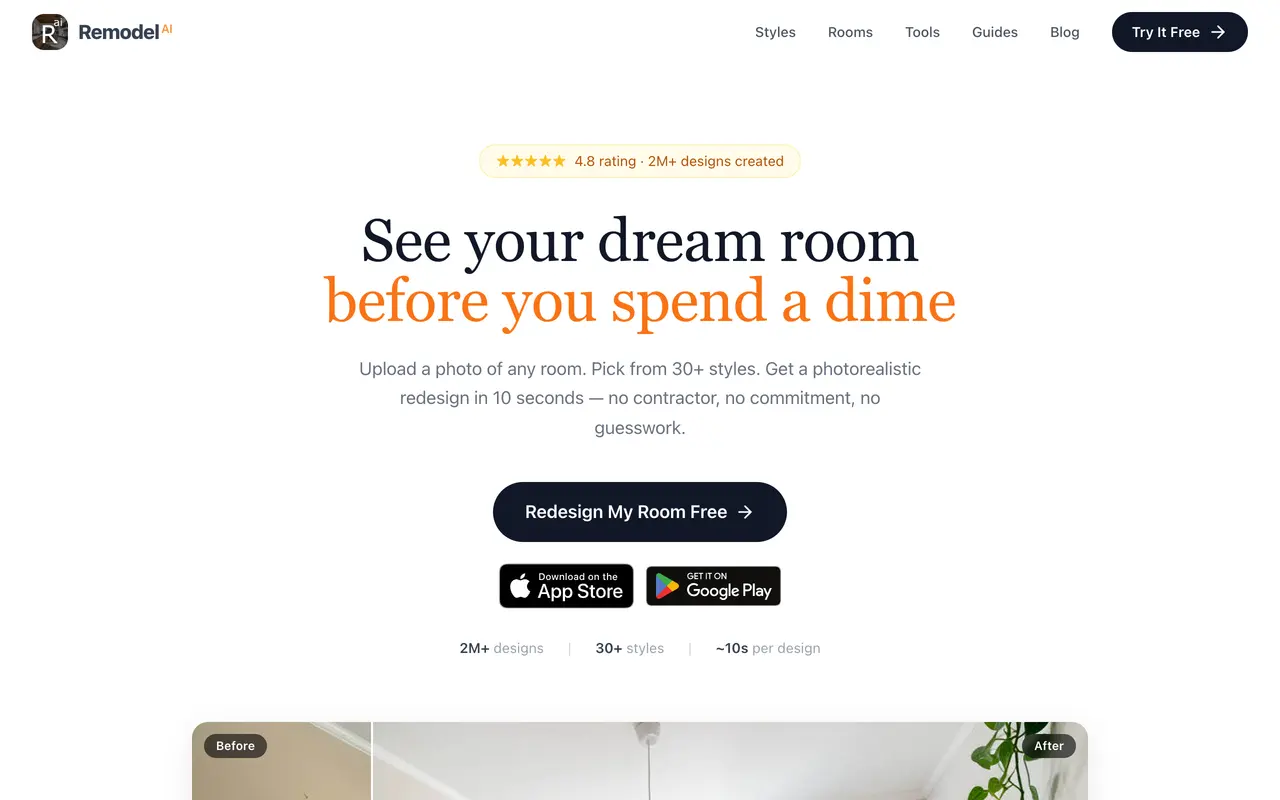
"See your dream room before you spend a dime." Remodel AI leads with the free tier, which is the correct read of what this audience searches for. The same company outranks this article for several of those searches, so weigh their comparisons and ours with equal suspicion.
AI Remodel
4.6 stars from 22,881 ratings, published by PulseApps Solutions OU. Confusingly named almost identically to the entry above and from an entirely different company, which is a small illustration of the naming problem in this category.
Honest verdict: perfectly decent results, high rating volume, and nothing that distinguishes it from Remodel AI or Home AI other than which one you happened to install first.
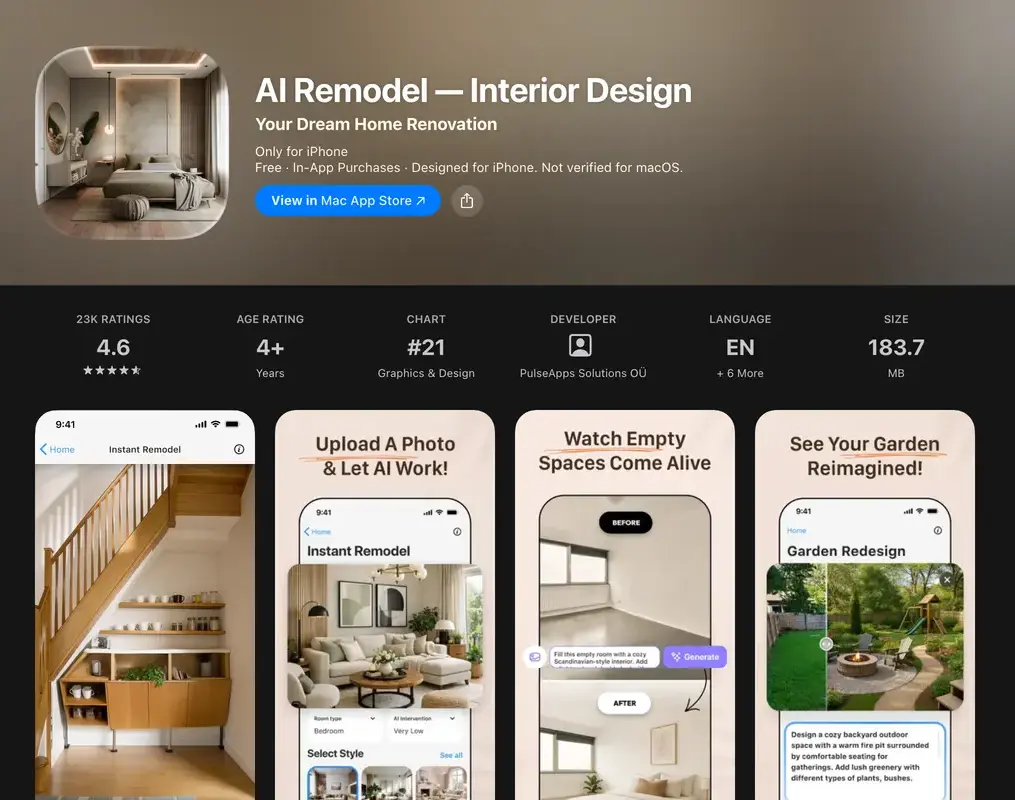
Now compare this header with the one directly above it. AI Remodel from PulseApps Solutions OÜ, and Remodel AI from REIMAGE AI INC. Two words in the same order reversed, two unrelated companies, both sitting in the top fifty of the same chart. This is the naming problem in one screenshot.
Planner 5D
The old hand: 4.4 stars from 40,563 App Store ratings and past 50 million Google Play installs. This is a genuine 2D and 3D home design tool that later added an AI generator, not an AI app that added planning. You draw walls, place furniture from a catalogue, and walk the result in 3D.
Honest verdict: the right answer for anybody designing a home that does not exist yet, or working from a plan rather than a photo. It is also the steepest learning curve here. If the plan is what you have, compare it against converting your floor plan to 3D first, because that route skips the drawing entirely.
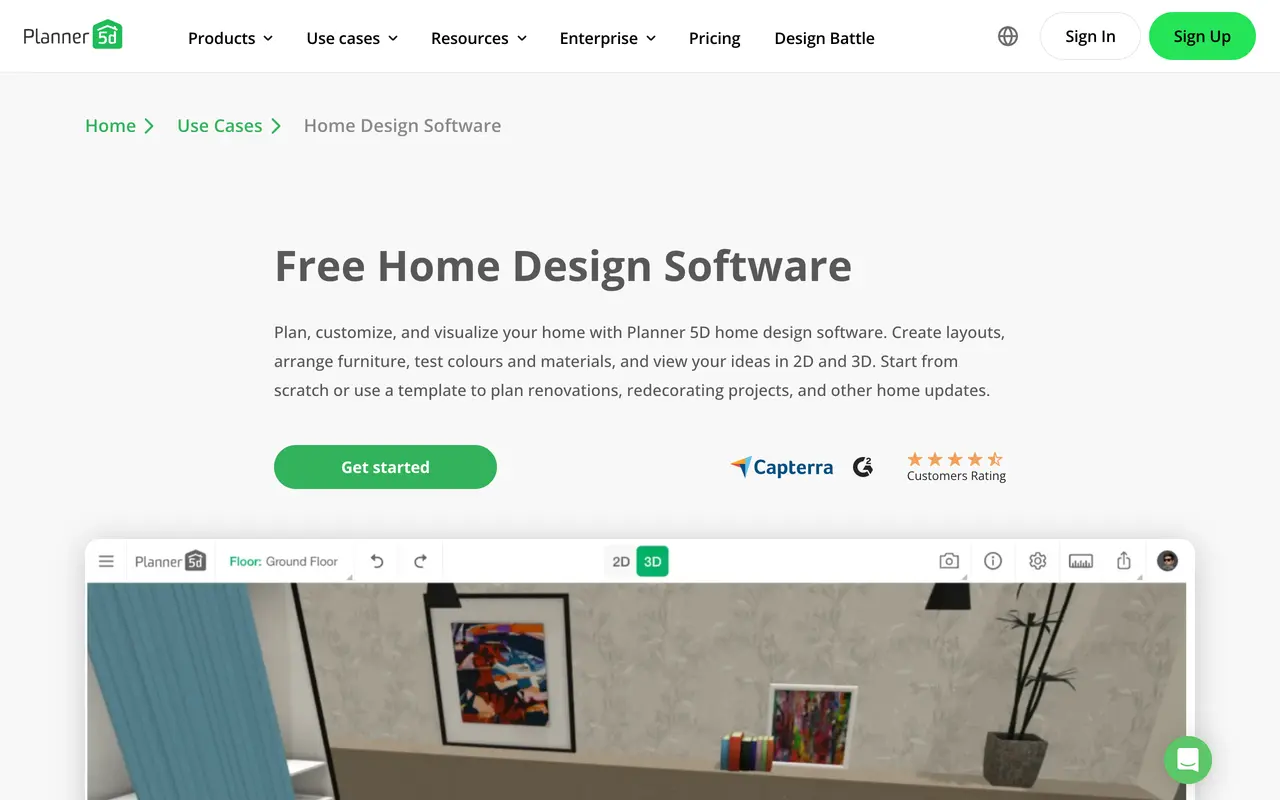
Planner 5D describing itself in its own words: "Plan, customize, and visualize your home." Layouts, furniture, colours and materials in 2D and 3D. Nothing on this page is about restyling a photograph, which is the clearest possible statement that this is a different product from the ones above it.
DecorMatters
4.7 stars from 14,178 ratings. Part design tool, part game, part community, with AR placement and design challenges you can enter. It is the most fun app in this list and the least like the others.
Honest verdict: genuinely enjoyable, and the community feedback loop is real value if you are undecided. Less useful if you have a specific room and a deadline, because the game layer is the point rather than an accident.
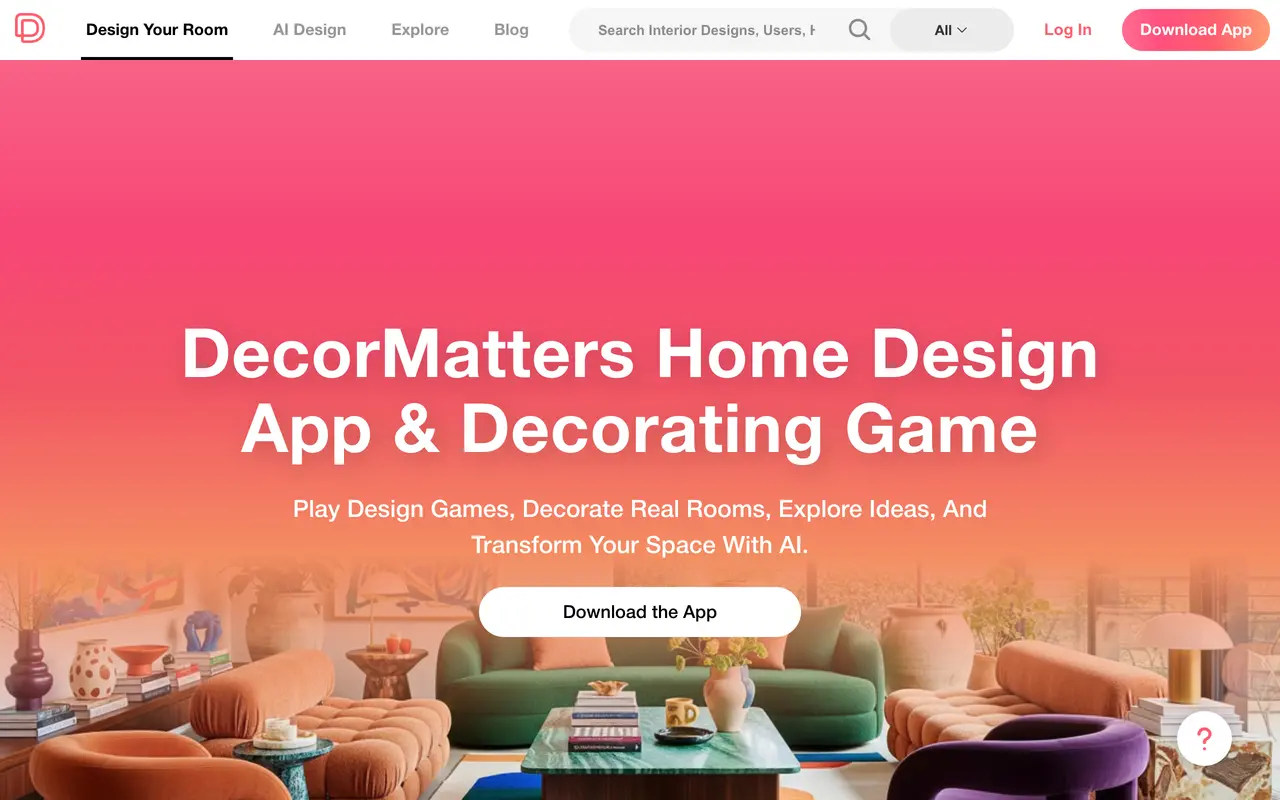
DecorMatters puts it in the headline itself: "Home Design App & Decorating Game." Play design games, decorate real rooms. Apple agrees and files it under Simulation rather than Graphics and Design. Nobody is hiding what this is, so take it on those terms.
Homestyler
4.4 stars from 5,560 ratings. Another mature planner with a generous free tier, floor plan drawing, and a large furniture model library.
Honest verdict: the free tier is the most usable long-term free tier here. The recurring complaint in its reviews is aggressive auto-renewal once an introductory price expires, which is worth a calendar reminder rather than a boycott.
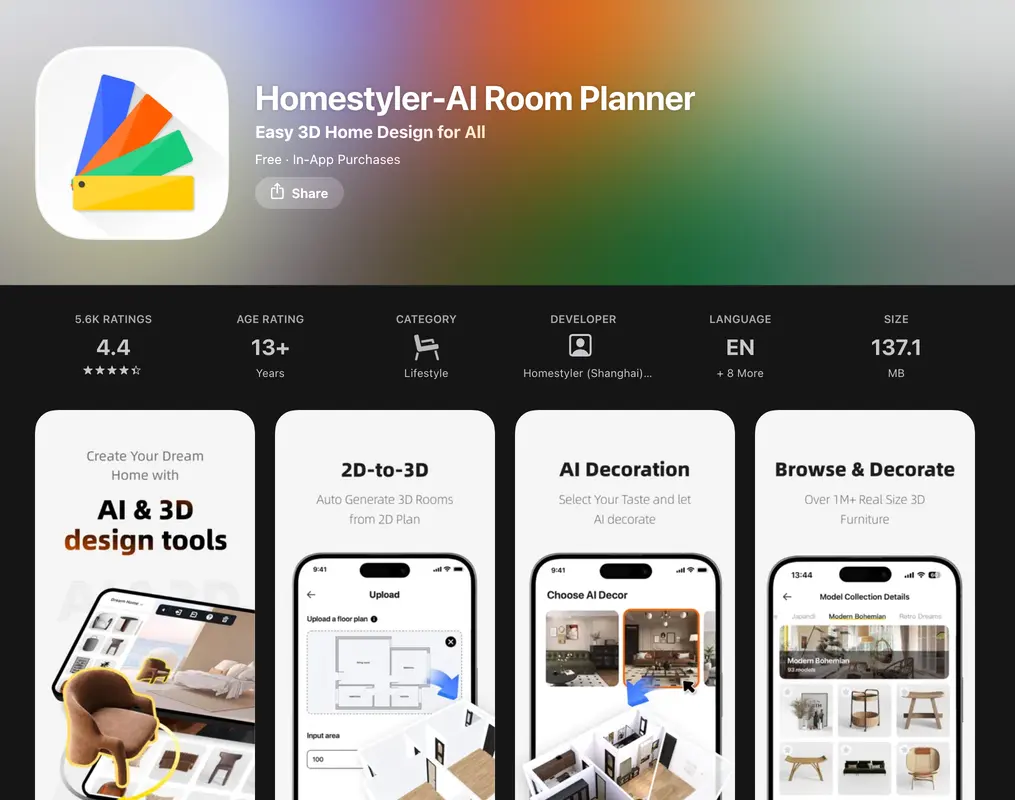
The store listing rather than the website, because homestyler.com would not render a hero for us on any URL we tried. 4.4 stars from 5.6K ratings. The second screenshot is the one worth reading: 2D-to-3D, auto generate 3D rooms from a 2D plan. That is the planner half of this category doing the job from a drawing rather than a photo.
CozyAI by Collov
4.7 stars from 2,521 ratings, and notable for being one of the few cases where the company behind a well-known web tool publishes its own app rather than leaving the name to somebody else.
Honest verdict: solid photo restyling, smaller audience, and a company that is primarily selling to real estate and retail rather than to you. That focus shows in the polish and in the pricing.

The company behind CozyAI, and the positioning is worth noticing. collov.com sells "The Visual Agent Platform" to businesses, while CozyAI is the consumer app it ships. Useful context for the pricing and the polish: you are not the customer this company is built around. Its cozyai.com domain, incidentally, is parked and for sale.
Houzz
The giant that is not really an AI app: 4.8 stars from 323,415 ratings. It is a marketplace, an idea library of millions of real photographs, and a directory of professionals, with AI features layered on top.
Honest verdict: if what you actually need is to find a contractor or buy the furniture, this beats every AI app in this list. If you need to see your own room restyled, it is the wrong tool and always has been.
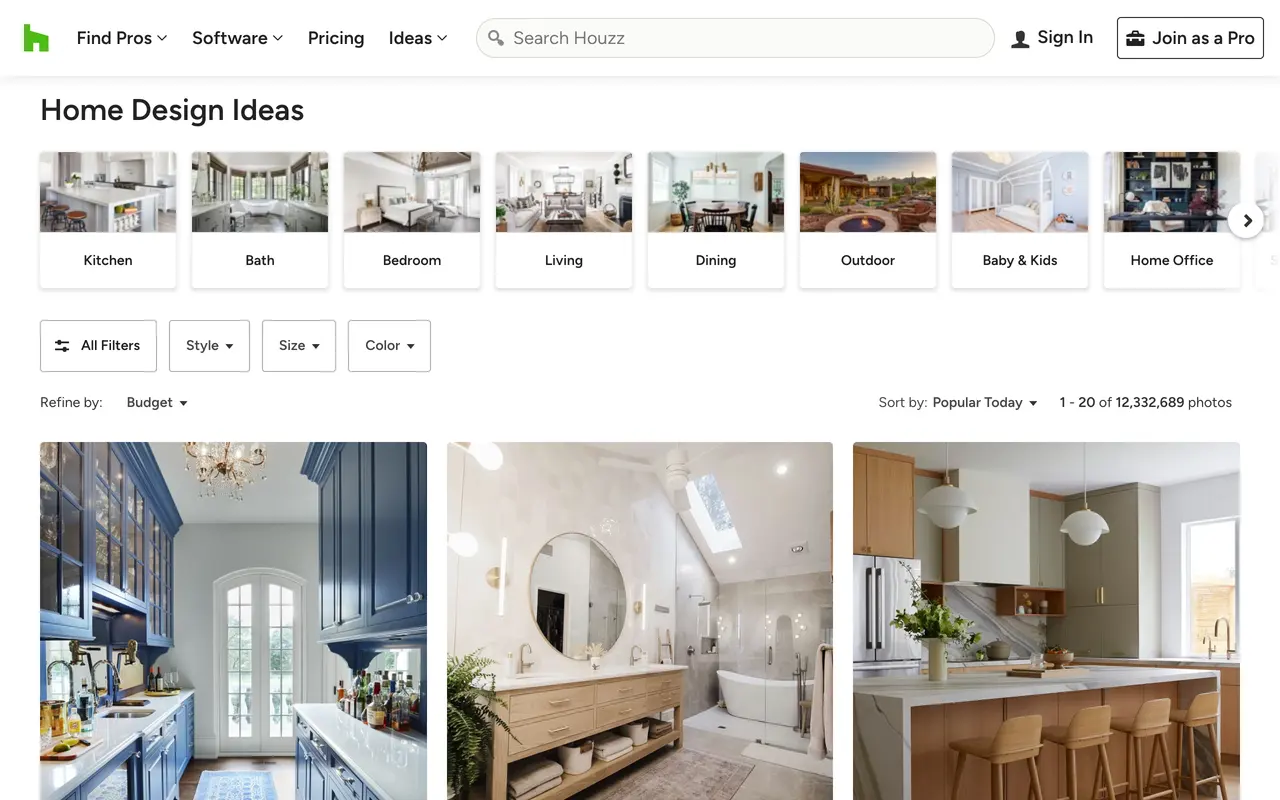
Houzz, and this single screen explains why it beats every AI app for one specific job. These are photographs of rooms that were actually built, filterable by room, style, size and colour. No model generated any of it, which is exactly the point when you want to know what is achievable rather than what is imaginable.
Can an AI interior design app do the outside of the house?
A steady share of the searches that land here are for a free AI exterior home design app, and it deserves its own warning. Restyling a room and restyling a facade are different jobs for the model. Interiors are enclosed, evenly lit and full of objects the model has seen a million times. A facade is one large continuous surface, outdoors, with a roof geometry that has to stay put and landscaping that has to look like it grew there.
Run a photograph of your house through an interior-tuned app and the usual failure is a house that comes back with a different roof pitch, or windows that shifted a foot to the left. Home AI advertises exterior and garden explicitly. Most of the photo-restyling apps in this list do not.
If the outside is the actual project, start from a tool built for it. Ours is the MeltFlex exterior design tool, the wider field is in ourcomparison of AI exterior design tools, and if the question is narrower than that and you only want to try paint colours on the house you already have, the exterior paint visualizer comparison covers the nine tools that do exactly that.
What can no AI interior design app do yet?
Worth saying plainly, because the marketing for this whole category is silent on all three.
- They cannot measure. Nothing an AI interior design app outputs is dimensionally reliable. The sofa in the render is whatever size made the composition work. If the question is whether a specific sofa fits a specific wall, that is arithmetic, and our furniture fit calculator answers it properly.
- They drift across generations. Ask for a fourth variation and something quietly moves: a window, the floor direction, a doorway. Compare every result against your original photo rather than against the previous result, or the drift compounds without you noticing.
- They cannot price anything. A render of a 40,000 dollar kitchen costs the model exactly as much to produce as a 4,000 dollar refresh, and it will present both with the same confidence. Price the project from the material list, never from how expensive the picture looks.
A fourth, smaller one: layout. Most of these apps restyle what is already in the room rather than rearranging it. If the actual problem is that the furniture is in the wrong places, that is a different tool again, covered in AI furniture placement and room layout.
How do you pick an AI interior design app in ten minutes?
- Decide photo or plan. If you have a room, you want restyling. If you have a blueprint or nothing built yet, you want a planner. Downloading the wrong half of the category is the most common mistake here.
- Check the developer name. Under the app title, above the fold. If you came for a brand you read about, confirm the company matches before you install.
- Photograph your worst room, not your best. Corner to corner, in daylight, with the door in frame if possible. Every app looks good on a bright square living room.
- Spend the free credits on that one room. Two apps, same photo, same style request. The comparison is only meaningful when the input is identical.
- Check the fixed points in the output. Windows, doorways, ceiling line, floor direction. If they moved, the app generated a room rather than restyling yours, and every decision you make from it will be wrong.
- Read the renewal period before you tap. Weekly or yearly. This is a 500 dollar difference and it takes two seconds.
If you would rather run that test in a browser before installing anything,upload a room photo to MeltFlex and you can do the whole comparison on a laptop. There are also finished examples from real rooms in the creations gallery if you want to see the ceiling of what these models produce before spending your own credits.
Frequently asked questions
What is the best AI interior design app?
MeltFlex, if you want to buy what you see: it restyles a photo of your real room and links each piece of furniture in the result to a product you can order. If you want the fastest free restyle from the apps with the largest install base, Home AI or Remodel AI, and both edit your own photo rather than generating a stock room. If you are furnishing a home that does not exist yet, Planner 5D, a floor planner with an AI layer on top. Photo restyling and floor planning are different products behind one search term, so decide which one you need before you compare ratings.
Is there a free AI interior design app?
Yes, and effectively every AI interior design app is free to download and free to try. What differs is what happens on roughly the fourth design. Most apps in the App Store top results run a hard paywall after a small number of free generations, and several open a subscription screen before showing you your first result. MeltFlex, Homestyler and Planner 5D let you keep working on a free tier indefinitely with limits. Free never means unlimited here, and any app promising unlimited free AI renders is either about to change that or is watermarking heavily.
How much does an AI interior design app cost?
Between about 5 and 15 dollars a week, or 20 to 90 dollars a year, and the weekly framing is deliberate. Home AI lists in-app purchases at 4.99 to 14.99 dollars weekly and 19.99 or 39.99 dollars yearly. Remodel AI lists 4.99 to 9.99 weekly, 6.99 to 9.99 monthly and 39.99 to 89.99 yearly. Those are Apple listing prices read on 26 August 2026. A weekly subscription at 9.99 dollars is 519 dollars a year, which is why the weekly tier is the default one these apps present. Always check whether the price you tapped was weekly or yearly before the trial ends.
Are AI interior design apps on the App Store made by the companies they are named after?
Often not, and this is the single most useful thing to know before you download. RoomGPT is a web product by the developer known as nutlope, and roomgpt.io links to no mobile app at all, yet the App Store carries two separate apps using the RoomGPT name from two unrelated companies, AZUR APPS FZ-LLC and Hbrothers L.L.C. Interior AI is Pieter Levels’ web product and interiorai.com links to no app, but an app called Interior AI - Room Design is published by iHux Solutions FZ-LLC. Check the developer name under the app title against the company behind the web tool you actually read about.
Do AI interior design apps work on a photo of my real room?
The good ones do, and it is the main thing that separates them. An app that restyles your photo keeps your real windows, ceiling height, doorways and proportions, so the result is a plan you can act on. An app that generates from a text description gives you a beautiful room that is not yours, which is fine for mood and useless for decisions. If an app asks you to pick a room type and a style but never asks for a photo, it is doing the second thing. Test it by feeding it an awkward room, because a narrow room with one window is where generated-from-scratch results fall apart.
Is an AI interior design app safe to upload photos of my home to?
Treat every one of them as if the photo leaves your phone, because it does. These apps run the model on a server, not on the device, so your room photo is uploaded and stored at least temporarily. Read what the listing says about retention before you photograph anything with documents, screens, post or children in the frame. Our own answer is the same one we would give about a competitor: photos you upload to MeltFlex are processed and stored on our infrastructure, and images you publish to the community gallery are visible to other people, so tidy the frame before you shoot.
Can an AI home design app design the outside of my house too?
Some can, and it is worth checking before you pay, because facade work is a different model job from interior restyling. Home AI advertises garden and exterior alongside rooms. MeltFlex has a separate exterior tool that repaints and reclads a facade from one photo. Most of the photo-restyling apps in this list are interior only, and running an exterior shot through an interior-tuned model tends to produce a house with the wrong roof. If the exterior is your actual project, start from a tool built for it rather than from a general room app.
What can AI interior design apps still not do?
Three things, consistently. They cannot measure, so nothing they output is dimensionally trustworthy and no render tells you whether that sofa fits. They cannot hold a room across multiple generations, so the fourth image often quietly moves a window or changes the floor. And they cannot price a project: a render showing a 40,000 dollar kitchen looks exactly as cheap to produce as one showing a 4,000 dollar refresh. Use them to decide what you want, then measure the room yourself and price it properly.
The verdict
The honest summary of this category is that the apps are more similar than their ratings suggest, and the two decisions that actually change your outcome are made before you open any of them: whether you need restyling or planning, and whether you tapped weekly or yearly. Get those two right and most of these apps will serve you adequately. Get them wrong and the best app in the world will not help.
Where they genuinely differ is what happens after the render. Almost every app in this list ends at a pretty picture, and a pretty picture is where the problem starts rather than where it ends, because now you have to find the sofa. That gap is the reason we built the shopping layer, and it is the one thing here we would argue is not a matter of taste.
The fastest way to judge any of this is on your own room rather than on somebody’s screenshots. Upload a room photo and see what comes back, or if you are on a phone right now, the same thing works in the app. If you decided halfway through this that you actually need a plan rather than a photo, start from the floor plan to 3D tool instead, and if you want the desktop field rather than the mobile one, our comparison of the best AI interior design tools covers fourteen of them.