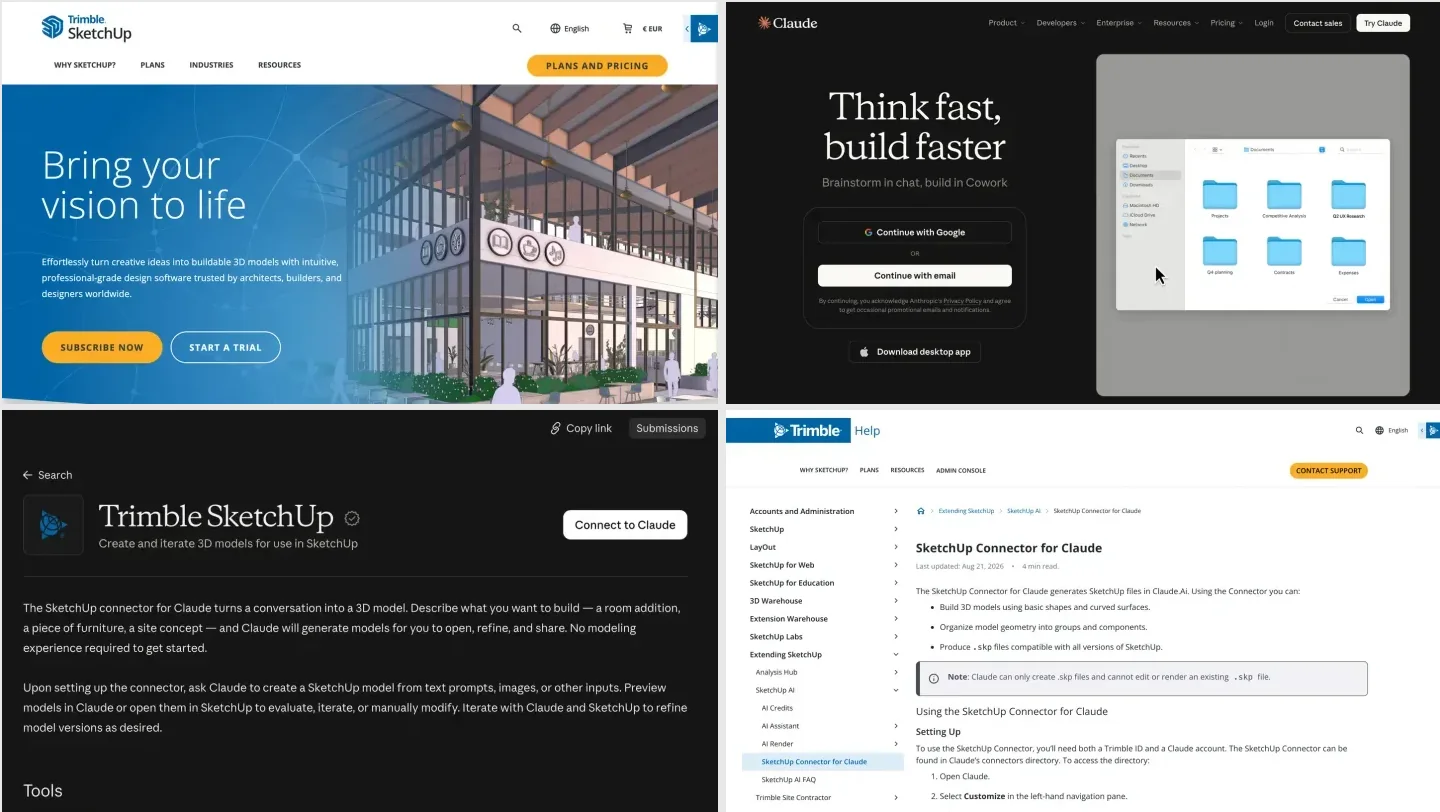
To connect Claude to Blender, install Blender 5.1 or newer and the Claude desktop app. In Claude, go to Customize, then Connectors, and add Blender from Blender Lab. In Blender, install Blender Lab’s MCP add-on, switch on Allow Online Access, and start the MCP server. Then ask Claude what is in your open scene: if it lists your objects, you are connected. It is free on every Claude plan, takes about ten minutes, and only works in Claude Desktop or Claude Code, not in the browser.
Our articles are still written by humans!
Get human written articles in your Google feed.
I run MeltFlex, an AI rendering tool for architects and interior designers, so I wanted to know more than whether the connection works: can Claude build what a studio actually draws, to the centimeter? On October 13, 2026 I connected Claude to Blender 5.2.2 on a Mac both ways, through the official connector and through the community blender-mcp server, gave it a house for an architect and a living room for an interior designer, and measured every file afterwards.
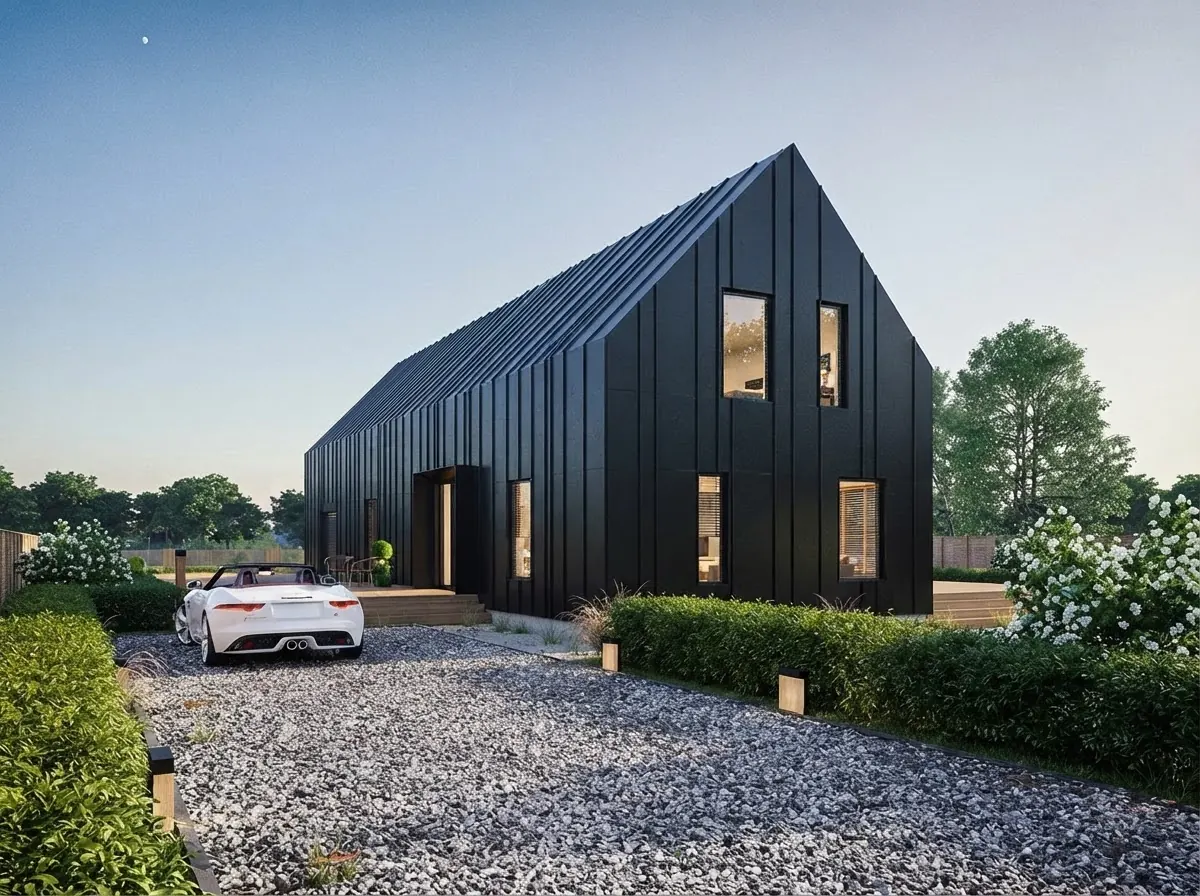
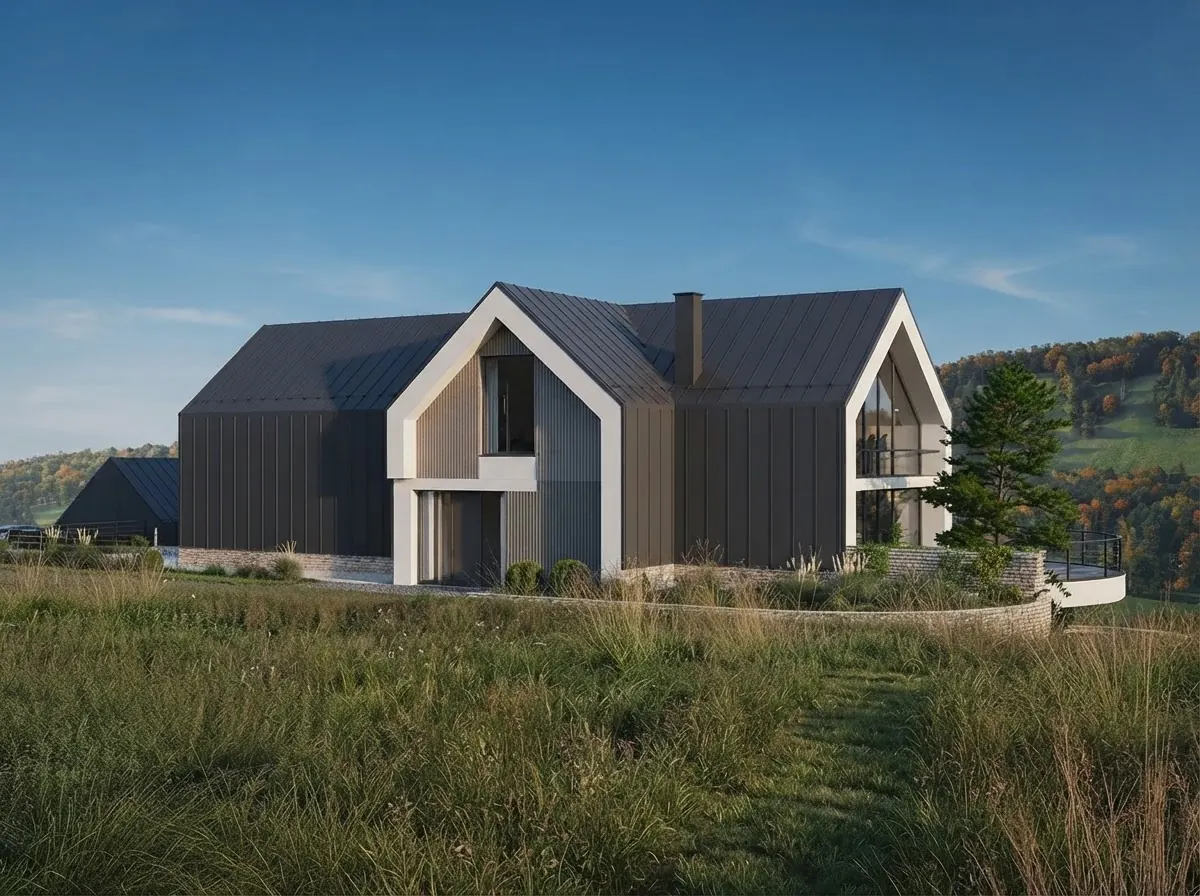
A finished gable house render from the MeltFlex gallery. Once Claude is connected to Blender, our architect brief asked it for the massing underneath a picture like this.
The short version
- Fastest way to connect: the official Blender connector in Claude Desktop plus Blender Lab’s add-on. Free, about ten minutes.
- Won’t connect? Nine times out of ten it is Blender older than 5.1, Allow Online Access switched off, or the add-on dragged in only once.
- Using Claude Code? It does not pick up the desktop connector. Add the server with one
claude mcp addcommand, below. - What you get: exact massing and room blockouts in minutes, every dimension right in our tests. Not a client ready render.
- Need the client image? Connect MeltFlex to Claude as well. It turned our Blender room into a photoreal render with the layout intact; on the house it invented windows, so check facades.



How do you connect Claude to Blender?
The official route uses the Blender connector that Blender Lab, the Blender Foundation’s experimental program, built for Claude. Anthropic announced it on April 28, 2026. These steps follow Anthropic’s tutorial and Blender Lab’s page, plus the two things we had to fix ourselves.
- Install Blender 5.1 or newer. Anthropic’s tutorial says 4.2 or later, but the add-on’s own manifest sets 5.1.0 as the minimum, and Blender Lab agrees. Trust the manifest.
- Install the Claude desktop app. The connector runs on your computer next to Blender, which is why claude.ai in the browser cannot use it.
- Add the Blender connector. In Claude Desktop open Customize, then Connectors, search for Blender and add the listing published by Blender Lab.
- Install the add-on in Blender. Drag the install link from Blender Lab’s page into the Blender window, allow the “lab” extension repository, then drag the link in a second time. The second drag is the step people miss.
- Allow online access. In Edit, Preferences, System, switch on Allow Online Access. The add-on only opens a port on your own computer, but it will not start without this setting.
- Start the server. In Preferences, Add-ons, MCP, start it and tick Auto Start, or you will repeat this every time you open Blender.
- Test the connection. In a new chat ask “what is in my open Blender scene?”. A fresh scene should come back as a camera, a cube and a light.
From then on Claude’s changes go straight into the open Blender session, and they stay there until you save. Press Cmd or Ctrl+S yourself before closing anything.

The two things you install, from their own homepages on October 13, 2026. On Claude’s side you need the desktop app, not the website.
Is there a video showing how to connect Claude to Blender?
Yes. The clearest one we found is this five minute setup from Think Tutorial, which follows the same official route as the steps above, on a Mac. Its chapters line up with our list: preparing Blender (0:00), configuring connectors in Claude (0:26), installing the MCP add-on, including the drag-it-in-twice step (1:57), and testing the connection (3:14). It also covers Blender’s security warning and what to do when the connection will not establish.

Think Tutorial, “How To Connect Claude To Blender”, July 28, 2026, 5 min 22 s.
If you use Claude Code, watch Aidan Stanik’s longer test instead. It has a chapter on switching from Claude Desktop into Claude Code, one on the Blender 5.1 version fix the docs got wrong (the same mismatch we hit), and then a single prompt that builds a gothic cathedral.

Aidan Stanik, April 28, 2026, 12 min 2 s. The Claude Code chapter starts at 3:14.
How do you connect Claude Code to Blender?
This is how we ran every test in this article. Claude Code does not import connectors from the desktop app, so you register the Blender server yourself. Blender and its add-on are set up exactly as in steps 1, 4, 5 and 6 above; only the Claude side changes.
- Install
uv, the small Python tool the server runs on (on a Mac,brew install uv). - Get Blender Lab’s server code:
git clone https://projects.blender.org/lab/blender_mcp.git. - Register it:
claude mcp add blender -- uv run --directory /path/to/blender_mcp/mcp blender-mcp, with the real path to the folder you cloned. - Open Blender with the server running, start
claude, and run/mcpto check thatblendershows as connected.
For the community server the whole Claude side is one line: claude mcp add blender uvx mcp-for-blender.
What is Blender MCP, and can you connect Claude with blender-mcp instead?
Blender MCP is the bridge underneath all of this. MCP, the Model Context Protocol, is the open standard Claude uses to talk to other programs. A Blender add-on opens a port inside Blender, an MCP server passes Claude’s requests to it, and Blender runs them as Python. The official connector is one Blender MCP server; the other is the community MCP for Blender, the older project most people still call blender-mcp, with 30,585 GitHub stars when we checked. It says plainly that it is a third party integration and not made by Blender. To connect Claude through it:
- Install uv (on a Mac,
brew install uv). - In Claude Desktop go to Settings, Developer, Edit Config, and add a server named
blenderwith the commanduvxand the argumentmcp-for-blender. - Install the add-on: run
uvx mcp-for-blender install-addon, or install itsaddon.pyunder Edit, Preferences, Add-ons, then enable MCP for Blender. It works with Blender 3.0 and newer. - Open Blender. The add-on starts its server by itself; press N in the viewport and open the MCP for Blender tab to check.
- Fully quit and reopen Claude Desktop, then ask about your scene.
It sends an anonymous usage record by default; setting DISABLE_TELEMETRY=true in the server’s environment turns that off (we did). Its advantage for design work is the asset tools: Claude can pull free CC0 models, materials and HDRI skies from Poly Haven, and Sketchfab models if you add a key, instead of modeling everything from boxes.
| Route | Made by | Main tools | Asset library | Blender |
|---|---|---|---|---|
| Official Blender connector | Blender Lab (Blender Foundation) | Run Python, scene summaries, docs search, screenshots, renders | No | 5.1 or newer |
| MCP for Blender (blender-mcp) | Siddharth Ahuja, open source | Run Python, scene info, viewport views, asset import, AI 3D models | Poly Haven, Sketchfab, Poly Pizza | 3.0 or newer |
- Made by
- Blender Lab (Blender Foundation)
- Main tools
- Run Python, scene summaries, docs search, screenshots, renders
- Asset library
- No
- Blender
- 5.1 or newer
- Made by
- Siddharth Ahuja, open source
- Main tools
- Run Python, scene info, viewport views, asset import, AI 3D models
- Asset library
- Poly Haven, Sketchfab, Poly Pizza
- Blender
- 3.0 or newer
For a studio the official connector is the safer default: it comes from the Blender Foundation’s own lab and is deliberately small. Install the community one too if you want real furniture and materials, but run only one at a time, because both listen on port 9876.
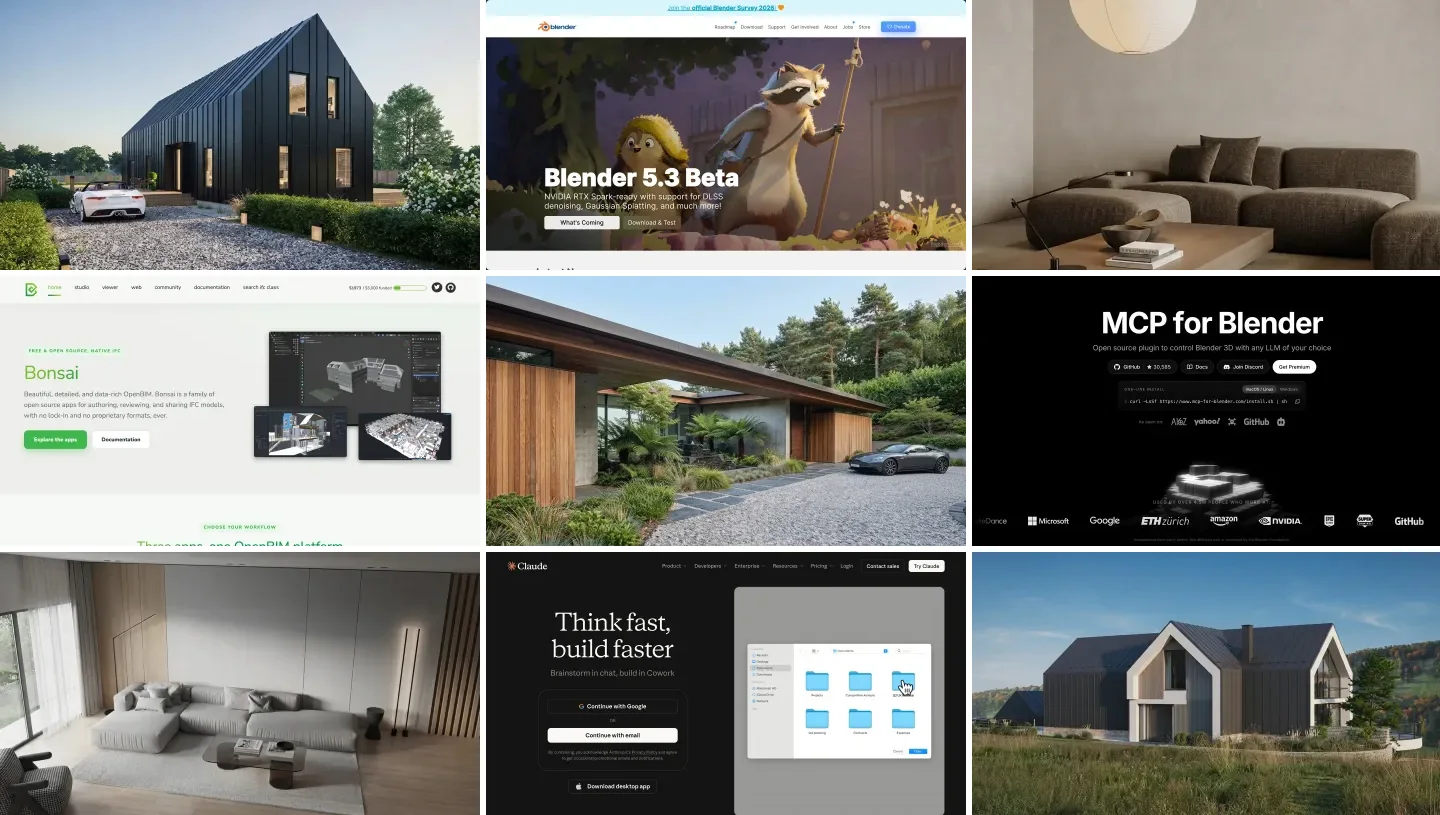
MCP for Blender and Poly Haven, the free asset library it can pull from, on October 13, 2026.
Why won’t Claude connect to Blender?
Every failure we hit or found in the issue trackers came down to one of these:
- Blender is older than 5.1. The official add-on refuses to install. Update Blender, or use the community server, which supports 3.0 and newer.
- Allow Online Access is off. The official add-on will not start its server without it, even though it only talks to your own computer. It is under Edit, Preferences, System. We switched it on before our first run because the add-on’s code checks for it.
- The add-on was dragged in once. The first drag only adds Blender Lab’s extension repository; the second installs the add-on.
- The server is not running. Start it in the add-on’s preferences, or in the MCP for Blender sidebar tab for the community version, and tick Auto Start.
- Port 9876 is taken. Both servers use it. If you installed both add-ons, enable only one.
- Claude Desktop was not restarted. Quit it fully, from the menu bar or the system tray, not just the window.
- You are in claude.ai or Claude Code. The browser cannot connect at all; Claude Code needs the server added by hand, as above.
- The first command fails. The community README says this happens sometimes; ask again. In our community run one status check failed and one test render dropped the connection, and Claude carried on.
If none of these fit, Blender Lab’s issue tracker has open reports from Windows and Mac users, including the desktop extension failing to install on some Macs.
What can Claude build in Blender for architects?
With Claude connected through the official connector, we gave it the kind of brief you would give a junior designer for a feasibility study: a two story house on a 10 by 8 m footprint, 3.0 m floor to floor, 0.4 m external walls, a symmetric 35 degree gable with the ridge running east to west and 0.5 m eaves, a south facade with a centered 1.0 by 2.3 m door, two 2.4 m ground floor windows and three first floor windows on a 2.5 m grid. White render, a dark standing seam roof, black frames, glass. A sun for Bratislava on June 21 at 3 pm, a street view from the south east, an orthographic south elevation, and a report of the ridge height and the window to wall ratio.
| Check | Claude’s answer | Our check |
|---|---|---|
| Time and cost | 3 min 23 s, 13 turns, $0.69 at API prices | |
| Footprint and eaves height | 10.0 by 8.0 m, eaves at 6.0 m | Correct |
| Ridge height | 9.106 m (6.0 + 4.0 × tan 35° + roof thickness) | Correct, measured 9.106 m |
| Six south openings | All sizes, sills and centers as briefed | Correct |
| Window to wall ratio | 21.8% (25.6% with the door) | Correct: 13.08 m² of 60 m² |
| Sun for Bratislava, June 21, 3 pm | Azimuth 236.7°, elevation 54.8° | Correct, our own solar calculation gives the same |
| Eaves overhang | 0.5 m | 0.5 m at the underside, but the slab is cut square to the slope, so its top edge sticks out 0.64 m |
- Time and cost
- 3 min 23 s, 13 turns, $0.69
- Ridge height
- 9.106 m, correct
- Openings
- All six correct
- Window to wall ratio
- 21.8%, correct
- Sun
- Azimuth 236.7°, elevation 54.8°, correct
- Eaves
- 0.5 m underside, top edge 0.64 m
This is the strongest result in the article. Claude did the trigonometry, showed its work, set the windows back 120 mm into the wall with real glass, used a lens shift instead of tilting the camera so the verticals stayed vertical, and added a first floor slab so the glass would not look into an empty box. It also told us what it left out: no openings on the other three facades because we did not ask for them, no gutters or chimney, flat colors instead of textures, and a plain blue background instead of a physical sky.
The one thing an architect would correct is that eaves detail, and it is a fair illustration of where the risk sits: Claude met the brief’s number at one edge and did not mention the other. Ask it for a section through the eaves and it would have shown up; ask for nothing and you need to spot it yourself.
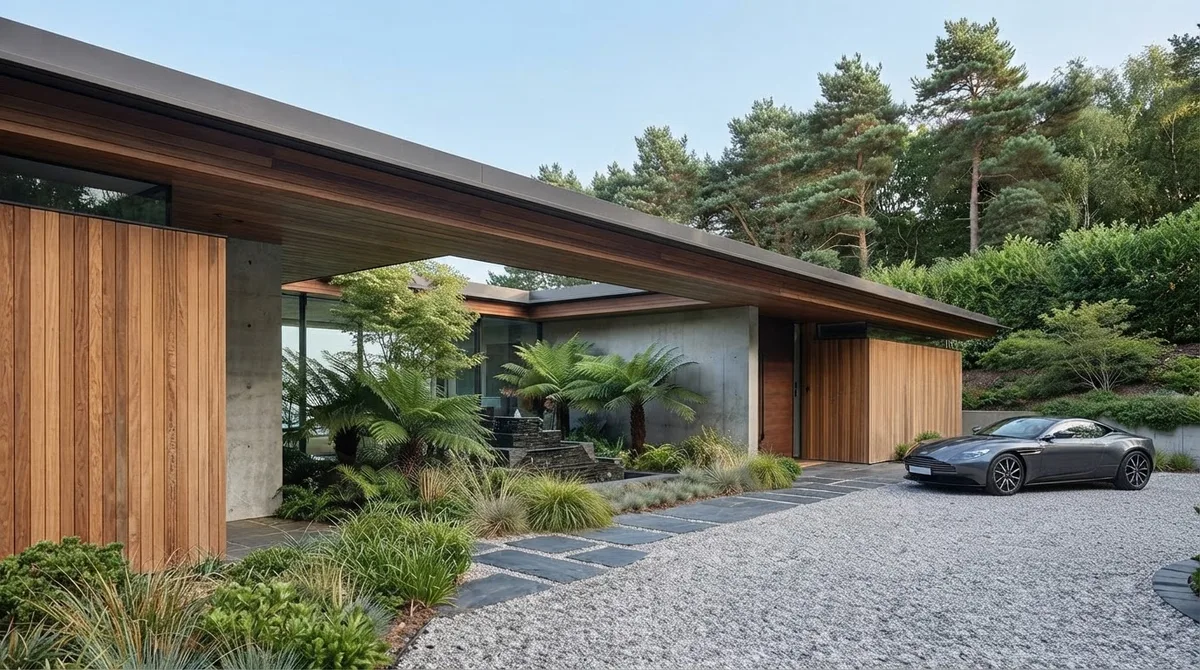
Finished exteriors from the MeltFlex gallery. Materials, landscaping and a real sky are what our massing model did not have.
What can Claude build in Blender for interior designers?
The second brief was a 4.2 by 3.6 m living room with a 2.6 m ceiling, a 1.6 m window centered on the back wall with a 0.9 m sill, a 0.9 m door 0.3 m from the corner, a 2.2 m three seat sofa under the window, a 1.2 by 0.6 m coffee table with 0.45 m clear in front of the sofa, a 2 by 3 m rug, an armchair angled 30 degrees, a 1.8 m TV unit, a floor lamp, Japandi materials, daylight plus lamp light, a 24 mm camera at eye height and one Cycles render. This time we connected Claude both ways and ran it through each.
| Result | Official Blender connector | MCP for Blender |
|---|---|---|
| Time, brief to saved render | 10 min 53 s | 9 min 37 s |
| Claude usage at API prices | $0.68, 13 turns | $0.77, 18 turns |
| Room, window and door sizes | All exact | All exact |
| Furniture sizes and the 0.45 m gap | All exact | All exact |
| Furniture | Rounded blocks | Rounded blocks |
| Window glass and view | None, flat blue sky | None, flat sky |
| Hiccups | None once online access was on | One failed status check, one dropped test render |
- Time
- 10 min 53 s
- Claude usage
- $0.68, 13 turns
- Sizes
- All exact
- Furniture
- Rounded blocks
- Window
- No glass, flat blue sky
- Hiccups
- None once online access was on
- Time
- 9 min 37 s
- Claude usage
- $0.77, 18 turns
- Sizes
- All exact
- Furniture
- Rounded blocks
- Window
- No glass, flat sky
- Hiccups
- One failed status check, one dropped test render
We opened both saved files and measured the bounding box of every object: the sofa was 2.20 by 0.95 by 0.80 m in both, the table sat exactly 0.45 m off the sofa front, the window was 1.6 by 1.4 m with its sill at 0.9 m, and the rug was 3.0 by 2.0 m. The only deviation was a TV unit up to 2 mm too deep because Claude added door grooves, and both runs told us so unprompted.
Both made the same three compromises and said so. They left the window without glass, because glass blocks direct sun in Cycles unless it is set up carefully. They put a flat color outside instead of a sky. And they turned the exposure down after a first test render came out washed out. The interesting part is that the house brief, run later through the same server, did use glass; the room runs dropped it to keep the daylight, which is a trade a lighting designer would make differently.
What neither did was make the room look finished. Every sofa, chair and table was a set of rounded boxes in the right sizes and colors. As a layout check it was excellent: you can orbit the room, walk the camera through the door and see whether the armchair leaves room to pass. As something to show a client, it was a clay model.
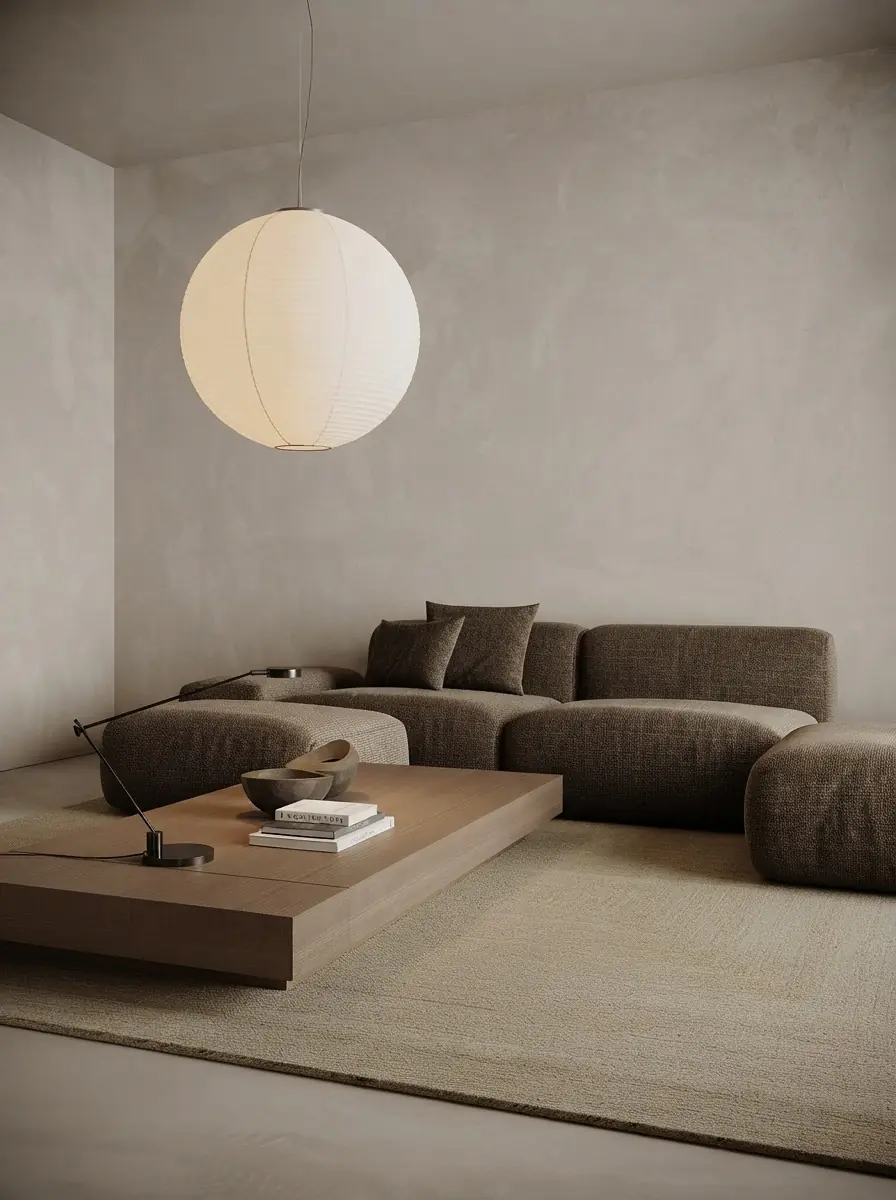
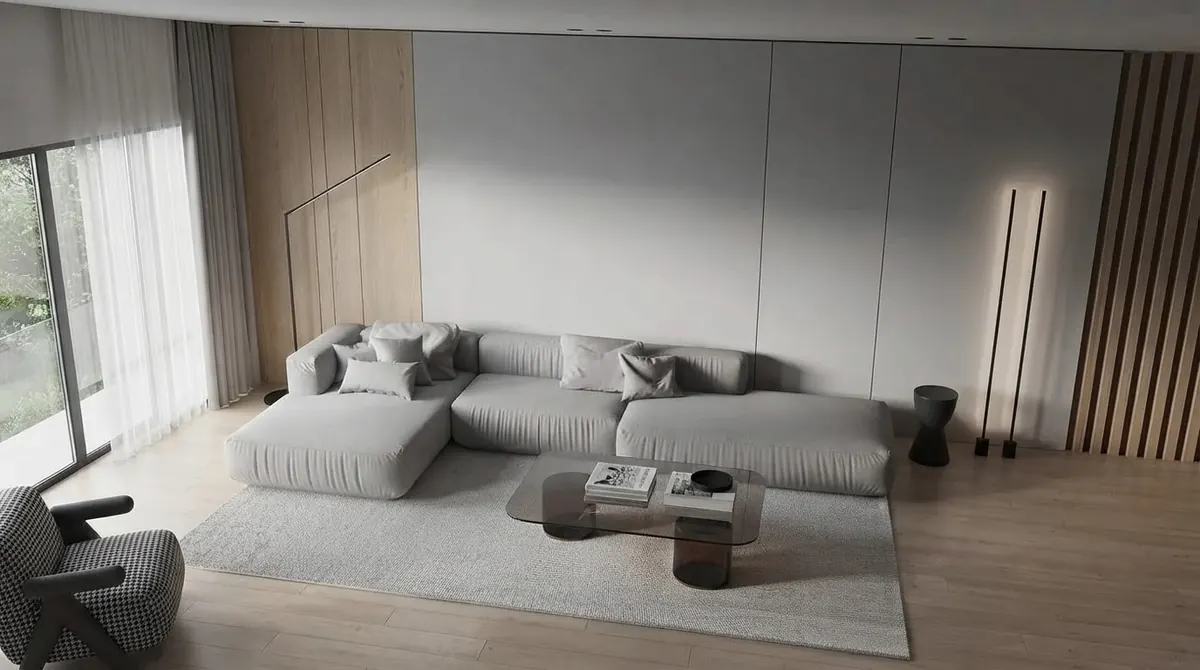
Finished living rooms from the MeltFlex gallery. Real materials, glass, sky and soft light are what both room runs skipped.
How do you turn Claude’s Blender model into a client render?
Blender can render photoreal images itself, but getting there means materials, an HDRI sky, glass and lighting work that Claude did not do well in our tests. The faster route for most studios is to keep Claude and Blender for the geometry and hand the picture to an AI renderer. Full disclosure: the one we used is MeltFlex, which we make.
MeltFlex has its own MCP connector for Claude, so it sits next to the Blender connector in the same chat. Claude builds the model in Blender, renders a viewport image, and then asks MeltFlex to make it photoreal while keeping the camera and layout. Without the connector, save the viewport image and upload it to MeltFlex photo to render instead. We ran both Blender test renders through MeltFlex on October 13, 10 credits each:
| Blender render | What MeltFlex kept | What it changed | Verdict |
|---|---|---|---|
| Living room (interior tool) | Camera, window, sofa, coffee table, armchair, rug and floor lamp, all in place | Added window glass and a garden view, linen and walnut textures, soft daylight | Client ready mood image |
| House massing (exterior tool) | Shape, roof pitch, camera, the rhythm of the south facade | Invented two glazed doors and a window on the blank east gable, narrowed the 2.4 m ground floor windows, added gutters | Good for mood, wrong as a design record |
- Kept
- Camera, window, sofa, coffee table, armchair, rug and floor lamp, all in place
- Changed
- Added window glass and a garden view, linen and walnut textures, soft daylight
- Verdict
- Client ready mood image
- Kept
- Shape, roof pitch, camera, the rhythm of the south facade
- Changed
- Invented two glazed doors and a window on the blank east gable, narrowed the 2.4 m ground floor windows, added gutters
- Verdict
- Good for mood, wrong as a design record
The lesson for architects is the same one the eaves taught: an AI render is a picture of the design, not the design. A blank wall in a massing model reads to an image model as “unfinished”, so it fills it in. If a facade must stay blank, say so in the prompt (“the east gable has no openings”) and compare the render with your elevation before it goes to a client. For interiors, where the layout and furniture already carry the design, the render step worked first time.
Can you bring SketchUp, AutoCAD or IFC files into Blender?
Yes, with extensions, because Blender opens OBJ, FBX, glTF, USD and STL but not .skp, .dwg or .ifc on its own (see the Blender manual). All three are free on extensions.blender.org:
- IFC and BIM: Bonsai, formerly the BlenderBIM add-on, is a full native IFC authoring tool inside Blender, with more than 156,000 downloads. For architects this is the reason to take Blender seriously, and once Claude is connected it can query and edit the same model.
- SketchUp: OpenSKP, a third party importer and exporter for .skp files that needs no SketchUp installation. It is young (version 0.2.5), so check the result.
- AutoCAD: the community “Import AutoCAD DXF” extension, for plans saved as DXF.
Once a model is in, the most useful first job is not modeling at all. Ask Claude to list every object, find the ones with no material, rename the mess an export leaves behind, and tell you which objects make the file slow. That kind of scene analysis is what Blender Lab built its connector for.
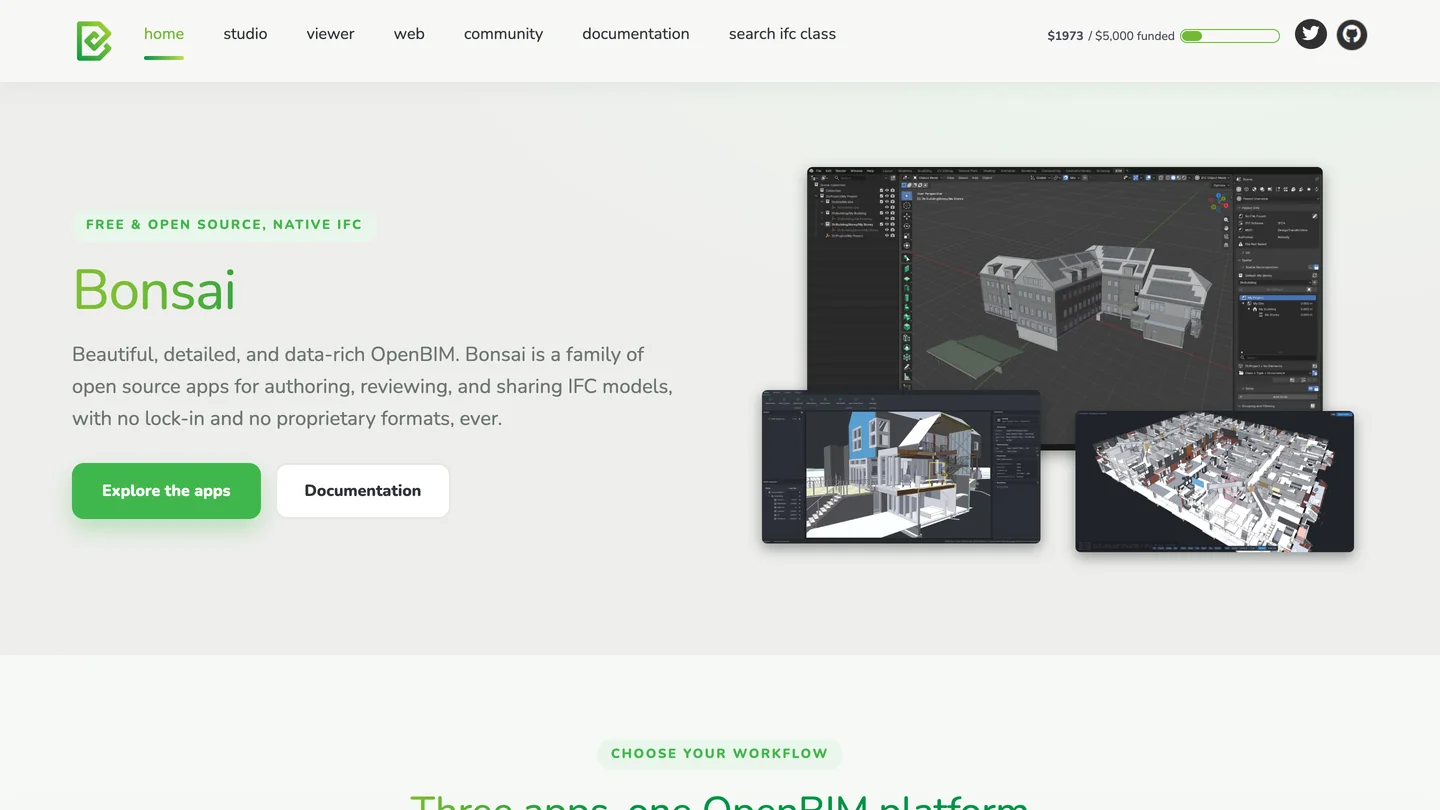
Bonsai, the free IFC and BIM extension for Blender, on October 13, 2026. Its screenshots are Blender itself.
If your models live in SketchUp and you would rather stay there, see our guide to connecting Claude to SketchUp; Trimble’s official connector builds new models but cannot edit existing ones.
What should you ask Claude to do once it is connected to Blender?
Start with jobs where exact numbers matter and looks do not, because that is where both our tests were strongest:
- Massing: “Build a [stories] story block on a [width] by [depth] m footprint, [height] m floor to floor, [pitch] degree gable, ridge running [direction]. Report the ridge height.”
- Facade study: “Put [number] windows [width] by [height] m on the south facade on a [spacing] m grid, sills at [height] m, and give me the window to wall ratio.”
- Sun study: “Place the sun for [city] on [date] at [time] local time, state the azimuth and elevation, and render the shadows on the site.”
- Room blockout: “Build this room: [width] by [depth] m, [height] m ceiling, window [size] on the [wall] with a [height] sill, door [size] [distance] from the corner. Walls 0.1 m, no ceiling.”
- Clearances: “Place a [length] m sofa against the window wall, centered, a coffee table with 0.45 m clear, and tell me the walkway width between the table and the armchair.”
- Cleanup: “List every object in this imported model, flag the ones with no material, and rename them by floor, room and element.”
Say “meters” or “inches” up front, ask Claude to report final sizes and positions, and spot check a few. Our runs were exact, but the eaves showed that a report only covers what you asked about. For more prompt patterns see our Claude prompts for interior design.
What can’t Claude do in Blender yet?
- Real products. The official server has no asset tools, so everything is modeled from primitives. The community server imports Poly Haven and Sketchfab models, but free libraries hold generic pieces, not the sofa or window system in your specification.
- Photoreal light without help. Sky, glass and exposure all needed a person’s eye in our tests. Claude sees its own screenshots and renders and adjusts, but it settles for “not washed out” rather than beautiful.
- Details you did not ask for. It reports what you asked it to report. The eaves edge in our house is the example: right by one measure, off by 14 cm by another, and not mentioned.
- Safety by default. Both servers run any Python Claude writes, with your user’s file access. The official add-on’s source calls its own guard a weak sandbox that “isn’t really a sandbox”, and Blender Lab suggests running it in a virtual machine. Work on copies of client files.
- Cheap long sessions. Each tool call sends descriptions and scene data back to Claude. One community issue measured the tool descriptions alone growing 27% in a single release, to about 6,900 tokens, so big BIM models and long sessions eat plan limits fast.
- Every platform. Blender Lab’s tracker has open reports from Windows and Mac users, including the desktop extension failing to install on some Macs. Ours worked once online access was on.
Can you connect ChatGPT or Codex to Blender instead?
Codex, OpenAI’s coding agent, does: the community server documents it as codex mcp add blender -- uvx mcp-for-blender. ChatGPT itself is different. Its connectors talk to MCP servers on the internet, and a Blender running on your computer is not on the internet, so you would need a tunnel; we did not test that. Blender Lab’s server is also built to work with local models, which matters to studios that cannot send client work to a cloud AI. Our ChatGPT plugins guide for architects covers what does work inside ChatGPT.
Is connecting Claude to Blender worth it for architects and interior designers?
For architects, yes, if you do early stage massing, facade or sun studies and either already use Blender or are curious about Bonsai. Getting an exact massing model, a correct sun angle and a window to wall ratio from a paragraph of text in under four minutes is genuinely useful, and the official connector makes it a ten minute setup. Add MeltFlex when you need a mood image for a client, and check the facades it returns against your drawings.
For interior designers it is a good layout and clearance checker and a poor visualizer. If you already work in SketchUp, it is not a reason to switch. If what you need is the picture, let Claude get the layout right in Blender and then hand the viewport to MeltFlex, through its Claude connector or photo to render. In our test that kept the room exactly as Claude built it and added the materials, glass and light the blockout lacked. Our guide to turning a 3D model into a photorealistic render walks through that step.
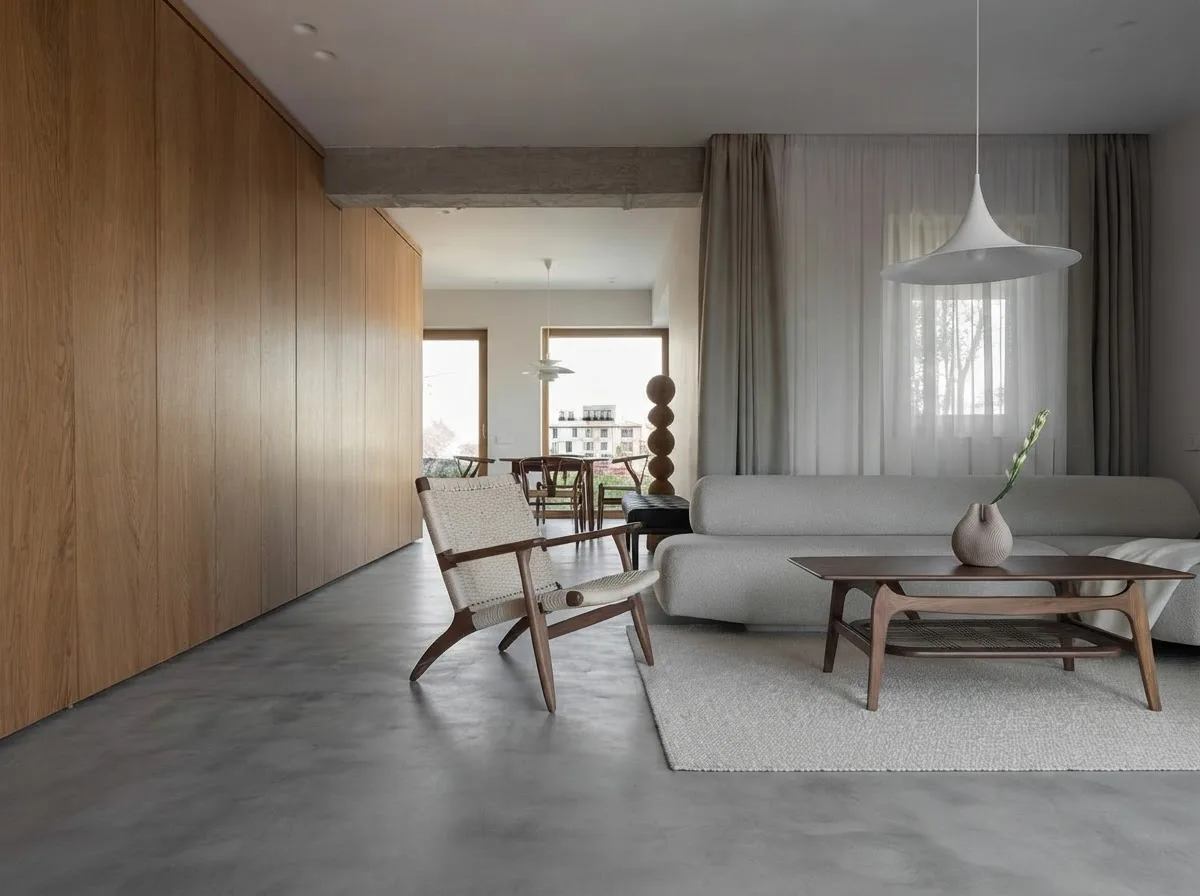
A finished render from the MeltFlex gallery: the step that comes after the blockout.
Sources and what we could not verify
Read on October 13, 2026: Anthropic’s creative work announcement and its May 1 correction, the Blender listing in Claude’s directory, Anthropic’s connector tutorial, Blender Lab’s MCP server page and source code (add-on manifest, tool list and sandbox module), Blender’s design task for the MCP server, the MCP for Blender repository and its issues, and the Bonsai, OpenSKP and DXF pages on extensions.blender.org.
What we did not do: we ran Claude through Claude Code, not the Claude Desktop app, so the desktop install steps come from Anthropic’s and Blender Lab’s instructions rather than our own clicks. We tested three briefs on one Mac with one model, Claude Opus 5.5; smaller models will be cheaper and probably less exact. The house brief ran only through the official server. We did not try Bonsai with Blender MCP, the community server’s paid AI model generation, Sketchfab import or a ChatGPT tunnel. Costs are what Claude Code reported at API prices.
Connect Claude to Blender: FAQ
How do I connect Claude to Blender?
Install Blender 5.1 or newer and the Claude desktop app. In Claude Desktop open Customize, then Connectors, and add Blender (published by Blender Lab). Install Blender Lab's MCP add-on in Blender by dragging its install link into the window twice, switch on Allow Online Access under Edit, Preferences, System, then start the MCP server under Add-ons and tick Auto Start. Ask Claude what is in your open scene to check the connection.
Is connecting Claude to Blender free?
The connector, the Blender add-on and Blender itself are free, and Anthropic says the connector works on any Claude plan, including Free. What you pay for is Claude usage. Each of our three test briefs used between $0.68 and $0.77 of Claude Opus 5.5 at API prices; on a paid plan the same work counts against your plan's limits.
Which Blender version do I need to connect Claude?
Blender 5.1 or newer. Anthropic's tutorial says 4.2 or later, but the official add-on's manifest sets 5.1.0 as the minimum and blender.org says the same, so it will not install on older versions. The community blender-mcp add-on still supports Blender 3.0 and newer. We tested on Blender 5.2.2.
Can I connect Claude to Blender from claude.ai in the browser?
No. The Blender connector is a desktop extension, so it only works in Claude Desktop and Claude Code, and Blender has to run on the same computer. The browser and mobile apps cannot reach a program running on your machine.
Why won't Claude connect to Blender?
The usual causes are: Blender older than 5.1, Allow Online Access switched off in Blender's System preferences (the official add-on will not start its server without it), the add-on dragged in only once, the server not started in the add-on preferences, another Blender MCP server already using port 9876, or Claude Desktop not fully restarted after setup. Claude Code also does not import the connector from the desktop app; add the server to Claude Code yourself.
What is Blender MCP?
Blender MCP is the bridge that connects Claude to Blender. An add-on opens a local port inside Blender, and an MCP (Model Context Protocol) server passes Claude's requests to it as Blender Python. There are two versions: the official one from Blender Lab, which is what Claude's Blender connector installs, and the community MCP for Blender server, formerly called blender-mcp.
What can Claude do in Blender for architects and interior designers?
It builds exact blockouts from a written brief. In our tests Claude built a two story, 10 by 8 m house with a 35 degree gable, six openings, a correct sun position and the window to wall ratio in 3 minutes 23 seconds, and a 4.2 by 3.6 m living room with seven pieces of furniture placed to the centimeter in about ten minutes. It used block furniture, flat colors and no sky, so the result is a massing or layout study, not a client render.
Can Claude make a photorealistic render from Blender?
Not well on its own. In our tests Claude rendered in Cycles but skipped window glass, used a flat sky and dropped the exposure. The faster route is to connect an AI renderer such as MeltFlex to Claude as well: it turned our Blender living room into a photoreal image with the layout intact. On a house massing it invented windows on a blank gable, so architects should compare any AI render with their elevations.
Is it safe to connect Claude to Blender?
Treat it with care. Once connected, Claude can run any Python inside Blender, and that code can reach files on your computer. The official add-on's own source calls its protection a weak sandbox that "isn't really a sandbox", and the community README tells you to save your work before using its code tool. Save often, work on copies of client files, and read what Claude plans to run.
Can I connect ChatGPT to Blender instead?
OpenAI's Codex can use the community server (codex mcp add blender -- uvx mcp-for-blender). ChatGPT itself only connects to MCP servers on the internet, so a Blender running on your own computer would need a tunnel; we did not test that. Claude Desktop and Claude Code are the straightforward clients today.
Keep reading
- How to connect Claude to SketchUp, Trimble’s official connector and the community servers.
- AutoCAD MCP, for drawings rather than 3D.
- The best MCP servers for architects, the wider Claude setup.
- How to render architecture with AI, the step after the massing model.
- Japandi living room ideas, the style we used for the room brief.