To connect Claude to SketchUp, open Claude, go to Customize, then Connectors, add Trimble SketchUp from the directory and sign in with a Trimble ID. Claude can then build a new SketchUp model from a sentence or a sketch and give you a .skp file to download. That official connector has a hard limit, though: it cannot open or edit a model you already have. For that you need a community MCP server, which plugs Claude into SketchUp desktop on your own computer and is powerful, rough around the edges and a real security decision.
Our articles are still written by humans!
Get human written articles in your Google feed.
I run MeltFlex, and we ship our own SketchUp extension, so I spend more time in SketchUp’s Ruby plumbing than most designers would want to. For this guide I opened the Claude listing and went through the connect flow up to Trimble’s sign-in on October 10, 2026, and I read the source code of the two community servers line by line. I did not run client work through the connector. Where I describe how good the models are, I am quoting people who did, and I link them.
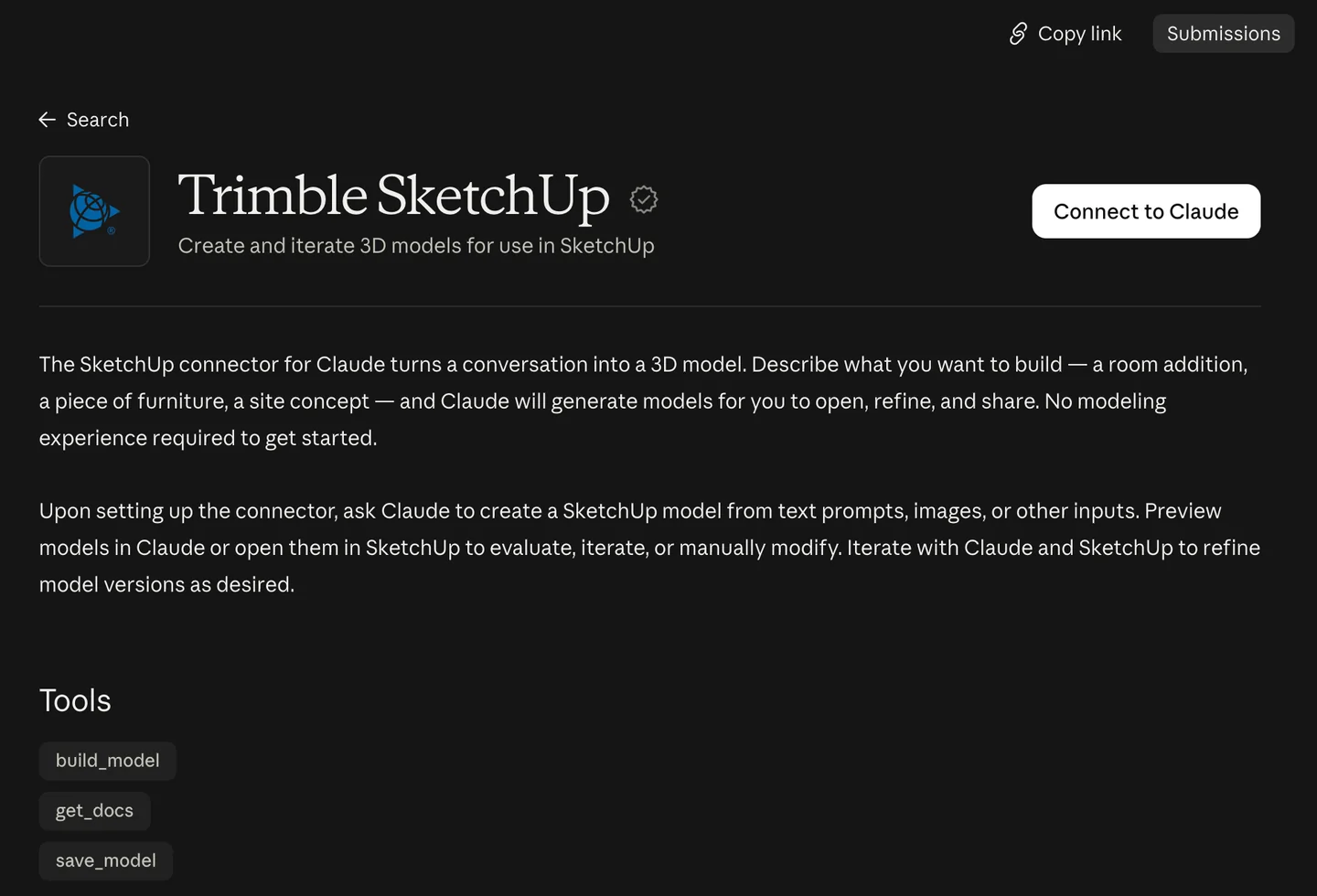
The official listing in Claude’s directory, as we saw it on October 10, 2026. Note the tool names; Trimble’s own help page lists a different set, more on that below.
The short version
- Want a quick massing model or a piece of furniture? Use the official Trimble connector. No SketchUp desktop needed, 30 free models.
- Want Claude to change a model you already have? The official connector cannot. Use the community
sketchup-mcp2server with SketchUp Pro desktop. - Want a render? Neither route renders. Claude builds geometry; you still need a render step.
- Want something you can hand to a builder? Not yet. Every independent test we found had wrong dimensions or missing doors.



What are the ways to connect Claude to SketchUp?
There are three, and they do very different jobs. Most guides only describe one of them, which is how people end up installing a GitHub project when the official connector would have done, or the other way round.
| Route | Where the model lives | Edits existing models | You need | Setup |
|---|---|---|---|---|
| Official Trimble connector | A cloud SketchUp session, then a .skp download | No | Claude account + Trimble ID | Two minutes |
| Community MCP server (sketchup-mcp, sketchup-mcp2) | Your open SketchUp desktop file | Yes | SketchUp Pro or Studio desktop, Claude Desktop or Claude Code, uv | 20 to 40 minutes |
| Claude writes Ruby, you paste it | Your open SketchUp desktop file | Yes, by hand | Any Claude plan, SketchUp desktop | None |
- Where the model lives
- A cloud SketchUp session, then a .skp download
- Edits existing models
- No
- You need
- Claude account + Trimble ID
- Setup
- Two minutes
- Where the model lives
- Your open SketchUp desktop file
- Edits existing models
- Yes
- You need
- SketchUp Pro or Studio desktop, Claude Desktop or Claude Code, uv
- Setup
- 20 to 40 minutes
- Where the model lives
- Your open SketchUp desktop file
- Edits existing models
- Yes, by hand
- You need
- Any Claude plan, SketchUp desktop
- Setup
- None
SketchUp is a sensible place for this to land first. Trimble reported more than one million active SketchUp subscribers in November 2024, and it is the default massing tool in a lot of small studios and interior practices. The appetite for AI is uneven, though. The AIA found in March 2025 that only 6% of US architects regularly used AI in their work, while 90% worried about inaccurate outputs, and RIBA’s 2025 AI report put UK practices using AI at 59%, up from 41% a year earlier. Both numbers matter here: the people this connector is for are curious and skeptical in about equal measure.

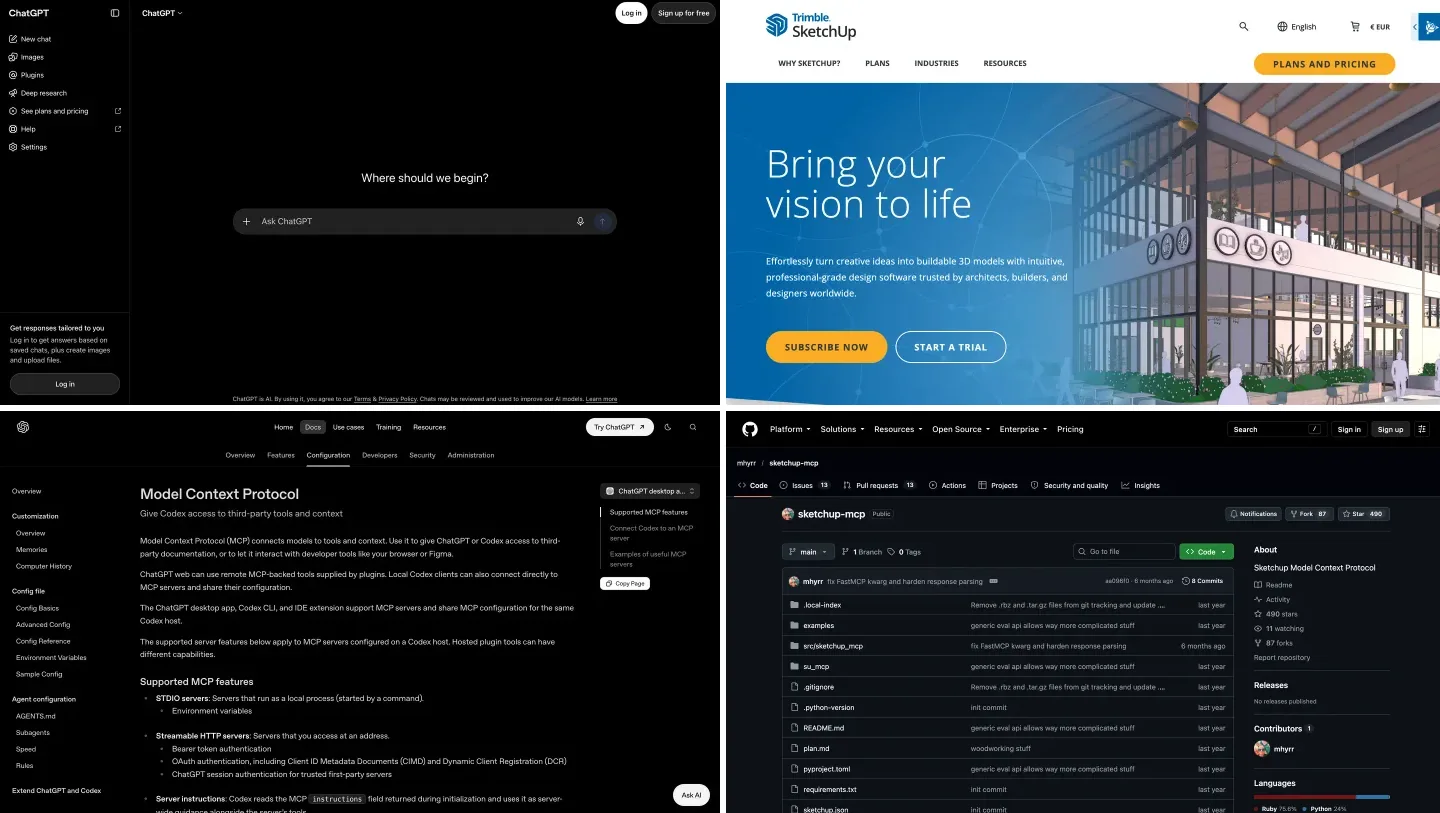
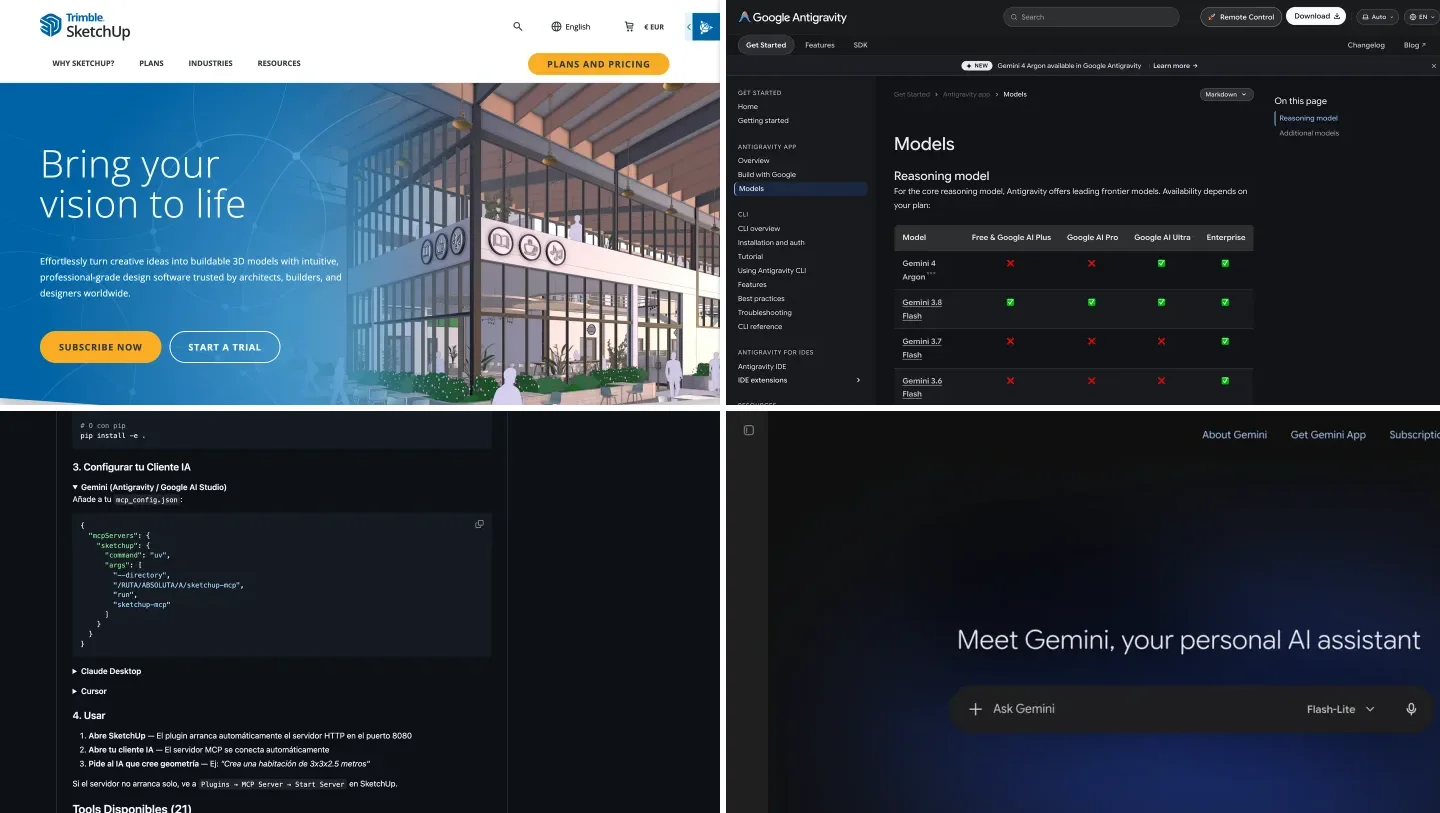
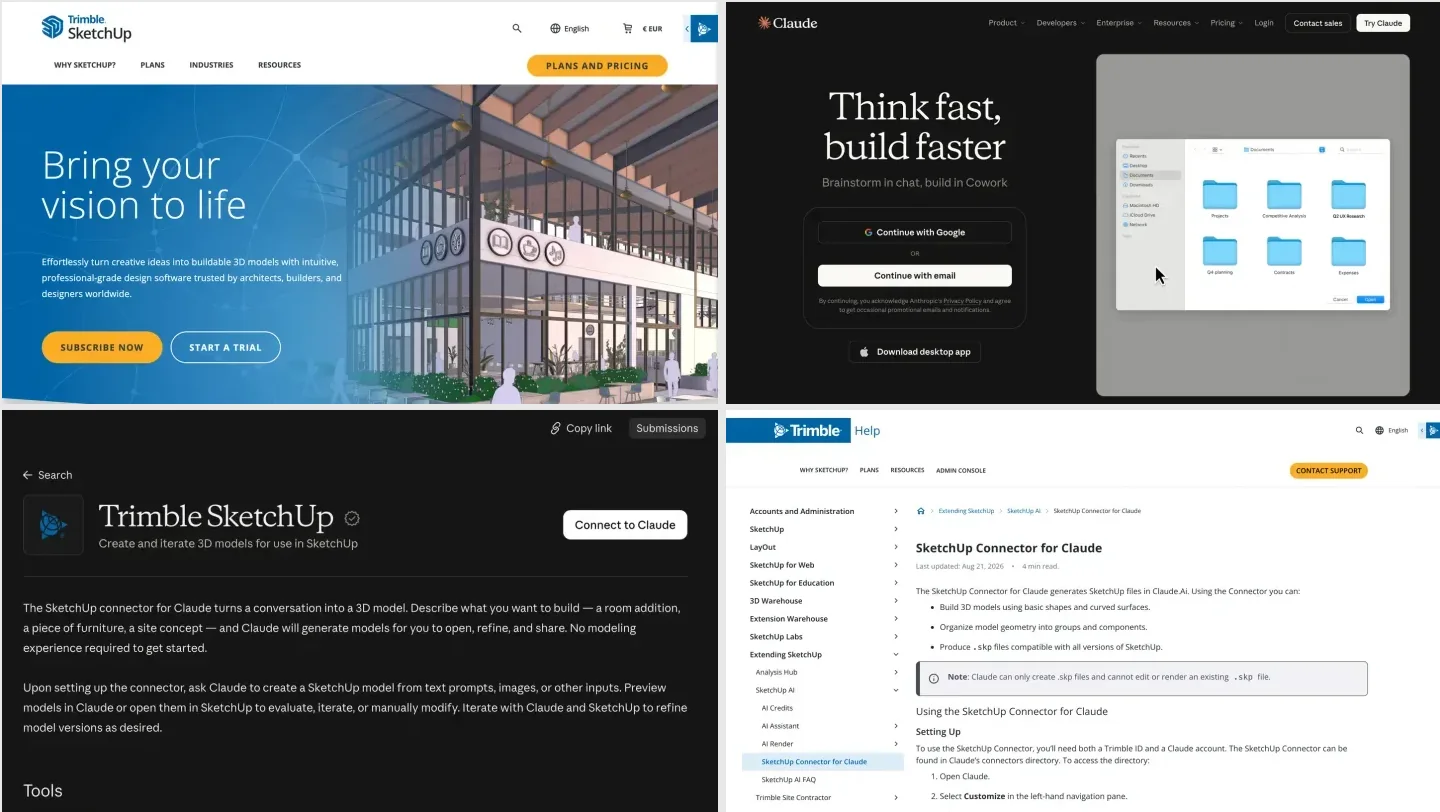
The two products being joined, captured from their own homepages on October 10, 2026. The euro sign in SketchUp’s header is because we browsed from Europe; prices in this guide are from the US pricing page.
How do you connect Claude to SketchUp with the official connector?
Trimble and Anthropic launched the connector on April 28, 2026. Trimble calls it the first connector it has built on the Model Context Protocol, and says Claude “builds the geometry in a cloud SketchUp session, verifying dimensions iteratively.” In practice that means SketchUp does not need to be installed on your computer at all. The steps:
- In Claude on the web or the desktop app, open Customize in the left sidebar, then Connectors.
- Browse the directory, search for SketchUp and open Trimble SketchUp. It is published by Trimble and has the verified badge. Ignore “Sketch”, which is the unrelated UI design app.
- Click Connect to Claude. You are sent to a Trimble ID sign-in page; sign in or create a free Trimble ID and approve access.
- Start a new chat and describe the model. Trimble’s own examples are an 18 by 42 inch mid-century coffee table with tapered legs and a two-story house on a 30 by 45 foot base with a gable roof.
- Claude replies with a static thumbnail and a download link. Download the .skp and open it in any version of SketchUp.
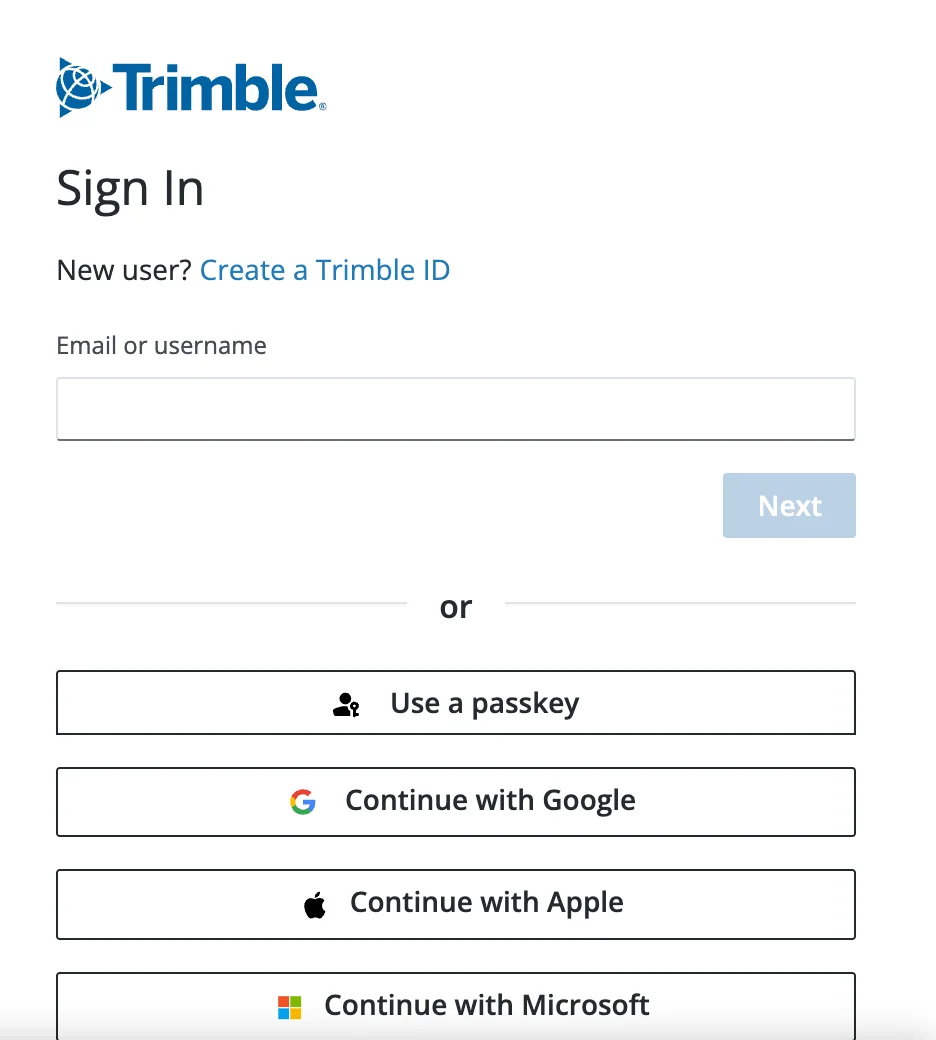
Step 3, as it appeared for us: clicking Connect hands you to Trimble’s sign-in. A Claude account alone is not enough.
A few things the listing does not tell you. The connector URL is https://api.sketchup.com/mcp/v1/sketchup/mcp, so it is a remote server run by Trimble, and your prompts and reference images go to Trimble as well as to Anthropic. Claude uses inches unless you ask for metric. And the tool names do not match: the directory lists build_model, get_docs and save_model, while Trimble’s help page, updated August 21, 2026, describes get_docs, evaluate_py (“executes Python code against the live model”) and save_model. My read is that Claude writes Python against SketchUp’s SDK in Trimble’s cloud, and one of the two pages is out of date. It does not change how you use it, but it is a small sign that this is still version 1.
What can’t the SketchUp connector for Claude do?
This is the part most launch coverage skipped, and it decides whether the connector is useful to you at all. All of it comes from Trimble’s own help page.
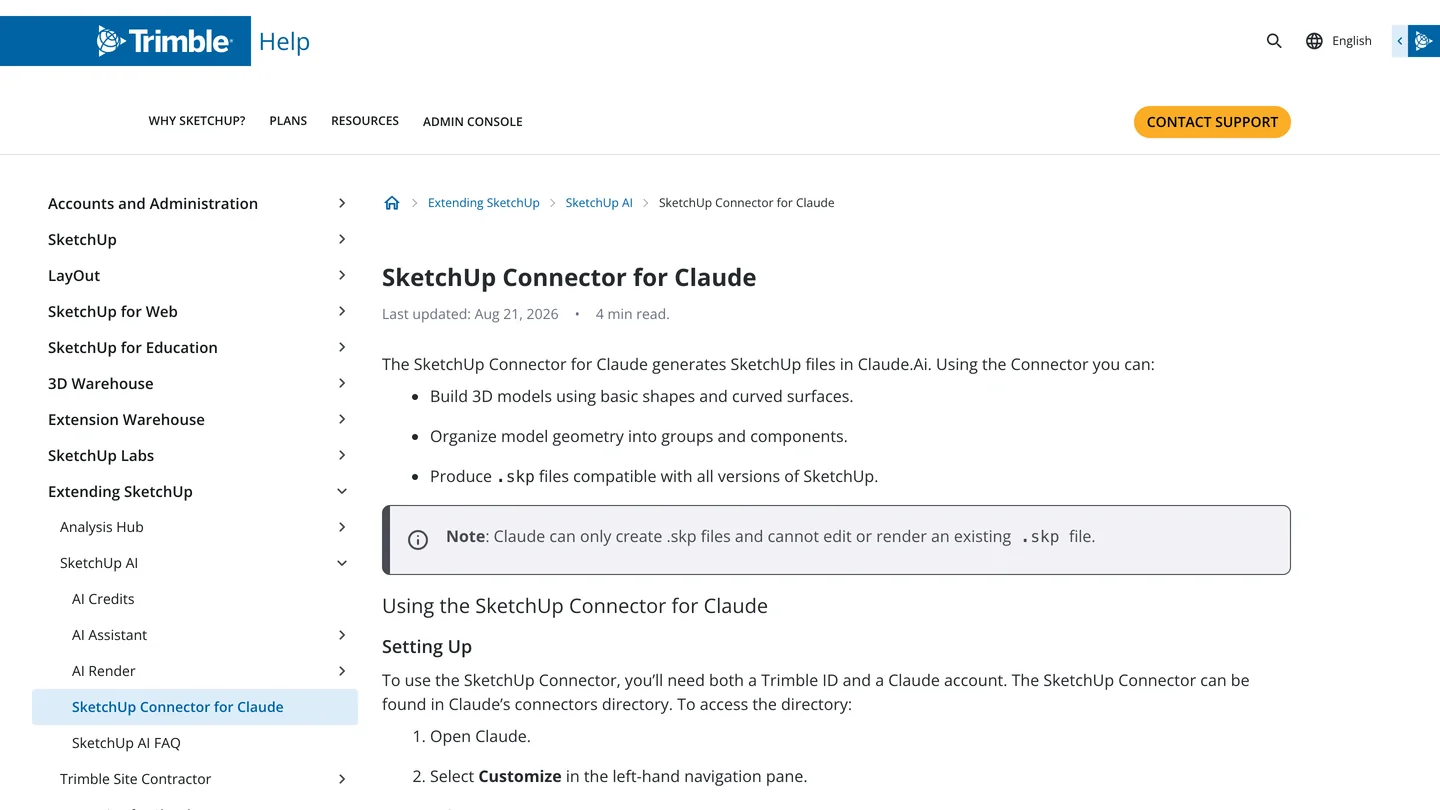
Trimble’s help article. The grey note box is the single most important sentence for anyone with an existing project.
| Limit | What it means in practice |
|---|---|
| Creates new files only | You cannot upload a client’s .skp and ask Claude to add a dormer. It cannot edit or render an existing file. |
| No memory between chats | Models are not stored in Claude. Download every version, or it is gone. |
| Static preview | The thumbnail is a picture, not a 3D view. You have to open the file in SketchUp to check it. |
| Free cap | Without a paid SketchUp plan you can save up to 30 models. One Trimble interview called it 30 per month; the help page does not mention a reset. |
| Long threads drift | Trimble warns that generating across several chat threads “may lead to less stable output”. Iterate in one thread. |
| Geometry, not renderings | Trimble tells you to prompt for form and proportion, not photorealism. |
- In practice
- You cannot upload a client’s .skp and ask Claude to add a dormer. It cannot edit or render an existing file.
- In practice
- Models are not stored in Claude. Download every version, or it is gone.
- In practice
- The thumbnail is a picture, not a 3D view. You have to open the file in SketchUp to check it.
- In practice
- Without a paid SketchUp plan you can save up to 30 models. One Trimble interview called it 30 per month; the help page does not mention a reset.
- In practice
- Trimble warns that generating across several chat threads “may lead to less stable output”. Iterate in one thread.
- In practice
- Trimble tells you to prompt for form and proportion, not photorealism.
The first row is the deal breaker for a lot of studios. Most of the time in SketchUp is spent changing a model that already exists, and that is exactly the job the official connector does not do. Iterating inside one chat works, because Claude rebuilds the file with a version number each time, but it is rebuilding its own model, not yours.
How good are Claude’s SketchUp models?
Honestly, about as good as a quick junior blocking pass, and the people who tested it say the same thing in different words. We did not generate our own test models for this guide, so here is what three independent testers found, with links so you can check them:
- A one bedroom apartment (MindStudio, May 1, 2026): the file imported cleanly and the room relationships were roughly right, but there was no door between the living room and the bedroom, no door from the bedroom to the bathroom, and the kitchen island blocked the way to the sink. Their verdict was that it “will produce something you can react to” but “will not produce something you can ship.”
- A 12 by 14 foot home office (Focused SketchUp, May 15, 2026): the shell and the window opening came together fast, and an evenly spaced run of built-in shelves was a genuine time saver. The room was close but not exact, the shelf depth was wrong for real built-ins, the furniture was generic boxes and the materials were plain colors.
- A six drawer dresser (SketchUp forum, June 11, 2026): “a pretty decent model compared to what AI used to produce before”, but the drawers were not all the same size or symmetrical.
Notice the pattern. Claude is good at what can be described as a count and a spacing (six drawers, shelves every 12 inches, two floors) and weak at what needs spatial judgment (where the door goes, whether you can reach the sink). That matches the most pointed criticism on the SketchUp forum thread where the connector was first discussed, where one user argued that language models “do not support 3D vision” and another called the whole thing burning “gazillions tons of AI tokens” to get a model of boxes and cylinders. That second one is harsh, but for a simple piece of furniture an experienced modeler is still faster by hand.
Where it does earn its place is the blank page. Getting from a brief to something on screen in under a minute lets you start reacting earlier, the same reason AI saves architects time on early options and not on construction documents. Give it real numbers, attach a floor plan to turn into a 3D model, and plan to measure and fix everything it gives you.
How do you connect Claude to SketchUp desktop with an MCP server?
If you need Claude to work on your own model, the community route is the only one that does it. These servers have two halves: a Ruby extension that runs a small server inside SketchUp desktop, and a Python MCP server that Claude Desktop or Claude Code starts and that relays Claude’s tool calls over a local socket. Two projects are worth knowing about.
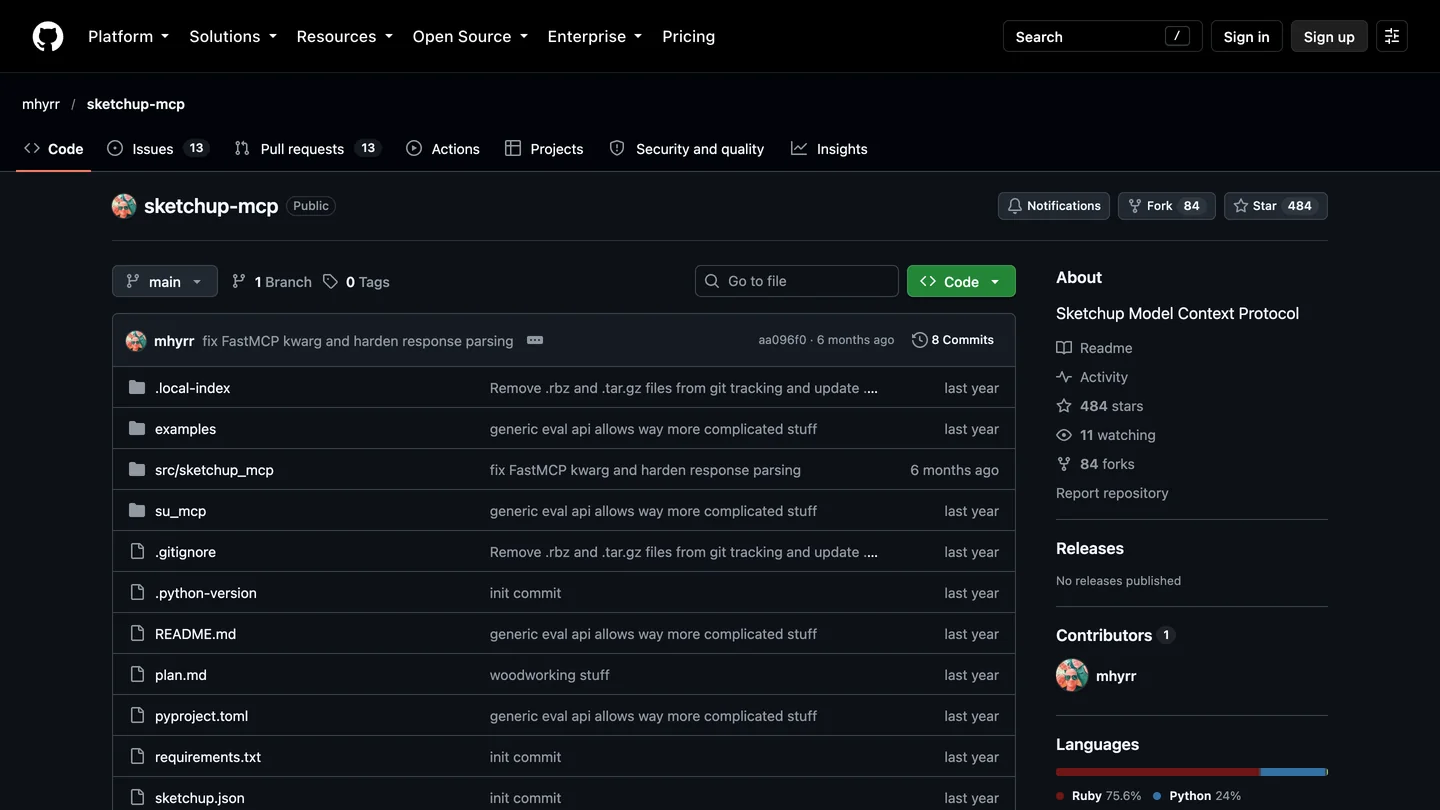
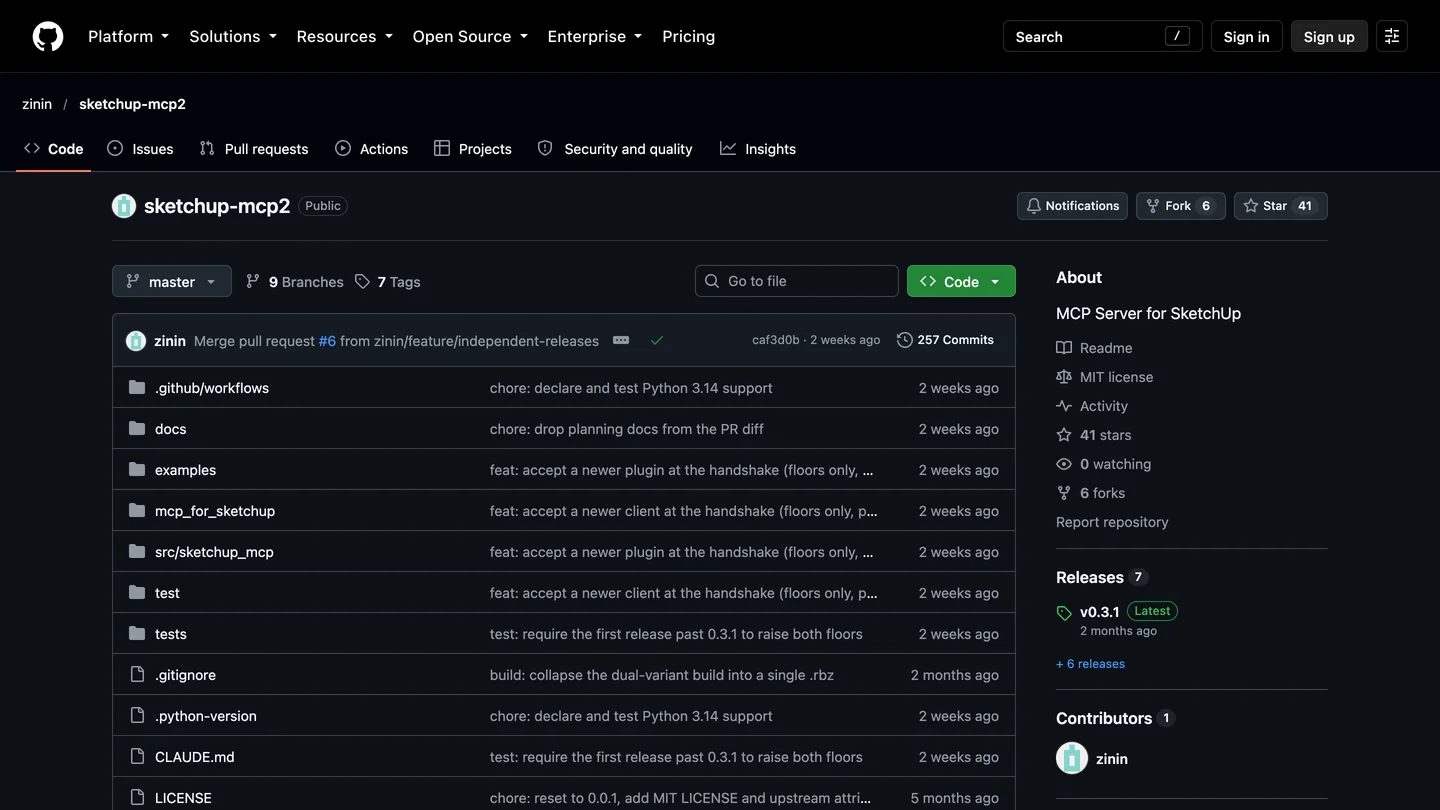
The original (left) has the stars; the newer fork-in-spirit (right) has the maintenance. Both captured October 10, 2026.
| mhyrr/sketchup-mcp | zinin/sketchup-mcp2 | |
|---|---|---|
| GitHub stars | 484 | 41 |
| Last commit | April 25, 2026 | September 26, 2026 |
| Tools | 10, incl. joinery (mortise and tenon, dovetail, finger joint) | 22, adds booleans, fillets, chamfers, layers, undo, viewport screenshots |
| Units | Not stated in the tools | Millimeters everywhere |
| Arbitrary Ruby (eval_ruby) | Yes, always on | Yes, on by default, can be switched off in Settings |
| License | README says MIT, no license file in the repo | MIT |
| Install | .rbz + uvx sketchup-mcp | .rbz from Releases + uvx sketchup-mcp2 |
- GitHub stars
- 484
- Last commit
- April 25, 2026
- Tools
- 10, incl. joinery (mortise and tenon, dovetail, finger joint)
- Arbitrary Ruby
- Yes, always on
- License
- README says MIT, no license file
- GitHub stars
- 41
- Last commit
- September 26, 2026
- Tools
- 22, adds booleans, fillets, chamfers, layers, undo, viewport screenshots
- Arbitrary Ruby
- Yes, on by default, can be switched off
- License
- MIT
If I were setting this up today I would pick sketchup-mcp2, despite the smaller star count. It is maintained, it has an undo tool, it wraps every edit in a single SketchUp undo step, and its get_viewport_screenshot tool (SketchUp 2026 and newer) lets Claude look at what it just built, which is the obvious fix for the “no 3D vision” complaint above. The original has not had a commit in five months. Setup for sketchup-mcp2, from its README:
- Install uv, which provides the
uvxcommand. - Download the latest
.rbzfrom the project’s Releases page and install it in SketchUp under Window, Extension Manager, Install Extension. Restart SketchUp. - Open Plugins, MCP Server, Settings and decide on Ruby evaluation now (see the next section). Then choose Start Server.
- Add the server to Claude Desktop’s
claude_desktop_config.jsonor a.mcp.jsonfor Claude Code, then restart Claude:
{
  "mcpServers": {
    "sketchup": {
      "command": "uvx",
      "args": ["sketchup-mcp2"],
      "env": { "SKETCHUP_MCP_HOST": "127.0.0.1", "SKETCHUP_MCP_PORT": "9876" }
    }
  }
}
Two practical warnings. You need SketchUp desktop, and SketchUp Go is “iPad & web only” with no extensions, so this means Pro or Studio. And SketchUp’s Ruby runs on the UI thread: a large eval_ruby call freezes the whole app until it returns, which the README says itself. Ask for big models in steps.
Is the SketchUp MCP server safe?
Safe enough on a laptop you control, if you understand one thing: both servers include a tool that runs any Ruby code Claude sends, inside SketchUp, with your user’s permissions. Ruby in SketchUp can read and write files, open network connections and run shell commands. I checked the code rather than trust the READMEs.
- In sketchup-mcp, the server binds to
127.0.0.1on port 9876 (su_mcp/main.rb, line 44), so only programs on your own computer can reach it, and there is no password. Theeval_rubyhandler calls Ruby’sevalon the code it receives (line 1835). The comment above it says “Create a safe binding for evaluation”, but the binding is a copy of the top-level one. That is not a sandbox; it only keeps local variables tidy. - sketchup-mcp2 also defaults to
127.0.0.1:9876with no authentication, lets you change the host, and prints a warning if you bind it to anything that is not local. Its README is upfront thateval_rubyis enabled by default and that binding to0.0.0.0exposes it to your whole network.
So: keep the local address, never expose port 9876 on office Wi-Fi, leave Claude’s per-tool approval on so you see each Ruby snippet before it runs, and switch Ruby evaluation off in sketchup-mcp2’s settings if the typed tools cover what you do. Do not run either server with Claude Code’s --dangerously-skip-permissions flag on a machine that holds client files.
Can Claude just write SketchUp Ruby scripts for you?
Yes, and it is the route nobody markets because there is nothing to sell. Ask Claude for a Ruby script, open Extensions, Developer, Ruby Console in SketchUp desktop (it moved out of the Window menu in SketchUp 2021), paste and run it. It is great for repetitive chores: renaming tags, placing a component every 600 mm along an edge, exporting each scene to a file. The catch is quality control. When a user posted a ChatGPT written extension on the SketchUp forum, two of the community’s best known Ruby API experts found it broke basic extension rules, got a SketchUp class name wrong and skipped the start_operation wrapper that makes a change undoable in one step. That review is from 2022 and models have improved a lot, but the lesson holds: ask Claude to wrap changes in an operation, and run scripts on a copy of the file first. It needs no extension and no server, which also makes it the safest of the three.
How much does it cost to use Claude with SketchUp?
| Product | Price (US, October 2026) | What it gets you here |
|---|---|---|
| Claude Free | $0 | Connectors, including the SketchUp one, with tight usage limits |
| Claude Pro | $20 a month, or $17 billed annually | Higher limits, plus Claude Code for the MCP route |
| SketchUp, no plan | $0 | Up to 30 connector models, a free Trimble ID |
| SketchUp Go | $10.75 a month billed annually | Uncapped connector models, iPad and web only, no extensions |
| SketchUp Pro | $33.25 a month billed annually | Desktop app and extensions, needed for the MCP route |
| SketchUp Studio | $71.58 a month billed annually | Pro plus V-Ray and Scan Essentials, Windows only |
- Price
- $0
- Here
- Connectors, including the SketchUp one, with tight usage limits
- Price
- $20 a month, or $17 billed annually
- Here
- Higher limits, plus Claude Code for the MCP route
- Price
- $0
- Here
- Up to 30 connector models, a free Trimble ID
- Price
- $10.75 a month billed annually
- Here
- Uncapped connector models, iPad and web only, no extensions
- Price
- $33.25 a month billed annually
- Here
- Desktop app and extensions, needed for the MCP route
- Price
- $71.58 a month billed annually
- Here
- Pro plus V-Ray and Scan Essentials, Windows only
Prices are from Claude’s pricing page and SketchUp’s plans page, excluding tax. That “uncapped on Go” line comes from Trimble’s Chris Cronin in an engineering.com interview, who said there is “currently no limitation” for paid SketchUp users. “Currently” is doing some work in that sentence.
Can Claude render a SketchUp model?
No, and Trimble is clear about it: the connector “models geometry, not renderings.” What you get is a clean, untextured SketchUp model, which is the right starting point for a designer but not something you can show a client. The usual next step is a render, and you have a few options: SketchUp’s own AI Render, a classic engine like V-Ray, or an AI render plugin. Our comparison of the best AI SketchUp plugins covers the field, and AI architectural rendering tools covers the ones that work outside SketchUp.
This is where I should disclose our part. MeltFlex has a free SketchUp AI rendering plugin that captures your current view and turns it into a styled, photoreal render in about twenty seconds, and the same engine can turn a 3D draft into a render in the browser if you would rather export a screenshot. A Claude built massing model plus a render pass is a reasonable way to get from a brief to a first client image in an afternoon. It does not fix the missing doors; you still have to.
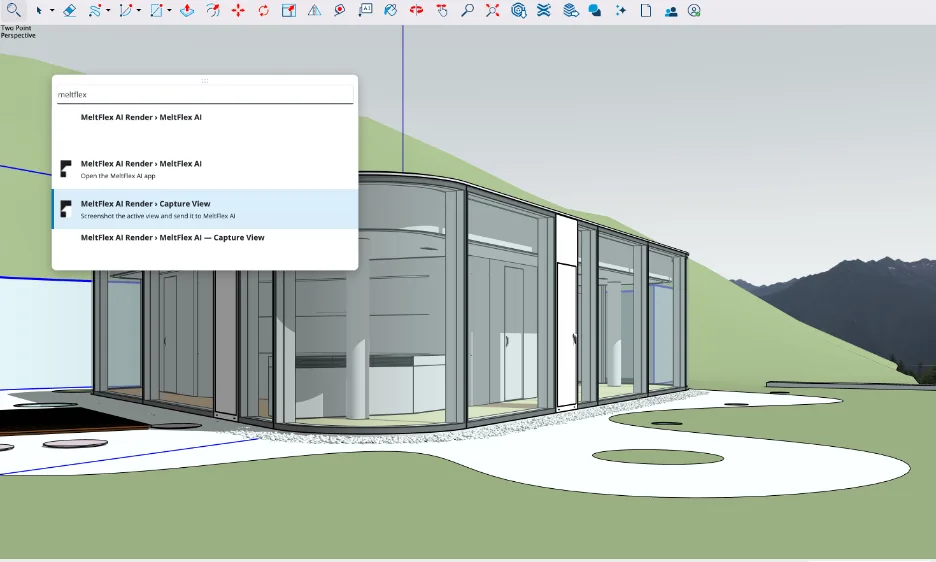
Our own extension inside SketchUp: Capture View sends the current model view to MeltFlex for a render. Claude does the geometry; something else has to do this part.
Should architects and interior designers use Claude with SketchUp?
For early massing, furniture blocking and repetitive geometry, yes, try the official connector; it costs nothing for the first 30 models and takes two minutes. For working on real projects, the official connector is the wrong tool because it cannot touch an existing file, and the community servers are the right tool only if you are comfortable with an extension that can run arbitrary code. For anything a builder or cabinetmaker will measure, not yet.
The deeper limitation is the one every tester hit: Claude builds what you said, not what you meant. It will give you shelves every 12 inches and forget the bedroom door. That is a reason to write better briefs, with dimensions, clearances and adjacencies spelled out, and our Claude prompts for interior design are a decent template for that. It is not a reason to expect the next model to replace the person checking the plan.
If SketchUp is only one piece of your setup, the same idea works elsewhere: MCP servers for architects in Claude Code covers Blender, Rhino and Grasshopper, MeltFlex MCP lets Claude redesign a photo of a real room, and ChatGPT plugins for architects covers the other assistant, which has no SketchUp plugin at all; connecting ChatGPT to SketchUp covers the Codex workaround and our test of a ChatGPT written Ruby script, and connecting Gemini to SketchUp covers Google’s Antigravity and our test of Gemini 4 Argon. If your drawings live in AutoCAD instead, AutoCAD MCP covers Autodesk’s own server and our test of Claude drafting a floor plan.
Sources and what we could not verify
Read on October 10, 2026: Trimble’s help page for the connector (updated August 21, 2026), Trimble’s launch release (April 28, 2026), Trimble’s connector blog post (May 8, 2026), Anthropic’s announcement, the Claude directory listing, the engineering.com interview, the MindStudio and Focused SketchUp tests, and two SketchUp forum threads, all linked above. The community server facts come from cloning mhyrr/sketchup-mcp and zinin/sketchup-mcp2 on the same day; star counts and commit dates move.
What we did not do: we stopped at the Trimble sign-in and did not generate models with the connector, and we did not install the community servers on a client machine. Every statement about model quality is someone else’s test, linked. Two things conflict between Trimble’s own sources and we have shown both: the connector’s tool names, and whether the free cap of 30 models resets monthly. We will update this page when Trimble ships version 2 of the connector, which its help page says will expand what it can do.
Claude and SketchUp: FAQ
Can Claude connect to SketchUp?
Yes. Since April 28, 2026 there is an official Trimble SketchUp connector in Claude's connector directory. You add it under Customize, then Connectors, sign in with a Trimble ID, and Claude can build a new SketchUp model from a text prompt or a reference image and hand you a .skp file to download. There are also community MCP servers on GitHub that connect Claude to the SketchUp desktop app running on your own computer.
Is the SketchUp connector for Claude free?
The connector itself costs nothing extra. Without a paid SketchUp plan, Trimble lets you save up to 30 models, after which you need a paid SketchUp subscription; one interview with Trimble describes the cap as 30 files per month, so check the current terms. Claude is billed separately, and Anthropic lists connectors on its free plan as well as on Pro, which is $20 a month or $17 a month billed annually.
Can Claude edit an existing SketchUp model?
Not with the official connector. Trimble's help page says Claude can only create .skp files and cannot edit or render an existing one. To have Claude change a model you already have, you need a community MCP server such as sketchup-mcp or sketchup-mcp2, which talks to SketchUp desktop on your machine and can move, recolor, delete and add geometry in the open file.
Do I need SketchUp Pro to use Claude with SketchUp?
Not for the official connector, which builds the model in a cloud SketchUp session, and the file opens in SketchUp for Web, Desktop, iPad or iPhone. For the community MCP servers you need SketchUp desktop, because they install as a Ruby extension. SketchUp Go is iPad and web only and does not include extensions, so in practice that means Pro ($33.25 a month billed annually) or Studio.
Can Claude render my SketchUp model?
No. The connector models geometry, not renderings, and Trimble says so on its own help page. For a photoreal image you still need a render step: SketchUp's own AI Render, a render engine such as V-Ray, or an AI render plugin. MeltFlex has a free SketchUp extension that turns the current view into a styled render in about twenty seconds.
Is the SketchUp MCP server safe to install?
It depends on how you set it up. Both popular community servers listen only on your own computer (127.0.0.1, port 9876) by default and have no password, and both include an eval_ruby tool that runs any Ruby code inside SketchUp, which means full access to your files. Keep the default local address, never bind it to 0.0.0.0 on a shared network, approve each tool call in Claude, and in sketchup-mcp2 switch off Ruby evaluation in Settings if you do not need it.
Does ChatGPT have a SketchUp connector?
Not an official one. Trimble has said Claude is the only third party AI assistant it officially supports, and there is no SketchUp plugin in ChatGPT's Plugin Directory. The community MCP servers speak the open Model Context Protocol, so other MCP clients can use them: the ChatGPT desktop app's Codex mode can run them, although their setup guides are written around Claude.
How good is Claude at modeling in SketchUp?
Good enough for a first massing or blocking model, not good enough to hand to a builder. Independent tests found that room shells and repeated elements such as shelving come out quickly, while exact dimensions, real products, materials and circulation are weak: a one bedroom apartment came back with no door into the bedroom or the bathroom. Treat the output as a sketch you will measure and fix.
Keep reading
- Best AI SketchUp plugins, for rendering and visualization inside SketchUp.
- How to connect Claude to Blender, the free 3D alternative, tested on a house and a living room.
- The 7 best MCP servers for architects, the wider Claude setup.
- Claude skills for interior design, to make Claude follow your studio’s standards.
- How to render architecture with AI, the step after the massing model.
- AI tools for architecture studios, if you want apps rather than connectors.
- Floor plan to 3D, turn a 2D plan into a furnished 3D view in the browser.