To connect Claude to Cinema 4D, update to Cinema 4D 2026.4 or later and use its built-in MCP server: tick Allow MCP Server in Edit, Preferences, MCP, choose Claude Desktop under Clients, click Update Selected Client, then quit Claude completely and reopen it while Cinema 4D is running. Maxon officially supports Claude Desktop on Windows and macOS, and the server is free. Claude Code is not in Cinema 4D’s list, but it connects to the same local address, http://127.0.0.1:5556/mcp, with one command and a token. claude.ai in a browser cannot reach it.
Our articles are still written by humans!
Get human written articles in your Google feed.
I run MeltFlex, an AI rendering tool for architects and interior designers, and this is the third of our Claude guides for 3D software. It is different from the Claude and 3ds Max guide in one big way: Maxon built the server into Cinema 4D on September 30, so there is no plugin to choose. What its documentation leaves out is Claude Code, so I tested that part myself against a stand-in server that copies Maxon’s address and token check, and I list below the exact messages you will see when something is wrong.
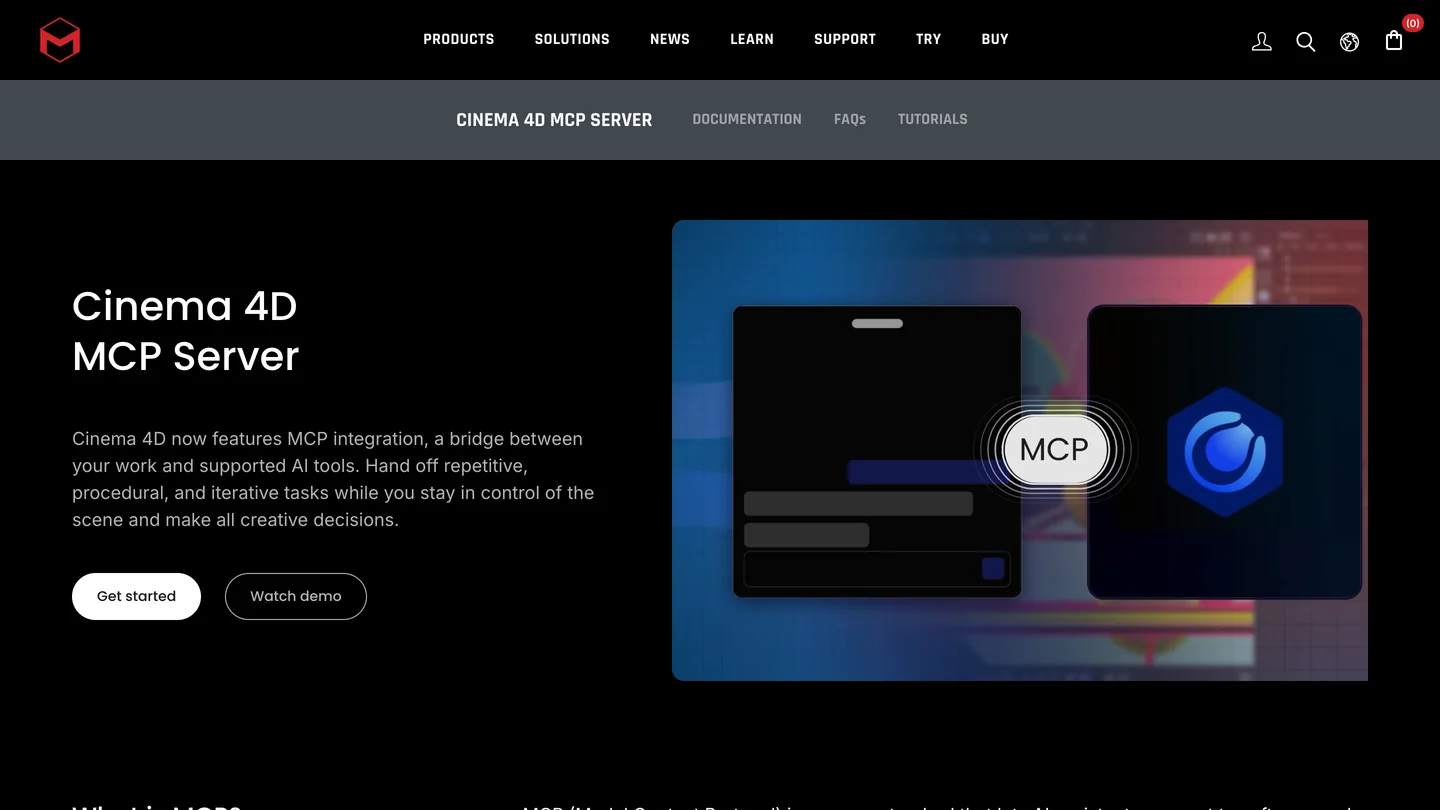
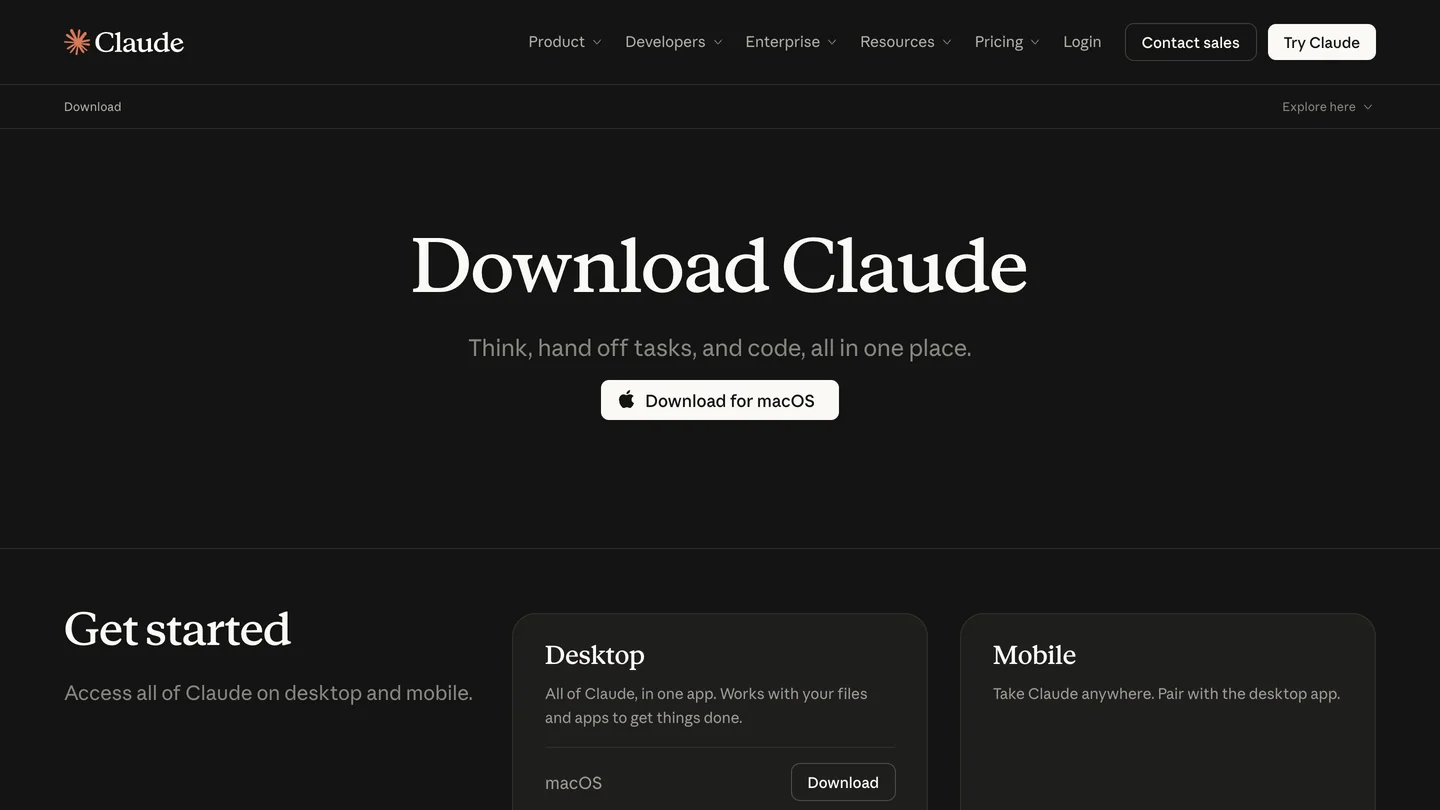
The two halves, from their own pages: Maxon’s MCP server page and Anthropic’s desktop app download. Both must be on the same computer.
The short version
- No plugin needed on 2026.4+. The server ships inside Cinema 4D, switched off. Third-party servers are for 2026.3 and older. Older versions.
- Claude Desktop: four clicks. Cinema 4D writes Claude’s config itself. The usual failure is start order: Cinema 4D first, then Claude. Setup.
- Claude Code: one command. Not in Maxon’s list, but it works over HTTP with the token. Command and our test.
- Give it chores, not design. Renaming, layers, takes and scripts, in Maxon’s own words. What it can do.



Which Claude works with Cinema 4D: Claude Desktop, Claude Code or claude.ai?
Claude Desktop is the supported route, and Claude Code works too. Maxon’s MCP server page says: “At this time, Maxon officially supports Claude Desktop and ChatGPT Desktop.” The client list in Cinema 4D 2026.4 has three entries: Claude Desktop, OpenAI Codex and Other. The server listens only on your own computer by default, so anything that runs in Anthropic’s cloud cannot see it.
| Where you use Claude | Works? | How it is set up | Claude plan |
|---|---|---|---|
| Claude Desktop, Chat tab | Yes, supported by Maxon | Update Selected Client writes it for you | Not stated; we did not test Free |
| Claude Desktop, Code tab (Local) | Yes | Same entry; Anthropic loads Desktop’s servers here too | Pro and up |
| Claude Code in a terminal | Yes, not tested by Maxon | One claude mcp add command with the token | Pro and up |
| claude.ai in a browser, cloud sessions | No | The server is local only by default | n/a |
- Works?
- Yes, supported by Maxon
- Setup
- Update Selected Client writes it for you
- Plan
- Not stated; Free untested
- Works?
- Yes
- Setup
- Same entry, loaded by the Code tab
- Plan
- Pro and up
- Works?
- Yes, not tested by Maxon
- Setup
- One command with the token
- Plan
- Pro and up
- Works?
- No, the server is local only
The Code tab row comes from Anthropic’s desktop docs: a server defined in claude_desktop_config.json “is available in both the Desktop chat surface and local Code tab sessions.” The plan rows come from Anthropic’s setup page: “The free claude.ai plan does not include Claude Code access.” Pro costs $20 a month, or $17 billed yearly, on the pricing page. Cinema 4D itself is rental only, at $109 a month or $839 a year in the US, according to CG Channel, and it needs Windows 10 or later or macOS 14 or later.
How do you connect Claude Desktop to Cinema 4D?
Five minutes, if you follow the order. This is Maxon’s procedure from its help pages, with the details I read off Maxon’s own setup videos.
- Install and open Claude Desktop once on the computer that runs Cinema 4D. If Claude is missing, Cinema 4D lists it as “(not installed)”.
- Turn on the server. Edit, Preferences (Cinema 4D, Preferences on a Mac), then MCP, the last item in the list. Tick Allow MCP Server and confirm the warning. It starts at once; the default port is 5556.
- Write Claude’s entry. Under Clients, pick Claude Desktop and click Update Selected Client. The dialog shows the endpoint,
http://127.0.0.1:5556/mcp, and the file it edits,claude_desktop_config.json. It saves a dated.bakcopy first and leaves your other servers alone. - Quit Claude completely and start it again, with Cinema 4D still open. Closing the window is not enough: quit from the menu bar or the system tray, and end any leftover Claude process in Activity Monitor or Task Manager.
- Test it. In Claude, Settings, Connectors should list
cinema4d. Ask “Create a cube in Cinema 4D.” Claude asks permission for each tool the first time; if a cube appears, you are done.
Step 4 is where most setups fail. Maxon’s support article explains why: “When your AI app starts, it waits about 20 seconds for Cinema 4D. If Cinema 4D is not running by then, the app gives up and does not try again on its own.” Once connected, Claude does reconnect if you restart Cinema 4D. If it still sees nothing, the same article names two other causes: antivirus “Web Protection” scanning local traffic (add http://127.0.0.1:5556 as an exception, never a wildcard), and a third-party plugin breaking the server’s Python at startup, which shows in Extensions, Console, Python.
The best walkthrough is Maxon’s own. I went through it frame by frame: Jonas Pilz does the setup above on a Mac, then asks Claude Desktop, running Opus 5.5, to organize a messy scene. Claude groups the objects into named nulls and creates and assigns layers, in under three minutes of video.

Maxon Training Team, “#C4DQuickTip 251: How to activate and use Cinema 4D’s MCP”, October 1, 2026, 2 min 45 s. It is the vendor showing its own feature, so expect the happy path.
How do you connect Claude Code to Cinema 4D?
If you use the Code tab of the Claude desktop app, do the Claude Desktop setup above and you are finished. For Claude Code in a terminal, on Windows or a Mac, click Copy Token in the Server section of the MCP preferences and run:
claude mcp add --transport http --scope user cinema4d http://127.0.0.1:5556/mcp --header "Authorization: Bearer PASTE_TOKEN_HERE"Then run claude mcp get cinema4d with Cinema 4D open and the server on. Maxon does not list Claude Code, so I could not take this from its docs. I worked it out from two sources: the endpoint in Maxon’s setup dialog, and the open source C4D_MMD_Tool, whose adapter talks to Maxon’s server with a Bearer token read from the mcp folder of the Cinema 4D preferences. I do not own a Cinema 4D license, so I wrote a small server that copies exactly that behavior and pointed Claude Code 2.1.309 at it:
| Situation | What claude mcp get cinema4d showed | What it means for you |
|---|---|---|
| Server not running | “Failed to connect”, ECONNREFUSED | Cinema 4D is closed or Allow MCP Server is off |
| Right token | “Connected”, and a real session called a tool | The command above is correct |
| Token regenerated in Cinema 4D | “Server rejected the configured Authorization header (HTTP 401)” | Copy the new token and run the command again |
- Claude Code shows
- Failed to connect, ECONNREFUSED
- Meaning
- Cinema 4D closed or server off
- Claude Code shows
- Connected; a session called a tool
- Meaning
- The command is correct
- Claude Code shows
- Server rejected the configured Authorization header (HTTP 401)
- Meaning
- Copy the new token, run the command again
One thing surprised me. claude mcp add hides the token in its output, but claude mcp get prints it in full. Maxon warns that anyone with the token and network access to your machine can drive Cinema 4D, and with Python allowed, your files too. So never paste mcp get output into a forum post or a support ticket.
On a Mac there is a cleaner option that also survives Regenerate Token: let Claude Code read the token from Cinema 4D’s token file each time it connects, with a headersHelper. Maxon says the entry from Other, Copy Config includes the token file’s location. Save this as ~/c4d-token.sh, with that path in place of TOKEN_FILE (keep the quotes, the folder name has spaces), and run chmod +x ~/c4d-token.sh:
#!/bin/sh
printf '{"Authorization":"Bearer %s"}' "$(cat "TOKEN_FILE")"
Then add the server with it:
claude mcp add-json --scope user cinema4d '{"type":"http","url":"http://127.0.0.1:5556/mcp","headersHelper":"$HOME/c4d-token.sh"}'In my test, with a token file in a folder whose name has spaces, this connected, kept working after I changed the token, and mcp get no longer showed the secret. The test has limits: my server answered only two dummy tools, so it proves the connection and the error messages, not how well Claude works in a real scene.
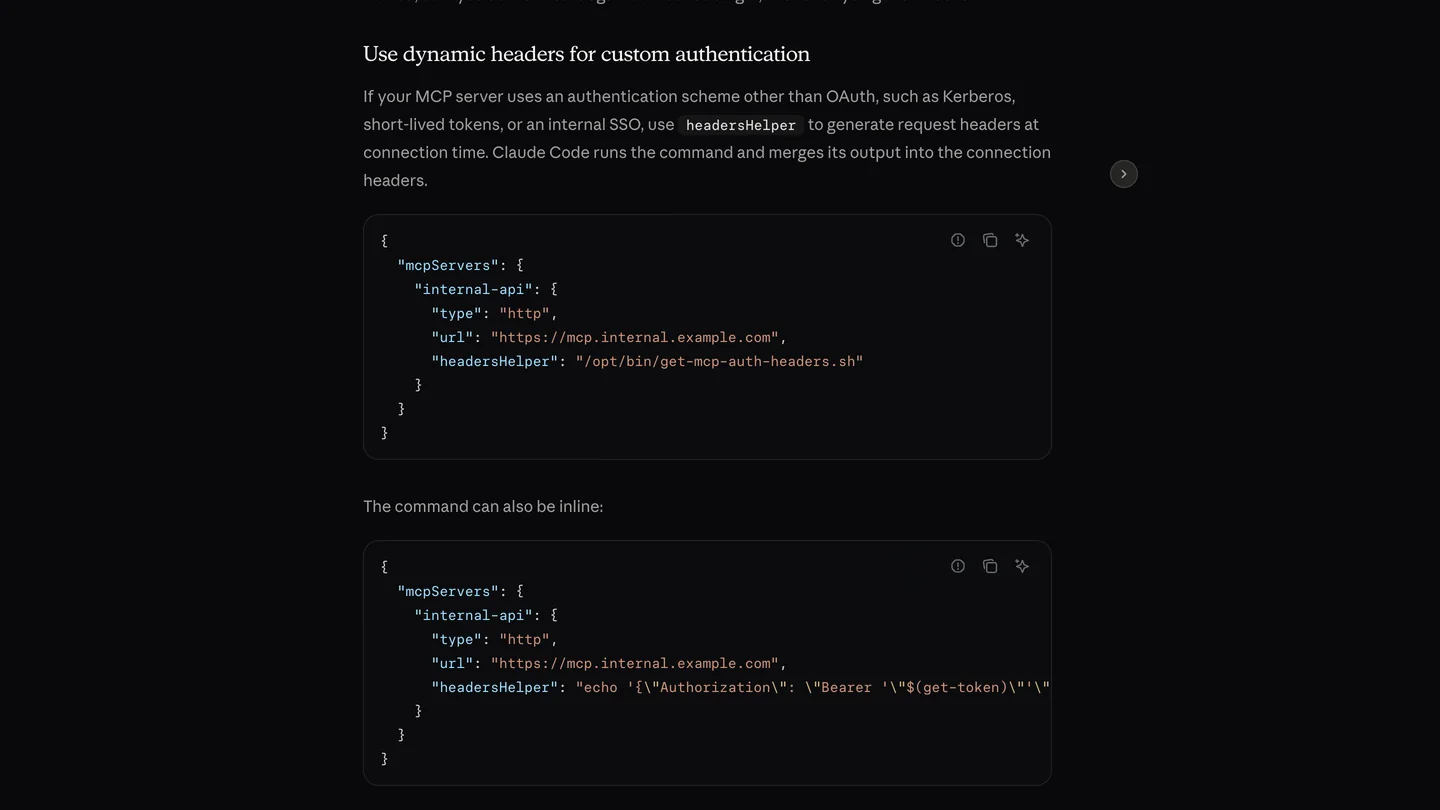
The headersHelper option in Anthropic’s Claude Code docs, captured October 23, 2026.
Which Cinema 4D MCP settings matter?
- Python is on by default. Allow exec_python Command lets Claude run any Python “essentially the Script Manager, but remotely controlled”. Allow Python-Bearing Operations lets it put Python tags and generators into the scene, which, Maxon warns, “are saved with the .c4d file, and run whenever anyone opens the file.” Turn the second one off when you exchange scenes with clients or freelancers.
- Fewer tool groups, better choices. The Toolset section has 15 groups, from Rendering to Assets. In Maxon’s example, Claude reported 68 tools. Maxon’s FAQ says switching off groups you do not need “shortens the list and improves its choices”, and that a model which cannot see a tool will say the feature does not exist.
- Long commands. Cinema 4D’s Request Timeout (30 seconds in the video) limits how long one command may run. In Claude Code, an HTTP server also has a per-request timer of at least 60 seconds; if you raise Cinema 4D’s limit for heavy commands, raise the server’s
timeoutin Claude Code to match. - Approvals belong to Claude. The permission prompts come from Claude, not Cinema 4D. Keep them for Python and file operations, and run one Cinema 4D server per client: Maxon asks you to switch off any third-party Cinema 4D server while you use the built-in one.
- Check the log. Every call is written to an audit log in the
mcpfolder that Open Preferences Folder opens, and each batch of changes is one undo step.
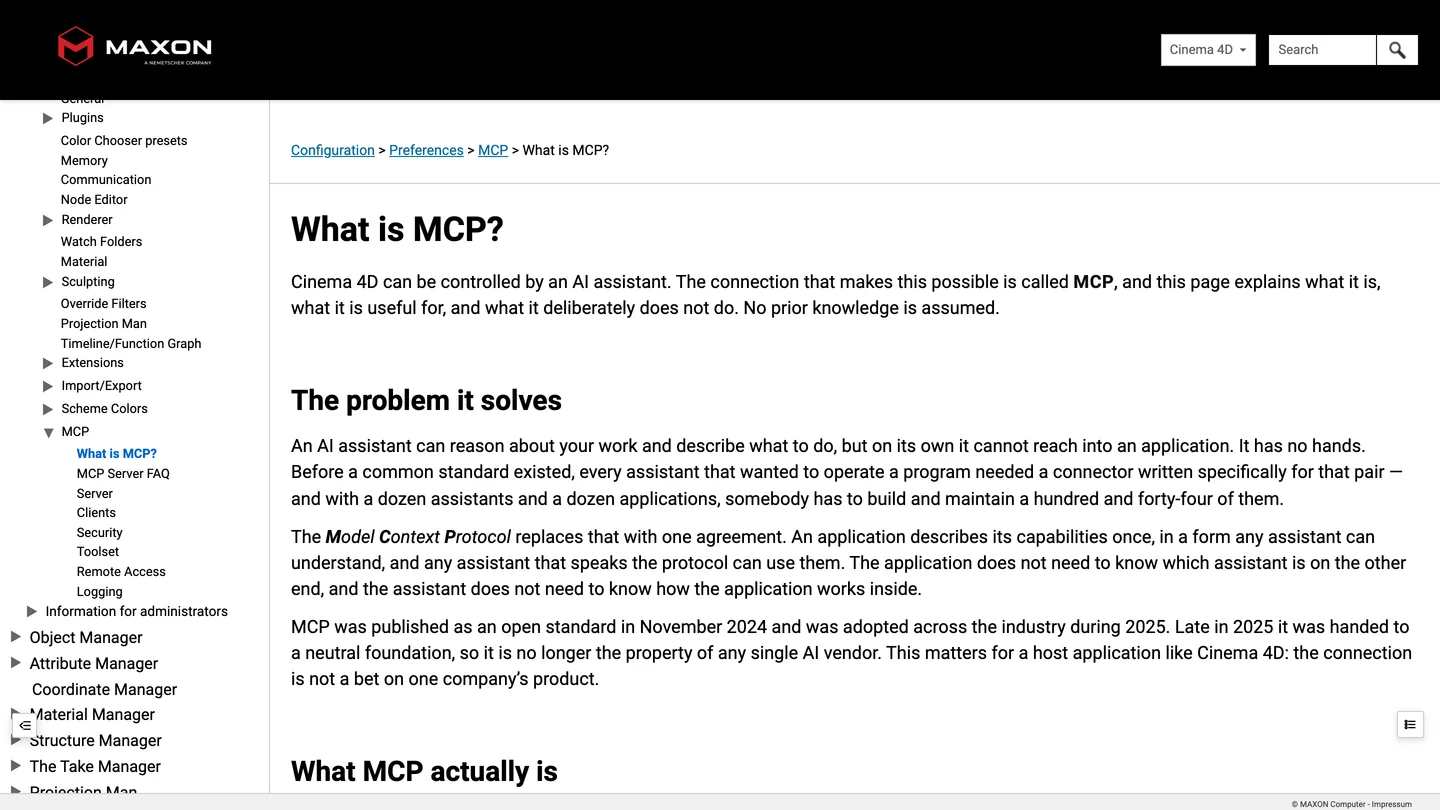
Maxon’s MCP documentation. The FAQ page is the most useful one: it is unusually candid about what the assistant gets wrong.
What can Claude actually do in Cinema 4D?
Chores, reliably; creative work, not yet. Maxon is blunt about it: the connection “is not a generative system. It does not invent designs, it does not produce imagery, and it holds no opinion about whether a shot works.” Its list of what works is renaming and reorganizing a hierarchy, translating object names, building takes from a spreadsheet, setting up object IDs and matte AOVs, tracking down why a rig fails, and writing small scripts. Its rule of thumb: routine maintenance “should come back in a minute or two, and if it does not, you are probably faster yourself.”
Two more warnings from the same FAQ are worth knowing before you trust a result. Claude does not see the scene, only tool answers, so “it can describe the result with more confidence than the result deserves”; check the Object Manager. And jobs that create hundreds of separate objects can stall, so ask for one merged mesh or work in batches.
The most honest outside report I found is by Azusa Kuno, a medical animator in Berlin, on note.com on October 9. Setup with Claude was “almost instantaneous”, and renaming imported objects and sorting them into layers was a job she “would never want to do by hand”. But modeling tools from photo references was “unusable even after several attempts”, and her overall view was that “for many tasks, it is faster to do it yourself in the end.” She also uses it only on projects without NDAs, because the scene data Claude reads goes to Anthropic.


Finished renders from the MeltFlex gallery, not made with Claude or Cinema 4D. Curved shelving and a planter bench are the kind of geometry Claude can block out; the light and materials still take a person.
What if you are on Cinema 4D 2026.3 or older?
Then you need a third-party server, and the best one says so itself. kumoproductions/mcp-cinema4d opens its README by sending 2026.4 users to Maxon and keeps itself for Cinema 4D 2026.0 to 2026.3, “which have no built-in server”, for running several Cinema 4D processes at once, and for people who want open source code.
| Server | Cinema 4D | Install | State on October 23 |
|---|---|---|---|
| Maxon built-in | 2026.4 and later | Nothing; a checkbox | Supported by Maxon |
| kumoproductions/mcp-cinema4d | 2026.0 and later | Node.js 24 package plus a bridge plugin; token set on both sides | v0.5.1, 72 tools, 27 stars, MIT |
| ttiimmaacc/cinema4d-mcp | 2024 and later | Python server plus a socket plugin, no token | 133 stars, last pushed March 2026 |
| mcp4d | 2024 and later | C++ plugin, installer registers it with Claude Code | Windows only tested, 5 stars |
- Cinema 4D
- 2026.4 and later
- Install
- Nothing; a checkbox
- State
- Supported by Maxon
- Cinema 4D
- 2026.0 and later
- Install
- Node.js 24 package plus bridge plugin
- State
- v0.5.1, 72 tools, MIT
- Cinema 4D
- 2024 and later
- Install
- Python server plus socket plugin
- State
- Last pushed March 2026
- Cinema 4D
- 2024 and later
- Install
- C++ plugin for Claude Code
- State
- Windows only tested
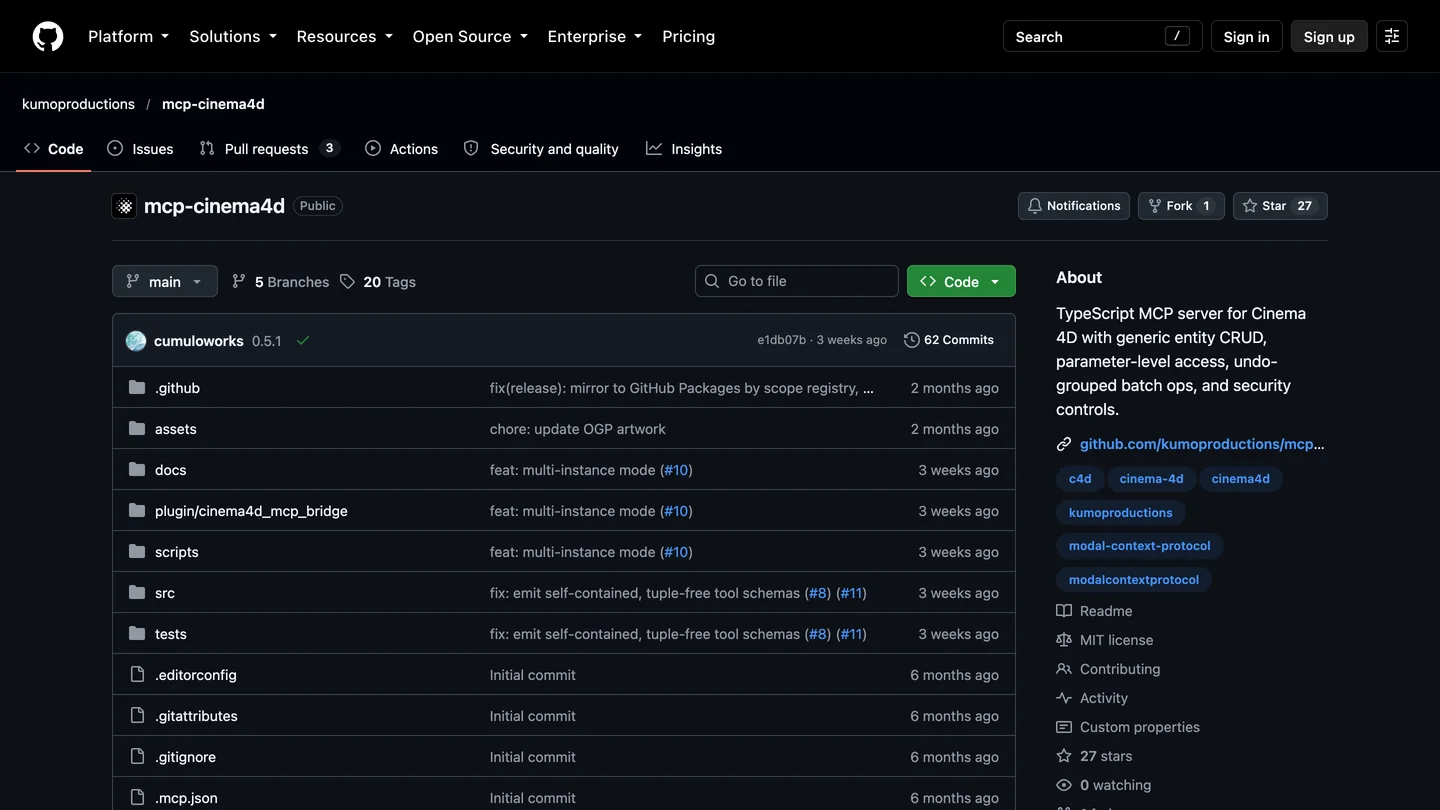
kumoproductions/mcp-cinema4d on GitHub, October 23. Its exec_python is off unless you opt in on both sides, which is stricter than Maxon’s default.
The rental model makes this table short for most people: an active Cinema 4D subscription can update to 2026.4. If you cannot update, kumoproductions is the careful choice; the older ttiimmaacc server has no token, and Maxon’s own comparison says such add-ons usually open “an open port, commonly without authentication”.
Should architects, designers and motion artists connect Claude to Cinema 4D?
Yes, if you are on 2026.4 and pay for Claude. It is the easiest Claude setup of the 3D tools we have covered: no plugin, no hand-edited config, a vendor that supports it, and it works on a Mac as well as Windows. Start with a copy of a real scene and a dull job, such as naming and layering an imported model, and see whether the result holds up in the Object Manager. Turn off Python-Bearing Operations before you share scenes. Do not expect it to model or light for you.
For the image after the scene, our comparison of AI architectural rendering tools covers what works from a viewport capture, and our architectural rendering prompts cover what to write. This is where MeltFlex fits, so here is the disclosure: upload a Cinema 4D viewport capture to photo to render and it returns a finished image with the camera and geometry where they are, and floor plan to 3D does the same from a drawing. The same Claude approach works in Blender, Rhino, SketchUp and 3ds Max, and our list of MCP servers for architects covers the rest of the toolkit.


Two more from the MeltFlex gallery: moody light on plinths and a curved banquette, the kind of scene Cinema 4D artists are hired to light.
Sources and what we could not verify
Read on October 23, 2026: Maxon’s MCP server page, its help pages What is MCP? and MCP Server FAQ with the Server, Clients, Security, Toolset and Remote Access pages, and its connection troubleshooting article (updated October 19); CG Channel on the release; Maxon’s videos “How to set up the Cinema 4D MCP Server in 3 Steps” and QuickTip 251, checked frame by frame at 1080p; the READMEs of the four GitHub projects above and the C4D_MMD_Tool adapter; Azusa Kuno’s post; and Anthropic’s Claude Code MCP, desktop and setup pages. Quotes are word for word.
What we did not do: we did not run Cinema 4D, so the Claude Desktop steps come from Maxon’s documentation and videos, not our own clicks. Our Claude Code test used a stand-in server built from Maxon’s published endpoint and a third-party adapter’s code, not Maxon’s server; the command is right if Maxon’s server takes the token as that adapter sends it. We did not test the Claude free plan, Windows, or remote access, and we could not read the exact text of a Copy Config entry.
Claude and Cinema 4D: FAQ
Can Claude connect to Cinema 4D?
Yes. Cinema 4D 2026.4, released September 30, 2026, has an MCP server built in, and Maxon officially supports Claude Desktop as a client. Turn on Allow MCP Server in Edit, Preferences, MCP, pick Claude Desktop under Clients, click Update Selected Client, then quit Claude completely and start it again with Cinema 4D already running. It works on Windows and macOS and costs nothing beyond your Cinema 4D and Claude subscriptions.
Does Cinema 4D's MCP server work with Claude Code?
Yes, though Maxon has not tested it. Claude Code is not in Cinema 4D's client list, which offers Claude Desktop, OpenAI Codex and Other. The easy way is the Code tab of the Claude desktop app, which Anthropic says loads servers from claude_desktop_config.json. In a terminal, add the endpoint by hand: claude mcp add --transport http --scope user cinema4d http://127.0.0.1:5556/mcp --header "Authorization: Bearer YOUR_TOKEN", using Copy Token from the MCP preferences. We checked that command against a stand-in server.
Do I need to install a plugin to use Claude with Cinema 4D?
Not from version 2026.4. Maxon's FAQ says you need only the full Cinema 4D application and your AI client on the same computer, "and no separate runtime such as Node.js". Third-party servers such as kumoproductions/mcp-cinema4d or ttiimmaacc/cinema4d-mcp still need a plugin, and they make sense only on Cinema 4D 2026.3 or older. Do not run one alongside Maxon's server in the same client.
Why does Claude not show any Cinema 4D tools?
Almost always start order. The server lives inside Cinema 4D, and Maxon's support article says the AI app waits about 20 seconds for it at startup and does not retry a failed first connection. Quit Claude completely, including its menu bar or tray process, start Cinema 4D with Allow MCP Server checked, then start Claude. If that fails, check for antivirus web protection scanning http://127.0.0.1:5556, and check that the Port or token has not changed since setup.
Which Claude plan do I need for Cinema 4D?
For Claude Code, Pro or higher, because Anthropic says the free plan does not include Claude Code. Pro is $20 a month, or $17 a month billed yearly. Maxon does not name a Claude plan for the Desktop chat route and we did not test it on Free. Cinema 4D itself is rental only, at $109 a month or $839 a year in the US according to CG Channel, and Maxon charges nothing extra for the MCP server.
Is it safe to let Claude control Cinema 4D?
Reasonably, with two settings in mind. By default the server only accepts connections from your own computer and requires a token. But both Python switches, Allow exec_python Command and Allow Python-Bearing Operations, are on in a new install, which lets the assistant run code with Cinema 4D's permissions. Maxon advises turning the second one off when you send or receive scene files, because Python written into a scene runs wherever it is opened. Every call is logged and each batch is one undo step.
What is Claude actually good at in Cinema 4D?
Tedious, well defined scene work. Maxon's own list: renaming and reorganizing a hierarchy, translating object names, building takes from a spreadsheet, setting up object IDs and matte passes, tracing why a rig fails, and writing small scripts. It is not a generative tool and does not judge a shot. A medical animator who tried it on October 9 found it excellent for renaming and layering imports but "unusable" for modeling tools from photos, and often slower than doing the work yourself.
Keep reading
- How to connect Claude to 3ds Max, the Windows route and our 179-tool token test.
- How to connect Claude to Blender, the free route on a Mac.
- How to connect Claude to Rhino, McNeel’s official server and our Opus 5.5 living room test.
- The best MCP servers for architects, the wider Claude Code toolkit.
- Photo to render, turn a Cinema 4D viewport capture into a finished image.