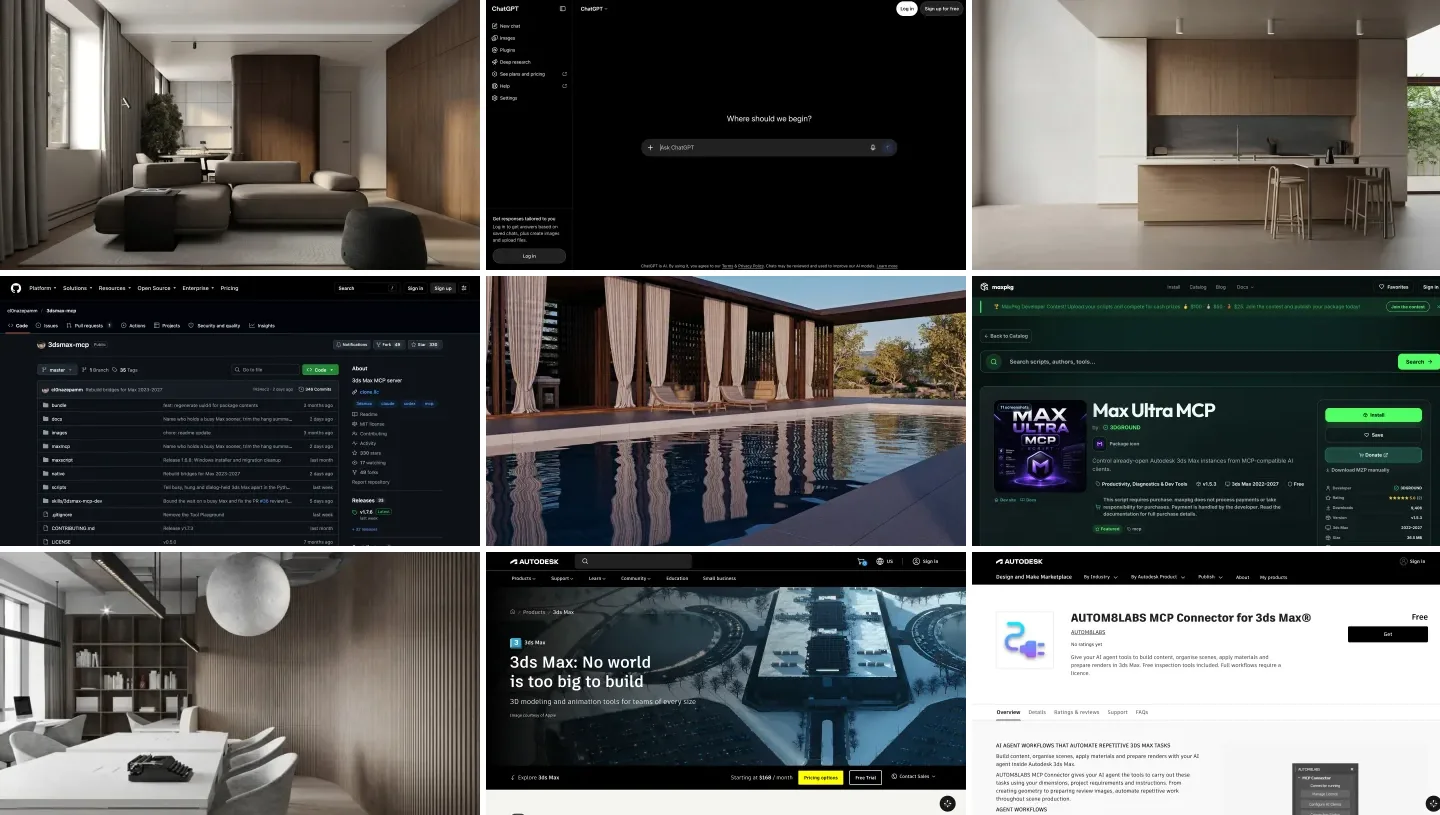
To connect Claude to 3ds Max, install a 3ds Max MCP server on the Windows PC that runs 3ds Max and use it from Claude Code, either in the Code tab of the Claude desktop app or in a terminal. The two free servers are 3DGROUND’s Max Ultra MCP, which works only through Claude Code, and the open source 3dsmax-mcp, which also works in the ordinary Claude Desktop chat. Claude Code needs a Pro plan or higher. Nothing here works from claude.ai in a browser or on a Mac, and there is no official Autodesk or Anthropic connector for 3ds Max.
Our articles are still written by humans!
Get human written articles in your Google feed.
I run MeltFlex, an AI rendering tool for architects and interior designers, and this is the companion to our ChatGPT and 3ds Max guide. It covers the same two servers, so this page sticks to what is different for Claude, plus one thing I measured: what a 179-tool 3ds Max server costs Claude Code per message, with and without Claude Code’s tool search. The answer turned my ChatGPT advice upside down.
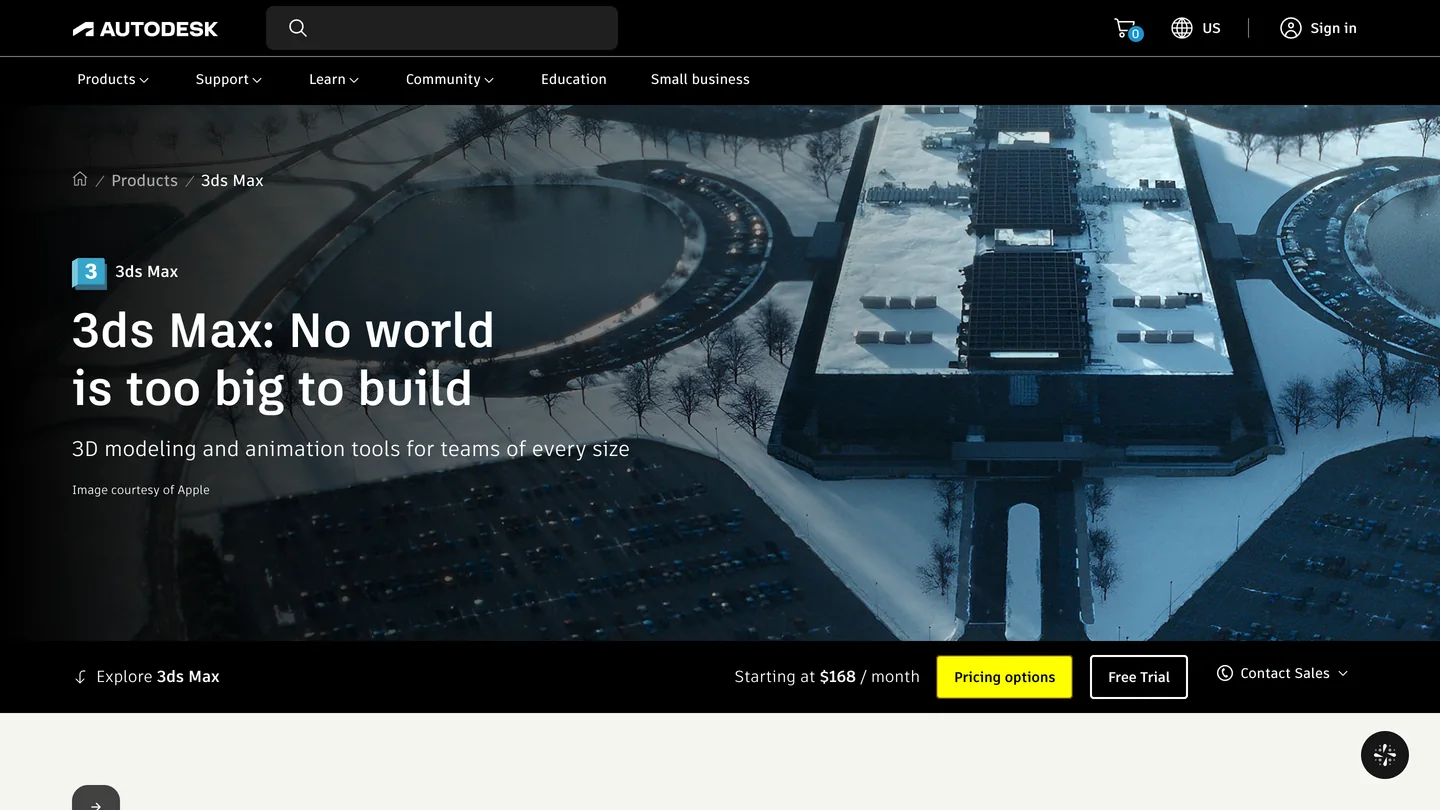
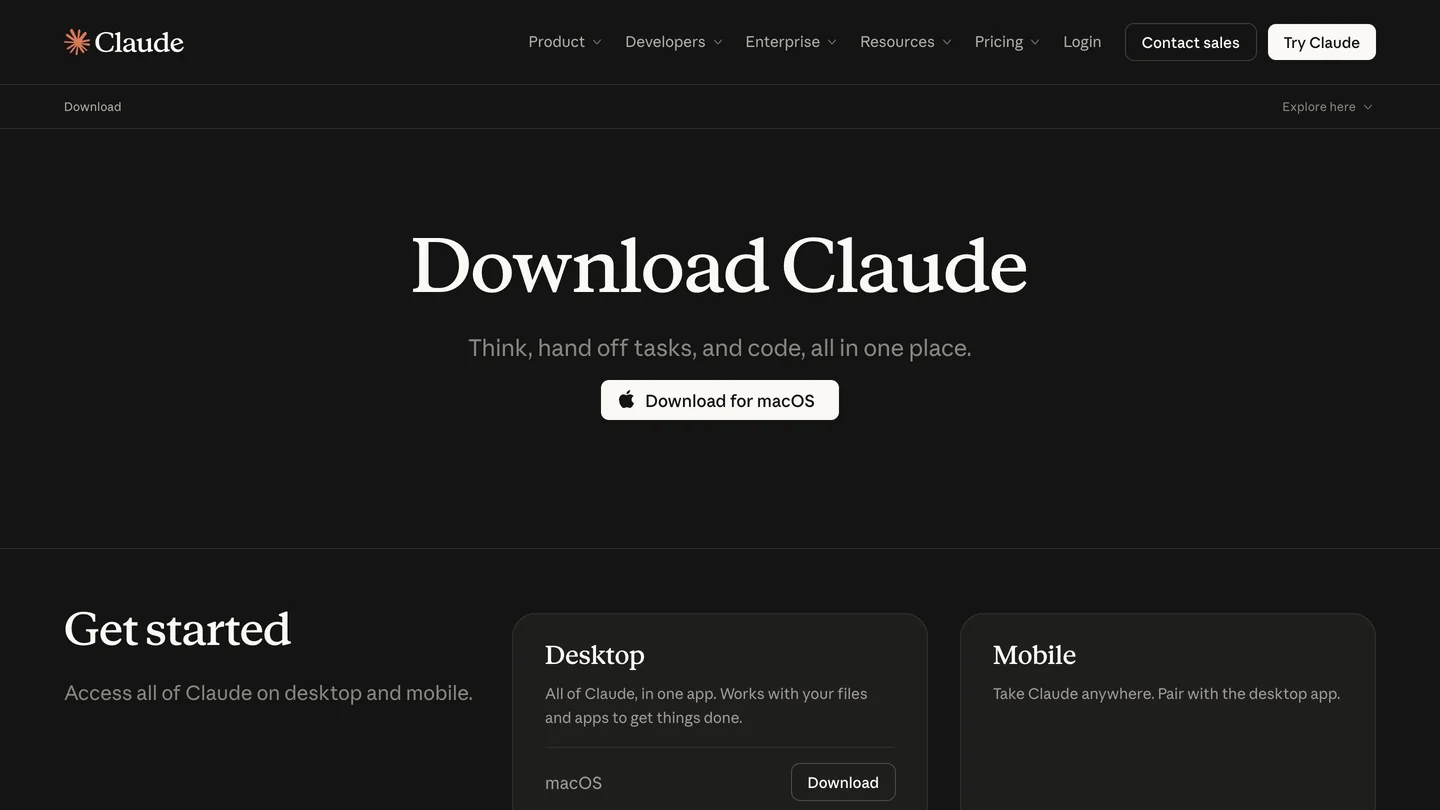
The two products, from their own pages. You need the desktop app or Claude Code on the Windows PC that runs 3ds Max. We captured the download page on a Mac; Anthropic offers a Windows installer from the same page.
The short version
- Use Claude Code. Max Ultra MCP supports only Claude Code, in the desktop app’s Code tab (Local) or the terminal. 3dsmax-mcp also works in the Chat tab. Which Claude works.
- Plan: Pro or higher. Anthropic’s free plan does not include Claude Code.
- Keep the full tool list in Claude Code. Its tool search kept 3dsmax-mcp’s 179 tools to about 3,900 tokens per request in our test, against 80,500 with it off. Our test.
- Expect drafts, not finished models. In the developer’s own armchair test, Claude made a clean mesh in about 30 minutes, in the wrong shape.



Which Claude can control 3ds Max: Claude Code, Claude Desktop or claude.ai?
Claude Code, which also lives inside the Claude desktop app as the Code tab. A 3ds Max MCP server is a small program that has to run on the same Windows PC as 3ds Max, and only the desktop app and Claude Code can start one. The two servers differ on the Chat tab:
| Where you use Claude | Max Ultra MCP | 3dsmax-mcp | Claude plan |
|---|---|---|---|
| Desktop app, Code tab, Local session | Yes, the documented route | Yes | Pro and up |
| Claude Code in a terminal | Yes | Yes | Pro and up |
| Desktop app, Chat tab | No, “outside this setup” | Yes, through claude_desktop_config.json | Not documented |
| claude.ai in a browser, Cowork, cloud sessions | No | No | n/a |
- Max Ultra MCP
- Yes, the documented route
- 3dsmax-mcp
- Yes
- Plan
- Pro and up
- Max Ultra MCP
- Yes
- 3dsmax-mcp
- Yes
- Plan
- Pro and up
- Max Ultra MCP
- No, “outside this setup”
- 3dsmax-mcp
- Yes, through the config file
- Plan
- Not documented
- Max Ultra MCP
- No
- 3dsmax-mcp
- No
Max Ultra MCP’s README is explicit: “Claude users: open the Claude desktop app, sign in, and use Code > Local on this Windows computer,” and “Ordinary Chat, Cowork, Cloud, and WSL sessions are outside this setup.” Anthropic’s setup page settles the plan: “The free claude.ai plan does not include Claude Code.” The free plan does list desktop extensions on Anthropic’s pricing page, but 3dsmax-mcp goes in through the config file, not as an extension, and I found no Anthropic page that says whether Free can use that. And Anthropic’s connector directory has two Autodesk entries, Fusion and Product Help, and nothing for 3ds Max.
How do you connect Claude to 3ds Max with Max Ultra MCP?
This is the shortest route, checked against the README and source at version 1.5.3. You need 3ds Max 2022 to 2027 on Windows and the Claude desktop app, signed in on Pro or higher.
- Install it from MaxPkg, or run the MZP from Scripting, Run Script.
- Run
01_START_MAX_ULTRA_MCP_FIRST.msin each 3ds Max session that should connect. The AI Client Setup window opens by itself if no client is set up. - Click Claude Code, then Connect to Claude Code. If the Claude Code command line tool is missing, the button offers Anthropic’s installer and asks first. Connecting runs Anthropic’s own command,
claude mcp add max-ultra-mcp --scope user, so the server is available in every project for your Windows user, in the terminal and in the desktop app’s Code tab alike. - Open Code, choose a Local session, and paste the Test prompt from the setup window. It is read only: it lists your 3ds Max sessions and the open scenes.
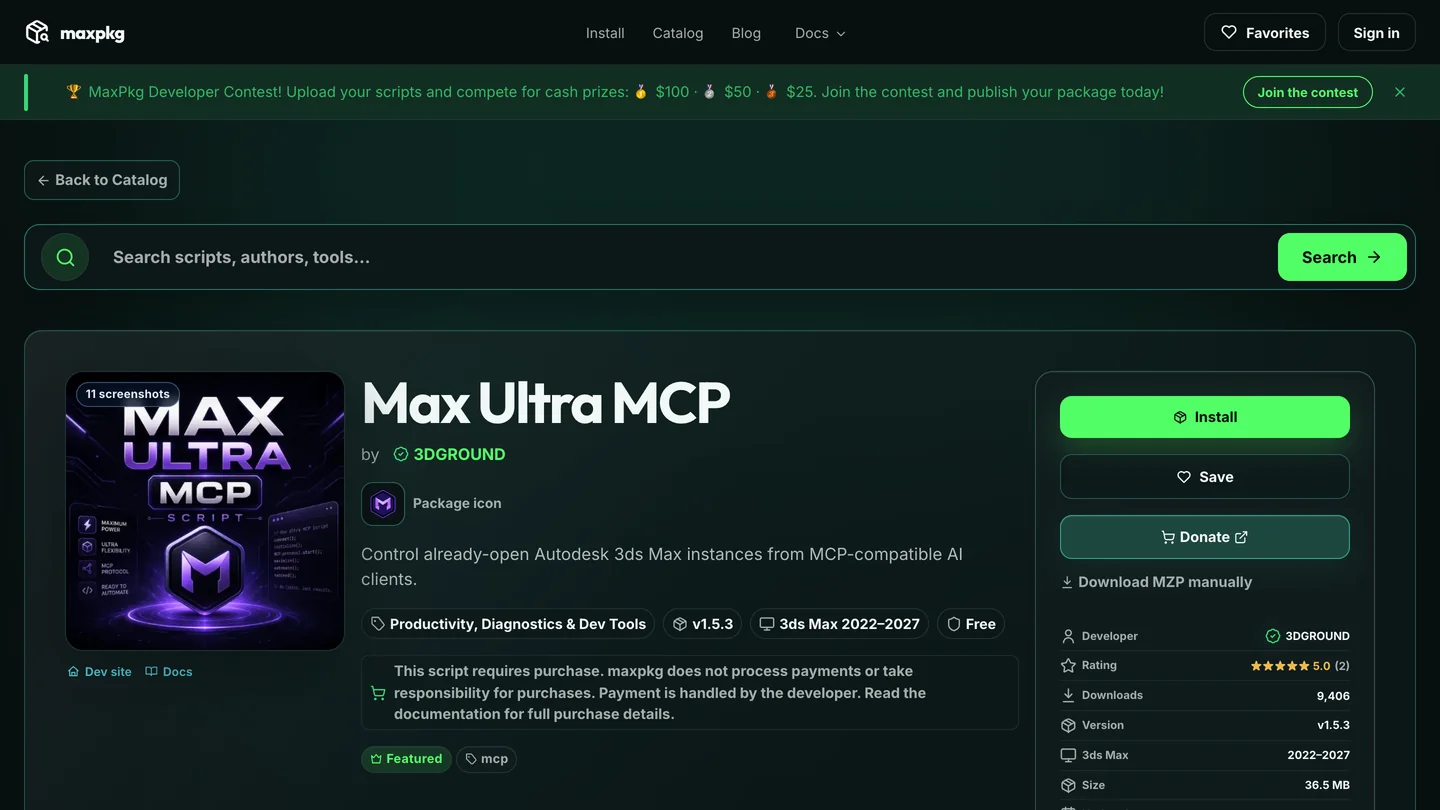
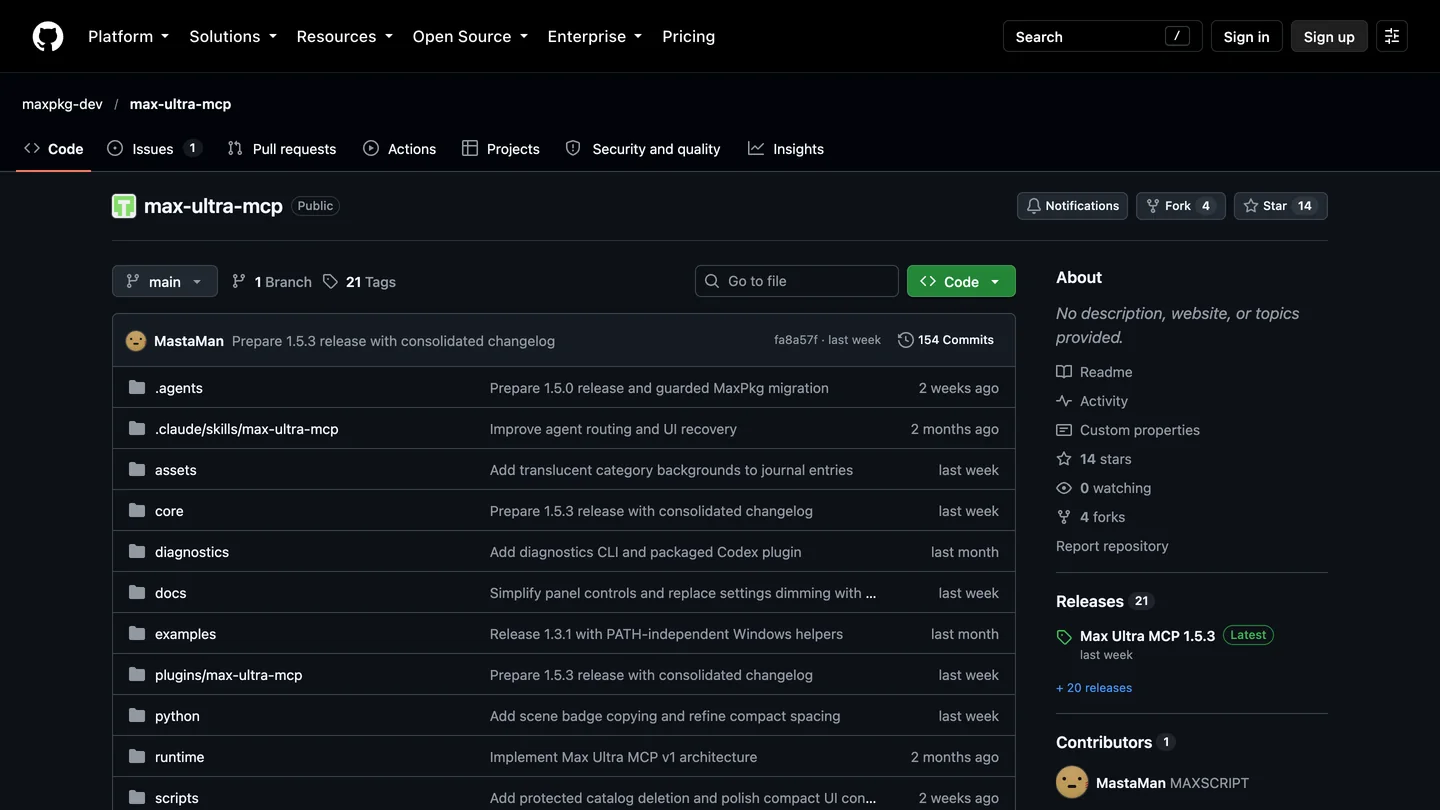
Max Ultra MCP on MaxPkg and GitHub, October 23. Free to use; the GitHub repository has no license file, which matters only if your studio vets software that touches client files.
It also ships nine optional skills, written workflows that Claude follows step by step, for a floor plan from an image, camera composition, renderer settings, armchairs and more. The README says “The installer does not modify an agent’s skill directory automatically,” so copy the folders you want from its skills folder into ~/.claude/skills yourself; the server’s max_skill_read tool can also hand them to Claude. Two cautions from the project itself. Its default archviz tool profile leaves out modifiers, import and export, and animation; set MAX_ULTRA_MCP_TOOL_PROFILE to full if you need them. And the README still says “Real 3ds Max and renderer-version acceptance testing remains required before a production release.”
How do you connect Claude to 3ds Max with 3dsmax-mcp?
3dsmax-mcp is the bigger project (330 GitHub stars, MIT license, 3ds Max 2023 to 2027, version 1.7.6), and unlike its ChatGPT story, Claude is a first-class client: its README names Claude Desktop first. Close 3ds Max and Claude, run 3dsmax-mcp-1.7.6-Setup.exe from the releases page and pick your clients. Reading its installer, it does three things for Claude:
- It adds the server to
%APPDATA%\Claude\claude_desktop_config.json, and to the Microsoft Store version’s config folder if that exists. Anthropic’s desktop docs say a server defined there “is available in both the Desktop chat surface and local Code tab sessions.” - If a
claudecommand is on your PATH, it also runsclaude mcp add --scope user 3dsmax-mcpfor Claude Code. - It installs its MAXScript skill into
~/.claude/skills. This one matters more for Claude than for ChatGPT, because the project’s own docs say: “Anthropic models sometimes prefer raw MAXScript over dedicated tools; Codex tends to use native tools more reliably. The skill reduces that gap.”
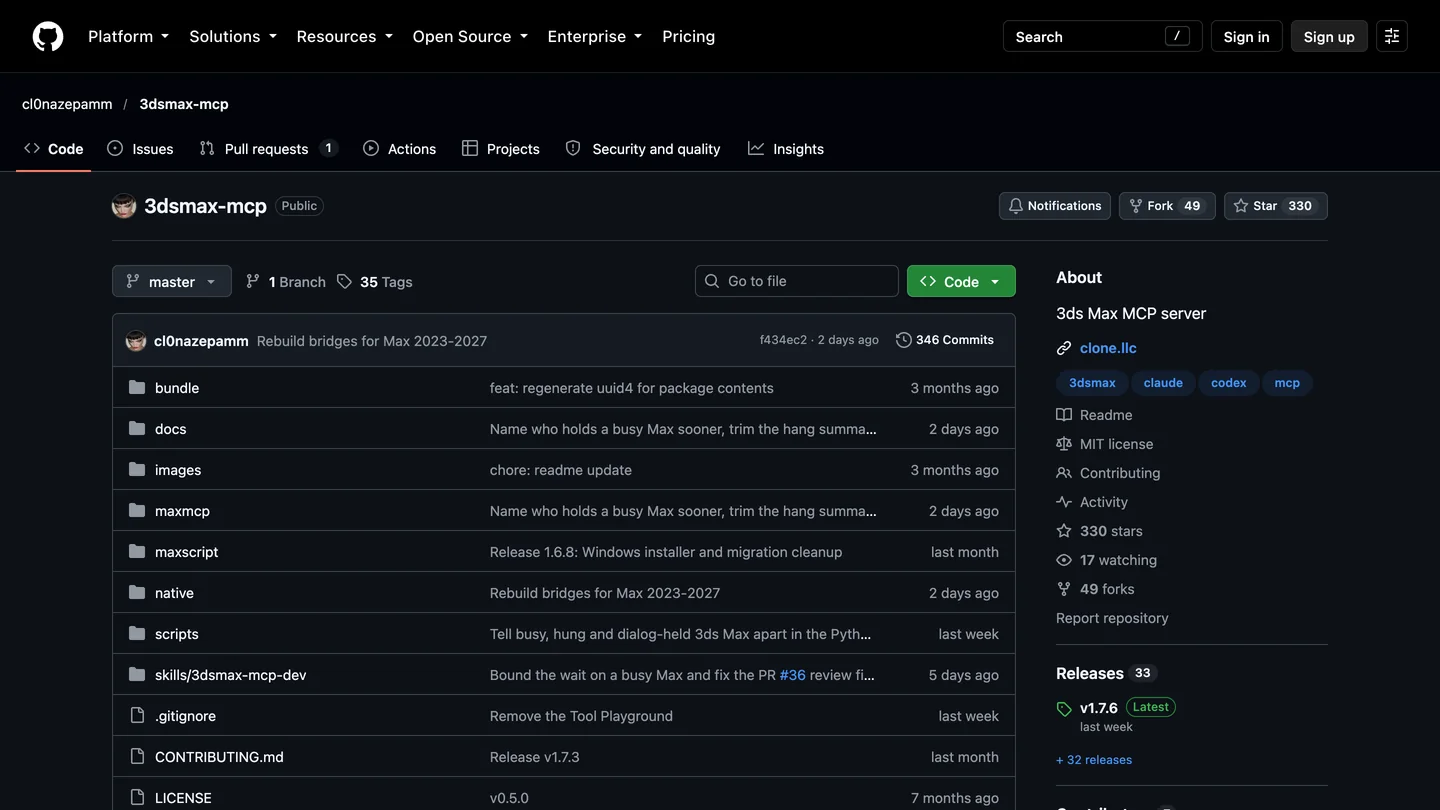
3dsmax-mcp on GitHub, October 23. Claude is one of its four topics.
Then open 3ds Max first, restart Claude, and ask for a scene summary. If you set it up by hand, the project’s entry for the config file is below; the path is wherever you cloned it, and you need uv installed, or the installer warns that Claude Desktop “may fail to launch the MCP server”.
{
  "mcpServers": {
    "3dsmax-mcp": {
      "command": "uv",
      "args": ["run", "--directory", "C:/path/to/3dsmax-mcp", "3dsmax-mcp"]
    }
  }
}
Does a 179-tool 3ds Max MCP server fit in Claude? Our test
Every MCP server sends Claude a list of its tools, with a description and input schema for each. For our ChatGPT guide I counted 3dsmax-mcp’s default list at 179 tools, and advised ChatGPT users to switch to its 7-tool progressive profile. Claude Code works differently: Anthropic’s MCP documentation says tool search is on by default, and “Only tool names and server instructions load at session start.” I wanted to see what that is worth with a real 3ds Max server.
The setup: Claude Code 2.1.309 on a Mac, Claude Sonnet 5.5, my own settings switched off, and 3dsmax-mcp 1.7.6’s server started with its two Windows-only calls stubbed out, which is enough for it to send its tool list but not to reach 3ds Max. Each run asked Claude to reply with one word. I read the input tokens of that first request from Claude Code’s own usage report. Claude Code also defers some of its built-in tools, which is why even the rows without a server differ.
| Setup | Tool search on (default) | Tool search off |
|---|---|---|
| No MCP server | 17,158 tokens | 32,574 tokens |
| 3dsmax-mcp, full profile (179 tools) | 21,105 tokens (+3,947) | 113,063 tokens (+80,489) |
| 3dsmax-mcp, progressive profile (7 tools) | 17,344 tokens (+186) | 34,220 tokens (+1,646) |
| Cost of the one-word reply, full profile | $0.04 | $0.45 |
- Search on
- 17,158 tokens
- Search off
- 32,574 tokens
- Search on
- 21,105 tokens (+3,947)
- Search off
- 113,063 tokens (+80,489)
- Cost of reply
- $0.04 on, $0.45 off
- Search on
- 17,344 tokens (+186)
- Search off
- 34,220 tokens (+1,646)
With tool search on, the whole 179-tool server cost about 3,900 tokens, a twentieth of the 80,500 it cost loaded in full. In a second run I asked Claude how many tools the server had, without calling any. It answered “179” and said it had counted them in its deferred tool list, so nothing was hidden from it. The progressive profile is smaller still, but in Claude Code the difference is a few thousand tokens, and it adds a lookup step before each tool. My advice for Claude Code is the opposite of my ChatGPT advice: keep the installer’s default full profile.
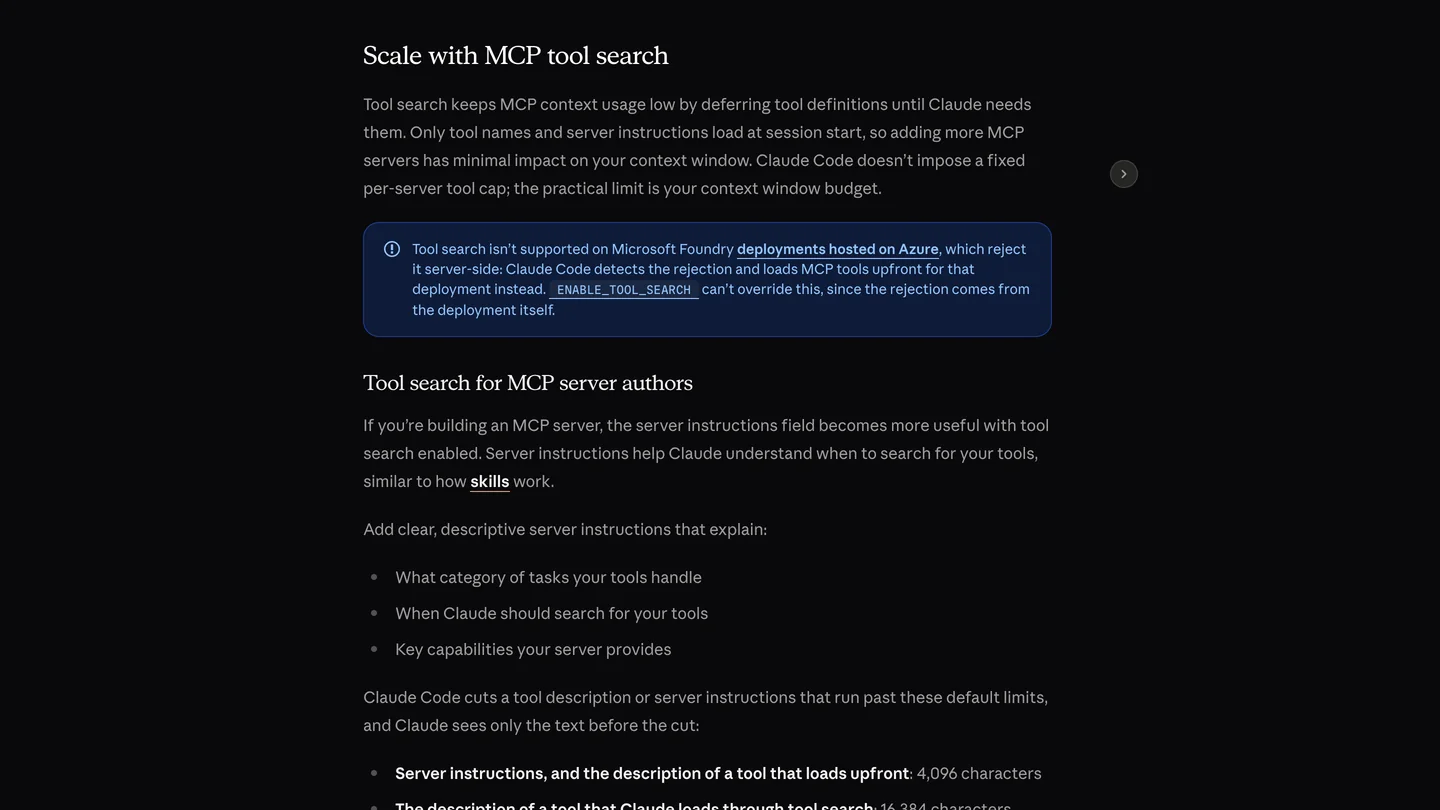
Anthropic’s description of tool search in the Claude Code docs, captured October 23, 2026.
The limits of this test: one prompt, one model, first request only, and a server that never touched 3ds Max. Later turns are cheaper because Claude Code caches the start of the conversation. I did not measure the Chat tab of Claude Desktop, and Anthropic does not document whether it defers tools the same way; if you use 3dsmax-mcp there, the progressive profile is the safe choice. Our numbers are in Claude’s own token counts, so they will not match the OpenAI tokenizer figures in the ChatGPT guide.
Which Claude Code settings matter for 3ds Max?
- Timeouts are not a problem. Anthropic’s docs say stdio servers “have no per-request timer”, and an unset
MCP_TOOL_TIMEOUTdefaults to about 28 hours. A long render or boolean will not be cut off by Claude Code, unlike Codex’s 60-second default. 3dsmax-mcp’s own wait for a busy 3ds Max, about 130 seconds, still applies. - Big answers get trimmed. Claude Code warns above 10,000 tokens of tool output, caps it at 25,000 by default (
MAX_MCP_OUTPUT_TOKENS), and saves text results over 50,000 characters to a file. Ask for a summary of a large scene, not a full object dump. - Keep permission prompts on. Anthropic says of Bypass permissions mode: “Only use this in sandboxed containers or VMs.” Both servers can run any MAXScript with your Windows account’s access, and 3dsmax-mcp’s own
safe_modeis, in its words, “an accident preventer, not a sandbox”. - Save before you open or reset anything. In 3dsmax-mcp 1.7.6, a script that resets or opens a file can discard unsaved work; the fix is on GitHub but not yet released. Our ChatGPT guide has the details.
What can Claude actually do in 3ds Max?
Draft geometry and repetitive scene work, yes; finished models, not yet. The best evidence for Claude specifically comes from Max Ultra MCP’s developer, Vasyl Lukianenko, in 3DGROUND’s article. He gave Claude Code with Opus 5.5 and ChatGPT’s Codex the same job: model an IKEA POÄNG armchair from its product page. Claude “gathered references, used an armchair skill, and spent about 30 minutes. The mesh was clean and suitable for TurboSmooth. But the shape differed noticeably from the original, and fasteners and seams were missing.” ChatGPT was faster, with more detail and more geometry errors. His verdict on both: “neither agent reproduced the POÄNG accurately enough,” and “This is the result of one experiment, not a model ranking.”
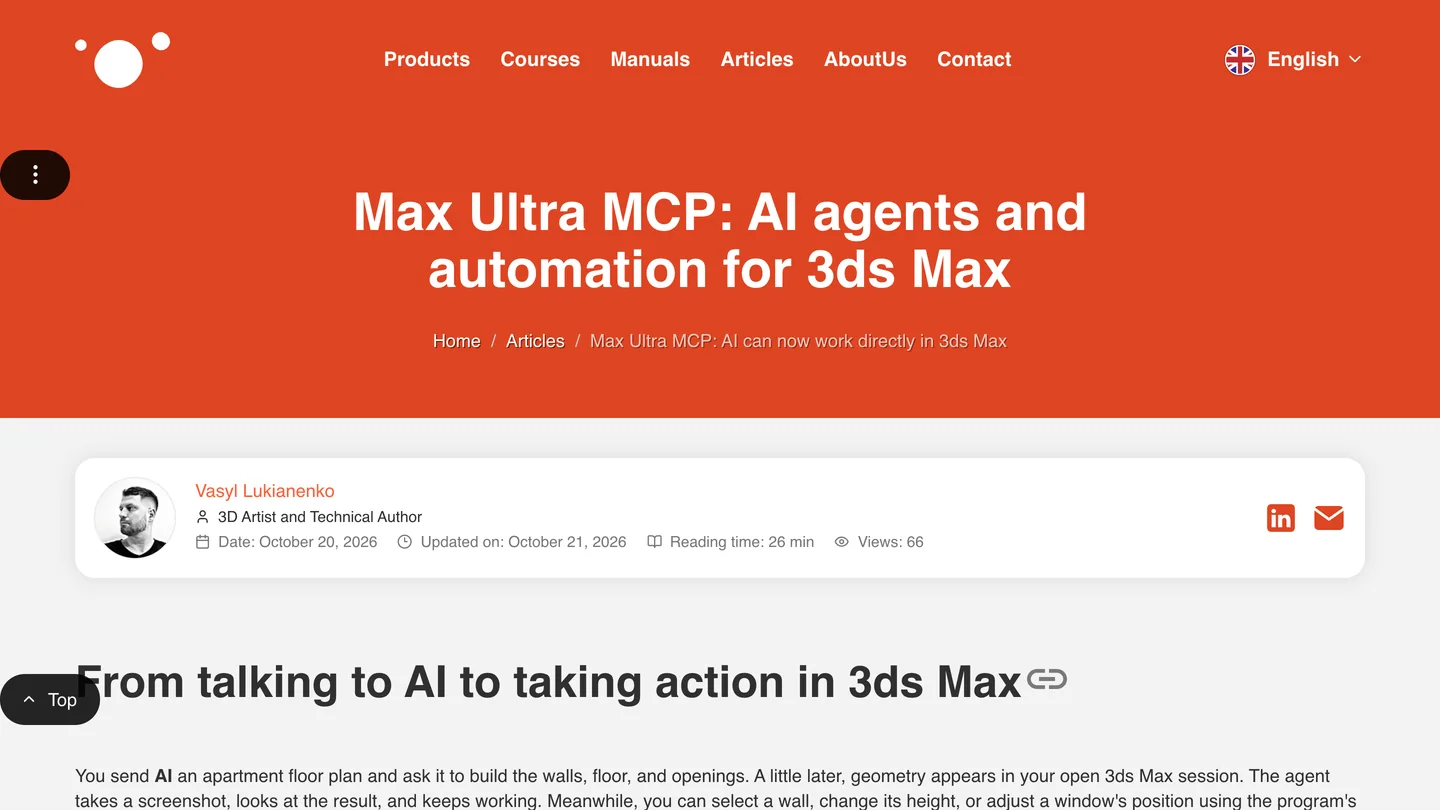
The developer’s own write-up, the source of the armchair test. He built the tool, so read it as a careful insider, not a neutral reviewer.
He also warns about usage, which hits Claude users harder than the setup does: “Sometimes I had to take a break after about an hour,” and “Claude, for example, has five-hour and weekly limits, so not every exhausted allowance resets after five hours.” What uses it up, in his words: “the model, conversation length, screenshots, and number of attempts.” For a side-by-side view, Arch Viz Artist’s comparison below is the closest video to this guide. I went through its frames: both models work through Max Ultra MCP on Louis Kahn’s Norman Fisher House built from drawings, a set of client revisions on an interior scene, and an armchair from a manufacturer’s page, with a usage panel for each task. The frames do not show the presenter’s verdict clearly, so watch it rather than take my summary.

Arch Viz Artist, “GPT-6 Astra vs Claude Opus 5.5: Which AI Is Better in 3ds Max?”, September 29, 2026, 12 min 11 s. The channel sells an AI course, linked in the description.
In our own Claude and Rhino test, Opus 5.5 built a living room to the millimeter, with cleaner walls than GPT-6 Astra. That fits the armchair: Claude tends to build tidy geometry, and the shape is where you check it. For a visualization studio, the useful jobs are the dull ones: renaming and layering an imported CAD scene, swapping a material across fifty objects, setting up cameras from a written shot list, and writing small MAXScript tools you keep. Give it one stage at a time, with dimensions in writing.
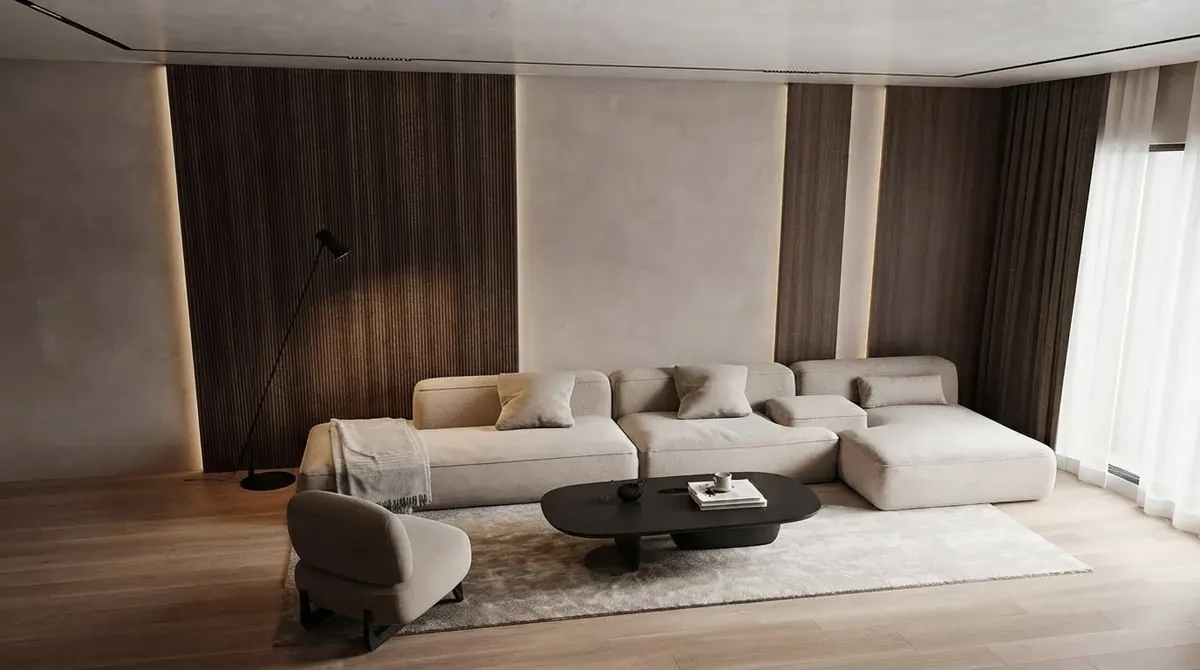
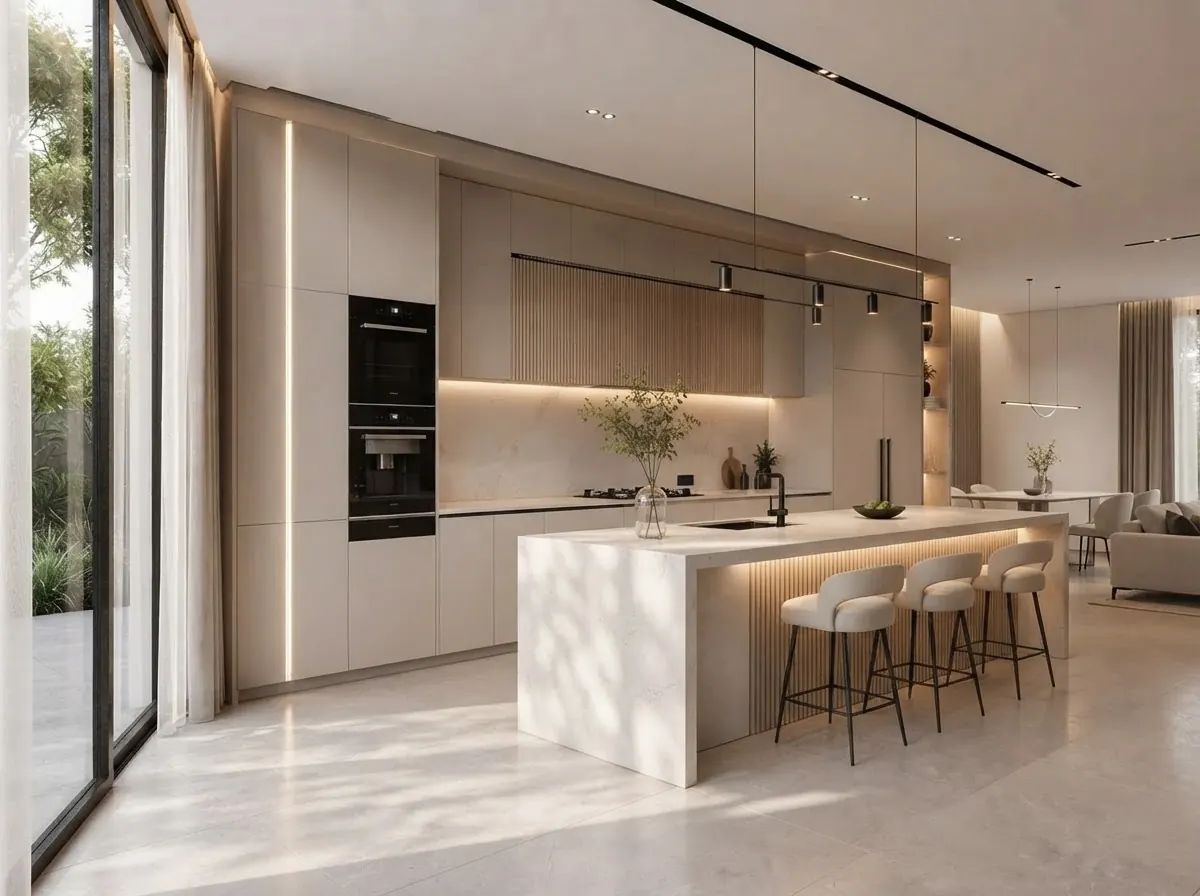
Finished renders from the MeltFlex gallery, not from Claude or 3ds Max. A slat wall or a row of cabinets is the kind of geometry Claude can set up; the light and materials still take a person.
Should architects and interior designers connect Claude to 3ds Max?
If you already work in 3ds Max on Windows and pay for Claude Pro or Max: yes, try it on a copy of a real scene. Max Ultra MCP in the Code tab is the shortest path; 3dsmax-mcp is the choice if you want open source code or the Chat tab. Keep permission prompts on, keep the full tool profile in Claude Code, and give it the tedious jobs. If you are on the free plan, start by asking Claude for a MAXScript and pasting it into the MAXScript Listener yourself; it costs nothing and shows you whether Claude understands your scene before you pay for a subscription.
For the image after the model, our comparison of AI architectural rendering tools covers what works from a 3ds Max viewport, and our architectural rendering prompts cover what to write. This is where MeltFlex fits, so here is the disclosure: upload a 3ds Max viewport capture to photo to render and it turns it into a finished image with the camera and walls where they are; floor plan to 3D does the same from a drawing. On a Mac, the same Claude approach works with Blender, SketchUp, Rhino and Cinema 4D, whose built-in MCP server connects Claude without a plugin, and for drawings, see Claude and Revit and AutoCAD MCP.
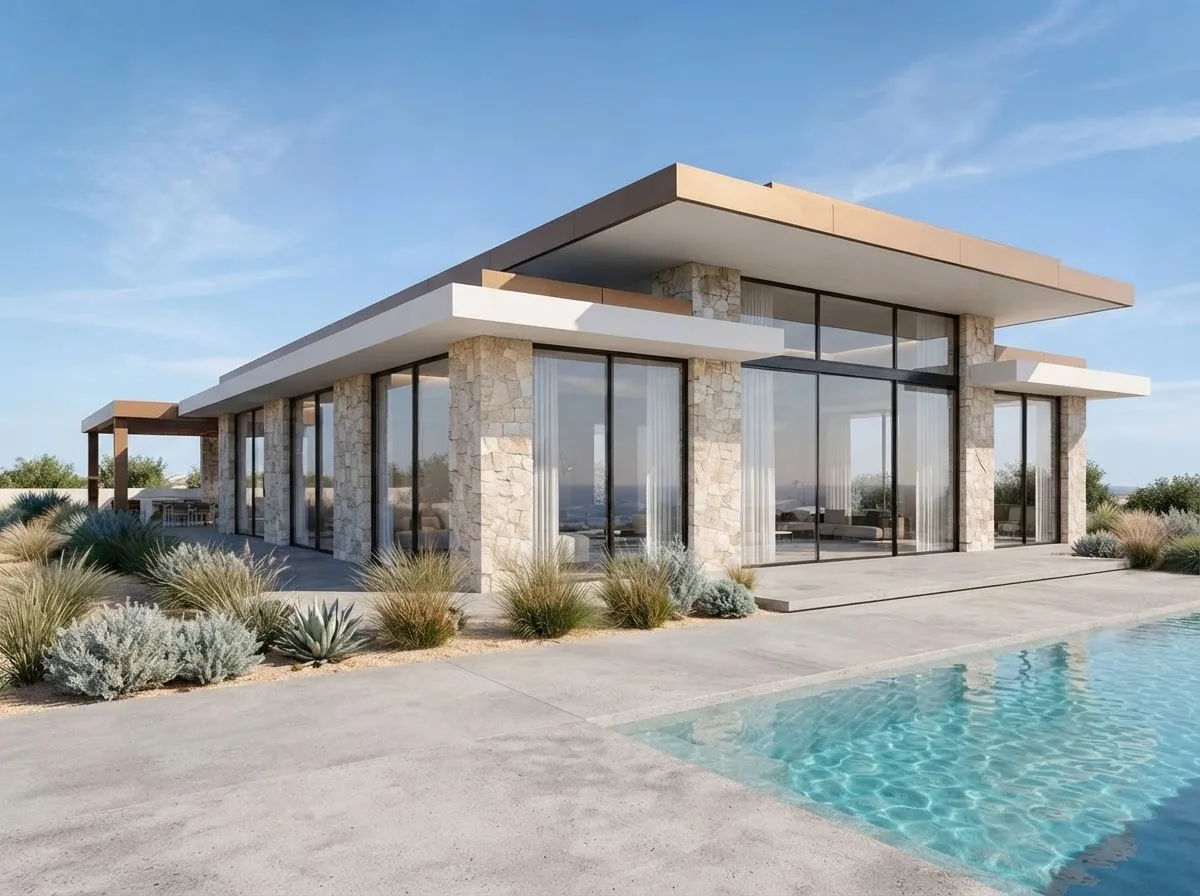
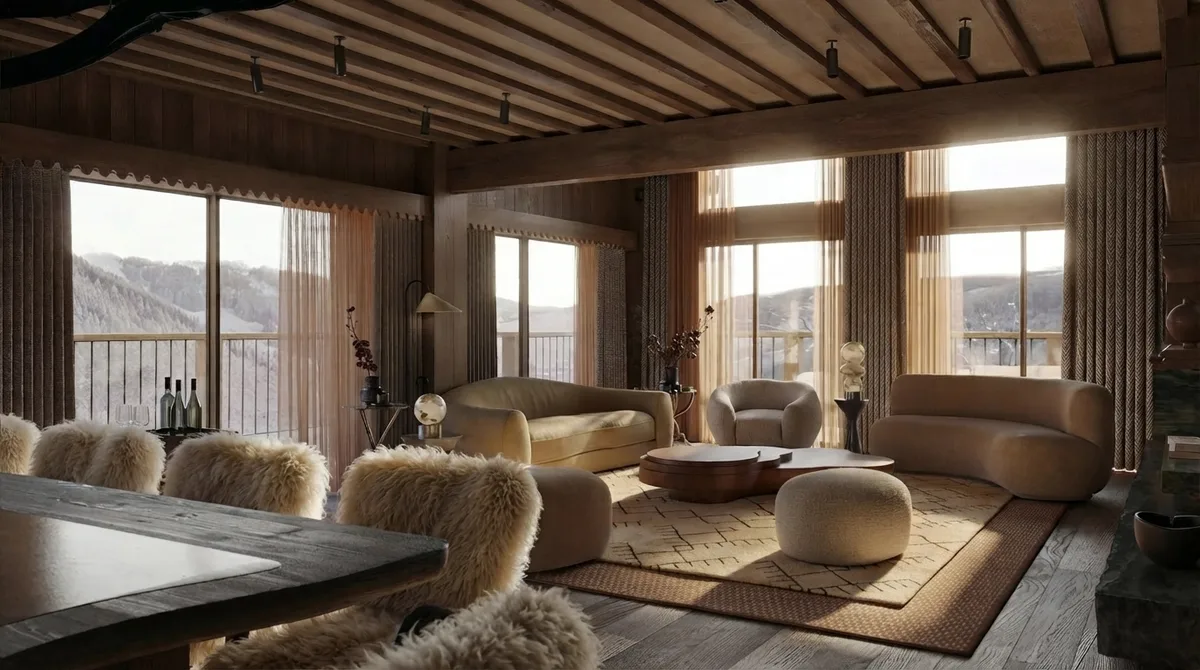
Two more from the MeltFlex gallery: an exterior and an interior of the kind 3ds Max studios are hired for.
Sources and what we could not verify
Read on October 23, 2026: the Max Ultra MCP README and docs at 1.5.3; the 3dsmax-mcp README, installer and advanced configuration at 1.7.6 and the October 21 commit; 3DGROUND’s article (October 20, updated October 21); Anthropic’s Claude Code MCP, desktop and setup pages; the Claude pricing page; and Anthropic’s connector directory. Quotes are word for word. The video was checked frame by frame from YouTube’s preview images.
What we did not do: we did not run 3ds Max or the Claude desktop app on Windows, so the setup steps come from the documentation and the code, not our own clicks. Our token test ran 3dsmax-mcp’s server on a Mac with two Windows calls stubbed out; it measures what Claude Code receives, not how well Claude works in a scene. We could not run Max Ultra MCP’s server, so its tool count is unknown to us. The armchair test is 3DGROUND’s, not ours.
Claude and 3ds Max: FAQ
Can Claude connect to 3ds Max?
Yes, through a 3ds Max MCP server on the same Windows PC as 3ds Max. The two free ones are 3DGROUND's Max Ultra MCP, which works with Claude Code (including the Code tab of the Claude desktop app), and the open source 3dsmax-mcp, which also works in the ordinary Claude Desktop chat. Claude can then read the scene, build and edit objects, assign materials, run MAXScript and start renders. claude.ai in a browser cannot reach a server on your PC.
Is there an official Claude connector for 3ds Max?
No. Anthropic's connector directory lists two Autodesk entries, Autodesk Fusion and Autodesk Product Help, and nothing for 3ds Max. Autodesk Assistant in 3ds Max 2027 is Autodesk's own help chatbot and does not connect to Claude. Every working route today is a third party 3ds Max MCP server.
Does Max Ultra MCP work in the normal Claude Desktop chat?
Not according to its documentation. Max Ultra MCP registers itself with the Claude Code command line tool and tells Claude users to use Code, then Local, in the desktop app. Its README says ordinary Chat, Cowork, Cloud and WSL sessions are outside this setup. If you want the Chat tab, use 3dsmax-mcp, whose installer writes the server into claude_desktop_config.json.
Which Claude plan do I need for 3ds Max?
Pro or higher for the Claude Code route, because Anthropic says the free plan does not include Claude Code. Pro is $20 a month, or $17 a month billed yearly, and Max starts at $100 a month. The free plan lists desktop extensions, but 3dsmax-mcp is added through the config file rather than as an extension, and Anthropic does not document plan limits for that, so treat Free as untested.
Will 179 3ds Max tools fill up Claude's context?
Not in Claude Code, which defers MCP tool definitions by default. In our test, 3dsmax-mcp's full profile added 3,947 tokens to the first request with tool search on and 80,489 tokens with it off, and the first one word reply cost $0.04 against $0.45. We did not measure the Claude Desktop Chat tab, where Anthropic does not document tool search; there, the progressive profile is the safer choice.
Is Claude or ChatGPT better for 3ds Max?
There is no clear winner yet. In 3DGROUND's armchair test, Claude Code with Opus 5.5 took about 30 minutes and made a clean mesh with the wrong shape, while ChatGPT took about ten minutes with more detail and more geometry errors. 3dsmax-mcp's developer writes that Anthropic models sometimes prefer raw MAXScript over its dedicated tools. Pick the assistant your studio already pays for.
Does Claude work with 3ds Max on a Mac?
No. 3ds Max runs only on Windows, and both servers are Windows only; when we started 3dsmax-mcp's server on a Mac it stopped at once, because it loads Windows system libraries. On a Mac, the same approach works with Blender, SketchUp and Rhino, which all have MCP servers for Claude.
Keep reading
- How to connect ChatGPT to 3ds Max, Codex mode, the timeout setting and the security detail.
- How to connect Claude to Rhino, McNeel’s official server and our Opus 5.5 living room test.
- How to connect Claude to Blender, the free route on a Mac.
- How to connect Claude to Cinema 4D, Maxon’s built-in MCP server and the Claude Code command.
- The best MCP servers for architects, the wider Claude Code toolkit.
- Living room layout, the clearances worth putting in a brief before you ask an AI to build a room.
- Photo to render, turn a 3ds Max viewport capture into a finished image.