No, ChatGPT cannot make videos by itself in November 2026. Its video came from Sora, and OpenAI discontinued the Sora app and website on April 26, 2026 and the Sora API on September 24, 2026. ChatGPT can still write the script and the prompt, and third party plugins such as AI Video Maker or invideo can generate a clip from inside a chat. For a video of a room or a home, a dedicated tool like MeltFlex AI’s video walkthrough is the shorter route.
Our articles are still written by humans!
Get human written articles in your Google feed.
If you relied on Sora, there is no need to panic. The video models did not disappear, they moved to other companies. Below: what happened, what ChatGPT can still do with video, the alternatives worth paying for, and how we make room videos at MeltFlex today. A disclosure up front: MeltFlex is our product, and we say below what it costs and where Gemini or another tool is the better pick.
The short version
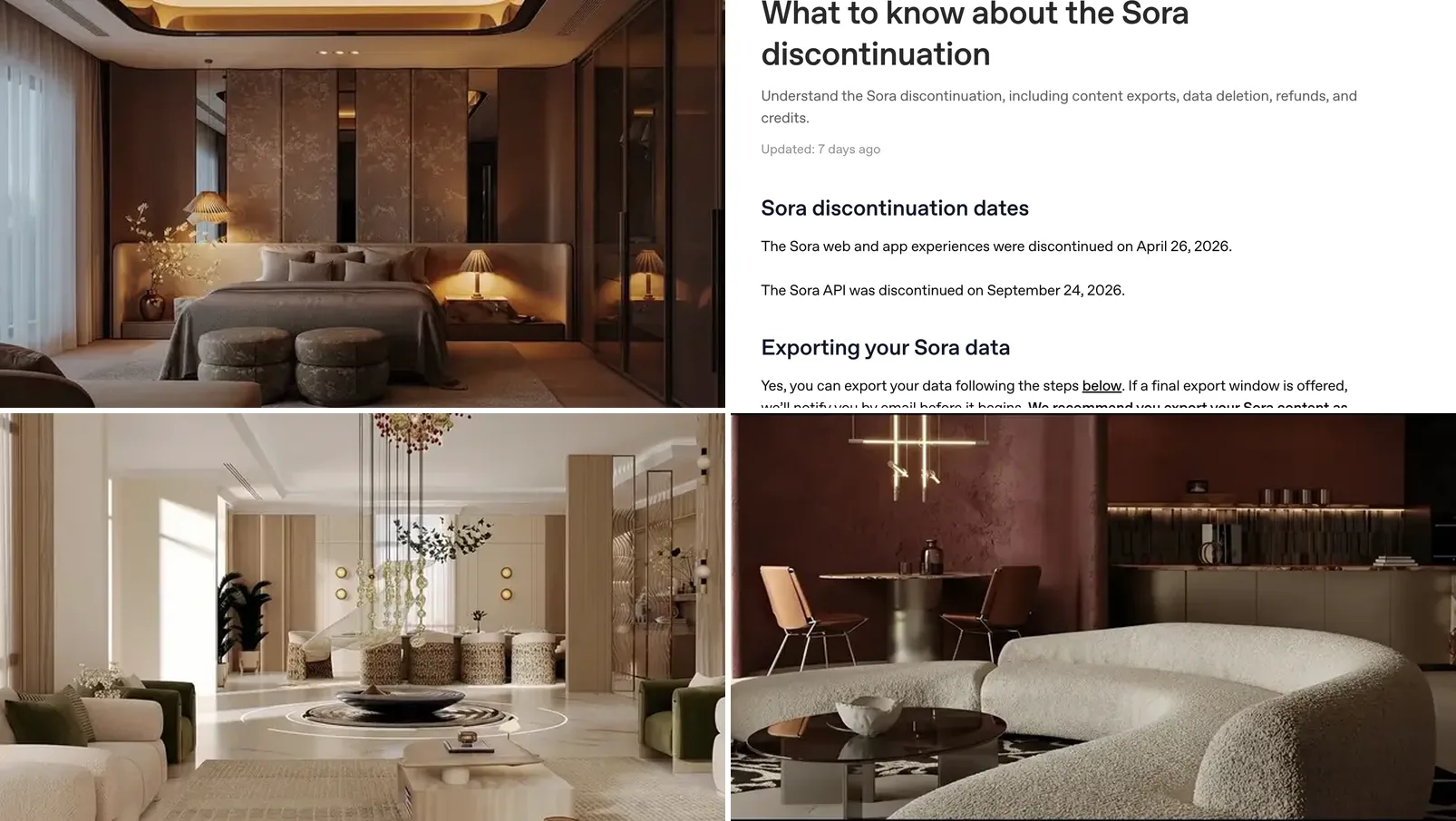
- Sora is gone. Announced March 24, 2026; app and web closed April 26; API closed September 24 (OpenAI help center).
- ChatGPT has no built in video generator now. It writes scripts and prompts; plugins do the rendering.
- Inside ChatGPT: the AI Video Maker plugin runs ByteDance’s Seedance 2 and 2.5 with usage based pricing; invideo edits and exports full videos.
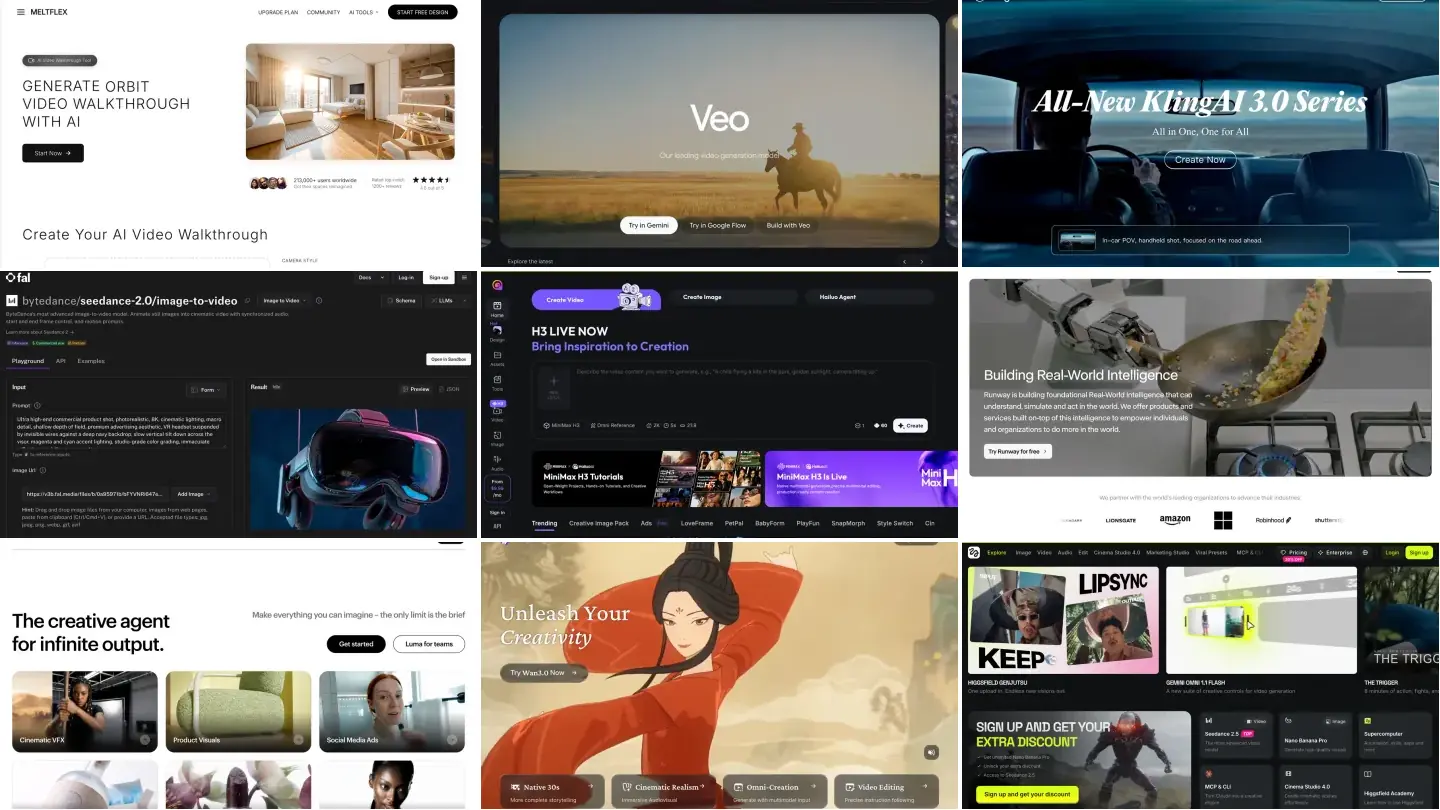
- Outside ChatGPT: Gemini Omni (Google), Kling and Seedance are the main Sora alternatives.
- For rooms and real estate: MeltFlex AI turns one photo into a 4 or 8 second walkthrough that keeps the room as it is, on the Pro plan.
What happened to Sora, OpenAI’s video model?
Sora was OpenAI’s text to video model. It became available to ChatGPT Plus and Pro subscribers in December 2024, and Sora 2 arrived with its own social app in late September 2025. Six months later, on March 24, 2026, the Sora team posted: “We’re saying goodbye to Sora.” An OpenAI spokesperson told Engadget the company had “decided to discontinue Sora in the consumer app and API,” pointing to growing demand for compute, and said the Sora research team would focus on world simulation for robotics. Engadget also reported, citing The Hollywood Reporter, that Disney would not go ahead with its planned $1 billion investment in OpenAI.
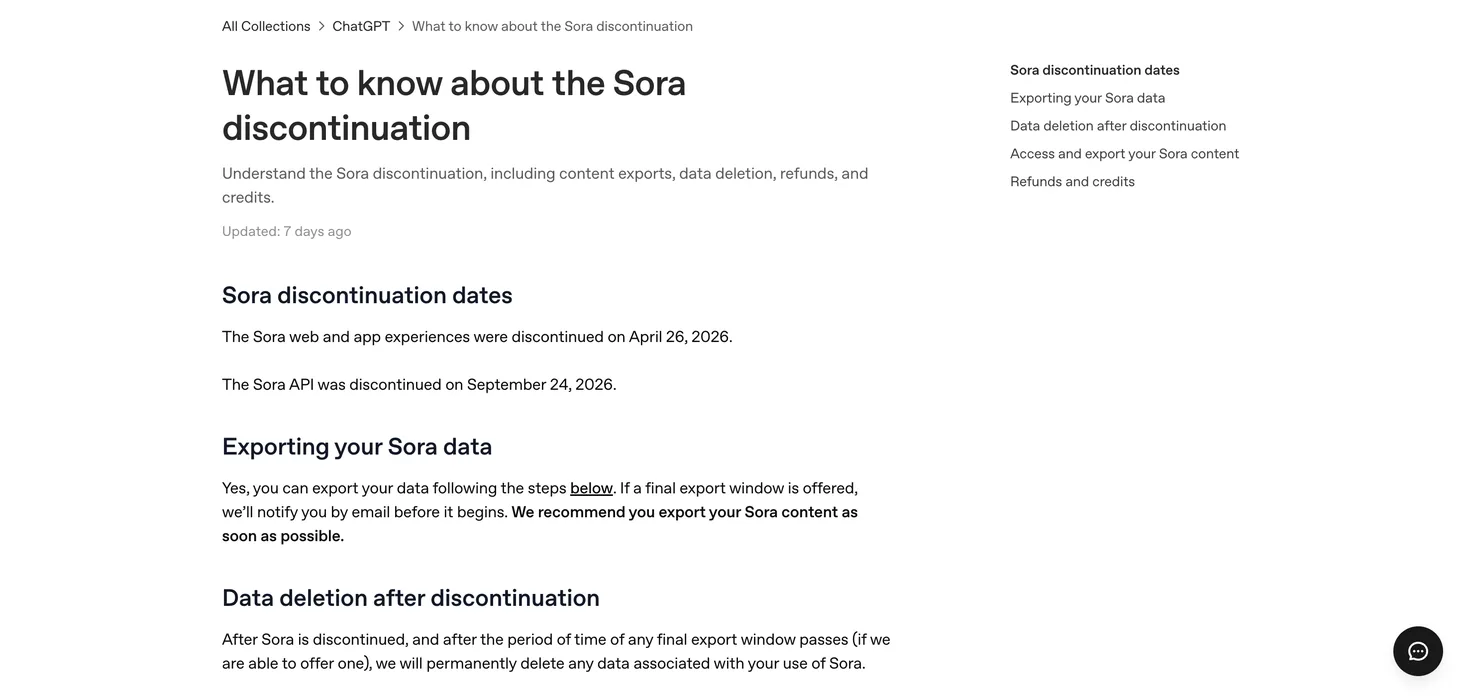
The dates that matter come from OpenAI’s own help center article, read on 13 November 2026:
Two practical notes from the same page. You can still export what you made by going to sora.chatgpt.com/sunset and clicking Export; OpenAI emails you when the file is ready. And “any purchased ChatGPT/Sora credits can still be used for Codex,” OpenAI’s coding agent, so they are not lost, just no longer spendable on video.
What can ChatGPT still do with video?
More than nothing, less than before. This is the honest split as of 13 November 2026:
The still frame row matters more than it looks. Most good AI videos start from a good image, and ChatGPT is still very good at images. If your clip is of a room, our ChatGPT room design guide and ChatGPT interior design prompts cover that first step, and ChatGPT Images 2.6 prompts show where the current image model goes wrong.
Which ChatGPT video plugins can make a video?
OpenAI’s plugin directory lists two that come up in almost every “ChatGPT video generator” search. Both are third party: OpenAI does not make the video, the plugin does.
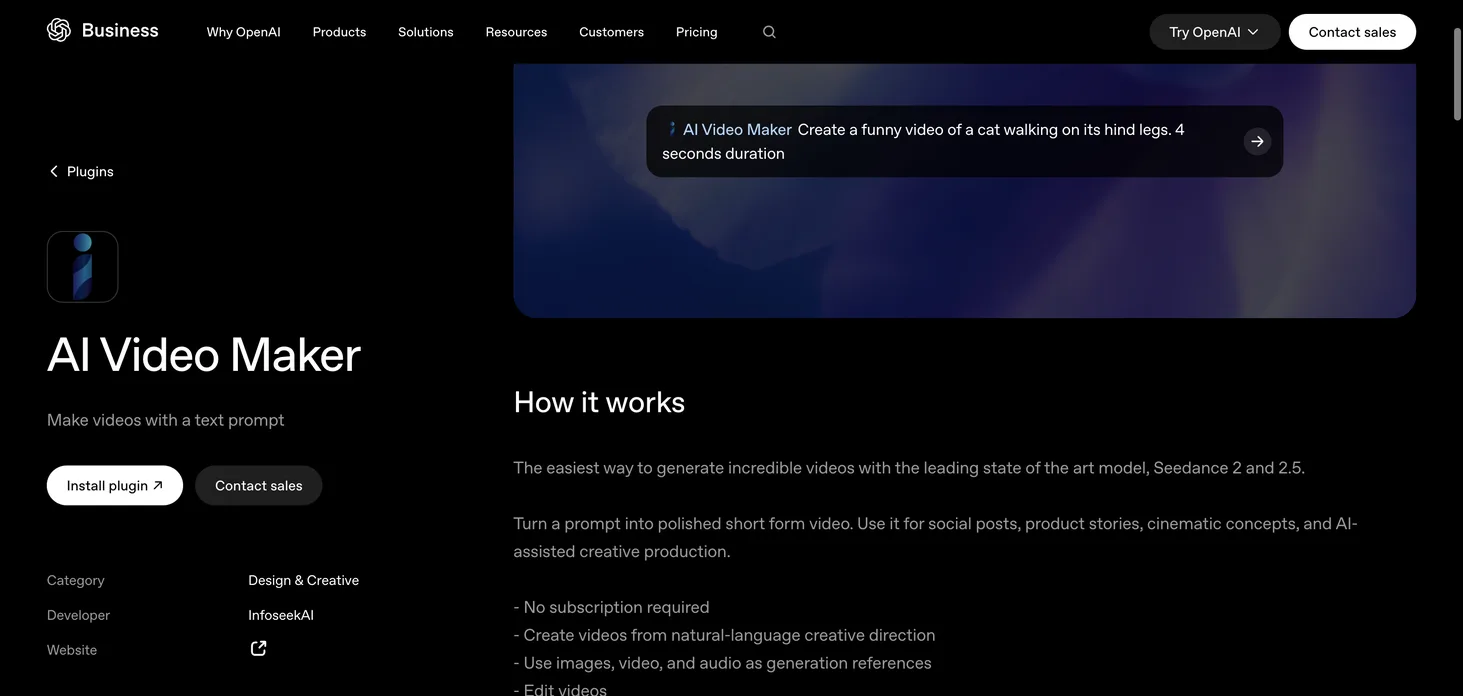
- AI Video Maker (developer InfoseekAI). OpenAI’s listing says it uses “the leading state of the art model, Seedance 2 and 2.5,” takes images, video and audio as references, edits and extends clips, and has “no subscription required” with “usage based pricing” that depends on resolution and length. In other words, not free: you pay per clip.
- invideo. An editor rather than a model. Its listing says ChatGPT can assemble a cut from your footage, grade color, mix sound, build motion graphics and “generate any media you are missing,” then export the finished video. It needs an invideo account.
OpenAI’s pages say plugin availability “depends on the plugin, your plan, and workspace settings,” so check the plugin list in your own account before paying for anything. We did not run either plugin for this article.
What are the best Sora alternatives in 2026?
The useful question is not “which model is best” but “what is the clip for.” This is how the main options compare for the jobs people used Sora for:
For a wider list, see our best AI image to video generators and the AI video generators for real estate roundup. If you pick Gemini, our Gemini video prompts show the clip each prompt produced; for Kling, the Kling prompts for interiors; and our Veo 3 guide for listings covers Google’s model before Omni.
How do you make a room video without Sora?
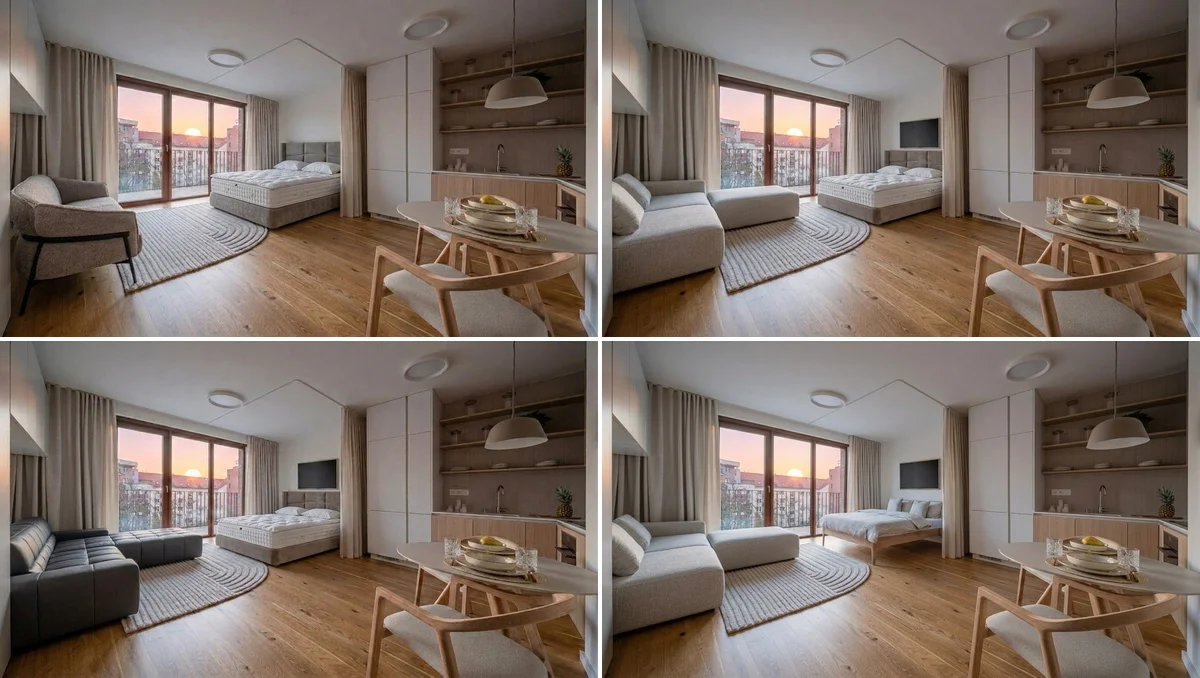
This is the part where we talk about our own tool, so weigh it accordingly. MeltFlex AI does not have its own video model. Our video walkthrough sends your photo and a camera move to Google’s Gemini Omni 1.1 Flash by default, the same model family as the Gemini app, and you can switch the engine to Kling 3 or Seedance 2 at the same credit price. What we add is the interior part: a gallery of camera moves we tested on real rooms, a prompt that keeps the room as photographed, and the redesign step before it.
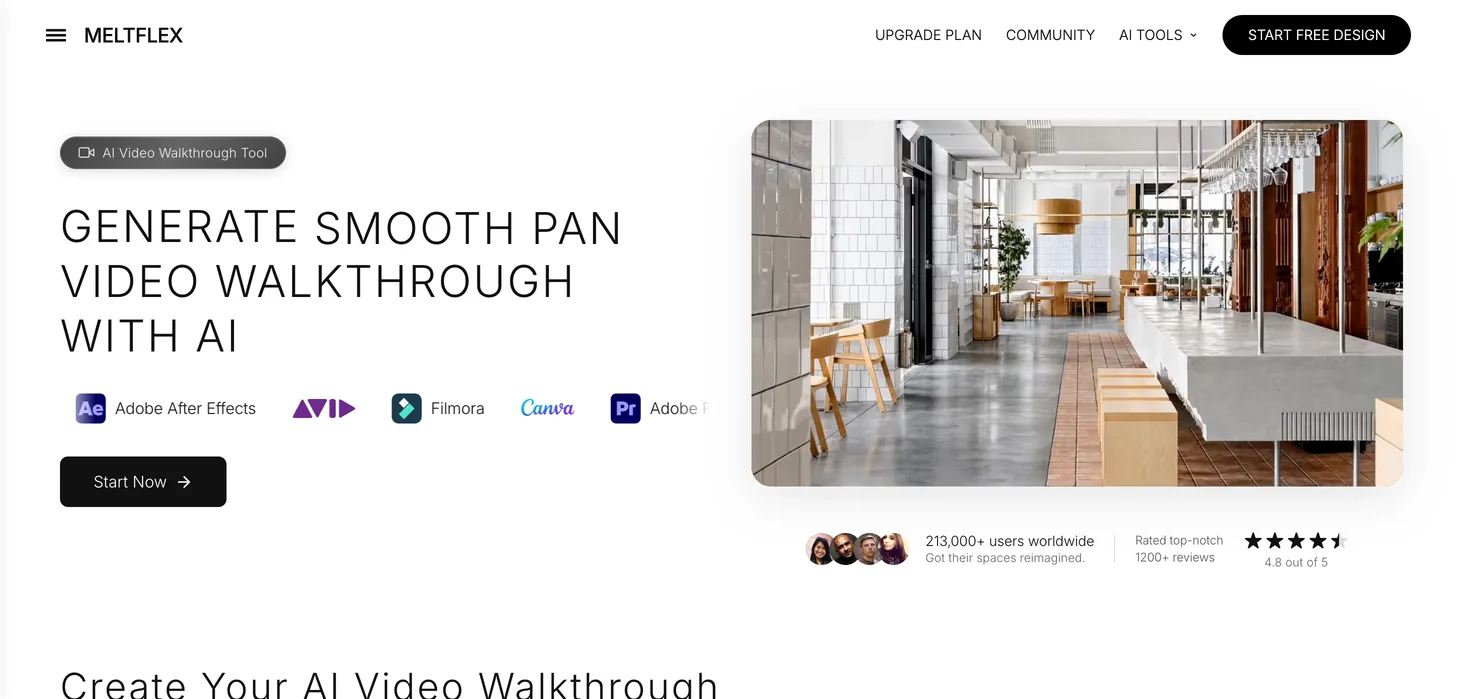
- Start from a photo or a redesign. Upload the room as it is, or first restyle it in the AI room designer with real furniture you can buy. If you only have a plan, floor plan to 3D gives you a render to start from.
- Pick one camera move. A gentle push-in, a sideways slide or a small arc. Big moves are where every model, Sora included, starts inventing rooms.
- Choose 4 or 8 seconds. A 4 second clip costs 100 credits and an 8 second clip 150, on the Pro and Enterprise plans. If your very first generation on MeltFlex is a video, it costs 10 credits.
The clip above is the push-in from our tool’s shot gallery. Honest label: it was made in August 2026 with Veo 3.1 Fast, the Google model our tool used before Gemini Omni replaced it in October; we have not swapped the gallery clips yet. This is the prompt our app sends Omni today for the same move:
“A 4-second video. Use the uploaded image as the first frame. Cinematic camera motion only: a gentle centered push-in of about ten percent, slow and steady, no pan, no tilt, no roll. Keep everything in the image exactly as it is, like MeltFlex AI interior design does: nothing is added, removed or changed, no geometry warp. Keep vertical lines straight. Quiet ambient sound.”
When is MeltFlex the wrong choice? If you want a funny clip of a cat, a talking avatar or anything that is not a space, use Gemini or a general model. If you only need one clip of a photo you already have, Gemini AI Plus at $4.99 is far cheaper than our Pro plan. MeltFlex earns its price when the video is the last step of a room you are redesigning, staging or selling. For listings, read the virtual staging disclosure rules first: a clip that adds furniture to a real home has to be labelled.
Can you still use ChatGPT to write video prompts?
Yes, and it is good at it. Ask it for one camera move with a size, not a story. This is the request we would type:
“Write a 4 second video prompt for this room photo. Describe one slow camera move with a size, for example a push-in of about ten percent, and nothing else. Keep the room exactly as photographed, like MeltFlex AI does: no new objects, no layout changes, vertical lines straight. Do not describe furniture that is not in the photo.”
Paste the result into Gemini, Kling or MeltFlex. The last sentence is the important one: our tests showed that every object you name in a video prompt is treated as a suggestion to draw it. Our real estate video prompts post has 29 tested camera prompts and the ones that failed, and AI video generators for interior design compares the tools on the same room.
How we checked this
- Sora dates, export and credits: OpenAI help center, “What to know about the Sora discontinuation,” read 13 November 2026.
- Plugins: OpenAI’s plugin pages for AI Video Maker and invideo, read 13 November 2026. We did not test either plugin.
- The shutdown statement: Engadget, 24 March 2026, quoting an OpenAI spokesperson and the Sora team’s post.
- Search demand: Ahrefs Keywords Explorer, US, 13 November 2026: “can chatgpt make videos” about 5,100 searches a month, “chatgpt video generator” about 2,900, “what happened to sora” about 1,000, “sora alternative” about 600.
- MeltFlex prices and model: from our own product and code, November 2026. Google plan prices from gemini.google, US, 13 November 2026.
Frequently asked questions
Can ChatGPT make videos?
Not by itself any more. ChatGPT made video through Sora, OpenAI's video model, and OpenAI discontinued the Sora web and app experiences on April 26, 2026 and the Sora API on September 24, 2026. In November 2026 ChatGPT can still write a video script or prompt, and third party plugins such as AI Video Maker (Seedance) or invideo can generate a video from inside a chat.
What happened to Sora?
OpenAI announced on March 24, 2026 that it was shutting Sora down. A spokesperson told Engadget the company had decided to discontinue Sora in the consumer app and API because of growing compute demand, and that the Sora team would focus on world simulation research for robotics. The app and website closed on April 26, 2026 and the API on September 24, 2026.
Does OpenAI still have a video model?
Not one you can use. Sora and Sora 2 were OpenAI's video models, and both went with the Sora shutdown. OpenAI's help center says purchased ChatGPT or Sora credits can now be used for Codex instead.
Is there a free ChatGPT video generator?
Not from OpenAI. The AI Video Maker plugin listed on OpenAI's site says no subscription is required but charges per video based on resolution and length, and invideo needs its own account.
What is the best Sora alternative?
It depends on the clip. For general text to video, Google's Gemini Omni (from $4.99 a month on Google AI Plus in the US), Kling and Seedance are the main options. For a video of a room or a property from a photo, a tool built for interiors such as MeltFlex AI keeps the room as photographed and lets you redesign it first.
Can I still download my Sora videos?
OpenAI's help center says you can export Sora content at sora.chatgpt.com/sunset by clicking Export, and that it will email you when the file is ready. It also says that after any final export window, OpenAI will permanently delete Sora data, so export as soon as possible.
Can ChatGPT turn a photo of my room into a video?
Not natively. ChatGPT can edit or restyle a room photo as an image, but the video step needs another tool. MeltFlex AI turns a room photo into a 4 or 8 second walkthrough clip on the Pro plan, using Google's Gemini Omni model by default (Kling 4 and Seedance 2.5 are in the same menu), and the Gemini app can do the same on a paid Google AI plan.
Sources
- OpenAI Help Center, What to know about the Sora discontinuation: app and web discontinued April 26, 2026, API September 24, 2026, export at sora.chatgpt.com/sunset, credits usable for Codex, read 13 November 2026.
- OpenAI, AI Video Maker plugin for ChatGPT: InfoseekAI, Seedance 2 and 2.5, usage based pricing, read 13 November 2026.
- OpenAI, invideo plugin for ChatGPT: generate, edit and export video from ChatGPT, read 13 November 2026.
- Engadget, OpenAI is shutting down its Sora video generation app, 24 March 2026.
- Google, Gemini subscriptions: Google AI Plus $4.99 a month in the US, read 13 November 2026.
Audio version by MeltFlex AI
Listen to this article
Prefer to listen? Matthew and Bryan, the founders of MeltFlex AI, talk through Can ChatGPT Make Videos? What Changed After Sora (2026) in about 15 minutes. The voices are AI-generated. Every section is a chapter, so you can jump straight to the part you need while you browse rooms or sketch a layout.
Chapters (9)
More narrated articles on AI Interior Design MeltFlex