Kling does the one thing that matters for property and design work: you hand it a still of a room and it hands back a moving shot of that room, with more control over the shot than most rivals expose. This guide is 48 copy-paste prompts for that job, split into interiors, listings and architecture, plus the two settings that decide whether the shot survives.
Our articles are still written by humans!
Get human written articles in your Google feed.
Start with those settings, because they cost people more takes than bad prompts do. Kling's negative prompt field is not empty. It ships with "blur, distort, and low quality" already in it. The moment you type your own negatives, you replace that line rather than add to it, so writing "no people" quietly deletes the anti-blur guard you were relying on. The second is cfg_scale, which defaults to 0.5 and controls how tightly the model obeys you. Neither appears in most of the prompt guides ranking for this topic.
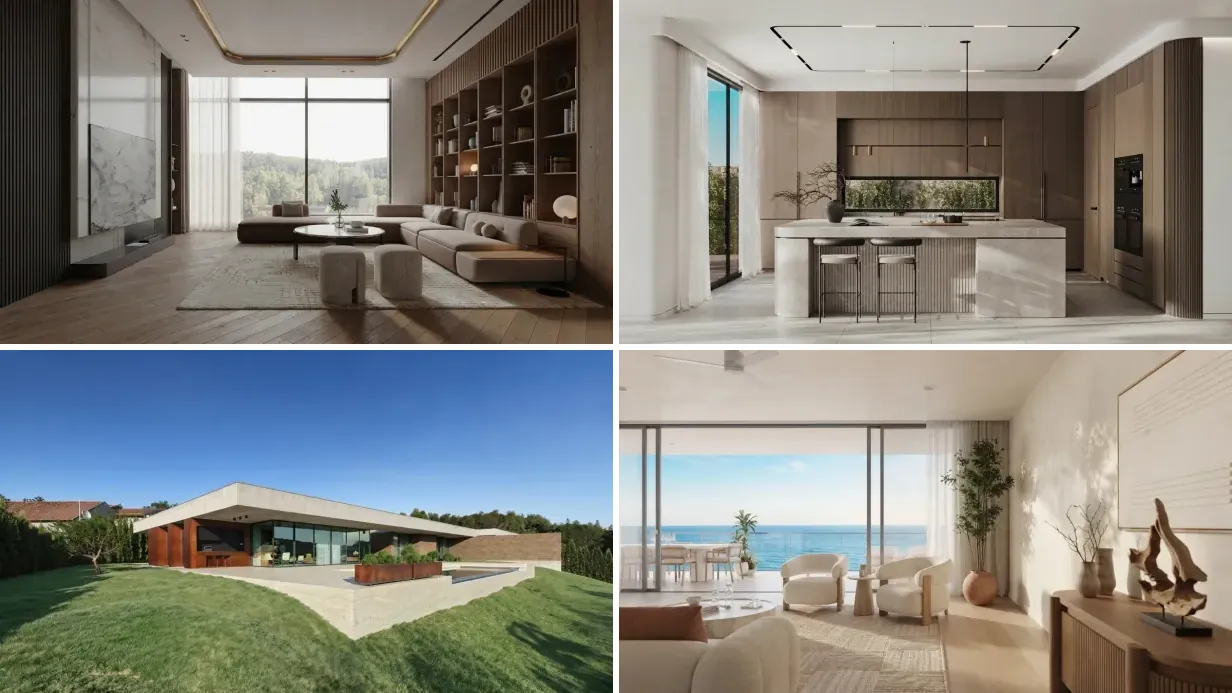
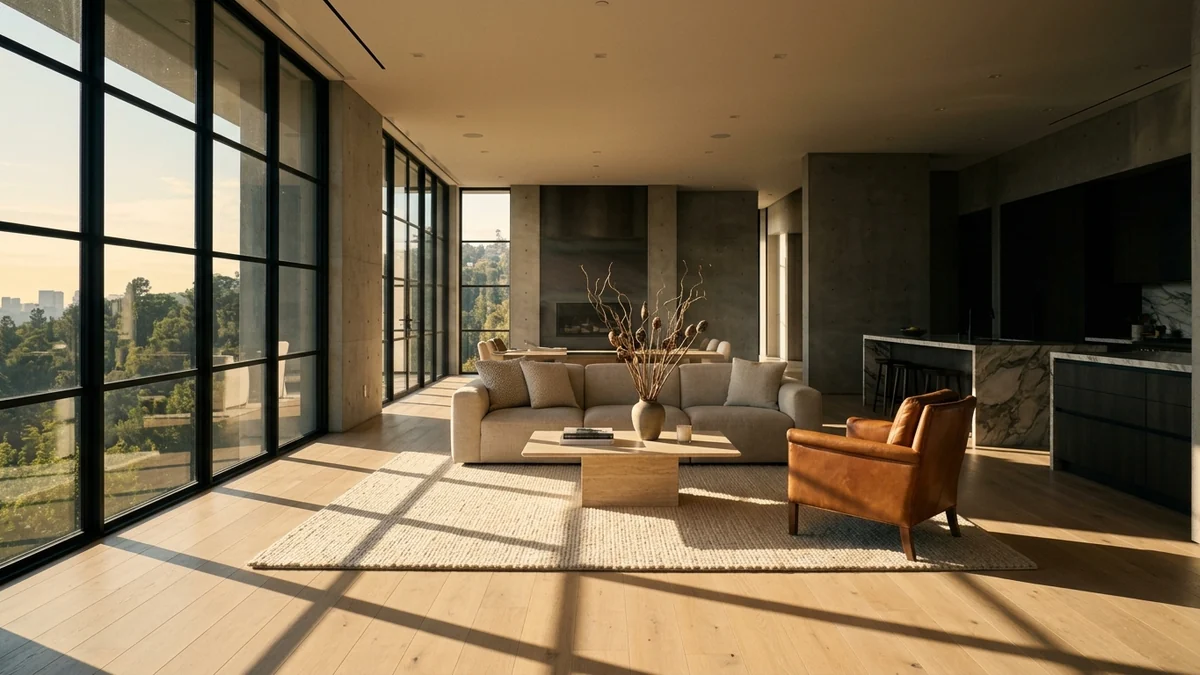
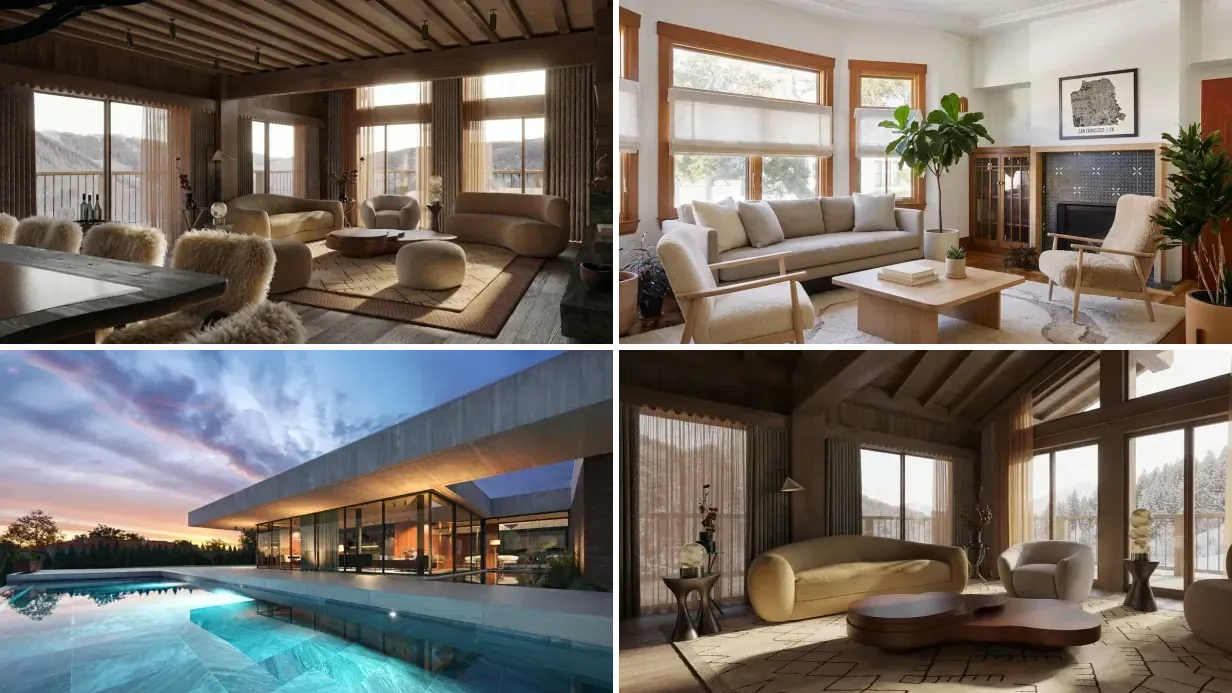
A note on the pictures. Every room and building below comes from our creations gallery, made in MeltFlex by three real users: an alpine chalet interior by Klara S., a living room by James P. who had just got the keys to the place, and a concrete pool house by Tomas F. They are here as start frames, the stills you would feed Kling, not as screenshots of Kling output. Showing the input is the honest version, because the input is the half you actually control.
FreeUpload photo · freeRedesign my room for freeUpload a photo and let MeltFlex design your space. Your first AI design is free, no card needed.


The 60-Second Version
- Prompt order: subject, camera move, light, negatives. Plain film language, not adjectives.
- One move per clip. Two camera moves in one prompt is the most common cause of mush.
- Carry the default negatives forward. Always start yours with blur, distort, low quality.
- Leave cfg_scale at 0.5 until the prompt is right. Raise it when geometry drifts, lower it when the shot looks stiff.
- 3 to 15 seconds per generation, 5 by default. Shorter clips drift less.
- Set the end frame too. Image-to-video takes a first and a last frame, which is how you stop the camera where you want it.
- Audio is on by default. Turn it off or you will publish a listing video with invented footsteps.
Who Writes the Kling Prompt Guides You Are Reading
Worth knowing before you copy anything. We went through the first page of results for this exact search. Three of the top results are prompt marketplaces, which is to say businesses whose product is the prompt itself. The rest are blogs run by rival video tools, plus Kling's own documentation.
That does not make them wrong. But a prompt marketplace has no reason to tell you that six good prompts and two settings will cover almost everything you need, and a rival tool's blog has no reason to tell you when Kling is the right answer. Neither has any reason to mention the negative prompt default, because that is a reason to stop buying prompts.
We sell neither prompts nor a video model. MeltFlex makes the image half: you upload a photo of a room and get back a staged or restyled version of it. Our incentive is that you arrive at the video step with a frame worth animating, whichever model you then use. So this guide is organised around what fails and what each setting actually does, and it says plainly further down where Kling is the wrong choice.
Author note: I spent eight years with property developers in London before co-founding MeltFlex, and the listing prompts below are written for the shots that sell a flat rather than the shots that win an AI film competition. Those are not the same brief.
The Four Settings That Actually Change the Shot
Read off the live Kling v3 API schema rather than a marketing page. If you drive Kling through the web app the labels differ, but the same four levers are underneath.
Two more worth knowing: image-to-video accepts both a start frame and an end frame, so you can pin where the camera finishes instead of hoping, and a multi-shot prompt list lets you describe several shots inside one generation rather than stitching clips afterwards.
Which Kling Version to Use
People still search for 2.1 and 2.6 prompt structures, and the prompts in this guide work on all three, because the structure did not change. What changed is fidelity and how much the model invents. Kling 3.0 is the current line and the one these were written against. If you are on an older plan tier that still exposes 2.6, the prompts transfer, but expect to raise cfg_scale a little to hold geometry.
Interior Reveal and Camera Move Prompts (1 to 12)
These twelve are the workhorses. Every one names a single move, a single light behaviour and a negative list that starts with Kling's own defaults. If you only learn two, learn 1 and 5.
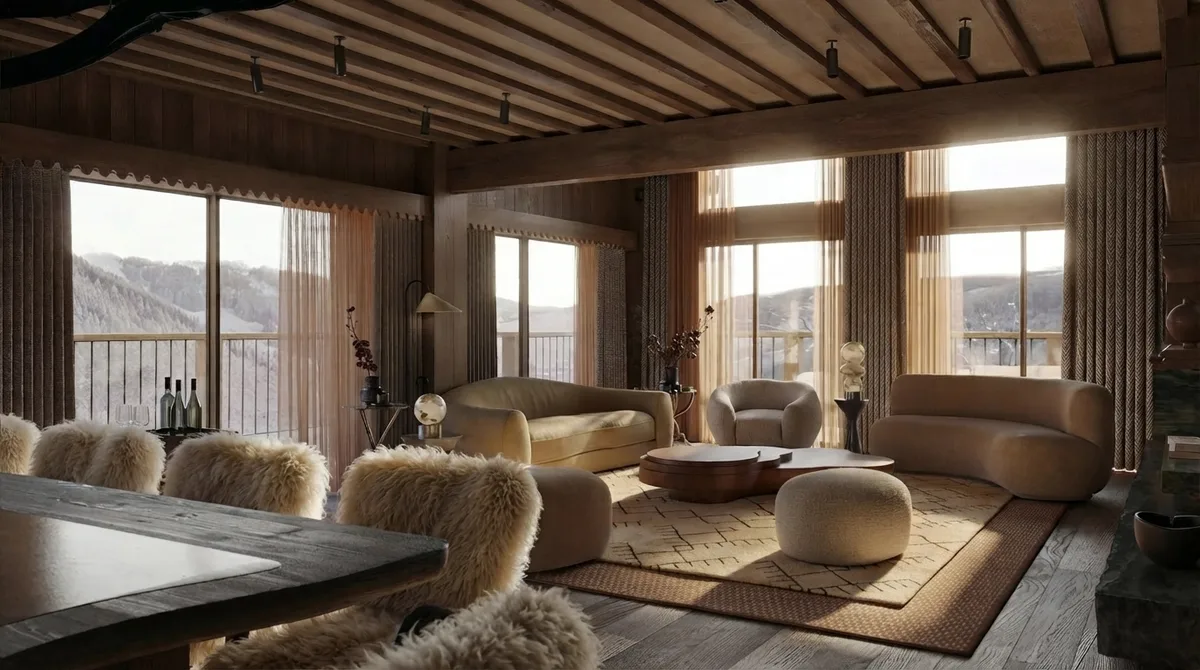
1. The Slow Push-In
"Slow dolly forward through a bright living room toward the window wall, eye-level, gimbal smooth, constant speed, warm afternoon daylight moving across the floor, photorealistic. Negative: blur, distort, low quality, people, pets, text, watermark, camera shake."
2. The Doorway Reveal
"Camera crosses a doorway and the room opens up, slow forward tracking from the door frame to a wide view of the full room, gimbal smooth, soft daylight from the left, photorealistic. Negative: blur, distort, low quality, people, moving doors, furniture drifting, text."
3. The Corner Orbit
"Slow 30 degree orbit around a seating group at eye level, constant radius, gimbal smooth, diffused daylight, furniture completely static, photorealistic. Negative: blur, distort, low quality, people, furniture rotating, furniture changing shape, warped legs."
4. The Ceiling to Floor Tilt
"Slow tilt down from a timber beamed ceiling to the floor, then settle, camera otherwise static, even ambient light, high material detail on wood grain and stone, photorealistic. Negative: blur, distort, low quality, people, bending ceiling beams, wobbling lines."
5. The Static Hold With Living Light
"Locked-off wide shot of a furnished room on a tripod, camera does not move at all, sunlight travels slowly across the back wall, one plant leaf shifts, everything else perfectly still, photorealistic. Negative: blur, distort, low quality, people, camera movement, object movement, flicker."
Prompt 5 is the one nobody writes and it is the safest shot in the set. A locked-off frame gives the model almost nothing to invent, which makes it the closest thing to a guaranteed usable take. When a client needs something today, shoot this one first.
6. The Pull-Back Reveal
"Close-up on a coffee table detail, slow dolly back and slight rise to reveal the whole living room, one continuous move, soft daylight, photorealistic. Negative: blur, distort, low quality, people, morphing furniture as it enters frame, duplicated objects."
7. The Window Pull
"Wide shot held for one second, then a slow push toward the window until the view outside fills the upper third, sheer curtains drifting very slightly, light strengthening by one stop, photorealistic. Negative: blur, distort, low quality, people, lens flare, camera shake, warped window frames."
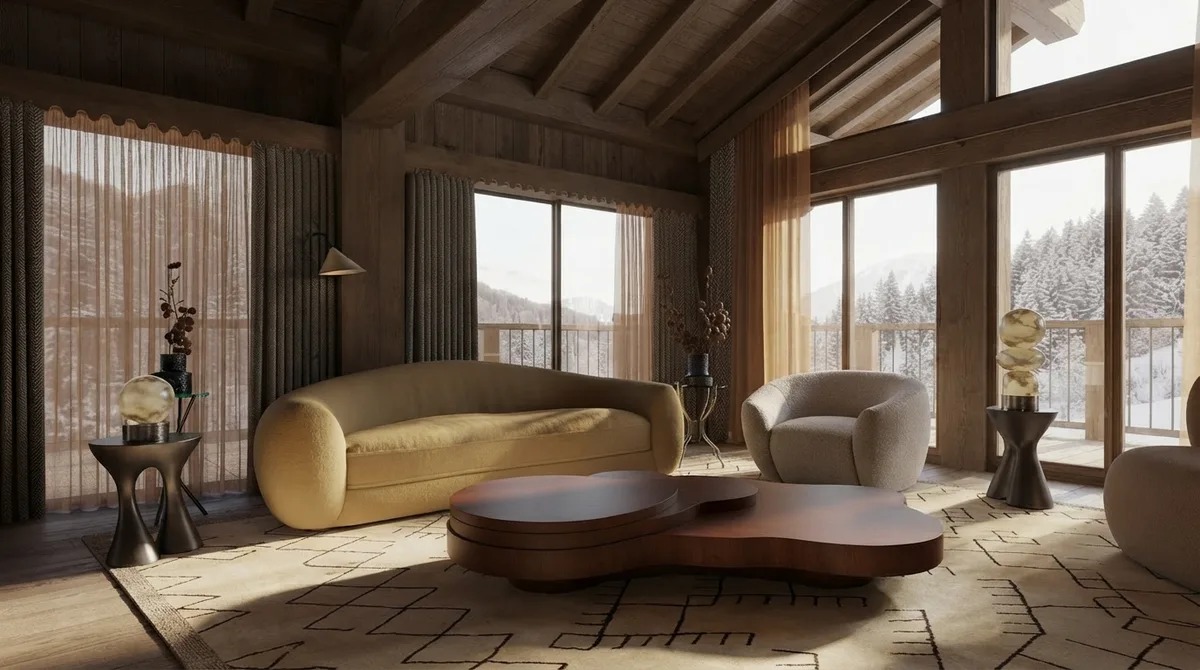
8. The Threshold Pass
"Slow lateral tracking left to right through an open plan space, passing the dividing wall so the living zone hands off to the dining zone in one unbroken move, deep depth of field, daylight, photorealistic. Negative: blur, distort, low quality, people, cut, speed change, floor pattern shifting."
9. The Low Glide
"Camera glides forward at knee height across a rug toward a fireplace, very slow, gimbal smooth, warm firelight in the distance, shallow depth of field, photorealistic. Negative: blur, distort, low quality, people, rug pattern morphing, floating furniture."
10. The Rack Focus Detail
"Static close-up on a stone surface in the foreground, rack focus from the foreground texture to the furniture behind, no camera movement, soft window light, photorealistic. Negative: blur, distort, low quality, people, focus hunting, breathing lens."
11. The Ceiling Feature Rise
"Slow vertical rise from floor level up to a feature ceiling, camera holds level, no tilt change, even skylight, high detail on the timber structure, photorealistic. Negative: blur, distort, low quality, people, ceiling geometry bending, beams multiplying."
12. The Two Room Handoff
"One continuous walk-through at chest height from a living room into a kitchen, camera keeps a constant pace and never stops, daylight throughout, photorealistic. Negative: blur, distort, low quality, people, doorway warping, room layout changing, cut."
Room by Room Prompts (13 to 24)
Each room has one move that flatters it and several that do not. Kitchens want lateral travel because the counter is a line. Bathrooms want stillness because water is the only thing that should move. Staircases want rise. Dining rooms want the table axis.
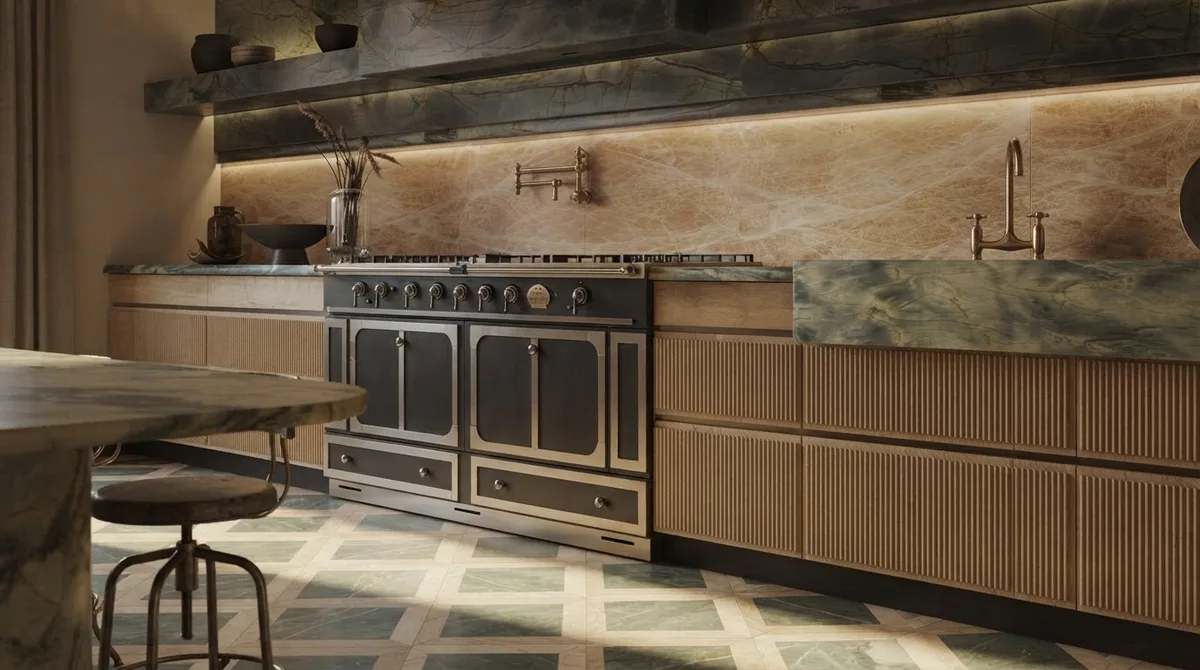
13. Kitchen Counter Dolly
"Slow lateral dolly along the length of a kitchen counter, parallel to the counter edge, gimbal smooth, morning light from the left, steam rising gently from a cup, photorealistic. Negative: blur, distort, low quality, people, hands, camera reflections in metal, cabinet handles multiplying."
14. Kitchen Island Orbit
"Slow quarter orbit around a stone kitchen island at counter height, constant radius, gimbal smooth, bright even daylight, photorealistic. Negative: blur, distort, low quality, people, island changing proportions, stool legs bending, appliances appearing."
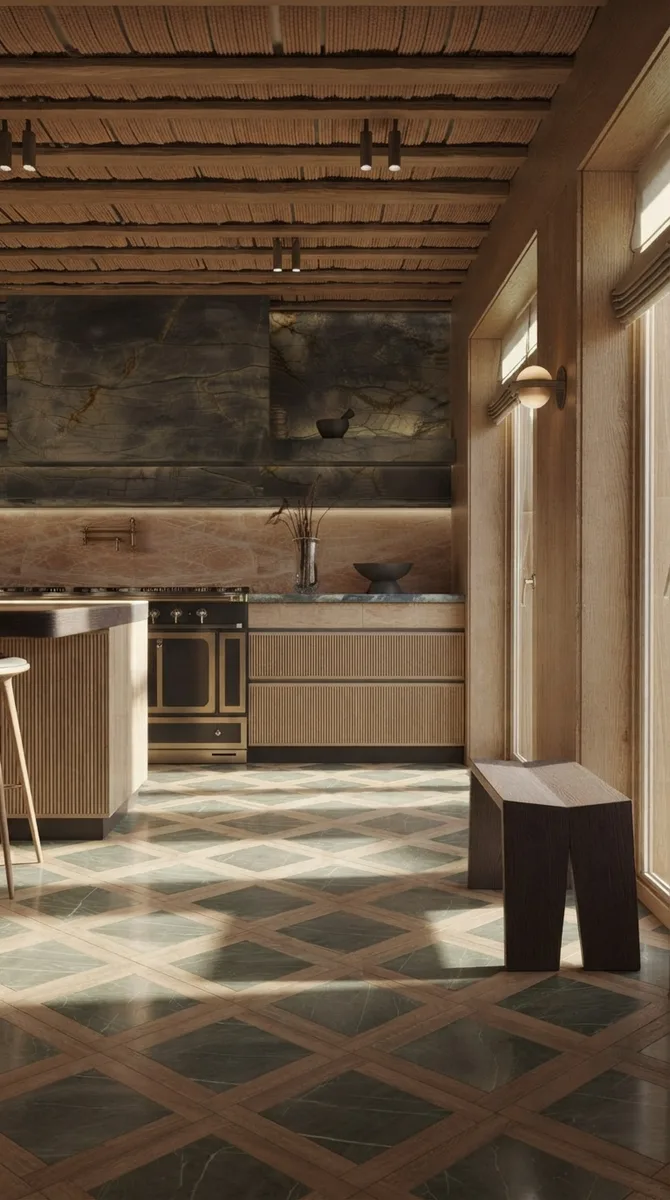
15. The Patterned Floor Test
"Slow forward dolly across a patterned stone floor toward the far door, camera at hip height, constant speed, gimbal smooth, hard daylight from a side window, photorealistic. Negative: blur, distort, low quality, people, floor pattern warping, tiles shifting size, perspective bending."
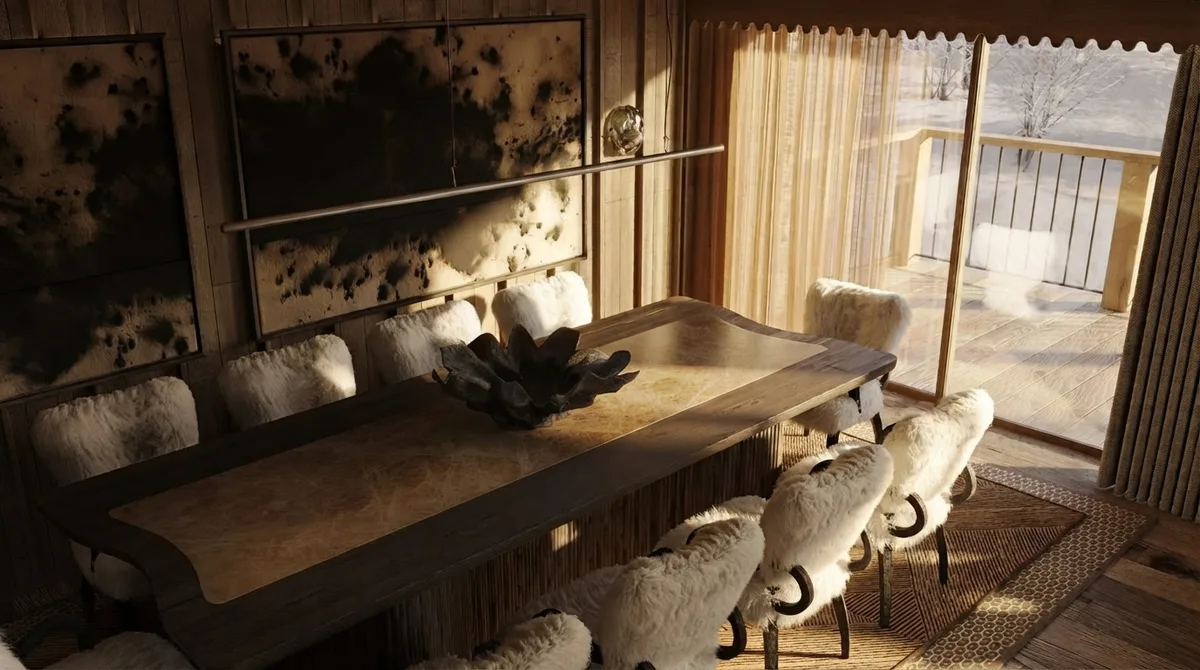
16. Dining Table Pass
"Slow lateral tracking along the length of a dining table at table height, gimbal smooth, evening interior light, candle flames flickering slowly, shallow depth of field, photorealistic. Negative: blur, distort, low quality, people, chairs moving, place settings appearing, tablecloth rippling."
17. Dining Overhead Descend
"Camera descends slowly from above a dining table toward table height, no rotation, pendant lights holding steady, warm interior light, photorealistic. Negative: blur, distort, low quality, people, pendants swinging, table shape changing, duplicated chairs."
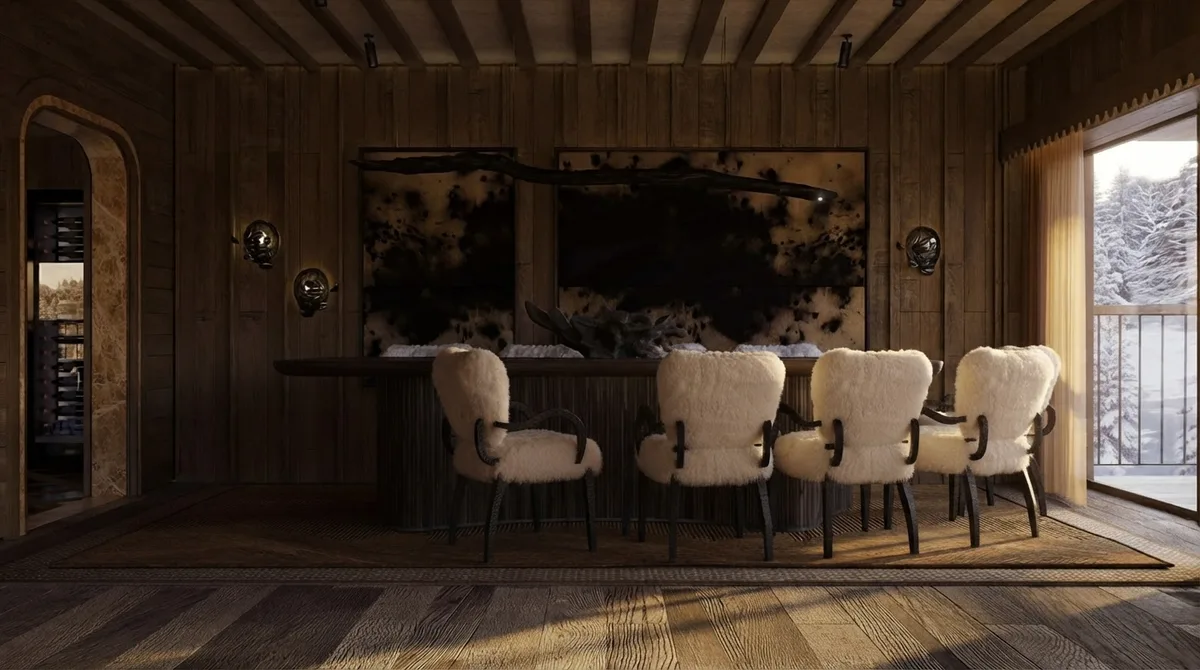
18. The Bar Counter Track
"Slow tracking shot past a bar counter with a row of stools, camera side on and parallel to the counter, gimbal smooth, warm low light, photorealistic. Negative: blur, distort, low quality, people, stools duplicating, stools changing height, bottles morphing, text on labels."
19. Bedroom Morning Wake
"Very slow push-in toward the head of a bed, gimbal smooth, light rising from dim to warm morning, one sheer curtain drifting, photorealistic. Negative: blur, distort, low quality, people, pets, bedding moving, pillows changing shape."
20. Bathroom Steam and Stillness
"Extremely slow push toward a freestanding tub, gimbal smooth, steam rising slowly from the water surface, faint ripples, everything else static, photorealistic. Negative: blur, distort, low quality, people, mirror reflecting a camera, extra doors, taps duplicating."
21. Staircase Rise
"Slow vertical rise from floor level following the line of a staircase balustrade, camera holds level, no tilt change, daylight falling from above, photorealistic. Negative: blur, distort, low quality, people, steps changing pitch, treads bending, balustrade warping."
22. Home Office Desk Settle
"Slow push-in over a desk surface, settling on the chair, gimbal smooth, mixed daylight and warm lamp light, one plant leaf shifting, photorealistic. Negative: blur, distort, low quality, people, screen content, text on the laptop, shelf lines bending, books duplicating."
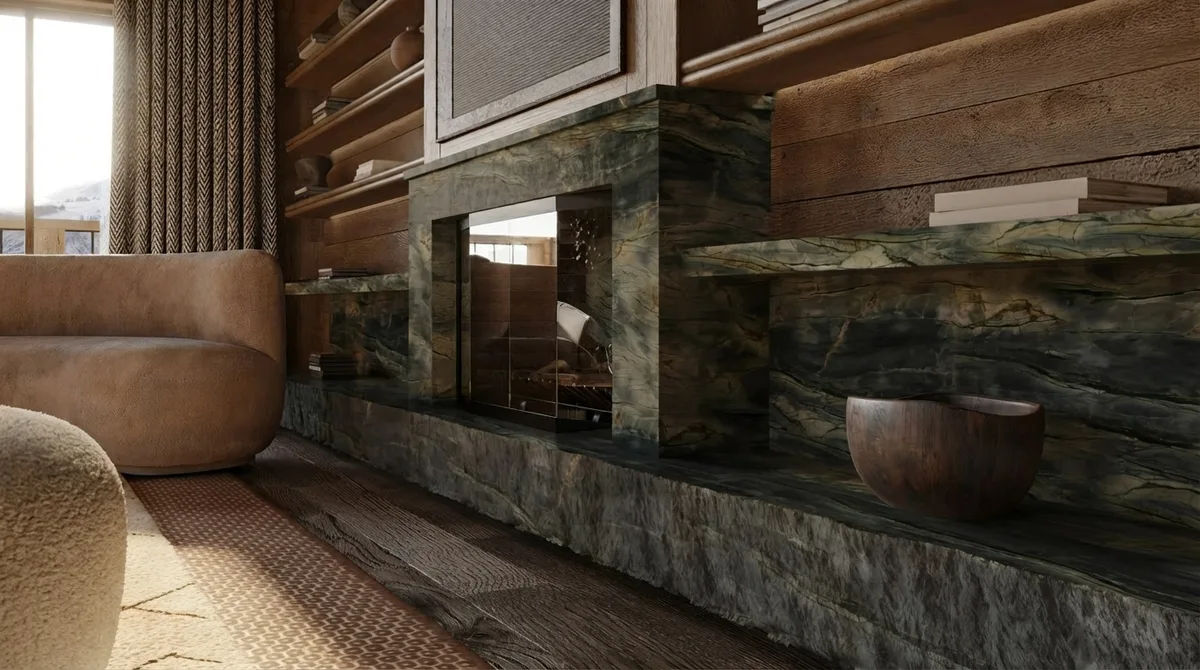
23. The Material Detail Creep
"Extremely slow push toward a marble fireplace surround, almost imperceptible movement, camera at seated height, soft raking light across the stone veining, photorealistic. Negative: blur, distort, low quality, people, veining swimming, pattern crawling, texture boiling."
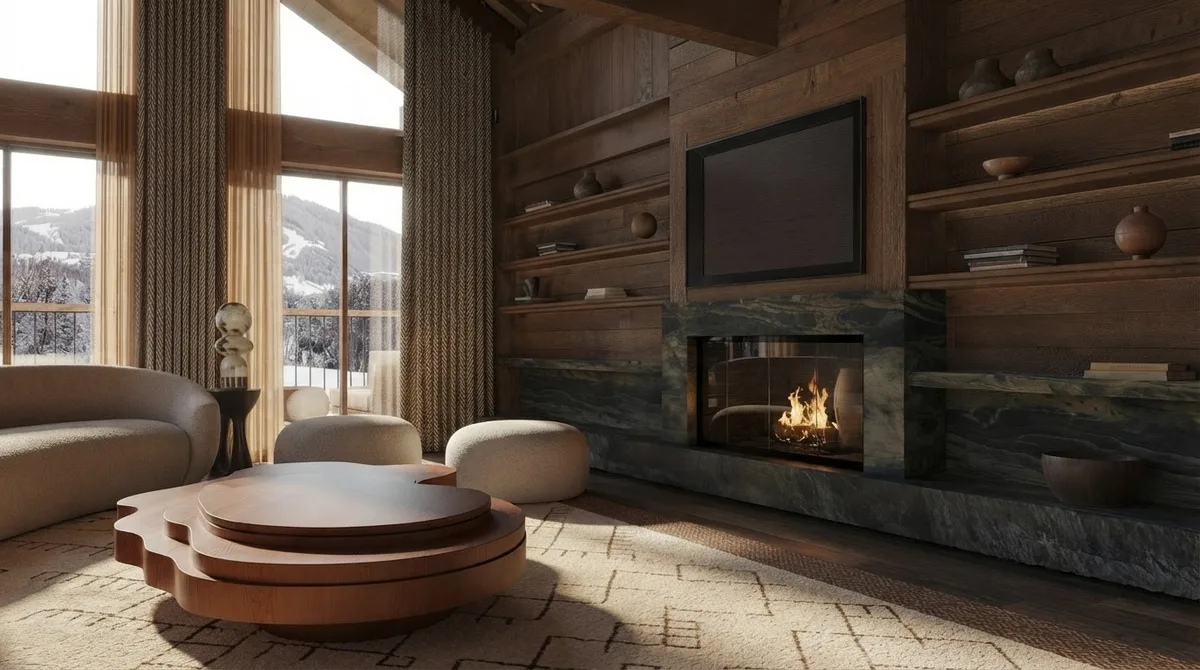
24. The Lit Fire Hold
"Locked-off medium shot of a living room with a lit fire, camera completely static, flames moving naturally, firelight flickering on the surrounding stone and ceiling, everything else still, photorealistic. Negative: blur, distort, low quality, people, furniture moving, screen content on the television, flames freezing."
Real Estate Listing Prompts (25 to 34)
A listing clip has a different brief from a design clip. It has to look like a camera walked through a real property, not like an AI dreamed one. That means restraint: small moves, no flourishes, no people, and nothing in the frame that a buyer could later say was not there. Our guide to AI video generators for real estate compares the tools; this section is the prompts.
The room below is a real one. James P. had just got the keys to a place with a fireplace and bay windows, uploaded the empty photo, and generated four furnishing options. That sequence, empty room first and staged versions after, is exactly the order a listing video should be built in.
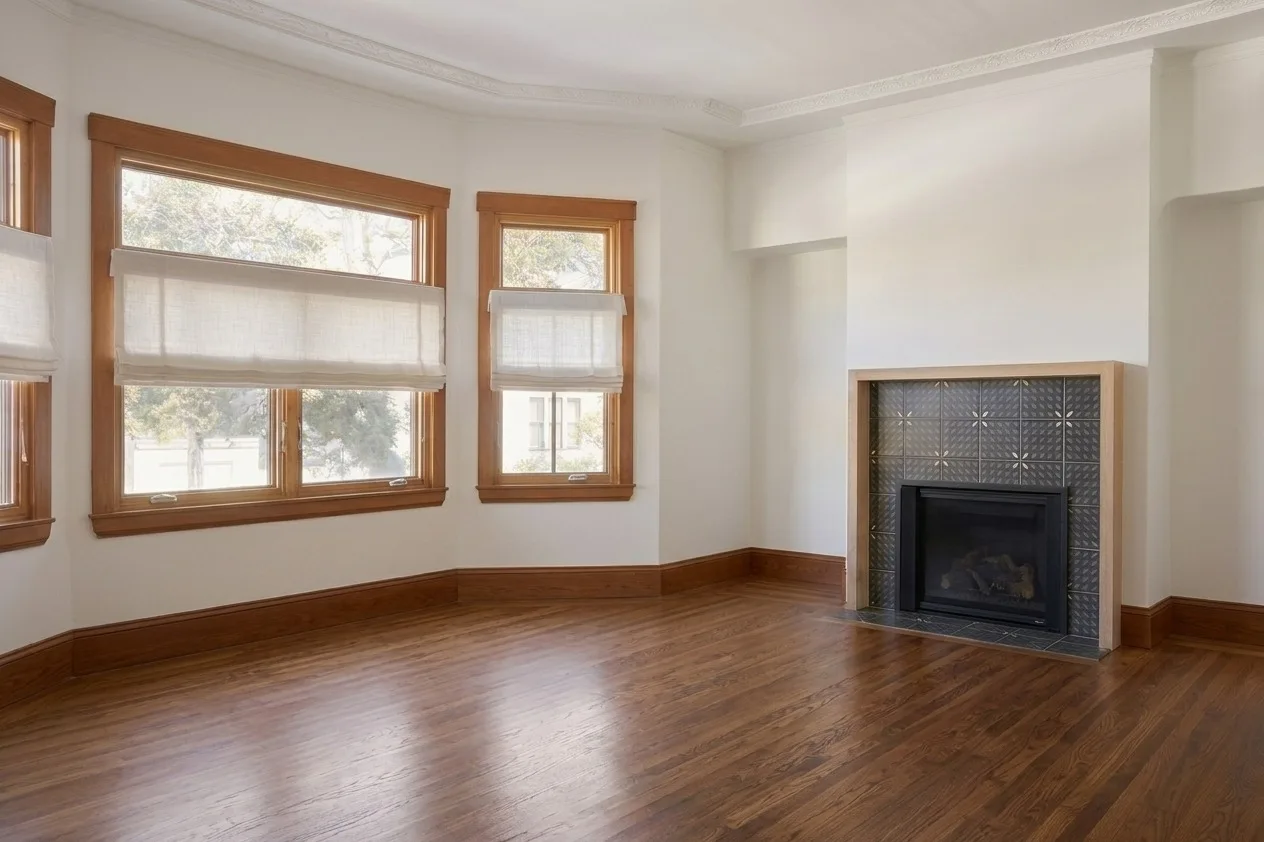
25. The Empty Room, Kept Empty
"Very slow push-in from the doorway into an empty room with bare walls and wooden flooring, sunlight moving slowly across the floorboards, dust drifting in the beam, the room stays completely empty for the whole shot, photorealistic. Negative: blur, distort, low quality, people, furniture, rugs, plants, any object appearing."
That last negative list matters more than it looks. Video models like filling empty rooms. If you want the space read as empty, say it in the prompt and ban furniture in the negatives, both.
26. The Bay Window Reveal
"Slow lateral tracking across a bay of windows from inside the room, camera parallel to the wall, gimbal smooth, daylight strengthening slightly, blinds and frames completely static, photorealistic. Negative: blur, distort, low quality, people, window count changing, frames bending, blinds moving, glare."
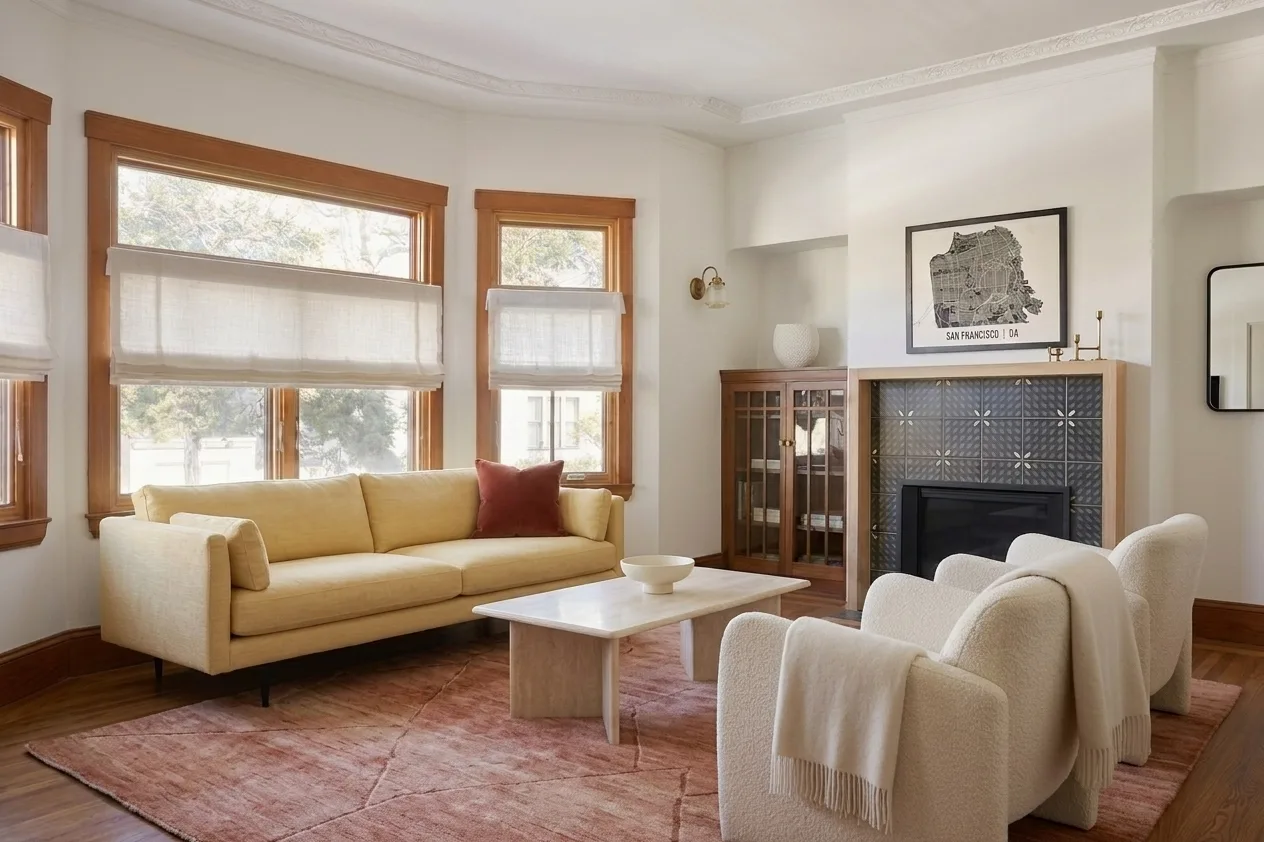
27. The Hero Opener
"Locked-off wide shot of the best room in the property held for one second, then a slow dolly forward of no more than one metre, light moving across the floor, photorealistic, premium listing look. Negative: blur, distort, low quality, people, camera shake, vignette, colour grading drift, furniture moving."
28. The Fireplace Approach
"Slow push toward a fireplace across a rug, camera at seated height, gimbal smooth, soft daylight from the windows behind the camera, photorealistic. Negative: blur, distort, low quality, people, fire appearing, mantel changing shape, tile pattern shifting."
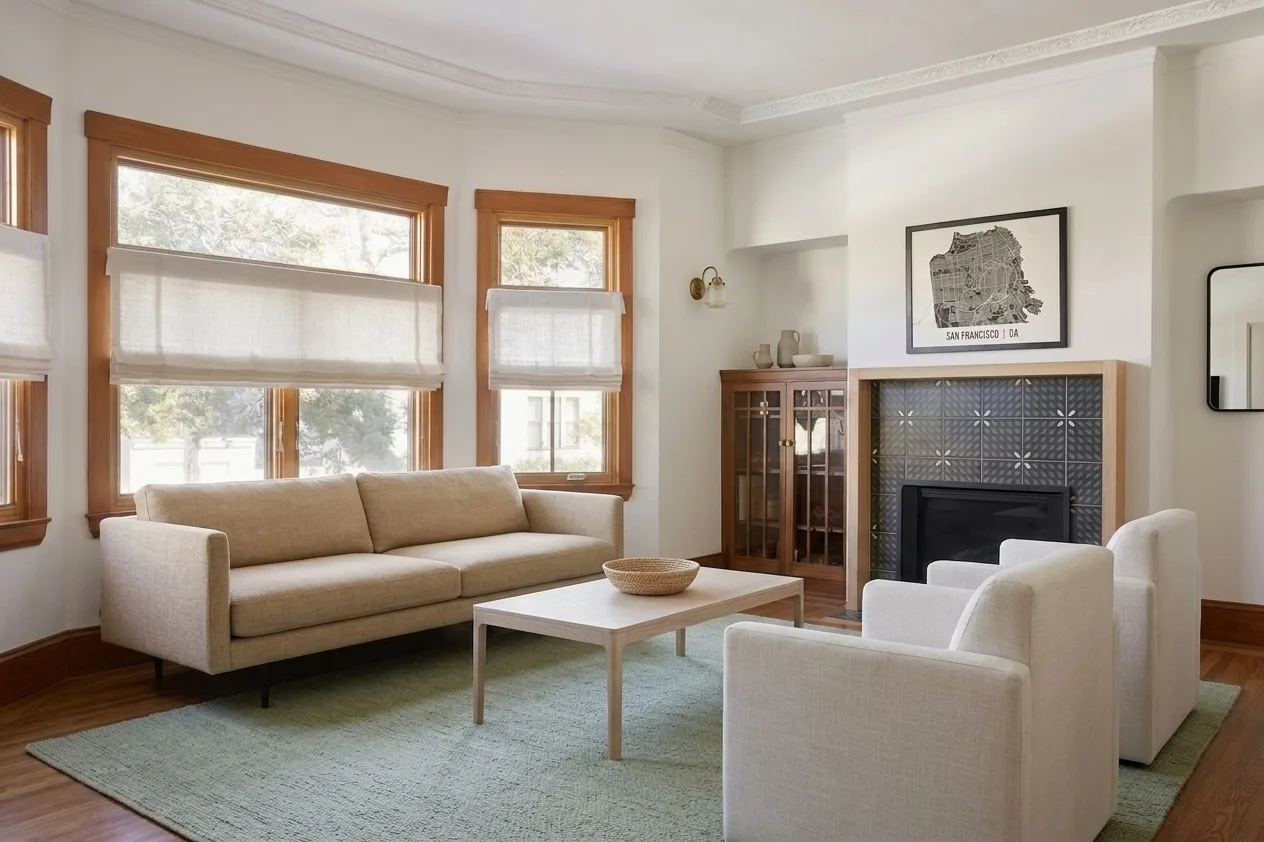
29. The Vertical Reel Cut
"Vertical 9:16 framing of a bright living room, slow push-in from the doorway toward the centre of the room, gimbal smooth, natural daylight, photorealistic. Negative: blur, distort, low quality, people, on-screen text, logos, watermark, letterboxing."
30. The Space Feels Bigger Wide
"Wide shot from the far corner along the longest diagonal of the room, slow backward dolly of half a metre to open the perspective, bright even daylight, corrected verticals, photorealistic. Negative: blur, distort, low quality, people, barrel distortion, leaning walls, fisheye, room stretching."
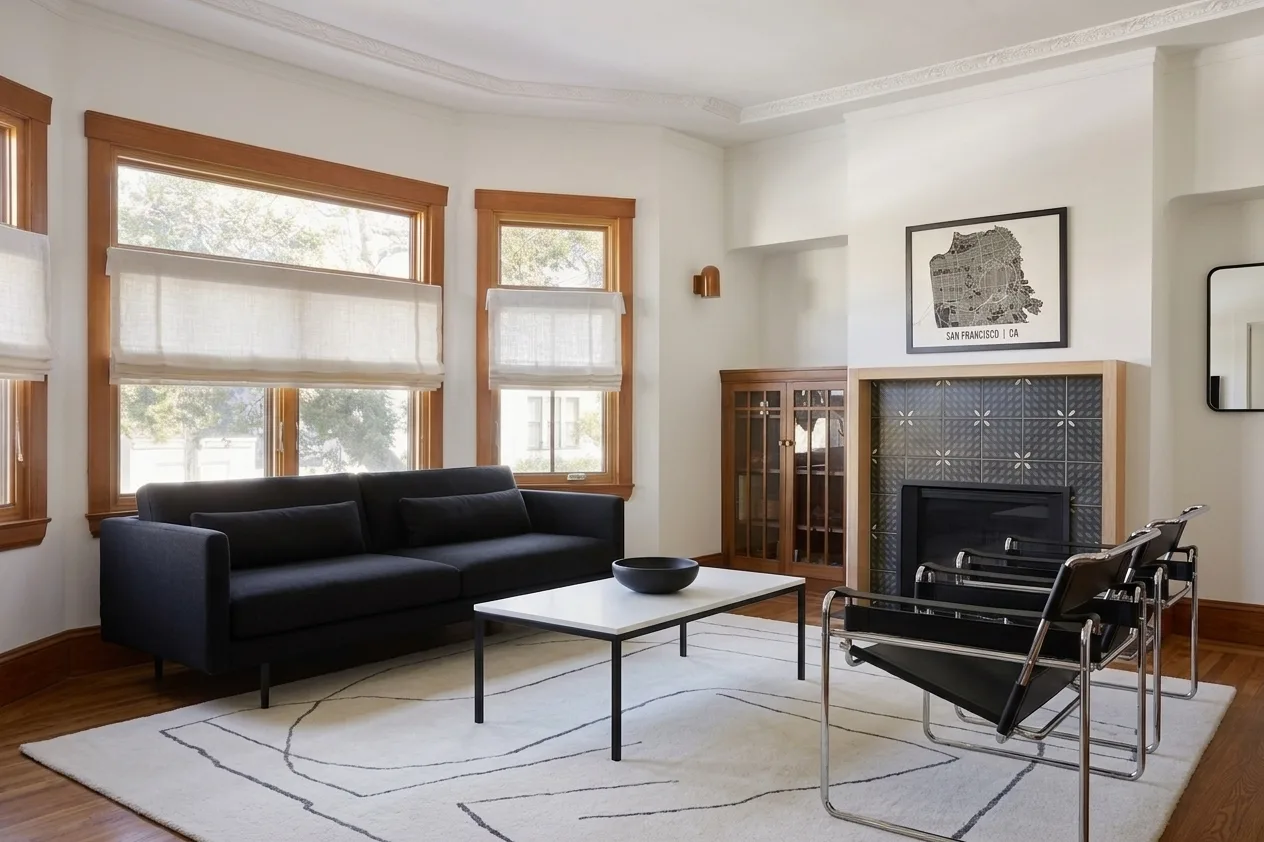
31. The Backlit Room Balance
"Slow push-in toward a window wall with dark furniture in the foreground, exposure holds steady throughout so the windows do not blow out and the furniture stays readable, gimbal smooth, photorealistic. Negative: blur, distort, low quality, people, blown highlights, exposure pumping, silhouetting, flicker."
32. The Agent-Free Tour
"Continuous slow walkthrough of a furnished apartment at chest height, gimbal smooth, constant pace, daylight throughout, only light and fabric move, photorealistic. Negative: blur, distort, low quality, people, hands, reflections of a person, pets, moving vehicles outside the window, text, watermark."
33. The Twilight Exterior to Interior
"Slow push toward a glazed opening from outside at dusk until the warm interior fills the frame, interior lights glowing steadily, sky darkening very slightly, photorealistic. Negative: blur, distort, low quality, people, vehicles, camera reflections in the glass, lights flickering."
34. The End Frame Pin
"Start on the wide view of the room and finish on the fireplace, one continuous slow forward move, gimbal smooth, constant speed, daylight, photorealistic. Negative: blur, distort, low quality, people, overshooting the end framing, camera drifting past the subject, furniture moving."
Prompt 34 is the one to use with a start and end image together. Give Kling the wide shot as the first frame and the fireplace close-up as the last, and it fills the move between them. That is far more reliable than describing the destination in words, and it is the single biggest advantage Kling has over models that only take a start frame.
Architecture and Exterior Prompts (35 to 44)
Exteriors are more forgiving than interiors, because there is less fixed geometry close to the lens and more legitimately moving material: trees, water, cloud, light. They are also where the model most wants to add cars, people and birds you did not ask for.
Honest note on demand before you invest here. Across our own search data, interior queries outpull architecture queries by roughly fourteen to one. Architecture prompts are worth writing because the shots are genuinely different, not because the audience is bigger. If you want the still-image side of this, our Midjourney architecture prompts and AI render prompts cover it.
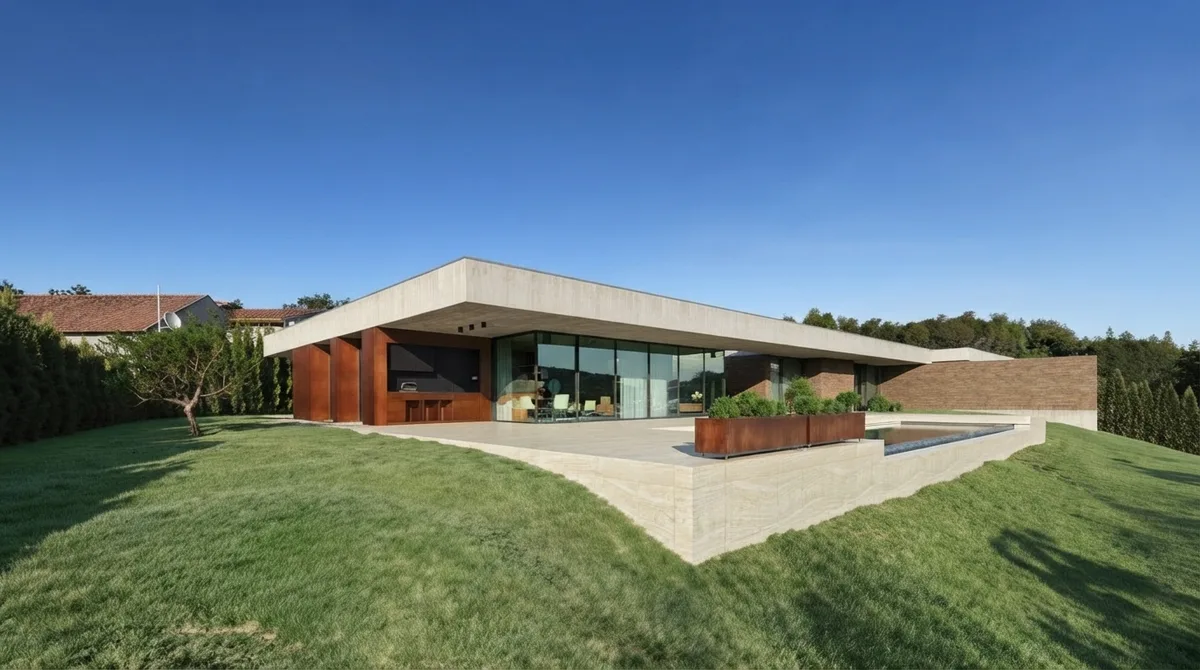
35. The Drone Approach
"High wide shot of a modern single storey house on a slope, slow drone descent and forward approach toward the main facade, constant speed, no yaw, trees moving gently in wind, clear morning light, photorealistic. Negative: blur, distort, low quality, people, cars, birds, roof lines bending, building stretching."
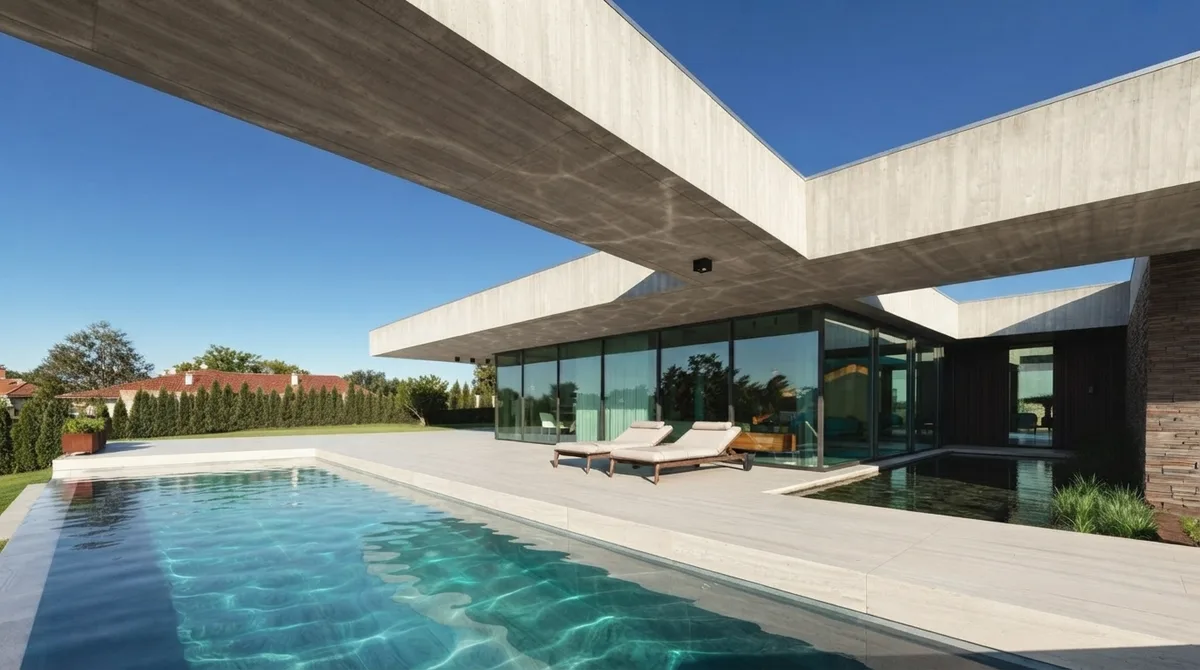
36. The Pool Glide
"Low wide shot just above the water, slow forward glide across the pool toward the house, water surface rippling slowly and reflections shifting, late afternoon light, photorealistic. Negative: blur, distort, low quality, people, splashing, floating objects appearing, reflections not matching the building."
37. The Cantilever Underpass
"Camera moves slowly forward beneath a cantilevered concrete roof, looking up along the underside, constant speed, hard sunlight and deep shade, photorealistic architectural film. Negative: blur, distort, low quality, people, roof thickness changing, soffit warping, columns appearing."
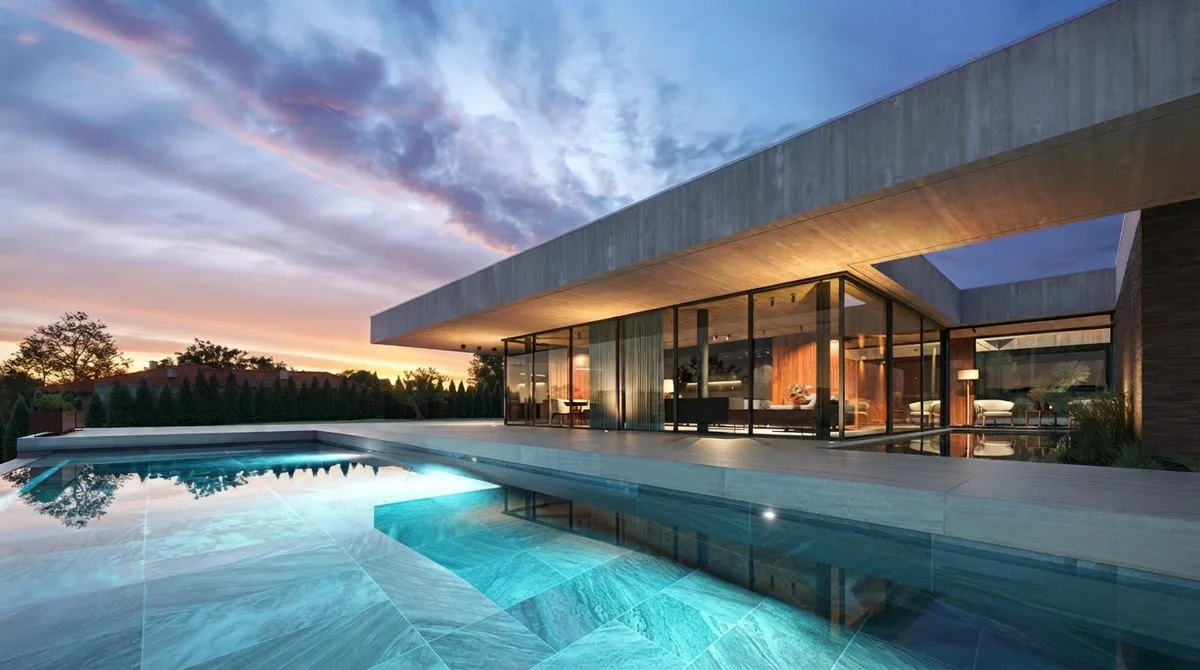
38. The Dusk Hold
"Locked-off wide shot of a house at dusk, camera completely static, interior lights glowing steadily, pool lit from within, sky colour holding, photorealistic. Negative: blur, distort, low quality, people, timelapse clouds, sky shifting, lights pulsing, camera movement."
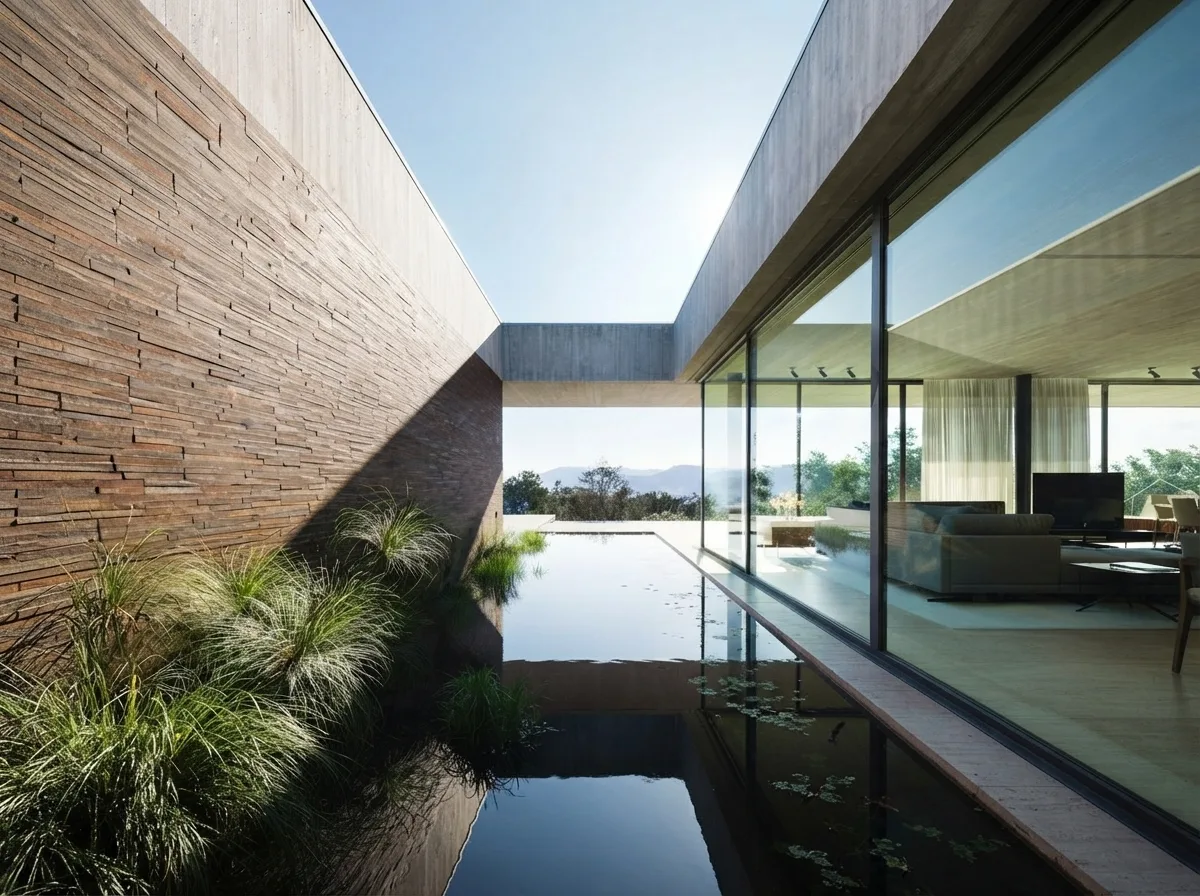
39. The Material Wall Track
"Slow lateral tracking along a stacked stone wall, camera parallel to the wall, constant speed, raking side light picking out the courses, ornamental grasses moving gently, photorealistic. Negative: blur, distort, low quality, people, stone courses shifting, texture crawling, wall length changing."
40. The Reflecting Pool Mirror
"Static low shot along a still reflecting pool beside a glazed facade, camera does not move, water almost perfectly still with the faintest ripple, reflection matching the building exactly, photorealistic. Negative: blur, distort, low quality, people, reflection mismatch, extra windows in the reflection, ripples becoming waves."
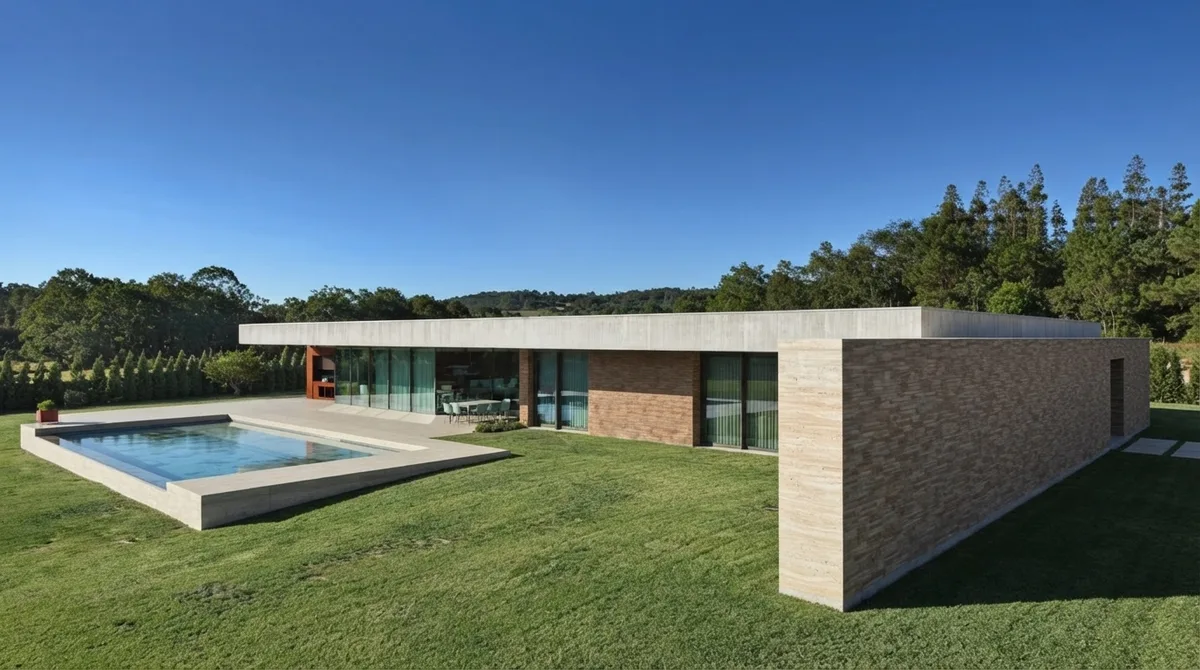
41. The Lateral Establisher
"Slow lateral dolly across a lawn revealing the full length of a low horizontal house, camera at eye level, constant speed, bright daylight, trees moving slightly, photorealistic. Negative: blur, distort, low quality, people, cars, building proportions changing, windows multiplying, horizon tilting."
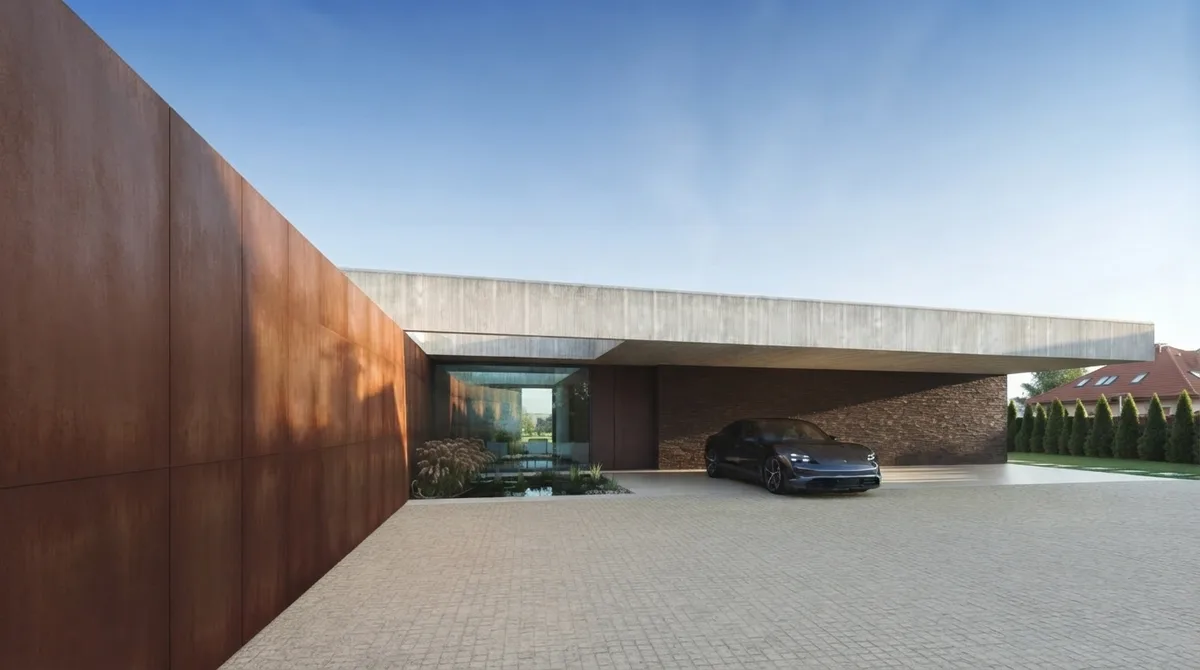
42. The Arrival Sequence
"Slow forward tracking into an entrance courtyard past a corten steel wall, camera at car height, constant speed, hard afternoon sun, photorealistic. Negative: blur, distort, low quality, people, vehicles moving, number plates, corten patina crawling, wall height changing."
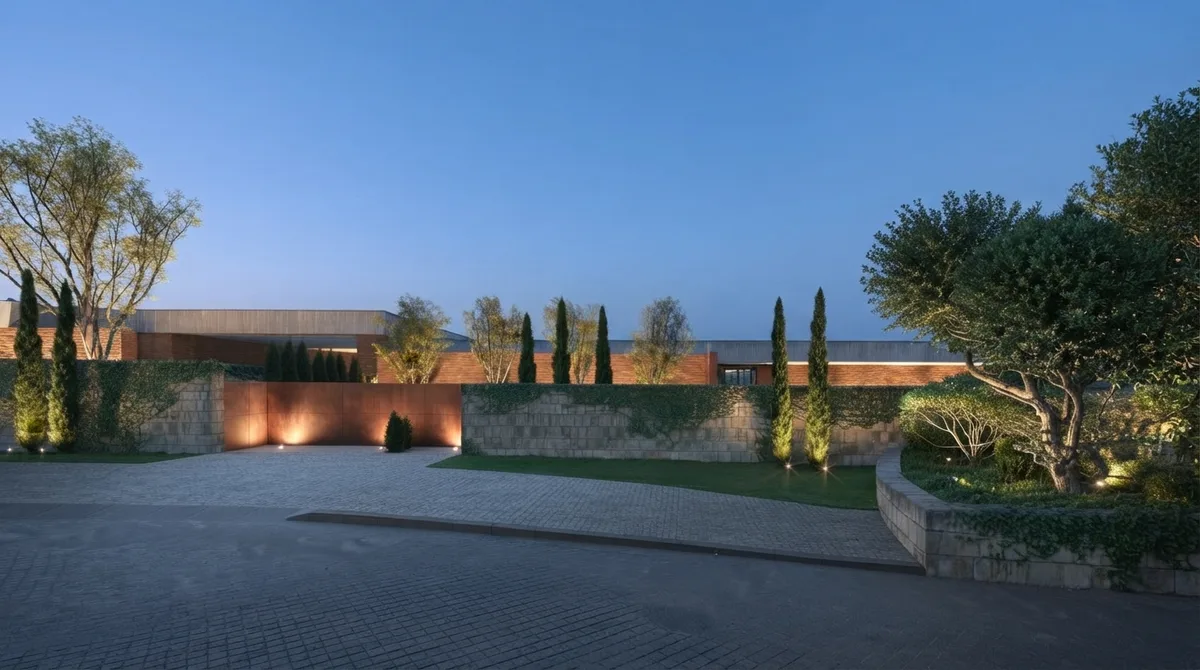
43. The Blue Hour Approach
"Slow forward move up a driveway at blue hour toward a lit boundary wall, camera at eye level, gimbal smooth, uplighting steady and unchanging, cypress trees barely moving, photorealistic. Negative: blur, distort, low quality, people, vehicles, lights flickering or moving, light pools changing shape, sky brightening."
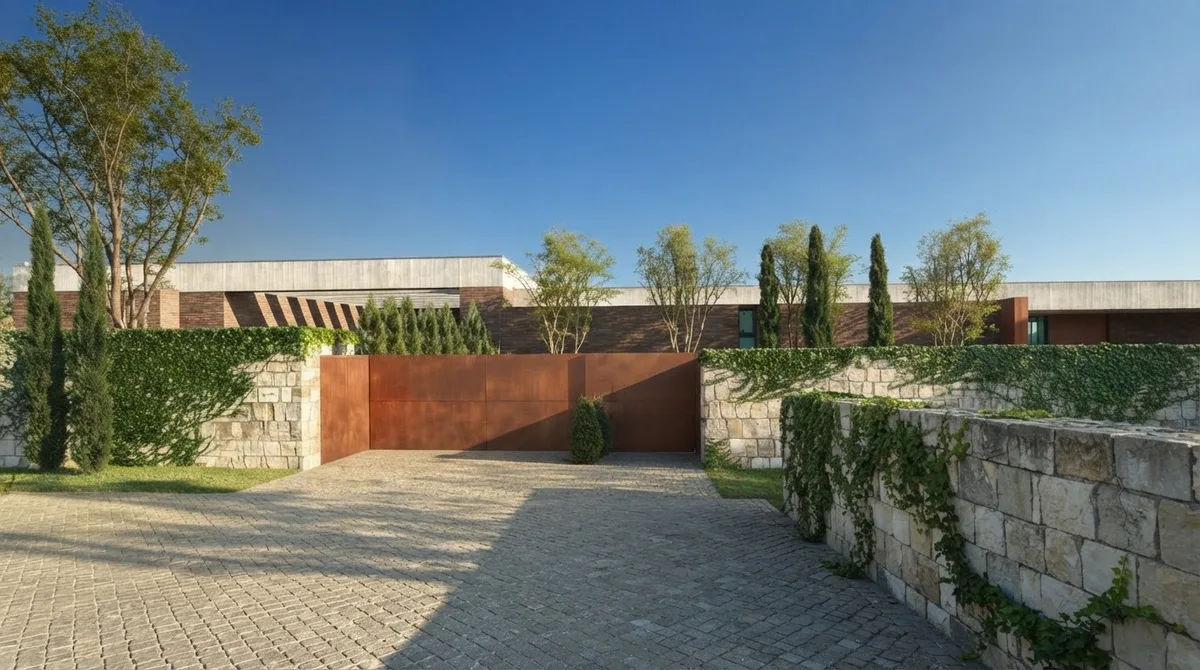
44. The Approach Through Planting
"Slow forward drift along a gravel drive between rows of cypress trees toward a house, camera at eye level, constant speed, bright overcast light, foliage moving gently, photorealistic. Negative: blur, distort, low quality, people, cars, trees duplicating, hedge lines bending, gravel texture crawling."
Negative Prompts That Earn Their Place (45 to 48)
Negative prompts are their own search for a reason: they do more work in interiors than the positive prompt does. Remember the rule from the top, your text replaces Kling's default of blur, distort, and low quality rather than adding to it, so every list below starts with those three. Keep them as saved snippets and paste the right one.
45. The Property Negative
"blur, distort, low quality, people, hands, pets, reflections of a person, moving vehicles, text, signage, house numbers, watermark, logo, camera shake, furniture moving, doors opening"
46. The Geometry Negative
"blur, distort, low quality, warped windows, bending walls, leaning verticals, floor pattern shifting, tiles changing size, skirting board wandering, stair treads changing pitch, duplicated furniture, furniture rotating, morphing legs"
47. The Texture Negative
"blur, distort, low quality, texture crawling, pattern boiling, marble veining swimming, wood grain shifting, stone courses moving, fabric shimmering, rug pattern morphing, noise, over-sharpening"
48. The Exterior Negative
"blur, distort, low quality, people, cars, birds, timelapse clouds, sky shifting, roof lines bending, building stretching, windows multiplying, trees duplicating, lights flickering, lens flare"
Four snippets cover almost every interior and property shot you will need. If a take comes back wrong, add the specific failure to the relevant snippet rather than rewriting the positive prompt. Most people do the opposite and wonder why the shot keeps breaking in the same way.
The Camera Vocabulary Kling Responds To
Kling reads standard film language. Use these terms rather than describing motion in your own words, and always pick exactly one move per clip.
Handheld and whip pan both work and both are wrong for property. Buyers read handheld as amateur and whip pans as a music video. Save them for content, not for listings.
What a Listing Video Actually Costs
Kling runs on credits rather than a per-second cash price, so the useful number is credits per second and how many usable seconds you need.
Kling 3.0 costs roughly 6 credits per second at 720p without audio and up to about 12 credits per second at 1080p with native audio, so a 5-second 720p clip is around 30 credits. The per-video price does not change between plans, only the monthly allowance does, so choose the tier from your volume rather than the feature list. Annual billing knocks off roughly 20 to 34 percent.
The number nobody quotes is takes per usable shot. Every price above is the price of one generation, and the first generation is rarely the one you publish. Budget for several attempts per finished clip and the free tier stops looking like a production plan very quickly.
The Step Everyone Skips: Fix the Still First
Every prompt in this guide assumes a good start frame, and this is where most property videos are actually lost. Kling animates what you give it. Feed it a dim phone photo of a cluttered room and you get a moving dim photo of a cluttered room, in 720p, for credits.
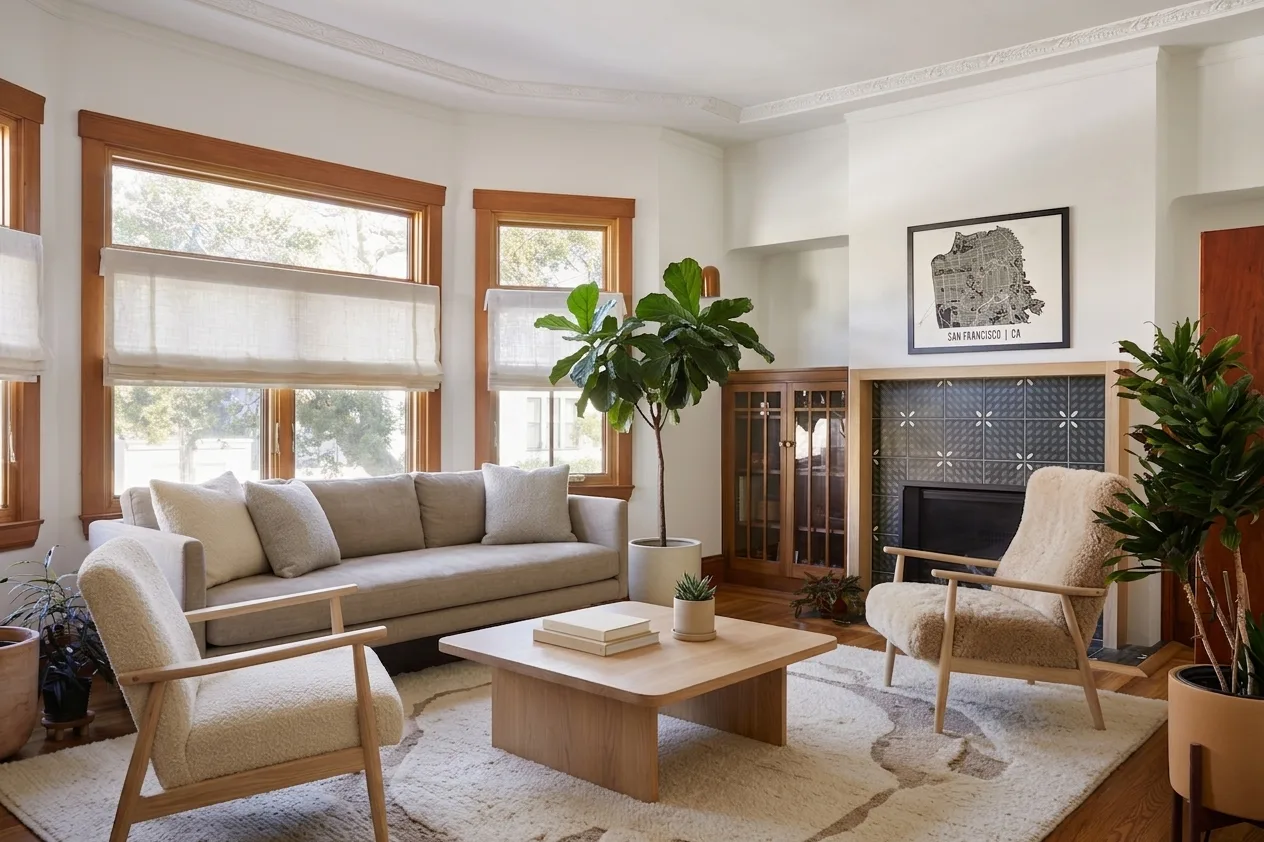
So the real workflow has two halves, and the video model is the second one:
- Fix the still. Empty the room, stage it, or restyle it so the light and the furniture are already right.
- Animate the fixed still with one of the prompts above, one move per clip.
For half one, upload the room photo to our AI interior design tool and restyle it, use virtual staging to furnish an empty room the way James P. did above, or run it through photo to render if you want a clean architectural render rather than a decorated photo. Kitchens and bathrooms have dedicated tools at AI kitchen design and AI bathroom design, staircases at AI staircase design, facades at AI exterior design, and if you are selling from drawings rather than photos, floor plan to 3D gets you a frame before the building exists.
For half two, if you would rather skip credits and camera vocabulary entirely, our AI video walkthrough tool takes one photo and returns a cinematic walkthrough with the move already handled. Full disclosure on how it is built: it runs on Google's Veo 3.1, not on Kling. We chose it because for a single room animated from one photo, geometry stability matters more than shot control. If you want to steer each shot yourself, Kling gives you more handles and this guide is how to use them.
Where Kling Breaks
Being blunt about this saves credits, because a failed take costs exactly the same as a good one.
- Long moves warp architecture. The further the camera travels, the more the model invents. Window frames bow, skirting wanders, stair treads change pitch. Short clips and small moves are the fix.
- Two moves in one prompt. Ask for a push-in and an orbit together and you get neither cleanly. One move per clip, always.
- Repeated objects duplicate. Rows of stools, cypress trees, identical windows. Shoot them side on rather than head on and keep the clip short.
- Texture crawls. Marble veining swims, stone courses shift, corten patina reinvents itself. This is what negative prompt 47 is for.
- Empty rooms fill themselves. Ask for empty and ban furniture in the negatives, both.
- Mirrors lie. A mirror will reflect a room that does not exist, or a camera. Avoid mirror-facing shots or keep them very short.
- Text turns to mush. Book spines, artwork lettering, house numbers, signage. Frame them out or accept them soft.
- Audio arrives uninvited. Native audio is on by default. Footsteps in an empty flat give the whole thing away.
The last one is not only an aesthetic problem. If you are marketing property with AI-generated or AI-altered visuals, read our summary of virtual staging disclosure rules before you publish, because the rules covering altered stills cover altered video too.
Kling vs Seedance vs Veo 3 vs Higgsfield
In one line: Kling for control, Seedance for length, Veo for the single flawless hero shot, Higgsfield for speed. Prompt sets for the others are here: Seedance 2.5 prompts, Veo 3 for listing videos, Higgsfield camera presets and Runway models and credit costs. For the still-image half, pair any of them with the Nano Banana real estate photo prompts.
Tips for Writing Better Kling Prompts
- Name the move. Unspecified means the model chooses, and it chooses drift.
- One move per clip. If you need two, that is two generations and a cut.
- Move light, not objects. In interiors, light, fabric, steam, water, fire and foliage are the only safe movers.
- Say the speed. "Slow" and "constant speed" do more than any adjective about mood.
- Keep the default negatives. Start every negative list with blur, distort, low quality.
- Fix the prompt before touching CFG. Most shots blamed on cfg_scale are just under-specified prompts.
- Match the aspect ratio to the destination. 9:16 for reels, 16:9 for listing pages. Cropping afterwards throws away resolution.
- Use the end frame. If you know where the camera should finish, show it rather than describe it.
For the principles behind all of this rather than the recipes, our guide to AI interior design prompts that work explains why constraints beat adjectives, and the Gemini, ChatGPT and Nano Banana prompt libraries handle the still-image half of the job.
Frequently Asked Questions
What is the best prompt structure for Kling AI?
Four parts in this order: subject, camera move, light, and negatives. For a room that reads as "slow dolly forward through a bright open-plan living room, eye-level, gimbal smooth, warm afternoon daylight, no people". Kling responds to plain cinematography language rather than adjective stacking, so naming the move and the light does more than any number of words like stunning or cinematic. One camera move per clip. Two moves in one prompt is the most common reason a shot comes back mushy.
Does Kling AI have a default negative prompt?
Yes, and this catches almost everyone. The negative_prompt field on Kling v3 defaults to "blur, distort, and low quality". The moment you type your own negatives, for example "no people", you replace that default rather than add to it, so you silently drop the anti-blur and anti-distortion guard. Always carry the defaults forward: "blur, distort, low quality, people, text, watermark" rather than just "people".
What does cfg_scale do in Kling and what should I set it to?
CFG scale controls how tightly the model follows your prompt, and it defaults to 0.5 on Kling v3. That midpoint is a reasonable default for creative footage, but interiors and architecture are not creative footage: the geometry has to stay where it is. Raise it when the model is inventing furniture or bending window frames, and lower it when the shot comes out stiff and lifeless. Change it in small steps and only after the prompt itself is right.
Can Kling AI turn a listing photo into a walkthrough video?
Yes, that is the image-to-video mode and it is the main way property people use it. You give it a start frame, optionally an end frame, and a prompt describing the move, and it returns 3 to 15 seconds of video. Being able to set both the first and last frame is the useful part for property, because you can pin where the camera finishes rather than hoping. The output is only as good as the still, so stage or restyle the photo before you animate it.
How much does a Kling video cost?
Kling 3.0 runs from about 6 credits per second at 720p without audio up to about 12 credits per second at 1080p with native audio, so a 5-second 720p clip is around 30 credits. Plans run from free with 66 daily credits, through Standard at $6.99 a month and Pro at $25.99, up to Premier at $64.99 and Ultra at $180. The per-video price does not change between plans, only the credit allowance does, so pick the tier from your monthly volume rather than from the feature list.
Is Kling AI free for real estate videos?
The free tier gives 66 credits a day, which is roughly one short 720p clip per day. That is genuinely enough to test whether the workflow suits you, and unusually for this category it renews daily rather than as a one-off trial. It is not enough to produce a listing package, because you will burn several generations per usable shot. Treat the free tier as an evaluation, not a production plan.
How long can a Kling video be?
A single Kling v3 generation runs from 3 to 15 seconds, with 5 seconds as the default. For a longer tour you either stitch clips or use the multi-shot prompt list, which lets you describe several shots in one generation. Stitching separate generations is where continuity fails: the light rolls, furniture shifts between clips, and the joins become visible. If you need one unbroken 30-second walk-through, Seedance 2.5 is currently the better tool for that specific job.
Kling or Veo 3 for property video?
Veo 3 holds architectural geometry better on short clips, so it wins for the one hero shot that has to be flawless. Kling gives you more control for the money: first and last frame, a real negative prompt field, a CFG dial and 15 seconds instead of 8. Our own video walkthrough tool runs on Veo 3.1 because it animates a single room from one photo and geometry stability matters most there. For a set of listing clips where you want to steer each shot, Kling is the better buy.
Start With the Still
Kling is the most steerable of the video models for property work, and almost all of that steering lives in three places: the move you name, the negatives you carry forward, and the frame you started from. Get those right and the model stops being a slot machine.
The frame is the half most people skip. Upload a room photo to MeltFlex, stage or restyle it until the still looks like the property you want to sell, and animate that. Forty-eight prompts will do a great deal for a good frame and very little for a bad one.