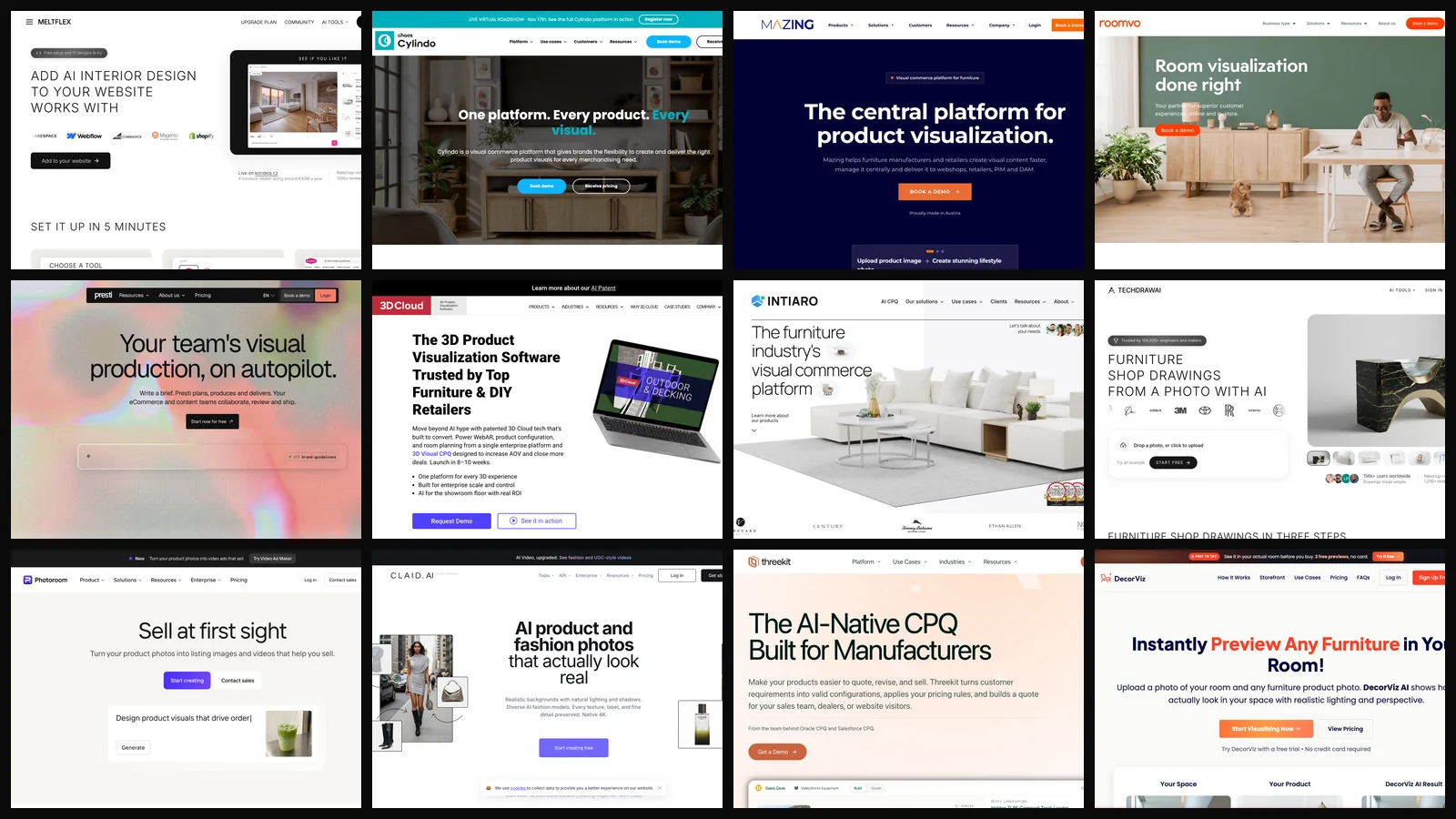
The best AI tool for a furniture retailer depends on which job you are fixing. To let shoppers see your products in a photo of their own room without building 3D models, our pick is MeltFlex AI (made by the company behind this blog). For 3D, 360 views and AR on configurable furniture it is Chaos Cylindo, and for producing lifestyle images across a whole catalog it is Presti.
Our articles are still written by humans!
Get human written articles in your Google feed.
What this post is, and is not. On 11 November 2026 we read the homepage and pricing page of twelve tools that sell to furniture stores and compared what each one publishes. We did not sign up for or run the third-party tools, so their sections describe what the vendor says, not what we saw. The one result we can report first hand is from a retailer running our own product, and we say below how far that number can be trusted.
The short version
- Furniture AI does four jobs: room visualization, product imagery, 3D configuration and dimension drawings. No tool is best at all four.
- Room visualizer without 3D assets: MeltFlex AI. An embed or Shopify app, prices published, 10 designs to try. We make it.
- One real number: Kondela, a retailer with more than €40M in yearly revenue, reports a 6% lift in conversion with the visualizer on its store. It is one retailer and its own analytics.
- Configurable furniture: Cylindo, 3D Cloud or Intiaro. All three sell through a demo and publish no prices.
- Only five of twelve publish prices: MeltFlex AI, Presti, Photoroom, Claid and DecorViz. The rest is a sales call or, for TechDraw AI, a sign-in.



What Is the Best AI Tool for Furniture Retailers in 2026?
MeltFlex AI for an in-room visualizer you can install this week, Chaos Cylindo for 3D and AR on configurable products, and Presti for catalog imagery. The table ranks all twelve by how quickly a mid-size store can get value without a 3D pipeline, which is why enterprise platforms that take months sit lower than their capabilities alone would put them.
How Do Furniture Stores Actually Use AI?
For four visual jobs: showing the product in the shopper’s room, making product images without a shoot, configuring fabrics and modules in 3D, and drawing dimensions. Pick the job first: a 3D platform does not fix missing lifestyle photos, and an image generator does not configure a sectional.
The difference between the first and third rows matters more than any feature list. A photo-based visualizer generates a picture: it gets style, color and rough scale right and is live in days. Web AR places a measured 3D model: it is exact, and every product needs a 3D asset first. If you sell 9,000 products with ordinary photos, the first is realistic. If you sell 40 sofas in 200 fabrics each, you need the third.
Which AI Tool Shows Your Furniture in the Customer’s Own Room?
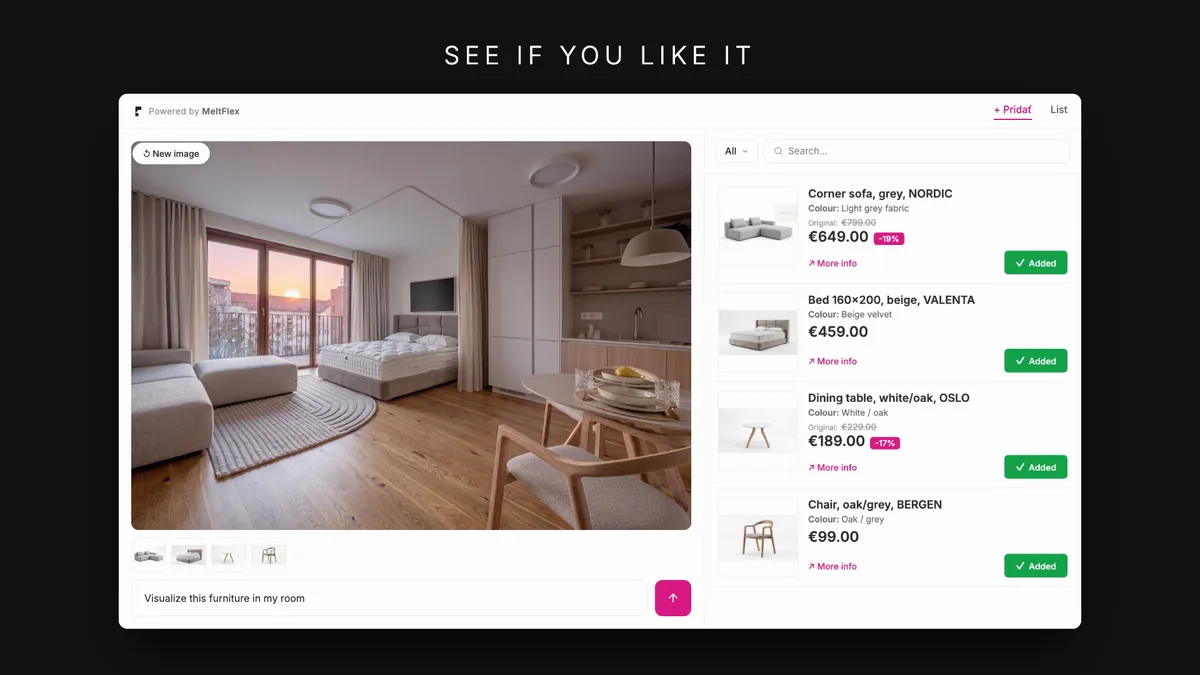
MeltFlex AI: a visualizer you embed on your store, where the shopper uploads a photo of their room, picks products from your catalog and gets them rendered into that room. It works from your existing product photos, so there is no 3D modeling step. We build it, so read this section as the vendor talking.
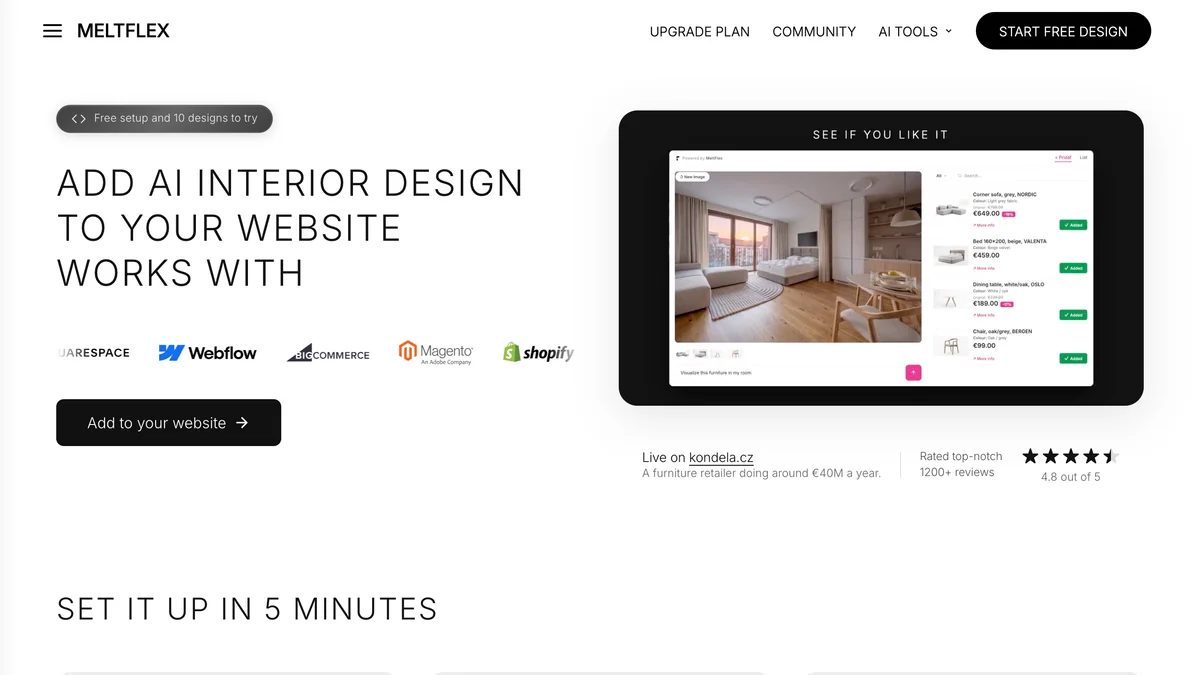
The website embed is one line of code built in the embed builder, which reads your logo and brand color from your site. It lists Shopify, WordPress, WooCommerce, Squarespace, Webflow, BigCommerce and Magento. On Shopify there is an app that syncs your products: one design is included at $0, then $49, $199 or $399 a month. Off Shopify, building the embed and the first 10 designs cost nothing, and running it after that needs an Enterprise plan, from €200 a month. There is also an API.
The Kondela result: 6% more conversion
Kondela is a Slovak furniture retailer selling since 2003, with more than €40 million in 2025 revenue per public filings and a catalog close to 10,000 pieces. Its store has a page called AI vizualizace interiéru that runs the MeltFlex engine against Kondela’s catalog: a shopper uploads their room, adds real Kondela products from the list on the right, and sees them placed, each one linked back to its product page and price. Kondela reports that conversion rose by 6% with the visualizer in place.

How much weight to put on that. The figure comes from Kondela’s internal analytics and was shared with us; we have not audited the raw data, and it is one retailer in Central Europe. People who bother to upload a room photo are also more serious buyers to begin with, so part of any visualizer effect is selection. Treat 6% as a plausible order of magnitude and measure your own, one category at a time. The longer write-up is in our Kondela AI furniture visualization post.
- Good: no 3D assets, live in days, prices on the page, whole-room scenes with several of your products at once.
- Weak: the output is a generated image, not a measured model. It shows whether a piece suits the room; it does not prove a 92 inch sofa clears a 96 inch wall. Pair it with real dimensions on the page.
- Missing: 360 spins, a fabric configurator and true-size AR. If those are your problem, go to number two.
What Is the Best 3D and AR Platform for Configurable Furniture?
Chaos Cylindo: a visual commerce platform built around a 3D master asset per product, from which it serves 360 views, fabric and finish variants, lifestyle images and web AR. Its homepage now says it combines AI, CGI and on-demand visualization depending on the product.
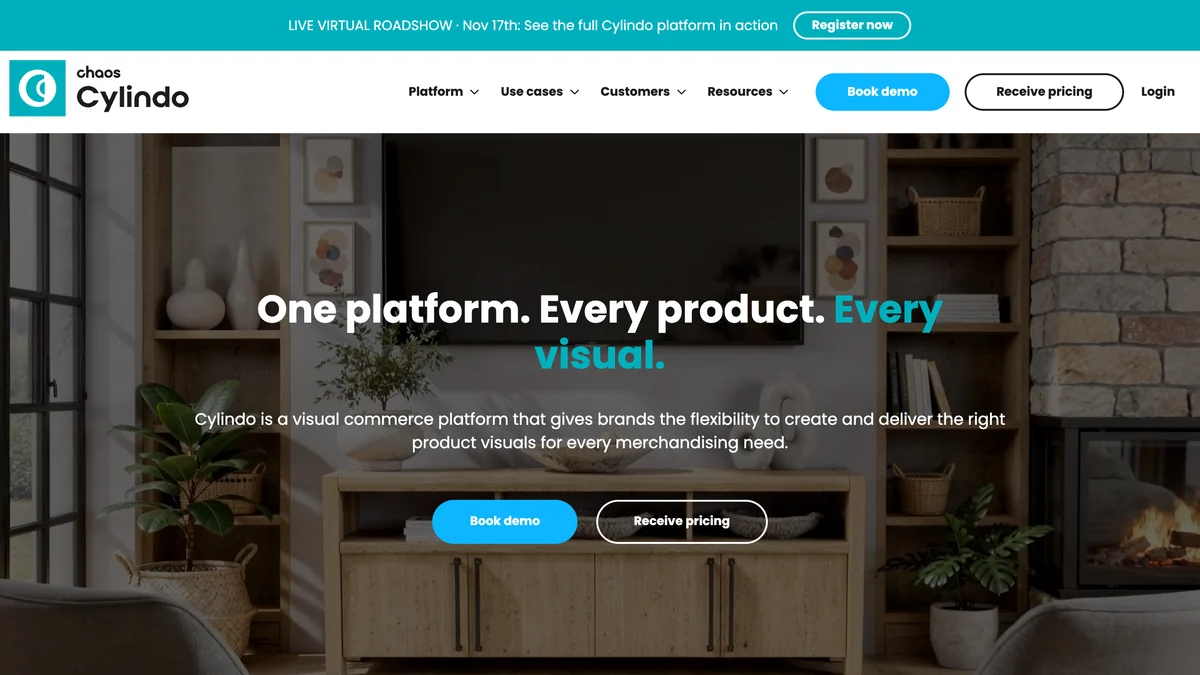
Cylindo cites an 85% higher average order value “according to our latest customer survey” and case studies such as Life Outdoor Living. Those are the vendor’s numbers. There is no price on the site, only “Receive pricing”.
- Good: product-accurate visuals across thousands of fabric and leg combinations, with AR from the product page.
- Weak: every product needs a 3D asset first, which is a project, not a plugin.
- Fits: brands with configurable upholstery and a five-figure visualization budget.
Is There an AI Platform Built Only for Furniture?
Mazing: an Austrian platform that says it is trusted by more than 400 furniture brands and retail chains, covering AI product images and videos, an AI Room Designer, 3D models from two or three photos, web AR and a configurator. It is the closest thing here to one system for all four jobs.
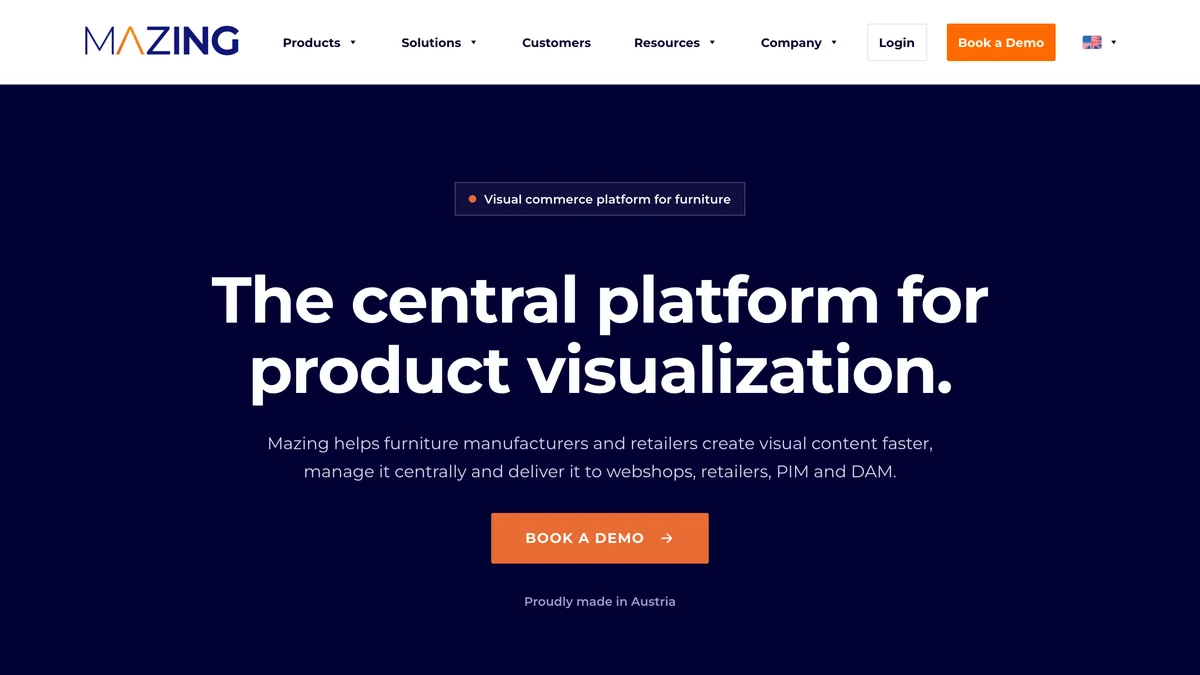
Its Room Designer does the same job as ours: customers upload a room photo and place your products, online and in store. Mazing connects to Shopify, Shopware, WooCommerce, Adobe Commerce, PIM and DAM systems. Pricing is a “customized package, including onboarding” after a demo.
- Good: furniture only, European hosting, images plus 3D plus visualizer under one contract.
- Weak: no self-serve start and no public price, so you cannot try it on ten products this afternoon.
What Is the Best AI for Furniture Product Photos?
Presti: you write a brief, attach product photos or a CSV, and an agent plans and produces lifestyle shots, packshots, 360 spins, close-ups, variants, short videos and dimension overlays in batches. It says it is used by more than 400 retailers, marketplaces and manufacturers.
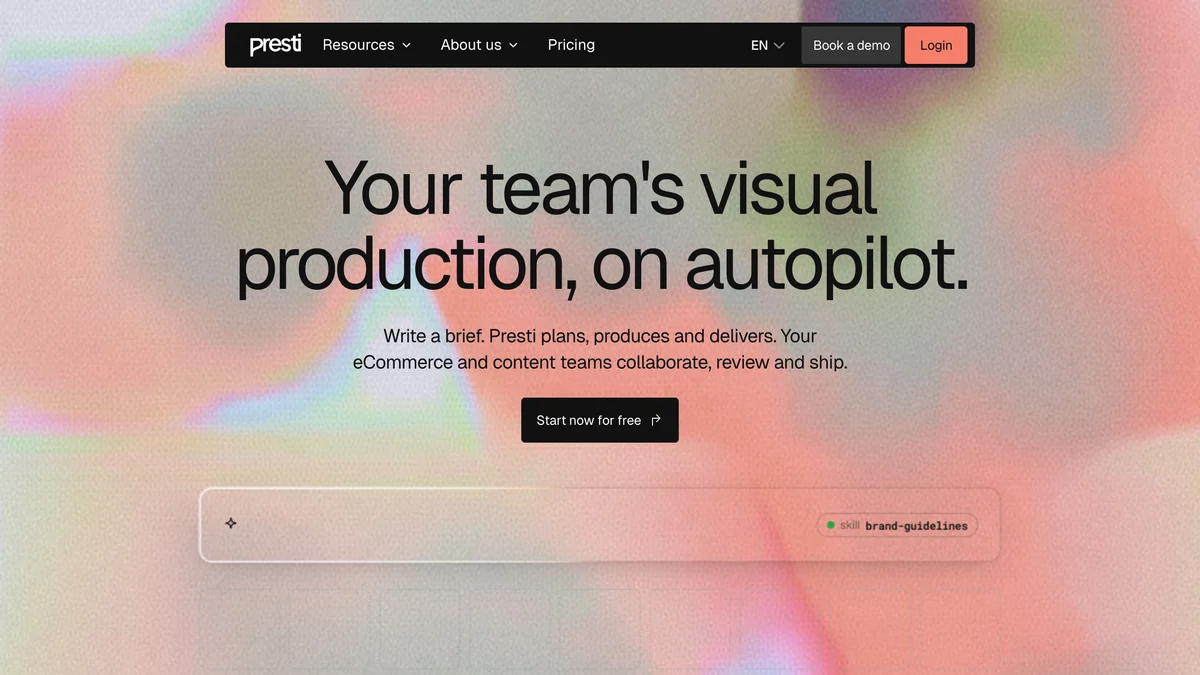
The pricing page shows a $0 plan with 60 credits a month, paid plans from $99 a month and a custom tier from 50,000 credits. One 1K image starts at one credit.
- Good: a real free tier, batch production, team review before anything goes live.
- Weak: it makes images for your pages. It does not put a shopper’s room on screen.
Which Visualizer Is Best for Flooring and Rugs?
Roomvo: the long-standing room visualizer for surfaces, which says more than 7,000 retailers use it daily across flooring, tile, paint, wallpaper, rugs, countertops and furnishings.
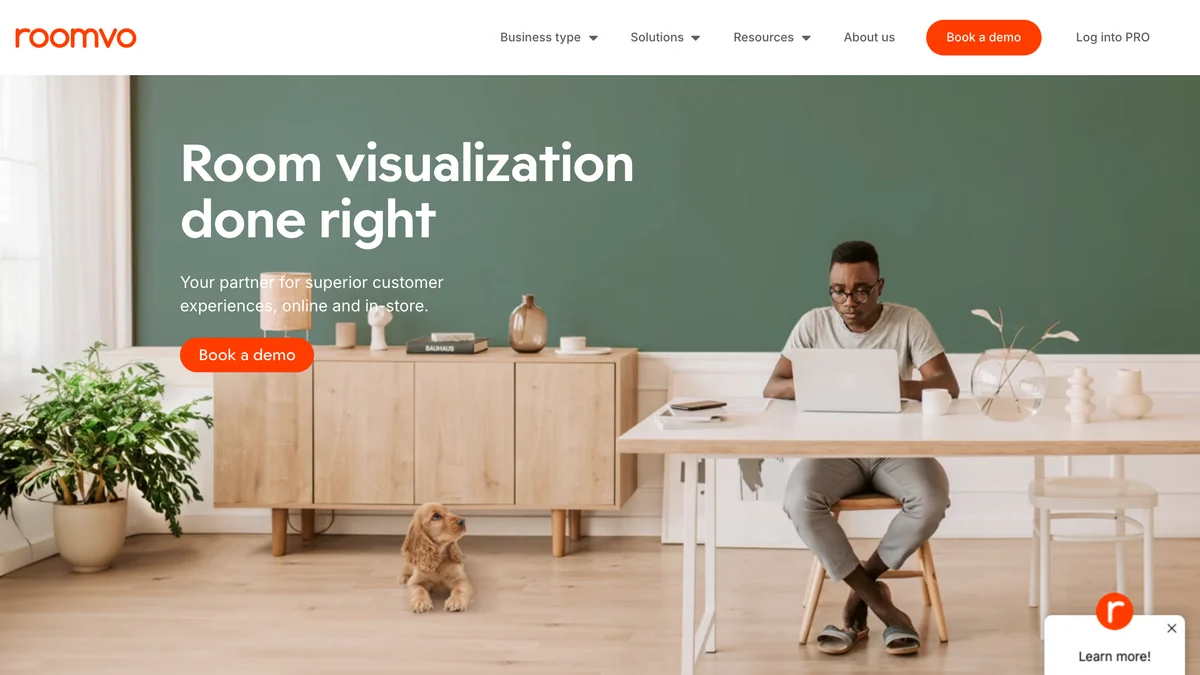
Roomvo claims “up to a 15% increase in sales annually” and “up to 5x the conversions”. Neither comes with a method, and “up to” is doing a lot of work. Its strength is flat surfaces, where replacing a floor in a photo is a well-solved problem. Furnishings are on the list, but sofas and wardrobes are not what it is known for. Demo only.
What Do Large Furniture Retailers Use for 3D Configurators?
3D Cloud: an enterprise platform for web AR, product and sectional configurators, room planners and visual CPQ that names Lowe’s, La-Z-Boy and Herman Miller as customers and quotes an 8 to 10 week launch.
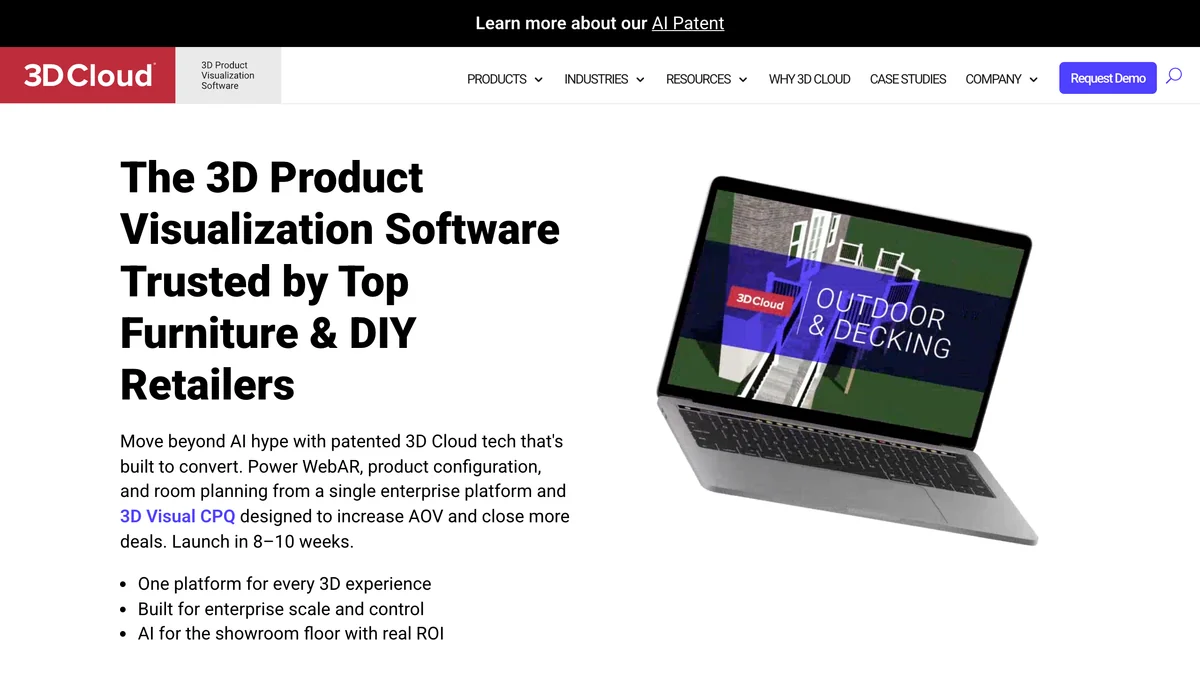
Its own headline tells you where it stands: “Move beyond AI hype”. This is 3D infrastructure with AI added, sold to chains. If you run fewer than a few dozen stores it is probably more platform than you need.
Which Tool Handles Custom Upholstery and Made-to-Order Furniture?
Intiaro: a configuration engine for furniture manufacturers and their dealers, with 3D configurators, augmented reality and CPQ for products that come in thousands of combinations. American Leather is quoted on its homepage.

Intiaro’s angle is the manufacturer to retailer chain: one configurator the brand maintains and its dealers embed. The homepage lists lifts in engagement, order value and conversion, but the figures loaded as animations and we could not read the numbers reliably, so we do not repeat them. Demo only.
Can AI Make Dimension Drawings for Furniture Product Pages?
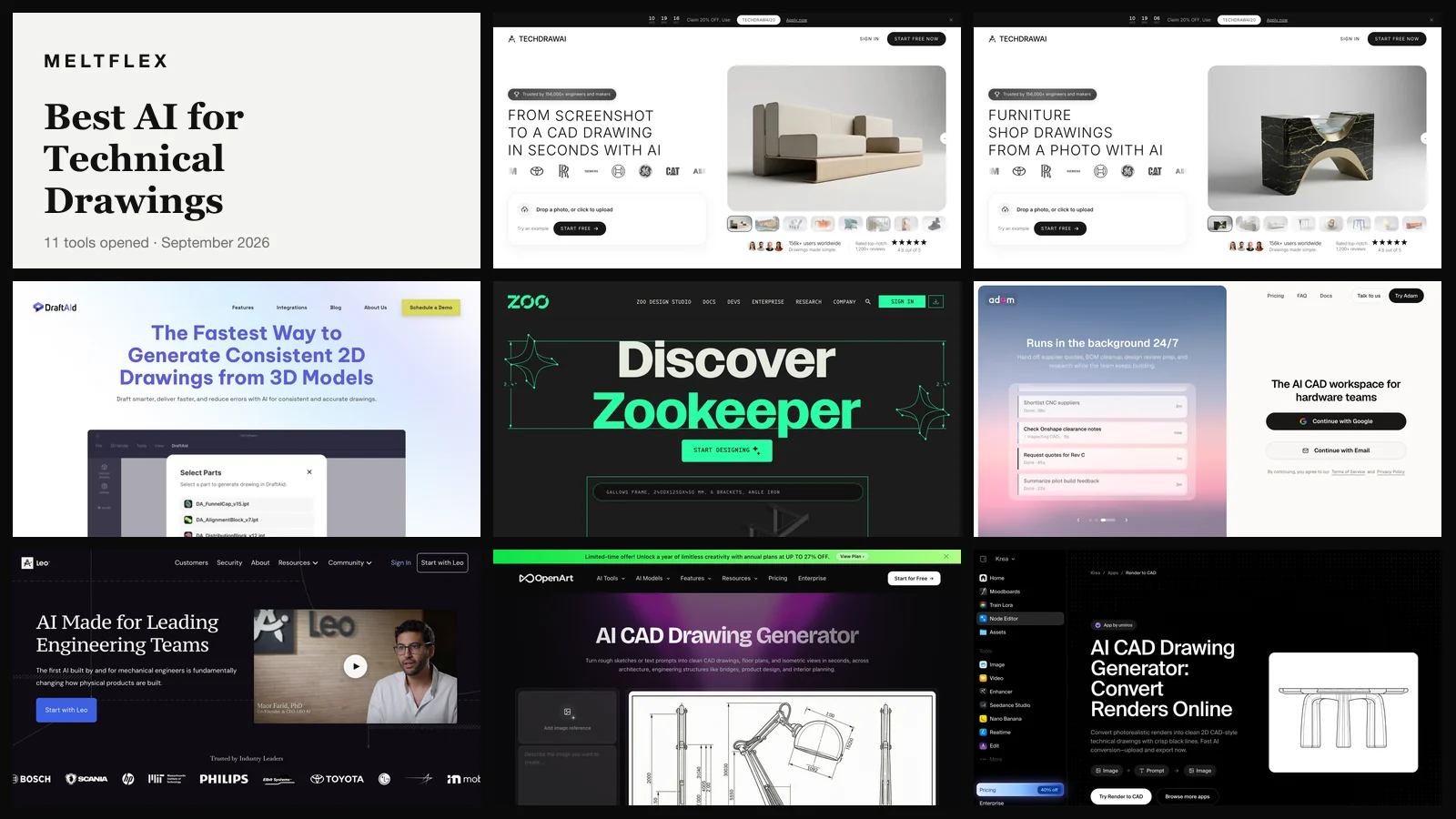
Yes. TechDraw AI drafts a dimensioned drawing with front, top and side views from a photo of the piece and the width, depth and height you type in, and exports PDF, DXF or DWG. It is made by the same company as MeltFlex AI, so the same caution applies.
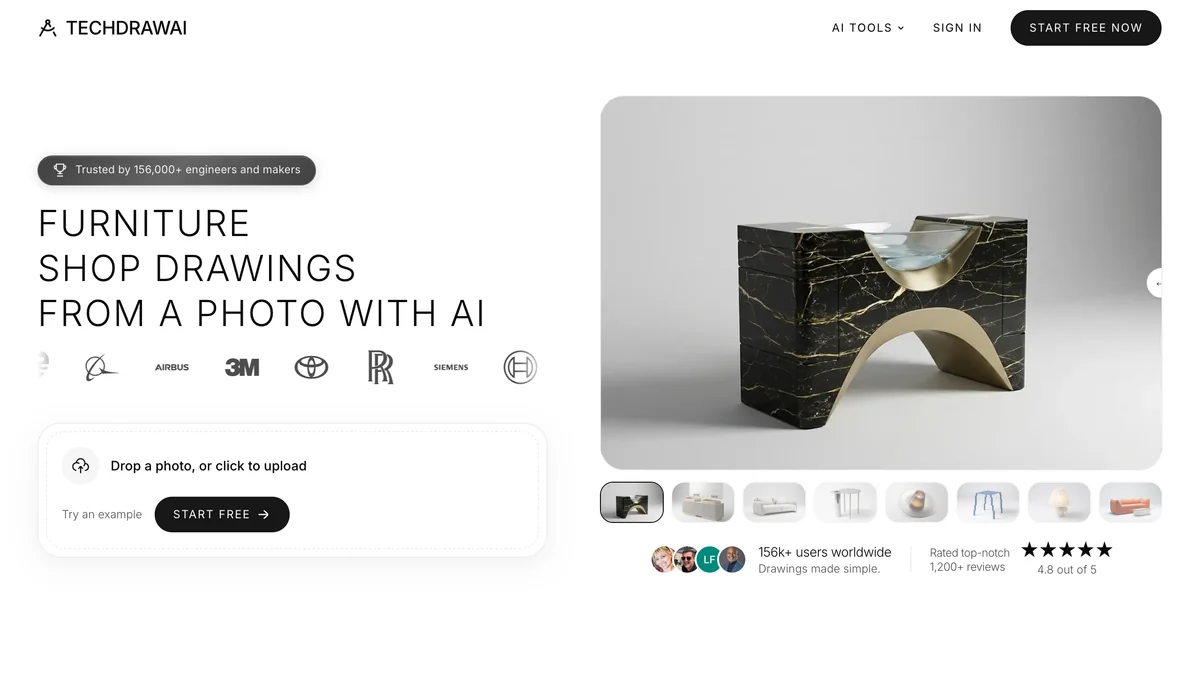
Two uses for a furniture business. A retailer adds a clean dimension drawing to each listing, which answers the “will it fit” question that a lifestyle photo cannot. A maker or custom shop gets a shop drawing to hand to the bench or a client. It is free to start; paid plans are shown inside the app, not on a public pricing page, which is a gap we would mark down in anyone else.
- Good: minutes instead of a drafter’s evening, and real CAD files out.
- Weak: only the three sizes you enter are measured. Everything else is inferred from the photo, and a photo cannot see inside a joint, so check the sheet before it goes to production.
More options for this job are in our best AI for technical drawings comparison.
What Is the Cheapest Way to Clean Up Furniture Photos With AI?
Photoroom: a general e-commerce photo tool with background removal, realistic shadows, color changes, lifestyle scenes, batch editing and direct publishing to Shopify. It says more than a million businesses use it.
Nothing in it is furniture specific. For a store with 200 products and phone photos, though, consistent white backgrounds are the first fix, and this is the cheapest way to get them. Plans run from 8,000 to 75,000 AI credits a month on yearly billing, with a free trial.
Which AI Image Tool Works Best Through an API?
Claid: product photography AI with upscaling, lighting correction, generated scenes and shadows, built to run through an API across large catalogs. It says over 10,000 businesses use it and gives 50 free credits.
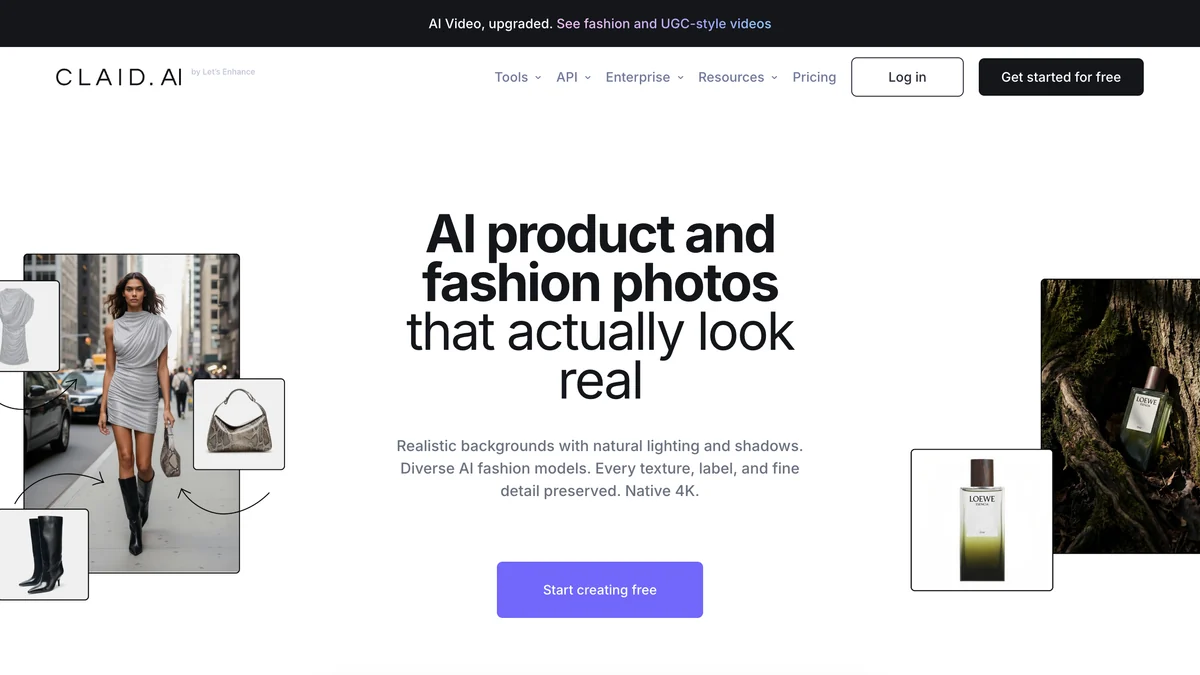
Its homepage leans to fashion and marketplaces today. The furniture case is a marketplace or dropshipper receiving supplier photos of uneven quality and needing them normalized automatically. For a single brand with its own photography, Presti or Mazing fit better.
Is Threekit Still a Furniture Visualization Tool?
Less than it was. Threekit now describes itself as “the AI-native CPQ built for manufacturers”: it turns a customer’s requirements into a valid configuration, applies pricing rules and builds a quote. It says 150 manufacturers use it.

Older roundups still list Threekit as a 3D configurator for furniture retail. Read its site before you book the call: the pitch is now quoting for contract and office furniture makers with dealers and sales reps, not a product page widget for a consumer store.
Is There a Low-Cost Photo Visualizer for a Small Furniture Store?
DecorViz: a photo-based preview where a room photo and a product photo become one image, with a Canvas mode for up to four products and a Storefront plan for retailers. Two previews are free.
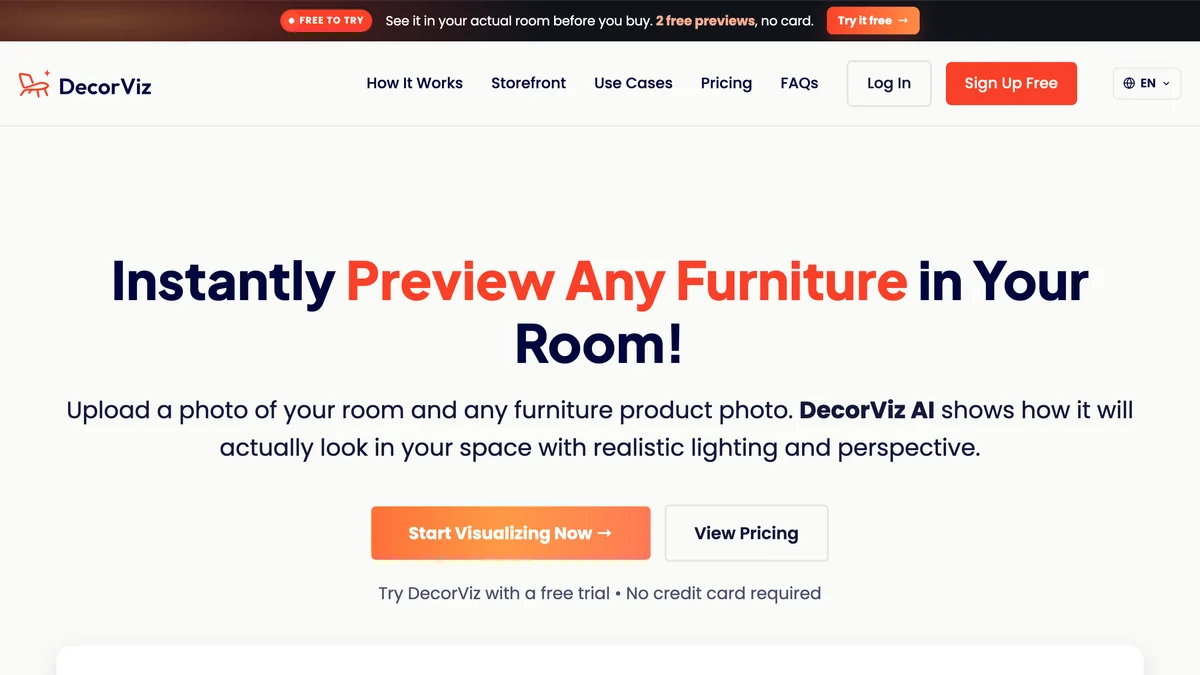
It is a direct alternative to our own visualizer and mostly aimed at shoppers, who bring a product photo from any store. Its homepage shows a rating “based on 12 verified reviews”, which is honest and also tells you how young it is.
How Much Do AI Tools for Furniture Stores Cost?
From $0 to try and $49 to $399 a month for self-serve tools; the 3D platforms quote per project and publish nothing. These are the prices each vendor showed on 11 November 2026.
We could read exact monthly prices for MeltFlex AI and Presti only. Photoroom and Claid load theirs in a way our capture did not record, so the table gives the plan structure and the link.
How Do You Choose an AI Tool for a Furniture Store?
Start from the question shoppers ask before they leave, then count your 3D assets, then run one category for a month.
- Name the hesitation. “Will it suit my room” is a visualizer. “Will it fit” is dimensions and a drawing, plus a tool like our furniture fit calculator. “What does it look like in green” is variants or a configurator.
- Count what you already own. Photos only: stay in rows one, two and four of the jobs table. 3D models already exist: Cylindo, 3D Cloud or Intiaro can use them.
- Ask for the price before the demo. Seven of twelve tools here publish none. That is normal for enterprise software, and it is also how a three-month evaluation starts.
- Test on one category. Put the tool on sofas only, leave beds as the control, and compare conversion and returns after four weeks. A vendor’s “up to” number is not your number.
- Check who owns the customer photo. Shoppers upload pictures of their homes. Ask where those are stored, for how long, and whether they train anything.
If you sell across borders, the same product data also feeds localized pages; see selling furniture internationally. For what shoppers see on their side, read try furniture before buying and the free tools in see furniture in your room before buying.
How We Checked This, and What We Could Not Verify
On 11 November 2026 we saved a 1280 by 820 pixel capture and the full text of each tool’s homepage, and read the pricing page where one exists.
- Compared, not tested. We did not create accounts on the ten third-party tools or see their output. Their sections restate what they publish.
- Vendor numbers are claims. Cylindo’s 85%, Roomvo’s 15% and 5x, and every customer count are quoted from the vendor with no published method.
- The Kondela figure is the retailer’s own. We did not see the raw analytics and do not know the comparison period. It is one store.
- Our own claims are not repeated either. The review scores and user counts on the MeltFlex AI and TechDraw AI pages are left out.
- Left out: Zakeke, which is mainly a print and eyewear customizer, and Stuv, a lead generation suite aimed at Indian stores. Store software such as POS and inventory is a different purchase and not covered.
- Ranking criterion: time to value for a mid-size store without 3D assets. Rank by raw capability and Cylindo or 3D Cloud would be first.
- Disclosure: this blog is published by MeltFlex, which also makes TechDraw AI. MeltFlex AI is ranked first by us, so weigh that. No vendor paid to be listed.
Related comparisons: AI interior design tools, virtual staging software and AI image to video generators for product clips. For price context on what you are selling against, see average furniture prices in 2026. If a price or claim here changed after 11 November 2026, tell us and we will update it with the date.
AI for Furniture Retailers FAQ
What is the best AI tool for furniture retailers?
It depends on the job. For letting shoppers see your products in a photo of their own room without building 3D models, MeltFlex AI is our pick (we make it): it installs as an embed or a Shopify app and publishes its prices. For configurable products that need 3D, 360 views and AR, Chaos Cylindo is the most complete. For producing lifestyle images across a catalog, Presti is the strongest self-serve option. Most stores end up needing one tool from each group.
How do furniture stores use AI?
In four ways today: showing a product in the shopper’s own room on the product page, generating lifestyle and studio images without a photo shoot, running 3D configurators for fabrics and modules, and producing dimension drawings for listings and workshops. Chat assistants and demand forecasting exist too, but the four visual jobs are where furniture-specific tools are furthest along.
Does a room visualizer increase furniture sales?
The evidence is mostly vendor reported. Kondela, a furniture retailer with more than 40 million euros in yearly revenue, reports a 6% lift in conversion after adding the MeltFlex AI visualizer to its store, from its own analytics. Roomvo says retailers see up to a 15% increase in sales, and Cylindo cites an 85% higher average order value from a customer survey. None of these are independent studies, so run your own before and after comparison on one category first.
Do I need 3D models to show furniture in a customer’s room?
No. Photo-based tools such as MeltFlex AI, the Mazing AI Room Designer and DecorViz work from your normal product photos and the shopper’s room photo. The trade-off is accuracy: a generated image shows style, color and rough scale, but it is not a measured drawing. Web AR from tools such as Cylindo or 3D Cloud places a true-size 3D model in the room, and for that you do need a 3D asset for each product.
How much do AI tools for furniture stores cost?
On 11 November 2026 the published prices were: MeltFlex AI on Shopify from $0 for one design, then $49, $199 or $399 a month; Presti from $0 for 60 credits a month, paid from $99 a month; Claid with 50 free credits and paid plans above that; Photoroom on self-serve yearly plans. Cylindo, Mazing, Roomvo, 3D Cloud, Intiaro and Threekit publish no prices and sell through a demo call.
Can AI replace furniture product photography?
It can replace most lifestyle scenes and variant shots, and it cannot yet replace the first clean photo of the real product. Tools like Presti, Mazing, Photoroom and Claid start from an existing photo or a 3D model. Check fabric texture, wood grain and leg details at full size before publishing, because those are the places generated images drift from the real piece.
What is a dimension drawing and why put one on a product page?
A dimension drawing is a line drawing of the piece with its width, depth and height marked. Shoppers use it to check that a sofa fits a wall or a doorway, which a lifestyle photo cannot tell them. TechDraw AI drafts one from a product photo and the three measurements you type in, and Presti can add dimension overlays to an existing image.
Audio version by MeltFlex AI
Listen to this article
Prefer to listen? This narrated video reads the full article, Best AI Tools for Furniture Retailers: 12 Compared (2026), in about 27 minutes. Every section is a chapter, so you can jump straight to the part you need while you browse rooms or sketch a layout.
Chapters (19)
More narrated articles on AI Interior Design MeltFlex