The best Gemini extensions for architects and interior designers in 2026 are MeltFlex for redesigning a photo of a real room with furniture you can buy, Canva for mood boards and client decks, Adobe for site and portfolio photos in Photoshop and Lightroom, Google Workspace for specs and drawing PDFs in your Drive, and Google Maps for site context. For 3D, Rhino, SketchUp, Revit and Blender connect through MCP servers in Google Antigravity, not in the Gemini app, and since October 29, 2026 Antigravity’s new Plugin Marketplace adds Figma and Canva there too. Extensions are now called Connected Apps, and Gems are turning into skills: they become read only on November 17 and disappear on December 17, 2026.
Our articles are still written by humans!
Get human written articles in your Google feed.
This is the third list in a set. We wrote the Claude Code version in June and the ChatGPT plugins version in October, and Gemini is the one where the answer depends most on where you live and which Google account you use. I run MeltFlex, so I will say plainly where our tool fits and where it does not. On October 30, 2026 I read Google’s help pages for each feature, the partners’ own pages and the launch coverage, and checked our own server against what Gemini expects. The other apps below are compared from those sources, not tested on client work, and I say so where it matters.
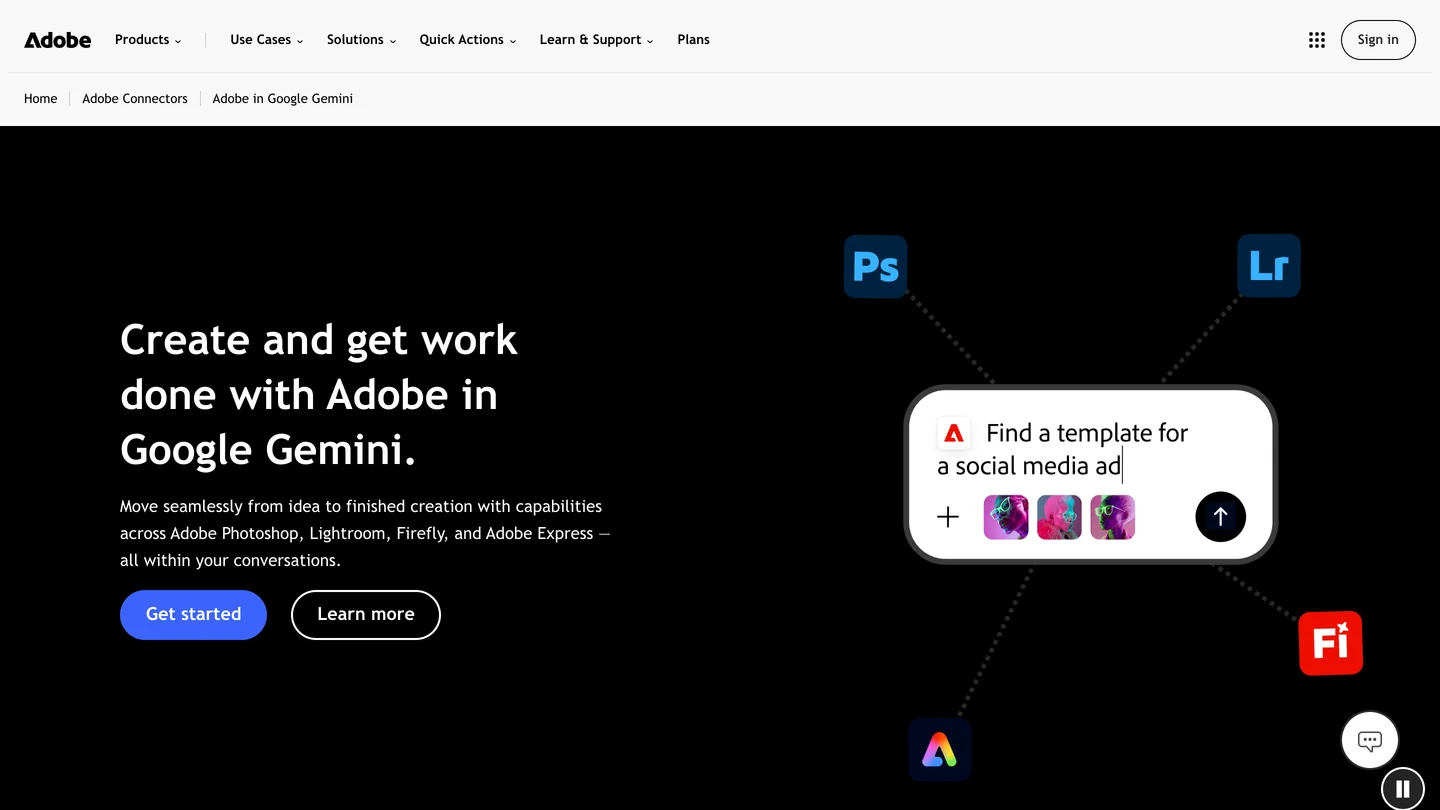
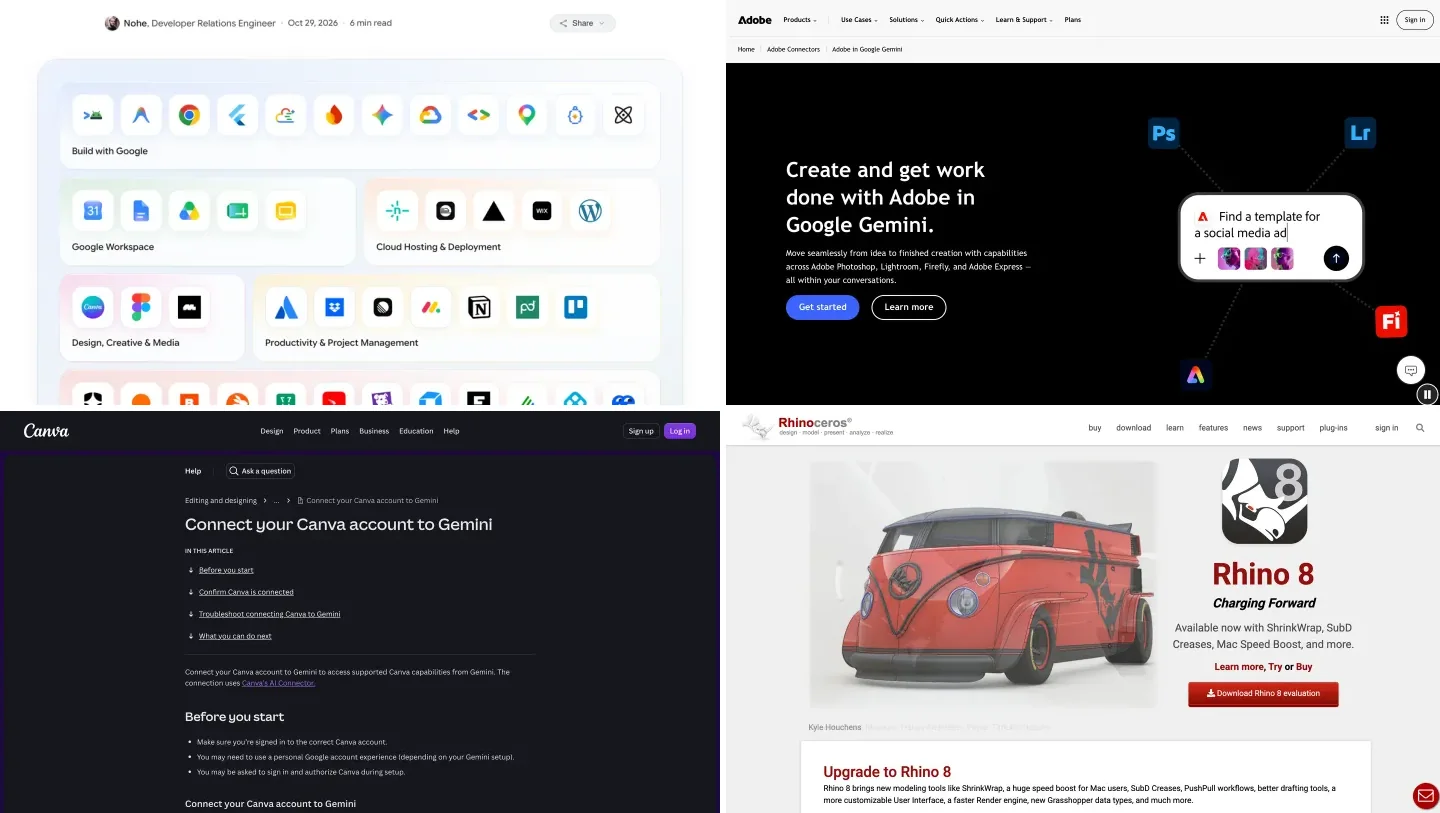
Gemini on the web, where every connected app is added, and Adobe’s page for its Gemini app, both captured October 30, 2026.
The short version
- Redesign a real room: MeltFlex, because it keeps your walls, windows and doors and restyles only the design. Custom app in the US, Antigravity everywhere else.
- Boards and client decks: Canva, with your Brand Kit applied from the first prompt.
- Photos: Adobe, which brings Photoshop, Lightroom, Express and Firefly into Gemini on every plan, worldwide.
- Your own files: Google Workspace for Drive, Gmail and Calendar; Maps for site context.
- 3D and BIM: Rhino, SketchUp, Revit and Blender through MCP in Antigravity. See how to connect Gemini to Rhino and how to connect Gemini to SketchUp.
- Figma: no Gemini app, but a plugin in Antigravity’s Plugin Marketplace, launched October 29, 2026, next to Canva, Google Docs, Drive and Slides.
- Catch: most of this needs a personal Google account, and custom apps plus 10 of the 14 newest partners are US only. If your studio runs on Workspace, read the work account section first.



Which Gemini extensions are best for architects and interior designers?
Here are all seven in one table, roughly from interiors to heavy architecture. The last two columns are the ones that decide whether you can use a tool at all: Gemini’s app list differs by country, and the 3D tools do not live in the Gemini app.
| App | Best for | What you get back | Where it works | How you add it |
|---|---|---|---|---|
| MeltFlex | Interior designers, stagers, kitchen and bath | Photoreal redesign of your real room, walkthrough video, 3D furniture | Custom app: US. Antigravity: anywhere | MCP server URL |
| Canva | Mood boards, client decks | Editable Canva designs with your brand kit | Personal accounts, rolling out since May 2026 | Connected Apps, or an Antigravity plugin |
| Adobe | Site and portfolio photos | Edits in Photoshop and Lightroom, graphics in Express | Worldwide, every Gemini plan | Connected Apps, Adobe ID |
| Google Workspace | Specs, drawing PDFs, client email | Answers from your Drive, Gmail and Calendar | Wherever Personal Intelligence is live | Built in, opt in |
| Google Maps and Search | Site visits, suppliers, context | Places, routes, your saved places | Wherever Personal Intelligence is live | Built in, opt in |
| monday.com, Airtable, PandaDoc | Project tracking, proposals | Boards, bases and documents from the chat | monday.com worldwide, the others US only | Connected Apps |
| Rhino, SketchUp, Revit, Blender | 3D modeling and BIM | Live edits to your own model | Your computer (Revit: Windows only) | MCP in Antigravity |
- Best for
- Interior designers, stagers, kitchen and bath
- What you get back
- Photoreal redesign of your real room, walkthrough video, 3D furniture
- Where it works
- Custom app: US. Antigravity: anywhere
- How you add it
- MCP server URL
- Best for
- Mood boards, client decks
- What you get back
- Editable Canva designs with your brand kit
- Where it works
- Personal accounts, rolling out since May 2026
- How you add it
- Connected Apps, or an Antigravity plugin
- Best for
- Site and portfolio photos
- What you get back
- Edits in Photoshop and Lightroom, graphics in Express
- Where it works
- Worldwide, every Gemini plan
- How you add it
- Connected Apps, Adobe ID
- Best for
- Specs, drawing PDFs, client email
- What you get back
- Answers from your Drive, Gmail and Calendar
- Where it works
- Wherever Personal Intelligence is live
- How you add it
- Built in, opt in
- Best for
- Site visits, suppliers, context
- What you get back
- Places, routes, your saved places
- Where it works
- Wherever Personal Intelligence is live
- How you add it
- Built in, opt in
- Best for
- Project tracking, proposals
- What you get back
- Boards, bases and documents from the chat
- Where it works
- monday.com worldwide, the others US only
- How you add it
- Connected Apps
- Best for
- 3D modeling and BIM
- What you get back
- Live edits to your own model
- Where it works
- Your computer (Revit: Windows only)
- How you add it
- MCP in Antigravity
1. MeltFlex: can Gemini redesign your real room?
Yes, with MeltFlex connected, and this is the job Gemini is least reliable at on its own. Gemini’s built in image model, Nano Banana, is excellent at editing pictures, but it generates a new image guided by your photo rather than restyling the room you have. Run the same request twice and the window can move, the ceiling can change height, and the sofa it places does not exist anywhere you could buy it. Our Gemini room design guide covers how far prompting alone gets you; it helps, it does not fix it. The MeltFlex MCP server sends the photo to a model that is told to keep the walls, windows and doors and change only the design.
Connected to Gemini, it offers the same tools as in ChatGPT and Claude. browse_presets shows the 15 design tools and more than 200 style presets from our site as pictures: AI interior design, virtual staging, kitchen design, bathrooms, exteriors, gardens, walls and floors. generate_interior does the redesign, create_walkthrough turns a still into a short walkthrough video, and create_3d_furniture turns a photo of one piece into a textured 3D model, the same engine as our 3D furniture generator. Attach a photo of the sofa you are specifying and the redesign is built around that exact piece. A render costs 10 credits, a new account starts with 15, and failed generations are refunded automatically.
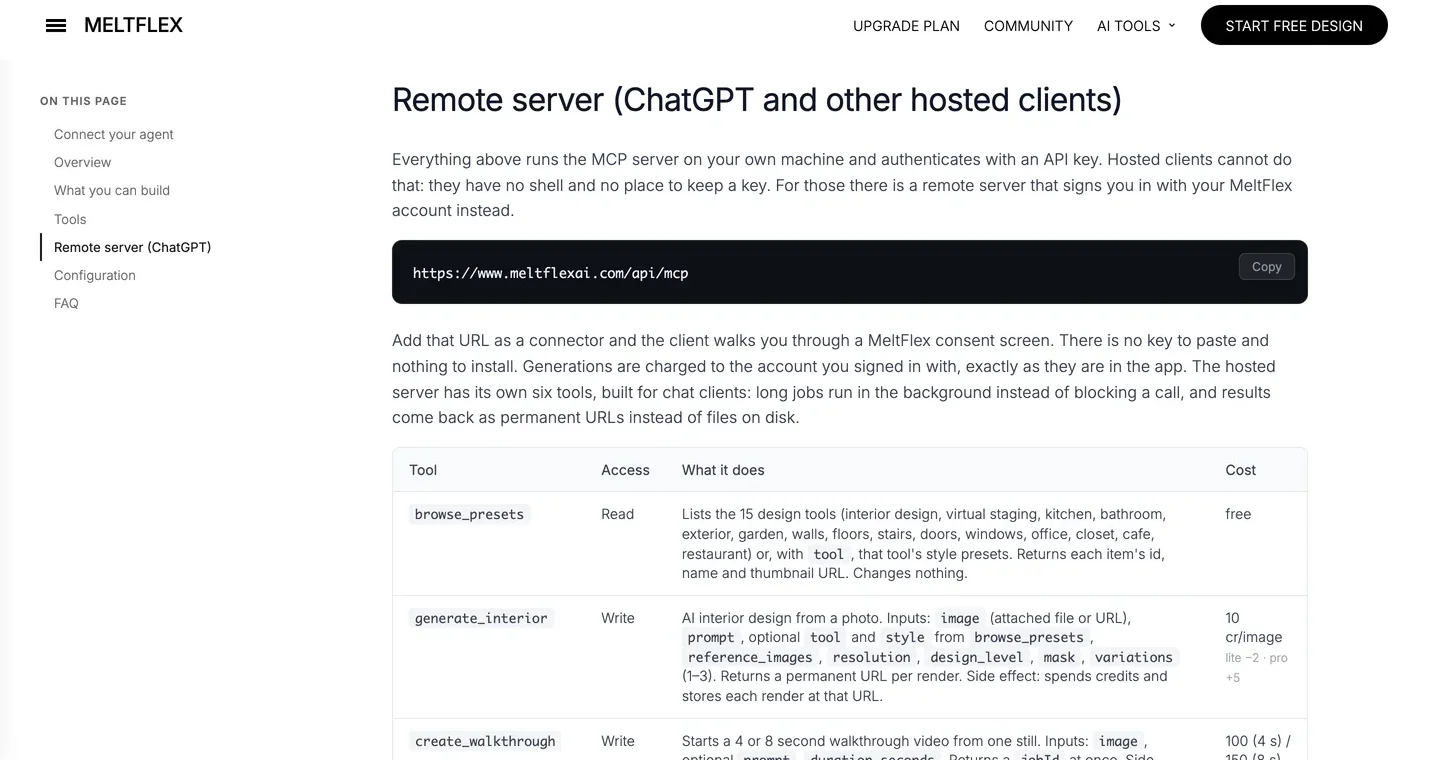
The URL Gemini needs, from our MCP page. The tab is labeled for ChatGPT because that is where most people use it; Gemini takes the same address.
How to add it: in the US, add a custom app in the Gemini web app with this URL and sign in with your MeltFlex account. Everywhere else, add the same URL as a remote server in Antigravity (the steps are further down):
https://www.meltflexai.com/api/mcpHonest take: we have not run MeltFlex inside the Gemini app ourselves, because custom apps are US only and we are based in Slovakia. What we did check, on October 30, 2026, is the part Gemini depends on. Sent the same first request a new client sends, without a token, our server answers like this:
$ curl -i -X POST https://www.meltflexai.com/api/mcp  (initialize, no token)
HTTP/2 401
www-authenticate: Bearer resource_metadata="https://www.meltflexai.com/.well-known/oauth-protected-resource", scope="openid email offline_access"

$ curl https://www.meltflexai.com/.well-known/oauth-authorization-server
"registration_endpoint": "https://www.meltflexai.com/api/oauth/register"
"code_challenge_methods_supported": ["S256"]
That 401 with a pointer to the sign in metadata, plus a registration endpoint, is what Google means by dynamic client registration: both Gemini’s custom apps and Antigravity can register themselves and open the MeltFlex sign in page without you pasting a client ID. It is also deliberately narrow. It will not draw a floor plan, check a code requirement or model a building. For a plan, use our floor plan to 3D converter instead.
2. Canva: can Gemini make mood boards and client decks?
Yes. Canva launched its Gemini app at Google I/O and started rolling it out with limited availability on May 19, 2026. You describe a concept board, a client deck or a project one pager, and Canva returns an editable design rather than a flat picture. Two details matter for studios. If you keep a Canva Brand Kit, Canva applies your logo, fonts and colors from the first prompt. And Magic Layers can split an image Gemini made with Nano Banana into separate, movable elements, so a generated mood image becomes something you can actually rearrange.
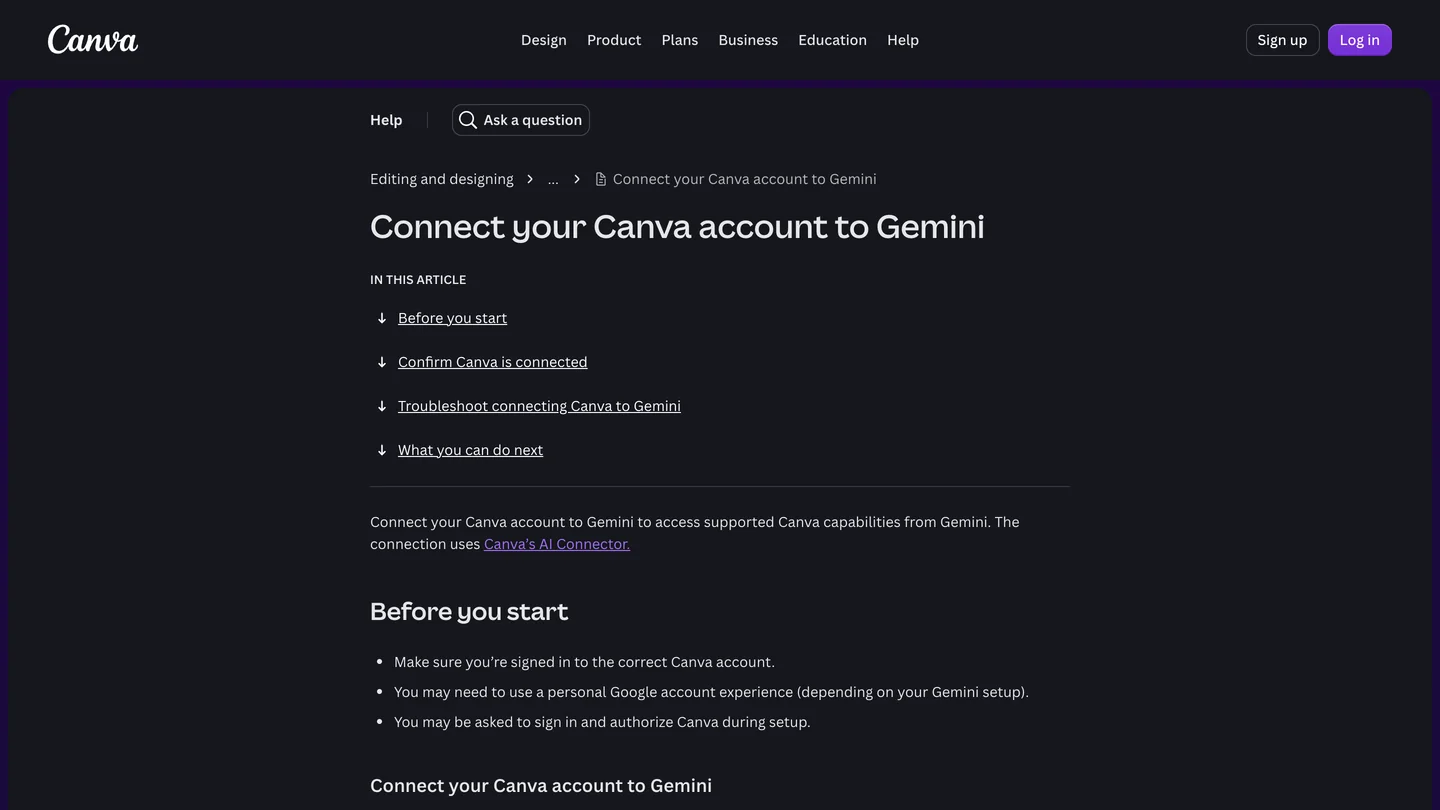
Canva’s own setup page, captured October 30, 2026. Note the line about a personal Google account.
To add it, Canva’s help page says to open Gemini, go to Settings, then Personal Intelligence, then Connected Apps, find Canva under Other and turn it on, then sign in to Canva. Honest take: use it for the documents around the design, not the design itself. A good pairing is to redesign the room in MeltFlex, then ask Canva to lay the before and after on a board. Check your first deck before it goes to a client: the brand kit is applied automatically, which is exactly why a wrong font is easy to miss.
3. Adobe: can Gemini edit site and portfolio photos in Photoshop and Lightroom?
Yes, and this is the one with the widest reach. Adobe’s app arrived in Gemini on September 24, 2026 and brings capabilities from Photoshop, Lightroom, Firefly and Express into the chat. Adobe says it is rolling out worldwide on every Gemini plan, and outside the US it is one of only three of Google’s September partners you can use at all. You describe the fix in plain language, such as brighter interiors, straighter verticals or a crop for a banner, and Adobe picks the tools. You add it from Connected Apps under Personal Intelligence and sign in with an Adobe ID.
Honest take: it is the right tool for the dim site photo, the slightly blue portfolio shot or a set of social crops, and Lightroom matters more for interiors than Photoshop does. It edits the pixels you have. It will not replace a sofa or restyle a kitchen; that needs a model that understands rooms. The ChatGPT side got Acrobat as well, Gemini did not, so for drawing sets see Workspace below.
4. Google Workspace: can Gemini read your specs, drawings and client emails?
Partly, and it is already there if you use Gmail and Drive. Workspace is one of Google’s own Connected Apps, alongside Search services, YouTube and Photos, and with Personal Intelligence turned on Gemini can find and summarize what is in your Gmail, Calendar and Drive. For a studio that means questions like “what did the client say about the kitchen island in March”, “which tile did we specify for the Jones bathroom” or “summarize the changes in the latest consultant PDF”.
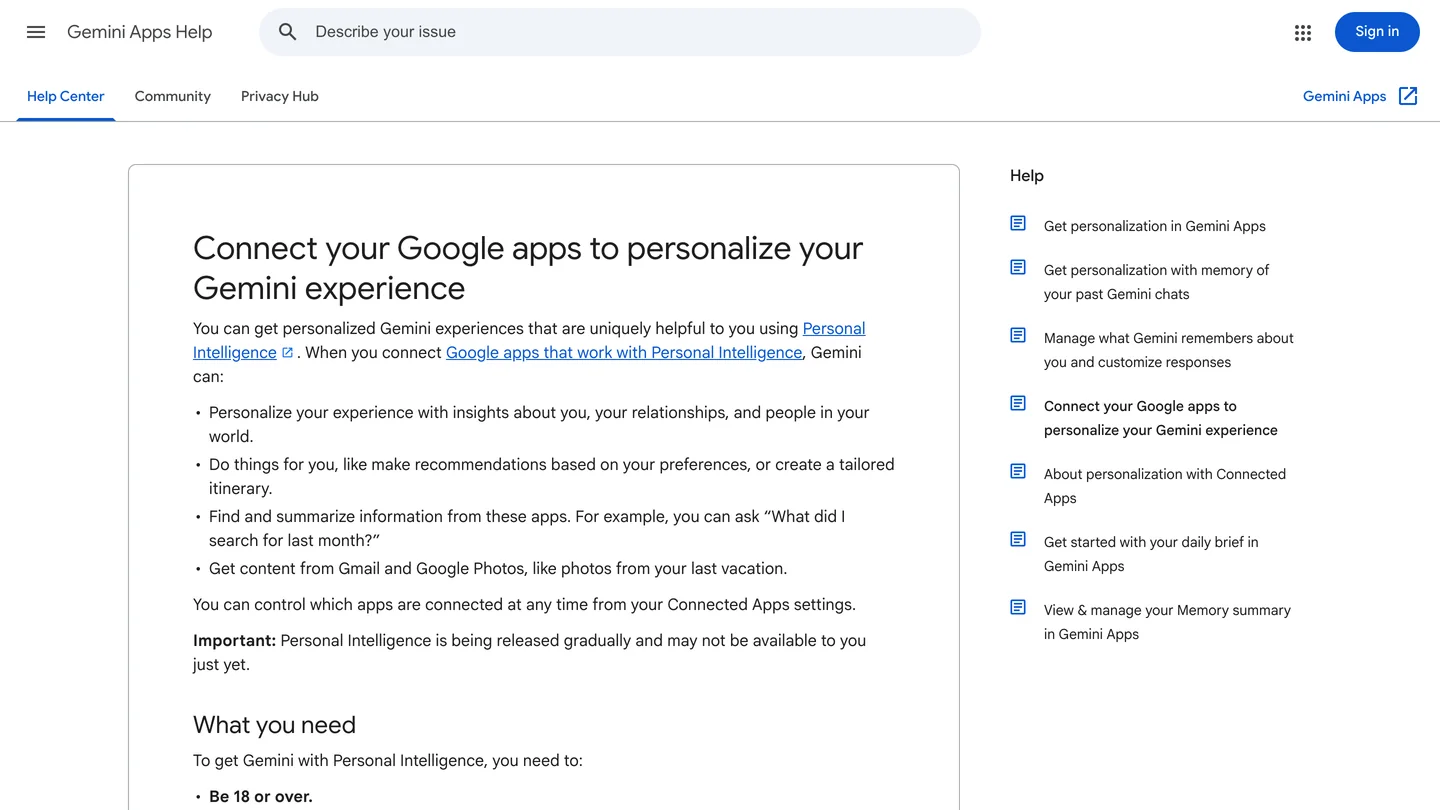
Google’s help page for its own connected apps, captured October 30, 2026.
Honest take: it reads text, it does not read drawings the way you do. It can pull a schedule out of a PDF; it cannot check a dimension on a section or notice that two sheets disagree. Personal Intelligence is opt in and Google says it is still rolling out gradually, so you may not see it yet. And because it is tied to a personal account, it will not see a studio’s shared Workspace Drive unless you use Gemini through that work account.
5. Google Maps and Search: can Gemini give you site context?
Yes, for the everyday kind. The Search services app gives Gemini Search, Maps, Shopping and News, and on October 22, 2026 Google extended it to your own Maps searches and saved places. That covers the practical questions around a project: the route between three site visits, the tile showrooms near a client, what is around a lot before you go, or the opening hours of the supplier you saved last month.
Honest take: useful, not professional site analysis. It does not give you zoning, setbacks, flood maps or survey data, and you should not quote it to a client as if it did. Treat it as the assistant who plans your day, not the one who checks the site.
6. monday.com, Airtable and PandaDoc: can Gemini run projects and proposals?
Some of it, mostly in the US. On September 23, 2026 Google added 14 partner apps at once, among them monday.com, Airtable and PandaDoc on the work side and Squarespace, Webflow and apartments.com elsewhere. Google’s own table marks 10 of the 14 as US only. Outside the US, only Adobe, monday.com and Wispr AI are available, and all of them work in English only and for users 18 or over.
Honest take: we are listing these from Google’s launch, not from our own use, so treat them as a pointer. monday.com is the interesting one for studios outside the US, and the only one of the new apps that also accepts work and school accounts. monday.com and PandaDoc are also among the plugins in Antigravity’s new marketplace, along with Notion and Trello, which is the route if the Gemini app does not offer them where you are. If your projects live in Airtable or your proposals in PandaDoc and you work in the US, it is worth connecting the one you already pay for. Stagers in the US can add apartments.com for rental listings; portfolio sites on Squarespace or Webflow can be edited from the chat.
7. Rhino, SketchUp, Revit and Blender: can Gemini model in 3D through MCP?
Yes, but not from the Gemini app. 3D tools run on your own computer, and their MCP servers talk to the program locally, so you need an agent that runs there too. For Gemini that is Google Antigravity, the agent app and command line tool (agy) that replaced Gemini CLI for consumer plans when Google stopped serving free, Pro and Ultra accounts in Gemini CLI on June 18, 2026. Each tool goes into Antigravity’s mcp_config.json as a local server.
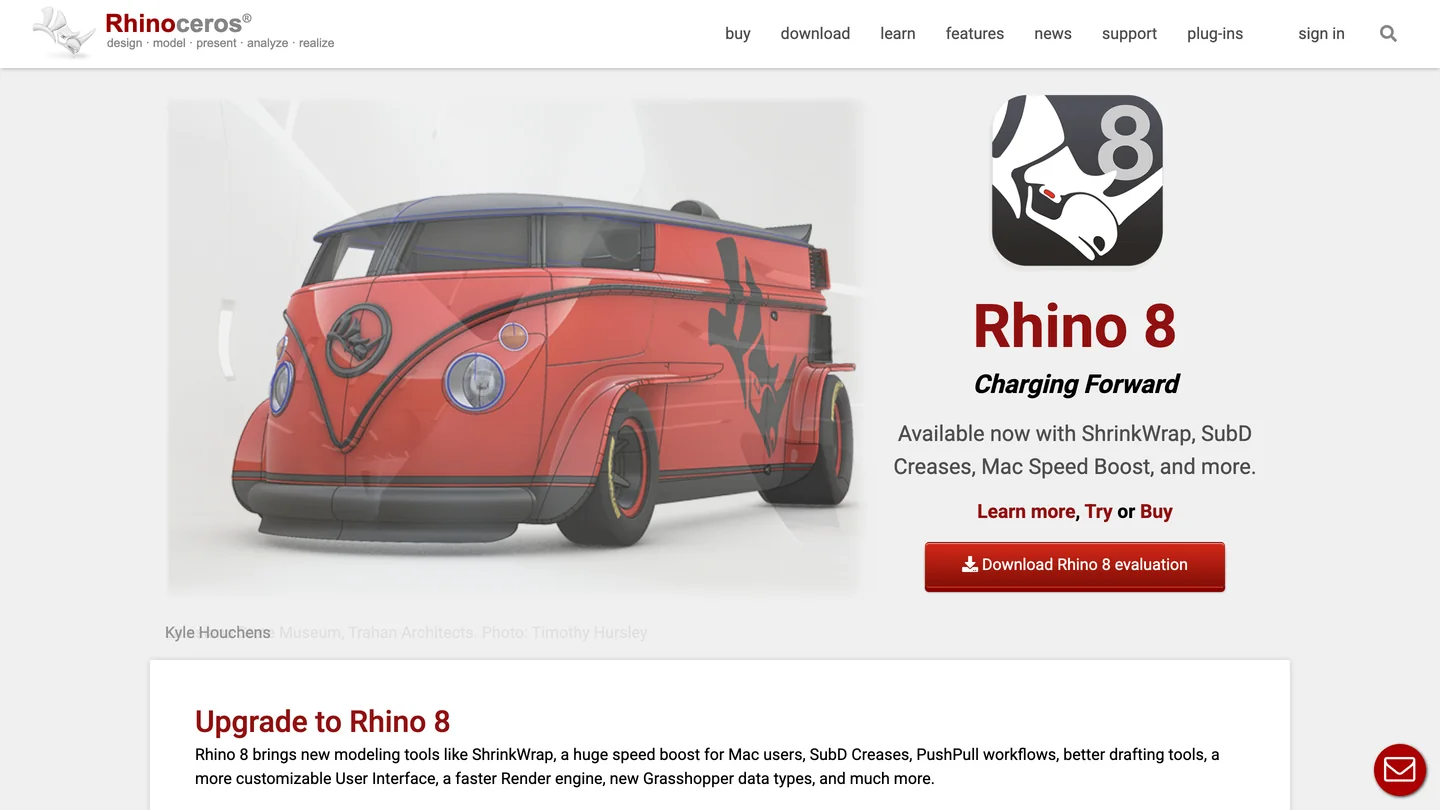
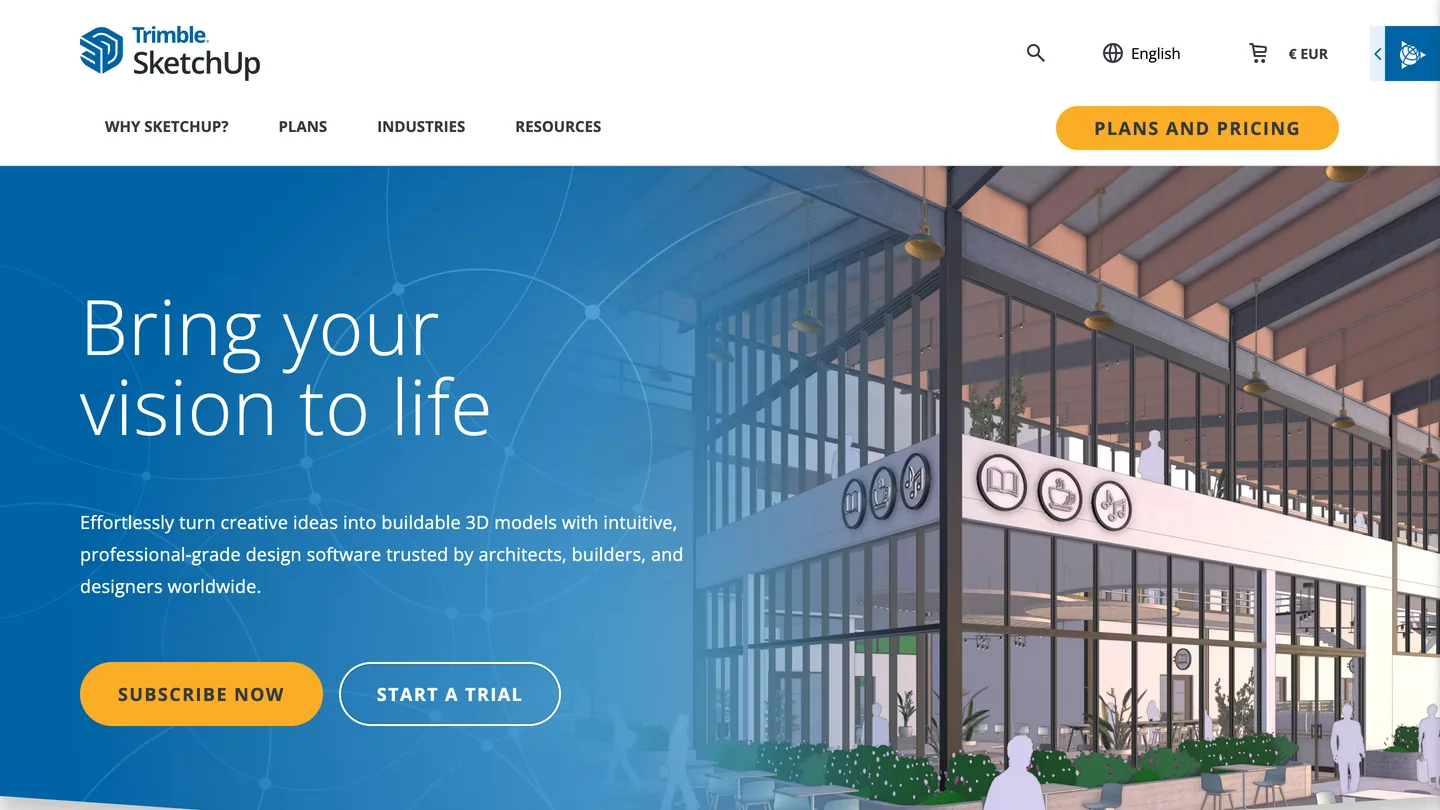
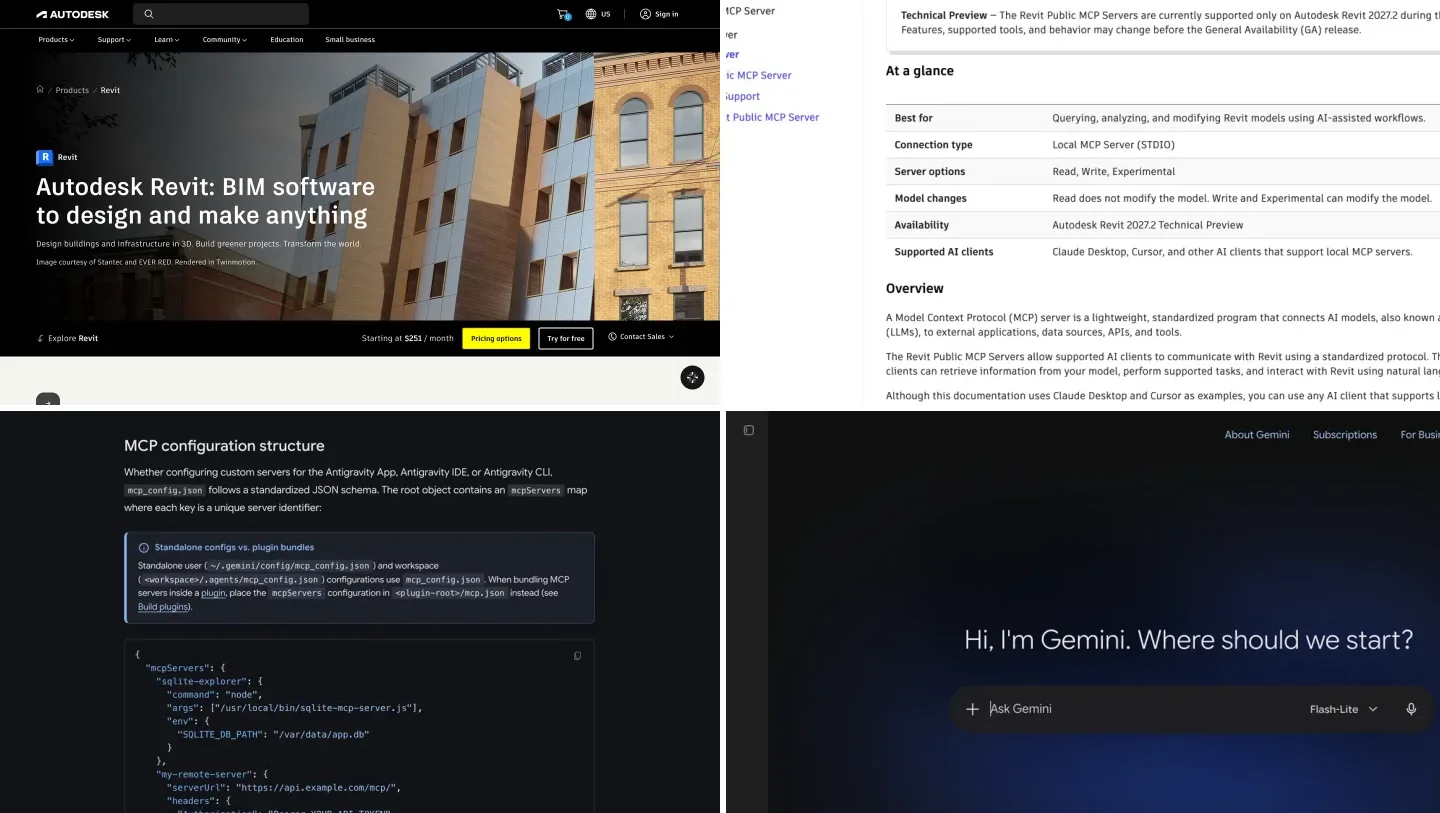
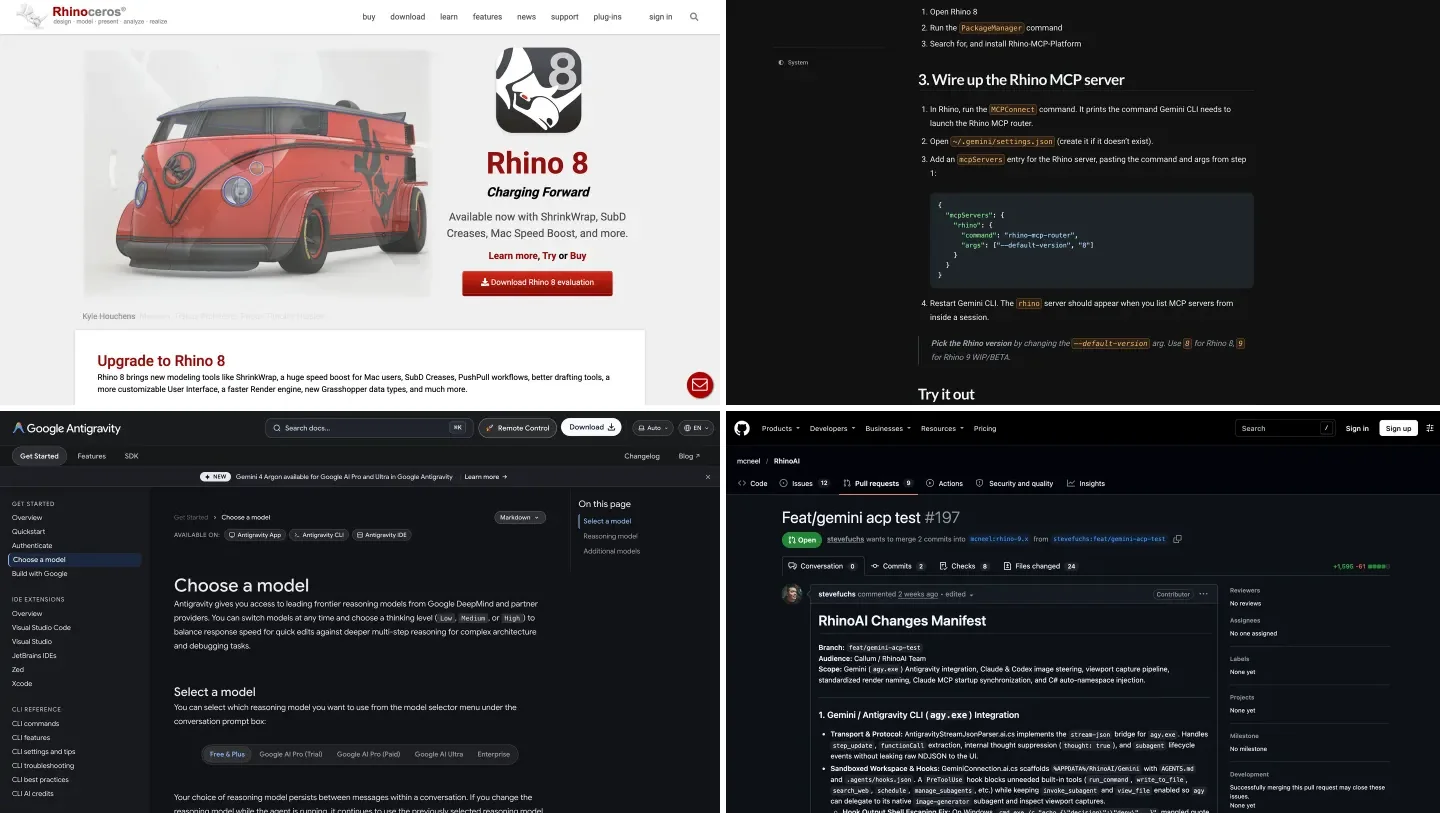
Rhino and SketchUp, the two architecture tools where Gemini already works through MCP.
- Rhino: McNeel’s free Rhino MCP Platform plugin. We tested it with Gemini 4 Argon and 3.8 Flash on a real interior brief: the dimensions came out exact, and both models missed a clash the others caught. Full setup in how to connect Gemini to Rhino.
- SketchUp: community servers such as sketchup-mcp2. Trimble’s official SketchUp connector is built for Claude, and when we probed it on October 14, 2026 its sign in refused the redirect address Gemini uses. Setup and the AI Render route in how to connect Gemini to SketchUp.
- Revit: Autodesk’s Revit MCP server on Revit 2027.2, or community servers for older versions, Windows only. Setup and our test of Gemini 4 Argon on a Revit model in how to connect Gemini to Revit. To start a building from a brief rather than edit one, AIBIMTool, the AI BIM software made by our team, generates a first model and exports IFC for Revit.
- Blender: the open source Blender MCP server, the one we tested in how to connect Claude to Blender. Any MCP client can run it, Antigravity included.
Honest take: this is the area where Gemini is furthest behind Claude. None of these has a Gemini app, the setup is a config file, and Antigravity runs tools in Ask mode, so you approve each call. That is a good default with software that can delete your model. If 3D by conversation is the main reason you want an AI agent, our MCP servers for architects in Claude Code list is the easier start.
What is in the Antigravity Plugin Marketplace for designers?
More than the Gemini app has, and it opened the day before we published. Google launched the Plugin Marketplace for Antigravity on October 29, 2026: a directory of plugins that bundle MCP servers, skills, rules and agents into one install, for both the Antigravity app and its command line tool. For architects and designers the useful ones are Canva, Figma and Mobbin under Design, Creative and Media; Google Docs, Drive, Sheets, Slides and Calendar under Workspace; Notion, monday.com, PandaDoc, Trello and Dropbox for projects; and Wix and WordPress for a portfolio site.
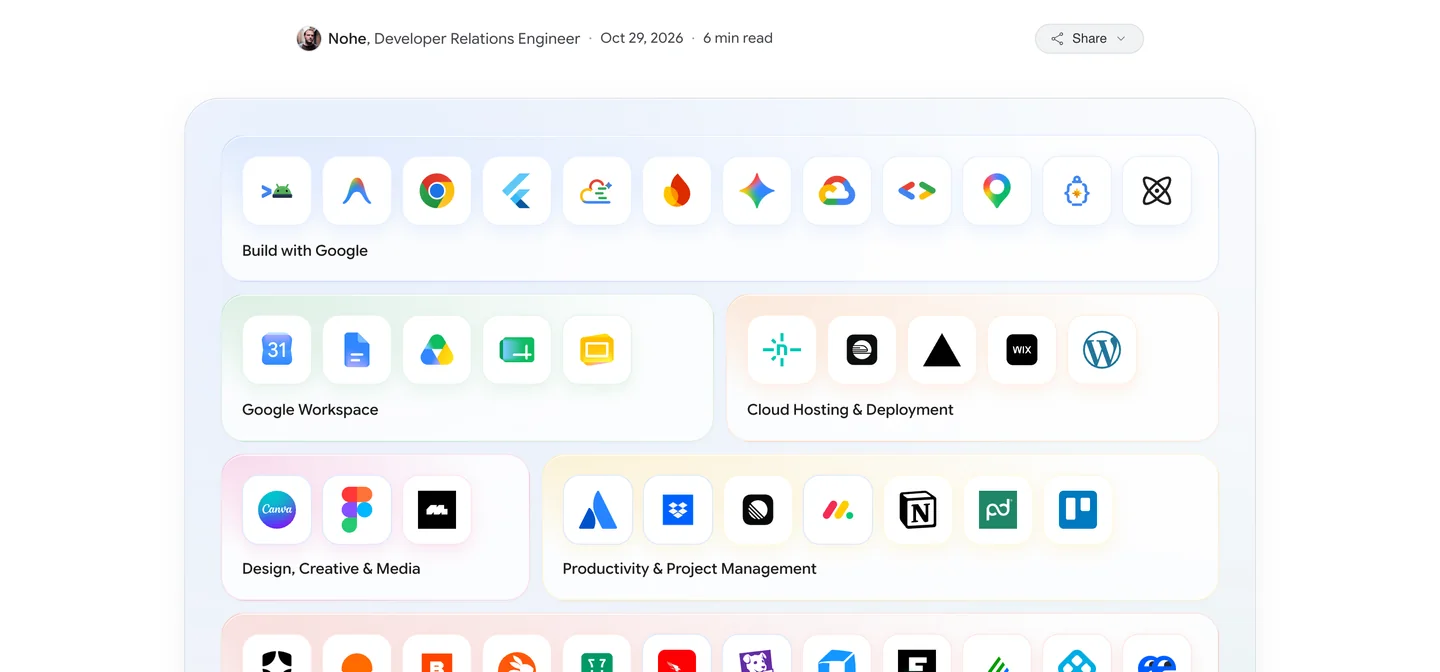
The launch plugins from Google’s own announcement, October 29, 2026. Canva and Figma sit in the Design row.
Install from the app’s Customizations panel, Marketplace tab, or from a terminal:
agy plugin install <plugin-name>@antigravity-plugins-officialHonest take: this matters most for Figma. Figma has no Gemini app connector, so until now a Gemini user had no first party way to reach a FigJam board or a Figma file from an agent; the plugin is that way. What the marketplace does not have is just as telling: no Adobe, no SketchUp, no Rhino, no Blender and nothing from Autodesk at launch. For 3D you still add those servers by hand, as in section 7. We have read the launch list, not installed each plugin, and plugin contents can differ from the matching Gemini app.
What happened to Gemini extensions? Connected Apps, custom apps and Antigravity
Gemini extensions were renamed Connected Apps. They live in Gemini under Settings, Personal Intelligence, Connected Apps, and there are now three different ways a tool reaches Gemini. Which one you need depends on the tool, not on preference.
| Connected Apps | Custom apps | Antigravity MCP | |
|---|---|---|---|
| What it is | Google’s apps and listed partners | Any remote MCP server you add by URL | Remote or local MCP servers in a config file |
| Examples | Workspace, Maps, Canva, Adobe | MeltFlex | Figma and Canva plugins; MeltFlex, Rhino, SketchUp, Revit, Blender by hand |
| Who can use it | Varies by app and country | 18+, US, personal account, Keep Activity on | Anyone who installs it; model access depends on plan |
| Setup | Turn on, sign in | Paste URL on the web, sign in | Edit mcp_config.json, restart |
| Local tools | No | No | Yes |
| Trust | Listed by Google | Not reviewed by Google | Not reviewed, you approve each call |
- What it is
- Google’s apps and listed partners
- Examples
- Workspace, Maps, Canva, Adobe
- Who can use it
- Varies by app and country
- Setup
- Turn on, sign in
- Local tools
- No
- Trust
- Listed by Google
- What it is
- Any remote MCP server you add by URL
- Examples
- MeltFlex
- Who can use it
- 18+, US, personal account, Keep Activity on
- Setup
- Paste URL on the web, sign in
- Local tools
- No
- Trust
- Not reviewed by Google
- What it is
- Remote or local MCP servers in a config file
- Examples
- Figma and Canva plugins; MeltFlex, Rhino, SketchUp, Revit, Blender by hand
- Who can use it
- Anyone who installs it; model access depends on plan
- Setup
- Edit mcp_config.json, restart
- Local tools
- Yes
- Trust
- Not reviewed, you approve each call
How do you add a custom MCP server to Gemini?
In the Gemini app (US only). Google’s help page lists the requirements: be 18 or over and in the US, sign in with a personal Google account, and keep Keep Activity on, because custom apps switch off without it.
- Open gemini.google.com on the web. Custom apps can only be added there; once added, they also work in the Gemini mobile app.
- Go to Settings, then Connected Apps, and under Custom apps choose to add one.
- Paste the MCP server URL, for MeltFlex
https://www.meltflexai.com/api/mcp, and click Next. - Sign in when asked. Servers that support dynamic client registration need nothing else; for the others, Advanced features takes a client ID and secret.
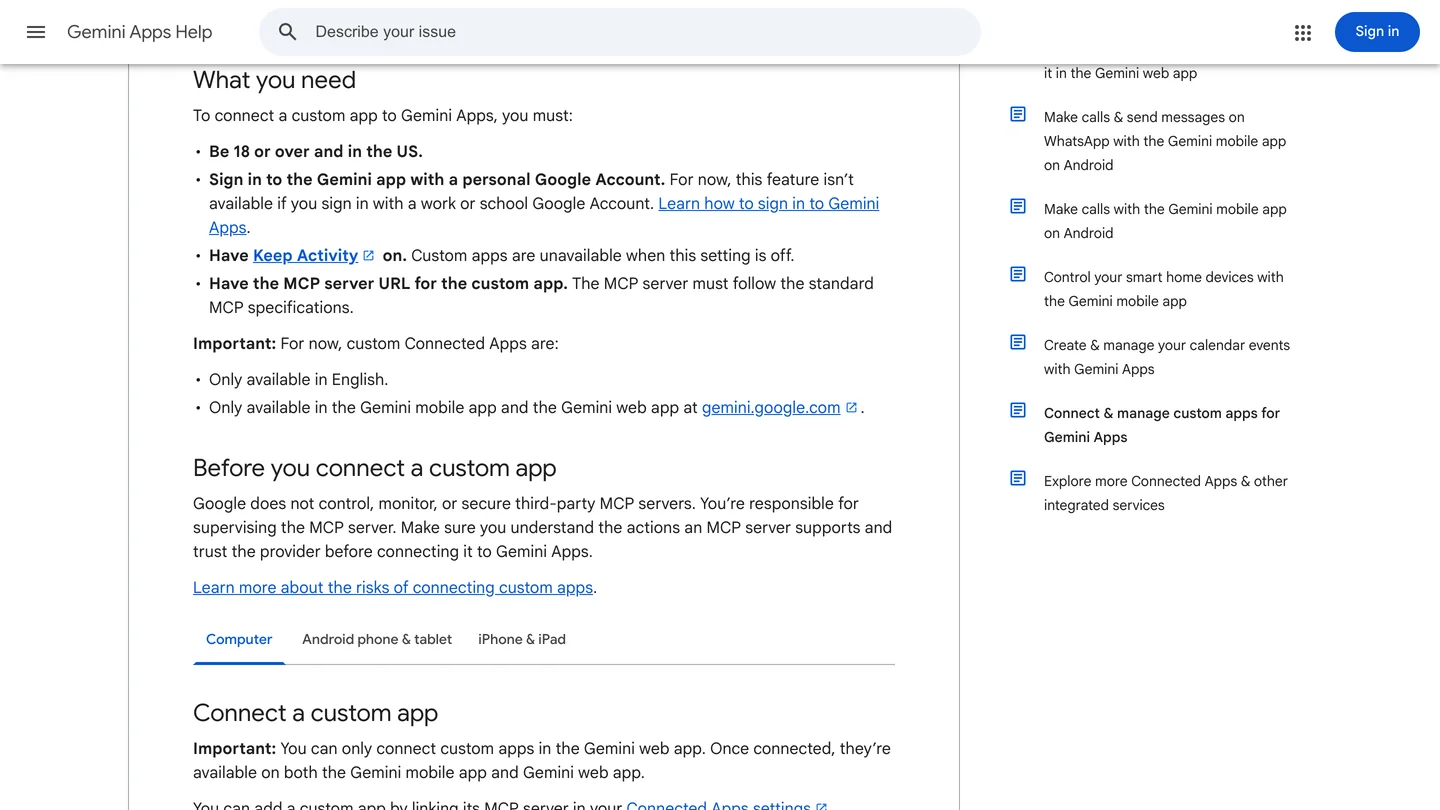
The requirements for custom apps, from Google’s help page.
In Antigravity (anywhere). Antigravity reads servers from ~/.gemini/config/mcp_config.json for all projects, or .agents/mcp_config.json inside one project. Remote servers go in with serverUrl and must use the Streamable HTTP transport, which MeltFlex does:
{
  "mcpServers": {
    "meltflex": {
      "serverUrl": "https://www.meltflexai.com/api/mcp"
    }
  }
}
Restart Antigravity, type /mcp to open its MCP manager and check that the server shows as connected, then sign in when the browser opens. Local servers such as Rhino or Blender use command and args instead of serverUrl; the Rhino and SketchUp guides above have the exact entries.
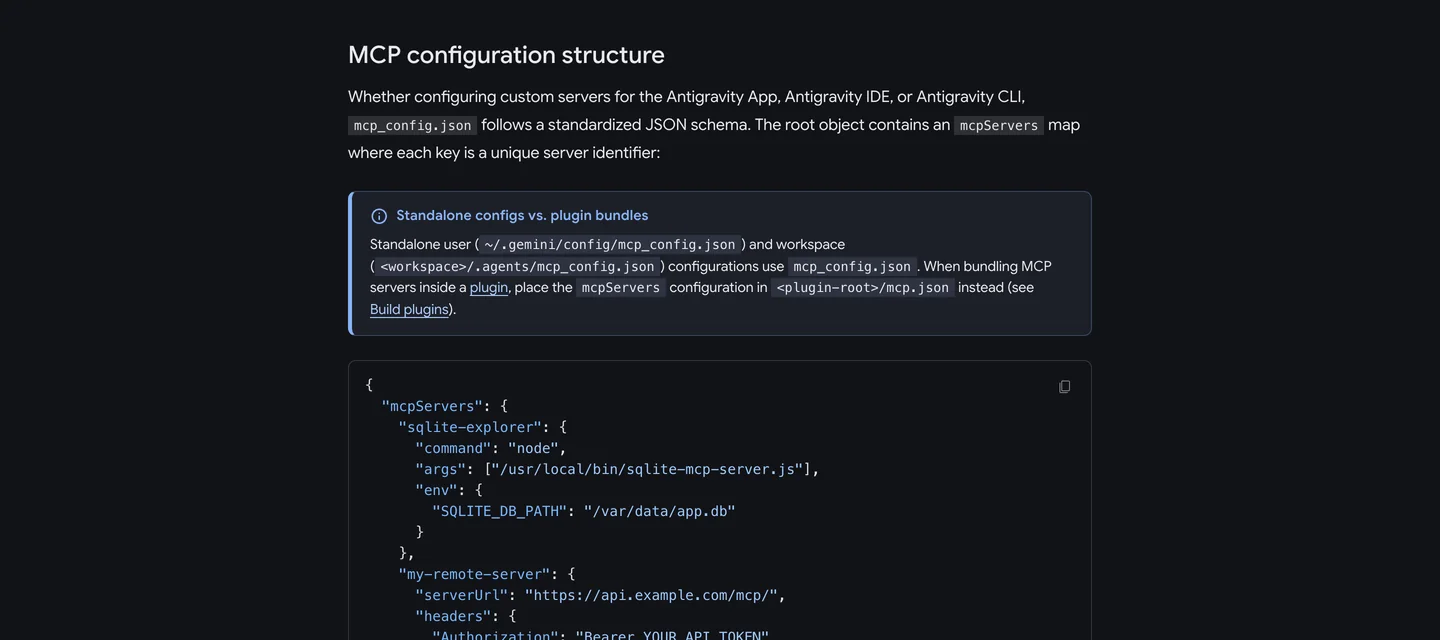
Antigravity’s MCP docs, captured October 30, 2026: the two config file locations, and a remote server entry using serverUrl.
What changed in Gemini for designers in 2026?
Almost everything on this page is less than six months old, which is why so many tutorials are out of date. The dates, from Google’s and the partners’ own announcements:
Gemini skills, the old Gems: should your studio build one?
Yes, and if you already have Gems, you need to act before December 17. Google announced skills on September 30, 2026 as the replacement for Gems: saved instructions you call by typing / and the skill’s name, which Gemini can also apply on its own when your prompt matches. Skills can include reference files, plain text, PDFs and images, and you can stack several in one chat. Drive files and Gemini Notebook are, in Google’s words, coming in the next few weeks.
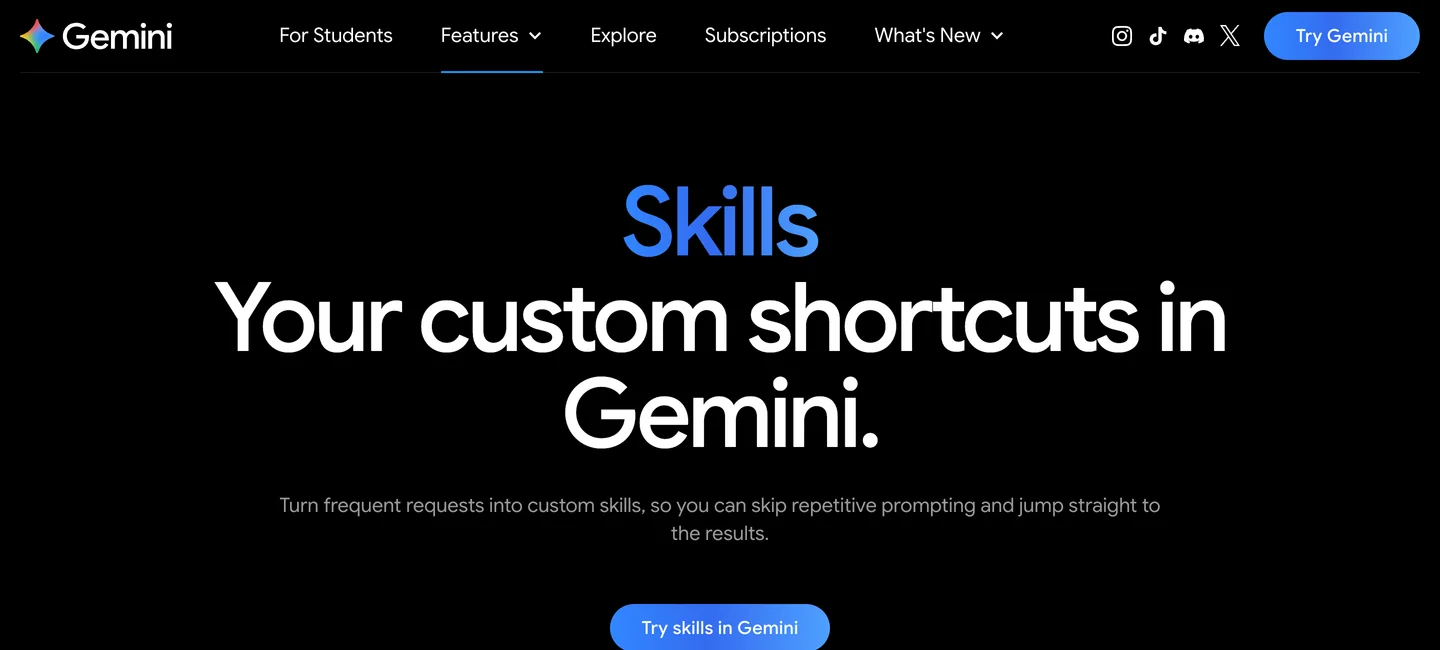
Google’s skills page, captured October 30, 2026. It still lives at the old Gems address.
The dates, from Google’s transition page: for personal accounts, Gems become read only skills on November 17, 2026 and are removed on December 17, 2026. Workspace business, enterprise and nonprofit accounts follow in March 2027, education in June 2027. Gems move over automatically, with two catches. The skill limit is 100 MB, and Google trims the largest files first to fit. Some file types are dropped entirely, including zip archives, audio, video and old .doc, .xls and .ppt files. If your Gem leans on a zipped detail library or an old Word spec, download it now.
The skills that pay off in a studio are the boring ones you rewrite every week. Three that work well: a client brief skill with your intake questions, a spec writer with your finish schedule as a reference PDF, and a studio voice skill for proposals and captions. Stack the last two and the spec reads like you wrote it. Here is the brief one, as plain text you can paste into a new skill:
Name: client-brief
When I paste notes from a first client meeting, turn them into a design brief with
these headings: rooms in scope, how the household uses each room, must keep (furniture,
finishes), budget range, style words the client used in their own words, open questions.
Keep the client's words where they gave them. Do not invent a budget or a style.
End with the five questions I should ask at the next meeting.
Honest take: skills are a shortcut, not a second designer. They save the paragraph of setup you would otherwise type, they do not make Gemini better at judging a room. For prompt wording that works, our Gemini interior design prompts are a good base for a skill, and the Nano Banana 2.1 architecture prompts cover renders.
Do Gemini connected apps work on a studio’s work account?
Mostly not yet, and this is the catch most guides skip. Google’s help page says custom apps are not available on work or school accounts, Canva’s setup page warns you may need a personal Google account, and Adobe’s app is listed for personal accounts. monday.com is the exception among the September partners. So a studio that runs on Google Workspace has two choices: use these apps on each designer’s personal Google account, with the obvious questions about client files, or wait.
Larger firms on Gemini Enterprise have a third route. An admin can add custom MCP servers for the whole company under Connected apps. Google’s documentation notes the option is off by default and that the Business edition only accepts servers over Streamable HTTP. That is the setup to ask your IT person about, not something to work around.
Which Gemini apps should each kind of studio connect?
Three is the right number. Every extra app is one more thing Gemini has to choose between, and it picks better from a short list.
| You are | Connect | Why |
|---|---|---|
| Interior designer | MeltFlex, Canva, a client brief skill | Show the client their own room redesigned, then put it on a board |
| Home stager (US) | MeltFlex, Adobe, apartments.com | Stage empty rooms, fix the listing photos, check the competition |
| Architect, small practice | Workspace, Maps, Canva | Find what is in your Drive and inbox, plan site days, make proposals |
| Architect working in 3D | Rhino or SketchUp MCP in Antigravity | Model by conversation, approving each step |
| Kitchen and bath designer | MeltFlex, Adobe | Try cabinet colors and counters on the client’s own kitchen photo, then clean up the photos |
- Connect
- MeltFlex, Canva, a client brief skill
- Why
- Show the client their own room redesigned, then put it on a board
- Connect
- MeltFlex, Adobe, apartments.com
- Why
- Stage empty rooms, fix the listing photos, check the competition
- Connect
- Workspace, Maps, Canva
- Why
- Find what is in your Drive and inbox, plan site days, make proposals
- Connect
- Rhino or SketchUp MCP in Antigravity
- Why
- Model by conversation, approving each step
- Connect
- MeltFlex, Adobe
- Why
- Try cabinet colors and counters on the client’s own kitchen photo, then clean up the photos
Gemini, ChatGPT or Claude: which is best for architects and designers?
Having written all three lists, the short answer is that each one wins a different part of the job. Gemini wins if your work already lives in Google: Drive, Gmail and Maps come built in, and Adobe works on every plan worldwide. ChatGPT has the largest plugin directory, including Acrobat, Figma and Zillow, and the simplest way to add a custom server outside the US. Claude is the strongest for 3D and CAD, with Trimble’s official SketchUp connector and the easiest MCP setup for local tools, plus Claude skills that work much like Gemini’s new ones. MeltFlex connects to all three with the same URL, so the assistant you pick does not lock you out of redesigning real rooms.
What is Gemini still bad at for design work?
Three things. First, availability: the most useful parts, custom apps and most partners, are US only, English only and personal account only, so the Gemini a designer in London or Berlin gets is noticeably smaller than this list. Second, there is still no CAD or BIM app inside Gemini; everything 3D runs through Antigravity and a config file. Third, the names keep moving. Extensions became Connected Apps, Gemini CLI became Antigravity, Gems are becoming skills, and the guides you find will often describe the old version. Check the date on any tutorial before you follow it, this one included.
Add MeltFlex to Gemini
- One URL. A custom app in the US, a serverUrl in Antigravity anywhere else.
- Keeps your real room. Walls, windows and doors stay where they are; only the design changes.
- 200+ presets as pictures. Kitchens, bathrooms, staging, exteriors, gardens and more.
- Real furniture. Attach a photo of a real piece and the redesign is built around it.
- Same account everywhere. The connection works in Gemini, ChatGPT and Claude.
How we put this list together
Every screenshot was captured from the tool’s own public page, with cookie and location pop ups hidden rather than clicked; the Rhino, SketchUp, custom apps and MCP page shots are reused from our earlier Gemini and ChatGPT guides. The MeltFlex check is first hand: on October 30, 2026 we sent our server the same unauthenticated request a new client sends and confirmed its sign in metadata and dynamic client registration. The SketchUp sign in result is from our own probe on October 14, 2026, and the Rhino result from our test on October 28, 2026. Everything else is compared, not tested on client work, from these sources, read on October 30, 2026: Google’s help pages on custom apps, connected Google apps and the move from Gems to skills; Google’s skills announcement (September 30, 2026); Canva’s Gemini help page and The Next Web’s launch report; Adobe in Google Gemini and PetaPixel’s report; Notebookcheck on the 14 September apps; 9to5Google on Maps in Personal Intelligence; Antigravity’s MCP documentation; Google’s Plugin Marketplace announcement (October 29, 2026) and marketplace docs; and Gemini Enterprise’s custom MCP server guide.
Gemini changes faster than the other two. We will update this page when custom apps leave the US, when Gems are removed on December 17, and whenever a CAD or BIM tool ships a Gemini app; the date at the top says when we last did.
Gemini extensions for architects and designers: FAQ
What are the best Gemini extensions for architects and interior designers?
For redesigning a photo of a real room with furniture you can buy, MeltFlex, added as a custom app or through Antigravity. For mood boards and client decks, Canva. For site and portfolio photos, Adobe, which brings Photoshop, Lightroom, Express and Firefly into Gemini on every plan. Google Workspace lets Gemini read specs, drawing PDFs and client emails in your Drive and Gmail, and Google Maps adds site context. For 3D, Rhino, SketchUp, Revit and Blender connect through MCP servers in Google Antigravity, not in the Gemini app, and Figma is available as a plugin in Antigravity's Plugin Marketplace since October 29, 2026. Most studios need three of these, not all seven.
What happened to Gemini extensions?
Google renamed them. What used to be called Gemini extensions are now Connected Apps, found in Gemini under Settings, Personal Intelligence, Connected Apps. Google's own apps (Workspace, Maps, YouTube, Photos) sit there next to partner apps such as Canva and Adobe, and since September 23, 2026 another 14 partners, most of them US only. There is also a Custom apps section where you can add your own MCP server by URL.
Does Gemini support MCP?
Yes, in three places. The Gemini app can add a custom app by its MCP server URL, if you are 18 or over, in the US, on a personal Google account with Keep Activity on. Google Antigravity, the agent app and command line tool that replaced Gemini CLI for consumer plans, reads MCP servers from mcp_config.json and can also run local servers such as Rhino and SketchUp. Gemini Enterprise lets admins add custom MCP servers for the whole company.
How do I add a custom MCP server to Gemini?
In the Gemini web app, open Settings, then Connected Apps, find Custom apps, choose to add one, paste the MCP server URL and follow the sign in steps. For MeltFlex the URL is https://www.meltflexai.com/api/mcp. It is US only for now. Anywhere else, use Google Antigravity: add an entry with serverUrl set to the same URL under mcpServers in ~/.gemini/config/mcp_config.json, restart it and type /mcp to check the connection. Servers that support dynamic client registration, MeltFlex included, sign in without a client ID.
Are Gemini Gems going away?
Yes. Google is replacing Gems with skills. For personal accounts, Gems become read only skills on November 17, 2026 and are removed on December 17, 2026. Workspace business, enterprise and nonprofit accounts follow in March 2027 and education accounts in June 2027. Gems move over automatically, but files over the 100 MB skill limit are trimmed and some file types, such as zip archives, audio, video and old .doc files, are dropped, so download your Gem files before December 17.
Can Gemini connect to SketchUp, Rhino or Revit?
Not from the Gemini app. All three work through MCP servers that run on your own computer, and the way to reach them with Gemini is Google Antigravity. Rhino has McNeel's free Rhino MCP Platform, SketchUp has community servers such as sketchup-mcp2, and Revit has Autodesk's own Revit MCP server for Revit 2027.2 plus community servers for older versions, all Windows only. Trimble's official SketchUp connector is built for Claude, and in our October test its sign in refused a Gemini redirect address.
Do Gemini connected apps work with a work or school account?
Mostly not yet. Custom apps and the Adobe and Canva apps ask for a personal Google account, and Google says work and school accounts cannot add custom apps. monday.com is the exception among the September partners and accepts work accounts. Companies on Gemini Enterprise get a separate route: an admin can add custom MCP servers for everyone, but the option is off by default.
Can Gemini redesign my real room instead of making up a new one?
Not reliably on its own. Gemini's built in image model, Nano Banana, generates a new picture guided by your photo, so run the same request twice and windows, doors and furniture can land in different places. A connected tool like MeltFlex sends your photo to a model that is told to keep the walls, windows and doors and change only the design, and it can build the room around a photo of a real sofa or rug you attach.
Keep reading
- The 7 best ChatGPT plugins for architects and designers, the ChatGPT side of this list.
- The 7 best MCP servers for architects in Claude Code, including Blender, Grasshopper and Rhino.
- How to connect Gemini to Rhino, with a real interior brief tested on Gemini 4 Argon.
- How to connect Gemini to SketchUp, four routes that work.
- Gemini room design, how far Gemini gets on its own with a room photo.
- Gemini prompts for interior design, tested prompts to build skills from.
- Try MeltFlex in the browser, upload a room photo and see it redesigned with furniture you can buy.