Yes, AI can show you Christmas lights on your own house before you buy a single strand, and the best free way is Gemini: a daylight photo from the street, one sentence about the lights, and the same house comes back at dusk with the roofline lit. The best tool built for it is MeltFlex, which is ours, because its exterior tool has a night setting and keeps the facade you uploaded. The most useful things nobody mentions are the two free installer estimators, Grants Pro Estimator and LightFlo, which do not make a pretty picture at all but tell you how many feet of lights the roofline actually needs.
Our articles are still written by humans!
Get human written articles in your Google feed.
This is the outdoor half of the question we answered indoors in can AI decorate my house for Christmas. Same method: every vendor page read and captured on 20 September 2026, one first-hand test on one house with four lighting briefs, and the results reported as a table rather than as pretty renders. The house photographs in this guide are AI renders from our gallery, chosen because each one shows a lighting decision you can copy.
FreeUpload house photo · freeRedesign my house exterior for freeUpload a photo of the house and MeltFlex redraws the facade, roof and finishes on your actual building. Your first AI design is free, no card needed.
Can AI Show Christmas Lights on My House Before I Buy Them?
Yes, and the job splits cleanly into two halves that no single tool does well: the picture and the plan. The picture is what an image model does in ten seconds: it reads your photo, follows the roofline, and paints warm white or multicolour bulbs along it at dusk. The plan is what an installer needs and what a homeowner forgets: how many feet of lights, how many bulbs, where the outlet is, how many strands can safely join. The image tools give you the first and none of the second. The installer estimators give you the second and a dotted line for the first. Use one of each and you will buy the right box of lights the first time.
Which Tools Put Christmas Lights on a Photo of Your House?
Seven made the list, and three were dropped on the day. The seven: Gemini and ChatGPT, because everyone has them; Ideal House and Media.io, because both have a named outdoor Christmas lights feature; the Grants Pro Estimator and LightFlo, because they are what installers use and both are free to a homeowner; and MeltFlex. Pixelcut’s Christmas lights overlay generator still ranks for this search but returned HTTP 410 Gone when we opened it. Holiday Lights Designer, a desktop program from the 2000s, has a website that would not connect. Ideal House’s Magic Editor showcase page redirected to its homepage, so we used its outdoor decorations tool page instead.
The rule for inclusion was the same as indoors: the tool has to take a photograph of your house. Text-to-image generators produce a beautifully lit house that is not yours. For lighting the inside of the window, the lighting prompts guide is the right one.
What Happened When We Lit One House Four Ways?
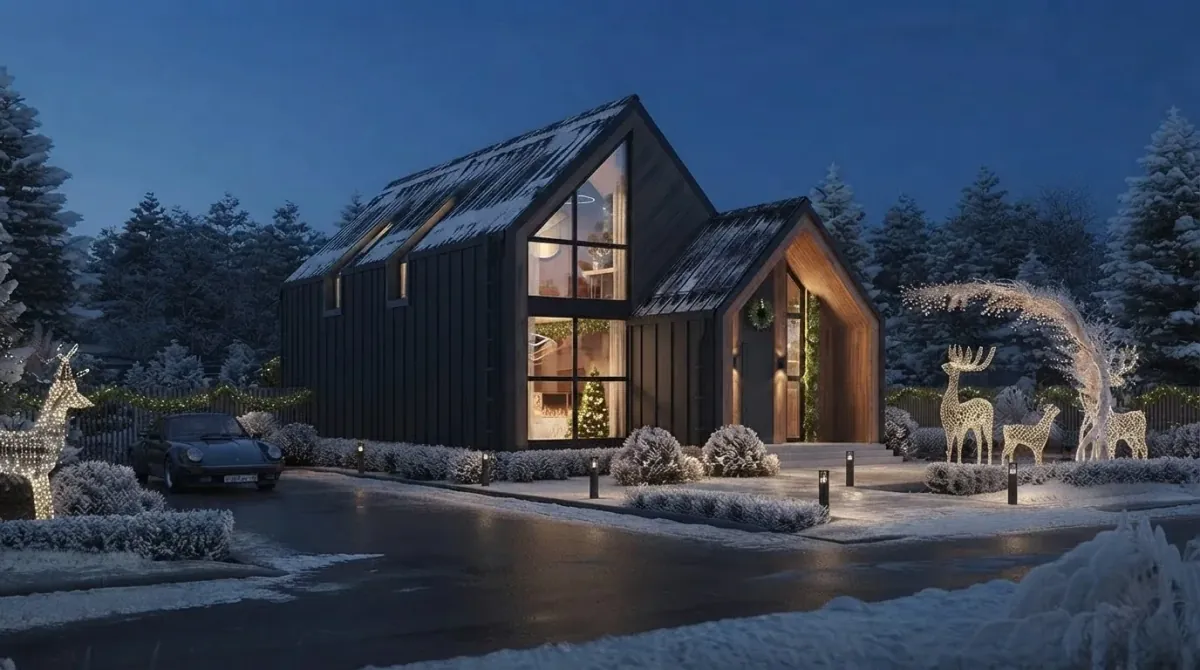
The house never changed and the sky did, which is exactly what you want. On 20 September 2026 we took one published render from our gallery, a gabled family house with dark timber cladding, a porch and a paved drive with path bollards, and ran four briefs through the built-in Gemini image path that the anonymous MeltFlex demo uses, at 16:9, one attempt each, no retries. Each brief asked for dusk and ended with a lock sentence naming the facade, roofline, windows, door, driveway and camera angle.
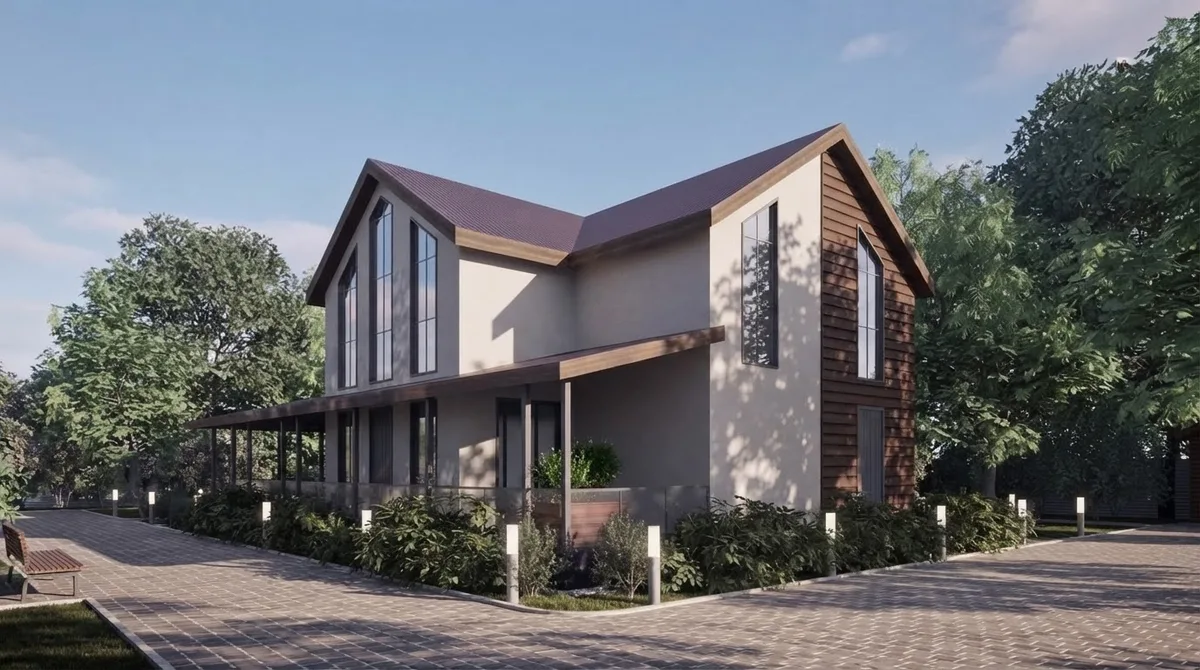
Two things are worth taking from the table. First, a daylight photo is the right input even though you want a night picture: the model turned the sky to dusk on request in all four, and it kept the geometry because it could see it. Second, the two unasked changes both came from the two longest briefs. Roofline, door, one garden feature: that is the length that came back clean.
What Is the Best Free Way to See Christmas Lights on My House?
Gemini for the picture, and it is not close. Google’s plans page lists image generation and editing on the free tier and describes the paid tiers only as 2x and 4x higher limits, so the daily number is unpublished; third-party trackers reported around 20 Nano Banana 2 images a day in March 2026, which we could not verify on a Google page. For a house that is more than enough: three or four prompts settle roofline versus roofline-plus-windows.
After Gemini: Grants Pro Estimator is free with no account for the basic version and gives you the number nobody else does. LightFlo is free after a sign-up that asks whether you are a contractor or a homeowner. Ideal House gives 20 starter credits plus 10 watermarked preview credits a day at 3 credits an image. MeltFlex gives one demo render without an account and one more after sign-up. ChatGPT is free but rationed to a couple of images a day. Media.io shows a credit counter and keeps free creations for seven days. The year-round list of what is genuinely free is in free AI interior design tools tested.
How Do You Ask Gemini or ChatGPT for Christmas Lights on a House Photo?
Name the lines, name the colour, ask for dusk, lock the house. Lights follow edges, so the brief works best when it names the edges: every roof edge, the porch beam, the door frame, the drive. The brief that came back cleanest in our test is below; swap the first sentence and keep the second.
Show this house at dusk decorated for Christmas in a classic style: warm white string lights along every roofline and gable edge, a lit wreath on the front door, lit garland around the door frame, warm light in the windows. Keep this exact house, the same facade, roofline, windows, door, driveway and landscaping, and the same camera angle. Photorealistic.
For multicolour: multicolour C9 bulbs along the roofline, red and green spotlights on the facade, a lit tree in the front garden. For a minimal look: a lit wreath on the door and two small lit trees either side of the entrance, nothing on the roof. For icicles: white icicle lights from every eave, net lights over the front shrubs, a star on the highest gable. If the result redraws the house, the list was too long; the general versions of these rules are in the exterior design prompts guide and the Gemini room design guide.
Is Ideal House Good for Outdoor Christmas Lights?
Yes, and it is the only web tool here whose outdoor Christmas feature is a named product rather than a prompt. Its Home Decor Ideas tool asks for “a photo of your home” and promises “stunning outdoor Christmas light displays, charming Christmas yard inflatables, and elegant porch” decoration, with a space type and a festival style chooser and a generate button that shows its 3-credit cost. The free plan is 20 starter credits and 10 preview credits a day with a watermark; the paid tiers list credits, not prices, on the page we captured.
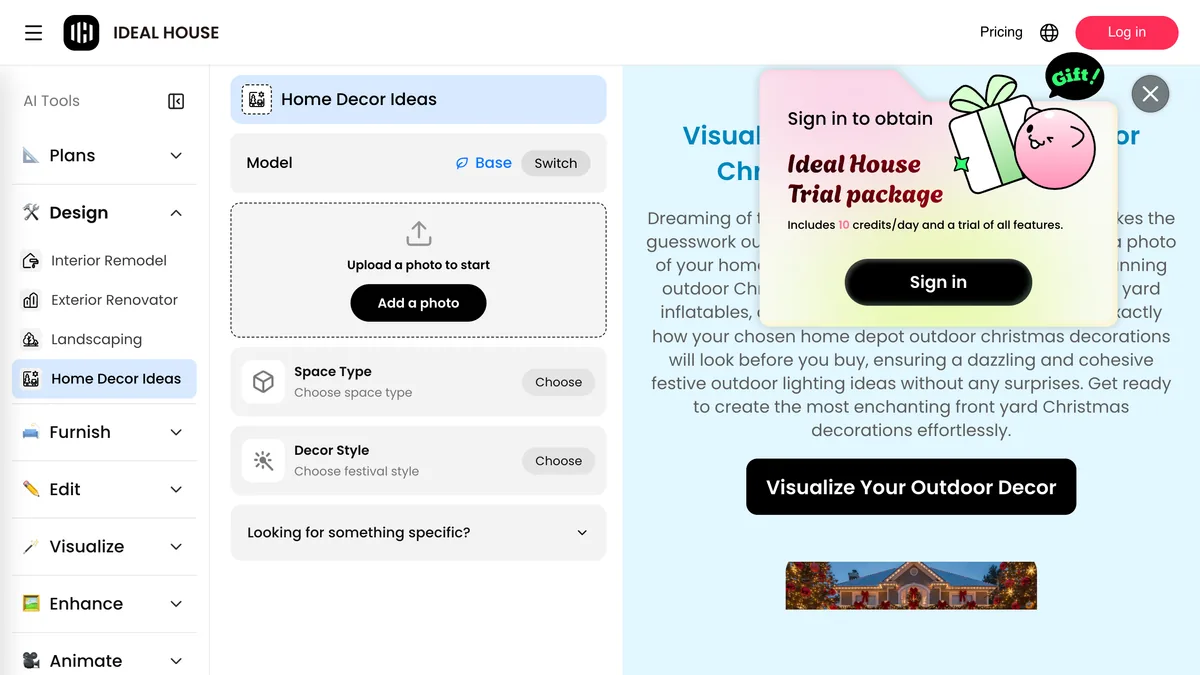
The caveat is the one that applies to any credit tool: a good result takes three attempts, and three attempts is your whole daily allowance. Do the roofline on day one and the inflatables on day two.
What Do the Installer Estimators Do That AI Does Not?
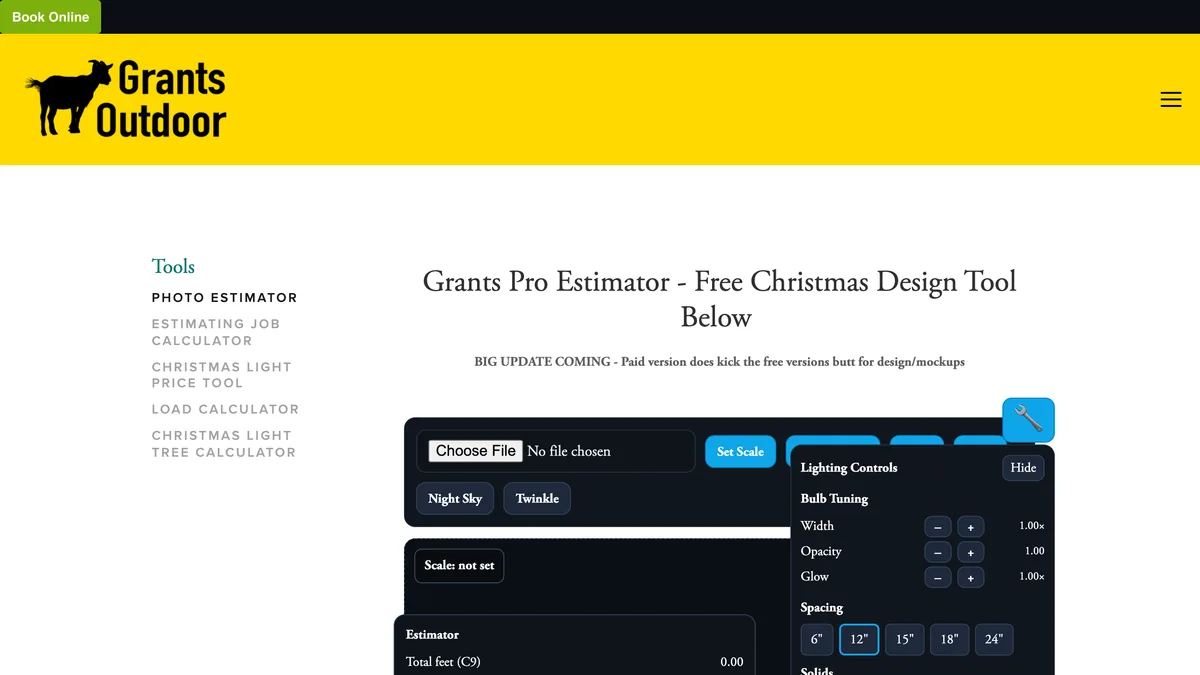
They count. The Grants Pro Estimator, built by a Texas installation company for its own crews and published free, has you upload a photo, click two points on something you can measure to set the scale, then click along the roofline and press Install Lights. It returns total feet of C9 line, bulb counts at 6, 12, 15, 18 or 24 inch spacing, garland feet and a price at whatever per-foot rate you type in. The paid version, $189 a year or $45 a week, adds customer mockups and wreath drop-ins, and the page itself says the paid version “kicks the free version’s butt for design”, which is the most honest line on any page in this guide.
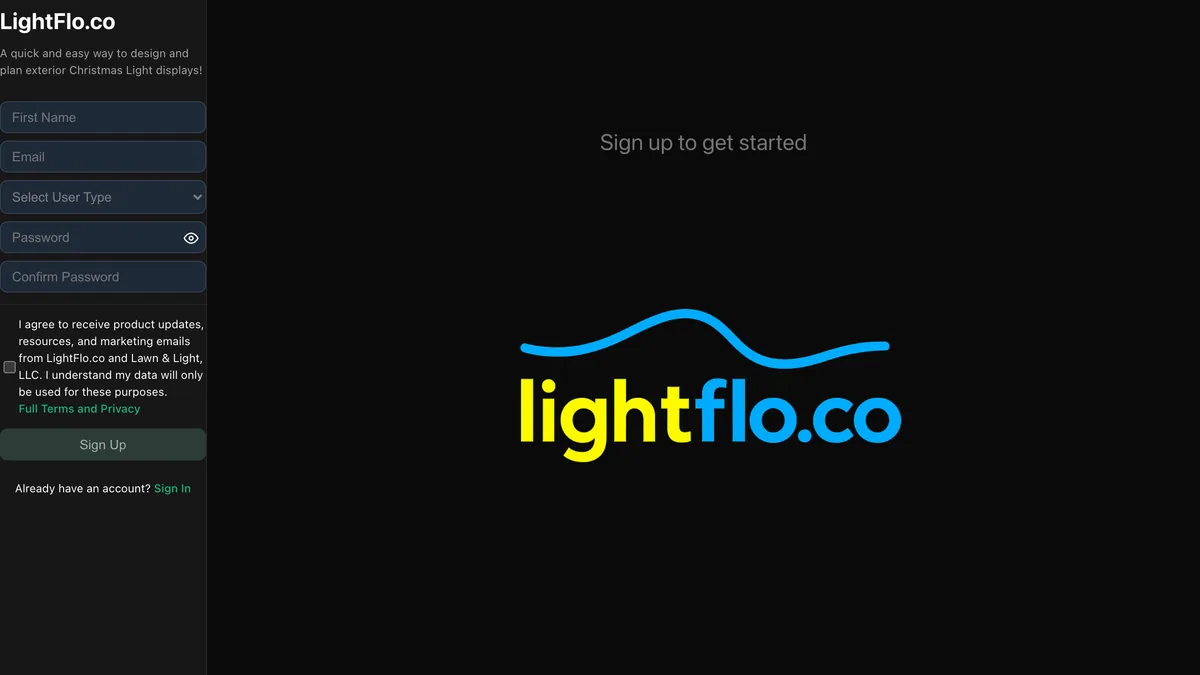
LightFlo does the same job with less arithmetic: upload a photo, map the strands, preview the colours. It is published by a lighting supplier, so expect the preview to steer you toward their product. Neither tool makes a photorealistic image, and neither pretends to. Run the AI render first to decide the look, then the estimator to decide the order.
Where Does MeltFlex Fit, and What Does It Get Wrong?
MeltFlex is ours, and its exterior design tool is the one place in this list where the night view is a control rather than a prompt. You upload a photo of the house, pick the building type, choose a time of day that includes golden hour and night, and type what you want changed. The first render is free without an account. Because the tool is built to restyle facades, it treats the roofline, windows and door as things to keep, which is the property Christmas lights depend on. If you want the whole MeltFlex toolset in one place, start at /create; the full tools comparison puts it beside thirteen rivals.
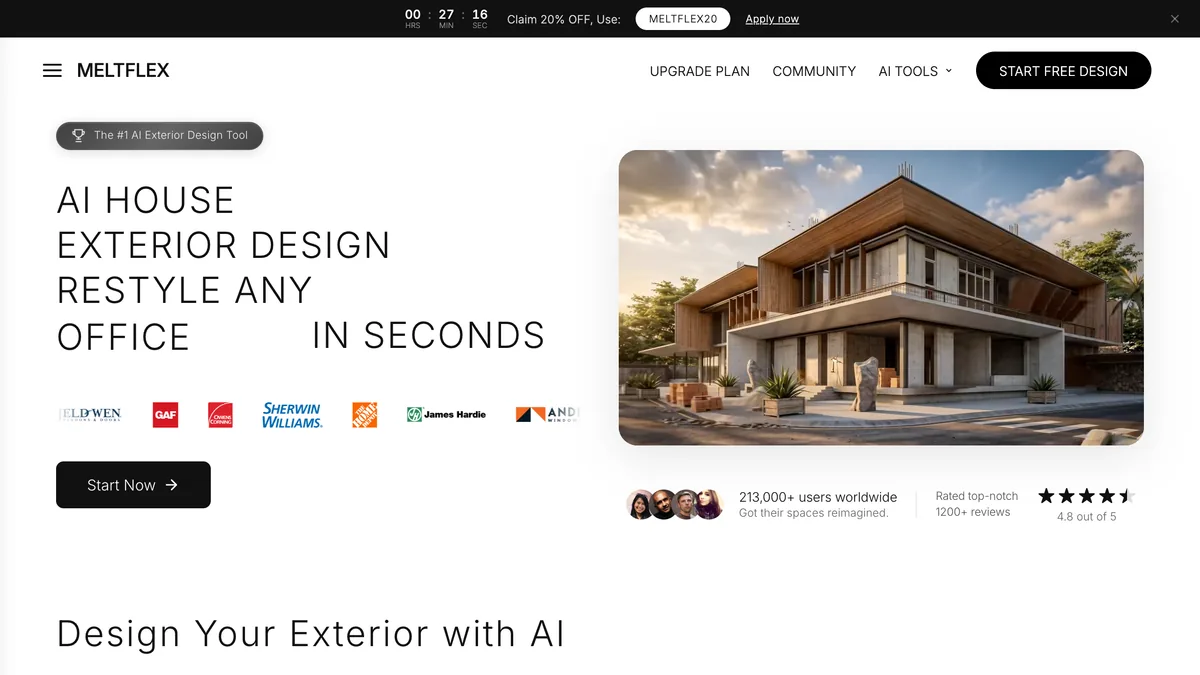
What it gets wrong. There is no Christmas preset, so you type the brief yourself, and the free tier is two renders before the €19 a month plan (about $21). It does not count feet or bulbs any more than Gemini does. And our four-brief test ran on the built-in Gemini path the free demo uses, not the paid pipeline, so this guide says nothing about how the paid model handles a roofline. If you want to see the tool on an ordinary facade first, the exterior prompts guide shows it working.
Which Christmas Light Styles Render Well on a House?
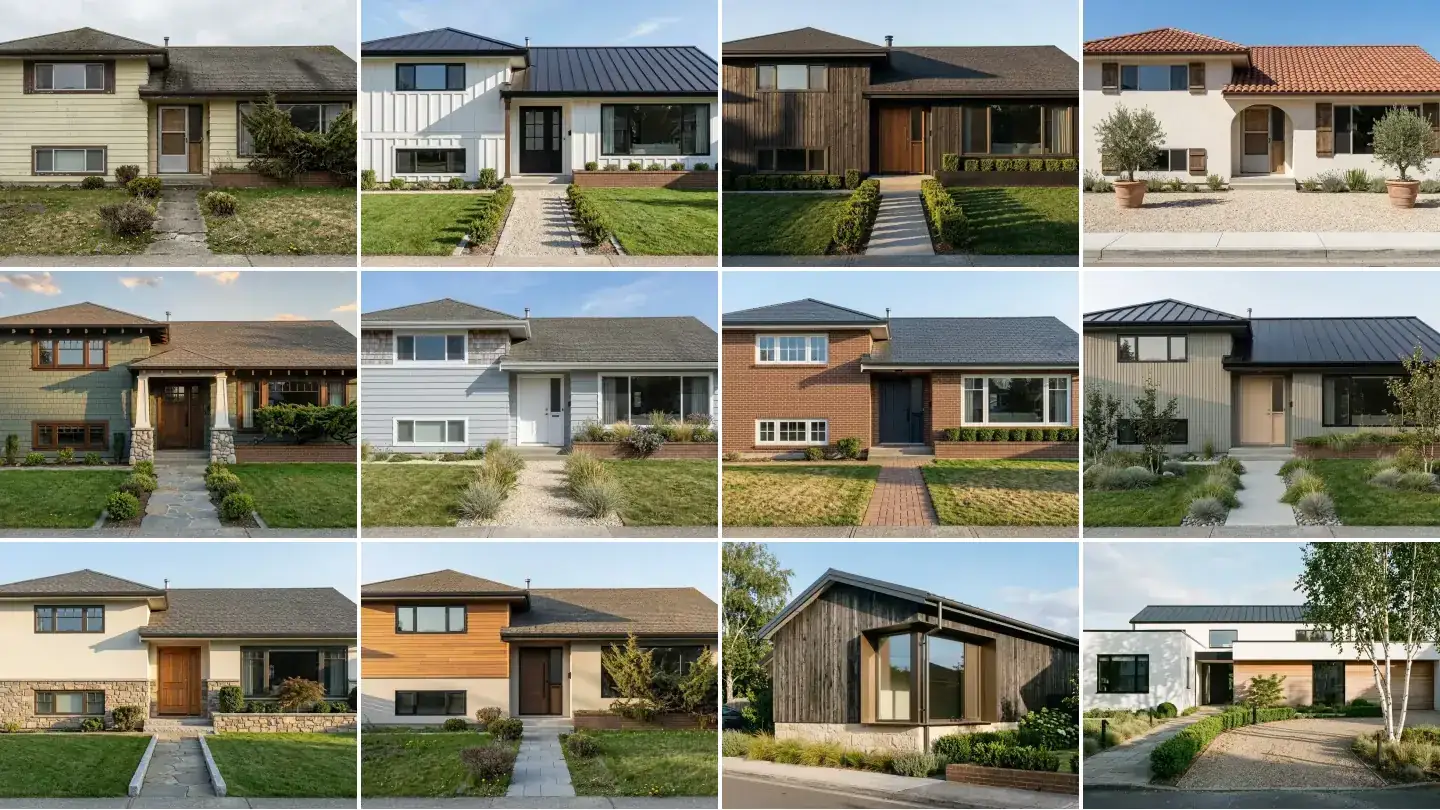
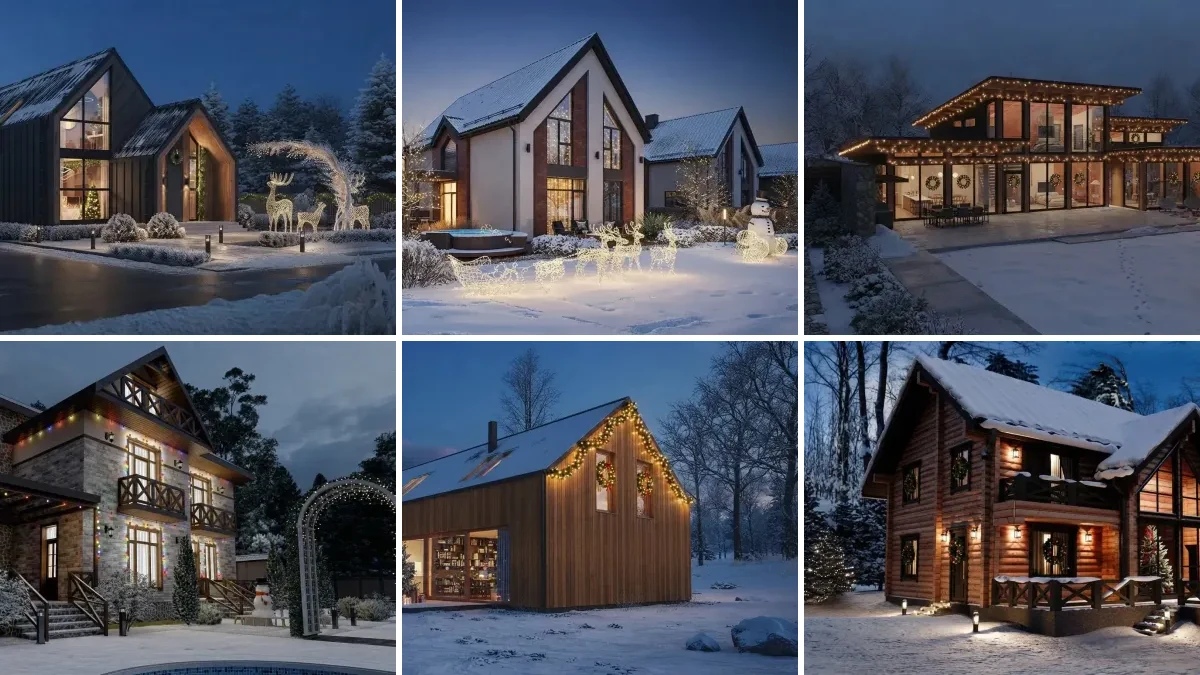
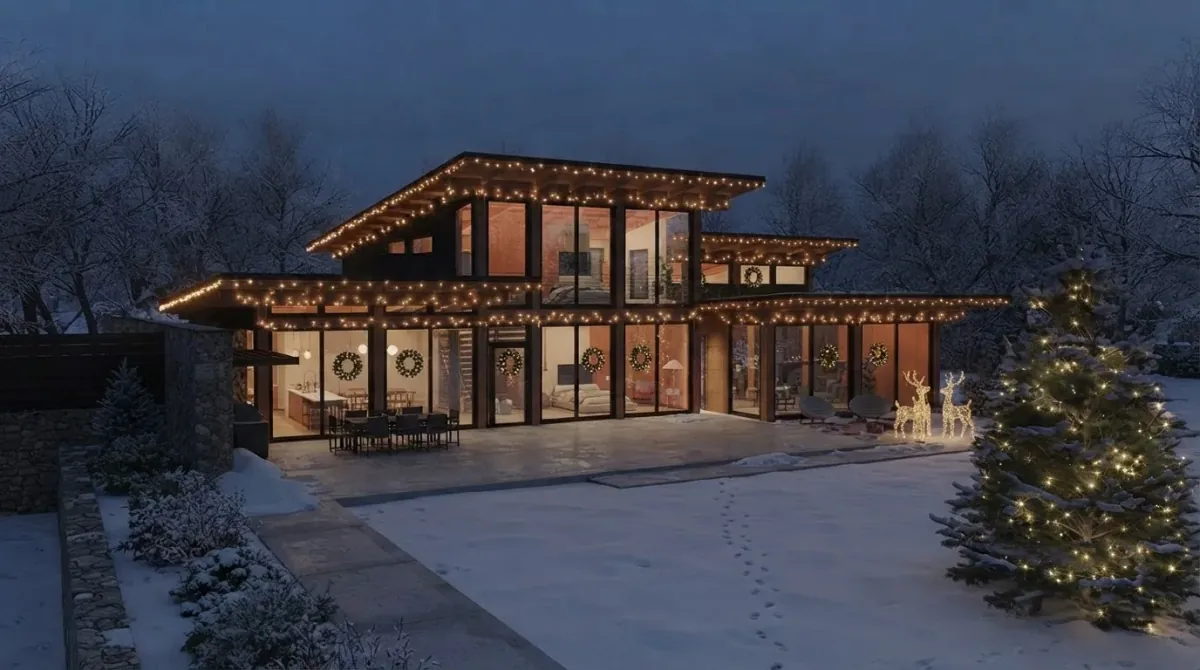
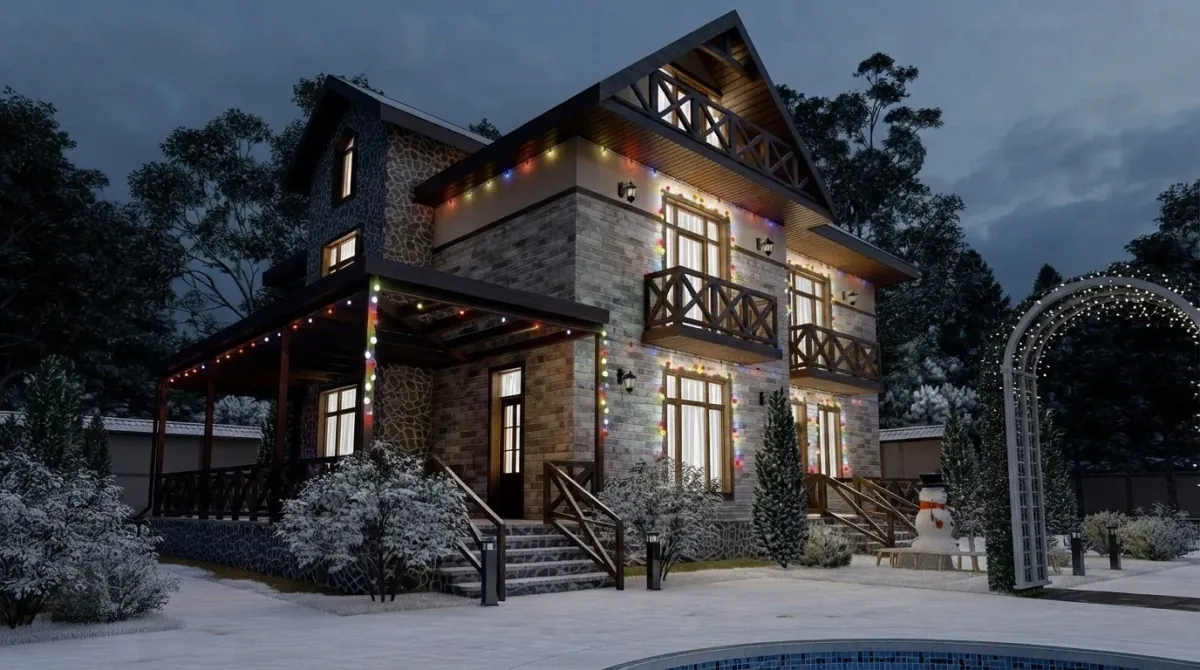
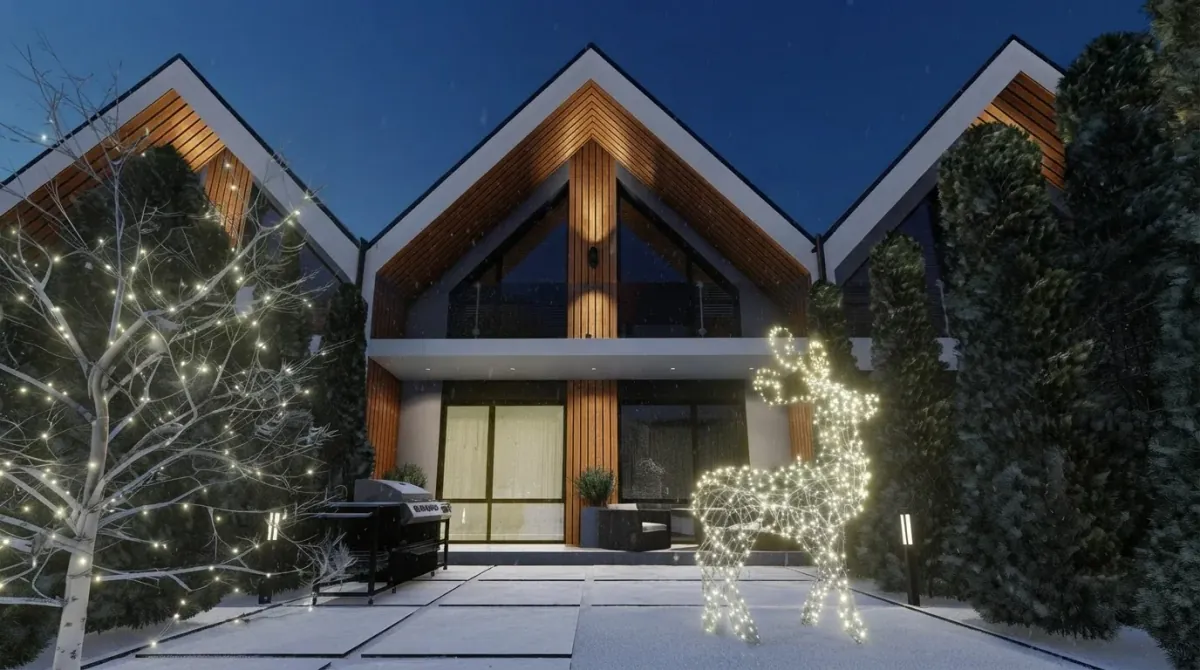
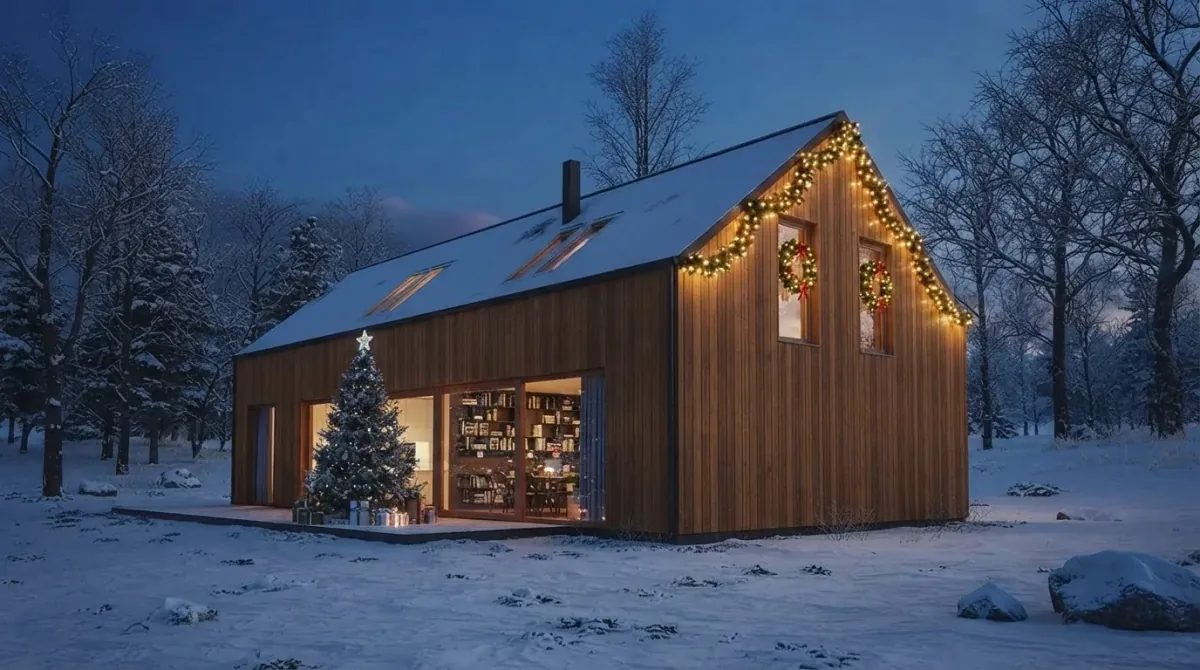
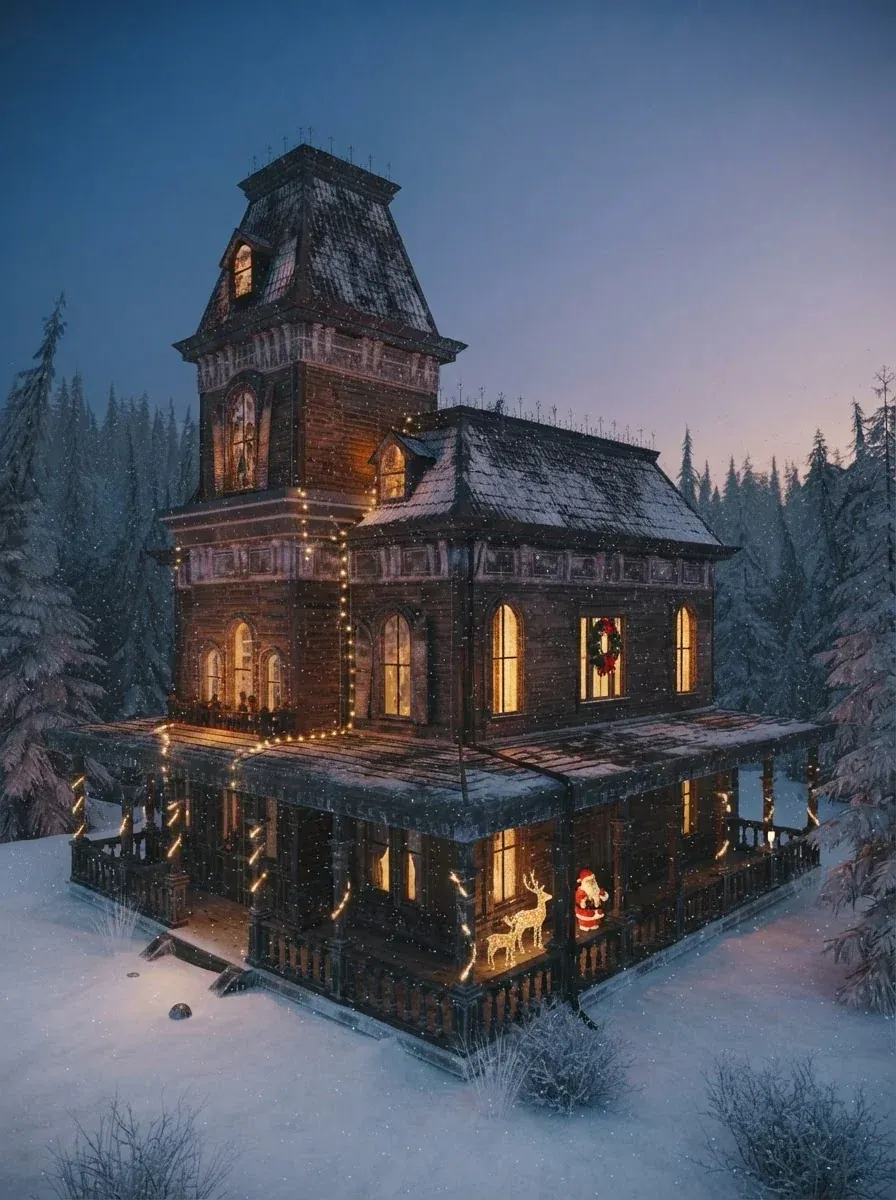
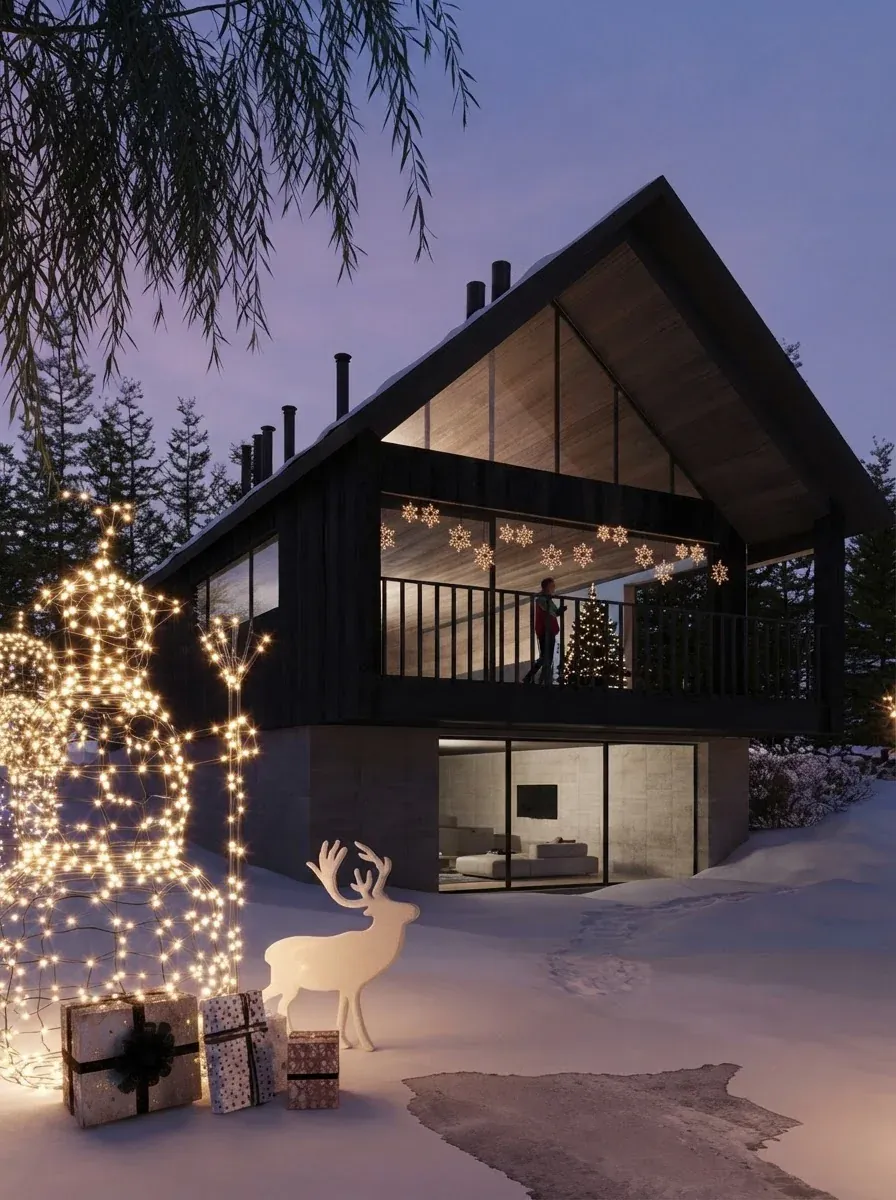
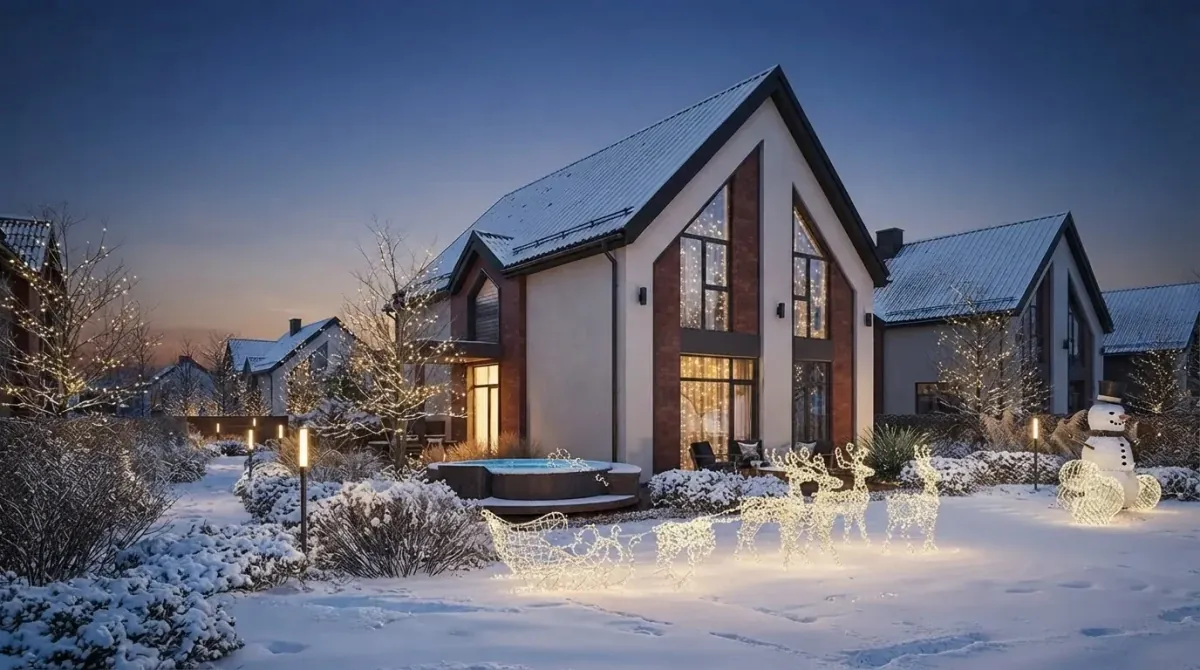
Anything that follows a line renders well; anything that floats does not. Roofline lights, porch beams, door frames, wrapped tree trunks and lit wire figures all have an edge or a body for the model to attach to, and they come back convincing. Random net lights over an irregular hedge and projected patterns on a wall are the two that come back looking painted on. The ten lit houses we published to our gallery for this guide show the range.
How Much Does Professional Christmas Light Installation Cost?
$250 to $1,500 for a basic roofline and $750 to $5,000 for the full house, according to HomeGuide’s contractor estimates as of 1 October 2025, or roughly $5 to $12 per linear foot. Removal is $100 to $400 if the package does not include it, and permanent LED systems run $20 to $40 per linear foot. The render earns its keep here: the difference between the basic and the full package is whether you light the windows, garage and landscaping, and thirty seconds with Gemini shows you whether the roofline alone is enough for your house before anyone climbs a ladder.
How Do You Photograph Your House for a Lights Render?
Daylight, from across the street, the whole roofline in frame, then ask the model for dusk. It is the opposite of instinct. A night photo of a dark house gives the model nothing to hold, and it invents the roof. A daylight photo gives it every edge, and the sky is the easiest thing in the picture to change. Our indoor photo test in how to use AI for interior design found the same thing for rooms: underexposure was the worst input of all.
- Stand back. The gable tip and the ground both in frame, phone at chest height, landscape.
- Straight on or a gentle angle. The classic three-quarter view from the drive is fine; a steep angle hides one side of the roof, and the model will guess it.
- Move the car. Whatever is parked in front stays in every render.
- One house per prompt. Name the roof edges you want lit, then the door, then one garden feature. Run the extras as a second prompt.
- Ask for dusk, not midnight. Dusk keeps the house visible; midnight gives you lights on a black shape, which looks dramatic and tells you nothing about the facade.
Are Outdoor Christmas Lights a Fire Risk?
A small one, and almost entirely an electrical one. The NFPA counts an average of 835 home structure fires a year that began with decorations other than Christmas trees, causing 3 civilian deaths, 29 injuries and $18 million in direct property damage a year. The U.S. Fire Administration’s rules are short: inspect every strand before it goes up, throw away any with frayed or pinched wires, and read the manufacturer’s instructions for how many strands may connect end to end. Add to that: outdoor-rated lights and cords only, a GFCI-protected outdoor outlet, a timer so nothing runs all night, and clips rather than nails on the gutter. None of that is in a render, which is a reason to do the plan half with an estimator that at least makes you find the outlet.
How We Checked This, and What We Could Not Verify
What we did: read and captured seven vendor pages on 20 September 2026 (Ideal House, Grants Outdoor, LightFlo, Media.io, Gemini and our own exterior tool, plus the App Store where relevant); ran one first-hand test on one gallery house with four lighting briefs through the Gemini image path our anonymous demo uses, one attempt each, and reported it as a table; published ten lit houses to our gallery as AI renders re-photographed from designers’ reference projects, each OCR-checked for stray text; read the HomeGuide cost page dated 1 October 2025 and the NFPA and U.S. Fire Administration holiday pages for the safety figures.
What we did not do: we did not sign up for Ideal House, Media.io or LightFlo, so their output quality is described from their own pages, and we did not draw a full roofline in the Grants estimator, only read its controls and its estimator panel. We did not repeat the four-brief test on MeltFlex’s paid pipeline. Three tools that rank for this search were dropped because we could not reach them: Pixelcut’s overlay generator (HTTP 410), Holiday Lights Designer (connection refused) and Ideal House’s Magic Editor showcase (redirects to the homepage).
What we could not verify: Gemini’s and ChatGPT’s free daily image limits (the vendors publish multipliers or nothing; the 20 a day and 2 to 3 a day figures are third-party); Ideal House’s paid tier prices (credits only on the captured page); and Media.io’s exact free allowance (a credit counter reading 0 of 2,000 and a first-subscription discount, no plain price on the tool page).
Frequently Asked Questions
Can AI put Christmas lights on a photo of my house?
Yes. Upload a daylight photo of the front of the house to Gemini, ChatGPT, MeltFlex or Ideal House and ask for the lights you want at dusk, and the same house comes back lit. In our test on 20 September 2026, four different lighting briefs on one house all kept the facade, roofline, windows and camera angle and turned the sky to dusk on request. The render shows you the look; it does not count the bulbs.
What is the best free Christmas lights visualizer?
Gemini for the picture, and the Grants Pro Estimator or LightFlo for the plan. Gemini is free with a photo upload and paints convincing roofline lights in one prompt. The two installer tools are free, take a photo, and let you draw the strands along the roof to get feet and bulb counts, which no AI image tool gives you. Ideal House is free with a watermark at 10 preview credits a day.
How do I ask ChatGPT or Gemini to add Christmas lights to my house?
Attach a daylight photo taken from the street, then describe the lights and where they go, ask for dusk, and lock the house: say to keep the same facade, roofline, windows, door, driveway and camera angle. Name the lines the lights follow, such as every roof edge and the porch beam, and the colour, such as warm white or multicolour C9 bulbs. Long wish lists make the model redraw the house; keep it to three items per prompt.
How much does it cost to have Christmas lights professionally installed?
HomeGuide, as of 1 October 2025, puts a basic roofline package at $250 to $1,500 and a full package with windows, garage and landscaping at $750 to $5,000, or roughly $5 to $12 per linear foot, with removal at $100 to $400 if it is not included. Permanent LED systems run $20 to $40 per linear foot. A render helps you decide between the basic and full package before you take a quote.
Does the AI keep my actual house when it adds lights?
In our four-brief test it did: the facade, roofline, windows, door, driveway and the path bollards stayed identical across all four renders, only the sky and the lights changed. The risk is in long prompts. Ask for the roofline, the door and one garden feature, then run a second prompt for the extras, and the house stays yours.
Can the installer estimator tools work for a homeowner?
Yes, with patience. The Grants Pro Estimator is free, you upload a photo, mark two points you can measure to set scale, then click along the roofline to place lights and it returns feet, bulb counts and a price at whatever rate you type in. LightFlo is free after sign-up and has a homeowner option. Neither makes a photorealistic picture; they draw dots on your photo and count them, which is the half of the job AI skips.
Are outdoor Christmas lights dangerous?
Not if they are outdoor-rated and used within their limits. The NFPA counts an average of 835 home fires a year that start with decorations other than Christmas trees, with 3 deaths, 29 injuries and $18 million in damage. The U.S. Fire Administration advice is to inspect every strand before it goes up, throw away any with frayed or pinched wires, and follow the manufacturer’s limit on how many strands connect end to end.
Can I see the outside of my house at night with AI?
Yes. Every tool here accepts a daylight photo and returns dusk or night if you ask for it, and the MeltFlex exterior tool has a time of day control with a night option built in. Upload the daylight shot rather than a night one; a dark photo gives the model nothing to hold on to and it rebuilds the roofline from guesswork.
Ready to see your own roofline lit? Upload a photo of the house to the MeltFlex exterior tool, set the time of day to night and paste the classic brief from this guide, then compare it with what Gemini gives you for free. For the inside, can AI decorate my house for Christmas and where to put the Christmas tree finish the job.