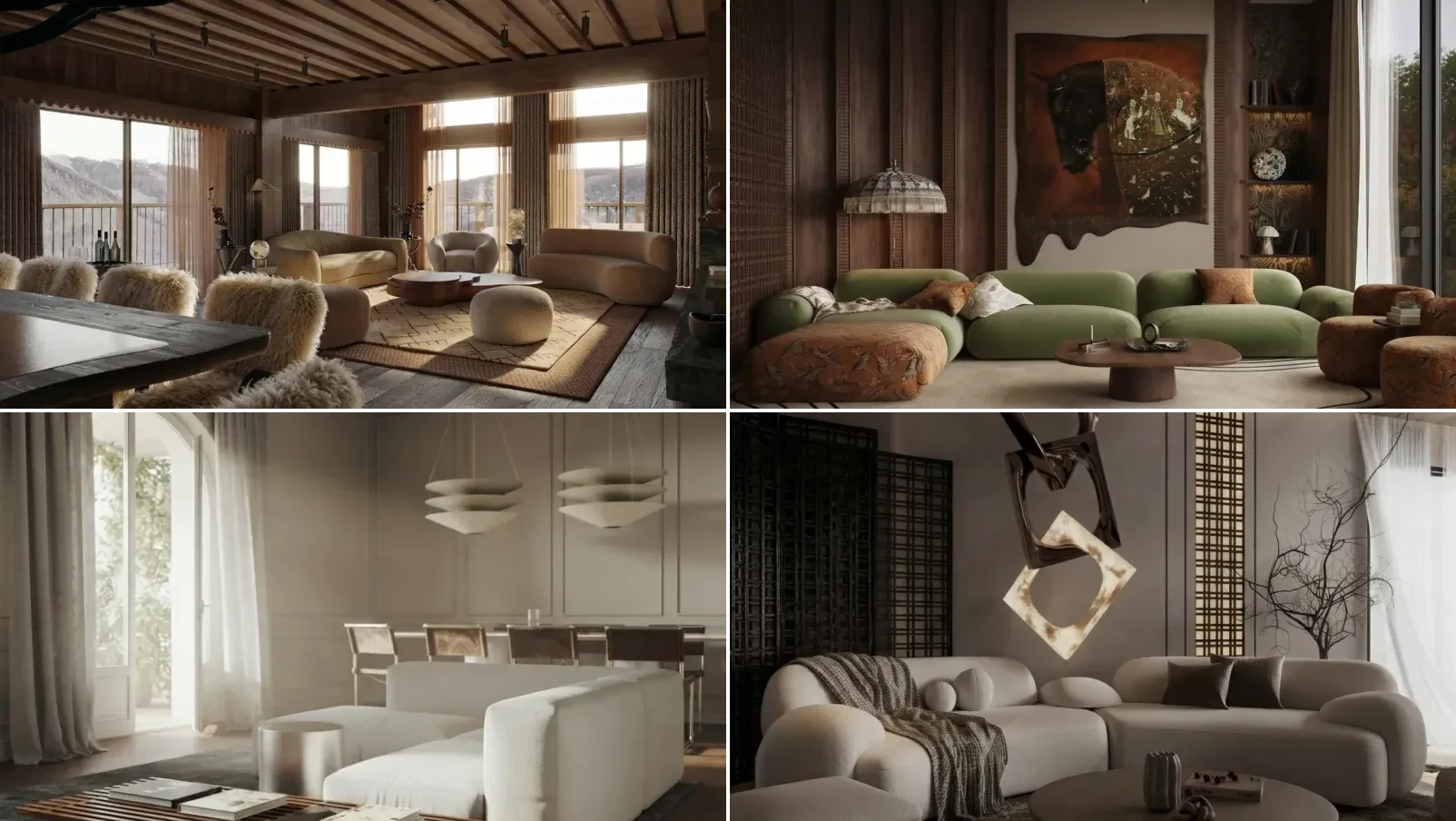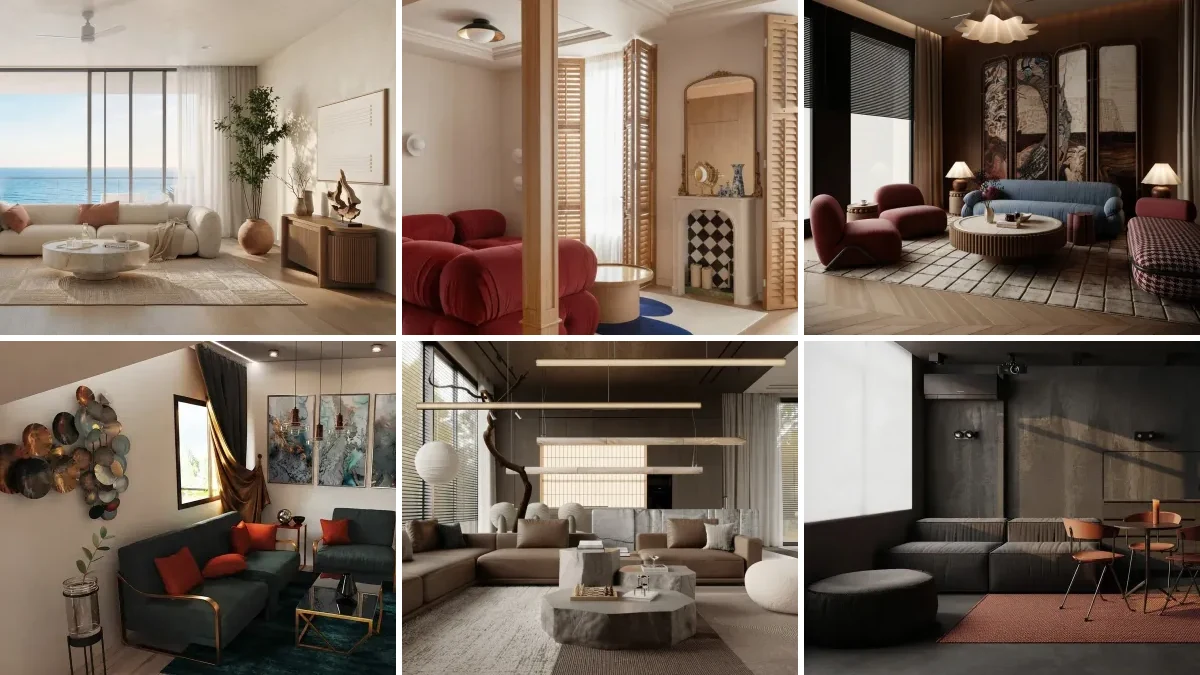
To use AI for interior design, photograph the room in landscape from a corner with the lights on, upload that photo to an image model, and describe the furniture and materials you want rather than the mood you want. The model keeps your walls, windows and floor and fills the empty space around them. What it does not do is measure anything, so every result is a picture of a plausible room, not a plan you can order from.
Our articles are still written by humans!
Get human written articles in your Google feed.
Most guides to this stop at “upload a good photo” without ever testing what a bad one does. So we tested it. We took one real empty apartment, applied four common photo faults to that single image, and sent all four through the same model with the identical instruction. Only the photograph changed. What came back is in the table further down, and one of those four results is the reason this article exists: the model did not fail loudly, it failed quietly, by handing back a confident render of a room that was no longer the room.
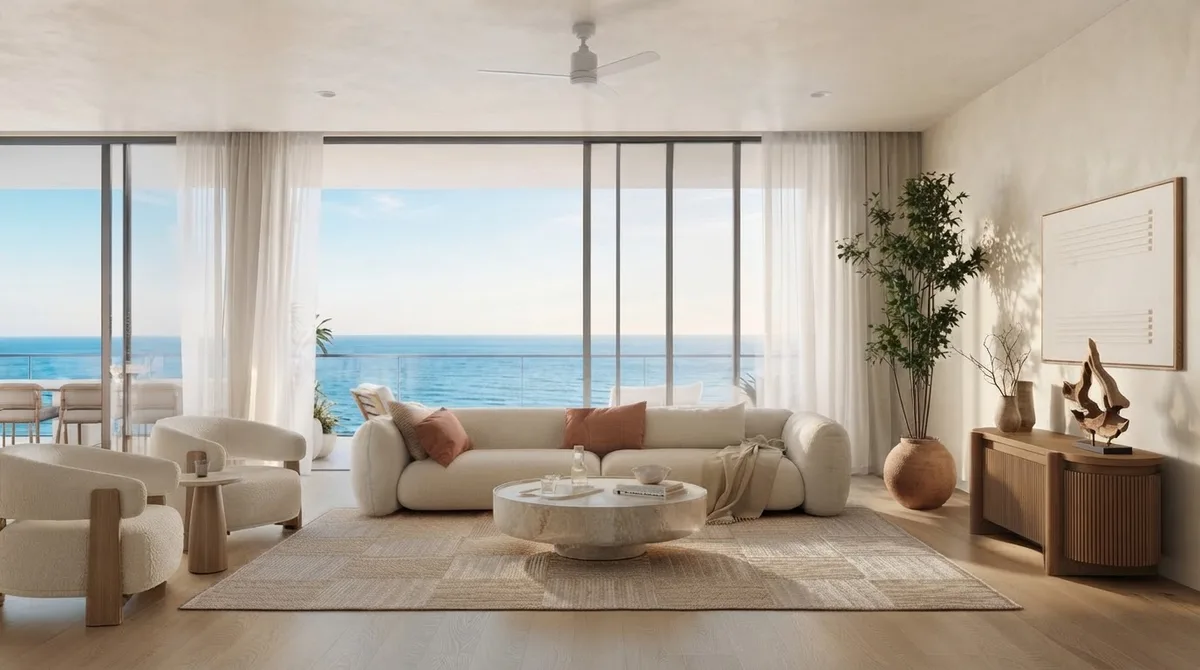
The rooms shown throughout are real renders from our own gallery. They are there to show what the finished thing looks like, not to stand in as proof of any single prompt.
FreeUpload photo · freeRedesign my room for freeUpload a photo and let MeltFlex design your space. Your first AI design is free, no card needed.


How to Use AI for Interior Design in Five Steps
AI interior design is the use of an image model to redraw a photograph of a real room with new furniture, materials or colour, while keeping the room’s existing walls, windows and proportions. That definition matters because it separates what these tools do from what people expect them to do. They restyle a picture. They do not plan, cost or measure.
- Photograph the room properly. Landscape, standing in a corner or a doorway, phone at chest height, every light on and the curtains open. This one step decides more of the outcome than the prompt does, which is what the test below is about.
- Decide which job you are asking for. Decorating keeps the furniture and changes the soft layer. Redesigning replaces the furniture and the layout. Restyling changes materials and colour. Models conflate all three unless you say which one you mean.
- Write the instruction as objects, not adjectives. “Cosy and inviting” gives you a stock photo. “A low oatmeal fabric sofa, a round oak coffee table, a flat weave wool rug in muted grey, one olive tree in a clay pot” gives you your room with those things in it.
- Change one thing per generation. Ask for a new rug and a new sofa and a new wall colour at once and you get a new room. Ask for the rug, keep the result, then ask for the sofa.
- Check it against a tape measure before you believe it. The model has no idea how wide your room is. A sofa that looks right in the render is frequently 40cm too long for the wall it sits against.
If you want the step three wording done for you, our interior design prompts that actually work and the model specific packs for ChatGPT and Gemini are copy and paste. This page is about the process around them.
The five steps on video: one photo of a real room, several styles tried on it, and the before and after compared.

Watch it with step five in mind. Every result looks convincing, and only a tape measure tells you which one fits.
How to Photograph a Room So the AI Can Use It
We started from one photograph of an empty New York studio: landscape, shot from the corner, both windows lit, the kitchenette and the full floor to wall junction visible. Then we degraded that same file four ways and ran the identical furnishing instruction on each, through Gemini 3.1 Flash Image, the model Google shipped as Nano Banana 2 (replaced by Nano Banana 2.1 on 6 October 2026; the input-photo lesson does not depend on the version). Same model, same prompt, same room. Only the input picture moved.
The pattern across all four is the same and it is worth stating plainly: a bad photo does not produce an obviously broken render, it produces a convincing render of the wrong room. There is no error message. Nothing looks wrong until you notice the window that used to be there. That is the failure mode to guard against, and the only defence is the photo, because by the time the image comes back the information is already gone.
Two results surprised us. Underexposure was the single worst input, worse than portrait framing, because shadow hides exactly the edges the model uses to read the shape of a room, so it invents what it cannot see and brightens the result to match. And the tight crop was the only one that produced a render you could call dangerous rather than merely wrong: a sofa and a floor lamp parked in front of the oven, because with no corner and no floor to wall junction in frame there is nothing to tell the model where people walk.
So: landscape, from a corner, every light on, and show the whole room rather than half of it beautifully. If you want the room measured rather than redrawn, that is a different job, covered in measuring a room from a photo.
How to Use AI to Decorate a Room, Not Redesign It
Decorating and redesigning are different instructions and most people ask for the second when they want the first. If your sofa is staying, say so, because the model will replace it by default. The words that do the work are a literal inventory of what must not move.
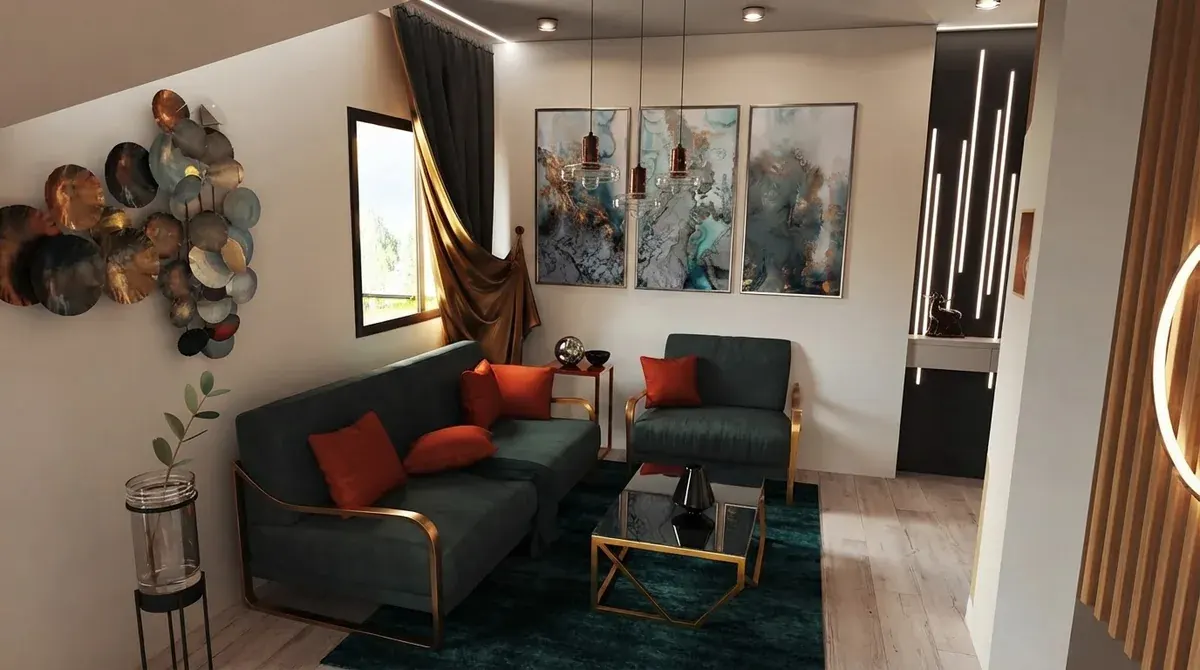
The phrasing that reliably separates the two jobs is boring but it works. For decorating: keep the existing sofa, coffee table and their exact positions, and the wall colour, change only the rug, cushions, artwork and plants. For redesigning: remove the existing furniture and arrange the room differently. Anything vaguer and you get a coin flip.
One warning from our own generations. Wall colour is the first thing to drift. Ask for a lighter or airier look while saying nothing about paint and models will happily repaint the room, then hand it back as if nothing happened. If the paint is staying, name the paint. If you are choosing a tool for the decorating job rather than learning the process, we compared them in the best AI for decorating a room.
How to Design a Room With AI in a Specific Style
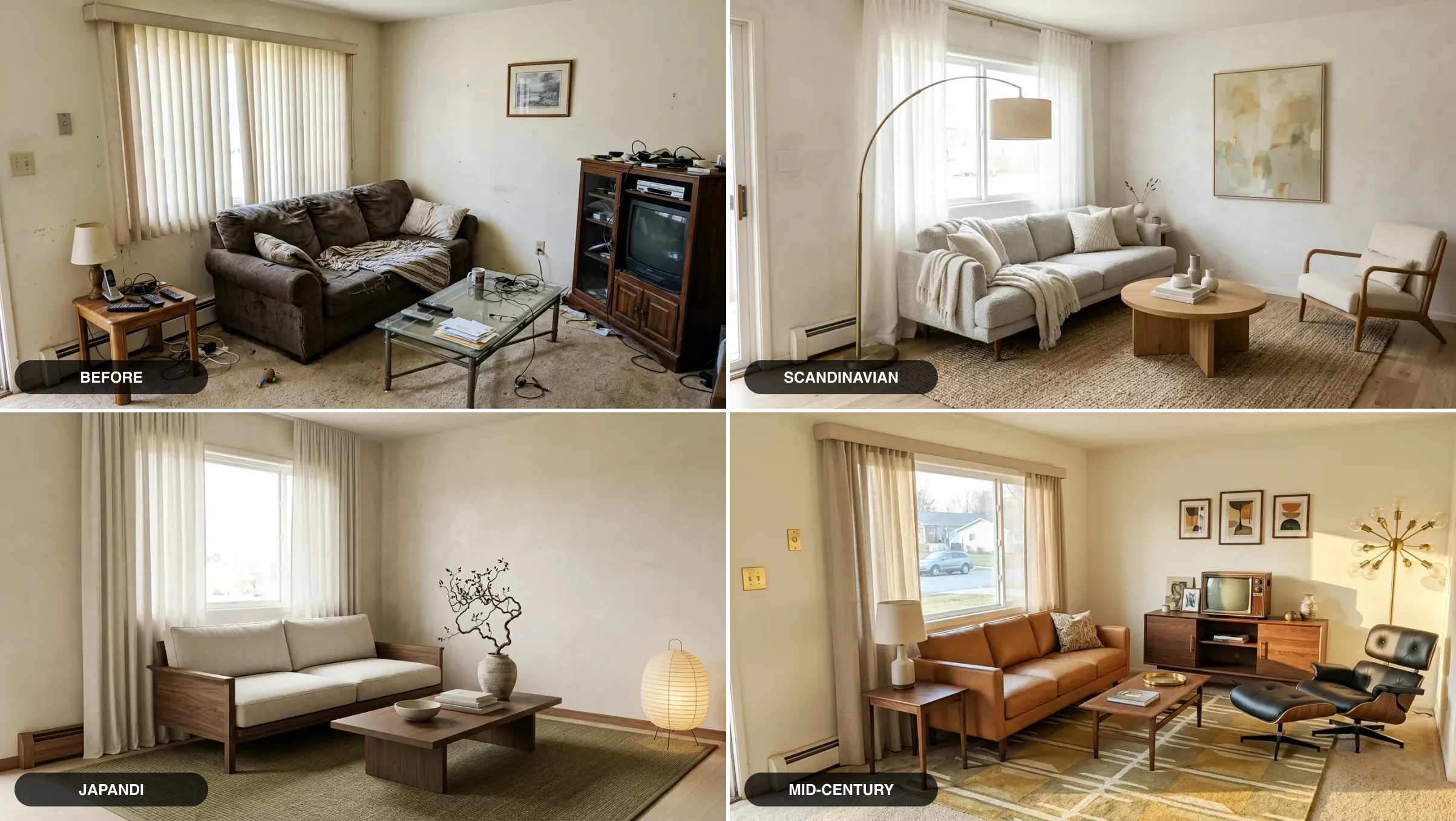
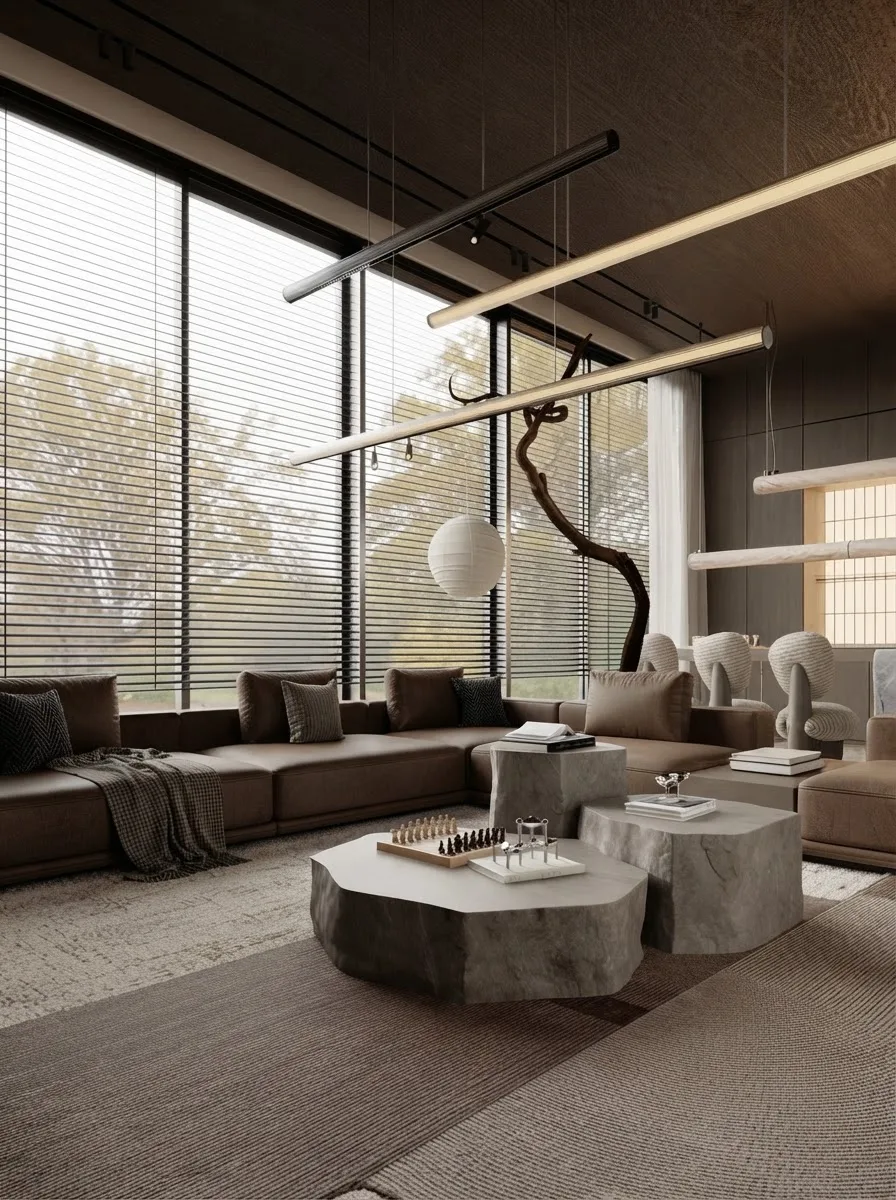
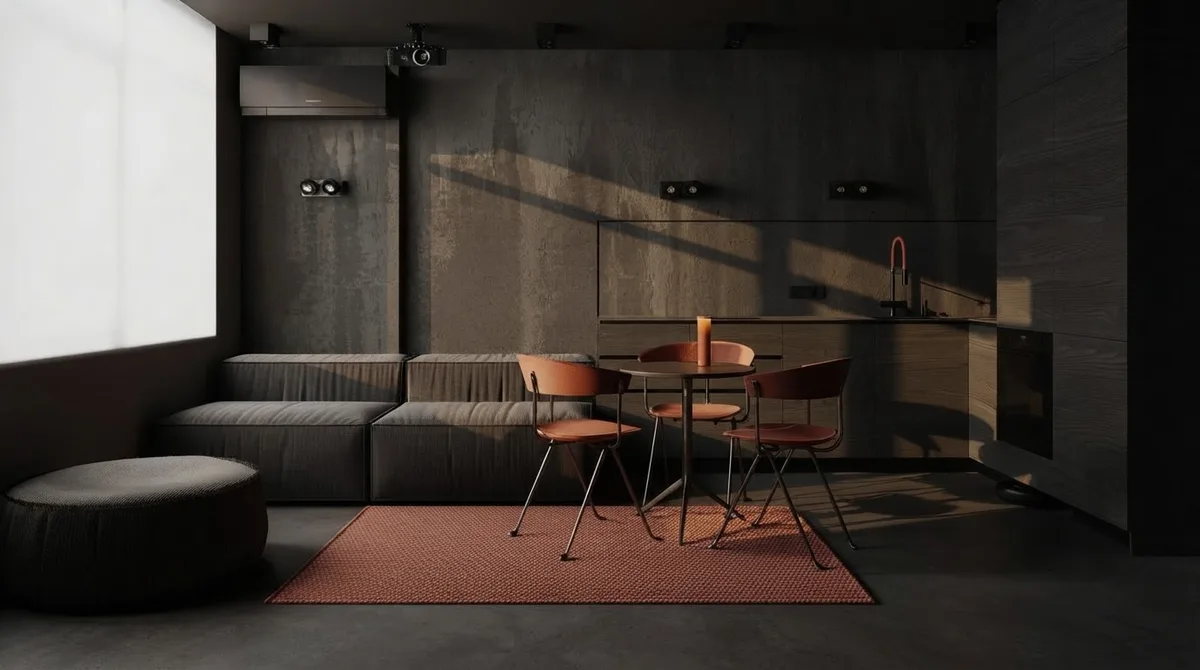
Style names are a weak instruction on their own. “Make it Japandi” leans on whatever the model has averaged from the internet, which is why so many AI rooms look like the same beige showroom. Naming the objects that belong to the style works far better than naming the style, and the two rooms below are the argument.
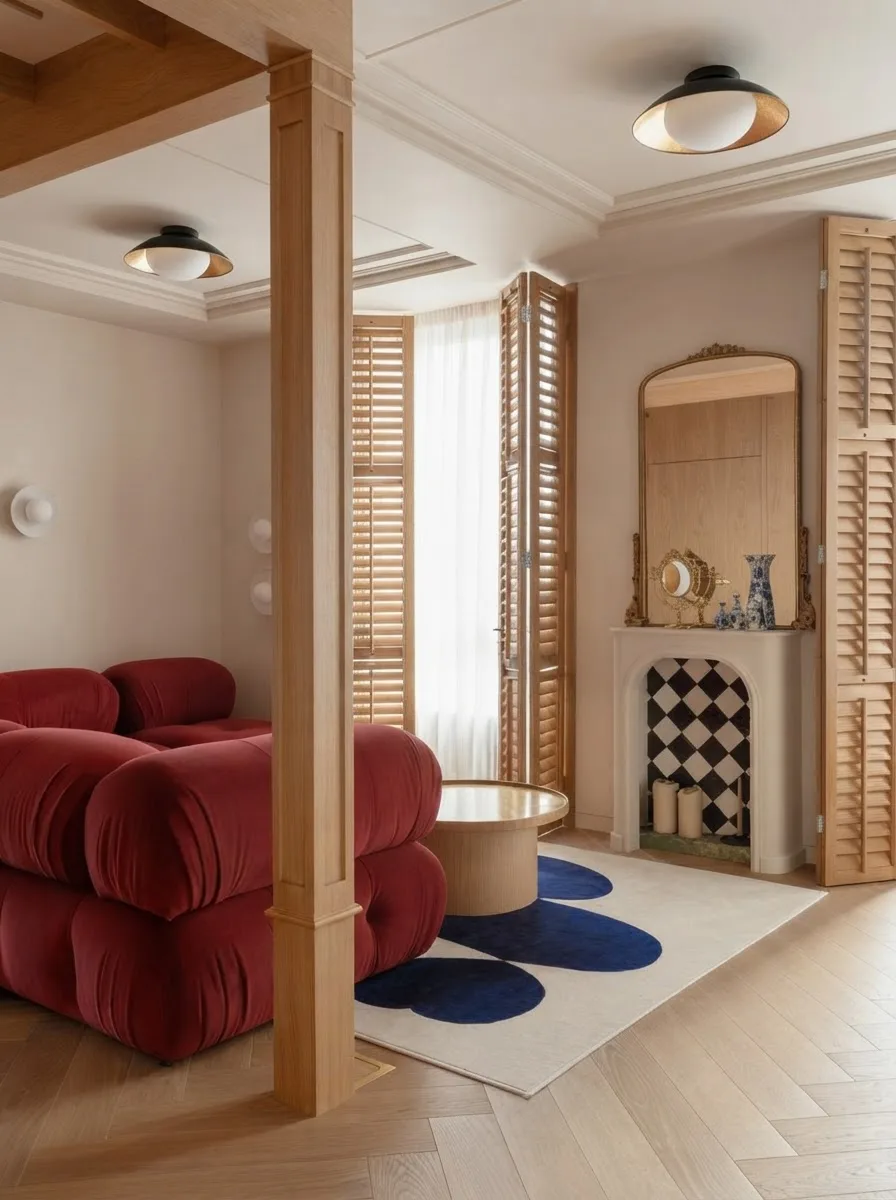
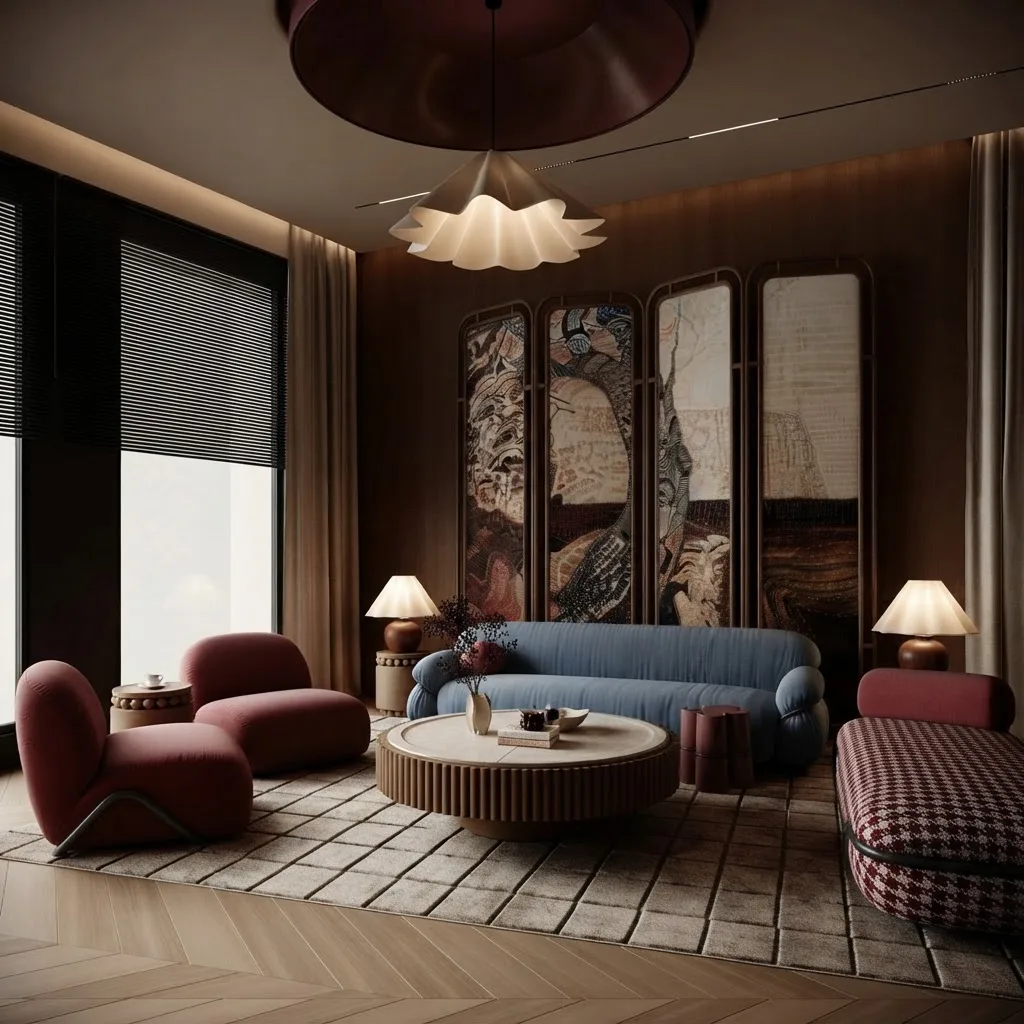
If you want to work from a style rather than a shopping list, our guide to interior design styles and the deeper Japandi guide give you the object vocabulary to paste in. Lighting is its own lever and responds better than style names do, which is why we broke it out into lighting prompts.
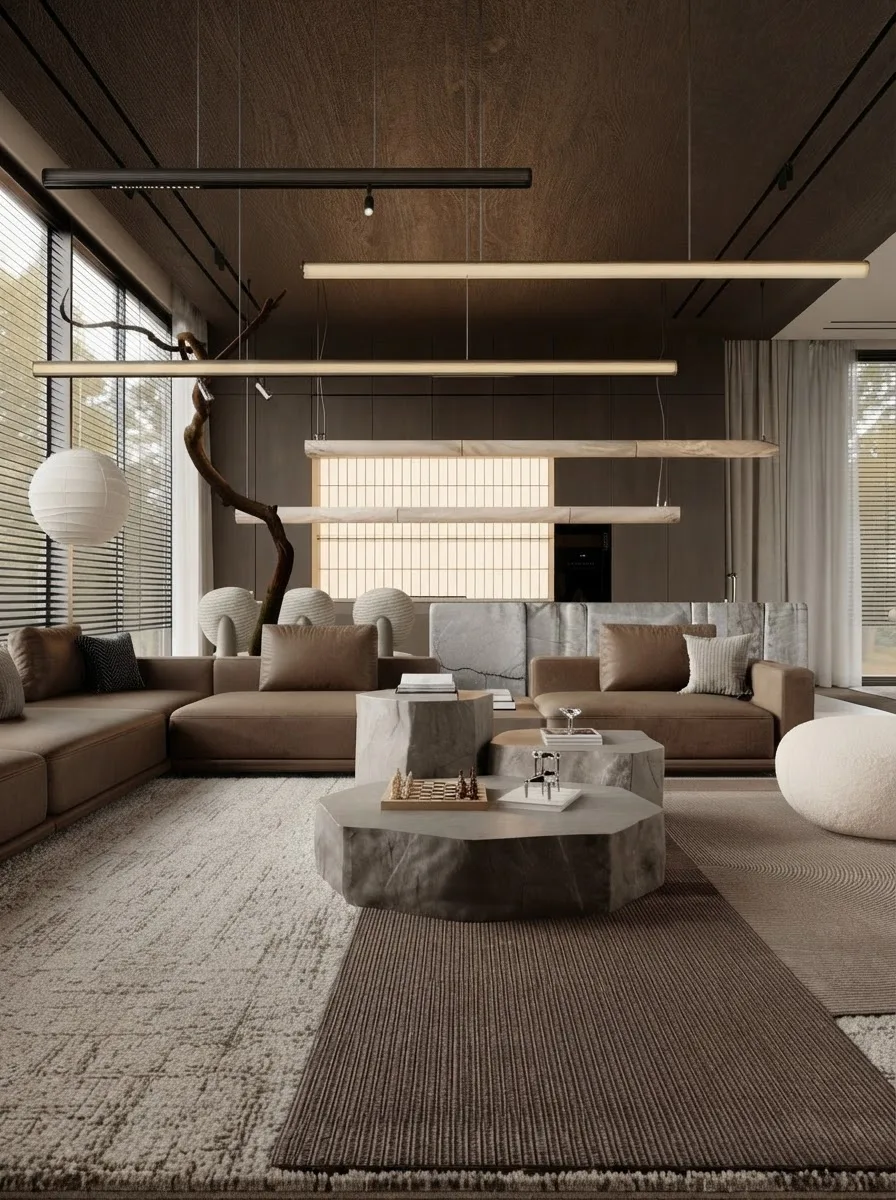
One habit worth building: generate a second angle before you trust a room. A model only commits to what the camera can see, so the corner behind you is unresolved until you ask for it. The two frames below are the same room from two positions.
What AI Still Gets Wrong in a Real Room
Being specific about the failure rate matters more than a warning paragraph, so here is what ten renders of that one apartment actually produced.
- It puts furniture where people walk. Two of the ten blocked the kitchen outright, once with a sofa and a floor lamp across the oven, once with a shelving unit across the counter, and a third came close. The model reads the kitchenette wall as free wall space, because nothing in a photograph says “this is an appliance you open”.
- It does not measure. Nothing in this workflow knows the room is 4.2m wide. Scale in the render is a guess that happens to look right, which is why the sofa fits perfectly in a picture and not in the doorway.
- The furniture does not exist. Every piece in every render is invented. There is no product, no price and no shop behind any of it, which is the gap between a nice render and a room you can actually buy.
- It drifts on repeat generations, and paint drifts first. Walls get repainted when nobody asked. Shelves move a few centimetres, a window gains a sill. Individually trivial, but it means you cannot treat two renders of “the same” room as the same room.
- Shadow destroys it. Covered above, and the most under warned failure of the lot.
None of that makes the tools useless. It makes them a fast way to decide what you want, not a way to decide what to buy. The buying step needs real dimensions and real products, which is the job our photo to render tool is built for: it works off your photo the same way, keeps the room, and matches what it places to furniture that exists at a real price. If you would rather plan from a drawing than a photo, converting a 2D floor plan to a 3D model is the other entry point, and AI furniture placement covers the layout half specifically.
What It Costs and What You Can Do Free
The free tiers are genuinely usable for this, which is not true of most AI categories. You are paying for volume and speed, not for a better room.
For the full breakdown against hiring a person, we costed that separately in how much AI interior design costs, and the furnishing budget itself in what it costs to furnish a house.
Which AI Tool to Use for Which Job
The honest split is that the chat assistants and the image models are good at opposite halves of this, and most people get better results using two things than one.
Step by step walkthroughs for the two assistants live in ChatGPT room design and Gemini room design, the Google image model specifically is covered in Nano Banana prompts, and if you want the whole field compared rather than a workflow, that is the best AI interior design tools. For render quality specifically, AI render prompts is the deeper text.
Frequently Asked Questions
How do I use AI to design a room?
Photograph the room in landscape from a corner with the lights on, upload it to an image model such as Gemini or ChatGPT, and describe the furniture and materials you want as a list of objects rather than a mood. Generate, then change one element at a time rather than rewriting the whole instruction. Finish by checking the sizes against a tape measure, because the model does not measure anything.
How do I use AI to decorate a room without changing the furniture?
Name the pieces that must stay and say their positions must not change. A working instruction reads: keep the existing sofa, coffee table and console exactly where they are, and change only the rug, cushions, artwork and plants. Without that sentence most models replace the furniture by default, because redesigning is the more common request they were tuned on.
Can AI design a room from a photo?
Yes, and that is its strongest use. Current image models edit a photograph rather than generate from scratch, so they keep your walls, windows, floor and camera angle while filling the empty space. The quality depends far more on the photo than on the prompt: in our test, an underexposed version of the same room caused the model to rebuild the geometry incorrectly.
Is AI interior design free?
The free tiers of Gemini and ChatGPT both handle room editing with daily caps, which is enough to test the idea properly. Paid plans at around $20 a month buy volume and speed rather than better rooms. Dedicated interior tools also run free tiers, and those tend to trade prompt writing for style presets.
Why does AI keep changing my room instead of keeping it?
Usually the photo, not the prompt. Underexposure, portrait framing and standing too close all remove the edges the model uses to read the shape of a room, so it invents what it cannot see. Reshoot in landscape from a corner with every light on before you assume the instruction was at fault.
Can I buy the furniture that AI puts in my room?
Not from a general image model. Every object it draws is invented, with no product, price or retailer behind it. Only tools that render against a real furniture catalogue can place something you are able to order, which is the main practical difference between a render and a plan.
Which AI is best for interior design?
For keeping your real room in the picture, Google’s image models are currently the strongest, because they edit the photograph rather than reimagine it. For planning, budgets and shopping lists, ChatGPT is better. Many people use both, and a dedicated room tool when they want a lot of styles quickly without writing prompts.
How many times should I regenerate before I accept a result?
Three to five is normal, but change one variable each time instead of rewriting the instruction. Rewriting produces a different room and you lose the comparison. Also treat two renders of the same room as two rooms, because small details drift between generations even when nothing in the prompt changed.