The best AI landscape design tool for most homeowners in 2026 is MeltFlex AI: in our test on two real yard photos it redesigned a backyard or front yard in 15 to 20 seconds, kept the house, fence, trees and camera angle in 10 of 12 renders, and lets you switch the same edit to GPT Image 2.6 when it has to be exact. ChatGPT’s image model was the most faithful of all (6 of 6) but took over a minute a render, landscape-design.ai is the best free option with no login, and Neighborbrite is the free pick if you care most about which plants will survive your winter.
Our articles are still written by humans!
Get human written articles in your Google feed.
I’m Matúš Koleják, and I ran this test myself on 16 and 17 November 2026. Most “best AI landscape design” lists you will find are built from each tool’s own demo images, which are chosen to look good. We did the opposite: the same two ordinary yard photos, the same three requests, two runs each, every render timed and checked against the original photo for anything the AI moved, deleted or invented. Where we did not run a tool, we say so and only report what its own pages show.
The short version
- Best overall: MeltFlex AI. 15 to 20 seconds a render in 11 of 12 runs, 10 of 12 renders kept everything we asked it to keep, 10 credits (about $0.29 on Pro) a render, or 16 credits on GPT Image 2.6. Why it wins.
- Most faithful edit: ChatGPT (GPT Image 2.6). Kept every fence post, the drain grate and both cars in 6 of 6 renders, but took 62 to 75 seconds each. Details.
- Best free, no account: landscape-design.ai. 10 credits with no login (5 renders), 3 of 3 renders kept the yard, 72 to 81 seconds each. Details.
- Watch the plants. No image tool checks your hardiness zone unless you name it; Neighborbrite is the one we checked that suggests plants for your climate. Plant check.
- What it is not: a construction plan. No tool here measures the yard, sets levels or plans drainage. Limits.
What Is the Best AI Landscape Design Tool in 2026?
MeltFlex AI is the best all-round choice, ChatGPT is the most accurate editor, and landscape-design.ai is the best free one; the right pick depends on whether you value speed, fidelity or a zero price most. Here is the ranking with the one fact that decided each place.
Prices were read on each tool’s own pages on 17 November 2026. If you want desktop landscape software rather than AI from a photo (site plans, CAD, plant schedules), that is a different job, covered in our guide to the best landscape design apps and software.
How Did We Test the AI Landscape Design Tools?
We gave every tool the same two real yard photos and the same three requests, ran each request twice, timed every render and counted what the AI kept, moved or deleted. The photos are public, so you can repeat the test:
- Backyard: “Typical suburban backyard” by Veracious Rey on Wikimedia Commons (CC BY-SA 3.0), an Eastern US lawn with a split-rail fence corner, a young tree, a drain grate and the neighbors’ decks behind.
- Front yard: “774 Redbud Lane, Greenwood, Indiana” by Bart Everson on Wikimedia Commons (CC BY 2.0), a split-level house with black shutters, an asphalt driveway, a lamp post, a TV aerial and two cars.
The three requests:
- Modern backyard: porcelain patio, a sunken fire pit with built-in benches, a real lawn and balanced planting.
- Low-water backyard: gravel and drought-tolerant planting that survives a USDA zone 6 winter in Indiana.
- Cottage front yard: flower beds along the house and a real lawn, for curb appeal.
A render “kept everything” only if the house, fence, existing trees, drain grate, driveway, cars, lamp post and the camera position all survived. In MeltFlex AI we used the garden design tool the way a visitor does: a style plus option picks (Modern + porcelain and composite + real lawn + balanced planting + fire pit; Prairie + gravel + drought-tolerant; English Cottage + real lawn + flowering perennials). ChatGPT and Gemini got a plain-English request that named everything to keep. We tested ChatGPT’s image model, GPT Image 2.6, through its API at high quality rather than in the ChatGPT app, so app limits and app speed may differ. landscape-design.ai was run in a clean browser on its free credits, one run per request.
What we did not test: Neighborbrite, mnml.ai, Gendo and iScape need an account or an app install for a real render, so for them we report only what their own pages say. Two photos and three requests are a small sample; treat the counts as a strong hint, not a benchmark.
Which AI Landscape Tool Kept the Yard Intact?
GPT Image 2.6 and landscape-design.ai kept every existing element in every render, MeltFlex AI kept everything in 10 of 12 while being four to five times faster, and plain Gemini was the least predictable. The full numbers:
The last row is ours, and it is the most useful thing this test found. Our garden tool was not telling the image model what to keep, so on the hardest request it treated the fence as part of the “modern” redesign. landscape-design.ai’s visible prompt, by contrast, spells out the camera, the house, the fences and the trees that must not change, and its renders showed it. We added a specific keep instruction to MeltFlex AI on 17 November, with an exception that switches on only when you ask for a new boundary, and reran everything. That is the version ranked here.
On plants, every tool drew the low-water yard with things that look like Russian sage, coneflower, sedum and ornamental grasses, which are at home in an Indiana zone 6 garden. MeltFlex AI’s Prairie preset asks for “succulents”, and two of its renders added spiky rosettes that read as agave; if they are, they would not survive the winter there (yucca would). Name your zone in the request and that drift mostly goes away.
Is MeltFlex AI the Best AI Landscape Design App?
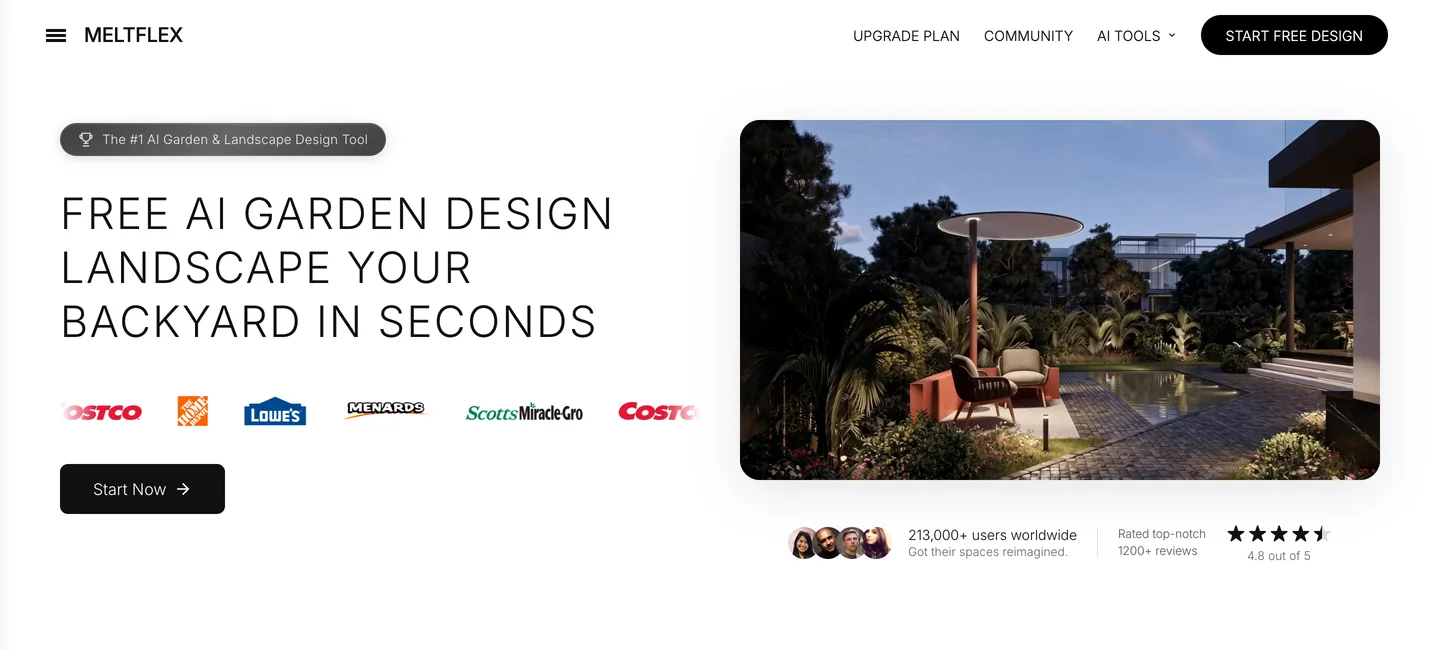
MeltFlex AI is our pick for most people: a photo-based AI garden and landscape design tool that returns a redesign in about 15 seconds, costs 10 credits a render (about $0.29 on Pro, $0.12 billed yearly), starts with 15 free credits, and lets you rerun the same edit on GPT Image 2.6 for 16 credits when nothing may move. It runs on Google’s Nano Banana 2.1 by default; it does not train its own landscape model, and it does not know your hardiness zone unless you type it.
Why it ranks first:
- Speed you can iterate with. 14.5 to 19.5 seconds in 11 of 12 renders. In the time ChatGPT made one render, MeltFlex AI made four, which is what you want when you are still deciding between gravel and lawn.
- Guided choices instead of a blank prompt. 14 styles and five option rows (ground, planting, one feature such as a fire pit or pergola, the boundary, and the light), each written as a precise instruction. You do not need to know how to prompt.
- Two engines in one place. When a render must not move a single post, switch the model to GPT Image 2.6 (the most faithful engine in this test) for 16 credits instead of 10, without leaving the project.
- Keeps the yard. After the fix, 10 of 12 renders kept the house, fence, trees, drain and camera angle; asking for a hedge correctly replaced the fence and kept everything else.
- Commercial use and integrations. Pro includes commercial use for listings and client work, and the same engine is available through the MeltFlex AI MCP server for Claude or ChatGPT and through the MeltFlex AI API.
Where it falls short: it is less exact than GPT Image 2.6 on its default engine (2 of 12 renders changed something), the Desert and Tropical styles draw desert and tropical plants whatever your climate, and Standard ($20.99 a month, 490 credits, about 49 renders) does not include commercial use. Plans and credits are on the pricing page.
Can ChatGPT Design My Landscape From a Photo?
Yes, and it is the most careful editor we tested: GPT Image 2.6, the model behind ChatGPT Images, kept every fence post, the drain grate and the cars in 6 of 6 renders (one even kept the cat sitting on the lawn), at 62 to 75 seconds each. Its planting was the richest, with layered borders of what look like coneflower, catmint and hydrangea, all at home in a zone 6 yard.
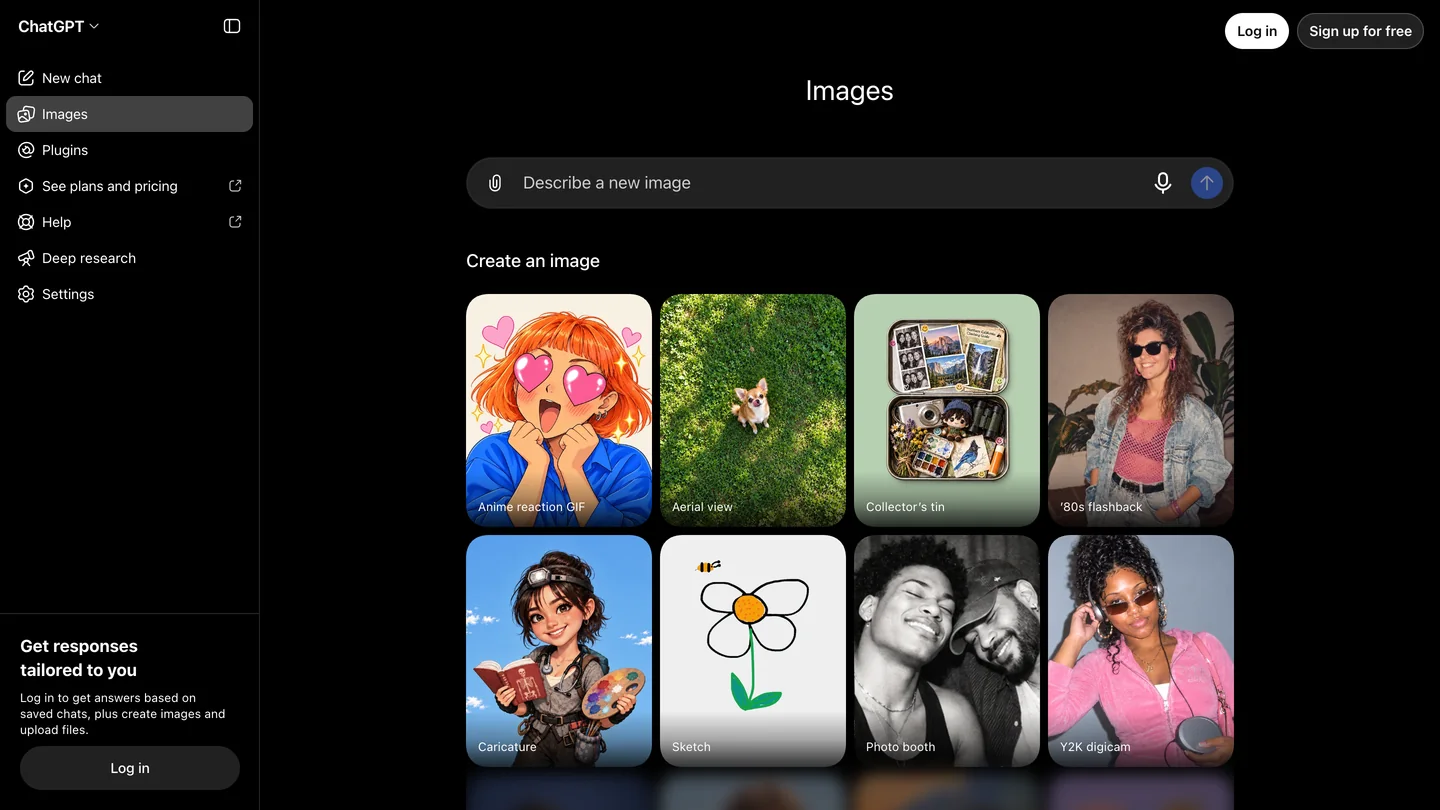
The catch is the workflow. ChatGPT gives you a chat box, not a set of landscape choices, so the quality of the result depends on how well you describe the yard and what must stay. Free accounts get image edits with daily limits OpenAI does not publish as a fixed number; Plus is $20 a month. Our ChatGPT Images 2.6 prompts for architecture show how to phrase the “keep” part so it sticks.
Is There a Free AI Landscape Design Tool With No Login?
Yes: landscape-design.ai gave us 10 free credits with no account, each 1K render cost 2 credits, and all 3 of our renders kept the yard, at 71.5 to 81 seconds each. Registering adds 10 credits a day. Paid, it is $9.99 for 200 credits, $29.99 for 800, or $14.99 a month for 300, which works out at about $0.10 a render; 2K and 4K output need the subscription.
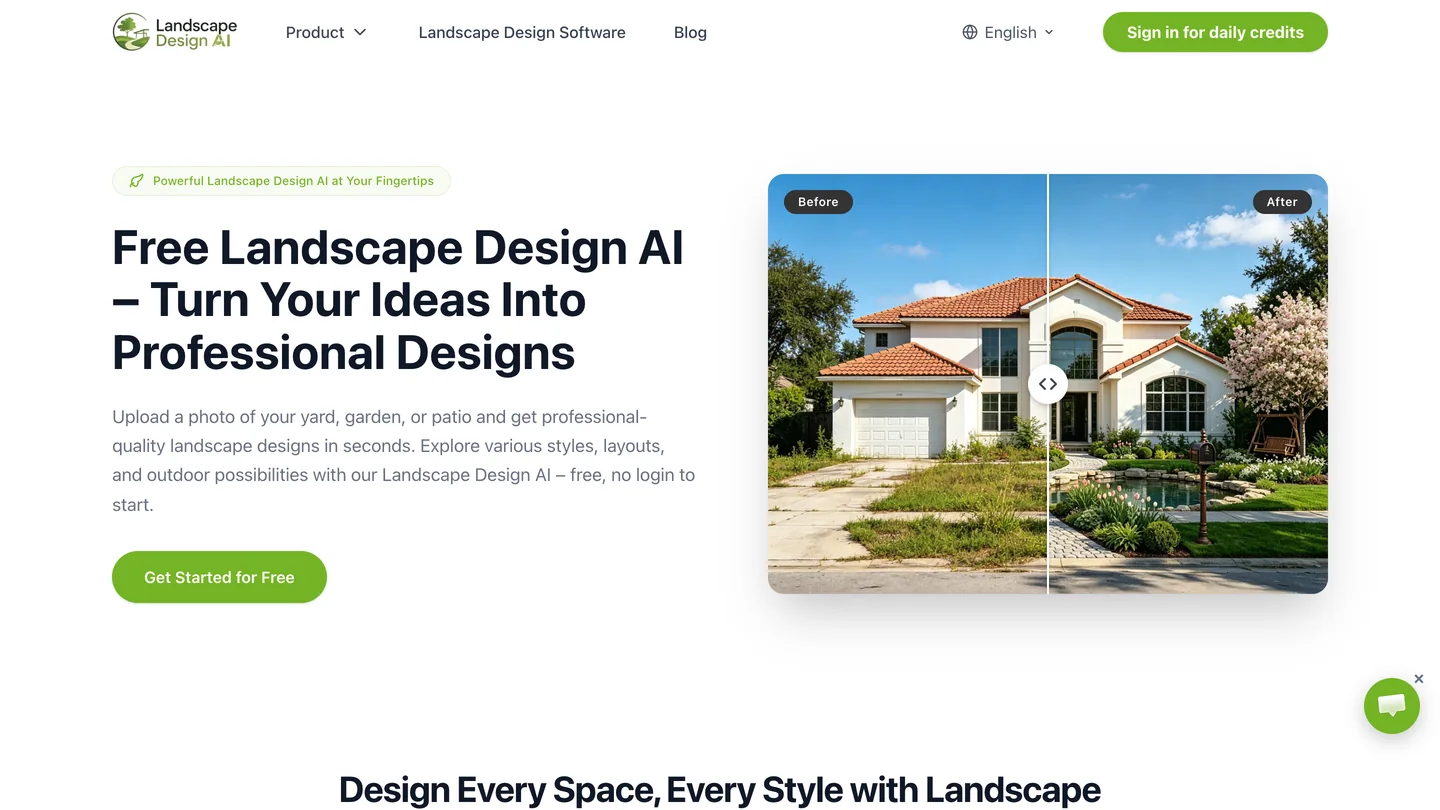
Its strength is the instruction it writes for you: the page shows a long prompt that lists the camera, house, fences, trees and neighboring buildings as untouchable. Its weaknesses are speed and choice. Each of its pages offers 8 styles and none is prairie or naturalistic, so our low-water request had to ride on the text, and it added a second wooden fence to the modern backyard that nobody asked for.
Can Gemini Redesign a Yard From a Photo?
Yes, quickly and for free, but it was the least predictable tool in our test: Nano Banana 2.1 in Gemini took 14 to 26 seconds and kept everything in 4 of 6 renders, once moving the camera and once replacing the entire driveway with lawn.
That is worth knowing because it is the same model family MeltFlex AI uses by default. The difference in our results came from the instructions around it: a fixed keep sentence and an image size matched to the photo. If you use Gemini directly, copy the structure from our Nano Banana 2.1 prompts: what to change, then everything that must stay, then the camera.
Which Free AI Landscape Tool Checks Plants Against Your Zone?
Neighborbrite is the one tool we checked that ties its plant suggestions to your location: its own FAQ says it suggests plants by color, texture, size and local climate, and its homepage shows a plant palette tagged with a hardiness zone. It is free to start in the browser with no app to install.
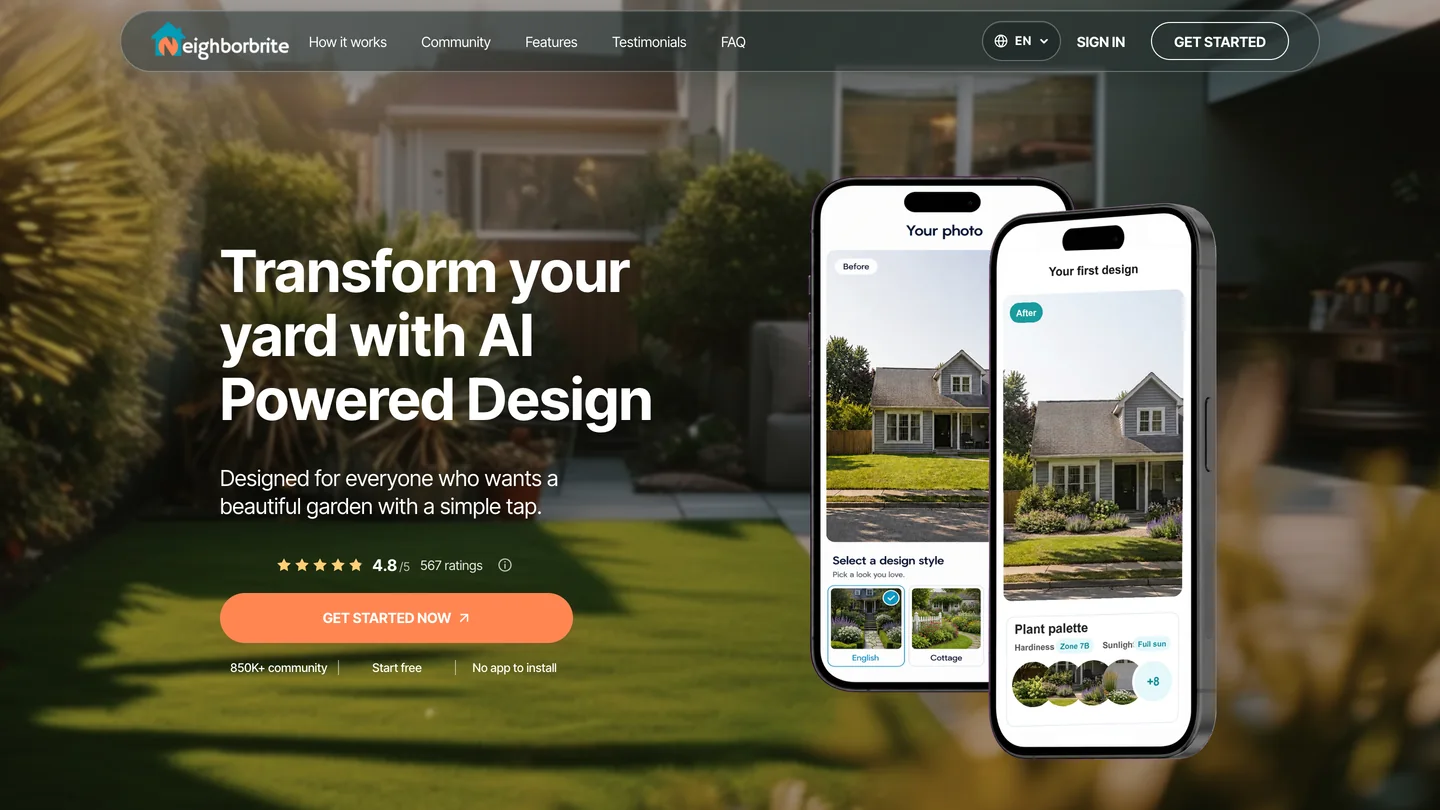
We did not run a render, so we cannot tell you how well it keeps a yard. Use it for the plant list, then check the look in a photo-based tool.
Which AI Landscape Generator Is Best for Architects?
mnml.ai suits architects and landscape designers who want landscape renders next to sketch-to-render, exterior and interior tools: 100 free credits on sign-up, then Lite at $29 a month (1,000 credits) or Plus at $49 (3,000 credits, about 300 fast renders), with a commercial license on paid plans.

It ranks high in search for “ai landscape design”, but landscape is one of a dozen tools there, and the interface speaks to designers rather than homeowners. We did not run it.
Is Gendo Good for Landscape Design?
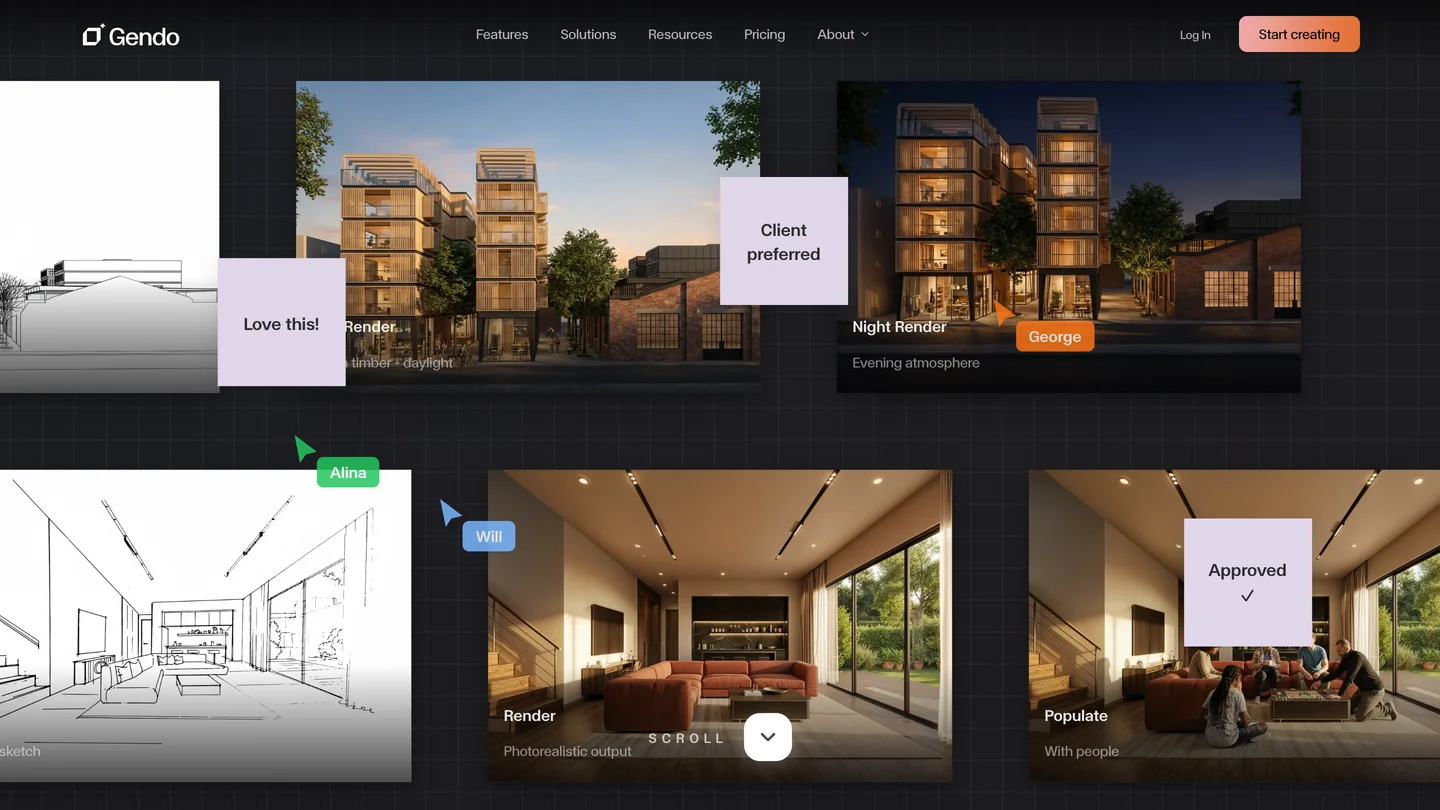
Gendo is built for design studios: a free plan with a Gendo watermark and 1K export, and Studio at $100 a month ($83 billed yearly) with no watermark, a commercial license, upscaling and team seats. It is an architecture rendering canvas where landscape is one use, not a homeowner’s yard planner.
Is There an AI Landscape App for iPhone and Android?
iScape is the long-standing mobile option: free with limited plants and products, or Pro at $29.99 a month ($299.99 a year) for the full plant and hardscape library. You place real plants and materials on a photo of your yard, which is slower than a one-tap AI redesign but closer to a plan you could shop from.
Which AI Landscape Design Tool Is Free?
landscape-design.ai is the most generous free option we tested (10 credits with no login, then 10 a day), followed by Neighborbrite, the free tiers of ChatGPT and Gemini, and 15 sign-up credits on MeltFlex AI.
Free is enough to see whether AI helps you at all. It is rarely enough to compare three versions of a yard, which is where the per-render price matters more than the free allowance.
How Do You Get an AI Landscape Design From a Photo of Your Yard?
Take one level daylight photo that shows the house wall, the fence line and the trees you want to keep, upload it, pick a style and one or two changes, and name what must stay. In order:
- Shoot from a corner at chest height in soft daylight. A corner shows two boundaries, which gives the AI the shape of the yard.
- Upload it to a photo-based tool such as MeltFlex AI garden design.
- Change one or two things at a time. “Gravel and grasses” and then “add a fire pit” beats one request for everything.
- Say what stays and add your zone, for example “keep the fence, the maple and the driveway; plants hardy in USDA zone 6”.
- Check it against the photo: count fence posts, look for moved trees, missing drains and new windows.
- Turn it into a plan with a tape measure and a designer or installer.
For ready-made wording by style, see our AI landscape design prompts, and for laying out zones before you render, how to design a garden layout.
What Should You Ask for in a Backyard vs a Front Yard?
In a backyard ask for rooms (a place to sit, a path, planting, privacy); in a front yard ask for curb appeal (beds along the house, a clear path to the door, one tree) and keep the house exactly as it is.
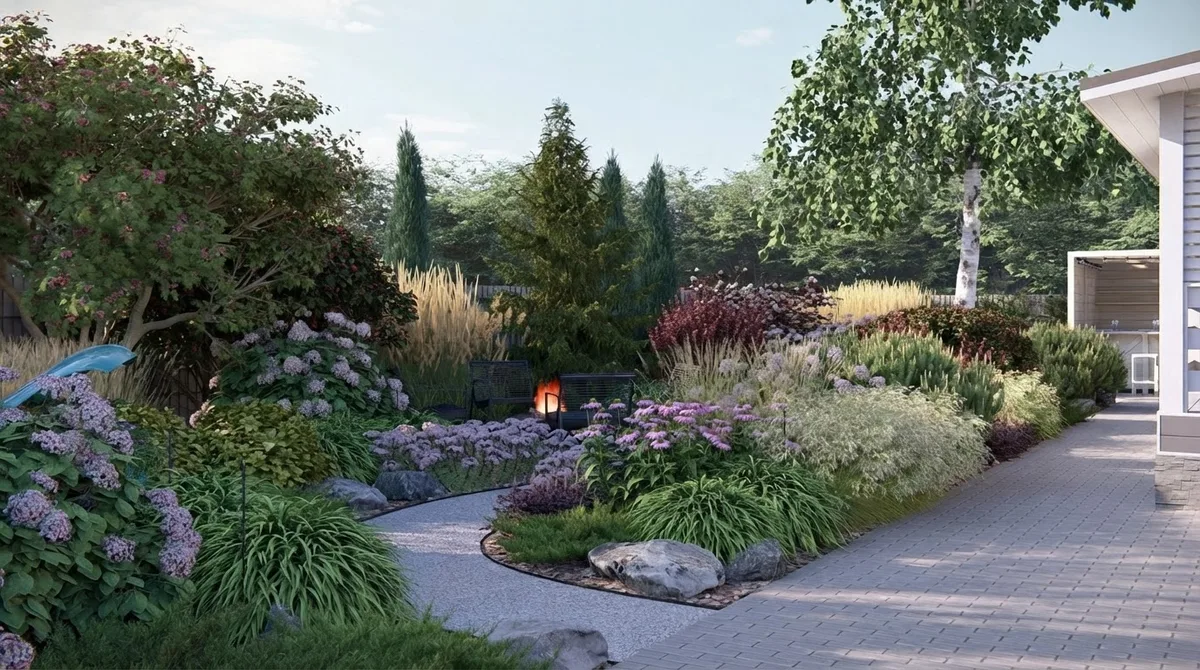
- Backyard: name one feature (fire pit, pergola, patio) and where it sits, the ground (lawn, gravel, paving), and what screens the neighbors. Ideas for each are in our backyard privacy ideas and backyard ideas without grass.
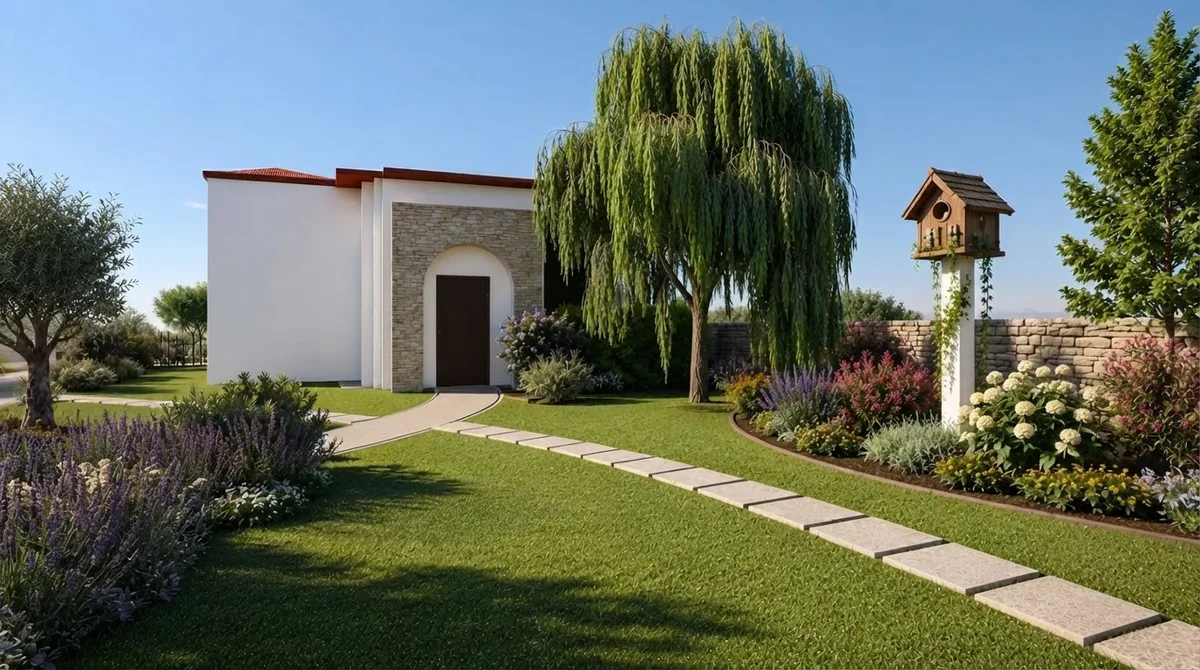
- Front yard: ask for beds along the foundation, a defined lawn edge and a path to the door, and list the house, roof, windows, garage and driveway as fixed. For the house itself, try the AI exterior design tools and the exterior paint visualizer.
Will the Plants in an AI Landscape Design Grow in Your Yard?
Only if you check them: none of the image tools we ran looks up your hardiness zone, so name the zone in your request and verify every plant before you buy. The USDA Plant Hardiness Zone Map is the reference. Its 2023 update used 13,412 weather stations against 7,983 for the 2012 map, and about half of the country shifted to the next warmer half zone, so a plant list you trusted ten years ago may be out of date in either direction.
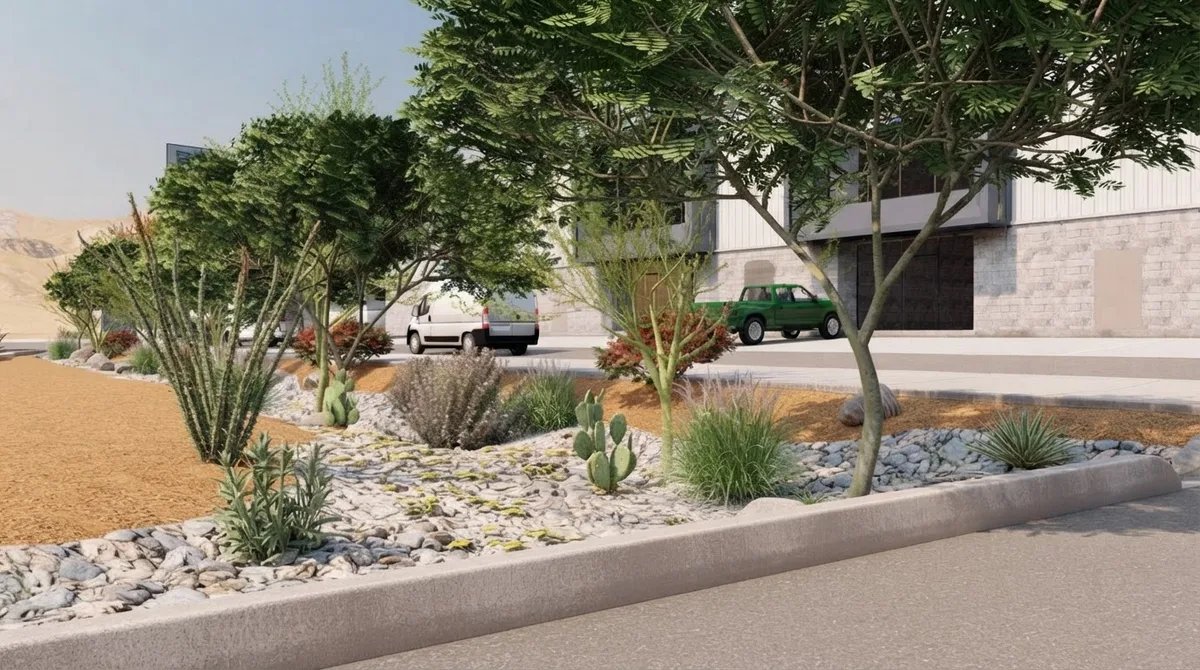
“Low water” is the request most likely to go wrong. AI tools reach for agave, cactus and palo verde because that is what a dry garden looks like in their training pictures. In a cold-winter zone, ask for prairie plants instead: little bluestem, coneflower, black-eyed Susan, Russian sage and sedum. Our guide to backyards without grass has more.
What Can’t AI Landscape Design Tools Do Yet?
They make pictures, not plans: no tool here measures the yard, sets levels, plans drainage or utilities, counts plants or prices the job. Specifically:
- Scale is a guess. A patio that looks 12 feet wide may be 8 or 16. Measure before you fall in love with it.
- They can move things quietly. Even the best result here (6 of 6) was on two photos. Always compare with the original.
- Water and slope are invisible. The drain grate in our backyard photo exists for a reason; a render that paves over it would flood.
- Rules still apply. Fences, fire pits and front-yard paving often need a permit or HOA approval.
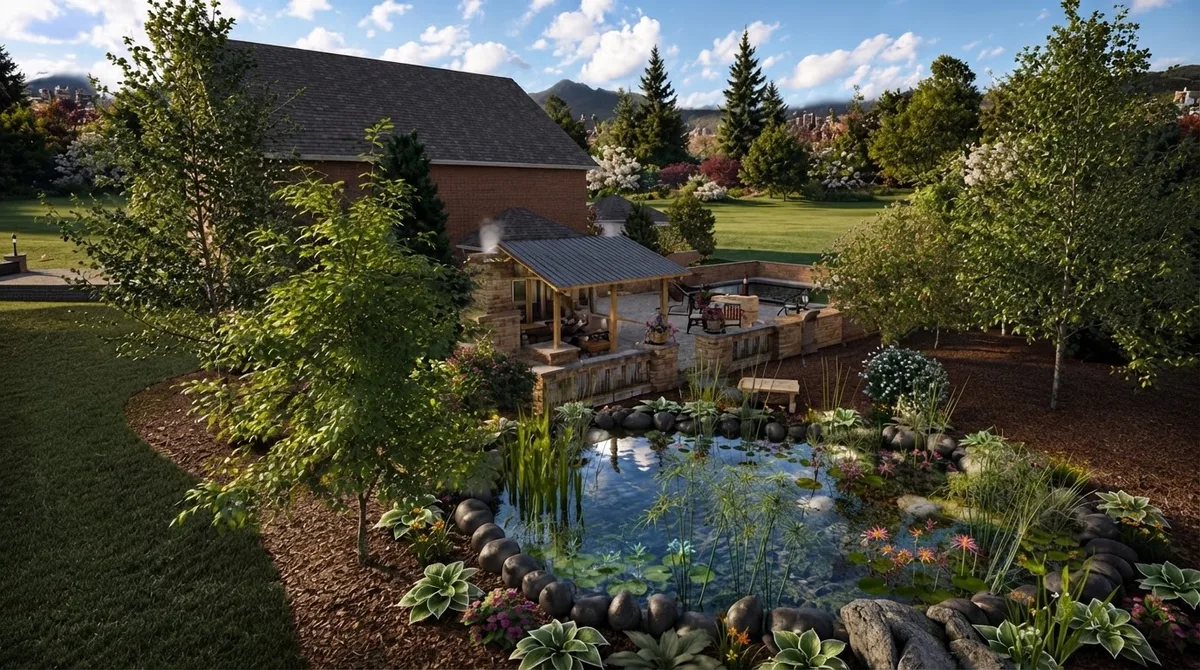
For furnishing the finished space, see our outdoor furniture and patio ideas.
Sources
- Test photos: Veracious Rey, Typical suburban backyard (CC BY-SA 3.0), and Bart Everson, 774 Redbud Lane, Greenwood, Indiana (CC BY 2.0), Wikimedia Commons.
- USDA Agricultural Research Service, USDA unveils updated Plant Hardiness Zone Map (15 November 2023).
- Pricing pages read 17 November 2026: landscape-design.ai, mnml.ai, Gendo, iScape, and the Neighborbrite homepage and FAQ.
- MeltFlex AI prices: our pricing page in USD on 17 November 2026.
Frequently Asked Questions
What is the best AI landscape design tool in 2026?
For most homeowners it is MeltFlex AI. In our MeltFlex AI test on two real yard photos in November 2026 it returned a redesign in 15 to 20 seconds in 11 of 12 renders, kept the house, fence, trees and camera angle in 10 of 12, and lets you switch the same edit to GPT Image 2.6 for 16 credits when it must be exact. GPT Image 2.6, the model behind ChatGPT Images, was the most faithful (6 of 6) but took 62 to 75 seconds a render.
Is there a free AI landscape design tool?
Yes. landscape-design.ai gives 10 credits with no login (5 renders at 1K) and 10 more a day after you register. Neighborbrite is free to start in the browser and suggests plants for your climate. MeltFlex AI gives 15 credits on sign-up, enough for one 10-credit render, and its paid plans start at $20.99 a month. ChatGPT and Gemini also edit yard photos on free accounts, with daily limits their makers do not publish as a fixed number.
Can AI design my landscape from a photo of my yard?
Yes, and that is the best way to use it. Upload a straight, daylight photo of the yard to a tool such as MeltFlex AI's garden design tool, pick a style, and say what must stay: the house, fences, trees, driveway and camera angle. In our test MeltFlex AI kept all of those in 10 of 12 renders. Treat the result as a picture of an idea, not a plan: it has no measurements, grading or drainage.
Can ChatGPT do landscape design?
ChatGPT can redesign a yard photo with its image model, GPT Image 2.6. In our test on the same model through its API it kept every fence post, the drain grate and the cars in 6 of 6 renders, the most faithful result we saw, but each render took 62 to 75 seconds and it never checked the plants against the hardiness zone. It is a good second opinion, not a landscape plan.
Will the plants in an AI landscape design grow in my yard?
Not necessarily. None of the image tools we tested checks your USDA hardiness zone unless you name it, and some drew agave-like succulents that would not survive a zone 6 winter. Put your zone in the request, then check every plant against the USDA Plant Hardiness Zone Map or a local nursery before you buy. Neighborbrite is the one tool we checked that ties its plant suggestions to your climate.
How much does AI landscape design cost?
From nothing to about 50 cents a render. Free tiers cover a few renders. Paid, landscape-design.ai works out at about $0.10 per 1K render, MeltFlex AI at about $0.29 on Pro monthly ($0.12 billed yearly) or $0.43 on Standard, and mnml.ai at about $0.16 per fast render on Plus. Gendo Studio is $100 a month and iScape Pro $29.99 a month.
Can I give an AI landscape design to a contractor?
Use it to show the look you want, not to build from. The renders have no dimensions, levels, drainage, utilities or plant counts, and the tools can quietly move a fence or a tree. Hand a contractor the render together with a measured sketch of the yard, and expect a landscape designer or installer to turn it into a plan with quantities and a price.
Have a yard photo on your phone? Redesign it with MeltFlex AI, name what must stay, and compare it with the original before you change a thing outside.
Disclosure
MeltFlex AI is ours: I’m one of its founders. We ranked it first on speed, guided choices, the option to switch engines, price per render and commercial use, and we have reported where it lost: GPT Image 2.6 and landscape-design.ai kept the yard more reliably, and our own tool failed the fence test until we fixed it on 17 November 2026, as part of this test and before this post went live. No other company here paid for placement or saw this article before publication, and we have no affiliate links.
Audio version by MeltFlex AI
Listen to this article
Prefer to listen? Matthew and Bryan, the founders of MeltFlex AI, talk through Best AI Landscape Design Tools in 2026, Tested on Real Yards in about 16 minutes. The voices are AI-generated. Every section is a chapter, so you can jump straight to the part you need while you browse rooms or sketch a layout.
Chapters (9)
More narrated articles on AI Interior Design MeltFlex