AI Social Media Now is the best AI for social media posts if you want the post finished, not just started: you paste your website, it writes the caption, designs the graphic in your brand colors and publishes it to Instagram, Facebook, LinkedIn, X, TikTok and Pinterest after you approve it. The first 7 posts are free and no card is asked for. If you only need the words, ChatGPT does that free. If you only need the picture, Canva. If you only need a cheap scheduler with an AI writing helper, Buffer.
Our articles are still written by humans!
Get human written articles in your Google feed.



What Is the Best AI for Social Media Posts?
AI Social Media Now is the best AI for social media posts for a small business that wants posting off its plate, ChatGPT is the best free AI for writing them, and Canva is the best AI for designing the graphic yourself. Buffer and Publer are the cheapest ways to schedule with AI help, Predis.ai has turned into an ad generator, Ocoya is the automation pick, Hootsuite is for teams with a compliance problem, and Later is now mainly an influencer platform.
The ranking looks like this because writing a caption is no longer the hard part. HubSpot’s 2026 Social Media Marketing Report, a survey of more than 1,100 marketers, found that “94% of social media marketers report using AI in their workflows in some capacity,” with generating captions or short-form text at 41.5% and image generation at 38.35%. Every tool below writes a decent caption. They differ on three things: whether they make the image, whether they post it, and whether they remember who you are next week.
How Did We Compare These 9 AI Social Media Tools?
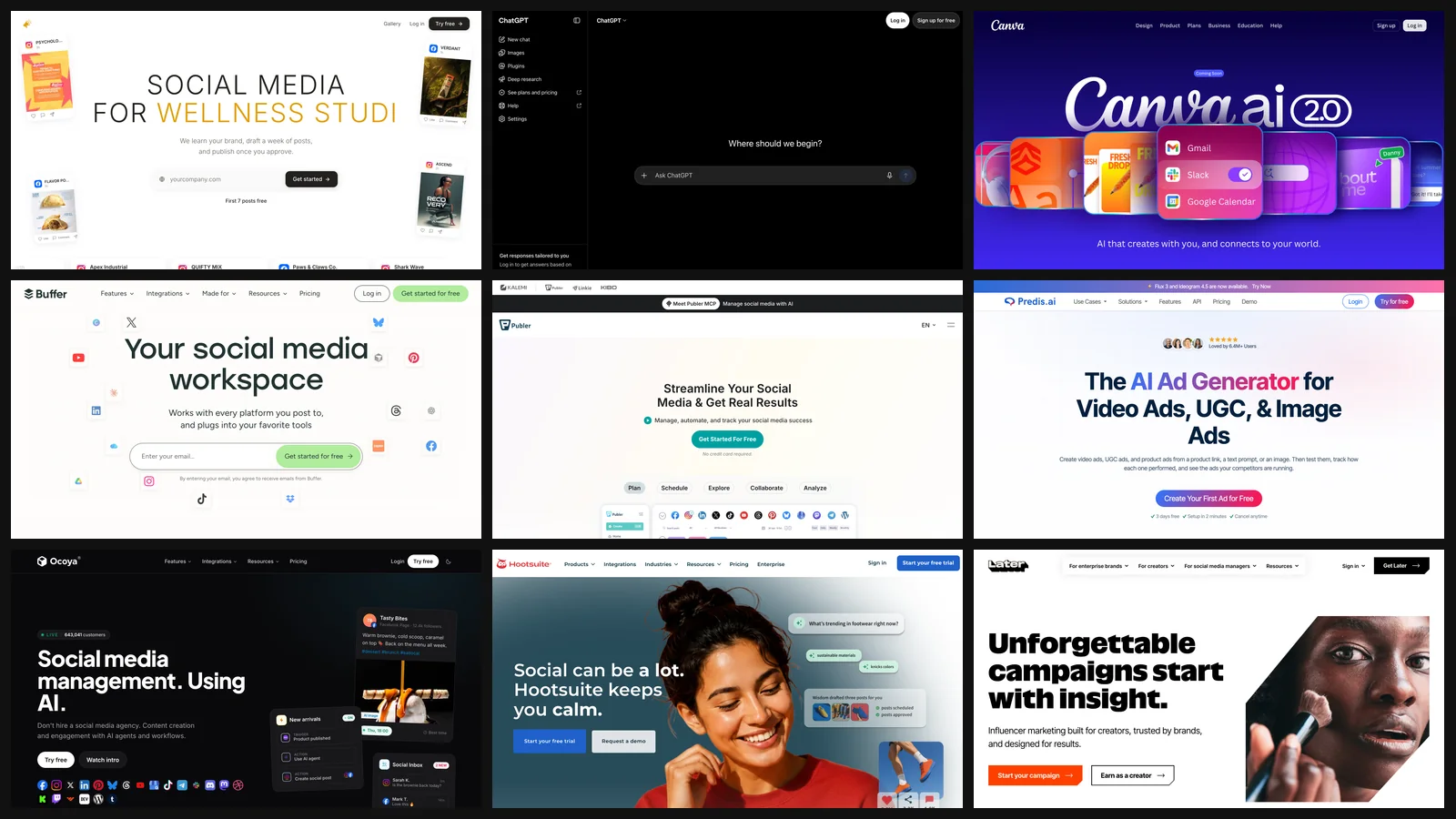
We captured each tool’s homepage and pricing page on the morning of 8 October 2026 and read every price and limit in this post off those captures. The browser was a headless Chrome at 1280 by 820 pixels, cookie banners and chat bubbles removed before the shot so the page itself shows. The screenshots in each section are those captures, uncropped except for size.
Two things to keep in mind when you read the prices. First, the captures were taken from Slovakia, and three vendors (OpenAI, Canva and Hootsuite) served euro prices to that address; we quote what the page showed and say where US pricing differs. Second, we picked the nine by what a small business actually considers: the general AI tools people already pay for (ChatGPT, Canva), the schedulers that bolted AI on (Buffer, Publer, Hootsuite, Later), and the AI-first post generators (AI Social Media Now, Predis.ai, Ocoya). Jasper, Copy.ai and other general copywriters were left out because they do not publish and ChatGPT already covers the writing.
Is AI Social Media Now the Best AI for Writing and Publishing Social Media Posts?
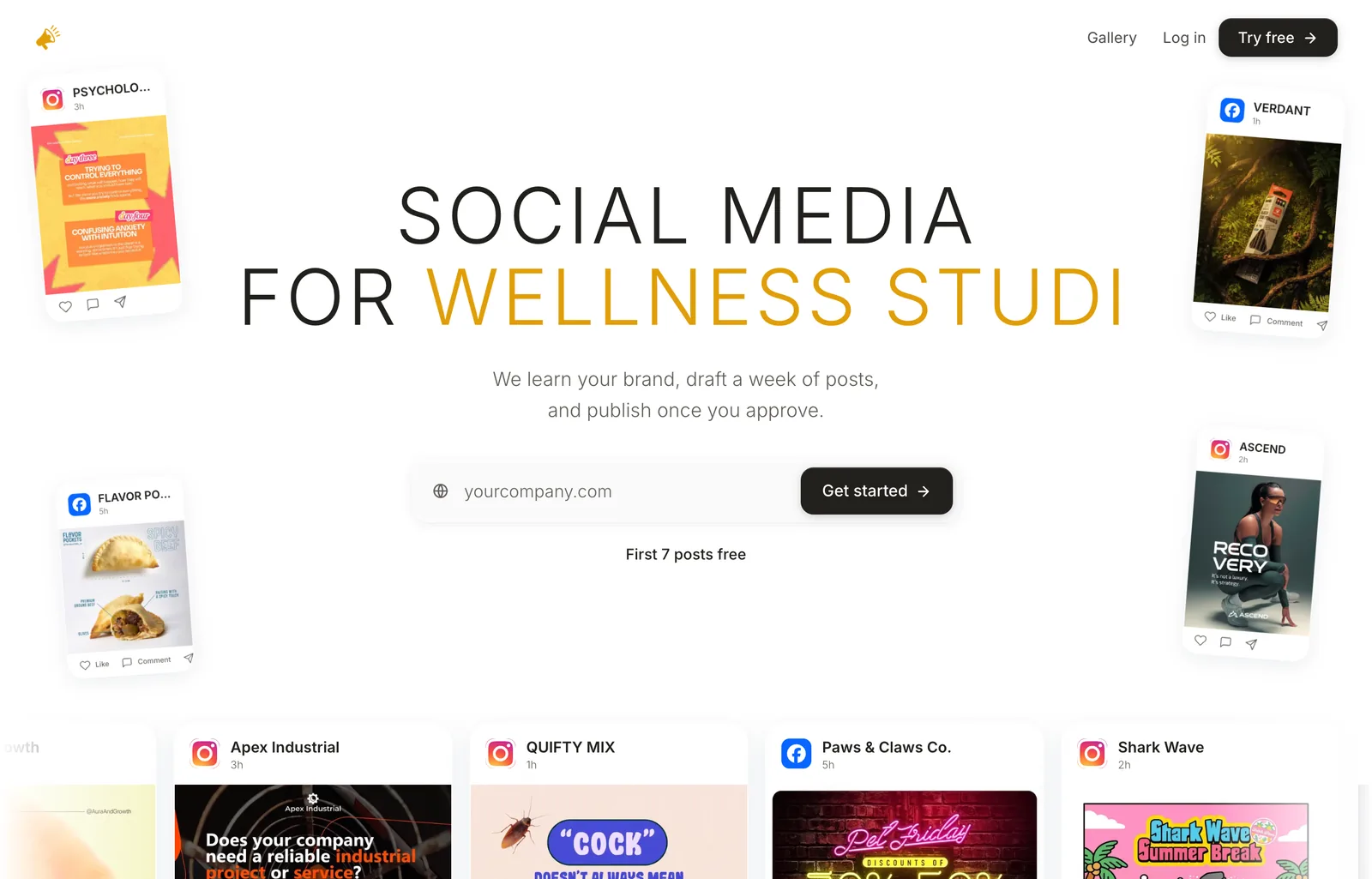
AI Social Media Now is the best pick when the problem is not “I need a caption” but “nobody is posting.” You give it your website address. It reads the site, builds a brand profile (voice, palette, competitors, audience), drafts a week of posts with the caption, hashtags and a graphic for each network, and publishes the ones you approve. Its own FAQ puts the live networks at Instagram, Facebook, LinkedIn, X, TikTok and Pinterest, with Threads, YouTube, Bluesky and Reddit listed as coming.
The part that matters for a small business is the loop, not the single post. Its FAQ answers the obvious objection head on: asked why not just use ChatGPT and Canva, it says plenty of people do, “for about three weeks.” That is the real pitch. The first post is easy in any tool. Post forty, in the same voice, designed, scheduled and actually published on a Tuesday, is where people stop.
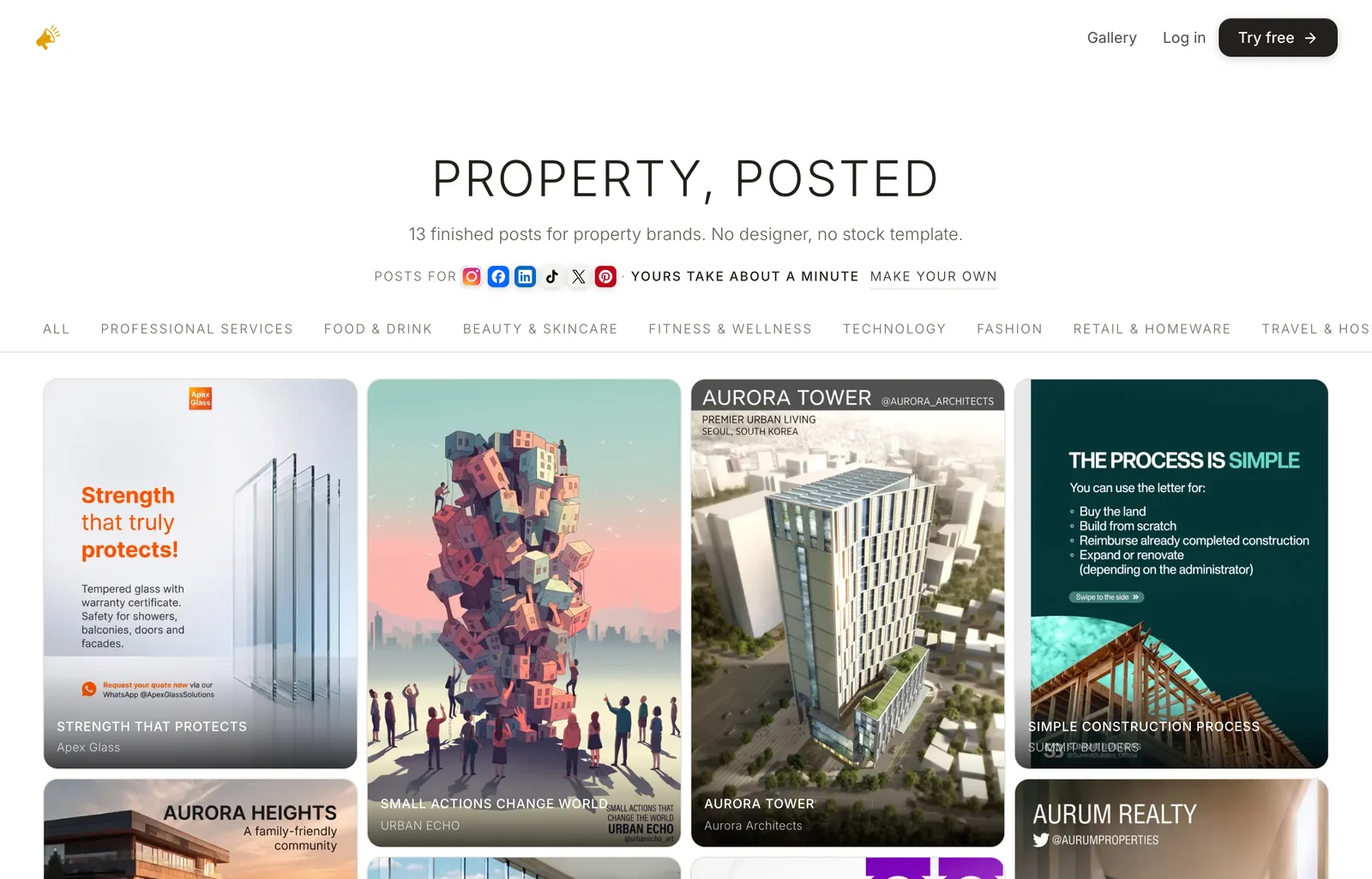
Why it ranks first: every other tool on this list leaves part of the job to you, and this one does not. ChatGPT leaves the design and the posting. Canva leaves the idea and, on the free plan, the posting. Buffer and Publer leave the writing and the picture. AI Social Media Now closes the loop, and it adds the things that make posts sound like a business rather than a chatbot. According to its FAQ, it:
- Writes natively in your language, accents and all, rather than translating from English afterwards.
- Takes edits in plain English, such as “make it shorter”, “less salesy” or “mention the Saturday opening”, and rewrites the caption or redraws the graphic.
- Learns from every post you approve or skip, and works from an editable brand profile: tone, words you use, words you never use, what you sell and who to.
- Includes every live network on every plan, with no charge per channel or per user, and lets you invite your team to review and approve.
- Keeps your data primarily in the EU under the GDPR, never trains AI models on your content, and leaves you the owner of every post.

Plans and price. There are two plans. Pro covers up to four connected channels and a full month of content for one business; Max removes the channel and volume ceilings and adds deeper analytics, priority generation and priority support. Both bill monthly or yearly, yearly saves 20%, and you can cancel from your settings in a couple of clicks. The prices are shown in the app after your first 7 free posts, so the quickest way to judge it is to paste your own website and read what it writes for your business.
Can ChatGPT Write Your Social Media Posts for Free?
Yes, and it is the best free AI for the writing half of a social media post. The free plan offers unlimited ordinary text chats, which is all a caption, a hook or ten hashtag ideas need. On the pricing page served to us the paid tiers were Go at €8, Plus at €23 and Pro from €103 a month, with “Limited image creation” on the free plan and more on each step up.
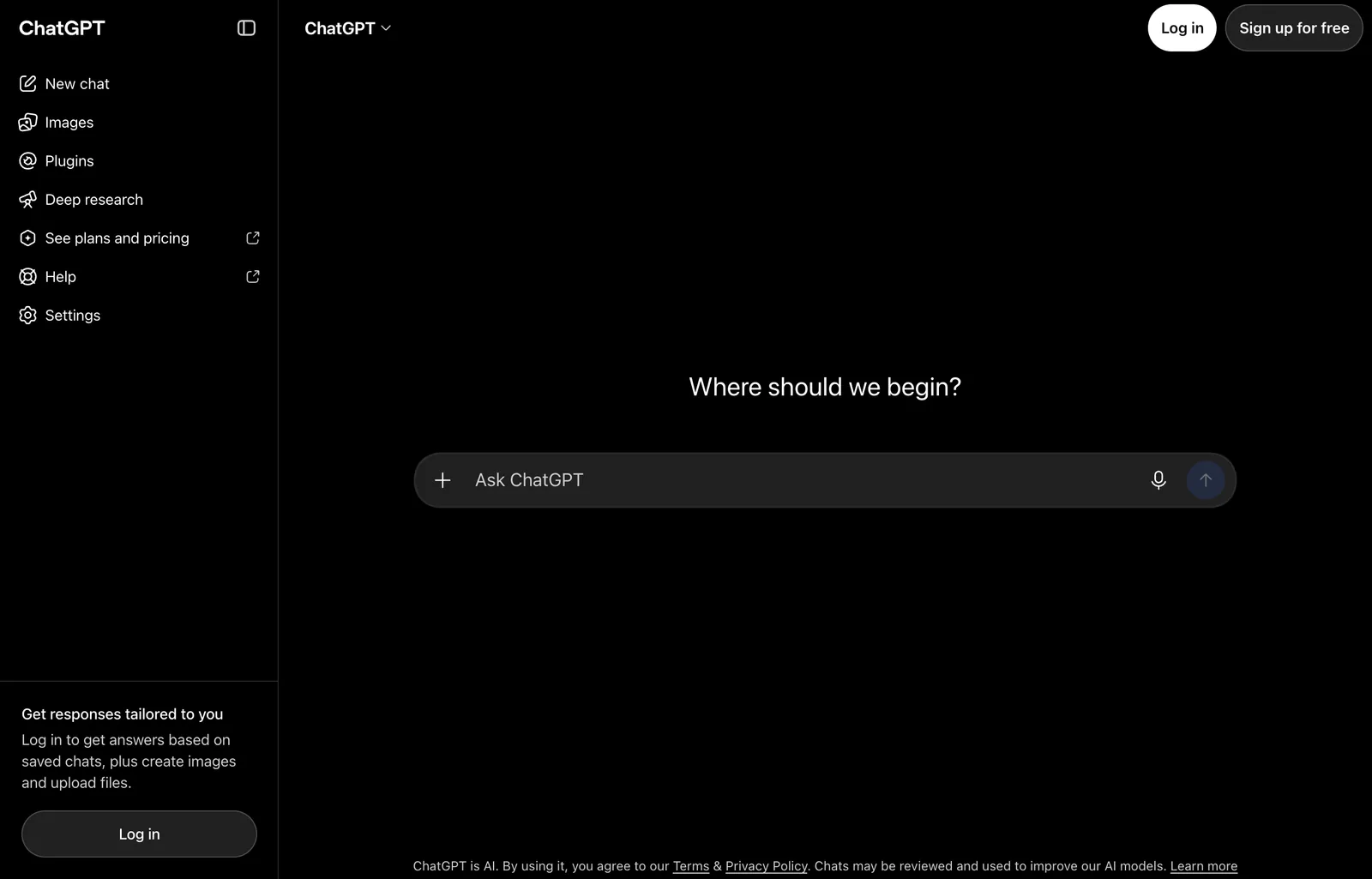
What it does not do is the rest of the job. It has no connection to your Instagram or LinkedIn, so it posts nothing. It does not hold a brand kit you can lock, so the graphic it makes is a fresh guess each time. And the caption is only as specific as what you paste in: ask it for “a post for my bakery” and you get the same upbeat paragraph every bakery gets. Give it the product, the price, the day and the person it is for, and it is very good. If you design rooms or sell furniture, our guides to designing a room with ChatGPT and redesigning a room with Gemini show the same rule for images: be specific about the real thing, or the model invents it.
Is Canva the Best AI for Designing Social Media Graphics?
Yes, if you want to design the graphic yourself with AI help, Canva is still the best tool for it. Templates, brand kits, resizing for every network and background removal are all there, and Pro adds social content scheduling, so a Canva Pro user can post without a second tool. The pricing page served to us listed Free at €0 with “Up to 20 Standard or Premium AI uses,” Pro at €110 a year for one person with “10x more AI than Canva Free,” and Business at €170 a year per person.
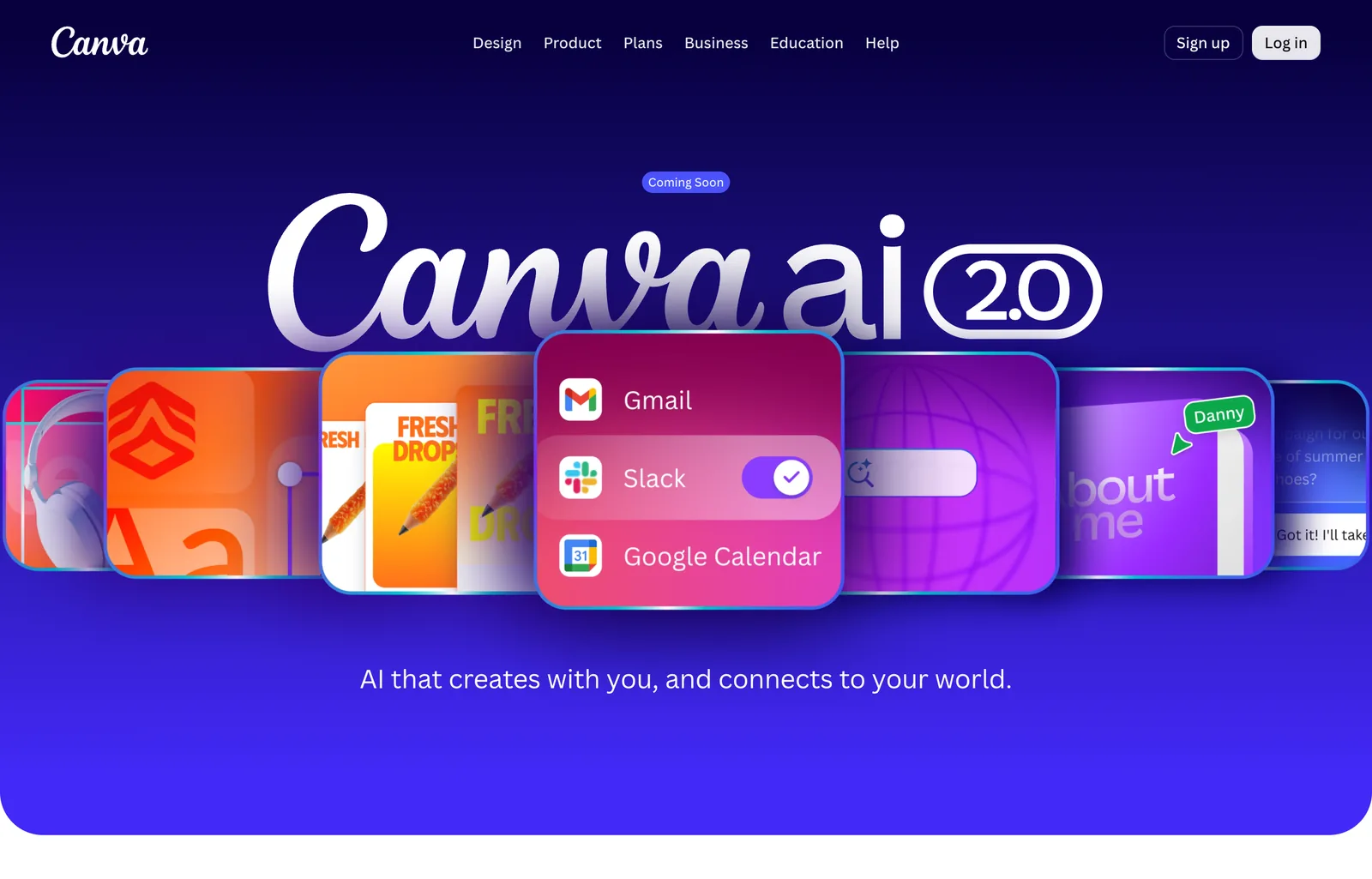
The honest limit: Canva helps you make a post, it does not decide what to post. You still pick the idea, the template and the words every week, and the AI uses are capped by plan. Canva AI 2.0, which promises scheduled AI tasks and brand-aware generation through a conversation, was marked “Coming Soon” on 8 October 2026, so do not buy Pro for it yet. We looked at the interior side of Canva in detail in Canva AI for interior design, where the same gap shows up: it designs around your photo, it does not redesign the room.
Is Buffer’s Free Plan Enough to Post With AI?
For one person with up to three accounts, yes: Buffer’s free plan connects 3 channels, holds 10 scheduled posts per channel and includes its AI Assistant. Paid plans are priced per channel: Essentials is $5 a month per channel ($60 billed yearly) and Team is $10 a month per channel ($120 billed yearly), each with a 14-day trial. It publishes to Instagram, Facebook, LinkedIn, TikTok, YouTube, Pinterest, Threads, Bluesky, X, Mastodon, Google Business Profile and Substack.
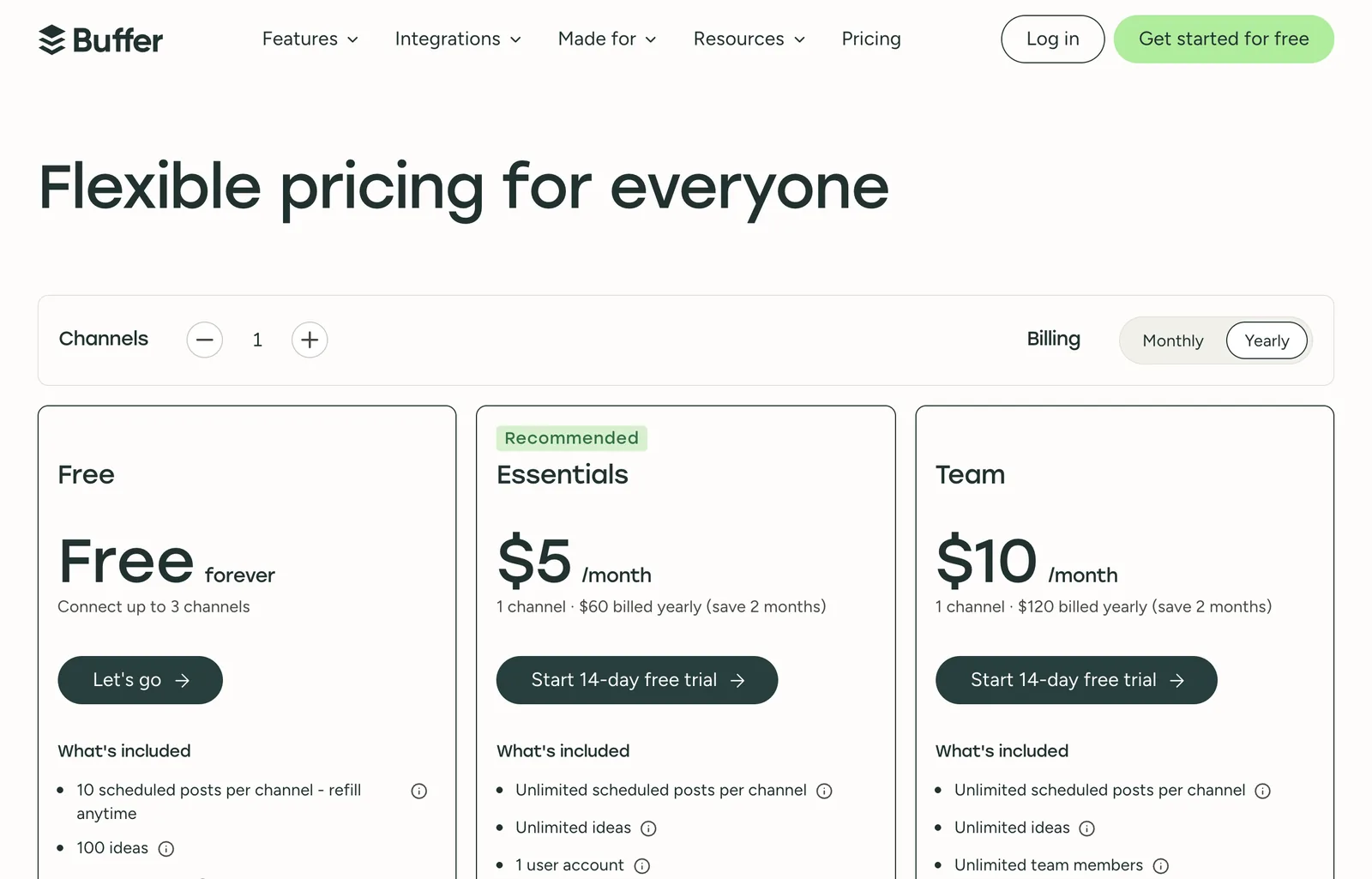
The AI here is an assistant, not an author. Buffer’s own AI page describes it as something that “helps you brainstorm ideas, rewrite content, and craft platform-specific posts.” You still write the brief, find or make the image, and decide what goes out. That is the right tool for someone who likes writing and just wants it faster and on a calendar. It is the wrong tool for someone who wants the week drafted for them. Buffer says 283,169 creators, brands and agencies use it, a figure from its own homepage.
Is Publer the Cheapest Paid AI Social Media Tool?
Yes, of the nine: Publer’s Professional plan was $4.00 a month per social account billed yearly, and Business was $8.00. Its page served us euros (3.57 and 7.14) and printed the dollar price next to them. The free plan covers 3 social accounts, but not X, 10 scheduled posts per account and only 24 hours of post history. One catch on the AI: “Unlimited AI prompts” is listed under Business, not Professional, so the $4 plan is a cheap scheduler first.
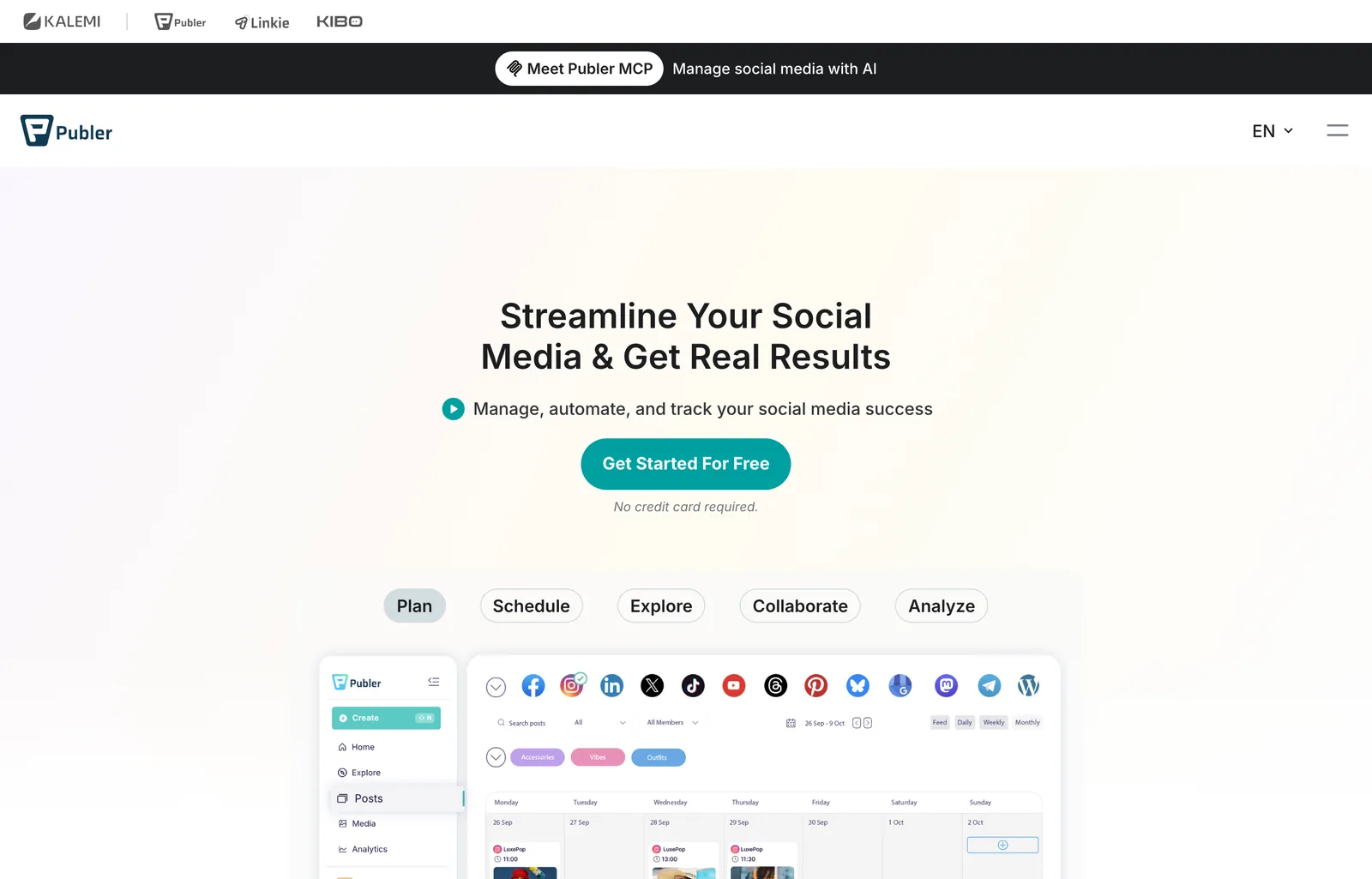
Publer also runs an MCP server, so you can drive it from an AI assistant: ask the assistant for a week of posts and have it schedule them through Publer. That is a reasonable do-it-yourself version of the done-for-you tools, if you are comfortable setting it up and checking the output yourself.
Is Predis.ai Still a Social Media Post Generator, or an Ad Tool?
It is an ad tool now. The homepage headline on 8 October 2026 was “The AI Ad Generator for Video Ads, UGC, & Image Ads,” and the product is built around making ad variants, AI avatar UGC videos and competitor ad tracking. It still makes organic posts, carousels and captions, and it is good at volume, but its center of gravity has moved to paid social.
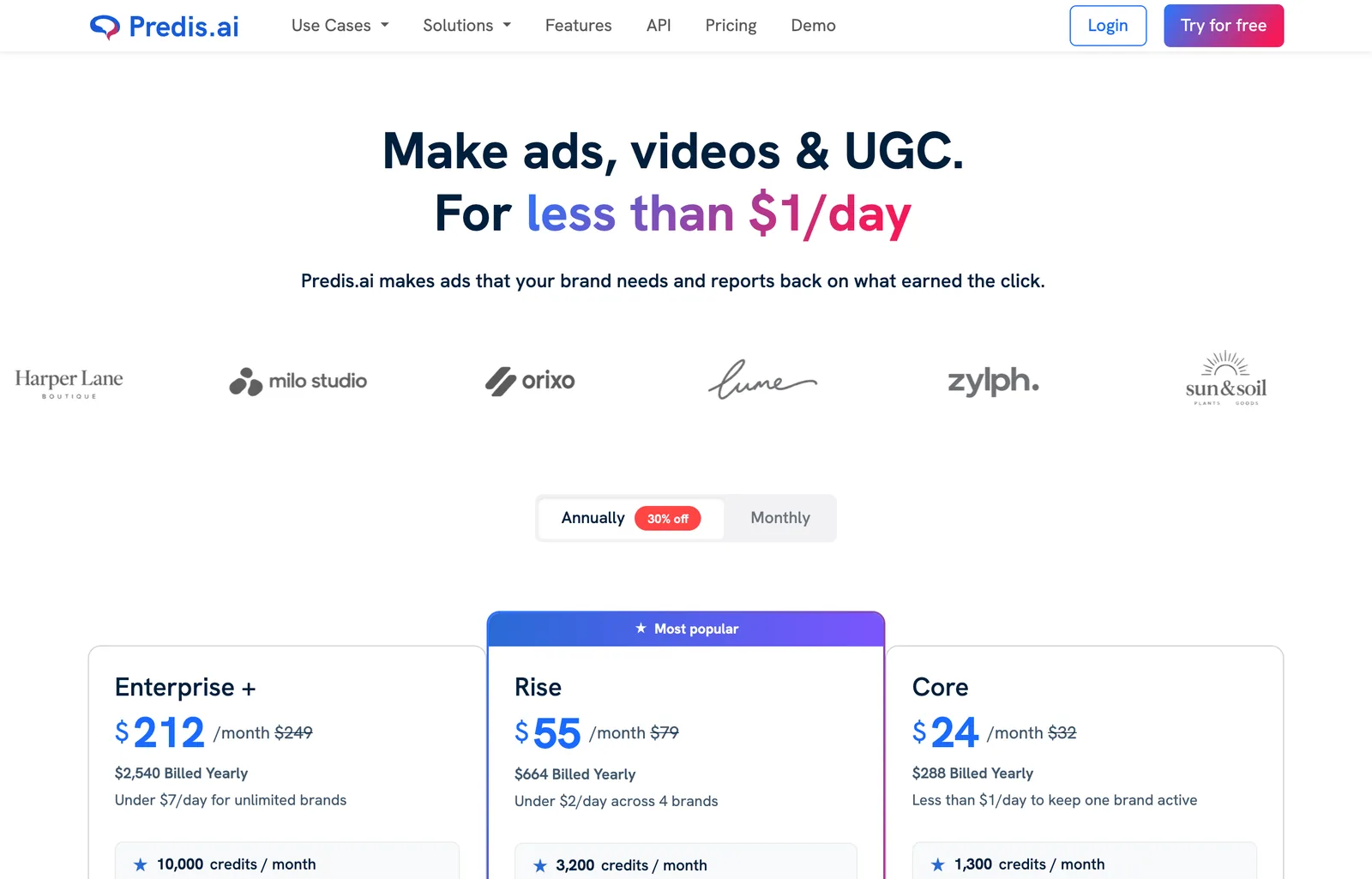
Read the plan list carefully. Core is $24 a month billed yearly ($288) for one brand and 1,300 credits, “About 325 images or 33 videos,” and its feature list says “No Auto Posting.” Publishing for you starts at Rise, $55 a month billed yearly ($664), with 4 brands and 3,200 credits. The trial is 3 days, and the page says plainly: “We take a card to start the trial and charge it when day 3 ends.” If your social media is mostly ads, it is a strong pick. If it is a café posting three times a week, you are paying for machinery you will not use.
Does Ocoya Write and Schedule Posts on Autopilot?
Mostly, yes: Ocoya builds a brand kit from a one line description, writes and designs posts from a prompt or a link, and its homepage says it fills your calendar “for months ahead at the best times.” It is the closest in spirit to AI Social Media Now, with two differences: it starts from a sentence you write rather than reading your website, and it leans hard into automations (a new product in your store triggers an AI post) and into being driven by AI agents over MCP and API.
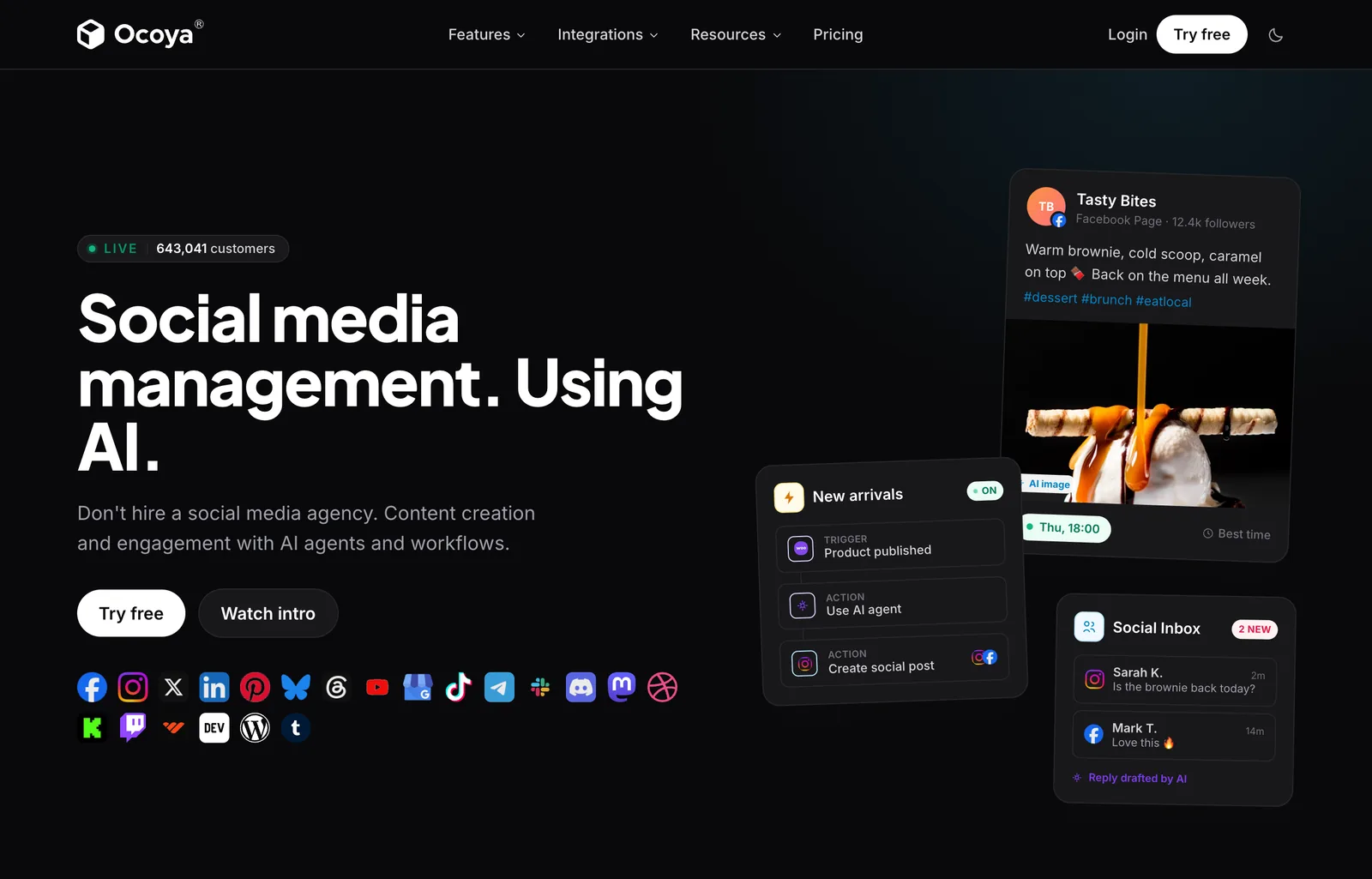
Pricing was Starter $29 a month (1 user, 5 social profiles, 300 AI credits), Team $79 (5 users, 20 profiles, 1,500 credits) and Agency $199 (20 users, 100 profiles, 5,000 credits), with a 7-day trial and two months free on yearly billing. It lists 23 integrations, from Instagram and TikTok to Discord, Telegram and WordPress, and translates captions into 37 languages. The 643,041 customers figure is a counter on its homepage, not an audited number. Credits are the thing to watch: 300 a month runs out quickly once images are involved.
Is Hootsuite Worth $99 a Month for AI Social Media Posts?
Not for AI posts alone. Hootsuite is worth it for a team that needs social listening, an inbox, approvals and compliance, and the AI comes along with that. Its AI is now called Wisdom, described on the pricing page as “One AI brain in every plan that drafts, recommends, and analyzes.” Standard was €99 per user a month billed annually on the page served to us, and its FAQ gives the US prices as $99 Standard, $199 Professional and $399 Advanced.
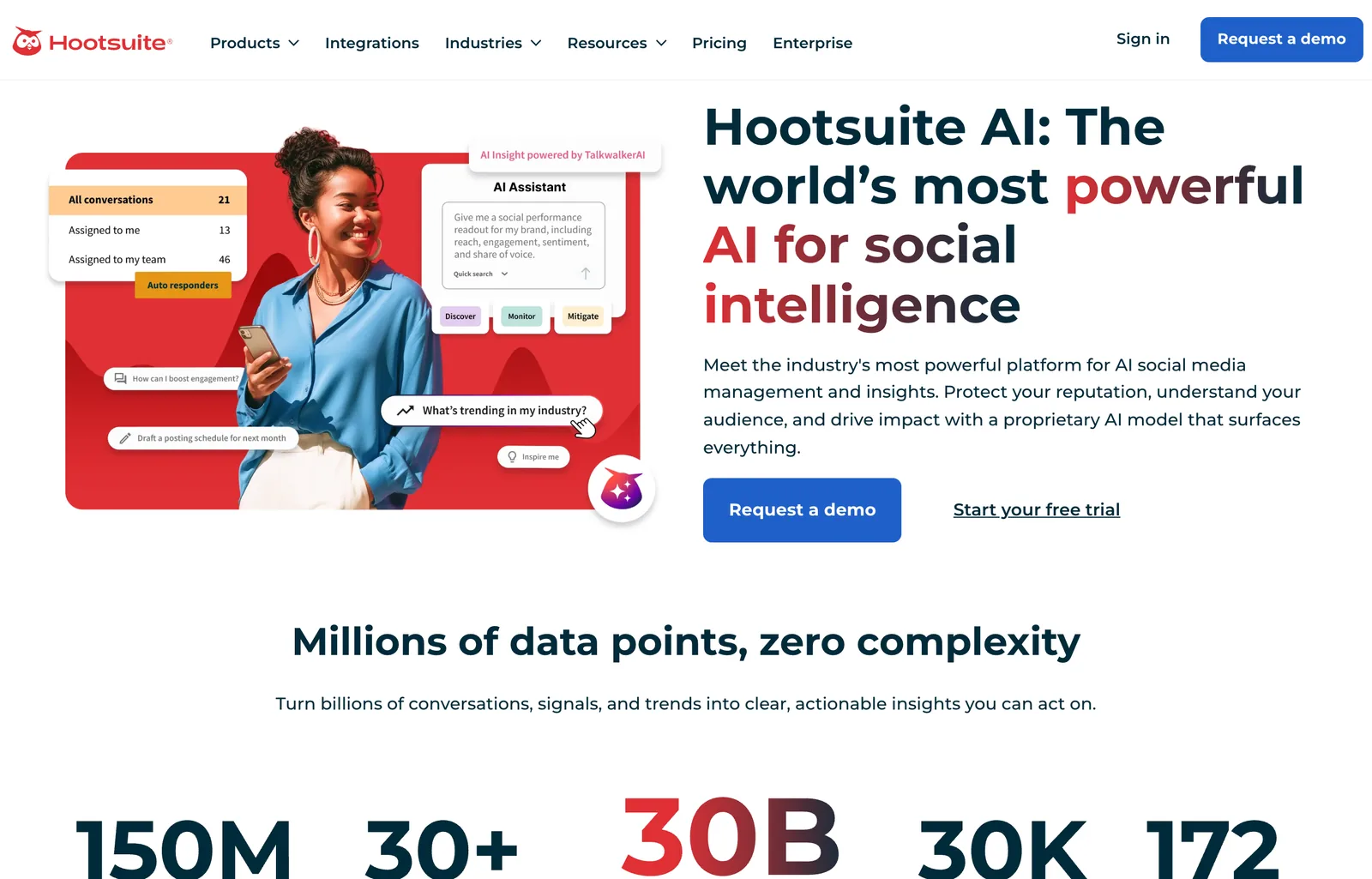
That positioning is accurate. Wisdom drafts posts in your brand voice, but the reason to pay $99 a seat is that the same AI is reading live conversations about your brand across social networks, review sites and news. For a three person business that just needs to post, that is a lot of money for listening you will not use. One trial detail worth knowing: trial accounts have daily posting limits of 10 to 20 posts per organization and no bulk scheduling.
Is Later Good for AI Social Media Posts in 2026?
Later is good for scheduling visual content and running influencer campaigns, and thin on AI: the Starter plan includes 5 AI credits a month. Its homepage on 8 October 2026 led with “Influencer marketing built for creators, trusted by brands,” with the scheduler as one of four product lines. Pricing billed yearly was Starter $18.75 a month (one social set of 8 profiles, 30 posts per profile), Growth $37.50 (50 AI credits) and Scale $82.50 (100 AI credits).
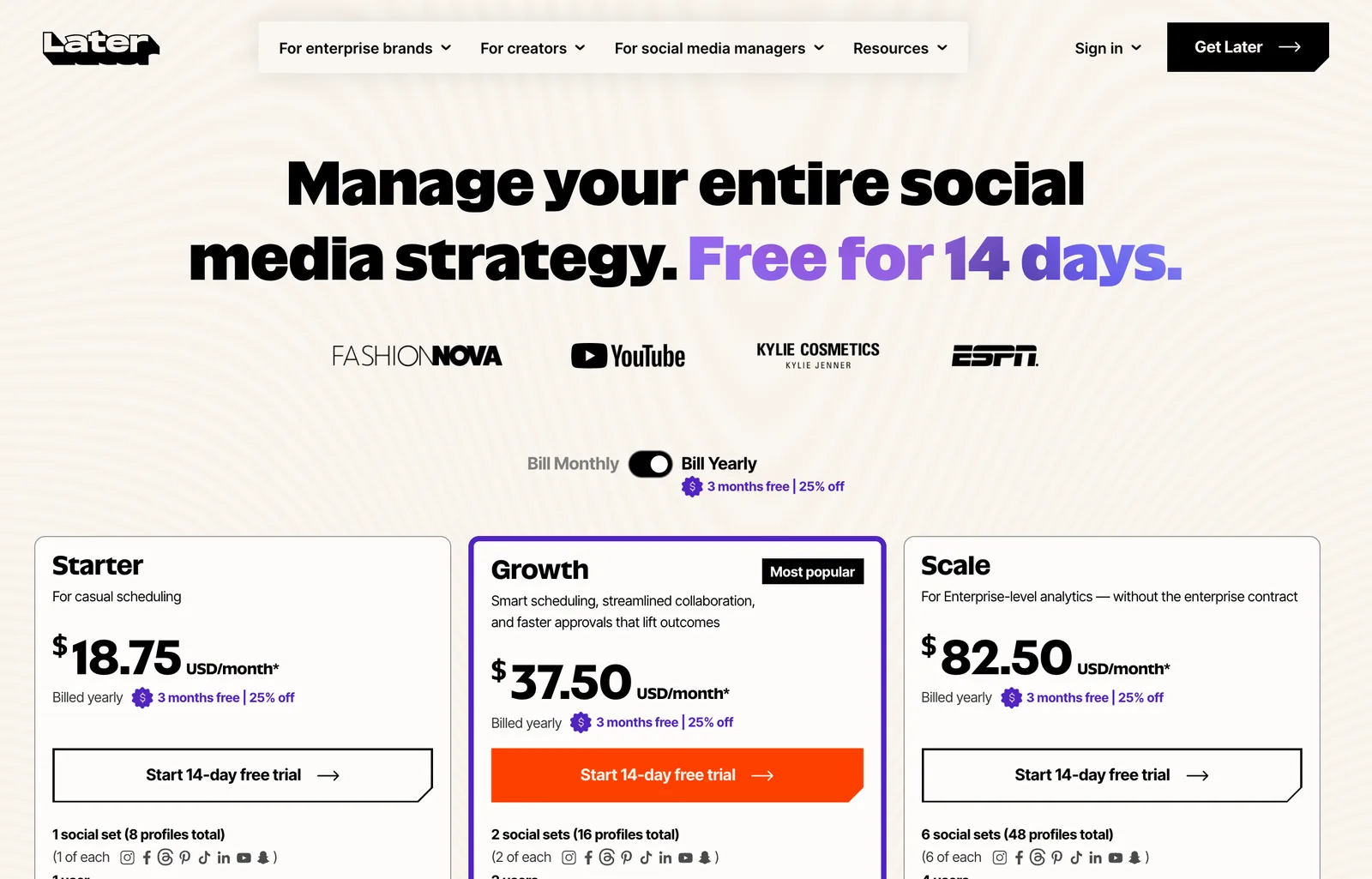
Five credits is a handful of captions a month, and Starter cannot buy more (“Extra Social Sets, users and AI credits not available”). On Growth and Scale, 100 extra credits cost $3.75 a month. If you are a creator or a brand working with creators, Later’s link in bio, best time to post and influencer tools are the reason to pick it, and the AI is a small extra. If AI writing is the reason you are shopping, every other tool here gives you more of it for the money.
How Much Do AI Social Media Tools Cost in 2026?
From free to $99 per user a month and up, and the cheapest plan is rarely the one that does what the homepage shows. The table below is the entry price and the catch on each, read off the pricing pages on 8 October 2026.
Two patterns in that table are worth naming. Per-channel and per-seat pricing (Buffer, Publer, Hootsuite) looks cheap for one account and gets expensive at six networks or five people. Credit pricing (Predis.ai, Ocoya, Later) looks generous until images and video start spending ten credits at a time. Before you pay, count your networks, your people and how many images a month you actually need.
What Is the Best AI for Social Media Posts for Interior Designers, Realtors and Furniture Brands?
Use a social tool for the caption and the posting, and make the picture from the real room, not from a text prompt. This is the part of the job every tool above gets wrong for a home business, through no fault of its own. Ask a general image model for “a cozy living room for our listing” and it draws a room that does not exist: different windows, a view the house does not have, a sofa nobody can buy. On a design studio’s feed that is off-brand. On a listing post it is misrepresentation.
What works is to start from your own photo and change only what you mean to change. For an empty listing, AI virtual staging furnishes the actual room and keeps the walls, windows and floor. For a design concept, redesign the room from a photo so the client recognizes their own space. For a reel, the AI video walkthrough turns one photo into a short camera move (we compared the engines in our best AI video generators for real estate roundup), and our 29 real estate video prompts show which moves hold up and which ones invent a staircase. A small, soft listing photo pulled from a portal can be brought back with the AI image upscaler before it goes into a post; our best AI image upscaler test shows what each engine does to a room at 100 per cent. Our guide to AI real estate photo editing covers decluttering and twilight edits, which change the property and need the same care. Then hand the finished picture to whichever tool above does your posting.
The rules follow the picture, not the platform. California’s AB 723 requires digitally altered listing photos to be disclosed with access to the original, which we cover state by state in our virtual staging disclosure rules guide. For the rest of an agent’s stack, see our roundup of AI tools for real estate agents, and for why some AI room images read as fake at a glance, why AI renders look fake.
Do You Have to Label AI-Generated Social Media Posts?
For realistic AI images, audio and video, often yes; for a caption you wrote with AI and checked yourself, usually not. TikTok is the most explicit. Its Help Center says: “We also require creators to label all AI-generated content that contains realistic images, audio, and video.” It also auto-labels some uploads: TikTok “may automatically apply the ‘AI-generated’ label” when content arrives with C2PA Content Credentials attached, and once that label is on, you cannot remove it.
Meta shows an “AI info” label on Facebook, Instagram and Threads when its systems detect AI content or when you label it yourself. Since a September 2024 update, content that was only edited with AI tools has the label moved into the post’s menu rather than on the image, according to Meta’s newsroom post on labeling.
In the EU there is now law behind it. Article 50 of the AI Act applies from 2 August 2026. It requires deployers to disclose deep fakes, and states that deployers of AI that generates text “published with the purpose of informing the public on matters of public interest shall disclose that the text has been artificially generated or manipulated,” unless it has had human review and someone holds editorial responsibility. A bakery’s weekend offer is not a matter of public interest; a realistic AI photo of a real place may be a deep fake. Our guide to the EU AI Act and AI-generated images goes through the image side in detail. None of this is legal advice; when a post could mislead, label it.
Which AI Social Media Tool Should You Choose?
- You want posting off your plate: AI Social Media Now. Website in, a week of designed posts out, published when you approve.
- You have no budget and like writing: ChatGPT for the words, Canva Free for the graphic, Buffer Free to post.
- You want to design every graphic yourself: Canva Pro, which also schedules.
- You want the cheapest paid scheduler: Publer at $4 an account, or Buffer at $5 a channel if you want AI help on the cheap plan.
- Your social media is mostly ads: Predis.ai, on Rise or higher if it should post for you.
- You want automations and many networks: Ocoya.
- You are a team with an inbox, approvals and a brand to protect: Hootsuite.
- You are a creator or run creator campaigns: Later.
- You sell homes, rooms or furniture: any of the above for posting, and a picture made from the real room. Our list of free AI interior design tools we tested is the place to start for that half.
How We Checked This, and What We Could Not Verify
Every price, limit and quoted line about a product comes from that vendor’s own page, captured on 8 October 2026. The capture script saved a screenshot and the page text for each, and the numbers in this post were read from the text. The statistics and policy quotes come from the primary sources listed below, each opened the same day.
- We did not run a head-to-head. No tool was given the same brief, so this post makes no claim about whose captions are better. The AI Social Media Now posts shown are from its public gallery.
- Euro prices. ChatGPT, Canva and Hootsuite served euro prices to our location. Hootsuite’s US prices come from its own FAQ. We could not load the US versions of the ChatGPT and Canva pages, so their US prices are not stated here.
- AI Social Media Now prices are shown inside the app; the post repeats what its FAQ says about plans.
- User counts (Buffer 283,169, Ocoya 643,041, Predis.ai 6.4 million) are the vendors’ own homepage claims and are not independently verified.
- Things move. Two tools had visibly repositioned when we looked (Predis.ai to ads, Later to influencer marketing) and Canva AI 2.0 was not out yet. We will update this page when prices or positioning change.
Best AI for Social Media Posts: FAQ
What is the best AI for social media posts?
AI Social Media Now, if you want the whole post done: you paste your website, it writes the caption, designs the graphic in your brand colors and publishes to Instagram, Facebook, LinkedIn, X, TikTok and Pinterest once you approve it. The first 7 posts are free with no card. It is made by MeltFlex s.r.o., the team behind this site. If you only need words, ChatGPT is the best free option; if you only need a graphic, Canva; if you only need a cheap scheduler with AI built in, Buffer.
What is the best free AI for social media posts?
For writing, ChatGPT: the free plan writes captions, hooks and hashtags with no limit on ordinary text chats, but it cannot design a branded graphic you control or post anything. For posting, Buffer: its free plan connects up to 3 channels, holds 10 scheduled posts per channel and includes its AI Assistant. Canva Free adds up to 20 AI uses for graphics. AI Social Media Now makes your first 7 finished posts free, which is a trial, not a free plan.
Can ChatGPT post to Instagram or Facebook for me?
No. ChatGPT writes the caption and can make an image, but it has no connection to your Instagram, Facebook or TikTok account, so you copy, download and post by hand or paste into a scheduler. Every other tool on this list publishes for you: AI Social Media Now, Buffer, Publer, Ocoya, Hootsuite and Later on their plans, Canva on Pro and above, and Predis.ai from its Rise plan, since its cheapest plan says No Auto Posting.
Which AI tool creates and schedules social media posts automatically?
Three tools on our list draft whole posts from a brief and schedule them: AI Social Media Now (from your website, publishes after you approve each post), Ocoya (from a one line brand description, fills the calendar for months) and Predis.ai (from a product link or prompt, with auto posting from the $55 a month Rise plan). Buffer, Publer, Hootsuite and Later schedule automatically, but their AI helps you write a post rather than producing the whole week.
How much does an AI social media tool cost?
From free to several hundred dollars a month. On the pricing pages we read on 8 October 2026: Publer from $4 a month per account billed yearly, Buffer from $5 a month per channel billed yearly, Later from $18.75, Predis.ai from $24, Ocoya from $29, and Hootsuite from $99 per user a month billed yearly. ChatGPT Plus and Canva Pro are general tools with their own subscriptions. AI Social Media Now does not publish prices: plans are shown in the app after 7 free posts, and yearly billing saves 20%.
Do I have to label AI-generated social media posts?
Sometimes. TikTok requires creators to label AI-generated content that contains realistic images, audio and video, and may add an AI-generated label itself when a file carries C2PA Content Credentials. Meta shows an AI info label on content it detects or that you label. In the EU, Article 50 of the AI Act applies from 2 August 2026 and requires disclosure of deep fakes and of AI text published to inform the public on matters of public interest, unless a human has reviewed it and someone holds editorial responsibility. A normal product post written with AI and checked by you is usually outside that rule, but a realistic AI photo of a place or person is not.
What is the best AI for social media posts for real estate and interior design?
Split the job. Let a social tool such as AI Social Media Now or Buffer handle captions and publishing, and make the picture from the real room or the real listing photo, not from a text prompt. A generic AI image invents furniture, windows and views the home does not have, which is a misrepresentation on a listing post. Redesign or stage the actual photo, keep the original, and label it as virtually staged.
Sources
- HubSpot, 2026 Social Media Marketing Report: 1,100+ marketers; 94% use AI in their workflows; captions or short-form text 41.5%, image generation 38.35%. Checked 8 October 2026.
- EU AI Act, Article 50: transparency obligations for deep fakes and AI text on matters of public interest, applying from 2 August 2026. Checked 8 October 2026.
- TikTok Help Center, About AI-generated content: labeling requirement for realistic AIGC and C2PA auto-labels. Checked 8 October 2026.
- Meta, Our approach to labeling AI-generated content, with the July and September 2024 updates on the AI info label. Checked 8 October 2026.
- Vendor pages captured 8 October 2026: AI Social Media Now (homepage, gallery, FAQ), ChatGPT pricing, Canva pricing, Buffer pricing, Publer plans, Predis.ai pricing, Ocoya pricing, Hootsuite plans, Later pricing.



)