There is no best AI tool for real estate agents, because the work splits into seven jobs and no product covers more than two of them well. The useful question is which tool does which job, and what it costs once you stop reading the marketing page and open the pricing page.
Our articles are still written by humans!
Get human written articles in your Google feed.
One disclosure before you read any of it: MeltFlex is our product, it appears in this list, and we put it first in one of the seven categories. Where a competitor is the better buy, we say which and why. So that is what we did. On 15 September 2026 we loaded the homepage and the pricing page of every tool in this list and recorded what each one claims and what each one charges. Every number below came off the vendor’s own page that day, and each one links to the page we read it from so you can check it yourself. Ten of the thirteen published a price. Three did not, and they are the expensive ones.



What Are the Best AI Tools for Real Estate Agents? The Stack, by Job
Read this table as a shopping list rather than a ranking. The column that matters is the middle one, because a tool that is excellent at a job you do not have is a subscription you will cancel in March.
Two honest caveats on that table before you spend anything. Prices on annual billing are shown where the vendor defaults to annual, so a monthly commitment costs more. And a per photo figure is only real if you use the whole allowance, which most agents do not.
What Is the Best AI Tool for Real Estate Listing Photos and Video?
For interior stills and a matching walkthrough video from one room photo, MeltFlex, which is our own product and we say so plainly. For animating a single existing listing photo without redesigning the room, an image to video model such as Higgsfield does it better. For furnishing empty rooms at the lowest unit cost, a per photo specialist beats both.
Of the seven jobs, this is the one where the output changes what a buyer sees. Everything else in the stack changes how you work. That is why it goes first.
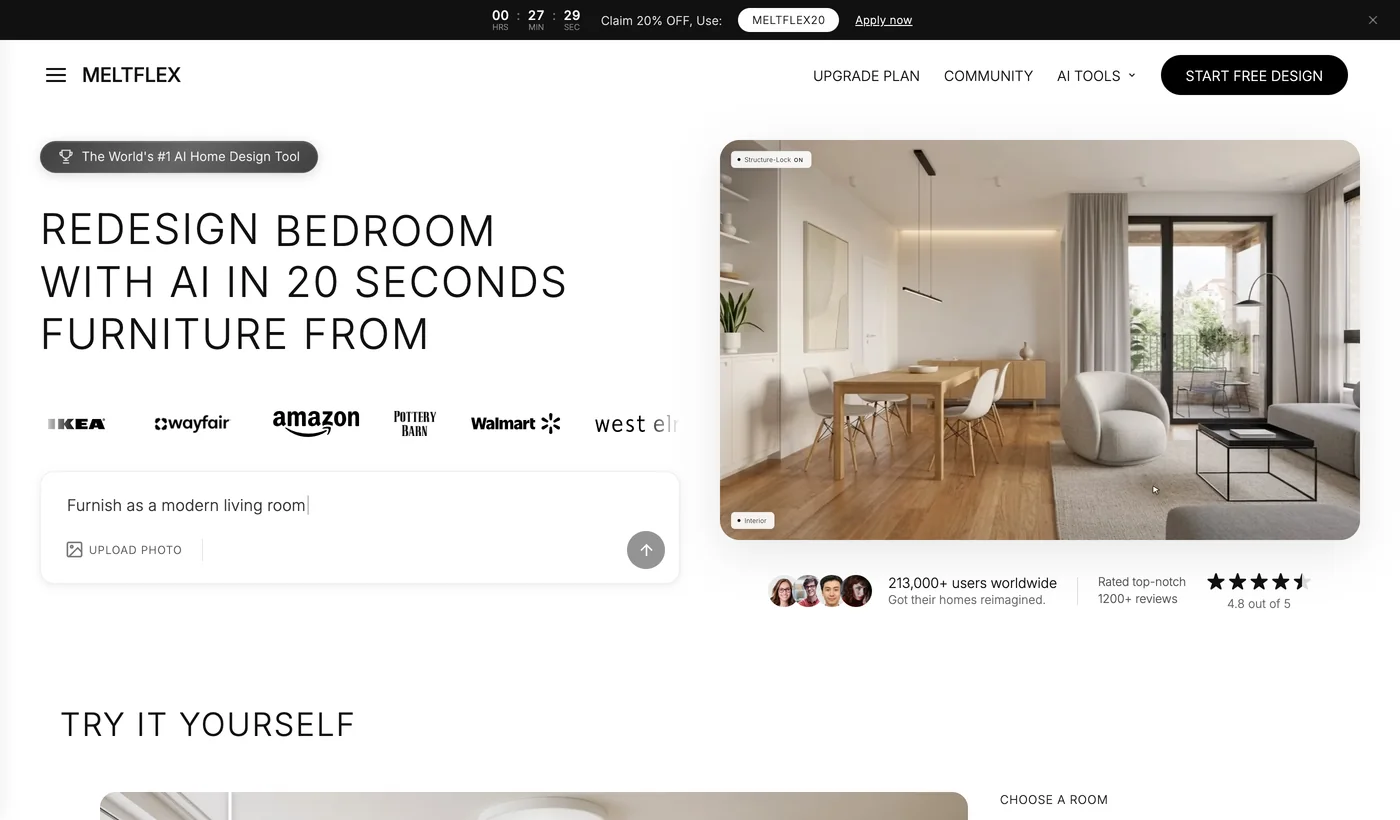
MeltFlex is ours, and the reason it leads this section is narrow and checkable rather than a score. It takes the photo of the room as it stands, keeps the walls, the windows and the camera, and returns a redesigned interior in which the significant furniture is matched to a real catalogue product with a price. Then it produces a walkthrough video of that same room, so the sofa in the clip is the sofa in the stills and the sofa in the shopping list.

That continuity is the point. Most agents assembling listing media end up with a staged still from one tool, a motion clip from another and a floor plan from a third, and the three do not describe the same room. Running floor plan to 3D, restyling, stills and video through one pipeline is the thing we can defend, and there is an API if you want it inside your own workflow.
Where it is not the answer: if your job this month is two hundred empty rooms staged at the lowest possible unit cost, a per photo specialist beats us on price and you should use one. MeltFlex is an interior design engine that real estate agents use, not a bulk staging pipeline, and pretending otherwise would waste your money.

For the different job of turning one existing listing photo into motion, the image to video models are the right tool. We have tested these in depth elsewhere and will not repeat the comparison here: see Higgsfield for real estate for the camera presets that hold a room steady, Luma for listing videos, Veo 3, Kling and Runway, or the full comparison of AI video generators for real estate.
How Much Does AI Virtual Staging Cost Per Photo?
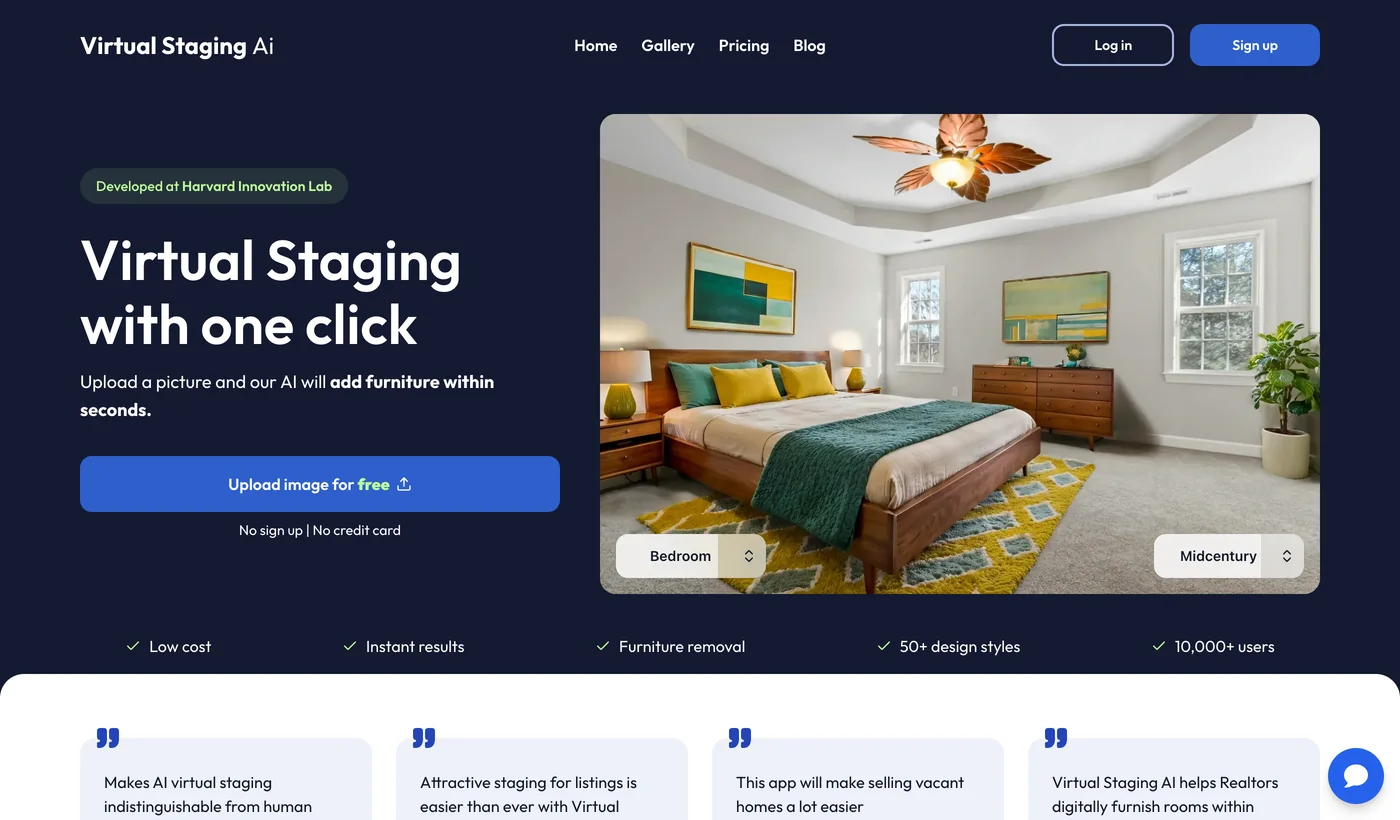
Virtual Staging AI is the volume pick and its pricing page is refreshingly plain. Four tiers on annual billing: $16 a month for 6 photos, which is $2.67 each, then $19 for 20 photos at $0.95, $39 for 60 at $0.65, and $79 for 150 at $0.53. Furniture removal and no watermark are included on every tier, which is not true of every rival.
One thing worth noticing, because it is the kind of detail that decides a purchase. The description their homepage serves to search engines reads “Virtual Staging by AI for only $1 per image”, and that figure matches their second tier rather than their entry tier. It does not appear anywhere on the visible homepage, so the $1 is what you see in a search result before you click. Sign up at the cheapest plan and you are paying $2.67 a photo, nearly triple. That is ordinary marketing rather than a scam, and it is exactly why we opened the pricing pages instead of quoting the copy.
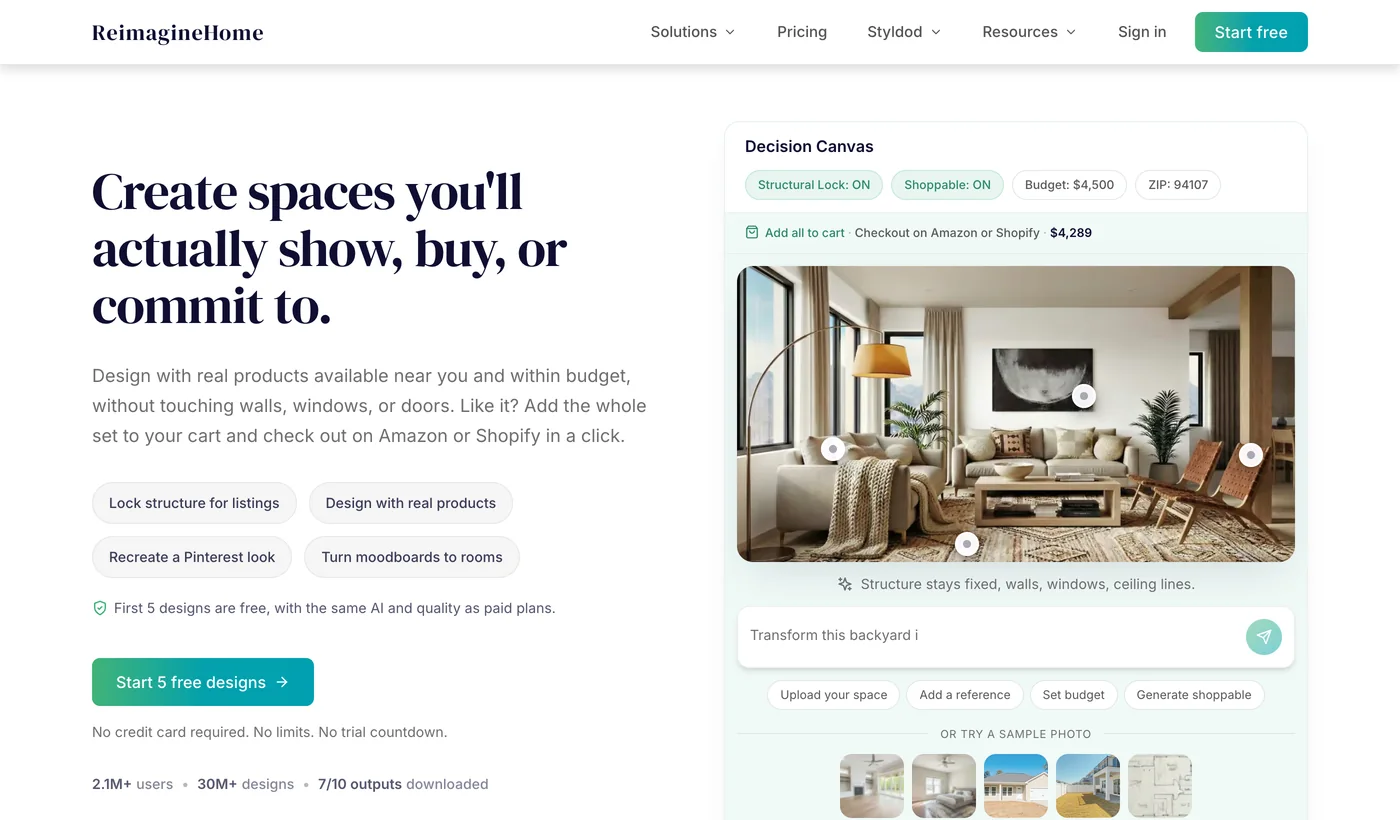
REimagine Home, built by Styldod, undercuts that at volume: $19 a month down to $119, working out from $0.63 to $0.13 per image. It also returns shoppable products alongside the render. If staging is the whole of your AI budget, this is the closest rival to the previous entry and the two are worth trialling side by side. Our fuller head to head lives in best virtual staging software.
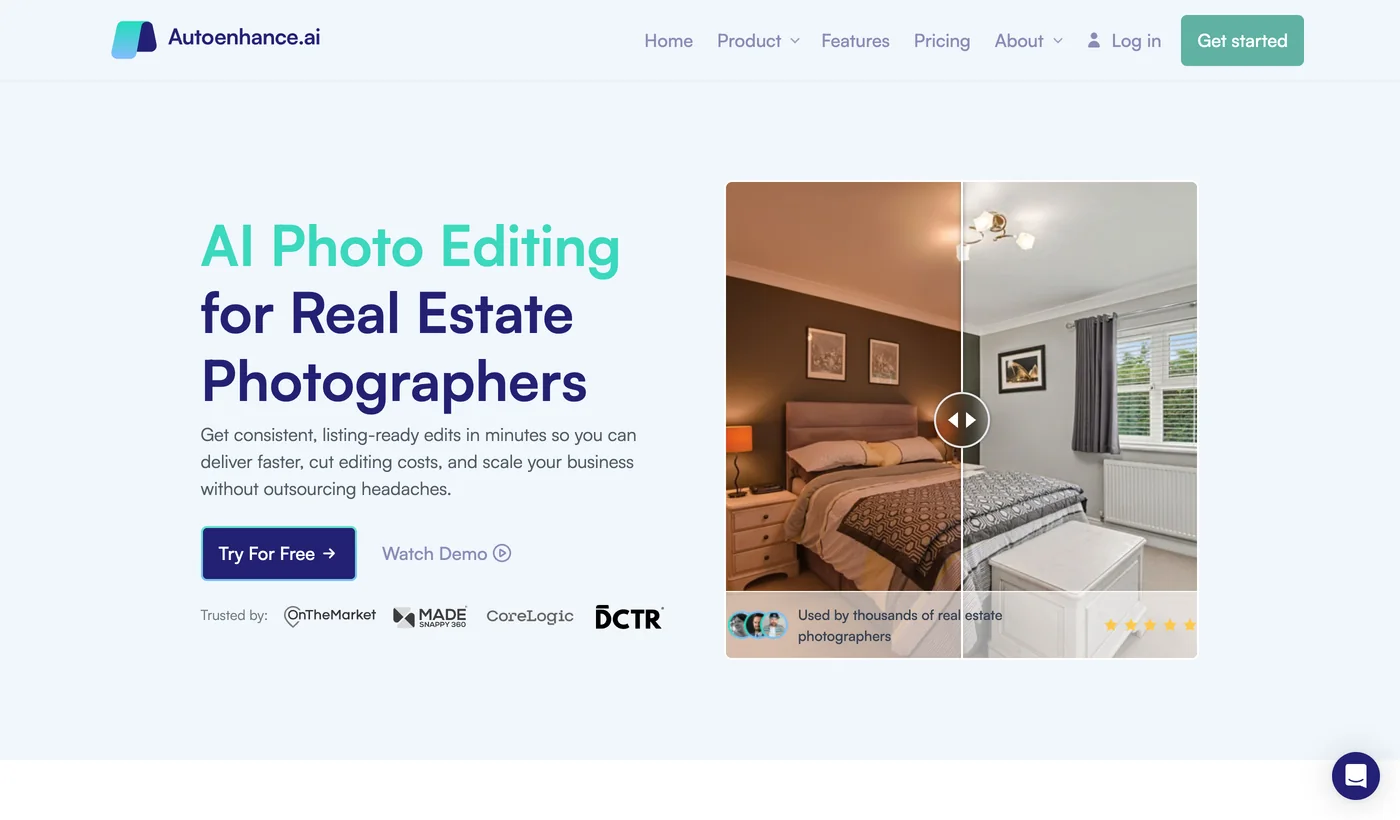
Autoenhance.ai solves a different problem and is aimed squarely at photographers rather than agents: bulk sky replacement, exposure and vertical correction across a whole shoot. Its Essential plan includes 100 images and additional images cost $0.29, which the page states plainly. Read the price twice, though: the $29 is a limited time 50 percent offer against a list price of $58, so budget for the higher number when the promotion ends. You can also preview enhancements free and pay only for what you download, which is the fairest trial model in this post. See also our notes on AI real estate photo editing and on staging for listing photographers.
Can You Get a Floor Plan From a Phone Scan?
Yes, and it takes about five minutes. CubiCasa is the default for a reason: you walk the property with a phone for five minutes and a professional floor plan comes back. Pricing runs from $10 for a one off to $85 on the larger bundles, dropping to $0.15 to $0.25 per plan at brokerage volume. Enterprise is behind a sales conversation, which is normal at that tier.
Polycam is the heavier tool and is aimed at architecture and construction rather than listings: full 3D capture with CAD and BIM export, free to start, then $150 or $400 a year depending on tier. For a standard residential listing it is more than you need. For a renovation project or a commercial space where someone will ask for measurements, it is the one that answers.
Can AI Write Your MLS Listing Descriptions?

Write.Homes turns an address or an MLS link into a listing description, neighbourhood guide and email templates for $25 a month, with a 14 day trial and no card required. It is genuinely faster than writing from scratch, mostly because it already knows the shape of a listing description and you do not have to think about structure.
Be honest with yourself about whether you need it. ChatGPT or Claude will produce the same description for nothing if you are willing to write a decent prompt, and a general model is better at the awkward listings where the house does not fit a template. The $25 buys you the removal of that prompt writing, plus templates, which for a high volume agent is worth it and for three listings a year is not.
The one real risk in this category is fair housing. AI copy will cheerfully write about the kind of family a home suits, or describe a neighbourhood in terms that read as a proxy for demographics. That language is a compliance problem regardless of which tool produced it, and the tool will not catch it for you. Read every description before it ships.
Is an AI Real Estate CRM Worth the Price?

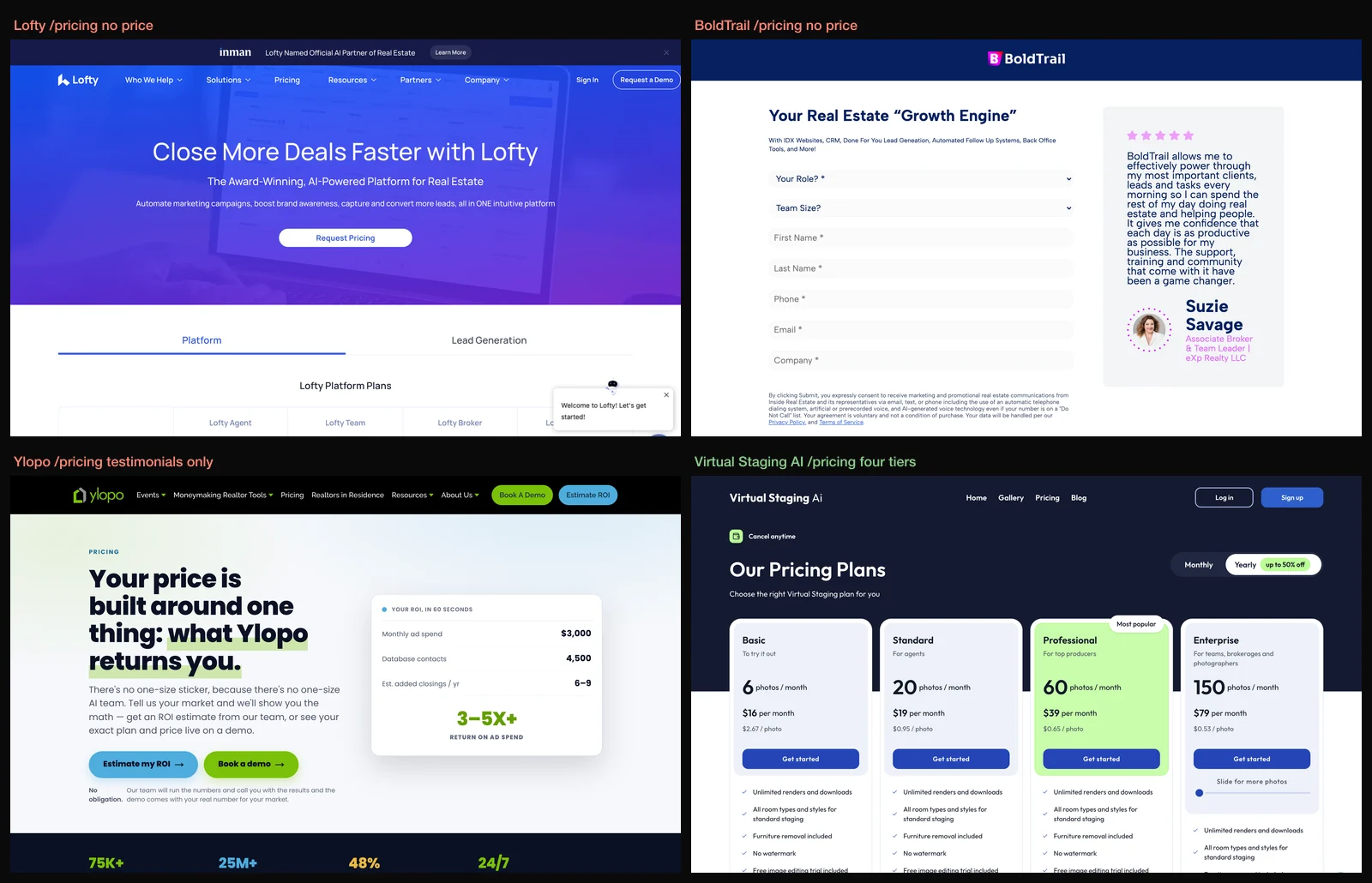
Lofty bundles CRM, an IDX website, lead generation and an AI assistant that works inbound and outbound across text, email and voice. It is the most complete product in the list and the banner across its homepage on the day we looked announced it as Inman’s official AI partner of real estate. It is also the first of the three tools that will not show you a price.

BoldTrail, formerly kvCORE, is the brokerage scale equivalent and is probably the most widely deployed platform of its kind in North America. Its pricing page loads and contains no price. Third party reporting puts it in the mid hundreds per seat per month, but we did not verify that against the vendor and you should not treat it as a quote.
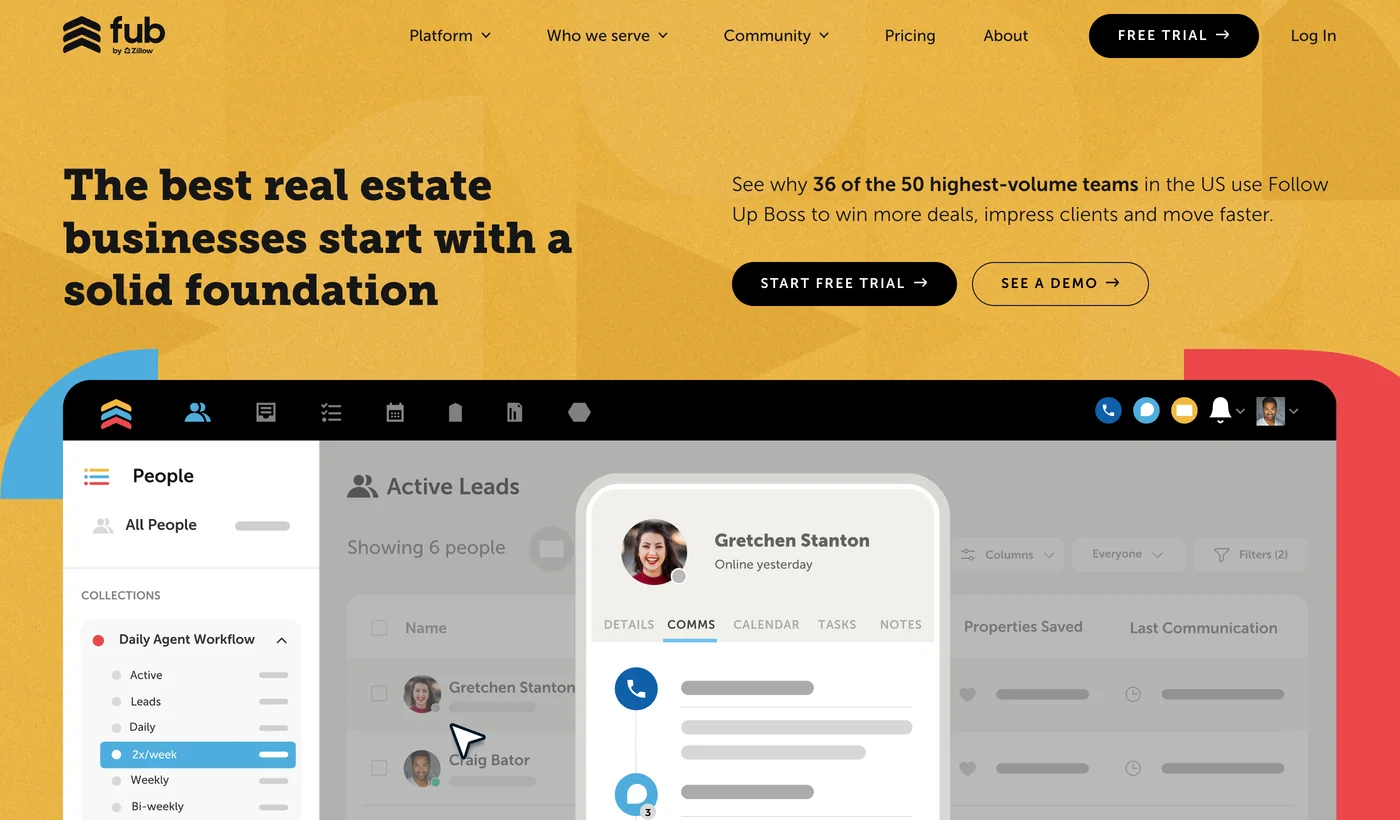
Follow Up Boss is in this list partly as a corrective. Its headline does not mention AI at all, it calls itself a CRM and an open platform, and it publishes $33 per user per month on a page anyone can read. If what you actually need is somewhere reliable to put your contacts and a way to not drop a follow up, buying a cheap honest CRM and spending the difference on listing media is a defensible plan.
What Does AI Lead Follow Up Cost Per Conversation?
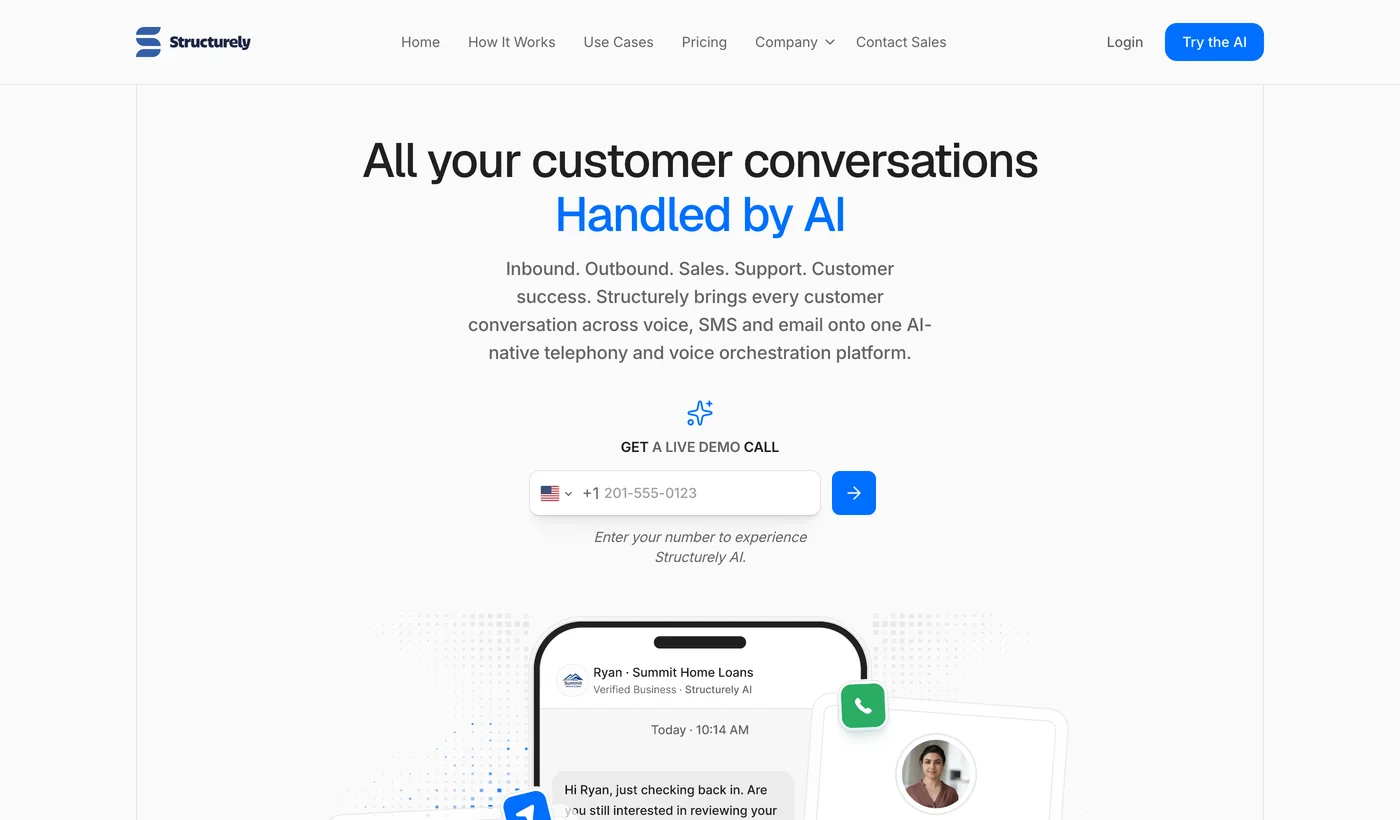
Structurely answers leads across SMS, email and voice and hands over a warm conversation. Its pricing page publishes per action rates of $0.07 and $0.02 but gates the plan price behind contact sales, which puts it half way into the transparent camp. The per action model is the honest part: an AI that texts your leads has a marginal cost, and a vendor showing it is telling you something real about how the product scales.

Ylopo is not really a tool, it is a marketing service with an AI layer, and it is priced accordingly. It runs your paid lead generation on Facebook and Google and then works those leads with AI text and voice. Its pricing page is candid about this in a way the others are not. It says your price is built around what Ylopo returns you, that “there’s no one-size sticker”, and that you see your exact plan and price live on a demo. Every dollar figure on the page belongs to a customer testimonial, not to a plan. Teams report four figures a month once managed ad spend is included, although that comes from third party reporting rather than from Ylopo. Treat it as hiring a marketing department, not as buying software.
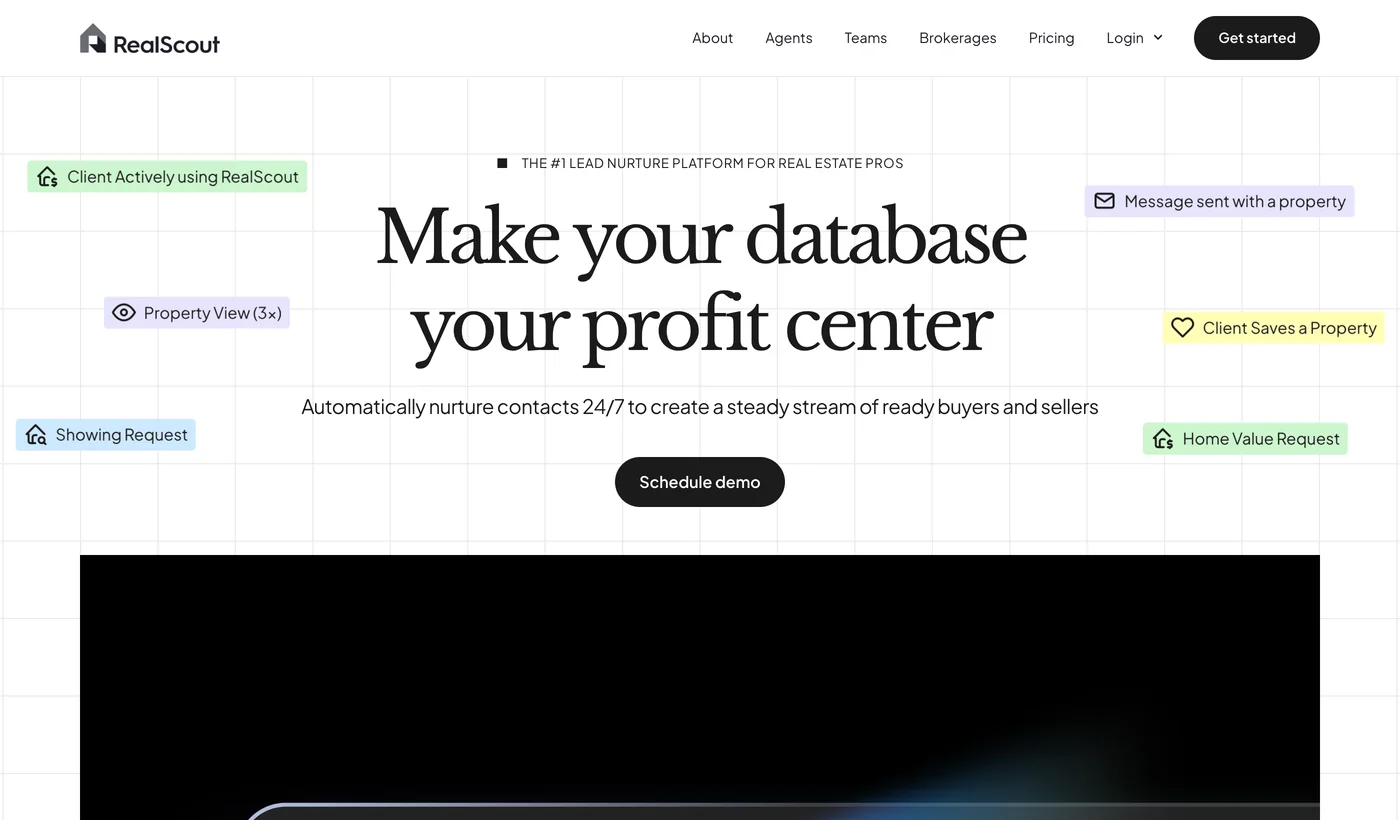
RealScout works the database you already have rather than buying you new leads, sending listing alerts that match what a contact actually looked at and surfacing the ones showing intent. It publishes $149 and $249 a month, which puts it well below the all in one platforms. It nearly became a fourth entry in our price audit by accident, because the obvious pricing URL on the main domain returns a 404 and we very nearly wrote that down as a vendor hiding its prices. Their own navigation points somewhere else entirely, and the prices are right there. That correction is the reason we follow the nav rather than guessing a URL.
Which AI Tools Give You Property Valuations?

HouseCanary sells automated valuations, forecasts and per property reports, and it is the most transparently priced product in the whole list: $19 a month, annual tiers at $190, $790 and $1,990, and individual reports from roughly $7 to $12. For an agent doing listing presentations, a paid AVM report is a cheap way to bring a second opinion into a pricing conversation with a stubborn seller.
Worth knowing who you are reading when you research this category. HouseCanary also publishes its own roundup of the best AI tools for real estate agents, as do several of the platforms above. A vendor ranking a field it competes in is not disqualifying, but it is context.
Which AI Tools Will Not Tell You the Price?
Lofty, BoldTrail and Ylopo. All three load a pricing page that contains no plan price, and all three sit at the expensive end of the stack. The other ten vendors in this post publish a number you can read without talking to anyone, and every figure in the table below links to the page we read it from.
This is the finding we did not expect and it is the most practical thing in the post. We loaded all thirteen vendor pricing pages on 15 September 2026 and recorded whether any number appeared.
The pattern is not absolute, and RealScout is the exception that keeps it honest: it sells a platform and still publishes a number. But the tendency is clear. Tools that do a narrow, measurable job publish a price. Platforms that sell a relationship mostly do not. That is a reasonable commercial choice on their part and a useful signal on yours: if a vendor will not show a price on a public page, assume a contract, a minimum term and a figure in the hundreds or thousands per month, and put a demo on the calendar before you fall in love with the product.
What You Must Disclose Before You Post an AI Photo
Label the image as virtually staged in the visible caption, never alter a photo in a way that hides a defect, and keep the original file. Requirements vary by state and by MLS, and California AB 723 is the strictest rule most agents will meet. Adding a sofa and concealing water damage are different acts, and only one of them is staging.
Nothing else in this post can get you fined. This can, and it is the section that most AI tool roundups for agents leave out entirely.
Virtual staging is legal in most markets and increasingly regulated in specific ones. California AB 723 is the rule most agents have heard of, and disclosure requirements otherwise vary by state and by individual MLS. Rather than guess, we wrote the detail up separately in virtual staging disclosure rules.
The practice that keeps you safe is the same wherever you work. Label any digitally altered image as virtually staged in the caption, not in the fine print. Never edit a photo in a way that removes or obscures a defect, because adding a sofa and hiding water damage are different acts and only one of them is staging. Keep the original file. And apply the same discipline to AI video, which is newer and which no MLS rulebook has fully caught up with yet.
How Much Should an Agent Spend on AI Tools?
Using only the published prices above, a solo agent can cover the media half of this stack for roughly $60 to $120 a month: a staging plan, a photo editing plan, floor plans bought per property, and a copy tool if you list often enough to justify it.
The number jumps the moment a CRM platform enters, and that is the decision to slow down on. Our suggestion, and it is a suggestion rather than a finding, is to buy the media first. Listing media changes what a buyer sees and you can measure the result on the listing. A CRM changes how you work, which is worth a great deal but is much harder to attribute, and it is the part of the stack where you sign a contract.
If you want to see what the interior half produces before paying for any of it, you can try the room redesign free and put your own listing photo through it.
What We Did Not Test
We did not run a listing through all fifteen tools. This post is a landscape and a price audit, and it should be read as one. What we verified first hand is what each vendor claims on its homepage and what each one charges on its pricing page, both captured on 15 September 2026. What we did not verify is output quality across the non media tools, because a fair test of a CRM takes a quarter and a fair test of an AI lead responder takes a real pipeline.
Two prices in the table come from third party reporting rather than a vendor page, and they are flagged as such in the text: the per seat figures commonly quoted for BoldTrail and the all in monthly range quoted for Ylopo. We did not verify either and neither should be treated as a quote.
We also got one thing wrong and caught it before publishing, which is worth telling you about. Our first pass recorded RealScout as a vendor with no pricing page, because the obvious URL on its main domain returns a 404. It publishes $149 and $249 a month on a separate subdomain that its own navigation links to. The lesson generalises: a missing page at the URL you guessed is not evidence of anything, and had we not followed the nav we would have accused a company of hiding a price it publishes plainly. The same discipline caught a second one. Lofty’s pricing lives at /price-packages, while /pricing on their www domain serves a Cloudflare bot check, so our first capture of it was an interstitial rather than a page. The finding did not change, because the real page shows a plan comparison table and a Request Pricing button instead of numbers, but the screenshot in this post is now the real page. BoldTrail, for its part, carries no pricing link in its navigation at all.
Prices move. This audit has a date on it deliberately, and if you are reading it months later, open the pricing pages yourself. That took us under an hour and it is the single most useful hour in choosing any of this.
For the design half of the stack in far more depth, see our comparison of AI interior design tools, the prompts we use on real estate photos, and AI property management software if you manage rather than sell.
Frequently Asked Questions
What are the best AI tools for real estate agents in 2026?
There is no single best tool, because the work splits into seven jobs that no one product covers well. For listing photos and interior video, MeltFlex. For staging empty rooms at volume, Virtual Staging AI at $0.53 to $2.67 per photo depending on tier. For floor plans, CubiCasa. For listing copy, Write.Homes at $25 a month or ChatGPT for free. For CRM, Lofty or BoldTrail. For lead follow up, Structurely. Most working agents run three or four of these, not one.
How much should a real estate agent spend on AI tools per month?
A solo agent can cover listing media, copy and floor plans for roughly $60 to $120 a month using published prices. The number jumps the moment you add a CRM, because Lofty and BoldTrail both sit in the hundreds per seat and neither publishes a figure. Our advice is to spend on the media half first, because it changes what the listing looks like, and to treat the CRM as a separate decision with a demo and a contract review.
Do AI tools for real estate agents publish their pricing?
Most do, and the ones that do not are the expensive ones. We loaded all thirteen vendor pricing pages on 15 September 2026. Nine published a number outright. Lofty and BoldTrail show no price at all and Ylopo gates its plan price behind a demo. Note that RealScout looks like a fourth until you follow its own navigation: the obvious URL 404s, but its real pricing page publishes $149 and $249 a month. If a vendor will not show a number on any public page, assume a contract and a figure in the hundreds or thousands per month.
Is AI virtual staging legal to use on an MLS listing?
It is legal in most markets and it is regulated in a growing number of them, which is not the same thing. California AB 723 is the one to know about, and disclosure requirements vary by state and by MLS. The safe practice is the same everywhere: label any digitally altered photo as virtually staged in the caption, never alter a photo in a way that hides a defect, and keep the original file. A staged photo that conceals damage is a different legal problem from one that adds a sofa.
What is the best AI tool for real estate listing videos?
For a walkthrough of an interior you have designed or restyled, MeltFlex produces the video from the same room it rendered, so the furniture in the clip is the furniture in the stills. For turning a single existing listing photo into motion, the image to video models are better suited, and Higgsfield is the one we have written up in the most depth. The distinction that matters is whether you need the video to match other assets or simply to move.
Can AI write MLS listing descriptions?
Yes, and this is the least risky use of AI in the whole stack because a human reads the output before it ships. Write.Homes turns an address or an MLS link into a description for $25 a month. ChatGPT or Claude does the same job for nothing if you are willing to write the prompt. The one rule is fair housing: AI copy will happily produce phrases about the kind of buyer a home suits, and that is exactly the language that gets an agent into trouble.
Is an AI CRM worth it for a solo agent?
Usually not at the prices these platforms charge. Lofty, BoldTrail and Ylopo are built for teams with lead volume to nurture, and third party reporting puts them in the hundreds to low thousands per month. A solo agent with a database of a few hundred contacts gets more from spending that money on listing media and using a cheaper CRM such as Follow Up Boss, which publishes $33 per user per month and does not pretend to be an AI product.
Will AI replace real estate agents?
Nothing in this list does any part of the job a client actually pays for, which is judgement under pressure and taking responsibility for advice. What these tools remove is the production work around it: staging photos, writing descriptions, drawing floor plans, answering a lead at 11pm. That is real time saved, and on the media side it changes how a listing looks, but an AI that answers a text message is not an agent.