To connect ChatGPT to 3ds Max, install a 3ds Max MCP server such as 3DGROUND’s free Max Ultra MCP, register it with the ChatGPT desktop app, and use ChatGPT in Codex mode on the same Windows PC as 3ds Max. ChatGPT can then read your scene, build and edit objects, assign materials, run MAXScript and start renders. It does not work from chatgpt.com, in an ordinary chat, or on a Mac, and Autodesk has not shipped an official 3ds Max MCP server or ChatGPT plugin.
Our articles are still written by humans!
Get human written articles in your Google feed.
I run MeltFlex, an AI rendering tool for architects and interior designers, and this is the fifth guide in our series on connecting AI assistants to design software, after SketchUp, Revit and Rhino. For this one I read the source code of the two main 3ds Max servers on October 23, 2026, ran one of them myself to count what it actually hands ChatGPT, and went through the setup docs, the developers’ own test write-ups and the best video on the subject. I did not run 3ds Max: it is Windows only and our test machine is a Mac. Where that limits what I can tell you, I say so.
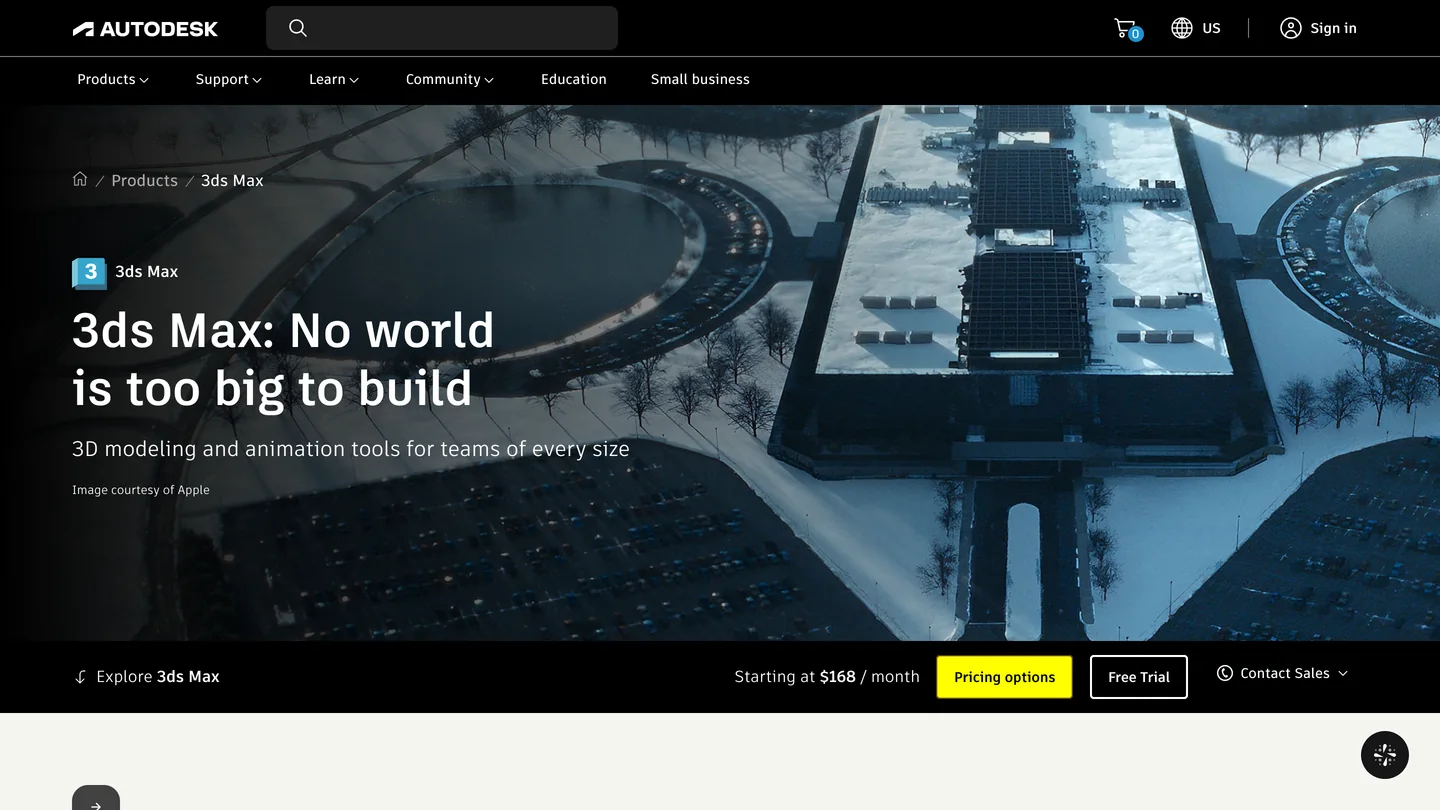
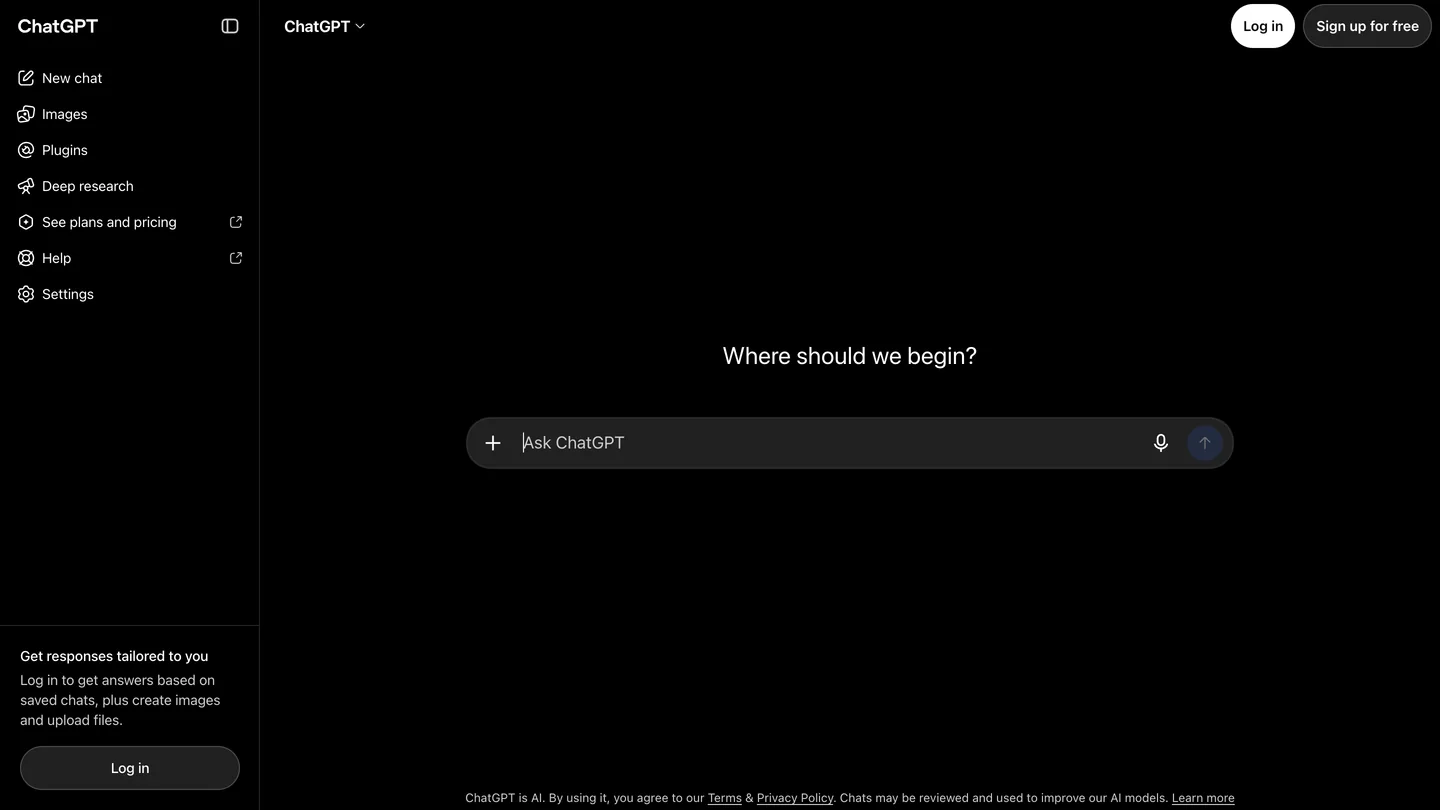
The two products, from their own home pages. The web page on the right is the one version of ChatGPT that cannot reach 3ds Max; you need the desktop app.
The short version
- Use the ChatGPT desktop app in Codex mode. Ordinary chat and chatgpt.com cannot see a server on your PC. Setup steps below.
- Easiest server: Max Ultra MCP. Free, 3ds Max 2022 to 2027, and it registers itself with ChatGPT. Open source alternative: 3dsmax-mcp, MIT licensed, 3ds Max 2023 to 2027.
- Watch the tool list. We measured 3dsmax-mcp’s default setup at 179 tools and about 107,000 tokens of definitions. Its
progressiveprofile cuts that to 7 tools and 2,700 tokens. Our test. - Raise one setting. Codex gives a tool 60 seconds by default; 3dsmax-mcp waits about 130 seconds for a busy 3ds Max. Set
tool_timeout_sechigher.



What are the ways to connect ChatGPT to 3ds Max?
There are four real ones and one that people expect but does not exist. Three use MCP, the Model Context Protocol, which lets an AI assistant call tools inside another program. The fourth is the old way: ask ChatGPT for a script and paste it into 3ds Max yourself. The one that does not exist is an official Autodesk connector.
| Route | 3ds Max versions | ChatGPT support | License | Cost |
|---|---|---|---|---|
| Max Ultra MCP (3DGROUND) | 2022 to 2027 | Named: ChatGPT Desktop in Codex mode, plus a Codex plugin | No license file on GitHub | Free |
| 3dsmax-mcp (cl0nazepamm) | 2023 to 2027 | Through Codex; ChatGPT is not mentioned | MIT | Free |
| AUTOM8LABS MCP Connector | 2022 to 2027 | Automatic setup for ChatGPT desktop | Commercial | Free inspection tools, license for full workflows |
| Copy and paste MAXScript | Any | Any ChatGPT, even Free | n/a | Free |
| Autodesk Assistant | 2027, technical preview | None; it is Autodesk’s own help chatbot | Part of 3ds Max | Included |
- 3ds Max
- 2022 to 2027
- ChatGPT
- Named: Desktop in Codex mode, plus a Codex plugin
- License
- No license file on GitHub
- Cost
- Free
- 3ds Max
- 2023 to 2027
- ChatGPT
- Through Codex; ChatGPT is not mentioned
- License
- MIT
- Cost
- Free
- 3ds Max
- 2022 to 2027
- ChatGPT
- Automatic setup for ChatGPT desktop
- License
- Commercial
- Cost
- Free inspection tools, license for full workflows
- 3ds Max
- Any
- ChatGPT
- Any ChatGPT, even Free
- Cost
- Free
- 3ds Max
- 2027, technical preview
- ChatGPT
- None; Autodesk’s own help chatbot
- Cost
- Included
My pick for most ChatGPT users is Max Ultra MCP, for one reason: it is the only free server whose documentation is written for ChatGPT, down to the mode you have to be in. 3dsmax-mcp is the better engineered project by most measures (it is older, has 330 GitHub stars against Max Ultra’s 14, ships an MIT license and has far more tools), but it is written for Claude Desktop, Codex and Cursor, and getting it into ChatGPT is your job (if you use Claude instead, connecting Claude to 3ds Max is the simpler setup). Both are made by one or two people, not by Autodesk, and neither has been around for a year.
Which ChatGPT can control 3ds Max: the desktop app, Codex or chatgpt.com?
The desktop app, in Codex mode. A 3ds Max MCP server is a small program on your own PC that talks to 3ds Max on the same machine; the desktop app can start it, a web page cannot. OpenAI’s MCP documentation says it in two sentences: “The ChatGPT desktop app, Codex CLI, and IDE extension share this configuration,” and “ChatGPT web doesn’t read local Codex configuration files.” The shared configuration is one file, ~/.codex/config.toml, which on Windows sits in your user folder.
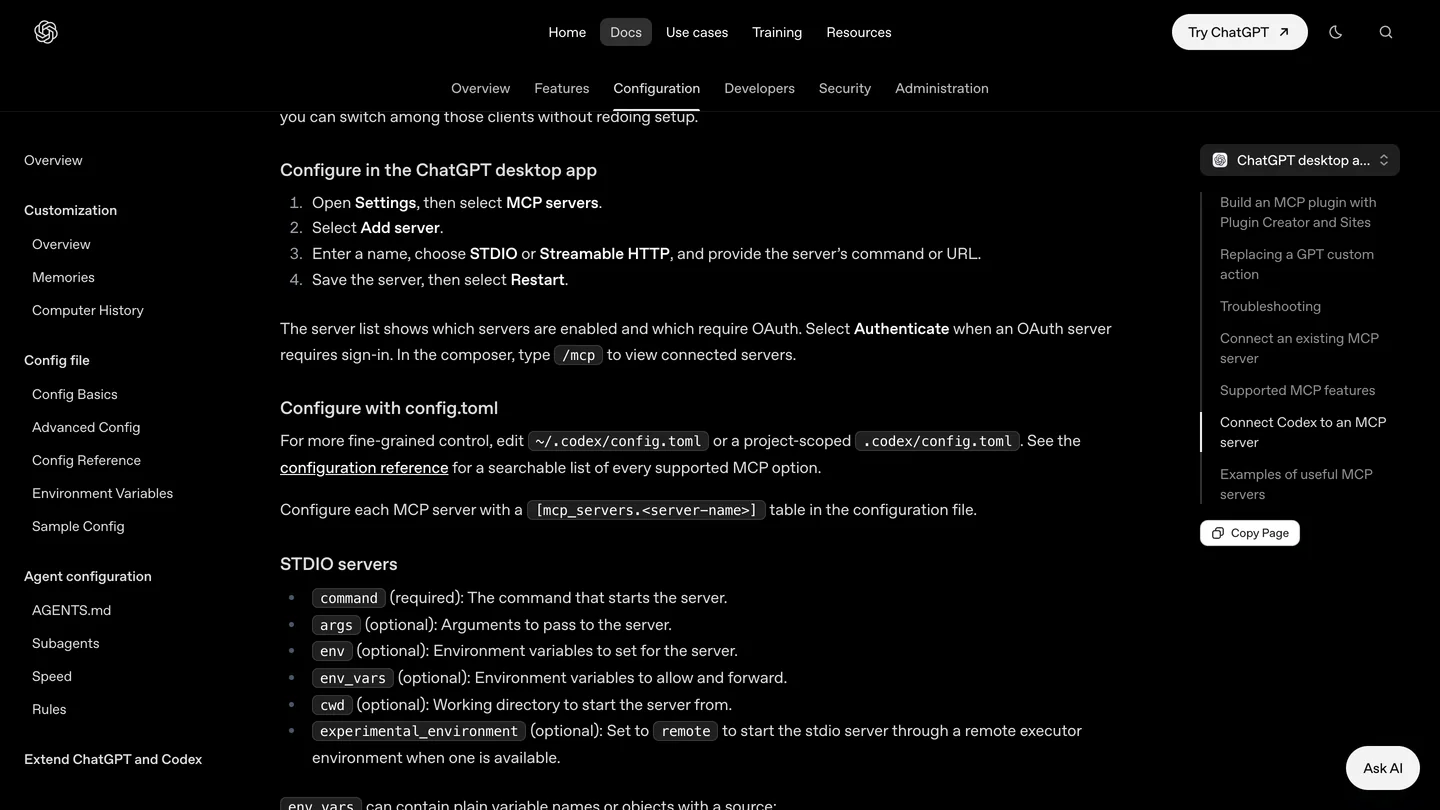
OpenAI’s menu path for adding a server in the desktop app, captured October 19, 2026 for our Revit guide and unchanged when we reread it on October 23. STDIO is the option you want for 3ds Max.
The part that trips people up is the mode. Max Ultra MCP’s README puts it in bold at the top of its install section: “ChatGPT Desktop users: switch to Codex mode before using Max Ultra MCP.” It goes on: “Ordinary ChatGPT mode does not expose this local MCP connection. A green MCP ready status confirms registration, not the mode or tool access of the current conversation.” If ChatGPT tells you it has no 3ds Max tools, this is the first thing to check.
How do you connect ChatGPT to 3ds Max with Max Ultra MCP?
This is 3DGROUND’s route, checked against its README and source at version 1.5.3 (October 17). You need 3ds Max 2022 to 2027 on Windows and the ChatGPT desktop app for Windows, signed in. The package bundles its own Node.js runtime, so there is nothing else to install.
- Install it from MaxPkg, or download the MZP and run it from Scripting, Run Script.
- Start the bridge by running
01_START_MAX_ULTRA_MCP_FIRST.msonce in every 3ds Max session that should connect. If no AI client is configured yet, the AI Client Setup window opens by itself. - Connect ChatGPT. In AI Client Setup, click Codex. If the Codex command line tool is missing, the button offers to install it and asks first. Then click Connect to Codex. The README explains why this covers ChatGPT too: “ChatGPT Desktop and Codex share the OpenAI MCP configuration.”
- Restart ChatGPT, switch to Codex mode, start a new task and paste the Test prompt from the setup window. It is read only: it lists your 3ds Max sessions and summarizes the scene.
- Optional: add the skills. Two commands in a terminal install a plugin that teaches ChatGPT nine 3ds Max workflows, including a floor plan from an image and camera composition. The exact commands are in the README; they include your install folder.
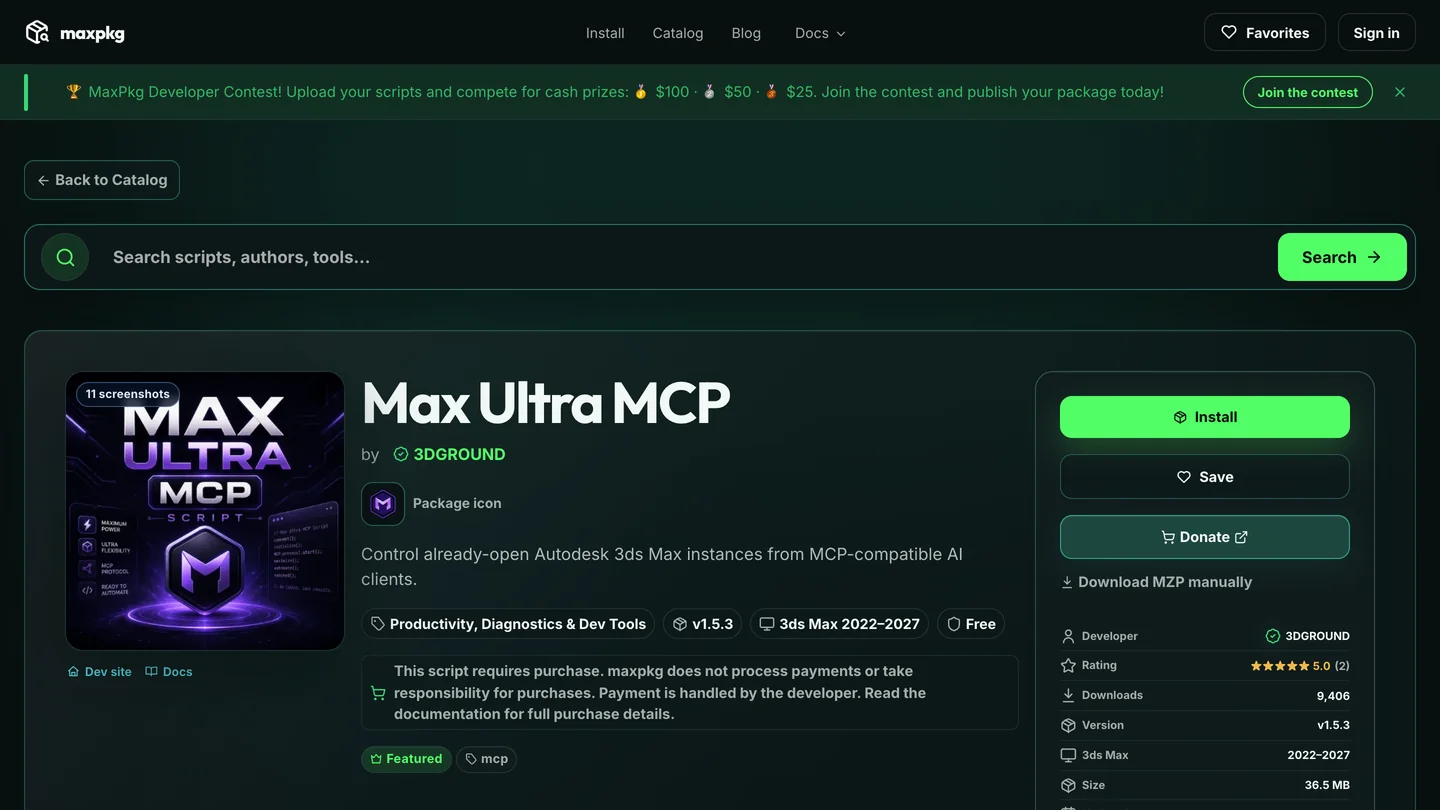
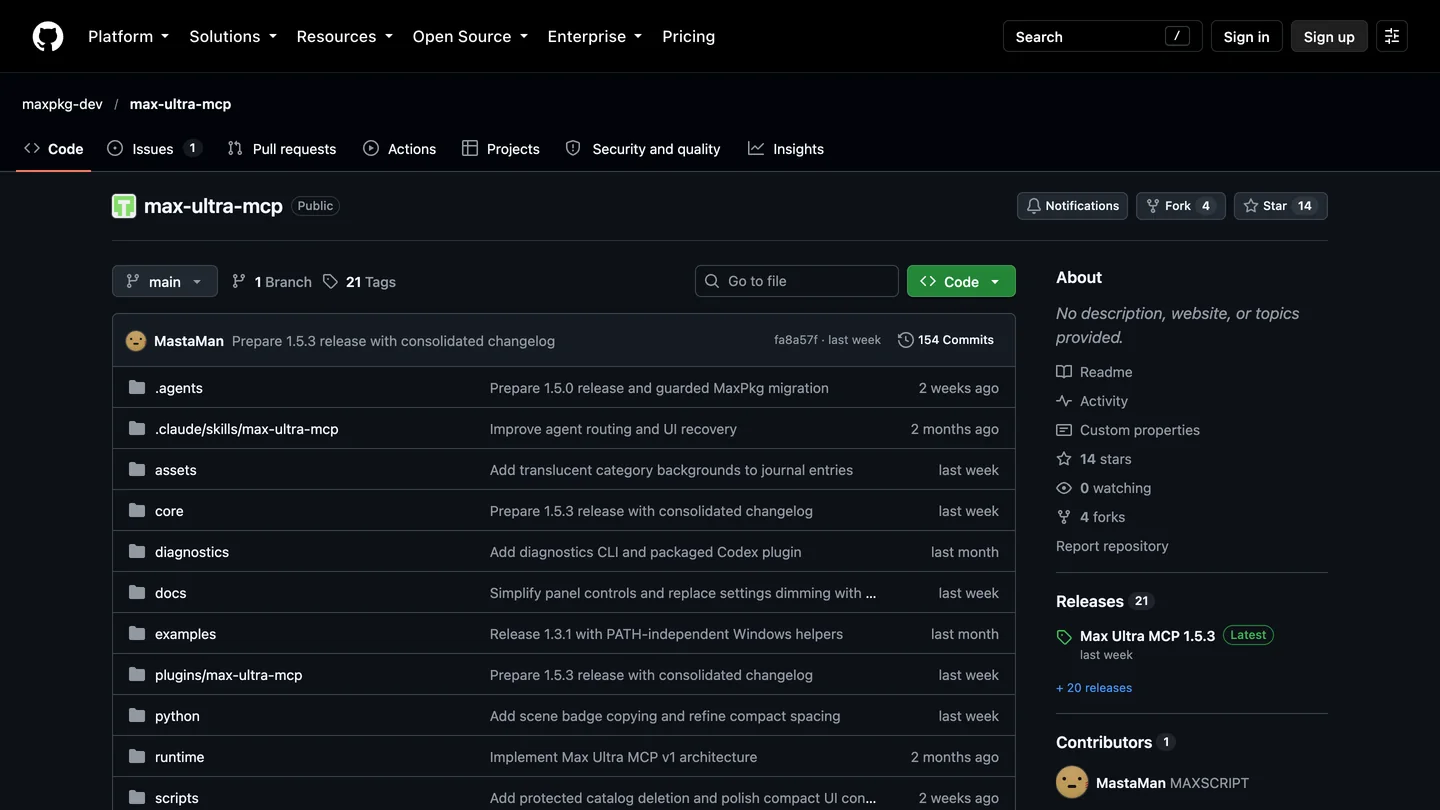
Max Ultra MCP on MaxPkg and GitHub, October 23. The MaxPkg page says both “Free” and “This script requires purchase”; the developer’s own article says “Max Ultra MCP itself is free”, which matches what we saw.
Two things I would want to know before relying on it. First, the README is unusually candid about its status: “Real 3ds Max and renderer-version acceptance testing remains required before a production release.” Version numbers have moved fast (1.2.5 in mid September, 1.5.3 a month later), so expect changes. Second, the GitHub repository has no license file, and Digital Production’s write-up makes the same point: a public repository alone does not make it open source. That matters only if your studio has rules about what software may touch client files.
To see it working before you install anything, Arch Viz Artist’s video below is the closest match to this guide. I went through its frames: the ChatGPT desktop app on the right in Codex mode with GPT-6 Astra selected, 3ds Max on the left, and a prompt that starts “I want you to use MCP Max Ultra”. It runs eight tasks, from animating a car and composing a camera to Chaos Scatter, materials, studio lighting and a small custom plugin. It is sponsored by Chaos and promotes the channel’s AI course, and it shows what works more than what fails.

Arch Viz Artist, “I Gave ChatGPT Control of 3ds Max”, October 19, 2026, 10 min 46 s. Max Ultra MCP with Corona Renderer. The same channel’s description links its setup tutorial, a GPT-6 Astra versus Claude Opus 5.5 comparison.
How do you connect ChatGPT to 3ds Max with 3dsmax-mcp?
3dsmax-mcp is the most popular 3ds Max MCP server on GitHub: 330 stars, 49 forks, MIT licensed, first published in February 2026, version 1.7.6 since October 14. It runs a native C++ plugin inside 3ds Max (one for each version from 2023 to 2027), with a MAXScript listener as a fallback. The word ChatGPT does not appear anywhere in its repository, so this route takes a few more steps.
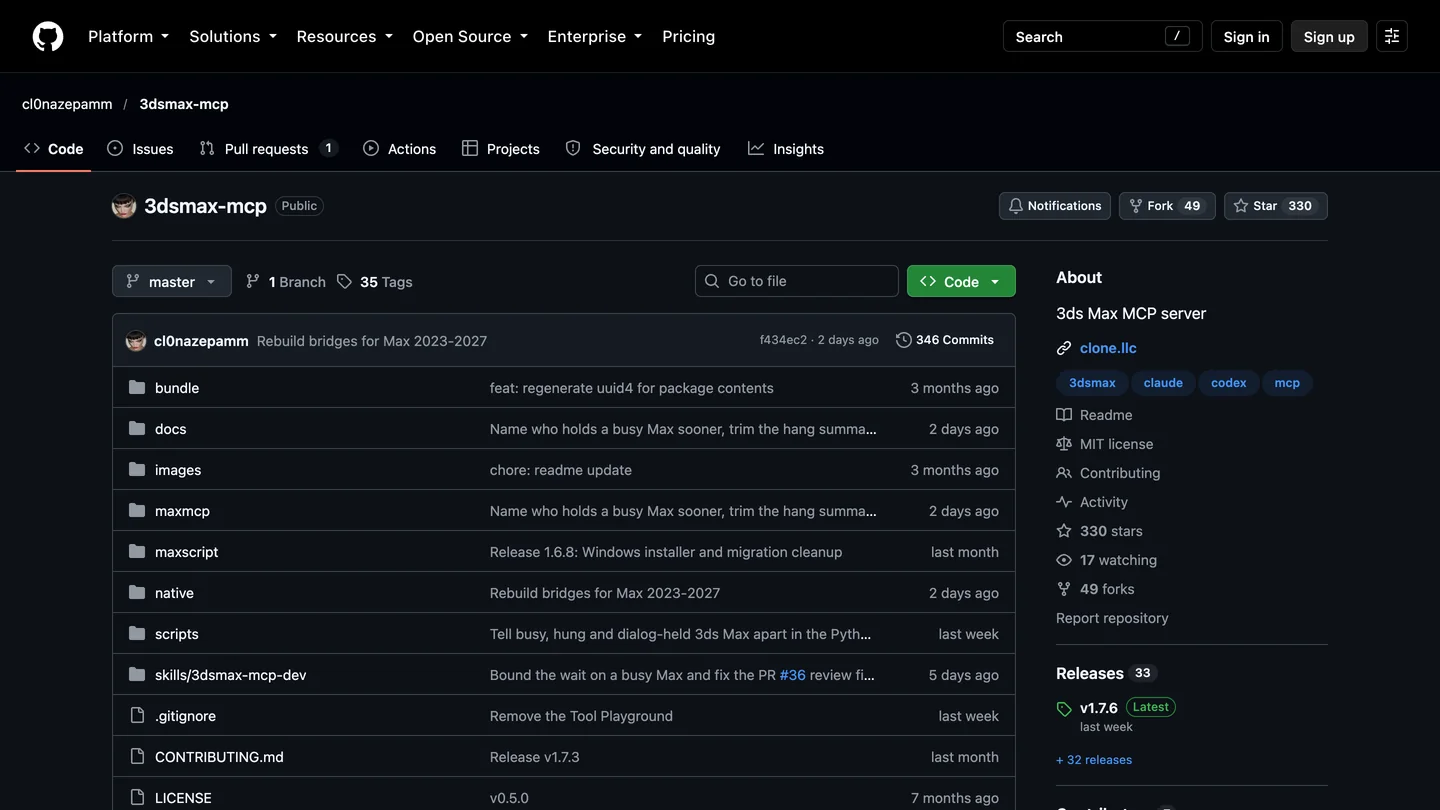
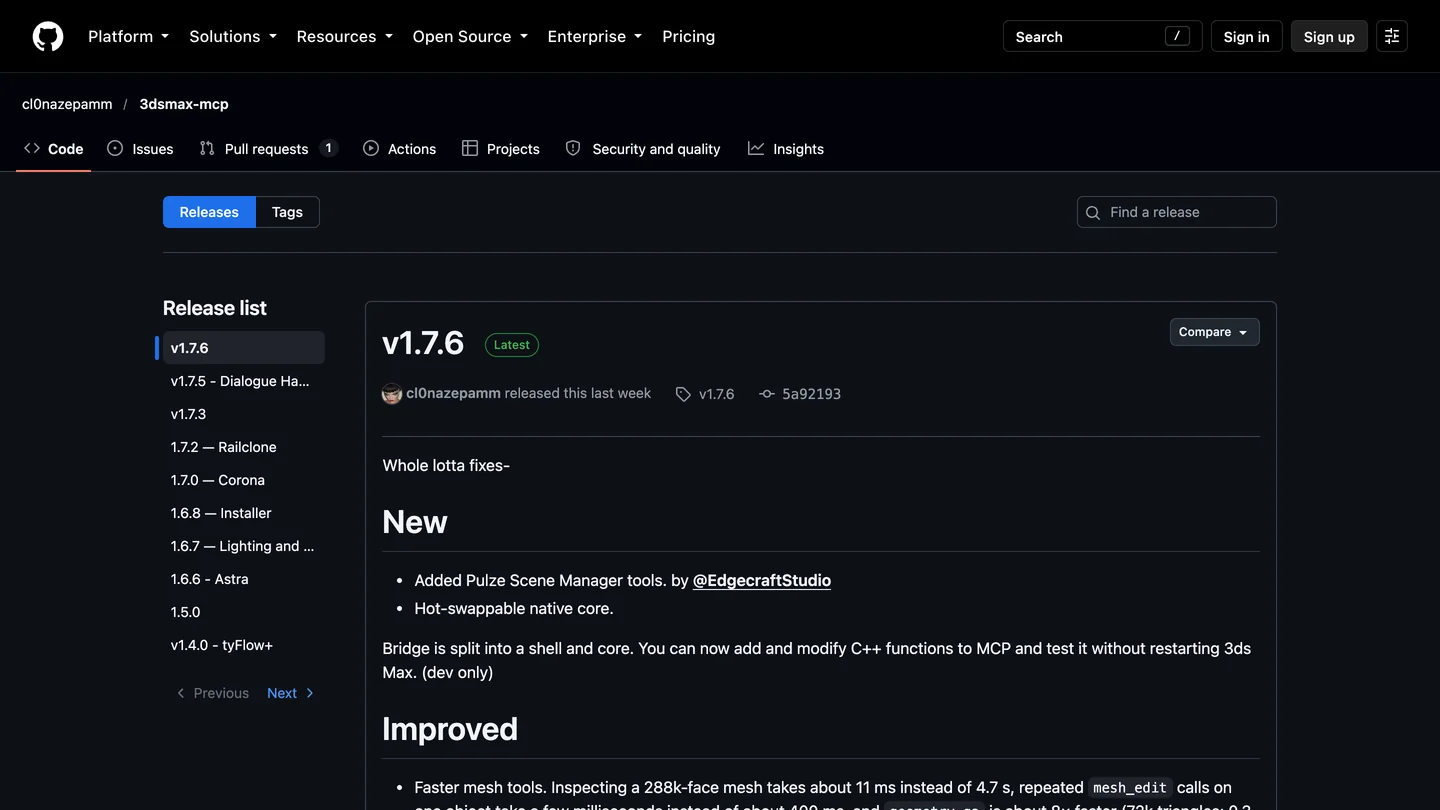
3dsmax-mcp on GitHub, October 23. Its topics name Claude and Codex; ChatGPT gets in through Codex.
- Close 3ds Max and ChatGPT, then run
3dsmax-mcp-1.7.6-Setup.exefrom the releases page and pick your clients. The installer brings its own Python. (The README’s quick start still names the 1.7.2 installer; use the newest one.) - Make sure ChatGPT gets it. The installer adds the server to Codex only if it finds a
codexcommand on your PATH, which the ChatGPT app does not guarantee. If you install from source instead, the project’s own command iscodex mcp add 3dsmax-mcp -- uv run --directory "C:\path\to\3dsmax-mcp" 3dsmax-mcp. Either way, check ChatGPT’s Settings, MCP servers afterwards. - Raise the timeout and turn on approvals in
config.toml, as below. Then open 3ds Max first, restart ChatGPT, switch to Codex mode and ask it for a scene summary.
[mcp_servers.3dsmax-mcp]
command = "uv"
args = ["run", "--directory", "C:/path/to/3dsmax-mcp", "3dsmax-mcp"]
tool_timeout_sec = 180
default_tools_approval_mode = "writes"
env = { MCP_TOOL_PROFILE = "progressive" }
The last three lines are my additions, and here is why. Codex gives an MCP tool 60 seconds by default, while 3dsmax-mcp waits about 130 seconds for a busy 3ds Max before it gives up, so a long boolean or a render setup can be cut off by ChatGPT while it is still working in 3ds Max. writes makes ChatGPT ask before any tool that is not marked read only, which OpenAI documents as one of four approval modes. And the profile line is the subject of the next section. I could not test this file against a running 3ds Max; if ChatGPT does not pick it up, add the server through its Settings screen and edit only these three lines.
How many tools does ChatGPT get from a 3ds Max MCP server? Our test
This is the one part I could test without 3ds Max, and it turned out to matter. Every MCP server starts by sending your assistant a list of its tools, each with a name, a description and a schema of its inputs. I installed 3dsmax-mcp version 1.7.6 from source on a Mac, started its server, and asked it for that list. On macOS the server stops before it starts, because it loads Windows system libraries at import, which confirms that it is Windows only. With those two calls stubbed out, it answered normally. Then I measured the list with OpenAI’s o200k tokenizer.
| 3dsmax-mcp 1.7.6 profile | Tools ChatGPT is offered | Size of the tool list | When to use it |
|---|---|---|---|
| full (installer default) | 179 | 106,804 tokens (389 KB) | tyFlow, MCG, RailClone, Forest Pack work |
| core | 116 | 70,535 tokens | Modeling, materials and scene work without the plugins |
| progressive | 7 | 2,696 tokens | Most ChatGPT sessions |
- Tools
- 179
- Size
- 106,804 tokens (389 KB)
- Use for
- tyFlow, MCG, RailClone, Forest Pack work
- Tools
- 116
- Size
- 70,535 tokens
- Use for
- Modeling, materials and scene work
- Tools
- 7
- Size
- 2,696 tokens
- Use for
- Most ChatGPT sessions
Three things stand out. The README says “161 MCP tools”; the released server offers 179 by default, so the documentation is behind the code. The default list is about 107,000 tokens, roughly 80,000 words of tool descriptions before you type a word. And the progressive profile, which offers four tools to pick a 3ds Max session plus three to find and call everything else on demand, is 40 times smaller and still reaches every tool. The project’s own docs recommend it for “context-limited local or smaller models”. I would start every ChatGPT session with it.
What I cannot tell you is how much of that list ChatGPT actually keeps in front of the model on every turn. OpenAI’s MCP page documents tool allow and deny lists (enabled_tools, disabled_tools) but says nothing about how large tool lists are handled. A smaller list is cheaper in either case, and with fewer similar tools to choose from, the model has fewer ways to pick the wrong one. I could not count Max Ultra MCP’s list the same way: running its server was blocked on our machine, and it does not state a number. Its default archviz profile leaves out modifiers, import and export, and animation tools, which points the same way.
One more line from 3dsmax-mcp’s documentation is worth quoting for ChatGPT users: “Anthropic models sometimes prefer raw MAXScript over dedicated tools; Codex tends to use native tools more reliably.” That is the developer’s observation, not a measurement, but it is the only first-hand comparison in either project.
Is there an official Autodesk 3ds Max MCP or ChatGPT plugin?
No. 3ds Max 2027 came out on March 25, 2026 with Autodesk Assistant as an early technical preview. CG Channel describes Autodesk’s long-term aim as letting users “control 3ds Max using natural-language commands”, but in this release it is “a technical help system”, “essentially, an integrated chatbot” that searches Autodesk documentation. In April Autodesk also released a free, read-only Product Help MCP Server that lets outside AI assistants search its help content across “110+ products”. Its announcement does not list 3ds Max by name, and it answers questions; it does not touch your scene.
The one 3ds Max connector you can get from an Autodesk website is a third-party one: the AUTOM8LABS MCP Connector on the Autodesk Marketplace. Its page says “Automatic configuration is available for Claude Desktop, ChatGPT desktop and Cursor”, lists 3ds Max 2022 to 2027 on 64-bit Windows, and is honest about the model: free inspection tools, and “Full workflows require a licence”, at a price the page does not show. It had no ratings when we looked, and I did not test it.
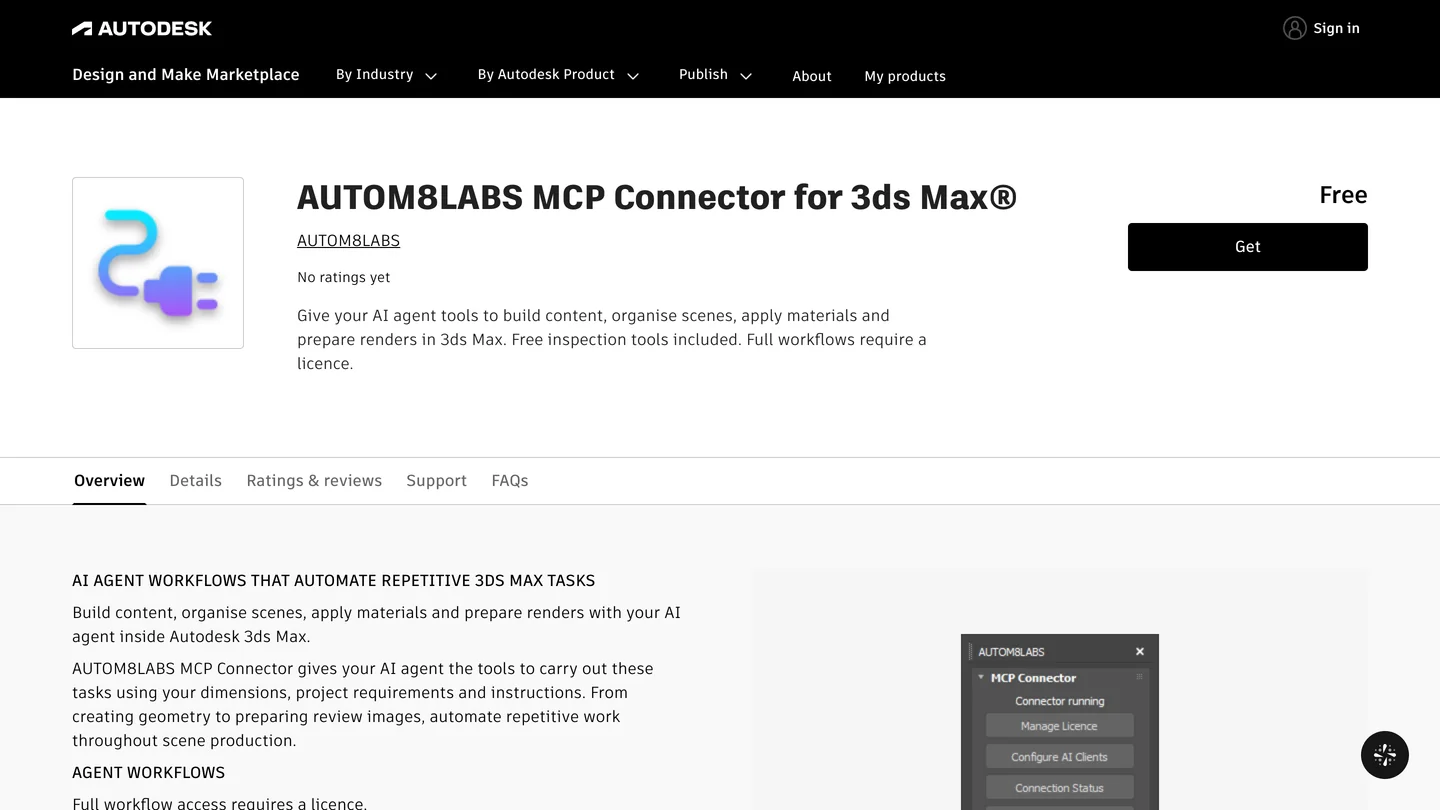
AUTOM8LABS on the Autodesk Marketplace, October 23. Being listed there is not the same as being made by Autodesk.
Which ChatGPT plan do you need for 3ds Max?
Any plan can connect, because OpenAI’s Codex pricing page says Codex is included in Free, Go, Plus, Pro, Business, Edu and Enterprise. What differs is the model and how long you can work before you hit a limit. The bigger number in this setup is 3ds Max itself, which CG Channel lists at $255 a month or $2,010 a year; Autodesk’s US page shows “Starting at $168 / month”, which is the yearly price divided by twelve.
| ChatGPT plan | Price (US) | Models OpenAI lists for Codex | Good for 3ds Max? |
|---|---|---|---|
| Free | $0 | GPT-6 Luna, “subject to rollout” | Testing the connection only |
| Go | $8 a month | GPT-6 Luna, “subject to rollout” | Small scripted edits |
| Plus | $20 a month | GPT-6.1 Sol and GPT-6 Luna | The realistic starting point |
| Pro | $100, $200 or $500 a month | Not itemized on the page | Daily scene work |
| Business | $20 per user a month yearly, $25 monthly | Under workspace policy | Studios with admin controls |
- Price
- $0
- Models
- GPT-6 Luna, “subject to rollout”
- For 3ds Max
- Testing the connection only
- Price
- $8 a month
- Models
- GPT-6 Luna, “subject to rollout”
- For 3ds Max
- Small scripted edits
- Price
- $20 a month
- Models
- GPT-6.1 Sol and GPT-6 Luna
- For 3ds Max
- The realistic starting point
- Price
- $100, $200 or $500 a month
- Models
- Not itemized on the page
- For 3ds Max
- Daily scene work
- Price
- $20 per user a month yearly, $25 monthly
- Models
- Under workspace policy
- For 3ds Max
- Studios with admin controls
The gap I could not close is the same one as in our Rhino guide: OpenAI’s pricing page does not say which plans include GPT-6 Astra in Codex, and Astra is the model in every 3ds Max video I watched. 3DGROUND’s author started with a $20 a month subscription for his first experiments and points out that “API billing is separate from subscription usage.” Check the model menu in your own desktop app before you upgrade.
Is it safe to let ChatGPT run MAXScript in 3ds Max?
It is as safe as letting someone else type into your MAXScript Listener, because that is what it is. Both servers can run any MAXScript, and 3dsmax-mcp can run Python too, with your Windows user’s access to files. Both accept connections only from your own computer (a local pipe or 127.0.0.1). Max Ultra MCP also requires “a random installation token” for local control requests. 3dsmax-mcp is blunter about its limits: its default safe_mode blocks a short list of dangerous commands such as DOSCommand and deleteFile, and its docs say it is “an accident preventer, not a sandbox”, that tools such as delete_objects and render_scene “run unfiltered”, and that “any process running as your user can connect” to its pipe.
One bug is worth knowing about if you are on the released version. Scripts run in 3ds Max’s quiet mode, where dialogs take their default answer, and for “save changes?” that default discards your work. Version 1.7.6 only warns about it: “resetMaxFile() discards unsaved work.” The fix, which turns quiet mode off for scripts that reset, open or fetch a file and refuses them while the scene has unsaved changes, is in the code on GitHub but not yet in a release. Until it is, save before you ask ChatGPT to open or reset anything.
What I would do: keep approvals on, work on a copy of the scene and never the file on the studio server, and use a test scene for any script ChatGPT writes for you. 3DGROUND’s author describes the same habit, saving a copy before major changes, because an agent “can misunderstand a request, choose a poor approach, or run code that changes more than it should.” Check your ChatGPT data controls, and your contract, before you send a client’s scene to OpenAI.
What can ChatGPT actually do in 3ds Max for architects and interior designers?
The honest answer from the people who have tried it: block-outs and repetitive scene work, yes; finished furniture and finished models, not yet. The most useful single test I found is in 3DGROUND’s own article, written by Max Ultra MCP’s developer, Vasyl Lukianenko. He gave ChatGPT in Codex, running Astra 6 on its highest setting, and Claude Code with Opus 5.5 almost the same task: model an IKEA POÄNG armchair.
- ChatGPT “finished in about ten minutes and added more detail”, but with intersecting geometry, smoothing problems and over-sharp cushion corners, and only the highest setting gave an acceptable result.
- Claude took about 30 minutes and produced a clean mesh ready for TurboSmooth, with a shape that was noticeably off and no fasteners or seams.
- His conclusion: “neither agent reproduced the POÄNG accurately enough”, and “This is the result of one experiment, not a model ranking.”
That matches what I found for Rhino, where GPT-6 Astra built our test living room to the millimeter and then left the sofa floating 10 mm above the floor. The same author is careful about the floor plan workflow too, calling it “a starting point for further work, not automatically finished construction documentation”, and noting that if a dimension is unreadable, the agent has to ask. Forever Stu’s 30 minute floor plan to interior build says the same in its description: “incorrect interpretation of the floor plan, unnecessary iterations, workflow bottlenecks”, and “Why giving AI one huge task usually fails.”
Where it is genuinely useful for a visualization studio is the work nobody wants to do by hand: renaming and layering an imported CAD scene, swapping a material across fifty objects, building a material from a folder of PBR textures, scattering plants on a terrace, setting up cameras from a written shot list, and writing small MAXScript tools you keep. Give it one stage at a time, with dimensions in writing, and check every result in the viewport.
Can ChatGPT render in 3ds Max?
Yes, in the sense that it can press the button. Both servers can start a render with whatever renderer the scene uses, such as Corona or V-Ray, and Max Ultra MCP can monitor, cancel and fetch it. ChatGPT can also set up lights and cameras, and both servers can capture the viewport and show it to the model so it can check its own work. What it does not do is make the image better than your scene: the materials, lighting and composition are still yours, and a model that cannot see the render well cannot judge it well either. 3DGROUND’s article puts it plainly: “A screenshot doesn’t guarantee that AI will interpret what it sees correctly.”
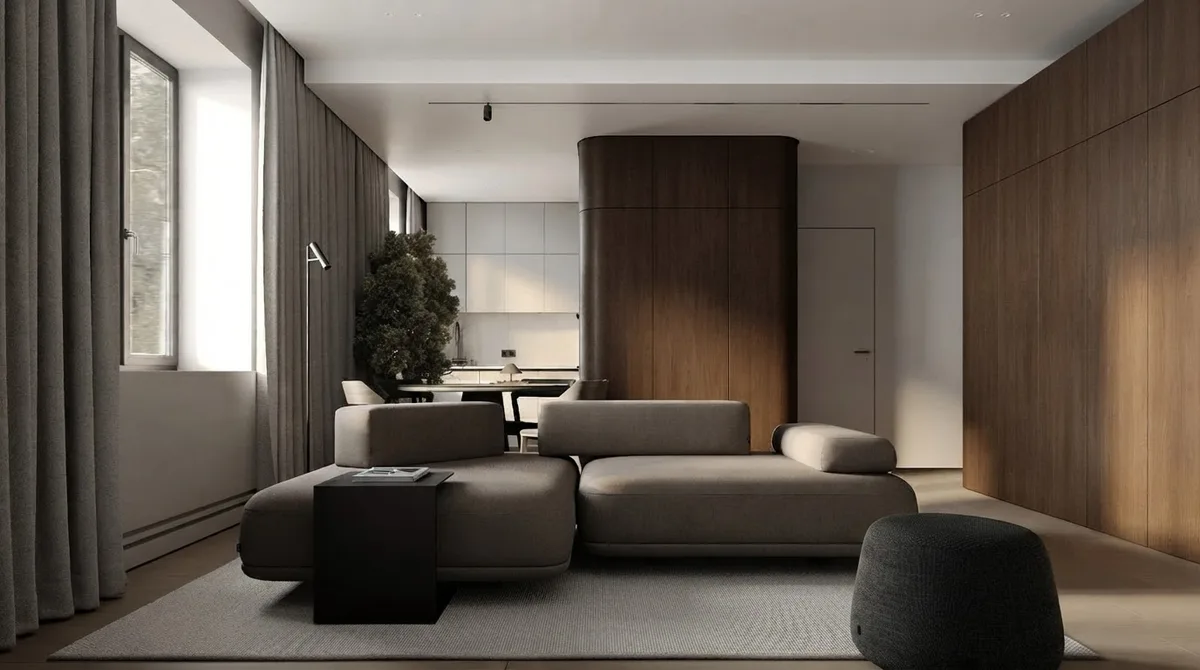
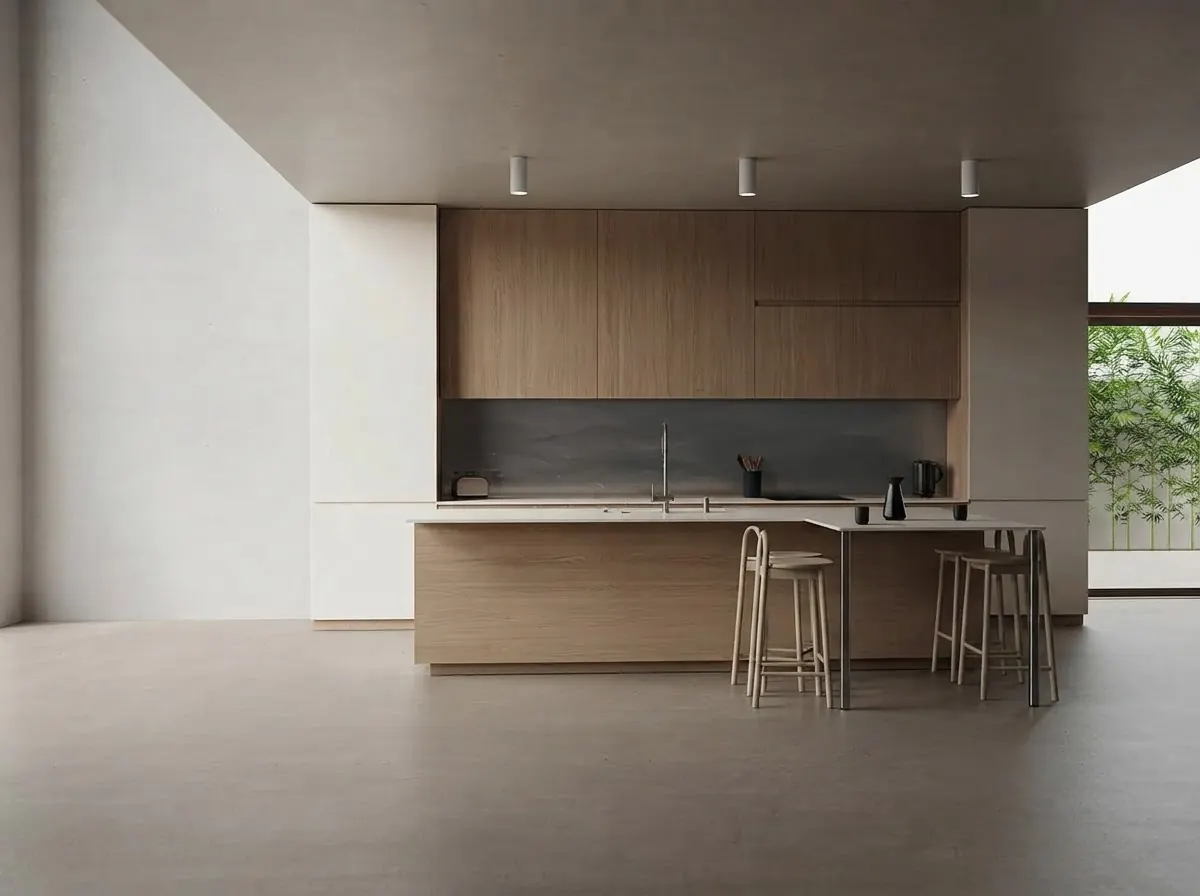
Finished renders from the MeltFlex gallery, not from ChatGPT or 3ds Max. This is the level of material and light that still takes a person, whichever tool builds the geometry.
For the last step there are other routes. Our comparison of AI architectural rendering tools covers the renderers that work from a 3ds Max viewport, and our architectural rendering prompts cover what to write. This is where MeltFlex fits, so here is the disclosure: capture a 3ds Max viewport, even a flat shaded one, upload it to photo to render, and it turns the screenshot into a finished image while keeping the camera and the walls where they are. If you start from a plan instead of a model, floor plan to 3D does the same for a drawing. Check the result against the model, the same way you check the model against the brief.
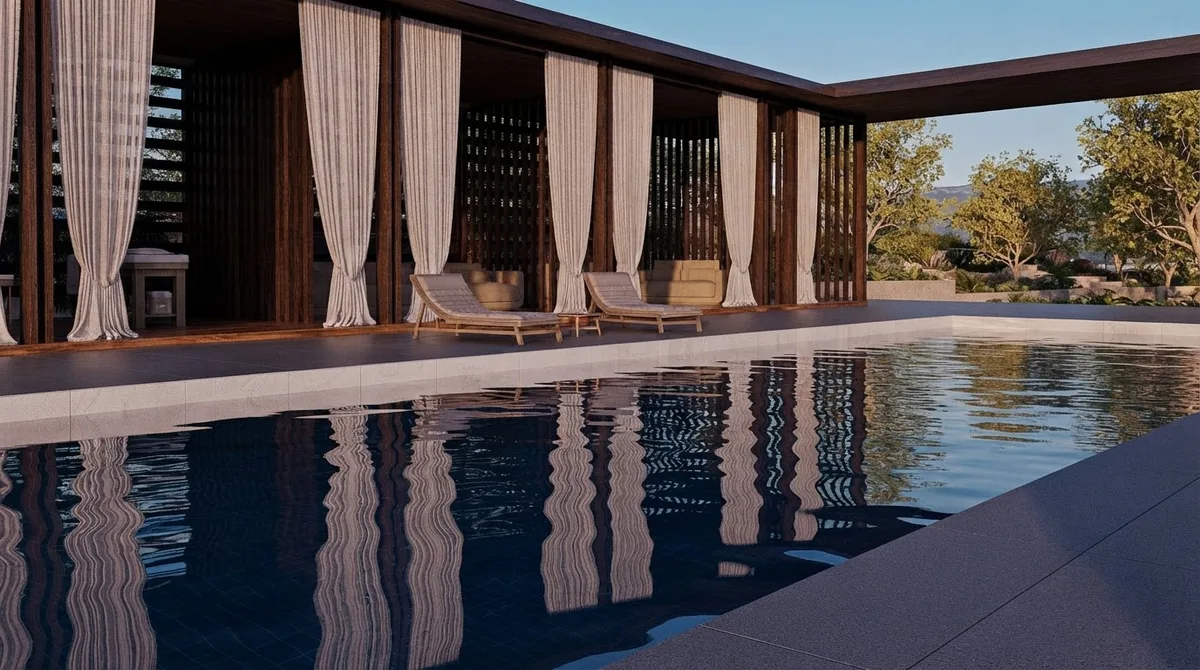
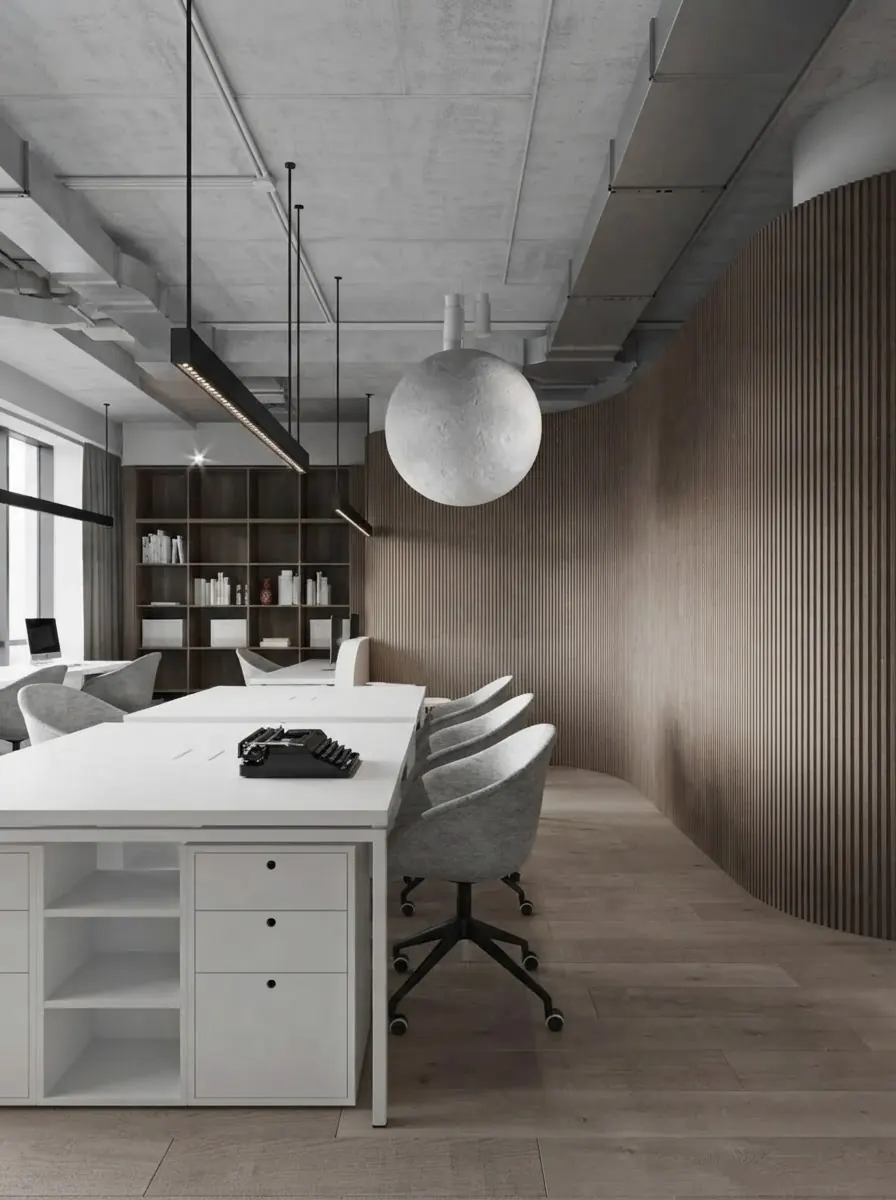
Two more from the MeltFlex gallery: an exterior and a workspace of the kind 3ds Max studios are hired for. A scatter of plants or a slatted wall is the part ChatGPT can set up; the mood is not.
Should architects and interior designers connect ChatGPT to 3ds Max?
Visualization artists who already work in 3ds Max on Windows and pay for ChatGPT: yes, try it on a copy of a real scene. Install Max Ultra MCP if you want the shortest path, or 3dsmax-mcp with the progressive profile if you want open source code. Keep approvals on, raise the timeout, and give it the tedious jobs rather than the creative ones. You will know within an afternoon whether it saves you time.
Interior designers who receive renders rather than make them: you do not need any of this. And if you design on a Mac, 3ds Max is not an option at all; the same approach works with ChatGPT and SketchUp, ChatGPT and Rhino and Claude and Blender. For drawings rather than scenes, see AutoCAD MCP and ChatGPT and Revit. For what ChatGPT can do without running a server at all, see ChatGPT plugins for architects, and for the Claude side of the same idea, the best MCP servers for architects.
Sources and what we could not verify
Read on October 23, 2026: the cl0nazepamm/3dsmax-mcp source at the October 21 commit and at release 1.7.6, including its installer, advanced configuration and changelog; the maxpkg-dev/max-ultra-mcp source at 1.5.3 and its MaxPkg page; 3DGROUND’s article of October 20; Digital Production on Max Ultra MCP; the AUTOM8LABS Marketplace page; CG Channel on 3ds Max 2027; Autodesk’s Product Help MCP Server announcement; and OpenAI’s MCP and Codex pricing pages (the plan table was read on October 21 for our Rhino guide). Quotes are word for word. The video was checked frame by frame from YouTube’s preview images. Star and download counts will move.
What we did not do: we did not run 3ds Max, so we did not see either server answer a real 3ds Max session, and the setup steps come from the documentation and the code, not from our own clicks. We did not use the ChatGPT desktop app on Windows. Our tool count ran 3dsmax-mcp’s server on a Mac with two Windows calls stubbed out, which is enough to read its tool list and nothing more. We could not run Max Ultra MCP’s server, so its tool count is unknown to us. We did not test AUTOM8LABS, and the armchair test above is 3DGROUND’s, not ours.
ChatGPT and 3ds Max: FAQ
Can ChatGPT connect to 3ds Max?
Yes, through a 3ds Max MCP server running on the same Windows PC as 3ds Max. The ChatGPT desktop app has Codex built in, and in Codex mode it can start a local MCP server such as 3DGROUND's free Max Ultra MCP or the open source 3dsmax-mcp. ChatGPT can then read the scene, create and edit objects, assign materials, run MAXScript and start renders. It does not work from chatgpt.com in a browser or in an ordinary chat.
Is there an official ChatGPT plugin for 3ds Max?
No. Autodesk has not released a 3ds Max MCP server or a ChatGPT plugin. 3ds Max 2027 includes Autodesk Assistant as a technical preview, but CG Channel describes it as a help chatbot that searches Autodesk documentation, not something that edits your scene. The closest thing on an Autodesk site is the third party AUTOM8LABS MCP Connector on the Autodesk Marketplace, which lists automatic setup for ChatGPT desktop.
Which 3ds Max MCP server should I use with ChatGPT?
Max Ultra MCP if you want the easiest ChatGPT setup: it is free, supports 3ds Max 2022 to 2027, and its setup window registers it with the ChatGPT desktop app and Codex for you. Use 3dsmax-mcp if you want open source code under the MIT license and the larger tool set (179 tools in version 1.7.6), and you are comfortable with a config file. Both are Windows only, because 3ds Max is.
Why does ChatGPT say the 3ds Max tools are unavailable?
Usually because you are in an ordinary chat. Max Ultra MCP's README says ChatGPT Desktop users must switch to Codex mode, because ordinary ChatGPT mode does not expose the local MCP connection, and that a green MCP ready status confirms registration, not access from the current conversation. Also check that 3ds Max is open, that the bridge is running inside it, and that you restarted ChatGPT after adding the server.
Which ChatGPT plan do I need for 3ds Max?
Any plan can connect, because OpenAI includes Codex in Free, Go, Plus, Pro, Business, Edu and Enterprise. Free and Go list only GPT-6 Luna, subject to rollout, which is enough to test the connection. Plus at $20 a month is the realistic minimum for real scene work. 3ds Max itself costs $255 a month or $2,010 a year, according to CG Channel's 3ds Max 2027 release report.
Can ChatGPT write MAXScript without an MCP server?
Yes, on any ChatGPT plan, including Free. Ask for a MAXScript or a Python script using pymxs, paste it into the MAXScript Listener or the Scripting menu, and run it yourself. You lose the feedback loop: ChatGPT cannot see your scene, read errors or take a viewport screenshot, so you paste errors back by hand. For one-off automation, such as renaming objects or batch-assigning materials, that is often enough.
Does ChatGPT work with 3ds Max on a Mac?
No. 3ds Max runs only on Windows, and every 3ds Max MCP server we found is Windows only. We confirmed this for 3dsmax-mcp ourselves: its Python server stops at startup on macOS because it loads Windows system libraries. If you design on a Mac, the same approach works with SketchUp, Rhino and Blender, which all have MCP servers for ChatGPT.
Is ChatGPT or Claude better for 3ds Max?
Both work with the same servers, and the evidence is thin. 3dsmax-mcp's own documentation says Codex tends to use its native tools more reliably, while Anthropic models sometimes prefer raw MAXScript. In 3DGROUND's own test of an armchair, ChatGPT finished in about ten minutes and Claude in about thirty, and neither reproduced the chair accurately. Pick the assistant your studio already pays for.
Keep reading
- How to connect ChatGPT to Rhino, McNeel’s official server and our GPT-6 Astra living room test.
- How to connect ChatGPT to SketchUp, the Codex route for SketchUp and a ChatGPT written Ruby script.
- How to connect ChatGPT to Revit, Autodesk’s own MCP server for Revit.
- How to connect Claude to 3ds Max, the same two servers in Claude Code, and our tool search token test.
- Best AI architectural rendering tools, for the image after the model.
- Living room layout, the clearances worth putting in a brief before you ask an AI to build a room.
- AI space planning tools for architects, if you want an app rather than a connector.
- Photo to render, turn a 3ds Max viewport capture into a finished image.