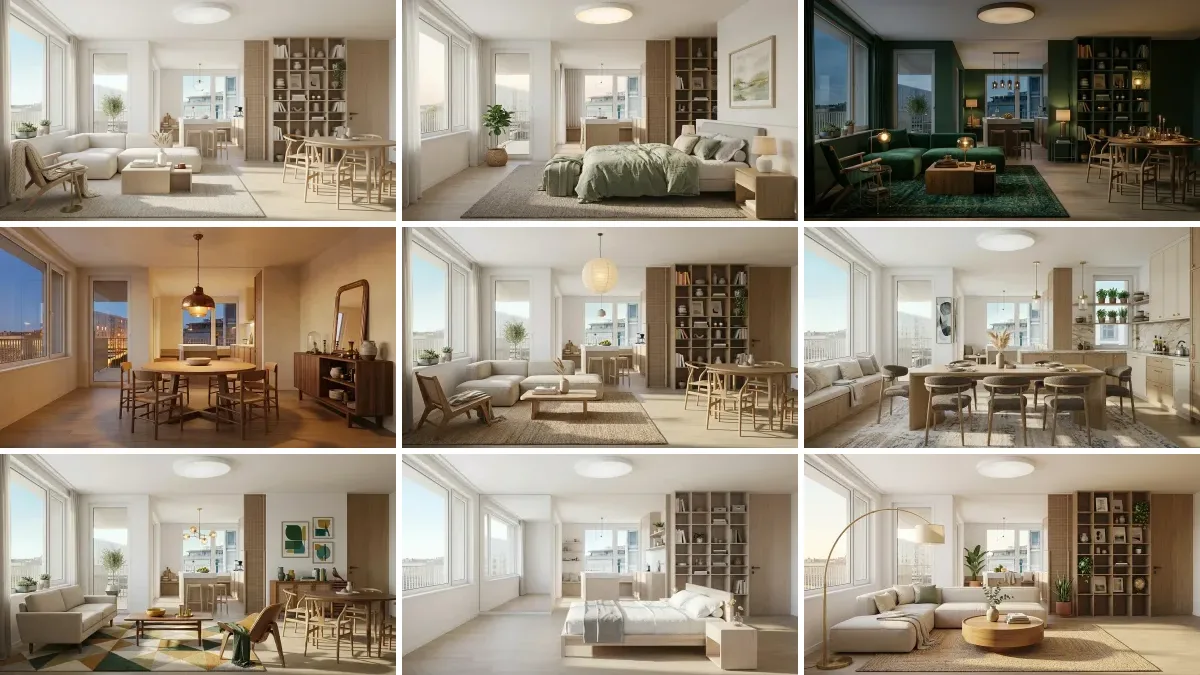
The honest answer to which AI is best for interior design is that the question hides two different jobs, and the model that wins one loses the other. To restyle a photo of the room you actually live in, you need an image editing model, and the Gemini family sold under the Nano Banana name is the strongest general pick. To invent a room that does not exist yet, Midjourney still has the better eye. To get a plan, a budget or a shopping list, you need a text model, and Claude cannot draw at all.
Our articles are still written by humans!
Get human written articles in your Google feed.
Quick answer: edit your real room with a Gemini image model, invent a fictional one with Midjourney, write the brief and the budget with Claude or ChatGPT, and reach for GPT Image 2 only when the picture has to contain readable text. Real per image prices, the Nano Banana model IDs (updated for Nano Banana 2.1) and the case for not picking a single model at all are below.
How we checked this, and when
- Prices were read directly from Google’s and OpenAI’s own API pricing pages on 27 August 2026, not from other articles. Both pages are screenshotted below so you can see what we saw.
- Capabilities were checked against each vendor’s own product page on the same day. Every screenshot in this article is a first-hand capture, not a press image.
- First-hand use: MeltFlex runs five of these models in production on real customer photos, which is where the notes on failure modes come from rather than from a benchmark.
- What we did not do: a controlled five-way render of one room. See where this comparison is weak, which explains why and what it would take.
The short version
- Generating a room and editing your room are different jobs. Almost every disappointment in this category comes from using a generator for an editing task.
- Claude generates no images whatsoever. It is a planning and writing tool here, and that is a real use, not a consolation prize.
- Gemini image models are several times cheaper than OpenAI. GPT Image 2 is 0.30 dollars an image against 0.0336 for Nano Banana 2.1 at 1K, the model Google released on 6 October 2026.
- The Gemini API free tier does not cover image models. Every render you make through the API is paid.
- All Google image output carries an invisible SynthID watermark. Not visible, but present.
- Do not pick one model. They fail on different materials, and comparing three on one photo takes two minutes.



Generate or edit: the distinction that decides everything
Before any model comparison is worth reading, work out which of these two sentences describes you.
- “Show me what a room like this could look like.” This is generation. The model invents a room from a description. Midjourney is the strongest, and the result belongs to nobody.
- “Show me my room with different furniture.” This is editing, sometimes called image to image. The model receives your photograph and changes only what you ask. This is the job most people actually have, and it is a different capability.
The test for whether a tool did the second job properly is boring and reliable: look at the window. If the window moved, changed shape, or gained a glazing bar it never had, you were not given your room back. You were given a different room that resembles yours. The same goes for radiators, door positions and the angle of a sloped ceiling. Our guide to prompts that actually produce usable renders goes further into how to phrase an edit so the model keeps the architecture.
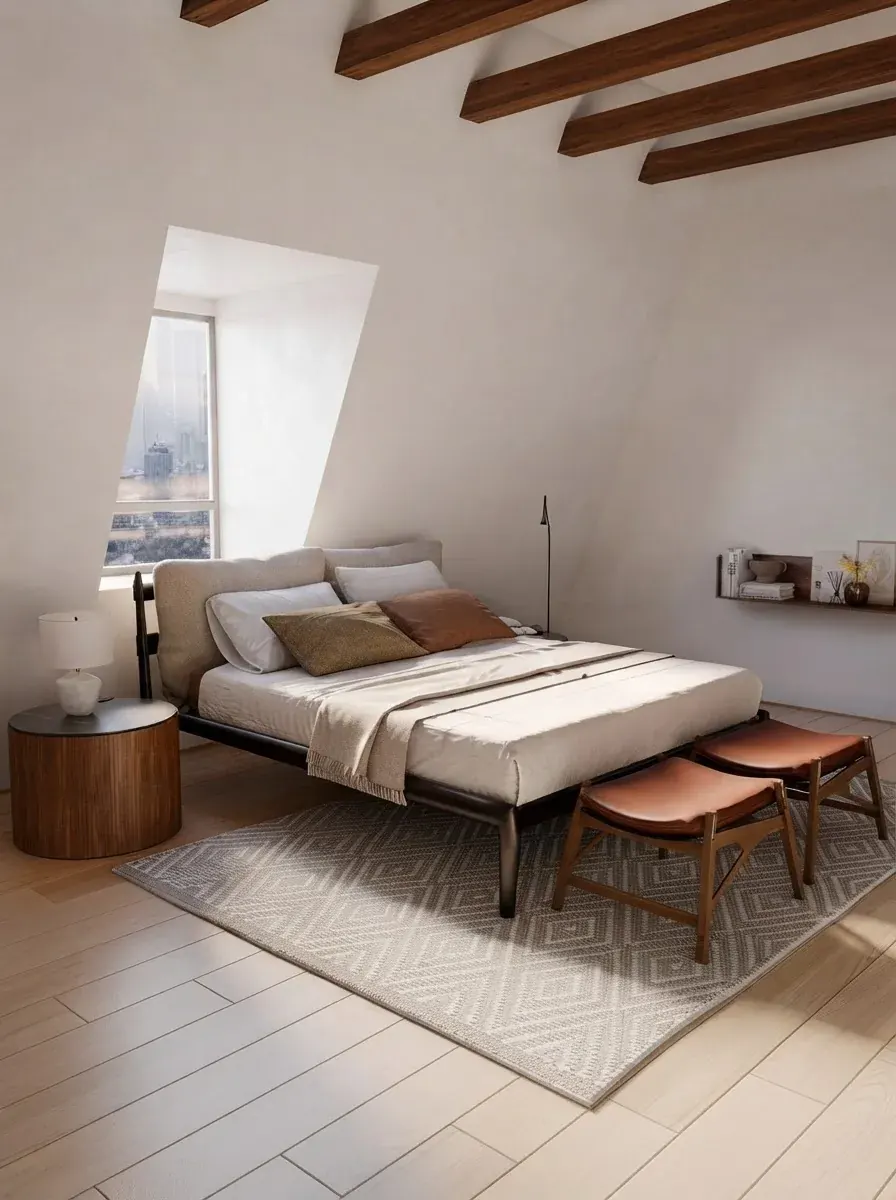
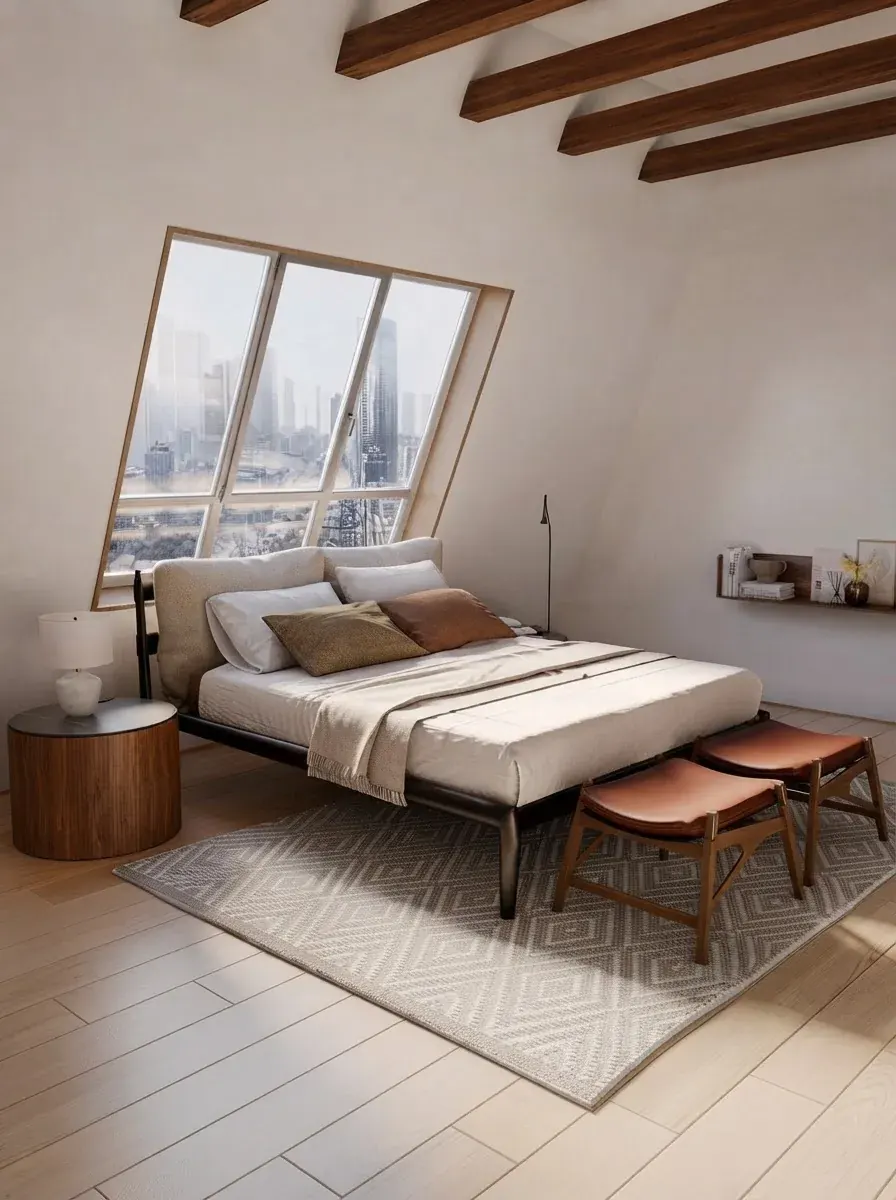
The same brief run twice. The bed, the stools and the round side table survive, but the window and the skyline behind it are not the same window. Run to run variation like this is normal, and it is exactly what you cannot afford when the room is real and the window is load bearing.
What each model actually does
This is a capability table, not a beauty contest. For a real room, the third column is the one that matters.
What a render actually costs
This is the part almost nobody publishes, and it is the most useful number here. These are the official API prices per generated image, read from Google’s Gemini API pricing page and OpenAI’s API pricing page on 27 August 2026, with the Google rows re-read on 14 October 2026 after Nano Banana 2.1 launched.
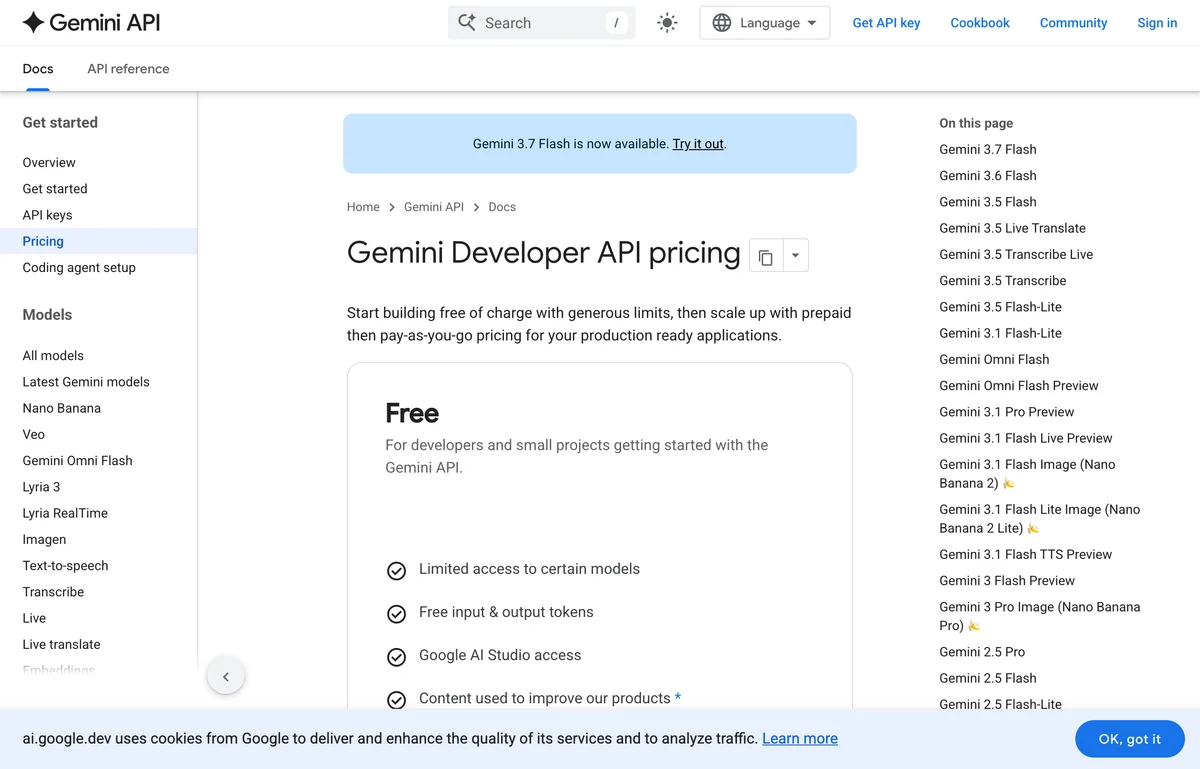
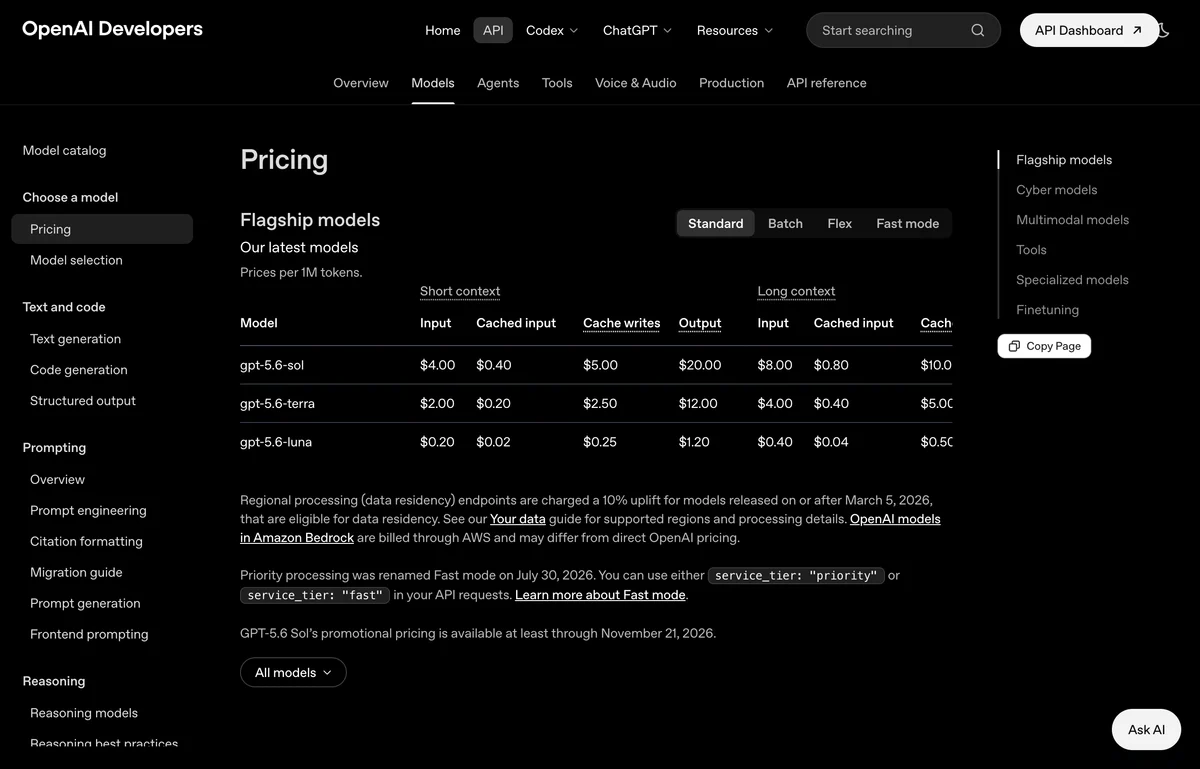
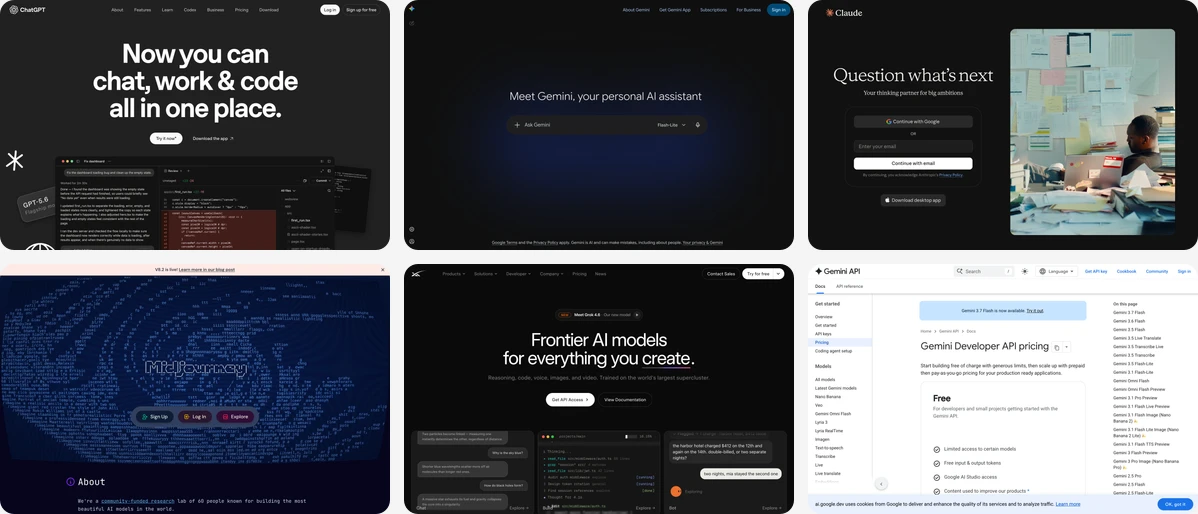
The two pricing pages this article is built on, captured 27 August 2026. On the left, note Google’s Free card and the image models listed down the right hand rail. The free tier is real, but its first bullet reads “Limited access to certain models”, and image generation is not among them. Check both yourself before budgeting, because these pages change.
Three things fall out of that table. First, OpenAI is roughly four to five times the price of Nano Banana 2 for a comparable render, and about nine times the price of Nano Banana 2.1, which Google launched at roughly half the price of Nano Banana 2, which is why so many interior tools quietly run on Google models underneath. Second, Google’s page invites you to “Start building free of charge with generous limits, then scale up with prepaid then pay-as-you-go pricing”, but that free tier lists “Limited access to certain models”, and image generation is priced on the paid tier only. So when a consumer app hands you unlimited free renders, somebody is paying the 3 to 7 cents, and that is why free limits keep moving. We went through what the free tiers actually give you in our test of eight free AI interior design tools, and there is a wider breakdown in how AI interior design works and what it costs. Third, batch pricing halves nearly everything, which matters if you are rendering a whole property rather than one room.
Gemini and the Nano Banana family
Verdict: the default choice for a real room. The Gemini image models edit an existing photograph more faithfully than anything else at this price, and faithfulness is the whole game once the room is yours.
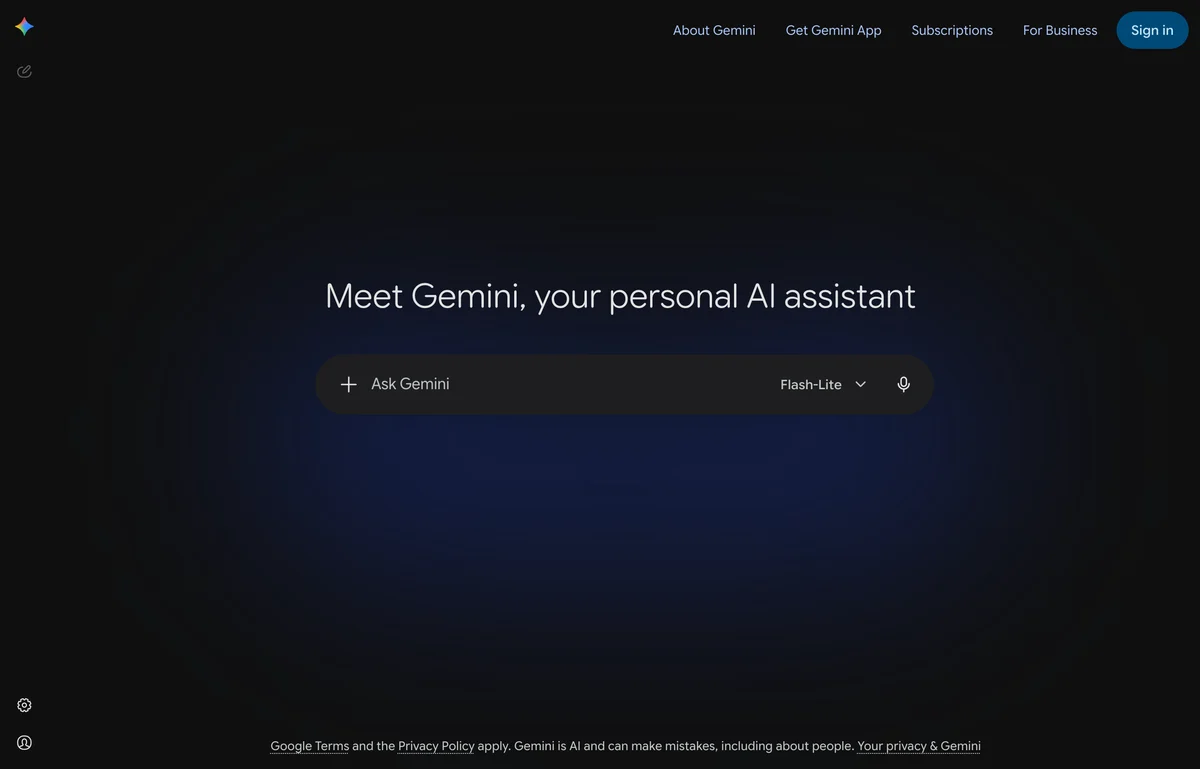
Gemini’s consumer app on 27 August 2026. The model selector in the corner of the prompt box is the thing to watch: the free app defaults to a lighter model than the one the API prices above refer to.
The naming is genuinely confusing, so here it is straight. Nano Banana is Google’s marketing name for its image models, and as of October 2026 there are three worth knowing: Lite is the cheap one, Nano Banana 2.1 (released 6 October, replacing Nano Banana 2 and the original 2.5 model) is the current workhorse, and Nano Banana Pro is the heavy one at about four times the price. For interiors, Nano Banana 2.1 at 1K or 2K is the sweet spot: it now does 4K and 14 reference images too, and Google’s own tests score it above Pro for editing (1026 against 939). Pro is still worth one try on the materials that betray a weaker model: veined stone, brushed metal, sheer fabric and anything with a repeating pattern. For the written side, Google released Gemini 4 Argon on 13 October 2026, its strongest text model, in the app for Google AI Pro and Ultra; it plans and briefs, it does not draw.
Every Google image also carries SynthID, an invisible watermark marking it as AI generated. It will not show up in your render, but it is there. We keep a running set of Nano Banana prompts for interior design and Gemini prompts for interior design, plus a walkthrough of redesigning a room with Nano Banana Pro.
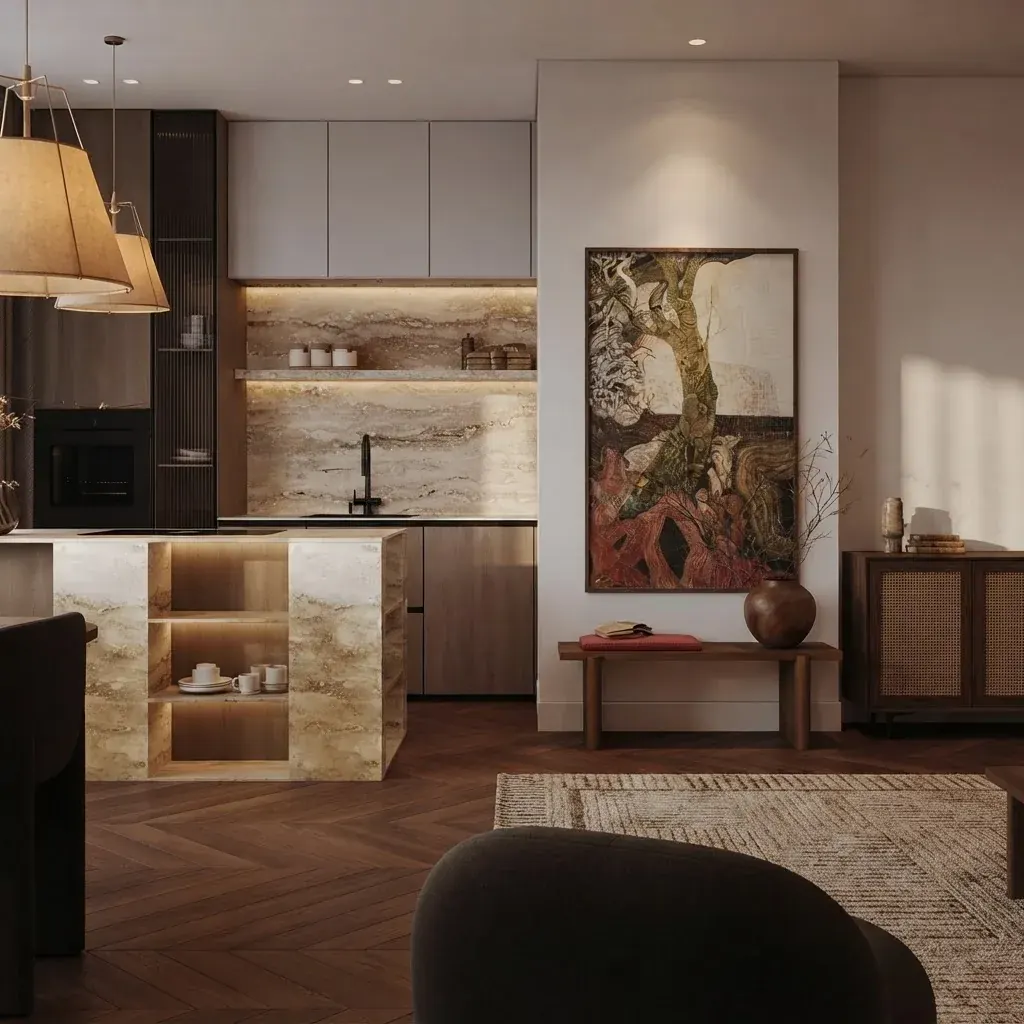
Backlit travertine, herringbone parquet and a rattan door front in one frame. This is the detail level where the gap between the cheap and the expensive models stops being theoretical: Lite tends to smear the stone veining and flatten the cane weave.
ChatGPT and GPT Image 2
Verdict: brilliant at the brief, expensive at the picture. ChatGPT is the best of these at absorbing a long, badly organised description of what you want and turning it into something structured. If you cannot articulate your taste, it will interview you until you can, and that is a real service.
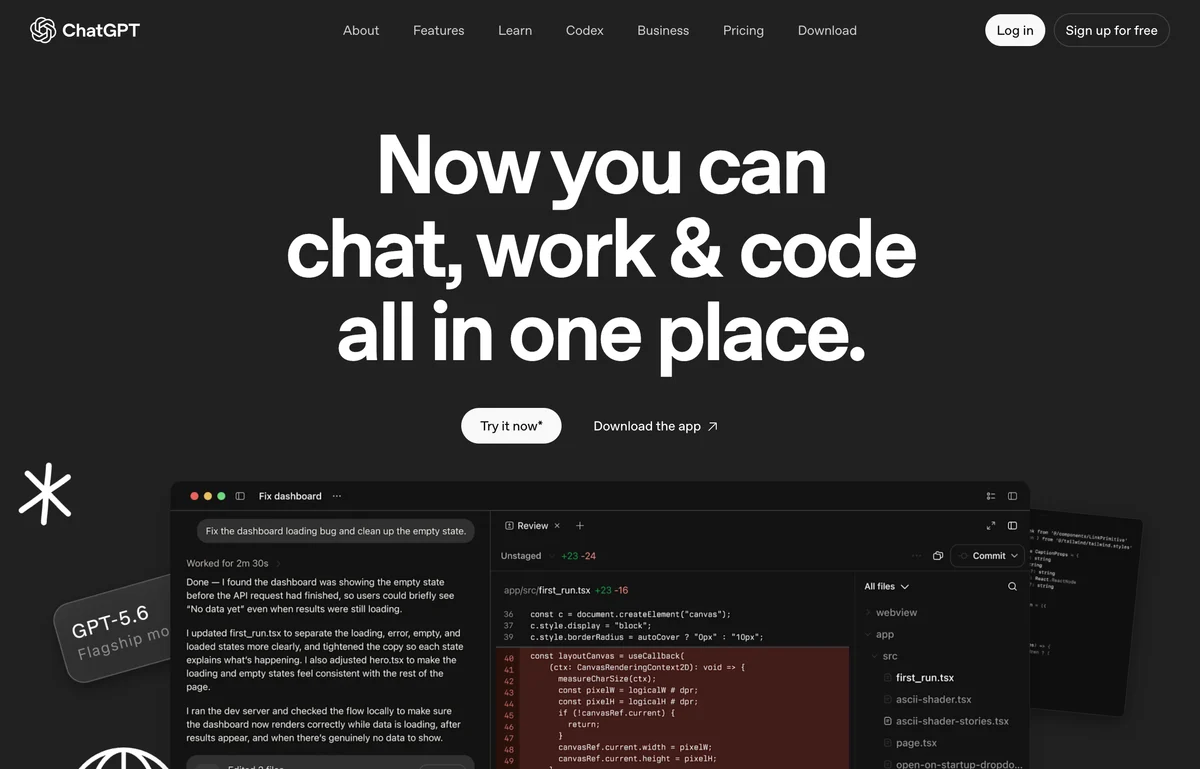
OpenAI’s own ChatGPT page, captured 27 August 2026. Note how the pitch is chat, work and code. Image generation is a feature here, not the product, and that shows in the interior results.
Its image side, GPT Image 2, has one standout property: it renders readable text better than any competitor. That matters far less in interiors than people assume, because rooms rarely need words in them, though it is genuinely useful for a labelled floor plan, signage in a retail fit out, or a mood board with legible annotations. Outside that, you are paying 0.30 dollars for something a 0.067 dollar model does comparably well. Our 70 ChatGPT prompts for interior design is the most read thing we have written, which tells you how many people start here. The ChatGPT side of this comparison changed shape in September 2026: GPT-6 Astra outputs text only and calls an image tool, and ChatGPT Images 2.5 replaced GPT Image 2 as what that tool actually draws with. We measured what the handover does to a room brief in our ChatGPT Images 2.5 interior design prompts guide.
Claude, which cannot draw
Verdict: the best project manager in the group, and zero renders. Let us be blunt, because the search results on this are muddy: Claude does not generate images. No version of it does. If you have searched for the best Claude model for interior design expecting renders, there are none, and any article implying otherwise has not checked. That held through Anthropic’s new lineup too: Fable 5.1 (1 September 2026), Opus 5.5 (22 September), Sonnet 5.5 (28 September) and Haiku 5.5 (7 October) all take images in and give text out, per Anthropic’s models overview on 14 October 2026. For room work Sonnet, which is on the free plan, is enough; Opus 5.5 on Pro is the one for a whole-house plan.
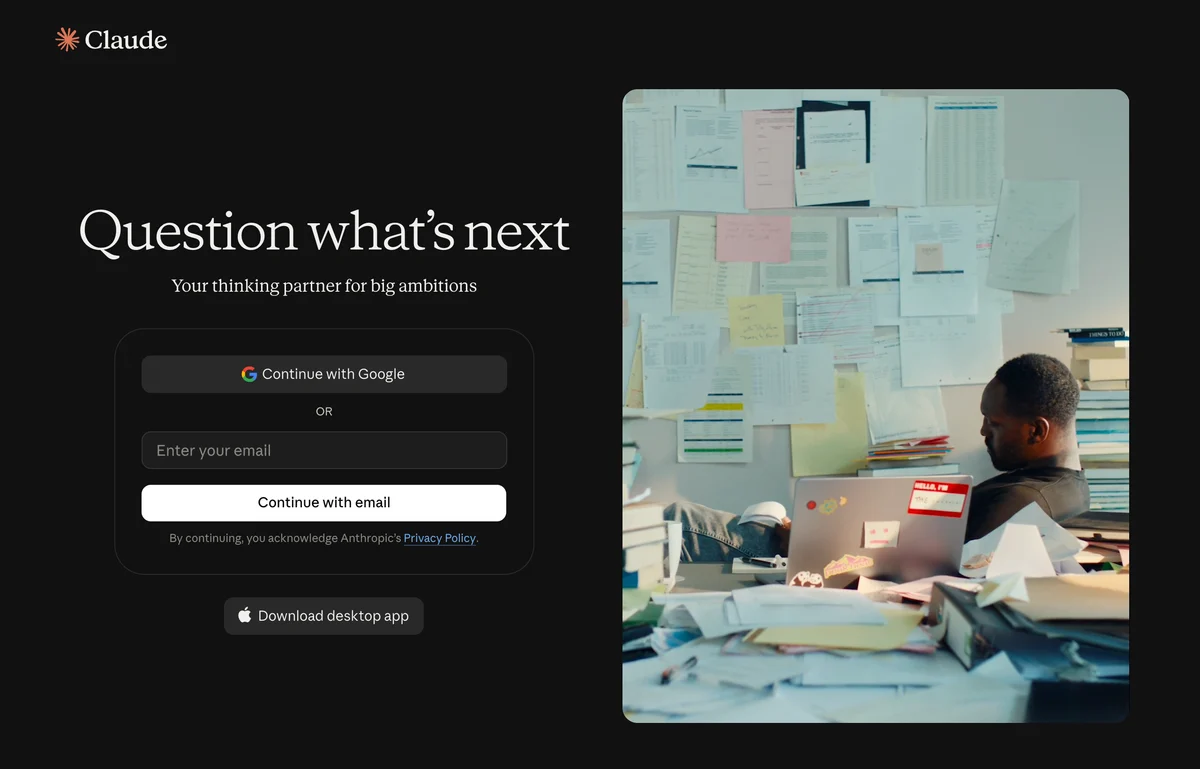
Anthropic positions Claude as a “thinking partner”, captured 27 August 2026. There is no image generation anywhere in the product, and the wording on its own front door is the clue.
What it is unusually good at is everything around the picture. Give it your room dimensions and it will produce a furniture plan with clearances that respect walkways. Give it a supplier list and it will build a costed schedule. Give it a vague feeling about a room and it will write you a precise prompt to paste into an image model, which is probably its single highest value use here. We collected the ones that work in 42 Claude prompts for interior design. For measuring up first, there is measuring a room from a photo.
Midjourney
Verdict: the most beautiful, the least applicable. Nothing else here produces interior imagery as consistently attractive. For a mood board, a pitch deck or early style exploration, it is still the one that makes people lean in.
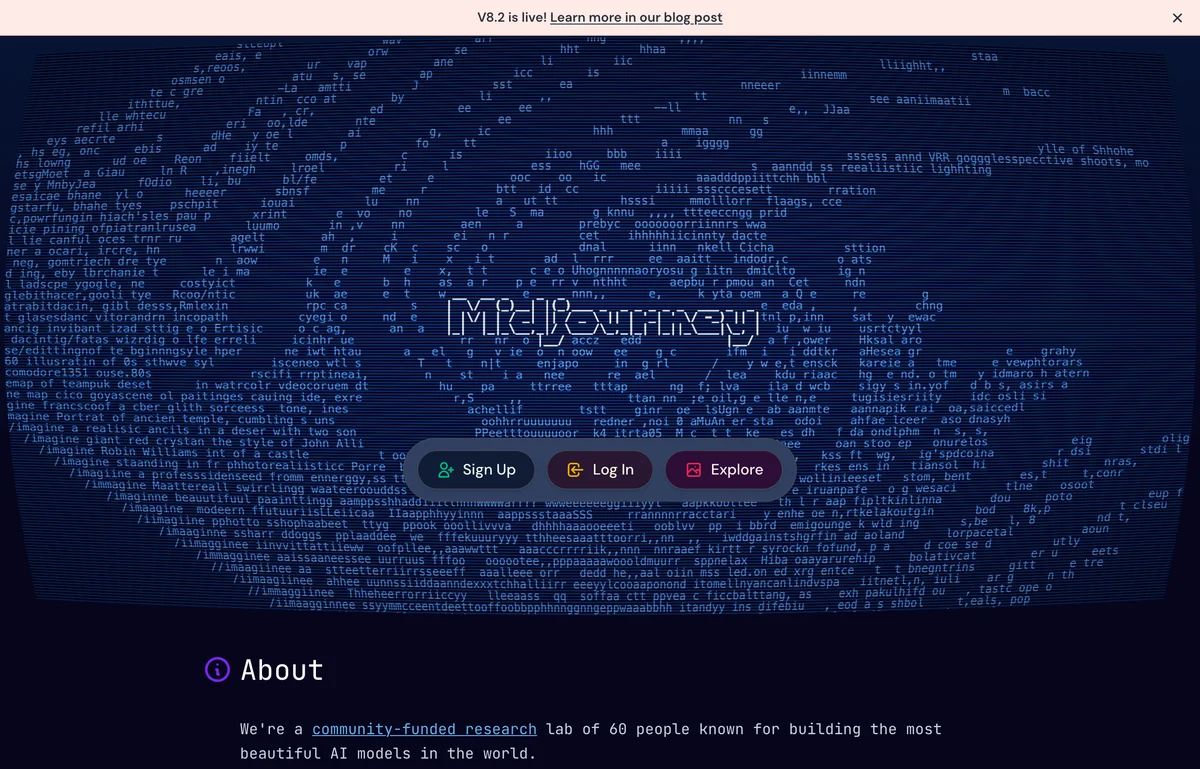
Midjourney describes itself on its own home page as a “community-funded research lab of 60 people”, captured 27 August 2026. That is a research posture, not a product built around your floor plan, and the output reflects it.
The problem is structural rather than fixable. Midjourney is an inventor. Ask it to keep your window exactly where it is and change only the sofa, and it will hand you a gorgeous room with a different window. That is not a bug in your prompt, it is what the model is for. There is also no free tier at all, and prompting uses parameters like --ar rather than plain language, which is a small but real learning curve. Use it at the start of a project, then switch. Our Midjourney interior design prompts and Midjourney architecture prompts cover the parameter syntax.
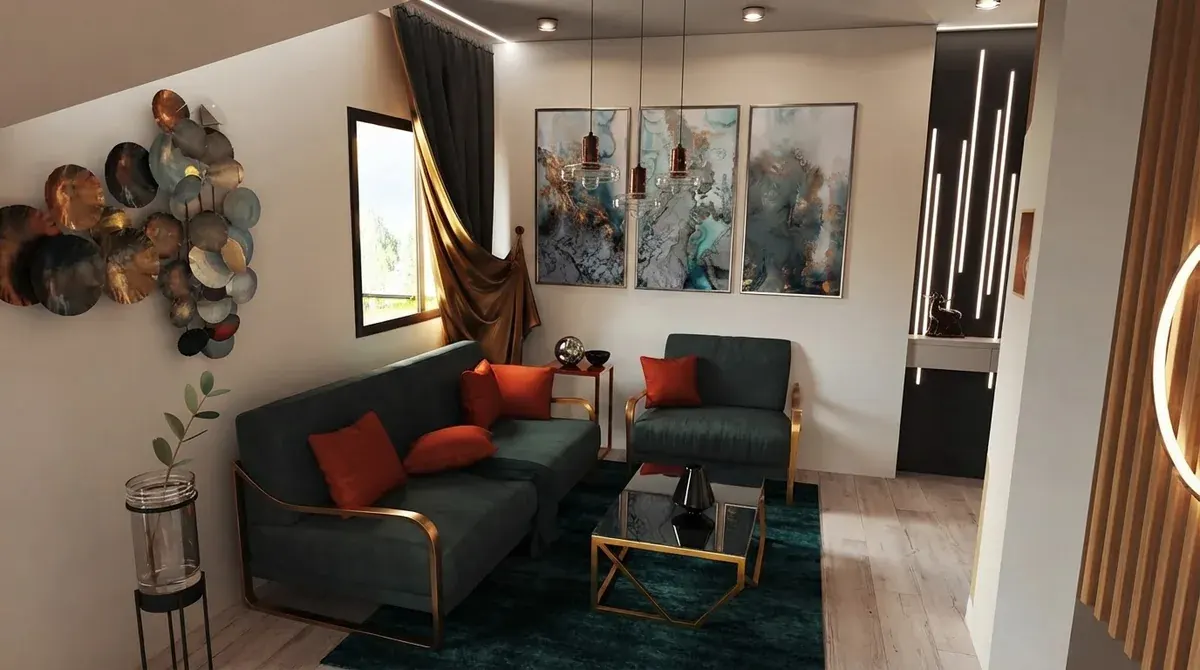
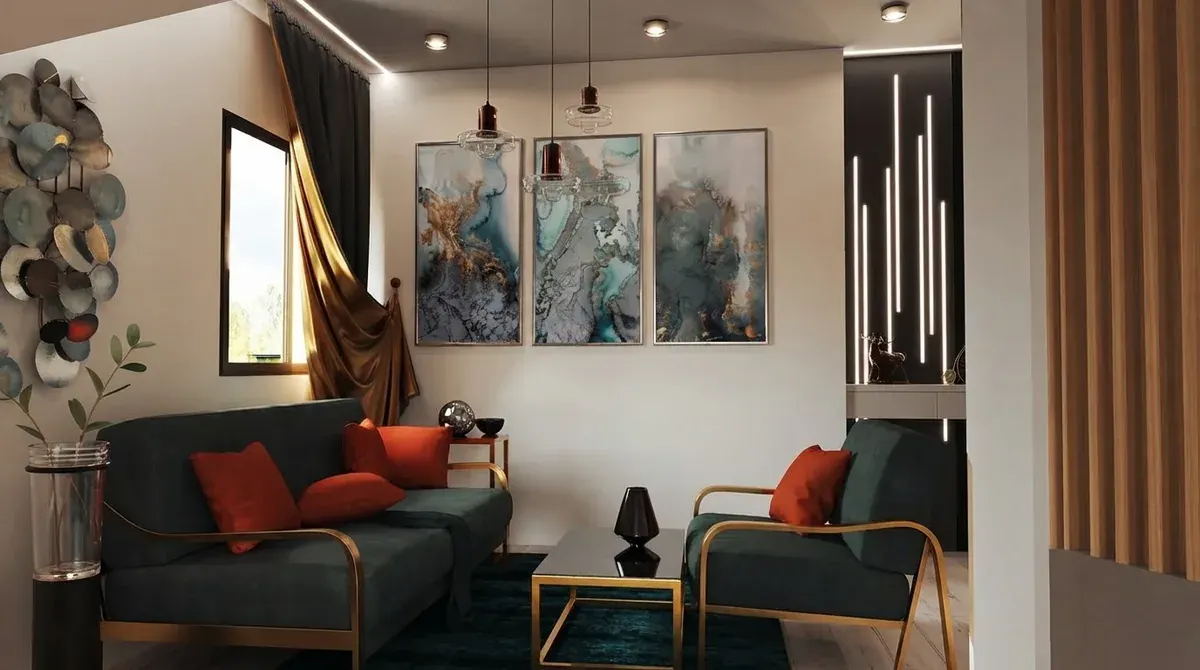
The same room from two angles, with the artworks, the gold table frame and the teal rug consistent across both. Holding a scene together across viewpoints is a different skill from making one pretty frame, and it is where generation models tend to come apart.
Seedream and Grok Imagine 2
Verdict: the specialists worth knowing about. Seedream is the one to reach for when you want to change one region and genuinely leave the rest of the frame untouched, for instance swapping a kitchen worktop without the model rethinking your cabinets. It is also unusually cheap at high resolution, because it charges a flat rate where most models scale with pixels.
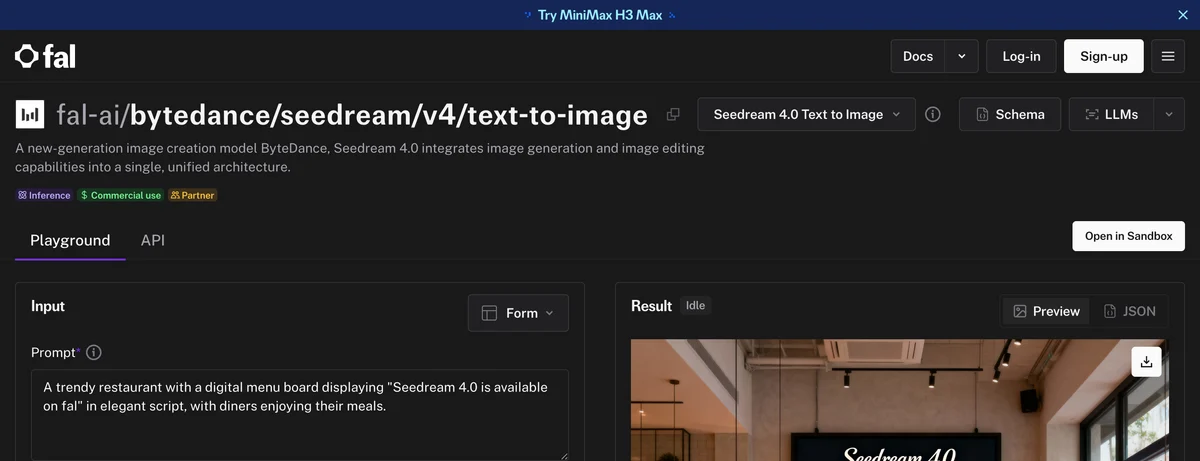
ByteDance’s Seedream on fal, captured 27 August 2026. Its own description calls it a model that “integrates image generation and image editing capabilities into a single, unified architecture”, which is exactly the combination interiors need.
Grok Imagine 2 is fast and handles high resolution well, but it is the least predictable of this group on interiors, and predictability is worth more than peak quality when you are iterating. We have prompt sets for both: Seedream prompts for interior design and Grok prompts for interior design.
How to actually pick
Pick by the sentence that matches your situation, not by the leaderboard.
- You have a photo of your room. Gemini or Nano Banana 2.1 first, Seedream if you only want one area changed.
- You have nothing but a feeling. Midjourney to explore, then move to an editing model once you know the direction.
- You have measurements and a budget. Claude or ChatGPT. No image model will do this and pretending otherwise wastes a week.
- Your render needs readable words in it. GPT Image 2, and only then.
- You have a floor plan you want in 3D. Different job again, covered in turning a 2D floor plan into a 3D model.
- You want to buy what you see. None of these models sells furniture. That is a product feature, not a model feature.
You do not have to choose. MeltFlex runs five of these models on the same photo of your room inside one workspace: our tuned Gemini path, Nano Banana, Seedream 5 Pro, Grok Imagine 2 and GPT Image 2. Switch model, keep the room, compare the results side by side, then have the furniture in the winning render matched to products you can actually order. Try it on your own room, or read how the full tool landscape compares and which apps are worth installing.
Where this comparison is weak
Three caveats, because roundups in this category tend to overclaim.
- This is a capability and cost comparison, not a controlled render-off. A fair head to head needs the same room, the same prompt and the same seed across every model, scored blind. We have not published that yet. Any article showing you five gorgeous images captioned with five model names, without that control, is showing you five different rooms.
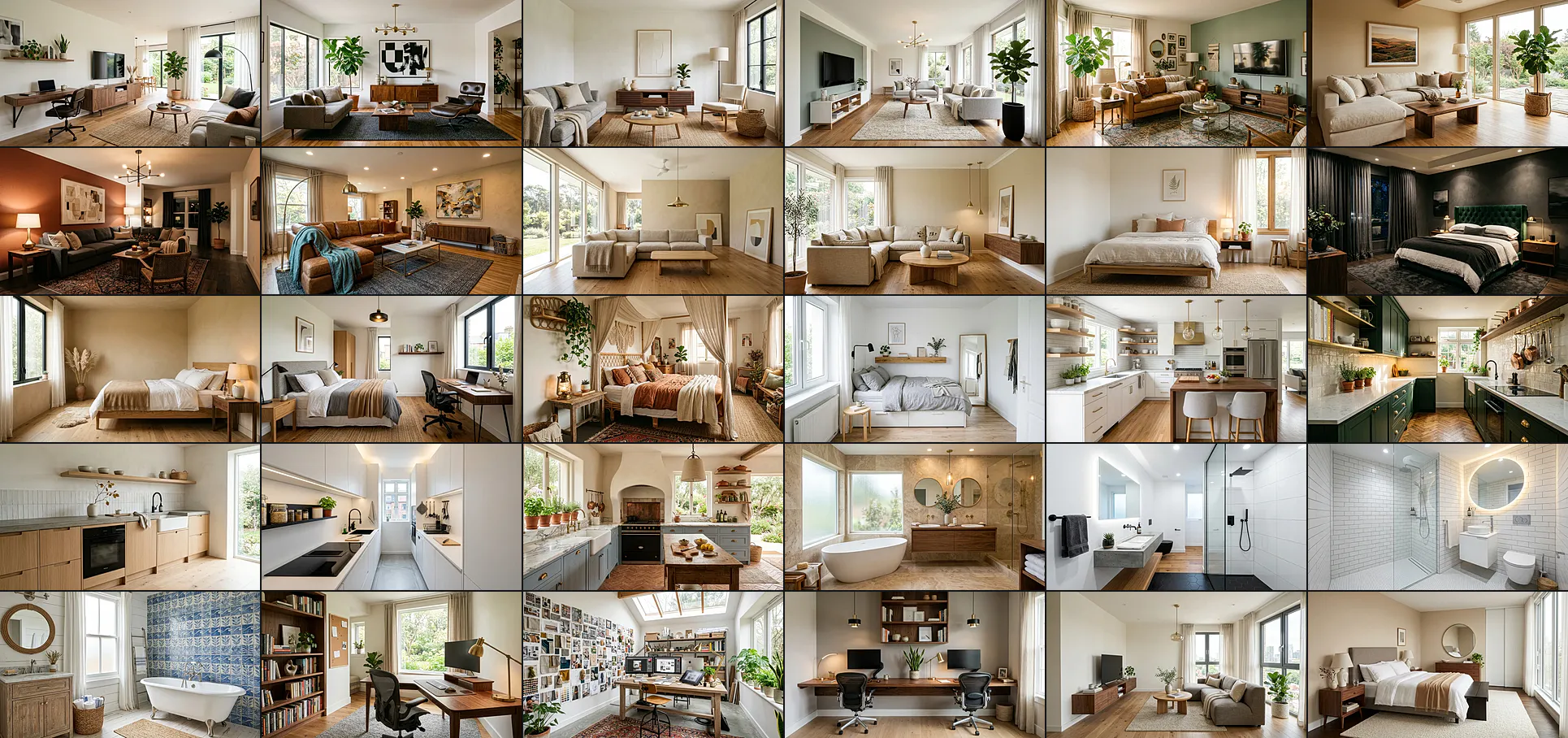
- The interior photographs here are ours, from our creations gallery. They illustrate what this class of model produces and where the hard materials are. They are deliberately not labelled as one model beating another, because we did not run that test.
- Model quality moves faster than any article. Everything above reflects late August 2026 and a single release can reorder it. Treat the capability shape as durable and the rankings as perishable, and check the two pricing pages yourself before budgeting.
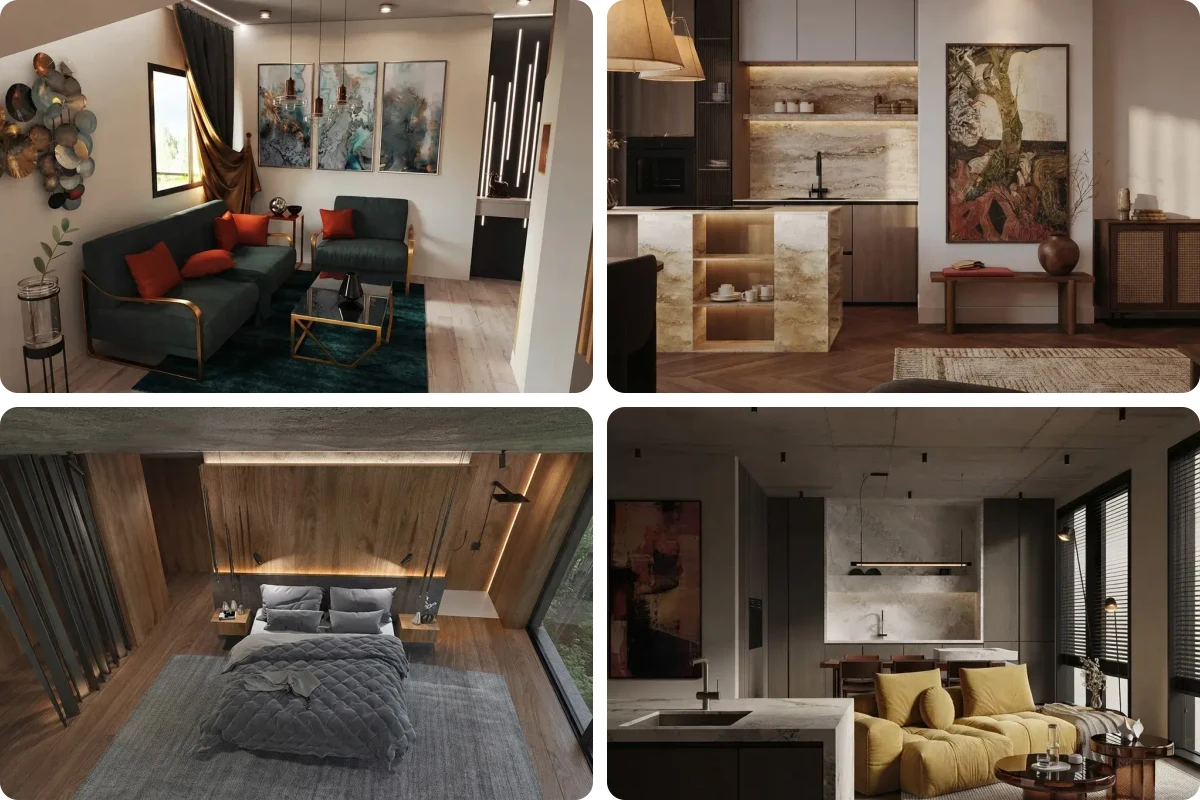
Four renders from our own gallery, four very different looks, and no claim about which model made which. That restraint is the point: without a controlled test, a grid like this proves range, not ranking.
Frequently asked questions
Which AI is best for interior design?
There is no single winner, because the question hides two different jobs. To restyle a photo of a room you actually live in, you want an image editing model, and the Gemini family (sold as Nano Banana) is the strongest general choice, with Seedream and GPT Image 2 close behind on specific tasks. To invent a room that does not exist yet, Midjourney still produces the most attractive results. To get a layout plan, a budget or a shopping list, use a text model such as Claude or ChatGPT. Picking the right category matters far more than picking the right model.
Which AI model is best for interior design images?
For editing a photo of your own room, the Gemini image models are the strongest all round option in 2026, sold under the Nano Banana name. Since 6 October 2026 the one to start with is gemini-nano-banana-2.1 (Nano Banana 2.1): native 4K, up to 14 reference images and 0.0336 dollars per 1K image. Google also sells gemini-3.1-flash-lite-image and gemini-3-pro-image (Pro); the older gemini-3.1-flash-image and the deprecated gemini-2.5-flash-image are being replaced by 2.1. For pure generation from a description with no source photo, Midjourney still has the better eye.
Is ChatGPT or Gemini better for interior design?
Gemini, for the picture. Its image models edit an existing photo more faithfully, which is the job most people actually have, and they are several times cheaper. GPT Image 2 costs 0.30 dollars per image (OpenAI, read 27 August 2026) against 0.0336 for Nano Banana 2.1 at 1K (Google, read 14 October 2026). ChatGPT is better at turning a long messy brief into a structured plan and at rendering readable text inside an image. Many designers use ChatGPT to write the brief and a Gemini model to render it.
Can Claude generate interior design images?
No. Claude does not generate images at all, and no version of it does, including Fable 5.1, Opus 5.5, Sonnet 5.5 and Haiku 5.5, the models current in October 2026. What it is genuinely good at is the work around the render: turning measurements into a furniture plan, drafting a specification, building a costed shopping list, or writing the prompt you paste into an image model. Treat it as the project manager rather than the renderer.
How much does each AI image model cost per interior render?
Google prices read on 14 October 2026: Nano Banana 2.1 is 0.0336 dollars at 1K, 0.0504 at 2K and 0.113 at 4K. Nano Banana 2 Lite is 0.0336 at 1K. Nano Banana 2 runs 0.045 at 0.5K, 0.067 at 1K, 0.101 at 2K and 0.151 at 4K. Nano Banana Pro is 0.134 at 1K or 2K and 0.24 at 4K. Gemini 2.5 Flash Image (0.039) is deprecated. OpenAI, read 27 August 2026: GPT Image 2 is 0.30 per image and GPT Image 1 is 0.40. Batch pricing roughly halves these. The Gemini API free tier covers limited models and image generation is not among them.
Is Midjourney good for interior design?
It is the best looking and the least useful for a room you already own. Midjourney produces the most attractive interior imagery here, which is why it dominates mood boards and concept decks. What it does not do is take a photograph of your living room and return that same room with different furniture. Its strength is invention, which is the opposite of keep my window where it is. Use it for style exploration early, then move to an editing model.
Do AI interior renders come with a watermark?
Every image from a Google image model carries SynthID, an invisible watermark marking it as AI generated. It is not a visible logo, so it will not spoil the render, but it is present and detectable. Visible watermarks come from consumer apps rather than models: many free tiers stamp a logo in the corner and remove it when you pay.
Do I have to pick one model?
No, and picking one is usually the wrong instinct, because the models fail on different things. The same room can look better on Seedream and worse on GPT Image 2 depending on the material, the lighting and how tight the crop is. Running one photo through several models tells you more than any roundup, this one included. MeltFlex exposes five of them on the same photo for exactly this reason.
Sources
- Gemini API pricing, ai.google.dev, per image prices, model IDs and free tier scope, read 27 August 2026 and again 14 October 2026.
- Nano Banana 2.1 model page and DeepMind model card, resolutions, reference images and Google’s preference scores, read 14 October 2026.
- Introducing Gemini 4 Argon, Google, availability and pricing, 13 October 2026.
- OpenAI API pricing, GPT Image 1 and GPT Image 2 per image prices, read 27 August 2026.
- SynthID, Google DeepMind, invisible watermarking of AI generated images.
- Midjourney, self description as a community funded research lab, read 27 August 2026.
- Seedream 4 on fal, unified generation and editing architecture, read 27 August 2026.