Free tool
Paint Color Finder
Hover over any wall in a photo to read its colour, copy the HEX and LRV, and get the closest Sherwin-Williams, Benjamin Moore, Behr, Farrow & Ball and Dulux paints. Then see it on your own walls in the AI wall paint visualizer. Free, no sign-up.
This paint color finder, a paint color identifier that works from a picture, turns a photo of a wall into a paint you can buy. Upload a photo of your room, a listing, a hotel, a Pinterest save or a screenshot, move the cursor over the wall and the magnifier shows you the real pixels underneath. Click and the tool reads the colour, gives you the codes to copy and ranks the closest named paints by ΔE2000, the same colour difference measure the paint industry uses. It is free, it runs entirely in your browser, and the maths behind every match is written out further down the page.
Paint colour from a photo
How to find the paint color from a photo
Upload the photo, hover over a plain, evenly lit patch of wall and click. The finder averages a 5 by 5 pixel patch, converts it to CIE Lab and ranks named paints by ΔE2000 distance, so you get the hex code and the closest Sherwin-Williams, Benjamin Moore, Behr, Farrow & Ball or Dulux paint in one click.
A photo does not contain the paint, it contains the light that bounced off it. The trick is knowing where to sample, how to read the result and how to check it on your own wall before you carry a tin home.
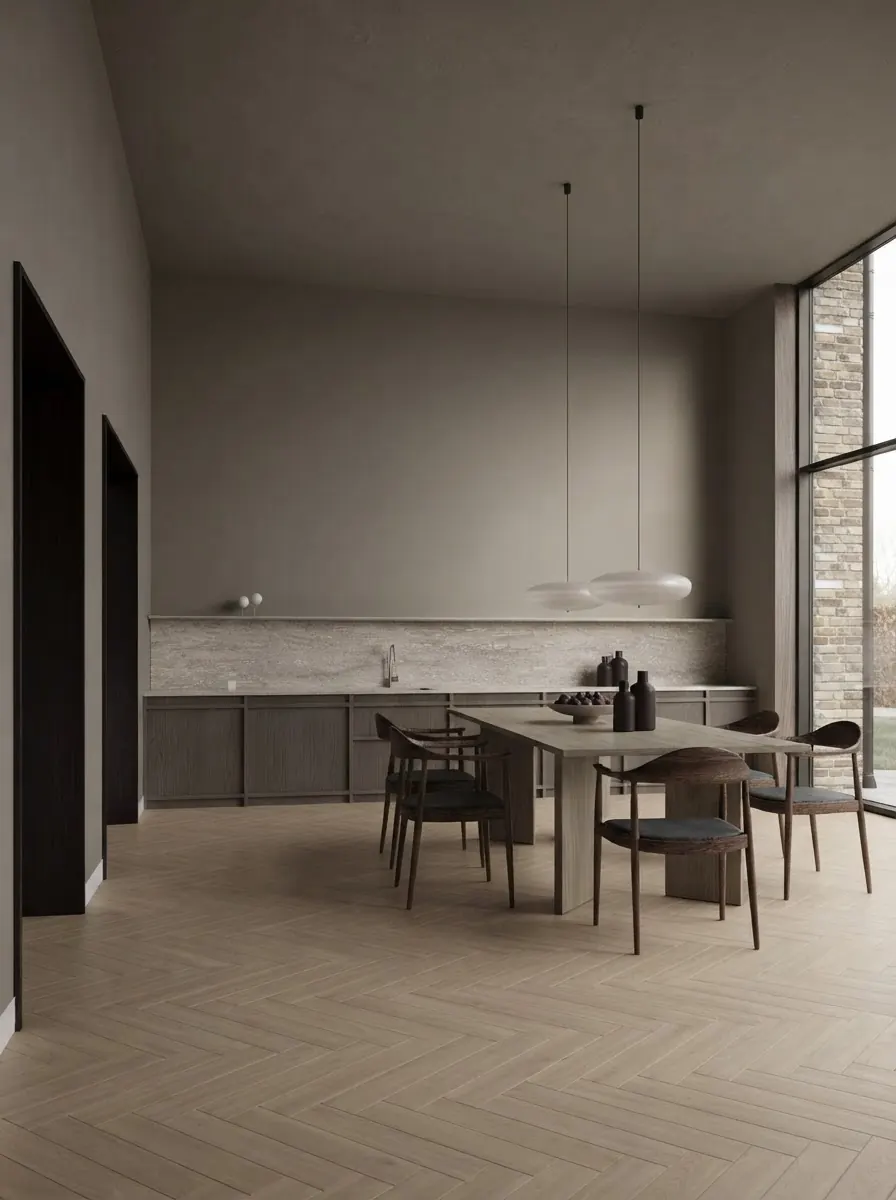
Step 1
Upload the photo and hover over the wall
Drop in a photo of the room, a listing, a Pinterest save or a screenshot. Move the cursor over the wall and the magnifier shows the exact pixels under it.
- Pick a patch of plain wall in even light, away from the window, the lamp and the corner.
- Click to lock the colour. The tool averages a 5 by 5 pixel patch so one noisy pixel cannot fool it.
- Tap and drag on a phone; the magnifier follows your finger.
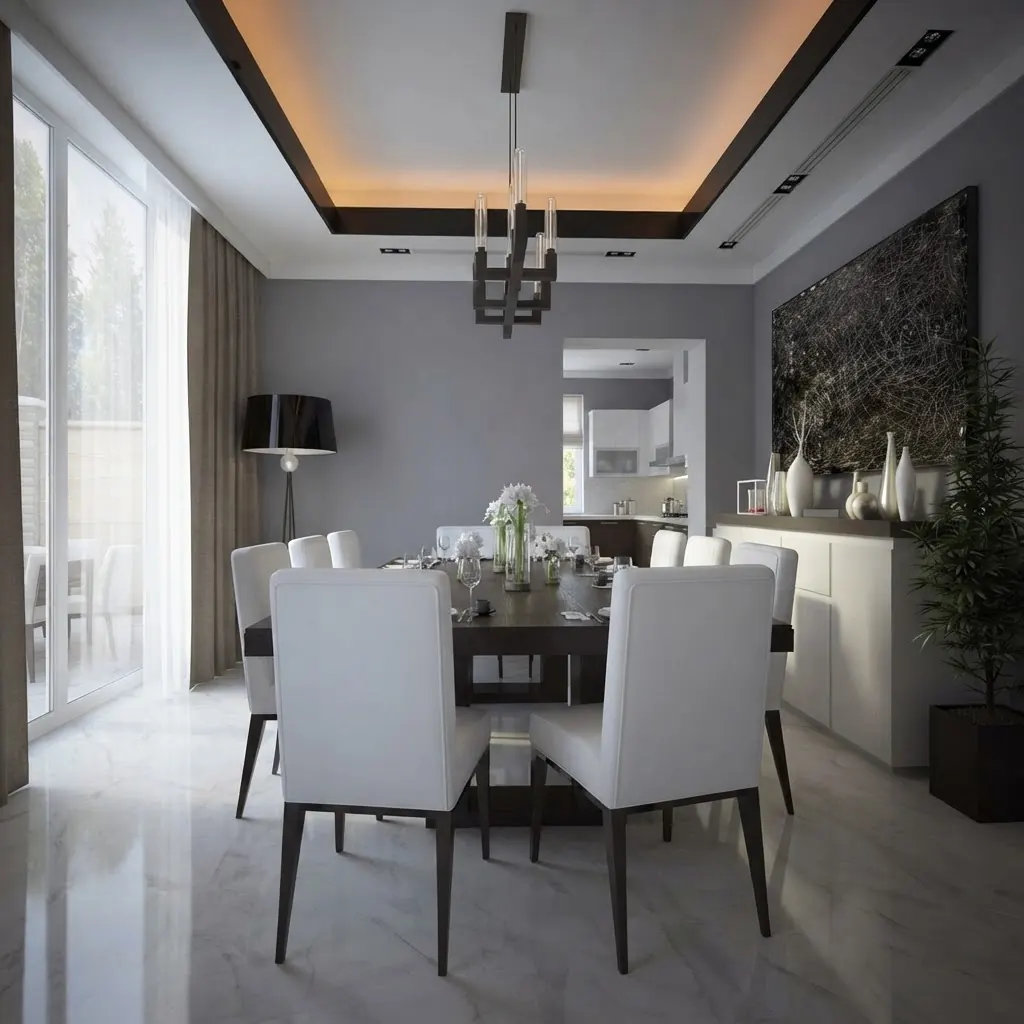
Step 2
Read the match, not just the hex
You get HEX, RGB and HSL to copy, an LRV estimate, and the five closest paints from Sherwin-Williams, Benjamin Moore, Behr, Farrow & Ball and Dulux, ranked by ΔE2000, the colour difference formula paint labs use.
- ΔE under 2 is a match you will not see. Under 5 is very close. Above 10 the paint is a relative, not a twin.
- Filter to US or UK brands so you are not sent to a paint you cannot buy.
- Every hex here is the maker’s digital swatch, so treat it as the shortlist and buy the sample pot.
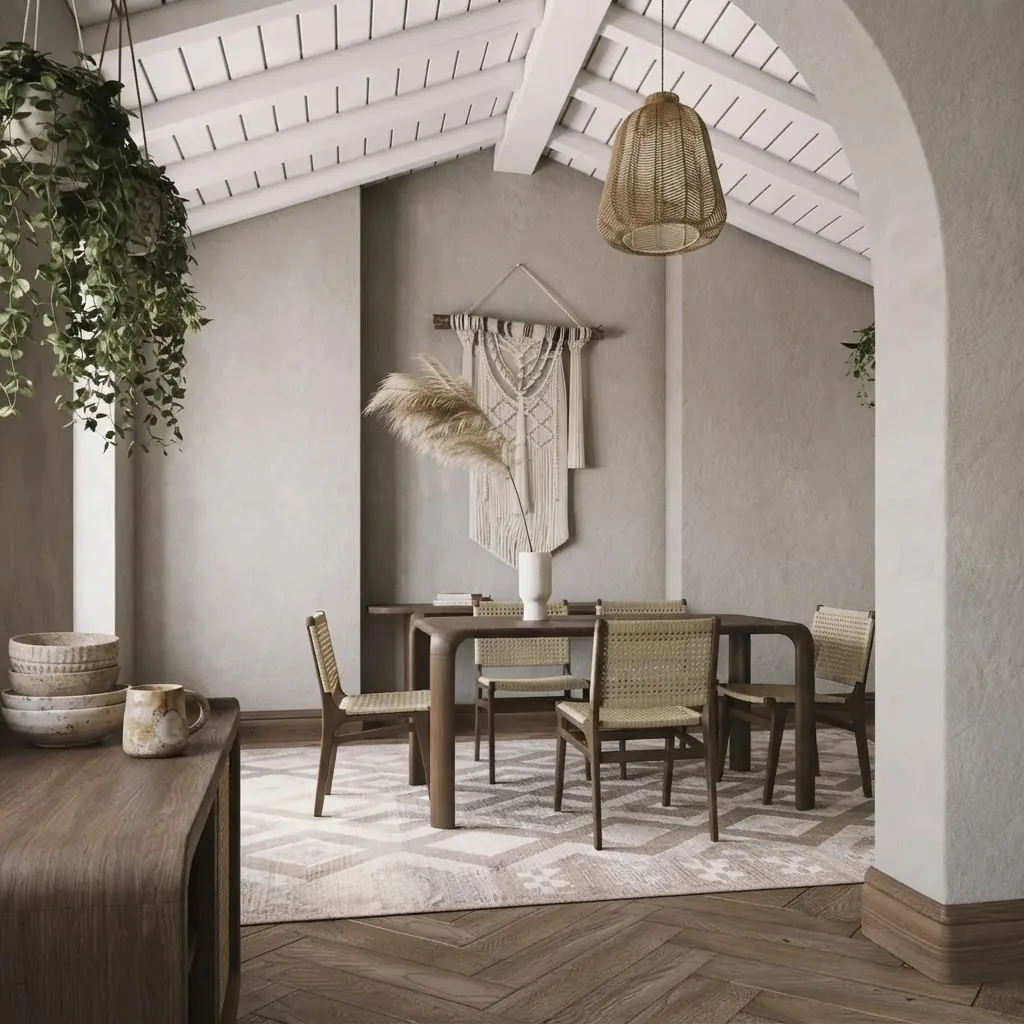
Step 3
See it on your own wall
A colour that looked right on somebody else’s wall may not on yours. Copy the repaint prompt and run it on a photo of your room, or open the wall paint visualizer and try the shade with your furniture in place.
- The prompt names the paint and the hex and tells the model to keep everything except the walls.
- Compare two or three shortlisted paints on the same photo before you buy anything.
- North-facing rooms push colours cooler and greyer; south-facing rooms push them warmer.
Reference
What paint color is this wall? The paints people usually mean
In our matching, most white and greige walls in photos resolve to one of ten paints: Alabaster, White Dove, Chantilly Lace, Pure White, Agreeable Gray, Revere Pewter, Repose Gray, Elephant’s Breath, Iron Ore or Hale Navy. Sample the wall and the finder tells you which, and how far off.
Most “what colour is that wall” questions end at one of these. The hex is the maker’s digital swatch, the LRV is what the tool estimates from it, and the difference between the two columns is the whole reason the sample pot still matters.
| Paint | Brand | Digital swatch | Estimated LRV |
|---|---|---|---|
| Alabaster SW 7008 | Sherwin-Williams | #EDEAE0 | 82 |
| White Dove OC-17 | Benjamin Moore | #EFEEE6 | 85 |
| Chantilly Lace OC-65 | Benjamin Moore | #F5F6F1 | 92 |
| Pure White SW 7005 | Sherwin-Williams | #EDECE6 | 84 |
| Agreeable Gray SW 7029 | Sherwin-Williams | #D1CBC1 | 60 |
| Revere Pewter HC-172 | Benjamin Moore | #CCC6B6 | 57 |
| Repose Gray SW 7015 | Sherwin-Williams | #CCC9C0 | 58 |
| Elephant’s Breath No. 229 | Farrow & Ball | #C4B9AC | 49 |
| Iron Ore SW 7069 | Sherwin-Williams | #434341 | 6 |
| Hale Navy HC-154 | Benjamin Moore | #434C56 | 7 |
What the ΔE number next to each match means
ΔE2000 is a single number for “how different are these two colours to a human eye”. Paint manufacturers use it on the tinting line, and it is a better guide than eyeballing two hex codes, because it weighs lightness, saturation and hue the way your eye does.
| ΔE2000 | What you would see | What to do |
|---|---|---|
| Under 1 | Not visible to a trained eye | Buy it. Any difference is in your photo, not the paint. |
| 1 to 2 | Only visible side by side | Near-identical. A sample pot confirms the undertone. |
| 2 to 5 | Visible when the two touch | Very close. This is where most photo matches land. |
| 5 to 10 | Clearly different, same family | Close. Use it as the starting point on a colour card. |
| Over 10 | A different colour | The photo lighting has drifted; re-pick on a better patch. |
Under the hood
How the finder reads a colour
No black box. Four steps, all of them in your browser.
- The magnifier. The photo is drawn onto a canvas at up to 1600 px on its long side. The loupe shows the 9 by 9 pixels under the cursor with smoothing switched off, so you are looking at the actual data, not a blurred preview.
- The sample. A click averages a 5 by 5 patch around the point. Camera grain and JPEG blocks move single pixels by several units; the average is what the wall really reads as in that spot.
- The match. The sampled sRGB colour is converted to CIE Lab and compared with every paint in the database using CIEDE2000. Results are sorted by that distance, and the verdict labels are the thresholds in the table above.
- The palette. The strip under the photo is produced by Color Thief, an open source quantizer that clusters the whole image into its eight dominant colours, so you can pick the wall even when the cursor keeps landing on a cushion.
- The LRV estimate. Relative luminance of the sampled colour, times 100. It is an estimate of the published Light Reflectance Value, not a measurement of it.
Why photos lie
How accurate is a paint color taken from a photo?
Accurate enough to name the right colour family and usually the right paint, not accurate enough to skip the sample pot. On a well lit wall the top match typically lands within ΔE 3 to 6 of the real paint. The limit is the photo, not the maths: the same wall can span more than ΔE 20 in one picture, as the measurement below shows.
Every phone camera white-balances the scene, so a warm lamp makes a grey wall read beige and a blue sky through the window makes a cream wall read grey. Shadows in a corner drop the lightness by ten or more points; glare beside a window lifts it. Sample the flattest, most evenly lit patch you can find, take a second photo in daylight with the lights off if two picks disagree, and let the ΔE number tell you how much to trust the match. The paint colour prompt guide covers the same problem from the other direction: why an AI render never lands on the colour you asked for.
What we measured
One painted wall, four readings, ΔE 21.8 apart
We ran the finder on its own sample photo, the terracotta plaster living room above, on 17 September 2026. Four 5 by 5 samples of the same painted wall, each compared with the lit patch left of the niches using the tool’s ΔE2000 code. The wall is one paint. The photo disagrees with itself by more than the whole “close” band.
| Sample point | Hex | L* | Est. LRV | ΔE2000 vs lit patch |
|---|---|---|---|---|
| Lit patch, left of the niches | #9F806F | 56.0 | 24 | 0.0 (reference) |
| Plain wall, centre | #87624D | 44.8 | 14 | 11.6 |
| Plain wall, right of centre | #84604E | 44.0 | 14 | 12.3 |
| Inside the shadow band | #694632 | 33.2 | 8 | 21.8 |
The lesson is in the last column. Two picks on plain, unshadowed wall already differ by ΔE 11.6 from the lit patch, and the shadow band is ΔE 21.8 away, which is a different colour by any standard. That is why the finder averages a patch instead of reading one pixel, why it shows the ΔE next to every match, and why the answer to “which of these is right” is always the one you sampled in the flattest, most even light.
The next step
Naming the colour is half the job. Seeing it on your wall is the other half.
Every match on this page carries a button that opens the MeltFlex AI wall paint visualizer with the colour already selected. Upload a photo of your room there and the AI repaints the walls in that exact shade, in your light, with your furniture, floor and windows left alone. Run two or three shortlisted paints on the same photo and the decision makes itself.
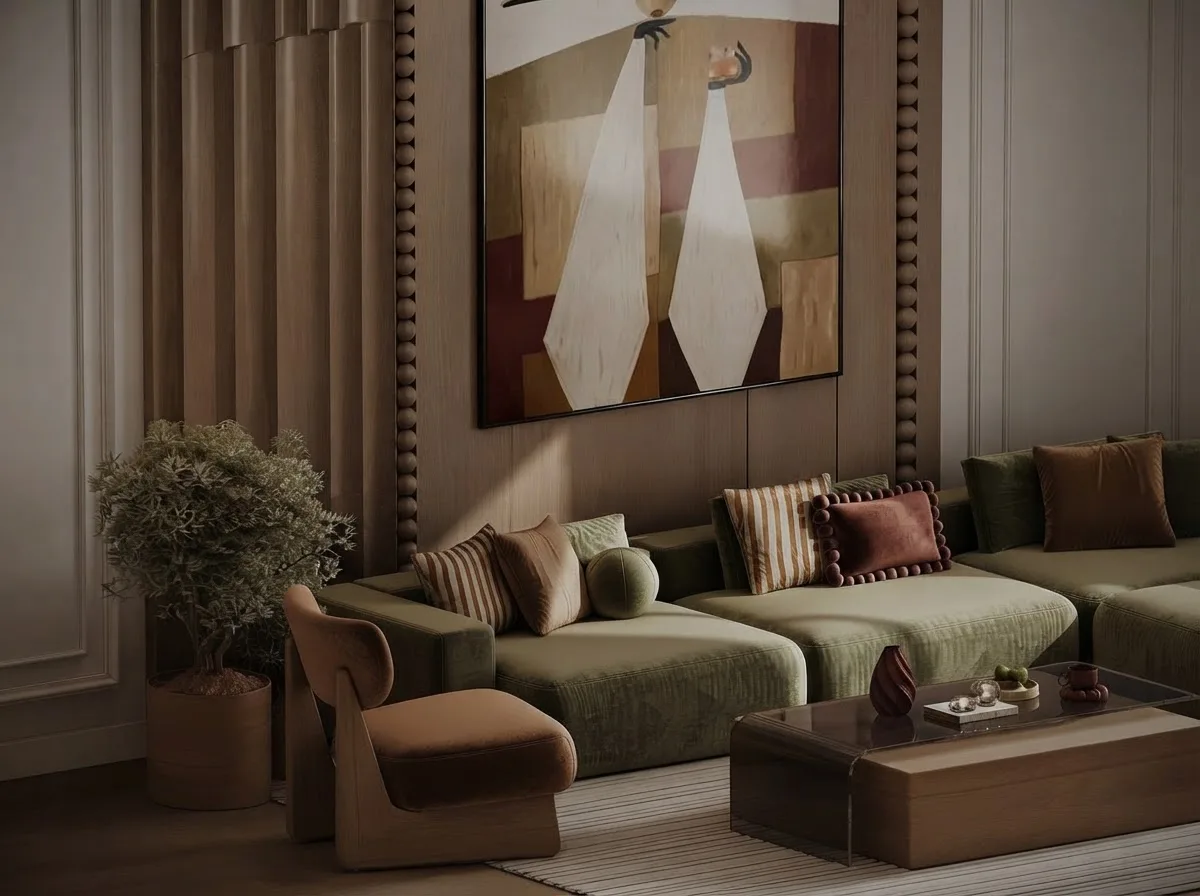
MeltFlex tool
AI Wall Paint Visualizer
Pick a colour here, open the visualizer, upload your room. The walls change, nothing else does.
- Keeps the furniture, floor, windows and lighting exactly as photographed.
- Works from any phone photo; results in about 30 seconds.
- Also previews wall textures: limewash, plaster, panelling, brick and more.
- The colour and paint name you picked on this page arrive preselected.
Keep reading
Guides for the colour you just found
Frequently asked questions
How do I find the paint color from a photo?
Upload the photo, move the cursor over a plain patch of wall and click. The tool reads the pixels under the magnifier, averages a small patch so grain does not skew it, converts the colour to CIE Lab and ranks every paint in its database by ΔE2000 distance. You get the hex code plus the five closest named paints. Pick the flattest, most evenly lit part of the wall; shadows near a corner or glare beside a window will read darker or lighter than the paint really is.
How accurate is a paint colour taken from a photo?
Accurate enough to get the shortlist right, not accurate enough to skip the sample pot. A phone camera white-balances the whole scene, JPEG compression shifts subtle undertones, and the wall itself changes with the light through the day. In practice the top match is usually within ΔE 3 to 6 of the real paint when the photo is well lit, which means the right colour family and often the right paint, with the undertone to confirm on a card.
Which paint brands does it match against?
Sherwin-Williams, Benjamin Moore and Behr for the US, Farrow & Ball and Dulux for the UK. The database is a curated set of about 130 colours, the ones people actually search for and paint with, not every SKU in every fan deck, so a very unusual colour will come back with a “close” rather than a “near-identical” verdict. Use the US / UK filter to hide brands you cannot buy locally.
What is LRV and why does the tool show it?
Light Reflectance Value is the percentage of light a paint bounces back, from 0 for pure black to 100 for pure white. It decides how bright a room feels more than the hue does. The tool estimates it from the sampled colour: a wall around LRV 60 to 70 is a light neutral, 40 to 60 is mid-tone, under 20 is a dark, moody colour. Manufacturers publish the measured LRV on every chip, so compare the estimate against that when you shortlist.
Can I get the Sherwin-Williams or Benjamin Moore code from a hex colour?
Yes, that is what the match list is. Each result shows the brand, the colour name and the code (SW 7029, OC-17, HC-172 and so on) next to its digital swatch hex, so you can walk into the store with the code. If the hex came from a design file rather than a photo, pick it from the palette strip or paste the image and click it; the matching is the same.
Is my photo uploaded anywhere?
No. The image is read by your browser into a canvas element and never leaves your device. There is no account, no sign-up and no server call for the colour work. Close the tab and the photo is gone.
Why does the same wall give me two different colours?
Because you sampled two different amounts of light. A wall is one paint but a hundred shades in a photo: brighter near the window, greyer in the corner, warmer under a lamp. Sample the flattest mid-tone patch and ignore the extremes. If two picks disagree by more than ΔE 5, the photo is the problem and a second photo in daylight with the lights off will settle it.
Can I see the matched colour on my own wall before buying?
Yes. Use the “See this colour on your wall” button to open the wall paint visualizer with a photo of your room, or copy the repaint prompt and run it in MeltFlex. The prompt names the paint and hex and tells the model to change only the walls, so you get a picture of your room, your furniture and the candidate colour together, which is the comparison a chip in the shop cannot give you.
Sources
Where the maths and the definitions come from
- Sharma, Wu & Dalal, “The CIEDE2000 color-difference formula: implementation notes, supplementary test data, and mathematical observations”, Color Research & Application 30(1), 2005The ΔE2000 formula the matcher implements, including the test data we checked our implementation against.
- Gaurav Sharma, CIEDE2000 test data and reference implementationsSupplementary data set from the first author.
- Sherwin-Williams, “Worthy of Reflection” (Light Reflectance Value explained)The manufacturer definition of LRV, quoted: “The scale goes from 0 (absorbs all light) to 100 (reflects all light).”
- CIELAB color space, WikipediaThe sRGB to XYZ to L*a*b* conversion the tool uses (D65 white).
- Color Thief, Lokesh Dhakar, MIT licenceThe open source quantizer behind the palette strip.
What we could not verify: the hex value of every paint in the database is the manufacturer’s digital swatch, not a spectrophotometer reading of a physical chip. Treat every match as a shortlist for that reason.
A shortlist, not a colour match certificate. Every hex in the database is the manufacturer’s digital swatch, and every photo carries the light it was taken in. Use the match to walk into the shop with the right names, then judge the sample pot on your own wall in daylight. Brand and colour names belong to their owners; MeltFlex is not affiliated with any paint manufacturer. Last reviewed 17 September 2026.
Found the colour? Now see it on your wall.
A code tells you what to buy. A picture tells you whether you should. Open the AI wall paint visualizer, upload a photo of your room and see the shortlisted paints with your furniture in place before you open a tin.
Open the AI Wall Paint VisualizerPrefer the full studio? Start a free MeltFlex design.

