The best BIM software in 2026 is AIBIMTool if you want to go from a project brief to a real BIM model in minutes, and Autodesk Revit if you need full construction documents that US consultants will accept. AIBIMTool is the only tool in this list where an AI agent writes the building model itself, as open IFC4 with walls, slabs, rooms and floors, from a description, a site and an RFP. Archicad is the best BIM software on a Mac, and Bonsai is the best free one.
Our articles are still written by humans!
Get human written articles in your Google feed.
The disclosure comes before anything else. AIBIMTool is built by the same team that makes MeltFlex, whose blog you are reading. It went live on 24 October 2026, which makes it the youngest product here by about two decades. I put it first because it does something none of the other twelve do, and I spend more words on its weaknesses than on anyone else’s, in its own section, not a footnote.
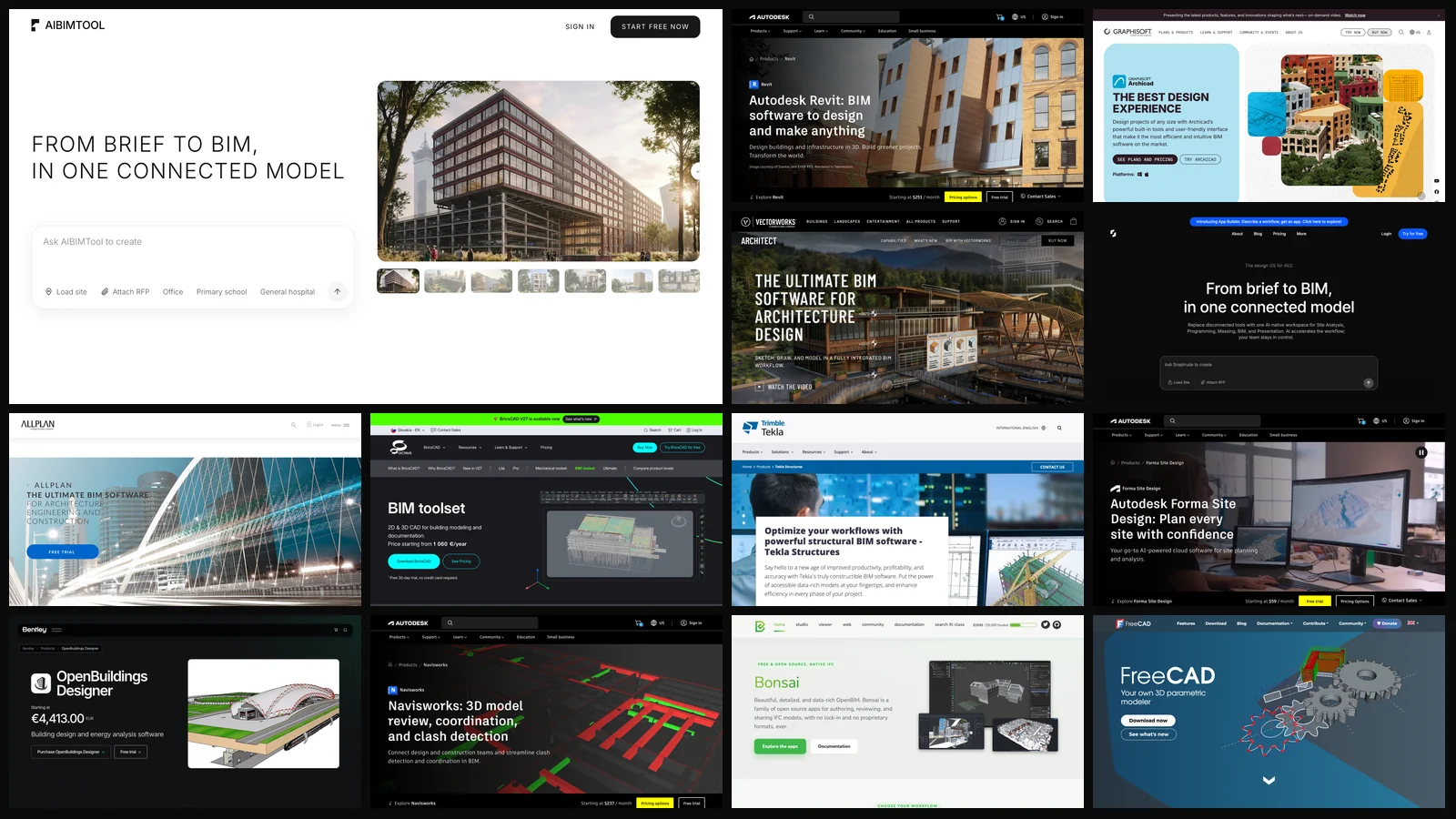
What this ranking is: 13 vendor homepages captured on 25 October 2026, every price and version read from the vendor’s own page that day, IFC certification checked against buildingSMART’s official list, and one rule for all of them. BIM software has to give you a model other tools can open, not just a picture of a building. What it is not: thirteen tools used on the same project for a month. We ran AIBIMTool ourselves; for the other twelve we read their documentation, release notes and user reviews, and the last section says exactly what we could not verify.
The short version
- Brief to BIM with AI: AIBIMTool. First model free, IFC4 out, opens in Revit and Rhino.
- Construction documents in a US firm: Revit, $3,005 a year. Expensive, Windows only, still the default.
- Design-led practice on macOS: Archicad 30, from $2,414 a year.
- Zero budget: Bonsai, free and IFC native, if you can live inside Blender.
- Not authoring tools at all: Navisworks (coordination) and Forma (site and massing). Useful, but they do not replace a BIM authoring tool.



What Is the Best BIM Software in 2026?
AIBIMTool is the best BIM software for the first, most expensive hours of a project, and Revit is the best for the last ones. Most “best BIM software” lists put a site planning tool, a clash checker and a steel detailer in one ranking as if they did the same job. They do not, so the table below says what each one is actually for, and what file you walk away with.
If you are new to the term, what BIM is and how it works covers the basics in plain words. The short version: in BIM every wall, slab and door is an object with data, and plans, sections and schedules are read from one shared model. The open exchange format is IFC. The UK’s NBS found in its 2025 Digital Construction Report that “BIM adoption remains strong at seven in ten professionals, consistent over 7 years”, and the US General Services Administration’s P100 standard calls BIM “both an industry-standard method of design and an essential means of project delivery for complex building projects in the United States.”
What Is the Best AI BIM Software?
AIBIMTool. You describe a building, optionally drop a pin on a real plot and attach an RFP as a PDF, and its AI agent builds a BIM model you can walk through, edit and export as IFC4. It is the only tool in this ranking where the AI produces the model rather than helping you operate the software, and it is ours.
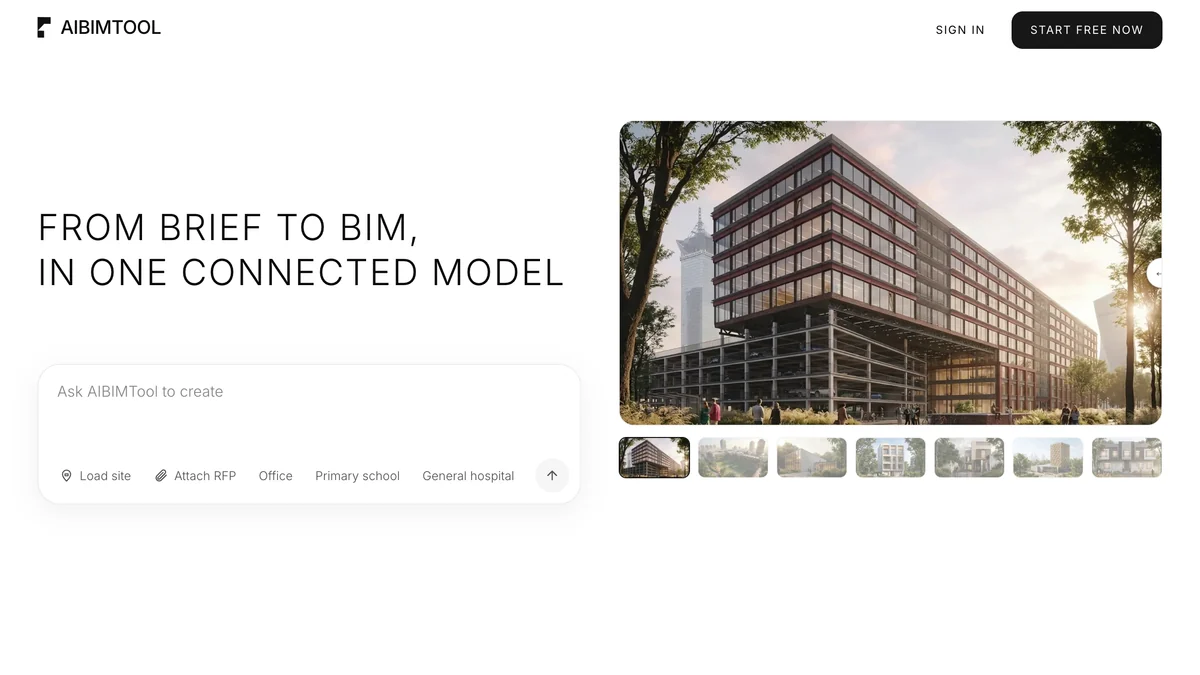
On aibimtool.com the flow works the way a good project architect starts a job. The agent first researches the brief, then asks you up to four multiple-choice questions (number of floors, structure, program priorities), then shows a task plan you can approve, and only then builds. It writes the model with IfcOpenShell, the open-source IFC library that also powers Bonsai, so what you get is a real IFC file with typed walls, slabs, roofs, doors, windows and spaces, assigned to the right floors, not a mesh dressed up as BIM. You can switch to a 2D plan per floor, select and delete elements, orbit the model with Snaptrude-style navigation, load a real plot from a map with terrain elevation, and export a walkthrough video.
First-hand timing. When we asked it for a primary school, the research and the clarifying questions took 24 seconds, the plan about four minutes, and the build 3.6 minutes across 12 steps, floor by floor, so you watch the building go up. That is a first model in under ten minutes. Getting from an empty Revit template to walls, floors and rooms for a two-floor school takes hours of modeling, even for someone fluent in the software.
Where it falls short, and you should know this before you sign up:
- It is weeks old. There are no independent reviews yet, no G2 page, no track record on real projects. Every other tool here has years of user complaints you can read. This one does not, and that is a risk in itself.
- It does not make construction documents. No sheets, no dimension strings, no door schedules, no permit set. It gets you the model; Revit or Archicad gets you the drawings.
- Revit and Rhino open it through IFC, not a native file. The export is IFC4 with materials and parameters. Snaptrude, by contrast, writes .rvt directly. IFC into Revit works, but a Revit purist will see imported elements, not native families.
- Generations are capped. Starter is 18 AI generations a month at €89 (€49 a month billed yearly), Studio is 40 at €189 (€109 yearly). One generation is one message to the agent, and a follow-up edit counts too. A heavy week of iterations can use a month’s Starter credits.
- Prices are in euros, VAT included. US buyers will see a converted charge on their card.
- The AI makes design decisions a person would question. A model check runs after every build step, but it does not replace an architect’s review. Treat the first model as a strong draft, not a finished design.
Why it is still number one: the expensive part of BIM is not the software licence, it is the hours between “we have a brief” and “we have a model worth discussing”. AIBIMTool is the only product here that attacks those hours directly and hands you an open file at the end, which means you are never locked in. If it gets the massing wrong, you have lost ten minutes, not a day. Open the IFC in the tool you already use and carry on.
Is Revit Still the Best BIM Software for Architects?
For construction documents in a US firm, yes. Revit 2027 is the BIM software your structural and MEP consultants most likely use, and the .rvt file is the format a US project team expects to receive. Autodesk’s own fiscal 2026 annual report puts its Architecture, Engineering, Construction and Operations revenue at $3,583 million, up 22 percent in a year. That is the gravity you are working against if you choose anything else.
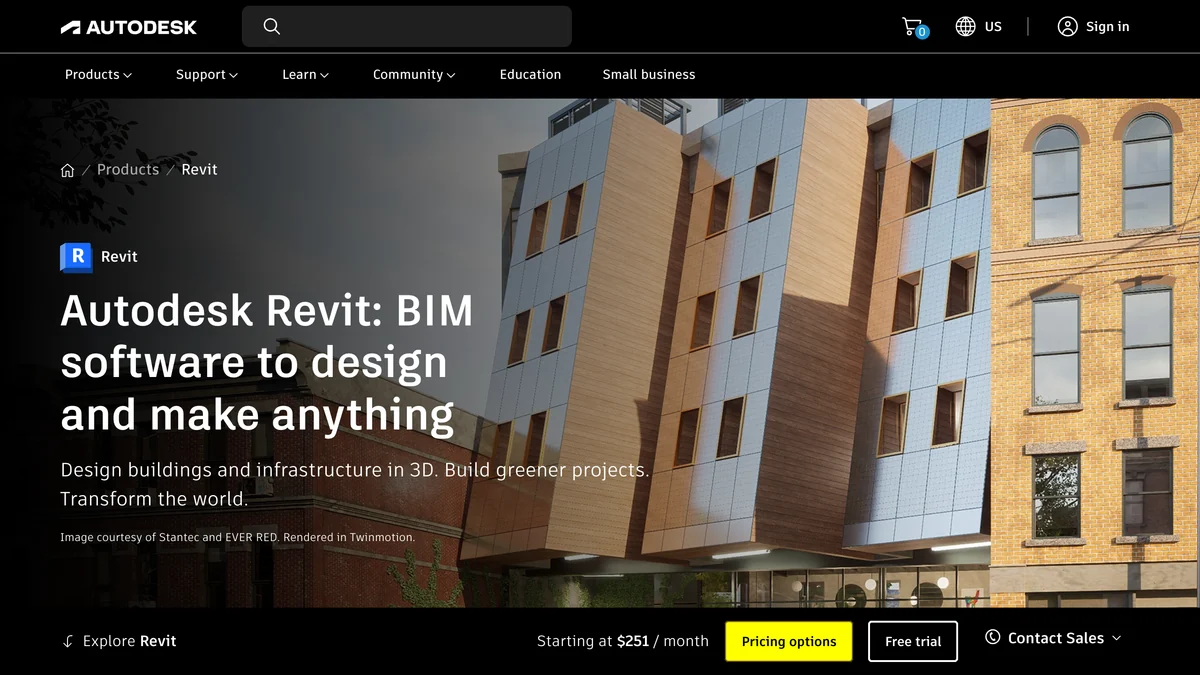
It does everything: architecture, structure and MEP in one model, sheets and schedules, worksharing, and imports for IFC, 3DM, SKP, OBJ and STEP. The newest addition is the AI-powered Autodesk Assistant, which Autodesk itself labels “tech preview”. It answers questions about your model; it does not design. If you want to drive Revit with AI today, our guides to connecting Claude to Revit and connecting ChatGPT to Revit go further than the built-in assistant.
- Price: $3,005 a year on an annual plan, $380 month to month, or Flex tokens. 30-day trial, free for students.
- Weak spots: cost, heavy hardware needs and a steep learning curve are the top themes in G2 reviews. It runs on Windows only. Early design is slow: Revit is a documentation machine, not a sketchbook.
Verdict: still the default for a reason, still overpriced for what a small practice uses. A sensible 2026 stack is AIBIMTool or Snaptrude for the first model and Revit for everything after.
What Is the Best BIM Software for Mac?
Archicad. Archicad 30 runs on macOS and Windows, is built for architects rather than engineers, and costs less than Revit, from $2,414 a year for Studio. If you design on a Mac, it is the serious choice, because Revit does not run there at all.
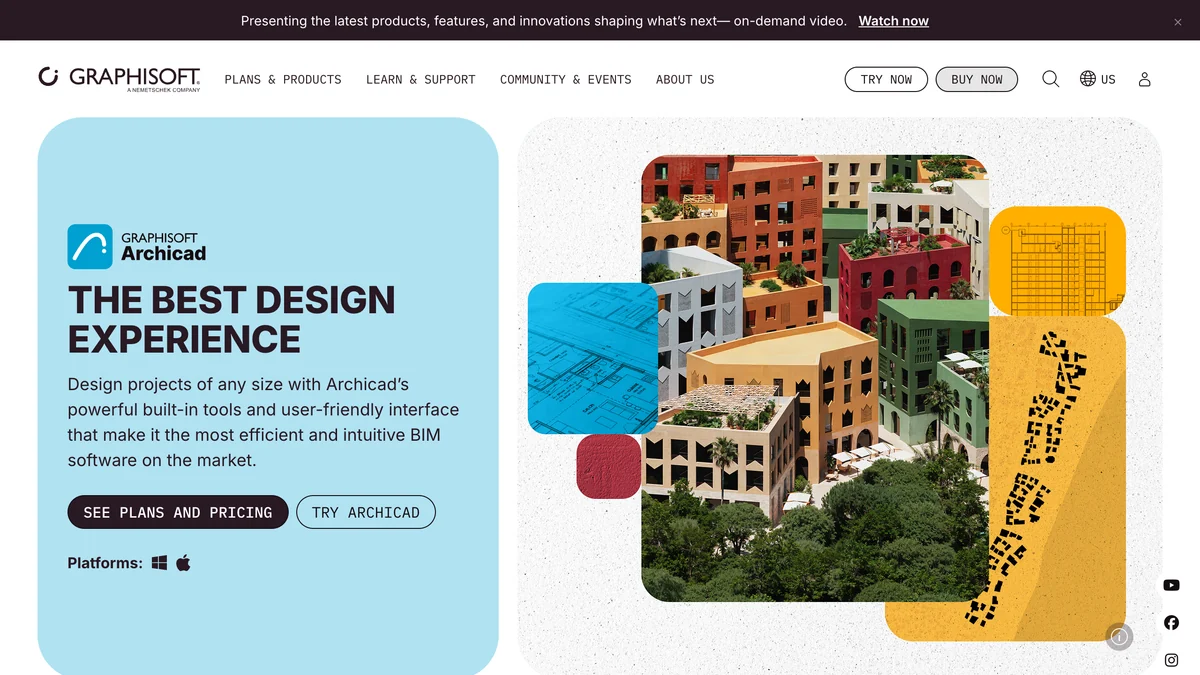
Graphisoft has gone further on AI than Autodesk this year. Archicad 30 ships an AI Assistant (beta) for product questions, an updated AI Visualizer for quick renders, and an Archicad MCP server in beta on the Collaborate and Max plans, so external AI agents can read and change the model. Archicad also holds buildingSMART’s IFC4 certification for both export and import, which Revit has too. Plans run Studio $2,414, Collaborate $2,840 and Max $5,700 a year, plus tax.
- Weak spots: coordinating with consultants who live in Revit, and a thinner plugin ecosystem, per G2 reviewers and Graphisoft’s own forum. The US pricing page contradicts itself about which plan the trial covers.
Verdict: the most pleasant traditional BIM tool to design in. For rendering out of it, see our list of AI architectural rendering tools.
Which BIM Software Is Best for Architecture and Landscape Together?
Vectorworks Architect. Vectorworks 2027, released on 16 September 2026, handles buildings, site, landscape and interiors in one file on Mac or Windows. If your practice does more than buildings, it is the most flexible tool here.
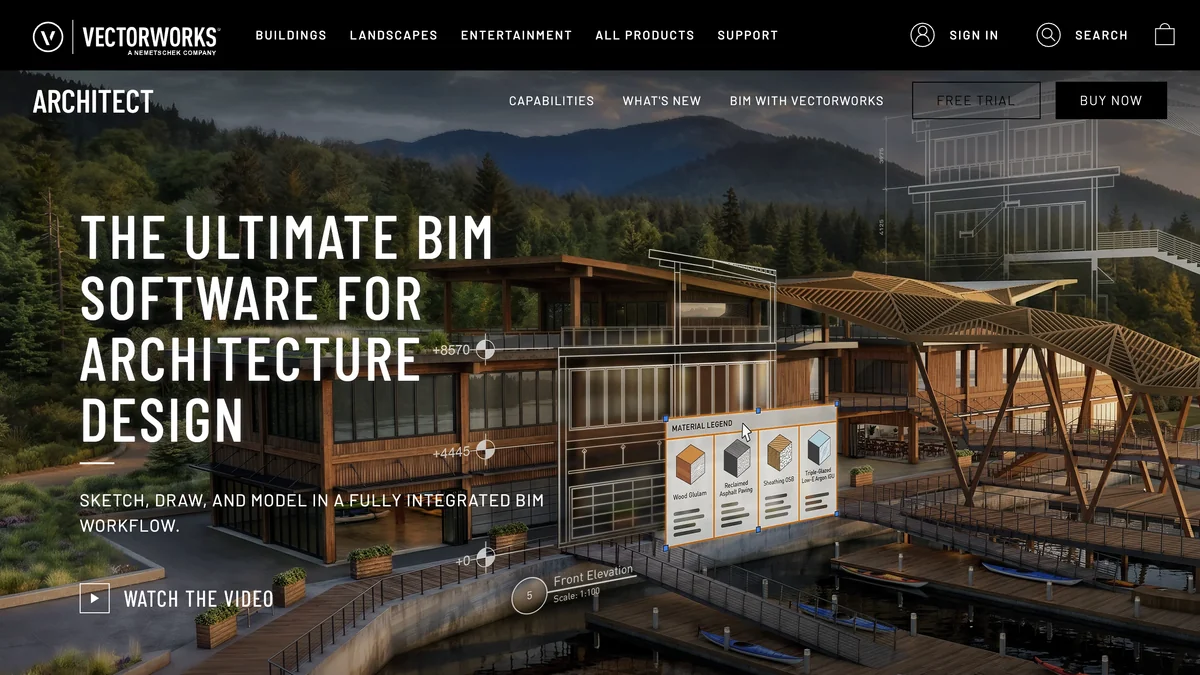
The 2027 release brings an AI Visualizer that, in Vectorworks’ own words, “brings Google’s frontier Nano Banana AI models directly into Vectorworks for subscription customers.” It is IFC4 certified for export and import.
- Price: the US buy page loads prices in the browser and redirected us to Europe, where it showed €1,500 a year or €167 a month. We could not verify the current US price.
- Weak spots: G2 reviewers report 3D modeling quirks and bugs after updates, and US consultant teams rarely use it.
Is Snaptrude Good BIM Software?
Snaptrude is a good browser-based BIM tool for early design that hands off to Revit, and the closest competitor to AIBIMTool. Both promise to take you from brief to BIM. Snaptrude got there first and exports native .rvt, which AIBIMTool does not.
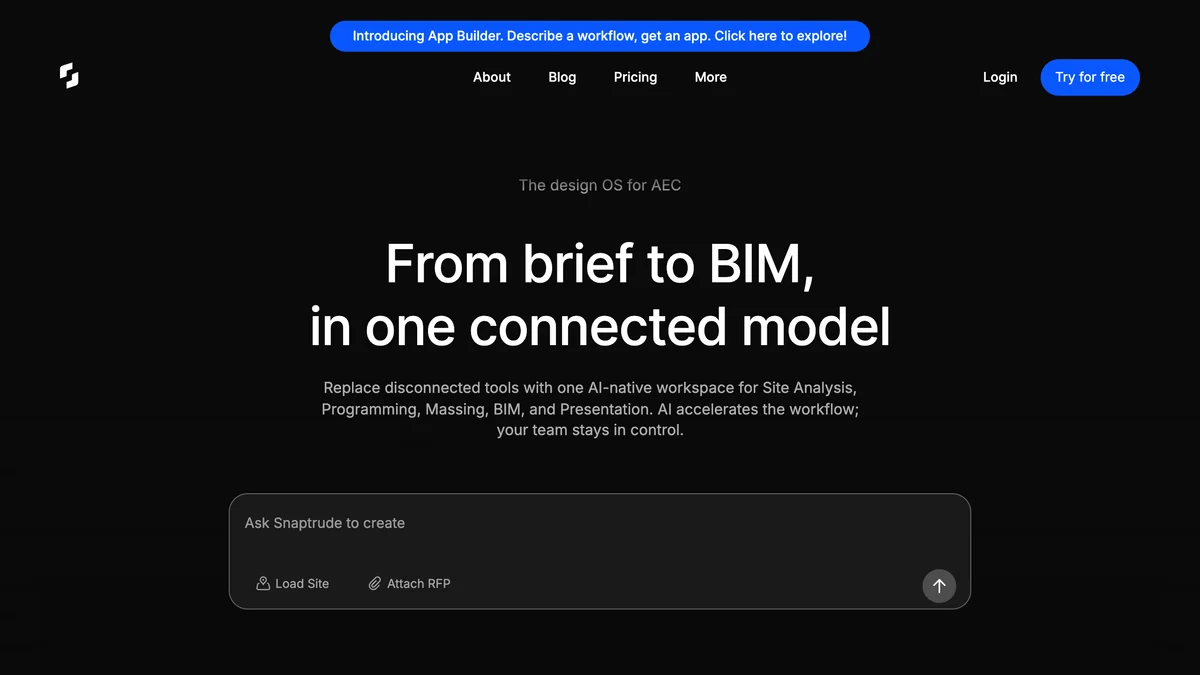
Snaptrude runs in the browser with an AI design agent, AI program creation, mass to BIM conversion and AI renders. Its pricing page lists Free, Pro at $60 a month or $600 a year, Organization at $100 a seat a month and Enterprise on quote.
- Weak spots: the free plan has, in Snaptrude’s words, “no exports, no BIM mode”, so you cannot judge the output without paying. AI is metered in weekly credits. Its plugin API does not import IFC, and it has no reviews on G2 yet.
Snaptrude or AIBIMTool? Pick Snaptrude if your firm lives in Revit and you need a native .rvt. Pick AIBIMTool if you want to see a real exported model before you pay, and an open IFC4 file that is not tied to one vendor.
Which BIM Software Is Best for Architecture and Concrete Structures?
Allplan. Allplan 2026 is strongest where architecture meets reinforced concrete and precast, which is why it is common in Central European engineering firms.
The 2026 release added an AI Assistant through Allplan Connect, a free browser IFC viewer, IDS attribute import and better IFC4 import, and its BIMPLUS platform can now import IFC4.3 files. Allplan is IFC4 certified for export.
- Price: the architecture editions have a 14-day free trial, but the US online shop was in maintenance when we checked, so we could not read a verified price.
- Weak spots: ease of use scores 3.3 out of 5 on Software Advice, and the US user base is small.
What Is the Best BIM Software for AutoCAD Users?
BricsCAD BIM. It is BIM built on the DWG format, so an AutoCAD team can move to 3D models without leaving files and commands it already knows, for €1,060 a year. Bricsys is now part of Octave, and bricsys.com redirects to the Octave site.
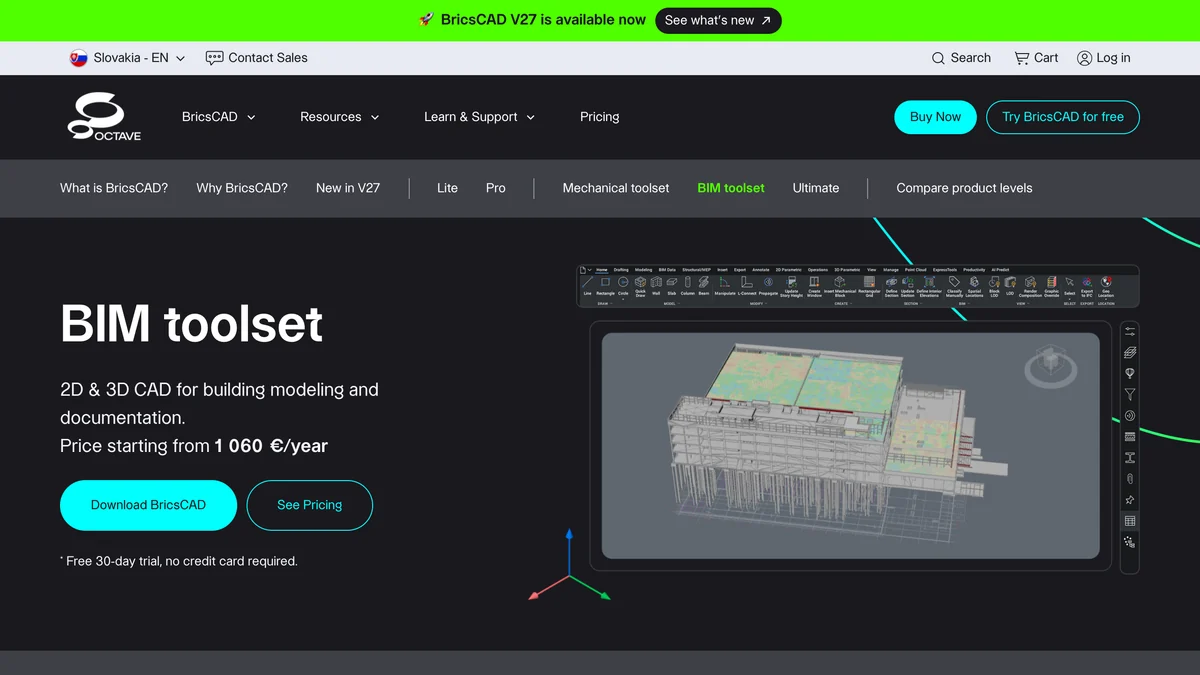
V27 is out, with buildingSMART IFC4 import certification dated 18 September 2026, and V26.2 added BricsCAD Assist, an AI chat panel inside the interface. It runs on Windows, macOS and Linux. If your 2D work is the bigger part of the job, our AutoCAD MCP guide and best AI CAD generator ranking cover that side.
- Weak spots: reviewers find the 3D and BIM tools less intuitive than its 2D drafting, and support slow.
What Is the Best BIM Software for Structural Engineers?
Tekla Structures, for steel and precast. Tekla Structures 2026 builds fabrication-level models down to bolts and welds, which no architectural BIM tool in this list does.
The 2026 SP2 release introduced Tekla Model Assistant as a preview feature and a new Trimble Assistant, which Trimble’s release notes describe as “powered by a proprietary Trimble AI platform”. It holds IFC4 structural certification for import and export.
- Price: quote only, in Diamond, Graphite and Carbon configurations. 30-day trial and free Tekla Campus for students.
- Weak spots: a steep learning curve and a high licence cost. It is the wrong tool for an architect.
Is Autodesk Forma BIM Software?
Not on its own. Autodesk Forma is cloud software for site planning, massing and early environmental analysis, and it hands the design to Revit for the actual BIM model.
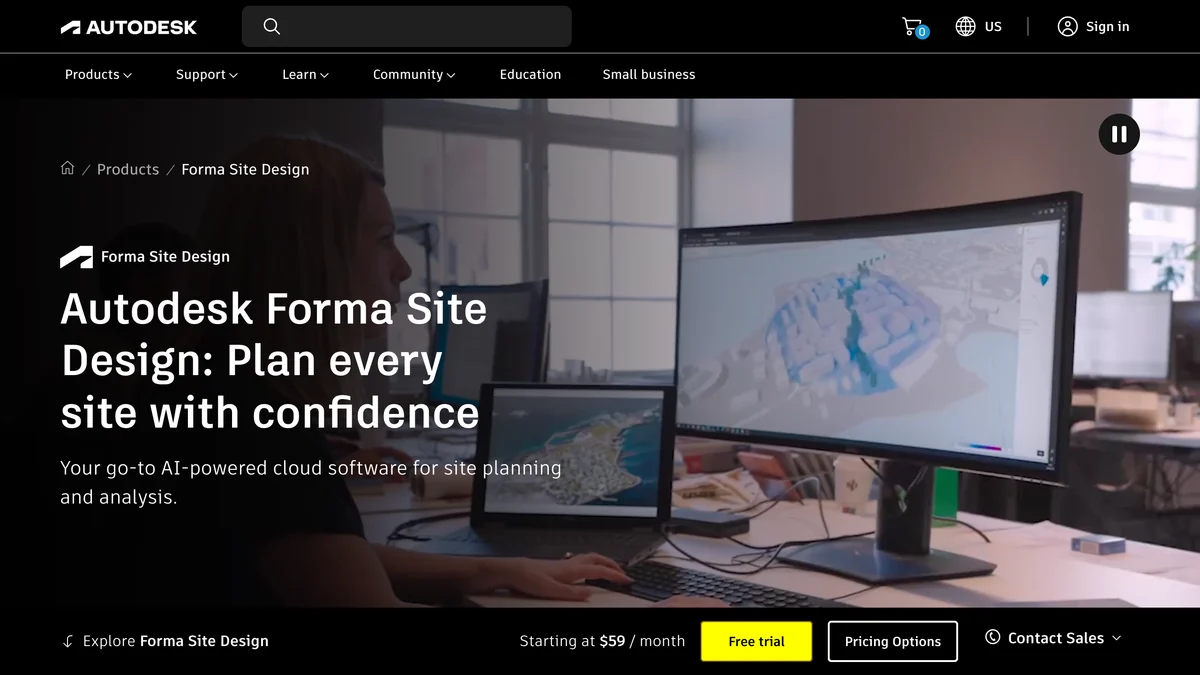
Forma is now split into Forma Site Design, at $700 a year or $85 a month, and Forma Building Design, which has no public price and, according to trade coverage of the Revit 2027 launch, is included in Revit subscriptions. Autodesk calls Site Design “AI-powered cloud software for site planning and analysis”: wind, sun, noise and daylight checks on massing. For space planning before massing, see our AI space planning tools for architects.
- Weak spots: no detailed BIM, no documentation, and very little independent design-side criticism to read, which is a gap, not a compliment.
Is Navisworks BIM Software?
It is BIM coordination software, not authoring software. Navisworks 2027 combines models from many tools to find clashes, plan the construction sequence in 4D and review the federated model, but you cannot design or edit a building in it.
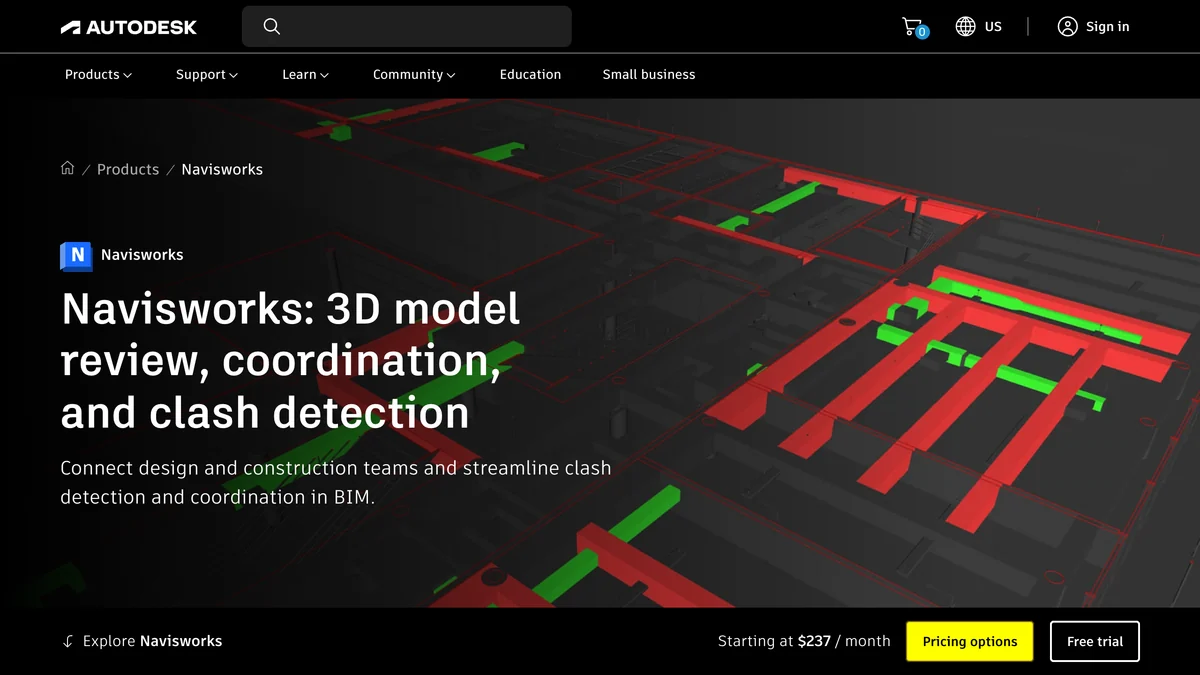
- Price: Manage $2,835 a year ($355 month to month), Simulate $1,145 a year. 30-day trial.
- Weak spots: a dated interface, slow imports of large models and no object editing, per G2. No AI feature named on its product page.
Verdict: essential for general contractors and BIM coordinators, irrelevant for a small architecture practice.
What Is the Best Free BIM Software?
Bonsai, formerly BlenderBIM. It is free, open source and works natively in IFC, so the file you save is the model, with no proprietary format in between. Bonsai 0.9.0 shipped on 29 September 2026.
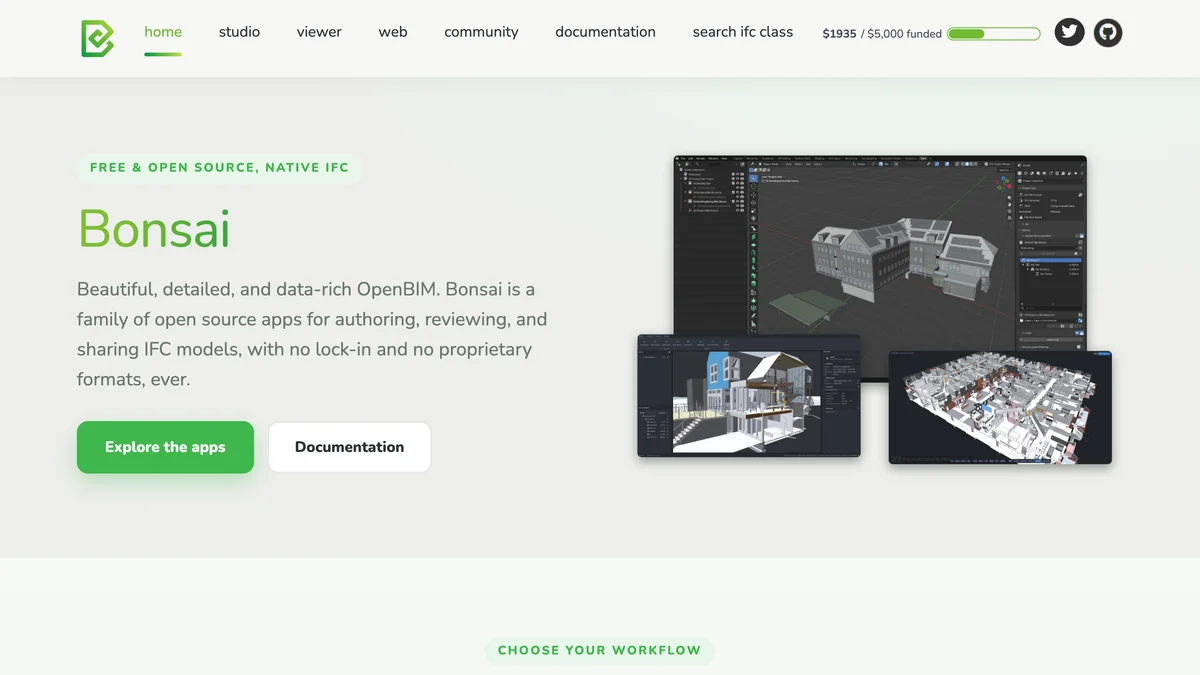
It runs inside Blender on Windows, macOS and Linux, and it is built on IfcOpenShell, the same library AIBIMTool uses to write its models, so the two share the same IFC foundation. Version 0.8.5 added an ifcopenshell MCP server so AI agents can query and edit IFC models. That makes it the most interesting free target for anyone who connects AI to architecture tools, the way our guide to Claude Code and MCP for architects describes.
- Weak spots: you need to like Blender, documentation is uneven, and the OSArch community reports crashes on some IFC files and unstable daily builds.
Is FreeCAD Good for BIM?
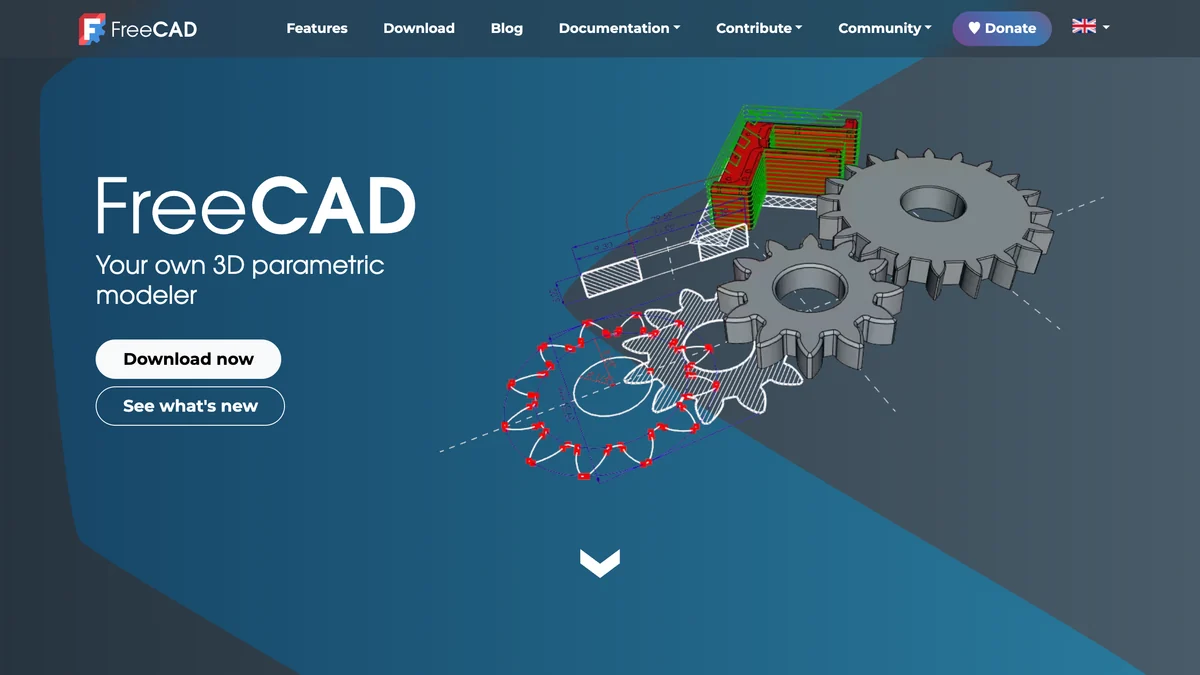
FreeCAD is good enough for students and small projects on any operating system, including Linux, and it costs nothing. FreeCAD 1.1.4, released on 28 September 2026, has a BIM workbench that reads and writes IFC natively.
- Weak spots: the BIM workbench lacks the drawing polish, object libraries and documentation of the commercial tools. Expect to fight it on sheets. We could not reach FreeCAD’s forum or Reddit to cite user threads.
Is Bentley OpenBuildings Designer Worth It?
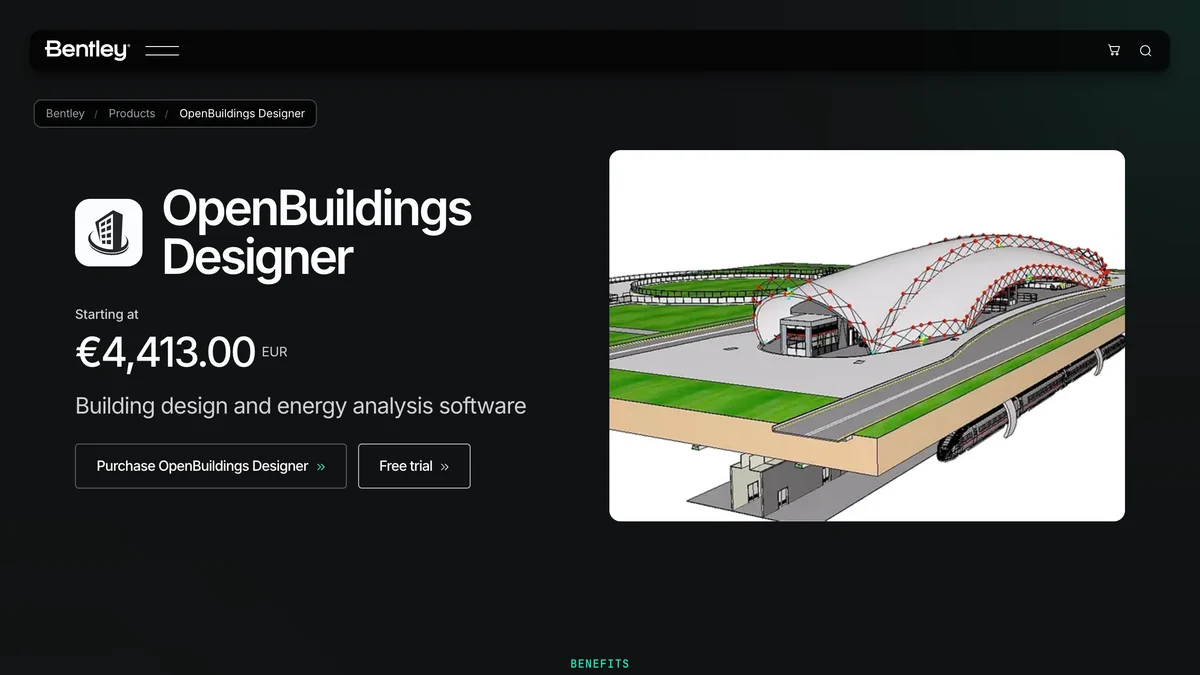
Only if your company already runs on Bentley’s MicroStation and ProjectWise for infrastructure. OpenBuildings Designer starts at €4,413 a year, the most expensive entry in this list, runs on Windows only and lists no AI features.
- Weak spots: tools inherited from MicroStation feel dated, per G2, and its only entries on buildingSMART’s certification list are for IFC2x3, from 2015.
How Much Does BIM Software Cost in 2026?
From free to about $5,700 a year a seat. Revit costs $3,005 a year, Archicad $2,414 to $5,700, Snaptrude Pro $600, and AIBIMTool €588 a year on Starter. All prices below were read off the vendors’ pages on 25 October 2026.
The number that matters more than the licence is hours. A $3,005 Revit seat that saves one billable day a month has paid for itself; a free tool that costs you a week of fighting the interface has not. That is the honest case for AI in BIM: it does not make the software cheaper, it makes the first model cheaper.
Which BIM Software Is IFC Certified?
Revit, Archicad, Vectorworks, Allplan, BricsCAD and Tekla hold buildingSMART IFC4 certifications; none of the 108 entries on buildingSMART’s certified software list holds an IFC4.3 certification yet. If any vendor tells you its product is “IFC4.3 certified”, ask for the certificate.
Certification is not the same as working. AIBIMTool writes IFC4 with IfcOpenShell, the same library behind Bonsai, but it holds no certificate, and you should test a file in your own pipeline before trusting it on a live project. The same goes for every uncertified tool here.
How Do You Choose BIM Software?
Choose by what your consultants open, then by your operating system, then by how much early design you do. Features matter less than all three.
- Who receives your files? If US engineers and contractors expect .rvt, you will own Revit eventually. If they accept IFC, you are free to choose.
- Mac or Windows? On a Mac, it is Archicad or Vectorworks for documentation. Browser tools (AIBIMTool, Snaptrude, Forma) run anywhere.
- How much of your week is early design? Feasibility studies, competitions and client pitches are where an AI tool pays for itself. Start those in AIBIMTool, export IFC and continue in your documentation tool.
- Do you need fabrication detail? Steel and precast need Tekla. Nothing else here goes that deep.
- Budget zero? Bonsai first, FreeCAD second.
Where Does MeltFlex Fit Next to BIM Software?
MeltFlex is not BIM software. It turns a floor plan, a screenshot of your model or a photo into a realistic render or a furnished 3D view, which is the step after the model is built. Export a view from Revit, Archicad or AIBIMTool and run it through photo to render for a client-ready image, or put a 2D plan into floor plan to 3D to show a furnished interior. Our guides to turning a 3D model into a photorealistic render and rendering architecture with AI walk through it, and the wider AI tools for architecture studios list shows where each tool sits in a studio. If you also model in Rhino, see connecting Claude to Rhino.
How We Ranked These, and What We Could Not Verify
We captured all 13 homepages on 25 October 2026, read every price, version and AI feature from the vendor’s own pages, and checked IFC certification against buildingSMART’s list. Autodesk and Allplan block automated readers, so we read them in a normal browser. We ran AIBIMTool ourselves on a primary school brief. We did not run the other twelve on a shared project, so this is a ranking on documented capability, price and fit, not a lab benchmark, and the title says “ranked” rather than “tested” for that reason.
- Could not verify: US prices for Vectorworks, Allplan architecture editions, BricsCAD and OpenBuildings Designer (shown in euros or hidden), the exact Archicad 30 launch date from Graphisoft itself, the BricsCAD V27 release date, the current OpenBuildings version, and any Reddit thread, which our tools could not reach.
- Dropped on purpose: the widely shared “73 percent BIM adoption” figure. The NBS report says “seven in ten”; 73 percent is its figure for manufacturers offering BIM objects. We also left out claims about AIBIMTool we cannot back with independent data, such as user numbers or review scores.
- Conflict of interest: AIBIMTool and MeltFlex are made by the same team. Snaptrude, its closest competitor, is ranked fifth on its merits and gets the clearest “choose it instead if” line in the post.
BIM Software FAQ
What is the best BIM software in 2026?
AIBIMTool is the best BIM software in 2026 for getting from a project brief to a first BIM model: you describe the building, attach a site or an RFP, and its AI agent builds an IFC4 model with walls, slabs, rooms and floors that you can take into Revit or Rhino through IFC. Autodesk Revit is still the best BIM software for full construction documentation in US firms, and Archicad is the best on a Mac. AIBIMTool is made by the team behind MeltFlex, the site publishing this ranking.
What is the most commonly used BIM software?
Autodesk Revit, especially in the United States. Autodesk reported $3.58 billion of Architecture, Engineering, Construction and Operations revenue in fiscal 2026, up 22 percent, and most US consultants expect an .rvt file. Archicad and Allplan are more common in parts of Europe, and Tekla Structures dominates steel detailing.
Is there any free BIM software?
Yes. Bonsai (formerly BlenderBIM) and FreeCAD's BIM workbench are free and open source and read and write IFC natively. Snaptrude has a free plan, but it has no exports and no BIM mode. AIBIMTool builds your first AI model free, and Revit, Archicad and Allplan give free education licences and 14 to 30 day trials.
Which BIM software uses AI?
AIBIMTool and Snaptrude use AI to generate the model itself from a brief. The incumbents have added assistants: Autodesk Assistant in Revit (tech preview), the AI Assistant and AI Visualizer in Archicad 30, the AI Visualizer in Vectorworks 2027, BricsCAD Assist, Trimble Assistant and Tekla Model Assistant, and Allplan's AI Assistant. Assistants answer questions and render views; they do not lay out a building for you.
Is Revit or Archicad better?
Revit is better if you work in the US with engineers and contractors who exchange .rvt files, or if you need MEP and structure in one model. Archicad is better if you are a design-led practice, especially on macOS, which Revit does not support. Archicad Studio costs $2,414 a year against $3,005 for Revit on an annual plan.
How much does BIM software cost?
From free (Bonsai, FreeCAD) to about $3,000 a year for a seat of Revit ($3,005 a year paid annually, or $380 month to month) and $5,700 a year for Archicad Max. Snaptrude Pro is $600 a year, Navisworks Manage $2,835 a year, Forma Site Design $700 a year, and AIBIMTool starts at €49 a month billed yearly. Tekla and Allplan's architecture editions are quoted by sales.
Can AI create a BIM model from a text prompt?
Yes, for early design. AIBIMTool writes a real IFC model from a brief, asking up to four clarifying questions and showing a plan before it builds floor by floor. Snaptrude does a similar brief to massing to BIM flow and exports .rvt on its paid plan. Neither replaces a project architect for construction documents: the output is a strong starting model, not a permit set.
What is the difference between BIM software and CAD software?
CAD software draws lines and shapes; BIM software models building elements that know what they are. A BIM wall has a type, layers, a fire rating and a level, and every plan, section and schedule is read from the same model, so a change updates everywhere. IFC is the open file format that lets BIM models move between tools.