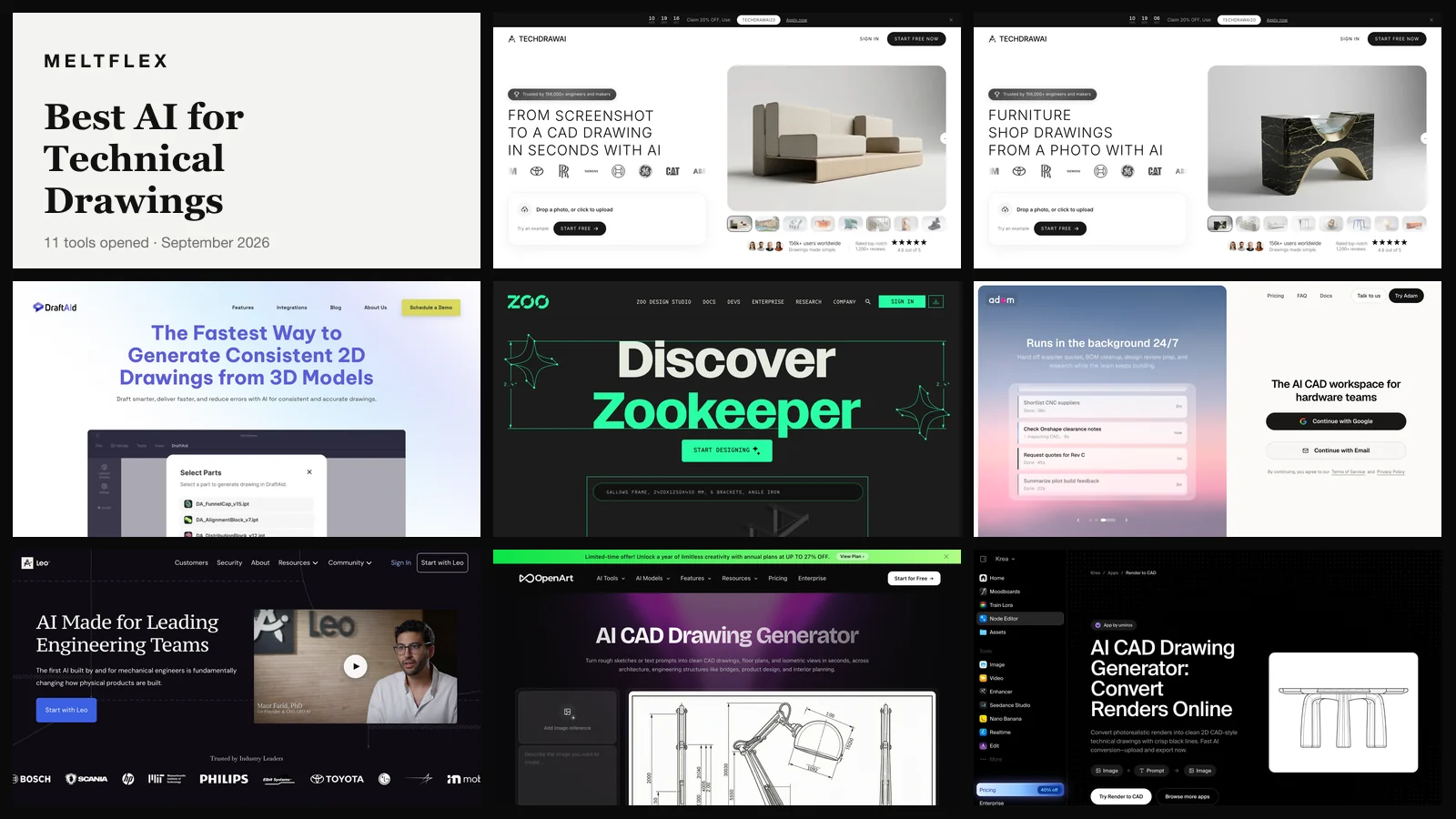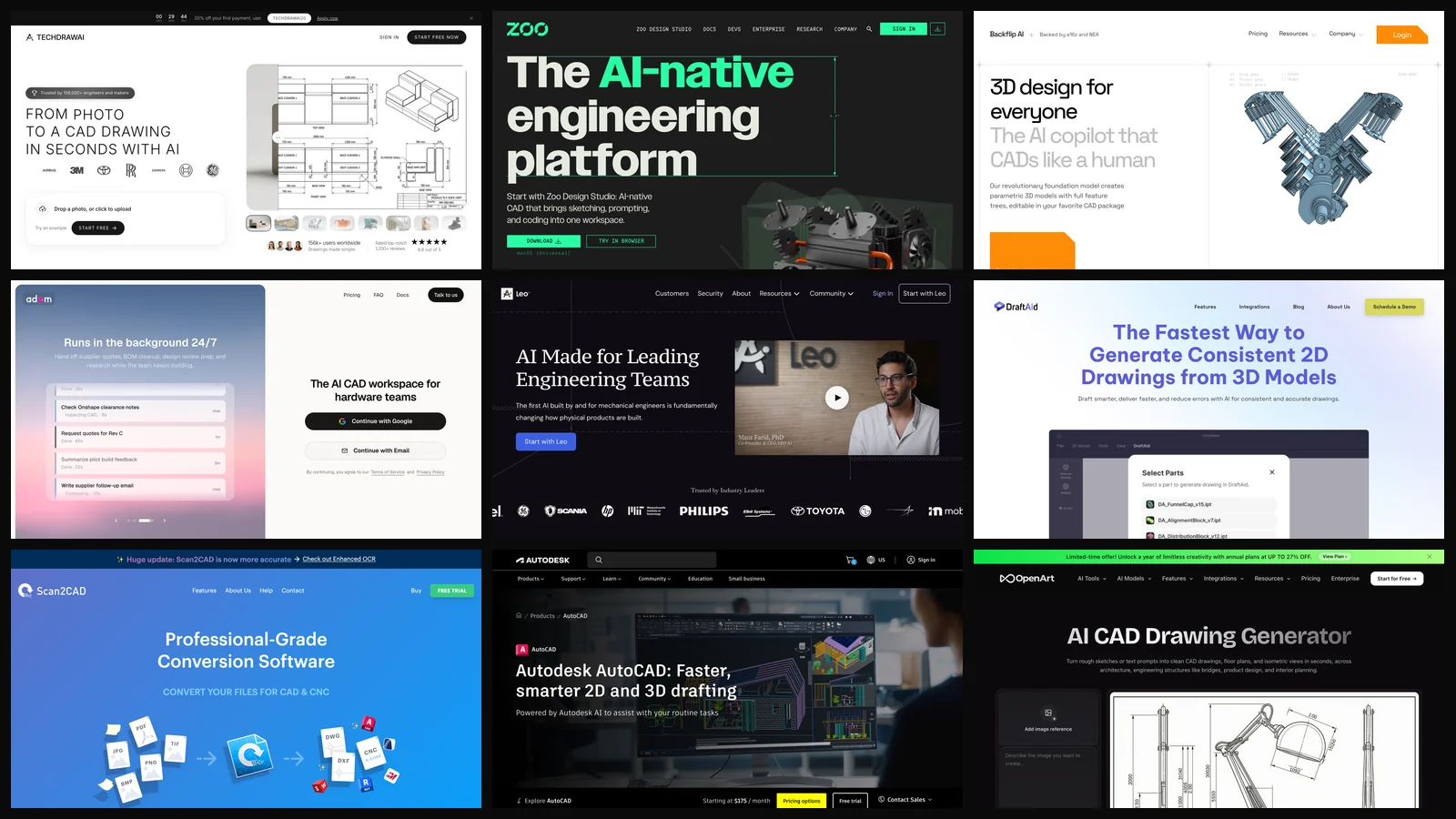
The best AI CAD generator depends on what you start with. From a photo, sketch or screenshot of a real part, it is TechDraw AI, which returns a dimensioned drawing as DXF or DWG. From a written prompt, it is Zoo, which builds real 3D solids you can export as STEP. Backflip is the pick if you need a parametric feature tree inside Autodesk Fusion. Most of the rest are copilots, converters or image generators wearing a CAD label.
Our articles are still written by humans!
Get human written articles in your Google feed.
Two disclosures before anything else. TechDraw AI is our product, and so is MeltFlex, whose blog you are reading. I helped decide its free tier and its plan gates, so I can tell you exactly where it falls short, and I do that in its own section below rather than in a footnote. The short version: the plan most people would buy first does not export a CAD file at all.
What this post is: nine vendor homepages opened and captured on 17 October 2026, every price read off the vendor’s own page that day, and one rule applied to all of them. An AI CAD generator has to hand you a CAD file, not a picture of one. What it is not: nine tools used side by side on the same part for a week. Where we could not verify something, the last section says so.
The short version
- Photo or sketch to 2D CAD: TechDraw AI, but CAD export needs the $89 a month Studio plan.
- Text to 3D solid: Zoo. Real B-rep geometry, STEP export, a free plan that is actually usable.
- Parametric model you can keep editing: Backflip, inside Autodesk Fusion or in the browser.
- Not CAD generators: OpenArt (PNG and JPG by its own admission) and AutoCAD’s assistant (it helps, it does not draw).



What Is the Best AI CAD Generator in 2026?
TechDraw AI is the best AI CAD generator when you start from an image of a real object, and Zoo is the best when you start from words. Those are different jobs, and the reason most “best AI CAD” lists read like a jumble is that they rank tools for one job against tools for another.
So the table below is sorted by what comes out the other end, because that is the thing that decides whether the tool saves you an afternoon or wastes it. The output column is the one to read first. If you need a BIM model or a laser-ready profile, a mesh will not help you, and if you need a quote from a machine shop, a PNG will not either.
Three of the nine export a 2D CAD file. Two export editable 3D solids. One exports pictures and says so in its own FAQ. If you only remember one thing from this post, make it that split, because it is the reason we spent a whole earlier piece testing which AI makes real technical drawings rather than pictures of them.
Does an AI CAD Generator Make a Real CAD File or Just an Image?
About half the products sold as AI CAD generators make an image. A real CAD file is either vector geometry (DXF, DWG) or a solid model (STEP), and you can tell the difference in ten seconds. Download one output and open it in a free DXF viewer or your CAD package. If you can click one line and it highlights alone, or select a face on a solid, it is geometry. If the whole thing selects as one block, you paid for a picture.
This matters more than any feature list. A drawing that a CNC router, a laser or a sheet metal shop can read has coordinates. A PNG has pixels, and the dimension text printed on it is decoration. We saw exactly how unreliable that decoration is on 16 September 2026: the same armchair photo through the same image model with the same prompt, three times. Heights came back 110 mm apart, a 17 percent difference on one object, and the second run printed the letters “OW” and “OH” where numbers should have been.
A mesh and a solid are not the same thing either, and vendors blur this on purpose. A mesh is a shell of triangles; you can print it, but you cannot fillet an edge or change a hole diameter. A B-rep solid has real faces and edges and opens cleanly in SOLIDWORKS, Fusion or Onshape. If someone says “3D CAD” and the download is an STL, ask which one you are getting.
What Is the Best AI CAD Generator From a Photo or Sketch?
TechDraw AI. It turns a photo, hand sketch, scan or screenshot of a real object into a dimensioned multi-view technical drawing with a title block, and exports DXF, DWG, SVG and vector PDF. It is the only tool in this list built for that starting point, and it is ours.
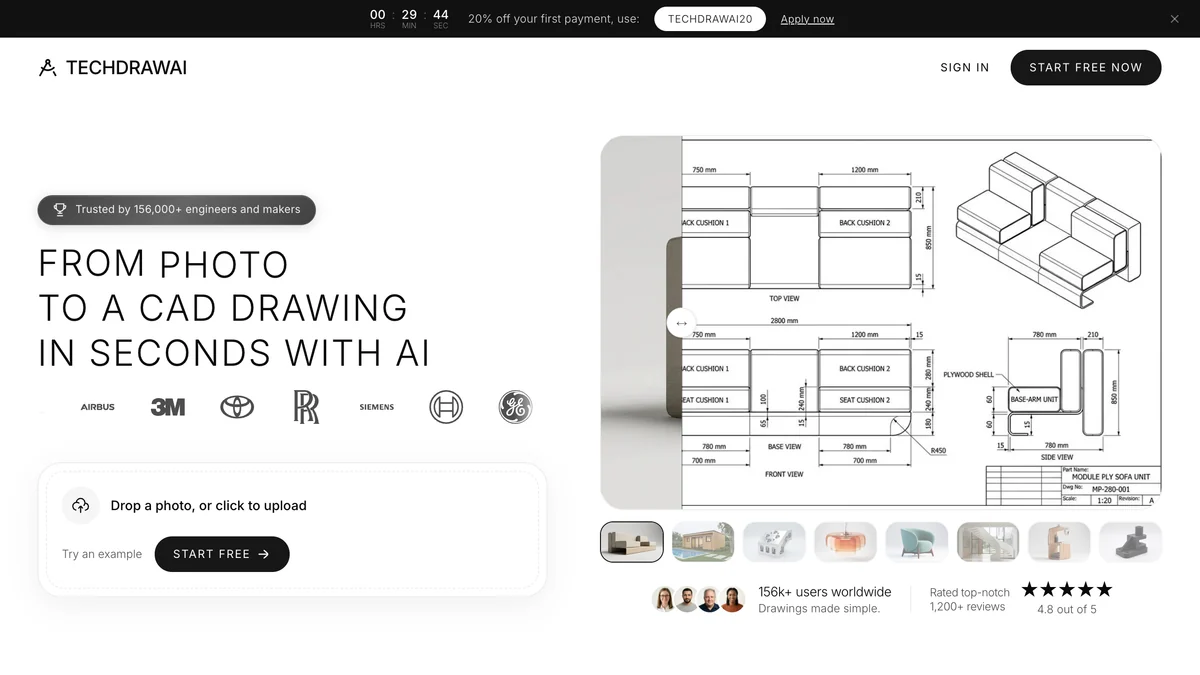
On techdrawai.com the workflow is upload, set the scale, enter one or two real lengths, and get the sheet. That second step is the whole design decision. Our own experiment above showed that an image model left to invent dimensions will invent different ones every time, so TechDraw AI scales the drawing from measurements you type in and does not try to guess sizes from pixels. The homepage says it plainly: accuracy depends on the measurements you provide. It has modes for furniture, sheet metal, woodworking, machine parts, clothing and 3D printing, plus photo to 3D and drawing to 3D tools and an MCP server for Claude and Cursor.
Where it falls short, and we would rather you read it here than find it at checkout:
- The $29 Starter plan does not export CAD files. Starter gives 120 credits a month and watermark-free PNG. DXF, DWG, SVG and vector PDF are on Studio at $89 a month, or $49 a month billed yearly. If you came for a DXF, Starter is the wrong plan, and I think we should make that clearer on the pricing card than we do today.
- The free tier is one drawing, watermarked, as a PNG. Signup gives 5 credits and a drawing costs 5. That is enough to judge the line quality, not enough to test the file in your CAD package.
- Its 3D output is a mesh, not a solid. Photo to 3D returns GLB, STL, OBJ, FBX or USDZ. That prints fine, but it is not STEP and it has no feature tree. A 3D model costs 80 credits, so Studio buys about nine a month. For a real solid, use Zoo or Backflip.
- It reads a photo, so it cannot see what a photo hides. Wall thickness, internal pockets, joinery, tolerances and material are not in the picture. You add them, or the drawing is wrong.
- Prices are set in euros. US cards are charged $29 and $89; elsewhere you pay in local currency.
Verdict: the fastest way from a real object to a CAD drawing you can send to a shop, on the Studio plan. If your starting point is a written idea rather than a thing on your desk, it is the wrong tool and Zoo is the right one. If you want to see how the 2D side fits into a larger room or product workflow, our guides to floor plan symbols and drawing a floor plan by hand cover the conventions it follows.
What Is the Best Text to CAD AI Generator?
Zoo. Its Zoo Design Studio and the Zookeeper agent turn a prompt into editable B-rep geometry, not a mesh, and export STEP, STL, OBJ, glTF and PLY. Of everything here, it is the closest to the thing people imagine when they type “AI CAD generator”.
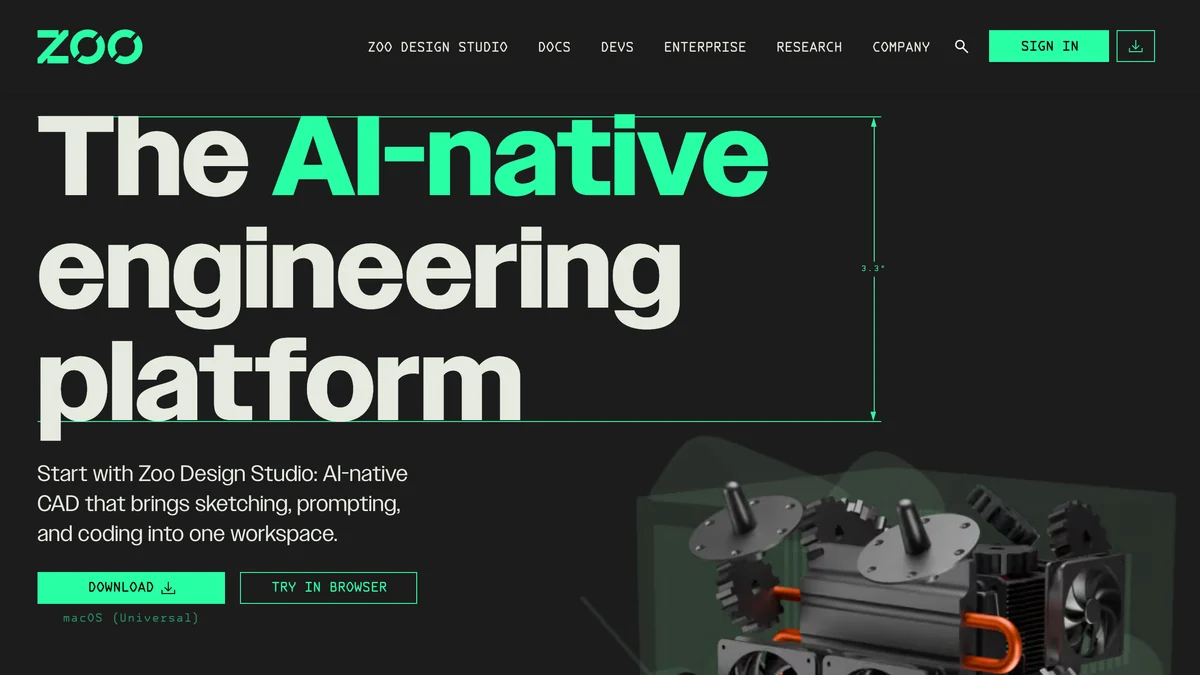
What makes Zoo different is the kernel underneath. It builds geometry on its own engine, so the result is a solid with real faces and edges that opens in any CAD program, and it lets you switch between point-and-click, code (its KCL language) and prompting in the same file. Its pricing is also the most honest in the category: free with about 20 minutes of Zookeeper reasoning a month, $20 for roughly 400 minutes, $99 for unlimited Zookeeper inside Design Studio, and $399 per user for teams.
The catch: “minutes of reasoning” is hard to budget until you have used it, and on the free plan that allowance is shared with any API use. It also works best on prismatic parts, the brackets, plates and enclosures that dominate the training data of text to CAD research. The Text2CAD paper presented at NeurIPS 2024 built its dataset from about 170,000 DeepCAD models with roughly 660,000 text annotations, and that corpus is mostly simple mechanical shapes. Ask for something organic and you will feel it.
Verdict: the best text to CAD tool and the best free AI CAD generator in this list. It does not read photos of existing parts the way TechDraw AI does.
Which AI CAD Generator Makes Parametric Models With a Feature Tree?
Backflip. It generates parametric 3D models with a full feature tree and sketch constraints, editable in Autodesk Fusion, and it can rebuild an engineering drawing or a 3D scan as a parametric part.
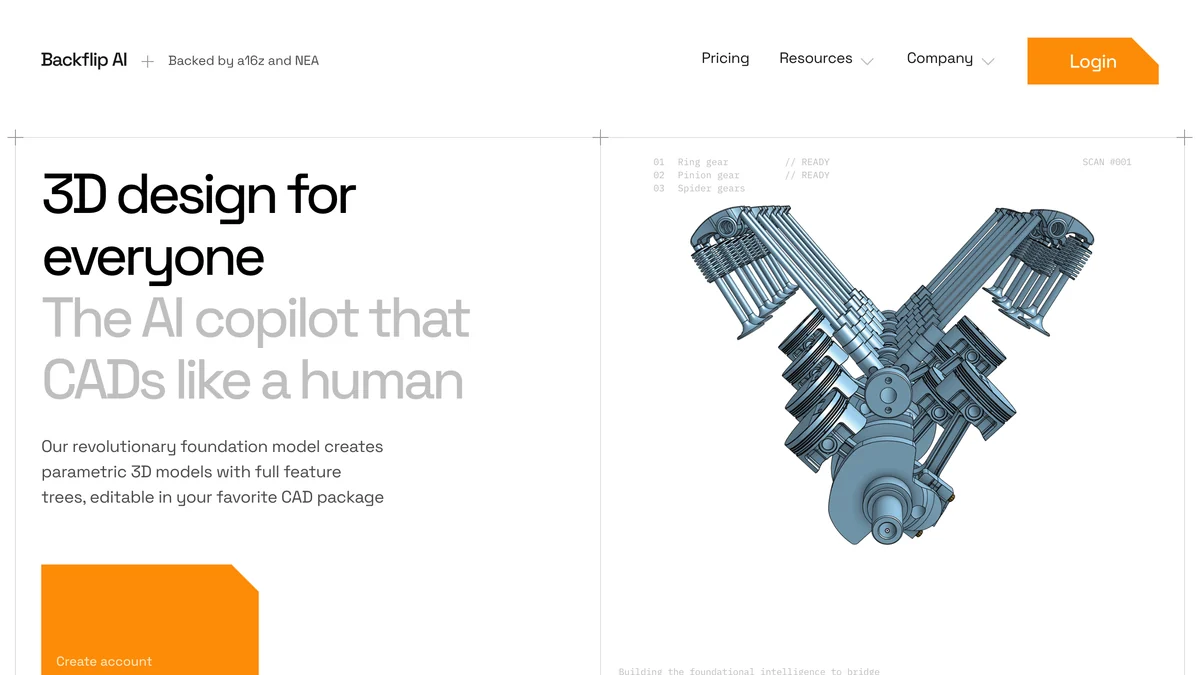
A feature tree is the part people underestimate. A mesh or even a dumb solid is a dead end the moment a dimension changes. A model built from sketches and features, the way an engineer would build it, lets you change the hole spacing and have everything downstream follow. Backflip’s homepage pitches exactly that, and its drawing to CAD mode is the one tool here that tries to turn an old 2D drawing into a parametric 3D part rather than a mesh.
The catch: credits go fast. 50 free credits, then $20 for 100, $50 for 300 or $380 for 2,500. A Fast Mode job costs 10 credits and a Thinking Mode job costs 50, so the $20 plan buys ten quick attempts or two careful ones. Onshape and other CAD plug-ins are listed as coming soon, so today it is a Fusion user’s tool.
Verdict: the right pick if you live in Fusion and want models you can keep editing. Budget for retries.
Is Adam Still an AI CAD Generator?
Not mainly. Adam started as a text to CAD tool and now sells itself as an AI CAD workspace for hardware teams: an agent that connects to Onshape, Fusion and SOLIDWORKS and handles reviews, BOM cleanup and supplier quotes.
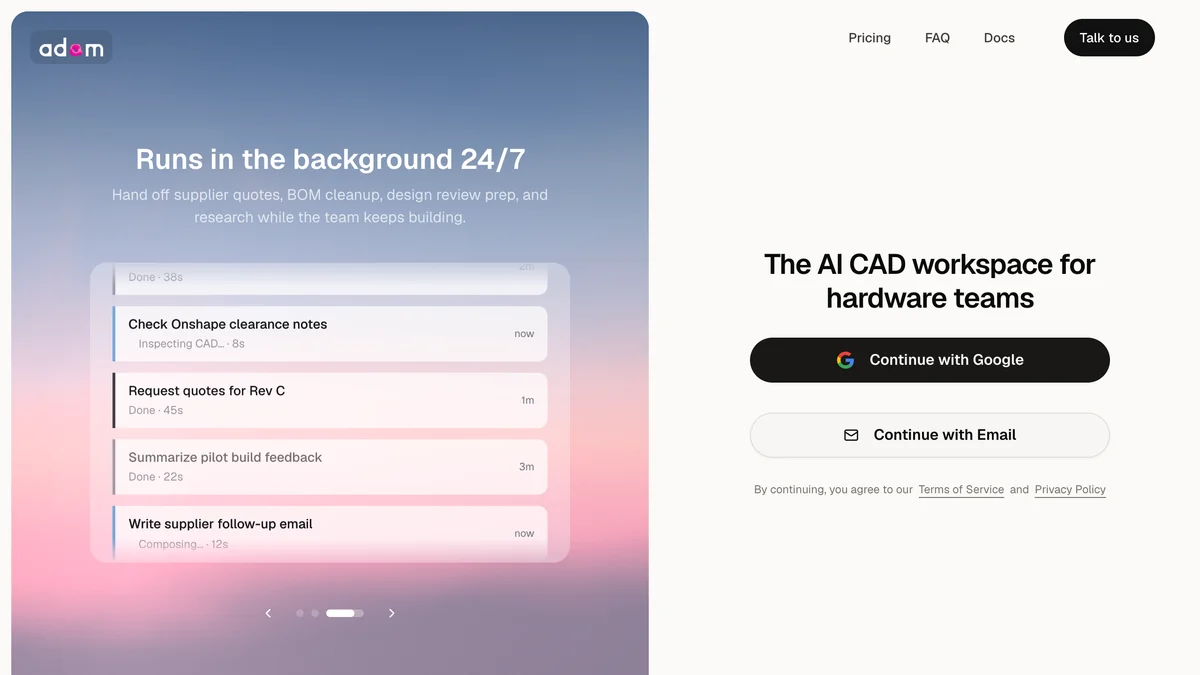
That pivot is visible on the homepage itself. The example tasks are “Normalize EVT enclosure BOM”, “Shortlist CNC suppliers” and “Check Onshape clearance notes”. The pricing page still lists CAD specific skills and CAD software integration on every plan: free with a light daily quota, $40 a month for Pro with a 7 day trial, and $200 a month for Max.
Verdict: useful if you run a hardware team and want an agent in your existing CAD and inbox. If you want a part generated from a prompt, Zoo or Backflip is more direct.
Is Leo AI a CAD Generator or an Engineering Copilot?
An engineering copilot. Leo AI answers engineering questions from your PLM data and a large library of sources, runs calculations, finds parts and builds assemblies. It sells to engineering teams, not to someone who wants one part drawn this afternoon.

Leo’s homepage claims a patented “Large Mechanical Model”, SOC 2 certification and answers grounded in “1M+ engineering sources”, and its strongest pitch is formulas and calculations with sources cited. That is a real job and arguably a more valuable one than generating geometry. It just is not the job this query is about.
The catch: no price on its own site. Software directories such as GetApp list a Pro plan at $15 per user per month, but Leo’s pricing page was down when we checked, so treat that number as unconfirmed.
What Is the Best AI for 2D Drawings From a 3D Model?
DraftAid. It generates 2D production drawings from a 3D model you already have, adapting to your company templates and dimensioning standards. It is the reverse of most tools here: the model exists and the drawing is the tedious part.
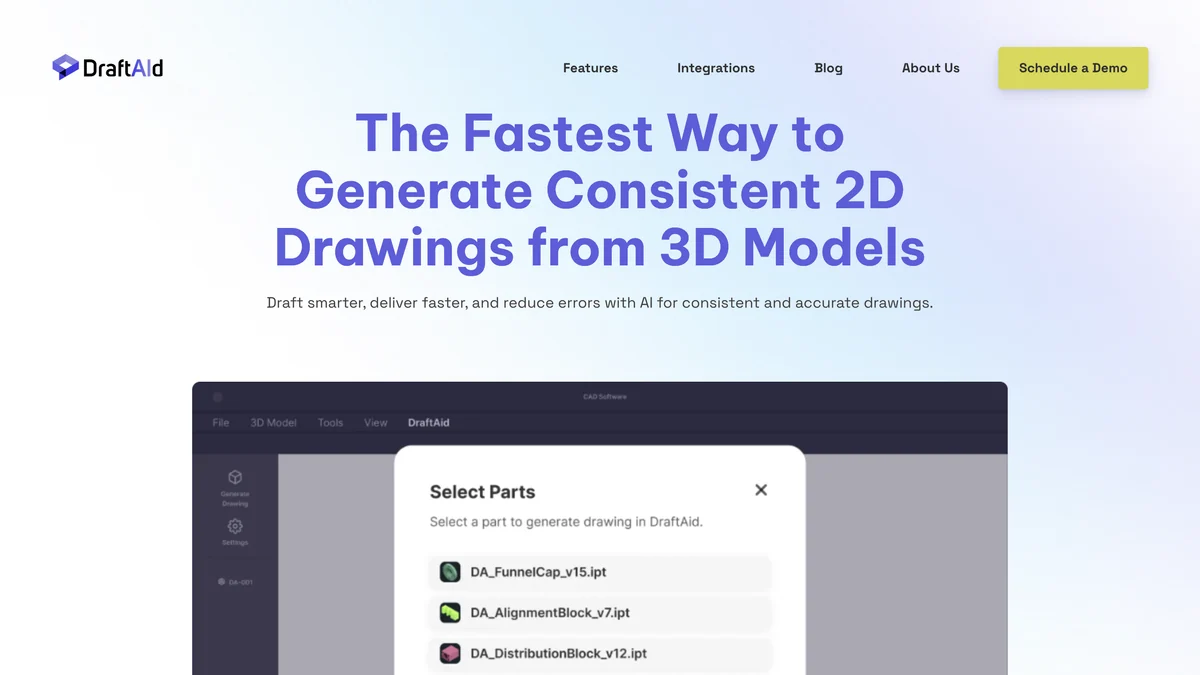
The pitch is volume: hundreds of drawings generated in the background with automated layout, scaling, break lines and dimensioning of holes and slots. For a team that ships dozens of parts a week, that is where the hours actually go. The catch: no public price and no self-serve trial. You book a demo.
What Is the Best AI to Convert a Scanned Drawing to CAD?
Scan2CAD. It converts scanned drawings, images and PDFs to DXF or DWG with layers, text and objects, and to G-code for CNC. It is a vectorizer with OCR rather than a generative model, which is exactly why it is reliable at this one job.
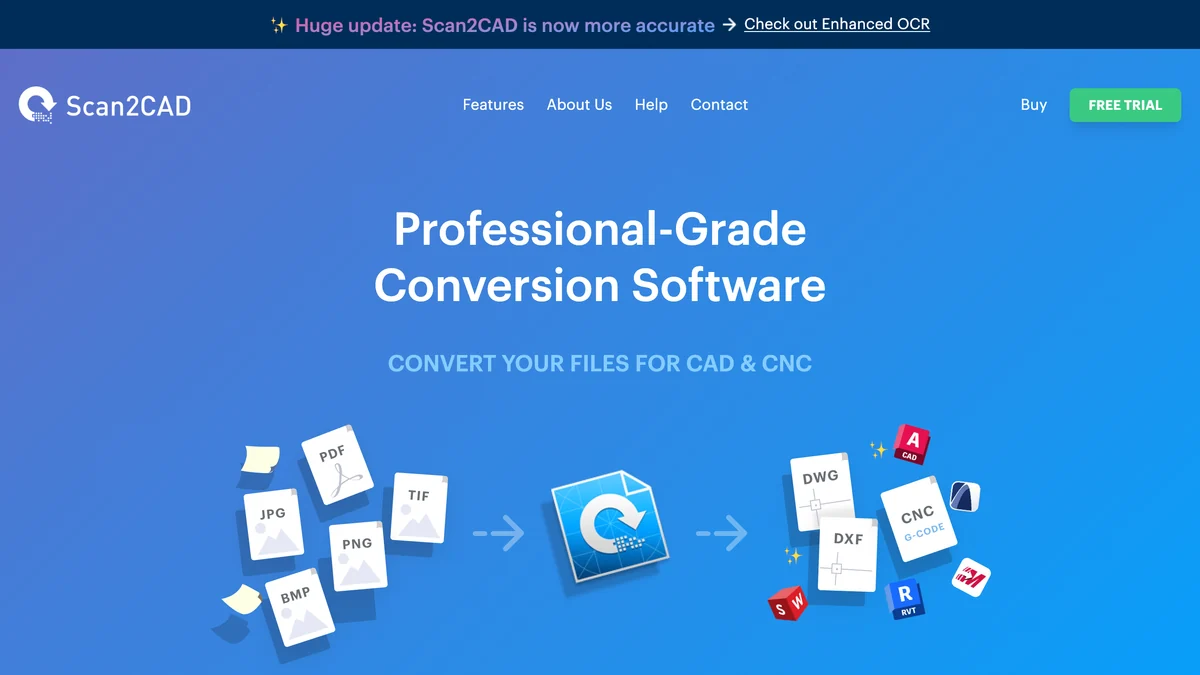
The difference from TechDraw AI is the input. Scan2CAD expects a drawing that already exists, a blueprint, a floor plan, an electrical plan, and redraws it as vectors. TechDraw AI expects an object and drafts a drawing that never existed. If you have an archive of paper drawings, Scan2CAD is the better buy. It starts at $89 a month, converts your first file free, and is a desktop download for Windows and macOS. For floor plans specifically, our roundup of floor plan software covers tools that go further and model the rooms.
Does AutoCAD Have an AI CAD Generator?
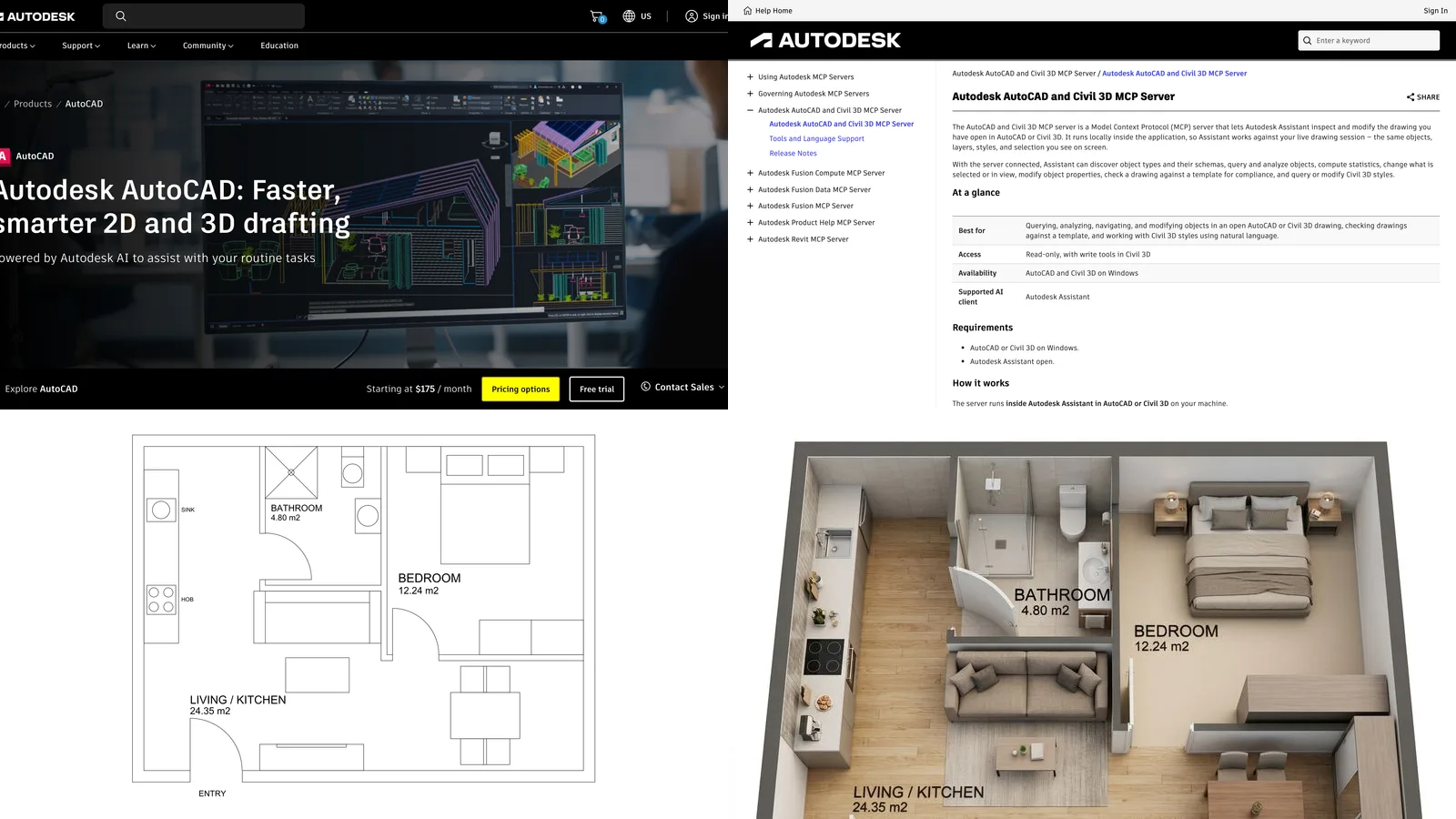
No. AutoCAD has Autodesk AI features and the Autodesk Assistant, which helps you find information, check CAD standards and fix design issues inside a drawing, but it does not generate a drawing from a prompt or a photo.
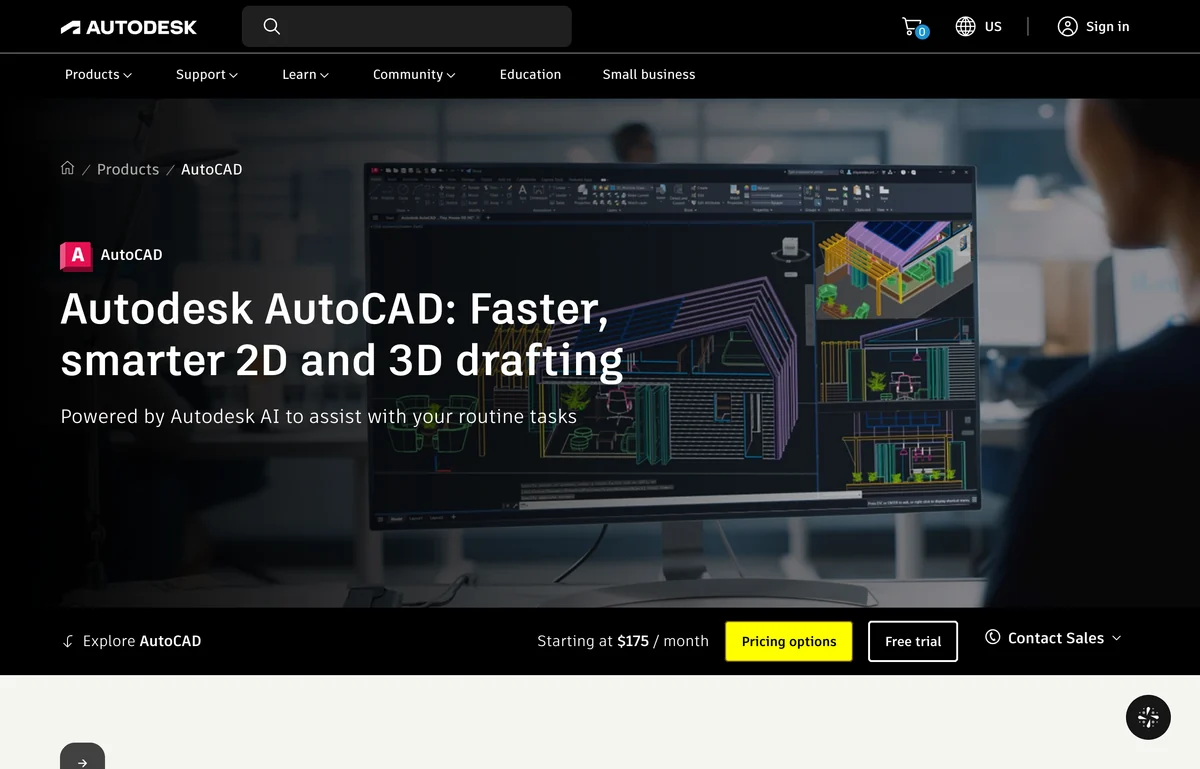
The newest piece is that the Assistant now uses the Model Context Protocol to read drawing context, which is the same plumbing that lets outside AI agents drive AutoCAD. We tested that route in our AutoCAD MCP guide, and it is the closest thing to a generator AutoCAD has today: you bring the AI, AutoCAD does the drawing. At $175 a month it is the most expensive way into this list, and you are still the one drafting.
Verdict: where generated DXF and DWG files go to be finished, not where they get generated.
Is OpenArt’s AI CAD Drawing Generator a Real CAD Tool?
No, and its own FAQ says so: outputs come as PNG and JPG, and for DWG or DXF you take the output into your CAD tool and trace it. It is an image generator tuned to make pictures that look like technical drawings.
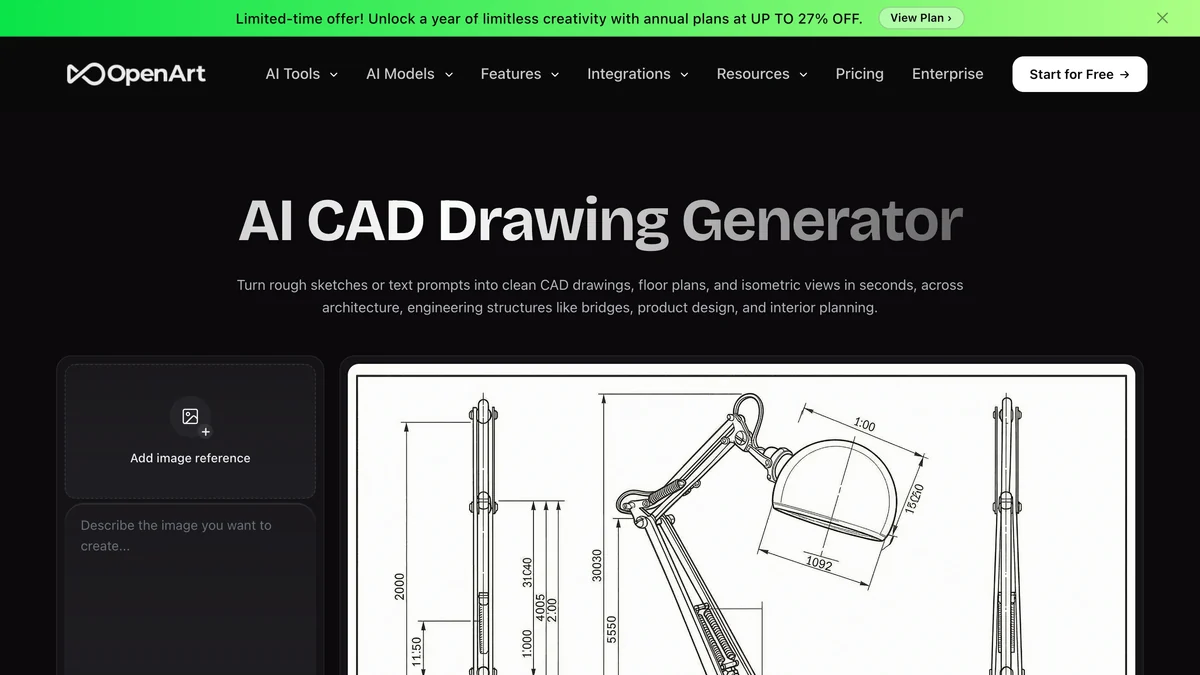
It is in this list because it ranks for the term and because it is honest about what it does. For a concept sketch, a mood board or a quick isometric for a pitch deck it is genuinely fine. The FAQ also says vector output is only available on one specific model. Just do not send its output to a machine shop, and do not trust the numbers printed on it; they are drawn, not measured. The same is true of architectural rendering prompts run through any general image model.
How Much Does an AI CAD Generator Cost?
From free to $175 a month for a single seat, and the price that matters is the cheapest plan that exports the file you need. That is often not the cheapest plan on the page.
The uncomfortable row is ours. TechDraw AI is the only tool here where the cheapest paid plan cannot give you the file the product is named for. Our reasoning was that many Starter users want clean drawings for documents and quotes, not files, but if you came from a search for an AI CAD generator, budget for Studio.
How Do You Choose an AI CAD Generator?
Start from what you have, then check what comes out. Four questions settle it.
- What is your input? A real object or a photo of one: TechDraw AI. A sentence: Zoo or Backflip. An old paper drawing: Scan2CAD or Backflip’s drawing to CAD. A 3D model that needs sheets: DraftAid.
- What does the next person need? A laser or CNC operator needs DXF. A machinist or a molder needs STEP. A 3D printer is happy with STL. A client only needs a PDF, and a DWG to PDF converter gets you there from any CAD file.
- Will the design change? If yes, you want a feature tree (Backflip) or a solid you can edit (Zoo), not a mesh.
- Who checks the numbers? Someone has to. No tool in this list certifies its own dimensions, and that includes ours.
If your project is a room or a building rather than a part, these tools are the wrong family. You want the AI space planning tools for layouts, the AI architectural rendering tools for visuals, and the wider AI tool stack for architecture studios for the rest. And for a first BIM model of a building from a written brief, AIBIMTool, the AI BIM software made by the same team as TechDraw AI and MeltFlex, builds one as IFC4; our best BIM software ranking compares it with Revit.
Where Does MeltFlex Fit Next to an AI CAD Generator?
After the CAD file, not instead of it. MeltFlex is not a CAD tool. It takes the plan or model a CAD tool produced and shows what it looks like as a real, furnished space. Drop a plan into floor plan to 3D and you get a furnished 3D render of it; a model or a screenshot goes through photo to render; a furniture idea becomes a 3D piece in the AI 3D furniture generator.
The handoff runs both ways. A furniture maker can photograph a prototype, get the drawing from TechDraw AI, and then put the same piece into a customer’s room. If that is your workflow, our guides to turning a 2D floor plan into a 3D model and turning a 3D model into a photorealistic render pick up where this post stops. If you drive your CAD from an AI agent, start with connecting Claude to SketchUp or connecting Claude to Blender.
How We Checked This, and What We Could Not Verify
On 17 October 2026 we loaded each vendor’s homepage and, where it existed, its pricing page in a headless Chrome at 1280 by 820 pixels, saved the capture and the full page text, and took every price and claim in this post from that text. The screenshots above are those captures, cropped to 16:9 except AutoCAD, which keeps its price bar. TechDraw AI’s plan limits come from its own published plan list and its pricing configuration, because we run it.
What we did not do, stated plainly so nobody has to guess:
- We did not run all nine tools on the same part. A fair head to head needs the same input, which these tools do not share: a photo, a prompt, a scan and a 3D model are four different starting points. Ranking by input is the honest alternative.
- The dimension test is from 16 September 2026 and used a general image model, not any tool on this list. It shows why unanchored numbers fail, not how any specific vendor performs.
- Leo AI’s price is third party. Its own pricing page returned Page Not Found on the day.
- We did not test DraftAid, because it has no self-serve access.
- Zoo’s export list comes from its documentation, not from an export we ran ourselves.
Prices and plans in this category move monthly. If one of them changed after 17 October 2026 and you spot it, tell us and we will update the table with the date.
AI CAD Generator FAQ
What is the best AI CAD generator?
It depends on what you start from. From a photo, sketch or screenshot of a real part, TechDraw AI is the best AI CAD generator: it returns a dimensioned 2D drawing as DXF, DWG, SVG or PDF. From a written description, Zoo is the best, because it builds real B-rep solids you can export as STEP. For a parametric feature tree inside Autodesk Fusion, Backflip. TechDraw AI is our own product, and its CAD export sits on the $89 a month Studio plan, not the cheaper one.
Is there a free AI CAD generator?
Zoo is the most usable free option: the free plan includes about 20 minutes of Zookeeper reasoning a month and you can export what it builds. Backflip gives 50 free credits, which is five Fast Mode jobs. Adam has a free plan with a light daily quota. TechDraw AI gives one watermarked PNG drawing on signup, which is enough to judge the output but not to get a CAD file. If the budget is zero and the file has to be right, FreeCAD is free and will get you there by hand.
Can AI generate a CAD model from text?
Yes, and in 2026 it is real for simple mechanical parts. Zoo turns a prompt into B-rep geometry with a STEP export, and Backflip builds parametric models with a feature tree you can edit in Fusion. Both are strong on brackets, plates, enclosures and gears, and both get weaker as the part gets more organic or the assembly gets bigger. The research behind this, such as the Text2CAD paper at NeurIPS 2024, was trained on about 170,000 mostly simple CAD models, which is why simple prismatic parts work best.
Can AI turn a photo or sketch into a CAD file?
Into a 2D drawing, yes. TechDraw AI reads a photo, a hand sketch or a scan and returns a dimensioned multi-view drawing that exports as DXF or DWG on its Studio plan. The dimensions are only as good as the measurements you give it: it scales the drawing from the real lengths you enter, it does not guess sizes from pixels. Scan2CAD does the narrower job of vectorizing an existing scanned drawing. Turning a photo into a parametric 3D solid is still mostly out of reach; photo to 3D tools return a mesh.
Does AutoCAD have an AI generator?
Not one that draws for you from a prompt. AutoCAD, from $175 a month, has Autodesk AI features and the Autodesk Assistant, which Autodesk describes as helping you find information, check CAD standards and resolve design issues, now with Model Context Protocol support. That is an assistant inside the drawing, not a generator. If you want a drawing produced for you and then edited in AutoCAD, generate the DXF or DWG elsewhere and open it there.
What is the difference between an AI CAD generator and an AI image generator?
The file. An AI CAD generator returns geometry: DXF or DWG lines you can select, or STEP solids with real faces and edges. An image generator returns pixels that look like a drawing. OpenArt, which ranks for AI CAD drawing generator, says on its own page that outputs come as PNG and JPG and that for DWG or DXF you take the image into your CAD tool and trace it. The quickest test is to open the download in a DXF viewer: if you cannot click a single line, it is a picture.
Are AI generated CAD dimensions accurate?
Only when they are anchored to a measurement you supplied. In our own test on 16 September 2026, the same chair photo run through an image model three times with the same prompt came back with heights 110 mm apart, and one run printed letters instead of numbers. Tools that ask you for real lengths before they draw avoid that failure. Check every critical dimension against the part before anything gets cut.
How much does an AI CAD generator cost?
Read on each vendor page on 17 October 2026: TechDraw AI is $29 a month (PNG only) or $89 a month with DXF, DWG, SVG and PDF export, $49 a month billed yearly. Zoo is free, $20, $99 or $399 per user a month. Backflip is $20 for 100 credits, $50 for 300 or $380 for 2,500. Adam is free, $40 or $200 a month. Scan2CAD starts at $89 a month and AutoCAD at $175. DraftAid and Leo AI publish no price on their own sites.