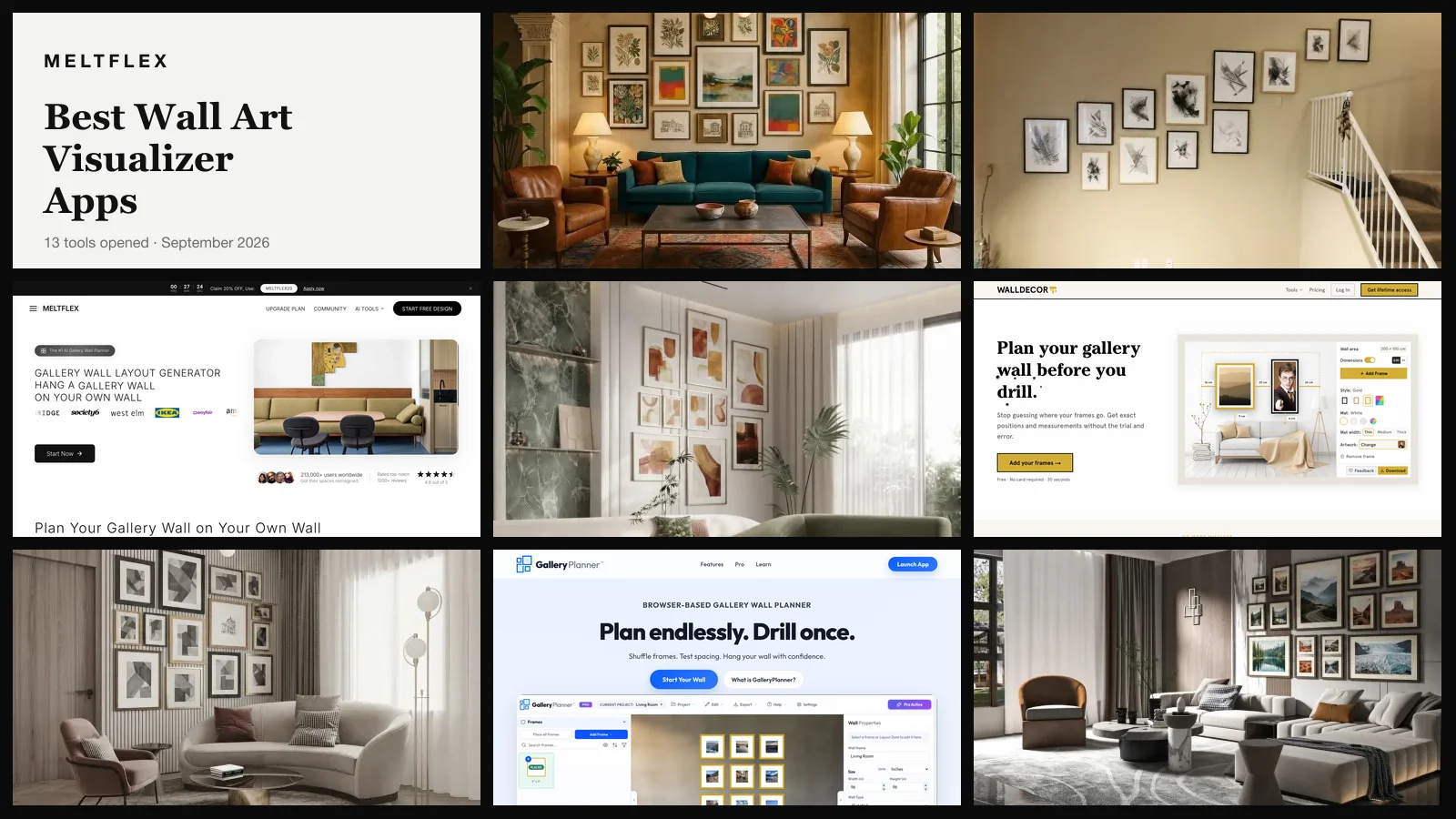
The best wall art visualizer for seeing a gallery wall on a photo of your own room is the MeltFlex Gallery Wall Layout Generator, which hangs real paintings in a layout and frames you choose onto your wall photo as a photorealistic render. The best free tool for seeing art you already own on your own wall is walldecor.io, which draws your artwork to scale with the measurements you will need to drill. Those are two different jobs, and most of the thirteen tools below only do one of them. If you want to visualize art on your wall before you buy it or drill for it, find your job first; the ranking follows from it.
Our articles are still written by humans!
Get human written articles in your Google feed.
The first of those is our own product, so read this page knowing that. We built the gallery wall generator in September 2026 and we rank it first for one job, not for all of them. It cannot take a photo of a painting you own, it cannot tell you a frame is 50 by 70 centimetres, and it does not always hang the number of frames you asked for. All three of those failures are documented below, with a test we ran ourselves, before the ranking asks you to trust anything.
Here is what this post is. On 21 September 2026 we opened every tool on this list in a browser, captured it, and read its prices and its upload rules off its own page. We ran one controlled experiment on the tool we know best. We did not use thirteen apps for a month, and where a tool is demo-gated or app-only we say what we could see and what we could not.
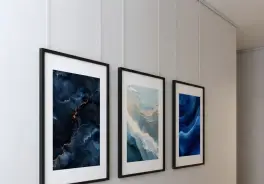
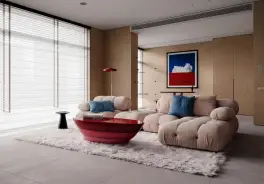
What Is the Best Wall Art Visualizer?
The MeltFlex Gallery Wall Layout Generator is the best wall art visualizer for a photo of your own room: upload the wall, pick one to three paintings from a gallery of 27, a layout and a frame finish, and it renders the gallery wall onto your photo with the furniture, light and camera angle kept. It is free to start with no account. It is also ours, disclosed above, and it loses on two jobs named in the next sentence.
If the art is yours already, a print you bought or a canvas you painted, walldecor.io is the better tool and it is free: you upload the wall, type its width and height, drop your artwork in, and it draws the frames to scale with the gaps in centimetres or inches. If you sell art and need it on a hundred styled walls, Artrooms or ArtPlacer are built for that and MeltFlex is not.
The table is sorted by the question you are actually asking, not by a score. Find your row.
Do You Want a Render, a Measurement, or an AR Preview?
Every wall art visualizer on this page does one of three things: it renders a new photograph of your room with the art in it, it draws your art as a scaled cutout on your photo with dimensions, or it floats the art over your phone camera in augmented reality. Which one you want decides the ranking, and the marketing on most of these pages will not tell you which one you are looking at.
A render is what MeltFlex and the AI features inside Vizualize AI produce. The model re-draws the room with frames on the wall, so the light falls on the glass, the frames cast shadows and the whole picture looks like a photo of a finished wall. That is the one to use when you are deciding whether a salon wall or a grid suits the room, or whether you want brass or black frames. It is not measured, and the section after this one shows exactly how unmeasured it is.
A scaled cutout is what walldecor.io, GalleryPlanner, WallPictureApp, Artrooms, ArtPlacer and WallMockup produce. Your artwork file is pasted onto a wall photo, either yours or a stock room, at a size derived from dimensions you typed. It looks like a mockup, because it is one, but the frame is exactly as big as you said and the gap is exactly the number on screen. That is the one to use when you own the art and need to buy the frame and drill the holes.
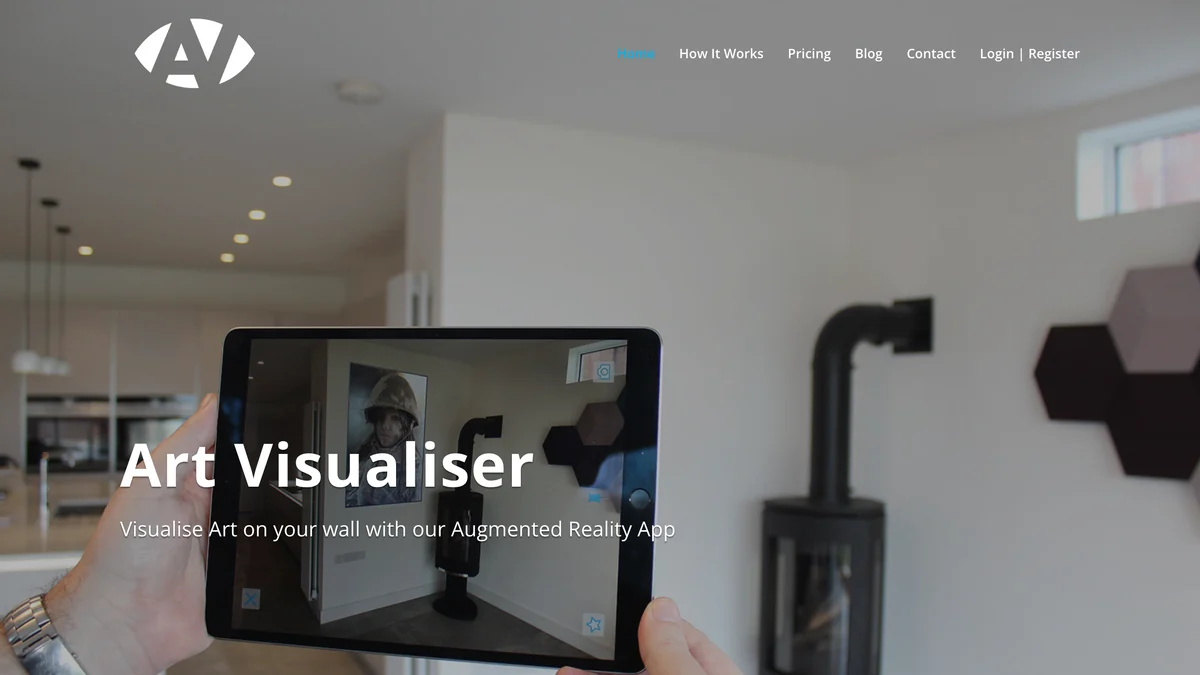
An AR preview is what Wallary and Art Visualiser do, and WallPictureApp as a second mode. The art hangs in the camera feed at real scale and you walk around it. It is the best way to feel the size of a 100 by 150 centimetre canvas in a small room, and the worst way to judge colour, because the phone composites a flat image over live video and nothing casts a real shadow.
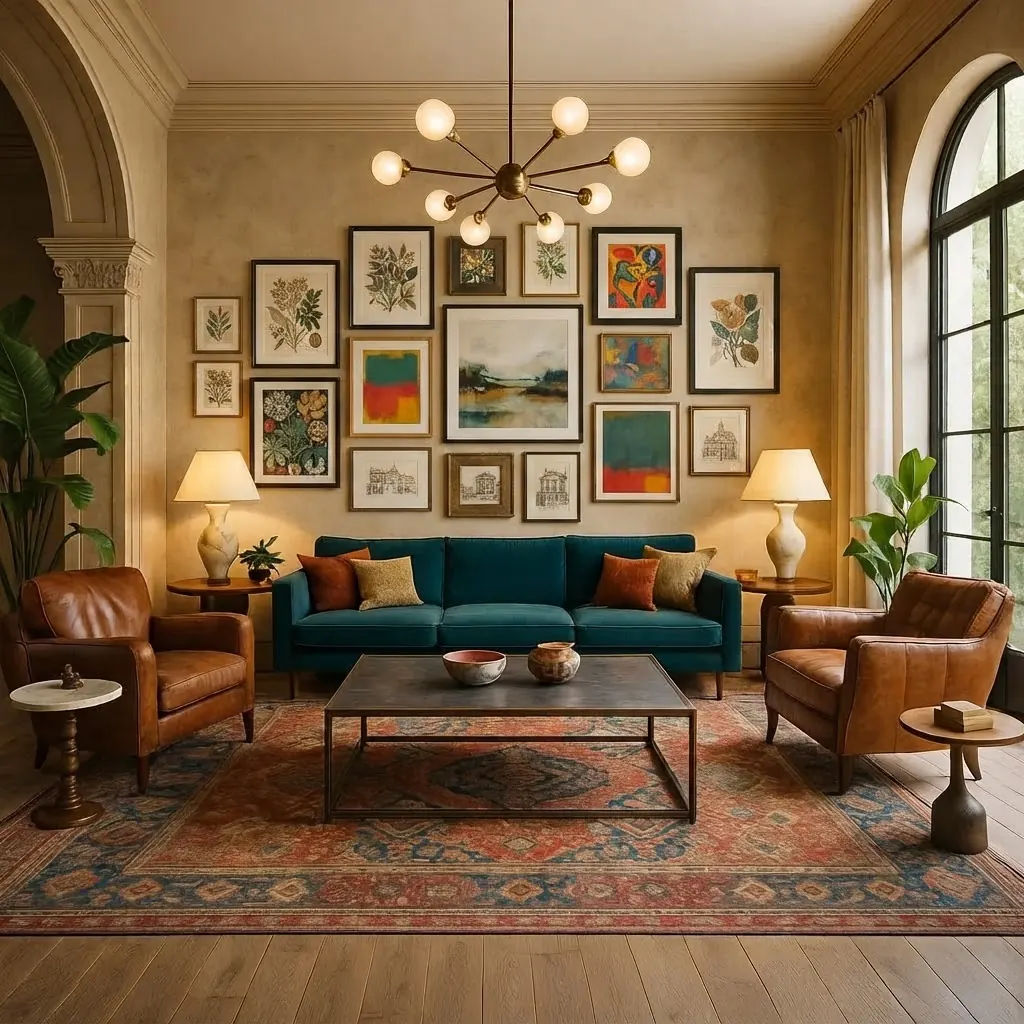
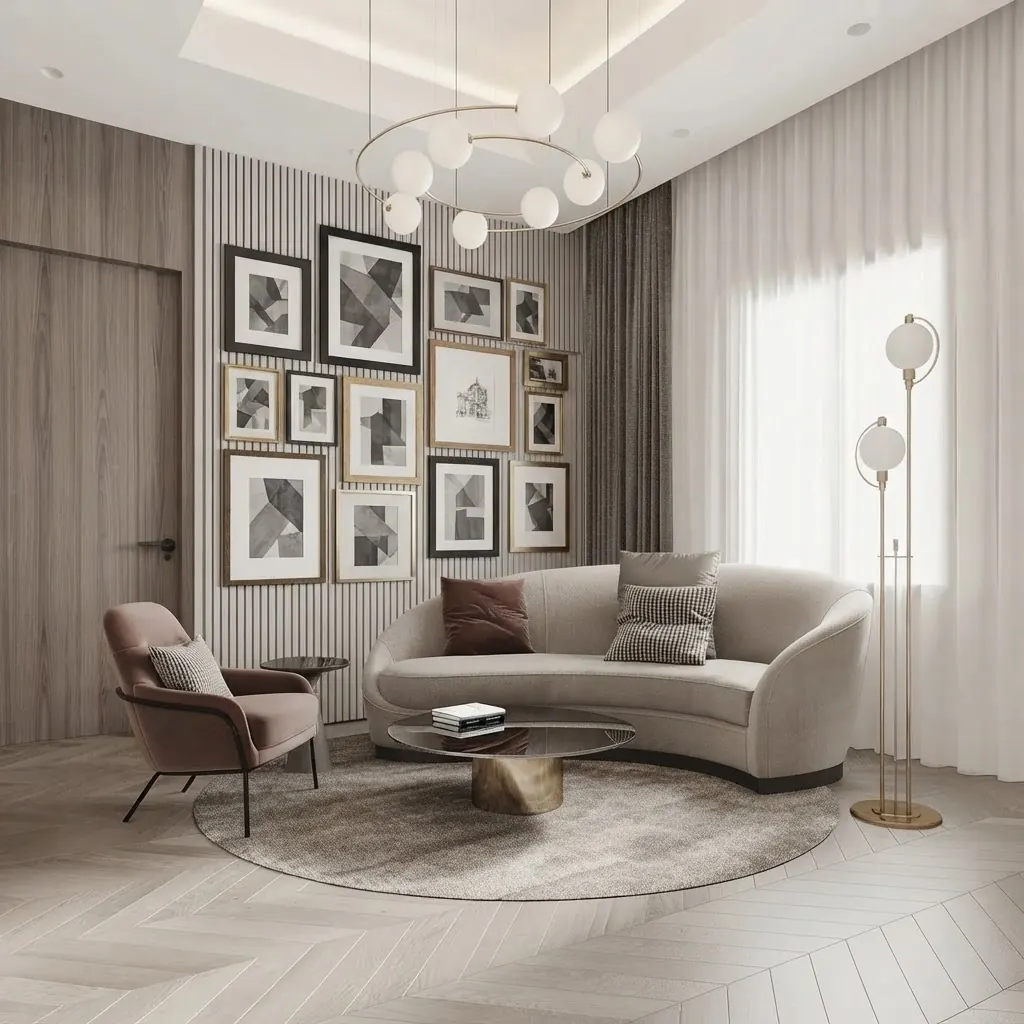
How Accurate Is an AI Wall Art Visualizer? We Hung the Same Two Paintings Three Times
Not accurate in the way a tape measure is, and we can show you the shape of the error because we made it ourselves. On 21 September 2026 we sent the same bedroom photo, the same two paintings and the same prompt through our own gallery wall generator three times. The paintings came back correct every time. The number of frames on the wall did not: four, then two, then nine.
The setup was the tool’s own: a photo of a small white bedroom with a single bed, a rail of clothes and a few small pictures already on the wall; the Mona Lisa and The Starry Night picked from the gallery; the Grid layout; thin black frames. The prompt the tool builds from those picks reads, in full, “Hang Mona Lisa and The Starry Night from the reference image on the main wall in this photo, thin black frames, grid layout.” The two paintings travel as one reference sheet, side by side, and the model is told to reproduce them faithfully in their own frames.
Three things in that table matter more than the pretty picture. First, the paintings were right every time. The Mona Lisa was the Mona Lisa, at roughly the proportion you would expect next to The Starry Night, and the thin black frames were thin and black. If you want to know what a famous work looks like above your bed, the answer is reliable. Second, “grid” with two paintings is an under-specified request, and the model resolves it differently each run, inventing extra art to fill a grid twice and ignoring the grid once. If you want a specific count, pick three paintings and a layout that holds three, such as Linear or Column, or run it twice and keep the one you like. Third, the instruction to add only the gallery wall was broken in every run: two runs deleted the art already on the wall, one moved it. On a bare wall that does not matter. On a wall with a poster you love, it does.
One more caveat that is ours to state. We ran this on the built-in Gemini 3.1 Flash Image path, which is what an anonymous first render on the tool used at the time. Since October 2026 both anonymous and signed-in renders run on Nano Banana 2.1, the update Google released on 6 October, and we have not repeated the test on it, so the counts above describe the September model. We also ran an earlier version of the test at a widescreen ratio the tool would never pick for a portrait photo, and the results were worse: the paintings landed on a side wall once and the room was re-cropped. That run is not in the table because it was our mistake, not the tool’s, but it is a useful warning about any visualizer that lets you set an output ratio that does not match your photo.
The test cost three renders and took under a minute. Any of the AI tools on this page can be checked the same way, and if you are choosing one for a client presentation you should, because the failure you care about is not the one the homepage shows.
What Is the Best Way to See a Gallery Wall on a Photo of Your Own Wall?
Our Gallery Wall Layout Generator. Upload a photo of the wall, choose one to three paintings, a layout and a frame finish, and it returns a photorealistic render of that wall with the gallery wall hung and everything else in the photo unchanged. It is free to start and needs no account for the first render. It is our product. Here is what it cannot do, before what it can.
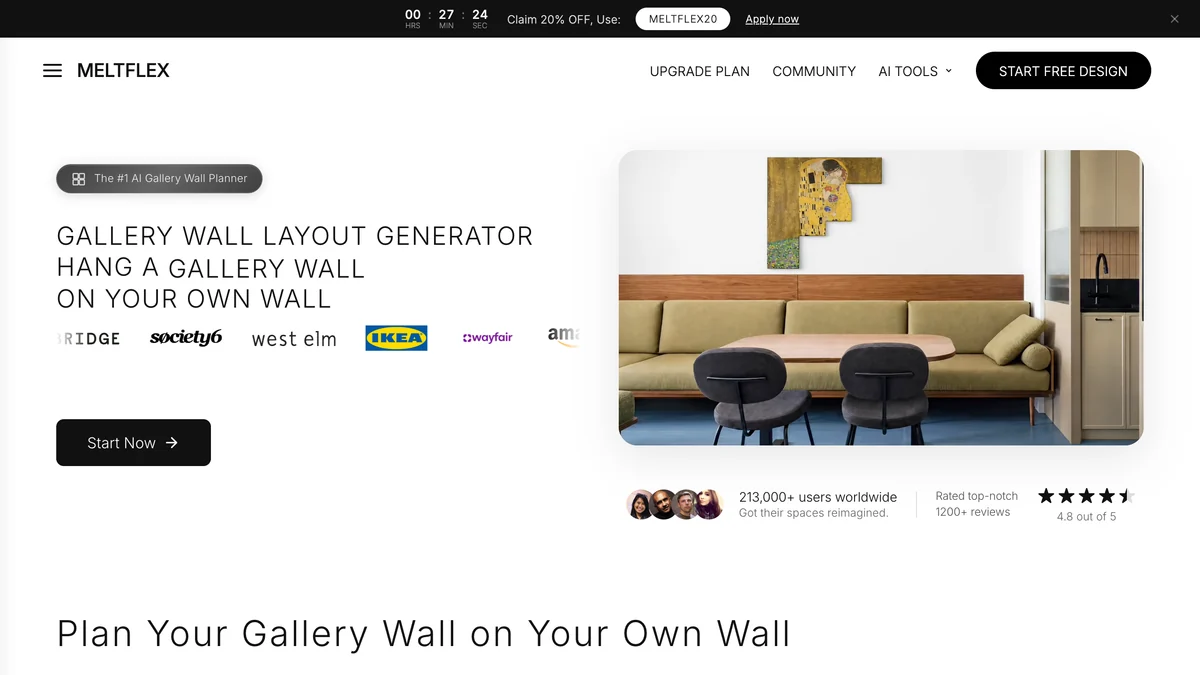
It does not measure, and until 21 September 2026 it could not hang your own art. The artwork picker holds 27 works: 15 public-domain paintings, among them the Mona Lisa, The Starry Night, The Great Wave, Girl with a Pearl Earring, The Kiss, Water Lilies, Sunflowers, The Scream, Composition VIII, Almond Blossom, Wanderer above the Sea of Fog, The Birth of Venus, Café Terrace at Night, A Sunday on La Grande Jatte and Impression, Sunrise, plus 12 contemporary abstract, botanical and line-art pieces made for the tool with the same image model. An Upload Your Own card was added to the picker on 21 September 2026, so the print you bought last week can go in as the reference image; what you still will not get is a measurement, so if you need to know where to drill, skip to walldecor.io. Our AI wall art prompts post shows the prompt wording that holds the frame count and keeps the art already on your wall.
It does not measure. The render places the frames at a size that looks right for the wall and the sofa. It does not know the wall is 3.2 metres wide and it will not tell you the frames are 40 by 50. The standard picture frame sizes guide gets you from the render to an order; GalleryPlanner or walldecor.io get you from the order to the drill.
It does not always give you the frame count you asked for, as the three-run test above shows, and it may remove art already on the wall. Photograph a bare wall for the cleanest result.
What it does, and why it is first for this one job: the ten layouts are the ones people actually hang, Grid, Salon, Symmetrical, Linear, Staircase, Asymmetric, Picture Ledge, Statement, Column and Full Wall; the eight frame finishes are thin black, white, natural oak, walnut, brass, mixed, frameless canvas and floating; and the output is a photograph of your room, with the light from your window on the glass and the frames sitting in front of your wall colour, not a cutout pasted on top. That is the difference between knowing a salon wall will look busy above your sofa and guessing it will. Used as a picture frame visualizer alone, pick one painting and no layout and change only the frame finish between renders: thin black against oak against brass, on your wall colour, in your light, is the comparison a frame shop counter cannot show you. Every render lands in the same workspace as our other tools, so the wall you just hung art on can have its wall texture or colour changed next, and a stager can turn a bare listing wall into a styled one for the photos, which is what our virtual staging tool already does for furniture.

What Is the Best Free Tool to See Your Own Art on Your Own Wall?
walldecor.io’s Wall Art Visualizer. Upload a photo of your wall, type its width and height, add up to twelve frames with your own artwork or pieces from its gallery, and drag them until the wall balances. It is free, needs no signup, and the page states that your photos are never uploaded to a server because everything runs in your browser. We found it at position nine on Google for “wall art visualizer” on a domain with almost no authority, which is probably why you have not heard of it.
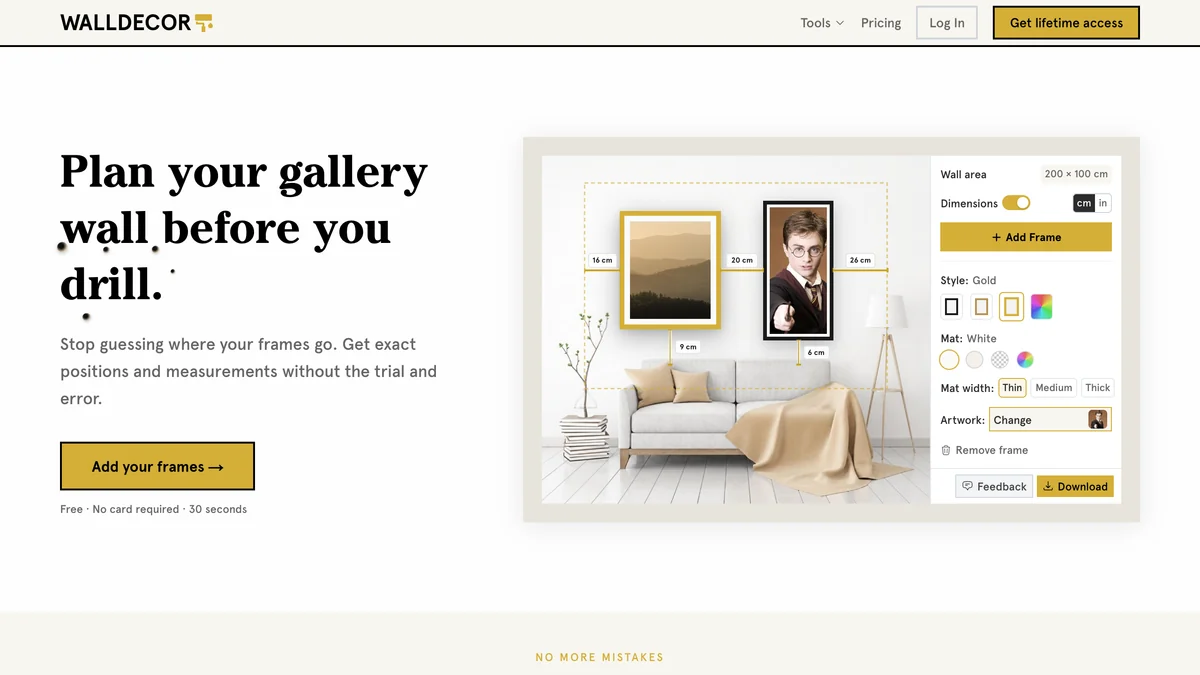
The page describes two outputs from one upload, “precise measurements for placement, and a clean mockup for the full effect,” and that pairing is exactly what a render cannot give you. The mockup is a flat paste, so the frame never picks up the light in your room and the artwork sits a little too crisp against a real photo. Against that, the numbers are real. If you have the print and the wall and need the hook positions, this is the tool, and it costs nothing. Its limit is twelve frames, which rules out the full-wall salon look, and it does nothing for you if you are still choosing the art.
What Is the Best Wall Art Visualizer App for iPhone and Android?
WallPictureApp, because it is the only app here that does all three things at once: mockups on 300 or more preset walls, mockups on a photo of your own wall, and an AR mode, on iPhone, iPad, Android and Mac. It gives you 12 free walls before it asks for anything. After that it sells walls one credit each, a subscription for the whole library, or a one-time lifetime purchase.

The reviews split along a line worth knowing. Artists and photographers who need a quick professional mockup call it easy and sufficient. Buyers who wanted to test one painting on one wall complain that the free wall selection is limited and that the paid tier felt expensive for a single use. That matches the product: it is a mockup app for people who present art, with a consumer mode bolted on.
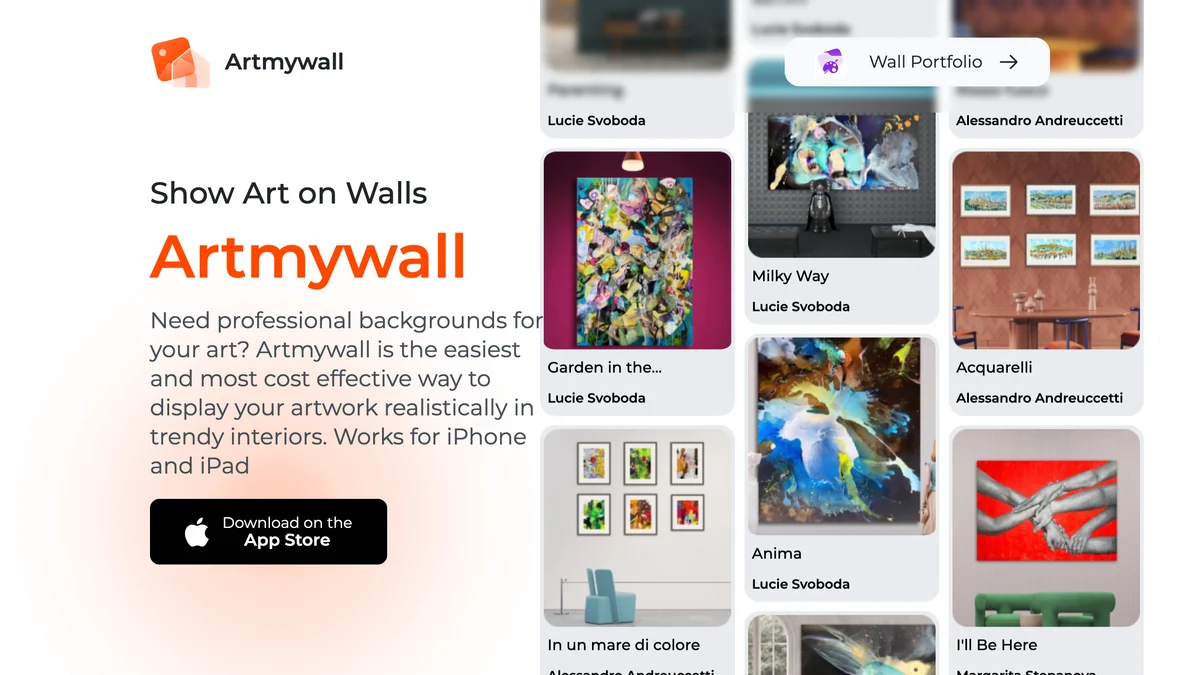
Artmywall is the iPhone and iPad alternative aimed squarely at artists and collectors: upload the work with its real dimensions so it scales correctly, choose from more than 50 frame types with or without a mat, place several works on one wall to build a gallery wall, and export at high resolution. Its own interiors are the default; uploading your own room and downloading full-size images sit behind the subscription, whose price is not printed on the site. Artrooms, covered in the artists section below, is the third iPhone option and the most reviewed of the three.
Does AR Actually Help You See Art on Your Wall?
For size, yes, and it is the only method that lets you stand back and feel a 120 centimetre canvas in a 3 metre room. For colour and finish, no, because the phone lays a flat image over a live camera feed with no real light on it. Use AR to settle the dimension argument, then use a render or a mockup to settle the look.
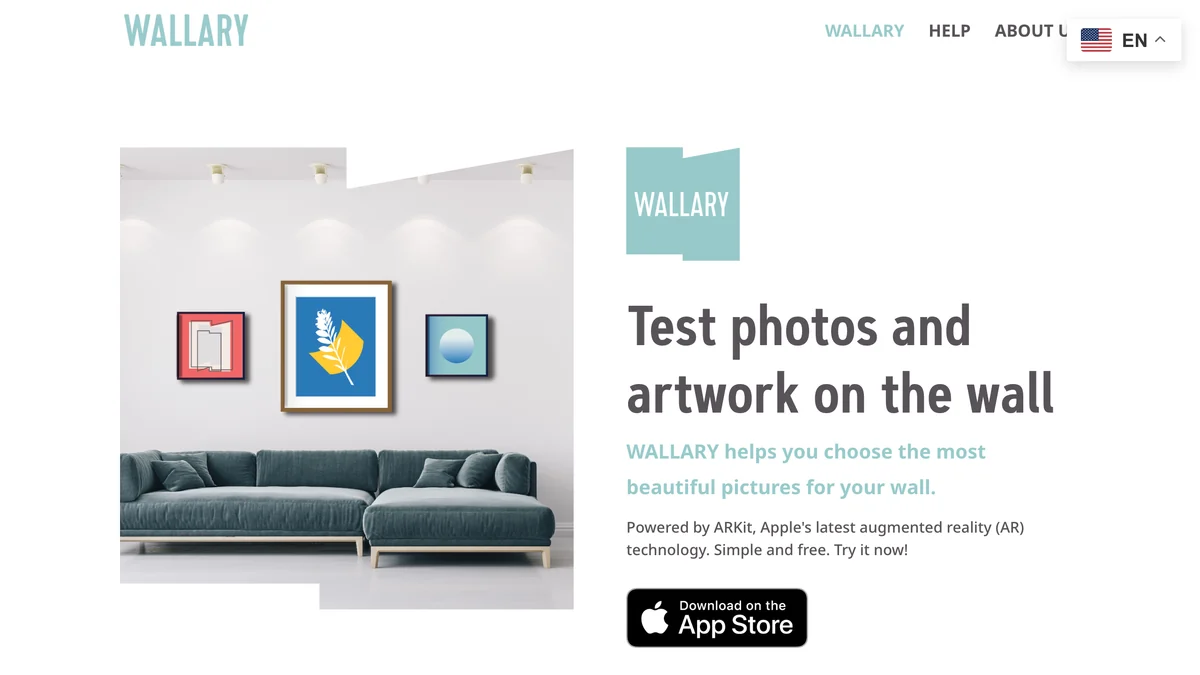
Wallary is the free pick if you have an iPhone. It uses ARKit, takes your own photos or artwork or pulls pictures from Unsplash, and lets you save and share layouts. Its site is written in German with an English toggle, and it says plainly that it is simple and free. It is iPhone only, because ARKit is.
Art Visualiser is AR built for the other side of the sale. Galleries and artists load their works at real size, and a buyer opens the app on iOS or Android and sees the piece on their wall without printing a marker. If the gallery you are buying from uses it, it is the most accurate size preview on this page because the seller entered the dimensions. If they do not, you cannot load your own art into it, and the free trial account is for the gallery, not for you.
What Is the Best Gallery Wall Planner With Real Measurements?
GalleryPlanner. It runs in the browser, lets you enter your wall and the frames you own or pick retailer sizes from IKEA, Pottery Barn, West Elm and CB2, adds doors, windows and fireplaces as obstacles, auto-lays the wall, and exports a drill-ready hanging guide with every position and gap. The planning is free; the PDF guide and multi-wall projects are Pro, from $6 per pass or $79 for life.
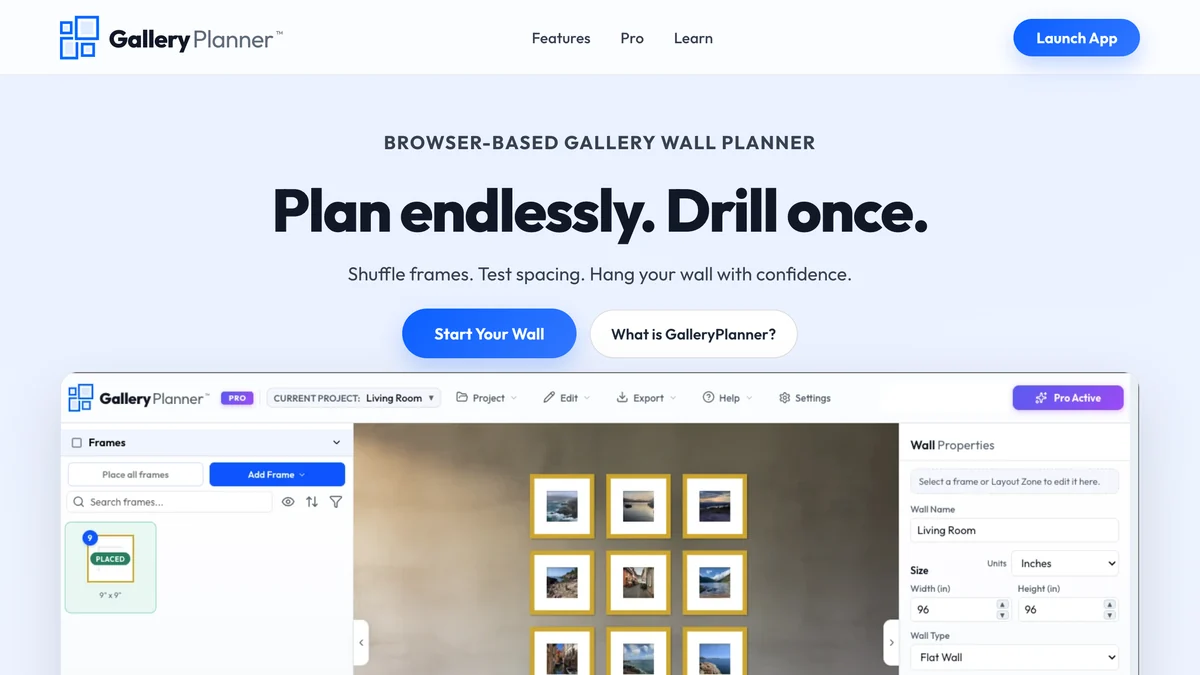
You can use a photo of your own wall as the backdrop, and it will place your photos into the frames, but be clear about what you are looking at: the frames are rectangles at the right size on top of a picture, not a render of the wall. That is the point. When we tried to get the frame count right from our own AI tool three times running, this is the category that would have got it right the first time, because you typed the count.
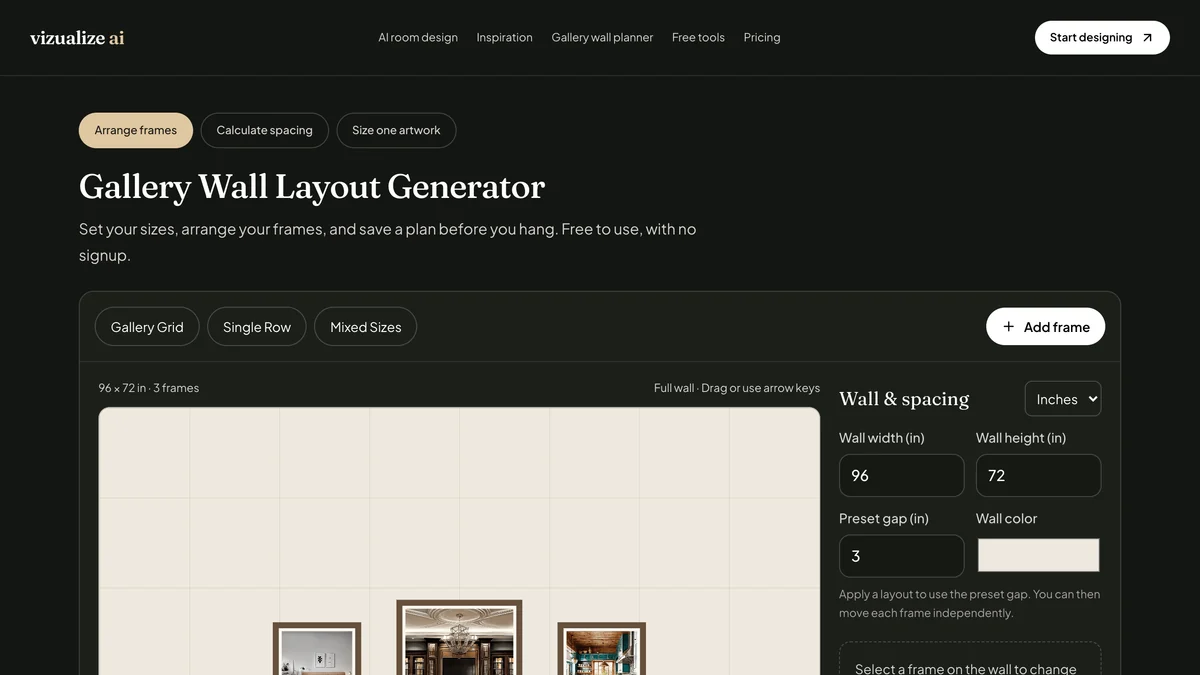
Vizualize AI’s Gallery Wall Layout Generator is the lighter free version: set the wall size, measure each frame’s outer width and height including the border, choose a grid or a single row, set the gap, drag to adjust, switch between inches and centimetres, and save the plan. It does not take your artwork. It has a separate AI mode that takes a room photo, which it describes as a way to explore styles, and it tells you to keep the measured plan as a separate guide when buying or hanging, which is the honest way to describe an AI render and the same distinction this whole post is built on.
What Is the Best Wall Art Mockup Generator for Artists and Etsy Sellers?
Artrooms on iPhone for a working artist, ArtPlacer on the web for a gallery, and WallMockup for an Etsy or Shopify seller who needs listing images fast. All three take your artwork with its real dimensions, drop it into a library of styled rooms, add a frame and export, and all three charge for it. This is a different job from seeing art on your wall, and the tools that do it well are usually poor at your wall, because their libraries are the product.
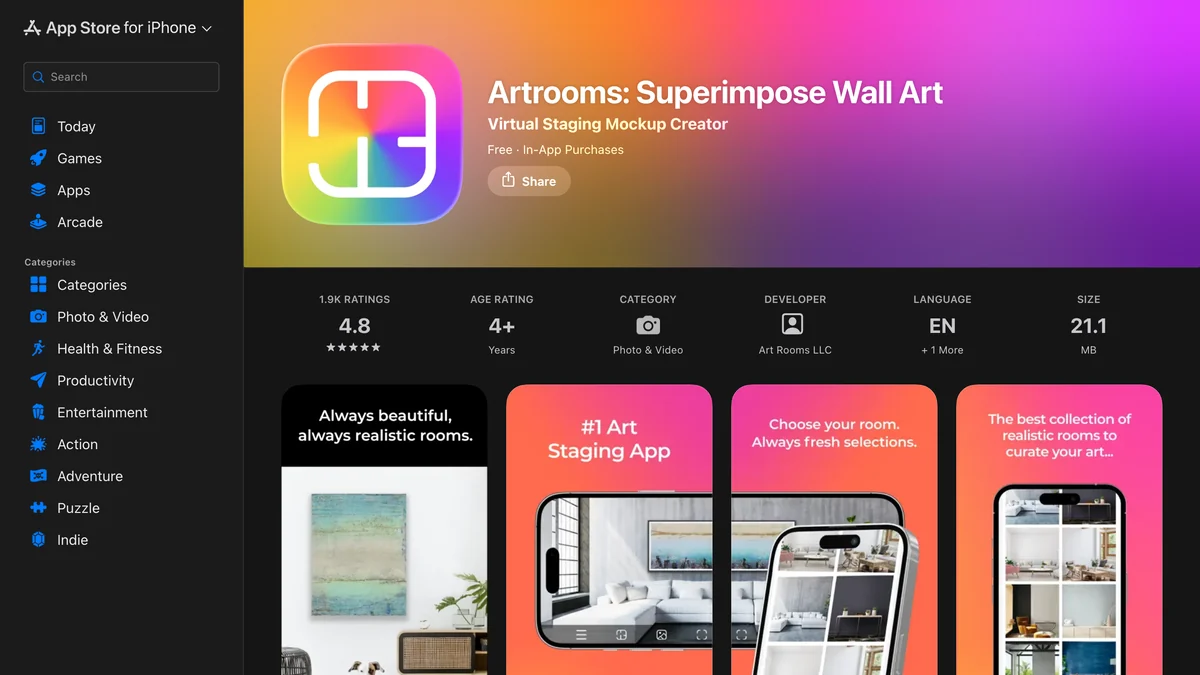
Artrooms stages art in three steps on its App Store listing: add your artwork, choose a room, select a frame. Its room collection grows monthly, it is rated 4.8 from 1.9 thousand ratings, and version 6.3.1 shipped four days before we looked, which is more maintenance than most of this category gets. Full access is $7.99 a month or $59.99 a year after a free trial, and uploading your own rooms is a paid feature. It runs on iPhone, iPad, Mac and Apple Vision.
ArtPlacer calls itself an all-in-one marketing and sales platform for artists, galleries, art dealers and curators, and its pricing page bears that out: six tiers from $8 a month for 50 artworks to $144 a month for 10,000 artworks and 15 seats, all with the room library, which the homepage counts at 2,800 rooms and the pricing page at 2,900. The feature that belongs on this page is “personal spaces”: a collector sends a photo of their wall and the gallery hangs the work in it at real scale and perspective, 10 spaces on the $14 tier, unlimited on the top one. A website widget lets a collector do that themselves on the gallery’s own site. There is a 14-day trial.

WallMockup is the cheapest and the narrowest: 499 room scenes, a three-step flow of upload, size, frame, export, and a promise of a listing image in under 60 seconds with no Photoshop. The trial is 7 days with 20 exports per rolling day and no card; then a $5.99 one-time pack of 100 credits or $4.99 a month for unlimited exports. It does not take a photo of your wall and does not claim to.
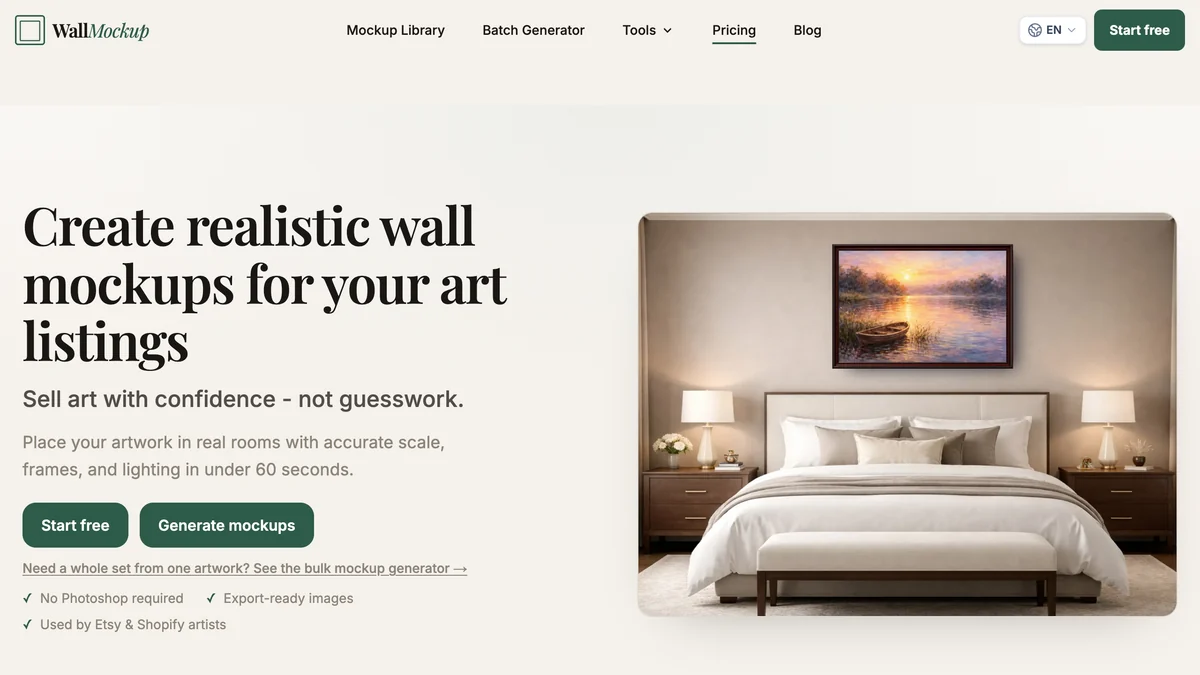
Canvy sits in the same lane, an online tool for fine art painters and poster designers with a showcase, a portfolio and a website builder around the mockup feature. It has a set of free rooms and paid tiers on its pricing page, which loaded as a menu and nothing else in our capture, so we are not printing prices we could not read. Treat it as the artist-showcase option and check the pricing page yourself.

Can You Preview Your Own Photos as Wall Art Before Printing?
Yes, and Printique’s Gallery Wall Designer is the cleanest example: upload a photo of your actual room, drop your own photos into frames, canvases and metal prints, arrange the wall, and only then order. It is free to design and there is no obligation to buy the prints, though the tool exists so that you will. Every print lab has some version of this now; Printique’s is the one that takes your own room photo rather than a stock one.

The trade is the one you would expect. The preview is only as good as the lab’s product catalogue, so you are choosing among its frames, and the wall is a flat composite. It is the right tool when the art is a family photograph and the question is 11 by 14 or 16 by 20. Wallpoet, a poster shop that ranks for gallery wall searches, does the same thing for its own posters at 37 euros and up per piece and 195 to 855 euros for a whole wall set, and its designer is about the poster, not your wall.
Is There a Free Wall Art Visualizer Online?
Yes, and the best free wall art visualizer online is walldecor.io: free with no signup, Wallary is a free iPhone AR app, Vizualize AI is a free planner, GalleryPlanner is free until you want the PDF, Printique is free to design in, and the MeltFlex gallery wall generator is free to start with no account. WallPictureApp gives you 12 free walls. What you pay for in this category is either a room library, for sellers, or unlimited AI renders, for people who want to try a fourth layout.
A note on “free” for the AI tools specifically, ours included: a render costs the company real money every time, so free means a few and then a wall. The measured planners and the AR apps cost their makers nothing per use, which is why several of them are free outright. If you only need one wall done once, the free planners will do it and no one needs your email.
Which Gallery Wall Layout Should You Visualize First?
Grid if your frames match and the room is calm, Salon if they do not and you want a collected look, Symmetrical or Linear above a sofa or bed, Staircase up a stairwell, Column beside a door, Picture Ledge if you rent or swap prints, Statement if you own one large piece, Full Wall for a hallway you want to make a feature. Those are the ten layouts in our generator and the eight or so every planner offers under different names, and the fastest way to choose is to render two on the same wall and look.
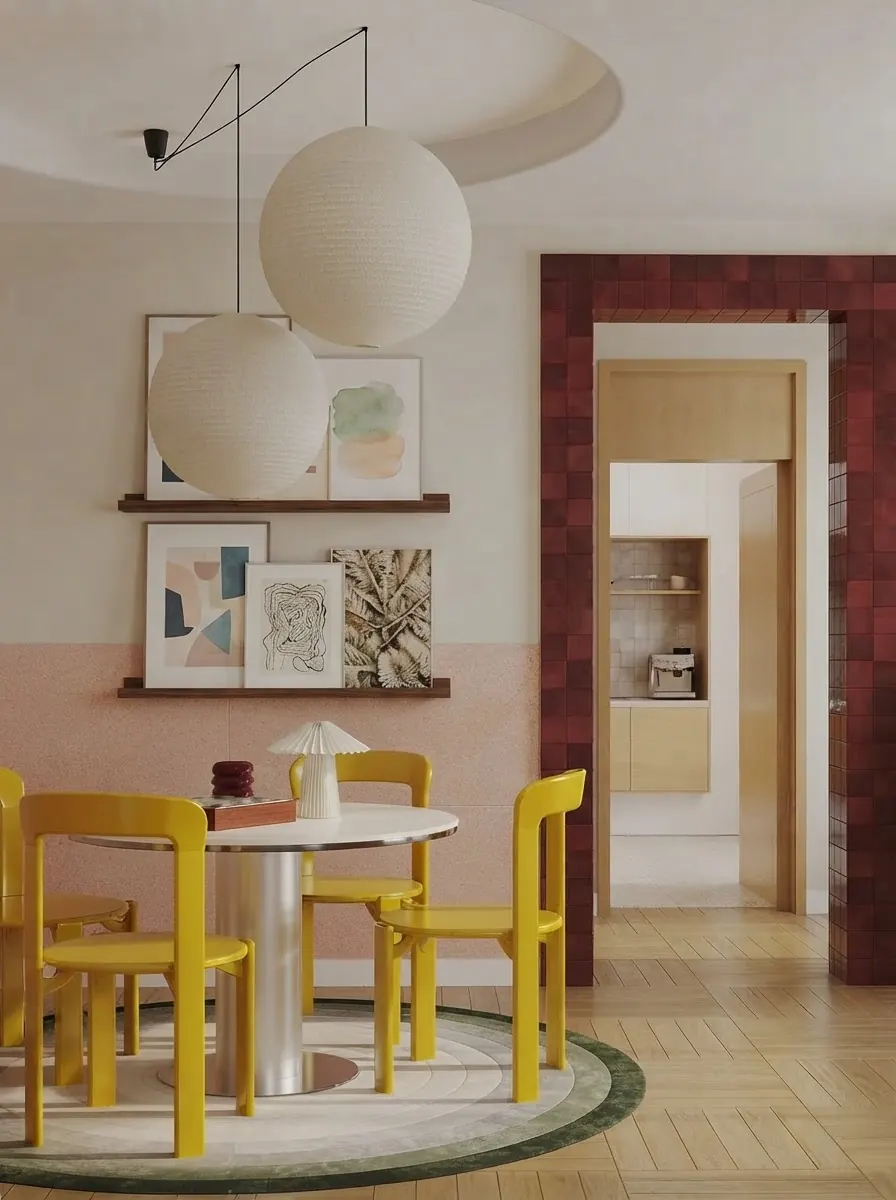
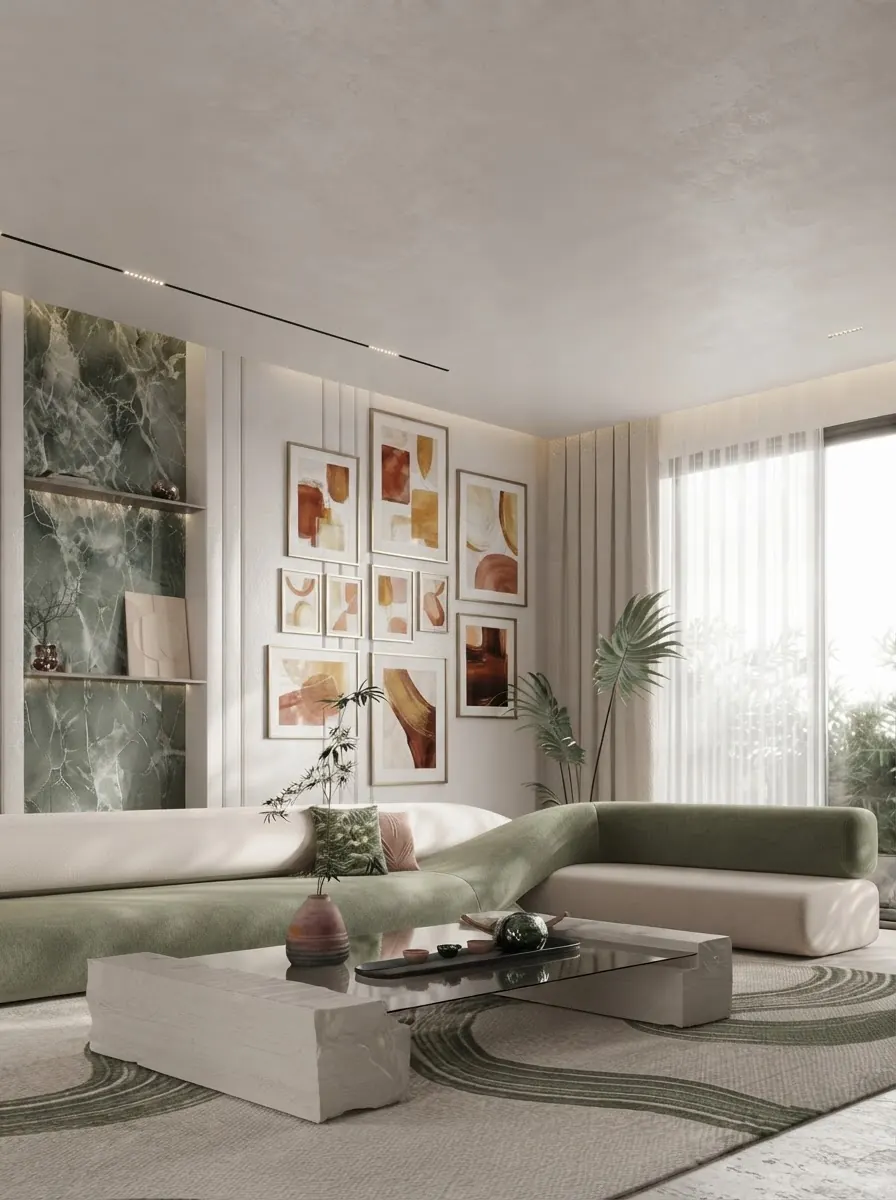
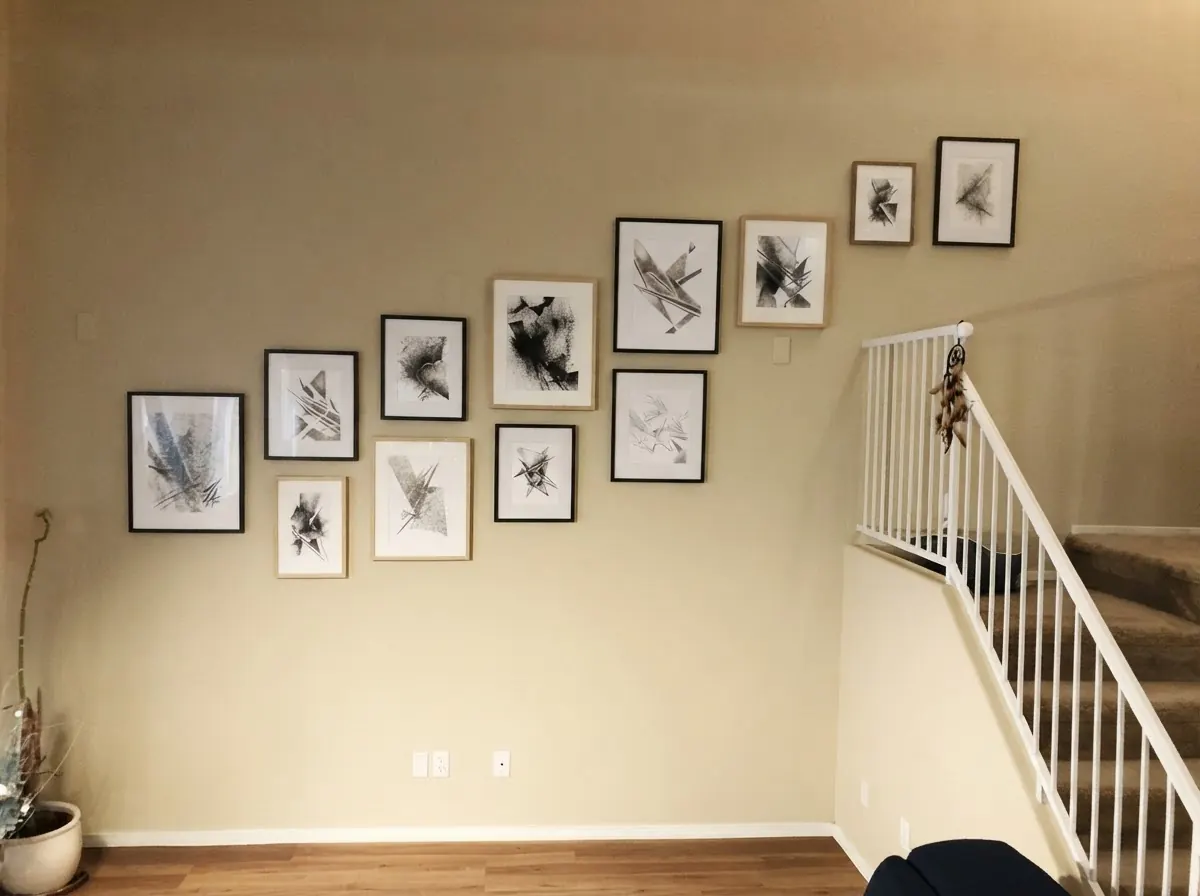
Two sibling walls are worth knowing about before you commit a whole wall to frames. A mirror wall does the same compositional job with light instead of ink, and a plate wall is the salon layout with no frames at all. If the wall behind the art is the problem rather than the art, a paint colour visualizer is the tool to run first, and if you are redecorating a rental where nothing can be drilled, our rental redesign guide covers the ledge and lean options.

How High Should the Art Hang Once You Have Chosen It?
Centre a single piece or the whole group 57 to 60 inches from the floor, which is 145 to 152 centimetres, the height galleries use and the rule Park West Gallery publishes as its first rule of hanging art. Above a sofa, bed or console, ignore that rule and start the lowest frame 6 to 10 inches above the furniture, with the group about two thirds the width of the piece below it. Keep 2 to 3 inches between frames, and the same gap everywhere.
No visualizer on this page will stop you hanging the art too high, which is the single most common mistake, because they all place it where it looks good in the picture. The numbers do that job. Our how high to hang art above a sofa answer has the arithmetic for the sofa case, and the frame sizes guide lists the standard print and mat sizes so that what you rendered is something you can buy. Up a staircase, keep the centre line 57 to 60 inches above each step so the group follows the angle of the stairs. If the sofa itself is in the wrong place for the wall, rearrange the room before you drill, not after.
Why Do Older Wall Art Visualizer Lists Send You to Dead Apps?
Because the category churns and the lists do not. The two roundups that rank for this search both recommend WallApp as the free web tool to start with; on 21 September 2026 wallapp.com redirected to a domain-for-sale page. The Contrado list that still ranks is dated 15 March 2021 and also suggests pasting art into an Instagram Story as a visualizer, which tells you how thin the category was then.
Two more things we hit while checking. Pixelcut advertises a gallery wall generator at its own URL; the page we captured was its generic text-to-image generator, with a prompt box and a model picker and nothing about your wall, so it is not in the ranking. And the two big art marketplaces people assume have a view-in-room feature, Saatchi Art and Artsy, showed no such feature on their homepages when we loaded them, so we have left them out rather than describe a feature we could not see. If either has one inside the app, it did not surface on the web, which is where most people looking for a wall art visualizer will start.
The practical rule: before you install anything from a list, including this one, open the tool’s own site and check that it loads, that the price on the page matches the price in the list, and that the upload button you need actually exists. Every price and every yes or no in the table above was read from the tool’s page on the date in the caption, and each caption tells you the date.
How Do You Visualize Art on Your Wall From a Photo?
Photograph the wall straight on in daylight with the furniture in place, measure the wall width, then either render the art onto the photo with an AI tool or paste it to scale with a planner, and check the result at the 57 to 60 inch centre height before you buy or drill. The same six steps work in every tool on this page; only step four changes.
- Photograph the wall from straight ahead, at chest height, in daylight, with the sofa or bed in the frame. A photo taken from an angle makes every frame look like a parallelogram, and a dim photo makes an AI visualizer rebuild the room instead of keeping it.
- Measure the wall, width and height, and the furniture under it. Planners need the numbers to draw to scale; AI renders do not ask, which is exactly why you should have them anyway. Our wall art size guide turns those numbers into the art width and hanging height.
- Decide what you are testing. Art you own goes into a planner or mockup app as a file with its real dimensions. Art you have not bought goes into a render tool, where you pick from a gallery.
- Run the tool. In our gallery wall generator, upload the photo, pick one to three paintings, a layout and the frames, and generate; in walldecor.io or GalleryPlanner, enter the wall size, add frames and drag them into place.
- Render or arrange it twice. A second layout on the same wall is the cheapest decision aid there is, and with an AI tool a second run also shows you how much the model is guessing.
- Check the numbers before you drill. Centre of the group 57 to 60 inches from the floor, lowest frame 6 to 10 inches above the furniture, 2 to 3 inches between frames. Then buy standard frame sizes from the size chart.
If you would rather watch the loop than read it, this walkthrough runs it in MeltFlex: generate a piece of art to your taste, put it on a photo of your own wall, and compare colors and compositions before anything is printed or framed.

Use the video for the workflow and the numbers above for the hanging. No preview checks the 57 to 60 inch center height for you.
How Do You Choose a Wall Art Visualizer?
Answer one question first: do you own the art yet? If yes, you need a scaled mockup with measurements, and walldecor.io does it free on your own wall. If no, you need a render to decide what to buy, and our gallery wall generator does that on your own wall with real paintings, free to start. Everything else on this page is a variation on those two.
If you sell art, skip both and pay for a library: Artrooms on iPhone, ArtPlacer for a gallery, WallMockup for Etsy. If the argument in your house is about size rather than style, put Wallary on an iPhone and settle it in the living room in two minutes. If the art is your own photographs, Printique will design the wall and then print it. And if you have chosen the art, the wall and the layout and now need to know where the hooks go, GalleryPlanner’s hanging guide is the $6 that saves the filler.
On the render side, be honest with yourself about what you are asking for. A render tells you whether the idea works. It will not count frames reliably and it will not measure, and we have shown you both failures on our own tool rather than on someone else’s. Decide with the render, then order and drill with a planner. For the rest of the room, the AI interior design tools comparison ranks the general-purpose tools, the decorating roundup covers what to put under the art, and the flooring visualizer roundup is the same kind of test applied to floors.
How We Checked This, and What We Could Not Verify
Every claim on this page came from one of two places: a tool’s own live page on 21 September 2026, captured in a real browser at 1280 by 820, or an experiment we ran ourselves and described in enough detail to repeat. Nothing was taken from another roundup; the two that rank were read only to check what they recommend, which is how we found the dead domain.
What we did. We loaded thirteen tool pages, plus the Artrooms App Store listing and the ArtPlacer pricing page, and read the prices, platforms and upload rules printed there. Where a page said a thing plainly we quoted it. We ran the three-run test on our own tool with the exact prompt the tool builds, and we reported the run that we set up wrongly as well as the three we set up right.
What we did not do, and you should weigh this. We did not install the seven phone apps and use them; app-only tools are described from their listings and sites. We did not run the three-run test on any competitor, so the frame-count failure is documented for our tool only, and we would expect any AI render to show the same behaviour. We did not test our own tool on the paid GPT Image 2.5 path, only on the free Gemini path. We did not read Canvy’s or Artmywall’s prices, because neither page printed them for us, and we are not guessing.
Two claims we dropped. A widely repeated line that WallPictureApp has “200+ backgrounds” is from an older listing; the current site says 300 or more, so we used the current number. And the search demand for this category is small enough to say out loud: the whole “see my art on my wall” family is a few hundred US searches a month by our keyword tool, which is why most of these products are one-person apps and why a list of them goes stale in a year.
What goes stale first. App prices, within a quarter. Free tiers, faster. The three-kinds distinction and the three-run finding will hold, and every number in the tables should be re-checked against the page in the caption before you pay for anything.
Frequently Asked Questions
What is the best wall art visualizer?
The MeltFlex Gallery Wall Layout Generator, for seeing a gallery wall on a photo of your own room: it is our own tool and it renders one to three real paintings in a layout and frames you pick onto your wall photo, free to start. walldecor.io, for seeing your own artwork on your own wall with measurements: a free browser tool with no signup. WallPictureApp, for a phone app that does both. The right answer depends on whether you are hanging art you own or choosing art you do not own yet.
Is there a free wall art visualizer?
Yes, several. walldecor.io is free with no signup and runs entirely in your browser. Wallary is a free iPhone AR app. The MeltFlex gallery wall generator is free to start without an account. GalleryPlanner and Vizualize AI are free measured planners. WallPictureApp gives you 12 free walls before it asks for credits. The tools that charge are the ones built for artists who need hundreds of room mockups, such as Artrooms at $7.99 a month or ArtPlacer from $8 a month.
Can I upload a photo of my own wall?
In most of the tools here, yes: MeltFlex, walldecor.io, WallPictureApp, GalleryPlanner, Printique and the paid tiers of Artrooms and ArtPlacer all take a photo of your wall. WallMockup and Canvy work from their own libraries of room scenes, because they are built for sellers who want a styled backdrop rather than their real room. Wallary and Art Visualiser skip the photo and show the art through your phone camera in augmented reality.
Can I see my own painting on the wall, or only art from a gallery?
walldecor.io, WallPictureApp, Artrooms, Artmywall, ArtPlacer, WallMockup, Canvy, Wallary and Printique all take your own artwork file. The MeltFlex gallery wall generator takes one as well, through the Upload Your Own card added to its picker on 21 September 2026, alongside its own gallery of 27 works, 15 public-domain masters such as the Mona Lisa and The Starry Night plus 12 contemporary pieces; what it still does not give you is a measurement, which is why walldecor.io keeps the own-art verdict.
Is an AI wall art visualizer accurate to scale?
No, and that is the trade. AI renders such as MeltFlex place the art at a plausible size for the wall and the furniture under it, but nothing is measured. In our three-run test the same two paintings came back as a four-frame grid, a two-frame row and a nine-frame salon wall from an identical prompt. If you need to know the frame will be 60 by 80 cm and sit 20 cm above the sofa, use a measured planner such as walldecor.io or GalleryPlanner, where you type the wall and frame dimensions and the tool draws them to scale.
What is the best app to see art on your wall with AR?
Wallary, if you have an iPhone, because it is free, uses ARKit and takes your own photos. Art Visualiser, if you are buying from a gallery that uses it, because the gallery loads the artwork at its real size. WallPictureApp also has an AR mode alongside its photo mode. AR is good for scale on a bare wall and poor for judging colour, because the phone composites a flat image over a live camera feed and the frame never casts a real shadow.
How do artists make wall art mockups for Etsy or a gallery?
With a mockup generator that has a library of styled rooms: Artrooms on iPhone at $7.99 a month, ArtPlacer on the web from $8 a month with 2,900 rooms, WallMockup at $4.99 a month with 499 scenes built for Etsy and Shopify listings, or Canvy, which has a set of free rooms. Upload the artwork, enter its real dimensions so it scales correctly, pick a frame, and export. Artmywall does the same on iPhone and iPad and lets you place several works on one wall.
How high should I hang the art once I have chosen it?
Centre a single piece or the whole group 57 to 60 inches (145 to 152 cm) from the floor, the height galleries use. Above a sofa, bed or console, ignore that and start the lowest frame 6 to 10 inches (15 to 25 cm) above the furniture, with the group about two thirds the width of the piece below. Leave 2 to 3 inches (5 to 8 cm) between frames. A visualizer shows you the composition; these numbers get it onto the wall in the right place.
Try it on your own wall. Open the gallery wall layout generator, upload a photo of the wall, pick a painting, a layout and the frames, and look at the render before you buy a single frame. Then take the layout you liked into a planner and get the numbers.